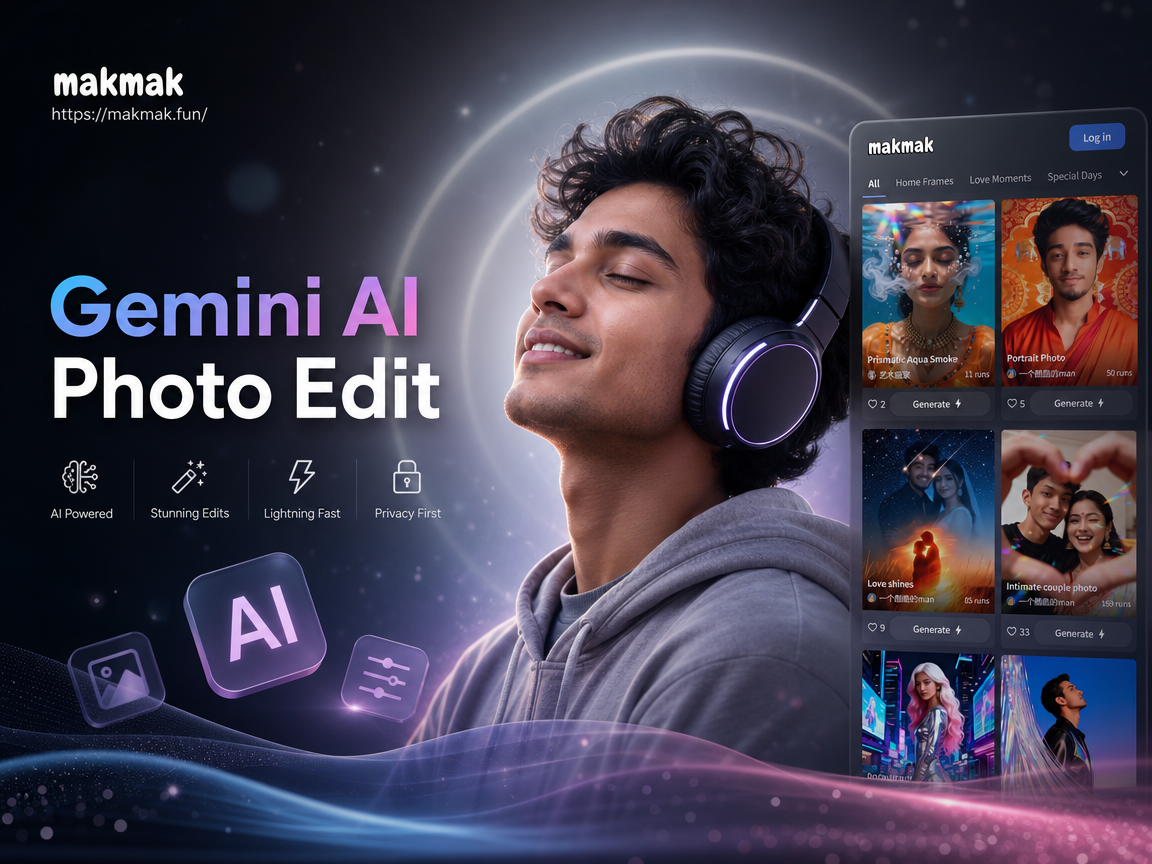
Gemini AI Photo Edit With Headphones
Choose Your Headphone Edit Style
Discover the filter that perfectly matches your headphone style and creative mood.
Key Features of Gemini AI Headphone Photo Edit
Explore the core tools that make AI headphone photo edits fast, realistic, and fun.
Realistic Headphone Placement
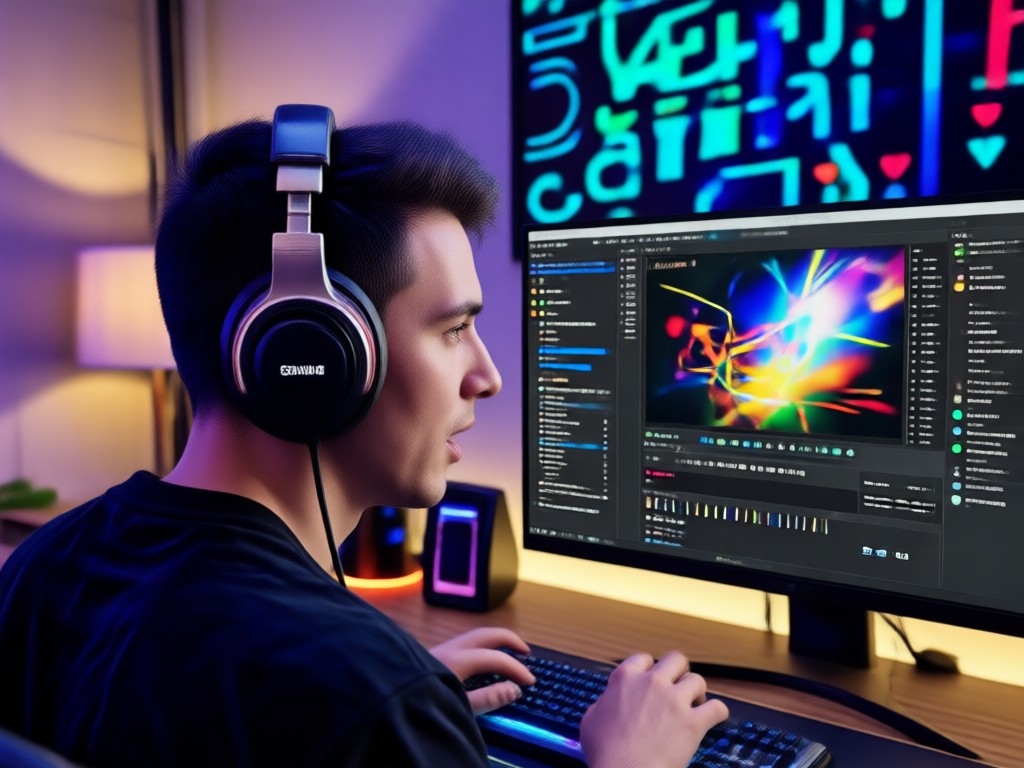
Upload any portrait and the AI detects head shape, hair, and angle to place headphones naturally. Choose from over ear, on ear, or gaming designs and adjust the fit automatically for a believable result.
Realistic Headphone Placement
Upload any portrait and the AI detects head shape, hair, and angle to place headphones naturally. Choose from over ear, on ear, or gaming designs and adjust the fit automatically for a believable result.

Style and Lighting Sync
The AI analyzes your original photo's lighting, shadows, and color temperature, then blends the headphones seamlessly. You get a consistent studio look without manual color grading or masking.
Style and Lighting Sync
The AI analyzes your original photo's lighting, shadows, and color temperature, then blends the headphones seamlessly. You get a consistent studio look without manual color grading or masking.
One Tap Outfit Match
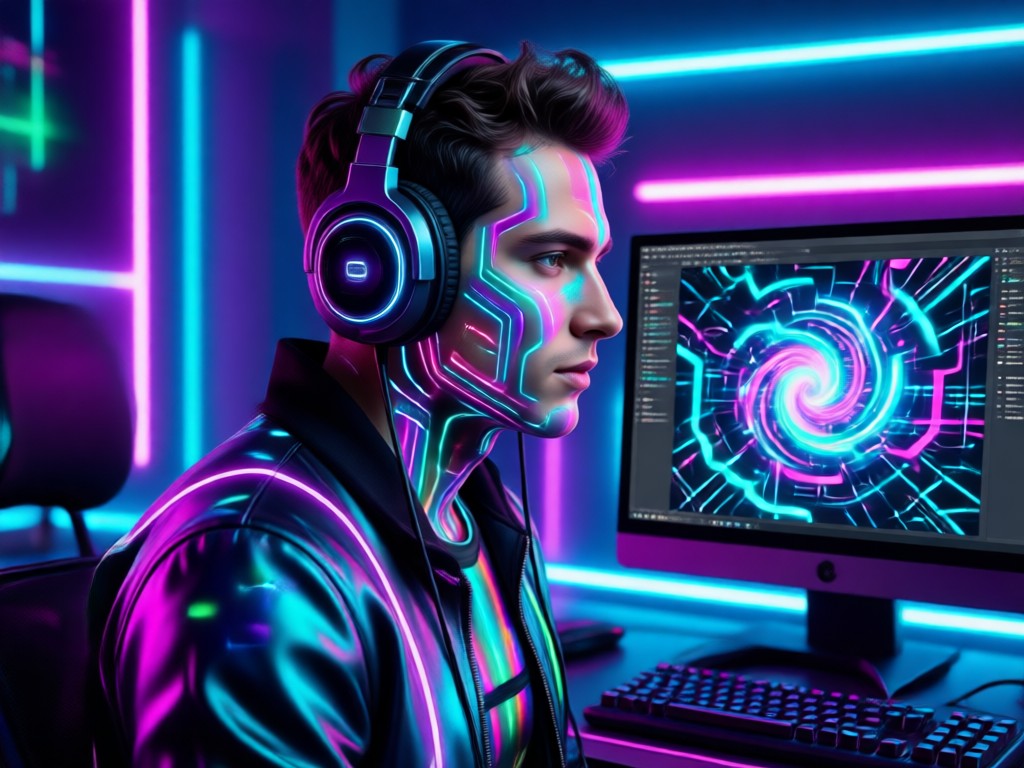
Let the AI suggest or apply outfit tones that match your new headphone style. From streetwear to studio portraits, the whole image updates cohesively in seconds.
One Tap Outfit Match
Let the AI suggest or apply outfit tones that match your new headphone style. From streetwear to studio portraits, the whole image updates cohesively in seconds.
Explore AI Headphone Photo Edits Gallery
Browse stunning AI generated headphone portraits made with the Gemini AI Photo Edit With Headphones effect. Discover creative possibilities and start creating your own today.












Why Use Gemini AI Photo Edit With Headphones
Turn ordinary portraits into stylish headphone fashion shots without any editing experience.
A Complete Headphone Makeover in One App
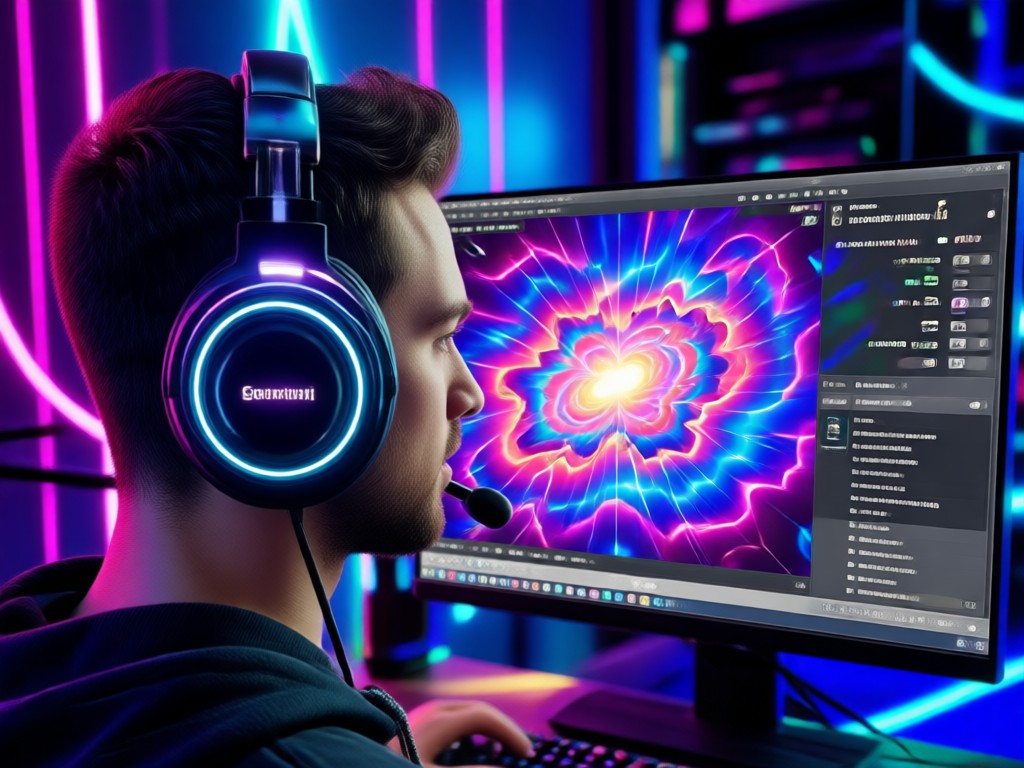
makmak gives you the simplest way to add headphones to any photo. The AI understands face geometry, hair flow, and scene lighting, so the final image looks like a real photo shoot. You can explore countless styles, from premium studio monitors to bold gaming headsets. No need for Photoshop layers or manual erasing. Just upload your photo, pick a headphone filter, and let the app generate a polished, social ready image in seconds. It is perfect for profile pictures, music promos, and creative edits.
A Complete Headphone Makeover in One App
makmak gives you the simplest way to add headphones to any photo. The AI understands face geometry, hair flow, and scene lighting, so the final image looks like a real photo shoot. You can explore countless styles, from premium studio monitors to bold gaming headsets. No need for Photoshop layers or manual erasing. Just upload your photo, pick a headphone filter, and let the app generate a polished, social ready image in seconds. It is perfect for profile pictures, music promos, and creative edits.
How to Use Gemini AI Photo Edit With Headphones
Create a headphone style photo edit in just three simple steps.

Step 01.
Download makmak from Google Play and open the AI photo editor on your phone.

Step 02.
Upload a portrait and select the Gemini AI headphone filter from the style library.

Step 03.
Generate your image, adjust the fit if needed, then save and share your new headphone look.

AI Headphone Photo Edit for Android
Download makmak and add realistic headphones to any portrait in seconds. No design skills required.

Here is What People Think About Gemini AI Headphone Photo Edit
Perfect for my music promo shots
I used this effect to add headphones to my artist photos. The AI matched the lighting so well that my followers thought I did a real studio shoot. It saved me hours of editing.
Easy and realistic headphone edits
I have no photo editing experience, but I got a natural looking result on my first try. The headphone placement looked real, and the style options were great.
Great for fun profile pictures
I made a series of headphone portraits with different styles, from retro to gaming. Each one looked like a professional photo. Highly recommend for anyone who wants a quick style change.
Frequently Asked Questions About Gemini AI Photo Edit With Headphones
Find clear answers to common questions and get the guidance you need to make the most of the AI headphone photo editor.
More Topics You May Like
Explore more topics you may like and discover fresh ideas tailored to your interests.
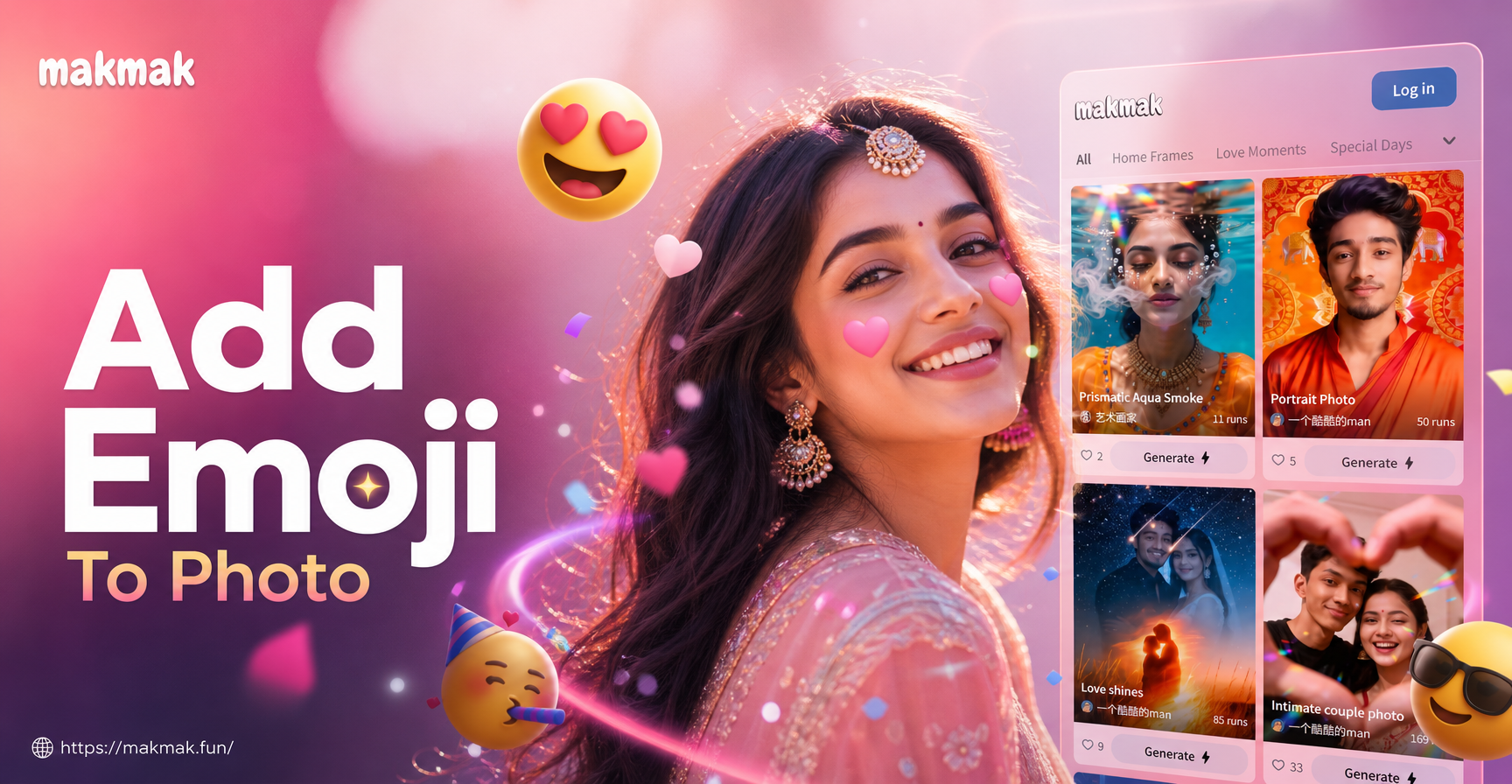
Fun Ways to Add Emoji to Your Photos Instantly

Edit An Image With AI: Transform Photos Instantly
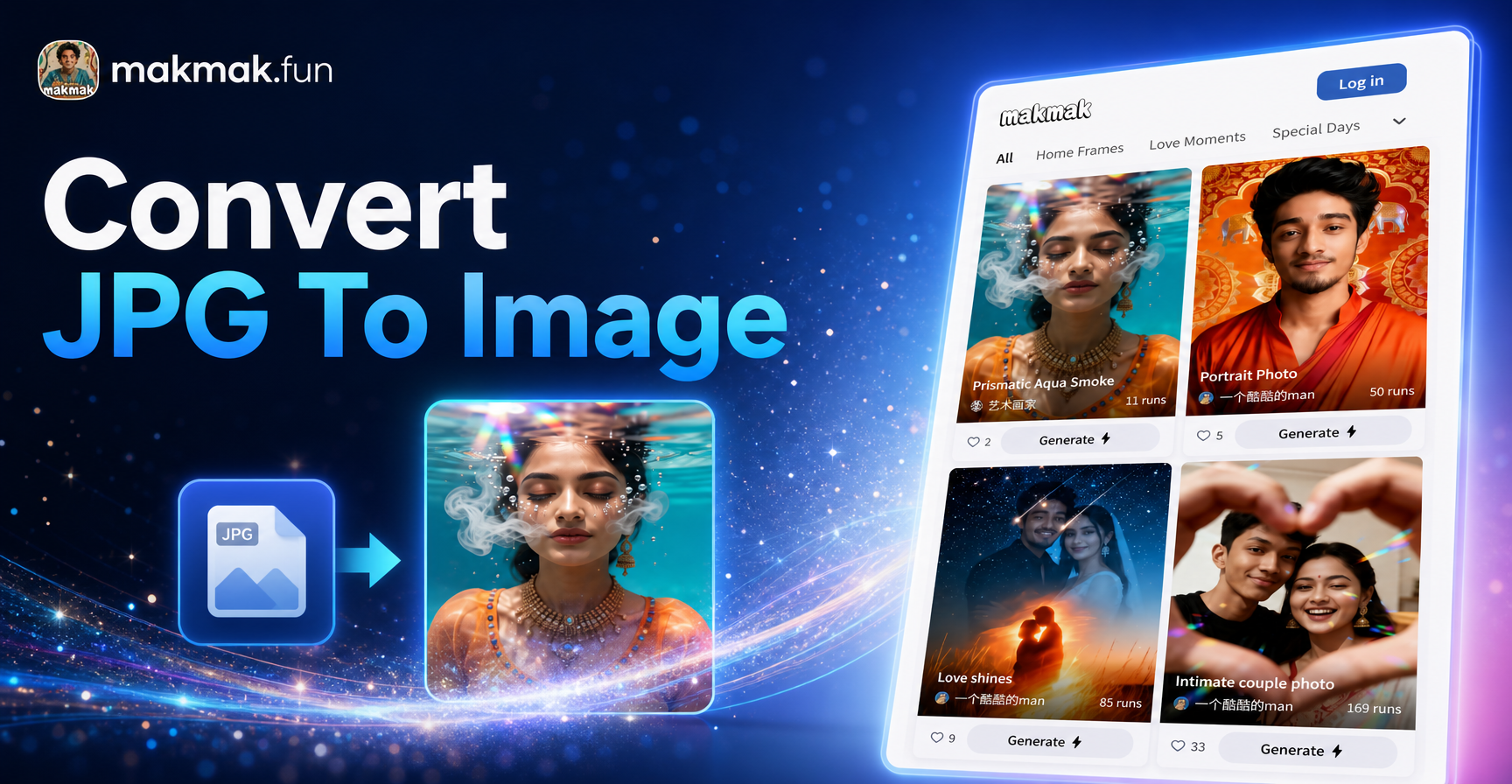
Convert JPG To Image: Transform Photos Into New AI Art
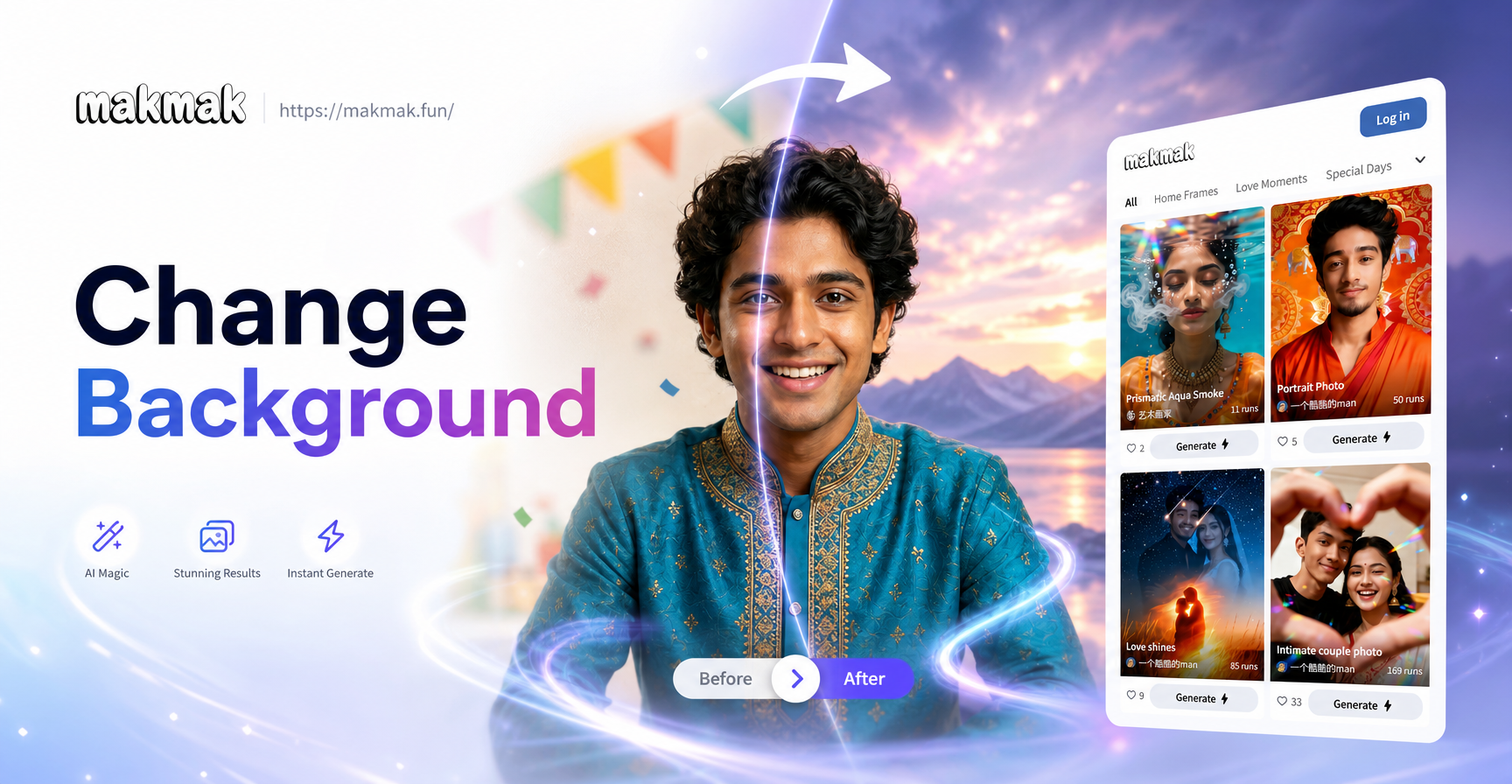
Change Background From Image: AI Photo Editor App
Fun Ways to Add Emoji to Your Photos Instantly
Edit An Image With AI: Transform Photos Instantly
Convert JPG To Image: Transform Photos Into New AI Art
Change Background From Image: AI Photo Editor App
Ready to Create Your Headphone Photo Edit?
Download makmak now and add realistic headphones to any portrait in seconds. Start with the Gemini AI Photo Edit With Headphones effect and see your style transform.

Ready to Create Your Headphone Photo Edit?
Download makmak now and add realistic headphones to any portrait in seconds. Start with the Gemini AI Photo Edit With Headphones effect and see your style transform.