Add Emoji To Photo
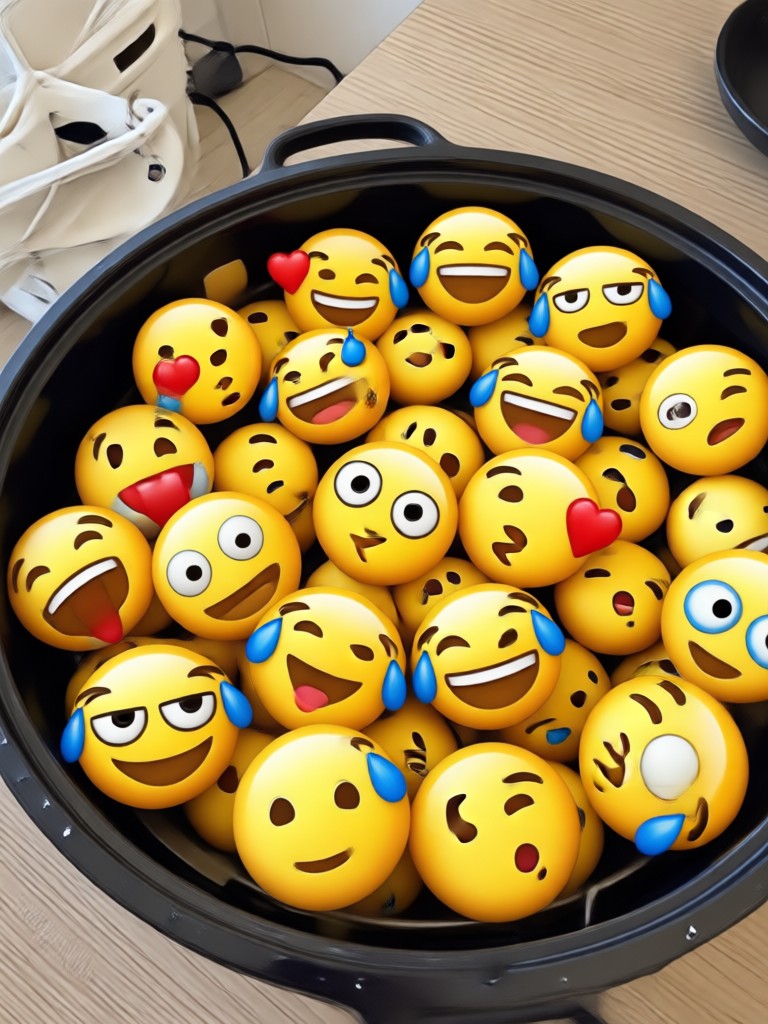
Choose the Emoji Filter That Fits Your Mood
Discover emoji sticker packs and style templates to make every photo pop. From cute doodles to bold comic effects, there is a filter for every vibe.
Key Features for Adding Emoji to Photos
Turn any ordinary picture into a playful emoji masterpiece with makmak. The app combines a massive emoji library with easy one tap editing and HD export. No complex tools, no learning curve, just fun results every time.
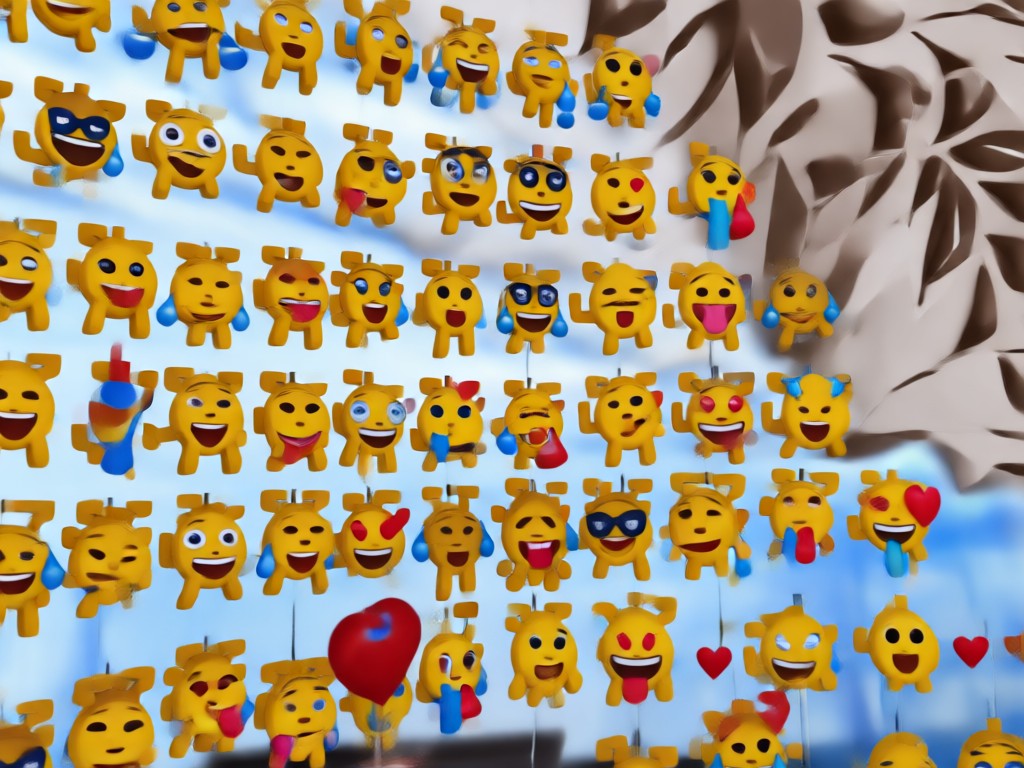
Instant Emoji Stickers
Browse a huge library of emoji overlays from laughing faces to heart eyes. Apply them to any picture in one tap and adjust size, position, and rotation for a perfect fit.
Instant Emoji Stickers
Browse a huge library of emoji overlays from laughing faces to heart eyes. Apply them to any picture in one tap and adjust size, position, and rotation for a perfect fit.
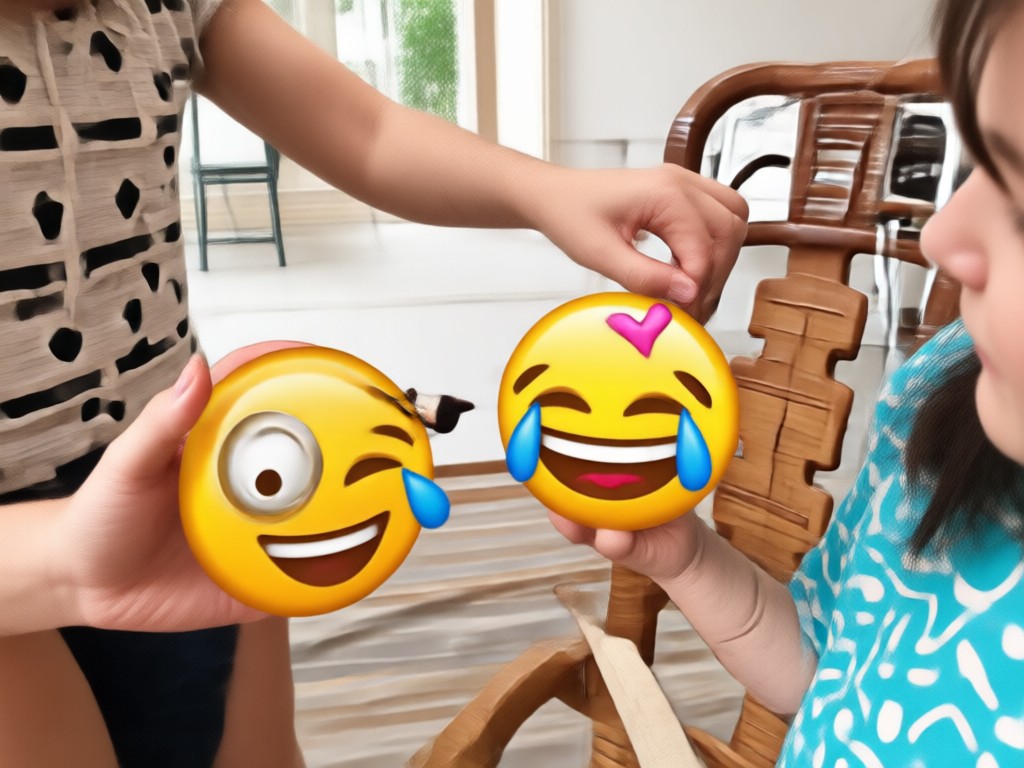
Trendy Style Templates
Combine emojis with filters like comic, neon, or sticker book aesthetics. Your photo transforms into a playful social media ready image without any complex editing tools.
Trendy Style Templates
Combine emojis with filters like comic, neon, or sticker book aesthetics. Your photo transforms into a playful social media ready image without any complex editing tools.
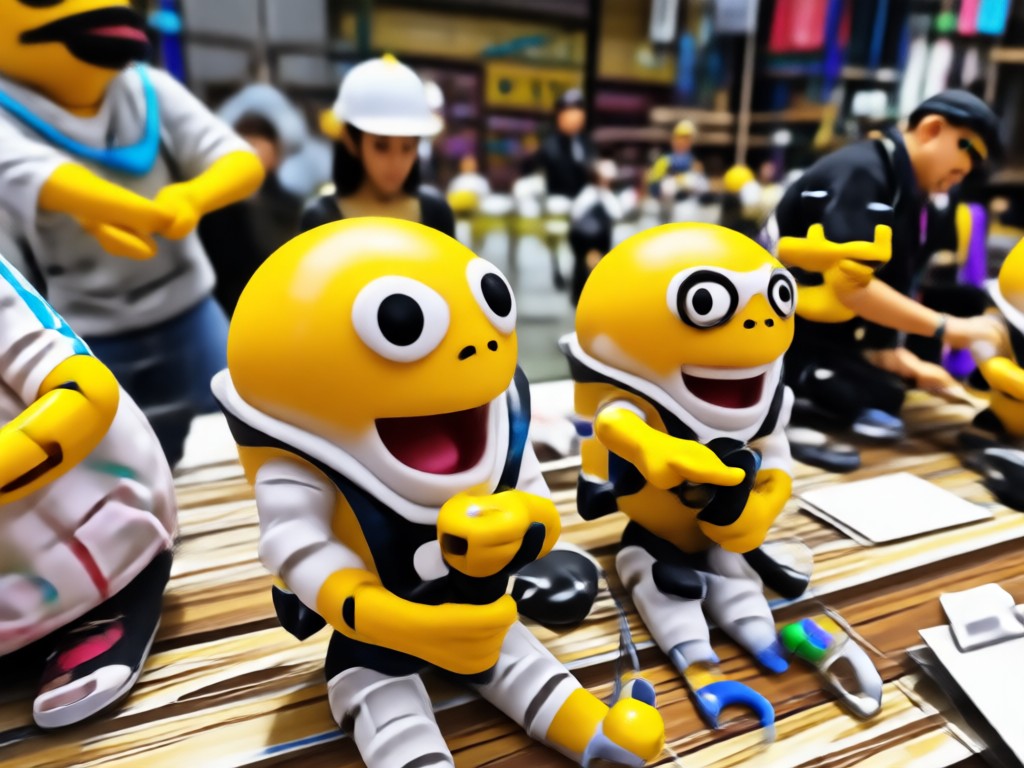
HD Export and Share
Save your emoji photos in high resolution and share them directly to Instagram, TikTok, or messaging apps. No watermarks, no quality loss, just pure fun.
HD Export and Share
Save your emoji photos in high resolution and share them directly to Instagram, TikTok, or messaging apps. No watermarks, no quality loss, just pure fun.
Emoji Photo Ideas Gallery
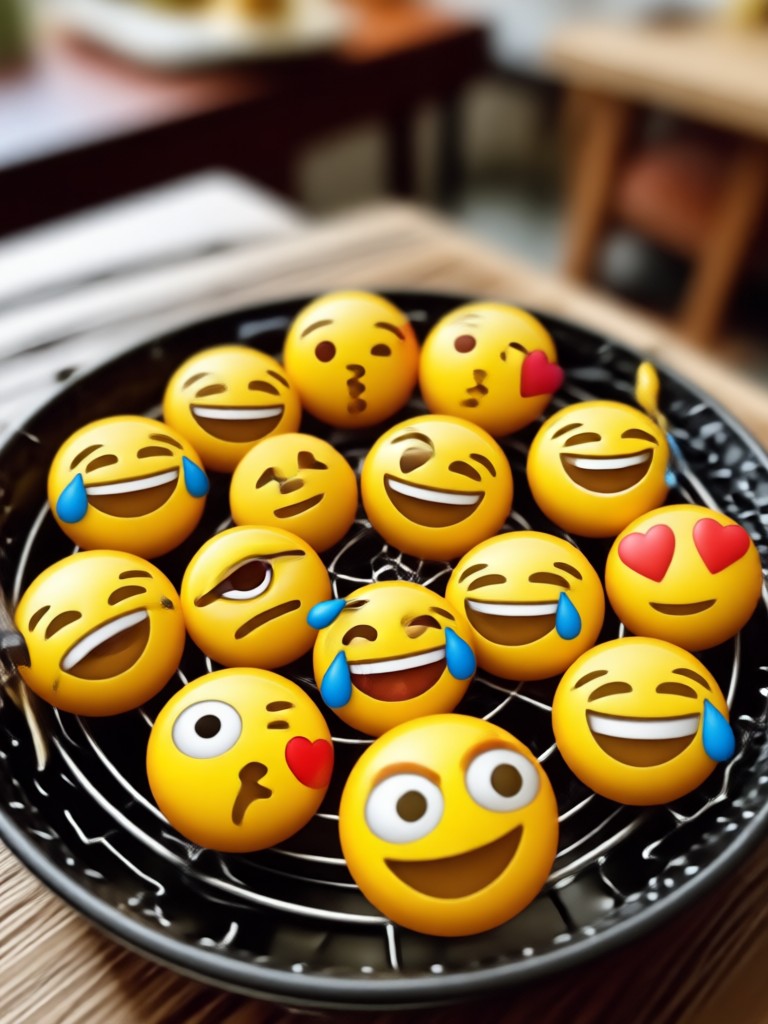
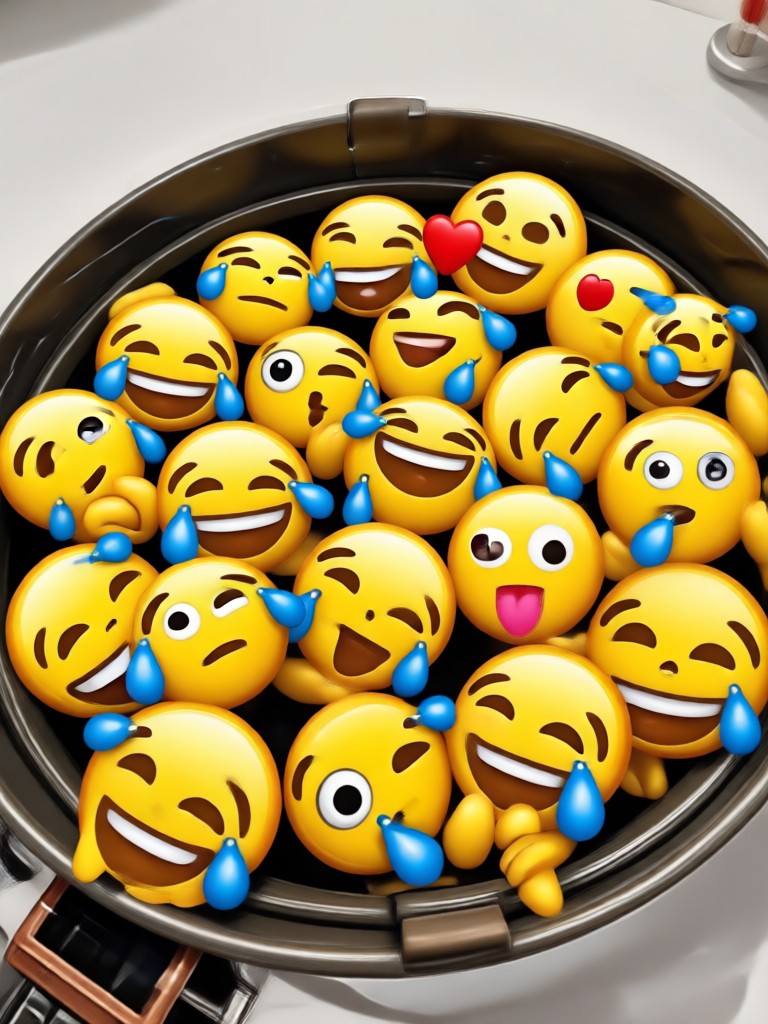
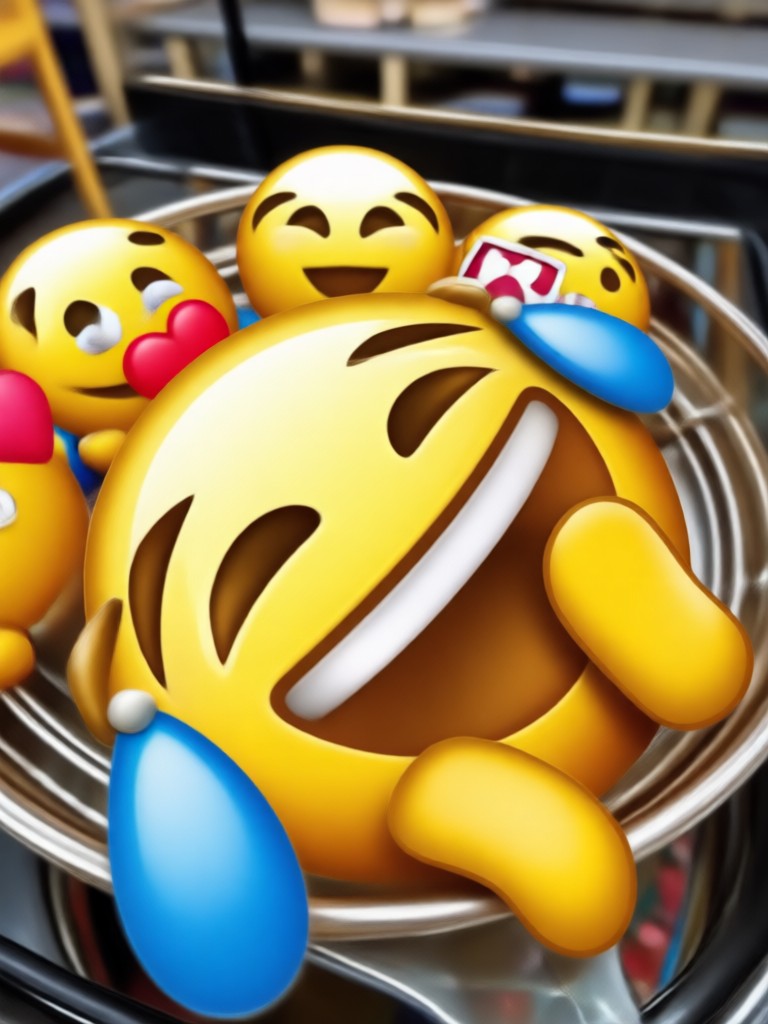
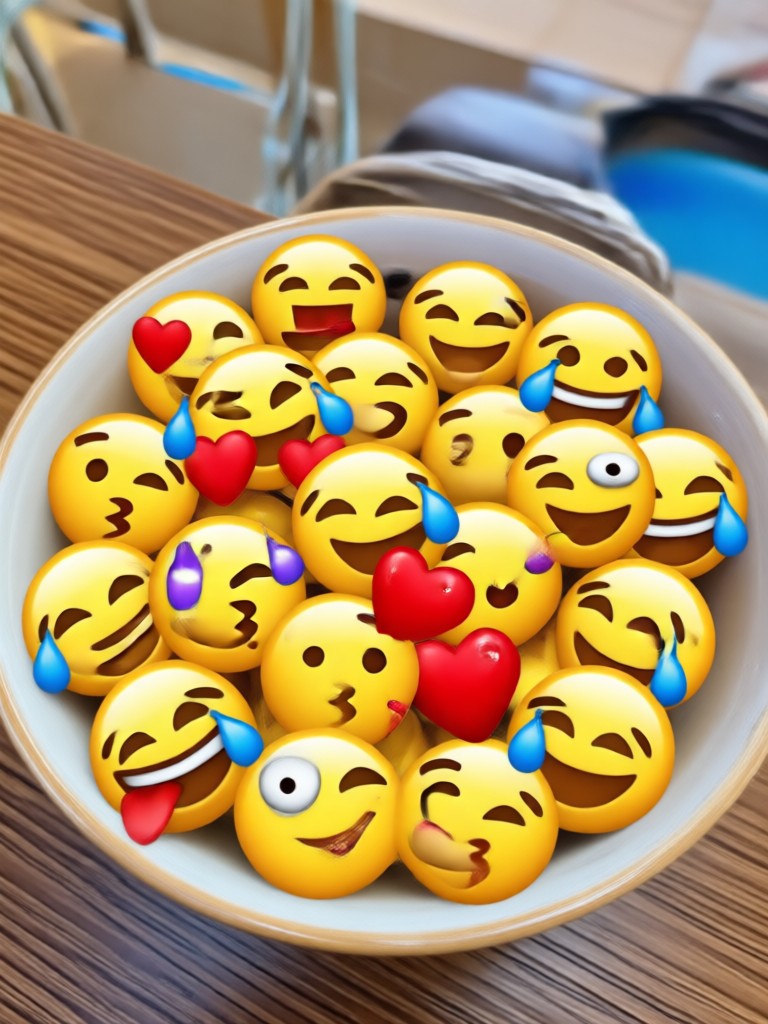
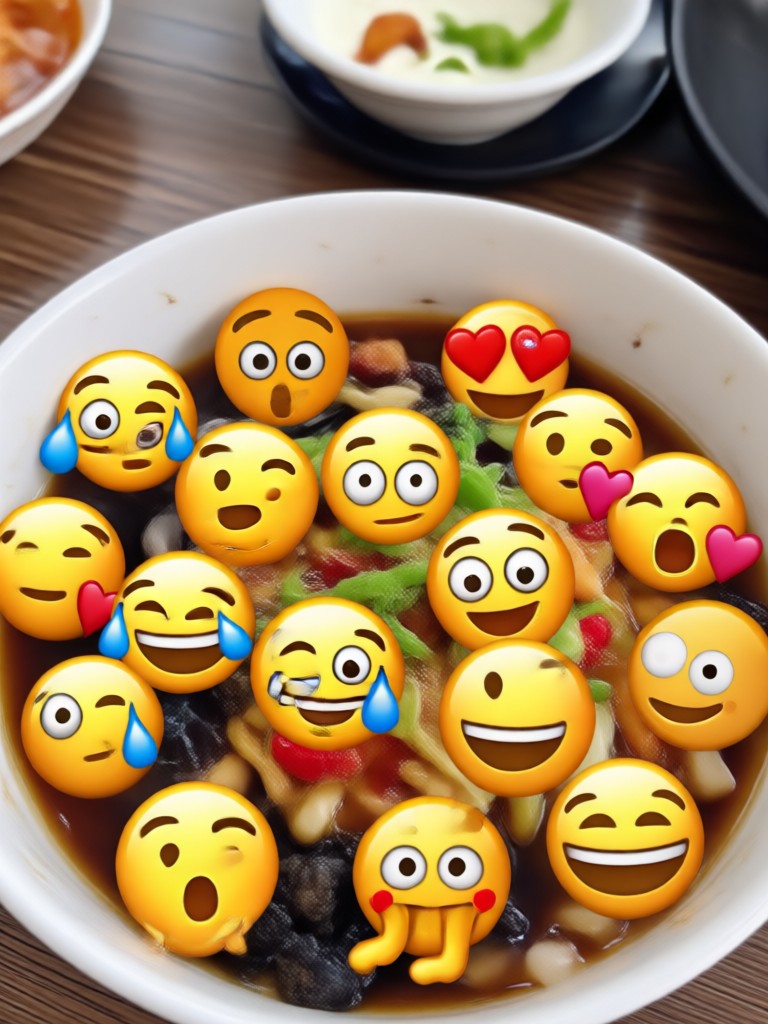
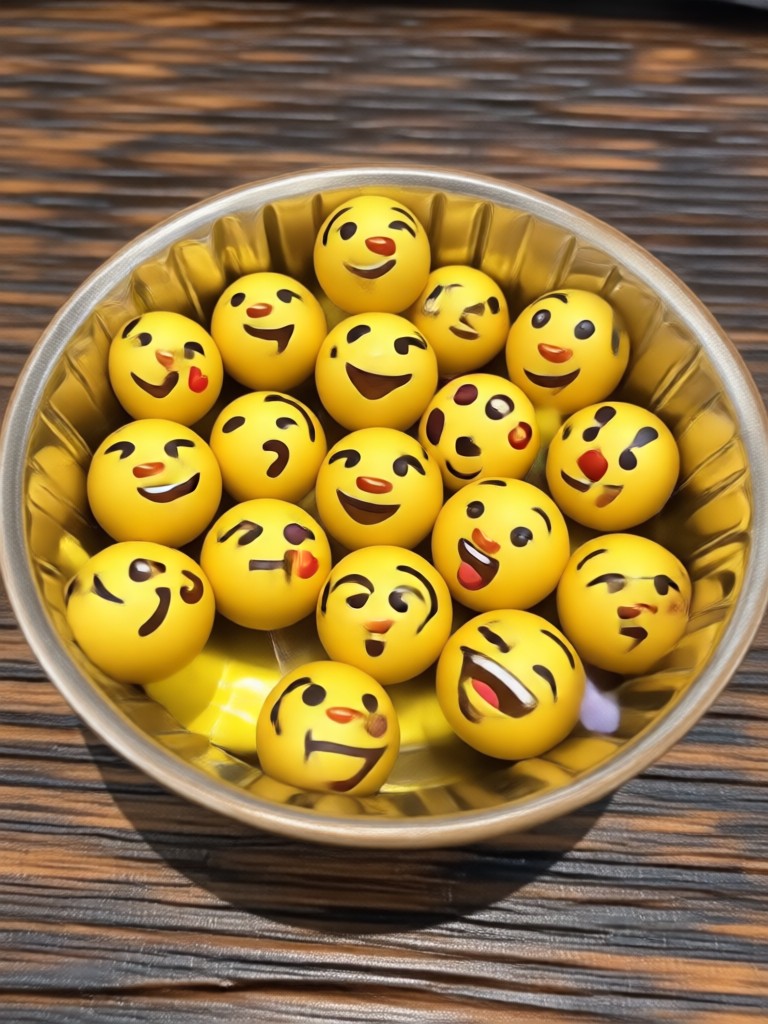
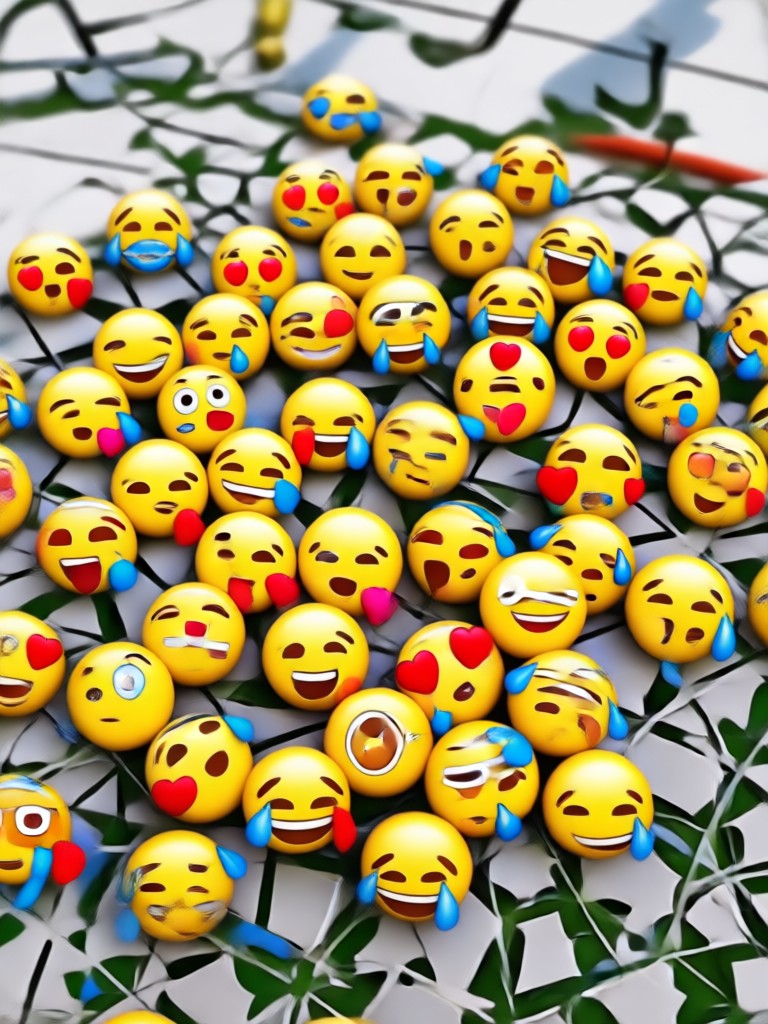
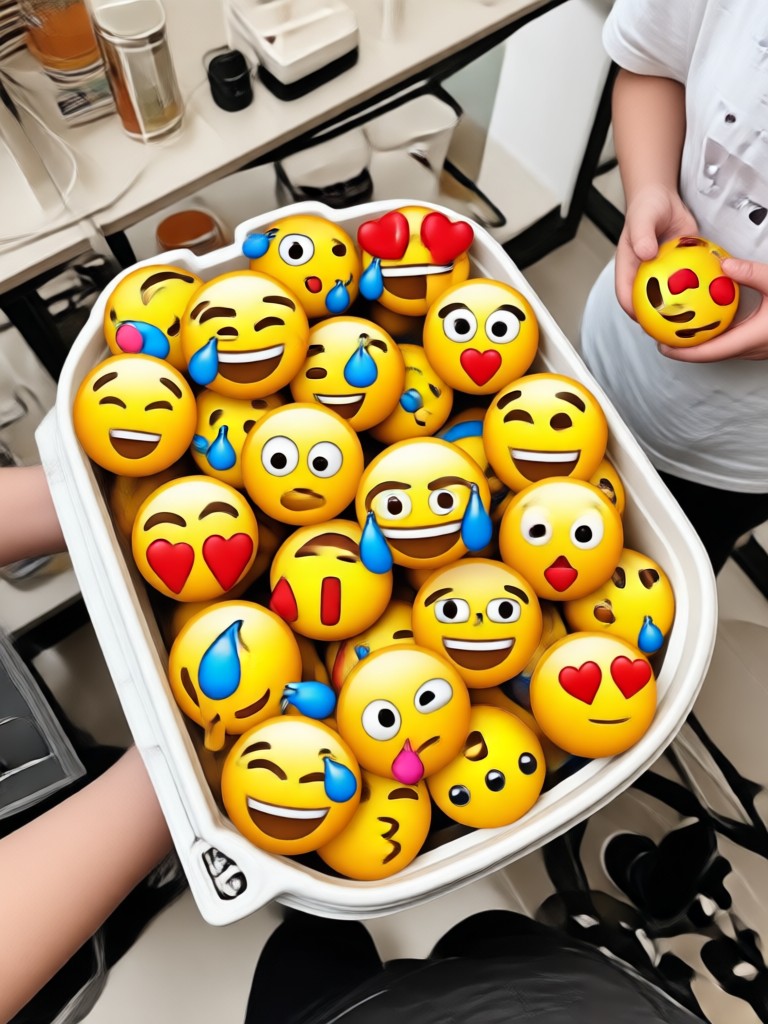
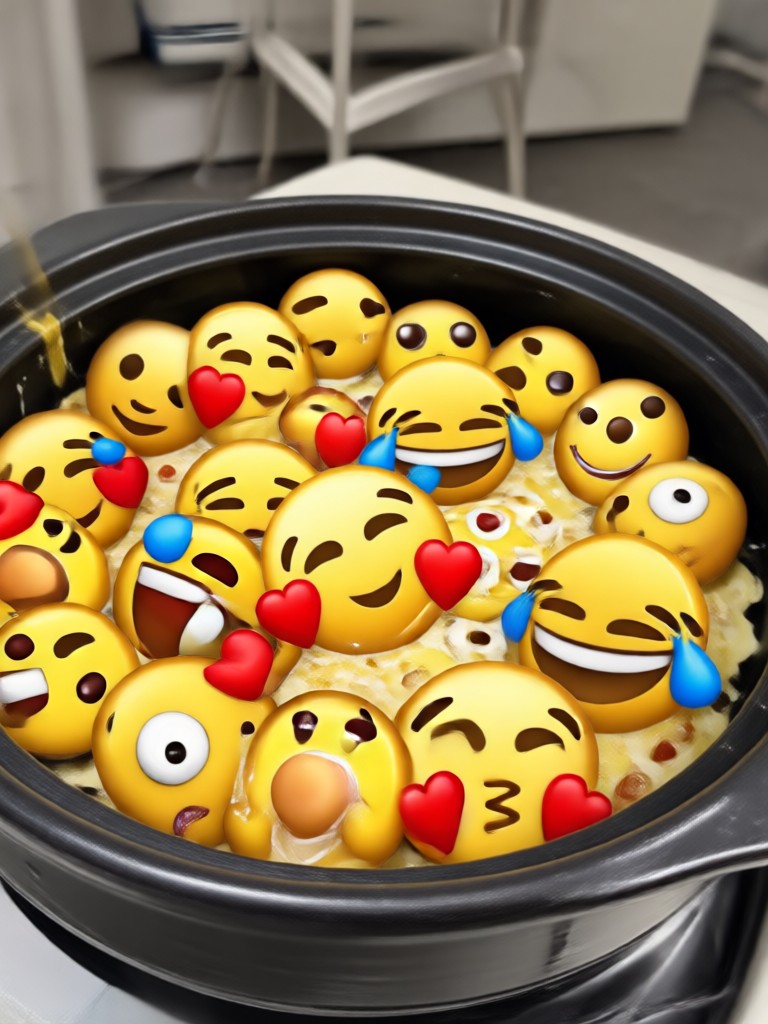
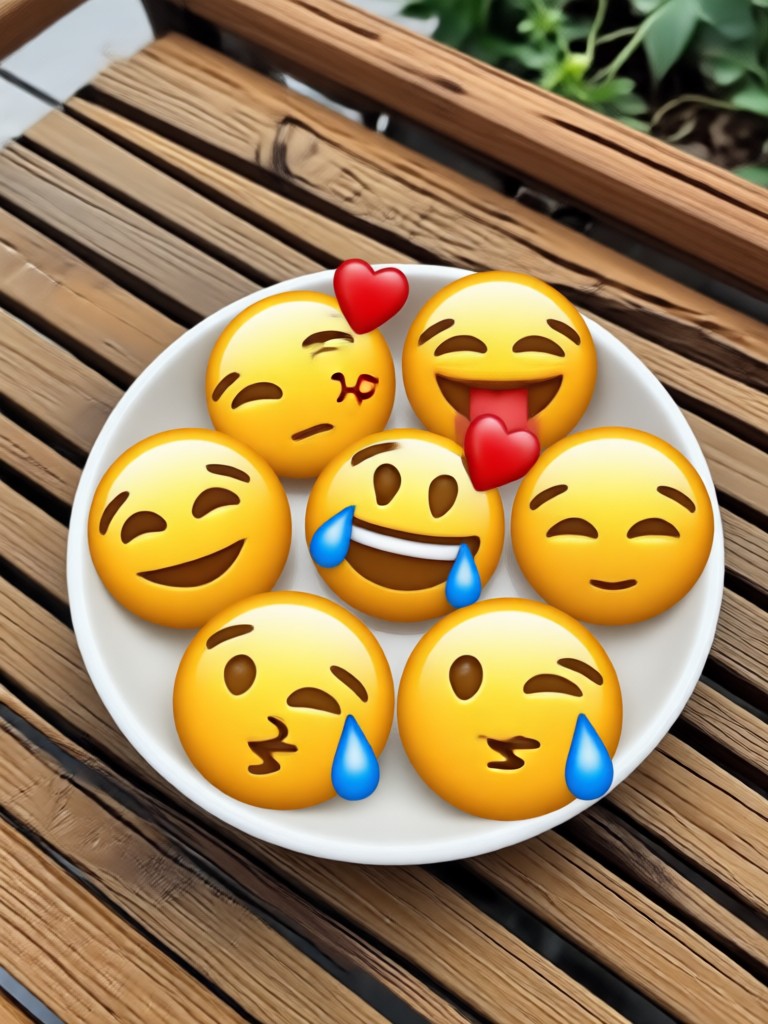
See how simple photos turn into fun emoji creations. Browse these examples and get inspired to make your own.


How to Add Emoji to a Photo in 3 Steps
Transform any photo with playful emojis using the makmak app. It takes less than a minute.

Step 01.
Download the makmak app from Google Play and open it on your phone.

Step 02.
Upload a photo from your gallery and choose an emoji style or sticker pack from the huge library.

Step 03.
Tap generate, adjust the emoji position if needed, then save and share your new image anywhere.
Why Use makmak for Emoji Photo Editing
makmak makes emoji photo editing effortless with a massive style library and one tap editing. No complicated software, no hidden fees, and results ready to share in seconds.
Simple, Fast, and Always Fun
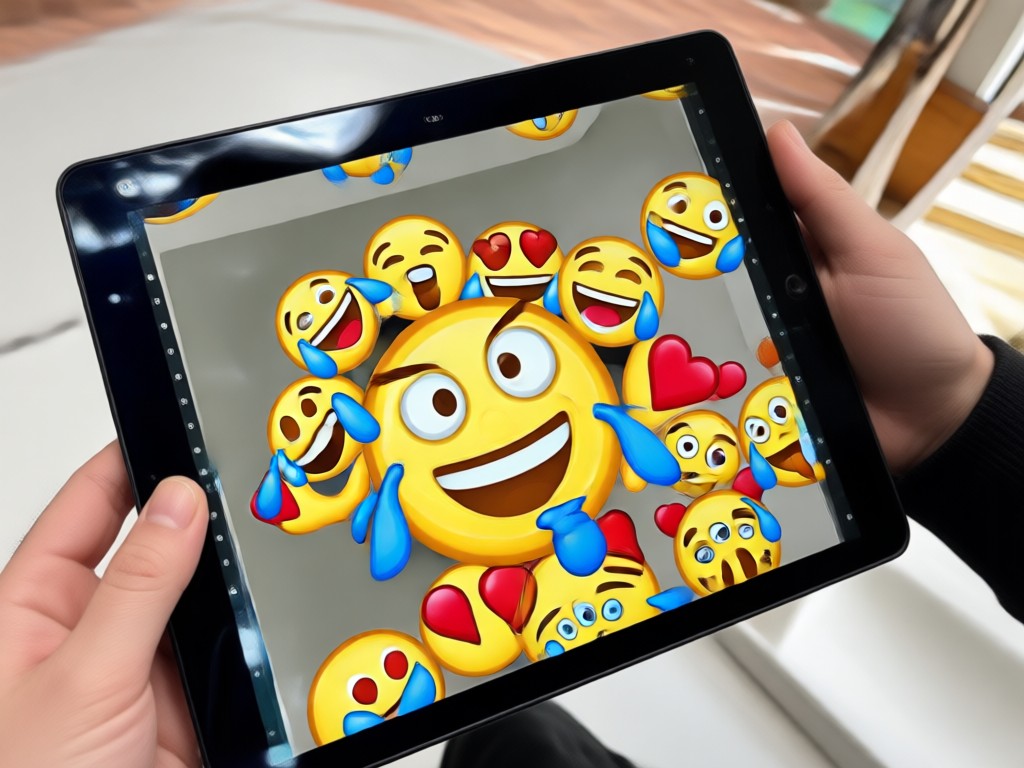
makmak removes the friction from creative photo editing. Upload any picture, pick an emoji filter from over a million style options, and generate a polished image instantly. The app preserves your original photo quality while adding playful overlays, so your content always looks sharp. Whether you want a subtle sticker or a full sticker bomb effect, makmak gives you the tools. And because everything runs on your phone, you can create and share from anywhere without ever opening a desktop editor.
Simple, Fast, and Always Fun
makmak removes the friction from creative photo editing. Upload any picture, pick an emoji filter from over a million style options, and generate a polished image instantly. The app preserves your original photo quality while adding playful overlays, so your content always looks sharp. Whether you want a subtle sticker or a full sticker bomb effect, makmak gives you the tools. And because everything runs on your phone, you can create and share from anywhere without ever opening a desktop editor.
What People Say About makmak
So easy to make fun photos
I added emojis to my party photos in seconds. The styles are amazing and my Instagram posts got way more likes. Highly recommend this app for anyone who loves playful edits.
Perfect for quick memes
I use makmak to add emojis to reaction photos for my friend group chat. It takes two taps and the results look polished every time. No more complicated photo editors.
Finally an app that just works
The emoji filter packs are huge and the interface is super clean. I made a sticker bomb selfie in under a minute. The HD export is a big plus for my art account.
Frequently Asked Questions About Adding Emoji to Photos
Find clear answers to common questions and get the guidance you need to make the most of our platform, faster and easier.
Ready to Add Emoji to Your Photos?
Download makmak and turn any picture into a fun emoji masterpiece. The easiest emoji photo editor for Android.
Ready to Add Emoji to Your Photos?
Download makmak and turn any picture into a fun emoji masterpiece. The easiest emoji photo editor for Android.