Change Background From Image

Choose the Background Style That Fits You
Browse popular background templates for product photos, portraits, social media, and creative edits. Tap any style to start changing backgrounds in the app.
Key Features for Changing Backgrounds From Images
makmak makes background replacement fast and precise. The app combines smart subject detection, rich template libraries, and one tap sharing to help you polish any photo in seconds. You can replace cluttered scenes, upgrade product shots, or create fresh social content without advanced editing skills.
Accurate Subject Detection
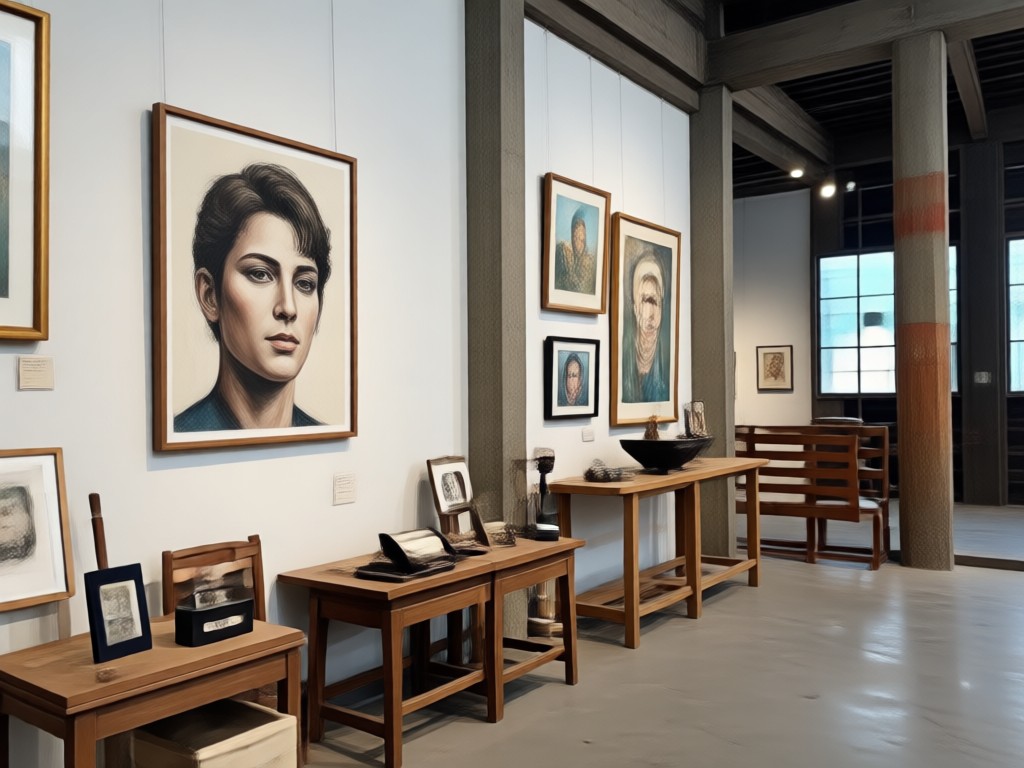
makmak automatically separates the main subject from the background. Hair, edges, and fine details stay clean so your cutout looks natural even in complex photos. You do not need to trace objects or adjust masks manually. The AI does the hard work while you focus on picking the perfect scene.
Accurate Subject Detection
makmak automatically separates the main subject from the background. Hair, edges, and fine details stay clean so your cutout looks natural even in complex photos. You do not need to trace objects or adjust masks manually. The AI does the hard work while you focus on picking the perfect scene.

1,000,000+ Background Templates
Swap in studio backdrops, nature scenes, city streets, abstract textures, and seasonal settings. Each template is designed to match different photo styles. Choose a backdrop that fits your mood and let the AI blend lighting, shadows, and colors for a seamless result.
1,000,000+ Background Templates
Swap in studio backdrops, nature scenes, city streets, abstract textures, and seasonal settings. Each template is designed to match different photo styles. Choose a backdrop that fits your mood and let the AI blend lighting, shadows, and colors for a seamless result.

Realistic Lighting and Shadows
The AI adjusts color, brightness, and shadows to make the new background look natural. Your subject blends in instead of looking pasted on top. This helps portraits, product photos, and social media posts feel polished and believable without extra editing.
Realistic Lighting and Shadows
The AI adjusts color, brightness, and shadows to make the new background look natural. Your subject blends in instead of looking pasted on top. This helps portraits, product photos, and social media posts feel polished and believable without extra editing.
Explore Background Change Results
See how makmak turns ordinary photos into polished images with fresh backgrounds. Browse examples of portrait edits, product shots, travel photos, and creative scenes made in the app.












How to Change Background From Image
Follow three simple steps to replace any photo background with a new scene using makmak.

Step 01.
Download makmak from Google Play and open the app on your phone.

Step 02.
Upload the image you want to edit and choose a background template from the style library.

Step 03.
Generate your new photo, adjust if needed, then save or share it directly to social media.

Why Use makmak for Background Changes
makmak saves time by removing the need for manual background erasing. You do not need design skills or a desktop editor. The app handles subject detection, edge refinement, and lighting adjustments automatically. Your photos look natural, and you can share them in one tap.
Why Use makmak for Background Changes
makmak saves time by removing the need for manual background erasing. You do not need design skills or a desktop editor. The app handles subject detection, edge refinement, and lighting adjustments automatically. Your photos look natural, and you can share them in one tap.

Change Background From Image on Android
Use makmak on your phone to swap image backgrounds anywhere. No desktop software needed. Just download the app, upload a photo, and apply a new background in seconds.

What Users Say About Background Editing
Fastest way to swap product photo backgrounds
I sell clothes online and used to spend hours cutting out products. makmak does it in seconds. The edges are clean, and my store looks much more professional now.
Perfect for my social media posts
I use the nature and city templates for my travel photos. The backgrounds blend really well, and no one can tell I edited them on my phone.
No design skills needed
I tried desktop editors before and always gave up. makmak is simple. I upload a family photo, pick a background, and get a clean result immediately.
Frequently Asked Questions
Find clear answers about changing backgrounds from images with makmak. Learn how the AI works, what you can create, and how to get the best results.
More Topics You May Like
Explore more AI photo editing topics and creative tools to enhance your images.

Edit Video With Song: Add Music & Sync Beats in Seconds
Edit video with song on makmak. Upload clips, add music, and let AI sync cuts to the beat automatically. Create stunning music videos with filters and effects in minutes.

Enhance An Image with AI: Sharpen, Upscale & Restore
Enhance an image instantly with makmak. Upload a photo to sharpen details, upscale resolution, and fix lighting. No editing skills needed. Get started.
Remove Background from MP4 Videos Instantly with AI
Easily remove the background from MP4 videos. Upload your clip and makmak's AI isolates subjects automatically. No green screen needed. Get clean cuts for social media or product demos in seconds.

Turn Any Clip Into a GIF in Seconds
Learn how to create a GIF from video on your phone. Upload a clip, pick a style, and turn video to GIF instantly. No editing skills needed. Try it free.
Change Background From Image in Seconds
Download makmak and start swapping photo backgrounds with AI. Clean edges, realistic lighting, and thousands of style templates are ready for your next post.
Change Background From Image in Seconds
Download makmak and start swapping photo backgrounds with AI. Clean edges, realistic lighting, and thousands of style templates are ready for your next post.