Edit An Image With AI
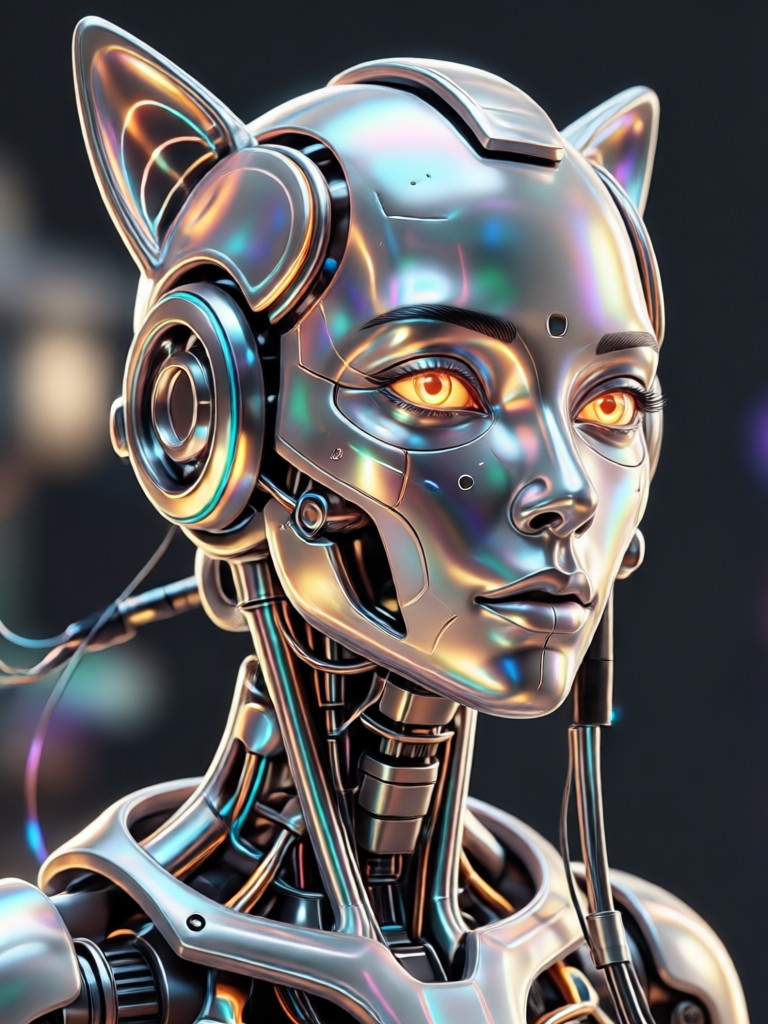
Choose Your AI Image Editing Style
Browse popular AI filters and templates to edit photos with a single tap. Pick a style that matches your vision.
Powerful AI Image Editing Features
Edit an image with AI using tools designed for creators. No manual masking or complex layers needed.
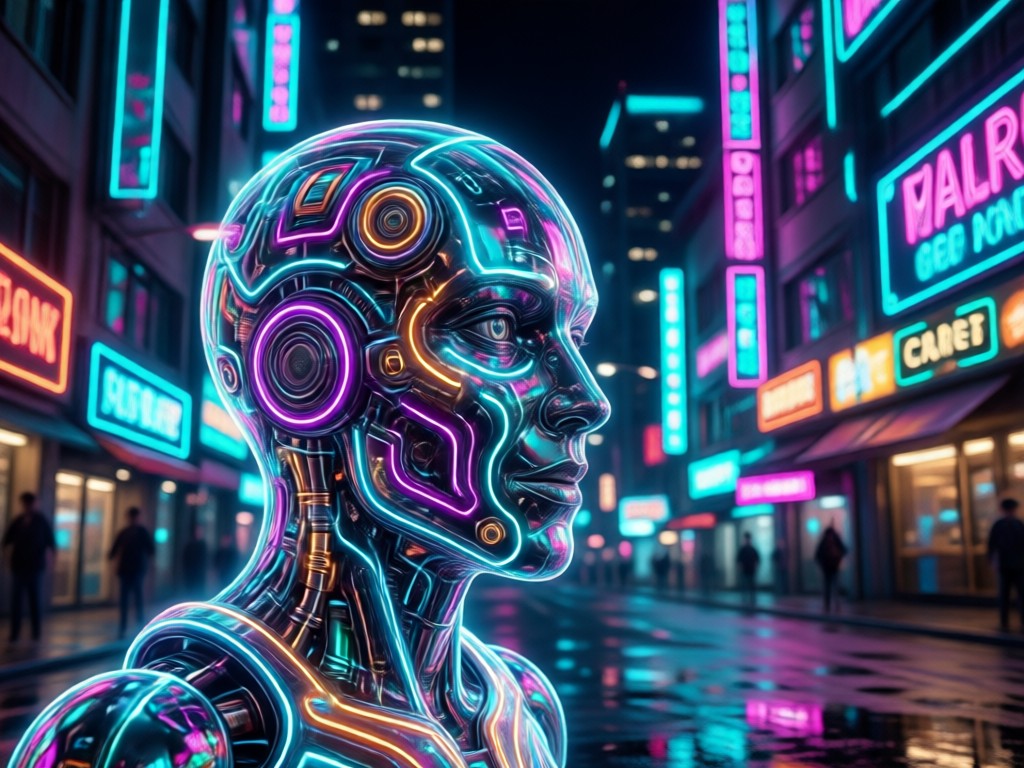
One-Tap Style Transfer
Apply any of 1,000,000+ style filters to your photo. Transform realistic shots into anime, watercolor, cyberpunk, or 3D clay art while keeping faces and subjects recognizable.
One-Tap Style Transfer
Apply any of 1,000,000+ style filters to your photo. Transform realistic shots into anime, watercolor, cyberpunk, or 3D clay art while keeping faces and subjects recognizable.
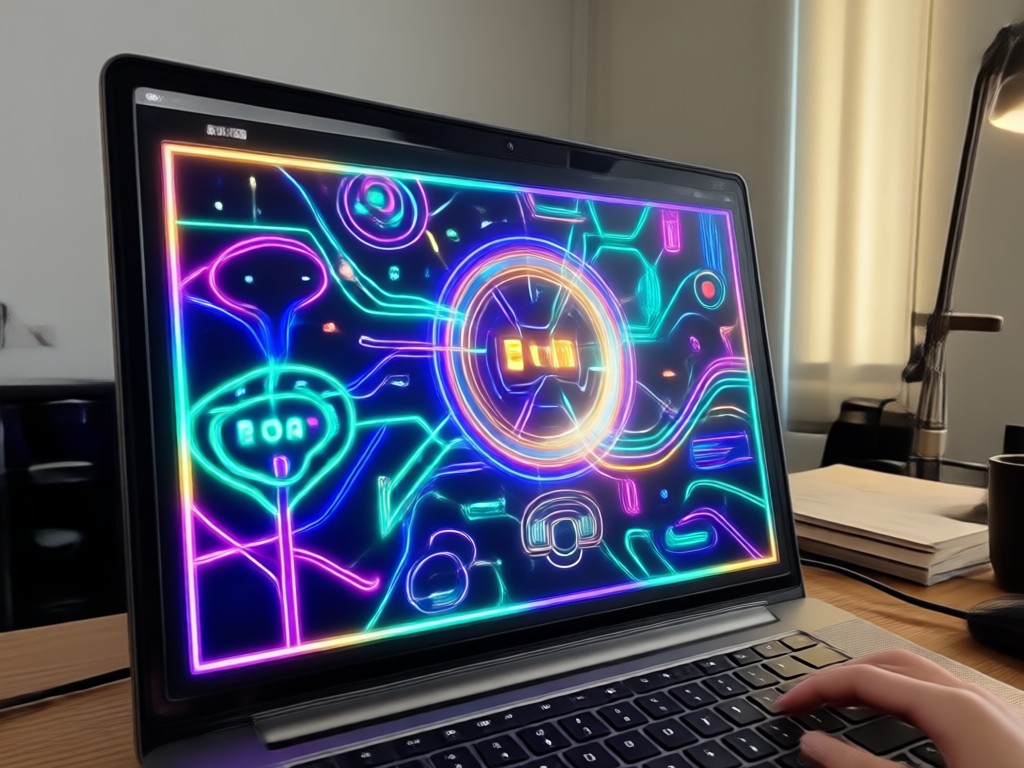
Smart Object and Background Edits
Change outfits, replace backgrounds, or add creative elements using simple text prompts. The AI understands your intent and edits only what you ask.
Smart Object and Background Edits
Change outfits, replace backgrounds, or add creative elements using simple text prompts. The AI understands your intent and edits only what you ask.
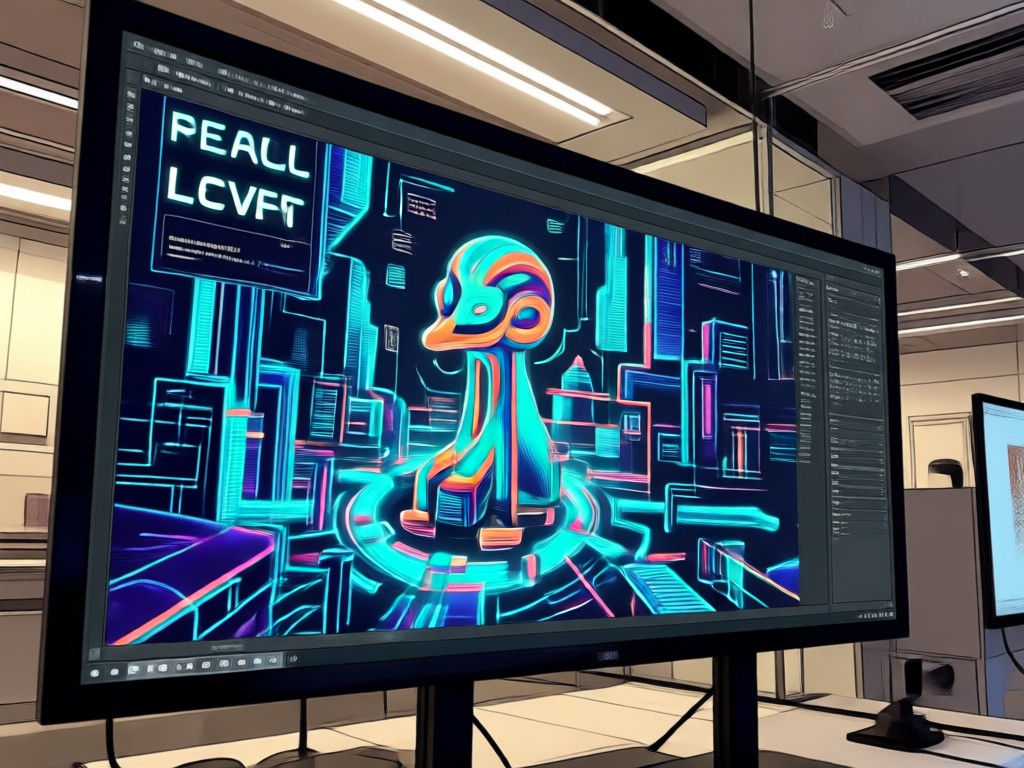
HD Face and Detail Enhancement
Sharpen facial features, fix lighting, and boost resolution. Edit an image with AI to produce crisp, print-ready results without losing natural skin texture.
HD Face and Detail Enhancement
Sharpen facial features, fix lighting, and boost resolution. Edit an image with AI to produce crisp, print-ready results without losing natural skin texture.
How to Edit an Image with AI?
Follow three simple steps to transform any photo using makmak's AI editor.

Step 01.
Download the makmak app from Google Play and open it on your phone.

Step 02.
Upload a photo and choose an editing style or enter a text prompt to describe changes.

Step 03.
Generate your edited image and save or share it directly to social media.
AI Image Editing Gallery
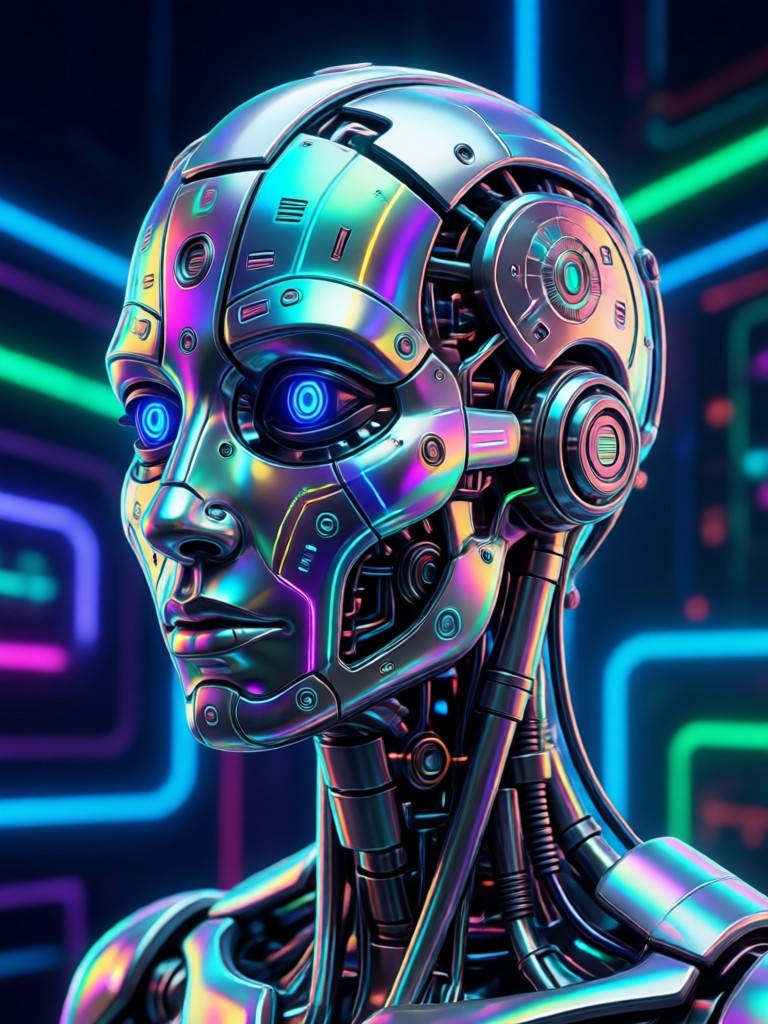
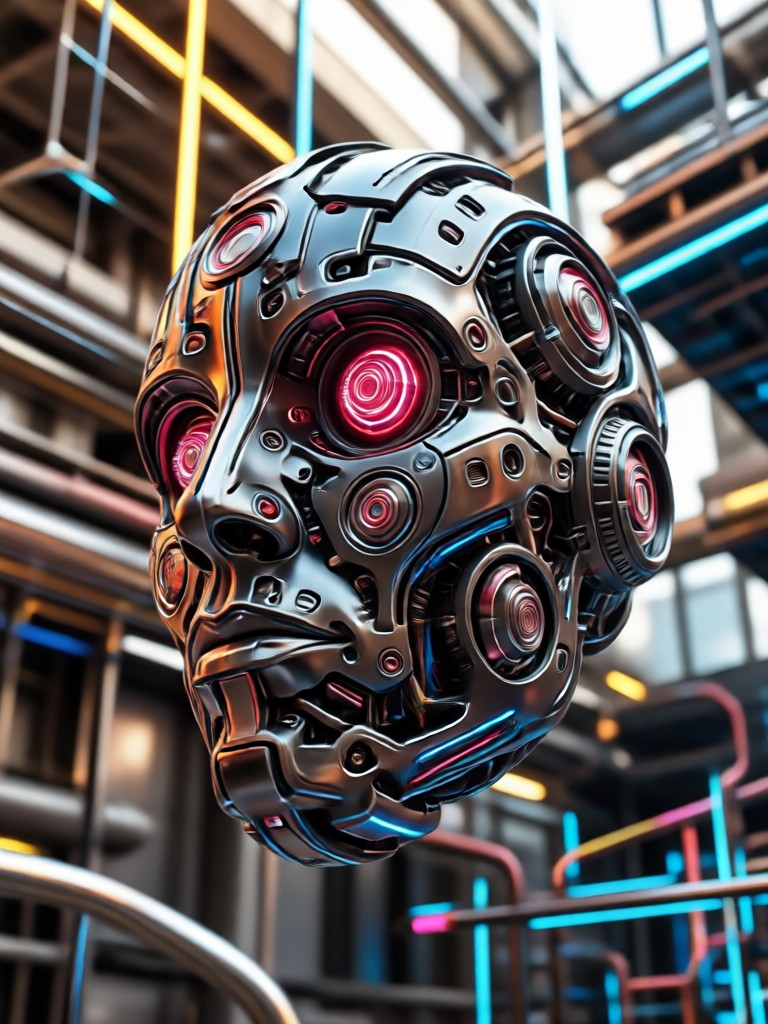
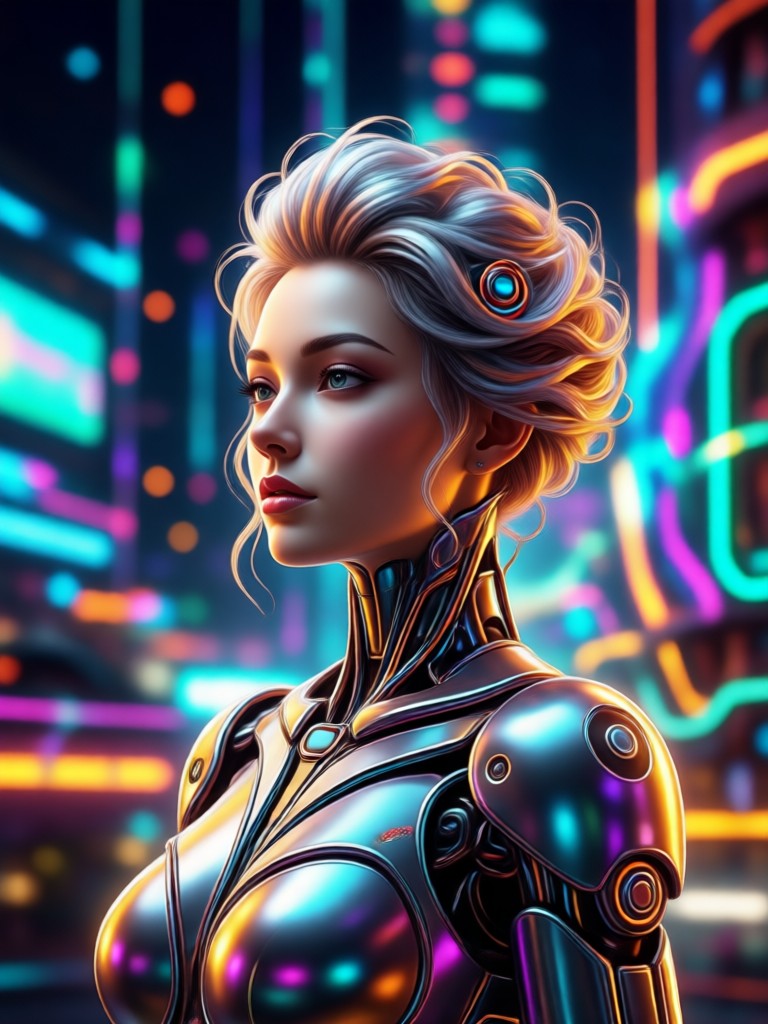
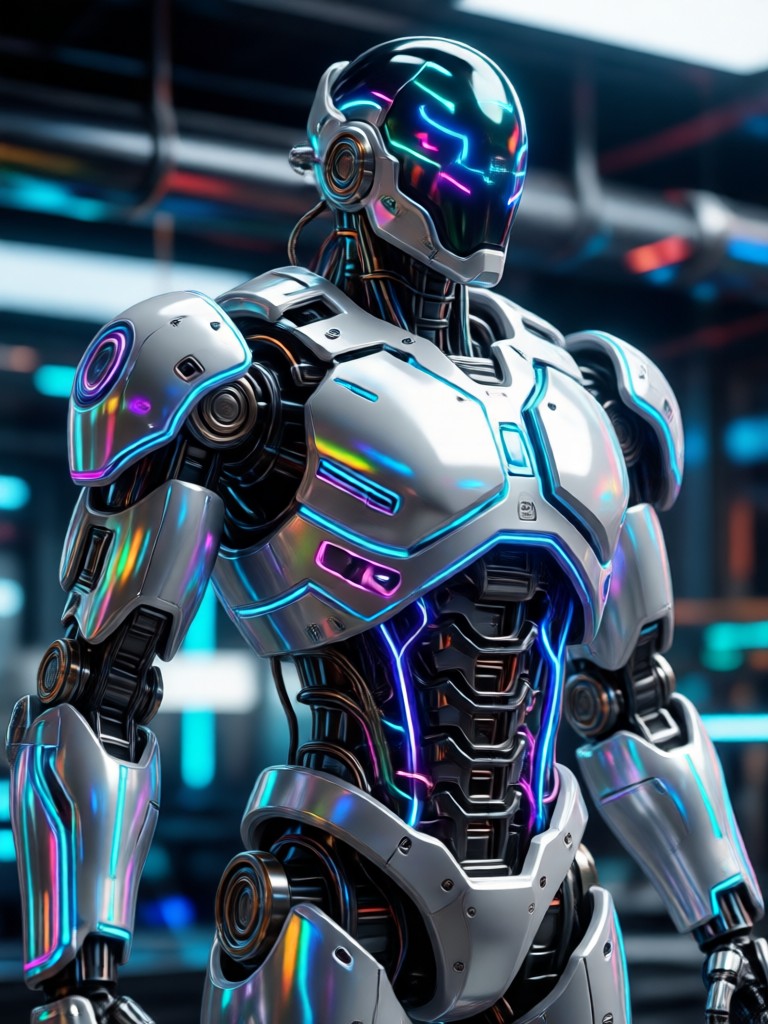
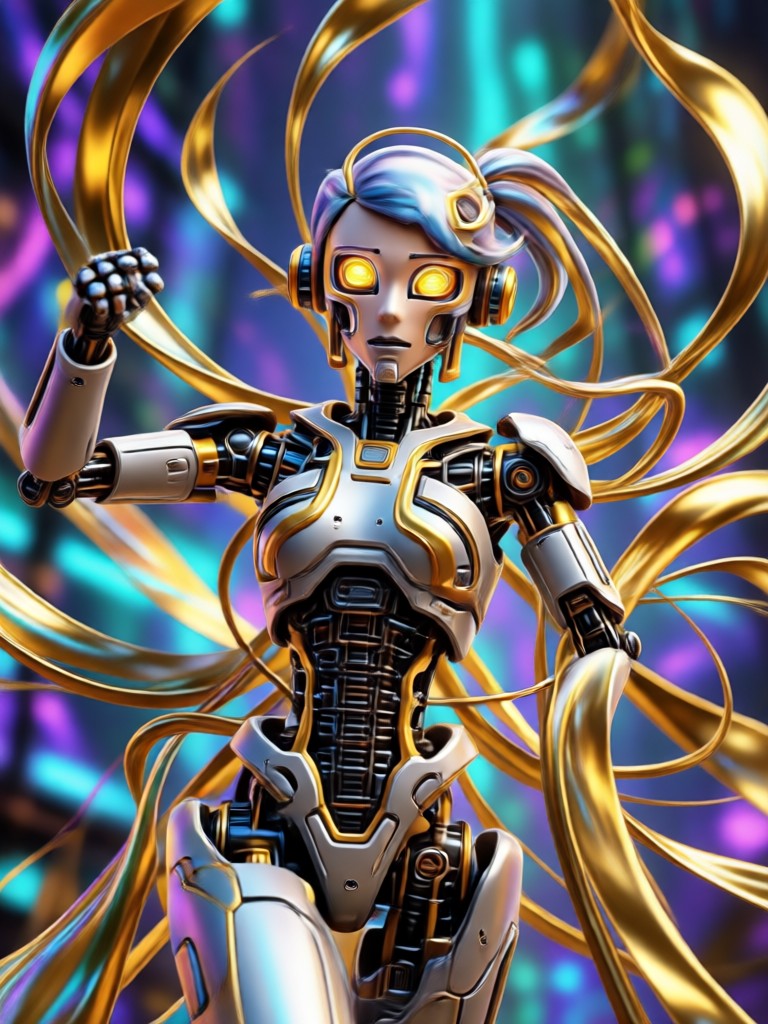
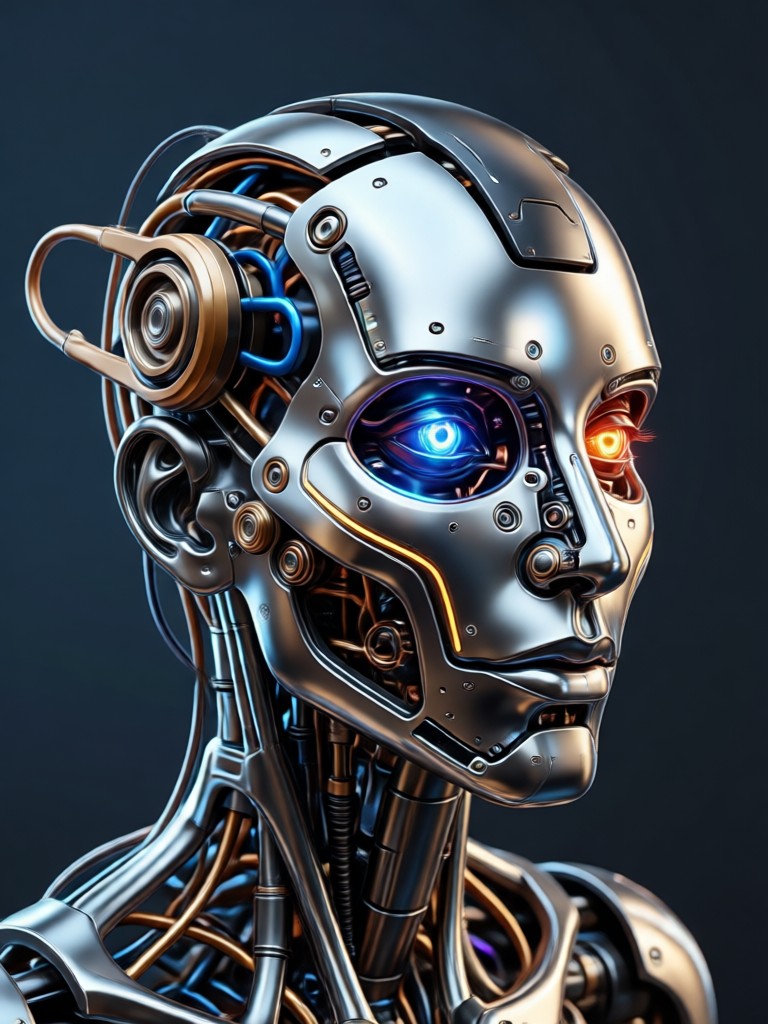
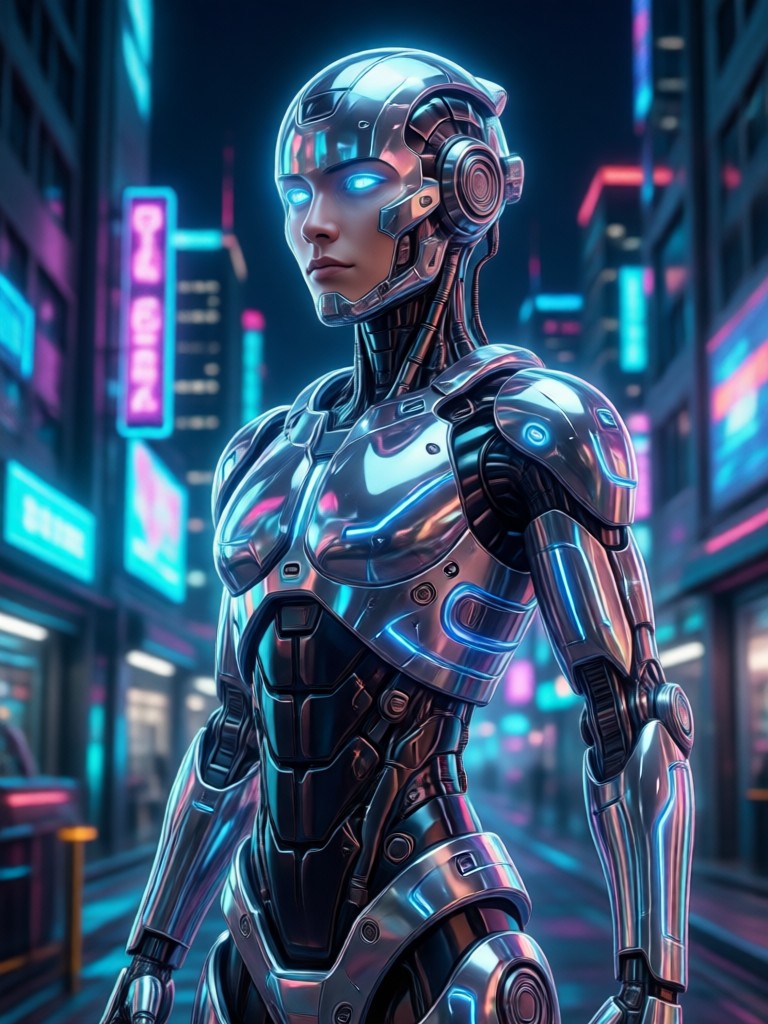
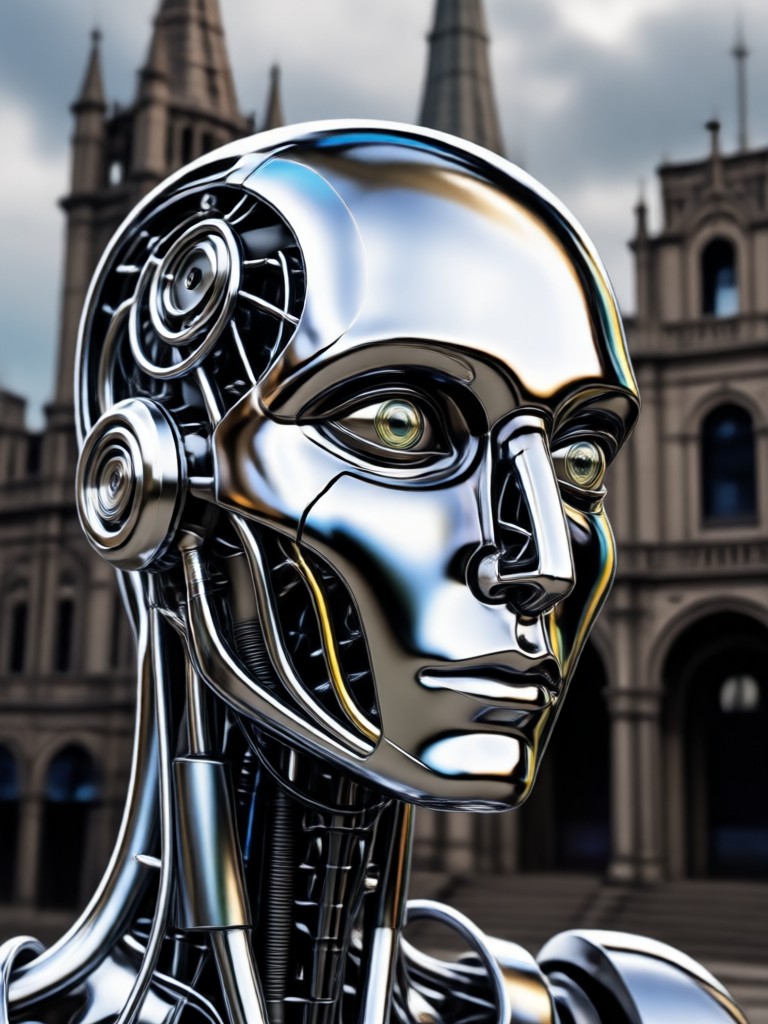
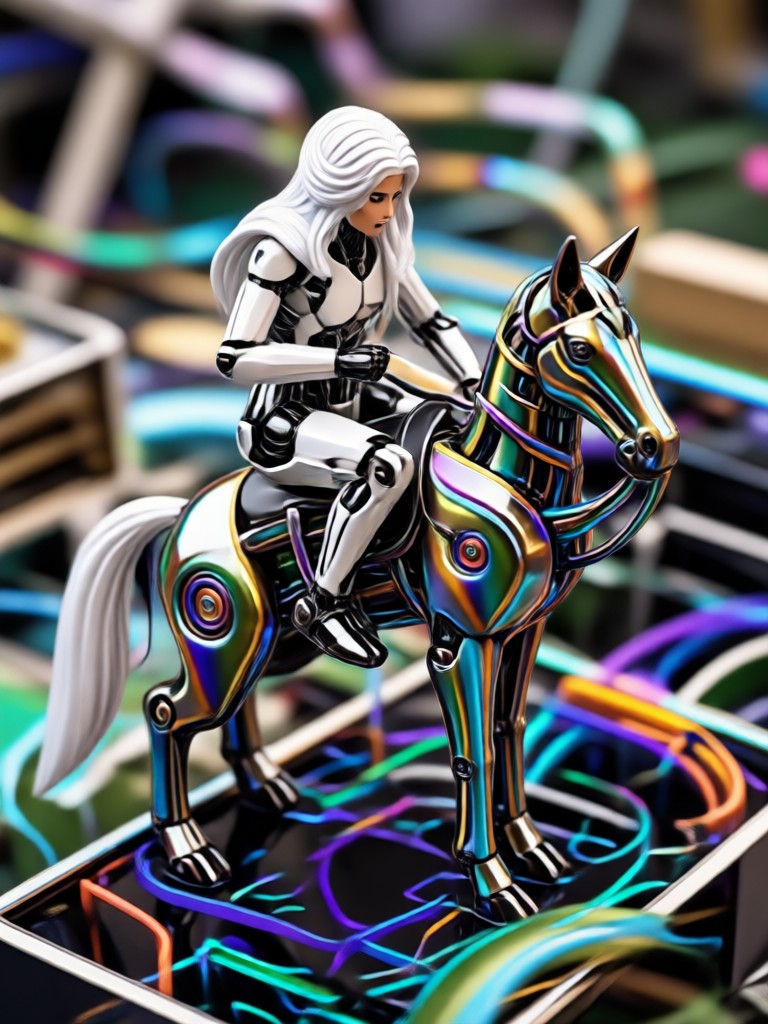
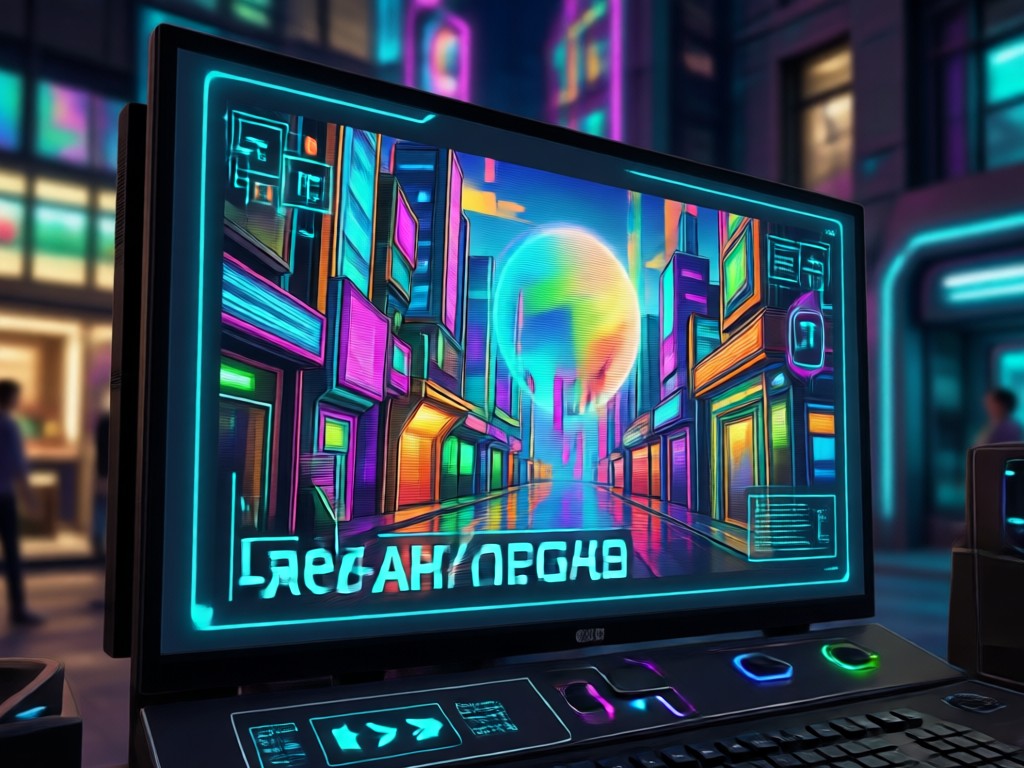
See how creators edit images with AI using makmak. Browse before and after style transformations, background swaps, and creative enhancements.
Why Edit Images with makmak?
Most photo editors overwhelm you with sliders and masks. makmak lets you edit an image with AI in one tap. Upload a photo, type what you want to change, and get a polished result in seconds. No tutorials, no monthly subscription wall.
Why Edit Images with makmak?
Most photo editors overwhelm you with sliders and masks. makmak lets you edit an image with AI in one tap. Upload a photo, type what you want to change, and get a polished result in seconds. No tutorials, no monthly subscription wall.
What Creators Say About AI Image Editing
Finally, editing photos takes seconds not hours
I used to spend evenings touching up product shots. Now I type what I want and makmak does it. The style filters keep my brand look consistent across every post.
Perfect for social media content
I test different outfit ideas without changing clothes. The AI edits look natural and my followers always ask how I do it.
The texture and face detail is impressive
I was worried AI would blur my face into plastic. Instead, it sharpens details and keeps me looking like myself, just better.
Frequently Asked Questions About AI Image Editing
Get clear answers about using makmak to edit an image with AI.
AI Image Editor for Your Phone
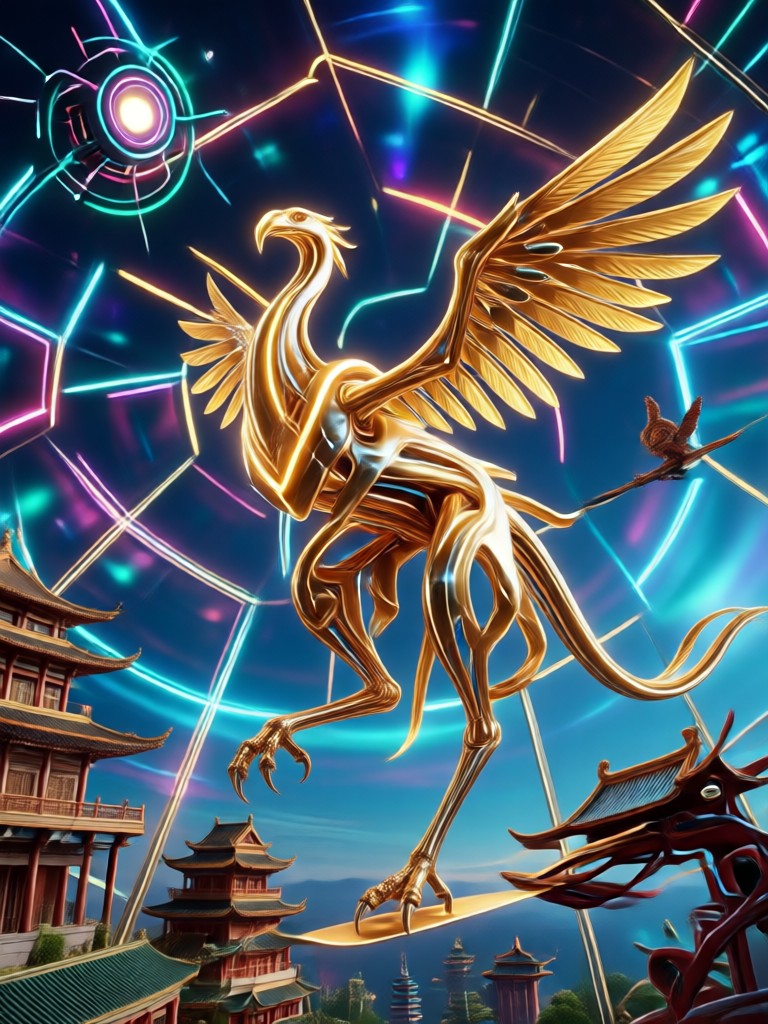
Download makmak on Google Play and start editing images with AI today. No desktop software, no complicated layers. Just upload, describe, and generate.

More Topics You May Like
Explore more AI creative guides and discover new ways to transform your photos and videos.
Convert JPG To Image: Transform Photos Into New AI Art
Change Background From Image: AI Photo Editor App

Edit Video With Song: Add Music & Sync Beats in Seconds

Enhance An Image with AI: Sharpen, Upscale & Restore
Convert JPG To Image: Transform Photos Into New AI Art
Change Background From Image: AI Photo Editor App
Edit Video With Song: Add Music & Sync Beats in Seconds
Enhance An Image with AI: Sharpen, Upscale & Restore
Start Editing Images with AI Now
Join thousands of creators using makmak to transform photos with AI. Download the app and turn your ideas into stunning images in seconds.
Start Editing Images with AI Now
Join thousands of creators using makmak to transform photos with AI. Download the app and turn your ideas into stunning images in seconds.