Convert JPG To Image
Choose Your Image Transformation Style
Pick from countless AI filters to convert your JPG into a brand new visual style.
How to Convert JPG To Image With AI
makmak simplifies image conversion from a basic photo format into creative AI artwork with three core capabilities.
AI Style Transfer
Upload any JPG and apply style filters instantly. The AI preserves the main subject while completely changing the artistic look.
AI Style Transfer
Upload any JPG and apply style filters instantly. The AI preserves the main subject while completely changing the artistic look.
Photo Enhancement
Convert low resolution JPG files into high definition images. The AI sharpens details and improves clarity without manual editing.
Photo Enhancement
Convert low resolution JPG files into high definition images. The AI sharpens details and improves clarity without manual editing.
Bulk Conversion
Process multiple JPG files at once in the app. Convert a whole photo album into a consistent art style in one session.
Bulk Conversion
Process multiple JPG files at once in the app. Convert a whole photo album into a consistent art style in one session.
How to Convert JPG To Image in 3 Steps
Transform your JPG photos into new AI images in minutes using the makmak mobile app.

Step 01.
Download makmak from Google Play and open the app on your phone. Tap the image tool to begin.

Step 02.
Upload a JPG from your gallery and browse the style filters. Choose from anime, watercolor, cinematic, and more.

Step 03.
Tap generate and let AI convert your JPG into a brand new image. Save it to your device or share directly.
Popular JPG To Image Conversion Templates
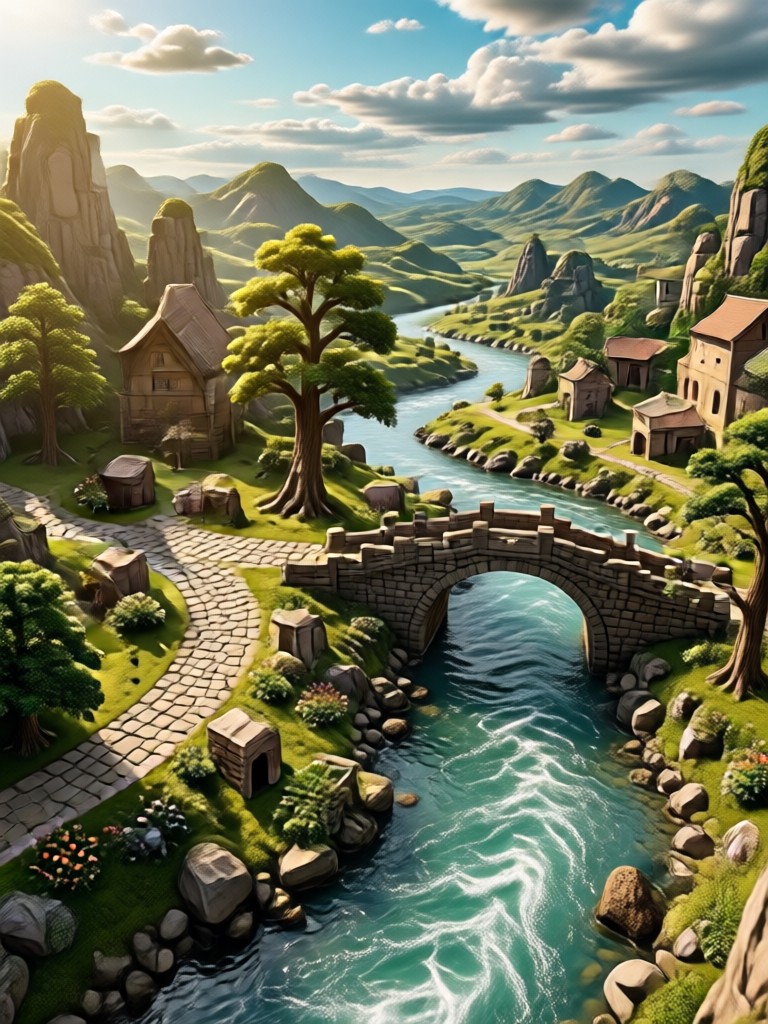
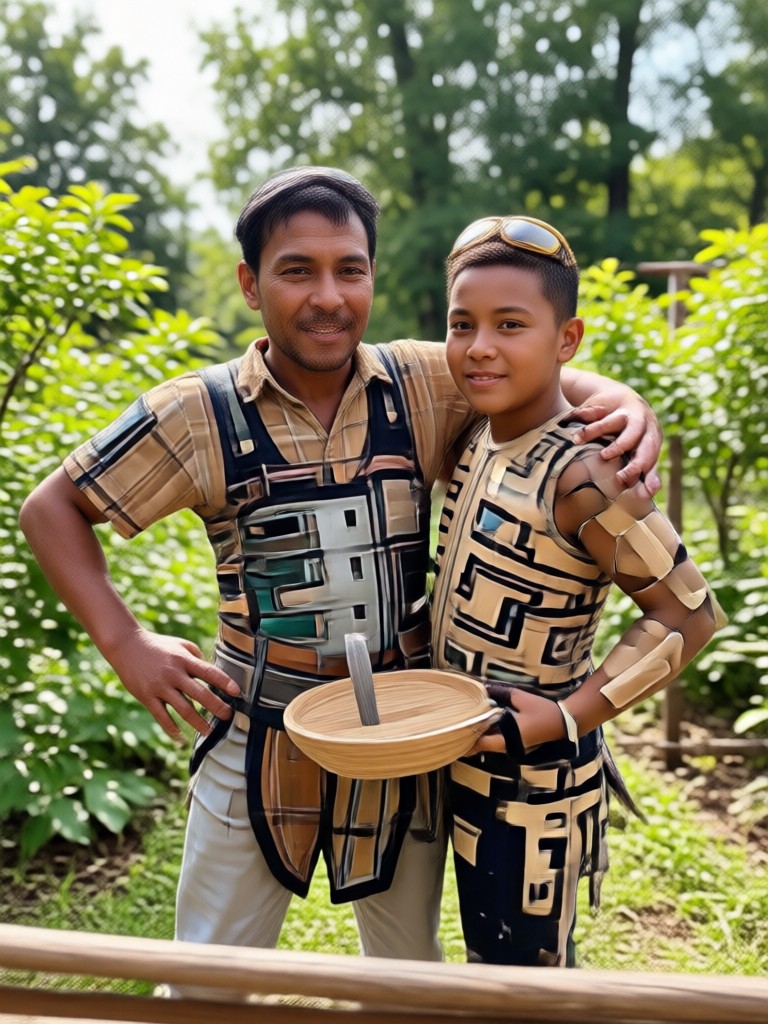
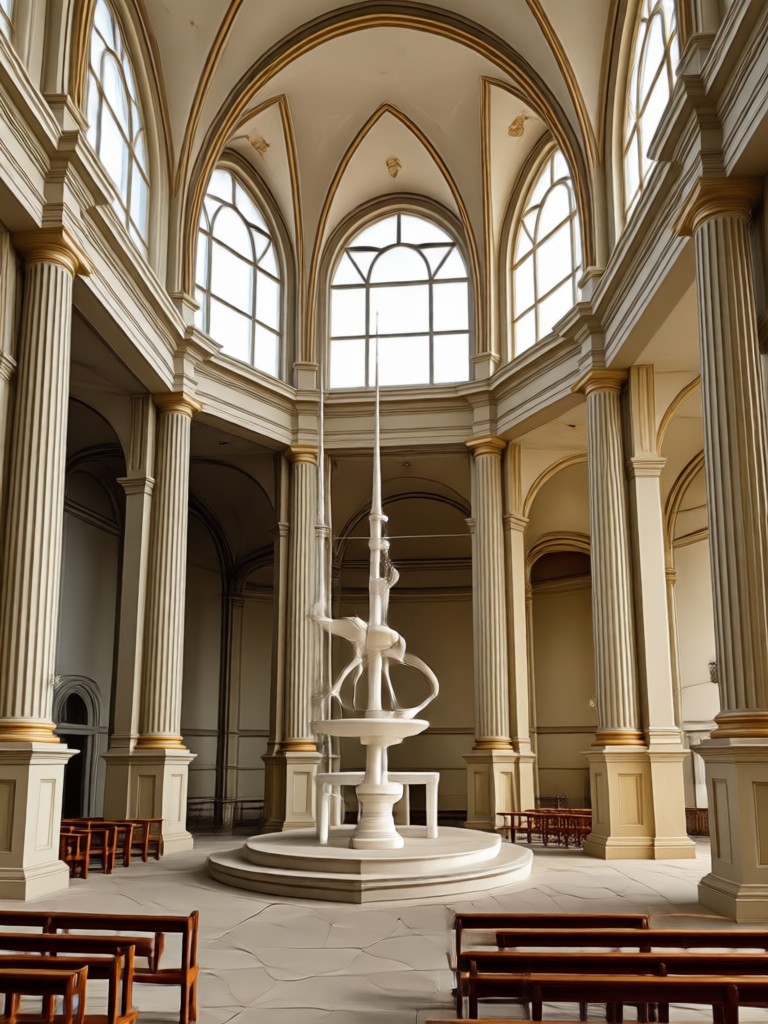
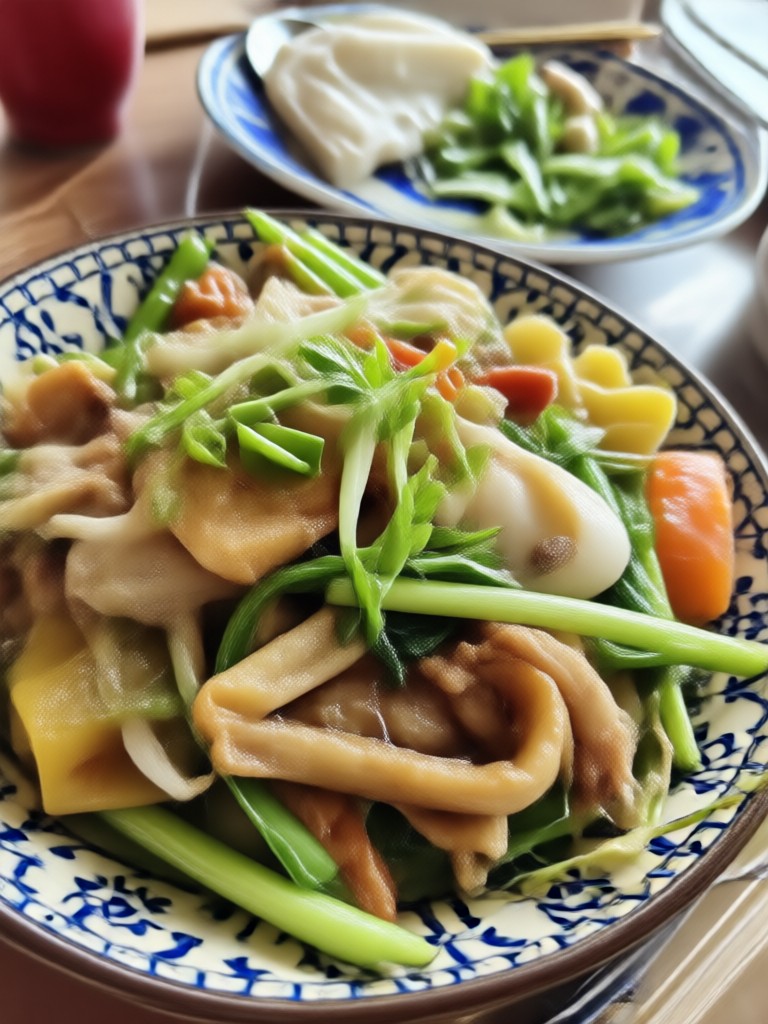
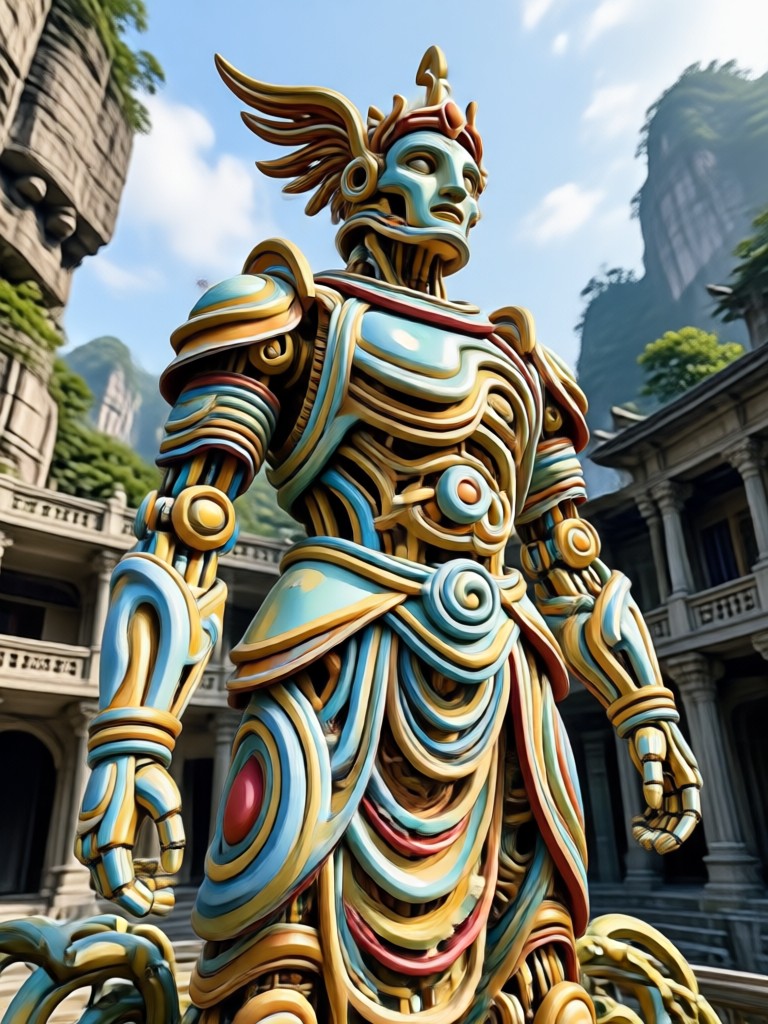
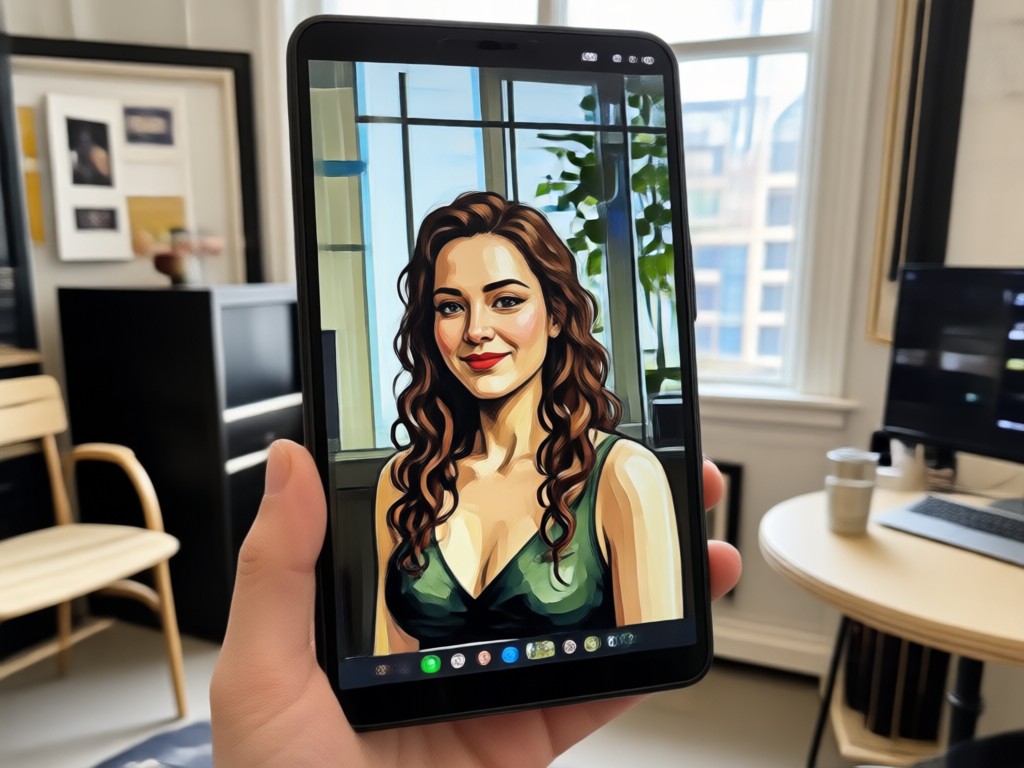
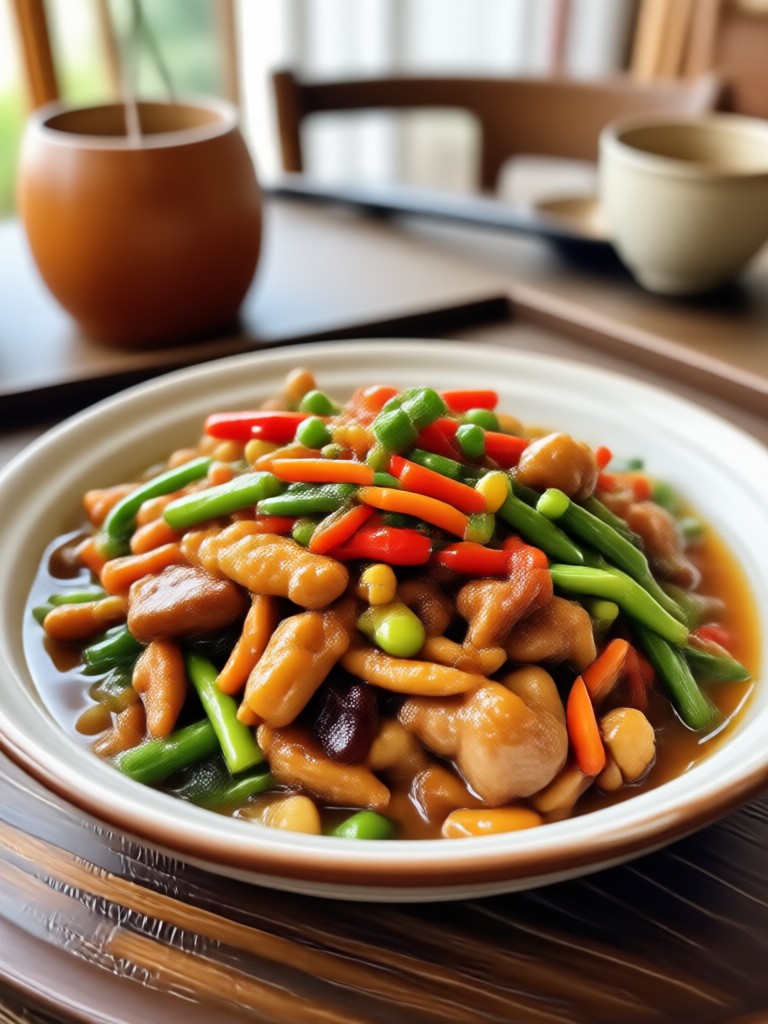
Explore ready-to-use style templates that show how a standard JPG can be turned into eye-catching AI artwork. Each template represents a different style filter available inside the makmak app.
Why Use makmak to Convert JPG To Image
makmak is the fastest way to convert your existing JPG files into new creative images. The app combines a simple interface with powerful AI, so you get professional results without any learning curve.
Why Use makmak to Convert JPG To Image
makmak is the fastest way to convert your existing JPG files into new creative images. The app combines a simple interface with powerful AI, so you get professional results without any learning curve.
Convert JPG To Image Anywhere
All conversion tools run inside the mobile app. No desktop software, no web uploads. Convert photos to new art styles directly from your phone.

Frequently Asked Questions About JPG To Image Conversion
Quick answers to common questions about converting JPG files into new AI images with makmak.
More Topics You May Like
Explore more creative tools and guides to help you get the most out of your AI image conversions.
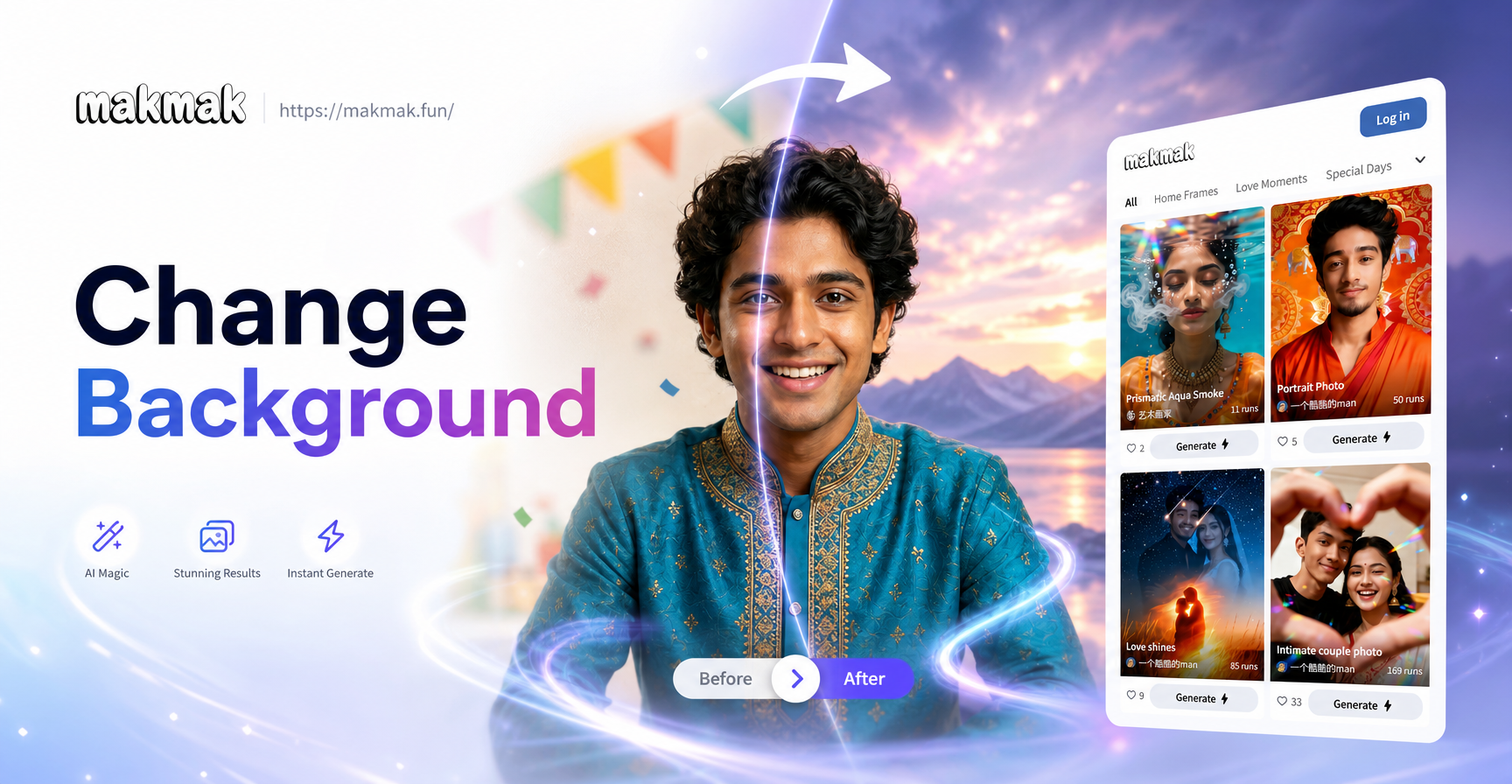
Change Background From Image: AI Photo Editor App

Edit Video With Song: Add Music & Sync Beats in Seconds

Enhance An Image with AI: Sharpen, Upscale & Restore
Remove Background from MP4 Videos Instantly with AI
Change Background From Image: AI Photo Editor App
Edit Video With Song: Add Music & Sync Beats in Seconds
Enhance An Image with AI: Sharpen, Upscale & Restore
Remove Background from MP4 Videos Instantly with AI
Ready to Convert Your JPG Into New Art
Download makmak on Google Play and turn any photo into a stunning new image style in seconds.

Ready to Convert Your JPG Into New Art
Download makmak on Google Play and turn any photo into a stunning new image style in seconds.