Edit Video With Song
Choose the Music Video Style That Fits Your Vibe
Discover filters and templates that pair perfectly with your chosen track. From retro VHS to modern cinematic, find the visual mood that elevates your sound.
Key Features for Editing Video With Music
makmak simplifies the process of adding songs to videos, offering intuitive tools that handle the complex work so you can focus on the vibe and story.
AI Beat Sync
Upload your video and choose a song. The AI analyzes the audio waveform and automatically aligns your video cuts with the bass drops, snare hits, and melody changes, creating a rhythmically perfect edit.
AI Beat Sync
Upload your video and choose a song. The AI analyzes the audio waveform and automatically aligns your video cuts with the bass drops, snare hits, and melody changes, creating a rhythmically perfect edit.
Massive Music Library
Access a vast library of trending tracks and royalty free songs directly within the app. Browse by mood, genre, or popularity to find the perfect audio backdrop for your visual story.
Massive Music Library
Access a vast library of trending tracks and royalty free songs directly within the app. Browse by mood, genre, or popularity to find the perfect audio backdrop for your visual story.
Auto Cinematic Filters
Enhance your video while adding music. Apply one of thousands of AI filters ranging from vintage film grain to futuristic cyberpunk to give your clip a unique, high quality visual style.
Auto Cinematic Filters
Enhance your video while adding music. Apply one of thousands of AI filters ranging from vintage film grain to futuristic cyberpunk to give your clip a unique, high quality visual style.
Explore Music Video Edits Made With makmak
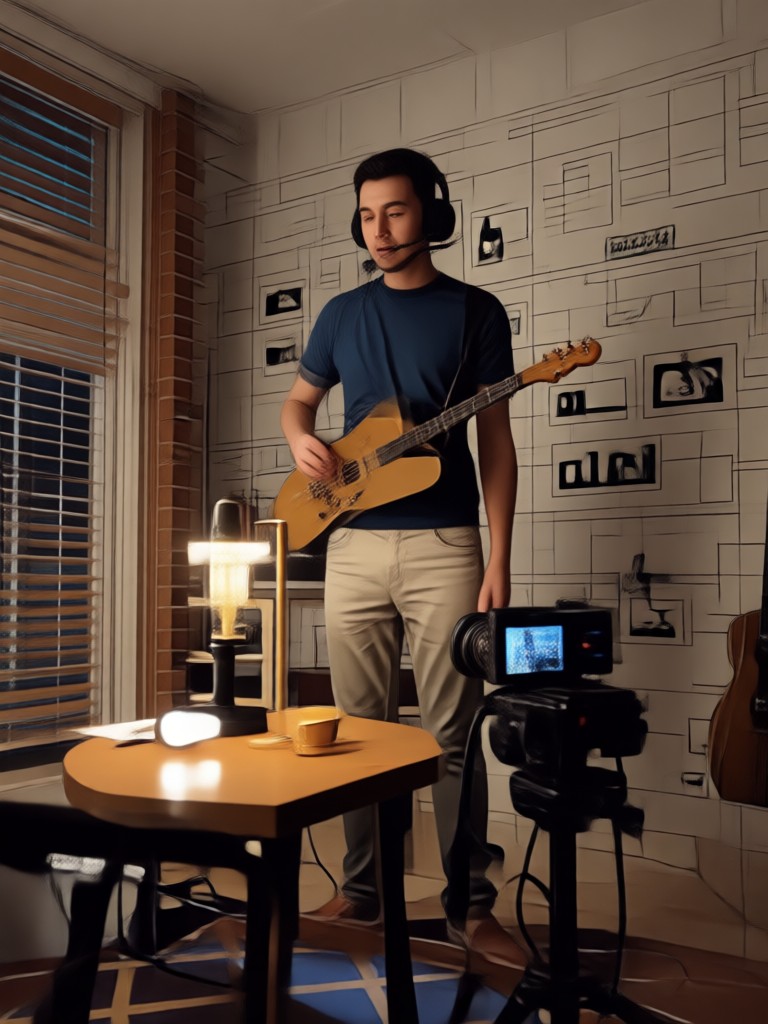
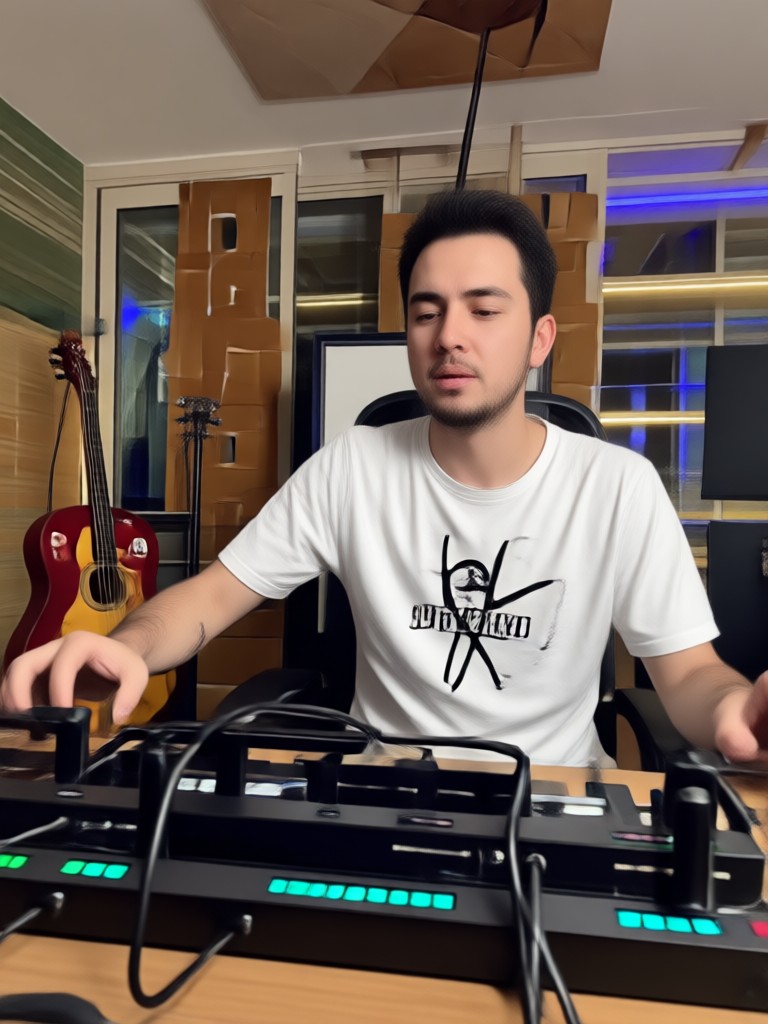
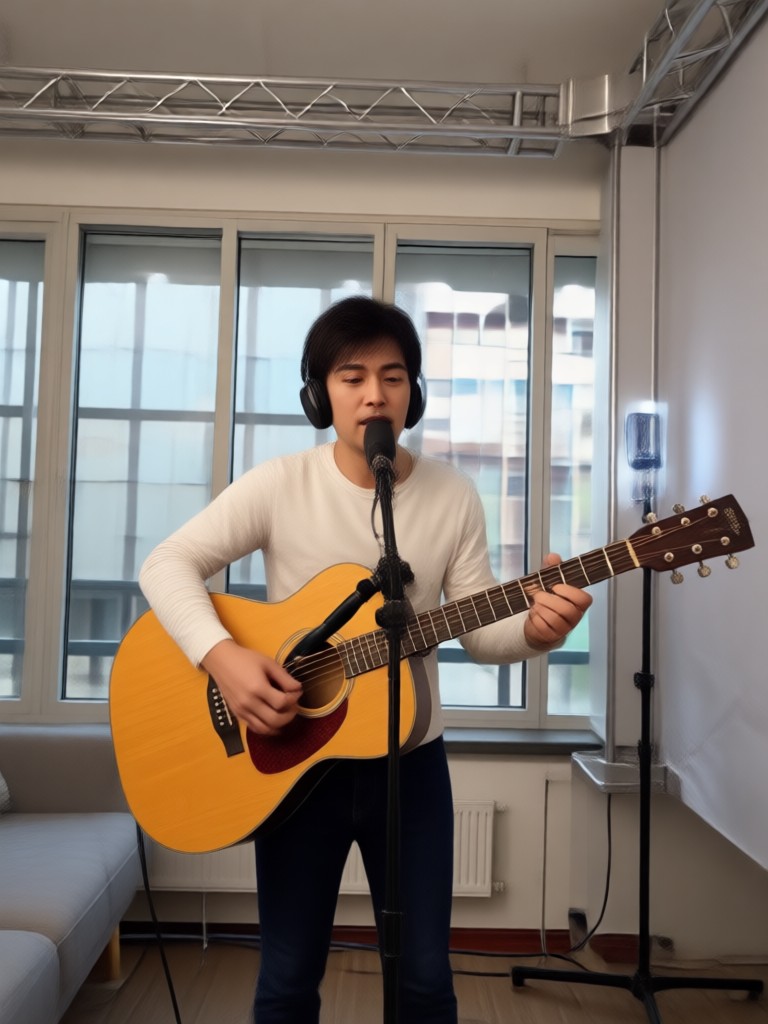
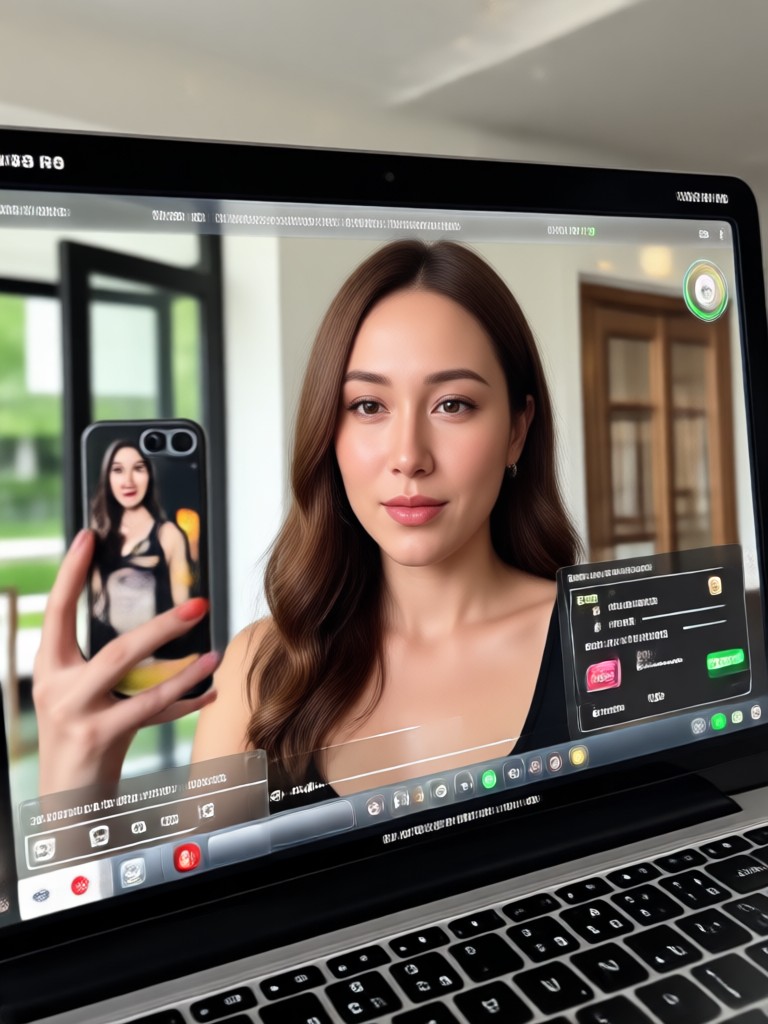
Browse stunning examples of videos edited with songs and AI enhancements. See how beat sync, filters, and creative effects combine to create engaging content.



How to Edit Video With a Song
Follow these three simple steps to add music to your video and create a beat synced edit using the makmak app.

Step 01.
Download the makmak app from Google Play and open it. Upload the video clips you want to edit from your phone gallery.

Step 02.
Choose a song from the built in music library or upload your own audio. Select a style filter or template that matches the mood.

Step 03.
Tap generate. The AI will sync your video to the beat and apply the visual effects. Preview, save, and share your completed music video.
Sync Your Cuts to the Beat Automatically
Stop spending hours manually trimming clips to match the audio. makmak uses advanced AI to detect the rhythm of your selected song and automatically arrange your video segments to create a visually stunning and rhythmically accurate edit. Upload your content and let the algorithm do the heavy lifting.
Creators Who Edit Videos With Songs

Mia Chen
I used to spend forever trying to match my travel clips to trending audio. makmak does it automatically. The beat sync is incredibly accurate and saves me hours on every reel.
Jake Morrison
The music library inside the app is huge. I found the perfect high energy tracks for my workout montages and the AI cut everything perfectly on the drop. Highly recommended.

Sofia Reyes
As a bakery owner, I make quick promo videos. Adding a song and a cute filter takes me less than a minute now. The quality looks like a professional edited it.
Alex Kim
I love making dance videos. The AI not only adds the music but syncs the video transitions to the choreography beats. It makes my videos look so professional.
Mia Chen
I used to spend forever trying to match my travel clips to trending audio. makmak does it automatically. The beat sync is incredibly accurate and saves me hours on every reel.
Jake Morrison
The music library inside the app is huge. I found the perfect high energy tracks for my workout montages and the AI cut everything perfectly on the drop. Highly recommended.
Sofia Reyes
As a bakery owner, I make quick promo videos. Adding a song and a cute filter takes me less than a minute now. The quality looks like a professional edited it.
Alex Kim
I love making dance videos. The AI not only adds the music but syncs the video transitions to the choreography beats. It makes my videos look so professional.
Mia Chen
I used to spend forever trying to match my travel clips to trending audio. makmak does it automatically. The beat sync is incredibly accurate and saves me hours on every reel.
Jake Morrison
The music library inside the app is huge. I found the perfect high energy tracks for my workout montages and the AI cut everything perfectly on the drop. Highly recommended.
Sofia Reyes
As a bakery owner, I make quick promo videos. Adding a song and a cute filter takes me less than a minute now. The quality looks like a professional edited it.
Alex Kim
I love making dance videos. The AI not only adds the music but syncs the video transitions to the choreography beats. It makes my videos look so professional.
Frequently Asked Questions
Find clear answers about editing videos with songs using the makmak AI app.
Ready to Edit Video With Song?
Download makmak now and start creating beat synced music videos with professional filters in just a few taps. Your next viral video is waiting.
Ready to Edit Video With Song?
Download makmak now and start creating beat synced music videos with professional filters in just a few taps. Your next viral video is waiting.