Enhance An Image With AI
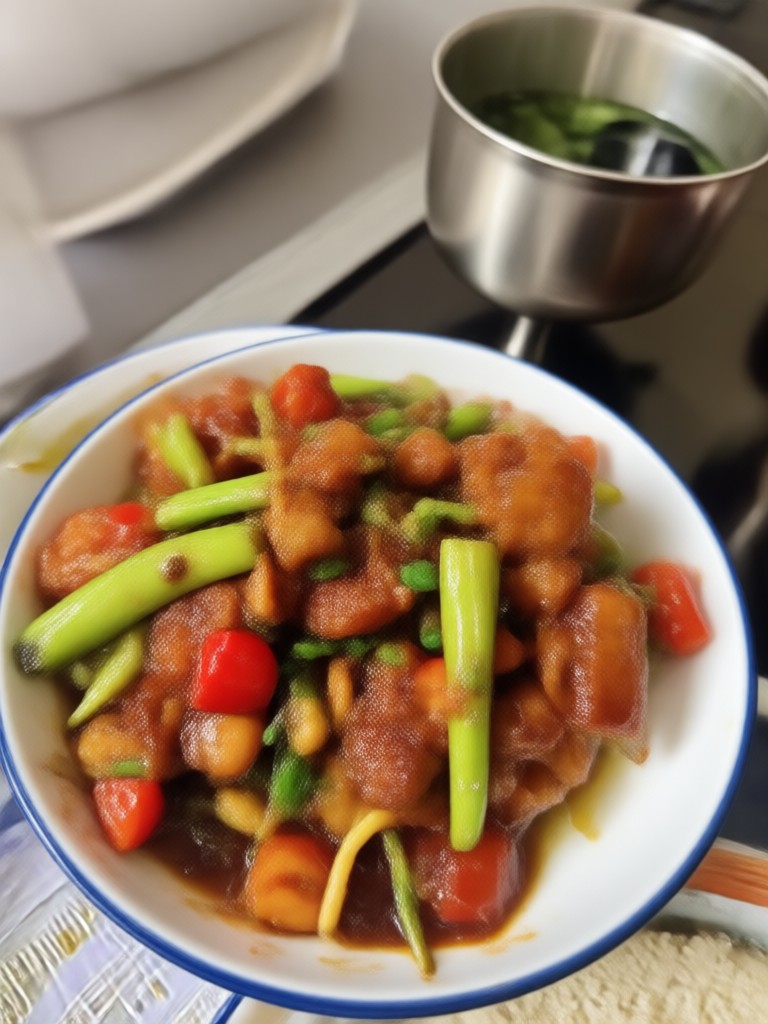
Choose Your Enhancement Style
Discover the perfect filter to improve clarity, color, and resolution for any type of photo.
Key Features of AI Image Enhancement
makmak provides powerful tools to restore and improve every photo. Create stunning, high-definition images with just a few taps on your phone.
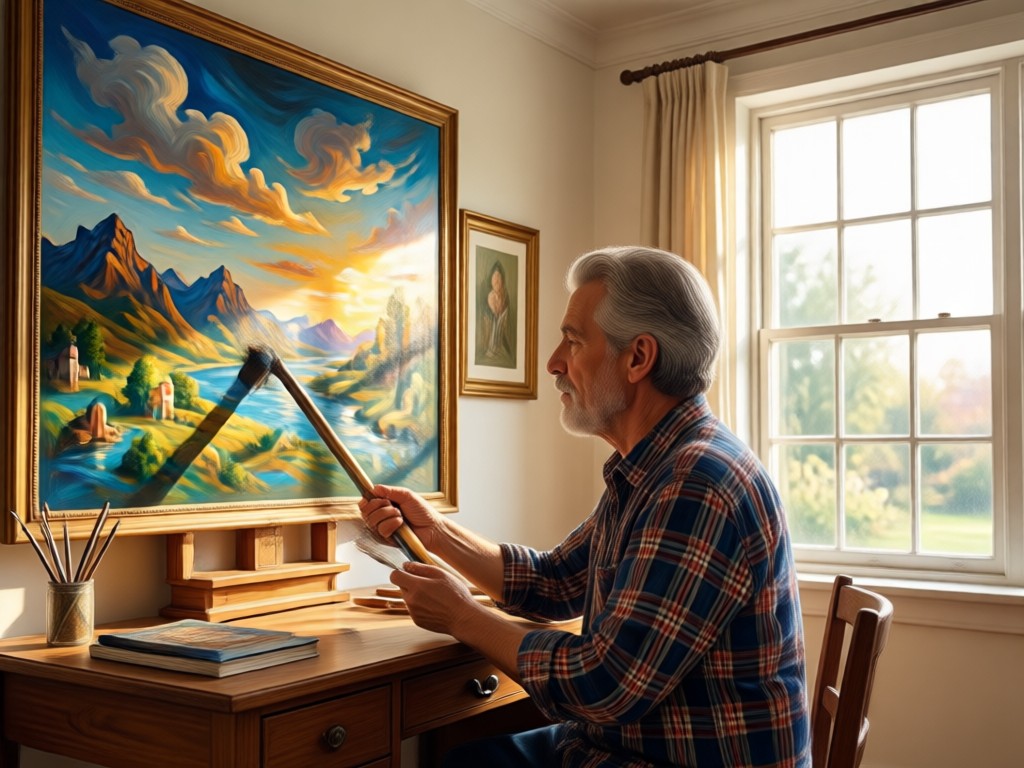
Sharpen and Upscale
Enhance an image by increasing resolution and defining edges. Transform low-resolution or blurry photos into sharp, clear pictures suitable for printing or high-quality social media posts.
Sharpen and Upscale
Enhance an image by increasing resolution and defining edges. Transform low-resolution or blurry photos into sharp, clear pictures suitable for printing or high-quality social media posts.

Restore Old Photos
Bring damaged, faded, or scratched pictures back to life. The AI automatically repairs tears, removes noise, and refreshes colors so you can preserve precious memories in vibrant detail.
Restore Old Photos
Bring damaged, faded, or scratched pictures back to life. The AI automatically repairs tears, removes noise, and refreshes colors so you can preserve precious memories in vibrant detail.
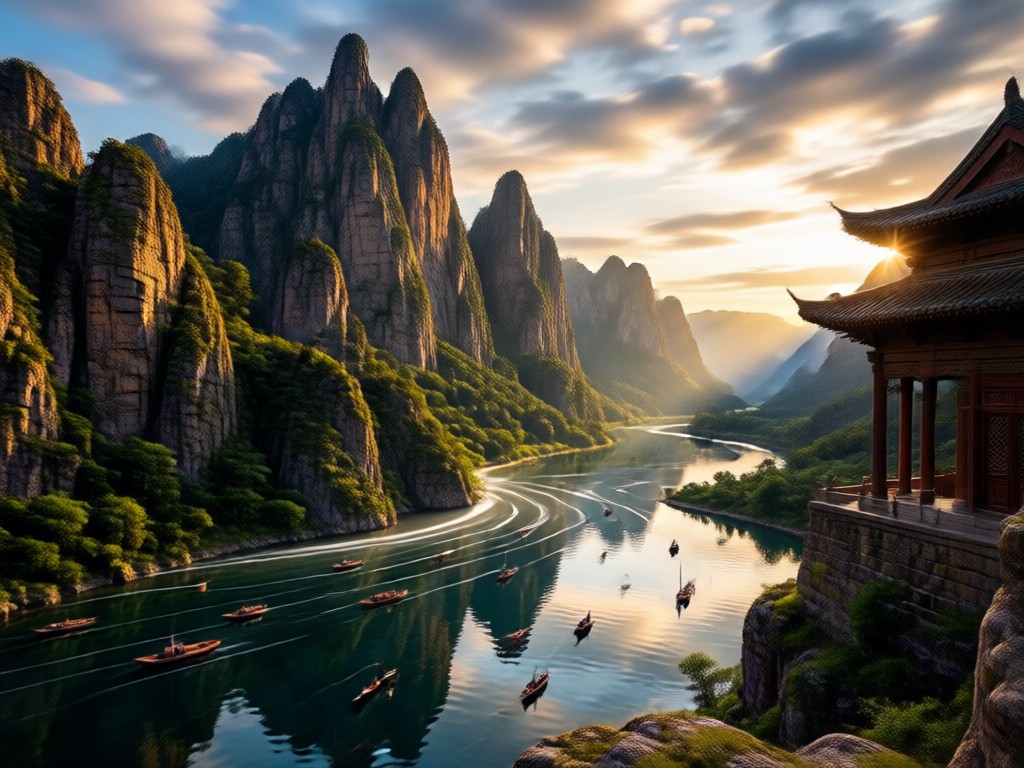
Fix Lighting and Color
Correct underexposed or overexposed shots instantly. makmak balances shadows, highlights, and saturation to enhance an image naturally and bring out the true beauty of every scene.
Fix Lighting and Color
Correct underexposed or overexposed shots instantly. makmak balances shadows, highlights, and saturation to enhance an image naturally and bring out the true beauty of every scene.
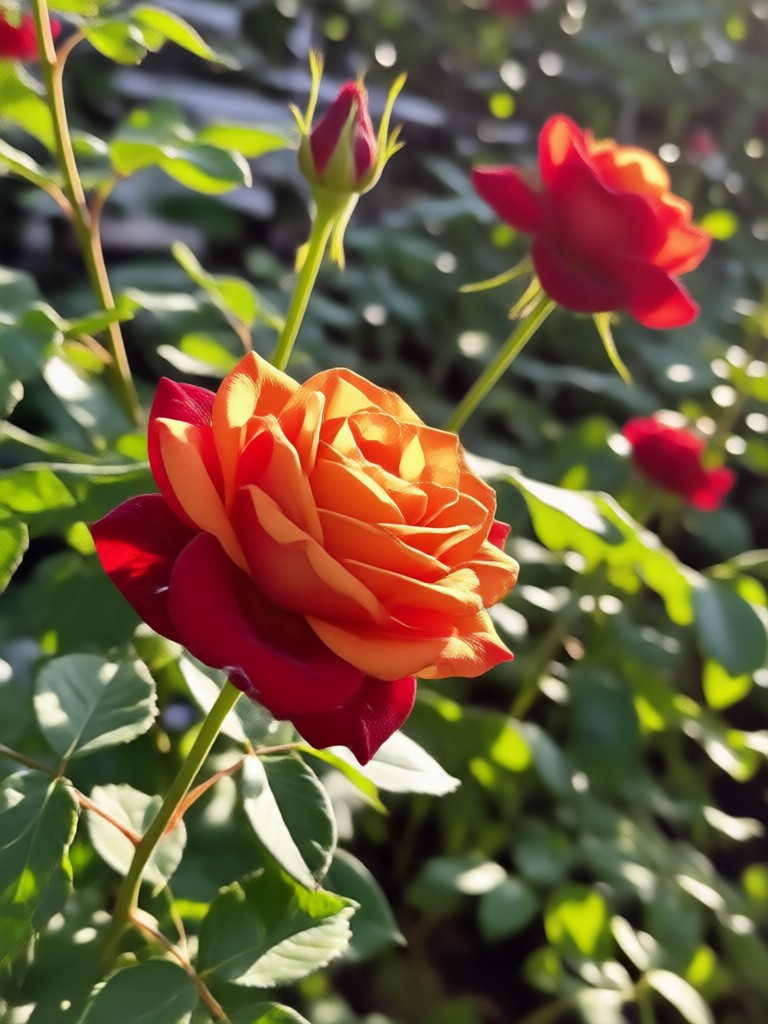
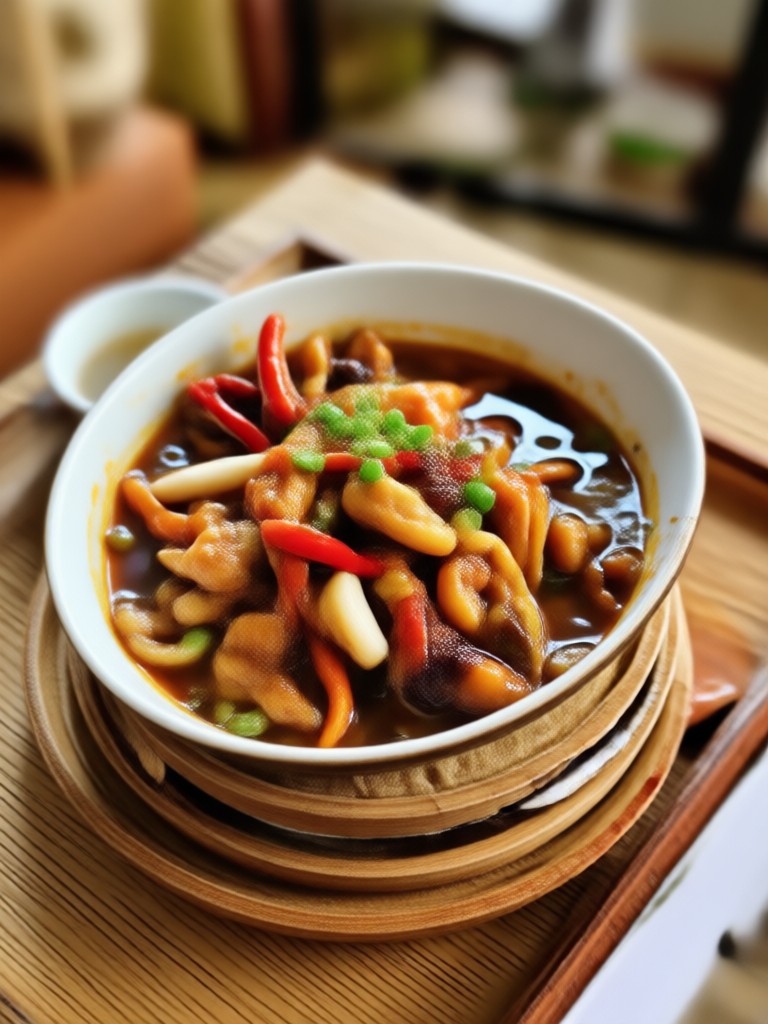
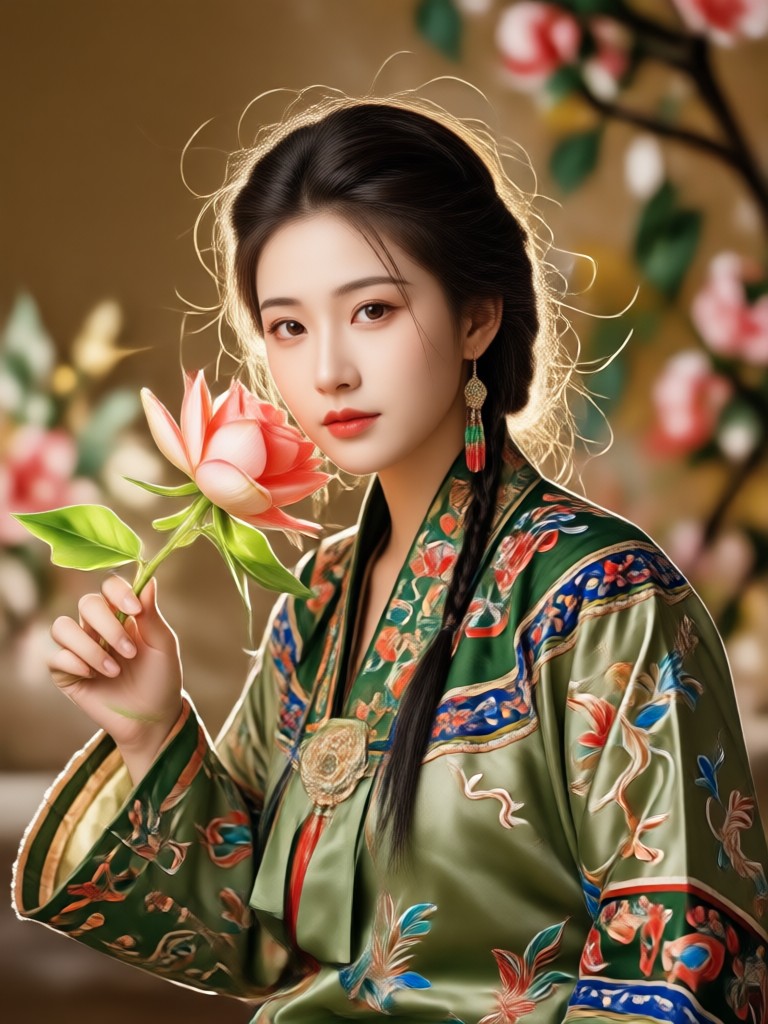
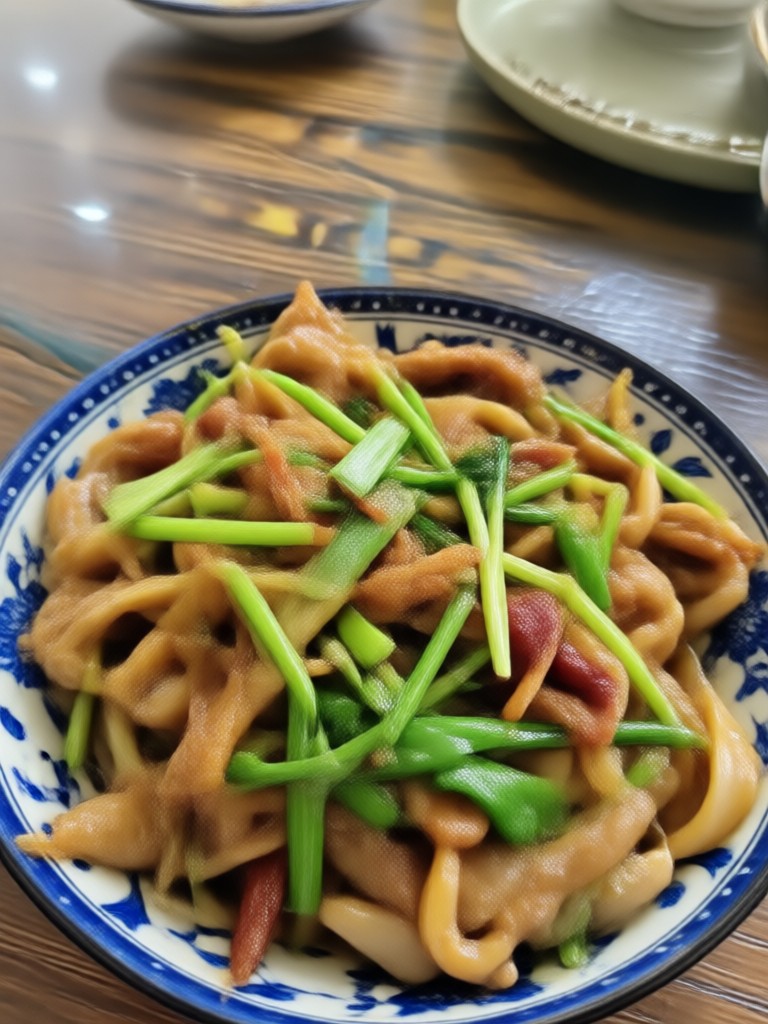
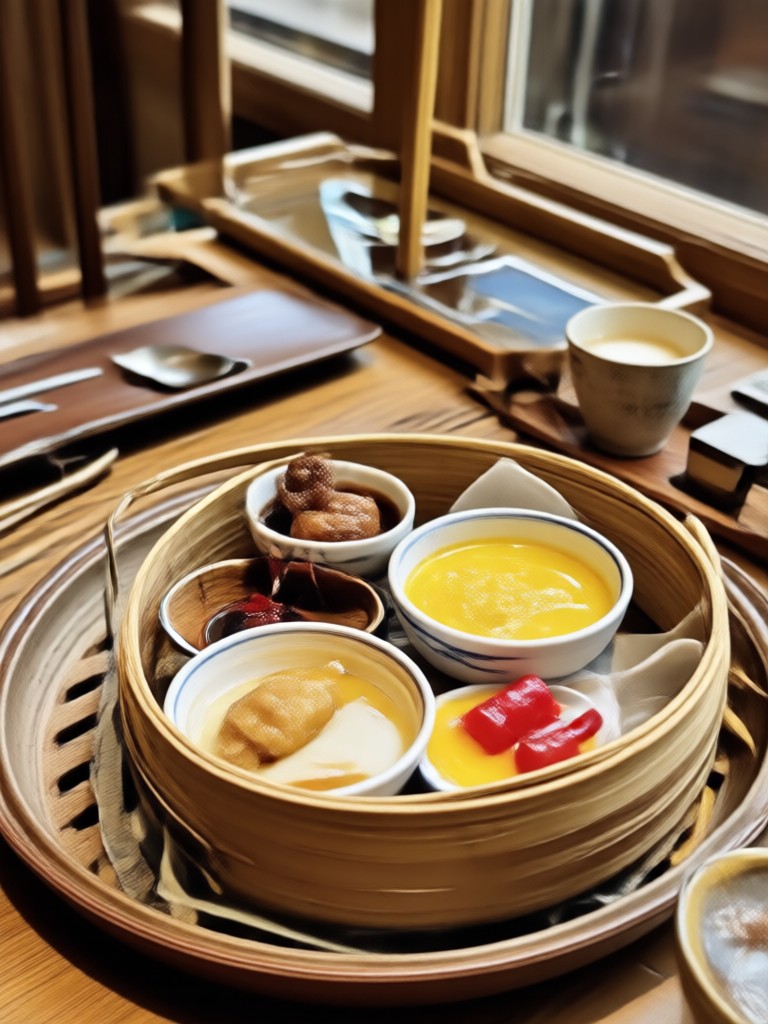
Explore AI Image Enhancement Results
Browse stunning AI-enhanced images created with makmak. See how clear and vibrant your photos can become with the latest artificial intelligence technology.






How to Enhance An Image?
Create high-quality, clear images in just a few simple steps using the makmak mobile app.

Step 01.
Download the makmak app from Google Play and install it on your mobile device. The app is optimized for fast performance on the go.

Step 02.
Upload the image you want to improve. Select from various enhancement filters like sharpen, upscale, or restore to customize your result.

Step 03.
Generate your enhanced image in seconds. Download the high-quality result and share it with friends or on social media.
Who Uses AI Image Enhancement

Louis Yule
I use makmak to enhance an image before posting on Instagram. The sharpening tool makes my product shots look incredibly professional without spending hours in Photoshop.

Mandy Sander
The restoration filters are magical. I scanned old family albums and was amazed at how well the app repaired cracks and brought back the original color in the photos.

Orville Garcia
As a traveler, I often take pictures in bad lighting. This app fixes exposure and noise brilliantly. It is the fastest way to enhance an image on the go.

Sam Green
Uploading high-res listing photos is crucial. I use makmak to upscale my images and ensure they look sharp on every device. It has noticeably boosted my sales.
Louis Yule
I use makmak to enhance an image before posting on Instagram. The sharpening tool makes my product shots look incredibly professional without spending hours in Photoshop.
Mandy Sander
The restoration filters are magical. I scanned old family albums and was amazed at how well the app repaired cracks and brought back the original color in the photos.
Orville Garcia
As a traveler, I often take pictures in bad lighting. This app fixes exposure and noise brilliantly. It is the fastest way to enhance an image on the go.
Sam Green
Uploading high-res listing photos is crucial. I use makmak to upscale my images and ensure they look sharp on every device. It has noticeably boosted my sales.
Louis Yule
I use makmak to enhance an image before posting on Instagram. The sharpening tool makes my product shots look incredibly professional without spending hours in Photoshop.
Mandy Sander
The restoration filters are magical. I scanned old family albums and was amazed at how well the app repaired cracks and brought back the original color in the photos.
Orville Garcia
As a traveler, I often take pictures in bad lighting. This app fixes exposure and noise brilliantly. It is the fastest way to enhance an image on the go.
Sam Green
Uploading high-res listing photos is crucial. I use makmak to upscale my images and ensure they look sharp on every device. It has noticeably boosted my sales.
Frequently Asked Questions
Find clear answers to common questions about enhancing your images with makmak. Learn how to improve picture quality, restore old photos, and get the best results.
Ready to Enhance Your Images?
Download makmak now and turn your low-quality photos into stunning high-definition memories. Enhance an image with just a single tap.
Ready to Enhance Your Images?
Download makmak now and turn your low-quality photos into stunning high-definition memories. Enhance an image with just a single tap.