Remove Background Mp4

Related AI Editing Tools
Explore other smart filters and tools that pair perfectly with background removal for MP4 files.
Professional MP4 Background Removal Tools
Designed for creators who need clean results without complex timelines.

Automatic Subject Detection
Upload an MP4 and the AI scans every frame to separate people, products, or animals from the background automatically.
Automatic Subject Detection
Upload an MP4 and the AI scans every frame to separate people, products, or animals from the background automatically.

Green Screen Replacement
Swap out any messy or solid background for a new photo, a gradient, or a transparent canvas to use in your editing software.
Green Screen Replacement
Swap out any messy or solid background for a new photo, a gradient, or a transparent canvas to use in your editing software.

High Quality Export
Remove backgrounds without losing clarity. Export your edited MP4 in high resolution ready for social media or client delivery.
High Quality Export
Remove backgrounds without losing clarity. Export your edited MP4 in high resolution ready for social media or client delivery.
MP4 Background Removal Results
See how creators use makmak to isolate subjects and replace empty backgrounds in their videos.











How to Remove Background from MP4?
Clean up your video clips in three simple steps using makmak.

Step 01.
Download the makmak app from Google Play and open the video background remover tool.

Step 02.
Upload your MP4 file from your gallery and let the AI scan the video to detect the main subject.

Step 03.
Choose a new background or keep it transparent, then export the clean MP4 to your device.

Why Creators Use makmak for MP4 Background Removal
Traditional background removal requires expensive desktop software and hours of masking. makmak brings the same power to your phone. The AI handles moving subjects, hair, and complex edges automatically. You get a clean cutout every time without learning complicated editing tools. Perfect for sellers, marketers, and everyday creators who need fast results.
Why Creators Use makmak for MP4 Background Removal
Traditional background removal requires expensive desktop software and hours of masking. makmak brings the same power to your phone. The AI handles moving subjects, hair, and complex edges automatically. You get a clean cutout every time without learning complicated editing tools. Perfect for sellers, marketers, and everyday creators who need fast results.

Remove Background from Any MP4 on Android
Take your video edits mobile. No computer required. Just download makmak and start removing backgrounds from your MP4 clips instantly.

MP4 Background Removal FAQ
Answers to the most common questions about removing backgrounds from MP4 videos.
More Topics You May Like
Explore more video editing guides and AI features from makmak.

Turn Any Clip Into a GIF in Seconds
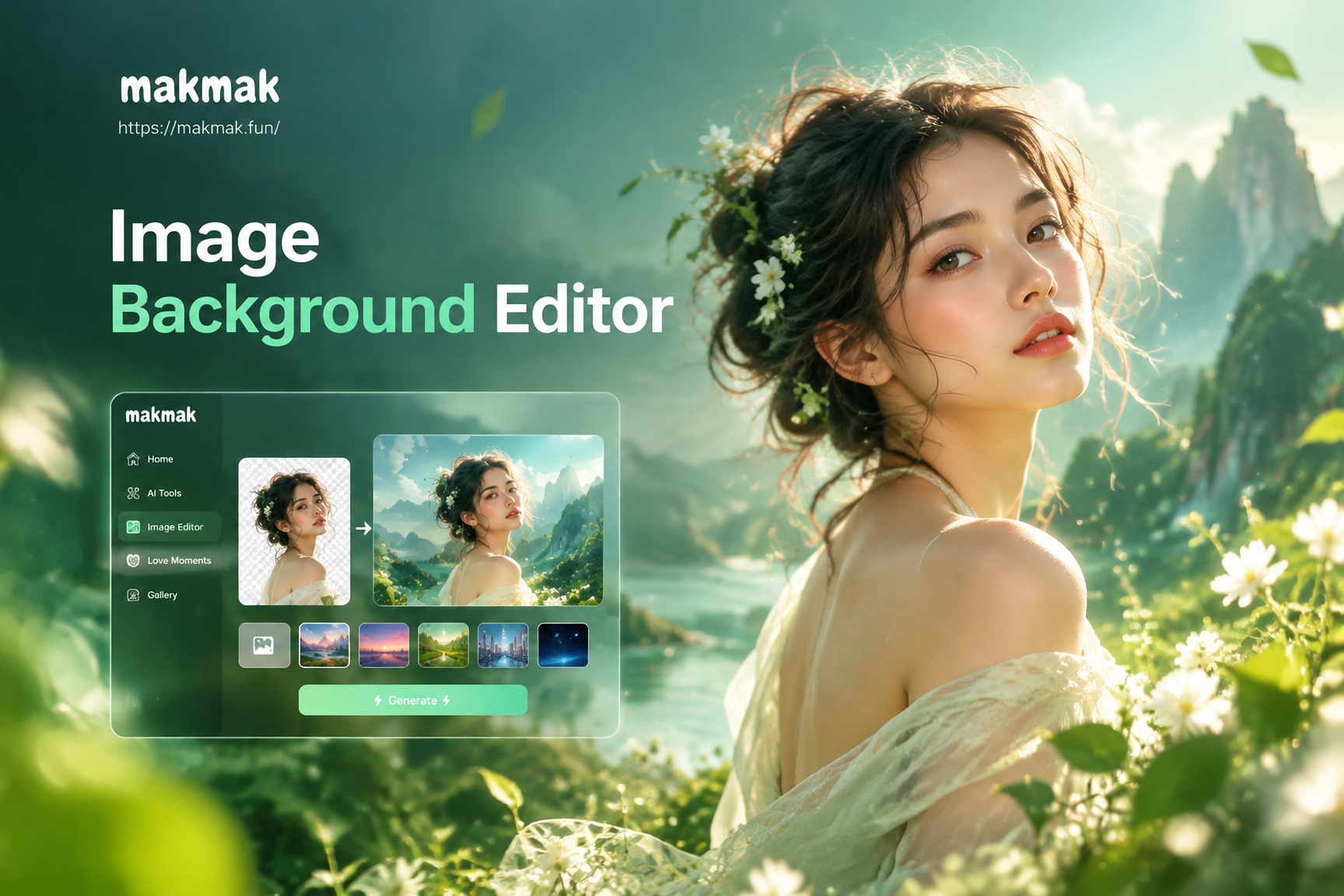
Image Background Editor: Change Photo Backgrounds in Seconds
Turn Photos Into Cartoons: AI Filter App
Turn Still Photos into Motion with AI Video Generator
Turn Any Clip Into a GIF in Seconds
Image Background Editor: Change Photo Backgrounds in Seconds
Turn Photos Into Cartoons: AI Filter App
Turn Still Photos into Motion with AI Video Generator
Ready to Remove Backgrounds from MP4?
Join creators who edit smarter. Download makmak and turn any messy video into a clean, professional clip in minutes.
Ready to Remove Backgrounds from MP4?
Join creators who edit smarter. Download makmak and turn any messy video into a clean, professional clip in minutes.