Create A Gif From Video
Popular GIF Conversion Styles
Discover trending filters that make your video to GIF conversions stand out. From cinematic loops to playful animations, find the right look for every moment.
Why Use makmak to Convert Video to GIF
makmak simplifies GIF creation with powerful AI tools built for speed and quality. Whether you are making reaction GIFs or stylized loops, the process takes seconds on your phone.
High Quality Preservation
Convert video to GIF without losing the crisp details of your original clip. Our AI maintains smooth motion and rich colors, so your GIFs look sharp on any screen or messaging platform.
High Quality Preservation
Convert video to GIF without losing the crisp details of your original clip. Our AI maintains smooth motion and rich colors, so your GIFs look sharp on any screen or messaging platform.
Custom Style Filters
Apply over a million style templates to your GIF. Turn a video clip into a retro cartoon, a cinematic loop, or an artistic animation. The style transfer keeps your subject recognizable while changing the visual mood.
Custom Style Filters
Apply over a million style templates to your GIF. Turn a video clip into a retro cartoon, a cinematic loop, or an artistic animation. The style transfer keeps your subject recognizable while changing the visual mood.
One Tap Sharing
Generate a GIF from video and share it directly to your favorite social apps. Save time with a workflow designed for mobile creators who need fast results without complicated software.
One Tap Sharing
Generate a GIF from video and share it directly to your favorite social apps. Save time with a workflow designed for mobile creators who need fast results without complicated software.
GIF Creations Made From Video
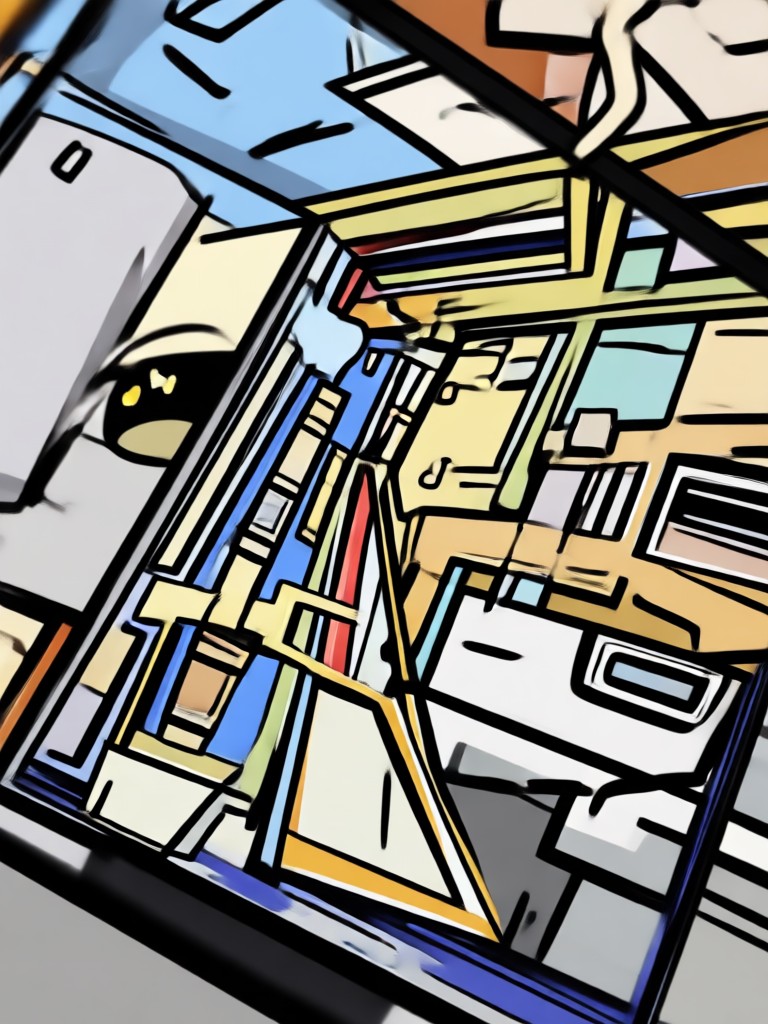
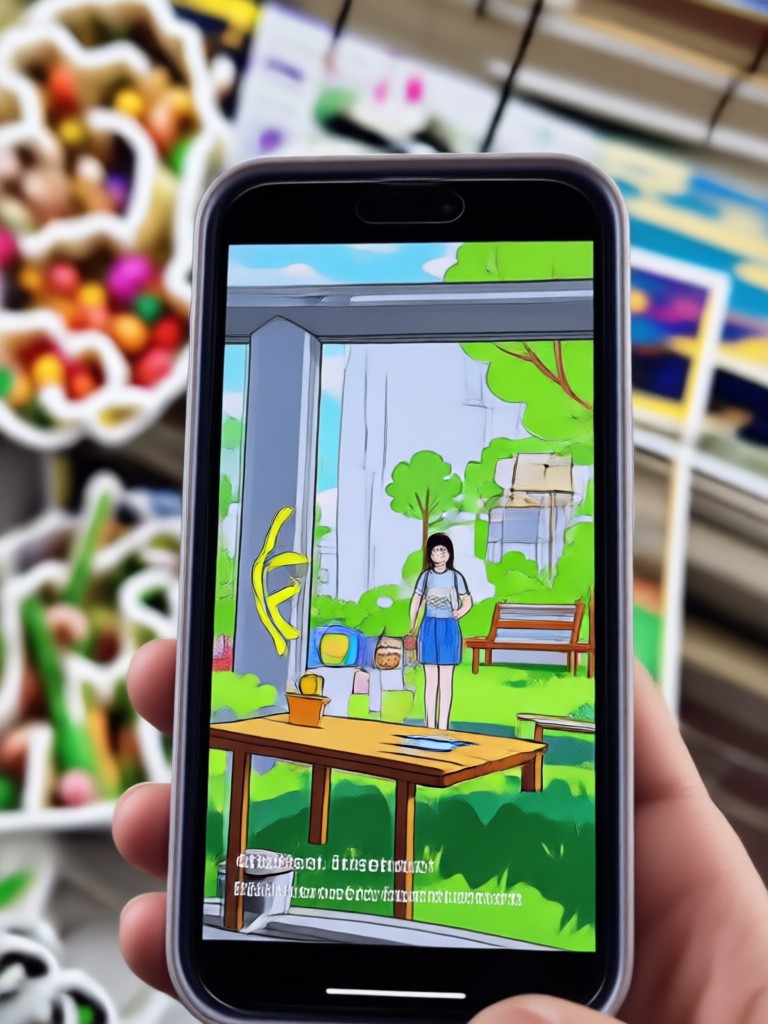
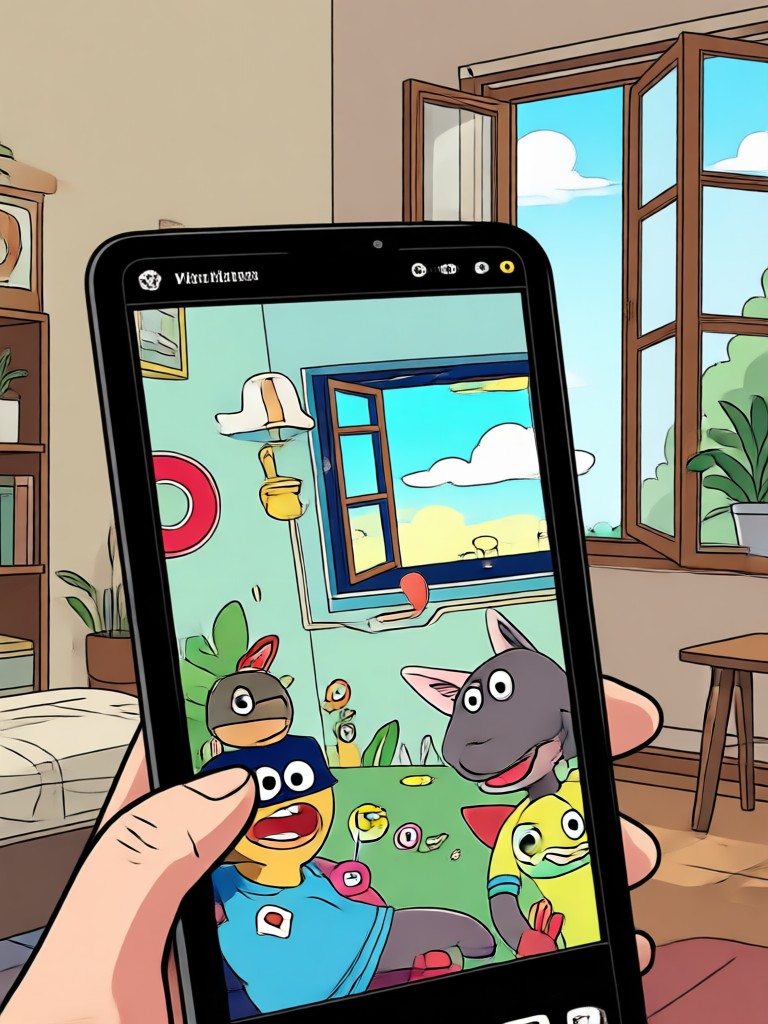
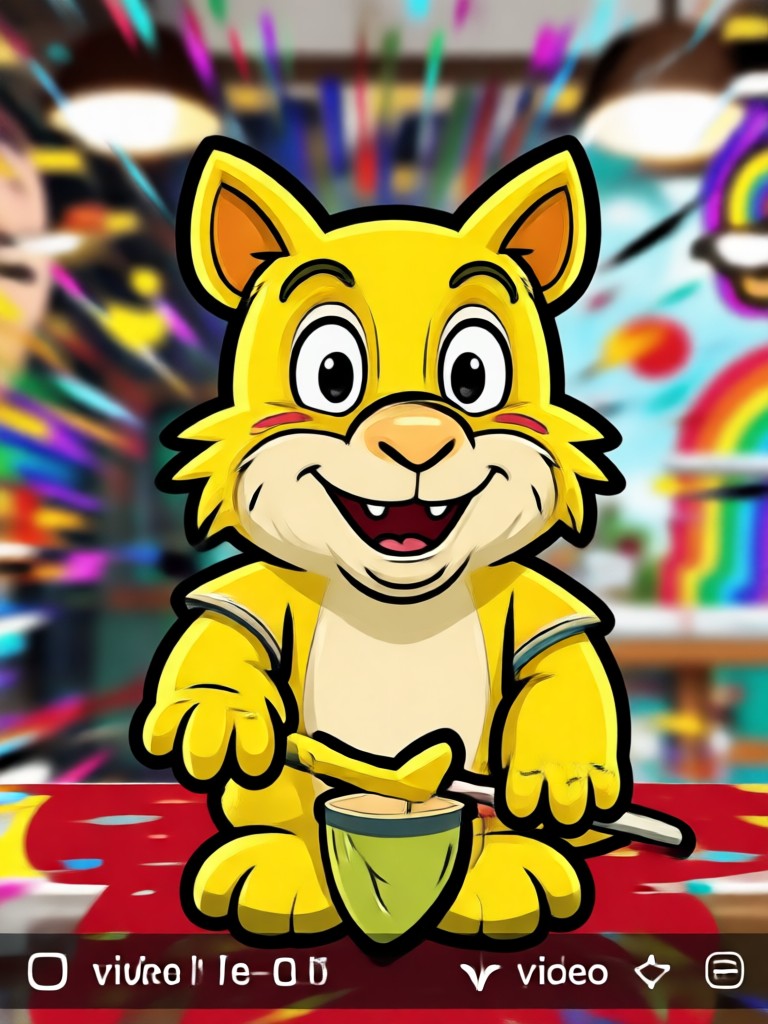
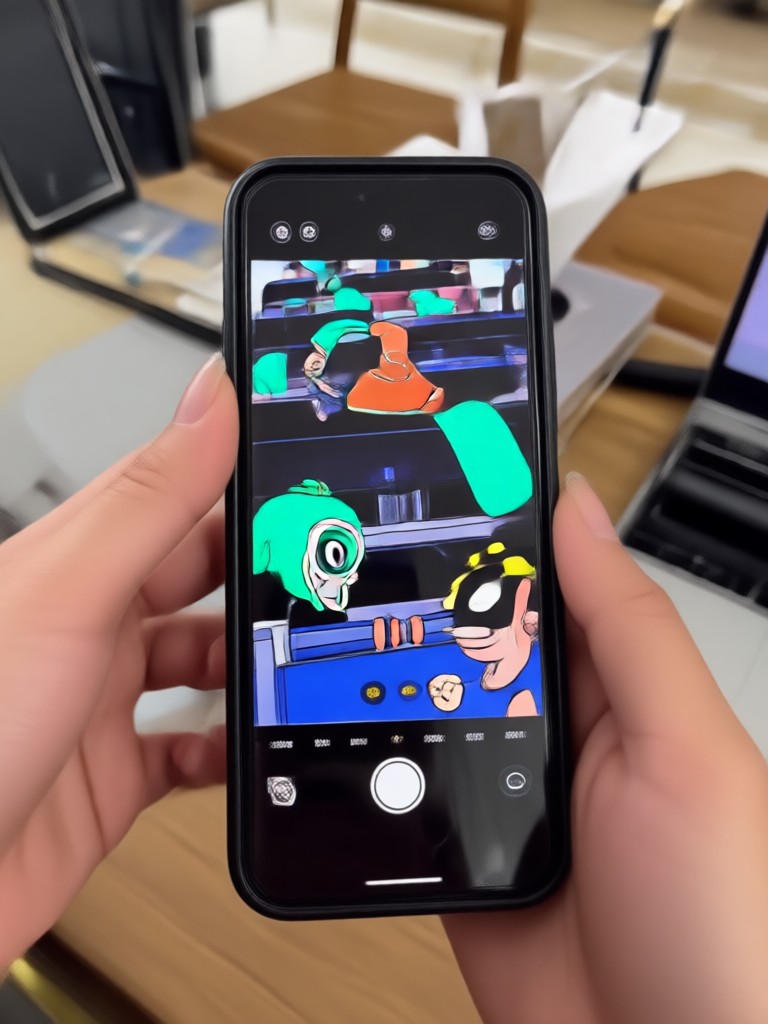
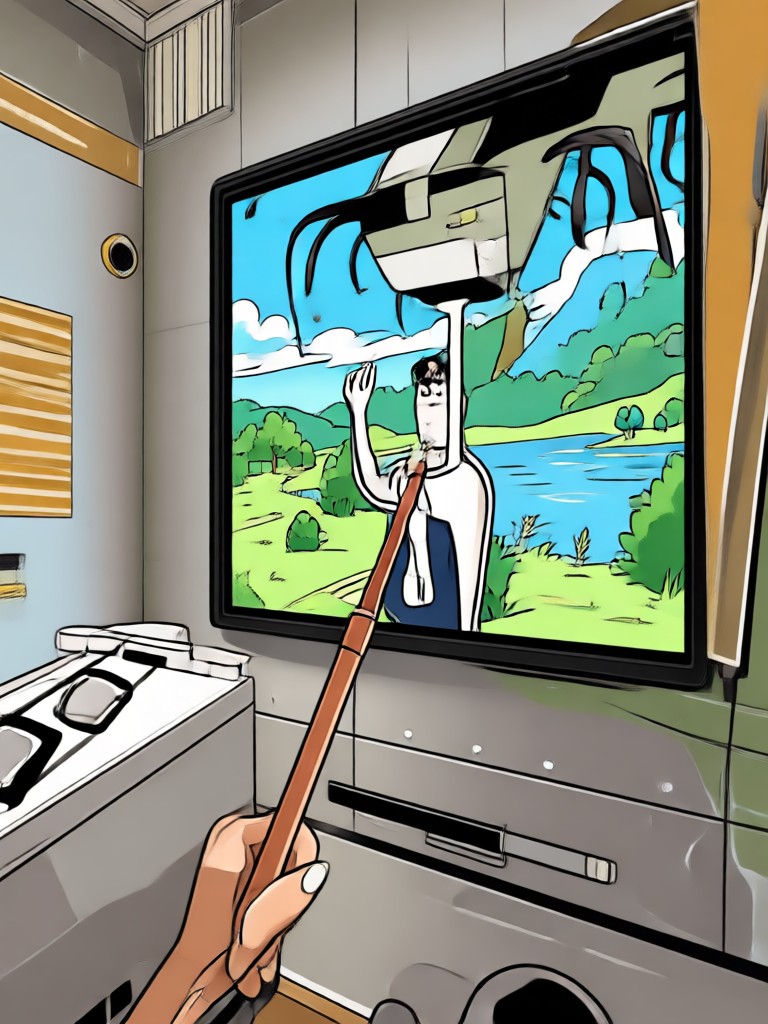
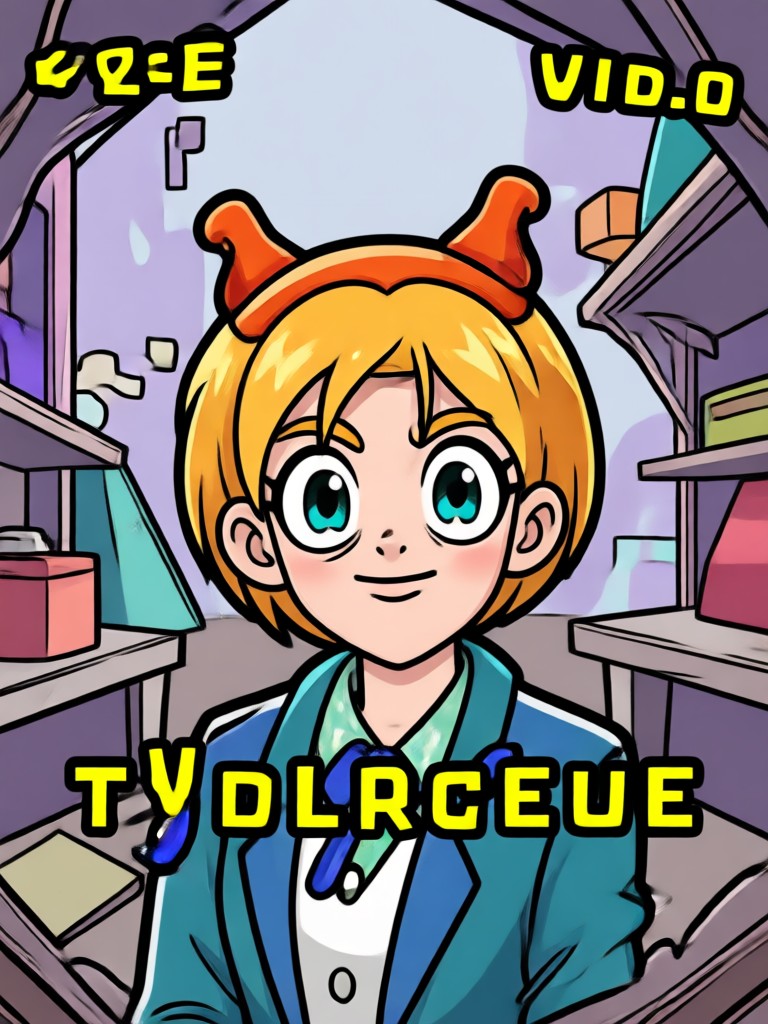
Browse examples of GIFs generated from video clips using makmak. Each sample shows how AI enhances motion, applies unique styles, and turns everyday footage into loopable art.


The Easiest Way to Turn Videos Into GIFs
Most video to GIF converters require desktop software or complex timeline editing. makmak puts the entire process on your phone. Upload a clip, pick a filter, and get a ready-to-share GIF in seconds. The AI understands motion, so your loops stay smooth and your subjects stay clear.
The Easiest Way to Turn Videos Into GIFs
Most video to GIF converters require desktop software or complex timeline editing. makmak puts the entire process on your phone. Upload a clip, pick a filter, and get a ready-to-share GIF in seconds. The AI understands motion, so your loops stay smooth and your subjects stay clear.
How to Create a GIF From Video
Follow these three simple steps to make your own GIF from a video using the makmak app.

Step 01.
Download the makmak app from Google Play and open the video to GIF tool on the home screen.

Step 02.
Upload a video clip from your gallery or record a new one. Choose any style filter you like to customize the GIF.

Step 03.
Tap generate and watch your video become a GIF. Save it to your device or share it instantly on social media.
Create a GIF From Video on Your Phone
makmak is available on Google Play. Convert clips to GIFs, apply viral effects, and save your creations in HD quality all from one app.

What Creators Say About makmak
Perfect for quick social GIFs
I make GIFs for my brand every week. makmak lets me turn a product video into a clean loop in under a minute. The style filters make my content look professional without any design work.
Finally a mobile GIF tool that works
I tried desktop converters before and they were too slow. makmak is fast and the GIFs come out smooth. I use it for reaction GIFs and my friends always ask how I made them.
Great for stylized animations
The anime and cartoon filters are amazing. I convert short clips from my travels into GIF art and post them on my feed. The quality is much better than other apps I have tried.
Frequently Asked Questions
Find clear answers about creating GIFs from videos with makmak. Learn about formats, quality, length limits, and sharing options.
More Topics You May Like
Explore more creative tools and guides to expand your AI video and image skills.
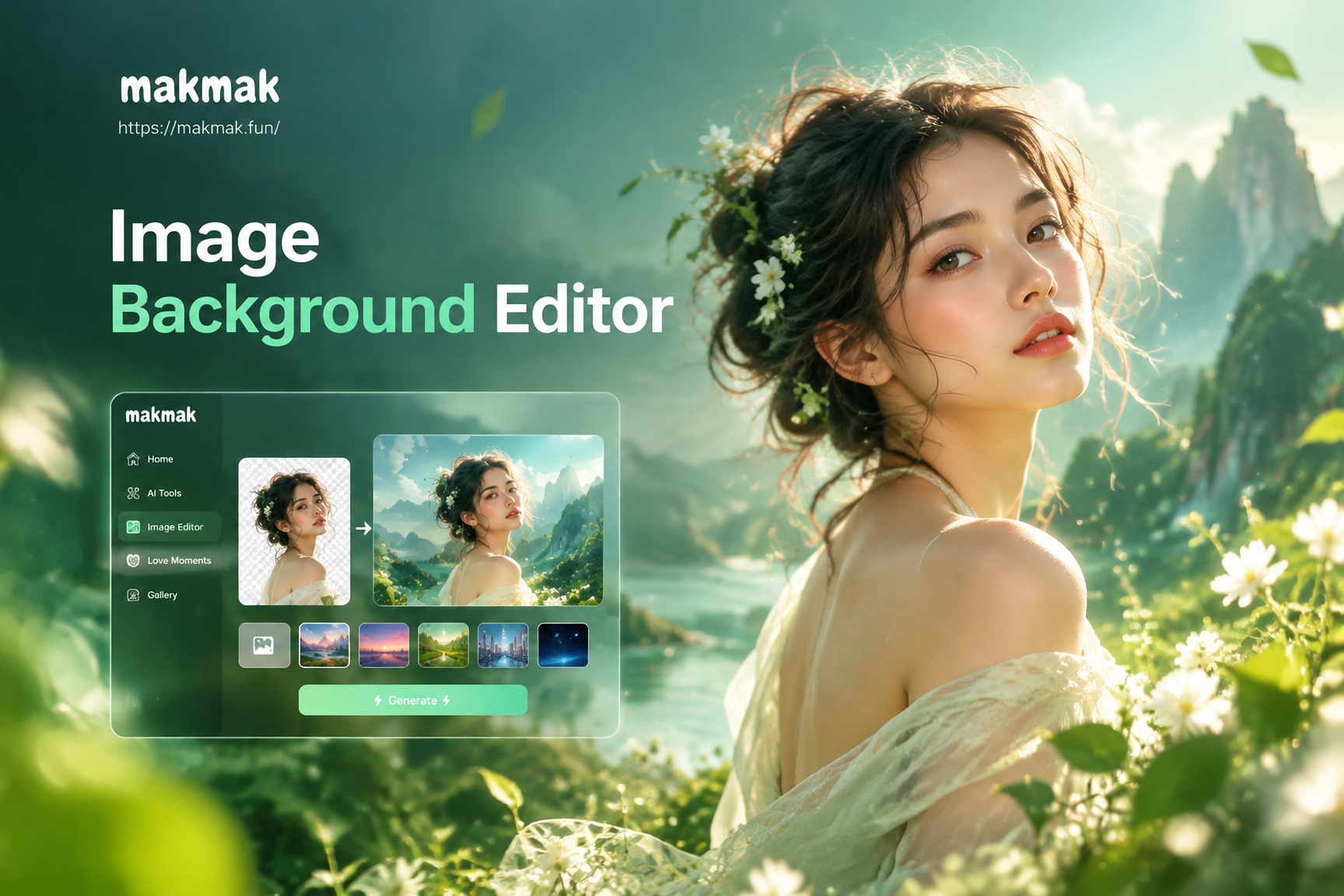
Image Background Editor: Change Photo Backgrounds in Seconds
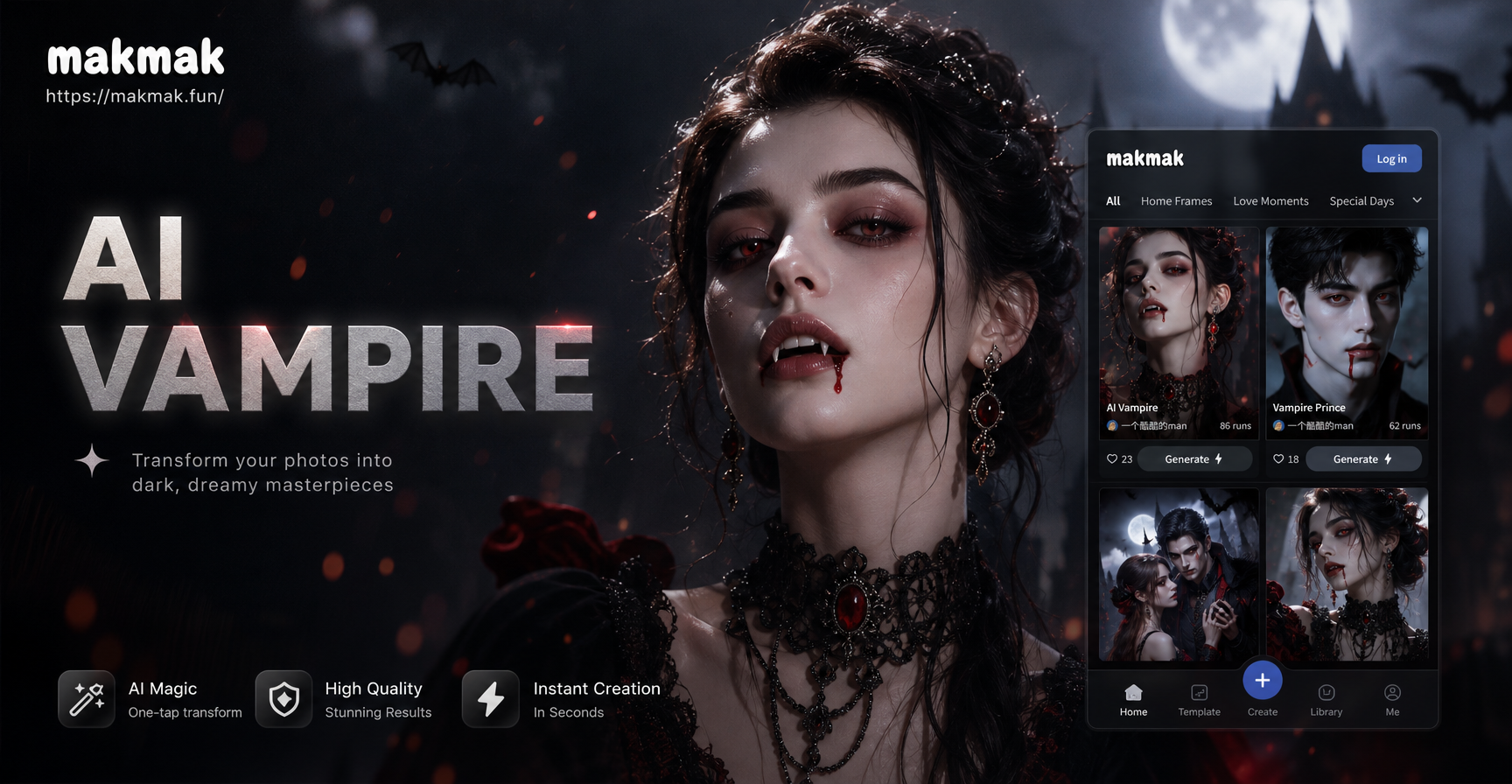
AI Vampire Filter: Turn Yourself into a Vampire
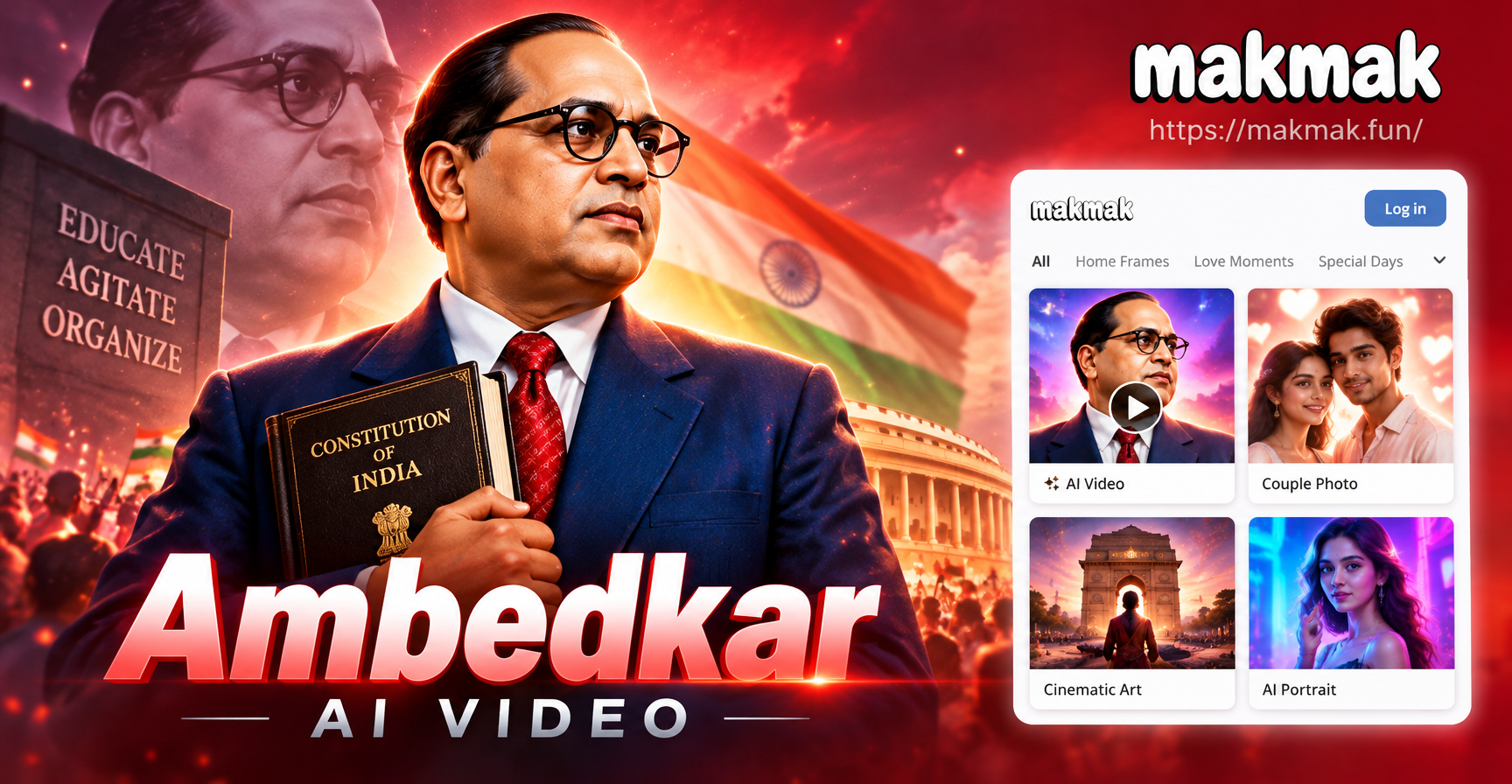
Create Ambedkar AI Video Tributes in Minutes
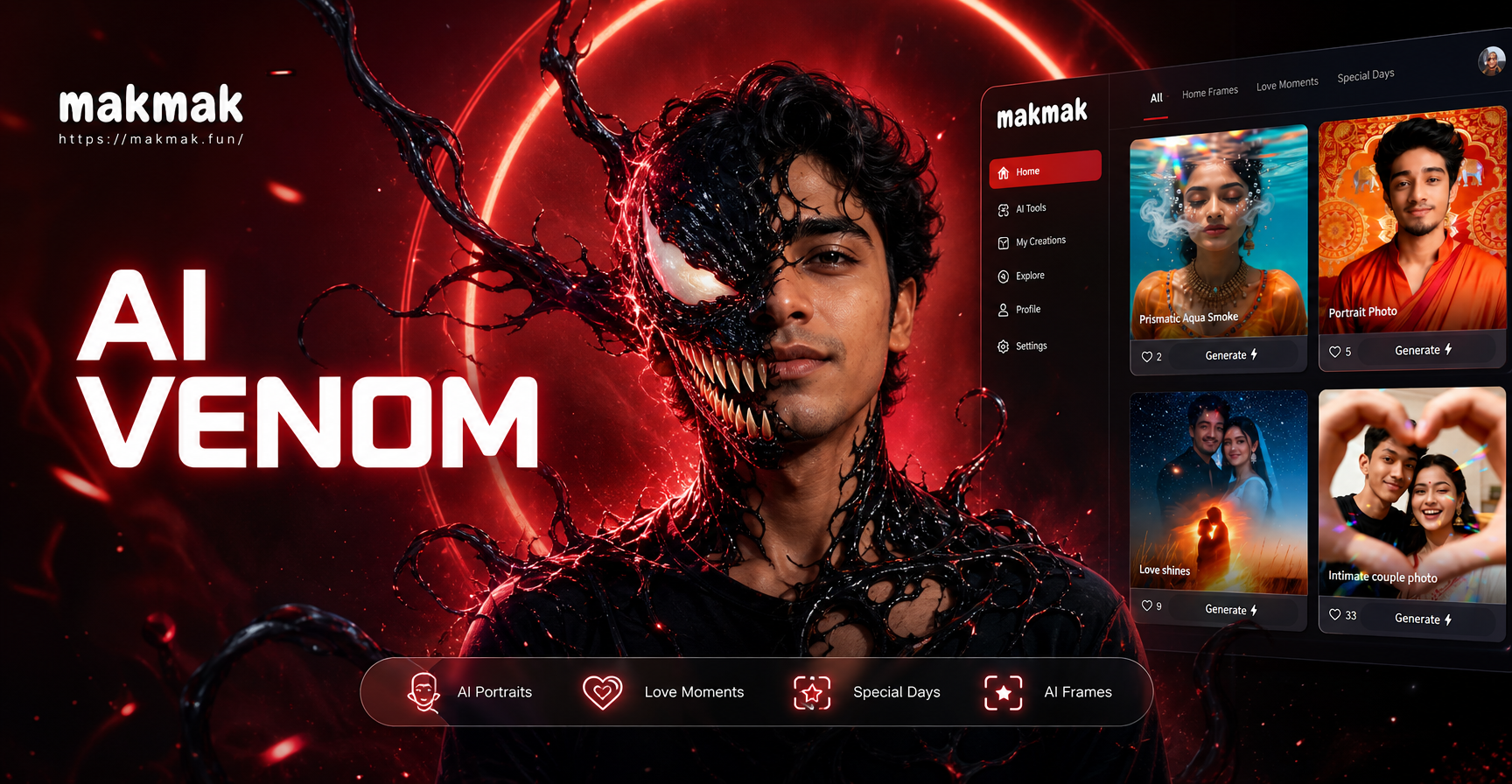
Morph Into Venom With This AI Filter
Image Background Editor: Change Photo Backgrounds in Seconds
AI Vampire Filter: Turn Yourself into a Vampire
Create Ambedkar AI Video Tributes in Minutes
Morph Into Venom With This AI Filter
Turn Videos Into GIFs Today
Download makmak and start creating shareable GIFs from your favorite clips. Fast, simple, and ready for social media.
Turn Videos Into GIFs Today
Download makmak and start creating shareable GIFs from your favorite clips. Fast, simple, and ready for social media.