Image Background Editor

Choose the Perfect Background Style
Discover a wide range of style filters that perfectly match your background editing needs. From clean studio backdrops to exotic travel scenes, find the ideal setting for your photo.
Key Features of AI Image Background Editor
Powerful editing tools that make background replacement simple, fast, and incredibly realistic. Create the perfect image every time.
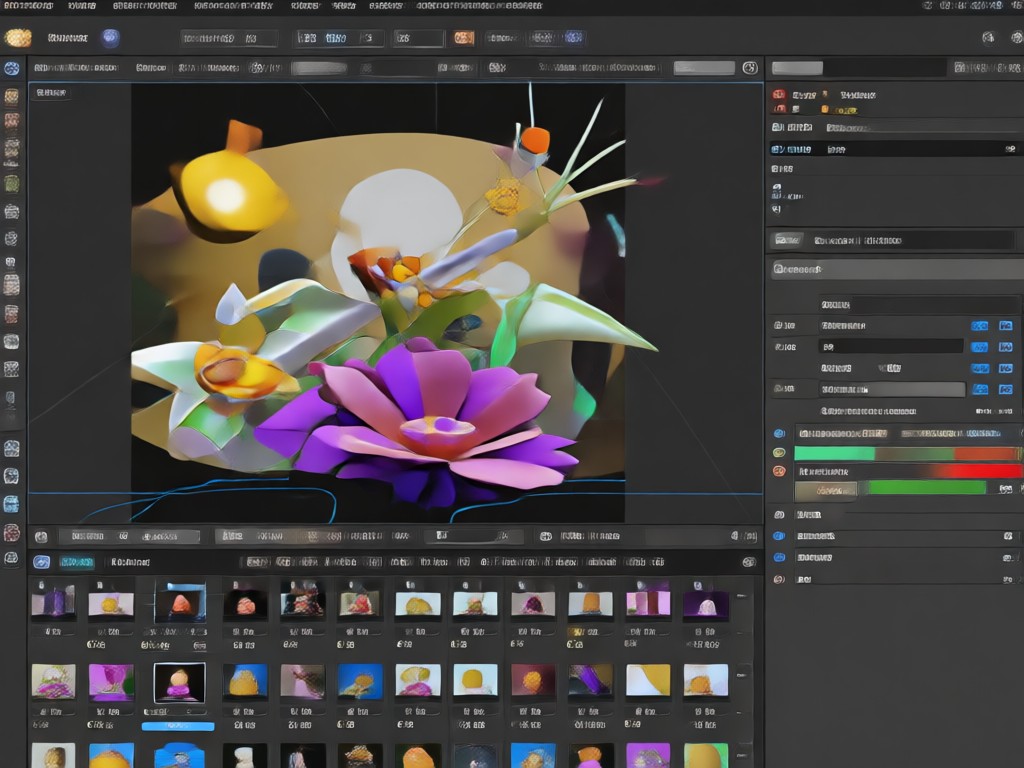
Automatic Background Removal
AI accurately detects the subject in your photo and removes the background with pixel-perfect precision. No manual lassoing or tedious masking. Perfect for portraits, products, and pets.
Automatic Background Removal
AI accurately detects the subject in your photo and removes the background with pixel-perfect precision. No manual lassoing or tedious masking. Perfect for portraits, products, and pets.
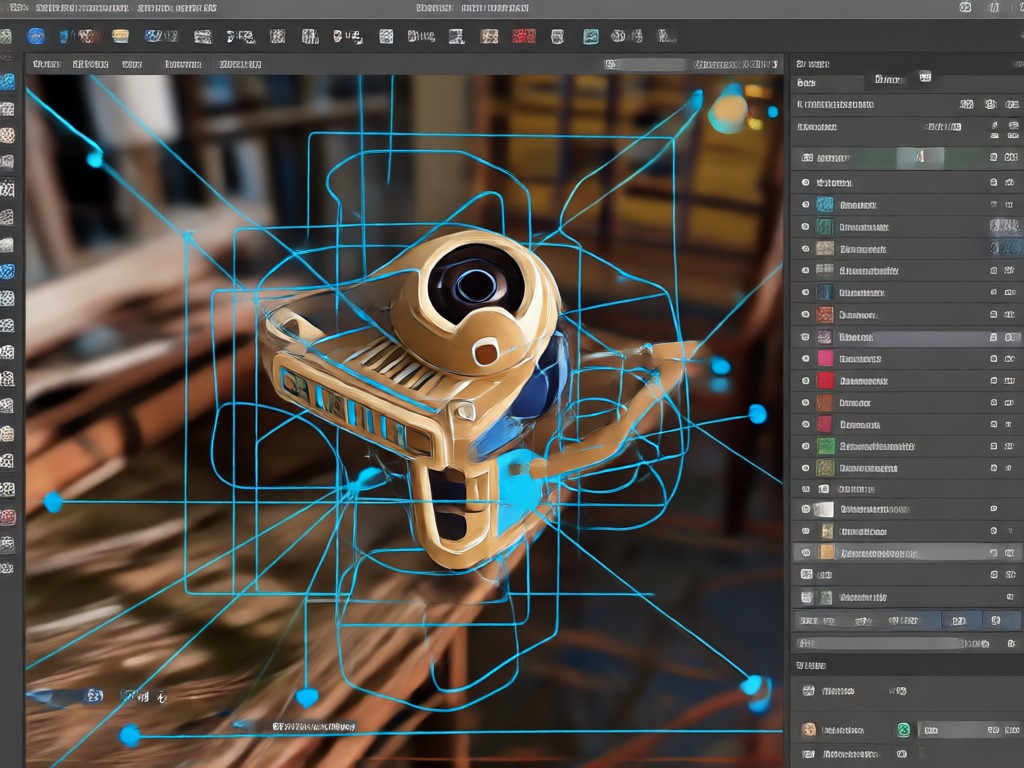
Replace with Stunning Scenes
Choose from over a million templates to replace your background. Swap your messy room for a tropical beach, a chic office, or a fantasy landscape. Instantly elevate your photo's mood.
Replace with Stunning Scenes
Choose from over a million templates to replace your background. Swap your messy room for a tropical beach, a chic office, or a fantasy landscape. Instantly elevate your photo's mood.
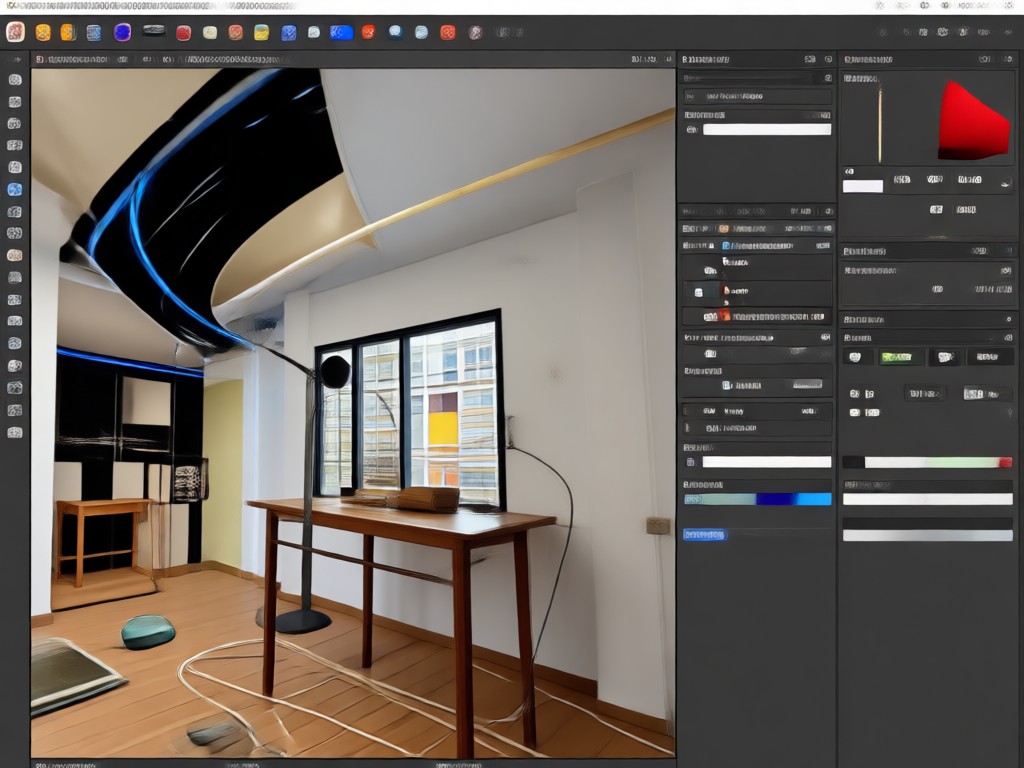
Professional Quality Edits
Get studio-quality results with advanced AI that preserves edges, hair, and fine details. Adjust lighting and shadows to blend your subject naturally into the new scene for a flawless finish.
Professional Quality Edits
Get studio-quality results with advanced AI that preserves edges, hair, and fine details. Adjust lighting and shadows to blend your subject naturally into the new scene for a flawless finish.
How to Edit Image Backgrounds?
Transform your photos in three simple steps using our powerful AI background editor.

Step 01.
Download the makmak app from Google Play to access the powerful AI background editor on your mobile device.

Step 02.
Upload your photo and use the AI to automatically remove the background or select a new template to replace it entirely.

Step 03.
Preview your new image, fine-tune any details, then save and share your professionally edited photo with friends or on social media.
Explore AI Background Editing Results
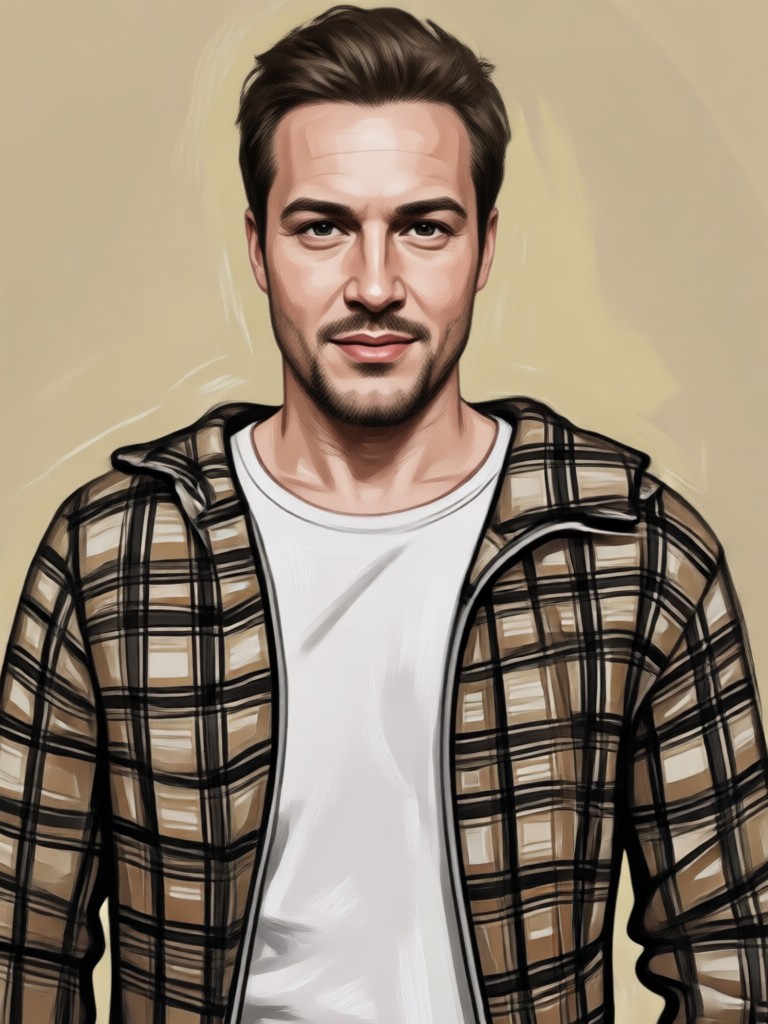
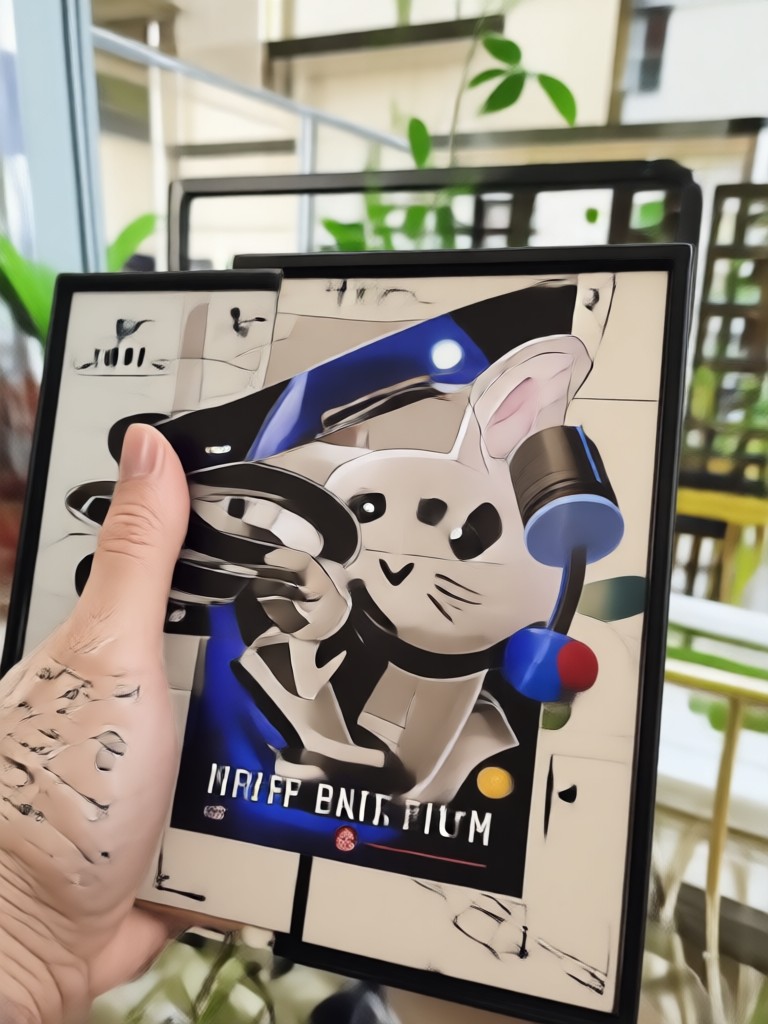
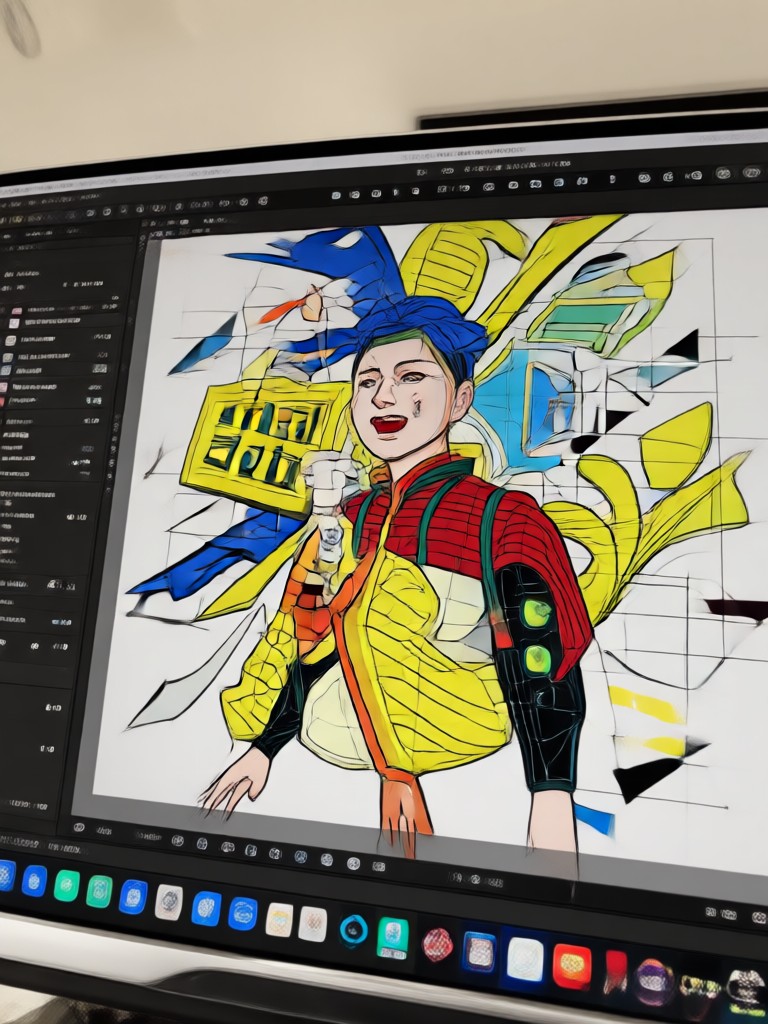
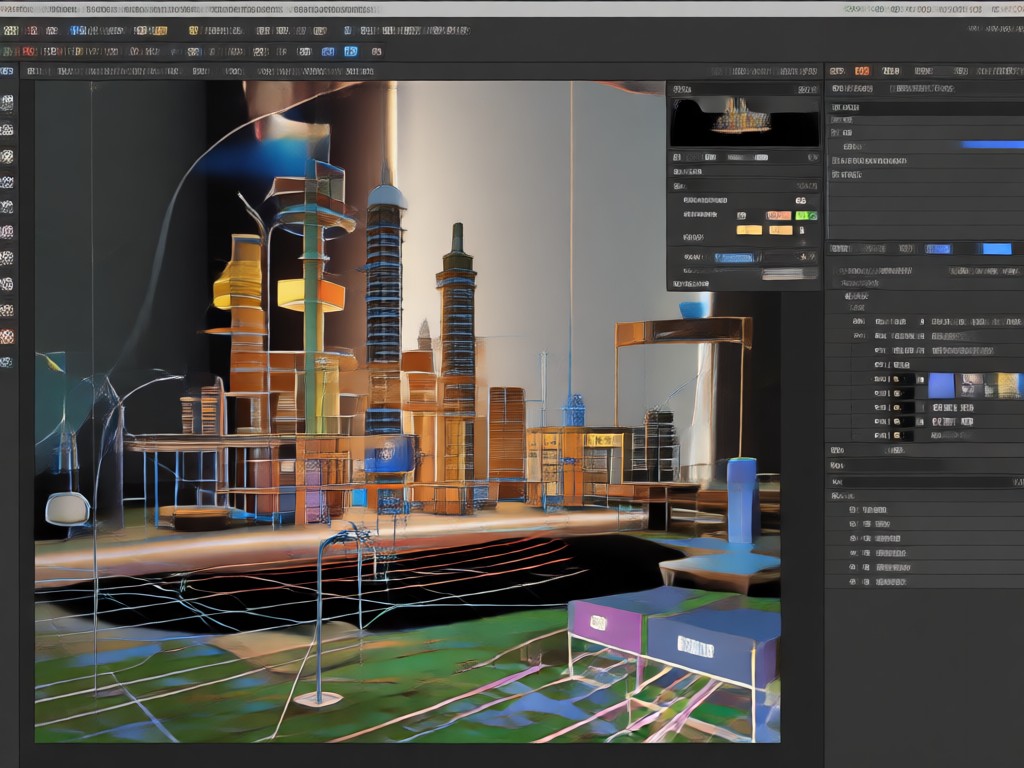
See stunning examples of photos transformed with our background editor. From simple backgrounds to dramatic scenes, discover the creative possibilities.





Why Use an AI Image Background Editor?
Tired of cluttered or boring photo backgrounds? An AI background editor gives you the power to create clean, professional images for any purpose. Perfect for social media, online stores, or personal memories.
Why Use an AI Image Background Editor?
Tired of cluttered or boring photo backgrounds? An AI background editor gives you the power to create clean, professional images for any purpose. Perfect for social media, online stores, or personal memories.
Frequently Asked Questions About Image Background Editor
Find clear answers to common questions about changing and editing photo backgrounds with our AI-powered app.
Who Uses AI Image Background Editing

Sarah Kim
As a small business owner, I use this to make all my product photos look consistent and professional. The background remover is a game changer for my online store.

Mike Chen
I love traveling and this app lets me create fun pictures even when I'm stuck at home. I can put myself in front of any landmark in the world. It's incredibly realistic.
Jessica Lee
Creating content for social media used to take hours. Now I can edit backgrounds on my phone in minutes. The AI is so accurate, even with my curly hair.
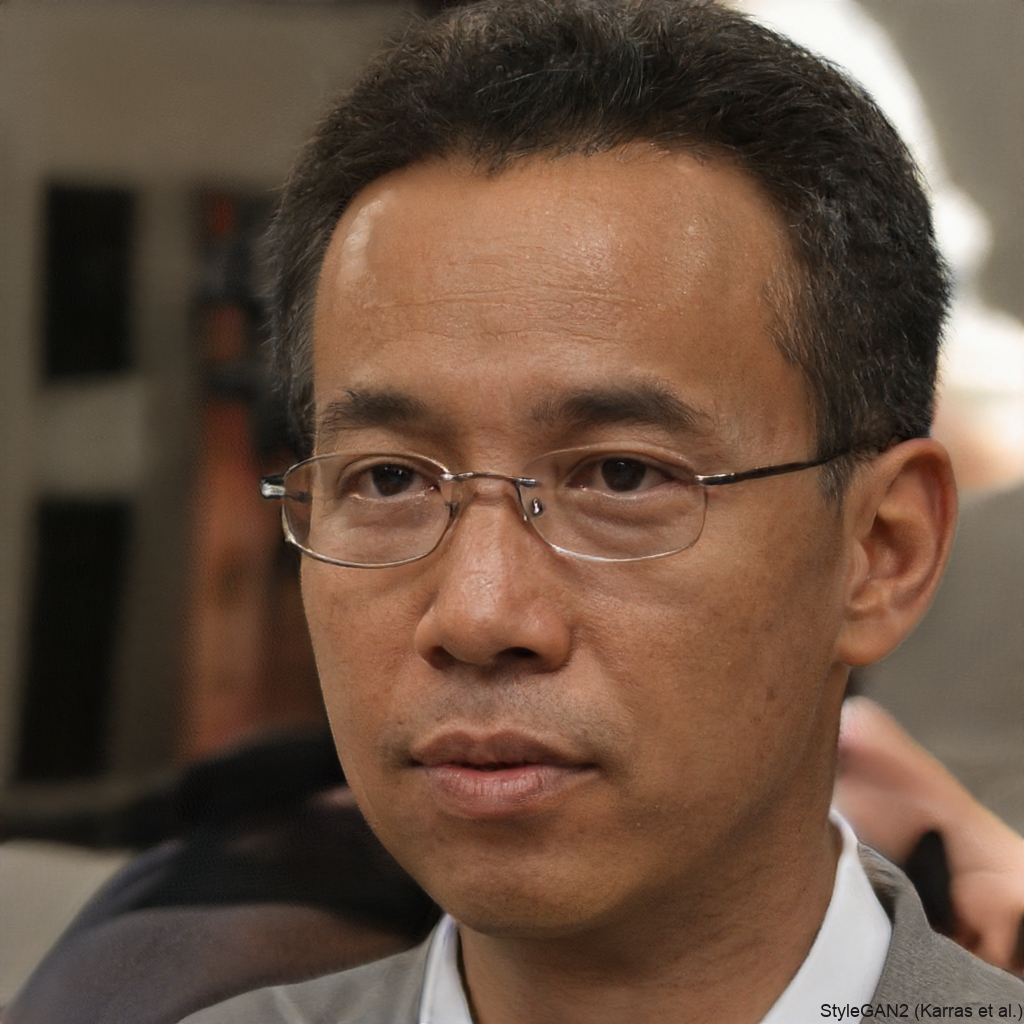
David Park
I'm not a designer, but this app makes me look like one. The templates are beautiful and the process is dead simple. I've recommended it to my whole team.
Sarah Kim
As a small business owner, I use this to make all my product photos look consistent and professional. The background remover is a game changer for my online store.
Mike Chen
I love traveling and this app lets me create fun pictures even when I'm stuck at home. I can put myself in front of any landmark in the world. It's incredibly realistic.
Jessica Lee
Creating content for social media used to take hours. Now I can edit backgrounds on my phone in minutes. The AI is so accurate, even with my curly hair.
David Park
I'm not a designer, but this app makes me look like one. The templates are beautiful and the process is dead simple. I've recommended it to my whole team.
Sarah Kim
As a small business owner, I use this to make all my product photos look consistent and professional. The background remover is a game changer for my online store.
Mike Chen
I love traveling and this app lets me create fun pictures even when I'm stuck at home. I can put myself in front of any landmark in the world. It's incredibly realistic.
Jessica Lee
Creating content for social media used to take hours. Now I can edit backgrounds on my phone in minutes. The AI is so accurate, even with my curly hair.
David Park
I'm not a designer, but this app makes me look like one. The templates are beautiful and the process is dead simple. I've recommended it to my whole team.
Ready to Edit Your Photo Background?
Download the app now and discover how easy it is to transform any photo with our AI background editor. Get professional results in seconds.
Ready to Edit Your Photo Background?
Download the app now and discover how easy it is to transform any photo with our AI background editor. Get professional results in seconds.