Cartoon Photo Filter
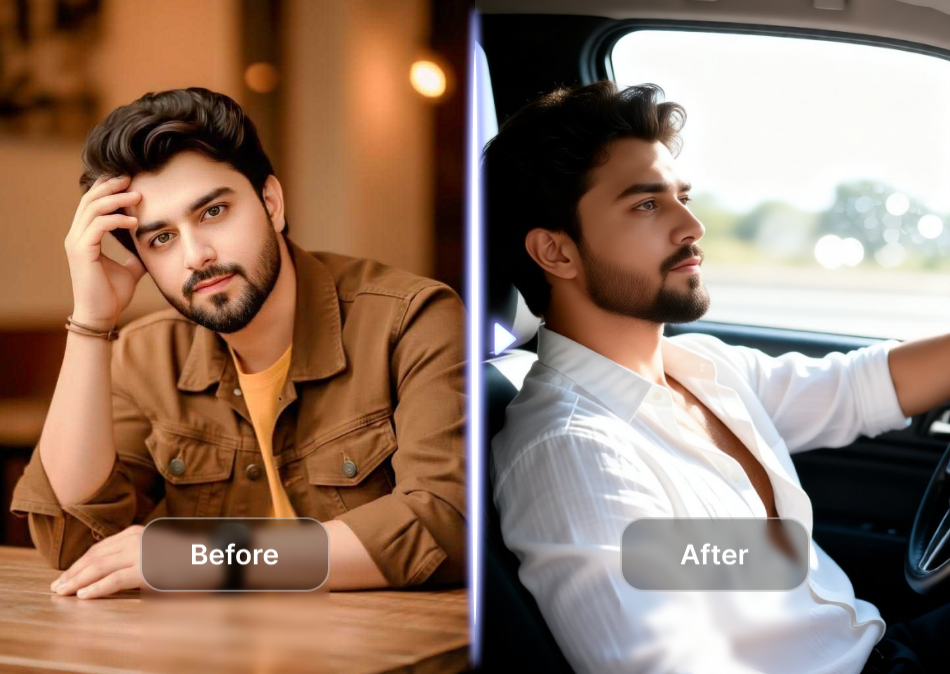
Pick Your Favorite Cartoon Style
From classic anime to dreamy watercolor, discover the perfect cartoon photo filter that matches your mood and makes every photo unforgettable.
Why Users Love Our Cartoon Photo Filter
Turn your ordinary photos into extraordinary cartoon art with zero editing experience. Our powerful AI handles all the complex work for you.
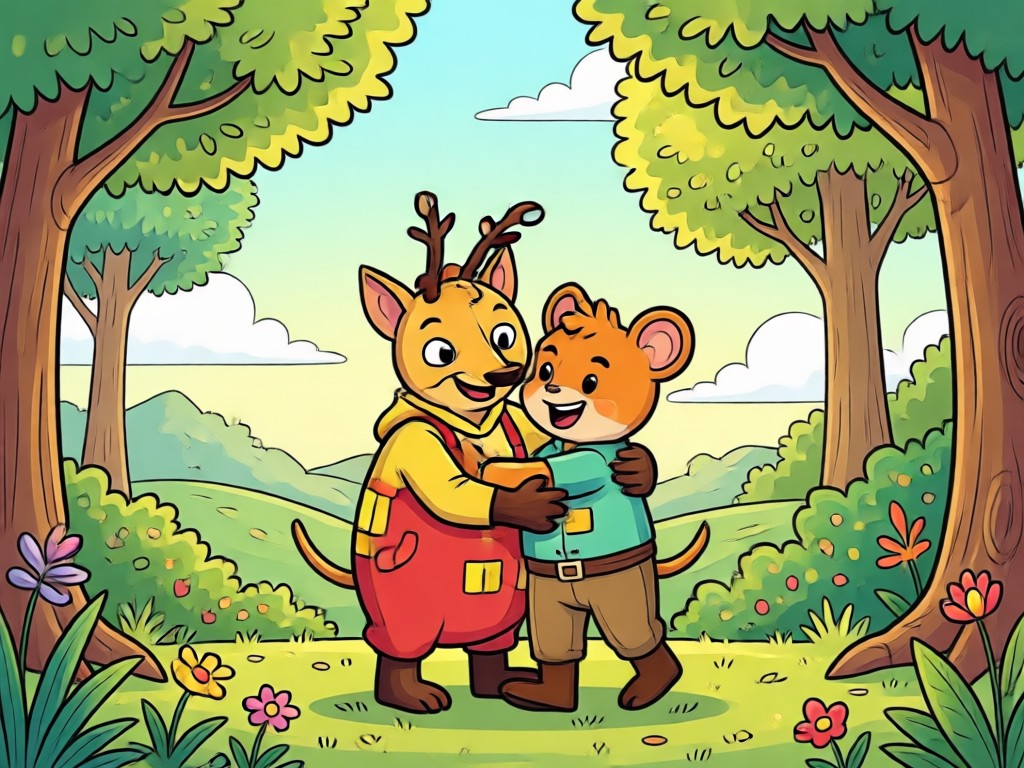
One Tap Transformation
No brushes, no layers, no complicated software. Upload any photo and apply a cartoon photo filter with a single tap. The AI instantly redraws your image in your chosen style while preserving your unique facial features and expressions.
One Tap Transformation
No brushes, no layers, no complicated software. Upload any photo and apply a cartoon photo filter with a single tap. The AI instantly redraws your image in your chosen style while preserving your unique facial features and expressions.
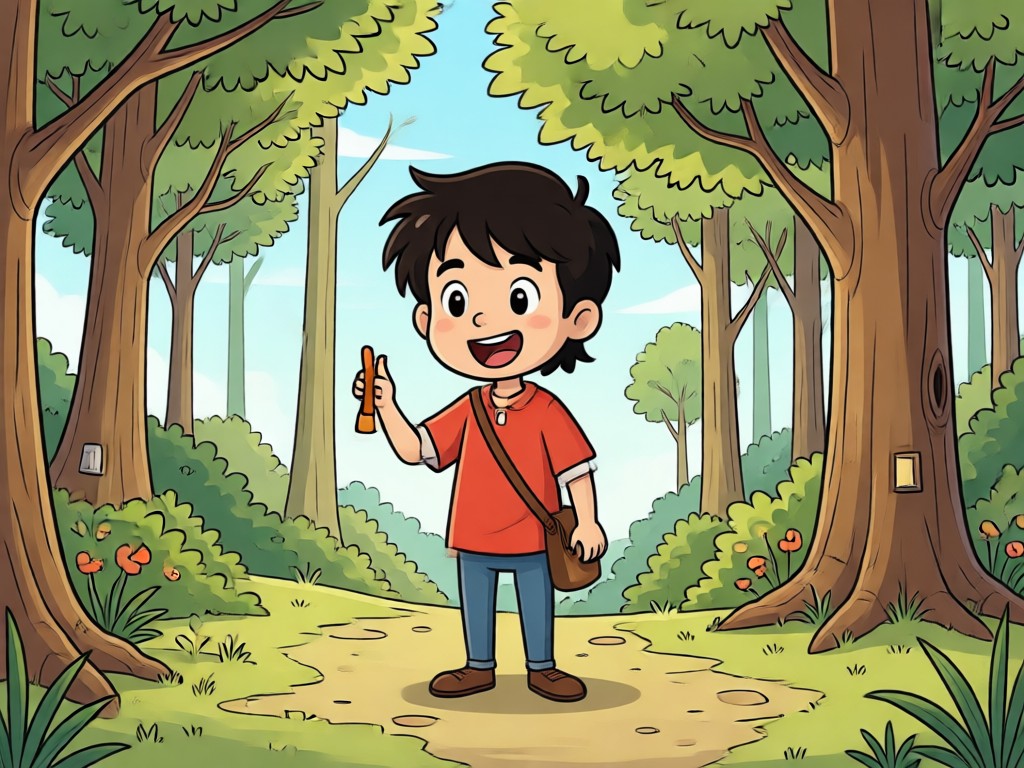
Endless Cartoon Styles
Explore a massive library of cartoon photo filters including anime, Pixar style 3D, Ghibli scenes, watercolor paintings, comic book art, and cute claymation. Whether you want a dreamy portrait or a bold comic cover, there is a style for everyone.
Endless Cartoon Styles
Explore a massive library of cartoon photo filters including anime, Pixar style 3D, Ghibli scenes, watercolor paintings, comic book art, and cute claymation. Whether you want a dreamy portrait or a bold comic cover, there is a style for everyone.
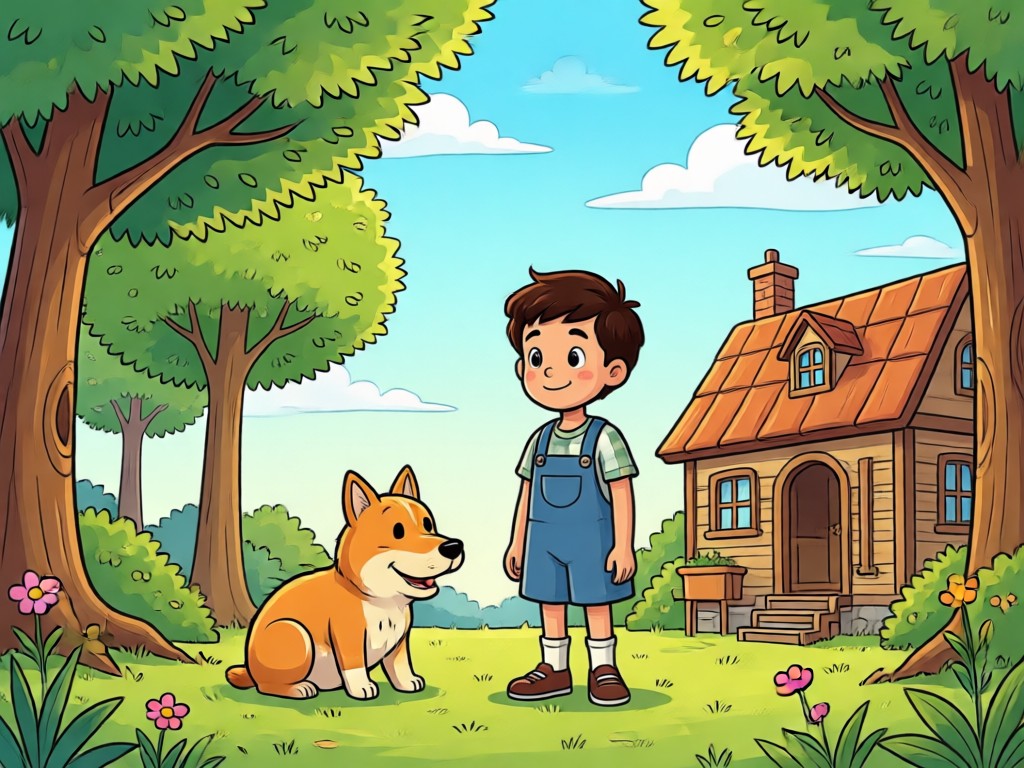
HD Cartoon Results
Download your cartoon creations in high resolution, ready to share on Instagram, TikTok, or use as a unique profile picture. Our AI preserves sharp details and vibrant colors so your cartoon photos look crisp and professional every time.
HD Cartoon Results
Download your cartoon creations in high resolution, ready to share on Instagram, TikTok, or use as a unique profile picture. Our AI preserves sharp details and vibrant colors so your cartoon photos look crisp and professional every time.
How to Apply a Cartoon Photo Filter
Turn your photos into cartoons in three simple steps. No editing experience required.

Step 01.
Download the makmak app from Google Play and open it on your phone.

Step 02.
Upload your photo and choose a cartoon photo filter like anime, 3D clay, or watercolor.

Step 03.
Generate your cartoon image, then save or share it directly to your favorite social media.
Cartoon Filter Photo Ideas
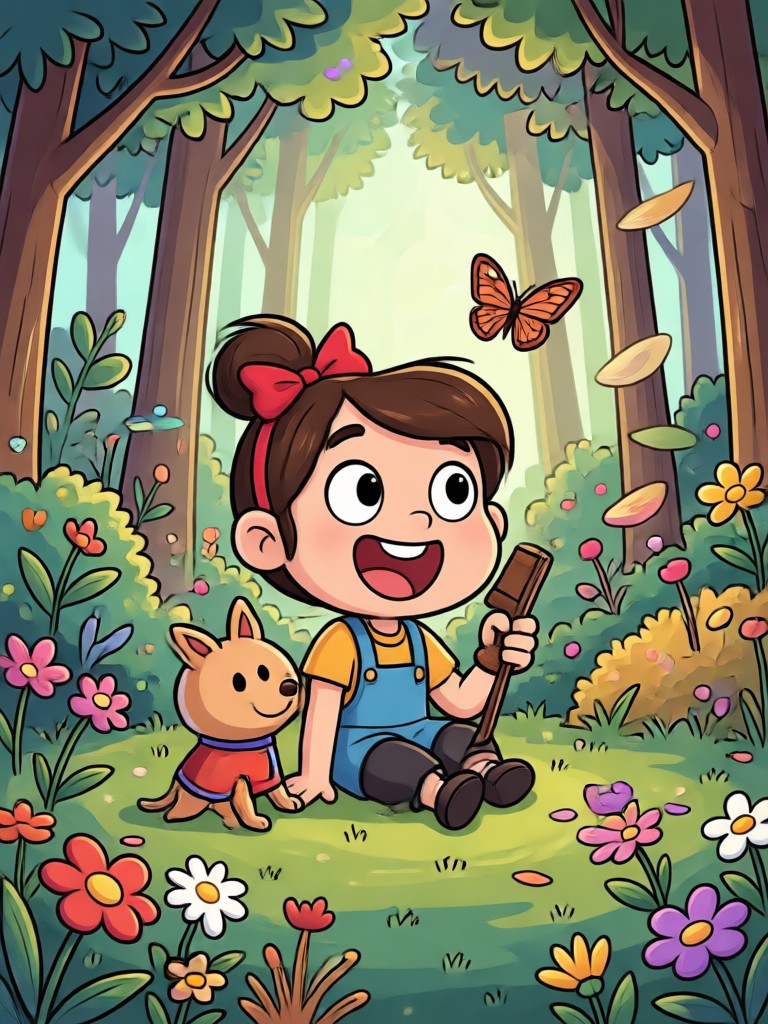
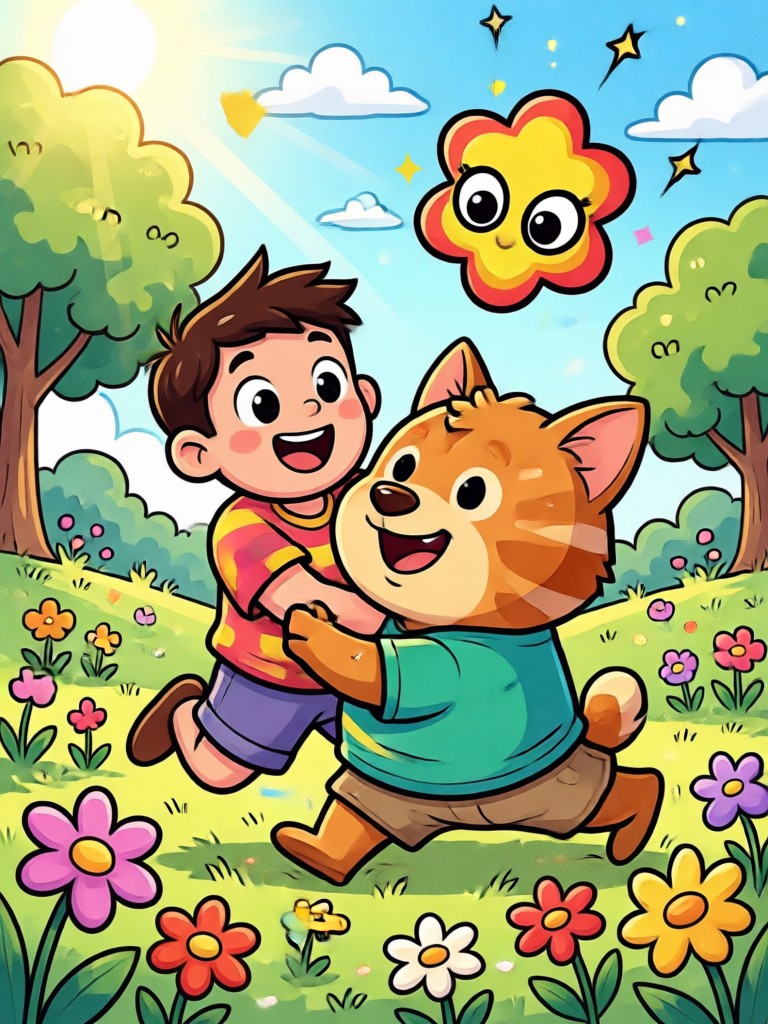
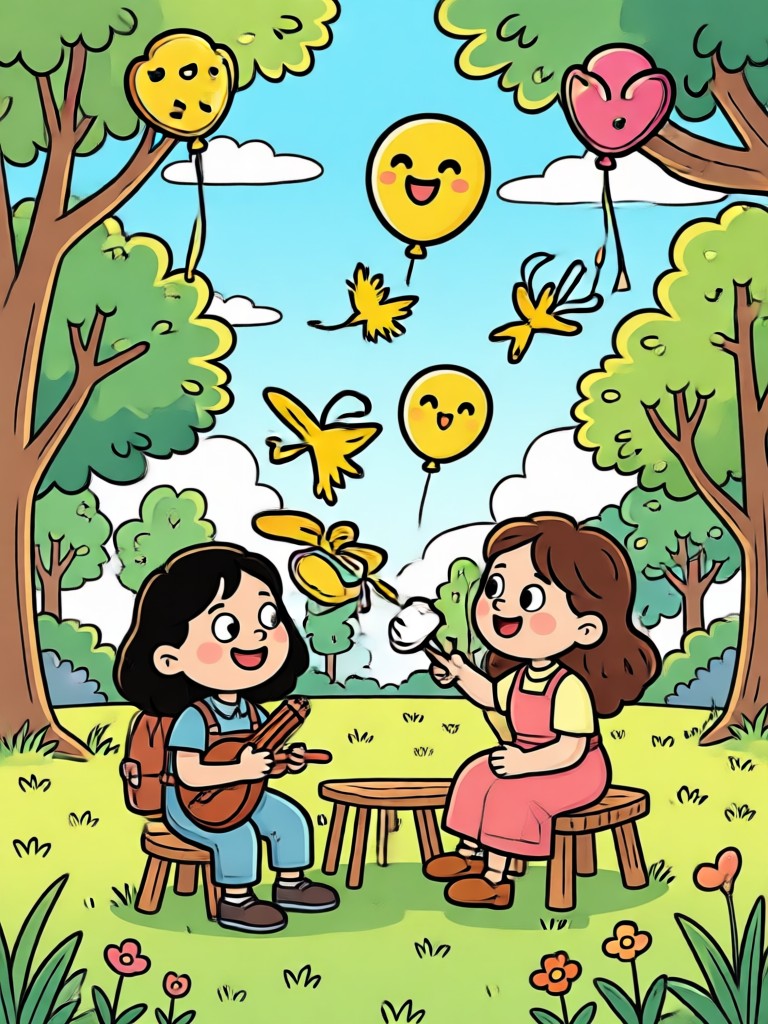
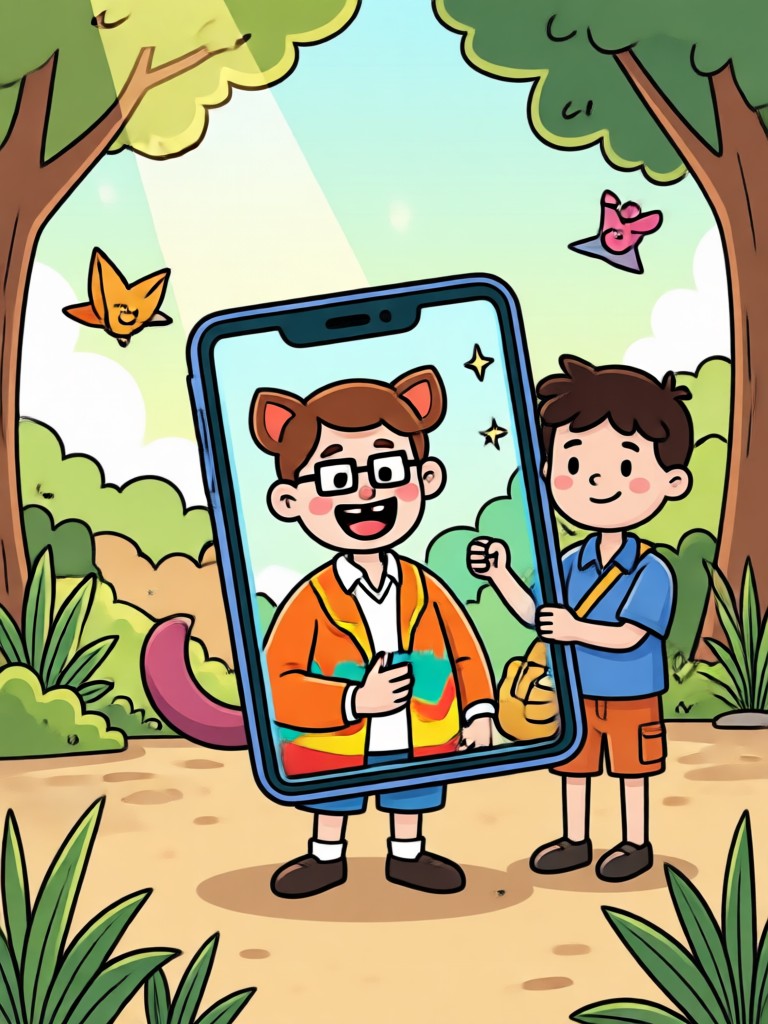
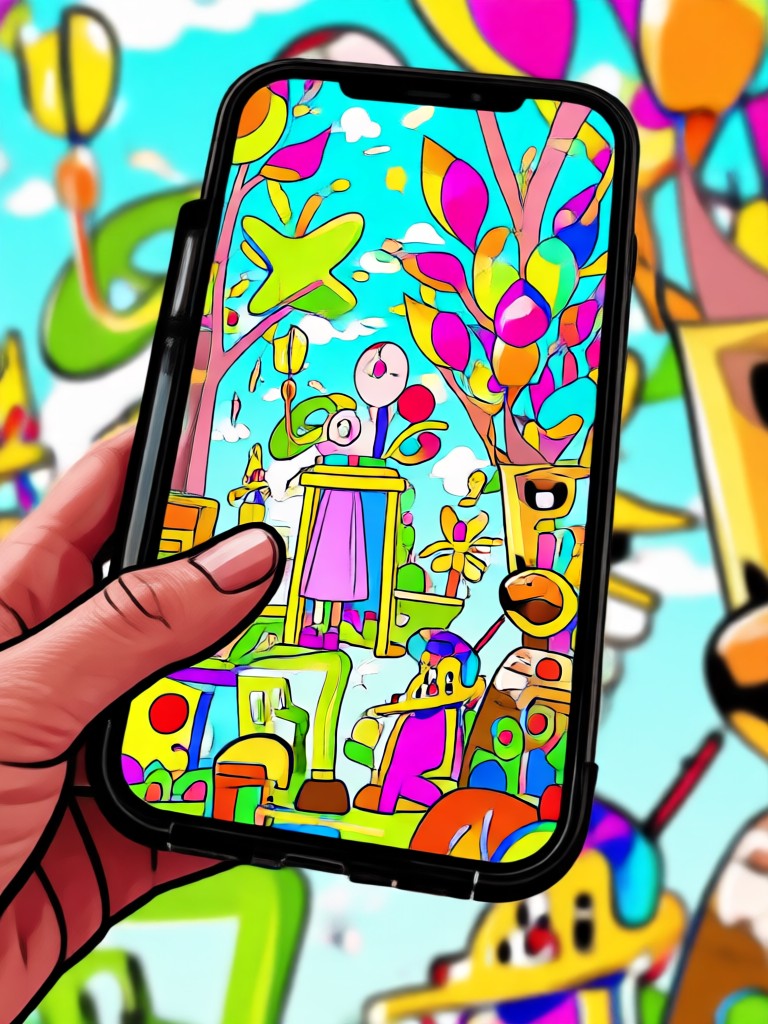
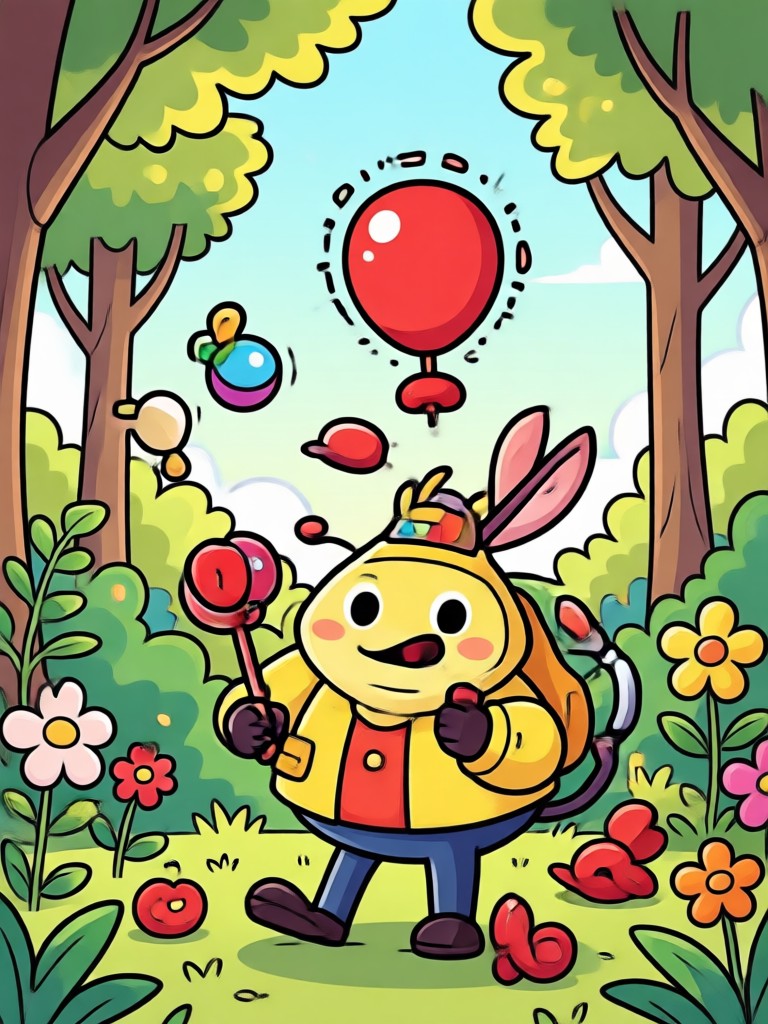
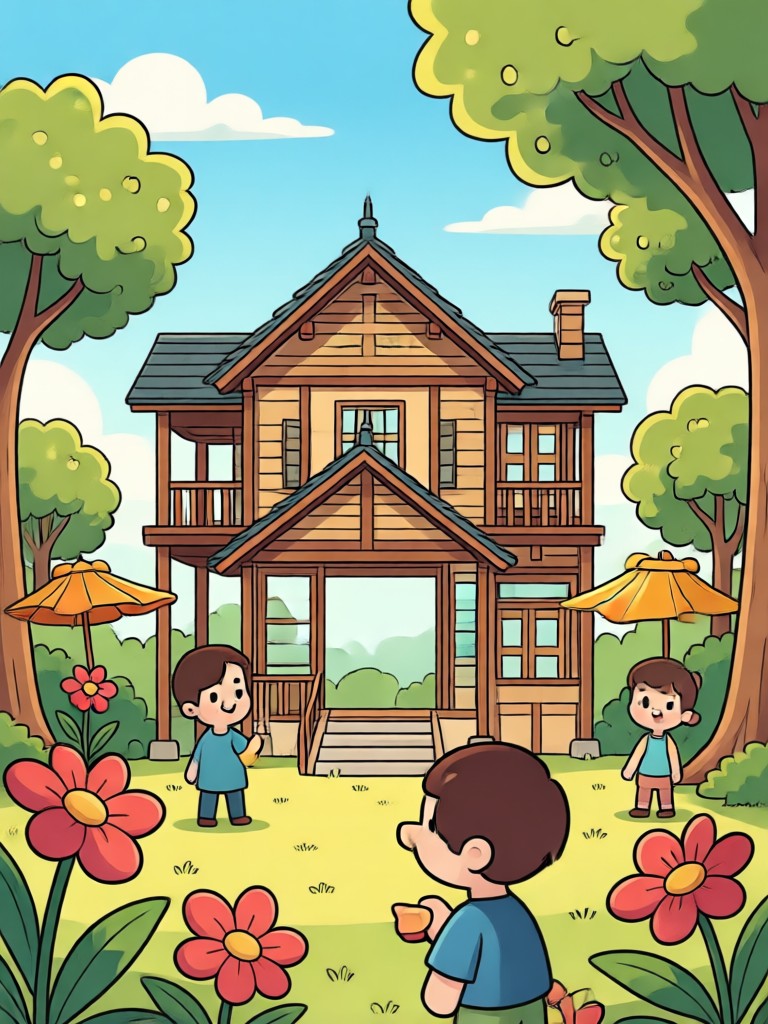
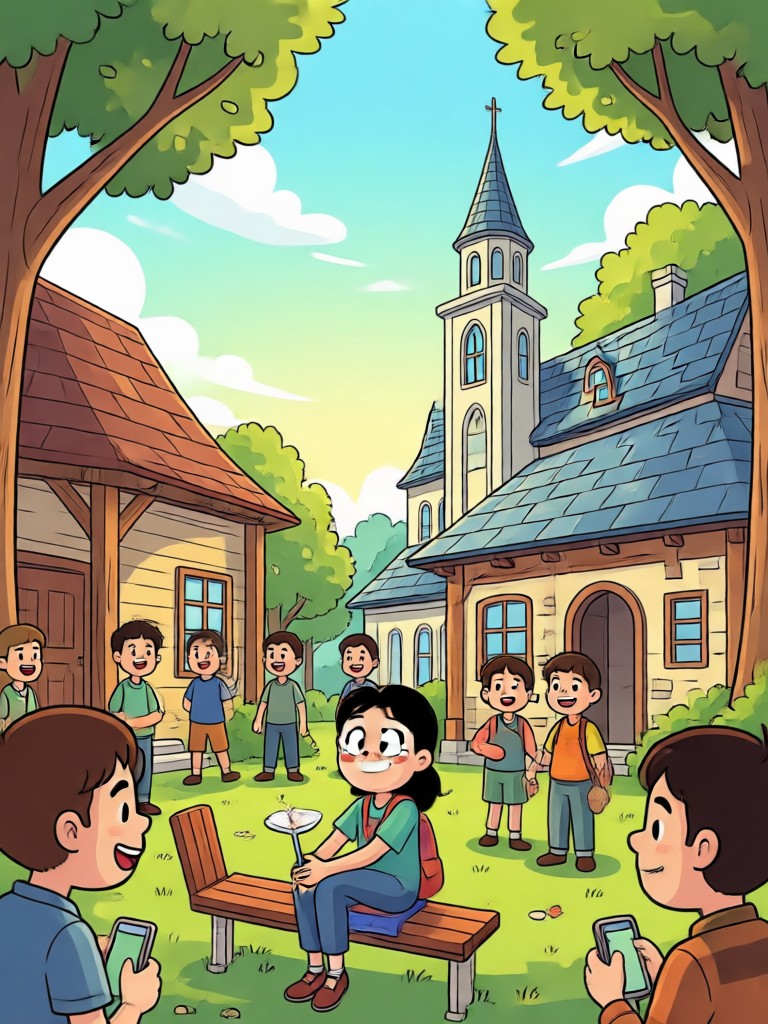
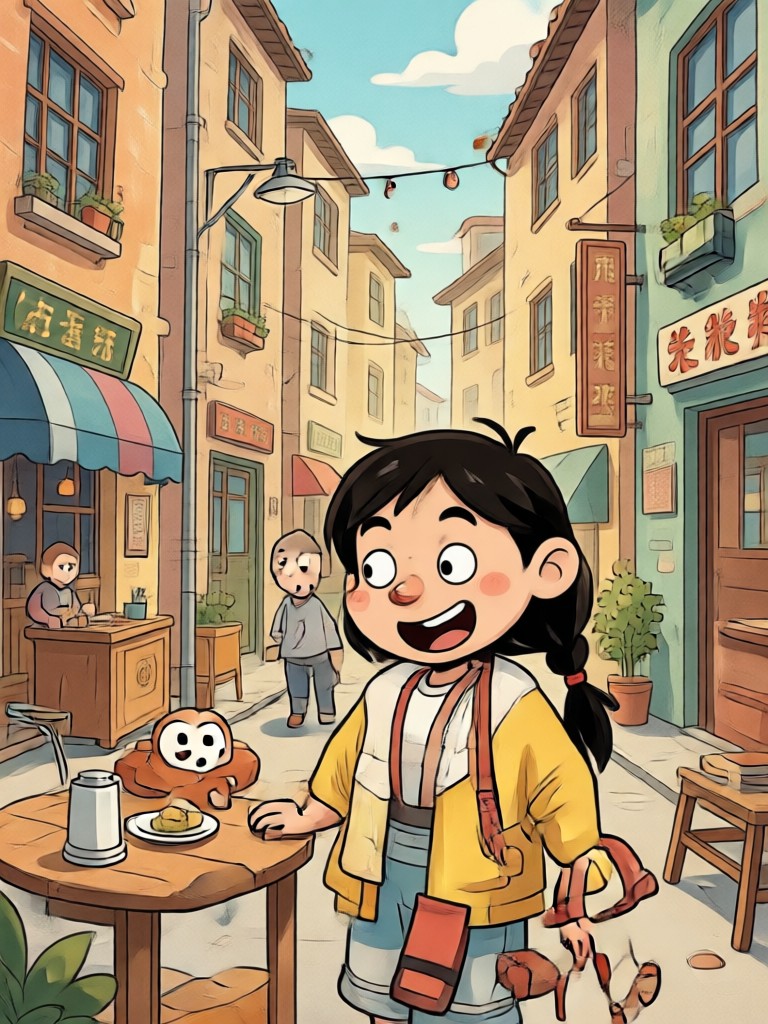
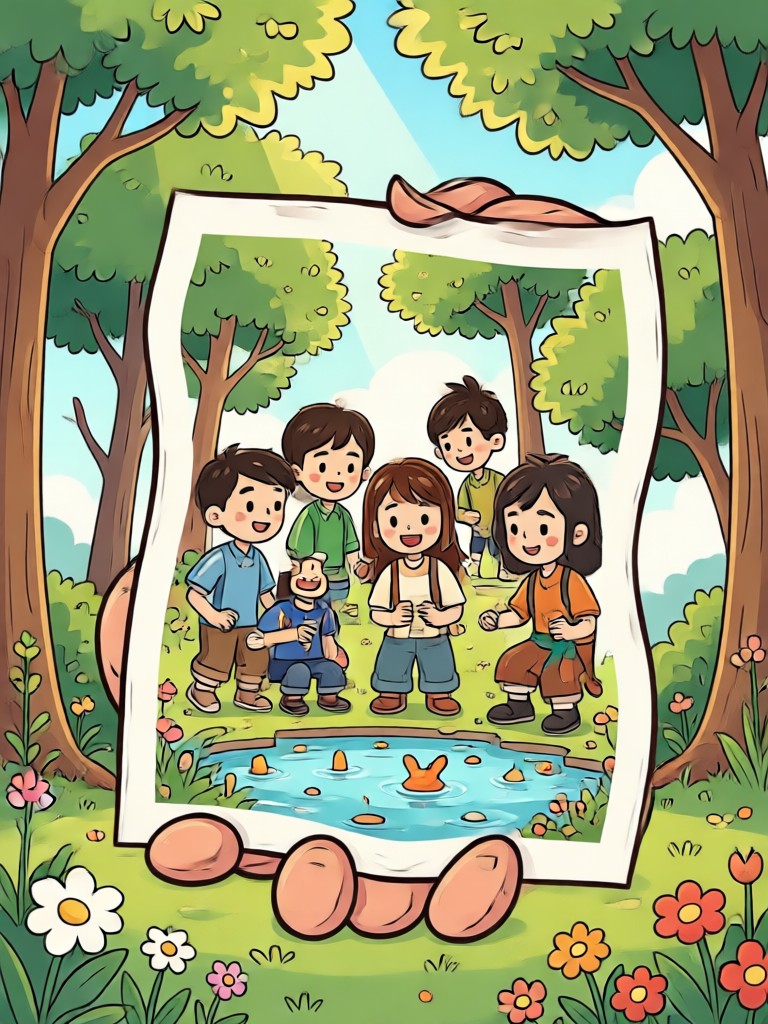
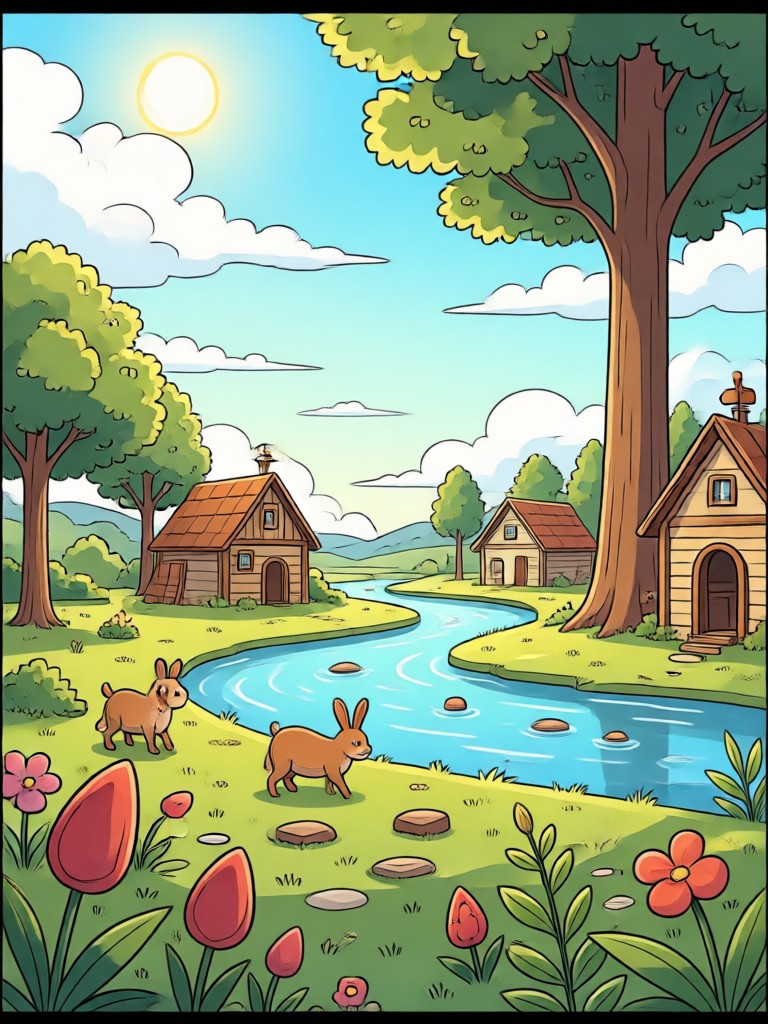
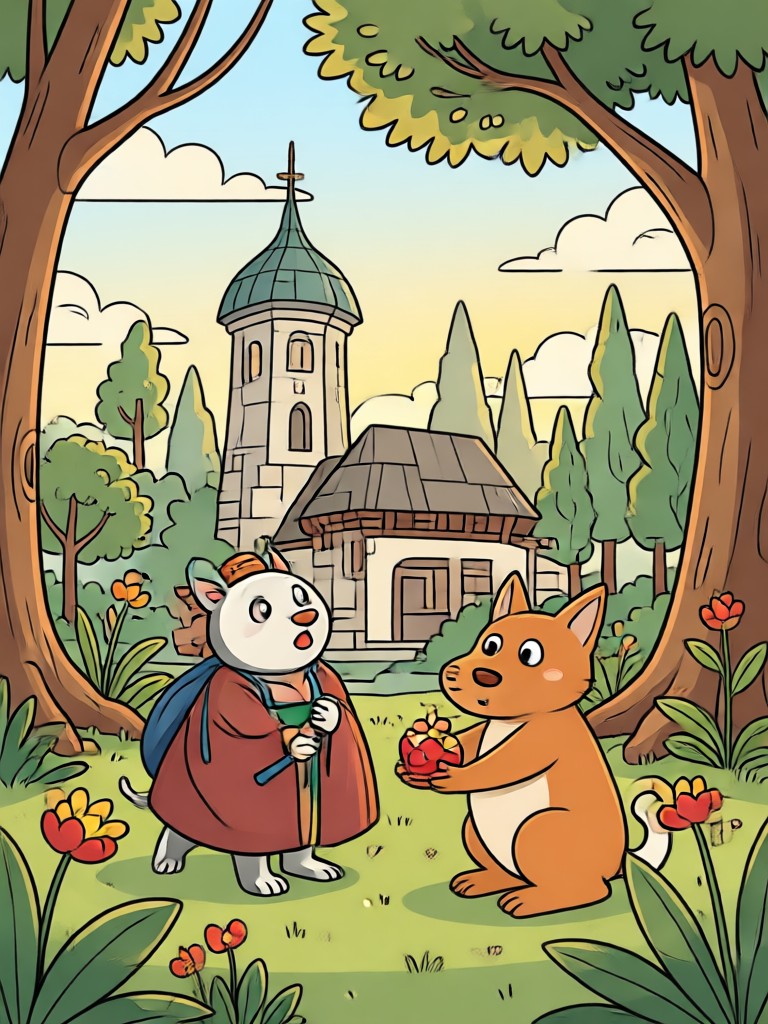
See how real photos transform into playful cartoon portraits, dreamy anime scenes, and artistic watercolor pieces using our AI cartoon photo filter.
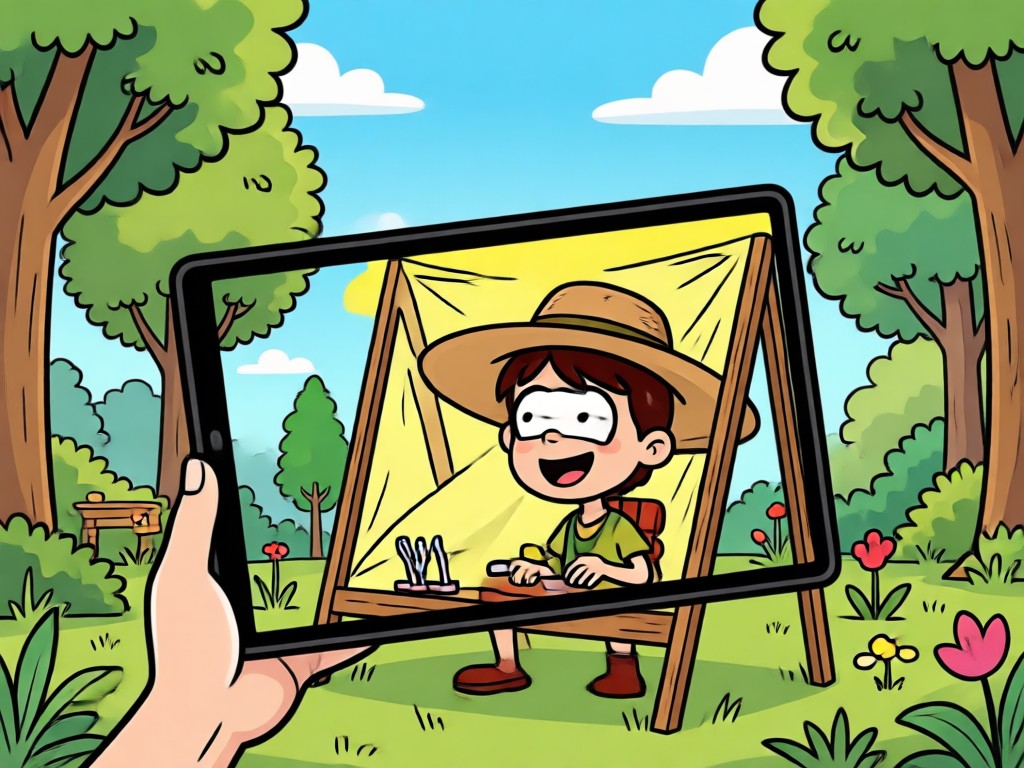
The Easiest Cartoon Photo Editor on Android
Forget complex desktop software and confusing layer tools. makmak brings professional cartoon photo filtering to your pocket with an interface so simple anyone can use it. Upload, tap, and enjoy stunning results in seconds without spending hours editing.
The Easiest Cartoon Photo Editor on Android
Forget complex desktop software and confusing layer tools. makmak brings professional cartoon photo filtering to your pocket with an interface so simple anyone can use it. Upload, tap, and enjoy stunning results in seconds without spending hours editing.
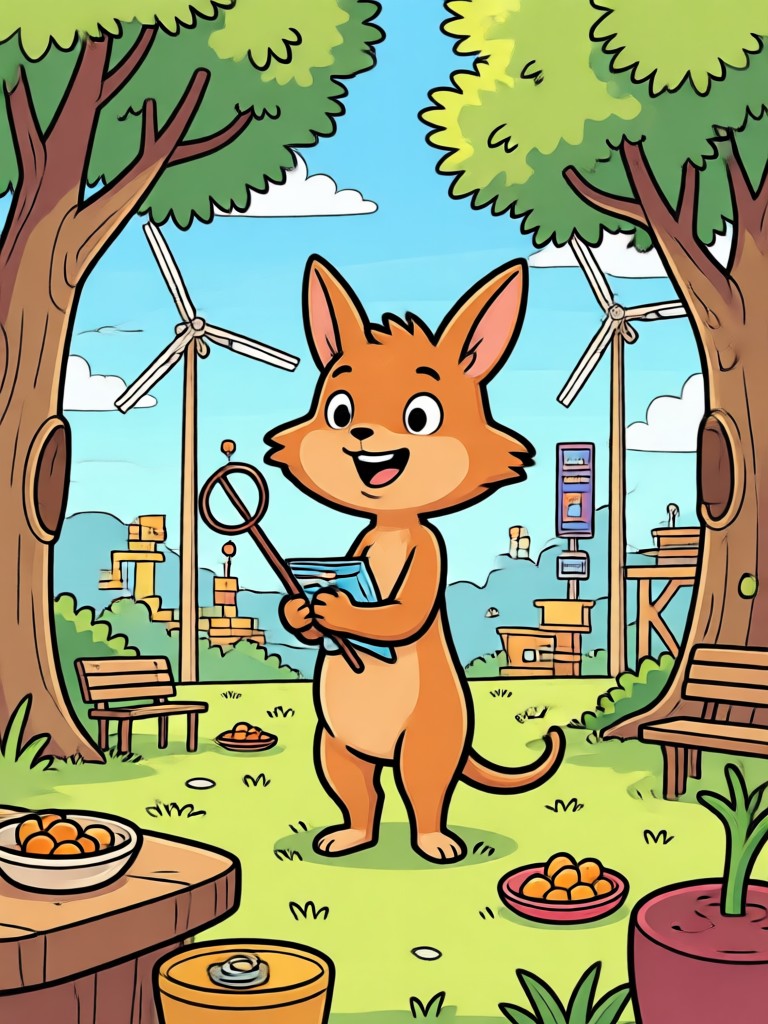
Cartoon Photo Filter App for Android
Download the makmak app and access over a million style filters. Turn selfies, group photos, and pets into adorable cartoon versions today.

Who Uses Our Cartoon Photo Filter
Maya Chen
I used the cartoon photo filter for my graduation photos and they turned out incredible. The anime style looks just like a real anime poster. My friends thought I hired an artist.
Leo Martins
The watercolor cartoon photo filter is my go to for Instagram stories. It only takes one tap to turn a boring selfie into a dreamy painting. The colors are always on point.
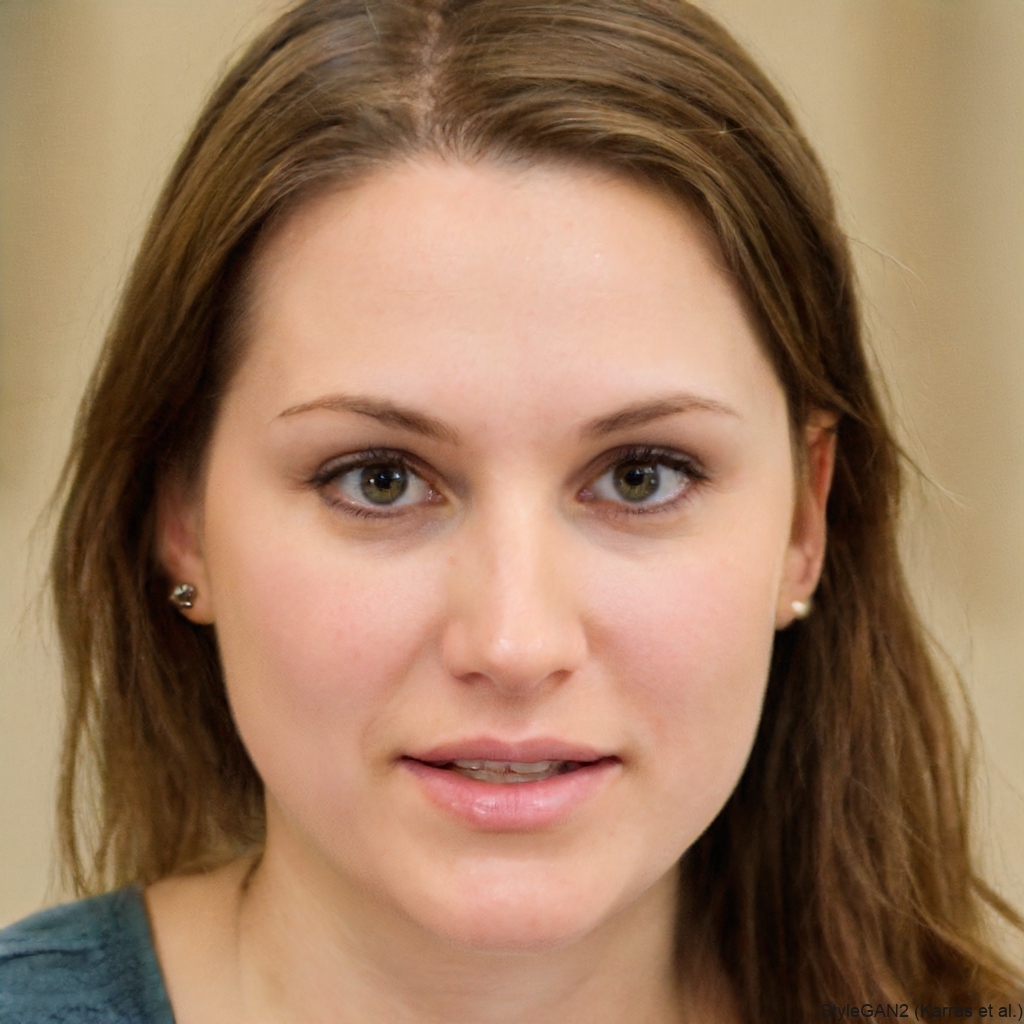
Sofia Patel
Turned our family photo into a cute 3D clay scene. The AI kept everyone's faces recognizable while giving the whole picture that Pixar vibe. Kids absolutely love it.
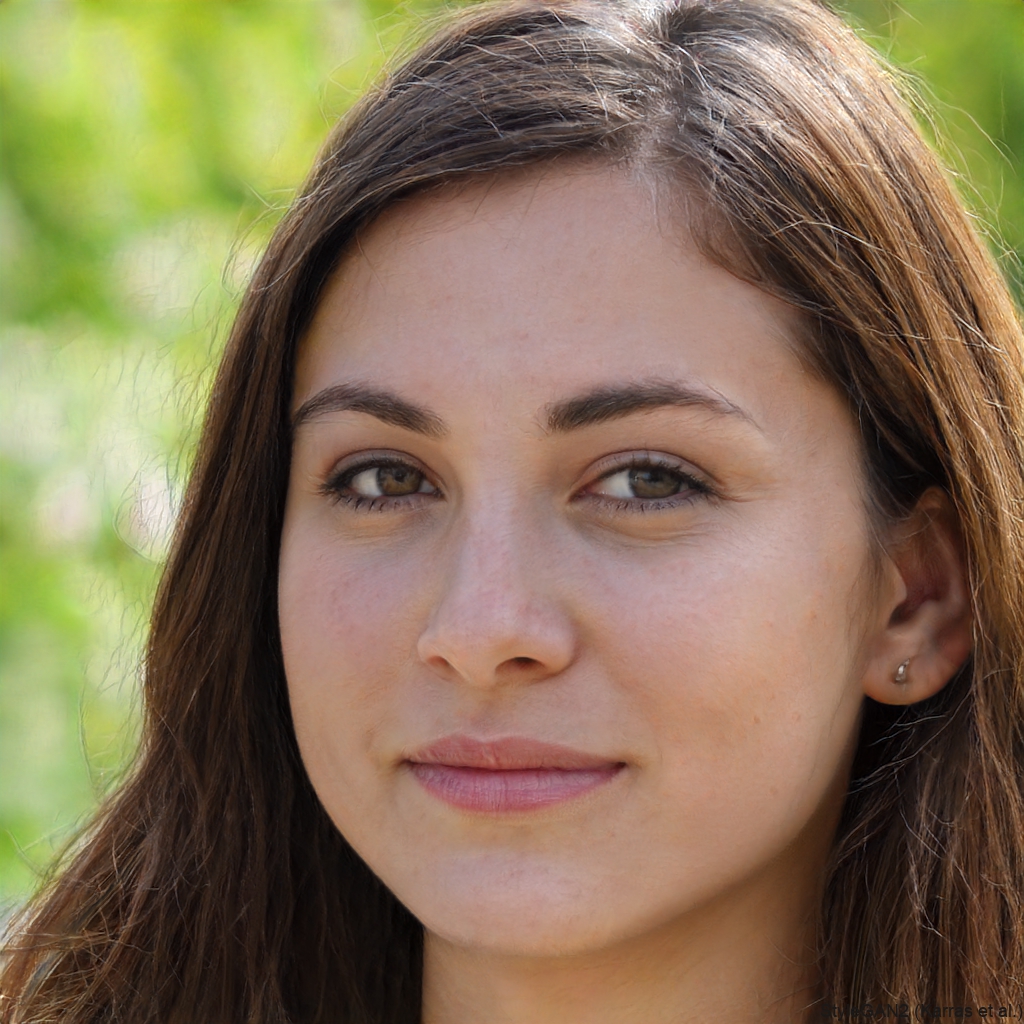
Tom Becker
I travel a lot and use the Ghibli style cartoon photo filter on my landscape shots. The app transforms ordinary phone photos into scenes that look like they belong in a Studio Ghibli film.
Maya Chen
I used the cartoon photo filter for my graduation photos and they turned out incredible. The anime style looks just like a real anime poster. My friends thought I hired an artist.
Leo Martins
The watercolor cartoon photo filter is my go to for Instagram stories. It only takes one tap to turn a boring selfie into a dreamy painting. The colors are always on point.
Sofia Patel
Turned our family photo into a cute 3D clay scene. The AI kept everyone's faces recognizable while giving the whole picture that Pixar vibe. Kids absolutely love it.
Tom Becker
I travel a lot and use the Ghibli style cartoon photo filter on my landscape shots. The app transforms ordinary phone photos into scenes that look like they belong in a Studio Ghibli film.
Maya Chen
I used the cartoon photo filter for my graduation photos and they turned out incredible. The anime style looks just like a real anime poster. My friends thought I hired an artist.
Leo Martins
The watercolor cartoon photo filter is my go to for Instagram stories. It only takes one tap to turn a boring selfie into a dreamy painting. The colors are always on point.
Sofia Patel
Turned our family photo into a cute 3D clay scene. The AI kept everyone's faces recognizable while giving the whole picture that Pixar vibe. Kids absolutely love it.
Tom Becker
I travel a lot and use the Ghibli style cartoon photo filter on my landscape shots. The app transforms ordinary phone photos into scenes that look like they belong in a Studio Ghibli film.
Frequently Asked Questions
Get clear answers about using the cartoon photo filter and turning your pictures into animated art.
More Topics You May Like
Explore more creative AI tools and discover fresh ideas tailored to your interests.

Turn Any Clip Into a GIF in Seconds
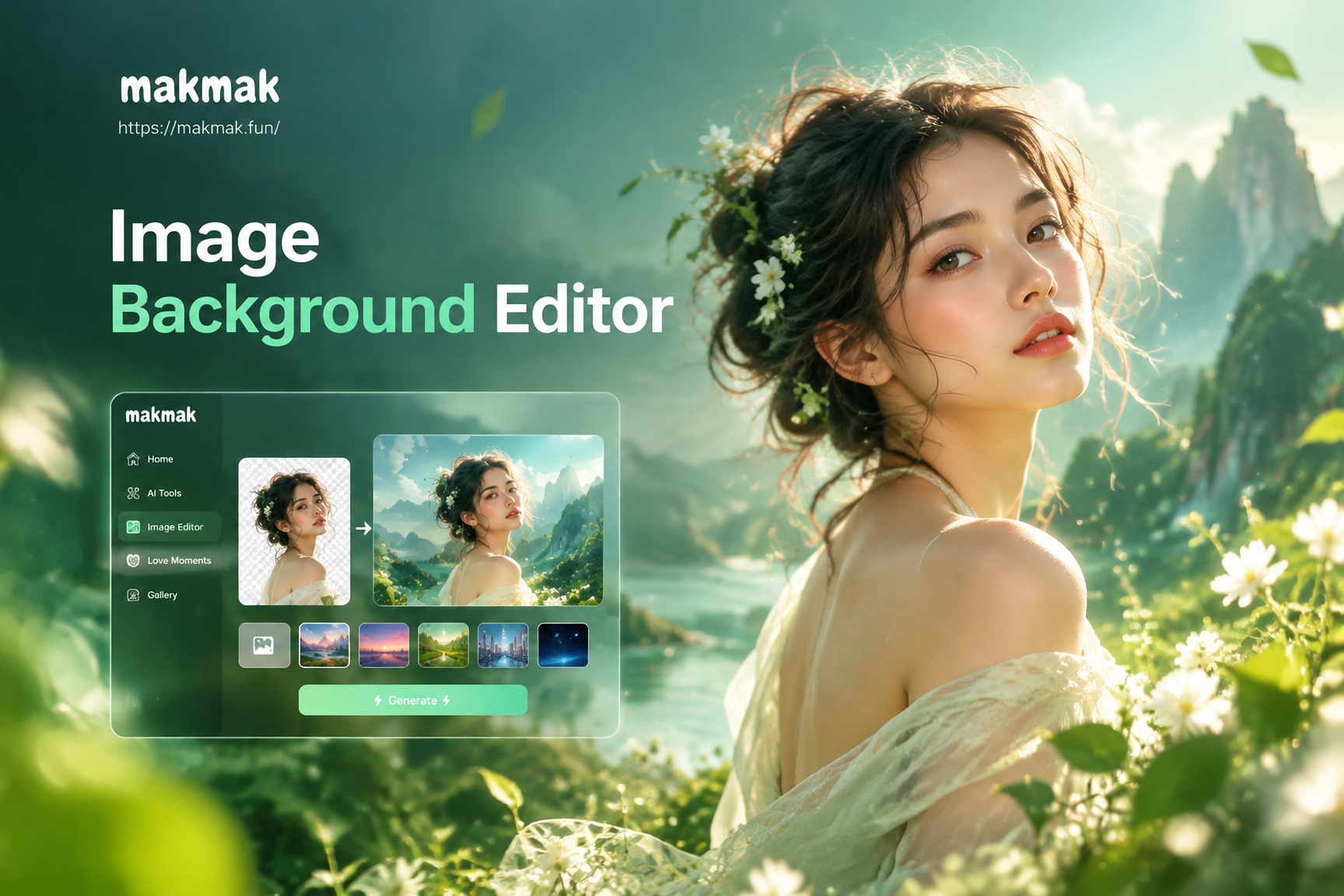
Image Background Editor: Change Photo Backgrounds in Seconds
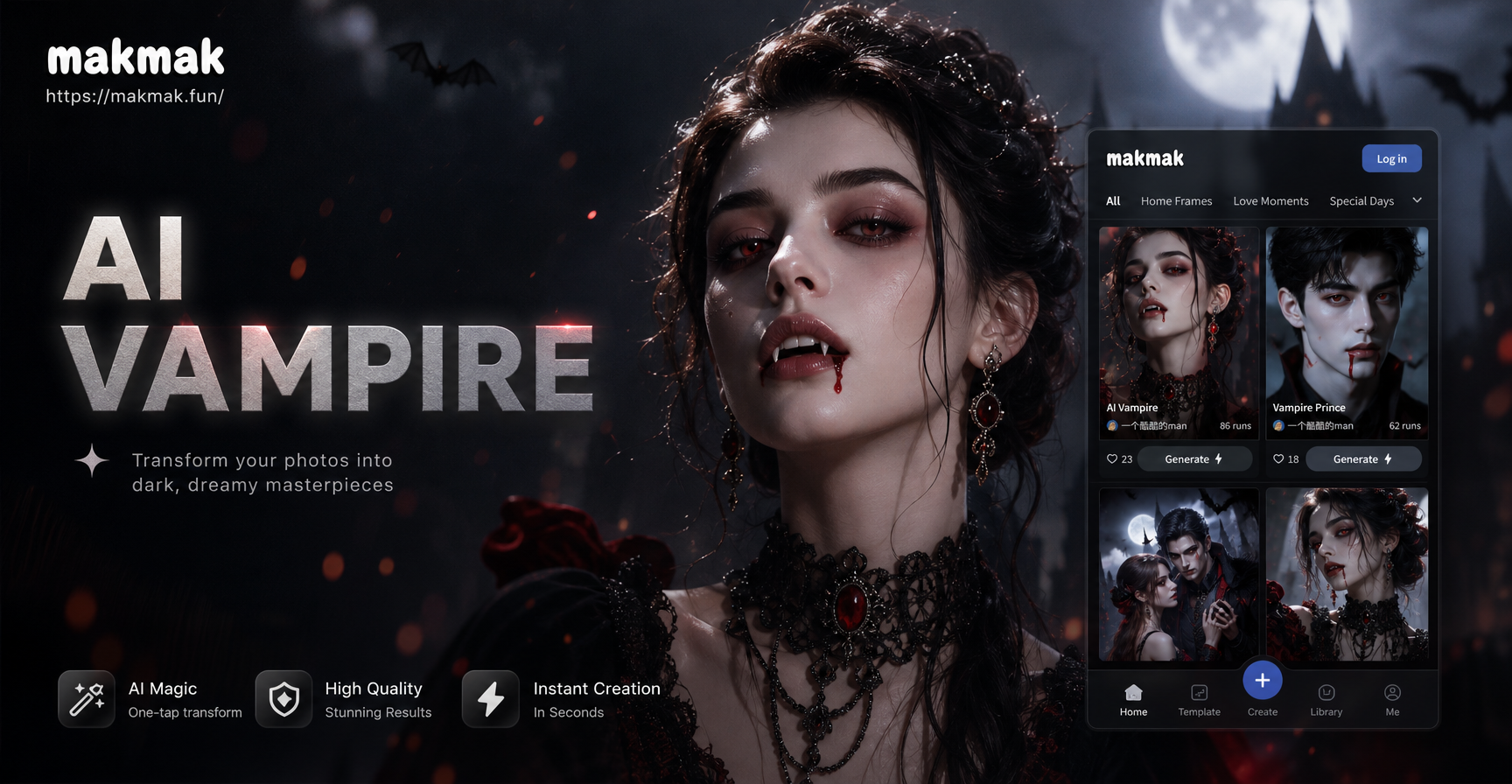
AI Vampire Filter: Turn Yourself into a Vampire
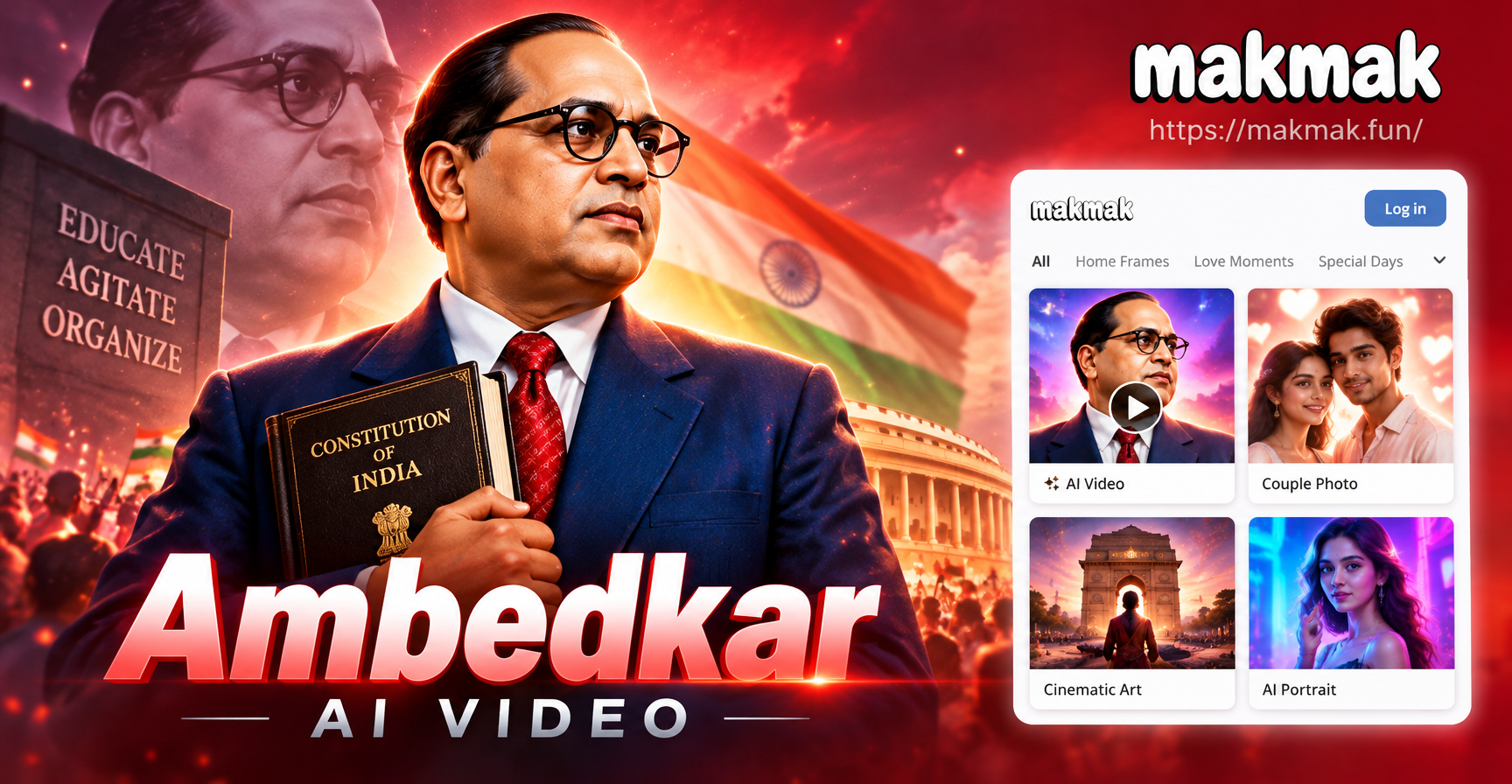
Create Ambedkar AI Video Tributes in Minutes
Turn Any Clip Into a GIF in Seconds
Image Background Editor: Change Photo Backgrounds in Seconds
AI Vampire Filter: Turn Yourself into a Vampire
Create Ambedkar AI Video Tributes in Minutes
Ready to Cartoonize Your Photos?
Download makmak and turn ordinary selfies into extraordinary cartoon art. Join millions of creators using the best cartoon photo filter app.
Ready to Cartoonize Your Photos?
Download makmak and turn ordinary selfies into extraordinary cartoon art. Join millions of creators using the best cartoon photo filter app.