Image Border Editor
Choose the Border Style That Fits Your Photo
Discover border presets that perfectly match your image mood, from clean minimal frames to expressive vintage styles.
Key Features of Image Border Editor
Turn plain photos into polished, frame-worthy visuals with powerful yet simple border editing tools built for creators of every skill level.
Millions of Border Styles
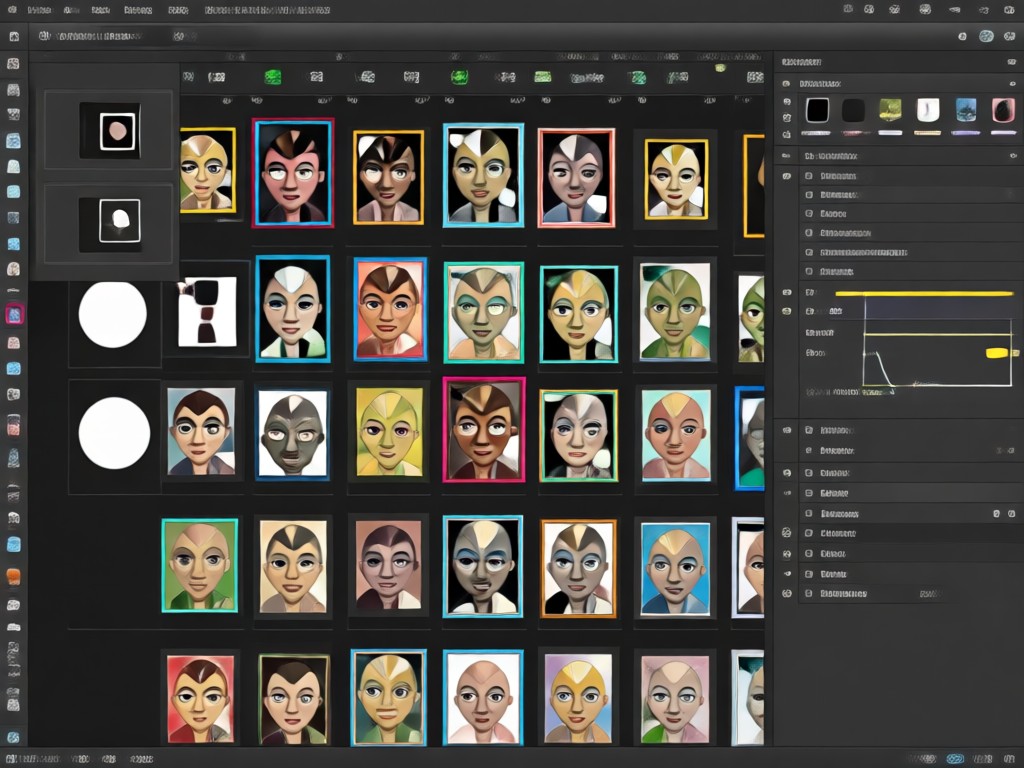
Browse over a million curated border templates including clean white minimalist edges, grunge film strips, soft pastel frames, and cinematic letterbox bars. Each preset is optimized for social media so your photos look polished, professional, and platform-ready without any manual cropping or resizing.
Millions of Border Styles
Browse over a million curated border templates including clean white minimalist edges, grunge film strips, soft pastel frames, and cinematic letterbox bars. Each preset is optimized for social media so your photos look polished, professional, and platform-ready without any manual cropping or resizing.
One-Tap Smart Borders
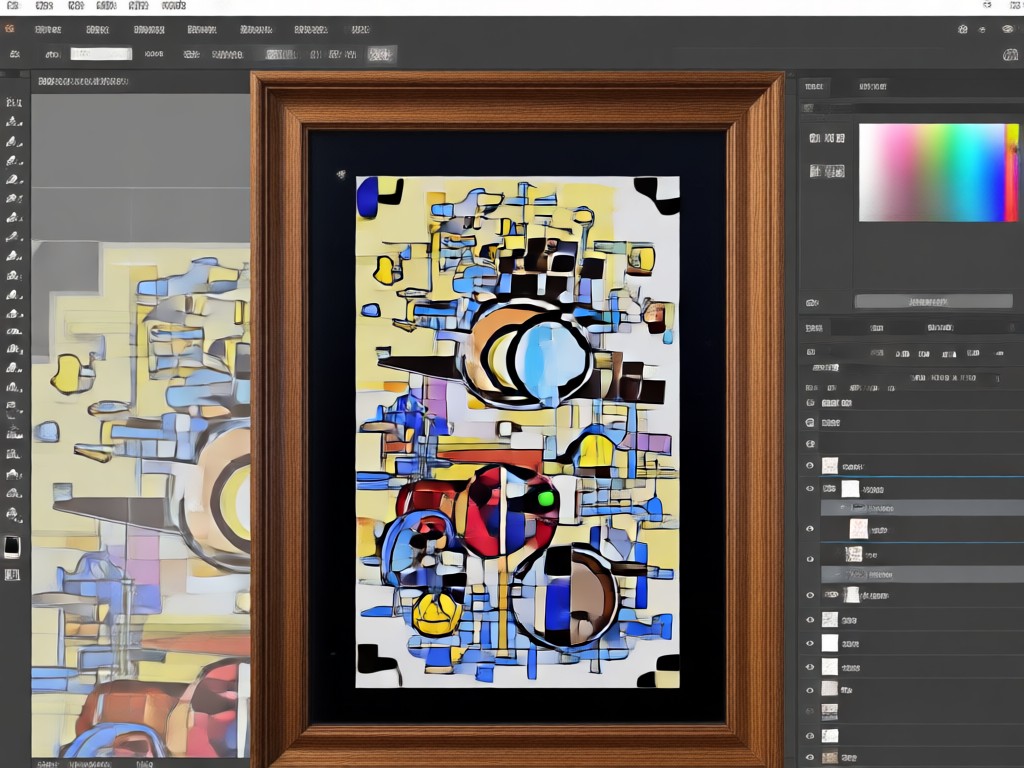
Upload any photo and the AI automatically detects edges, aligns borders, and suggests complementary frame styles based on your image tone. Adjust thickness, color, and corner radius with simple sliders. The smart engine keeps subjects perfectly centered so nothing important gets cut off.
One-Tap Smart Borders
Upload any photo and the AI automatically detects edges, aligns borders, and suggests complementary frame styles based on your image tone. Adjust thickness, color, and corner radius with simple sliders. The smart engine keeps subjects perfectly centered so nothing important gets cut off.
Vintage and Trend Effects
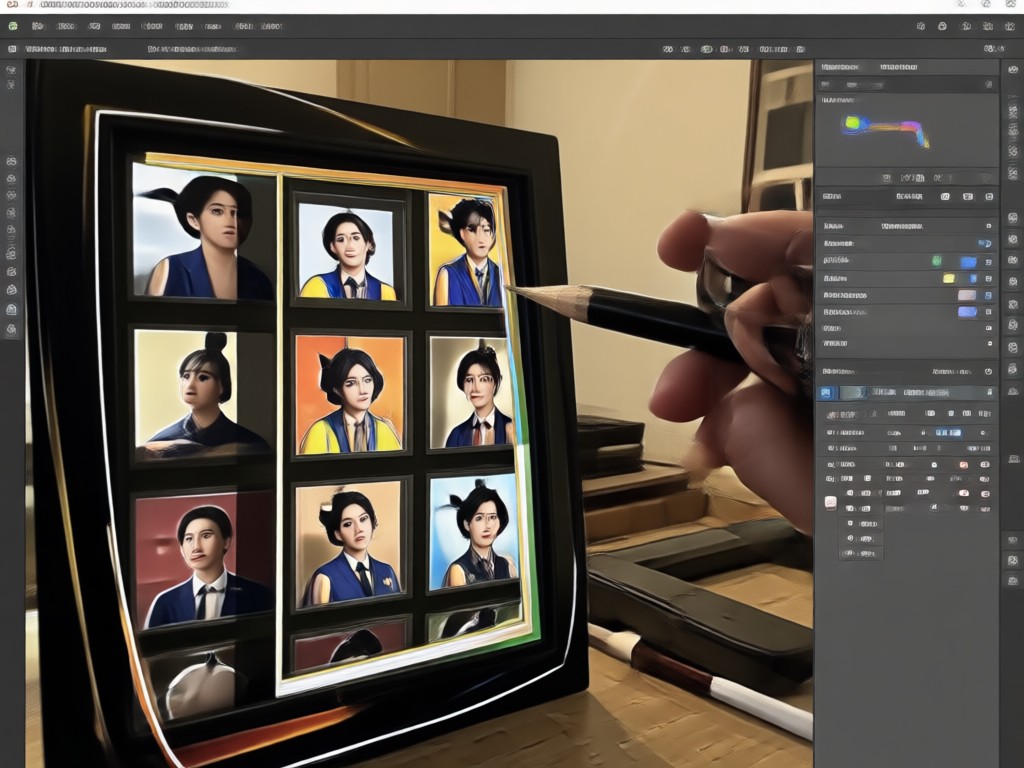
Recreate popular aesthetic trends like Y2K sparkle borders, retro 35mm film sprockets, glowing neon edges, and soft dreamy vignettes. Combine border presets with built-in filters for a complete style overhaul in a single tap. Perfect for creators who want that viral look without complex photo editing tools.
Vintage and Trend Effects
Recreate popular aesthetic trends like Y2K sparkle borders, retro 35mm film sprockets, glowing neon edges, and soft dreamy vignettes. Combine border presets with built-in filters for a complete style overhaul in a single tap. Perfect for creators who want that viral look without complex photo editing tools.
Why Choose the Image Border Editor?
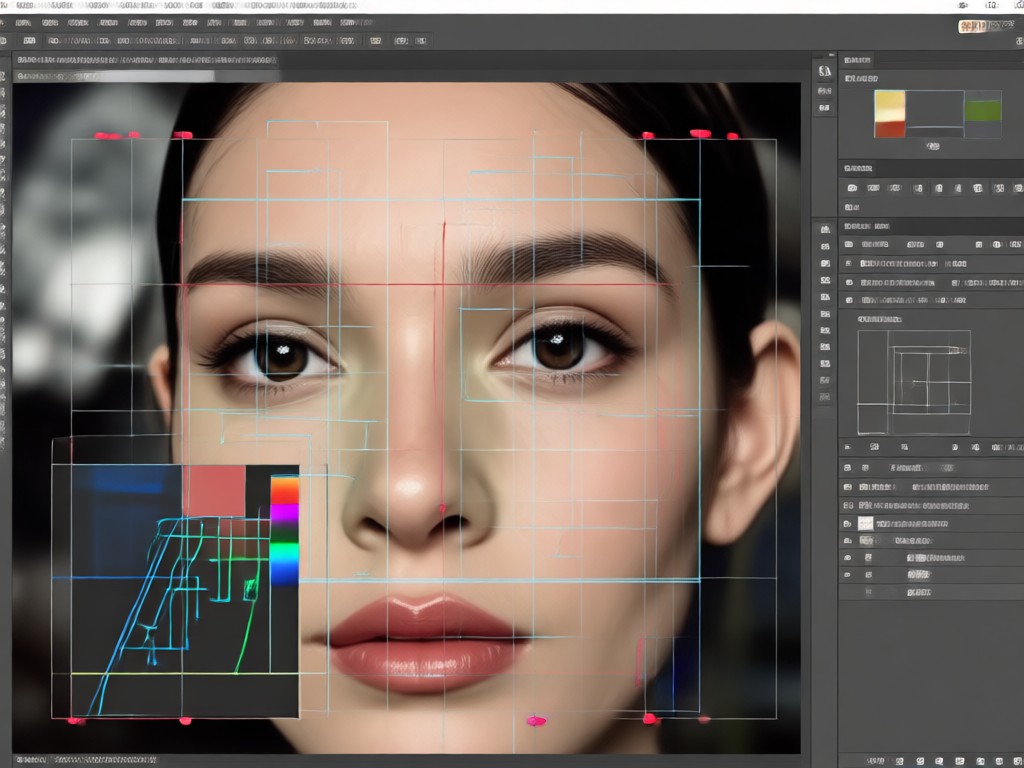
Plain photos rarely stop the scroll. A carefully chosen border adds structure, guides attention, and makes your content feel intentional. The Image Border Editor removes the guesswork with precision controls, adaptive alignment, and styles that match today's visual trends. Whether you're a content creator, small business owner, or casual sharer, you'll save hours of editing while producing photos that consistently look professionally designed.
Why Choose the Image Border Editor?
Plain photos rarely stop the scroll. A carefully chosen border adds structure, guides attention, and makes your content feel intentional. The Image Border Editor removes the guesswork with precision controls, adaptive alignment, and styles that match today's visual trends. Whether you're a content creator, small business owner, or casual sharer, you'll save hours of editing while producing photos that consistently look professionally designed.
How to Add a Border to Your Photo?
Follow three simple steps to transform your plain photos into stunning framed images using the Image Border Editor app.

Step 01.
Get started by downloading the makmak app from Google Play and open the Image Border Editor tool to begin.

Step 02.
Upload your photo and choose from thousands of border styles including minimalist, vintage, polaroid, and neon frames.

Step 03.
Adjust border thickness and color, then save or share your framed photo directly to social media.
Explore Image Border Editor Creations
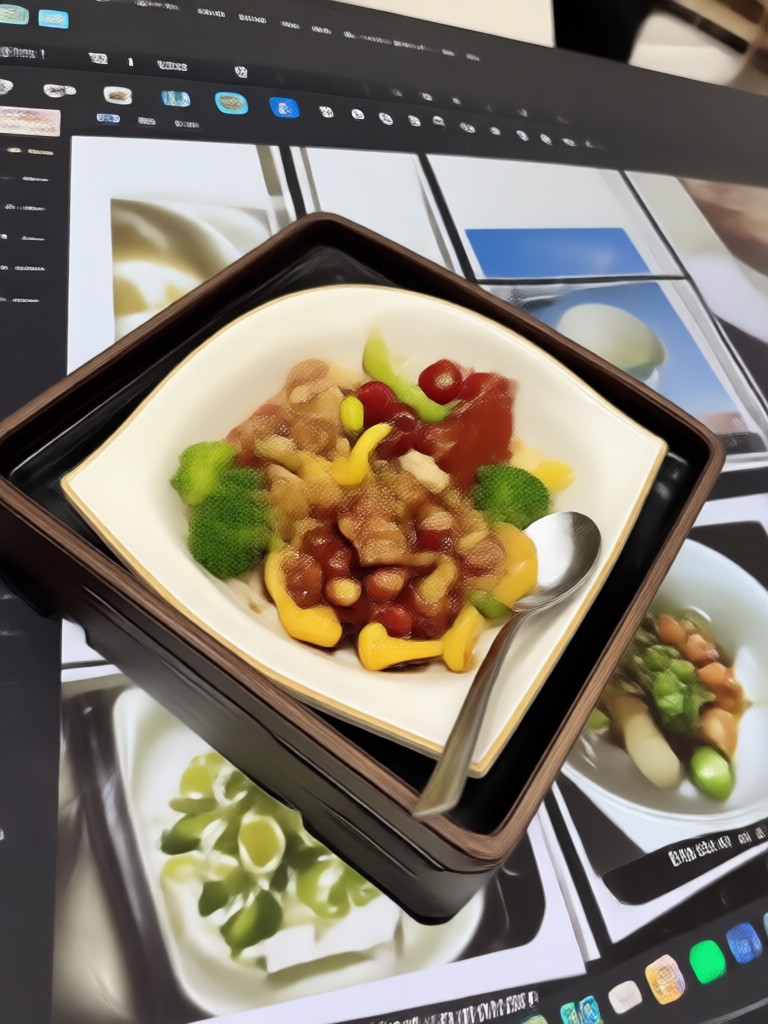
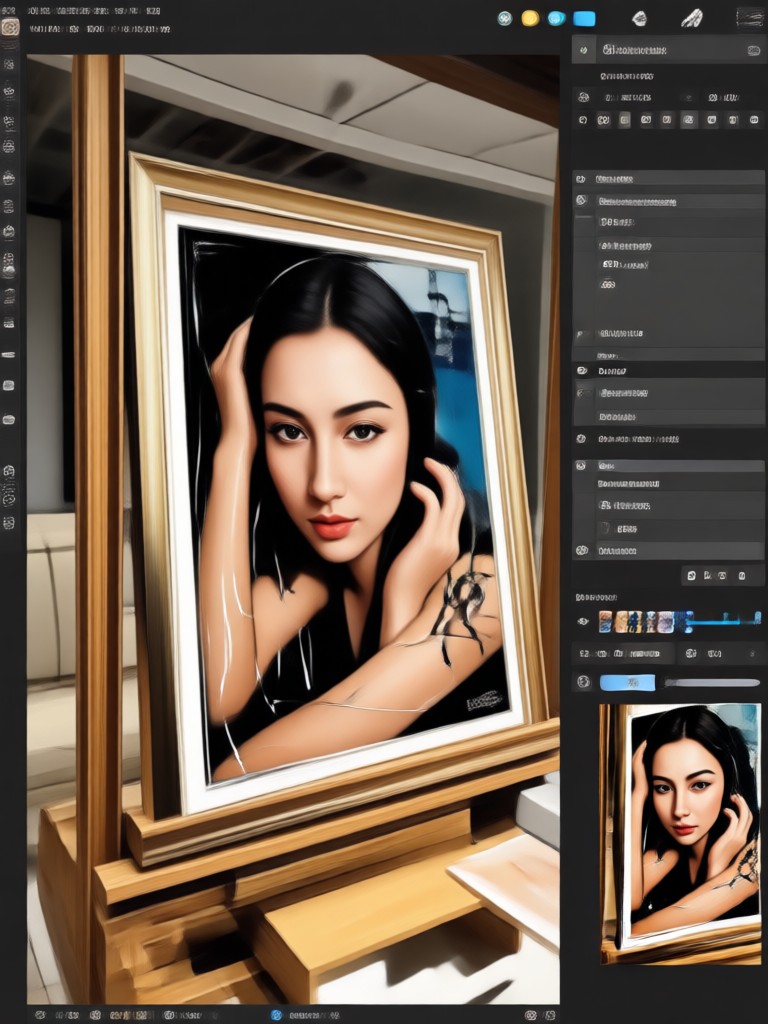
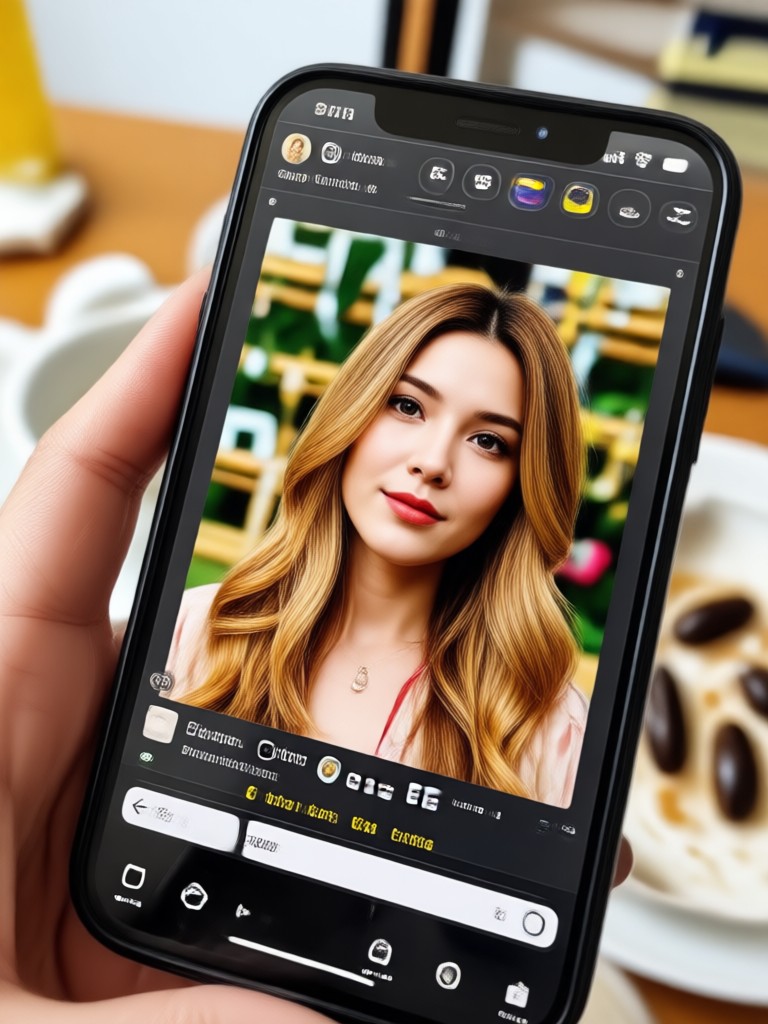
See real examples of photos transformed with aesthetic borders, vintage frames, and trendy polaroid styles. Get inspired and start creating your own framed masterpieces today.
What Creators Say About the Image Border Editor
Perfect for my Instagram feed
I post daily outfit photos and the border editor has made my grid look so cohesive. The white minimalist frame with consistent spacing gives my profile a clean, editorial look. It takes me ten seconds per photo and I've seen a noticeable bump in engagement since switching.
Vintage frames that actually look authentic
I've tried several apps for film style borders and this is the only one that gets the grain and sprocket holes right. The 35mm frame option with the light leak overlay makes my travel photos look like they're straight from a film camera. My followers keep asking which preset I use.
Saved me hours of manual editing
I run a small handmade accessories shop and used to create polaroid frames in a desktop editor for every product photo. Now I batch process everything in the app in minutes. The border thickness slider and color picker give me exact control so my branding stays consistent across every listing.
Frequently Asked Questions
Find clear answers to common questions about the Image Border Editor and learn how to add beautiful photo frames, vintage borders, and aesthetic edges to your images.
More Topics You May Like
Explore more topics you may like and discover fresh ideas tailored to your interests.
Convert PDF to Image: Fast JPG & PNG on Your Phone
Convert PDF to JPG or PNG in seconds. Upload a PDF, choose your format, and get clean, shareable images instantly. Enhance with AI styles in the makmak app.

AI Photo Generative Fill: Complete & Extend Any Image
AI Photo Generative Fill lets you extend, complete, and repair images in seconds. Upload a photo, mark the area to fill, and AI generates realistic content automatically.

Edit Foto Hari Pahlawan dengan AI
Edit foto Hari Pahlawan dengan AI photo editing. Unggah foto, pilih template patriotik, dan ubah gaya dalam hitungan detik. Hasil realistis, HD, tanpa keahlian desain.

Gothic Filter: Create Dark Aesthetic Photos with AI
Transform photos into stunning gothic artwork with AI. Choose vampire, dark academia, and moody gothic styles. No editing skills needed. Download now.
Ready to Frame Your Best Photos?
Download the makmak app now and start adding beautiful borders, vintage frames, and aesthetic photo edges to your images in seconds. Your next standout post is one tap away.
Ready to Frame Your Best Photos?
Download the makmak app now and start adding beautiful borders, vintage frames, and aesthetic photo edges to your images in seconds. Your next standout post is one tap away.