AI Photo Generative Fill
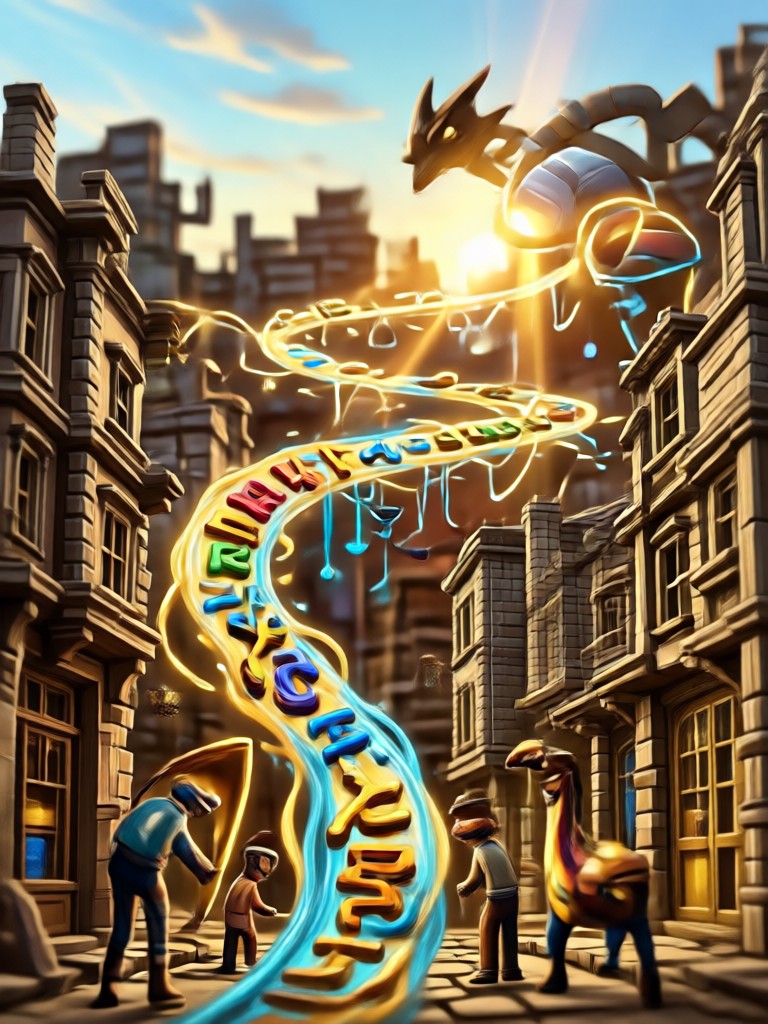
Choose Your Generative Fill Style
Explore multiple AI filters and templates designed to complete, extend, and enhance your photos with natural-looking results.
Key Features of AI Photo Generative Fill
Discover how makmak's AI generative fill technology helps you complete, repair, and extend your images with realistic results.
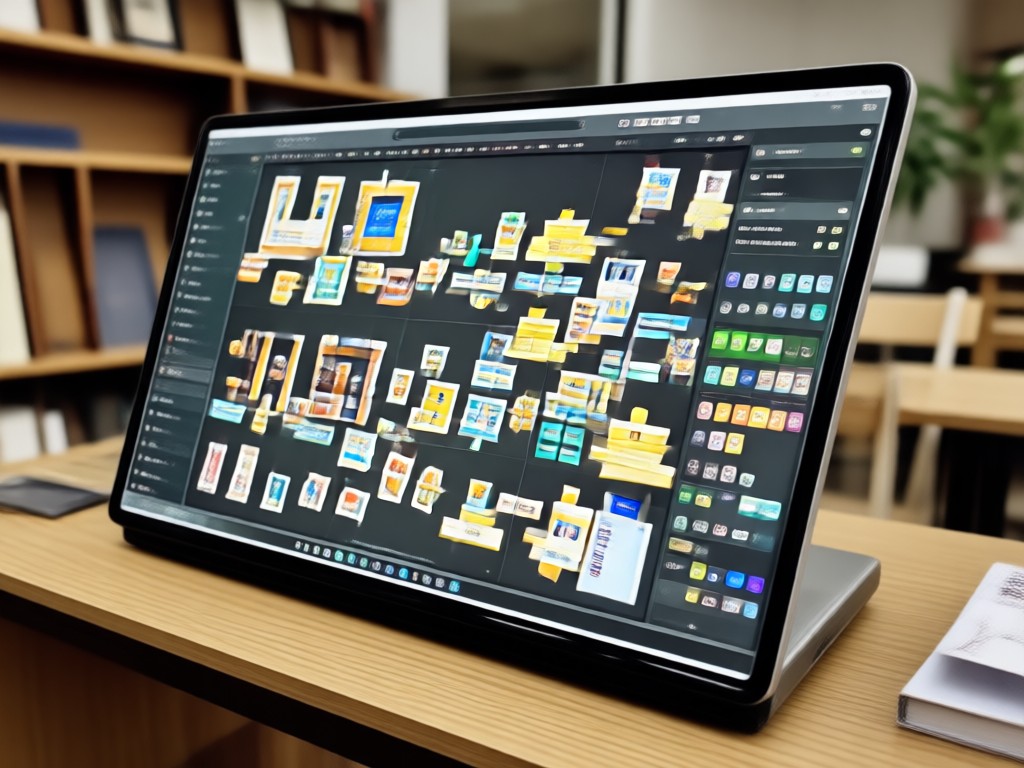
Smart Object Removal
Erase unwanted objects, people, or text from any photo. Simply mark the area and AI fills it with natural-looking background details that match the surrounding scenery perfectly.
Smart Object Removal
Erase unwanted objects, people, or text from any photo. Simply mark the area and AI fills it with natural-looking background details that match the surrounding scenery perfectly.
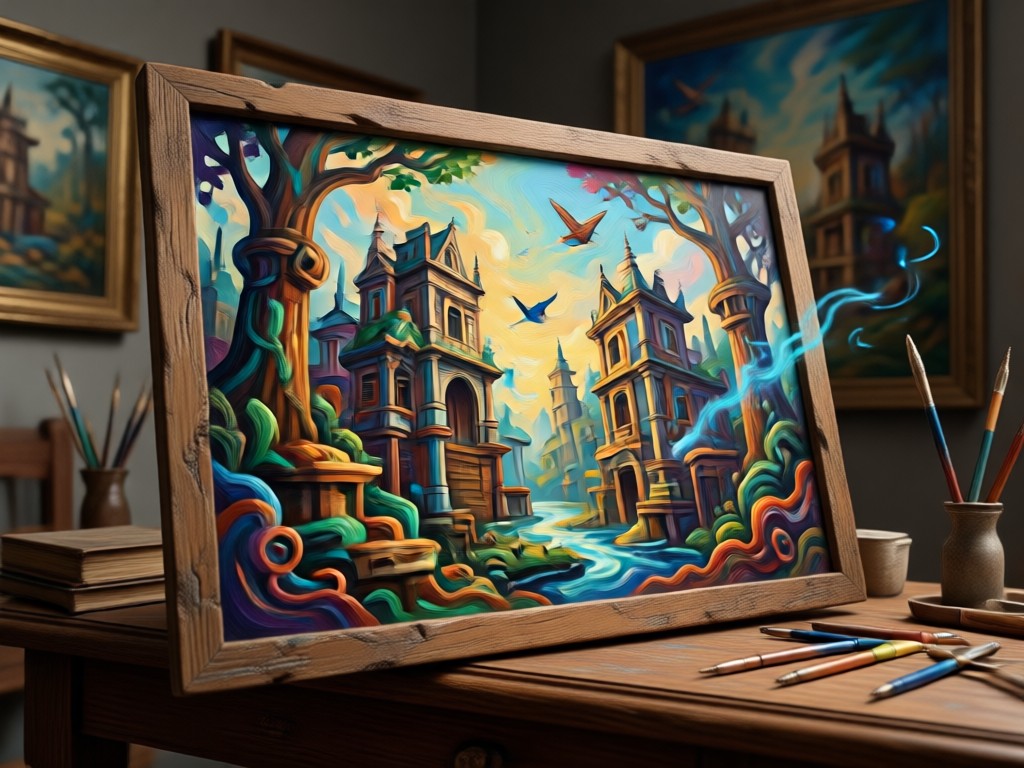
Background Extension
Extend image borders in any direction to change aspect ratios or create more space. The AI generates new background content that seamlessly blends with your original photo edges.
Background Extension
Extend image borders in any direction to change aspect ratios or create more space. The AI generates new background content that seamlessly blends with your original photo edges.
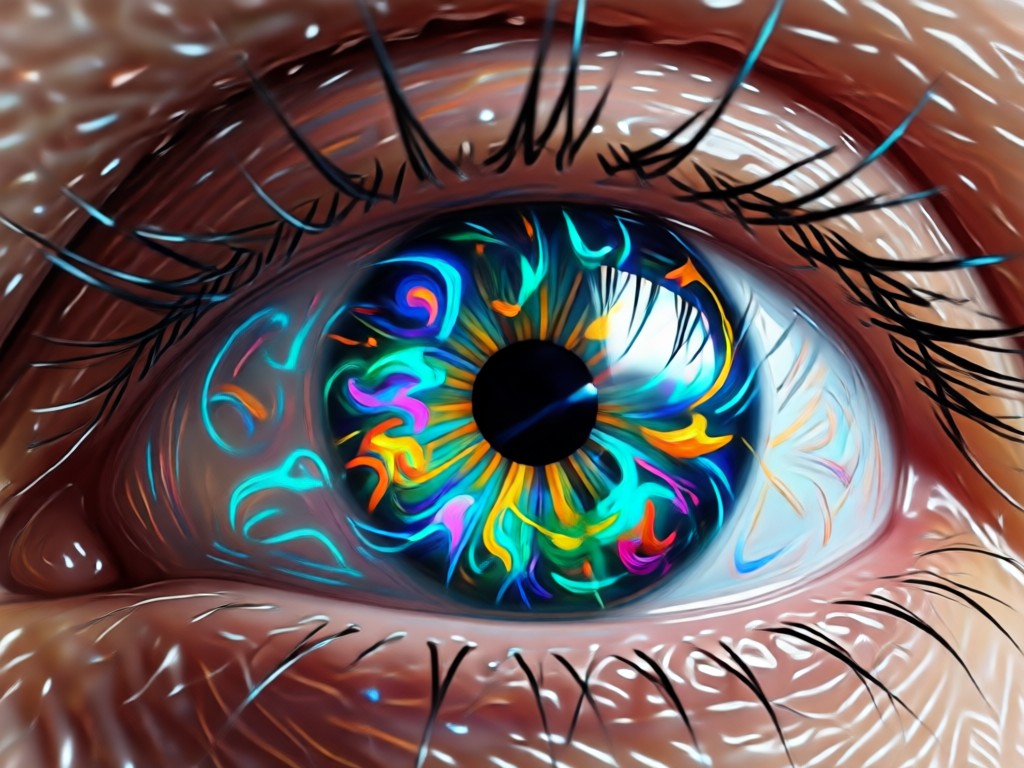
Photo Restoration
Repair damaged, torn, or incomplete photos by filling missing areas with realistic content. Old family photos can look complete and refreshed again with intelligent AI filling technology.
Photo Restoration
Repair damaged, torn, or incomplete photos by filling missing areas with realistic content. Old family photos can look complete and refreshed again with intelligent AI filling technology.
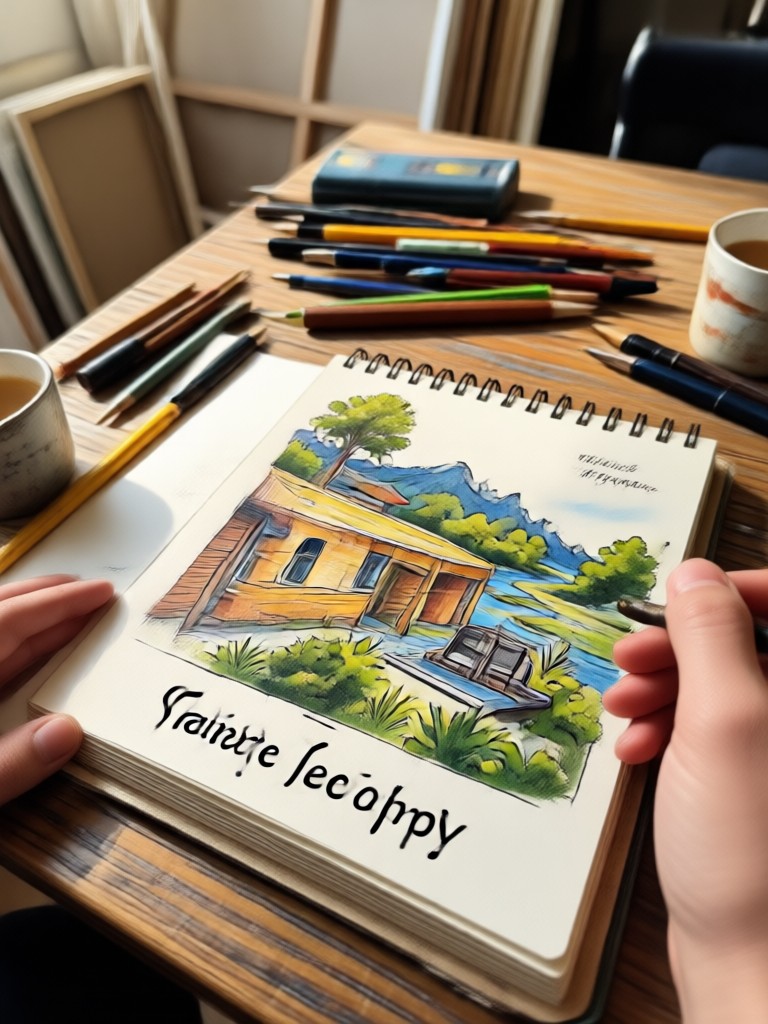
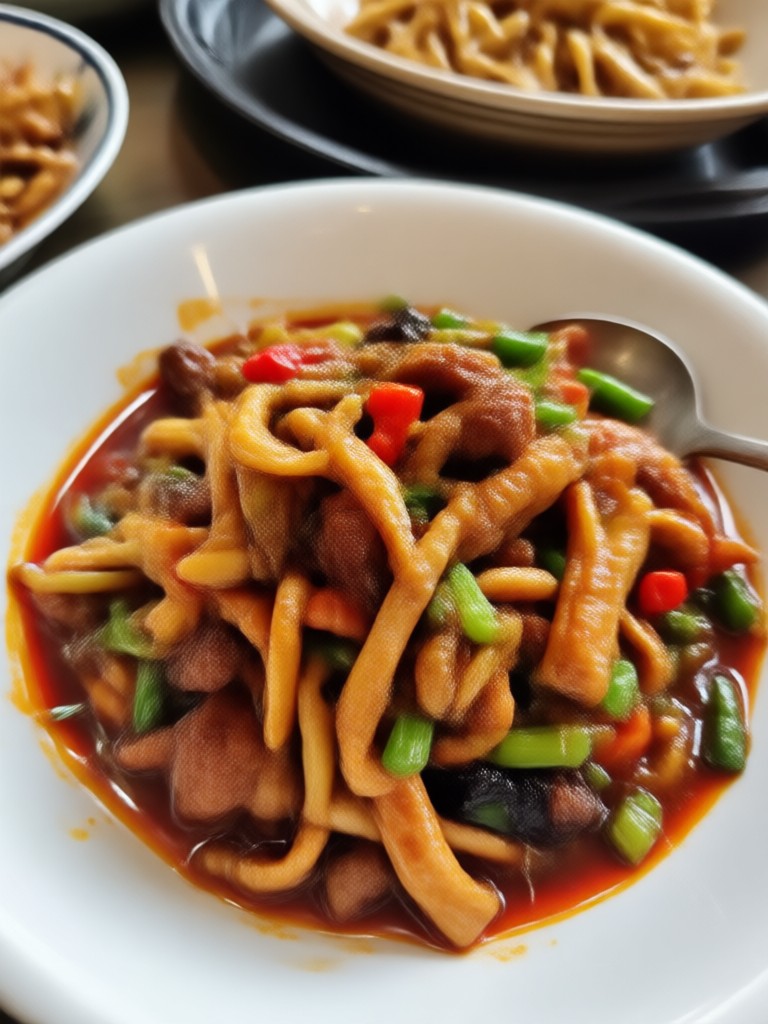
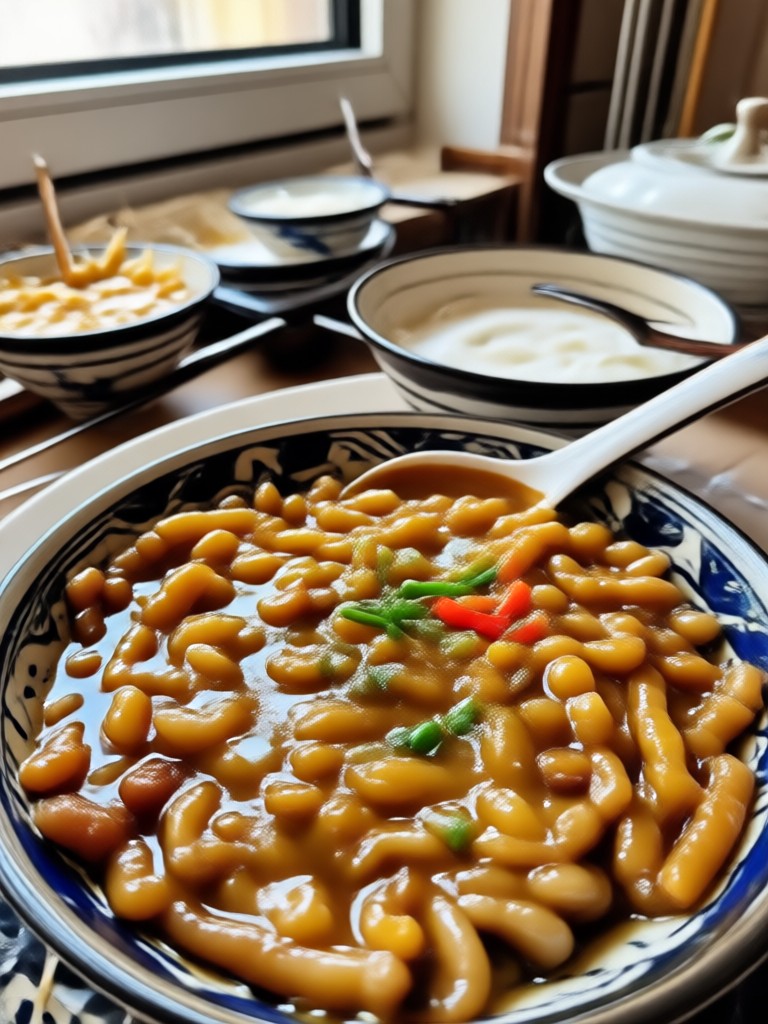
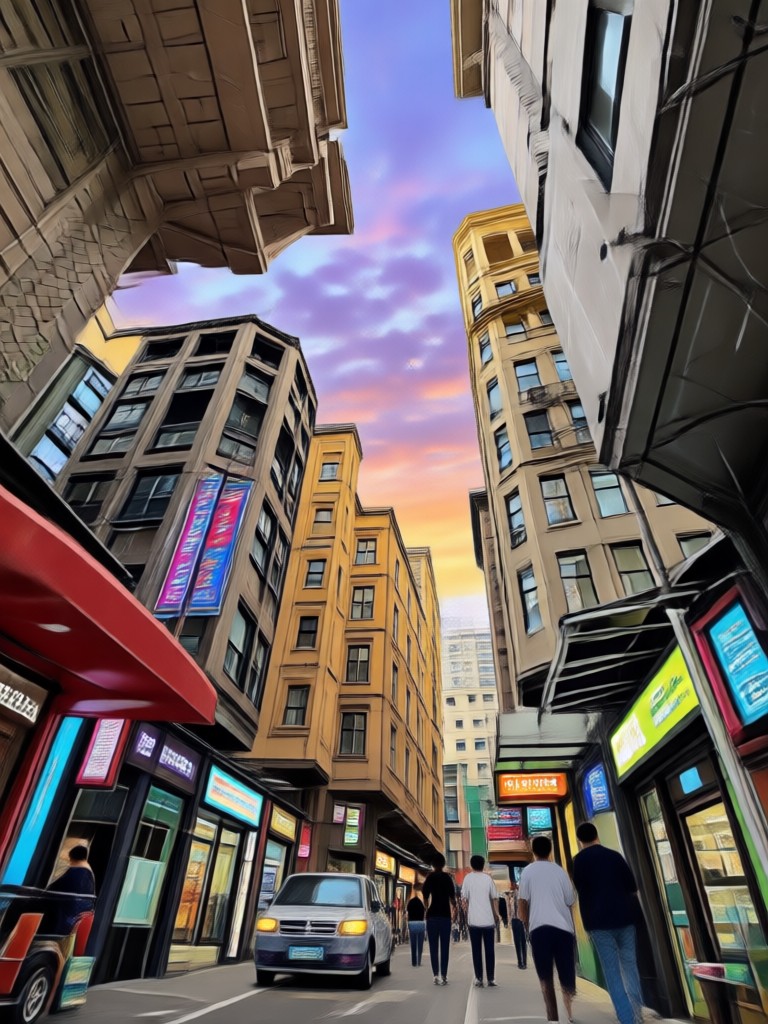
AI Generative Fill Results Gallery
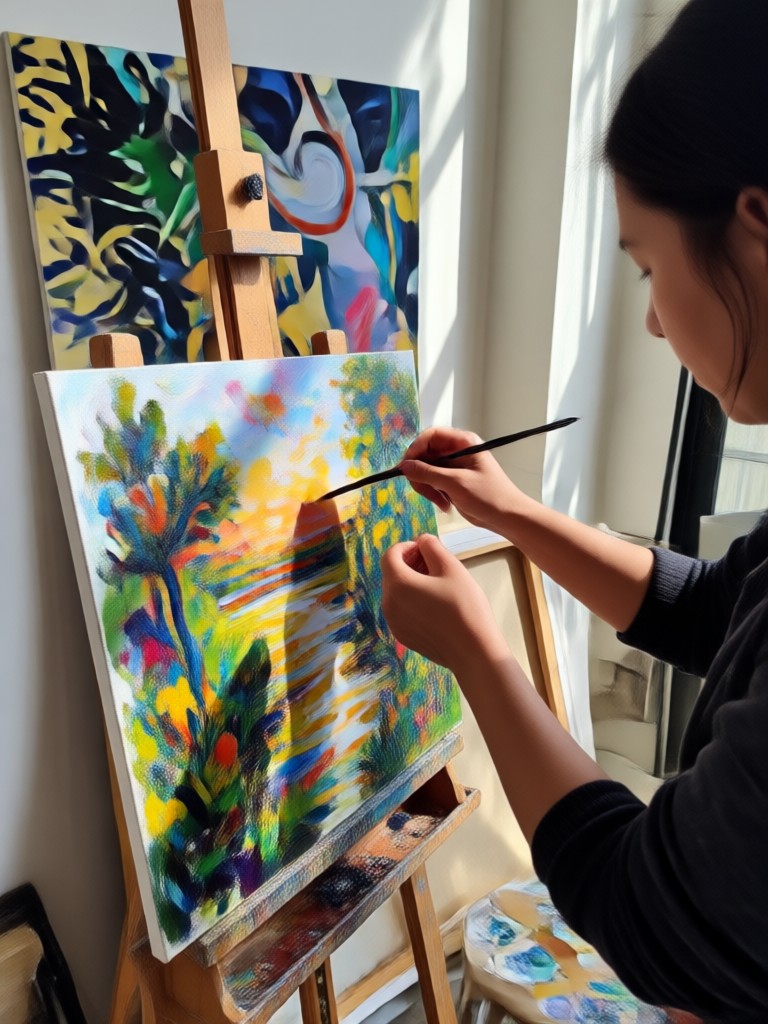
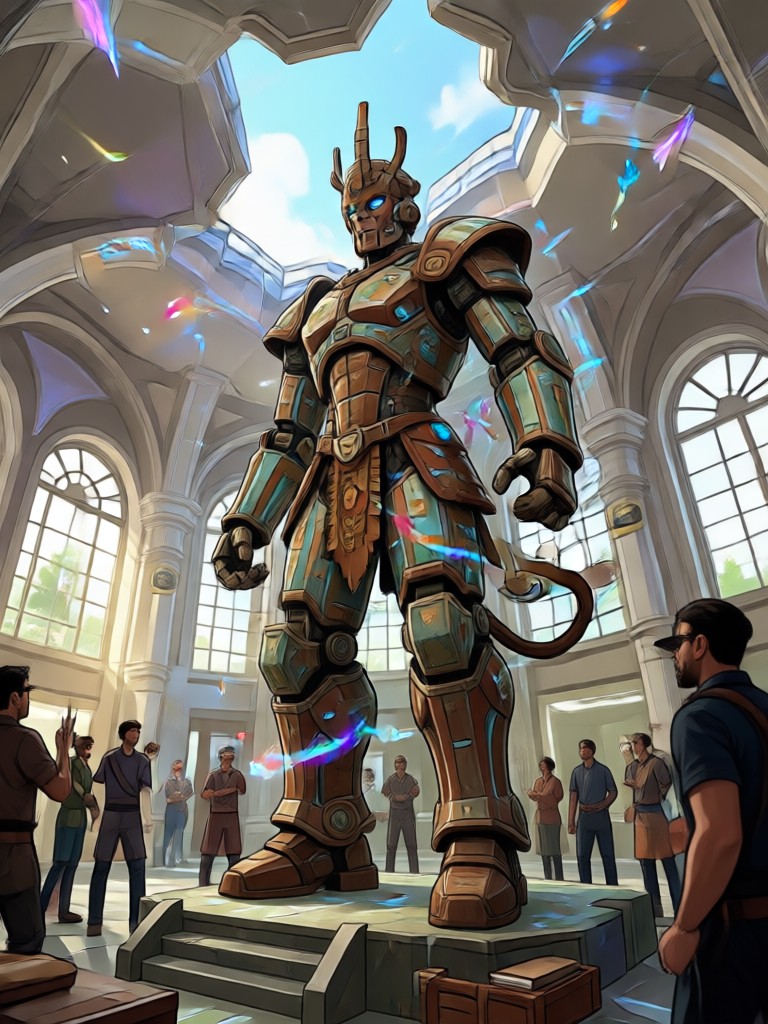
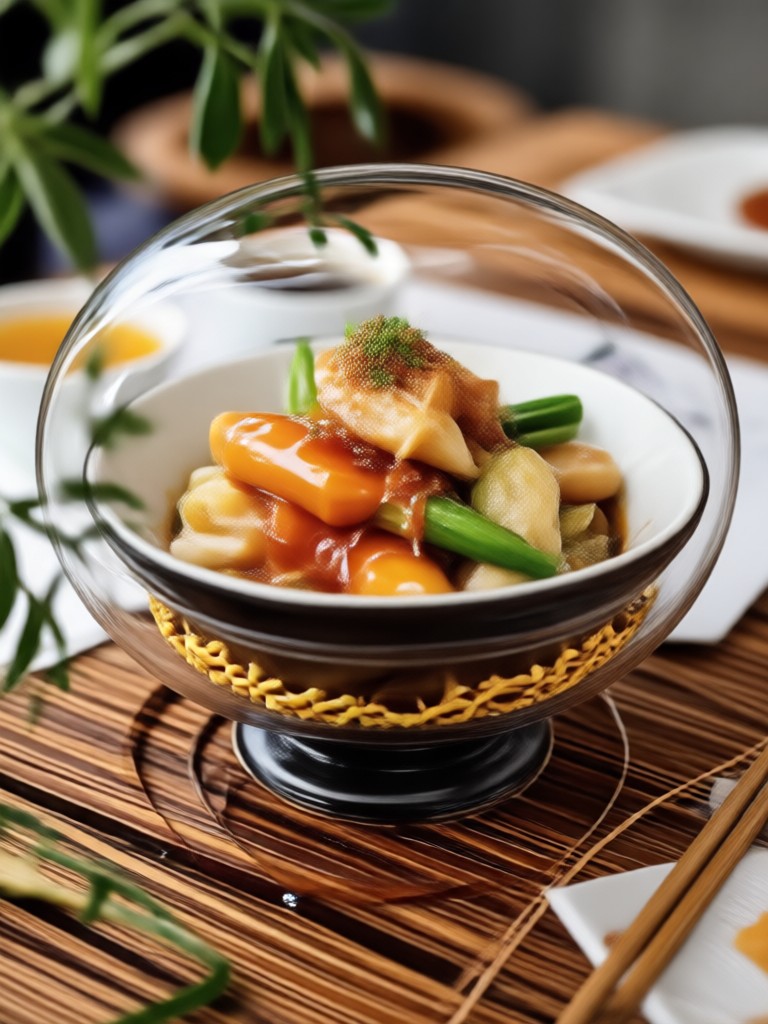
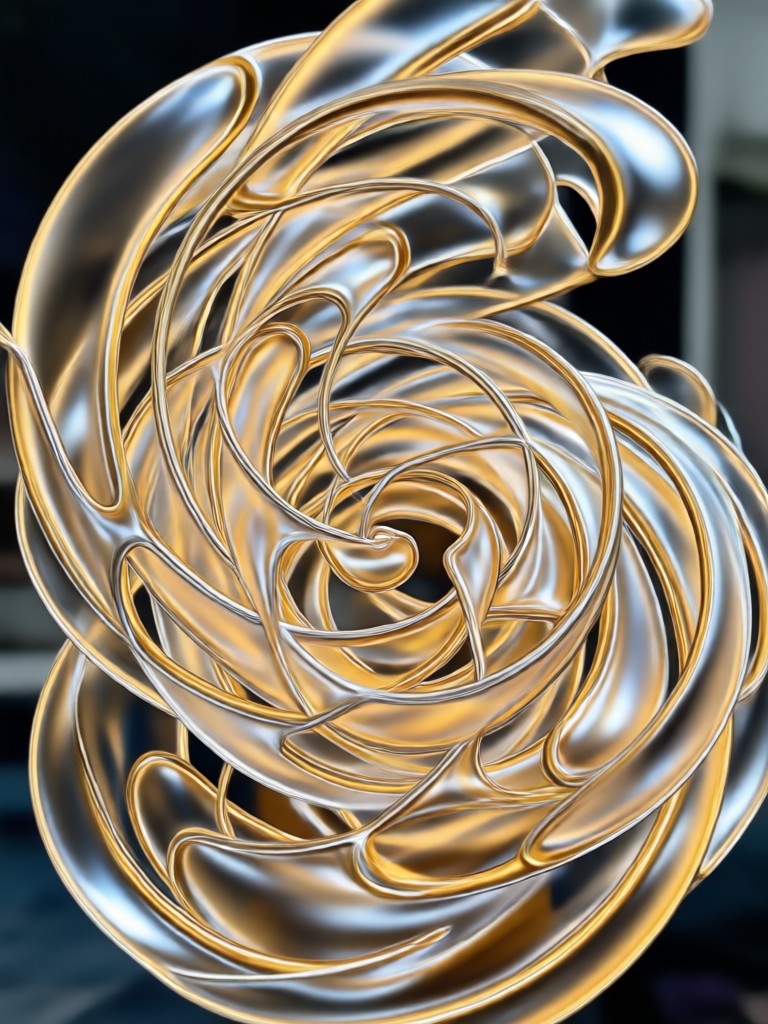
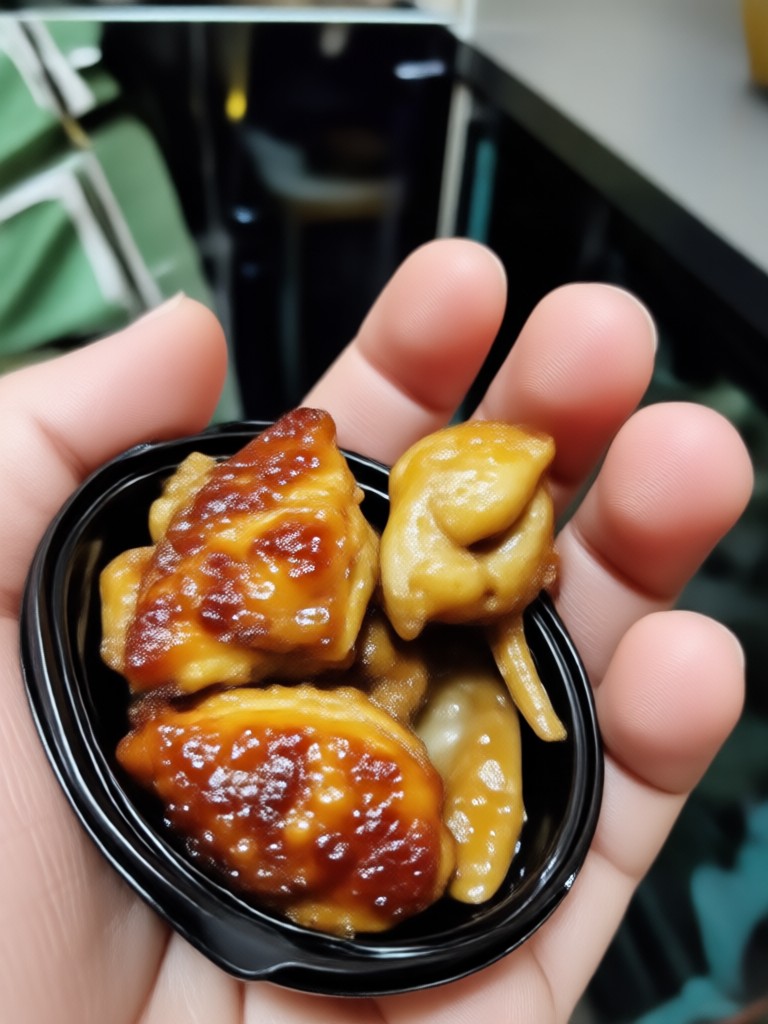
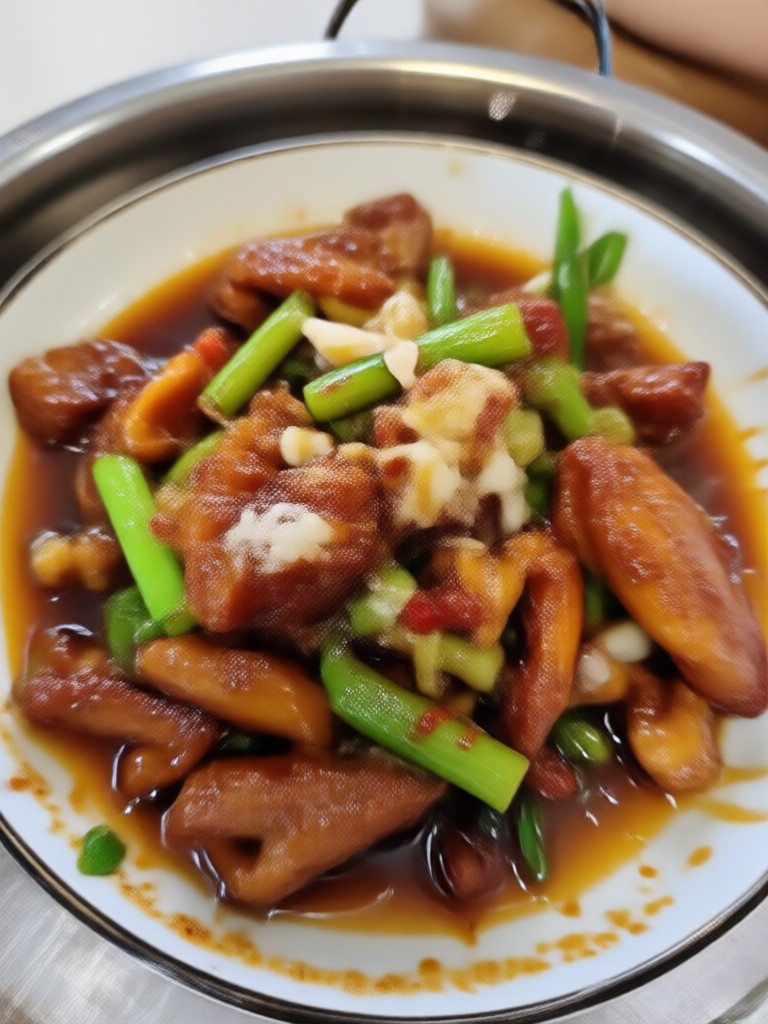
See how AI photo generative fill transforms images by completing missing areas, removing unwanted objects, and extending backgrounds with natural-looking results.

How to Use AI Photo Generative Fill
Transform your photos with AI generative fill in three simple steps using the makmak app on your phone.

Step 01.
Download the makmak app from Google Play and open it on your mobile device to get started with AI photo generative fill.

Step 02.
Upload your photo and use the brush or selection tool to mark the area you want to fill, extend, or remove.

Step 03.
Tap generate and let AI fill the marked area with realistic content. Download your completed image and share it anywhere.
Why Choose makmak for AI Photo Generative Fill
makmak combines powerful AI generative fill technology with an ultra-simple mobile interface. No desktop software or editing skills required. Just upload, mark, and generate. The AI analyzes your photo context, lighting, and texture to create seamless fills that look completely natural. Whether you need to remove a photobomber, extend a sky, or repair an old photo, makmak delivers professional results in seconds.
Why Choose makmak for AI Photo Generative Fill
makmak combines powerful AI generative fill technology with an ultra-simple mobile interface. No desktop software or editing skills required. Just upload, mark, and generate. The AI analyzes your photo context, lighting, and texture to create seamless fills that look completely natural. Whether you need to remove a photobomber, extend a sky, or repair an old photo, makmak delivers professional results in seconds.
Who Uses AI Photo Generative Fill

Louis Yule
I use generative fill to remove photobombers from vacation photos. The AI fills the background so naturally that nobody can tell there was ever a person there.

Mandy Sander
As a real estate photographer, I constantly need to remove clutter and extend room walls. makmak's generative fill saves me hours of Photoshop work on every shoot.
Orville Garcia
I restored my grandparents' 60-year-old wedding photo that had torn corners and scratches. The AI filled every damaged area perfectly. My whole family was amazed.
Sam Green
Social media content creator here. I use generative fill to extend backgrounds and change photo aspect ratios for different platforms. It takes literally seconds on my phone.
Louis Yule
I use generative fill to remove photobombers from vacation photos. The AI fills the background so naturally that nobody can tell there was ever a person there.
Mandy Sander
As a real estate photographer, I constantly need to remove clutter and extend room walls. makmak's generative fill saves me hours of Photoshop work on every shoot.
Orville Garcia
I restored my grandparents' 60-year-old wedding photo that had torn corners and scratches. The AI filled every damaged area perfectly. My whole family was amazed.
Sam Green
Social media content creator here. I use generative fill to extend backgrounds and change photo aspect ratios for different platforms. It takes literally seconds on my phone.
Louis Yule
I use generative fill to remove photobombers from vacation photos. The AI fills the background so naturally that nobody can tell there was ever a person there.
Mandy Sander
As a real estate photographer, I constantly need to remove clutter and extend room walls. makmak's generative fill saves me hours of Photoshop work on every shoot.
Orville Garcia
I restored my grandparents' 60-year-old wedding photo that had torn corners and scratches. The AI filled every damaged area perfectly. My whole family was amazed.
Sam Green
Social media content creator here. I use generative fill to extend backgrounds and change photo aspect ratios for different platforms. It takes literally seconds on my phone.
Frequently Asked Questions
Find clear answers to common questions about AI photo generative fill and get the guidance you need to make the most of makmak, faster and easier.
More Topics You May Like
Explore more topics you may like and discover fresh ideas tailored to your interests.

Edit Foto Hari Pahlawan dengan AI

Gothic Filter: Create Dark Aesthetic Photos with AI

Celebrate Malaysia Day with Stunning AI Photo Edits

Happy Diwali Poster: Create Festive AI Designs Instantly
Edit Foto Hari Pahlawan dengan AI
Gothic Filter: Create Dark Aesthetic Photos with AI
Celebrate Malaysia Day with Stunning AI Photo Edits
Happy Diwali Poster: Create Festive AI Designs Instantly
Ready to Fill Your Photos with AI?
Download makmak now and start using AI photo generative fill to complete, extend, and repair your images in seconds. No design skills required, just upload and let AI do the magic.
Ready to Fill Your Photos with AI?
Download makmak now and start using AI photo generative fill to complete, extend, and repair your images in seconds. No design skills required, just upload and let AI do the magic.