Convert PDF To Image File
AI Filters for Your Converted Images
After converting your PDF pages to images, unlock creative possibilities with over one million style filters. From realistic photo enhancement to anime, watercolor, and cinematic effects, find the perfect look for every page.
Smart PDF to Image Conversion Features
Makmak combines reliable file conversion with powerful AI tools, so you can do more with every PDF page you export as an image.

One Tap PDF Conversion
Import any PDF document and instantly convert every page into high resolution JPG or PNG images. The app handles multi page files with ease, preserving text clarity, colors, and layout details from the original document.
One Tap PDF Conversion
Import any PDF document and instantly convert every page into high resolution JPG or PNG images. The app handles multi page files with ease, preserving text clarity, colors, and layout details from the original document.
AI Enhancement Tools
After conversion, sharpen blurry text, improve contrast, and clean up scanned documents with AI. Turn ordinary PDF pages into crisp, polished images ready for sharing, printing, or publishing online.
AI Enhancement Tools
After conversion, sharpen blurry text, improve contrast, and clean up scanned documents with AI. Turn ordinary PDF pages into crisp, polished images ready for sharing, printing, or publishing online.
Style Filters for Every Page
Apply over one million style filters to your converted images. From realistic photo looks to artistic watercolor, anime, and cinematic effects, transform static PDF pages into visually stunning content in seconds.
Style Filters for Every Page
Apply over one million style filters to your converted images. From realistic photo looks to artistic watercolor, anime, and cinematic effects, transform static PDF pages into visually stunning content in seconds.
How to Convert PDF to Image File?
Follow three simple steps to convert your PDF pages into high quality images and enhance them with AI powered editing tools.

Step 01.
Download the makmak app from Google Play and open it on your mobile device. No desktop software or complex setup required.

Step 02.
Upload your PDF file and choose JPG or PNG as the output format. The app automatically extracts each page as a separate image.

Step 03.
Review your converted images, apply AI filters or enhancements if you like, then save and share them anywhere.
Converted PDF Images, Reimagined
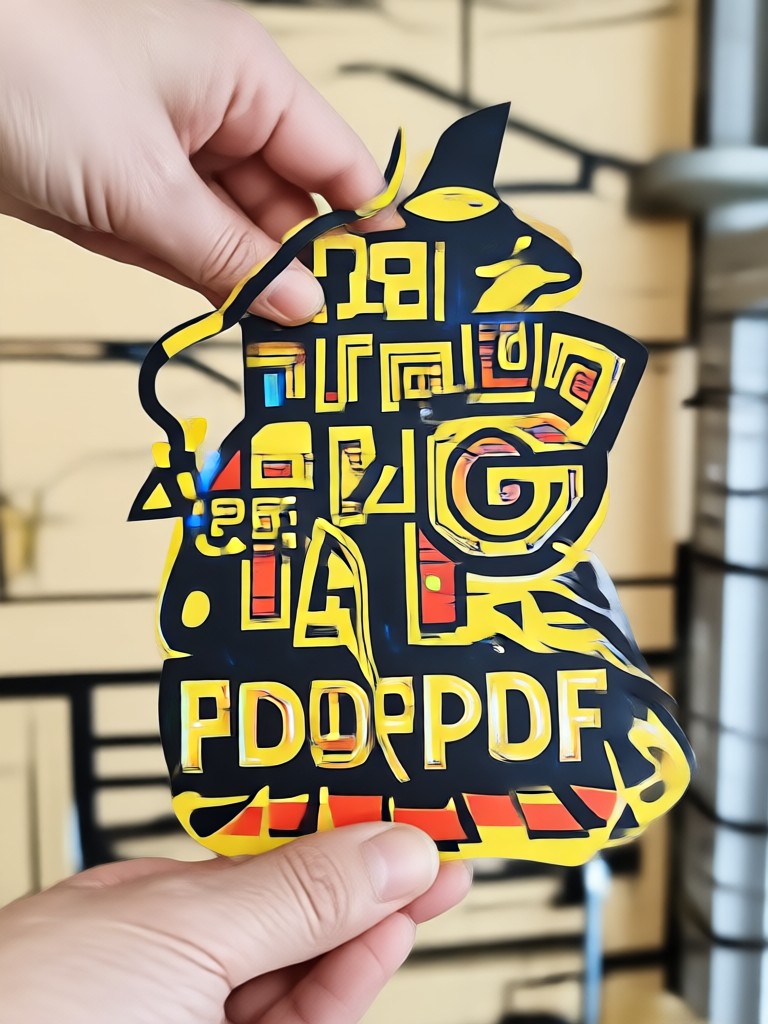
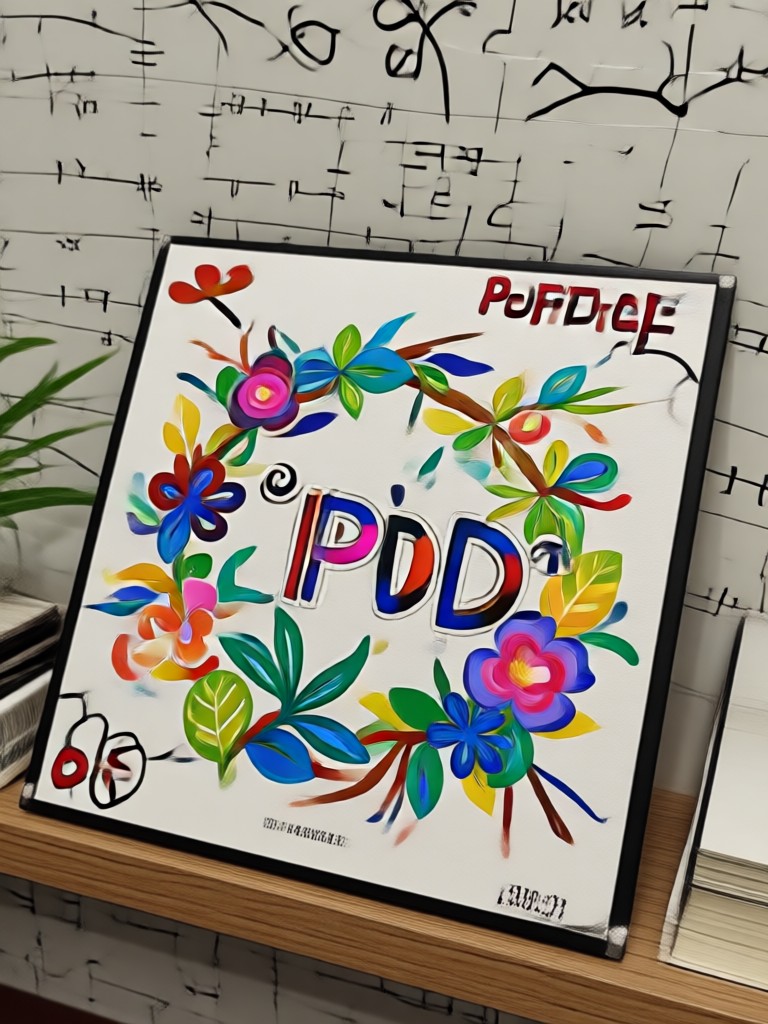
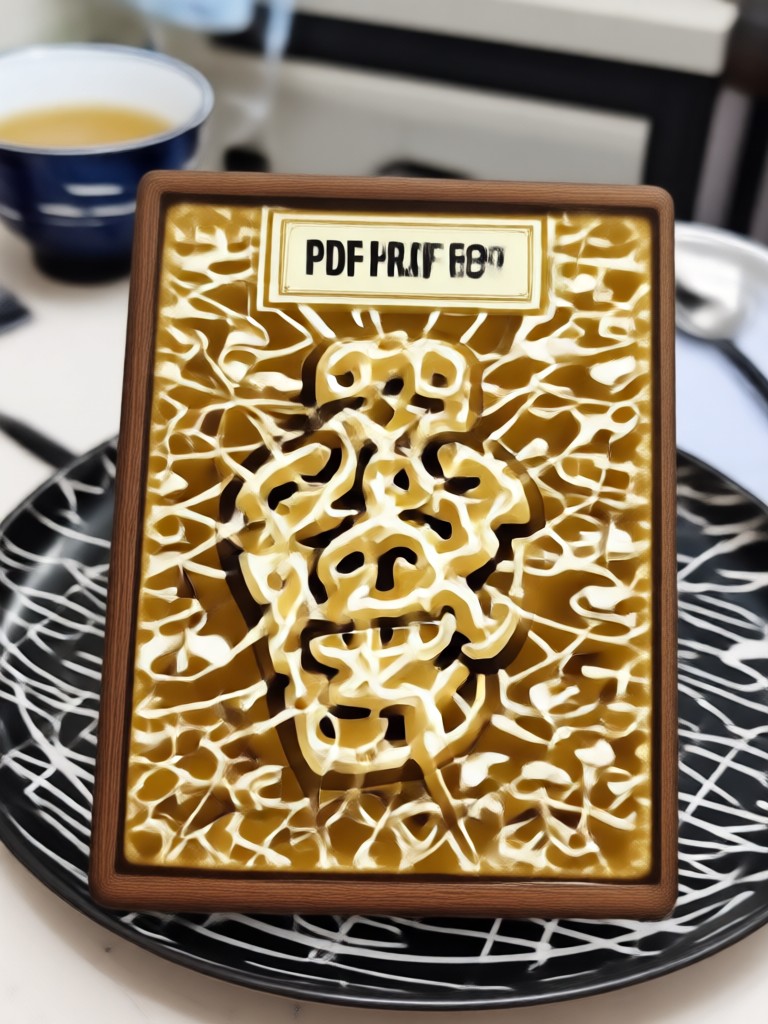
See how ordinary PDF pages become stunning visuals after conversion and AI enhancement. Browse examples created entirely within the makmak app.




Why Use makmak for PDF Conversion?
A better way to convert PDFs to images, with creative tools built right in.
Beyond Basic Conversion
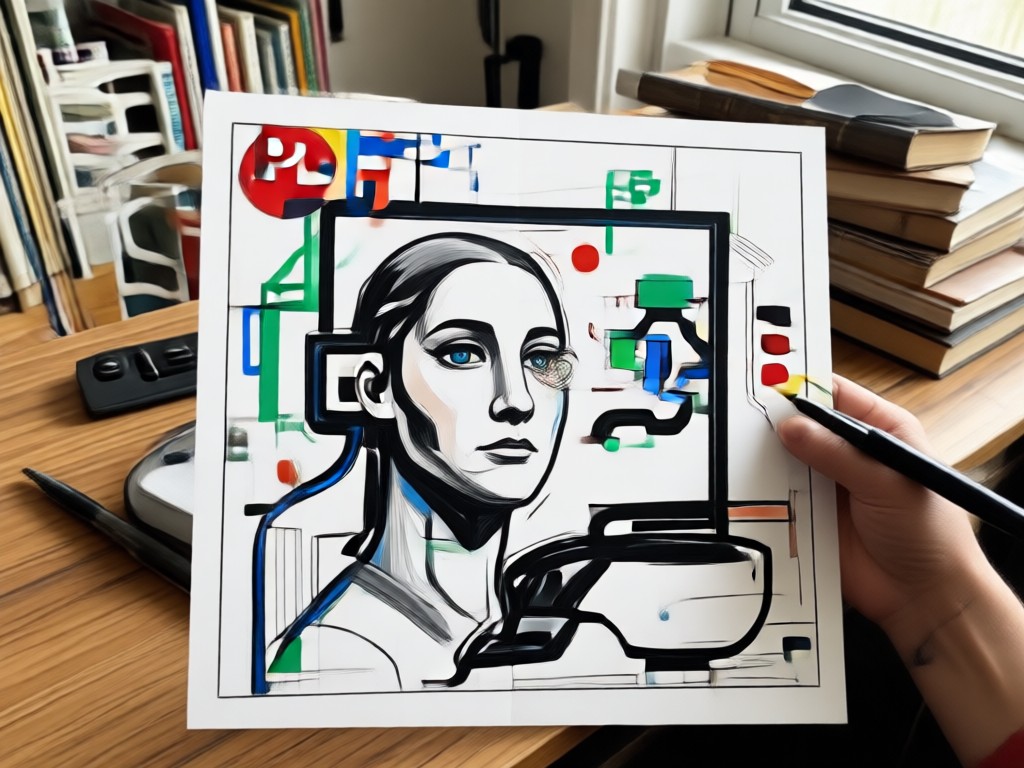
Most PDF converters stop at exporting images. Makmak goes further. After converting your PDF pages to JPG or PNG, you can instantly edit them with AI tools. Remove backgrounds, enhance resolution, apply artistic filters, or generate new visuals inspired by your document. Whether you are a student digitizing notes, a professional preparing slides, or a creator repurposing content, makmak turns a simple file conversion into a creative workflow. The mobile first design works anywhere, and results stay sharp and ready to share.
Beyond Basic Conversion
Most PDF converters stop at exporting images. Makmak goes further. After converting your PDF pages to JPG or PNG, you can instantly edit them with AI tools. Remove backgrounds, enhance resolution, apply artistic filters, or generate new visuals inspired by your document. Whether you are a student digitizing notes, a professional preparing slides, or a creator repurposing content, makmak turns a simple file conversion into a creative workflow. The mobile first design works anywhere, and results stay sharp and ready to share.
What Users Say About PDF to Image Conversion
Finally, a converter that does more
I needed to convert training manuals to images for our team's mobile learning platform. Makmak did the conversion quickly, and the AI enhancement cleaned up all the scanned pages beautifully.
Perfect for my design workflow
As a freelance designer, I often convert client PDFs to images for editing. The style filters let me present concepts in different visual directions instantly. It saves me hours every week.
Simple, fast, and reliable
I convert lecture slides and notes to images all the time. The app handles multi page PDFs without crashing, and the output quality is consistently high. Highly recommend.
Frequently Asked Questions About PDF Image Conversion
Find clear answers to common questions about converting PDF files to image formats with the makmak app.
More Topics You May Like
Explore more topics you may like and discover fresh ideas tailored to your interests.
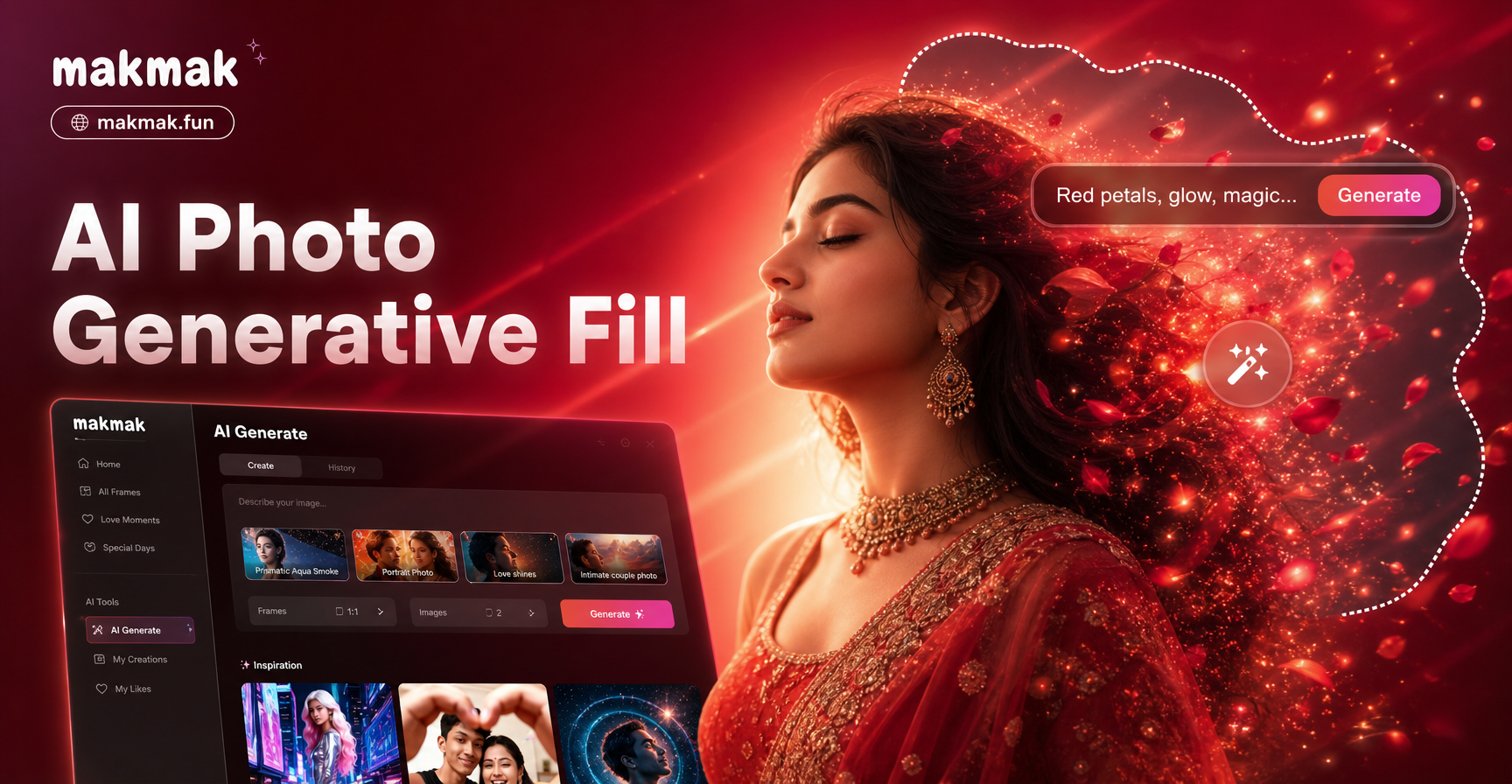
AI Photo Generative Fill: Complete & Extend Any Image
AI Photo Generative Fill lets you extend, complete, and repair images in seconds. Upload a photo, mark the area to fill, and AI generates realistic content automatically.

Edit Foto Hari Pahlawan dengan AI
Edit foto Hari Pahlawan dengan AI photo editing. Unggah foto, pilih template patriotik, dan ubah gaya dalam hitungan detik. Hasil realistis, HD, tanpa keahlian desain.

Gothic Filter: Create Dark Aesthetic Photos with AI
Transform photos into stunning gothic artwork with AI. Choose vampire, dark academia, and moody gothic styles. No editing skills needed. Download now.

Celebrate Malaysia Day with Stunning AI Photo Edits
Hari Malaysia Photo Edit lets you add patriotic filters, traditional outfits, and Jalur Gemilang overlays to your photos. Upload a portrait and get realistic results in seconds. Download the makmak app now.
Convert Your First PDF to Image Today
Download makmak for free and turn any PDF into clean, high quality images in seconds. Then explore AI filters and creative tools to make every page stand out.
Convert Your First PDF to Image Today
Download makmak for free and turn any PDF into clean, high quality images in seconds. Then explore AI filters and creative tools to make every page stand out.