Gothic Filter
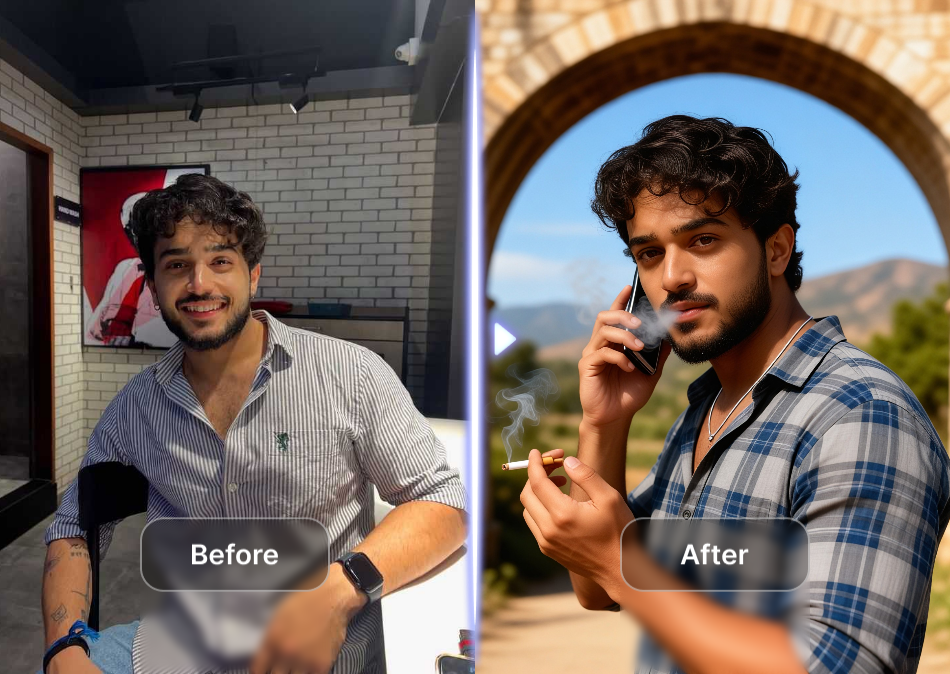
Discover the Perfect Gothic Filter for Your Style
From vampire gothic to dark academia, find a filter that matches the mood you want to create.
Key Features of the Gothic Filter
Unlock the full potential of gothic aesthetics with AI powered tools built for dark creative expression.
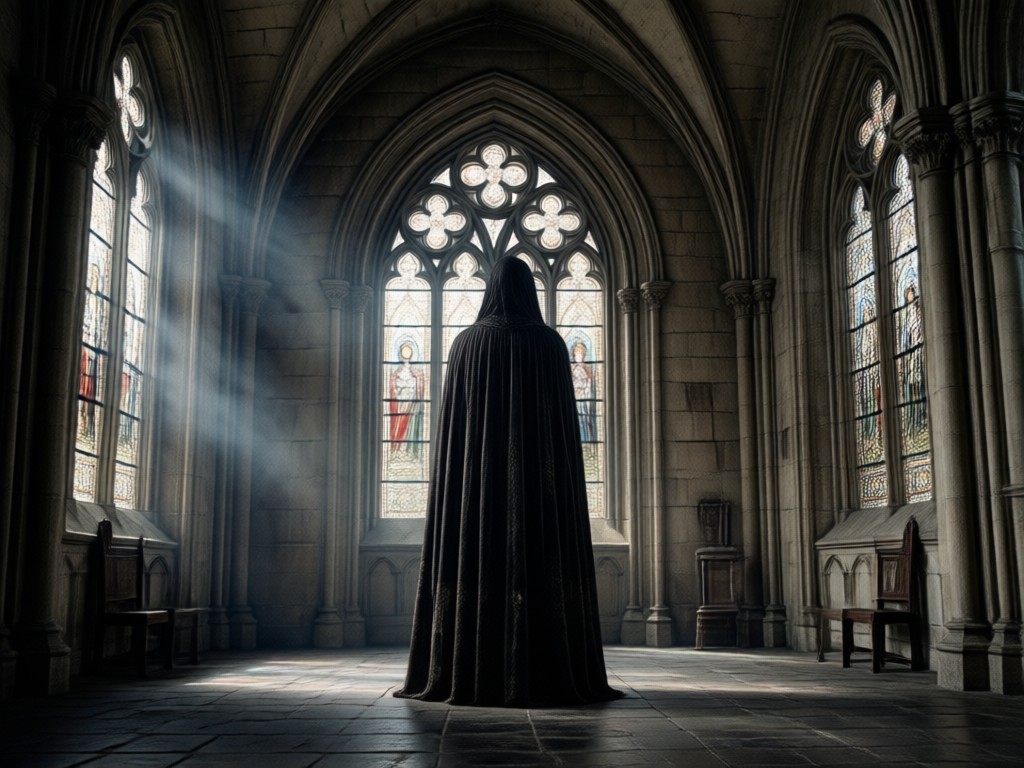
Dark Mood Transformation
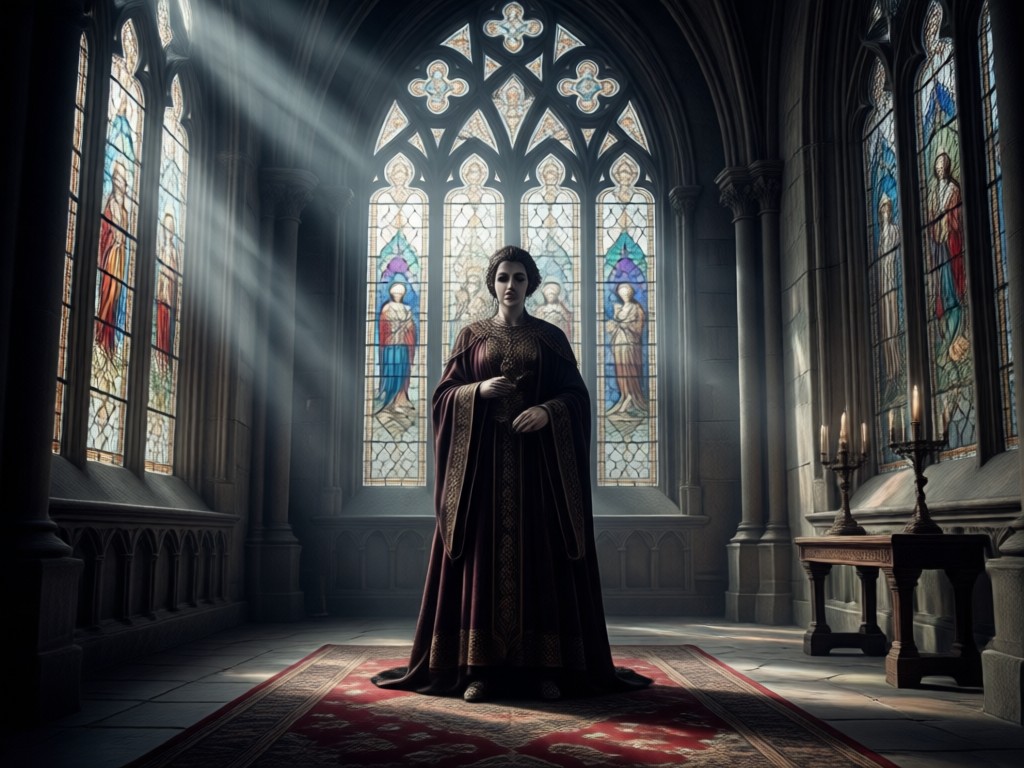
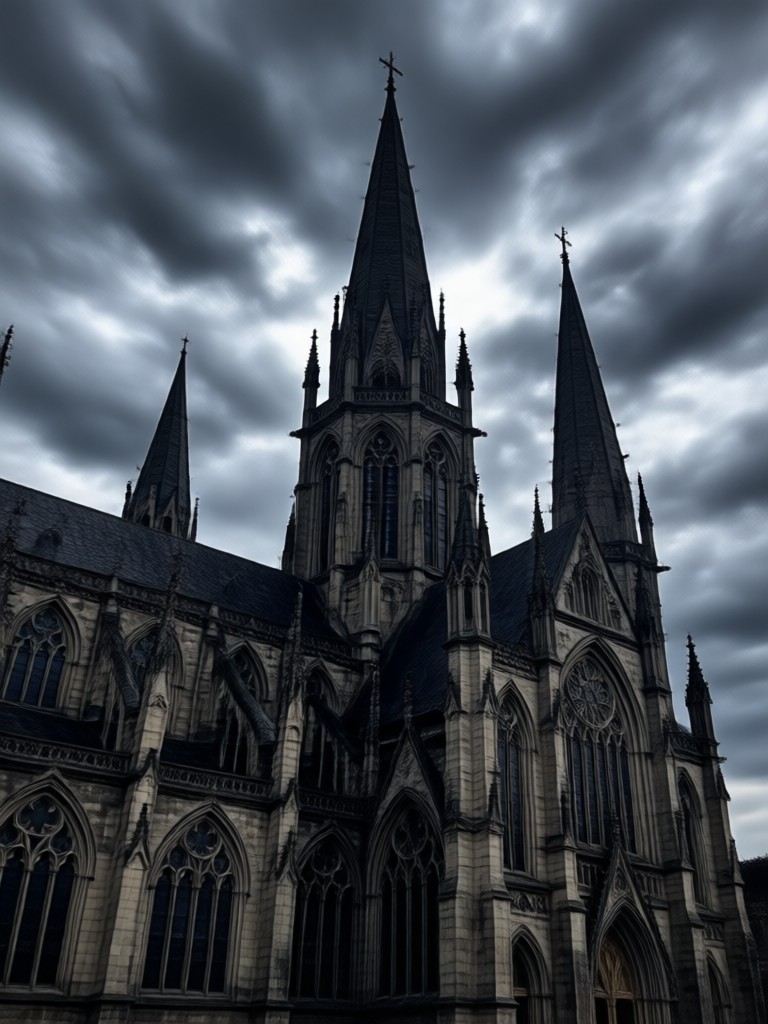
Turn bright and ordinary photos into moody gothic visuals with deep shadows, cold tones, and dramatic lighting that sets a haunting atmosphere.
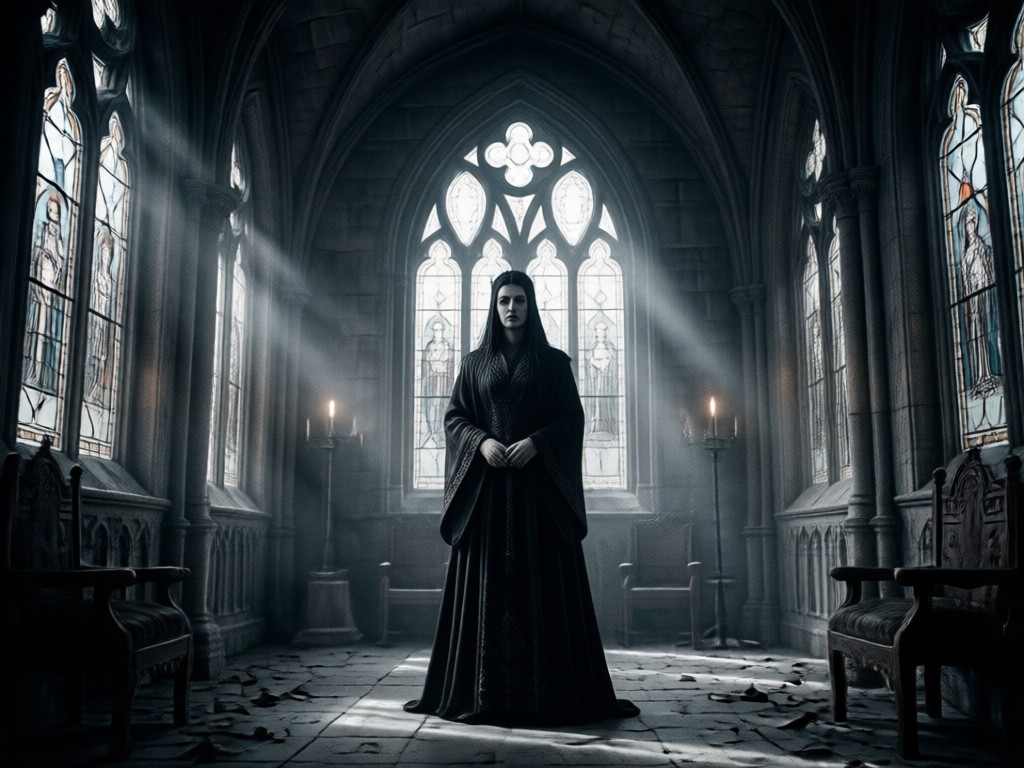
Gothic Fashion & Makeup
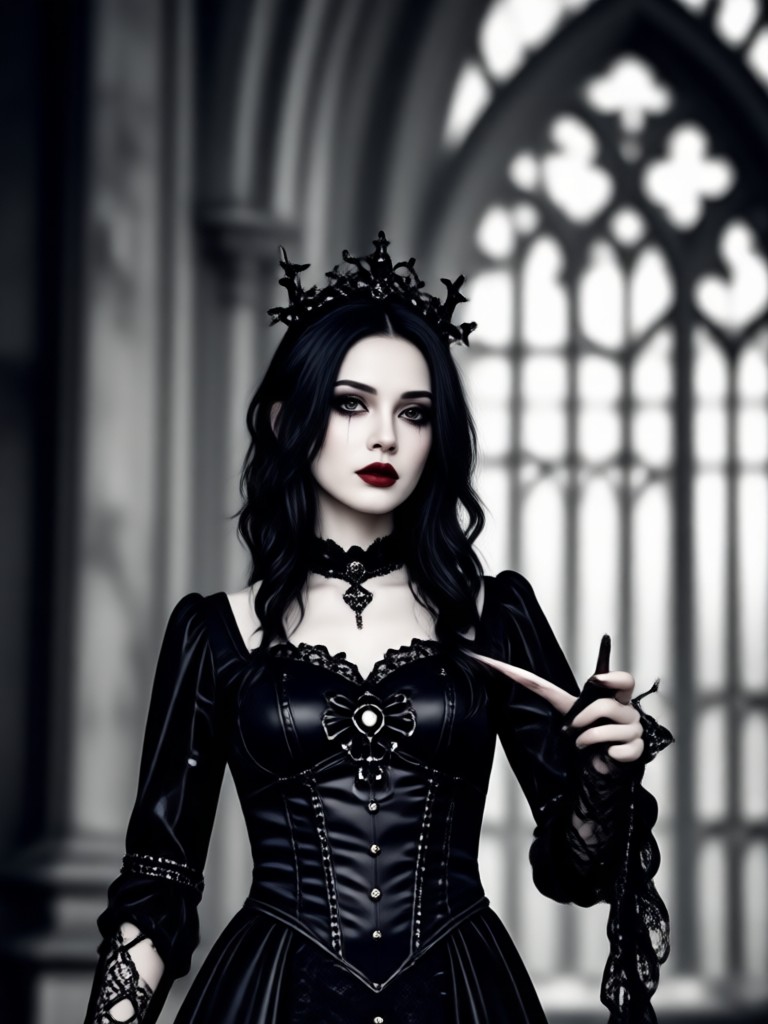
Apply pale skin, dark lipstick, smoky eyes, and gothic fashion elements to portraits for a complete dark aesthetic makeover.
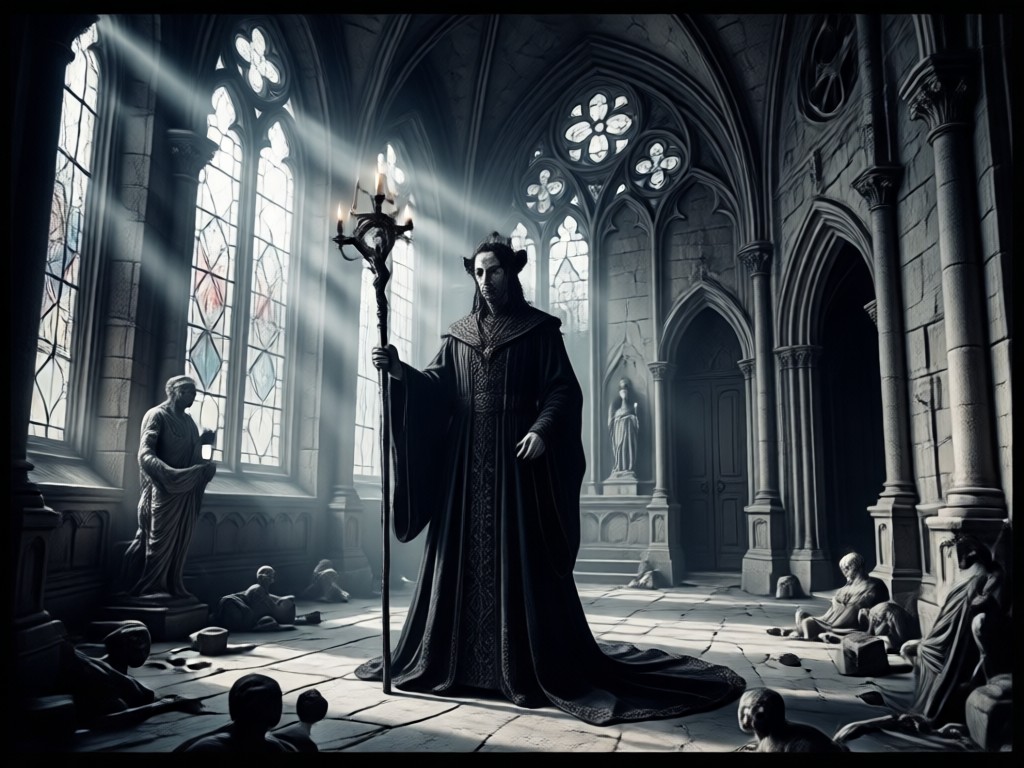
Cinematic Gothic Art
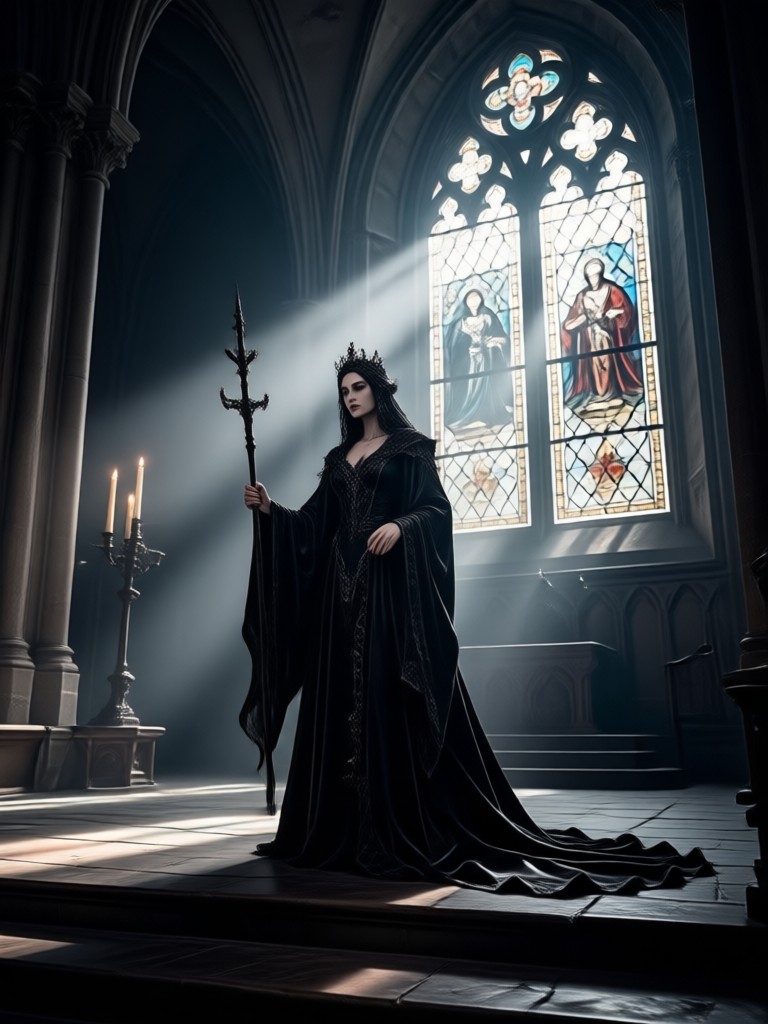
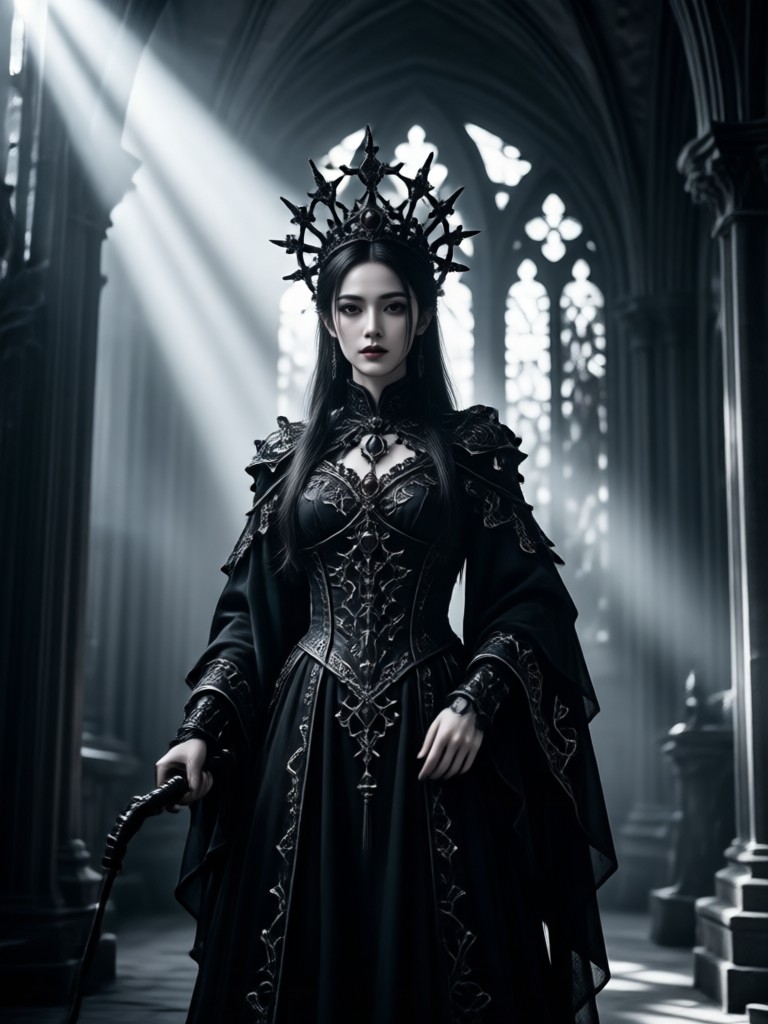
Convert any image into gothic artwork with cinematic color grading, rich blacks, and ethereal highlights that feel like a dark fantasy film.
Gothic Filter Creations to Inspire You
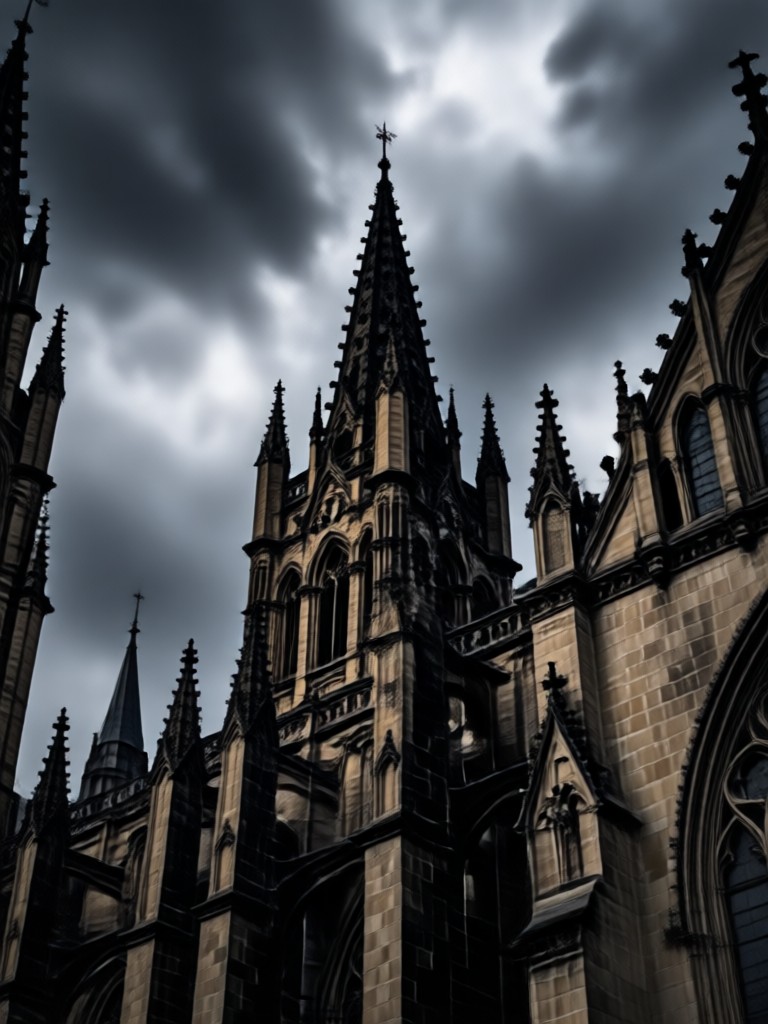
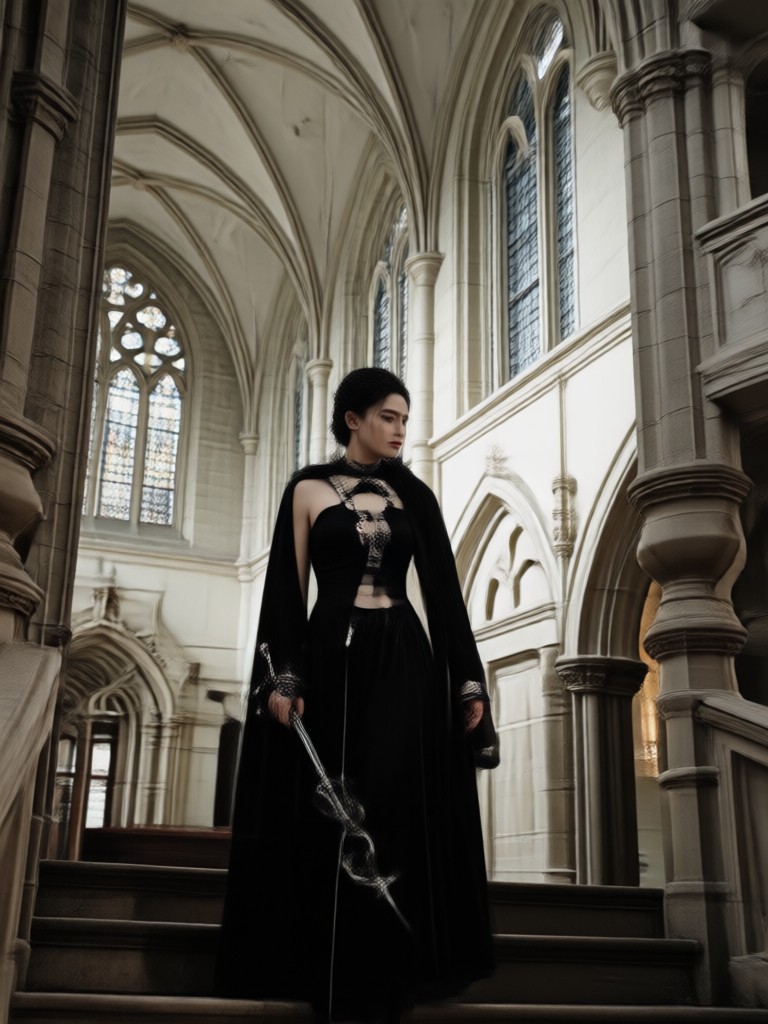
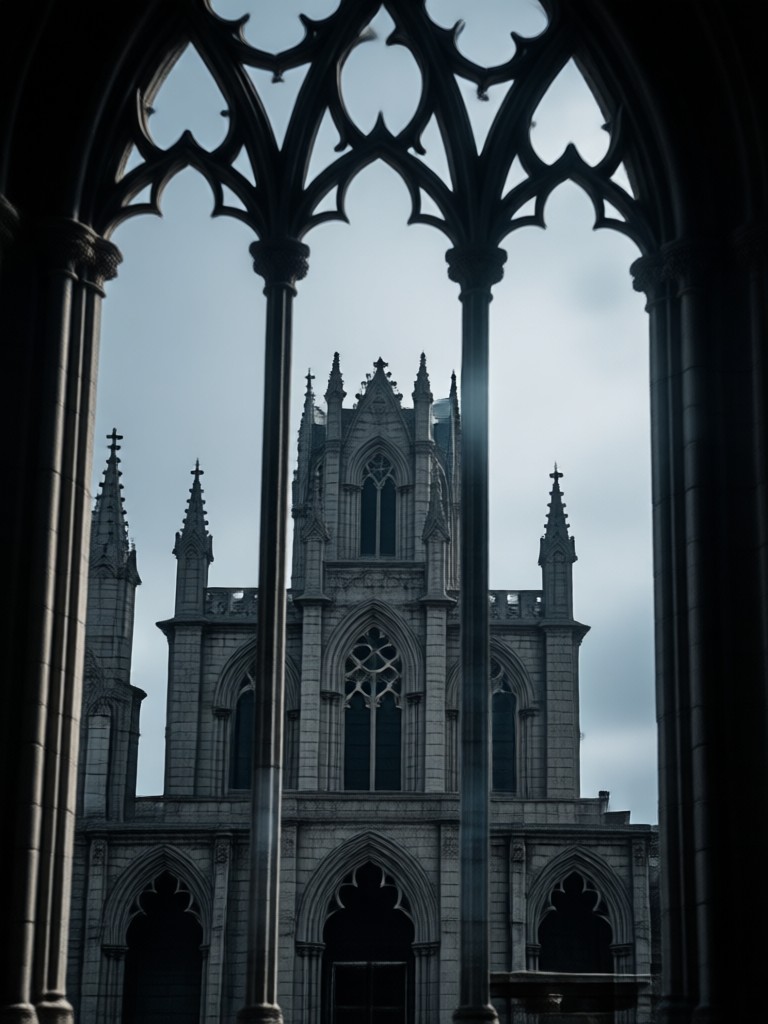
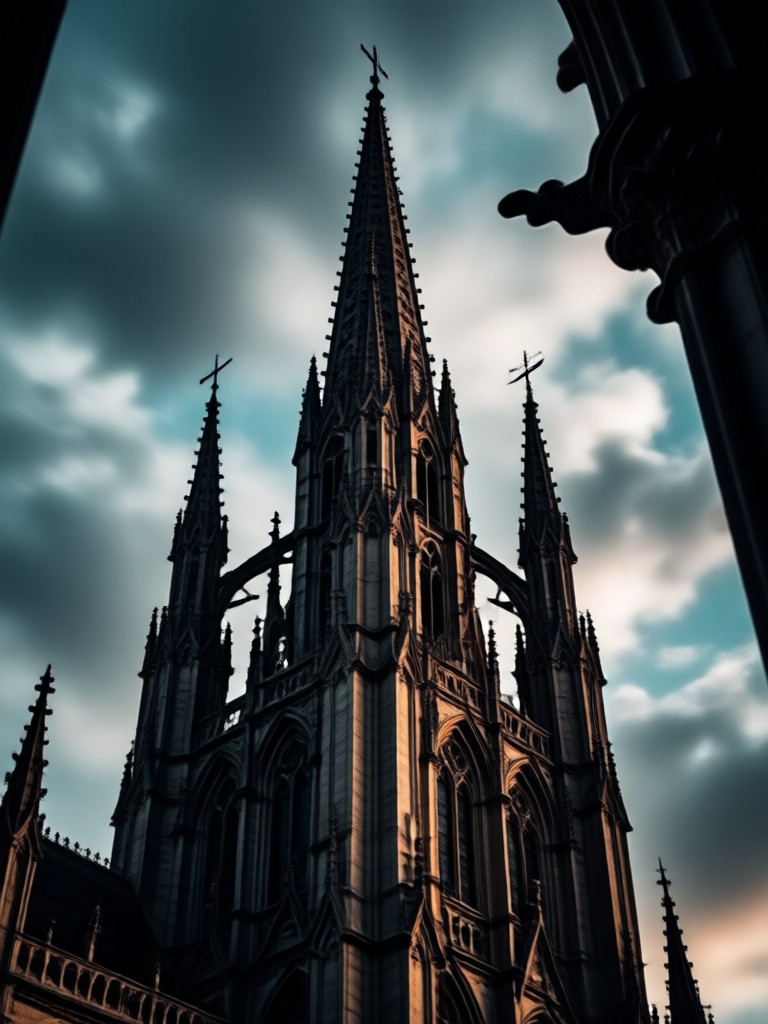
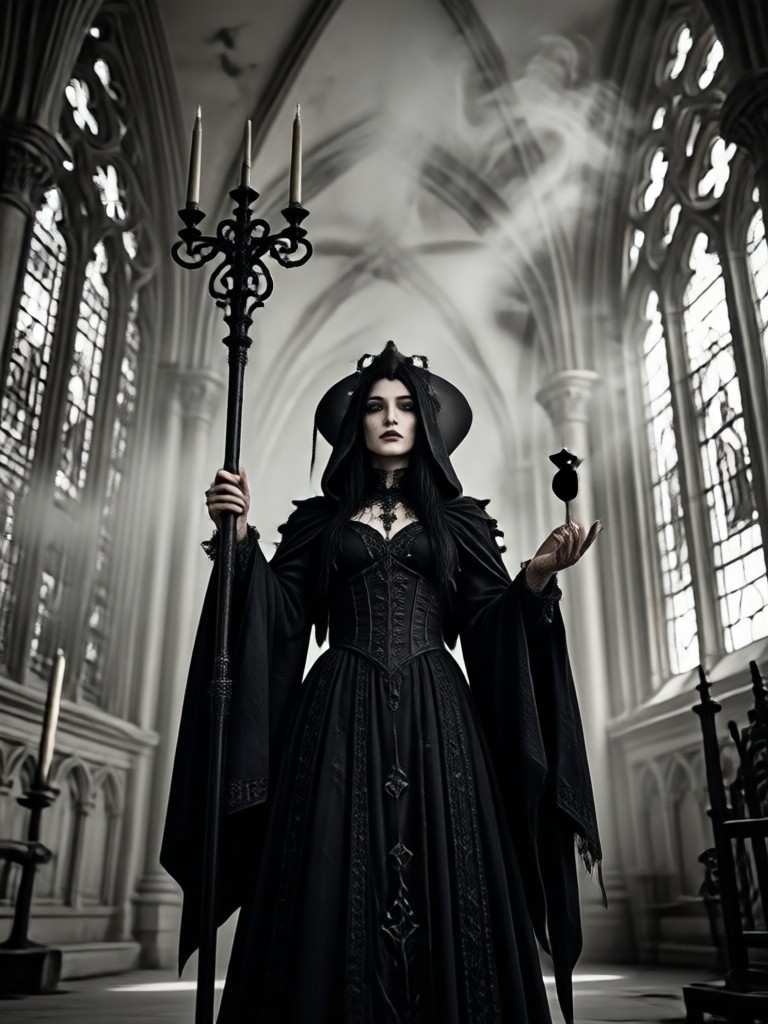
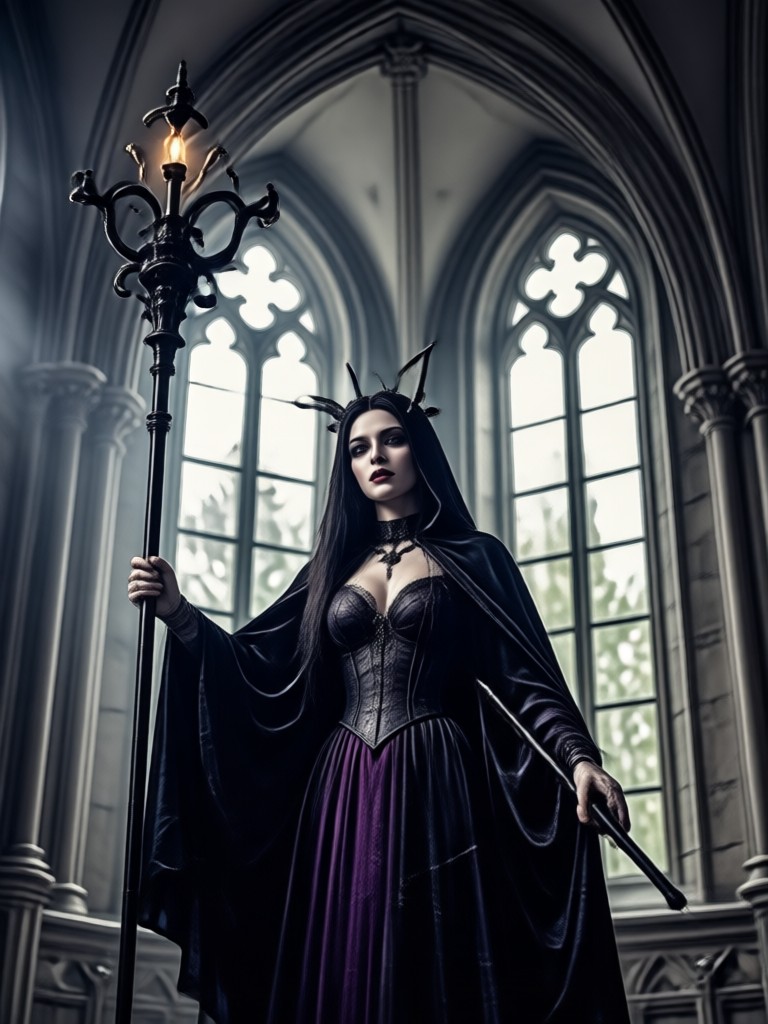
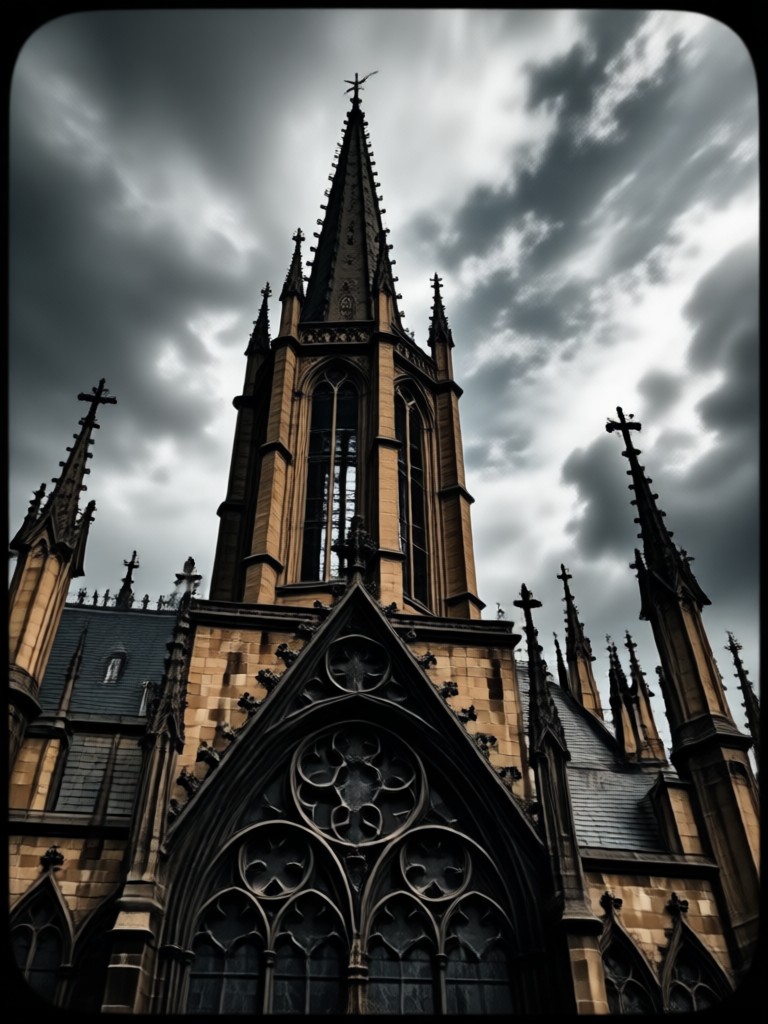
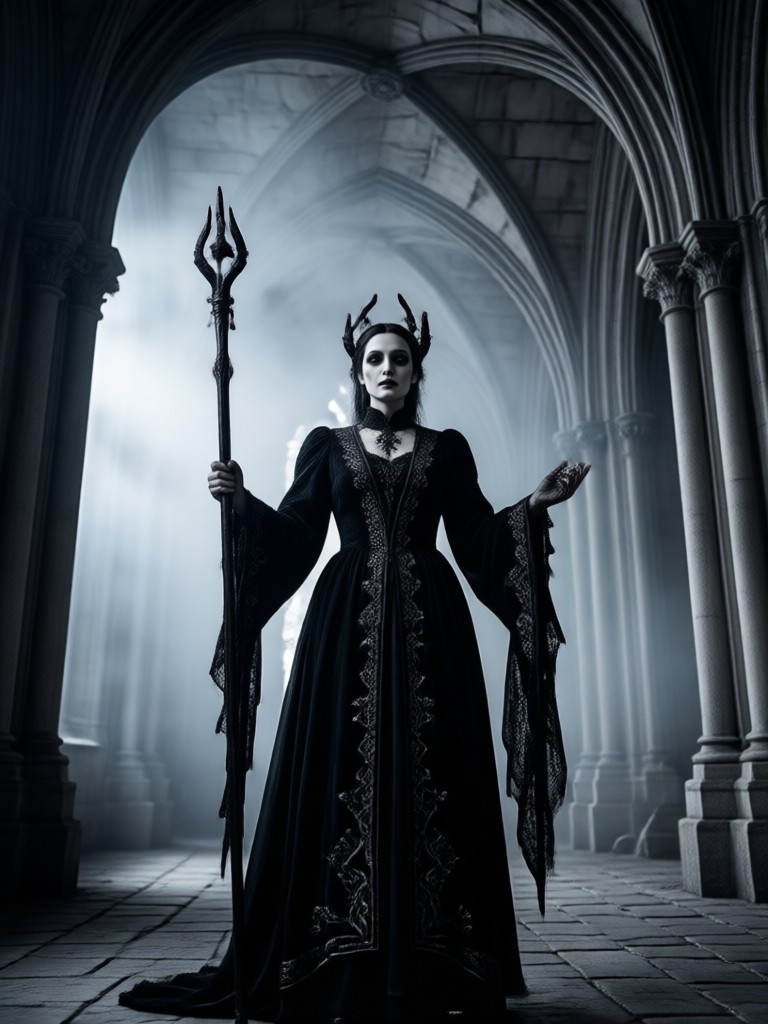
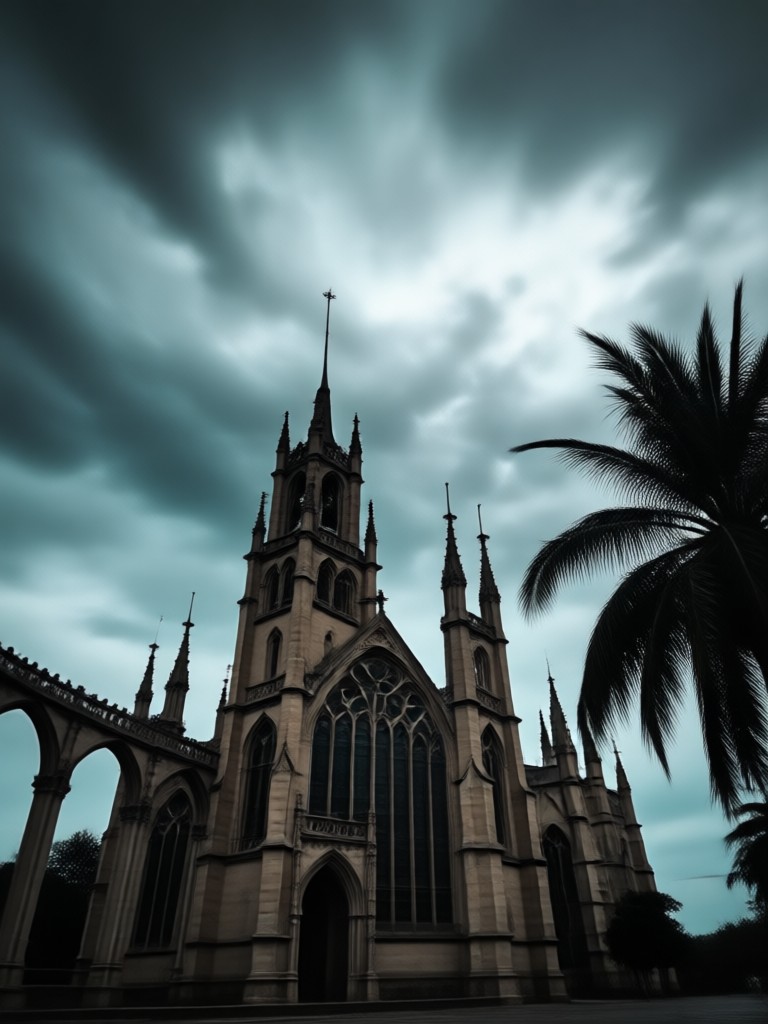
Browse stunning gothic filter transformations created by the makmak community. From dark portraits to ethereal gothic art, see what the AI can do with your photos.
How to Apply the Gothic Filter
Create your own gothic masterpiece in three simple steps using the makmak app.

Step 01.
Download the makmak app from Google Play and open it on your device to get started.

Step 02.
Upload your photo and browse the gothic filter collection to find your favorite dark aesthetic style.

Step 03.
Generate your gothic image or video and share it on social media with friends and followers.
Why Choose Makmak for Gothic Effects
Makmak is more than a gothic photo editor. It is a complete AI creative suite with over a million style filters. Generate gothic images, animate portraits, and create dark aesthetic videos all in one place. The gothic filter gives you professional results without any design experience or complex tools.
Why Choose Makmak for Gothic Effects
Makmak is more than a gothic photo editor. It is a complete AI creative suite with over a million style filters. Generate gothic images, animate portraits, and create dark aesthetic videos all in one place. The gothic filter gives you professional results without any design experience or complex tools.
Gothic Filter for Android
AI powered gothic transformation with millions of style presets. Download makmak and start creating dark, cinematic portraits in seconds.

What Creators Say About the Gothic Filter
My gothic portraits went viral
I used the gothic filter on a few selfies and the results were incredible. The dark aesthetic is so on point. My followers thought I hired a professional photographer.
Best gothic photo editor on mobile
I have tried many apps for dark aesthetic edits but nothing comes close to makmak. The gothic filter library is huge and every preset looks cinematic and polished.
Finally an app that gets gothic style
The gothic makeup and fashion filters are unreal. I can try different gothic looks without spending hours on makeup. Perfect for content creators who love dark vibes.
Frequently Asked Questions About the Gothic Filter
Find answers to common questions about using the gothic filter and dark aesthetic transformations in makmak.
More Topics You May Like
Explore more topics you may like and discover fresh ideas tailored to your interests.

Celebrate Malaysia Day with Stunning AI Photo Edits

Happy Diwali Poster: Create Festive AI Designs Instantly

Google Gemini AI Photo Editing Tagalog: Mabilis na Gabay

Glitter AI: Sparkling Photo Effects in Seconds
Celebrate Malaysia Day with Stunning AI Photo Edits
Happy Diwali Poster: Create Festive AI Designs Instantly
Google Gemini AI Photo Editing Tagalog: Mabilis na Gabay
Glitter AI: Sparkling Photo Effects in Seconds
Dive Into the Dark Aesthetic Today
Download makmak and start creating gothic masterpieces. Hundreds of dark aesthetic filters, gothic makeup presets, and AI video tools are waiting for you.

Dive Into the Dark Aesthetic Today
Download makmak and start creating gothic masterpieces. Hundreds of dark aesthetic filters, gothic makeup presets, and AI video tools are waiting for you.