Glitter AI
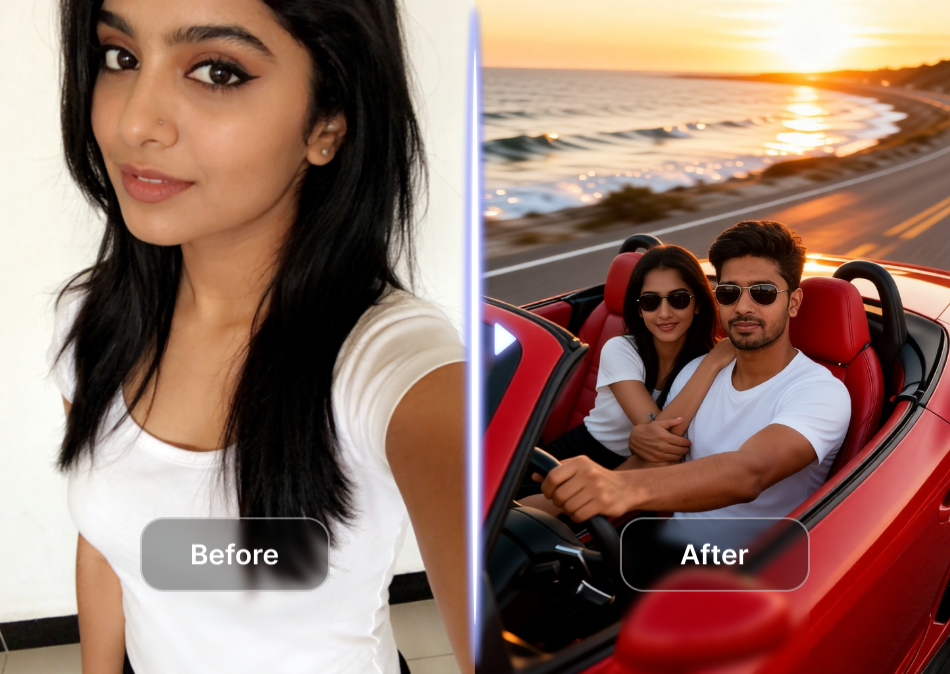
Choose the Glitter Filter That Suits Your Style
Explore our collection of glitter effects, from soft gold shimmer to bold rainbow sparkle. Find the perfect filter for your photo or video.
Key Features of Glitter AI
Turn your photos into sparkling masterpieces with powerful AI tools designed for effortless creativity.
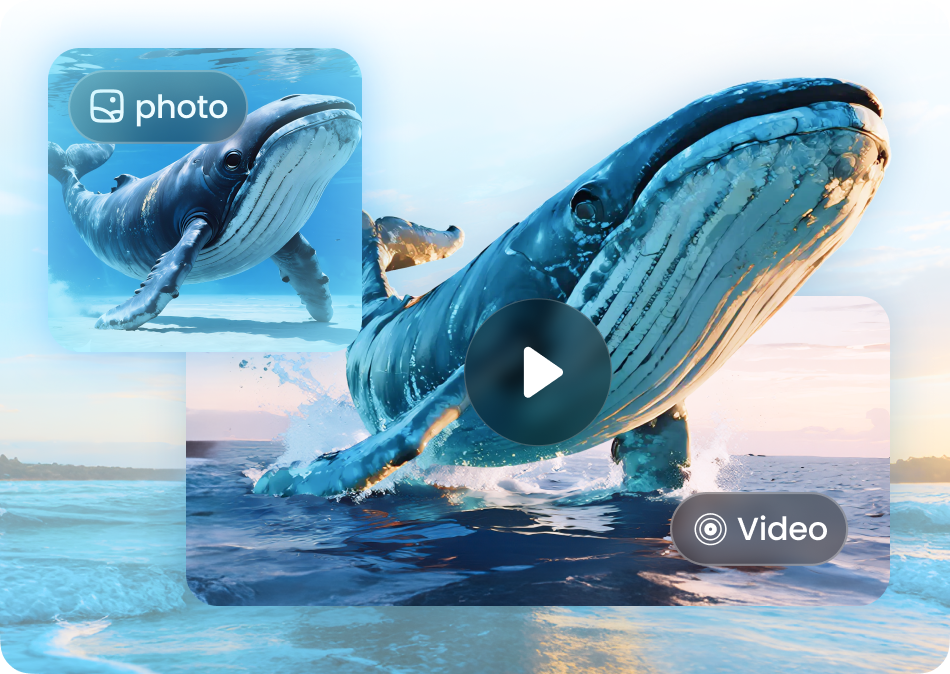
AI Glitter Style Transfer
Upload any photo and let AI apply realistic glitter textures that follow faces, clothing, and backgrounds. Choose from gold, silver, rainbow, and pastel sparkle styles.
AI Glitter Style Transfer
Upload any photo and let AI apply realistic glitter textures that follow faces, clothing, and backgrounds. Choose from gold, silver, rainbow, and pastel sparkle styles.
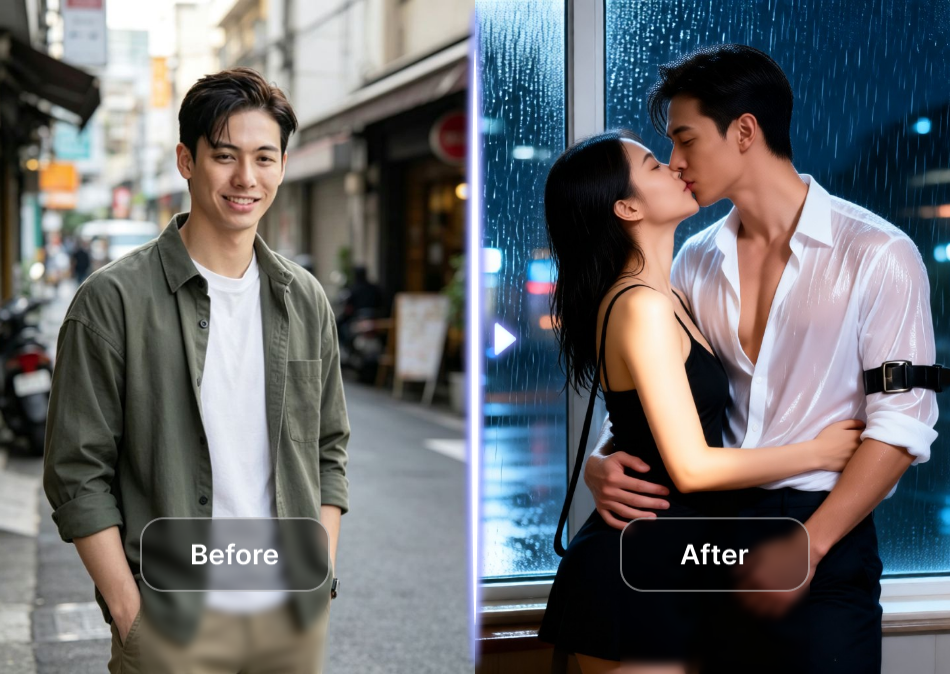
Customizable Sparkle Intensity
Adjust the amount of glitter, the size of sparkles, and the light reflection to create subtle shimmer or full-on holographic shine. You control the final look.
Customizable Sparkle Intensity
Adjust the amount of glitter, the size of sparkles, and the light reflection to create subtle shimmer or full-on holographic shine. You control the final look.
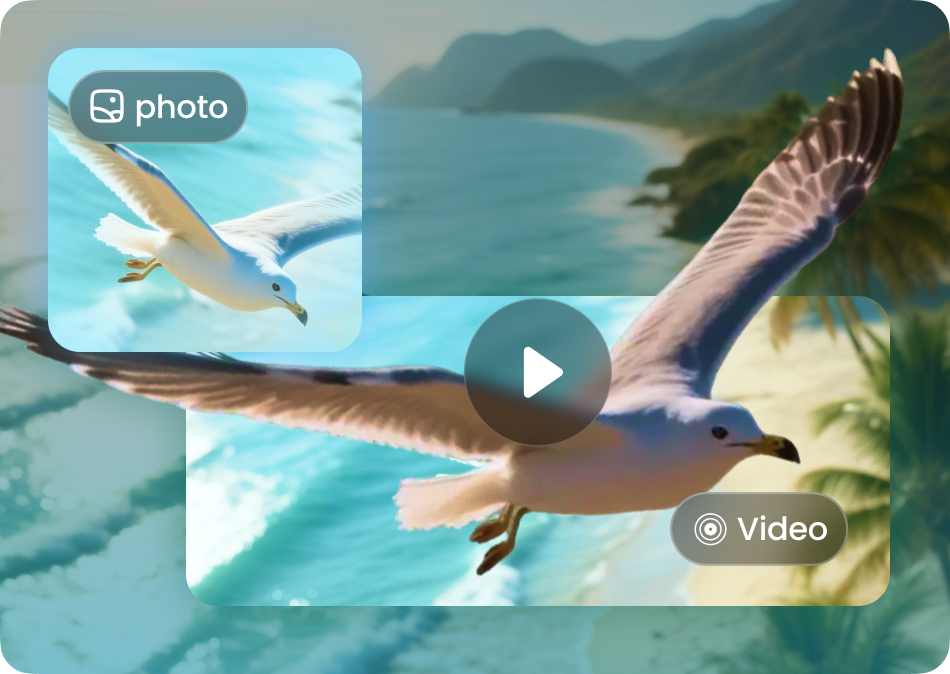
High-Resolution Export
Download your glitter creations in crisp HD quality, ready for Instagram, TikTok, profile pictures, or print. Every sparkle stays sharp and clear.
High-Resolution Export
Download your glitter creations in crisp HD quality, ready for Instagram, TikTok, profile pictures, or print. Every sparkle stays sharp and clear.
Explore Glitter AI Creations Gallery
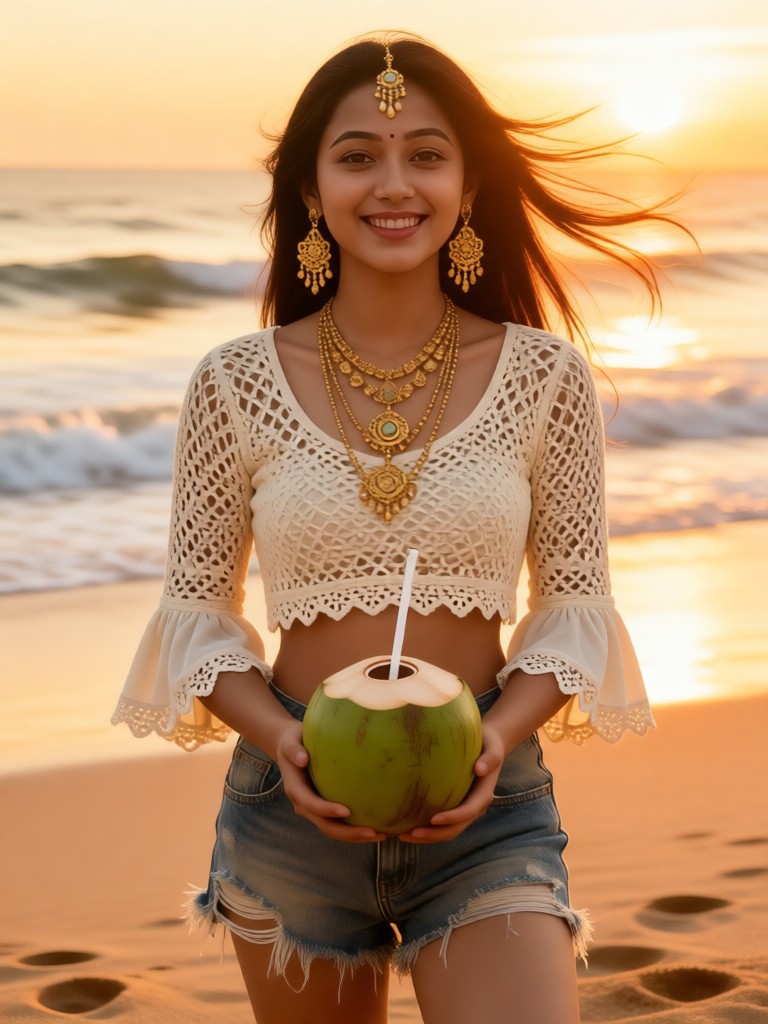
Browse stunning AI-generated glitter images made with makmak. From subtle shimmer portraits to bold holographic fashion shots, see what you can create.







How to Create Glitter AI Images?
Make dazzling glitter art in just three simple steps using the makmak app.

Step 01.
Download the makmak app from Google Play and open it on your phone. No account setup or design experience required.

Step 02.
Upload a photo or enter a text prompt, then browse the glitter filter collection. Pick your favorite sparkle style and adjust the intensity.

Step 03.
Tap generate and watch AI transform your image into a glitter masterpiece. Save the result and share it directly to social media.
Why Use Glitter AI on makmak?
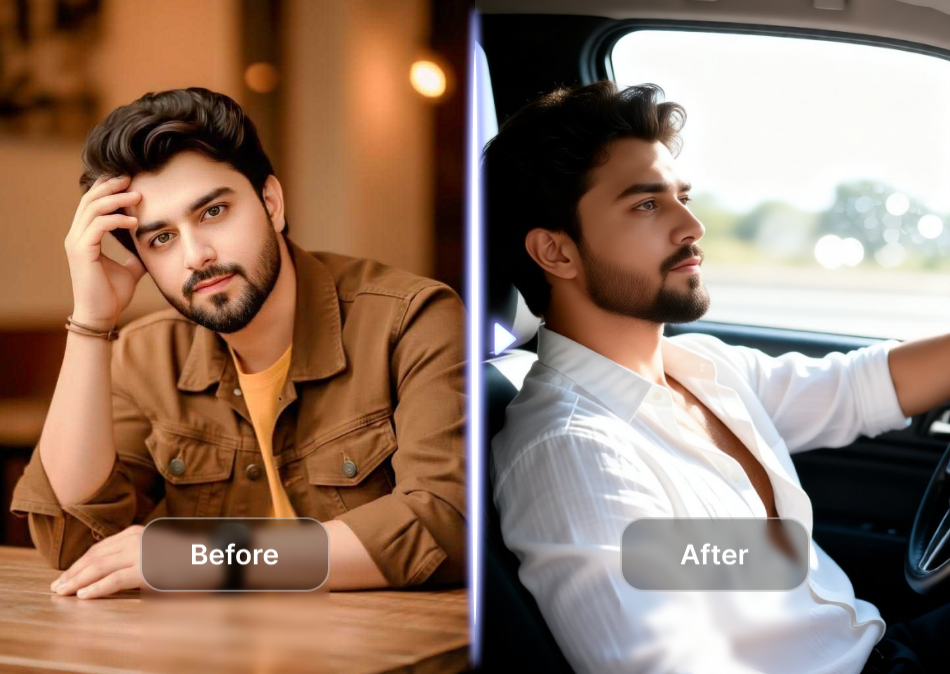
makmak makes it effortless to add professional-quality glitter effects to any photo or video. No complex tools, no editing skills, just instant sparkle with a tap.
Why Use Glitter AI on makmak?
makmak makes it effortless to add professional-quality glitter effects to any photo or video. No complex tools, no editing skills, just instant sparkle with a tap.

Turn Any Photo Into Glitter Magic
Download makmak on Google Play and access hundreds of glitter filters, video effects, and AI tools in one app.

Frequently Asked Questions About Glitter AI
Find clear answers to common questions about creating glitter effects with makmak. Get the guidance you need to start sparkling right away.
More Glitter Inspiration
Explore more glitter-related topics and discover fresh ideas for your next sparkling creation.

Glass Skin Filter: Instantly Transform Your Photo

Get the Viral Fish Eye Lens Look in Seconds
Turn Photos Into Dreamy Cottagecore Scenes in Seconds
Create Cinematic Dolly Zoom Videos in Seconds
Glass Skin Filter: Instantly Transform Your Photo
Get the Viral Fish Eye Lens Look in Seconds
Turn Photos Into Dreamy Cottagecore Scenes in Seconds
Create Cinematic Dolly Zoom Videos in Seconds
Ready to Add Sparkle to Every Photo?
Download makmak and unlock hundreds of glitter filters, AI effects, and creative tools. Turn ordinary images into dazzling art in just a tap.
Ready to Add Sparkle to Every Photo?
Download makmak and unlock hundreds of glitter filters, AI effects, and creative tools. Turn ordinary images into dazzling art in just a tap.