Create Cinematic Dolly Zoom Videos in Seconds

Explore Related AI Video Effects
Discover AI effects that work beautifully with the dolly zoom, from subtle background shifts to full cinematic transformations.
Why Creators Love AI Dolly Zoom
Get the iconic dolly zoom look without expensive camera rigs or editing software. Our AI handles the complex camera movement automatically.
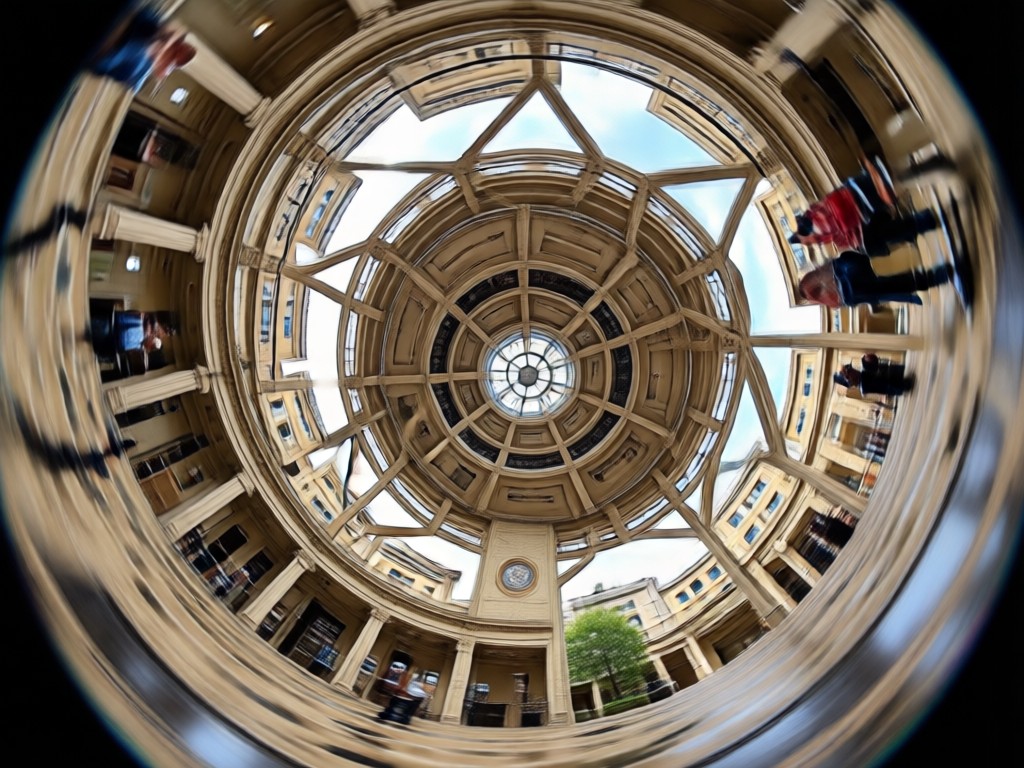
Preserve Subject Focus
Keep your main subject perfectly sharp and centered while the background stretches outward. Ideal for dramatic reveals and emotional moments.
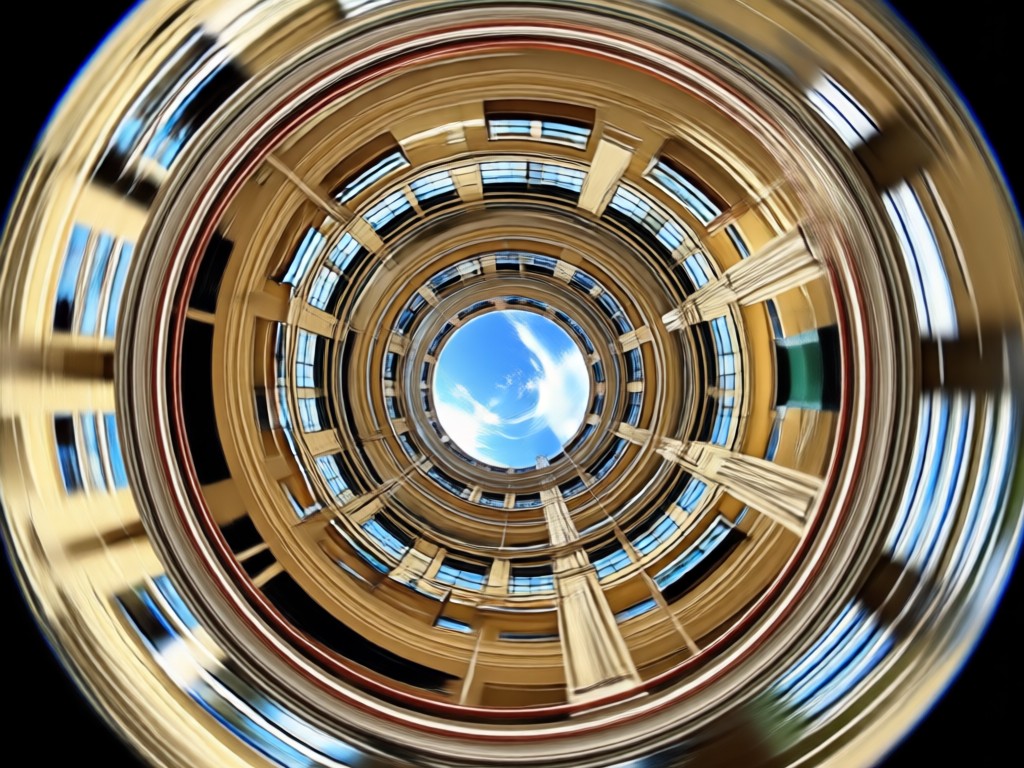
Cinematic Background Shift
Create that signature vertigo effect with smooth, controlled zoom. The background compresses and expands to match professional film techniques.

One Tap Generation
No timeline editing or keyframes needed. Upload a photo or video, select the dolly zoom filter, and let AI render the movement in seconds.
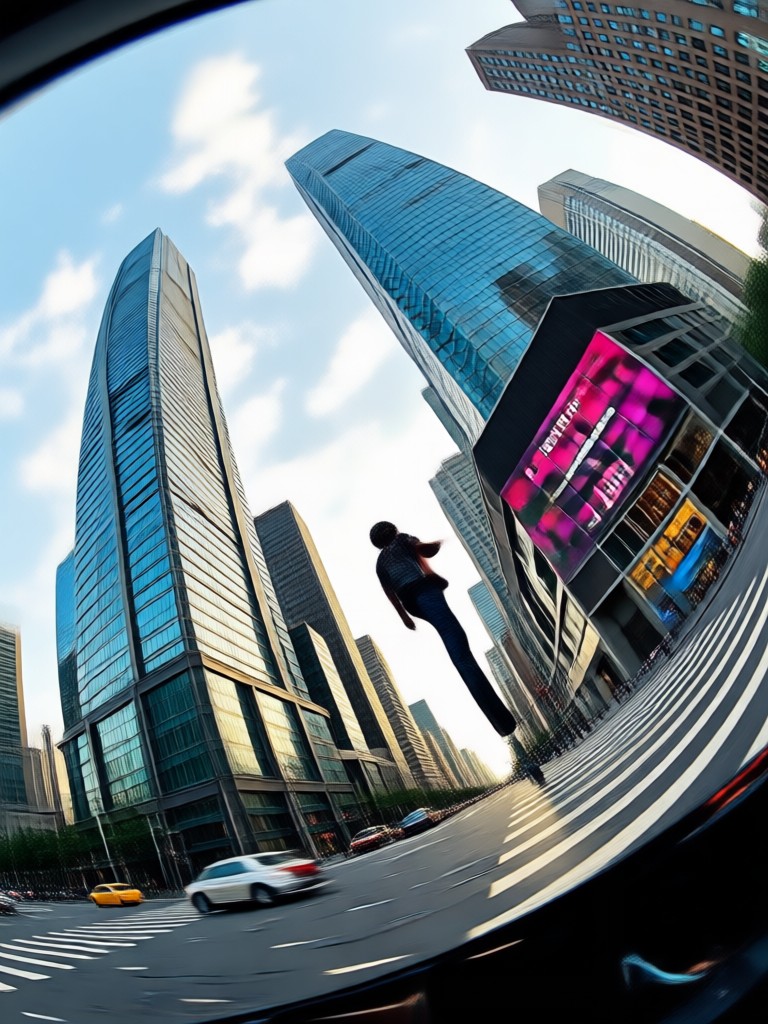
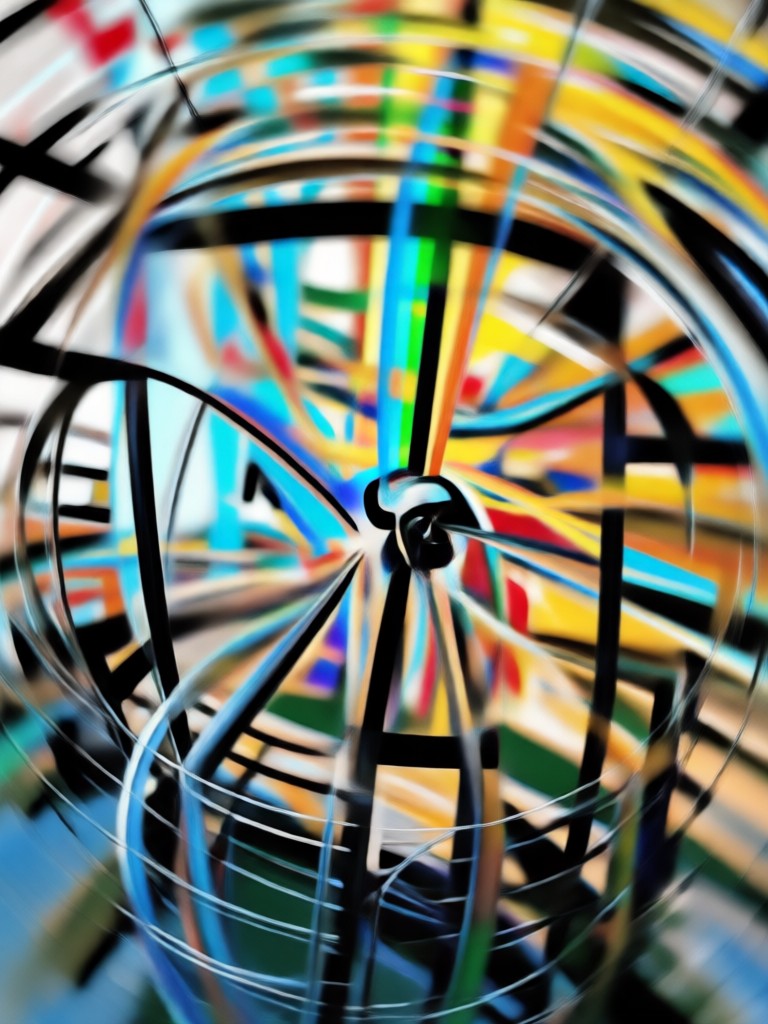
Dolly Zoom AI Creations Gallery
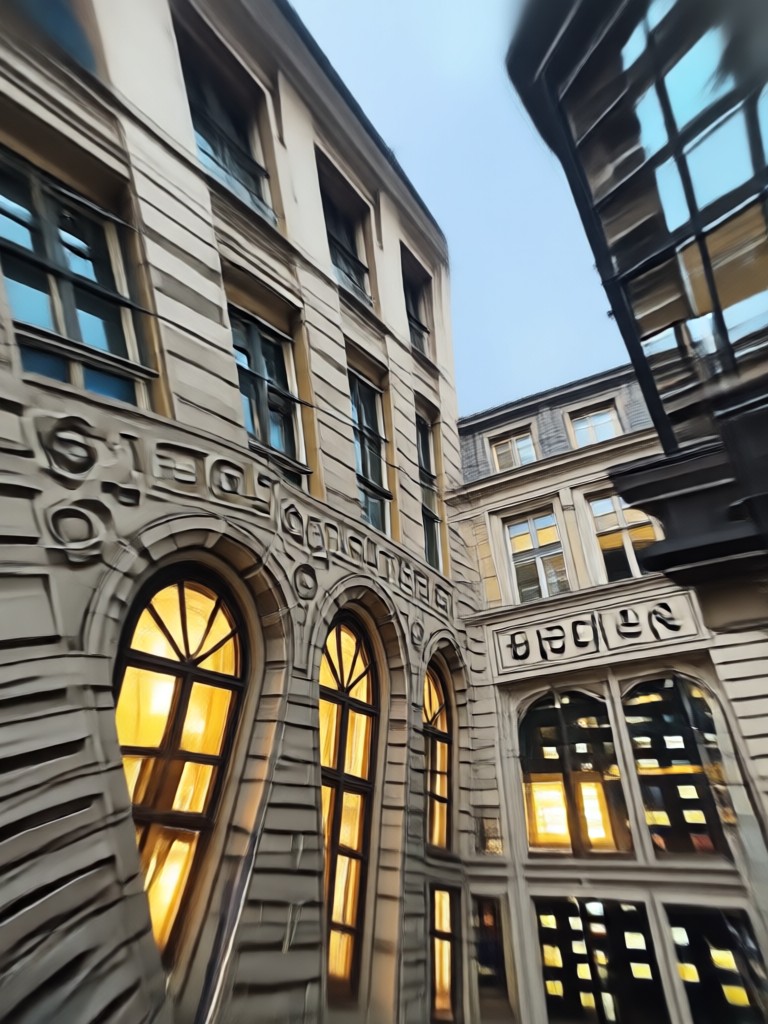
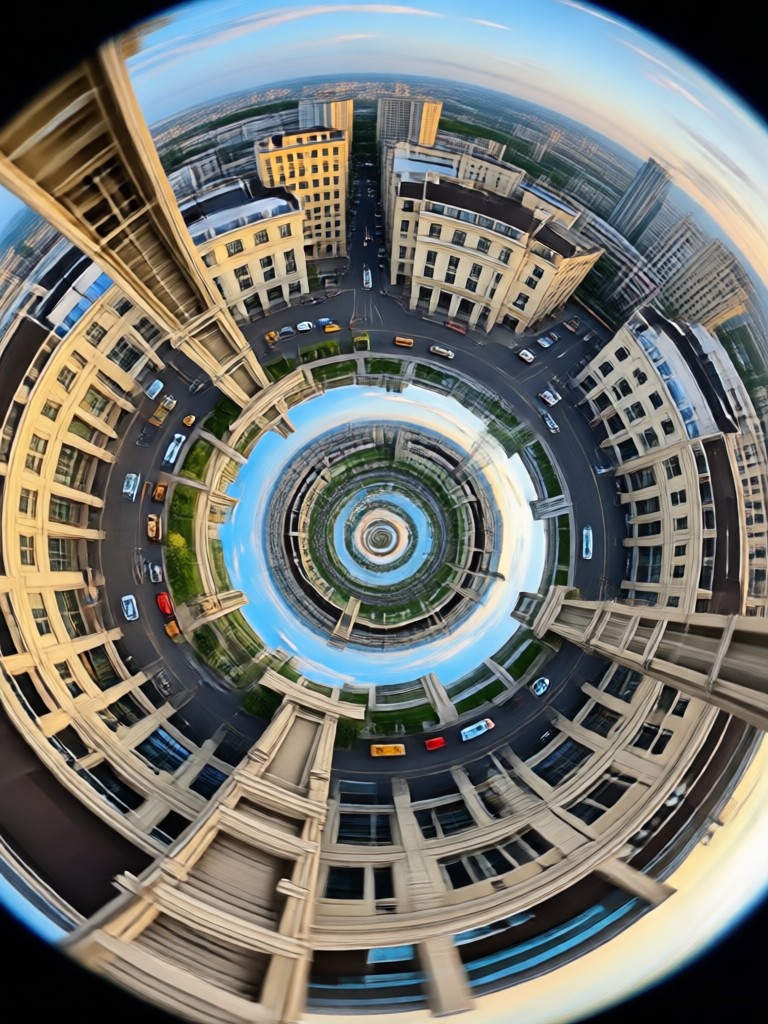
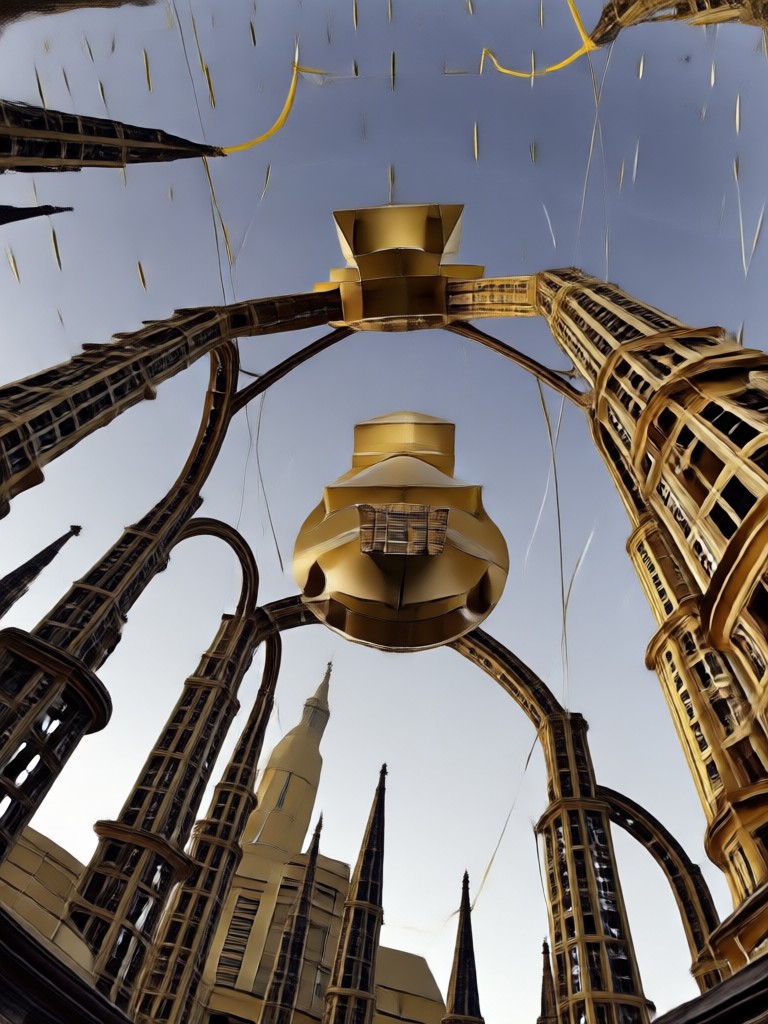
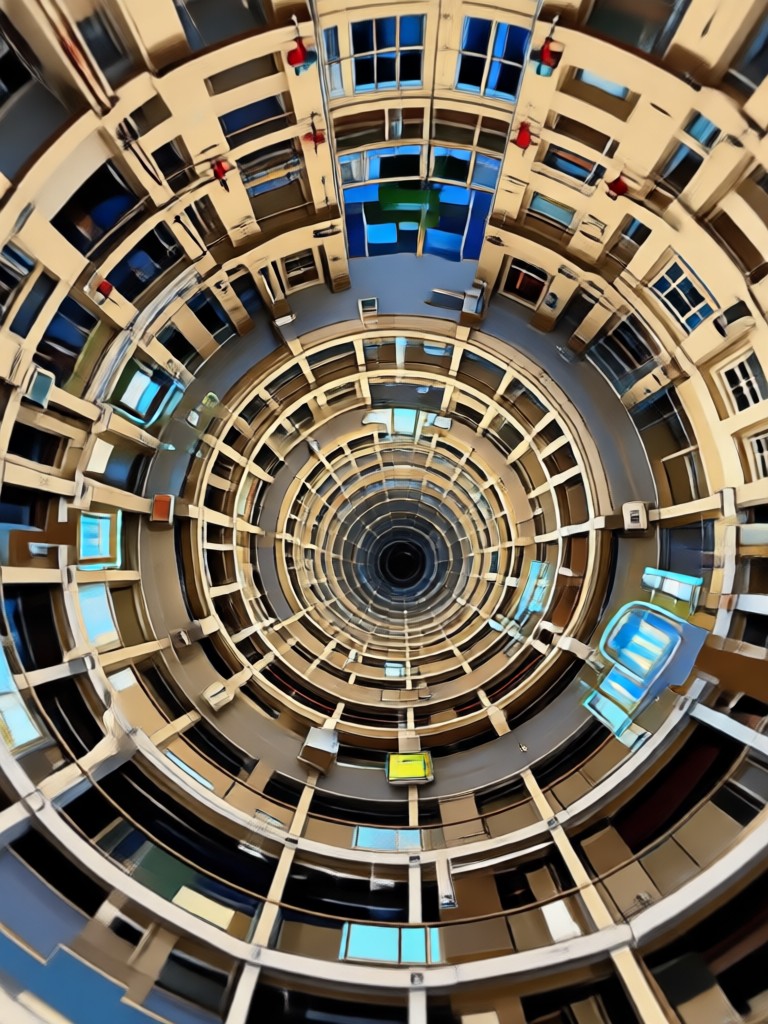
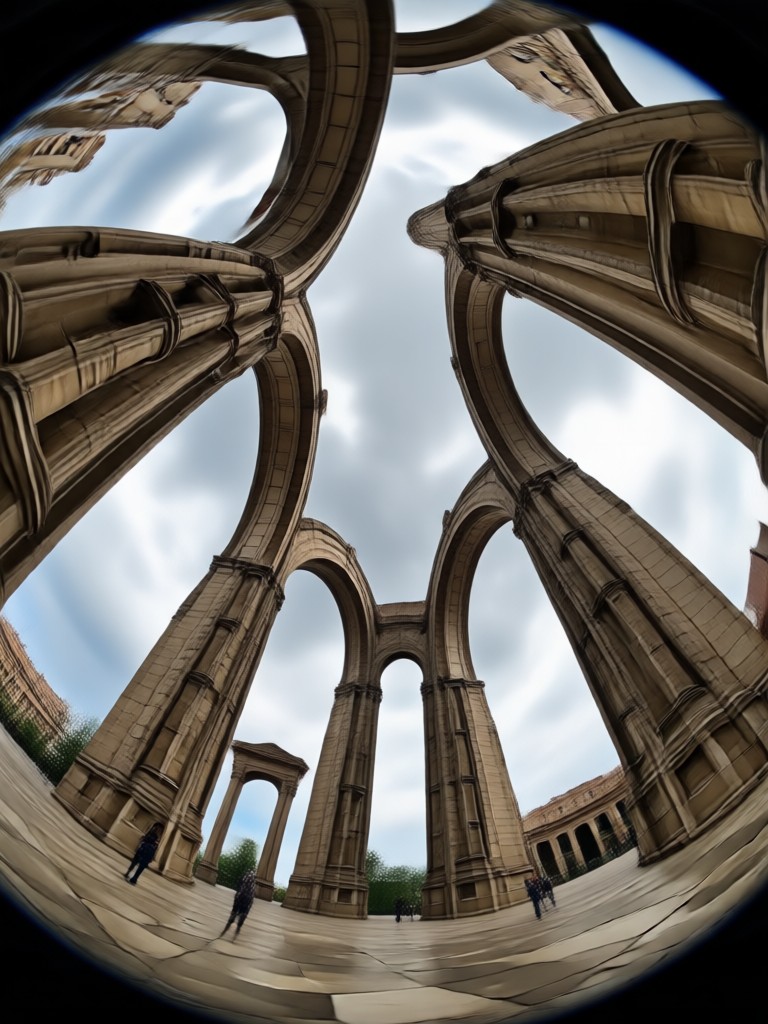
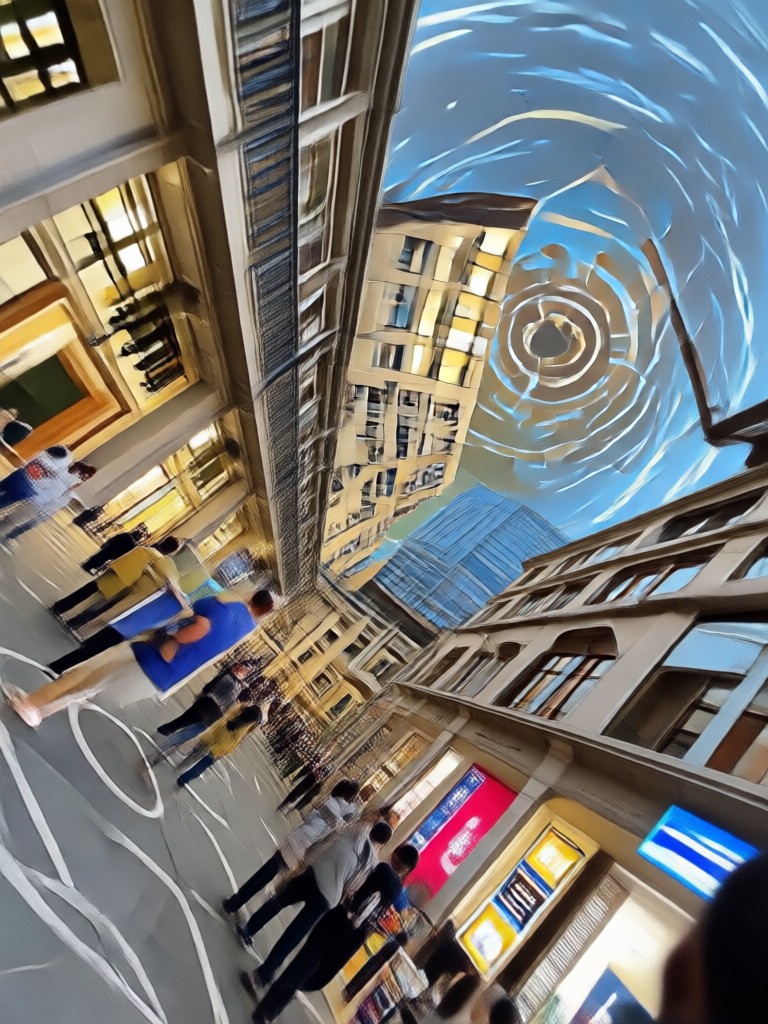
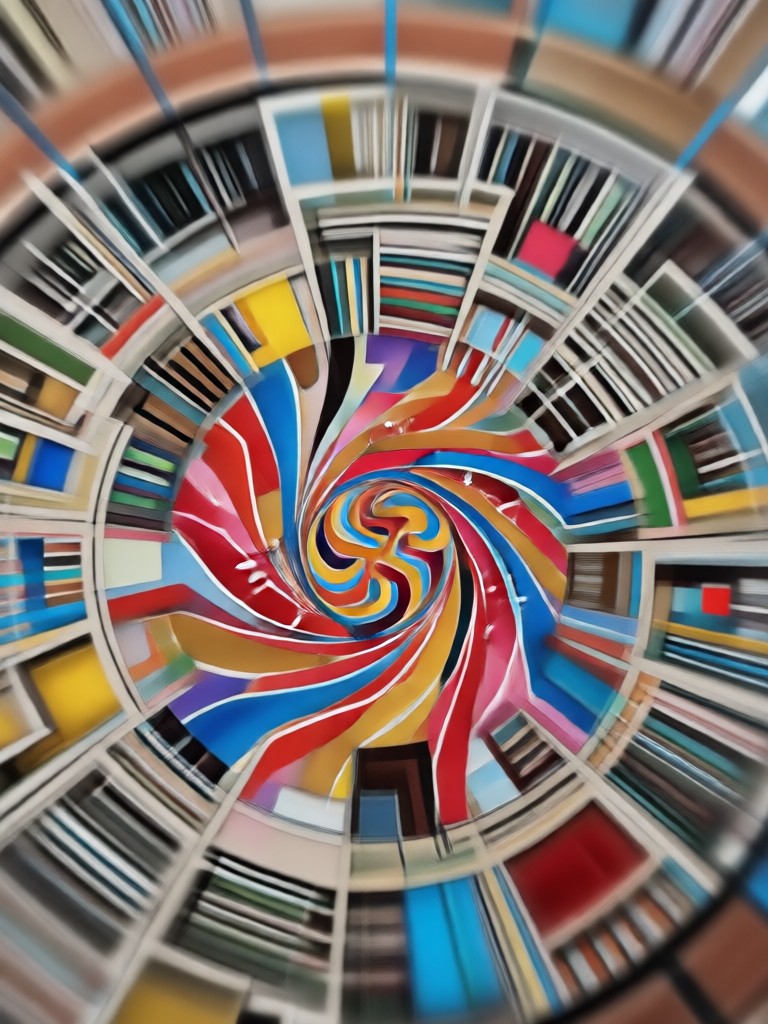
Browse stunning dolly zoom videos and images made by creators using our AI. See how the effect transforms ordinary shots into cinematic moments.



How to Create a Dolly Zoom Effect in 3 Steps
Turn your photo into a cinematic dolly zoom video with the makmak app in just a few simple steps.

Step 01.
Download the makmak app from Google Play and open it on your phone.

Step 02.
Choose the Dolly Zoom filter from the AI video effects library and upload your photo or clip.

Step 03.
Tap generate and let AI create the dolly zoom effect. Save and share your video anywhere.

Dolly Zoom AI on Your Phone
Bring Hollywood camera moves to your mobile content. The makmak app turns static images into smooth dolly zoom videos with a single tap.

Who Uses AI Dolly Zoom
Mia Chen
I used the dolly zoom effect for my dance video intro and it looked like a professional music video. So easy.
Jordan Lee
No more complicated editing software. The AI dolly zoom gave my travel clips that cinematic push in effect instantly.

Sofia Reyes
My TikToks finally stand out. The background shift effect is smooth and my face stays perfectly sharp.

Ethan Wright
I create short films and this tool saves me hours of keyframing. The dolly zoom is incredibly realistic.
Mia Chen
I used the dolly zoom effect for my dance video intro and it looked like a professional music video. So easy.
Jordan Lee
No more complicated editing software. The AI dolly zoom gave my travel clips that cinematic push in effect instantly.
Sofia Reyes
My TikToks finally stand out. The background shift effect is smooth and my face stays perfectly sharp.
Ethan Wright
I create short films and this tool saves me hours of keyframing. The dolly zoom is incredibly realistic.
Mia Chen
I used the dolly zoom effect for my dance video intro and it looked like a professional music video. So easy.
Jordan Lee
No more complicated editing software. The AI dolly zoom gave my travel clips that cinematic push in effect instantly.
Sofia Reyes
My TikToks finally stand out. The background shift effect is smooth and my face stays perfectly sharp.
Ethan Wright
I create short films and this tool saves me hours of keyframing. The dolly zoom is incredibly realistic.
Frequently Asked Questions About Dolly Zoom AI
Find clear answers about creating dolly zoom effects with the makmak app.
More Topics You May Like
Explore more topics you may like and discover fresh ideas tailored to your interests.

Convert Photo To Sticker: AI Sticker Maker & Filters
Turn any photo into a sticker in seconds. Upload, pick a style, and get a high quality transparent sticker. No design skills needed. Free on Google Play.

Romantic Rain Hug Video Maker: Create Heartfelt Embraces
Create romantic comforting hug in rain couple embrace videos from photos. Pick a style and let AI generate cinematic rain cuddle effects. Download the app now.

Get Perfect Christmas Makeup Ideas in Seconds
Try Christmas makeup ideas with AI. Upload a selfie and swap glam, glitter, or natural holiday looks in seconds. Download makmak free.

Christmas Tree Effect: Magical AI Photo Transformation
Add a stunning Christmas Tree Effect to your photos. Turn yourself or friends into festive tree art with AI. Try magical holiday filters and templates instantly.
Create Dolly Zoom Videos Instantly
Download the makmak app and turn any photo into a cinematic dolly zoom effect. Join thousands of creators making standout content.
Create Dolly Zoom Videos Instantly
Download the makmak app and turn any photo into a cinematic dolly zoom effect. Join thousands of creators making standout content.