Glass Skin Filter
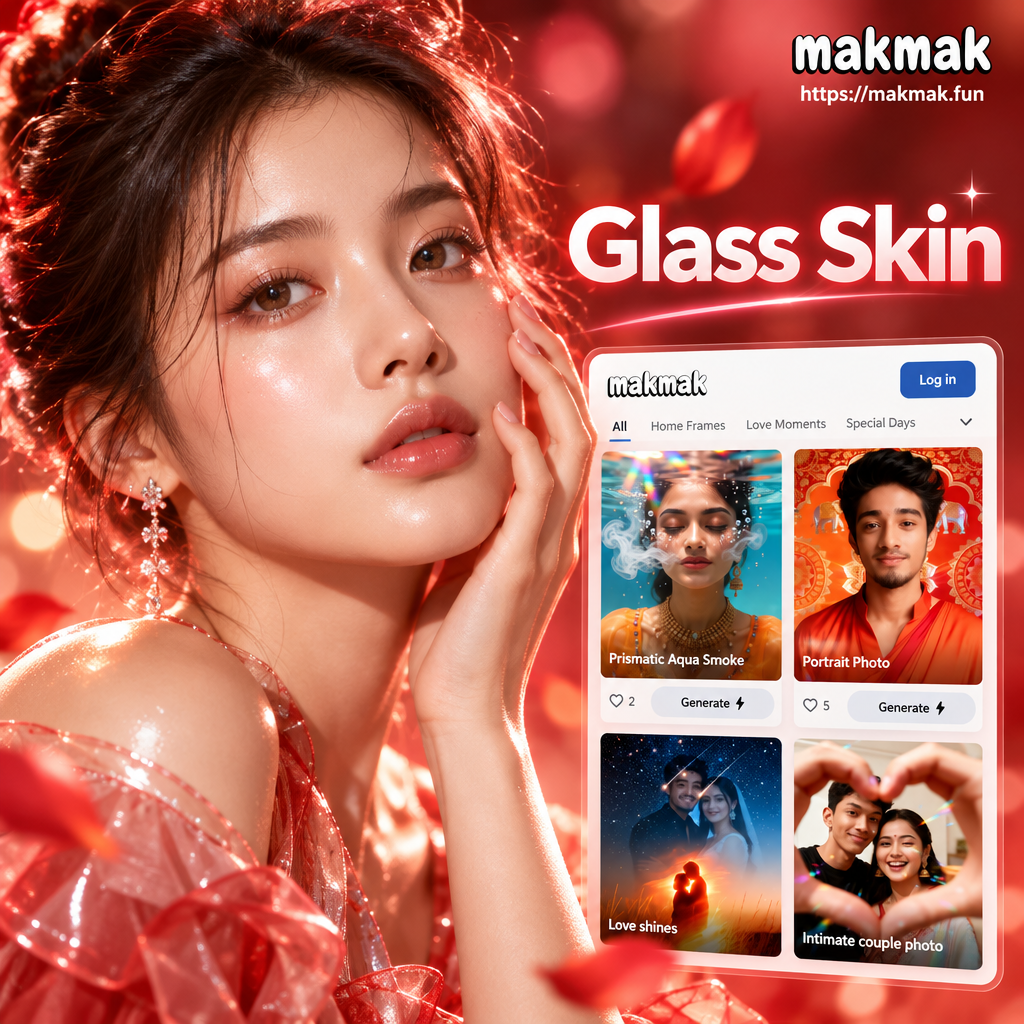
Choose Your Glass Skin Effect
Discover the filter that gives you a smooth, radiant complexion in one tap.
Key Features of Glass Skin Filter
Turn your selfies into glowing, poreless beauty shots with advanced AI skin enhancement, designed for natural results without retouching skills.
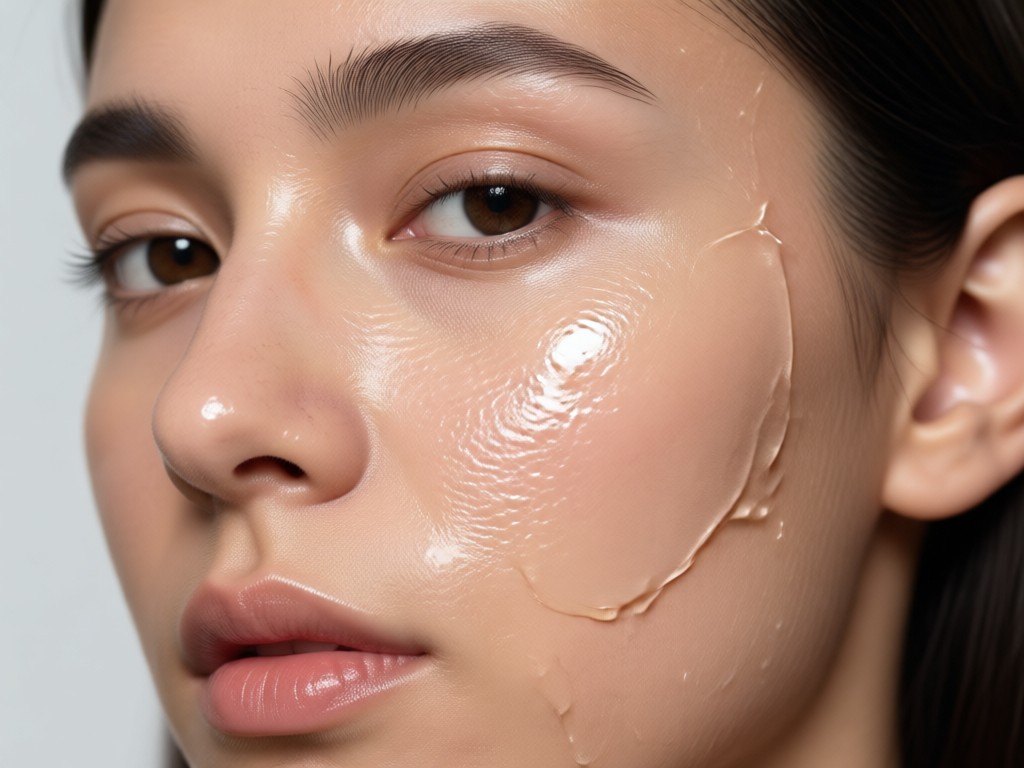
Instant Skin Smoothing
Upload any photo and watch the AI instantly smooth fine lines, pores, and blemishes. The glass skin filter evens out texture while preserving your natural facial features, so you look like yourself with a flawless finish.
Instant Skin Smoothing
Upload any photo and watch the AI instantly smooth fine lines, pores, and blemishes. The glass skin filter evens out texture while preserving your natural facial features, so you look like yourself with a flawless finish.
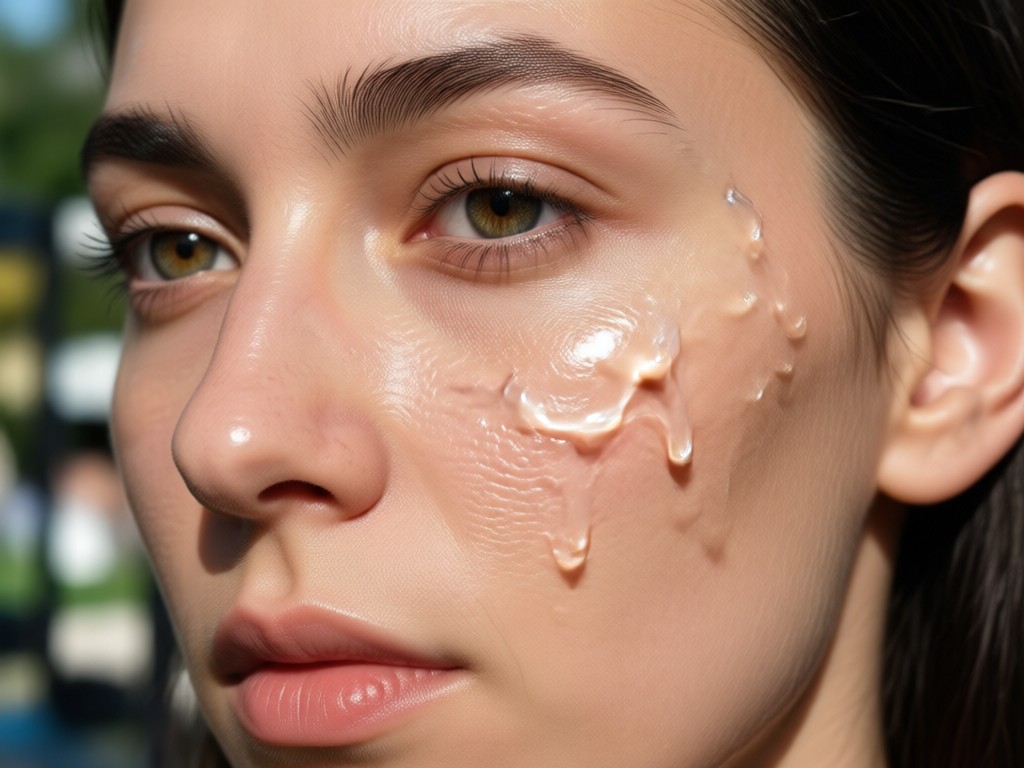
Natural Dewy Glow
Add a soft, luminous highlight to your cheeks, nose, and forehead. The filter replicates the signature glass skin look with a controlled, buildable glow that never appears oily or artificial.
Natural Dewy Glow
Add a soft, luminous highlight to your cheeks, nose, and forehead. The filter replicates the signature glass skin look with a controlled, buildable glow that never appears oily or artificial.
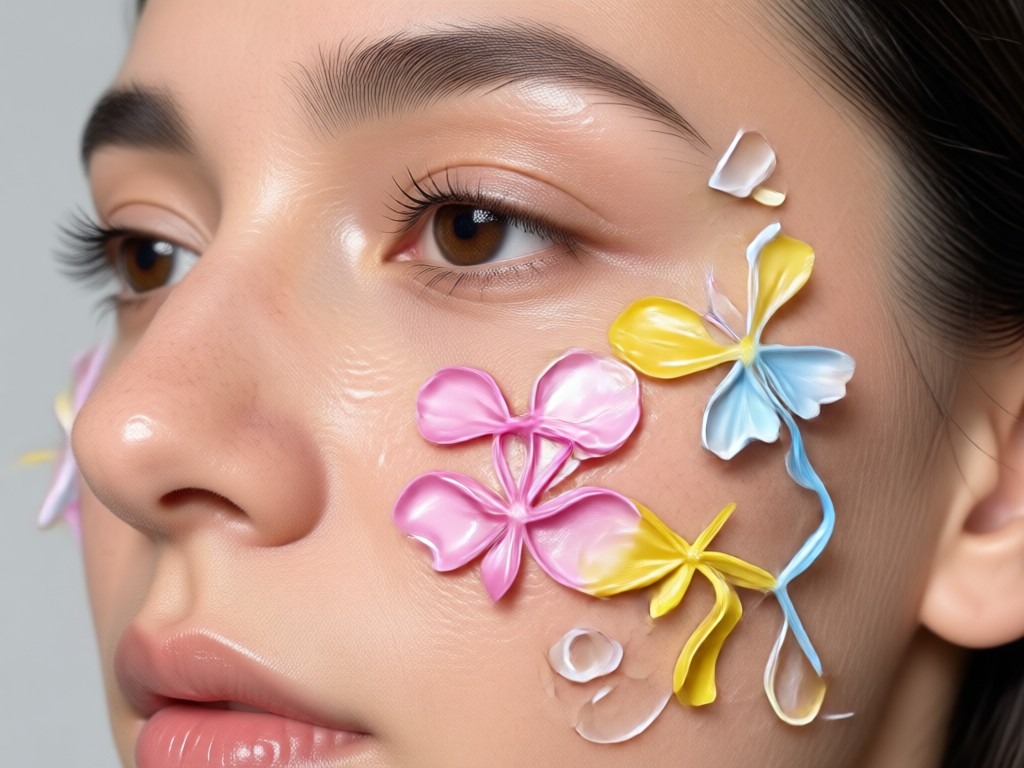
One-Tap Style Presets
Choose from over a million style templates, from subtle everyday radiance to full K-beauty glass skin. Adjust intensity, brightness, and tone in seconds without any design experience.
One-Tap Style Presets
Choose from over a million style templates, from subtle everyday radiance to full K-beauty glass skin. Adjust intensity, brightness, and tone in seconds without any design experience.
How to Apply Glass Skin Filter
Create a flawless glass skin look in three simple steps using the makmak app.

Step 01.
Download the makmak app from Google Play and open it on your phone.

Step 02.
Upload a selfie or choose a photo from your gallery. Select the Glass Skin filter from the beauty style library.

Step 03.
Adjust the intensity, preview the result, then save or share your glowing glass skin photo instantly.
Glass Skin Filter Results
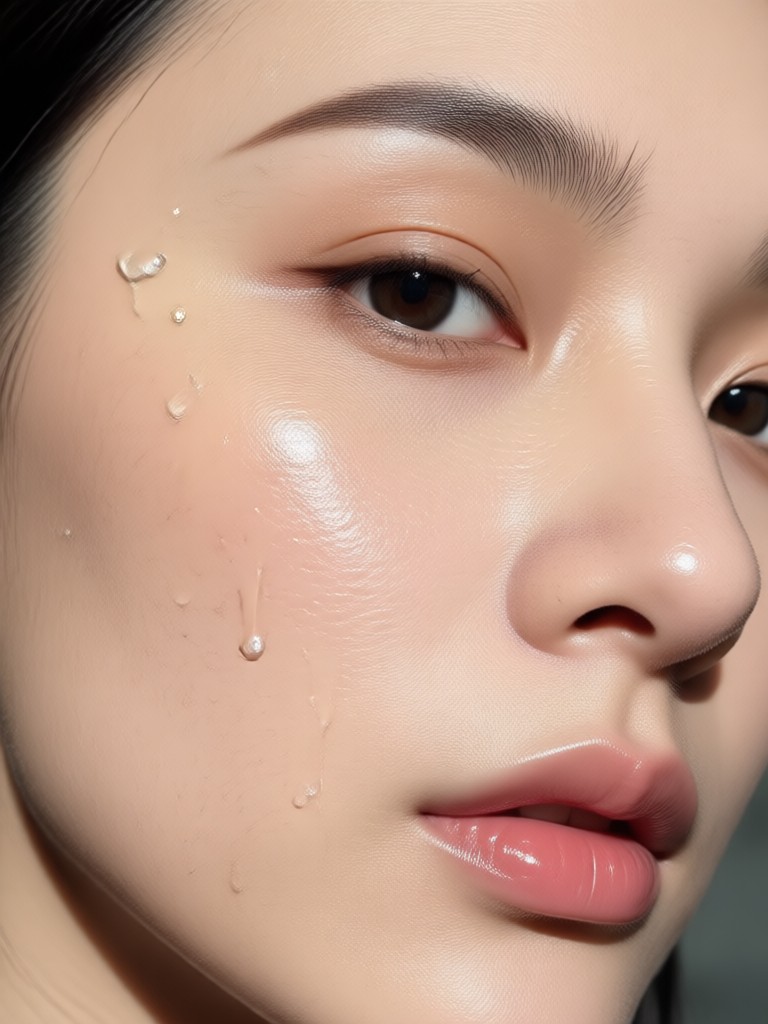
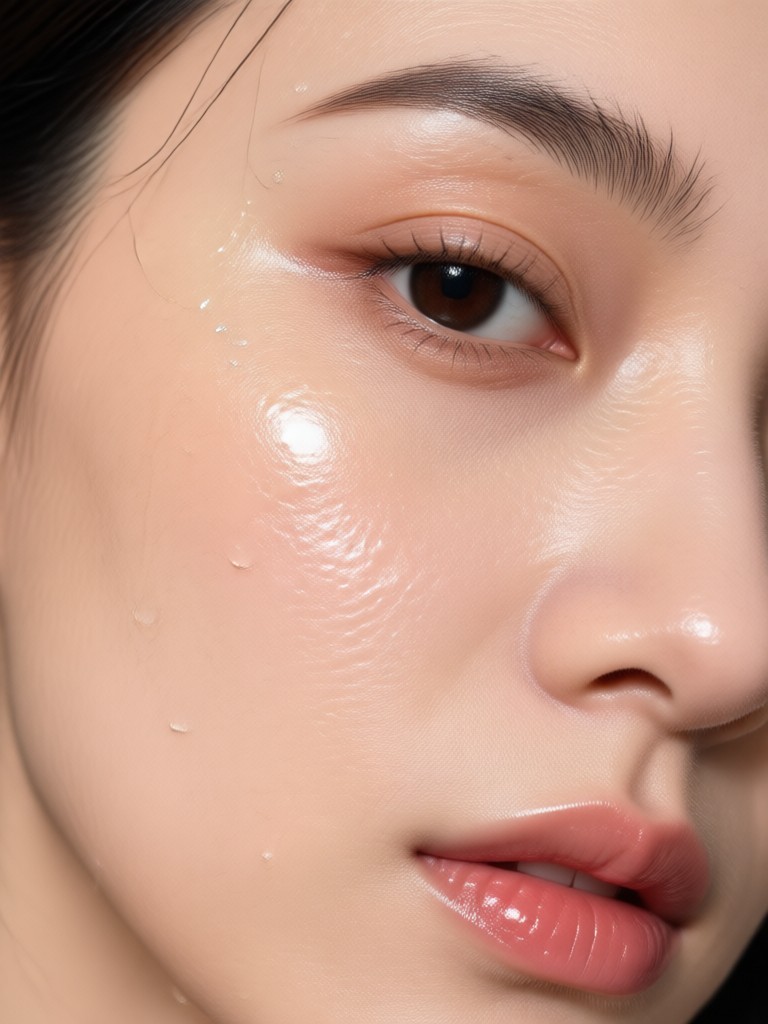
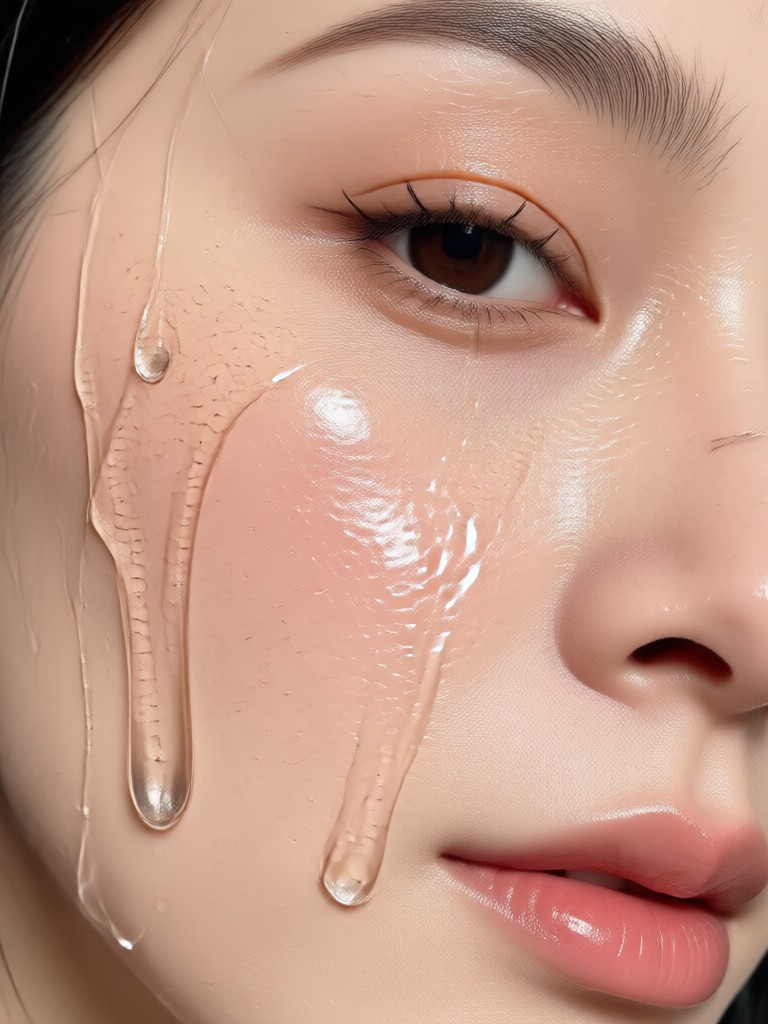
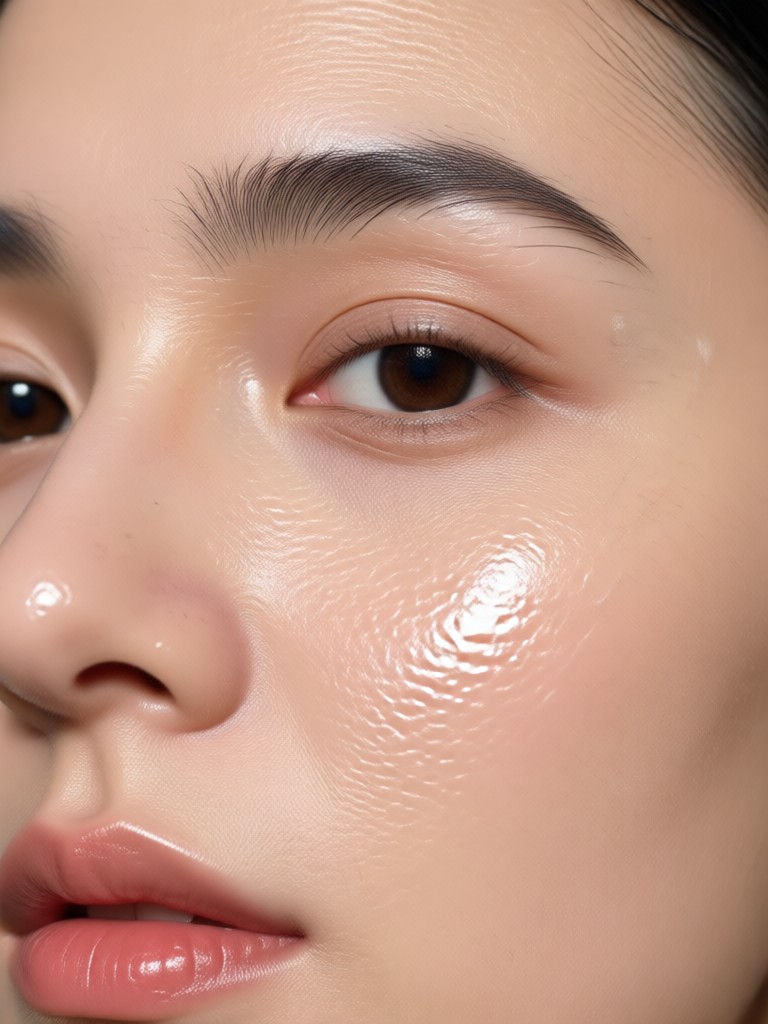
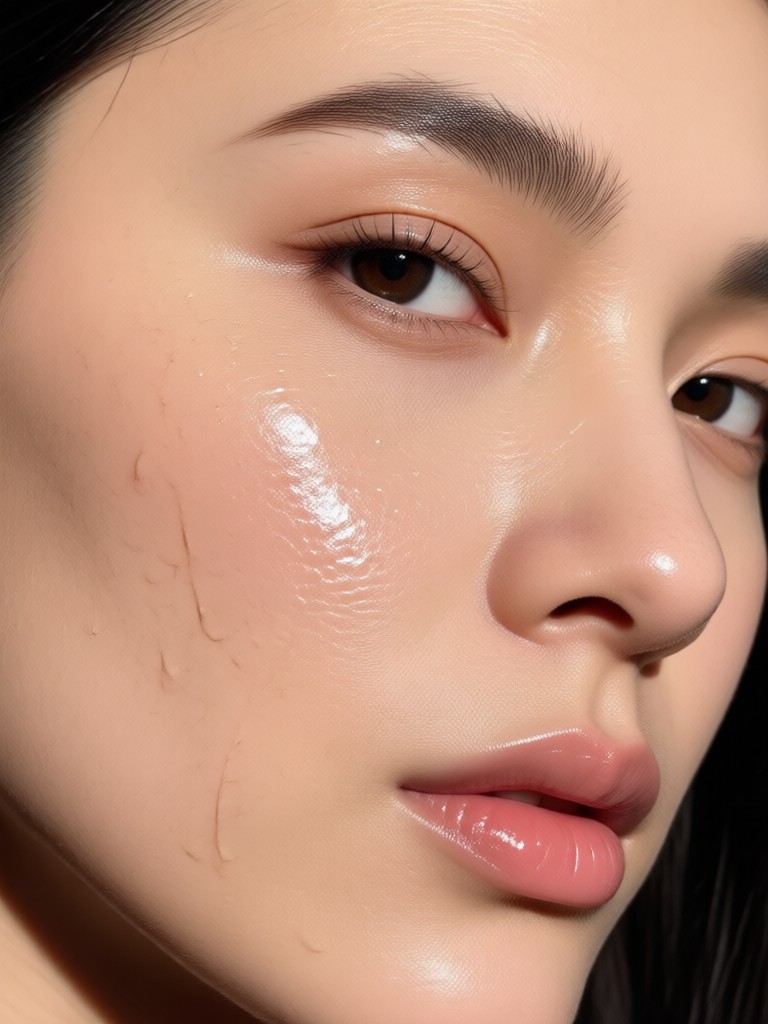
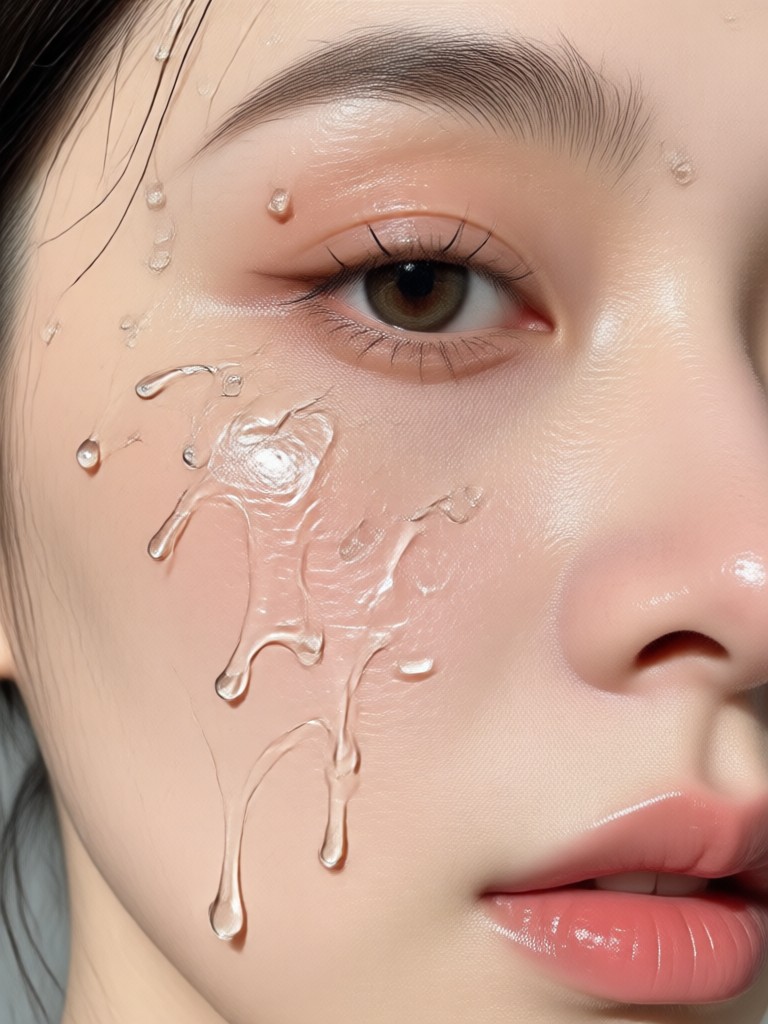
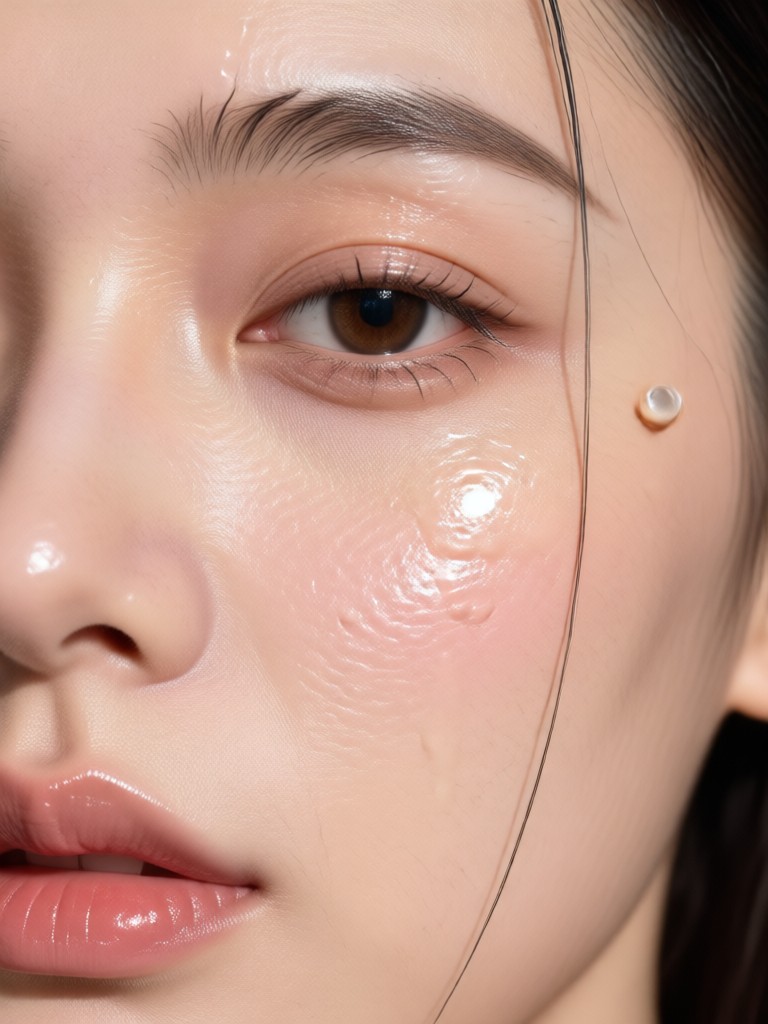
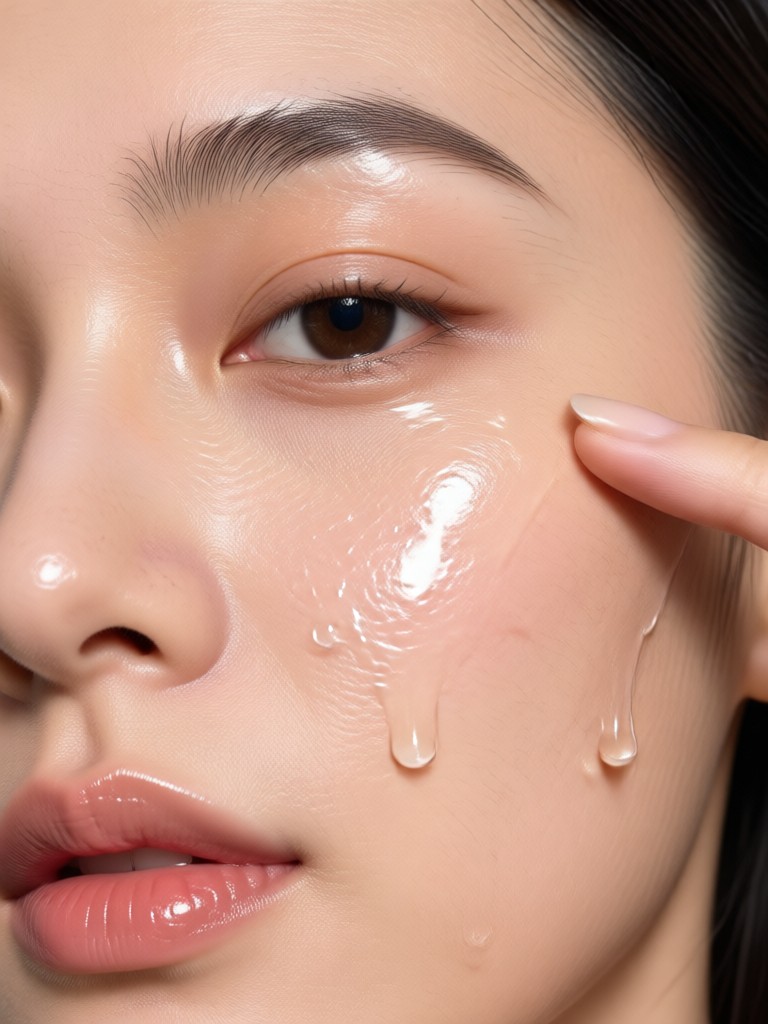
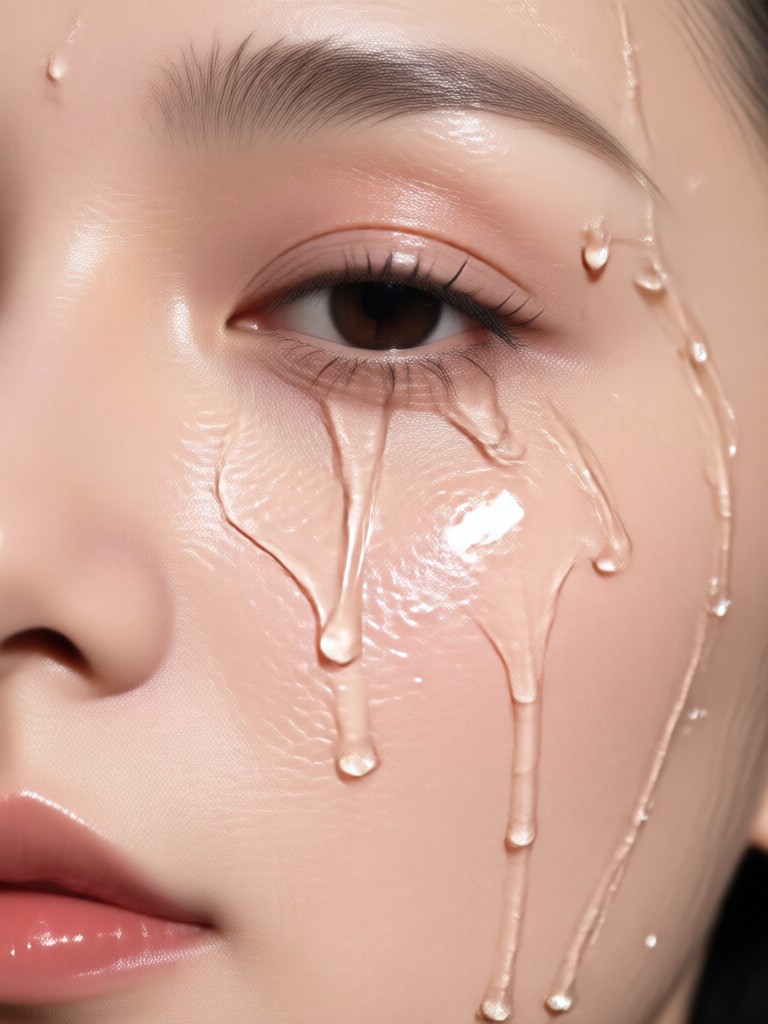
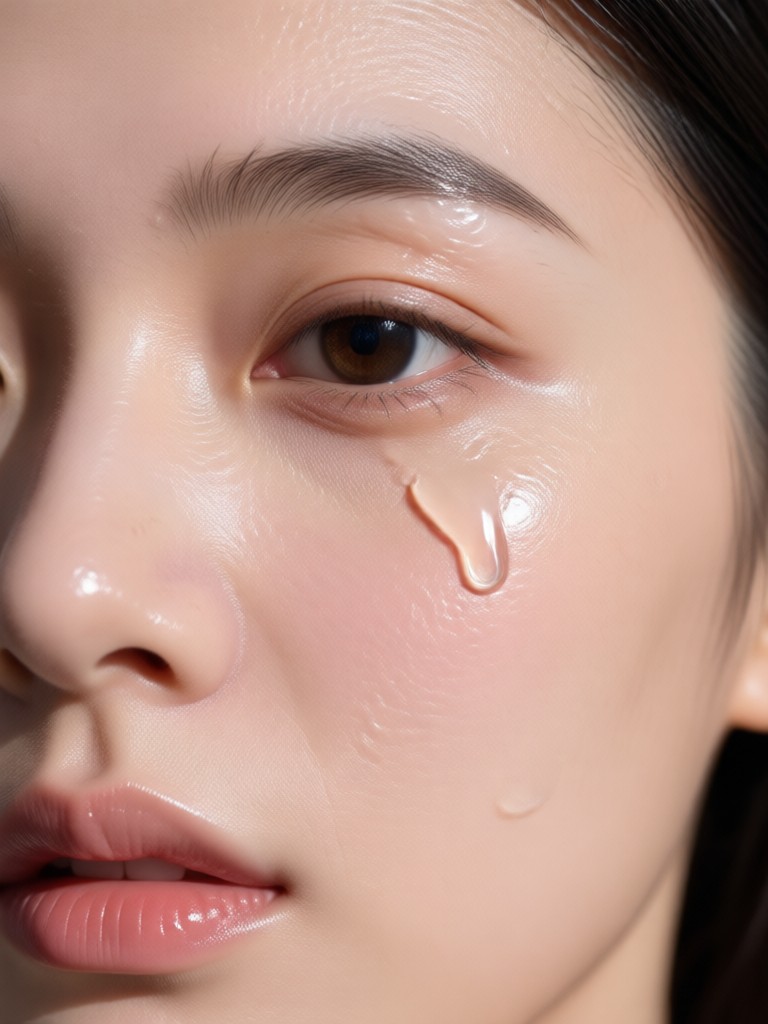
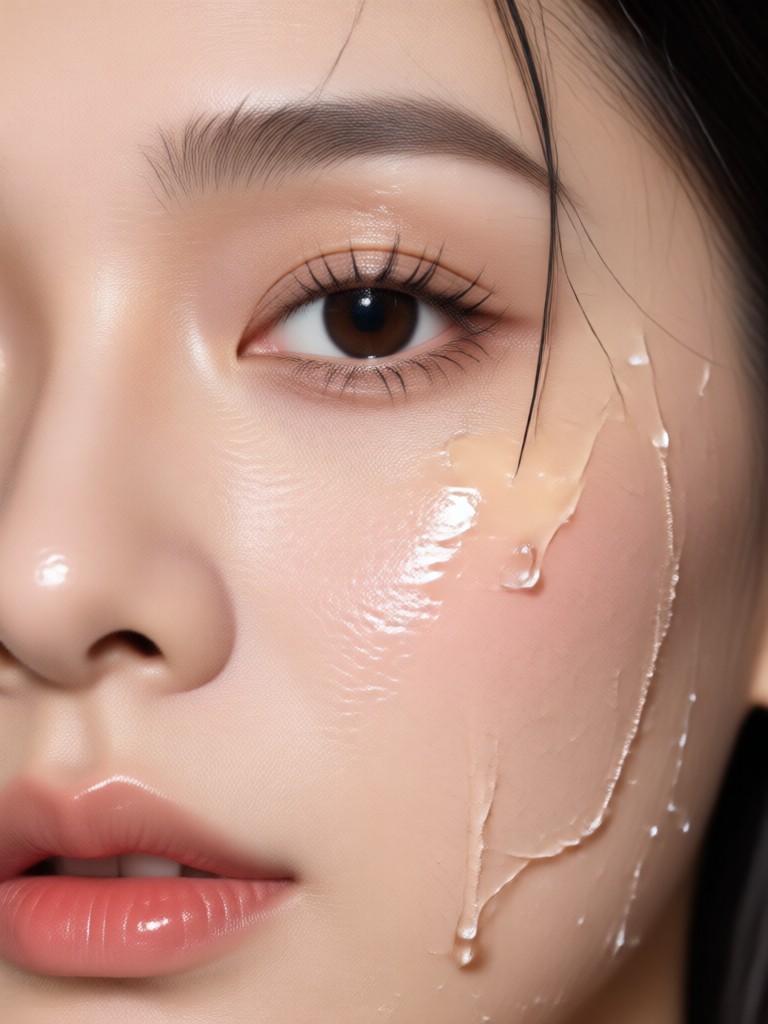
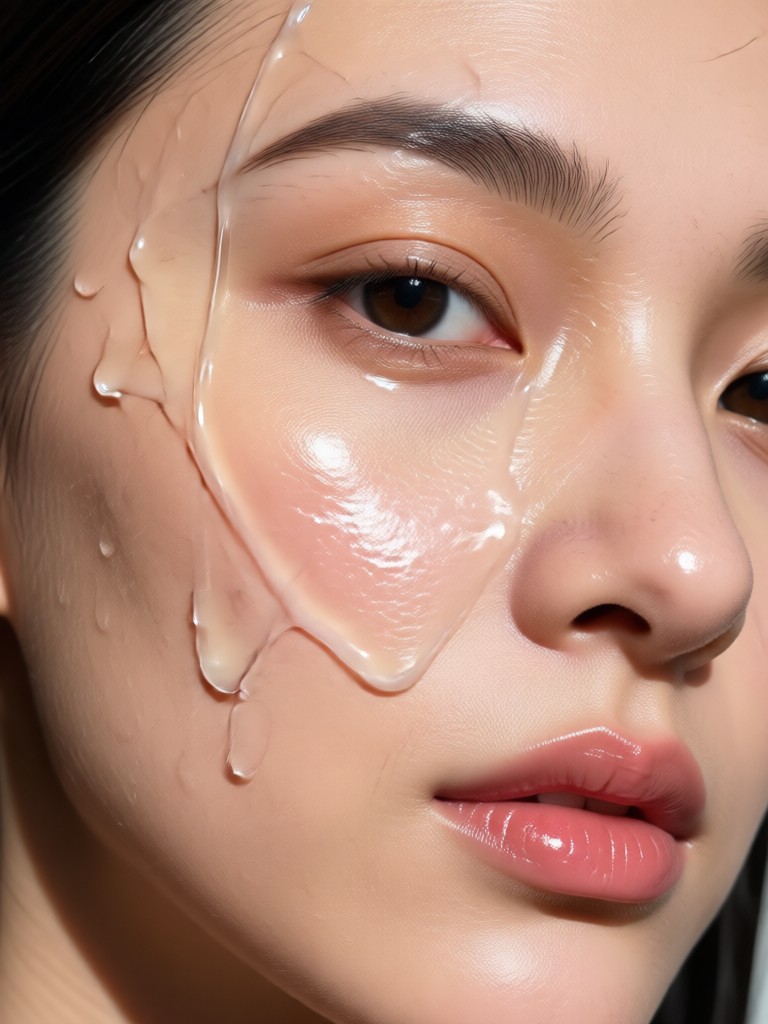
Browse real transformations made with the makmak glass skin filter. See how AI enhances texture, tone, and glow while keeping your natural look intact.
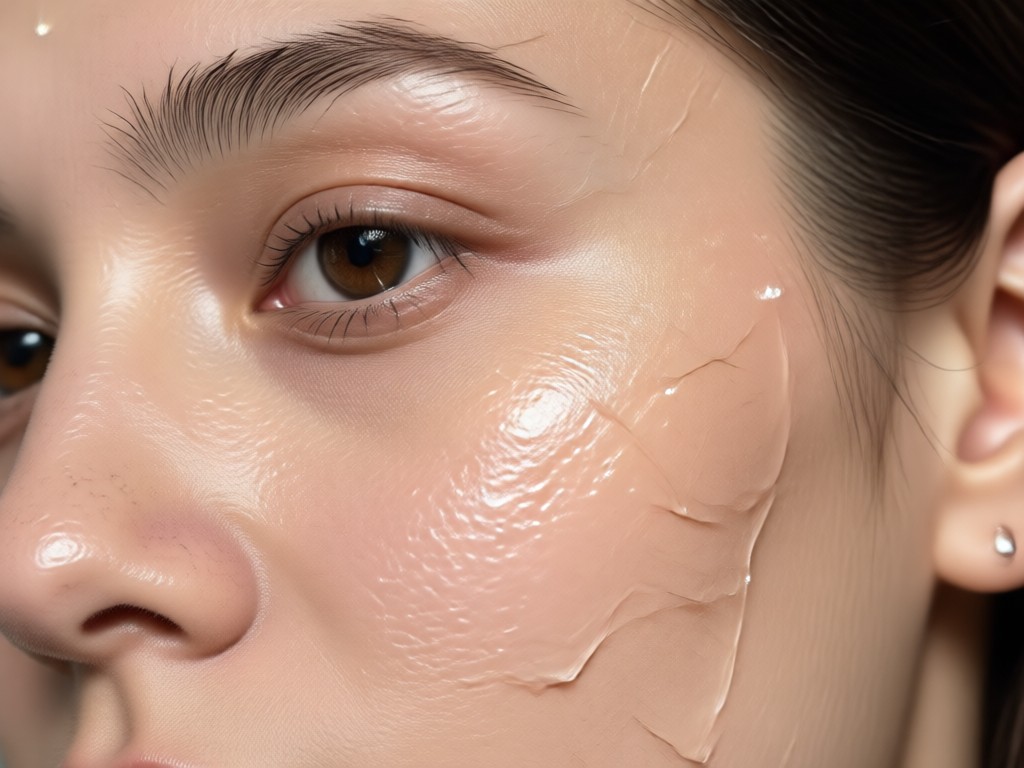
Why Use the Glass Skin Filter?
Unlike heavy beauty apps that blur your face into a plastic mask, makmak's glass skin filter uses advanced AI to enhance your natural features. It removes imperfections, evens skin tone, and adds a realistic luminous glow, all while keeping skin texture visible and true to life.
Why Use the Glass Skin Filter?
Unlike heavy beauty apps that blur your face into a plastic mask, makmak's glass skin filter uses advanced AI to enhance your natural features. It removes imperfections, evens skin tone, and adds a realistic luminous glow, all while keeping skin texture visible and true to life.
What Users Say About Glass Skin Filter
My selfies finally look flawless
I have uneven skin tone and visible pores, but the glass skin filter completely transforms my photos. It smooths everything without making me look fake. I use it every morning before posting.
The most natural glow I have tried
I have tested many beauty apps, but the glass skin filter on makmak is the only one that keeps my skin texture visible while removing blemishes. The dewy effect looks like real makeup, not a filter.
Perfect for product shots
As a small beauty brand owner, I need close-up photos of models with flawless skin. The glass skin filter saves hours of retouching and gives consistent results across all my campaign images.
Frequently Asked Questions About Glass Skin Filter
Find clear answers to common questions about using the glass skin filter in makmak.
More Topics You May Like
Explore more AI beauty and skin filter topics that might interest you.

Get the Viral Fish Eye Lens Look in Seconds
Transform photos and videos with the fish eye filter. Upload a picture, choose a wide angle template, and get a warped, playful look in seconds. No editing skills needed.

Turn Photos Into Dreamy Cottagecore Scenes in Seconds
Download makmak to apply the Cottagecore Filter. Upload a photo, choose cozy pastoral style templates, and create dreamy scenes in seconds. Try it on Google Play now.
Create Cinematic Dolly Zoom Videos in Seconds
Turn any photo into a dramatic dolly zoom video. Upload an image, pick the effect, and watch your subject stay sharp while the background shifts. No editing skills needed.

Convert Photo To Sticker: AI Sticker Maker & Filters
Turn any photo into a sticker in seconds. Upload, pick a style, and get a high quality transparent sticker. No design skills needed. Free on Google Play.
Get the Glass Skin Look Instantly
Download makmak now and apply the viral glass skin filter to any photo. Turn your selfies into flawless, glowing portraits in seconds.
Get the Glass Skin Look Instantly
Download makmak now and apply the viral glass skin filter to any photo. Turn your selfies into flawless, glowing portraits in seconds.