Fish Eye Filter
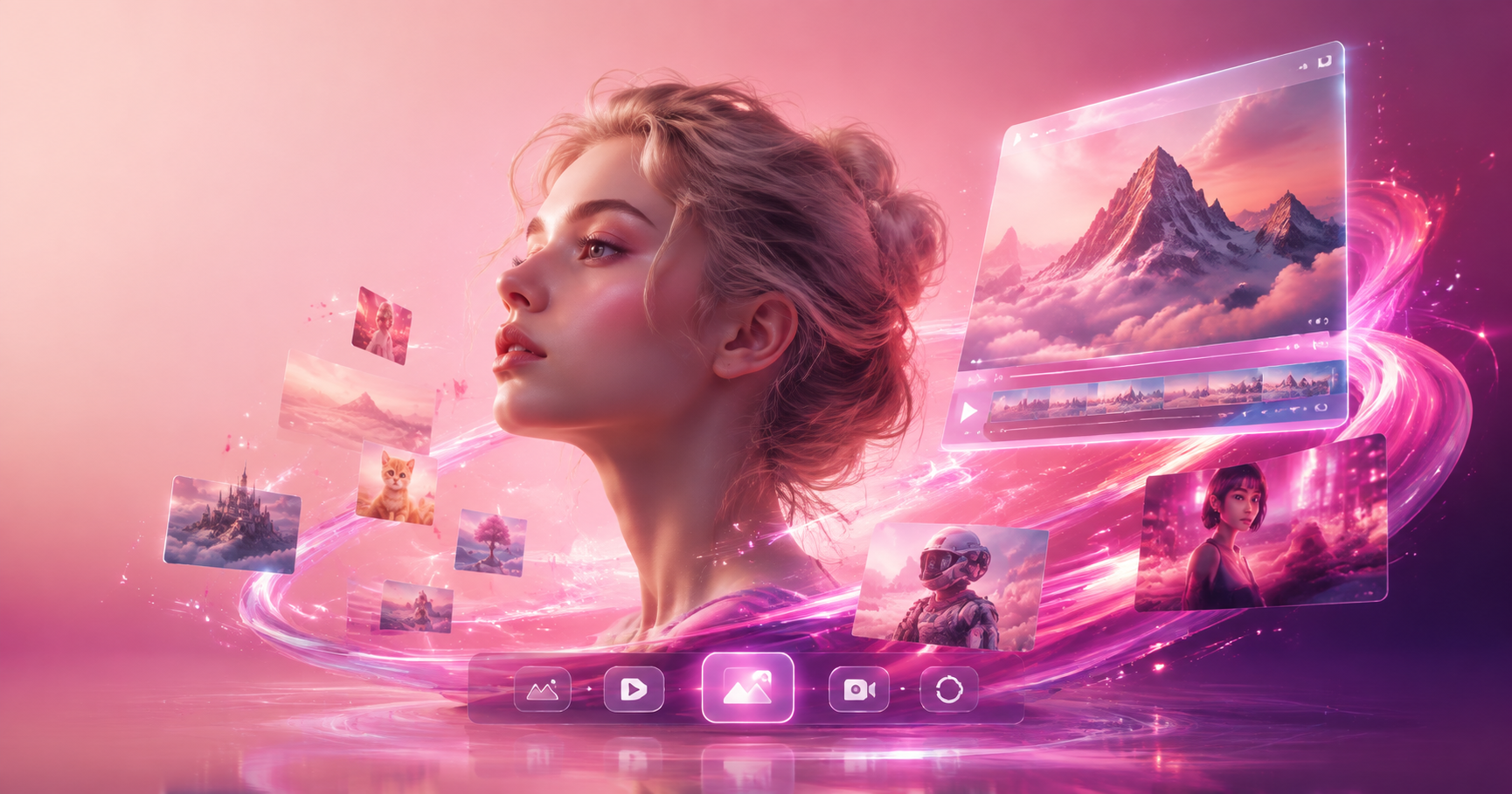
Find the Fish Eye Look That Fits Your Vibe
Explore a range of fish eye inspired templates, from subtle wide angle selfies to extreme 360 degree warp effects. Pick one and start creating.
Why the Fish Eye Filter Stands Out
See how the fish eye filter changes your images with one tap. From retro wide angle portraits to surreal video clips, makmak gives you fast, simple controls.

Instant Wide Angle Warp
Get the classic fish eye curve around faces and objects. Perfect for playful selfies, skate clips, and music video style shots.
Instant Wide Angle Warp
Get the classic fish eye curve around faces and objects. Perfect for playful selfies, skate clips, and music video style shots.

Video Fish Eye Effects
Apply the fish eye filter to short videos and make everyday moments feel like a stylized music video. Smooth and easy to share.
Video Fish Eye Effects
Apply the fish eye filter to short videos and make everyday moments feel like a stylized music video. Smooth and easy to share.

Retro and Modern Styles
Choose from subtle, rounded edges or extreme bulging frames. Adjust intensity and match the mood of your photo.
Retro and Modern Styles
Choose from subtle, rounded edges or extreme bulging frames. Adjust intensity and match the mood of your photo.
How to Use the Fish Eye Filter
Make a warped, eye catching photo or video in three simple steps.

Step 01.
Download the makmak app from Google Play and open the AI editor.

Step 02.
Upload your photo or video and select the fish eye filter from the style library.

Step 03.
Adjust the intensity, generate, then save and share your warped creation.
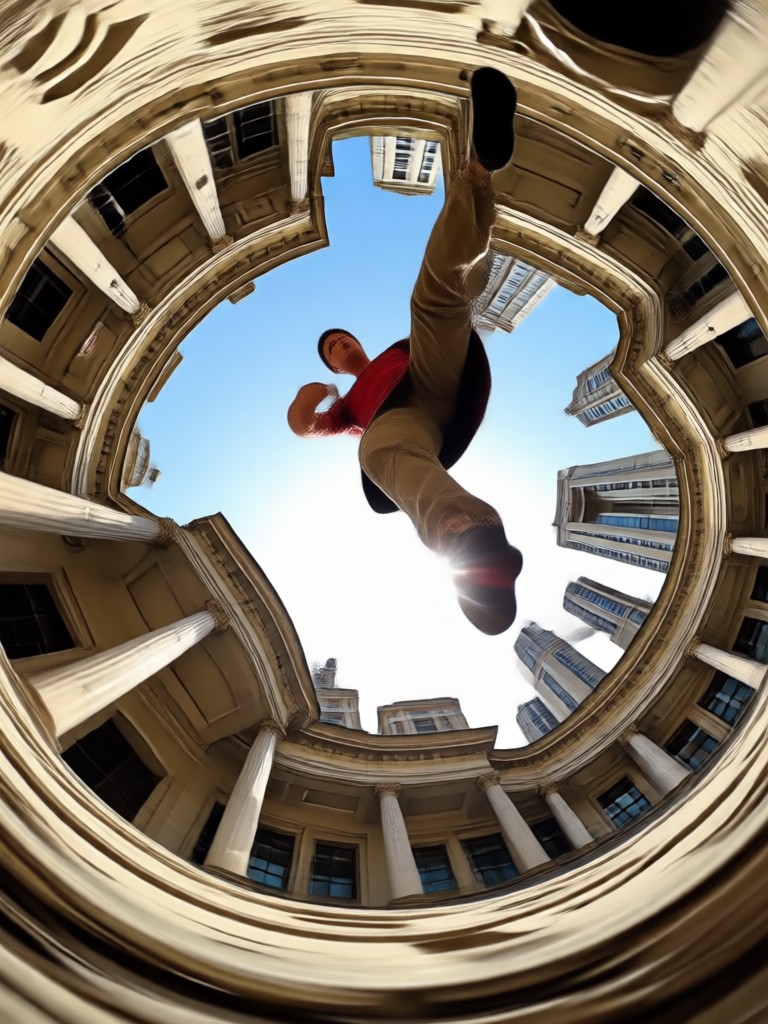
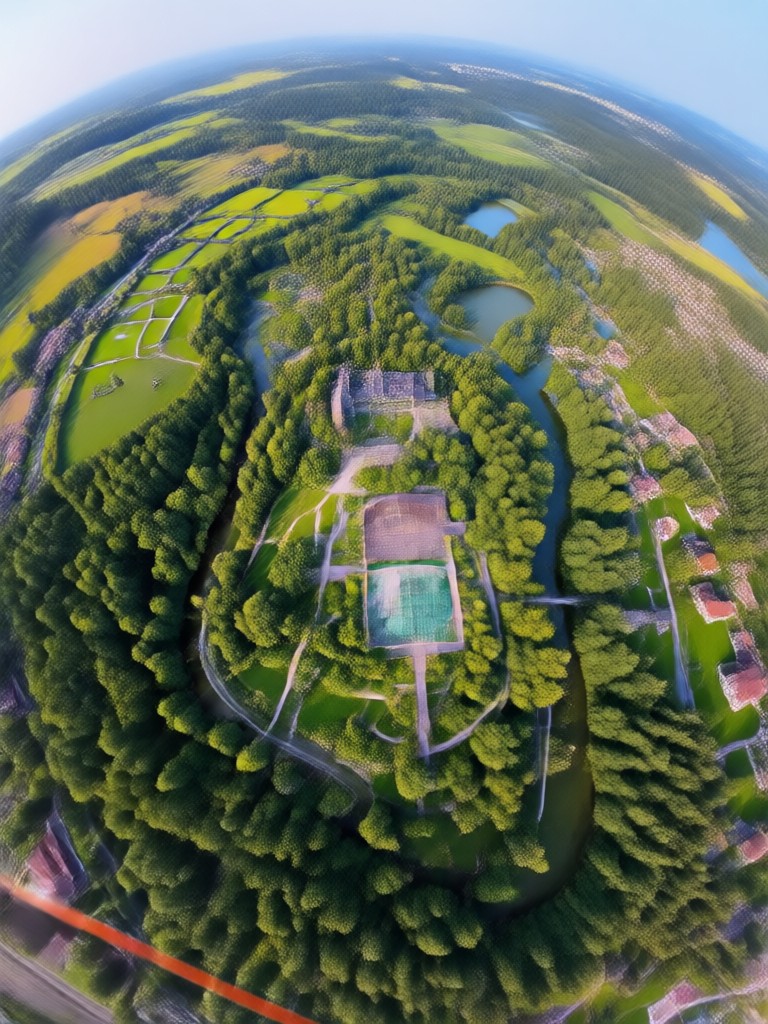
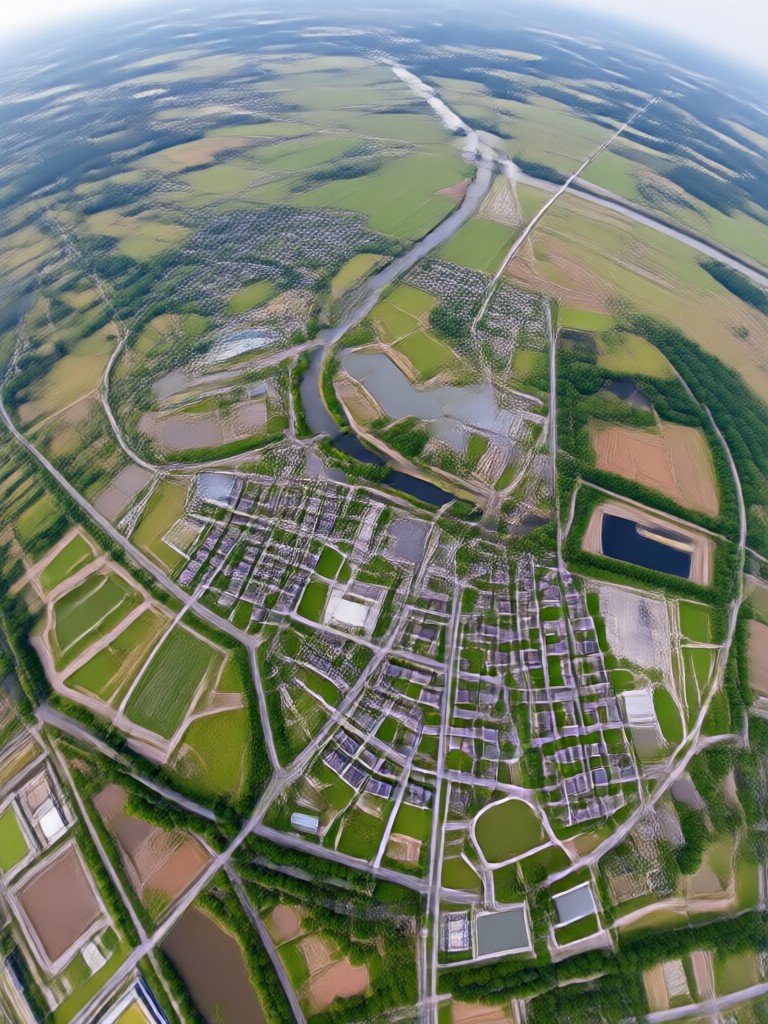
Fish Eye Filter Creations
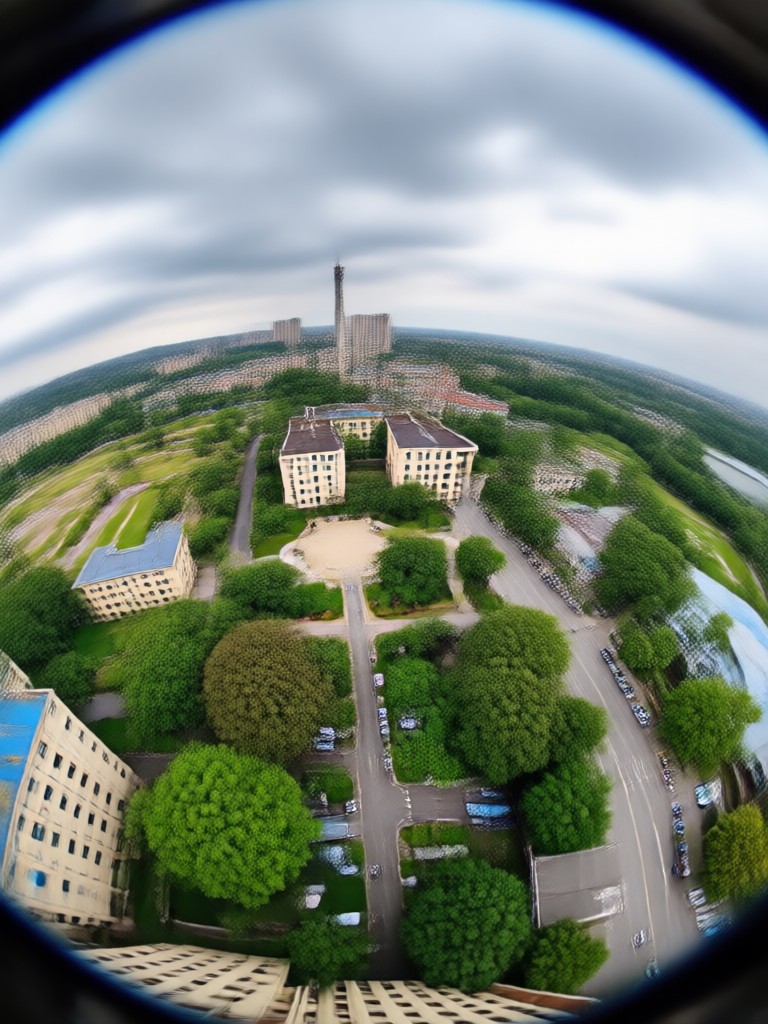
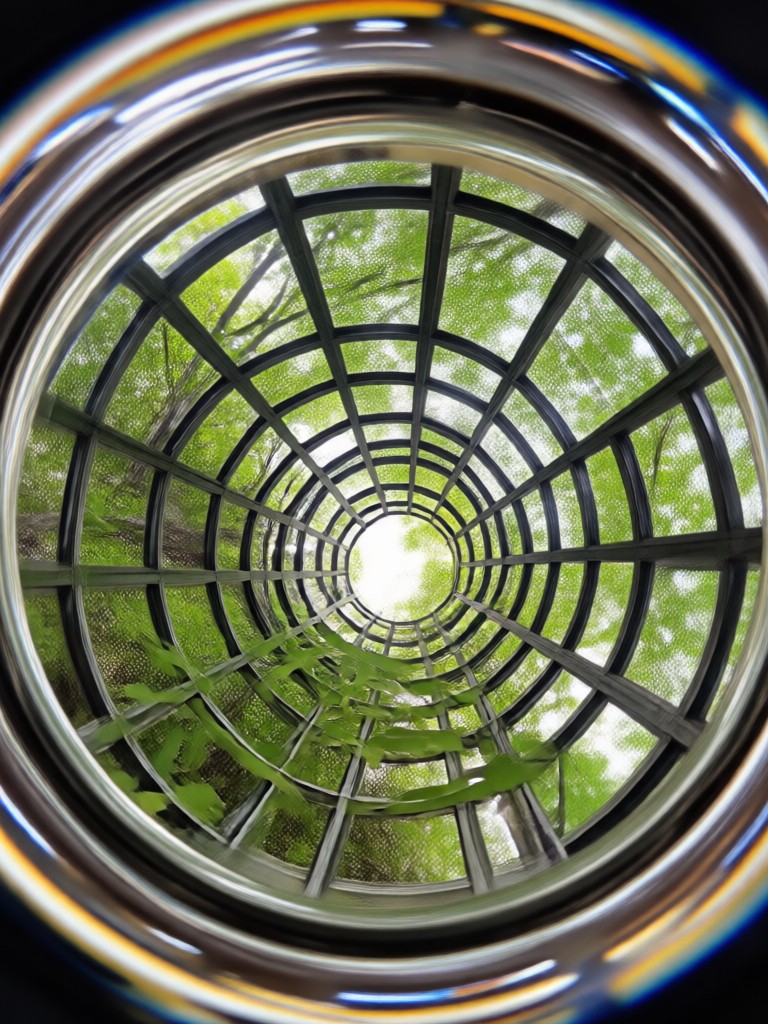
Browse real results from the fish eye filter, from wide angle portraits to dreamy street scenes. Your next post can look like this.
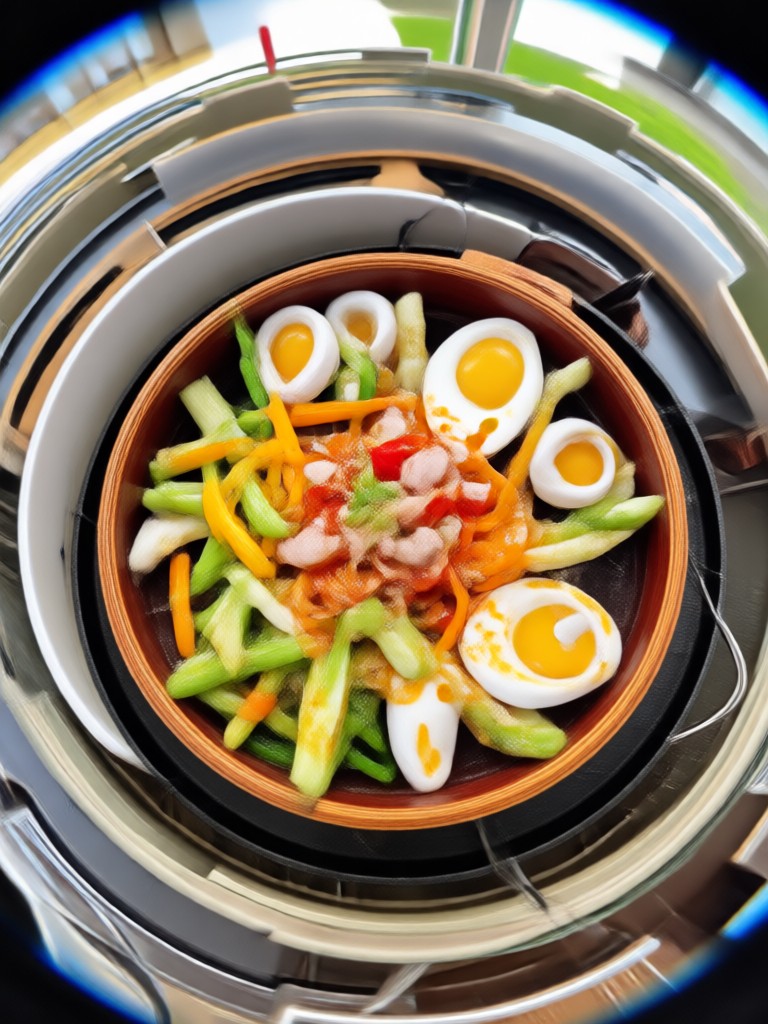


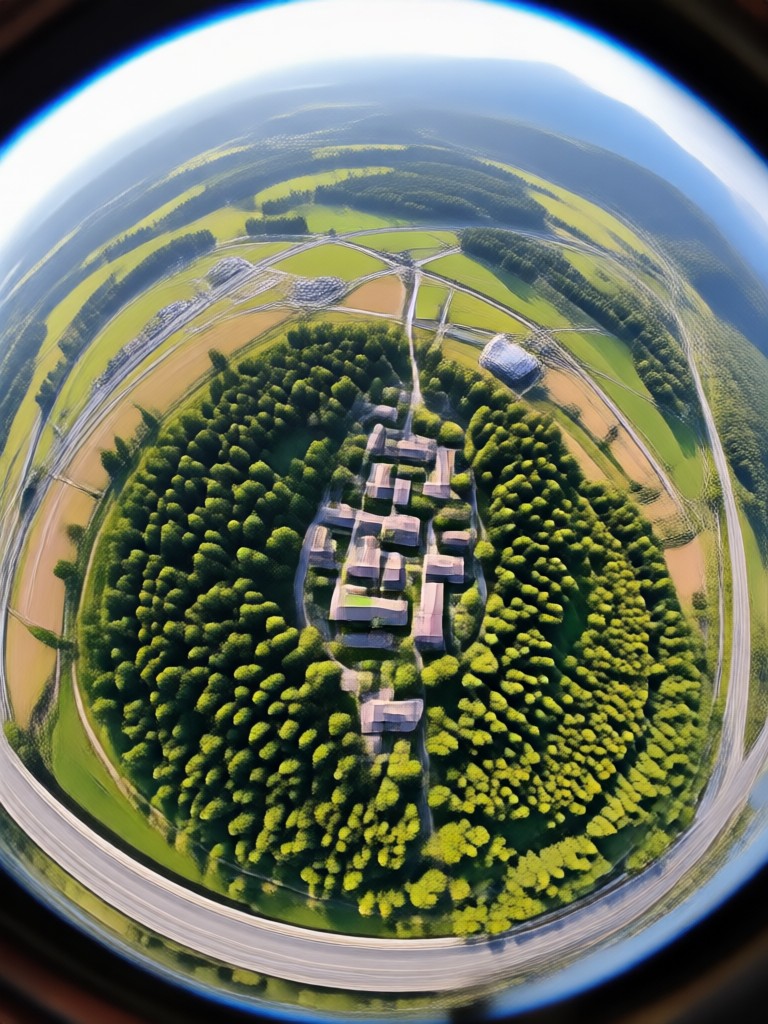
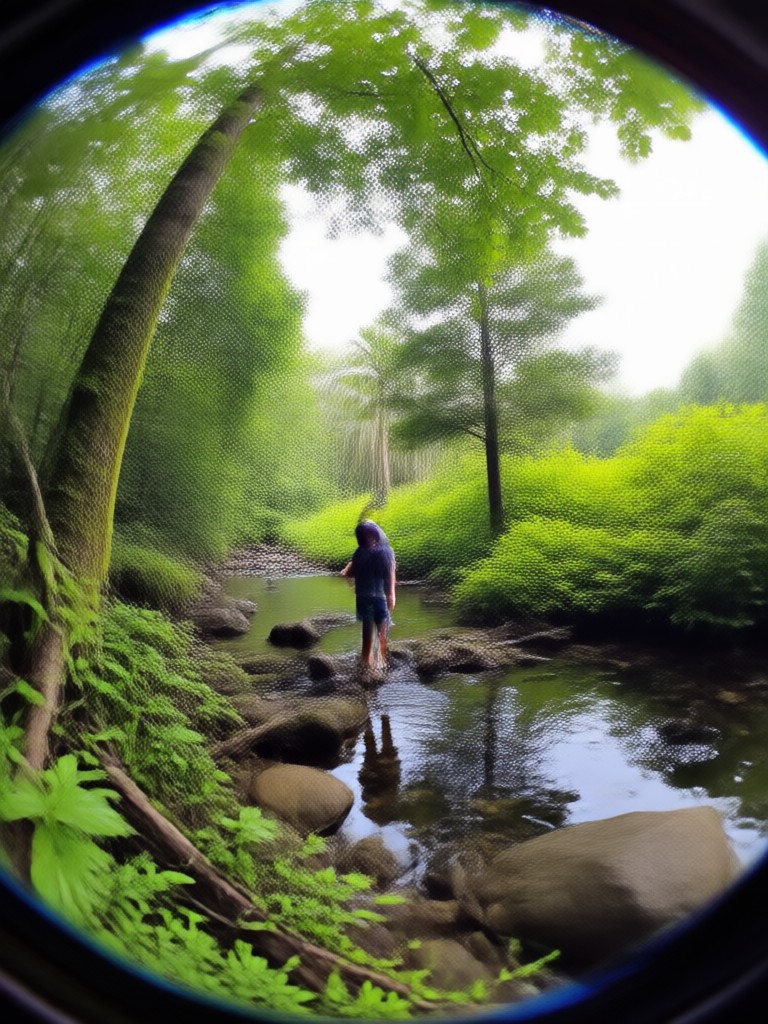

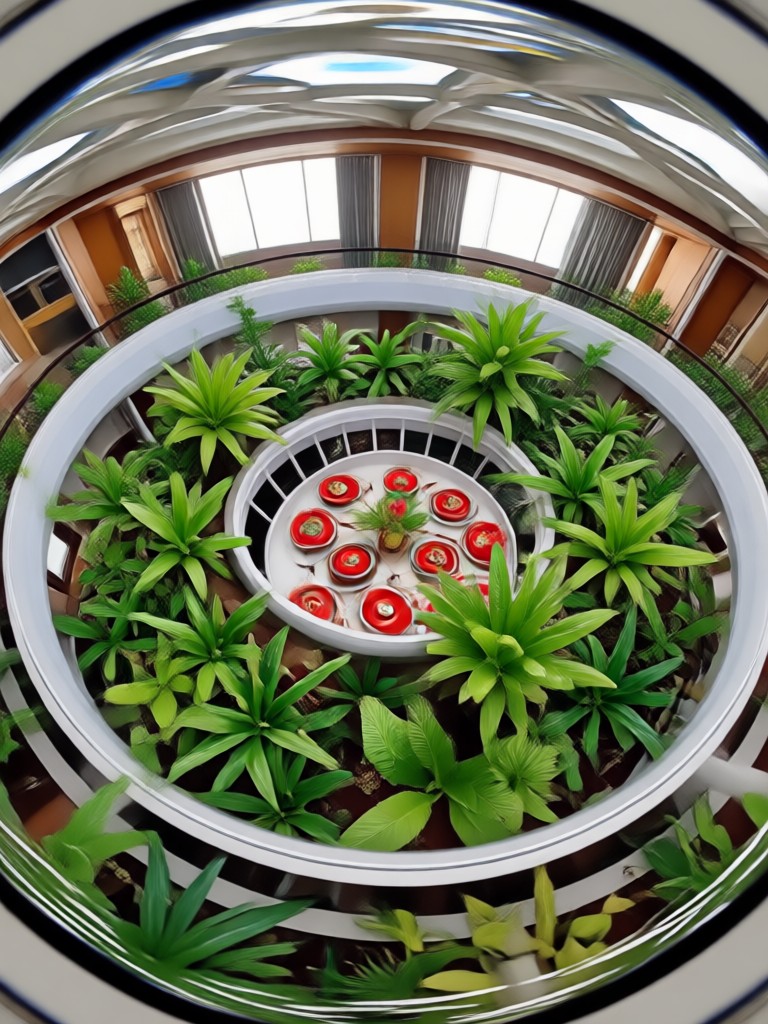

Get the Fish Eye Filter on Your Phone
Download makmak and access the fish eye filter plus more than one million styles for photos and videos.

What Creators Say About the Fish Eye Filter
The most fun filter I have used
I tried the fish eye filter on a selfie and it instantly looked like an album cover. The warp is smooth and the app is very beginner friendly.
Perfect for short form video
I use the fish eye effect on clip transitions and my followers always ask how I do it. The video output is clean and fast.
Great for skate photos
The extreme wide angle mode makes my skate shots look straight out of a 90s video. It takes one tap and the quality stays high.
Frequently Asked Questions About the Fish Eye Filter
Find clear answers about the fish eye filter, including how to use it, what photos work best, and how to get the most from your edits.
Ready to Try the Fish Eye Filter?
Download makmak now and turn a normal photo into a warped, playful creation. Choose from millions of styles and share your favorite look in seconds.
Ready to Try the Fish Eye Filter?
Download makmak now and turn a normal photo into a warped, playful creation. Choose from millions of styles and share your favorite look in seconds.