Convert Photo To Sticker
Choose Your Sticker Style
Discover popular sticker filters that turn ordinary photos into playful, expressive stickers.
Key Features of Photo to Sticker Converter
makmak makes it effortless to convert any photo into a sticker with advanced AI and a huge style library. Here is what you can do.
One Tap Sticker Creation
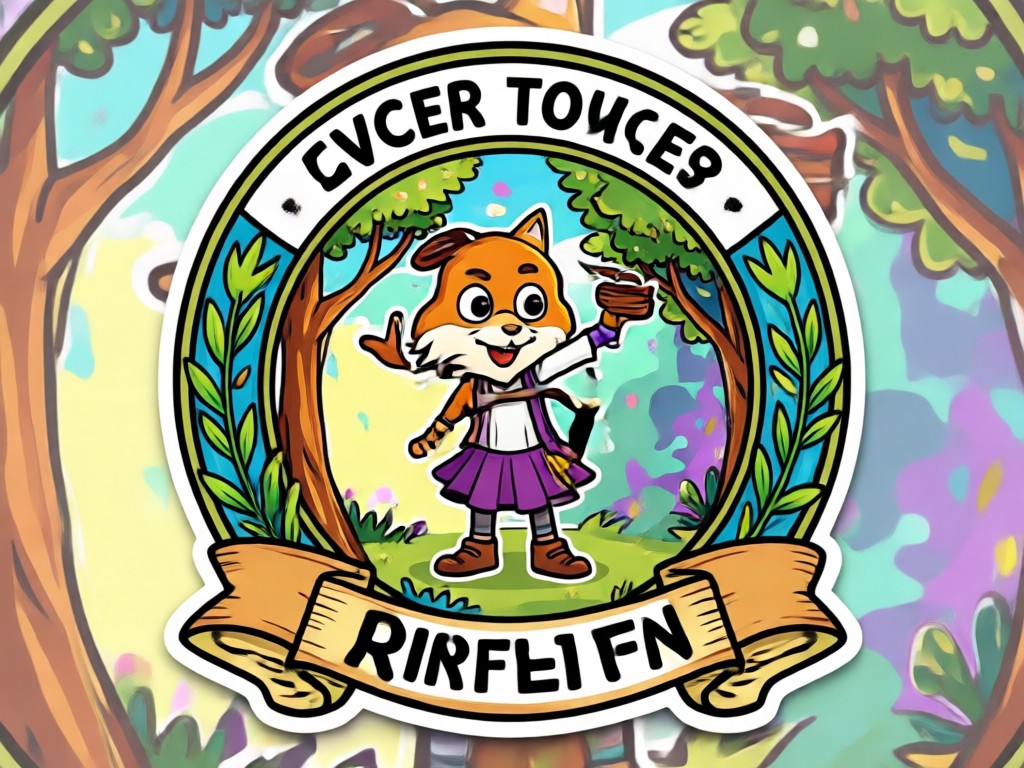
Upload your photo and let the AI instantly detect the subject. The tool removes the background and applies sticker style automatically, so you get a ready to use sticker in seconds. No manual cutting or editing required.
One Tap Sticker Creation
Upload your photo and let the AI instantly detect the subject. The tool removes the background and applies sticker style automatically, so you get a ready to use sticker in seconds. No manual cutting or editing required.
Million Style Filters
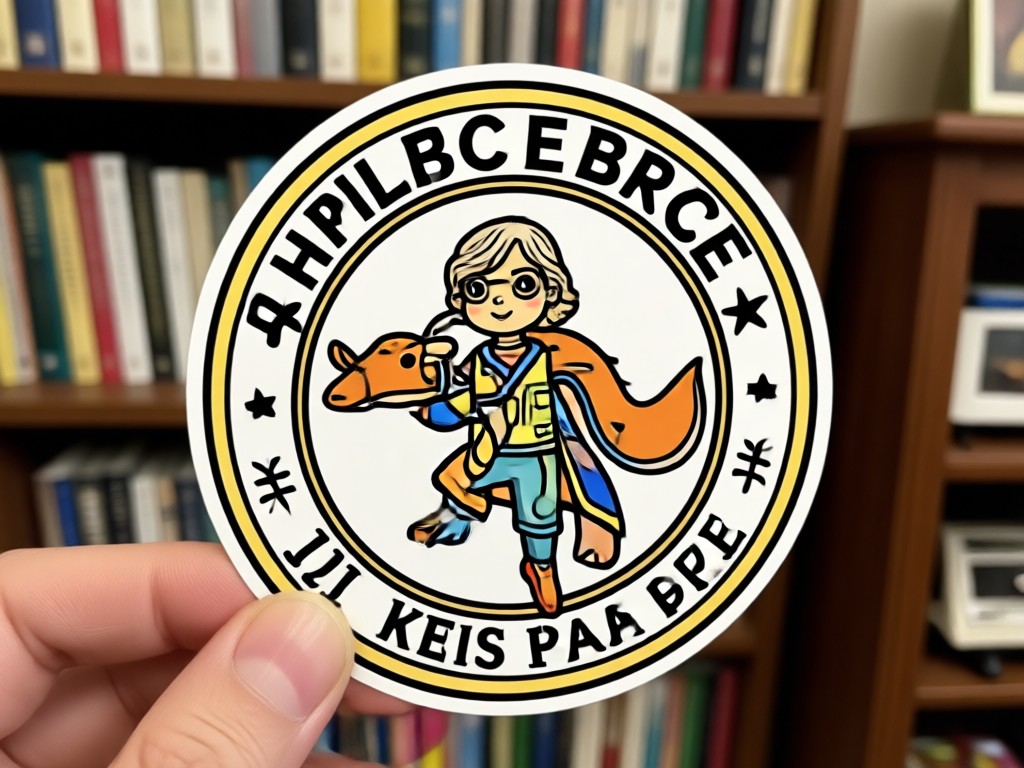
Choose from over a million sticker filters including cute, cartoon, vintage, neon, and realistic styles. Each filter is designed to make your photo stand out in chats and social feeds. Switch styles with a single tap.
Million Style Filters
Choose from over a million sticker filters including cute, cartoon, vintage, neon, and realistic styles. Each filter is designed to make your photo stand out in chats and social feeds. Switch styles with a single tap.
High Resolution Export
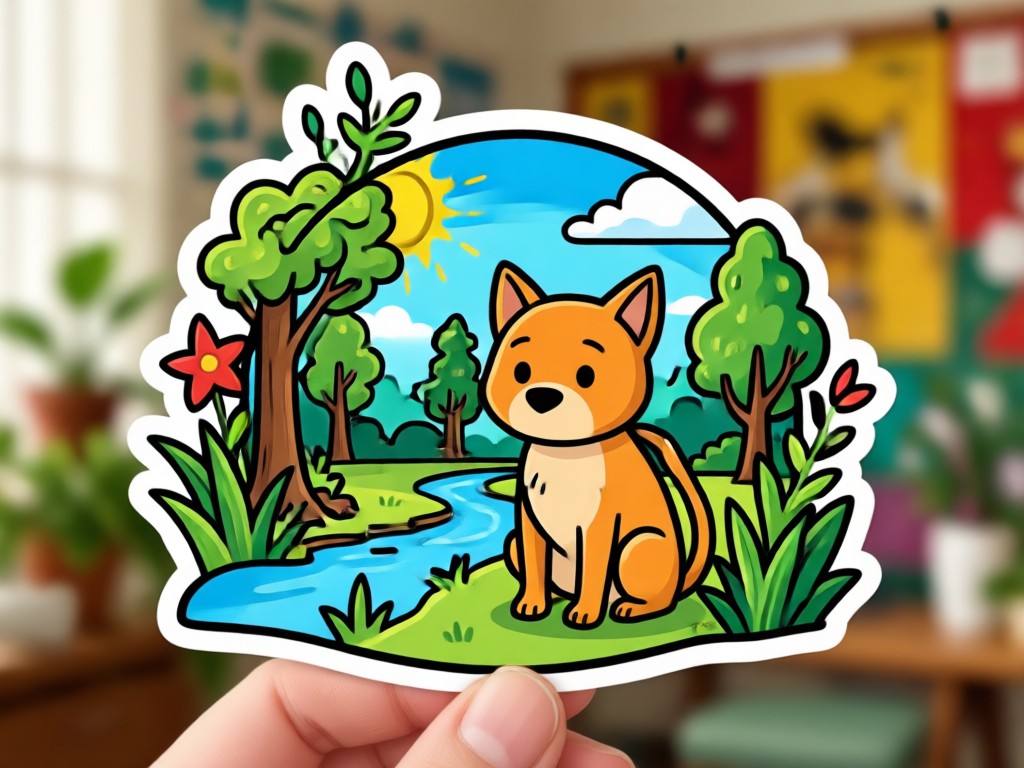
Download your stickers in high resolution PNG with transparent backgrounds. Perfect for messaging apps, digital planners, and print projects. Your stickers stay crisp and clear on any device.
High Resolution Export
Download your stickers in high resolution PNG with transparent backgrounds. Perfect for messaging apps, digital planners, and print projects. Your stickers stay crisp and clear on any device.
How to Convert Photo to Sticker?
Follow three simple steps to turn your photo into a fun sticker using the makmak app.

Step 01.
Download the makmak app from Google Play and open it on your phone. The app is lightweight and ready to use right away.

Step 02.
Upload the photo you want to turn into a sticker. Choose a sticker style filter from the huge library, or let the AI pick the best match automatically.

Step 03.
Tap Generate and watch your sticker appear in seconds. Save it to your gallery or share directly to your favorite messaging app.
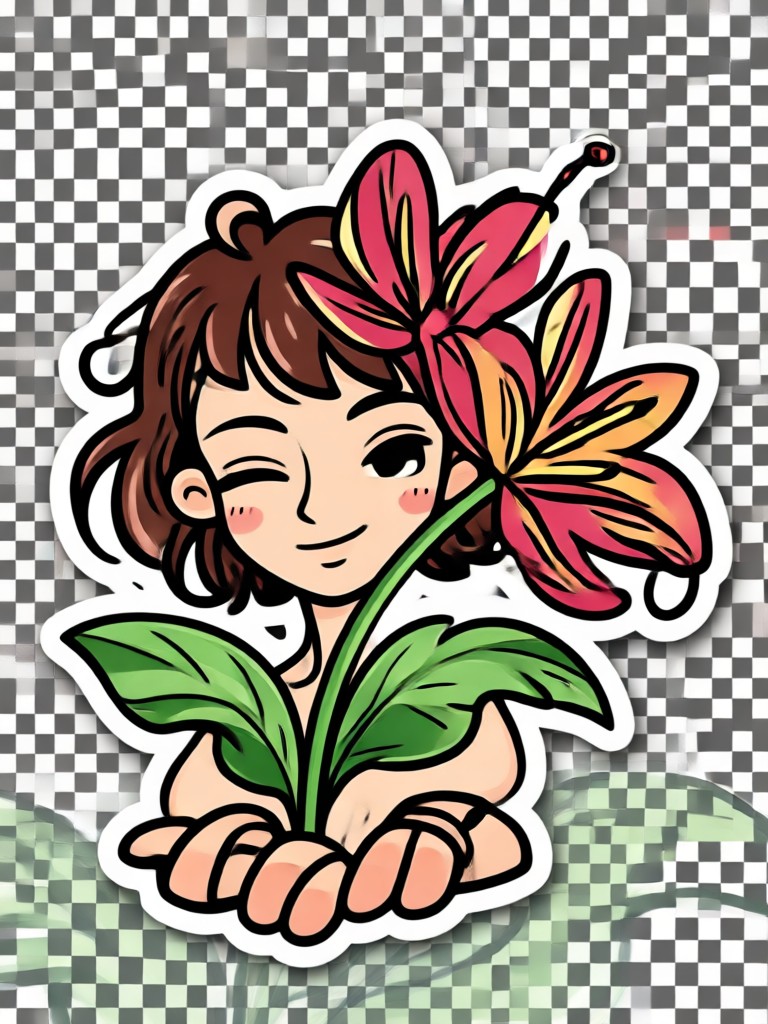
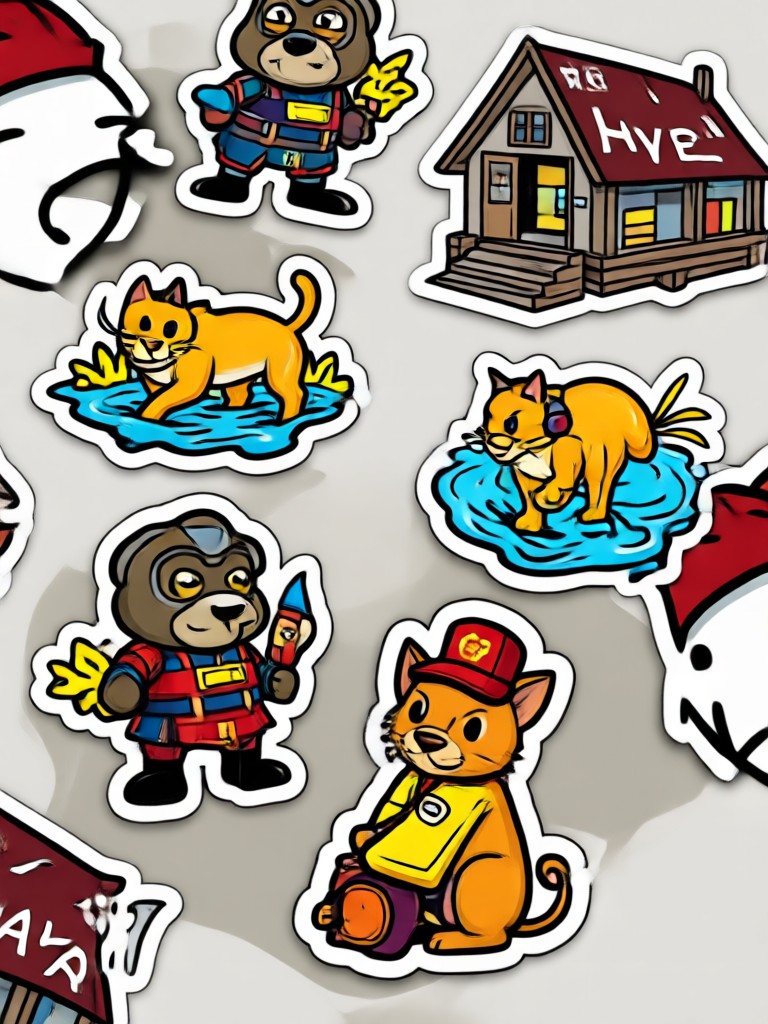
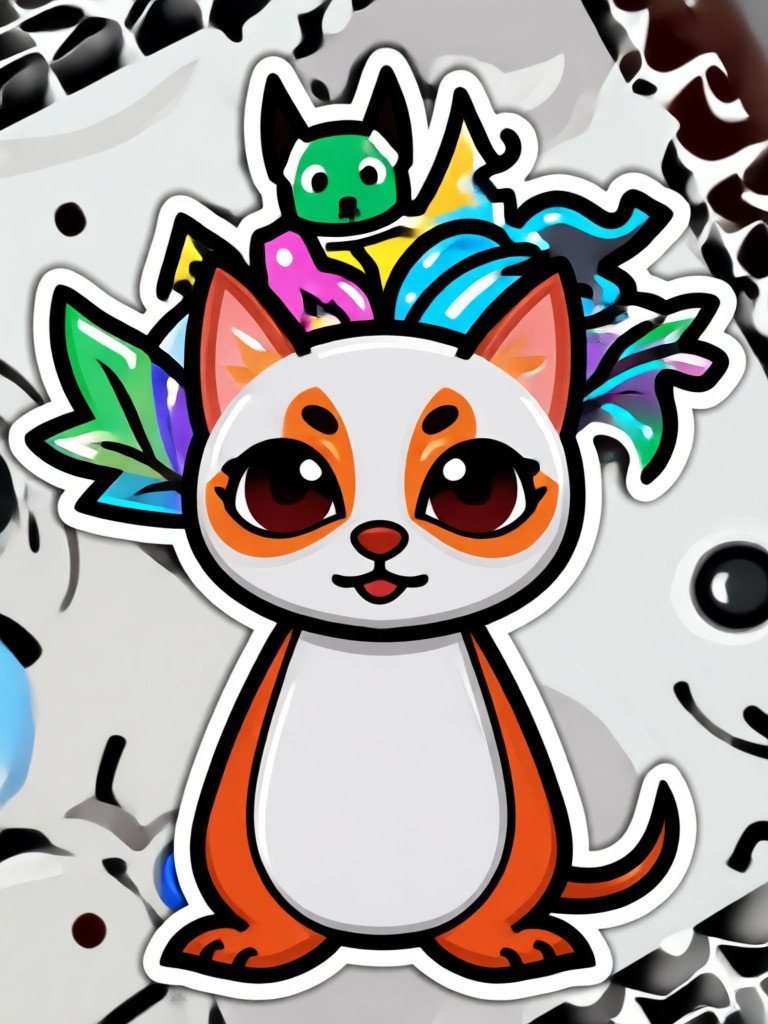
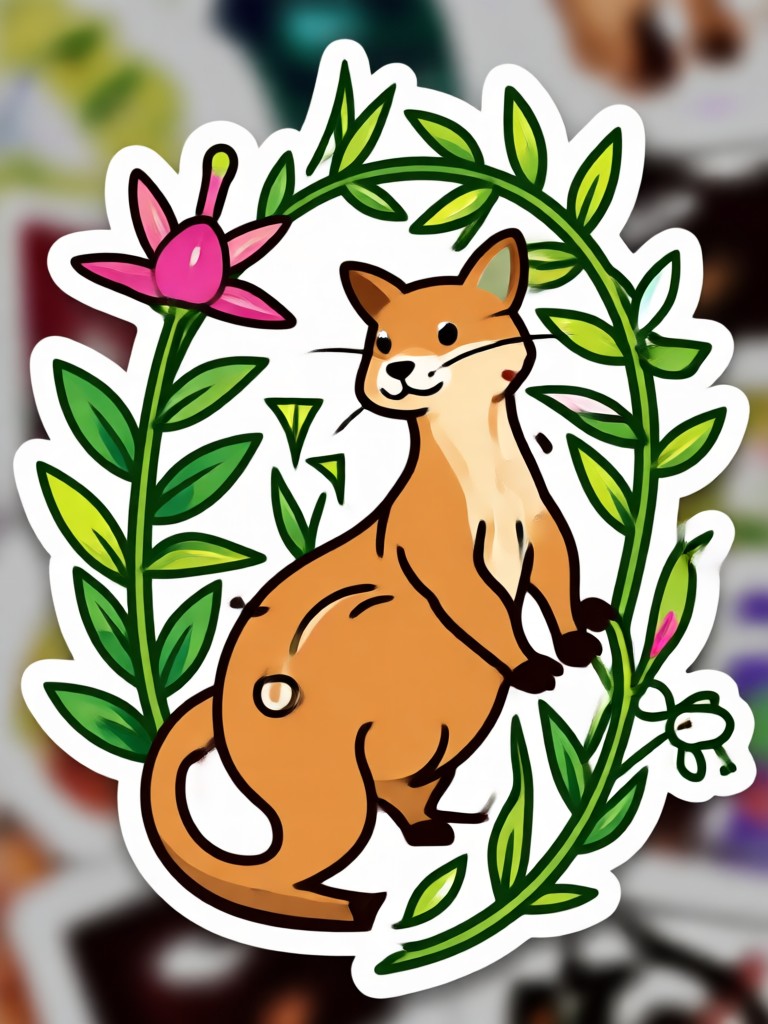
Sticker Creations Gallery
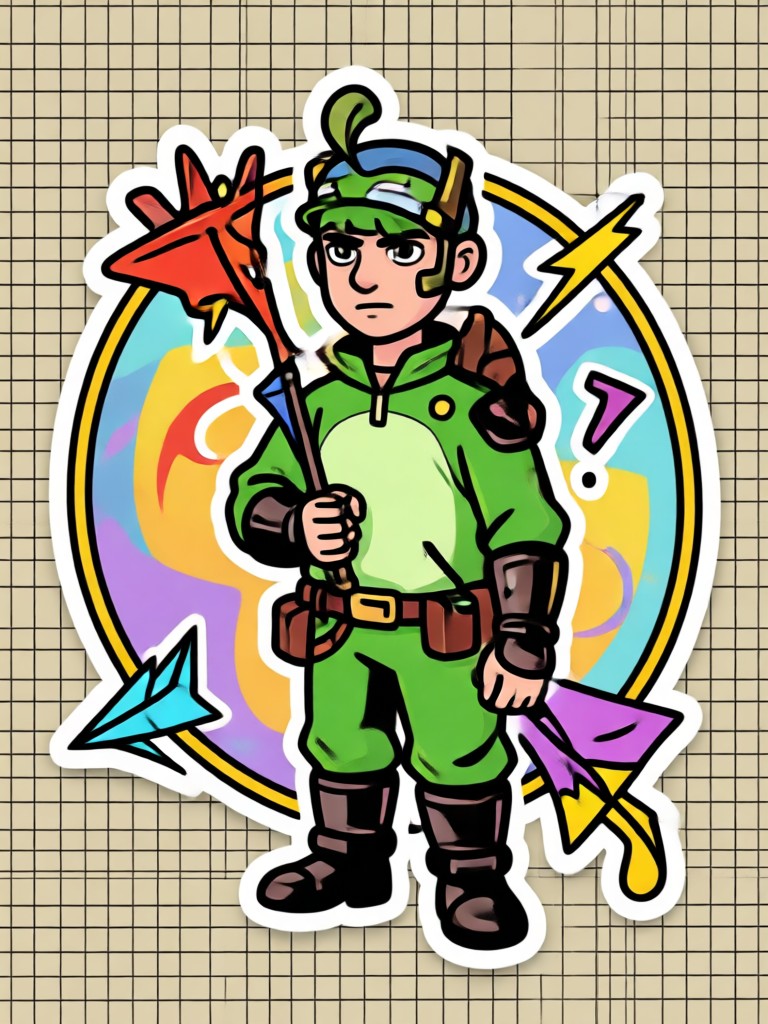
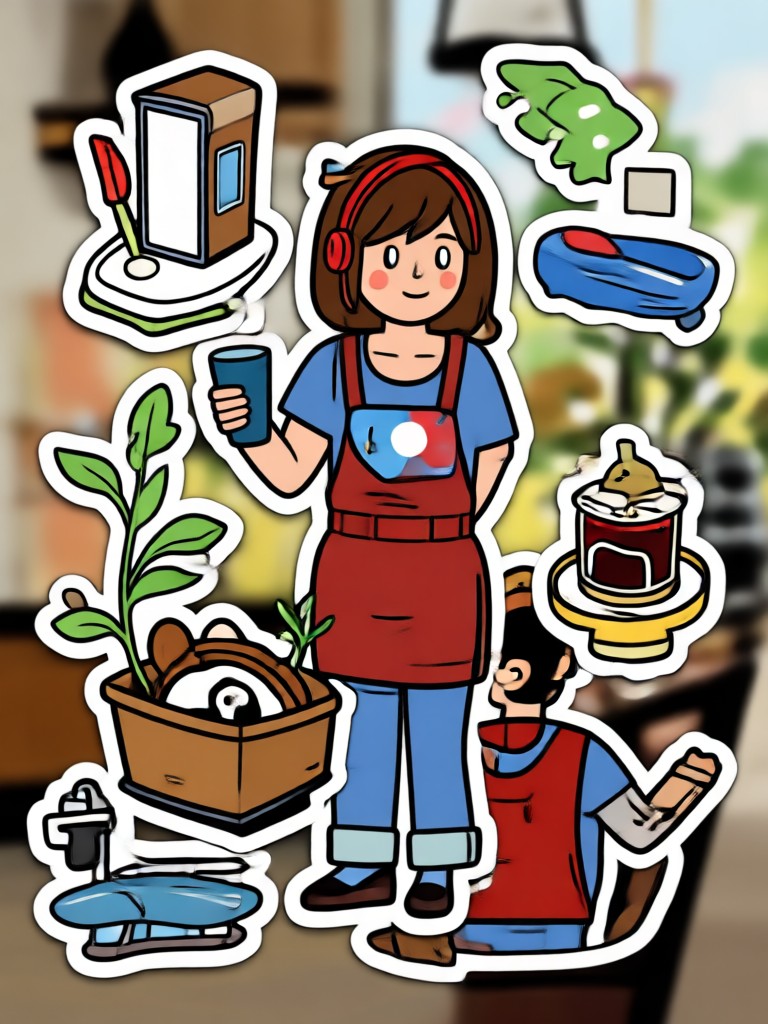
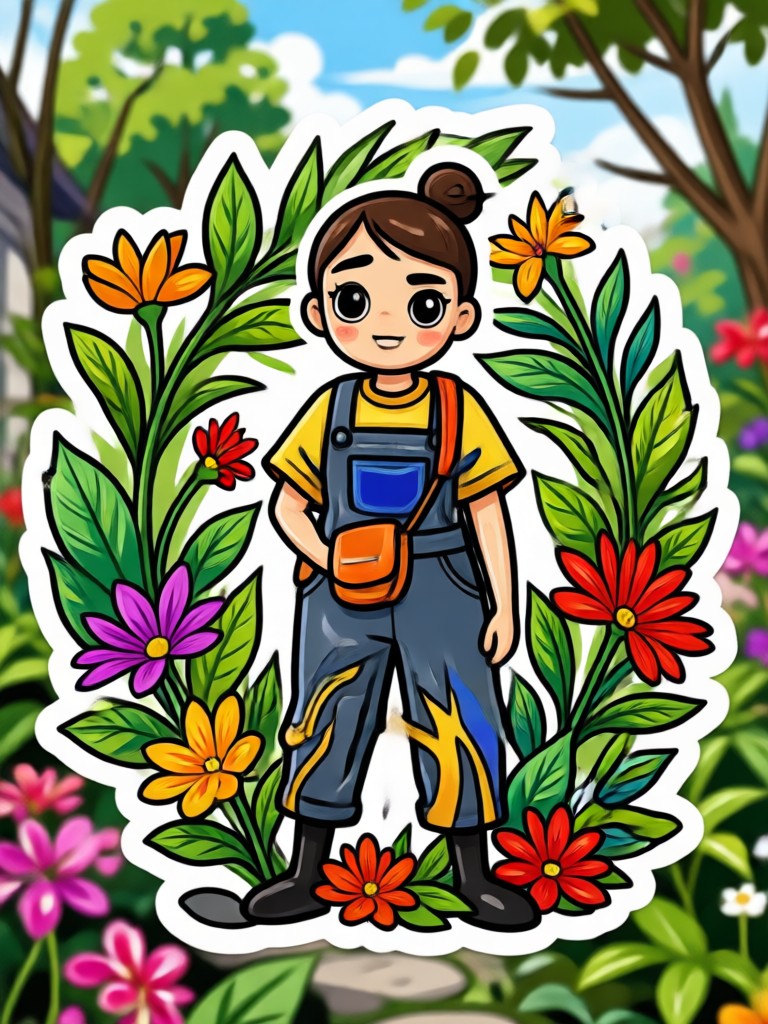
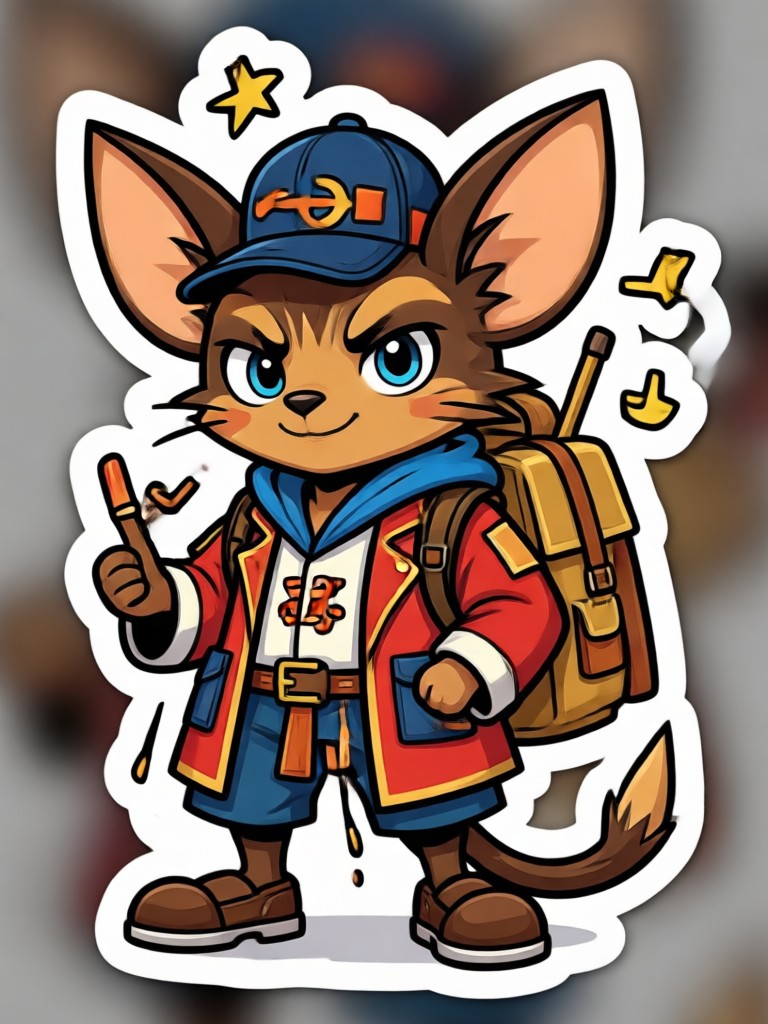
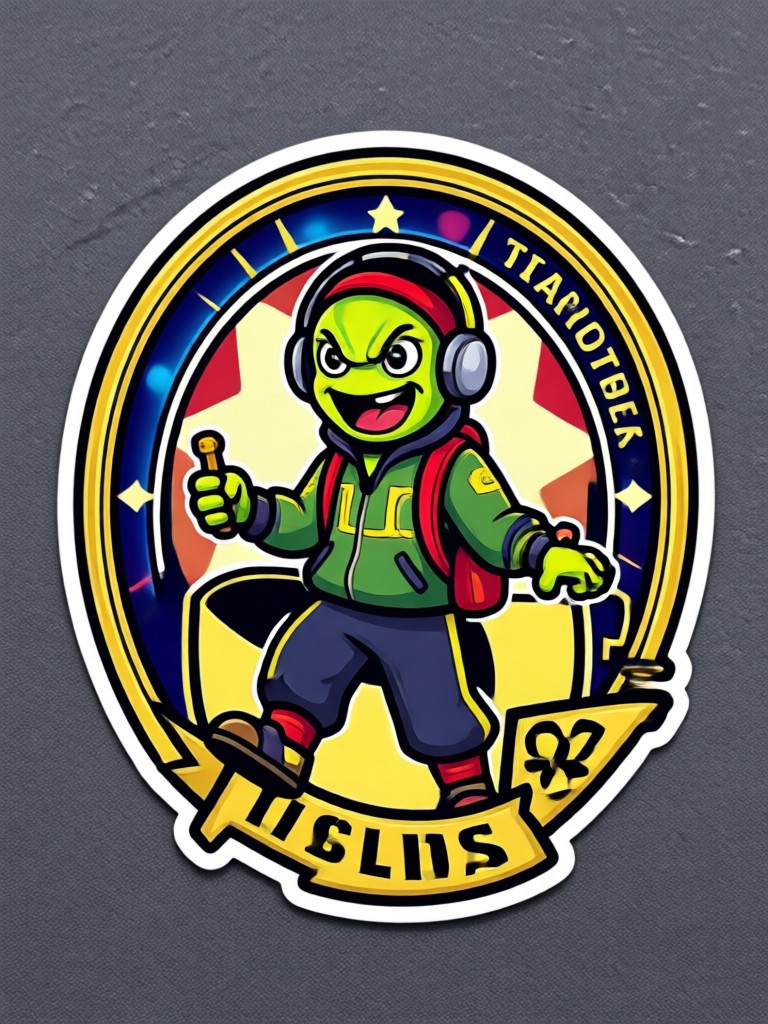
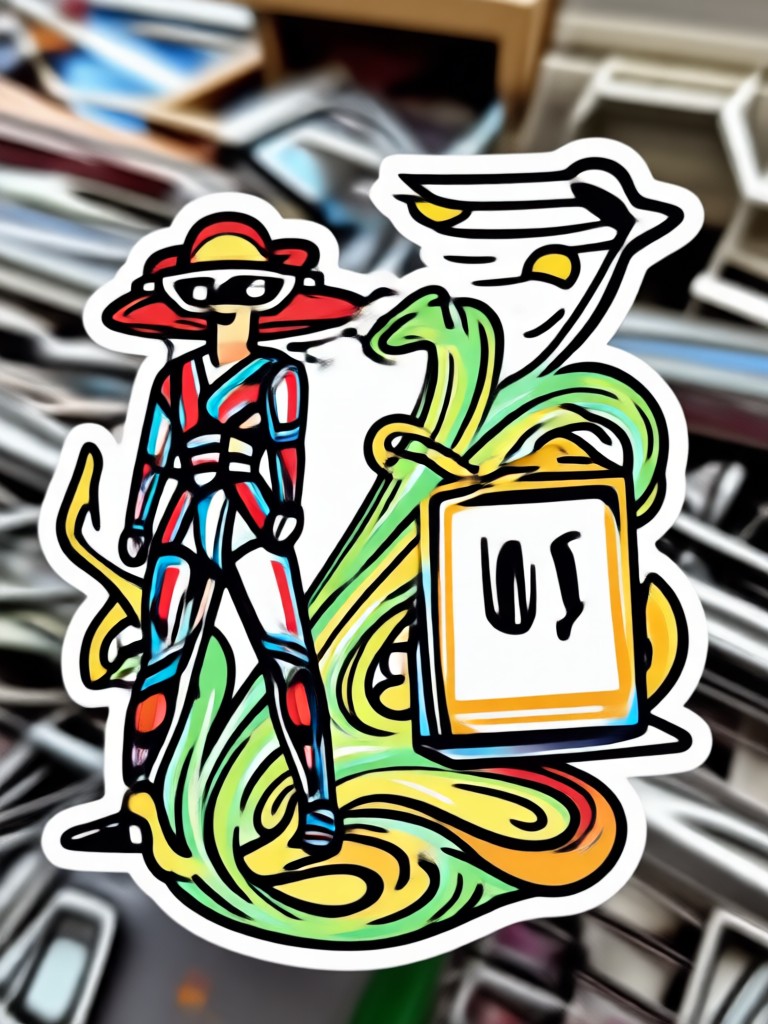
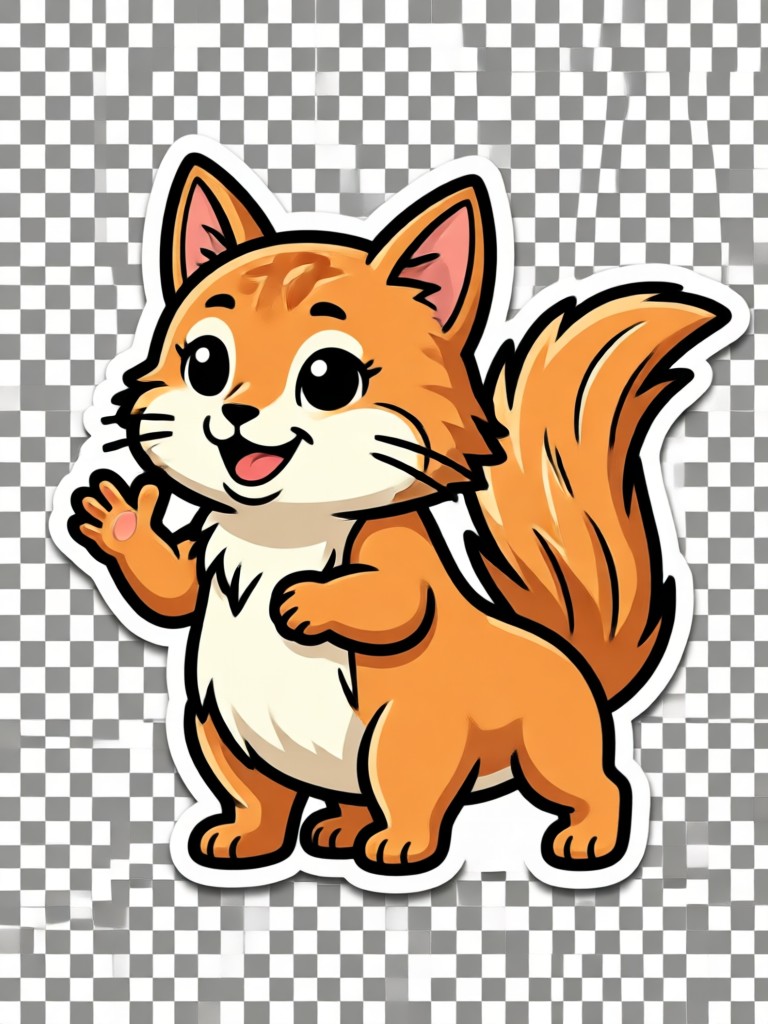
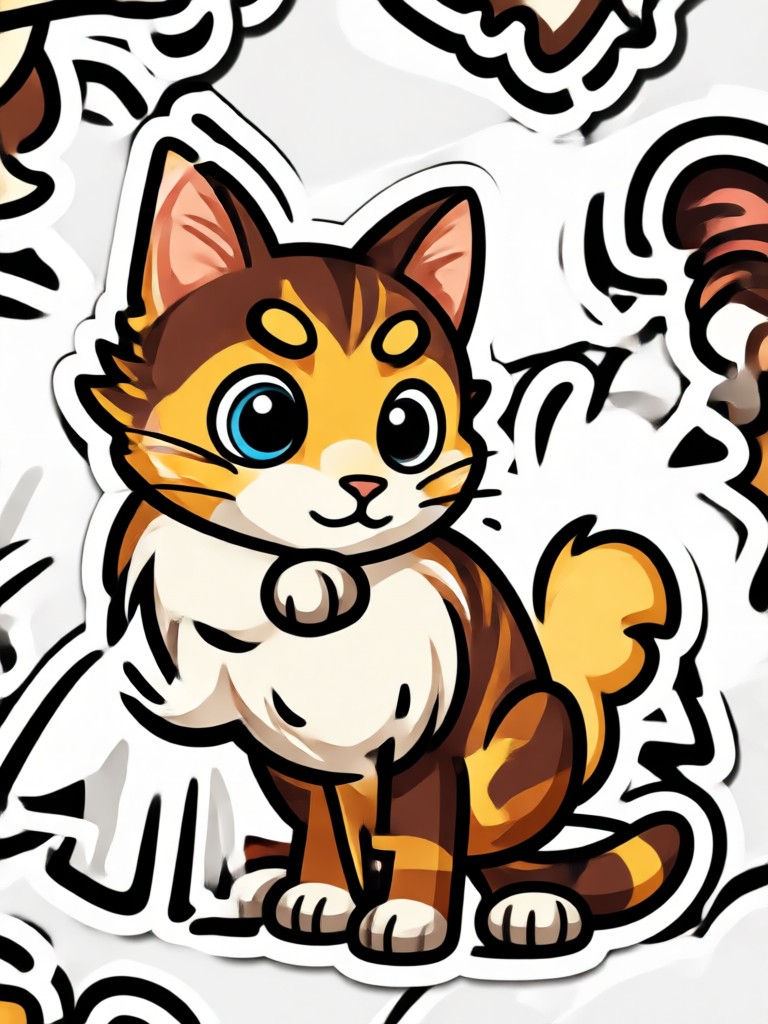
Browse examples of photos turned into stickers with makmak. Each one was created in minutes using the app's AI filters.

Download makmak for Free
Get the photo to sticker converter app on Google Play. Turn any photo into a sticker in seconds, with no design skills required.

Who Uses Photo to Sticker Converter
Sarah Kim
I use makmak to turn my dog's photos into stickers for my group chats. The background removal is perfect and the styles are adorable.
Jake Martinez
As a streamer, I make custom stickers for my community. The AI is fast and the sticker filters give my brand a consistent look.

Emily Chen
I create digital planner stickers from my travel photos. It saves me hours compared to manual editing, and the quality is amazing.

David Osei
For my small business, I turn product photos into fun promo stickers for Instagram stories. My engagement went up after using them.
Sarah Kim
I use makmak to turn my dog's photos into stickers for my group chats. The background removal is perfect and the styles are adorable.
Jake Martinez
As a streamer, I make custom stickers for my community. The AI is fast and the sticker filters give my brand a consistent look.
Emily Chen
I create digital planner stickers from my travel photos. It saves me hours compared to manual editing, and the quality is amazing.
David Osei
For my small business, I turn product photos into fun promo stickers for Instagram stories. My engagement went up after using them.
Sarah Kim
I use makmak to turn my dog's photos into stickers for my group chats. The background removal is perfect and the styles are adorable.
Jake Martinez
As a streamer, I make custom stickers for my community. The AI is fast and the sticker filters give my brand a consistent look.
Emily Chen
I create digital planner stickers from my travel photos. It saves me hours compared to manual editing, and the quality is amazing.
David Osei
For my small business, I turn product photos into fun promo stickers for Instagram stories. My engagement went up after using them.
Frequently Asked Questions
Find answers to common questions about converting photos to stickers with makmak.
More Topics You May Like
Explore more topics you may like and discover fresh ideas tailored to your interests.

Romantic Rain Hug Video Maker: Create Heartfelt Embraces

Get Perfect Christmas Makeup Ideas in Seconds

Christmas Tree Effect: Magical AI Photo Transformation
Create Champion Victory Dance Videos with AI
Romantic Rain Hug Video Maker: Create Heartfelt Embraces
Get Perfect Christmas Makeup Ideas in Seconds
Christmas Tree Effect: Magical AI Photo Transformation
Create Champion Victory Dance Videos with AI
Turn Any Photo Into a Sticker Now
Download makmak and start creating unique stickers from your photos. It's fast, fun, and free to try. Get the app today and share your first sticker in minutes.
Turn Any Photo Into a Sticker Now
Download makmak and start creating unique stickers from your photos. It's fast, fun, and free to try. Get the app today and share your first sticker in minutes.