Gemini AI Golden Hour Photo

Cute Figurine



Key Features of Gemini AI Golden Hour Photo
The Gemini AI Golden Hour Photo effect helps you recreate the magic of golden hour lighting without waiting for the perfect sunset. Here is what makes it a must-have for photographers and content creators.

Perfect Sunset Glow
Add warm, golden lighting to any photo in seconds. The AI detects your subject and blends soft sunset highlights naturally for a dreamy, professional finish.
Perfect Sunset Glow
Add warm, golden lighting to any photo in seconds. The AI detects your subject and blends soft sunset highlights naturally for a dreamy, professional finish.

Realistic Skin Tones
Unlike basic filters, the Gemini AI effect preserves natural skin textures while enhancing warmth. Your portraits will look sun kissed and cinematic, never overexposed or orange.
Realistic Skin Tones
Unlike basic filters, the Gemini AI effect preserves natural skin textures while enhancing warmth. Your portraits will look sun kissed and cinematic, never overexposed or orange.

Works on Any Photo
From selfies to landscapes, the AI adapts the golden hour lighting to match the scene. Upload any image and get a beautiful, balanced result in one tap.
Works on Any Photo
From selfies to landscapes, the AI adapts the golden hour lighting to match the scene. Upload any image and get a beautiful, balanced result in one tap.
How to Get Gemini AI Golden Hour Photos
Create stunning golden hour photos in three simple steps. No design skills or expensive equipment needed.

Step 01.
Download the makmak app from Google Play and open it on your phone.

Step 02.
Upload your photo and select the Gemini AI Golden Hour filter from the style library.

Step 03.
Tap generate and the AI will apply warm, glowing sunset light. Save your photo and share it anywhere.
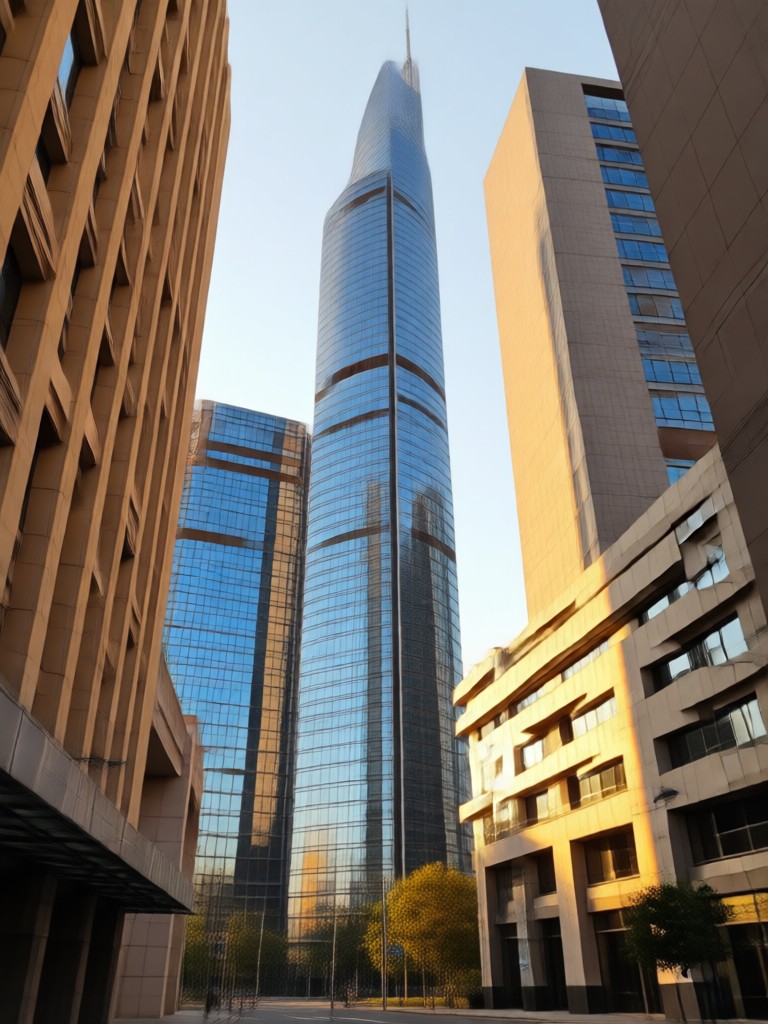
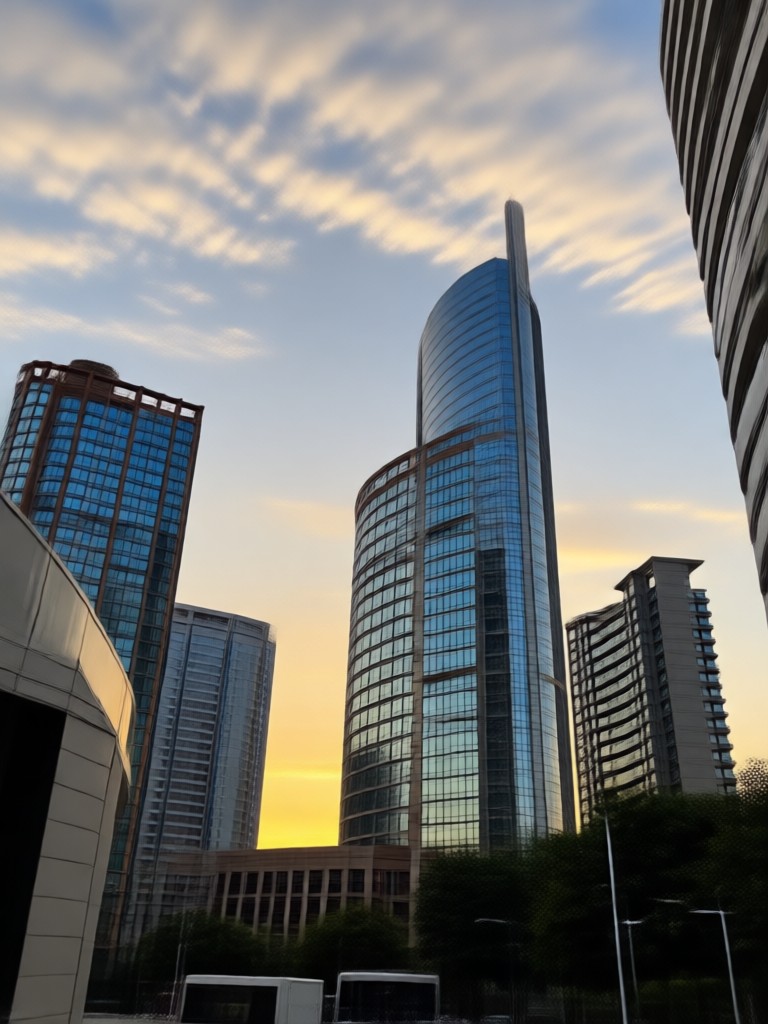
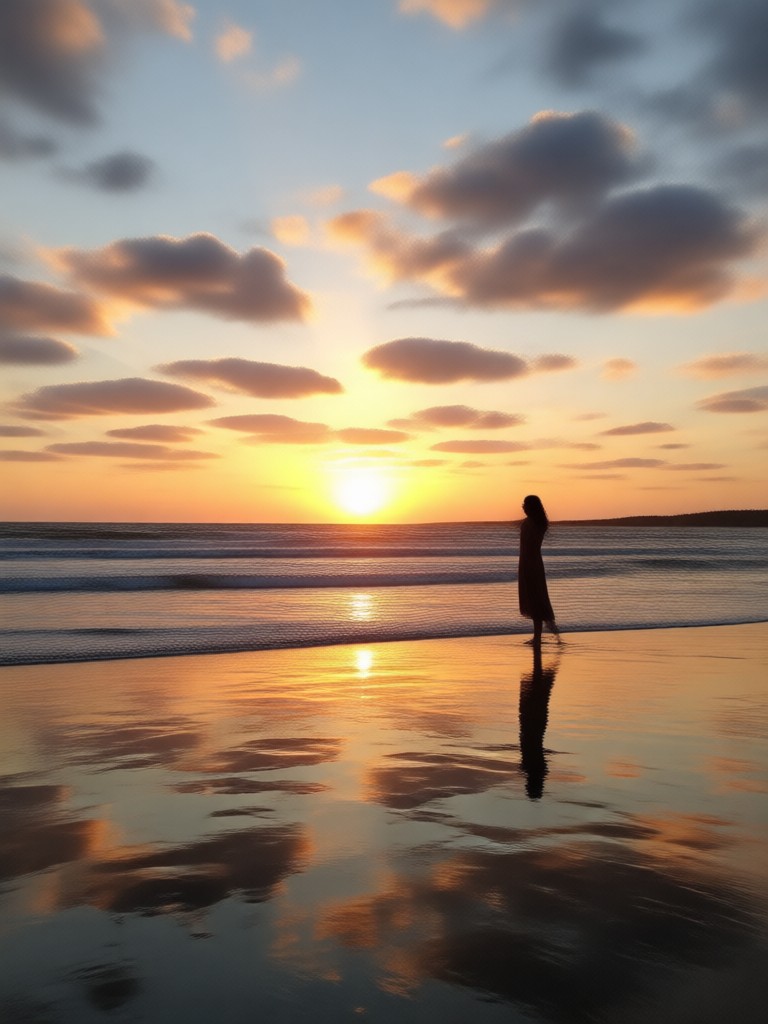
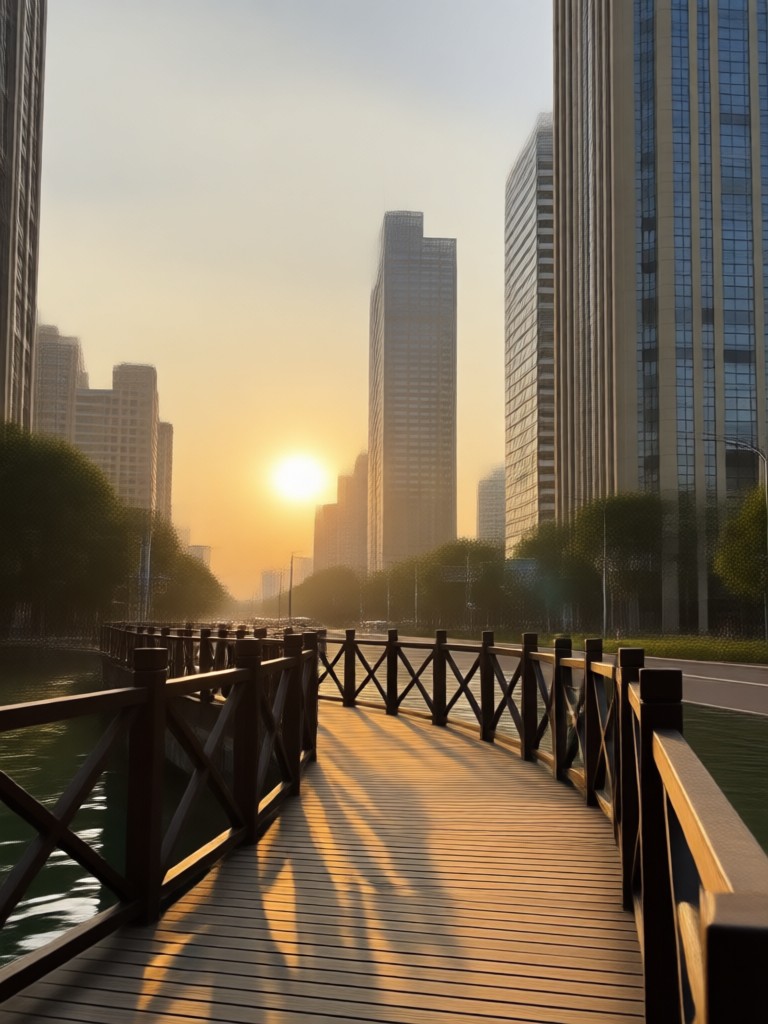
Golden Hour AI Photo Gallery
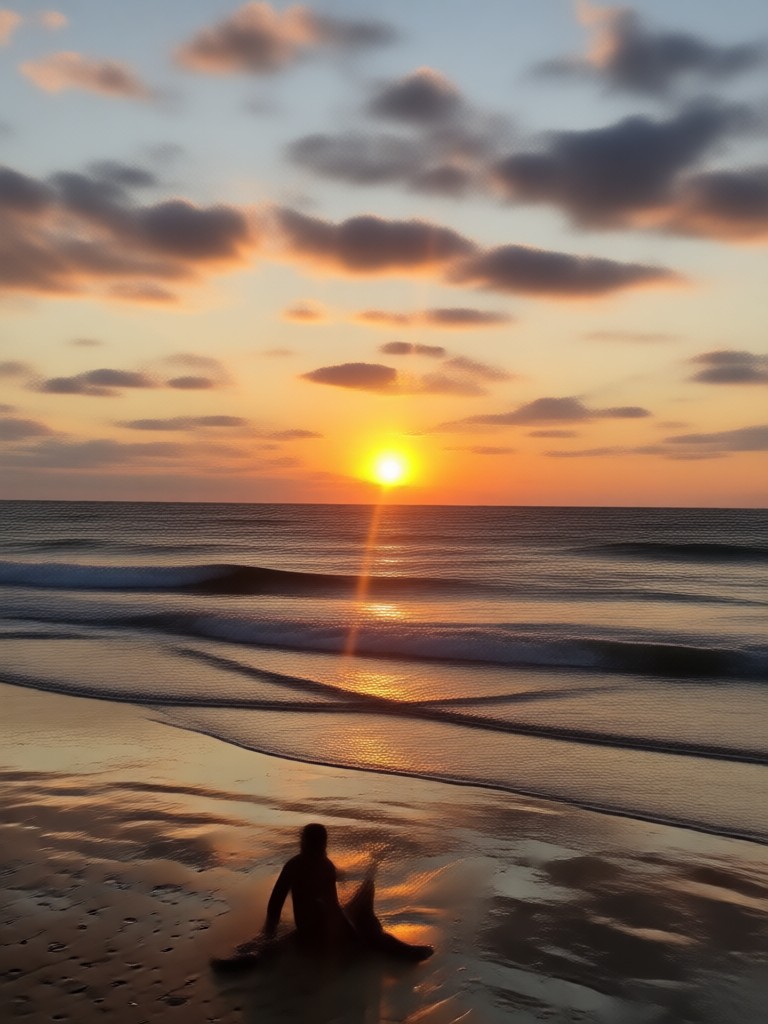
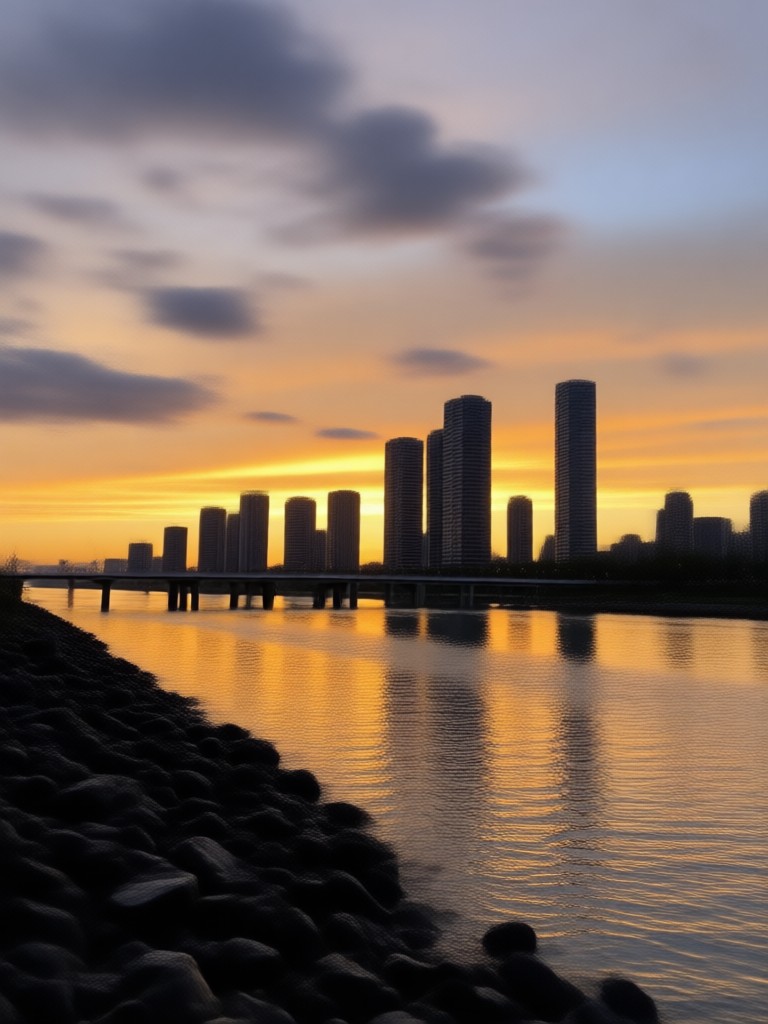
See how the Gemini AI Golden Hour Photo effect transforms ordinary pictures into warm, cinematic works of art. Browse these AI-generated results for inspiration.







Why Choose makmak for Golden Hour Edits?
makmak gives you access to over a million AI style filters, including the Gemini AI Golden Hour Photo effect. The app runs entirely on your phone, so you can create beautiful sunset portraits anytime, anywhere.
Why Choose makmak for Golden Hour Edits?
makmak gives you access to over a million AI style filters, including the Gemini AI Golden Hour Photo effect. The app runs entirely on your phone, so you can create beautiful sunset portraits anytime, anywhere.

Golden Hour Photo Effect in Your Pocket
Apply the Gemini AI Golden Hour Photo effect anywhere. Download makmak from Google Play and turn everyday photos into warm golden hour masterpieces.

Frequently Asked Questions
Find answers to common questions about the Gemini AI Golden Hour Photo effect and how to use it in the makmak app.
More Topics You May Like
Explore more topics you may like and discover fresh ideas tailored to your interests.

Glass Skin Filter: Instantly Transform Your Photo

Get the Viral Fish Eye Lens Look in Seconds
Turn Photos Into Dreamy Cottagecore Scenes in Seconds
Create Cinematic Dolly Zoom Videos in Seconds
Glass Skin Filter: Instantly Transform Your Photo
Get the Viral Fish Eye Lens Look in Seconds
Turn Photos Into Dreamy Cottagecore Scenes in Seconds
Create Cinematic Dolly Zoom Videos in Seconds
Ready to Create Golden Hour Magic?
Download makmak now and turn any photo into a warm, glowing golden hour masterpiece. Over a million filters are waiting for you.
Ready to Create Golden Hour Magic?
Download makmak now and turn any photo into a warm, glowing golden hour masterpiece. Over a million filters are waiting for you.