AI Vampire Filter
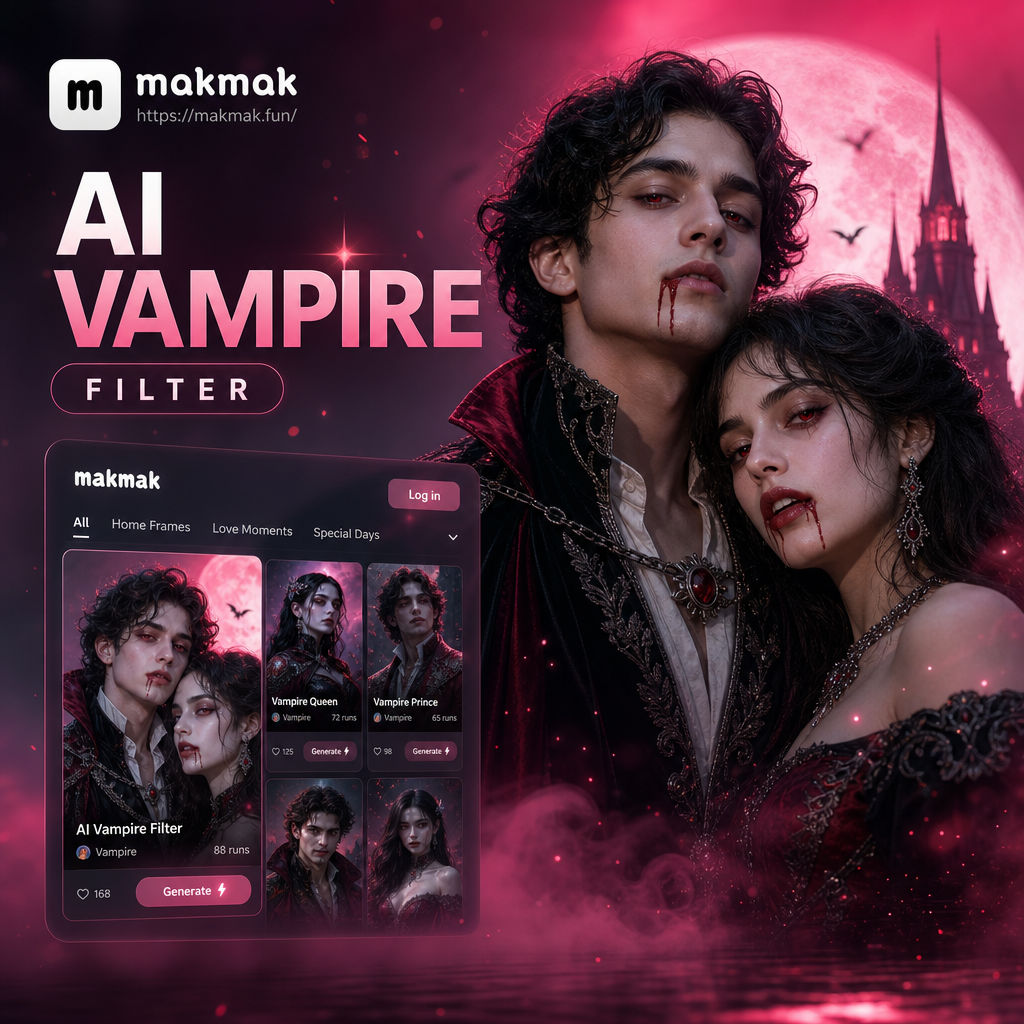
Choose Your Vampire Style
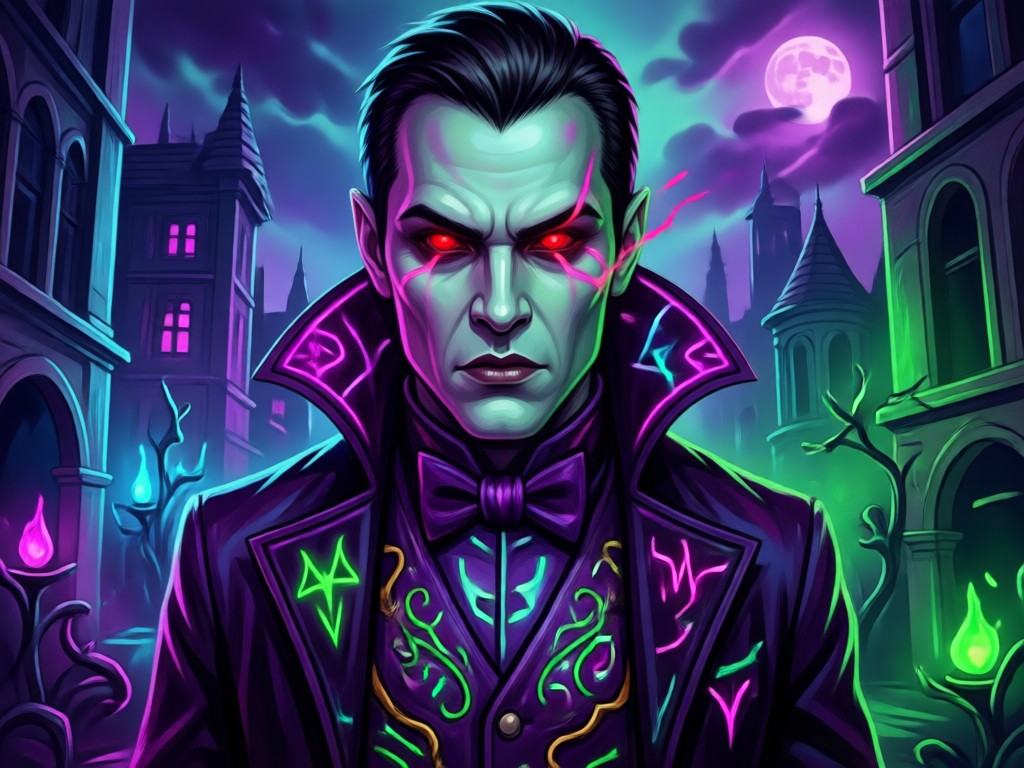
Pick from classic vampires, dark romance, modern gothic, and blood-red cinematic looks. Each filter delivers a different mood for your portrait.
What Makes the AI Vampire Filter Special
The vampire filter is built for fast, realistic transformations. It is not a simple overlay. The AI understands facial structure and lighting to create a convincing vampire look.
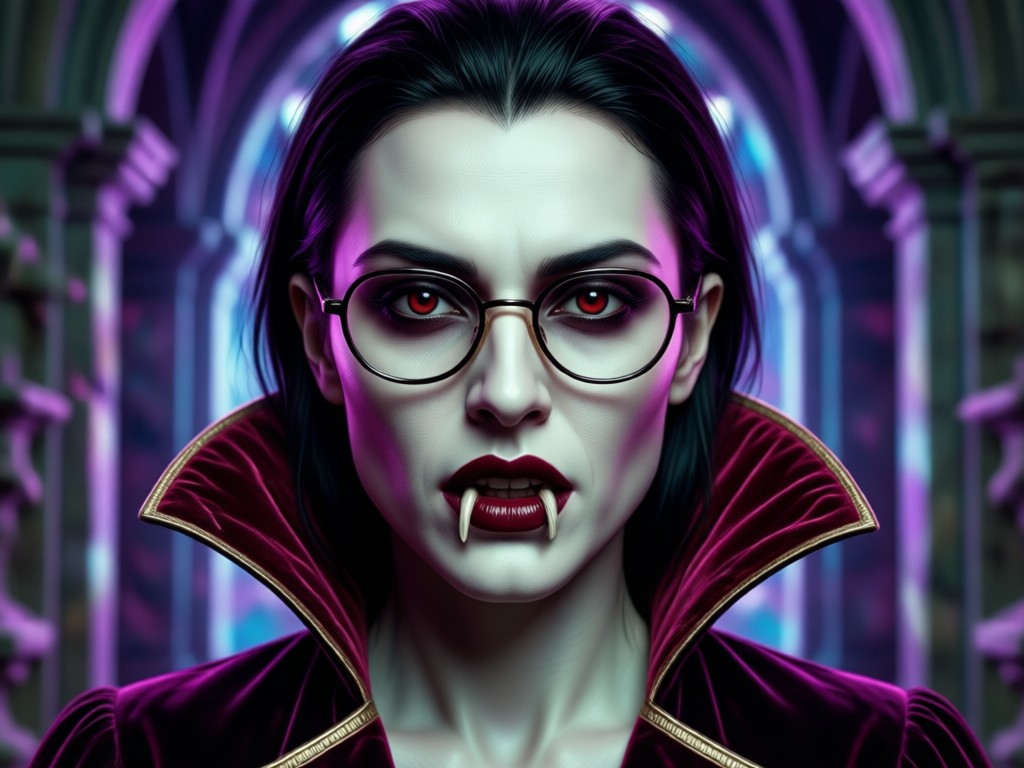
Realistic Fangs and Pale Skin
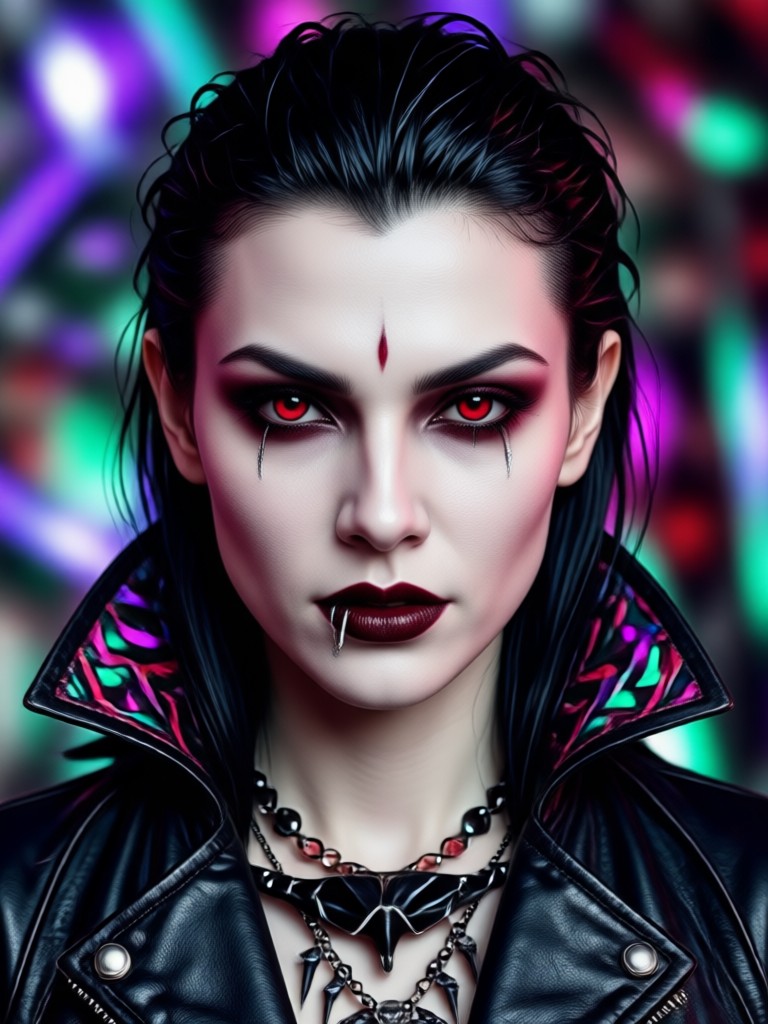
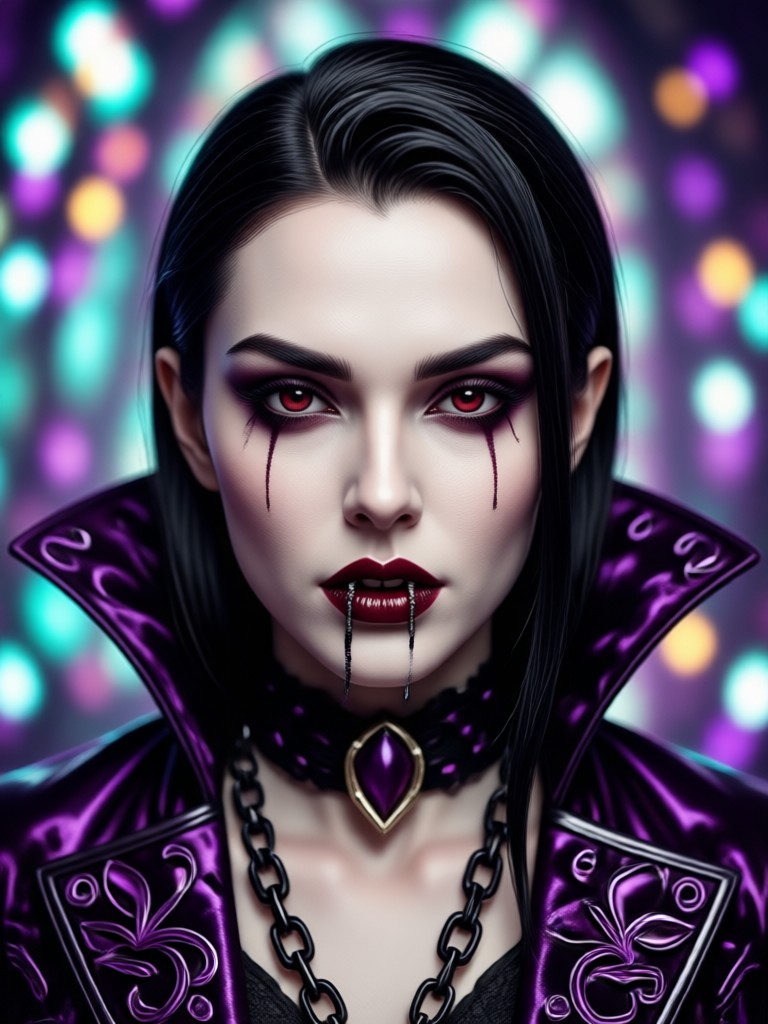
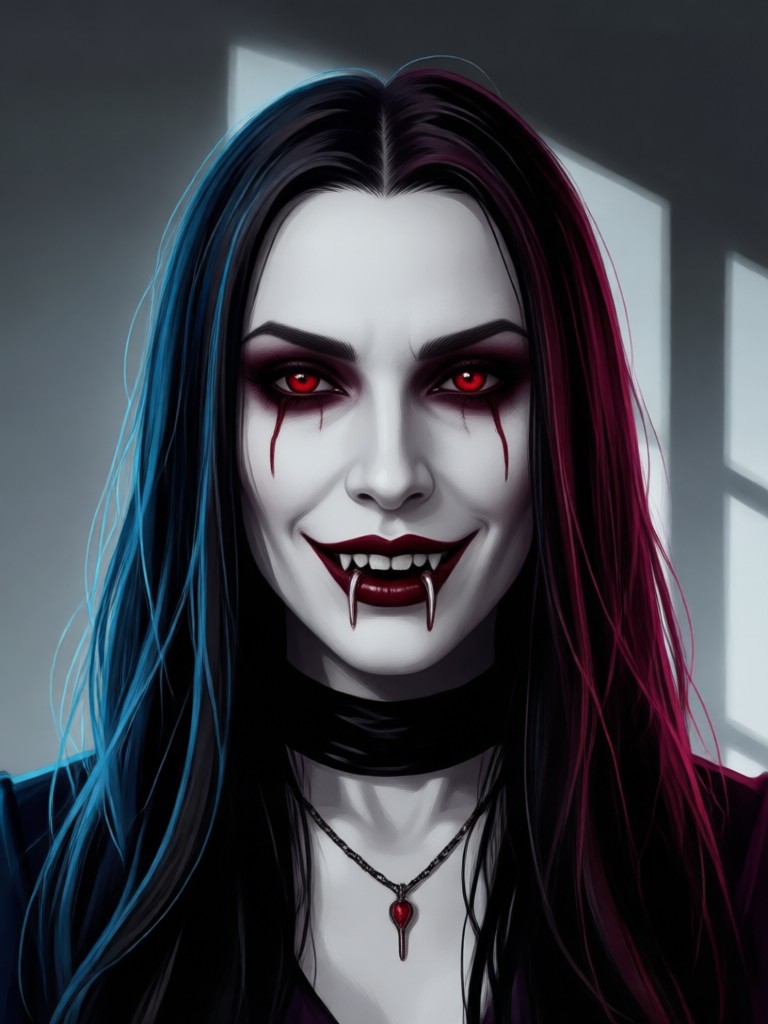
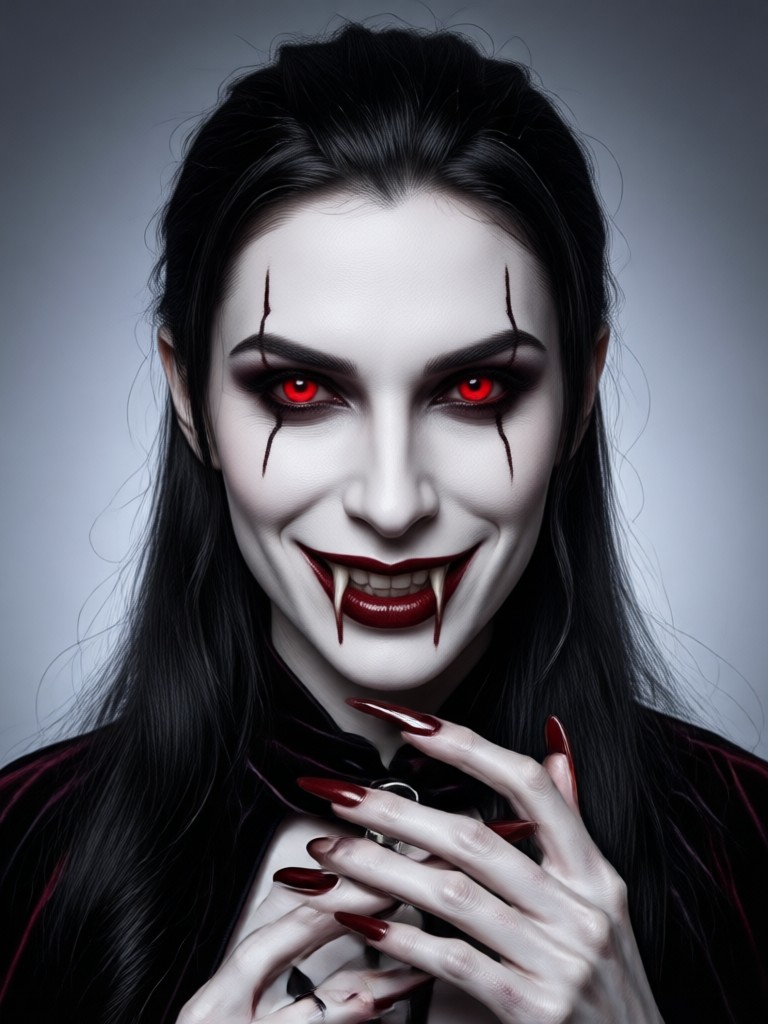
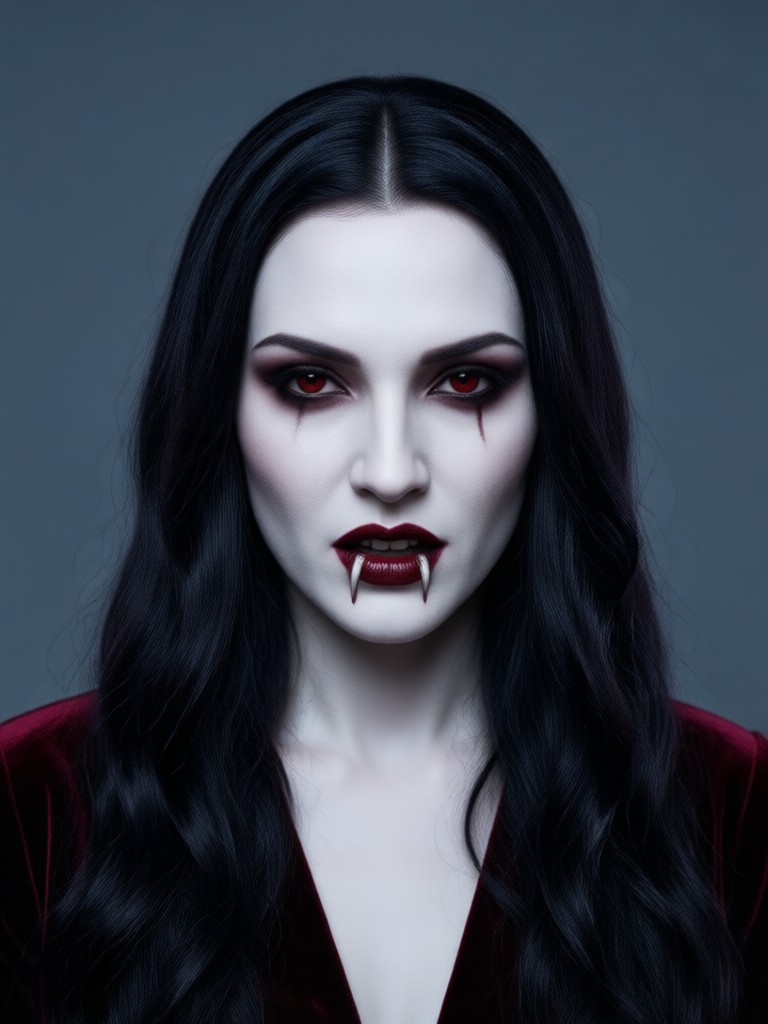
The AI adds sharp fangs and smooths your skin tone to a pale, porcelain finish. The result looks like a professional movie makeup.
Realistic Fangs and Pale Skin
The AI adds sharp fangs and smooths your skin tone to a pale, porcelain finish. The result looks like a professional movie makeup.
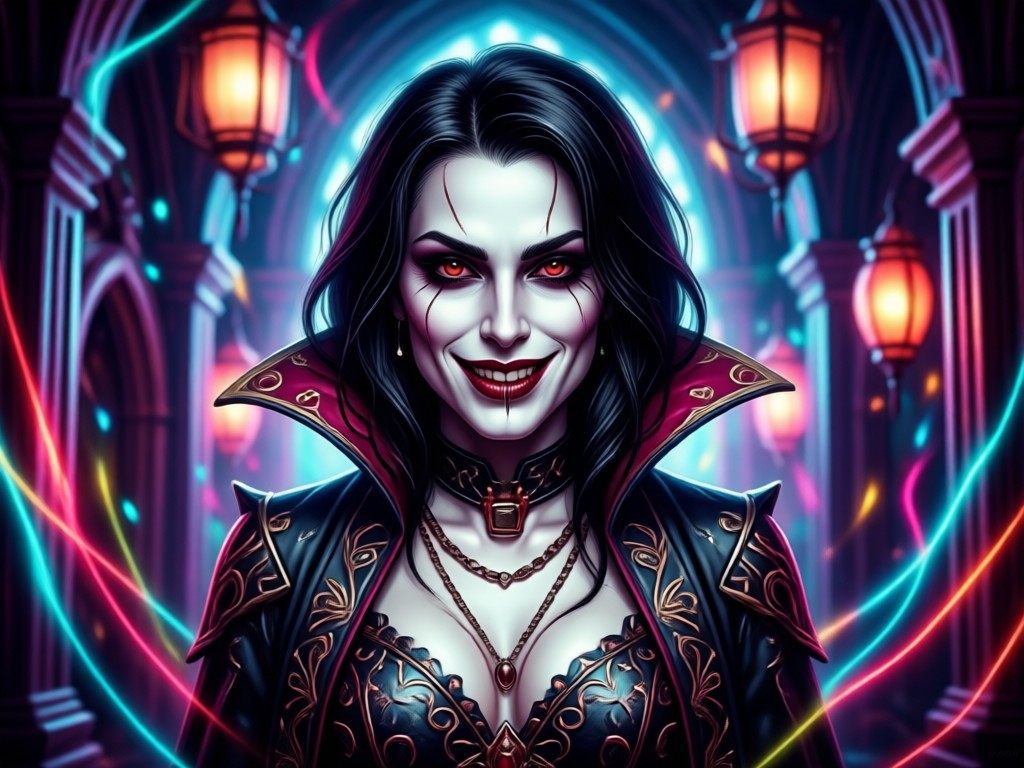
Gothic Lighting and Atmosphere
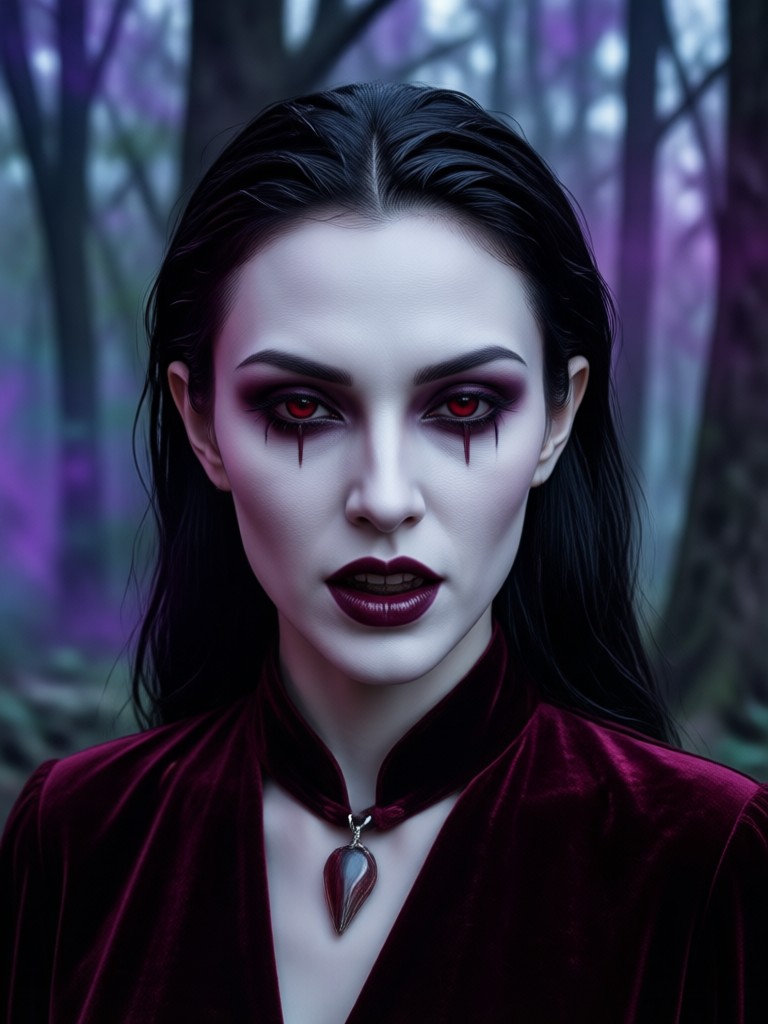
Dramatic shadows, blood-red accents, and moonlit backgrounds give your photo a cinematic horror feel. Every detail is designed for maximum impact.
Gothic Lighting and Atmosphere
Dramatic shadows, blood-red accents, and moonlit backgrounds give your photo a cinematic horror feel. Every detail is designed for maximum impact.
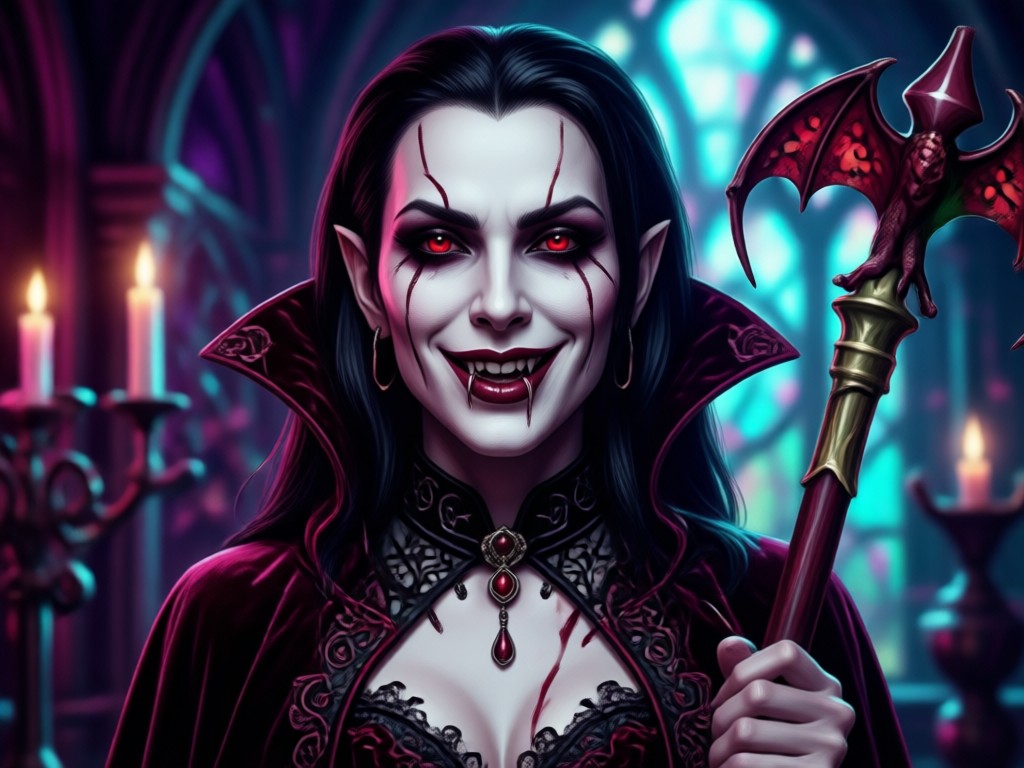
One-Tap Style Transformation
No complicated prompts or sliders. Upload a selfie and tap a preset. The AI handles everything else, from red eyes to dark veins.
One-Tap Style Transformation
No complicated prompts or sliders. Upload a selfie and tap a preset. The AI handles everything else, from red eyes to dark veins.
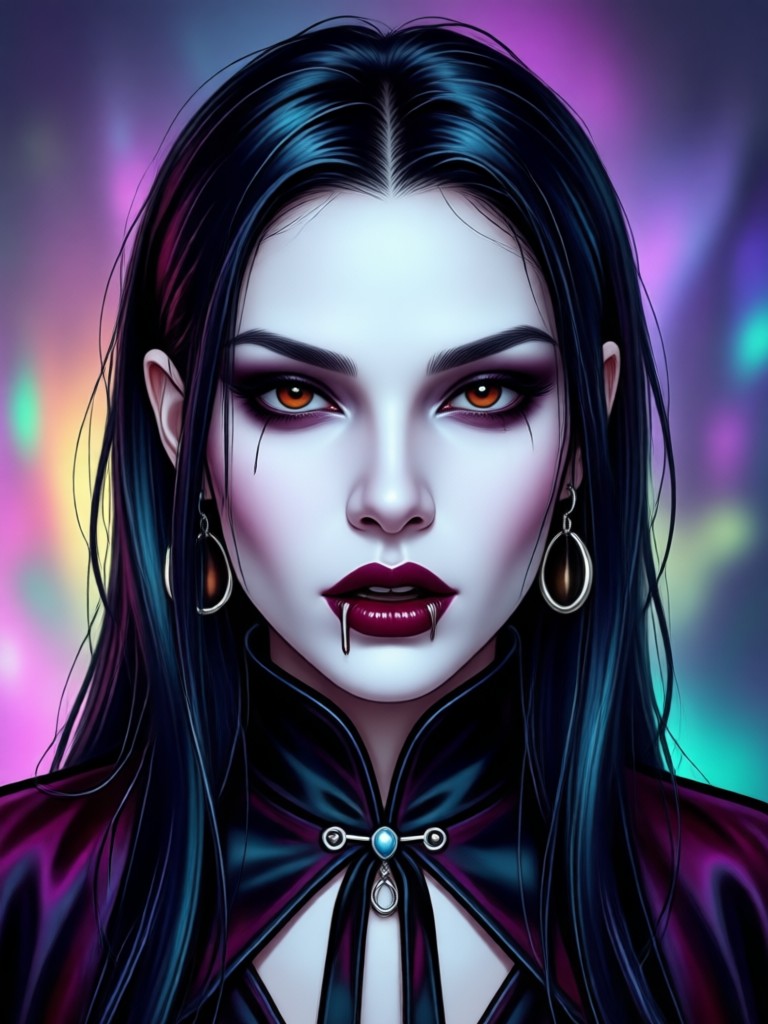
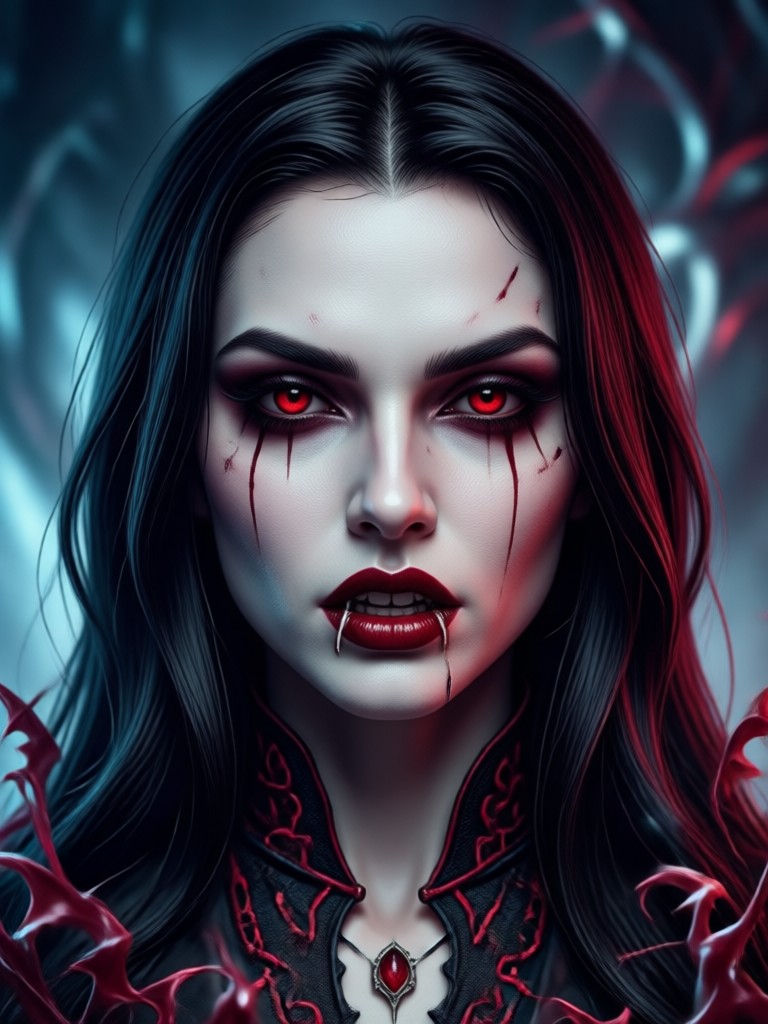
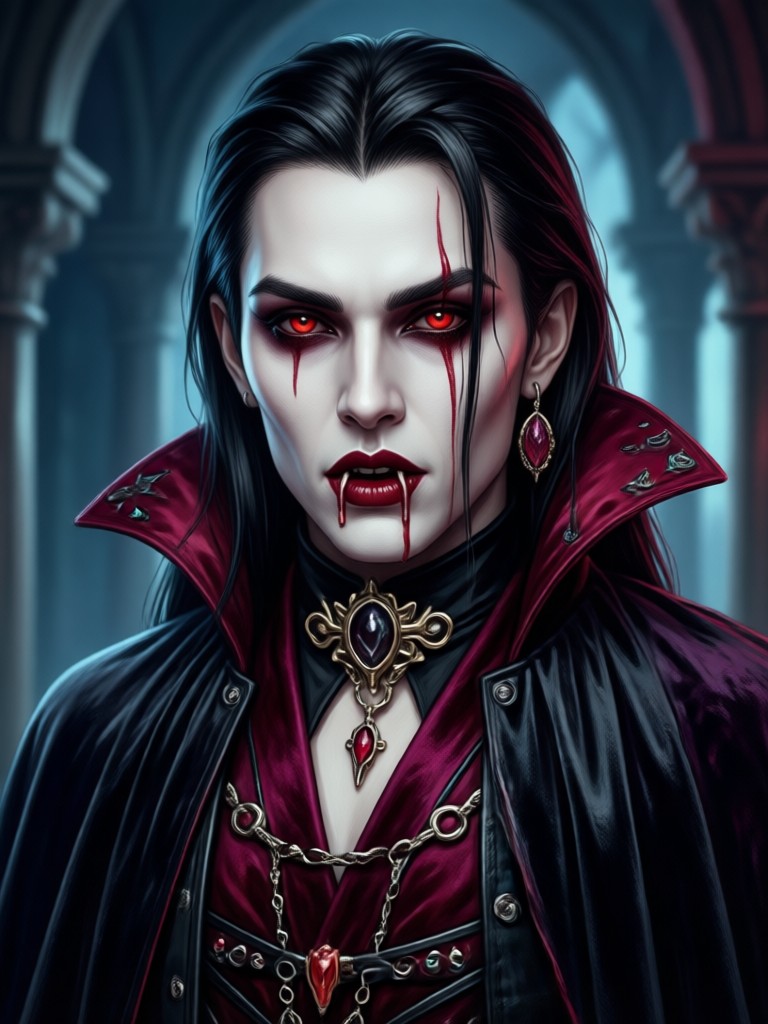
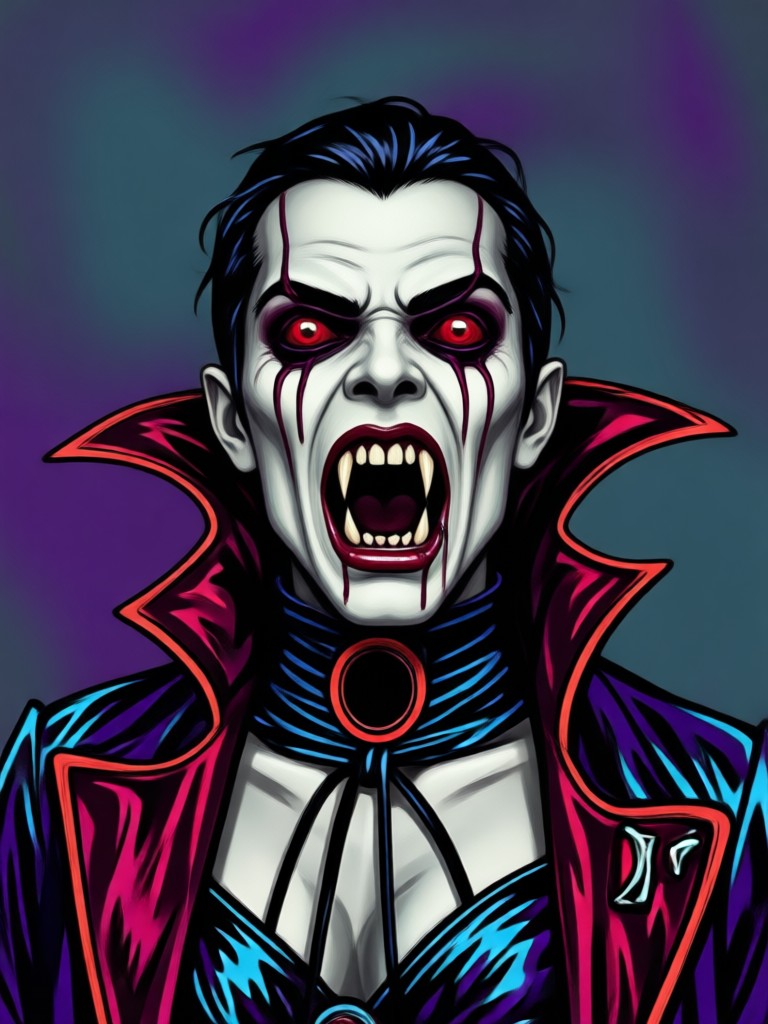
AI Vampire Filter Results Gallery
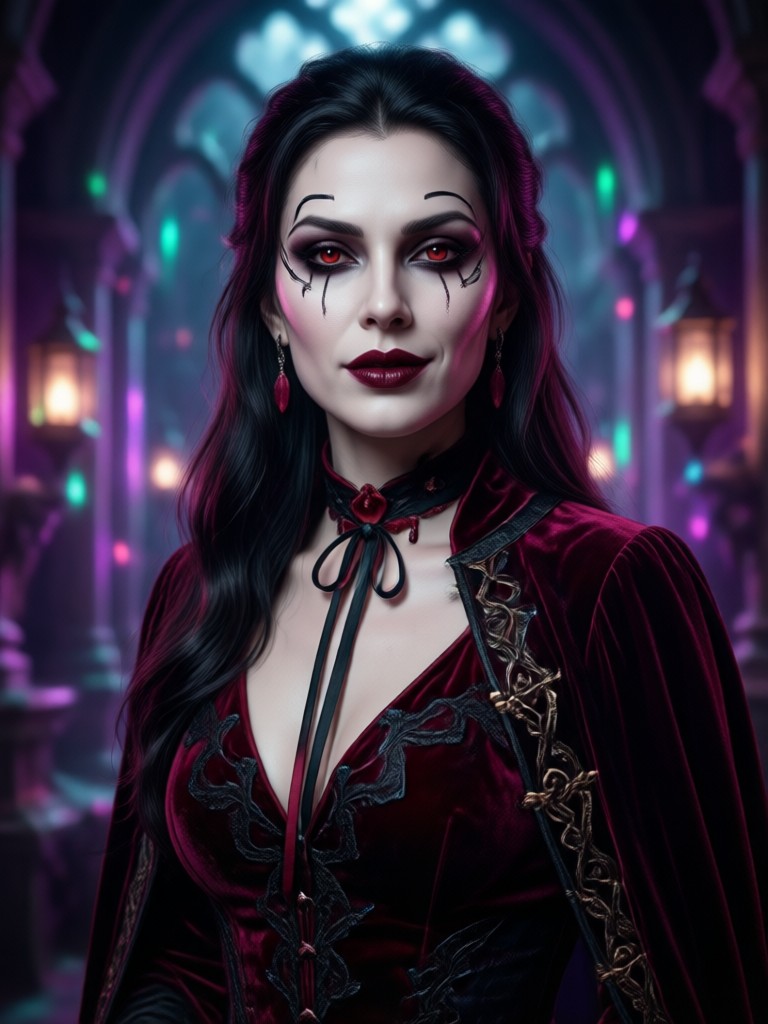
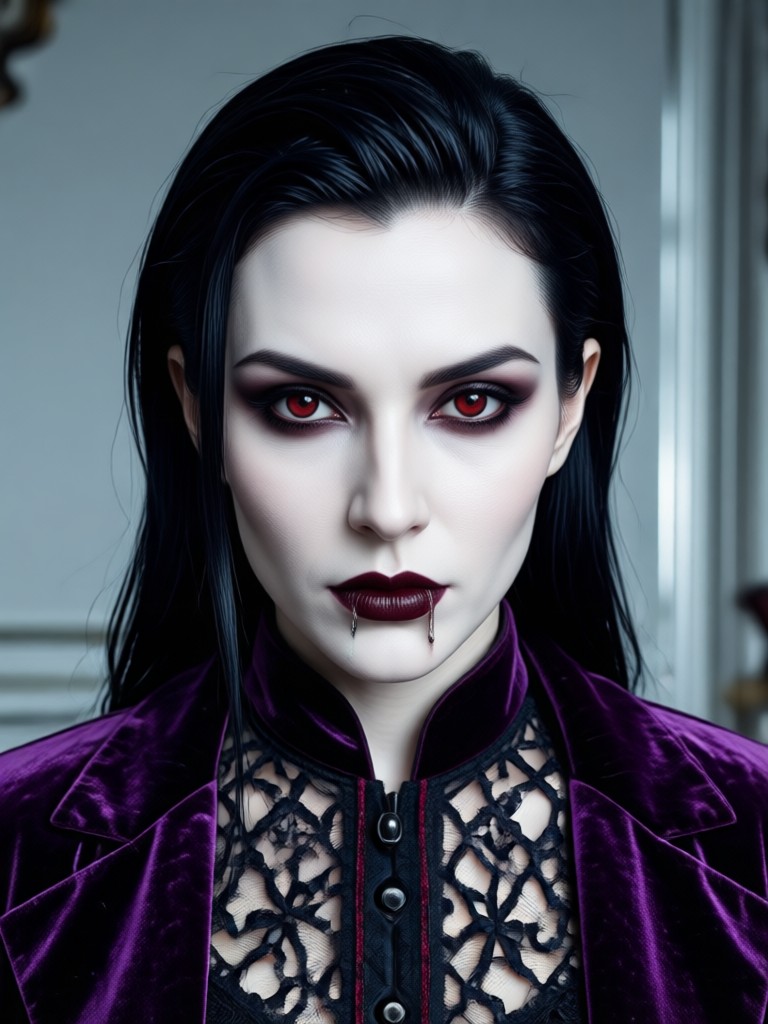
See how ordinary photos become striking vampire portraits. These examples show the range of the filter, from subtle pale skin to full dark lord transformations.
How to Use the AI Vampire Filter
Create your own vampire look in three simple steps. The whole process takes less than a minute.

Step 01.
Download the makmak app from Google Play. It works on Android phones and tablets.

Step 02.
Upload a clear selfie. Pick the AI Vampire Filter from the style list. You can also try the vampire video effect.

Step 03.
Generate your vampire portrait. Save the image to your gallery or share it directly on TikTok, Instagram, or with friends.
Why Use makmak for Your Vampire Look?
Web-based tools require uploads and slow processing. makmak is a native Android app. It generates vampire images faster, smoother, and with better facial detail. Everything happens on your phone, so your photos stay private.
Why Use makmak for Your Vampire Look?
Web-based tools require uploads and slow processing. makmak is a native Android app. It generates vampire images faster, smoother, and with better facial detail. Everything happens on your phone, so your photos stay private.
What Users Say About the Vampire Filter
The fangs look real, not like a sticker
I have tried other vampire filters before and they looked fake. This one actually positions the fangs correctly and the skin tone change is very smooth. My Halloween post got so many likes.
Took me 10 seconds to get the look
I did not want to spend hours editing. I uploaded a photo, tapped the vampire filter, and downloaded the result. It was perfect. The red eye effect is my favorite part.
Great for couple photos
We used the vampire filter on a group photo and it recognized both faces correctly. No weird blending. We looked like vampires from a movie poster.
Frequently Asked Questions About the AI Vampire Filter
Quick answers to common questions about the vampire transformation filter.
More Topics You May Like
Explore more AI filters and creative tools available in the makmak app.
Instantly Add Rainbows to Your Photos with AI
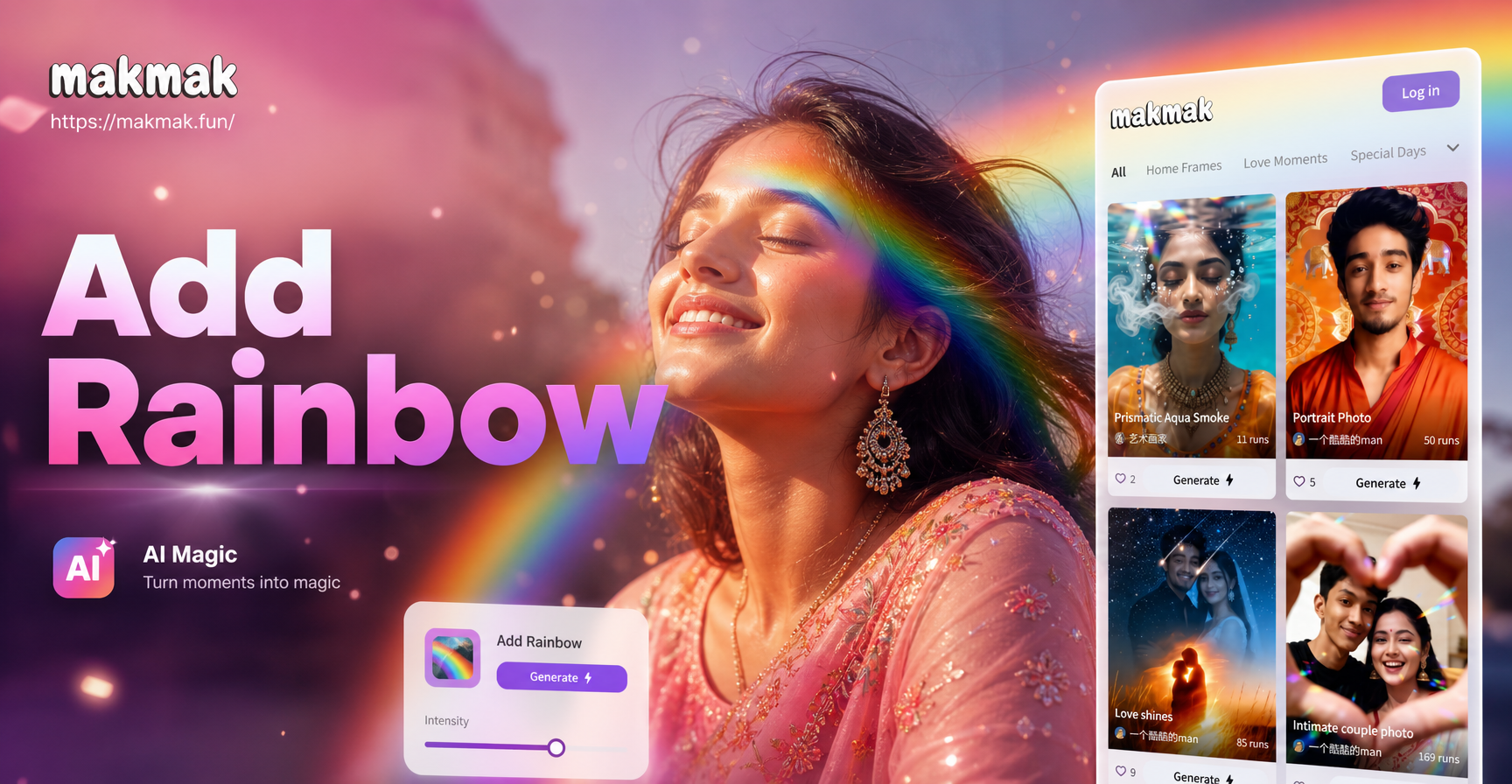
Add rainbow effects to any photo in seconds. Transform dull pictures into magical, colorful masterpieces with dozens of vibrant, realistic rainbow styles and filters. Download free.

Transform Your Photos: Add a Breathtaking Sunset Instantly
Easily add a stunning sunset to your photo with AI. Upload any image, choose a sunset style, and watch your ordinary photo transform into a dramatic, golden-hour masterpiece in seconds. No editing skills needed.

AI Shirtless Plumber - AI Powered Creative Tool | makmak
Create stunning AI Shirtless Plumber with makmak AI. Generate images, videos, and art instantly with one tap. Download the app and start creating today.
AI Silhouette Maker - AI Powered Creative Tool | makmak
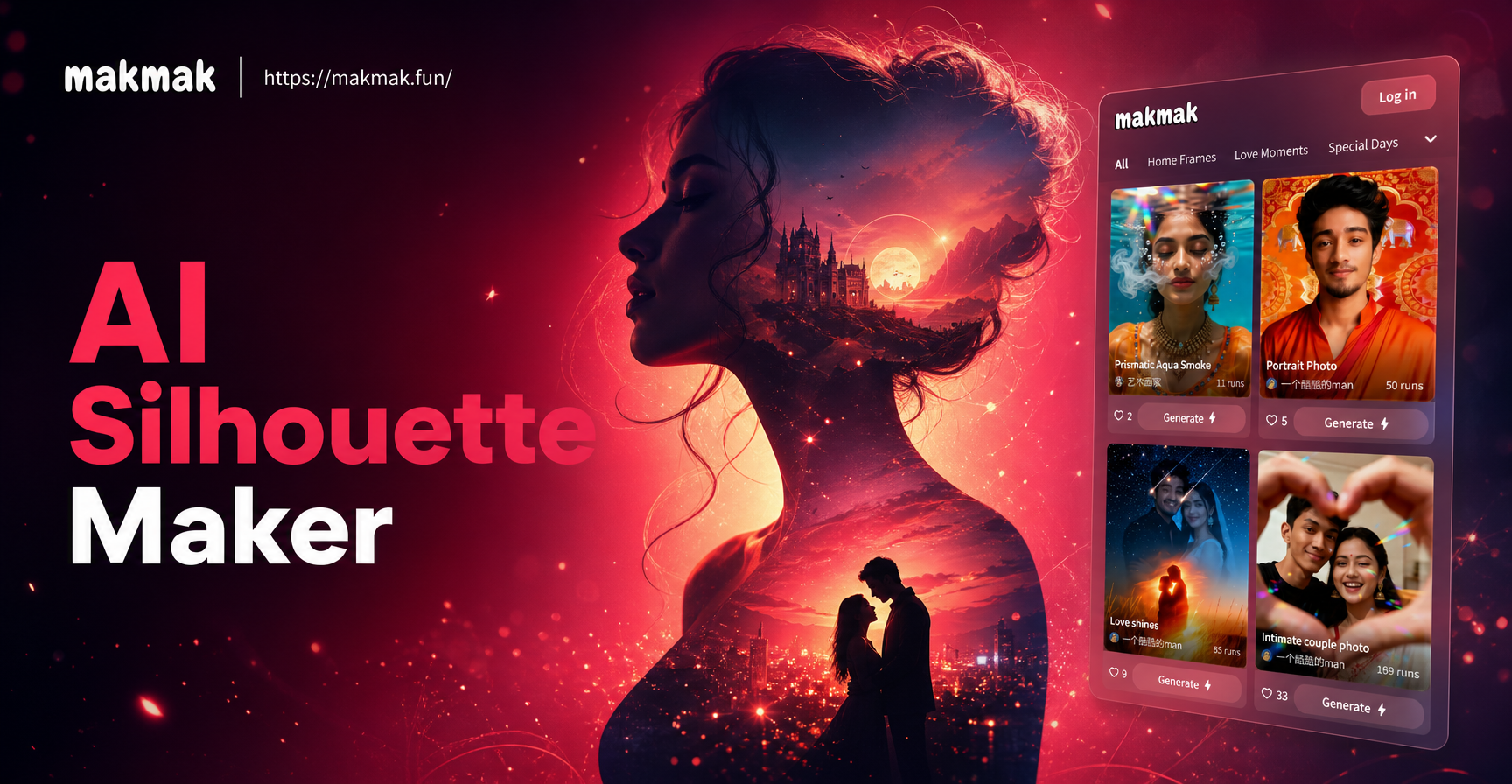
Create stunning AI Silhouette Maker with makmak AI. Generate images, videos, and art instantly with one tap. Download the app and start creating today.
Get the AI Vampire Filter on Your Phone
Download makmak from Google Play and transform your selfies into vampire portraits in seconds. The filter is ready when you are.

Get the AI Vampire Filter on Your Phone
Download makmak from Google Play and transform your selfies into vampire portraits in seconds. The filter is ready when you are.