AI Venom Transformation
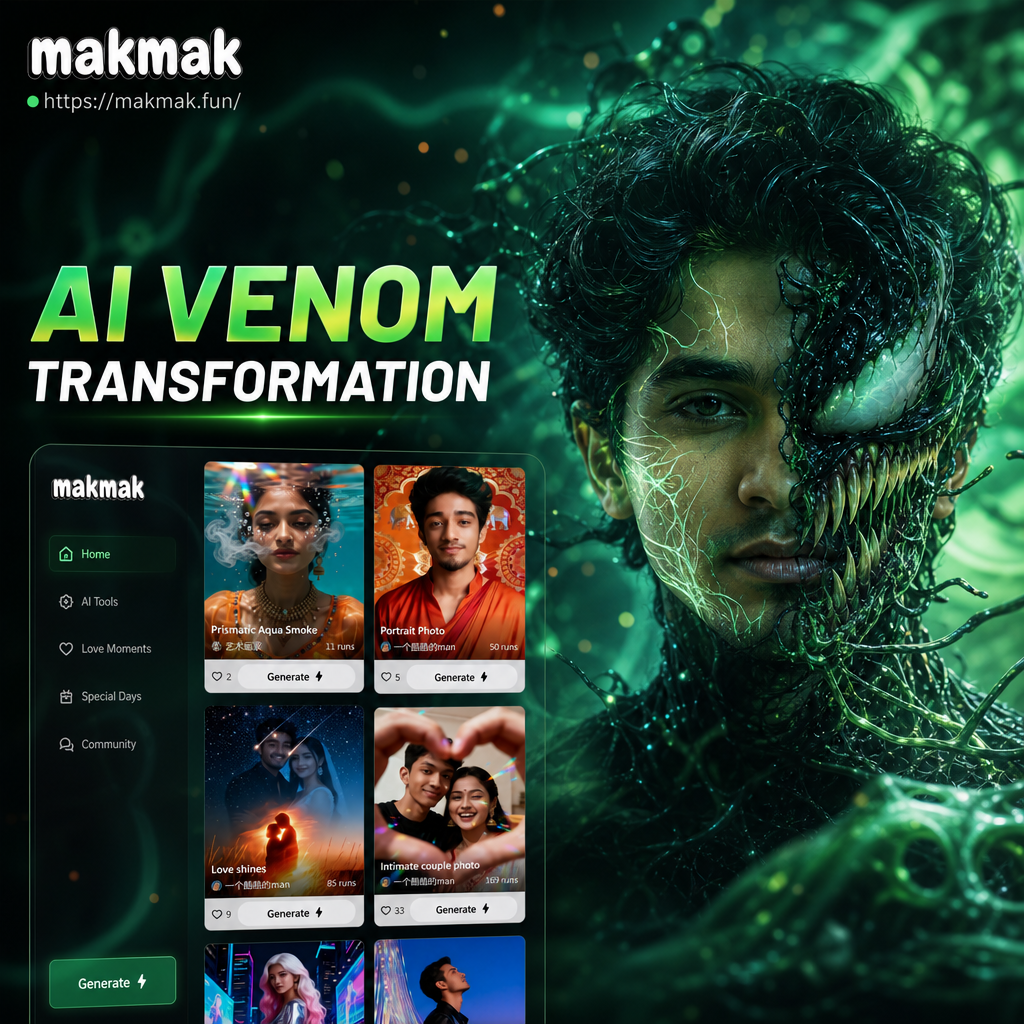
Choose the Venom Filter That Matches Your Dark Side
Discover a wide range of Venom style filters, from classic black symbiote to glowing eyes and animated tendrils. Pick one that fits your mood and photo.
Key Features of AI Venom Transformation
Explore the core tools that make Venom style transformations fast, realistic, and fun. Each feature works entirely inside the makmak app, so you can create from your phone without any design experience.
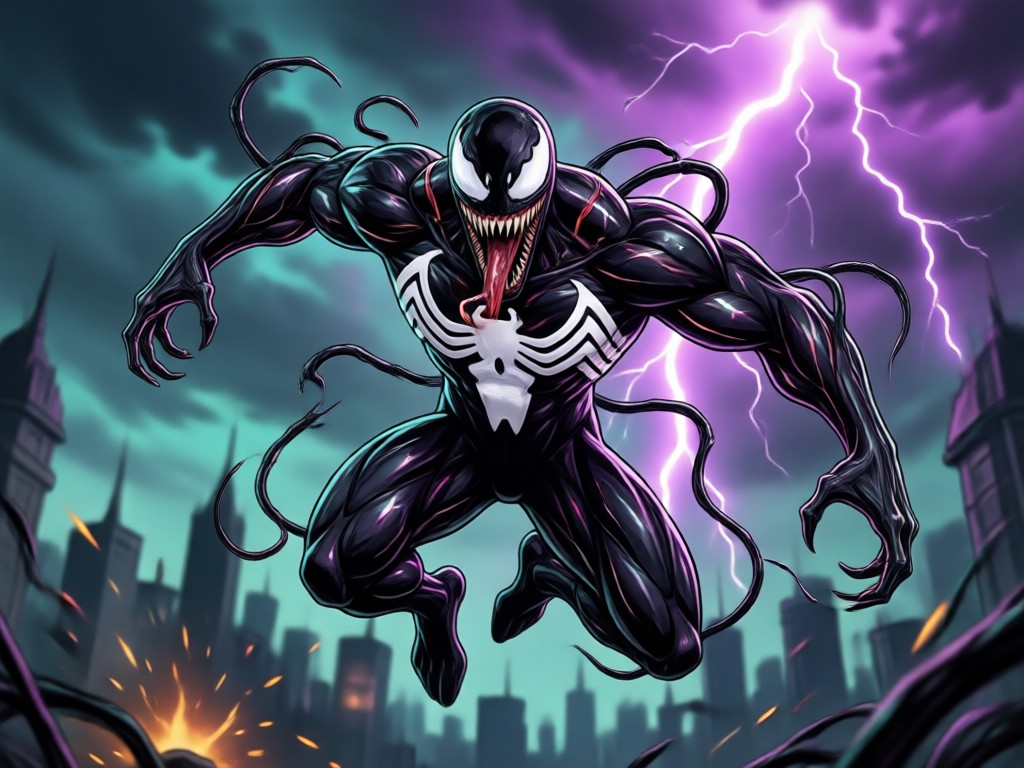
Realistic Symbiote Face Morph
Upload a clear front facing photo and let the AI reshape your face into a Venom style version with sharp teeth, glossy black texture, and white eye patches. The transformation keeps your original facial structure so the result still looks like you, just fully corrupted by the symbiote.
Realistic Symbiote Face Morph
Upload a clear front facing photo and let the AI reshape your face into a Venom style version with sharp teeth, glossy black texture, and white eye patches. The transformation keeps your original facial structure so the result still looks like you, just fully corrupted by the symbiote.
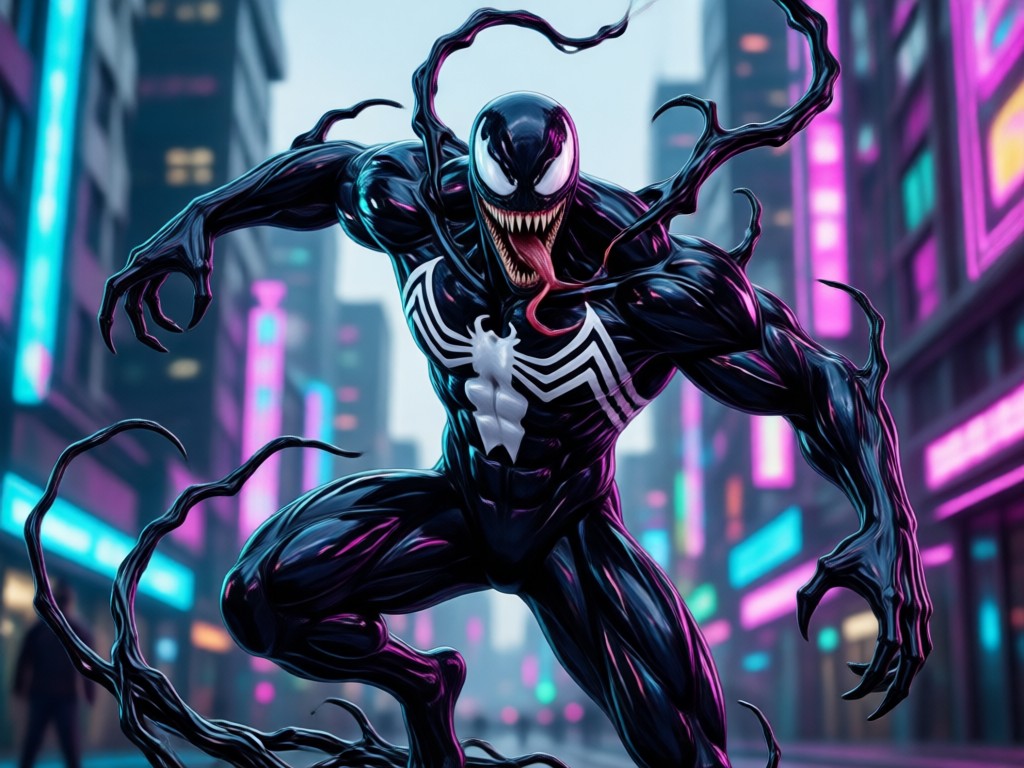
Full Body Venom Effects
Extend the transformation beyond your face. The AI applies dark symbiote texture across your body, adds muscle definition, and creates a cinematic villain look. Ideal for cosplay previews, social media avatars, or concept art.
Full Body Venom Effects
Extend the transformation beyond your face. The AI applies dark symbiote texture across your body, adds muscle definition, and creates a cinematic villain look. Ideal for cosplay previews, social media avatars, or concept art.
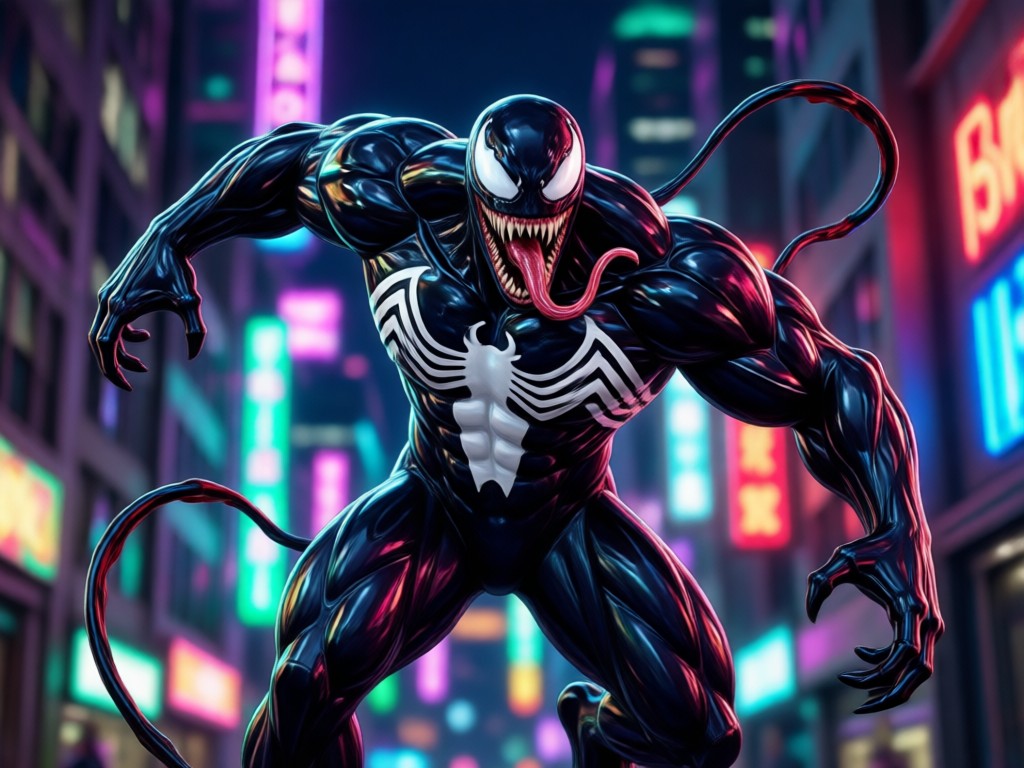
Animated Video Transformation
Turn a static Venom style image into a short video. Watch your character blink, snarl, or move with glowing tendrils. Perfect for reels, TikTok, and YouTube Shorts that grab attention instantly.
Animated Video Transformation
Turn a static Venom style image into a short video. Watch your character blink, snarl, or move with glowing tendrils. Perfect for reels, TikTok, and YouTube Shorts that grab attention instantly.
Popular AI Venom Style Samples for Download
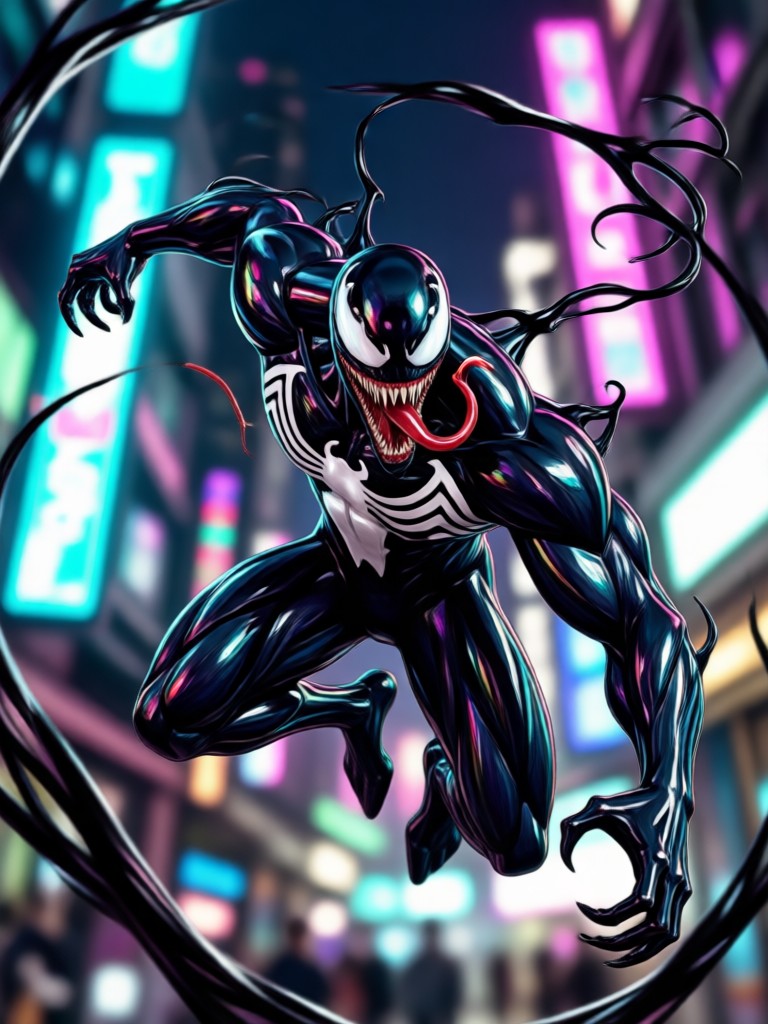
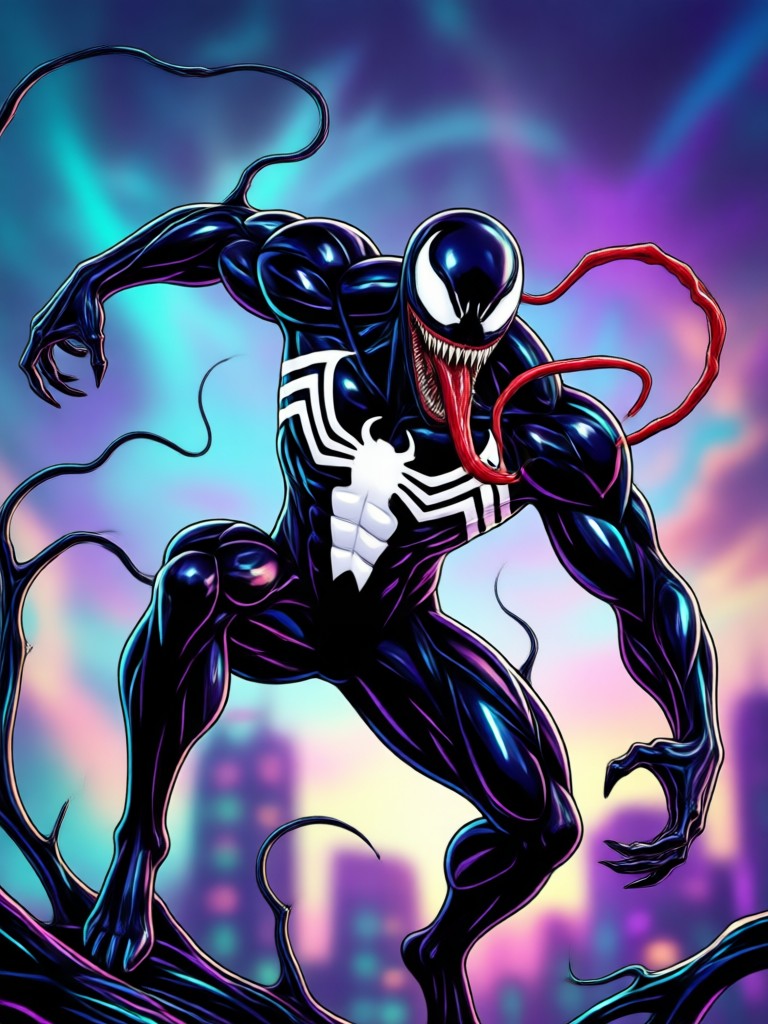
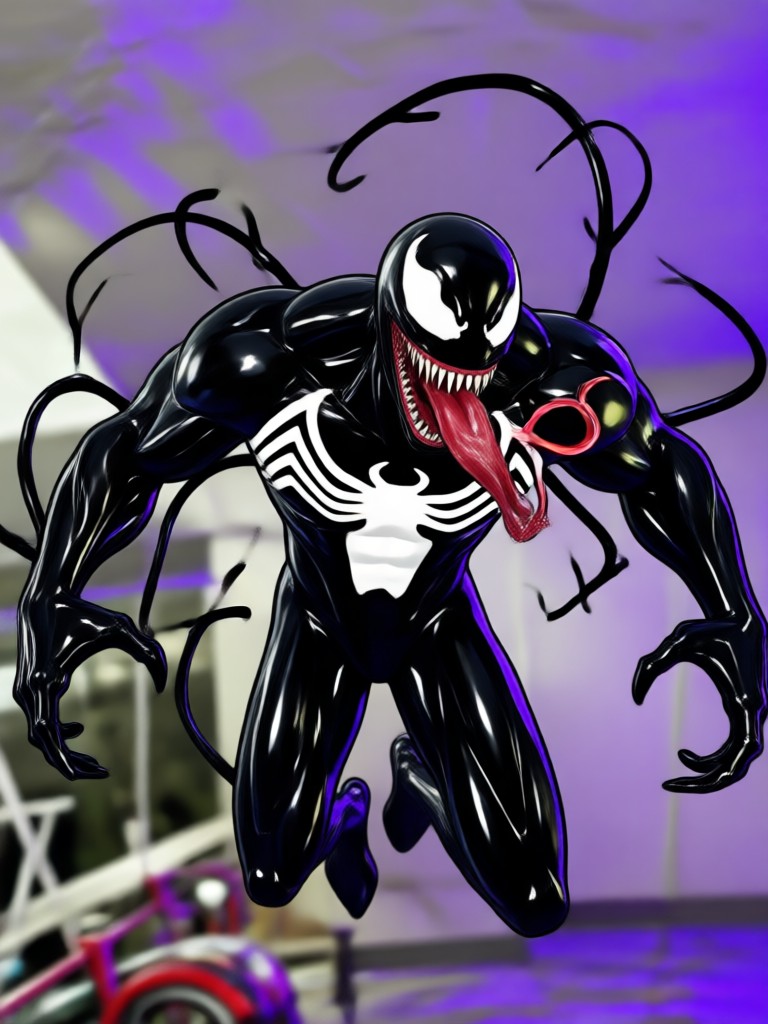
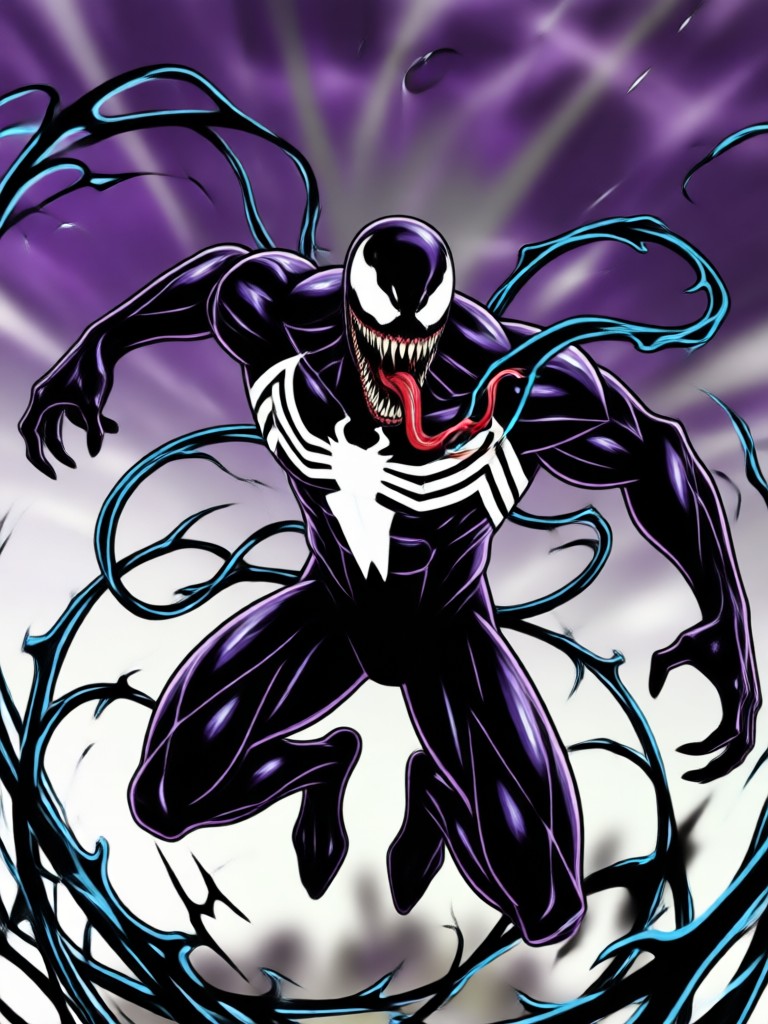
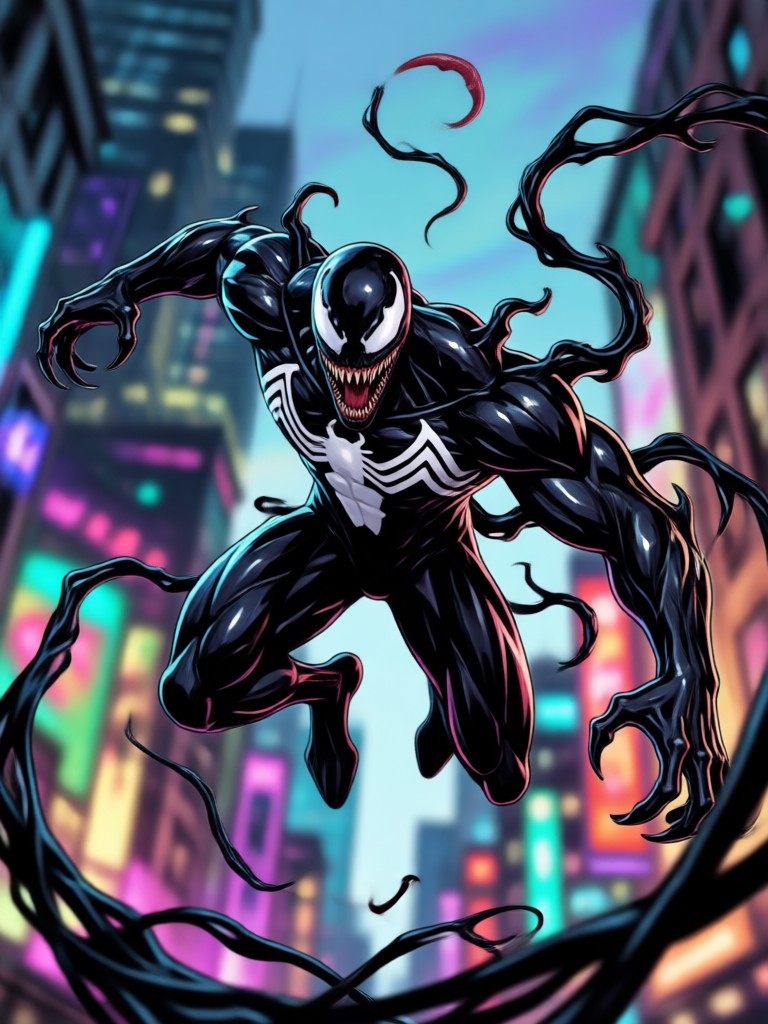
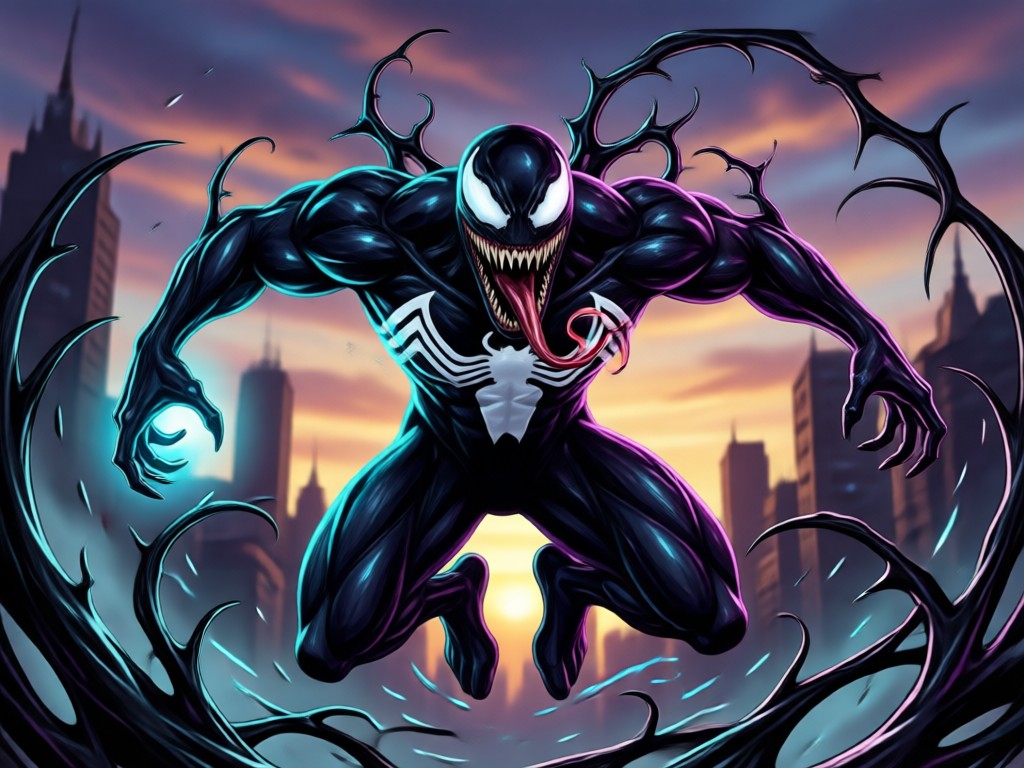
Browse these Venom transformation samples to see what the AI can do. Use them as references for your own symbiote look, then recreate the effect with makmak in minutes.
Why Use makmak for AI Venom Transformation
makmak combines a huge library of style filters with an ultra simple mobile workflow. You do not need Photoshop or complicated prompts. Just upload a photo, choose a Venom filter, and let the AI generate a high resolution result in seconds. The app runs entirely on your phone, so you can create and share from anywhere.
Why Use makmak for AI Venom Transformation
makmak combines a huge library of style filters with an ultra simple mobile workflow. You do not need Photoshop or complicated prompts. Just upload a photo, choose a Venom filter, and let the AI generate a high resolution result in seconds. The app runs entirely on your phone, so you can create and share from anywhere.
How to Make AI Venom Transformation Images?
Create a dramatic Venom style transformation in three simple steps using makmak.

Step 01.
Download the makmak app from Google Play and open it on your phone. No account setup is required to start browsing filters.

Step 02.
Choose a Venom transformation filter or style template from the huge library. You can also upload your own photo as a reference.

Step 03.
Tap generate and wait a few seconds. Download your Venom image or video and share it directly to Instagram, TikTok, or anywhere else.
How to Get the Venom Effect on Your Photo?
The fastest way to get a Venom look is to upload a high quality portrait to makmak. Pick a symbiote filter, adjust the intensity if needed, and generate. You can try multiple versions until you find the one that fits your face shape and lighting best. It works with selfies, pet photos, and group shots.
Here is What Creators Say About AI Venom Transformation
Best Venom effect I have tried
I used this for a cosplay video and the result looked incredible. The face morph kept my jawline and the black texture looked glossy and real. Took me less than a minute from upload to download.
Went viral on TikTok
I posted a Venom transformation video made in makmak and it got over 200k views. The animation is smooth and the eyes glow perfectly. Super simple to use even for a beginner.
Great for concept art
As an illustrator I use the Venom filter to generate quick reference images for character design. The AI handles the hard parts like tendrils and textures, so I can focus on composition.
Frequently Asked Questions About AI Venom Transformation
Find clear answers to common questions about creating Venom style images and videos with makmak.
More Topics You May Like
Explore more topics you may like and discover fresh ideas tailored to your interests.
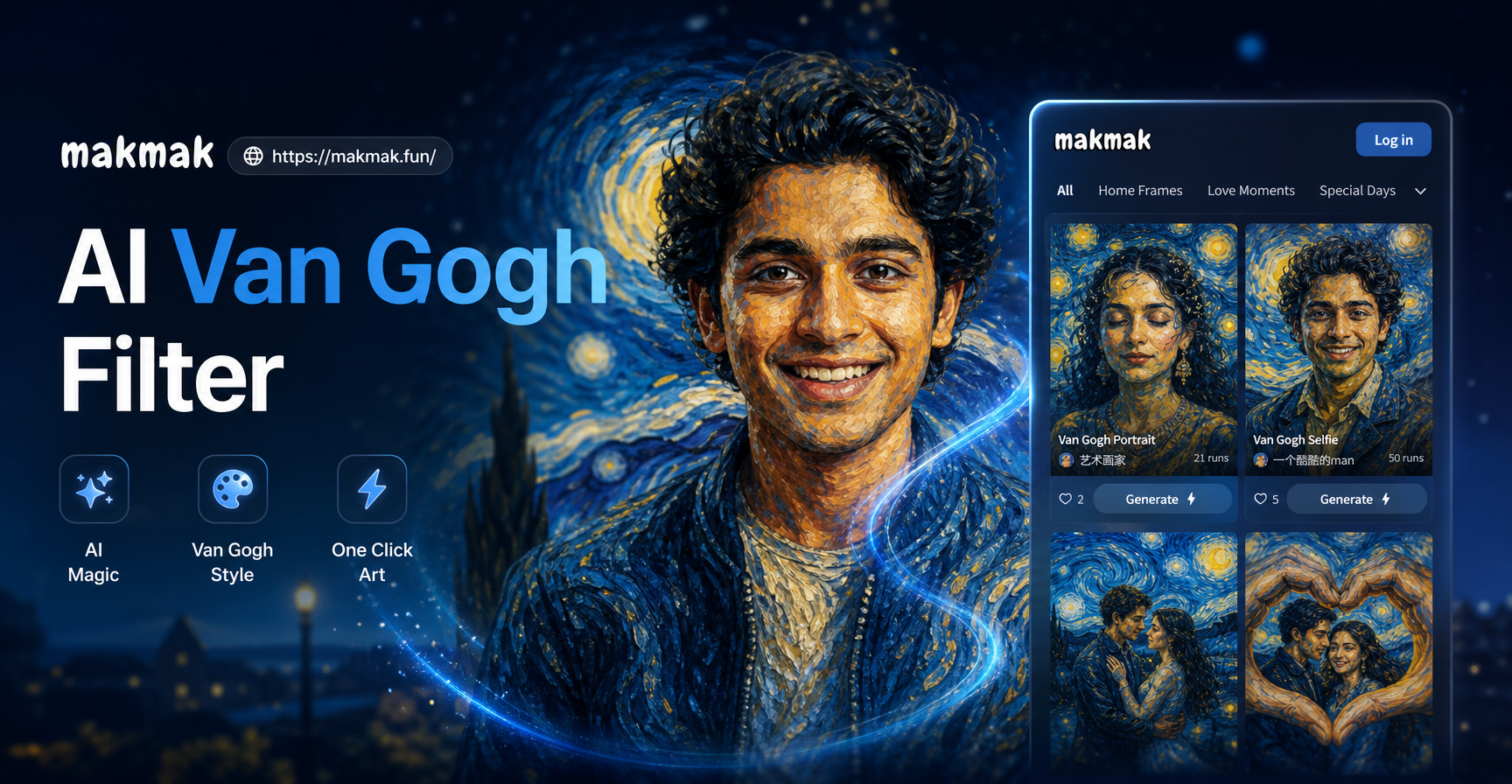
AI Van Gogh Filter: Turn Photos into Starry Night Art
Turn any photo into a Van Gogh style painting with the AI Van Gogh filter. Upload a picture, pick the style, and get a stunning art portrait in seconds. No design skills needed.
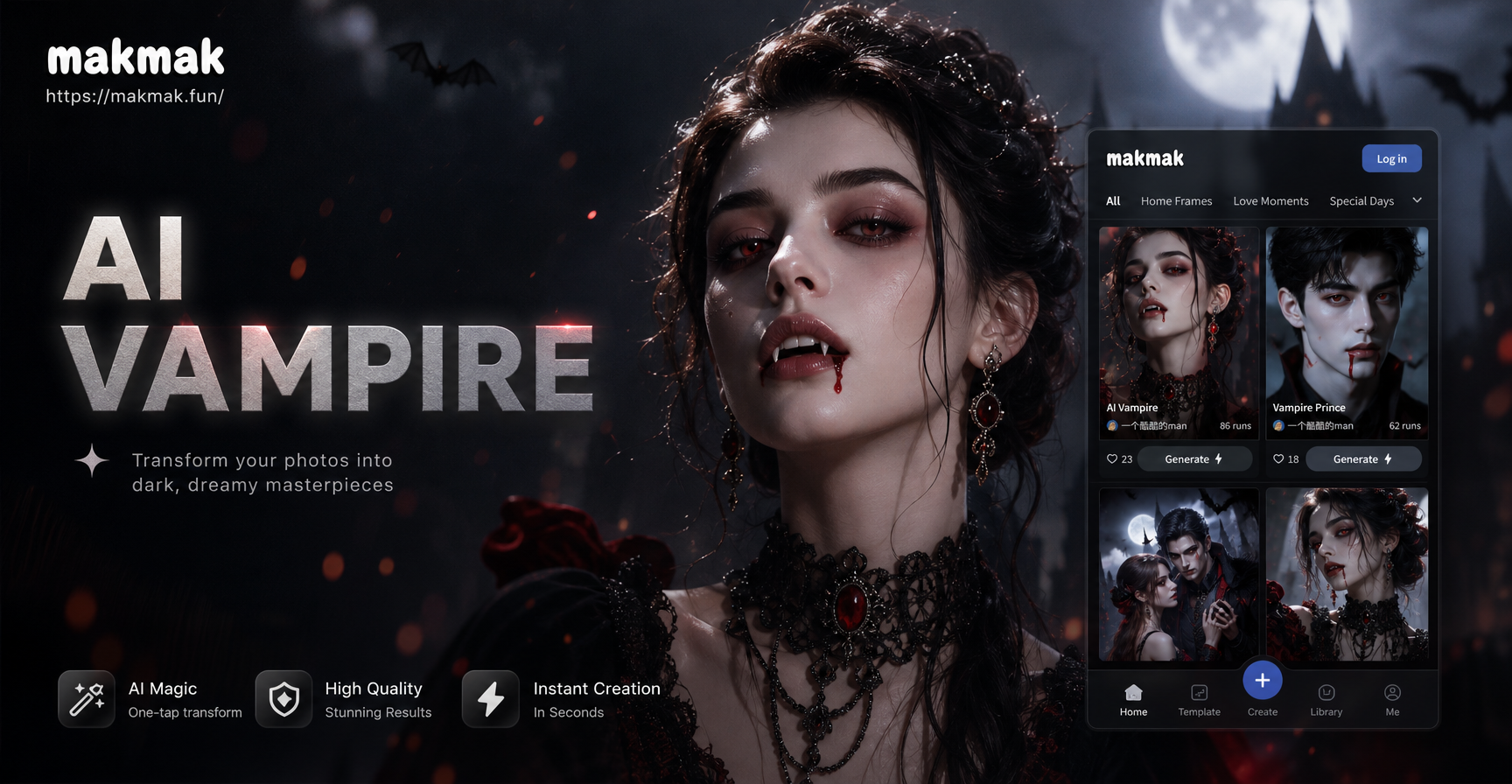
AI Vampire Filter: Turn Yourself into a Vampire
Use the AI Vampire Filter to transform your photos into striking vampire portraits. Upload a selfie, pick a vampire style, and get fangs, pale skin, and dramatic eyes in seconds. Try the viral vampire filter now.
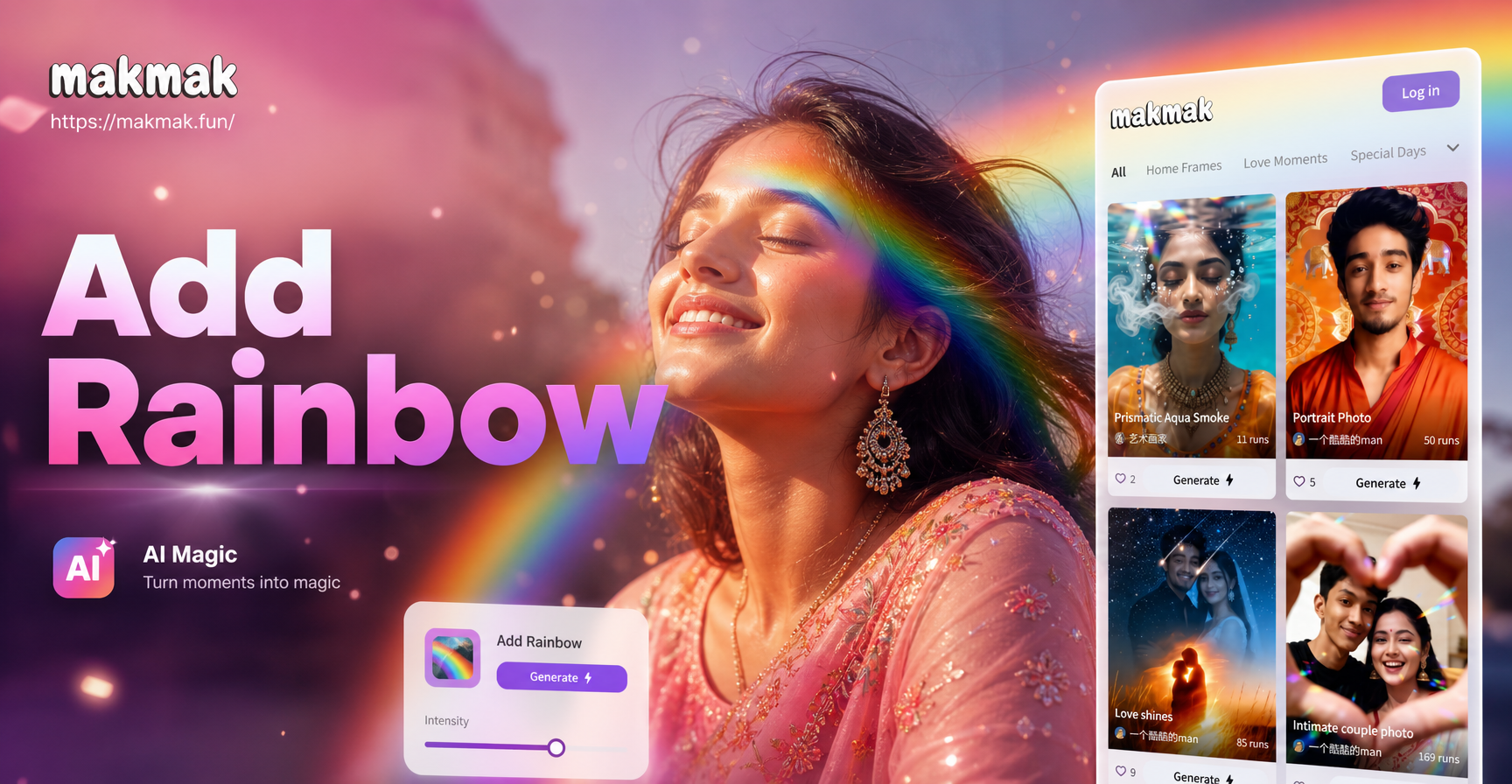
Instantly Add Rainbows to Your Photos with AI
Add rainbow effects to any photo in seconds. Transform dull pictures into magical, colorful masterpieces with dozens of vibrant, realistic rainbow styles and filters. Download free.

Transform Your Photos: Add a Breathtaking Sunset Instantly
Easily add a stunning sunset to your photo with AI. Upload any image, choose a sunset style, and watch your ordinary photo transform into a dramatic, golden-hour masterpiece in seconds. No editing skills needed.
Ready to Unleash Your Symbiote Side?
Download makmak now and transform your photos into Venom style masterpieces. Choose from hundreds of dark filters, animate your images, and share your best look with the world.
Ready to Unleash Your Symbiote Side?
Download makmak now and transform your photos into Venom style masterpieces. Choose from hundreds of dark filters, animate your images, and share your best look with the world.