Hari Malaysia Photo Edit
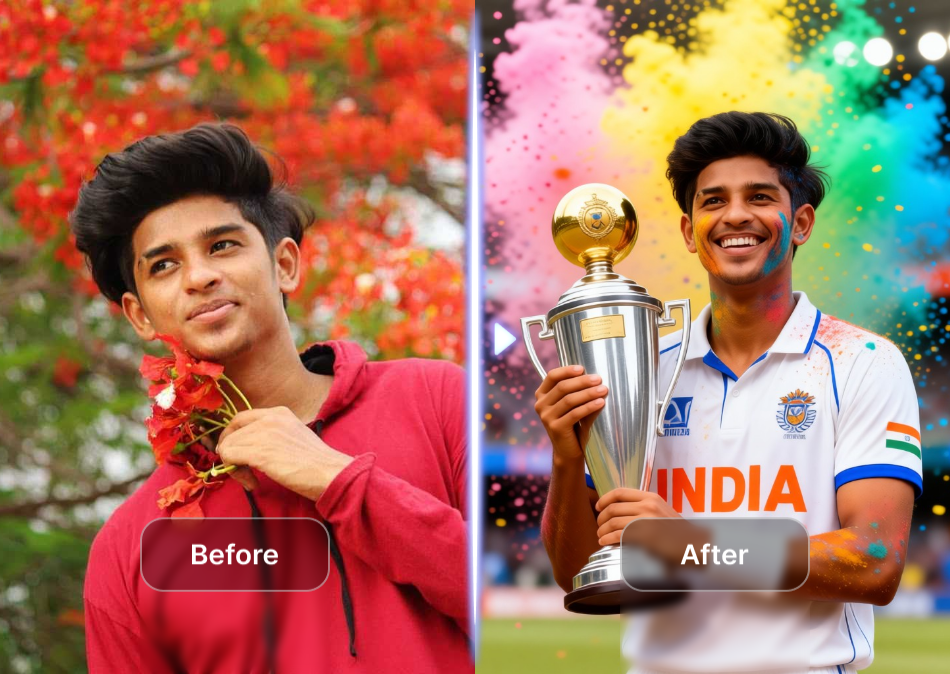
Pick Your Patriotic Style
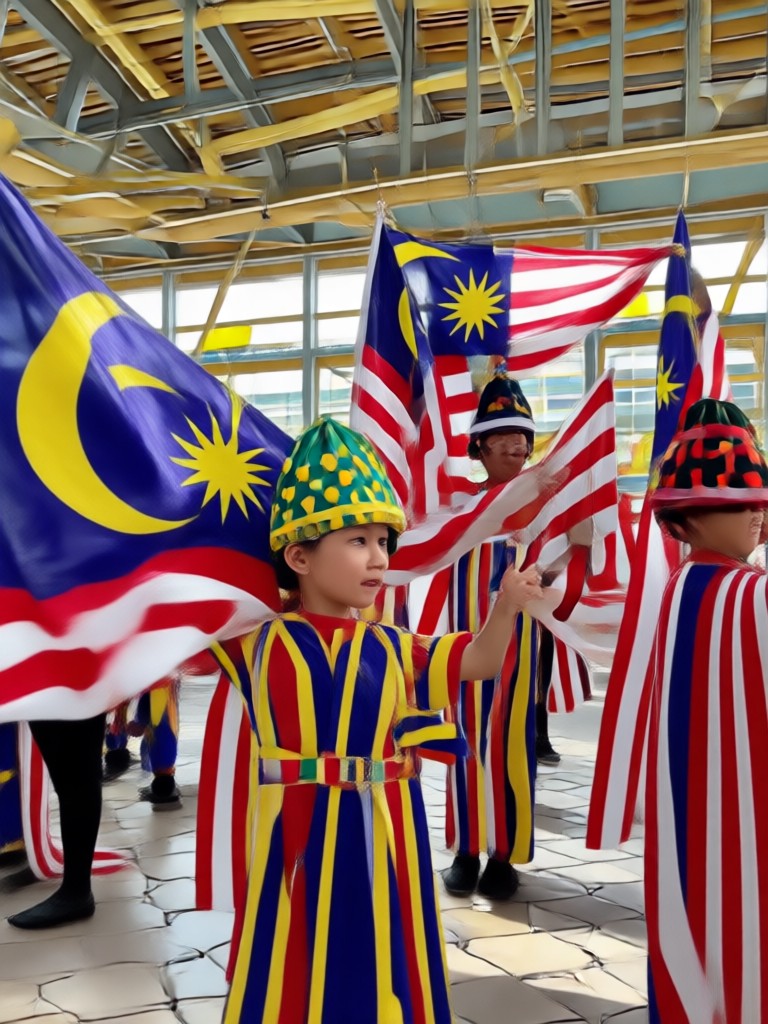
Choose from dozens of Malaysia Day filters, from traditional baju kurung and songkok to dramatic Jalur Gemilang overlays.
AI Photo Editing Features for Hari Malaysia
Create memorable Hari Malaysia photos with three powerful AI tools built into makmak.
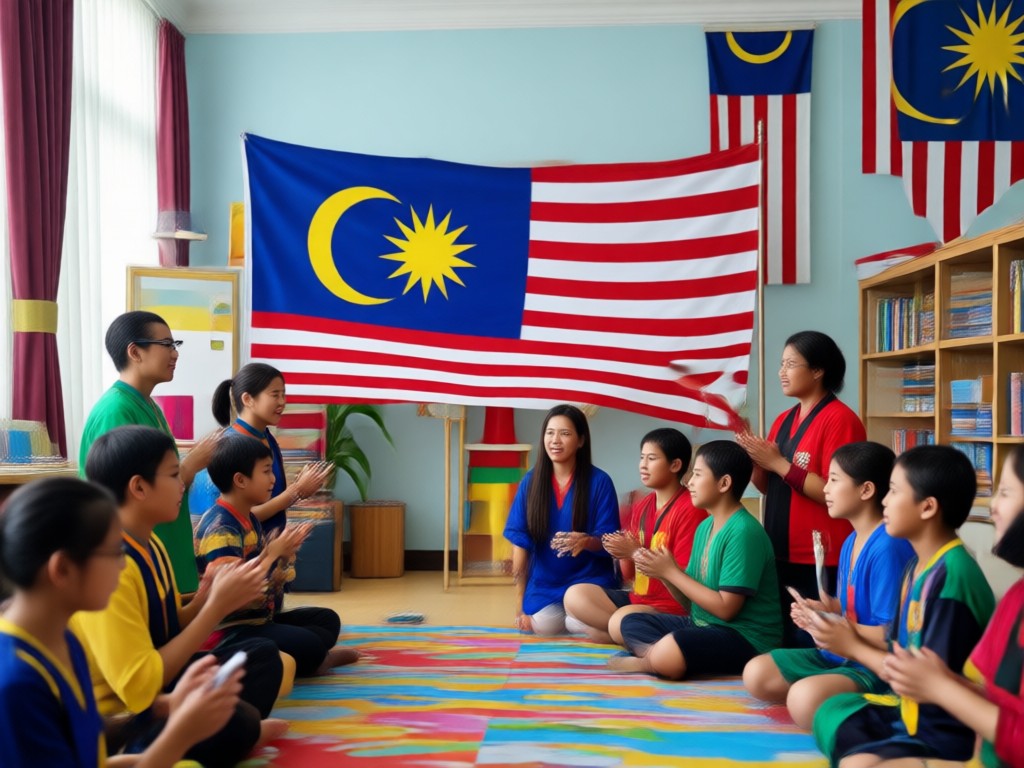
Patriotic Outfit Change
Swap any outfit to traditional Malaysian attire like baju Melayu, baju kurung, or kebaya. Keep your face natural and the result realistic.
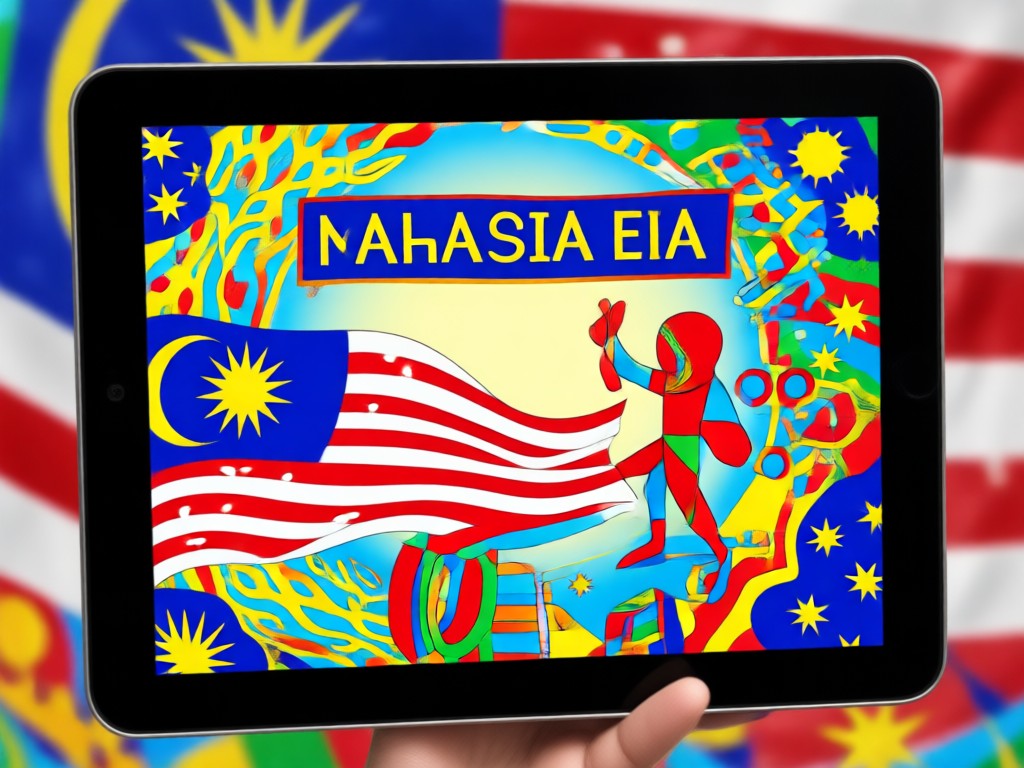
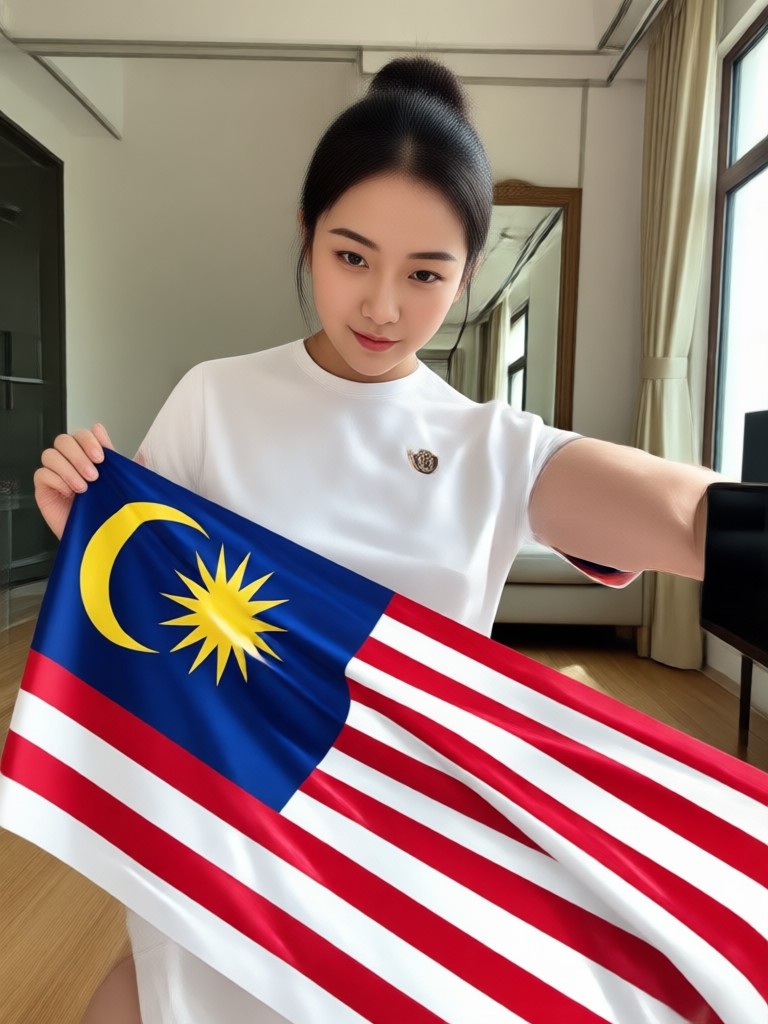
Jalur Gemilang Overlay
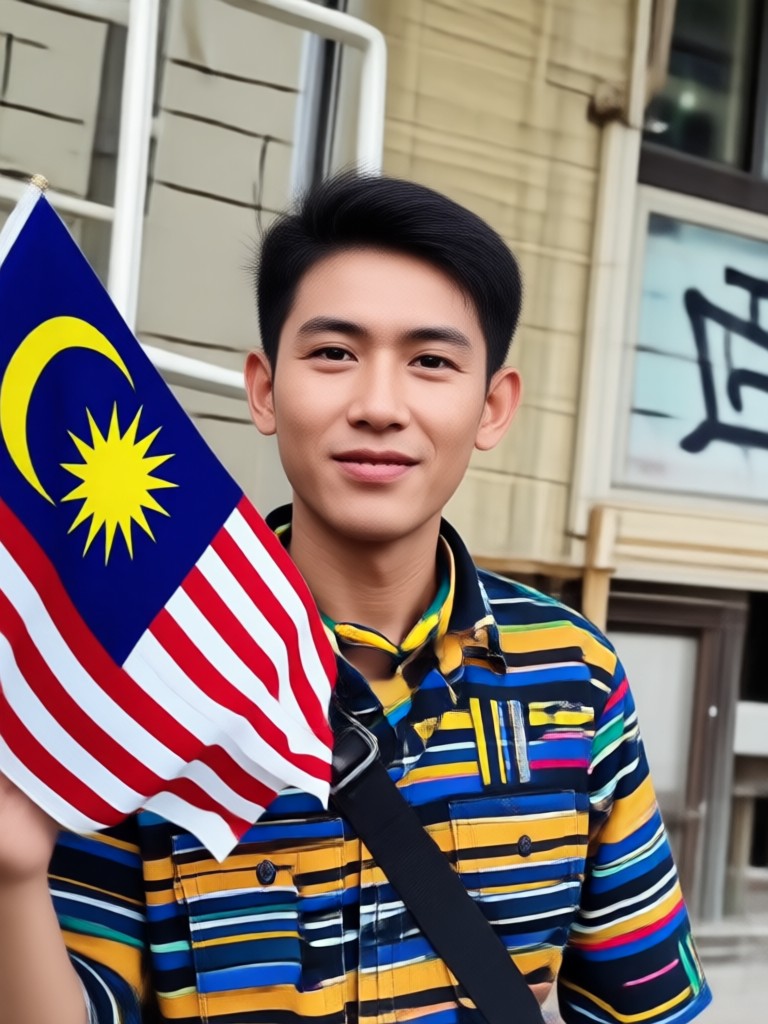
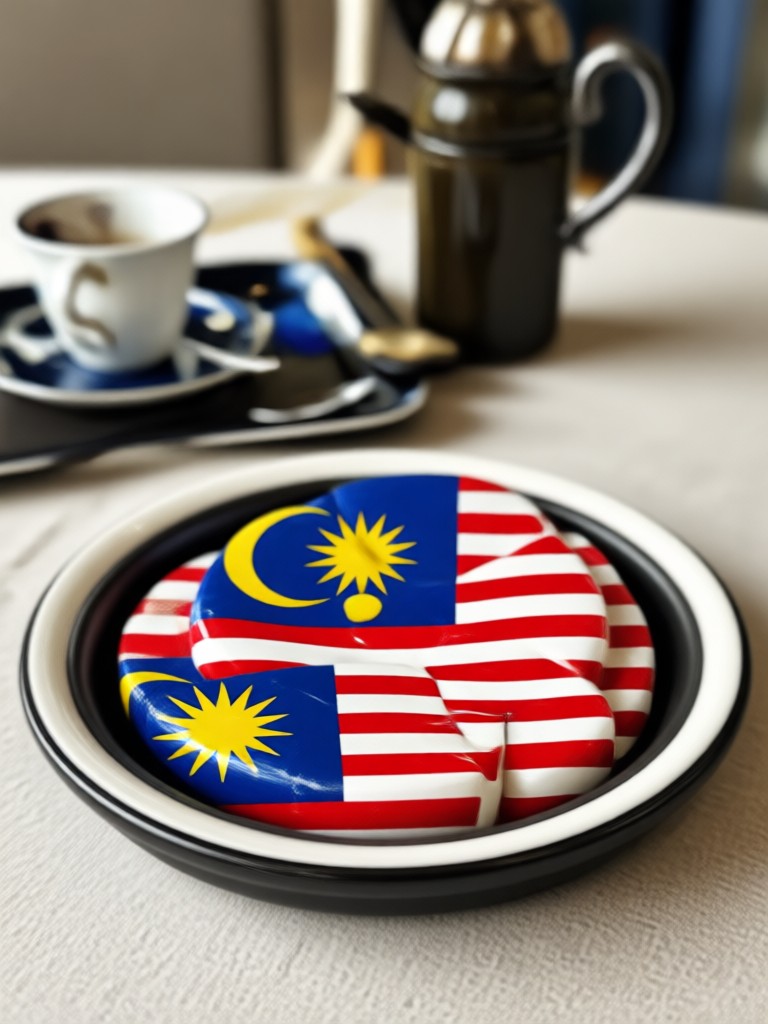
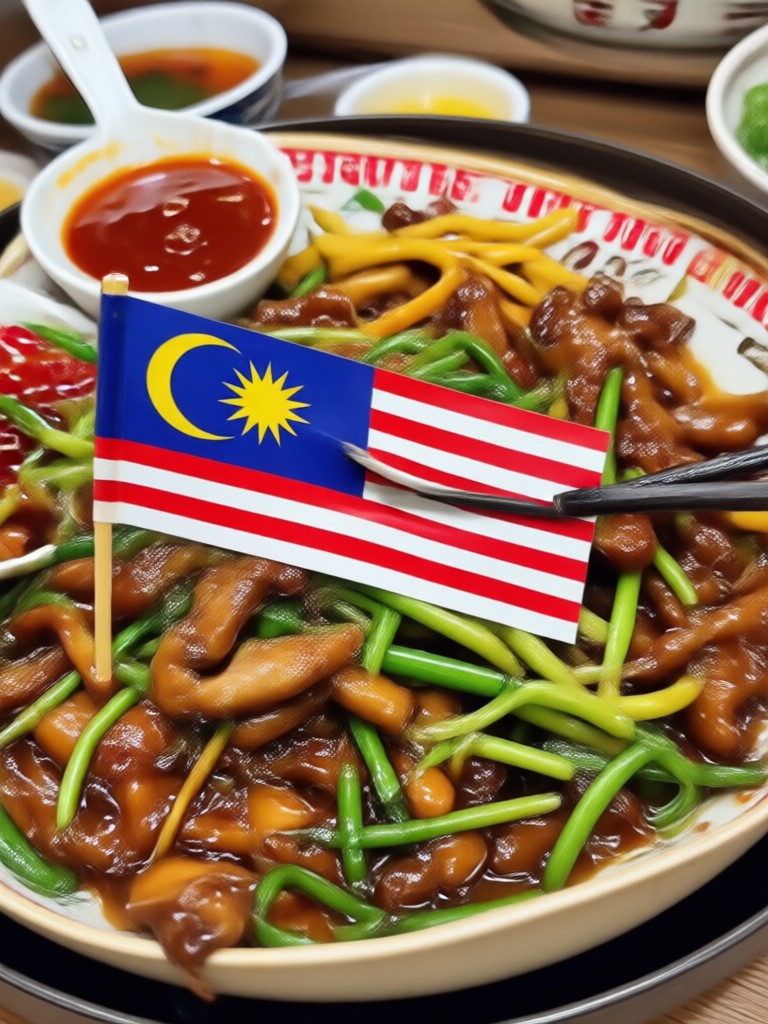
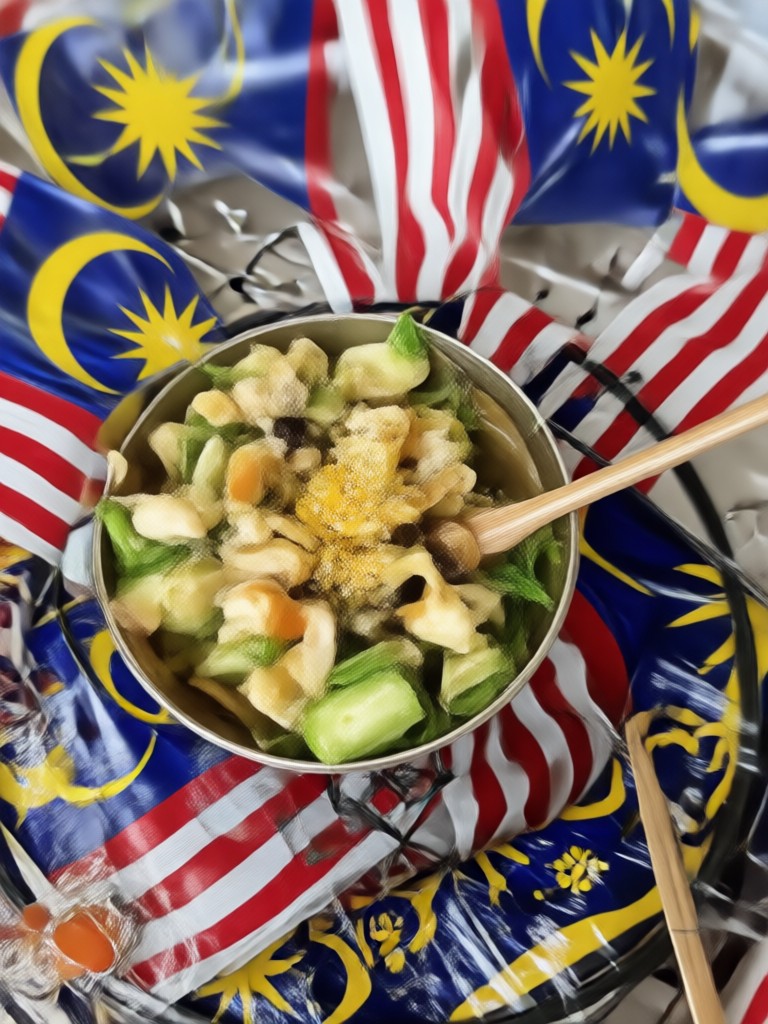
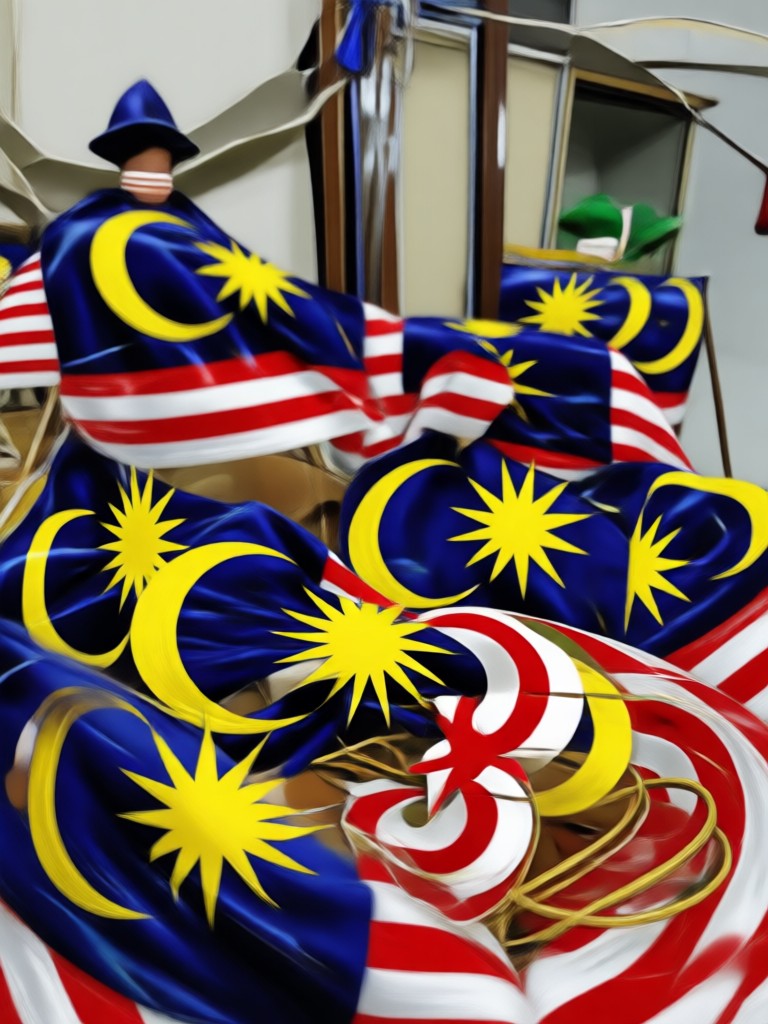
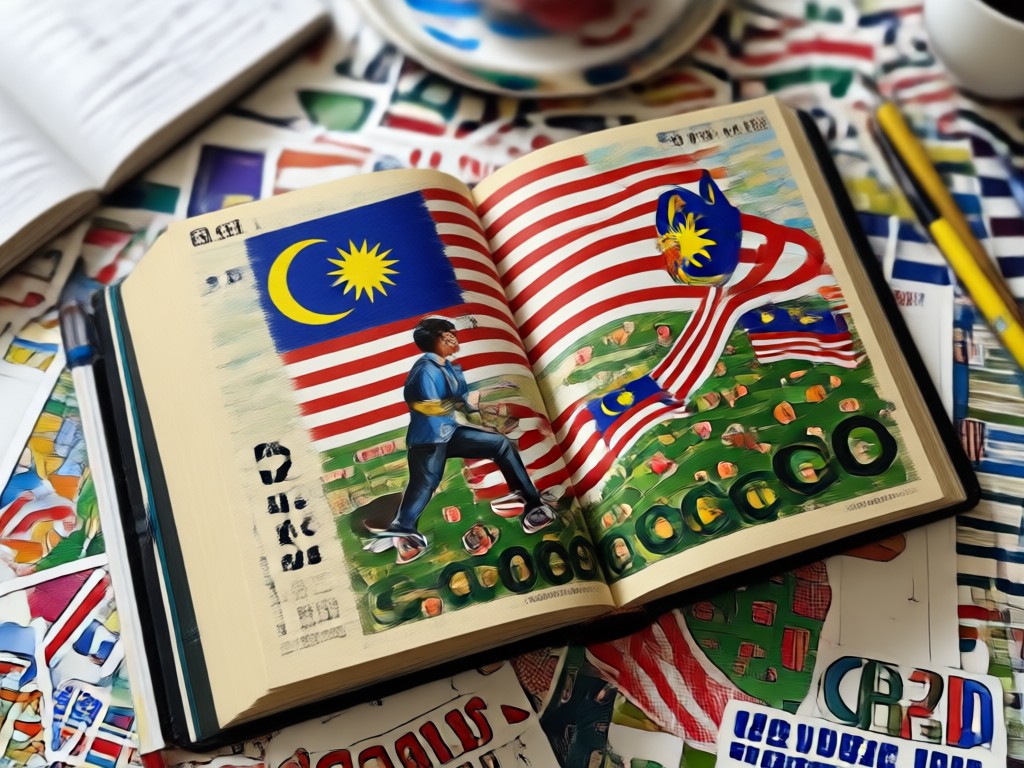
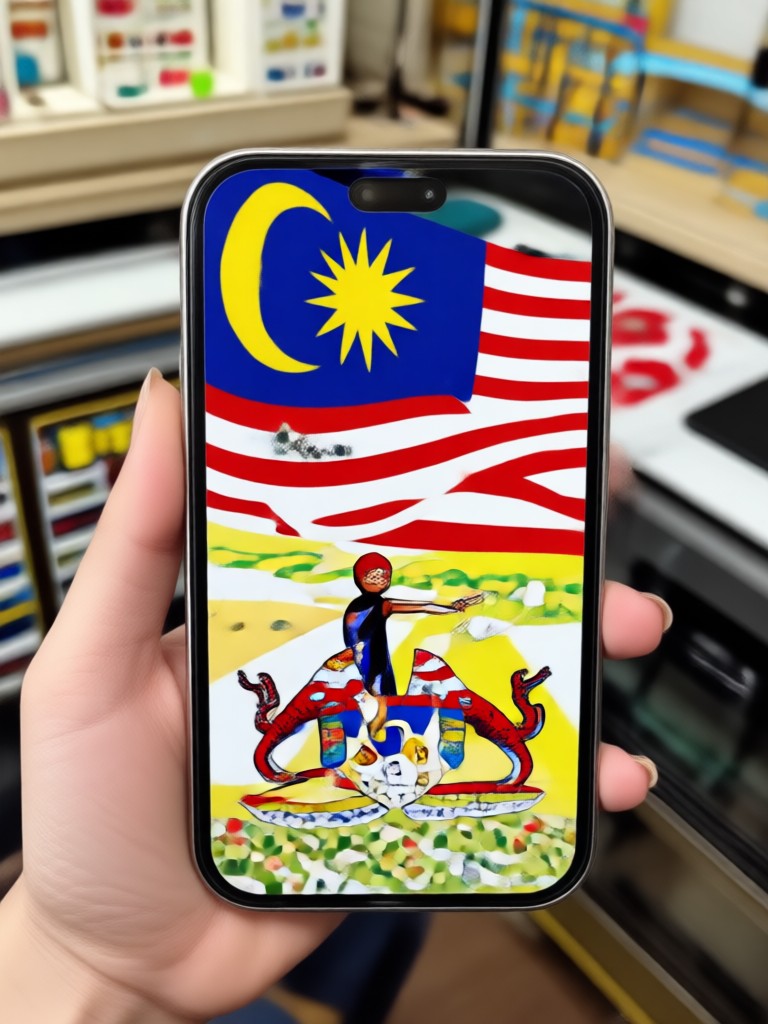
Add the Malaysian flag to your photos with artistic effects. Choose from subtle backgrounds, full body wraps, or creative flag waves.
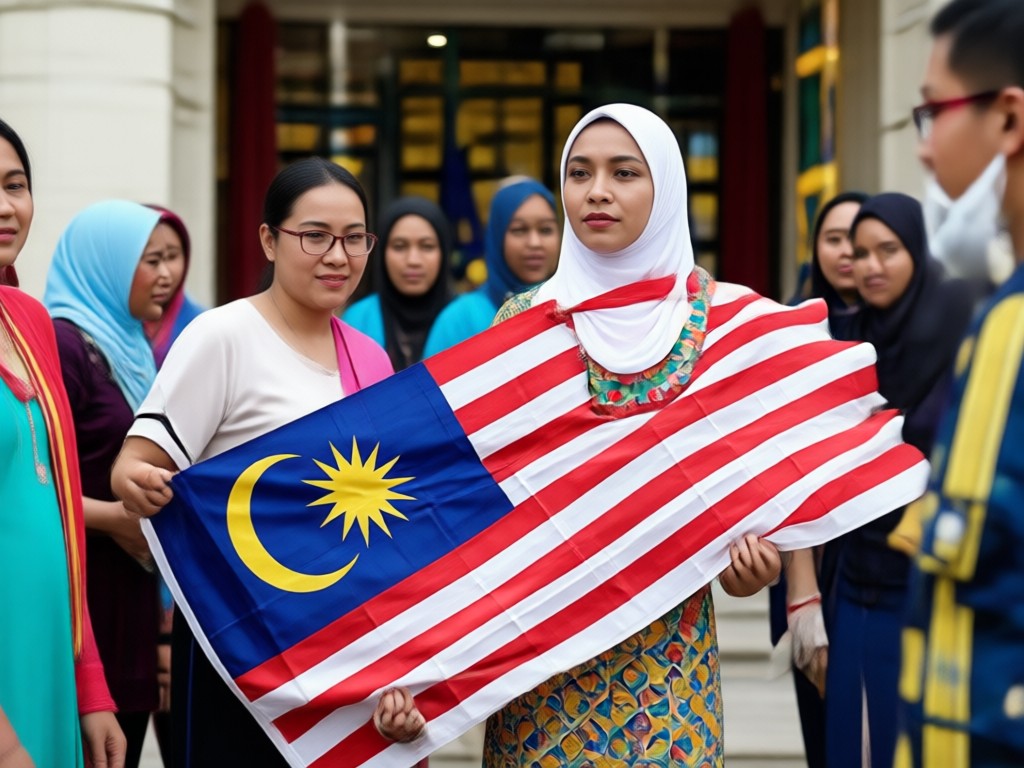
Group Photo Enhancement
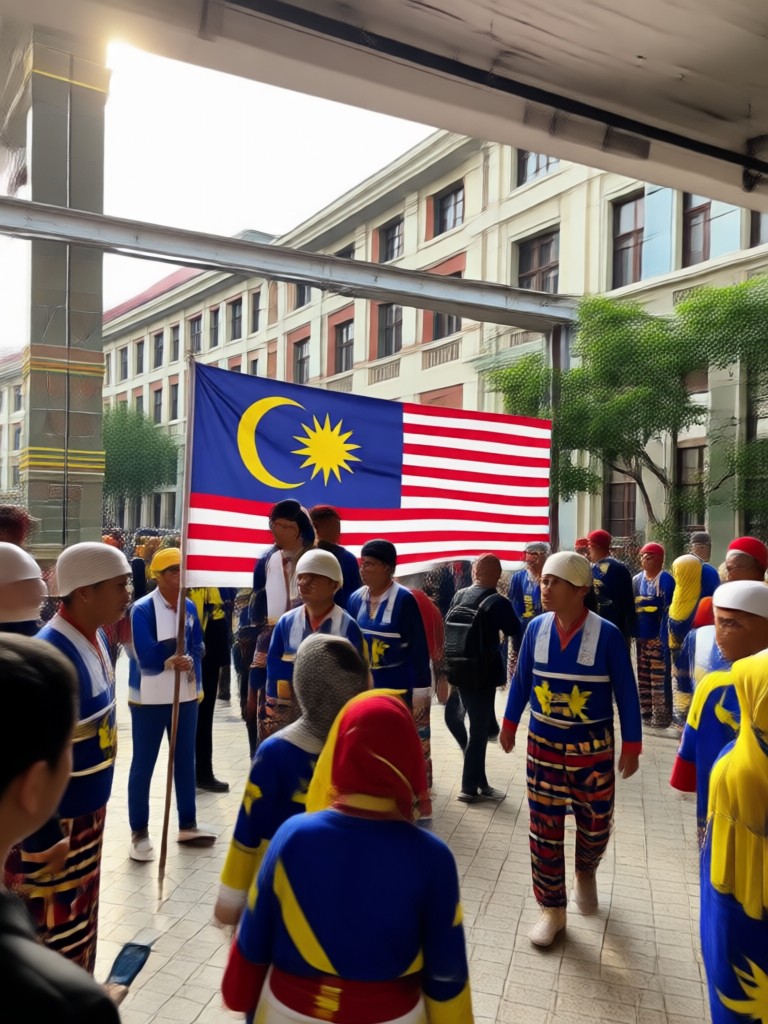
Upload a group photo and let AI apply the same Hari Malaysia style to everyone. Perfect for family gatherings or team celebrations.
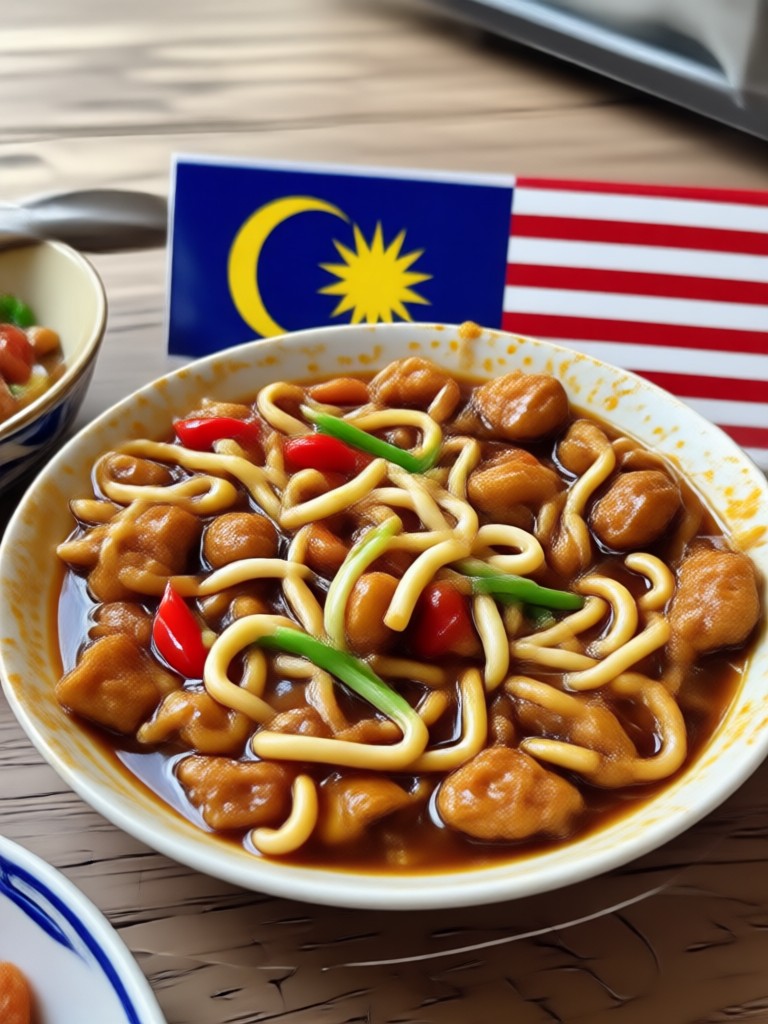
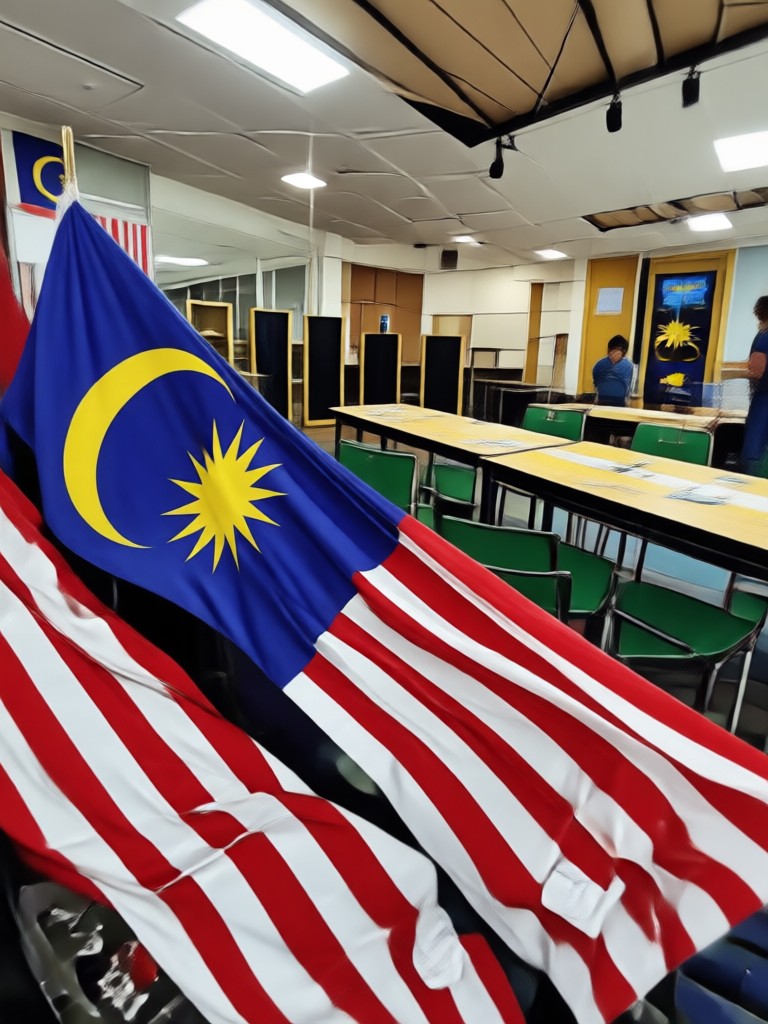
Hari Malaysia Photo Edit Inspiration
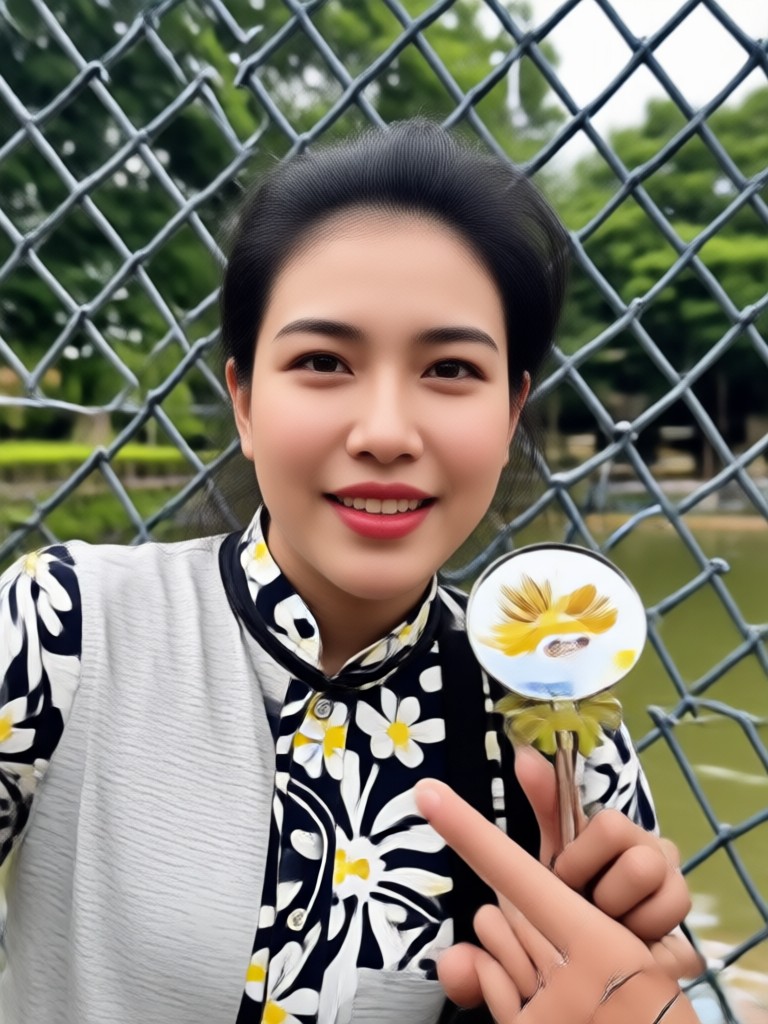
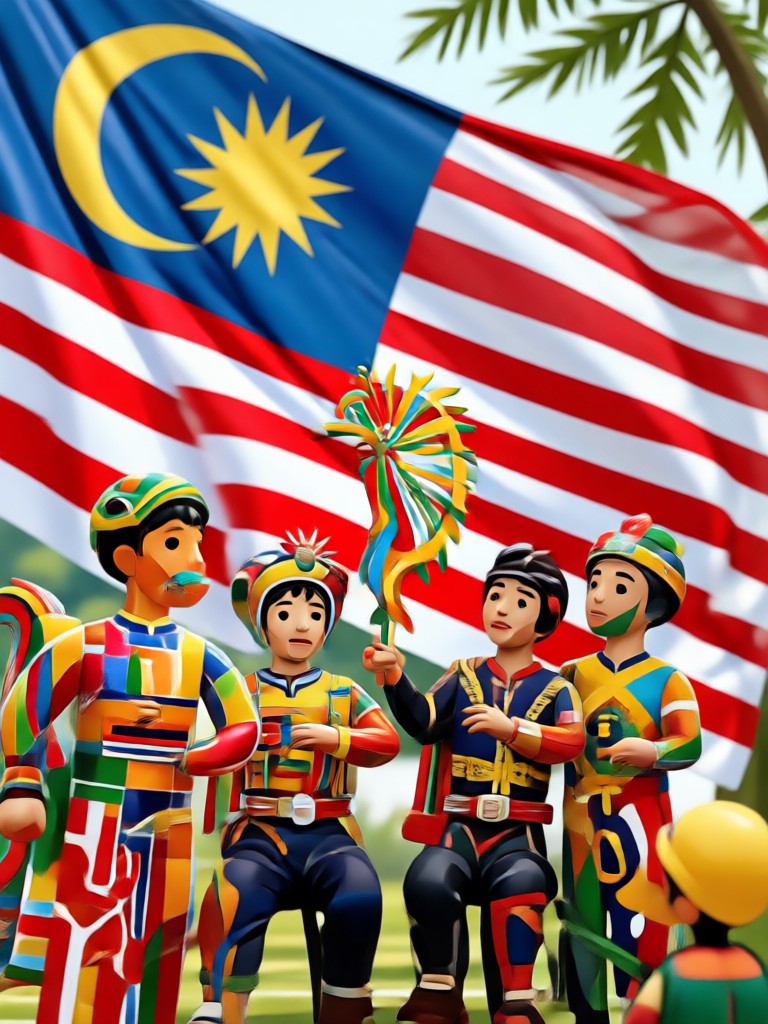
See how users transformed their portraits into patriotic masterpieces with makmak's AI filters.
How to Edit Hari Malaysia Photos?
Create your own Hari Malaysia photo edit in three simple steps using the makmak app.

Step 01.
Download the makmak app from Google Play and open it on your phone.

Step 02.
Upload a photo or take a new one. Choose a Hari Malaysia filter, outfit style, or flag overlay from the library.

Step 03.
Generate your edit in seconds, then save and share it directly to WhatsApp, Instagram, or Facebook.
Why Use makmak for Hari Malaysia Photo Edit?
makmak makes patriotic photo editing effortless. With over a million style templates, realistic AI face preservation, and instant processing, you can create professional-looking Hari Malaysia images without any design background. Perfect for social media posts, greeting cards, and family keepsakes.
Why Use makmak for Hari Malaysia Photo Edit?
makmak makes patriotic photo editing effortless. With over a million style templates, realistic AI face preservation, and instant processing, you can create professional-looking Hari Malaysia images without any design background. Perfect for social media posts, greeting cards, and family keepsakes.
Get the makmak App for Hari Malaysia
Install makmak now and access all patriotic filters, traditional outfits, and flag effects in one tap.

What People Say About Hari Malaysia Photo Edits
Perfect for my Merdeka greeting card
I used makmak to put my family in traditional baju kurung and add the Jalur Gemilang. The result looked so real. Shared it with relatives on WhatsApp and everyone loved it.
Quick and easy patriotic edits
I'm not tech savvy but makmak was simple. Uploaded my selfie, chose the flag overlay, and got a beautiful Hari Malaysia post in seconds.
Great for group photos
We edited a team photo for Malaysia Day and the AI handled all five faces perfectly. No weird blending. Highly recommend.
Hari Malaysia Photo Edit FAQs
Find answers to common questions about editing Hari Malaysia photos with makmak.
More Topics You May Like
Explore more AI photo editing ideas and creative filters.

Happy Diwali Poster: Create Festive AI Designs Instantly

Google Gemini AI Photo Editing Tagalog: Mabilis na Gabay

Glitter AI: Sparkling Photo Effects in Seconds
Golden Hour AI Photo Filter: Transform Your Portraits
Happy Diwali Poster: Create Festive AI Designs Instantly
Google Gemini AI Photo Editing Tagalog: Mabilis na Gabay
Glitter AI: Sparkling Photo Effects in Seconds
Golden Hour AI Photo Filter: Transform Your Portraits
Ready to Celebrate Hari Malaysia?
Download makmak now and turn your photos into patriotic works of art in seconds.

Ready to Celebrate Hari Malaysia?
Download makmak now and turn your photos into patriotic works of art in seconds.