Camcorder Video
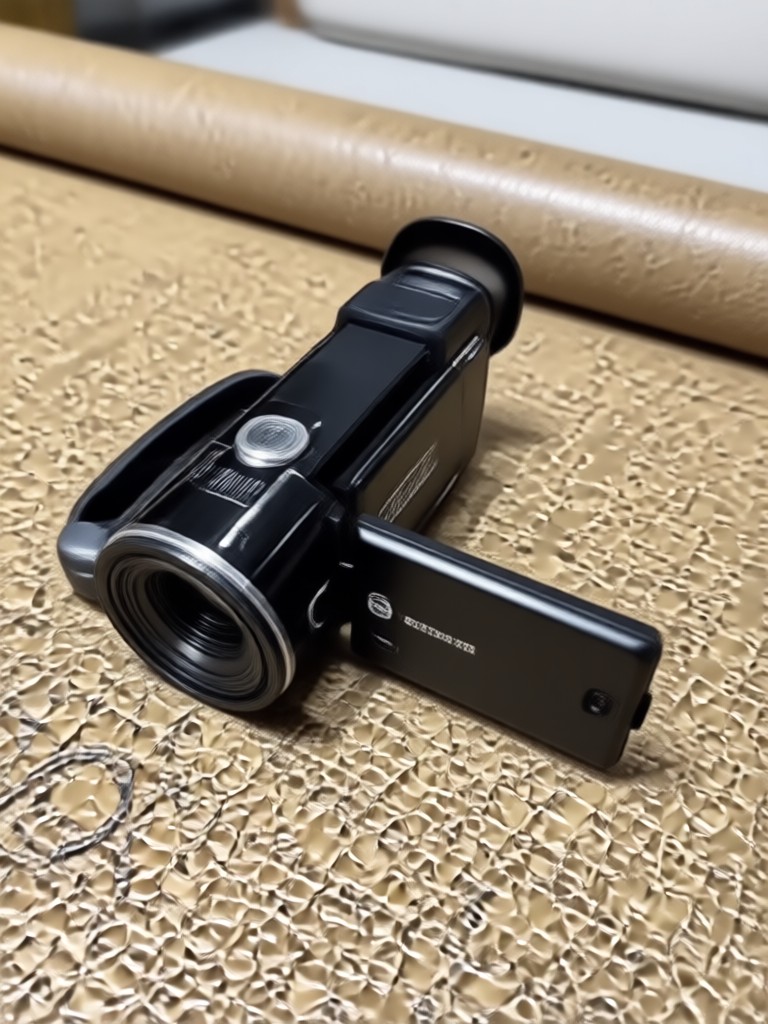
Choose Your Camcorder Video Style
Discover the retro camcorder filter that matches your vibe, from grainy VHS to clean Hi8 and MiniDV looks.
Key Features of AI Camcorder Video
Create authentic looking retro camcorder videos with these powerful AI features inside the makmak app.
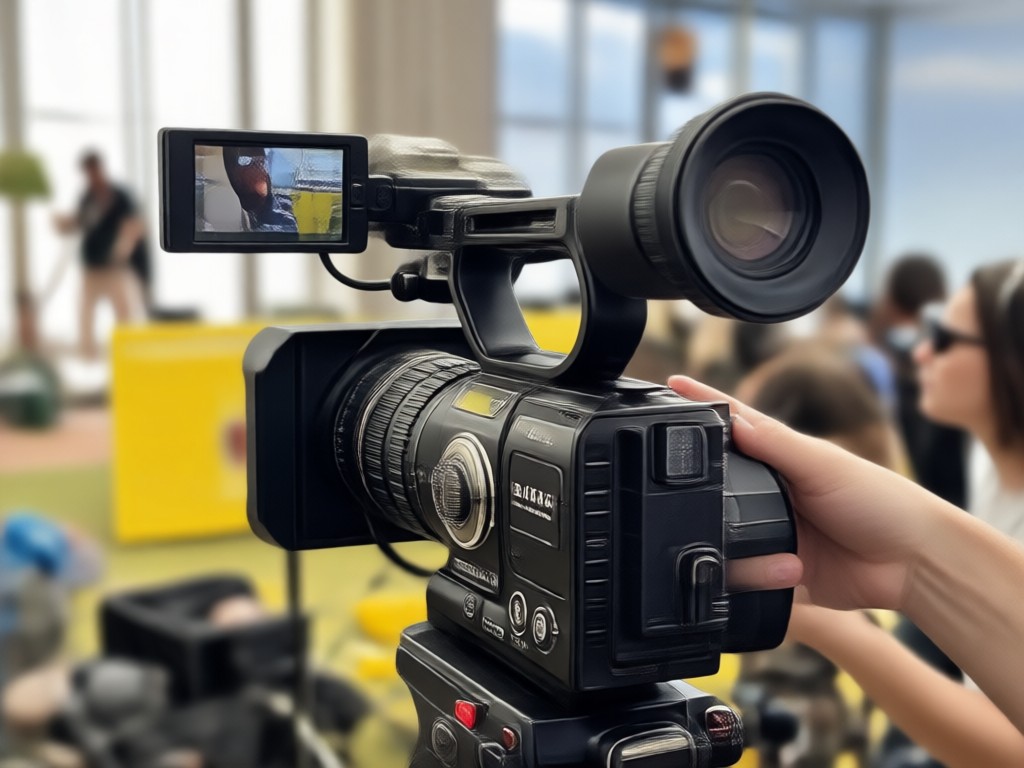
Realistic Retro Filters
Apply authentic VHS, Hi8, and MiniDV looks with accurate grain, scanlines, and color shifts. Your clips instantly feel like they were recorded decades ago.
Realistic Retro Filters
Apply authentic VHS, Hi8, and MiniDV looks with accurate grain, scanlines, and color shifts. Your clips instantly feel like they were recorded decades ago.
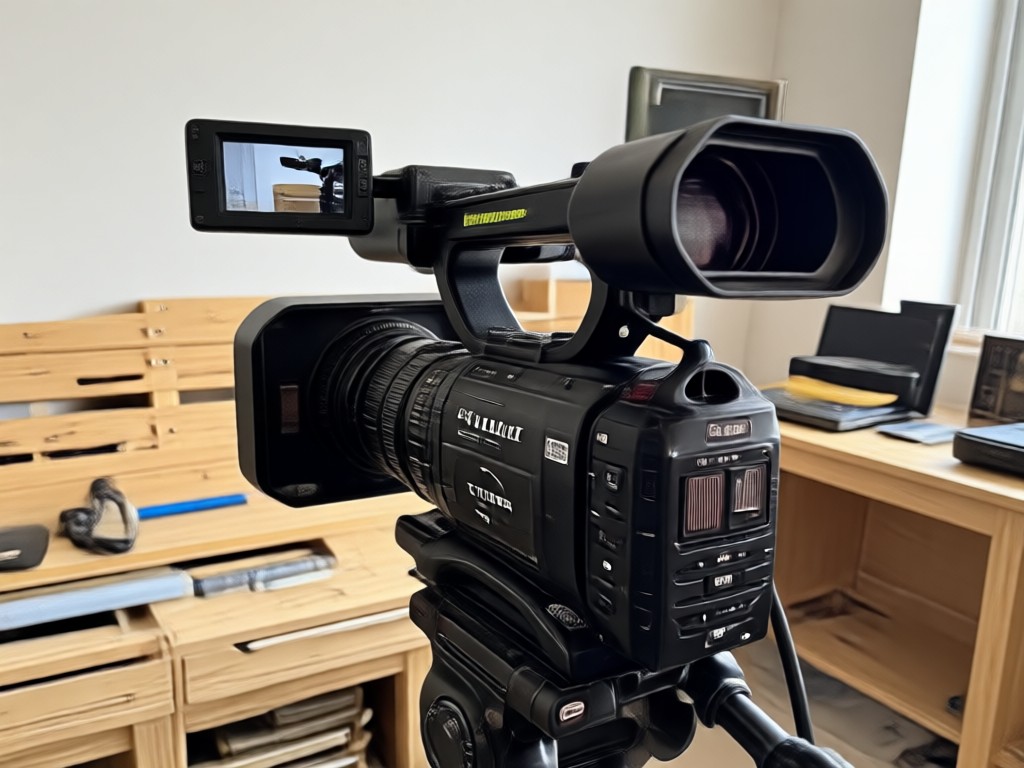
Date Stamp Overlays
Add classic camcorder date and time stamps in retro fonts. Customize the text so your video looks like a genuine home recording from the 90s.
Date Stamp Overlays
Add classic camcorder date and time stamps in retro fonts. Customize the text so your video looks like a genuine home recording from the 90s.
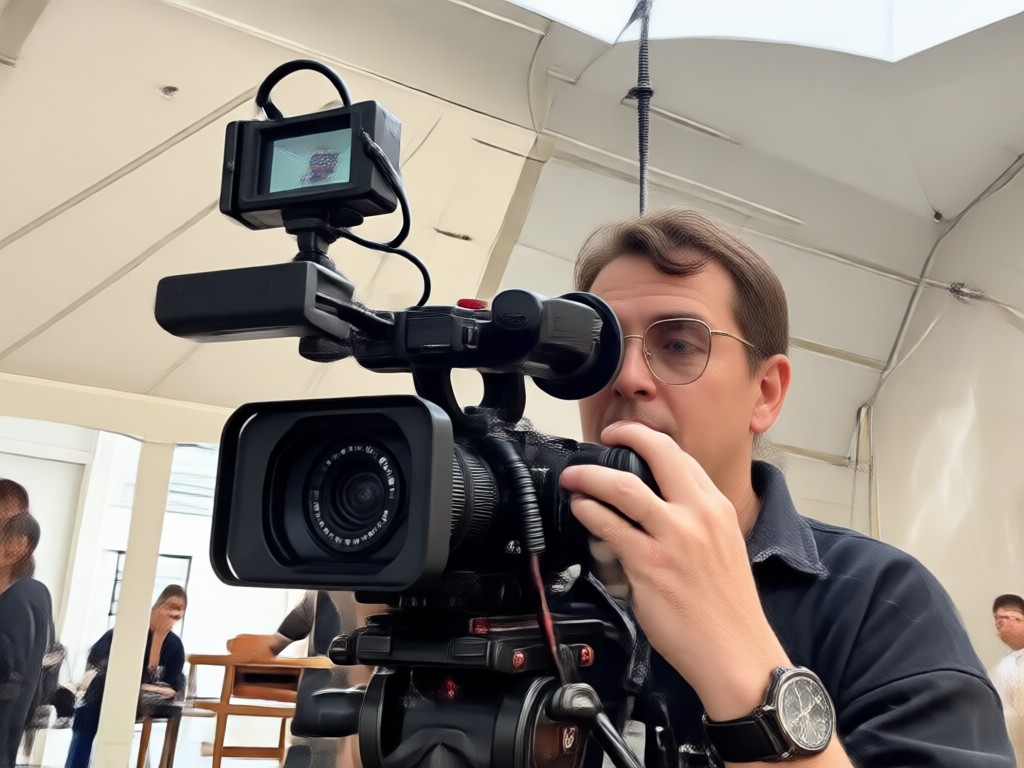
Video and Photo Support
Turn both still images and existing videos into camcorder style footage. Upload any media and let makmak do the work in one tap.
Video and Photo Support
Turn both still images and existing videos into camcorder style footage. Upload any media and let makmak do the work in one tap.
How to Make a Camcorder Video with AI
Create a nostalgic camcorder video in three easy steps using the makmak app.

Step 01.
Download makmak from Google Play and open the app on your phone.

Step 02.
Choose a camcorder filter like VHS, Hi8, or MiniDV from the style library.

Step 03.
Upload your photo or video, apply the effect, and save or share your retro clip.
Camcorder Video Inspiration Gallery
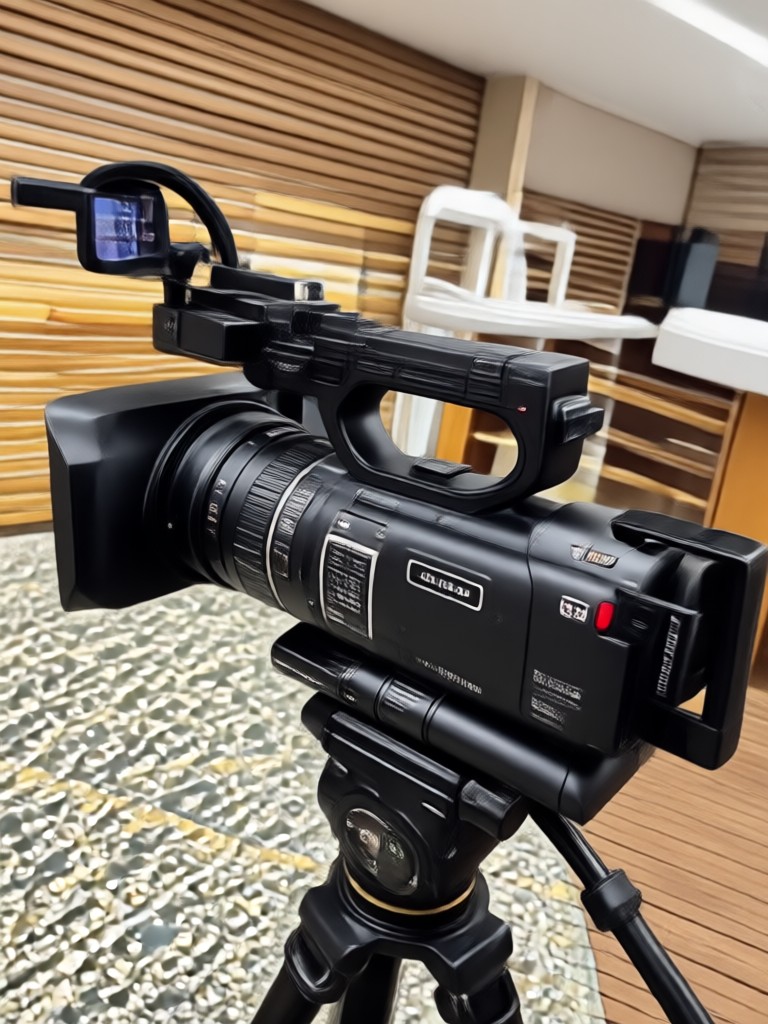
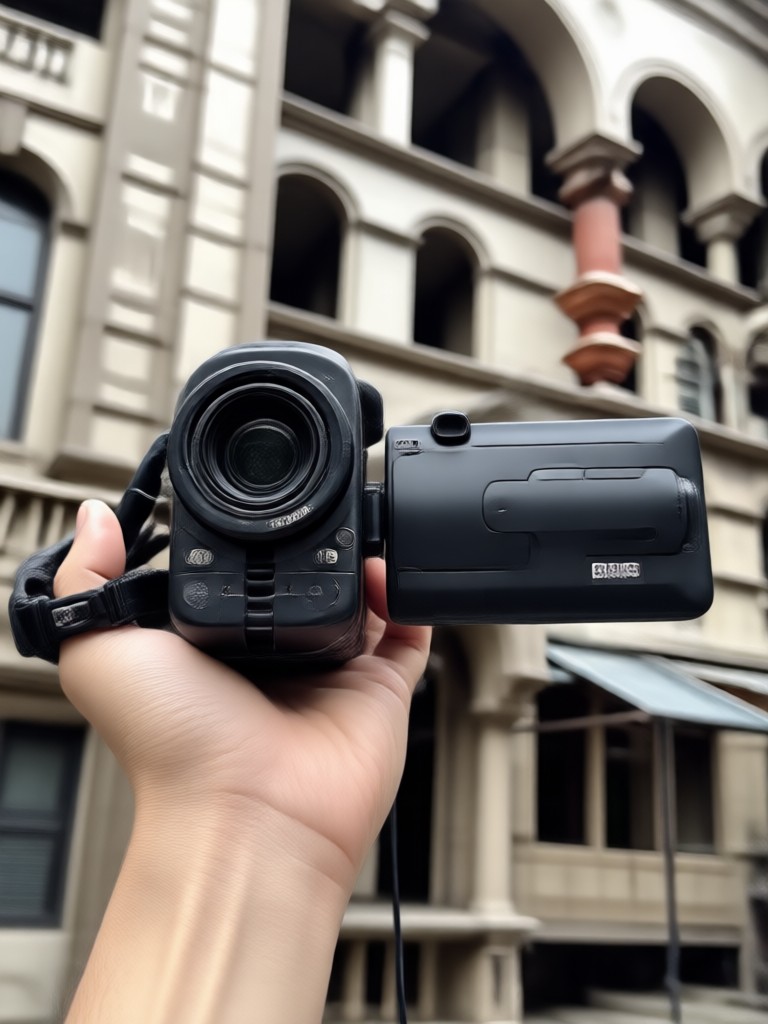
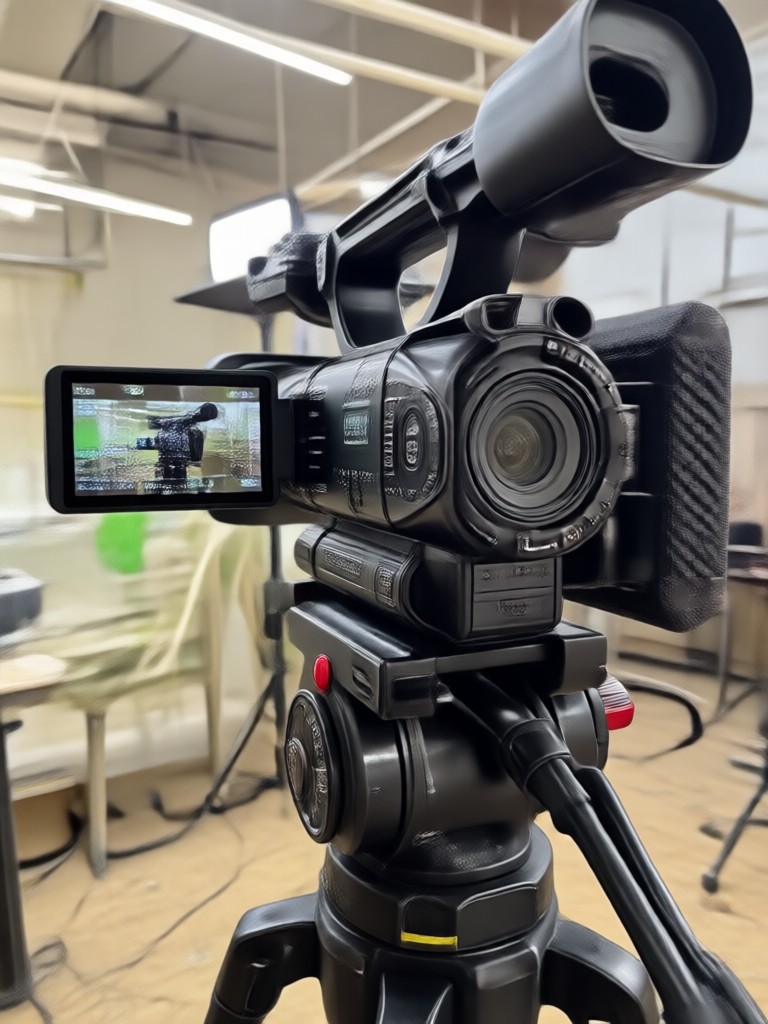
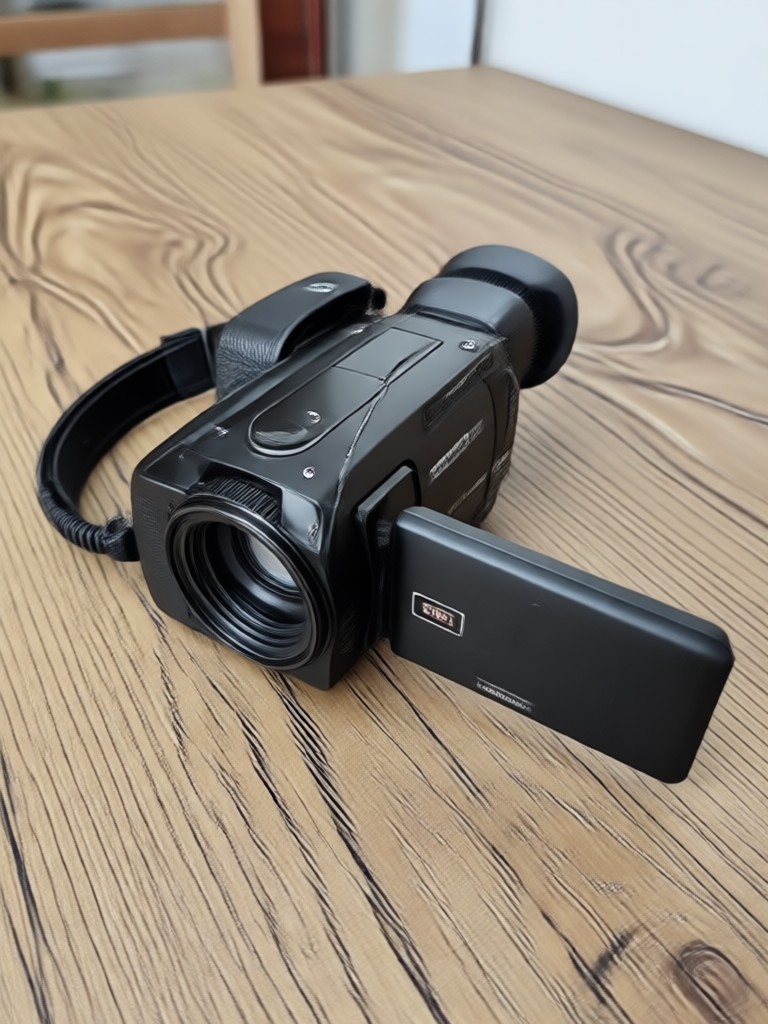
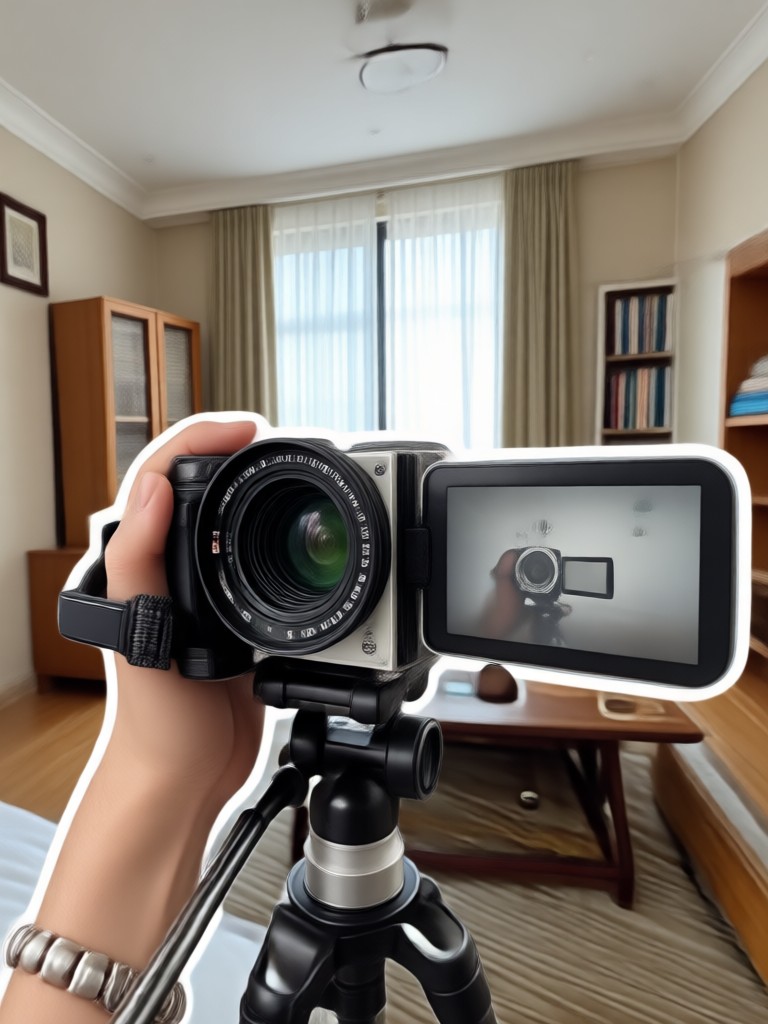
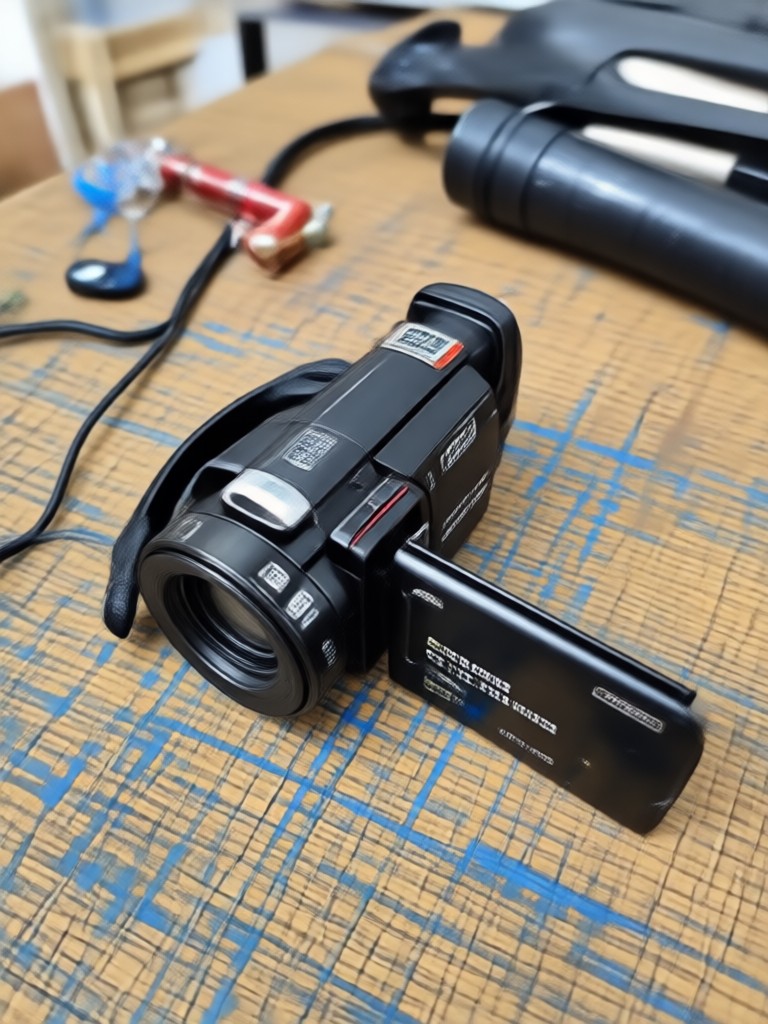
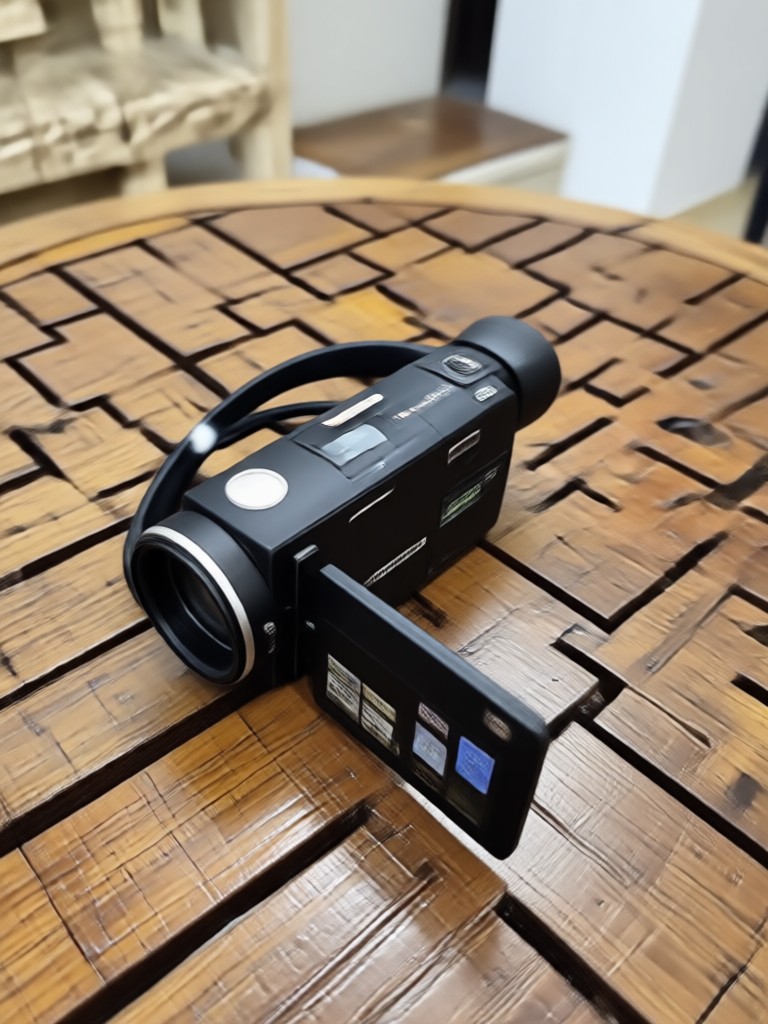
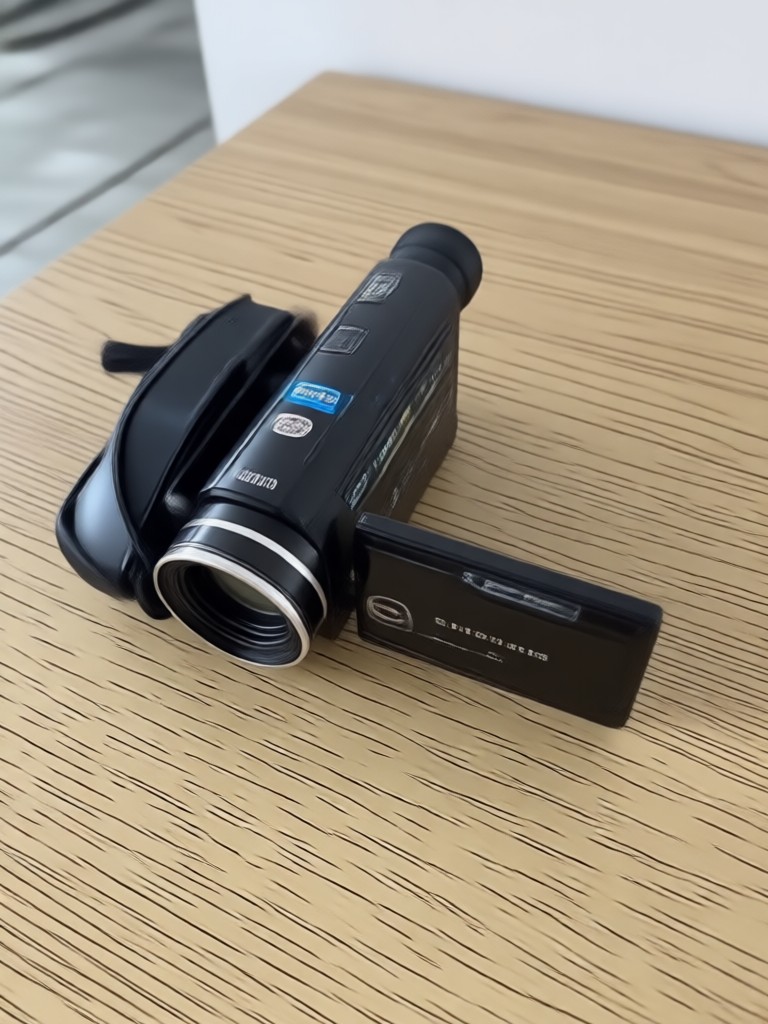
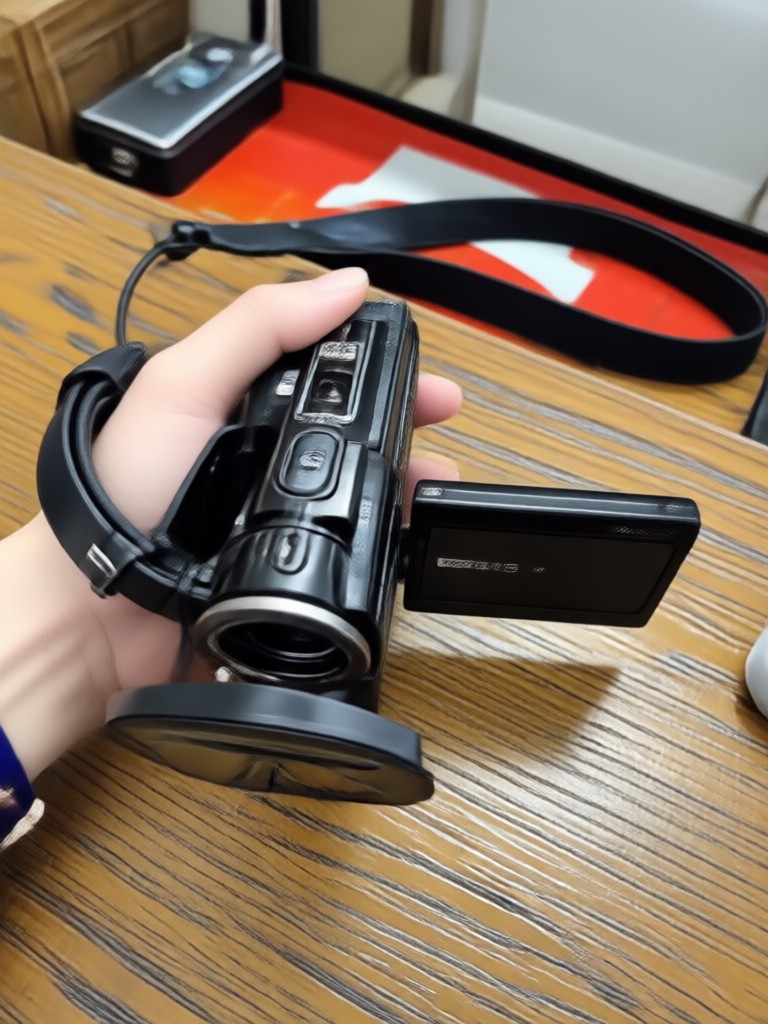
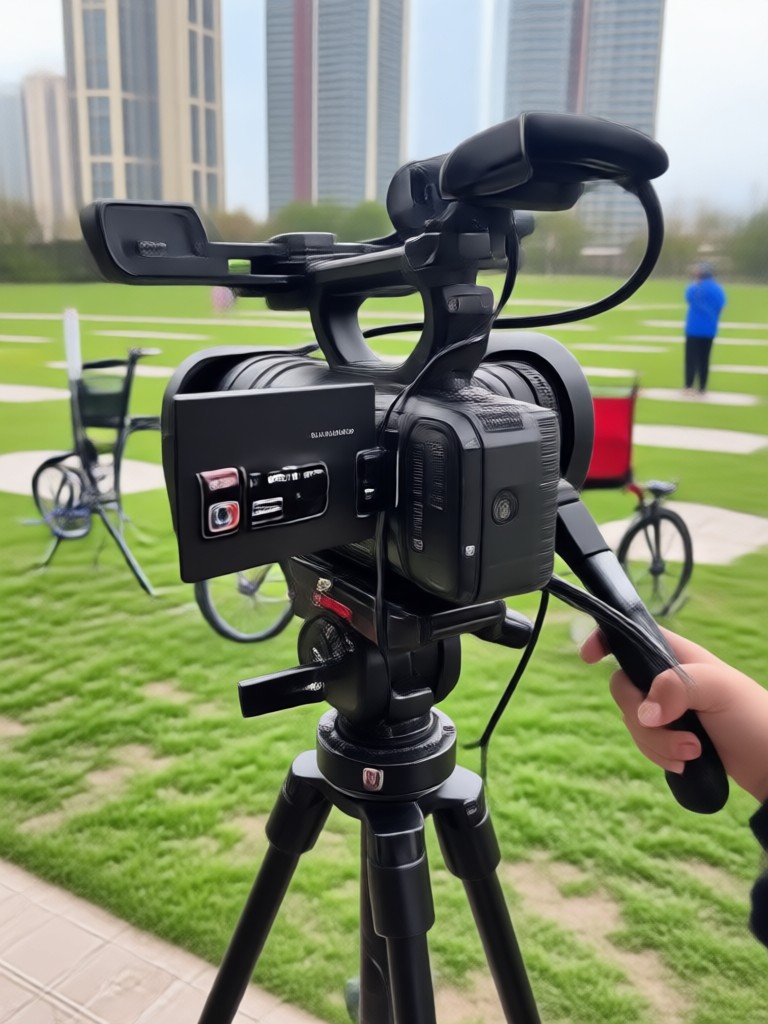
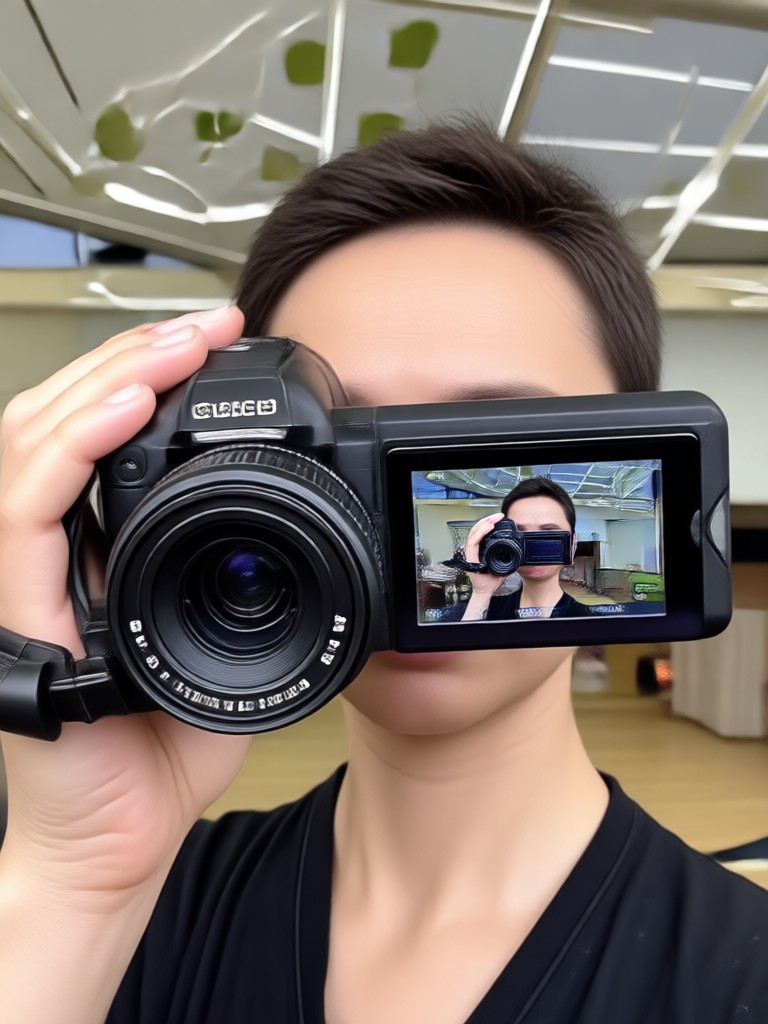
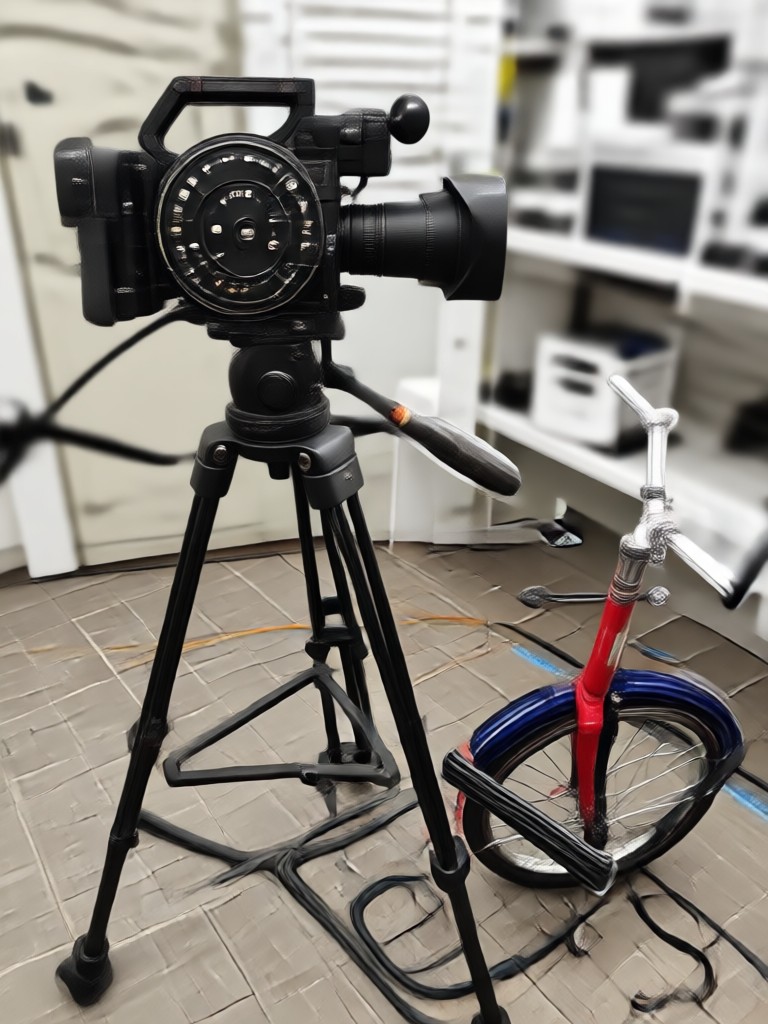
See how ordinary photos and clips transform into nostalgic camcorder videos with retro grain, date stamps, and warm glow.
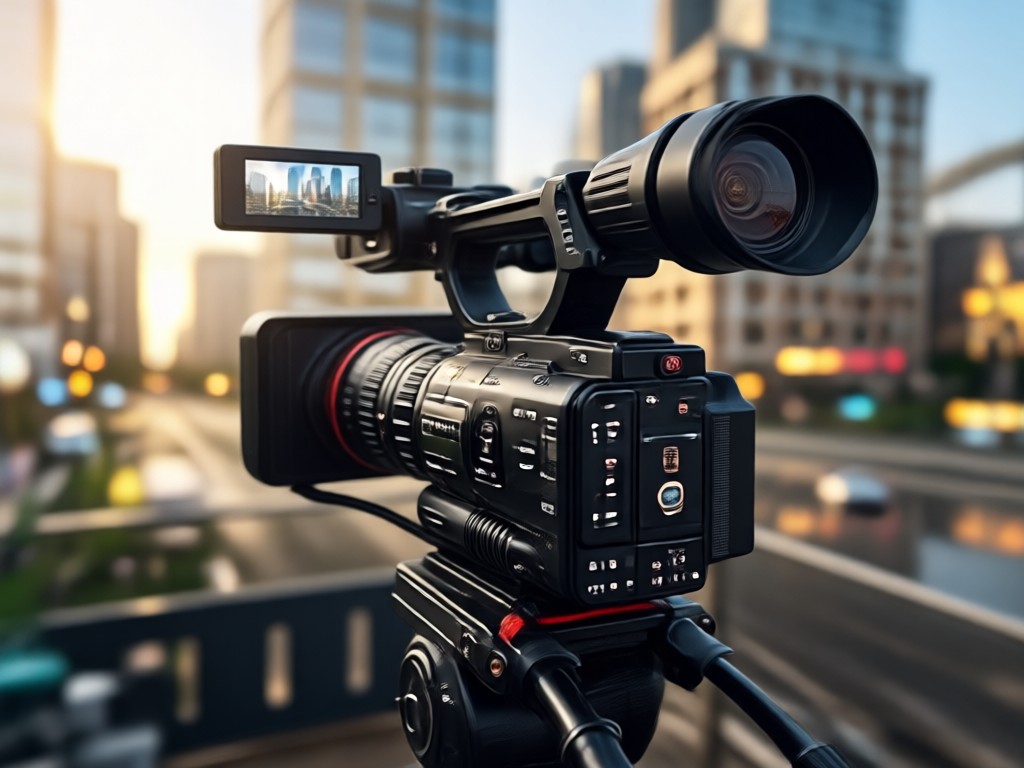
Why Use the Camcorder Video Filter
Turn everyday moments into nostalgic home videos. The camcorder effect adds instant emotional depth and a viral ready aesthetic to your social media content. No complex editing tools or timelines required.
Why Use the Camcorder Video Filter
Turn everyday moments into nostalgic home videos. The camcorder effect adds instant emotional depth and a viral ready aesthetic to your social media content. No complex editing tools or timelines required.
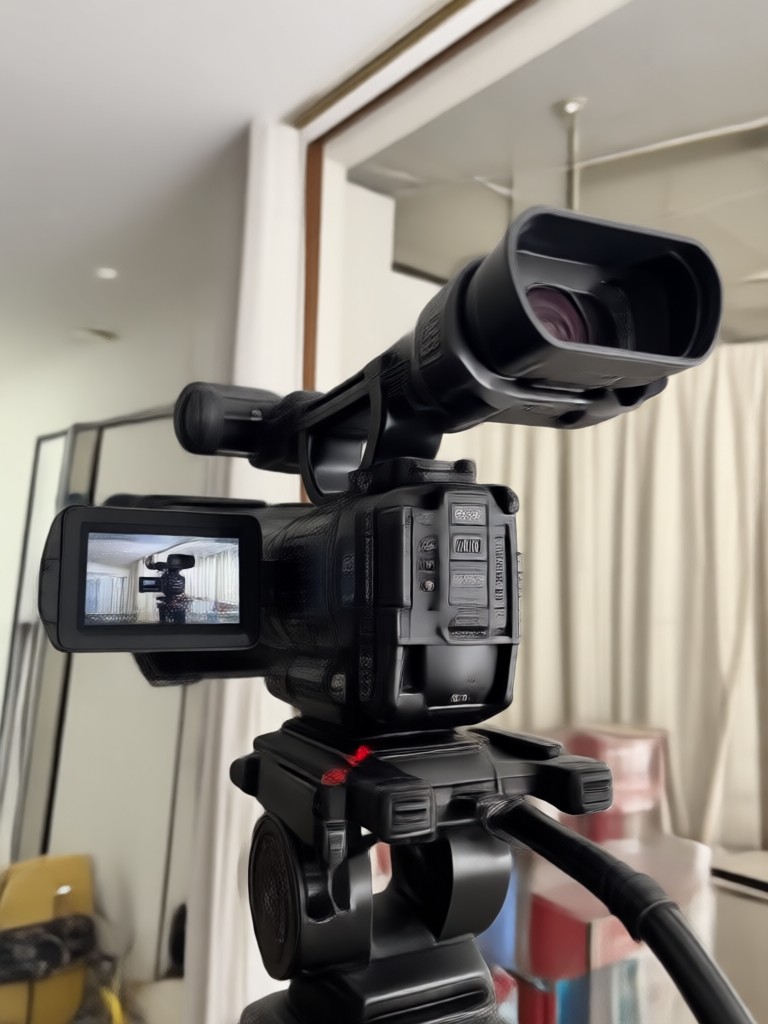
Get the Camcorder Video App for Android
Download makmak on Google Play and apply realistic camcorder filters to any photo or video in seconds.

Who Uses the Camcorder Video Effect

Louis Yule
I use the camcorder filter to make my travel clips feel like old family tapes. The date stamp and grain are incredibly realistic.

Mandy Sander
As a content creator, the camcorder video effect helps my TikToks stand out. People think I used an actual VHS camera.

Orville Garcia
I turned my parents' wedding photo into a moving camcorder clip. It was emotional and looked completely authentic.

Sam Green
The Hi8 filter is my favorite. It gives my music promos that warm, nostalgic look without any complicated software.
Louis Yule
I use the camcorder filter to make my travel clips feel like old family tapes. The date stamp and grain are incredibly realistic.
Mandy Sander
As a content creator, the camcorder video effect helps my TikToks stand out. People think I used an actual VHS camera.
Orville Garcia
I turned my parents' wedding photo into a moving camcorder clip. It was emotional and looked completely authentic.
Sam Green
The Hi8 filter is my favorite. It gives my music promos that warm, nostalgic look without any complicated software.
Louis Yule
I use the camcorder filter to make my travel clips feel like old family tapes. The date stamp and grain are incredibly realistic.
Mandy Sander
As a content creator, the camcorder video effect helps my TikToks stand out. People think I used an actual VHS camera.
Orville Garcia
I turned my parents' wedding photo into a moving camcorder clip. It was emotional and looked completely authentic.
Sam Green
The Hi8 filter is my favorite. It gives my music promos that warm, nostalgic look without any complicated software.
Frequently Asked Questions About Camcorder Video
Find clear answers about creating retro camcorder videos with the makmak app.
More Topics You May Like
Explore related retro video and filter topics to spark your next creation.
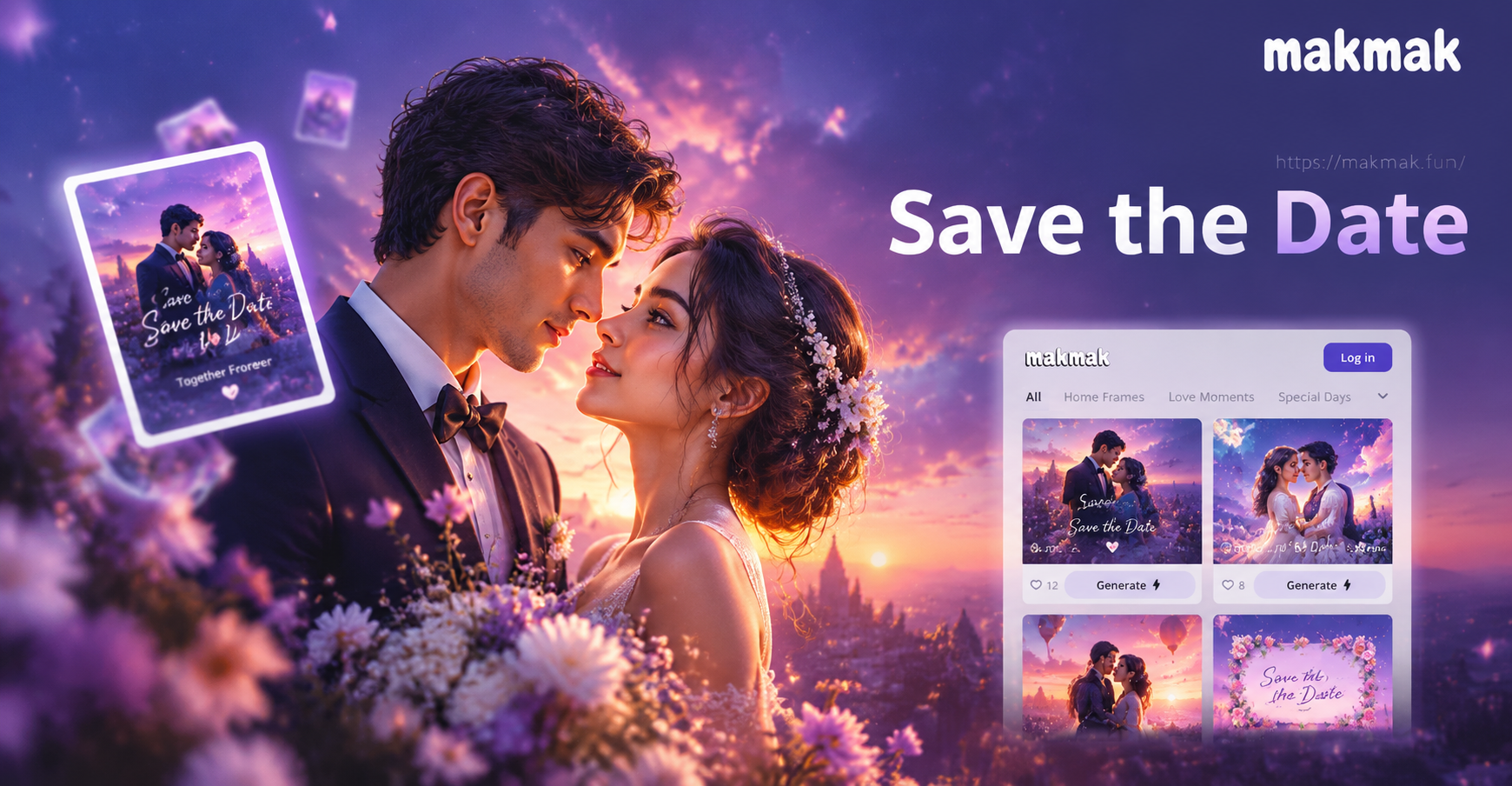
AI Save The Date Card: Stunning Wedding Announcements

Remove Background from MP4 Videos Instantly with AI
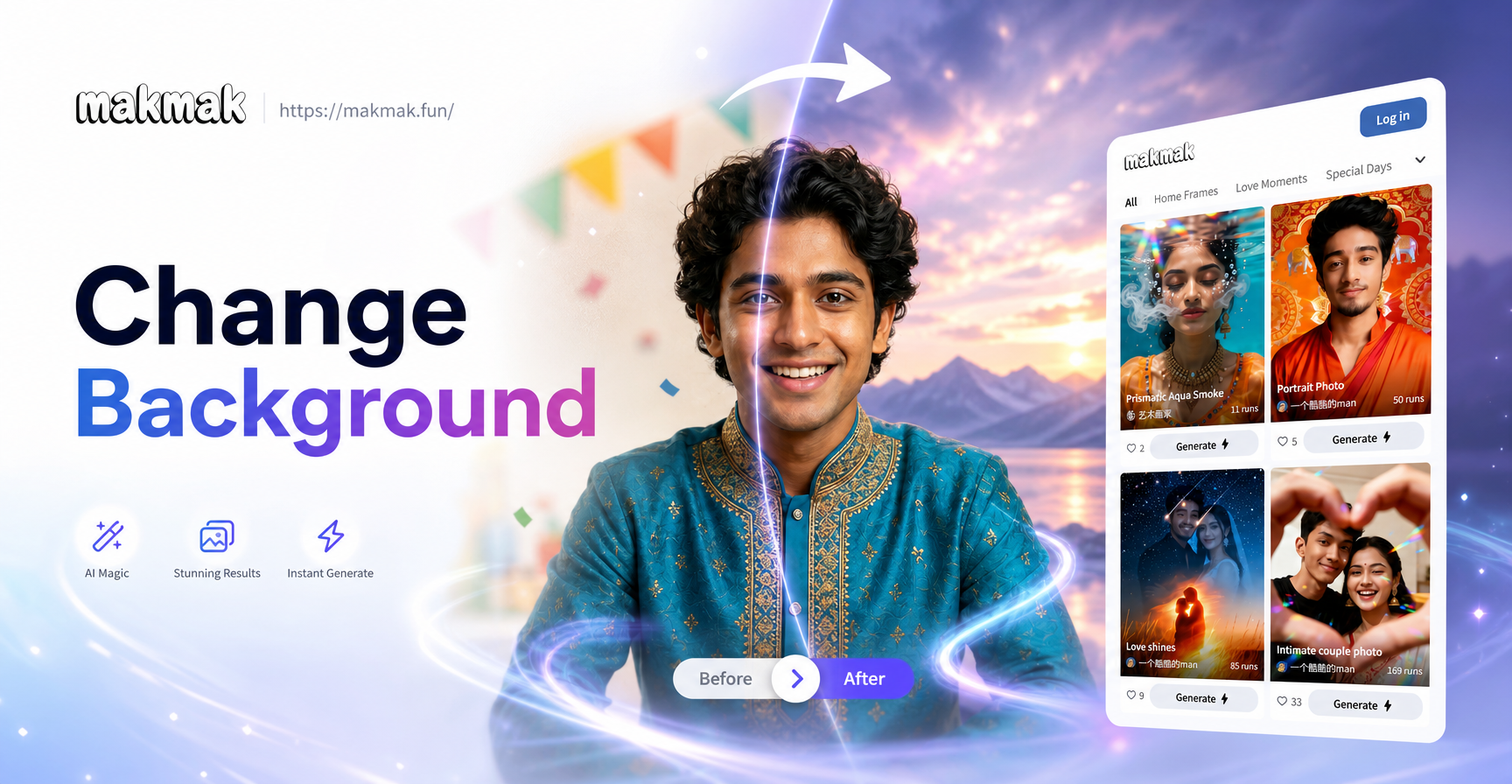
Change Background From Image: AI Photo Editor App
Enhance An Image with AI: Sharpen, Upscale & Restore
AI Save The Date Card: Stunning Wedding Announcements
Remove Background from MP4 Videos Instantly with AI
Change Background From Image: AI Photo Editor App
Enhance An Image with AI: Sharpen, Upscale & Restore
Turn Any Clip Into a Camcorder Video
Download makmak and start making nostalgic camcorder videos with realistic grain, date stamps, and retro color in seconds.
Turn Any Clip Into a Camcorder Video
Download makmak and start making nostalgic camcorder videos with realistic grain, date stamps, and retro color in seconds.