Add Rainbow To Photo
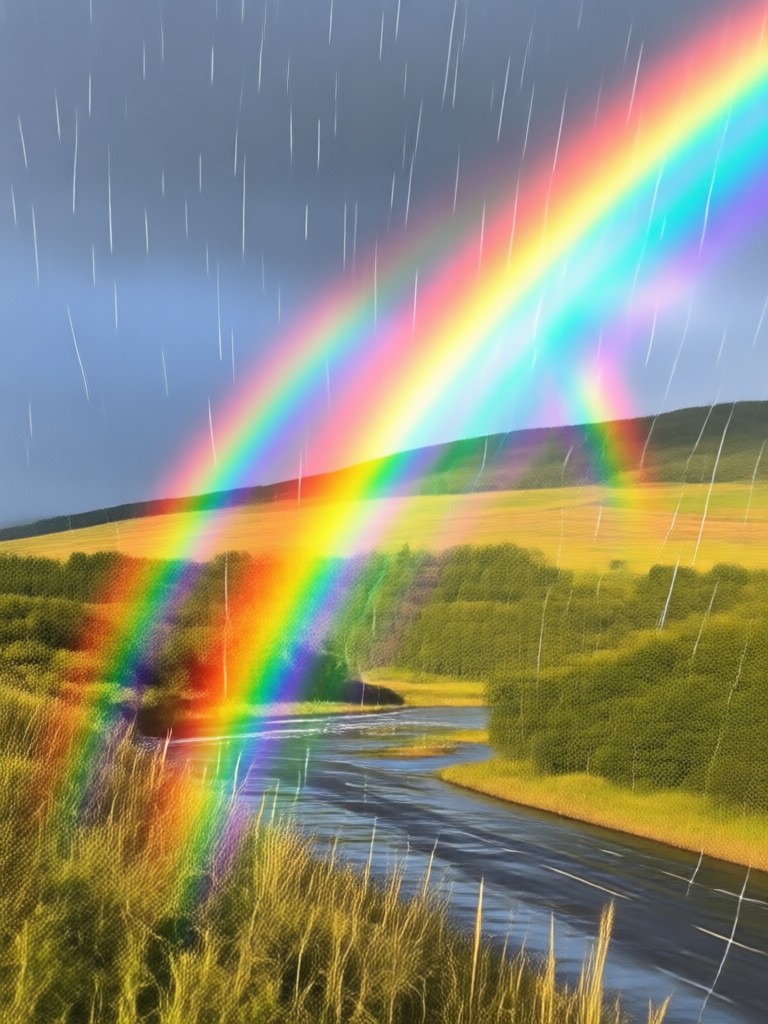
Choose Your Perfect Rainbow Style
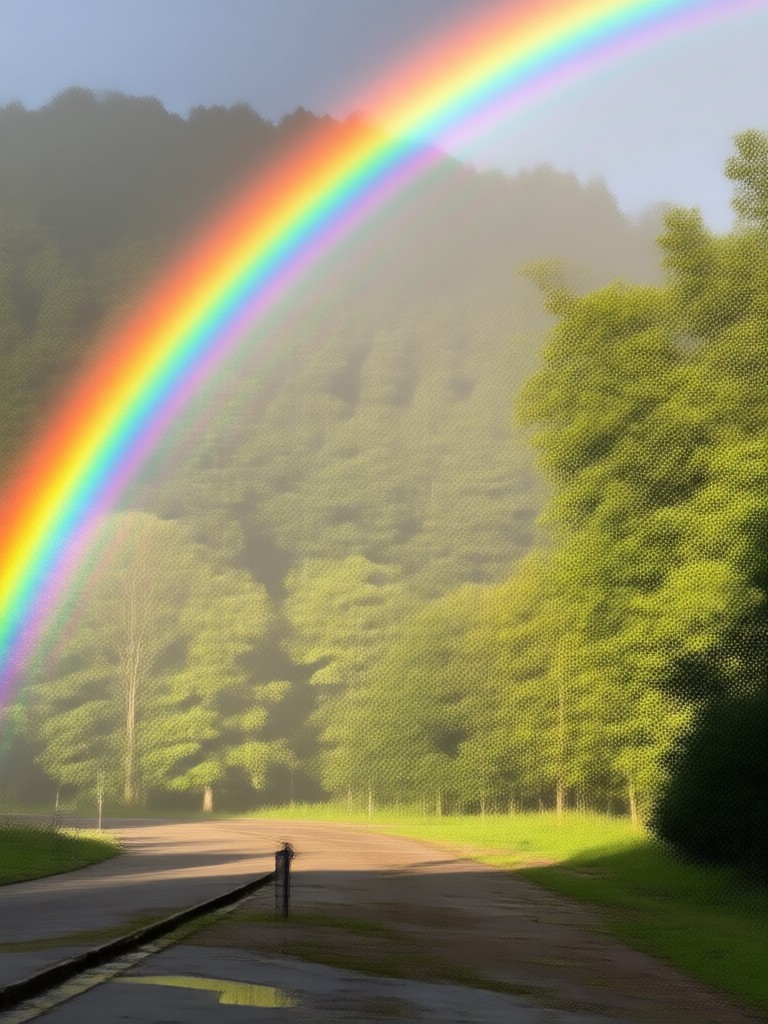
Discover a spectrum of rainbow filters, from photorealistic light refraction to vibrant artistic overlays. Find the effect that matches your photo's mood and aesthetic.
Why Add Rainbows with makmak AI
Our AI understands light, composition, and atmosphere to place perfectly integrated rainbows that look like they were always part of the scene.
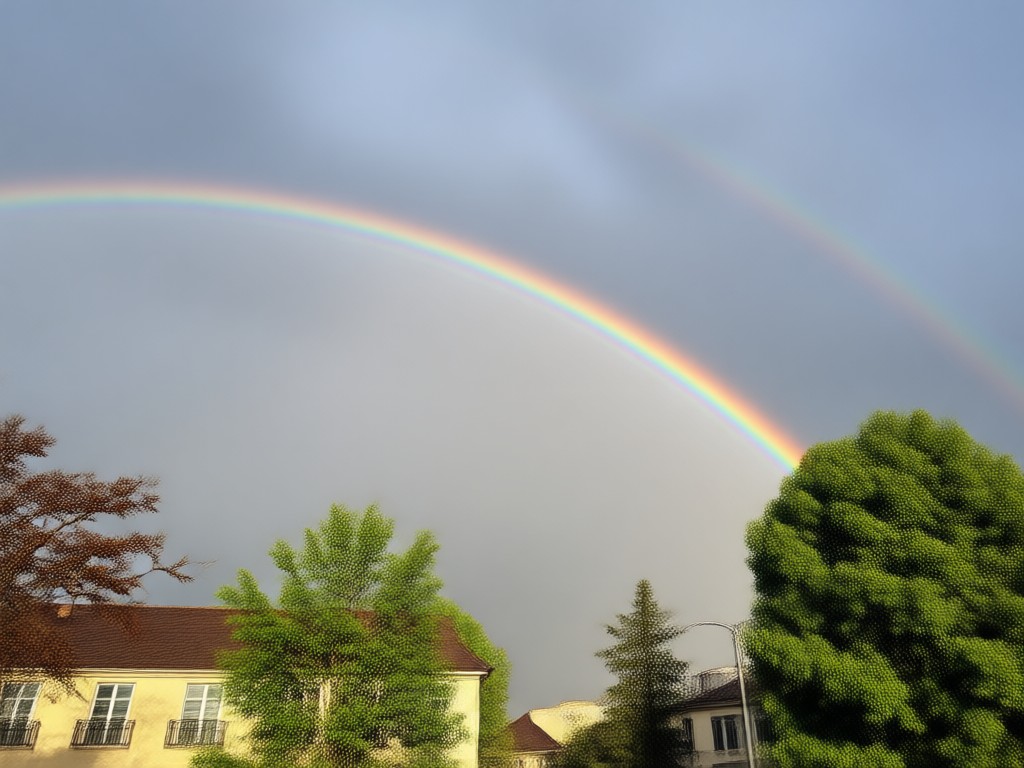
Photorealistic Rainbow Placement
AI analyzes your photo's lighting source, perspective, and environment to generate rainbows with correct light refraction, transparency, and natural blending. No awkward, floating overlays.
Photorealistic Rainbow Placement
AI analyzes your photo's lighting source, perspective, and environment to generate rainbows with correct light refraction, transparency, and natural blending. No awkward, floating overlays.
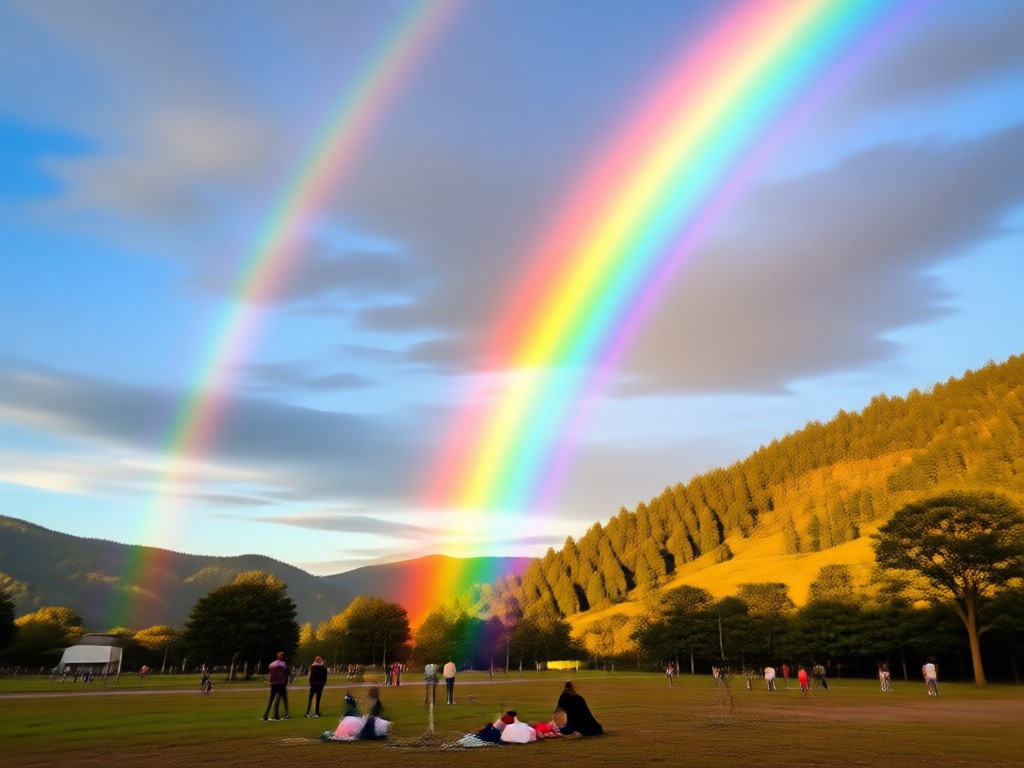
Endless Artistic Variations
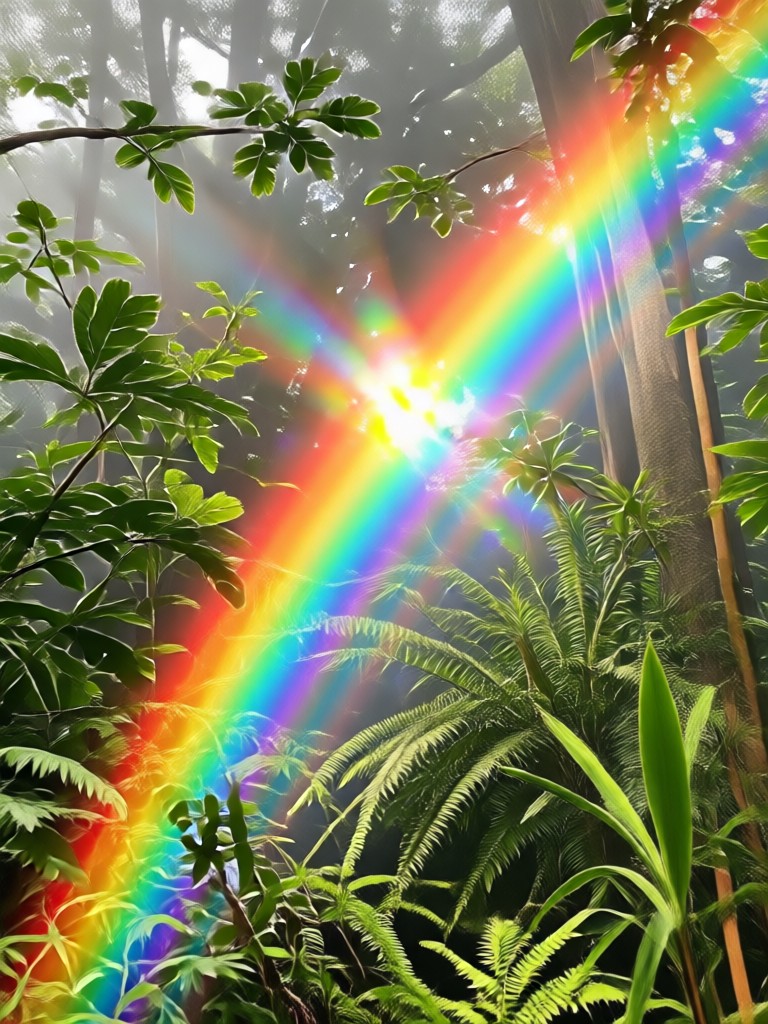
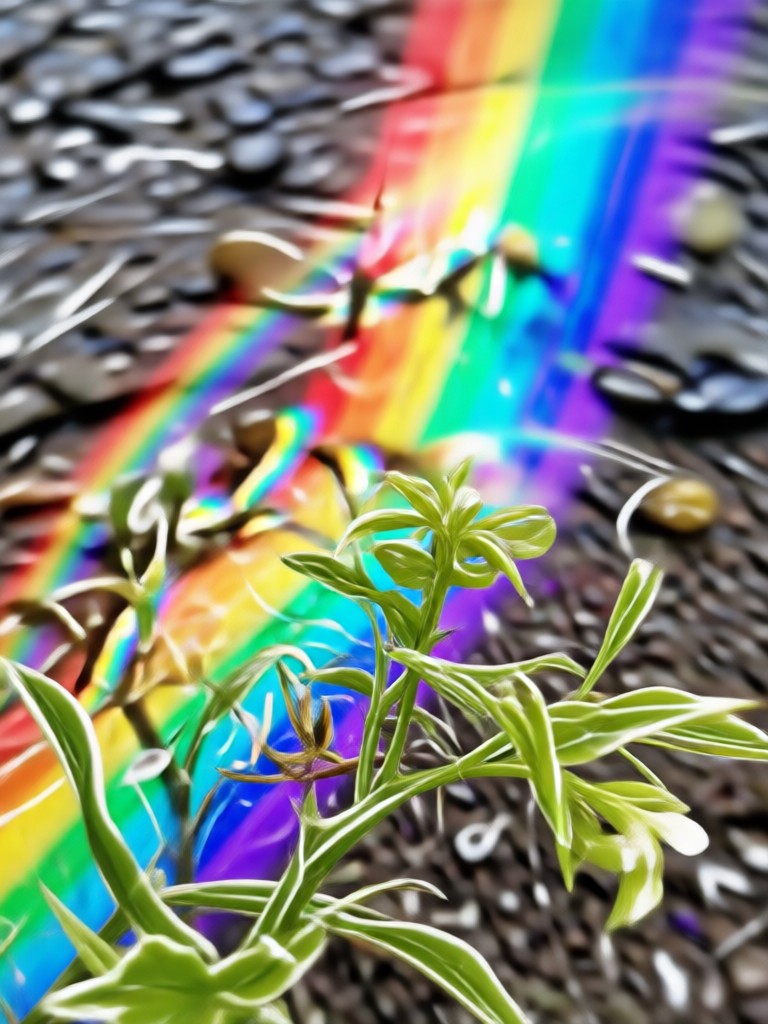
Go beyond realism. Choose from artistic styles like watercolor rainbows, neon light beams, glitter trails, or cartoonish arches. Completely transform the vibe of your image.
Endless Artistic Variations
Go beyond realism. Choose from artistic styles like watercolor rainbows, neon light beams, glitter trails, or cartoonish arches. Completely transform the vibe of your image.
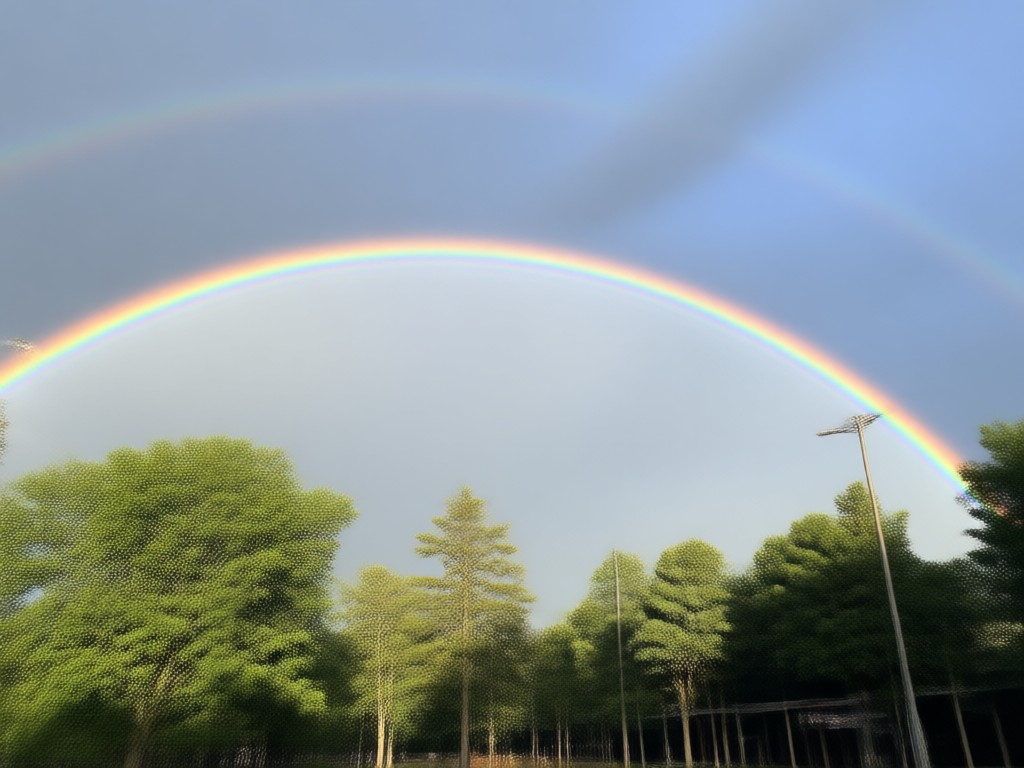
One-Click Background Enhancement
Our AI doesn't just add a rainbow. It can subtly adjust sky contrast, enhance clouds, or add complementary lighting effects to make the entire scene pop cohesively.
One-Click Background Enhancement
Our AI doesn't just add a rainbow. It can subtly adjust sky contrast, enhance clouds, or add complementary lighting effects to make the entire scene pop cohesively.
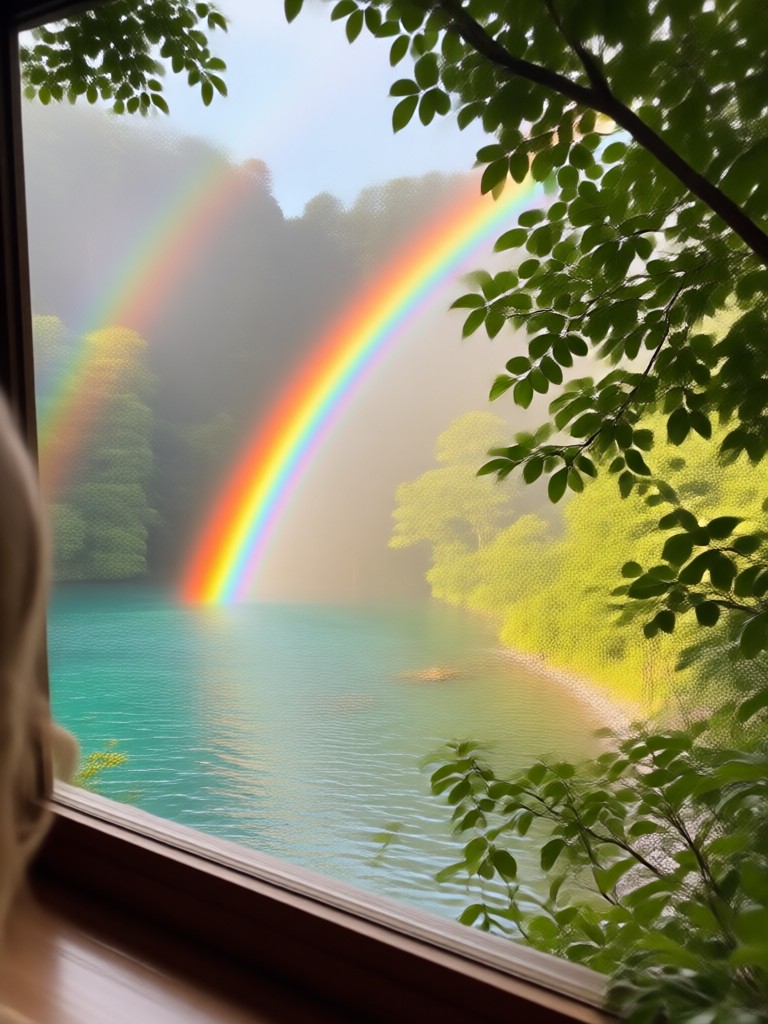
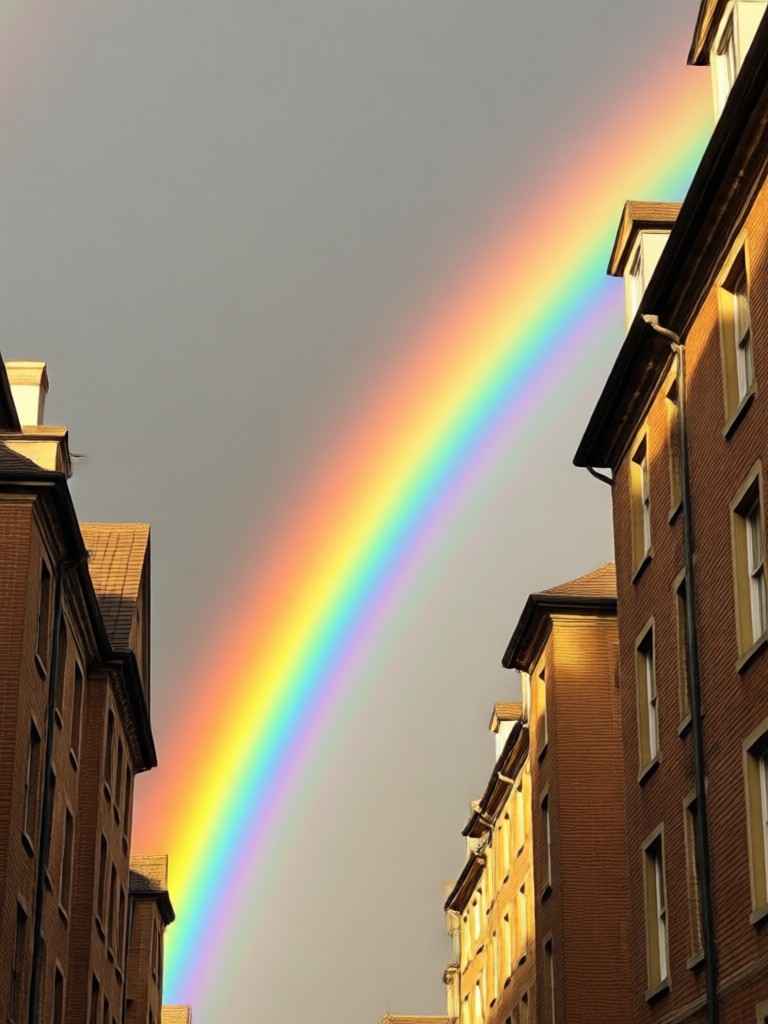
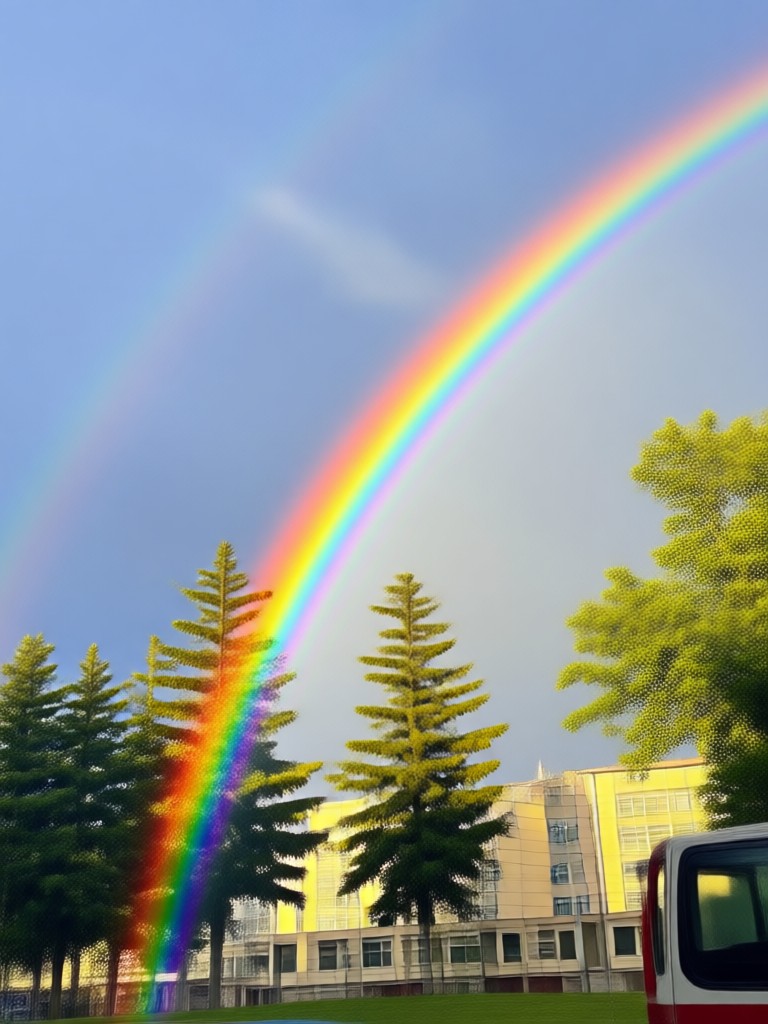
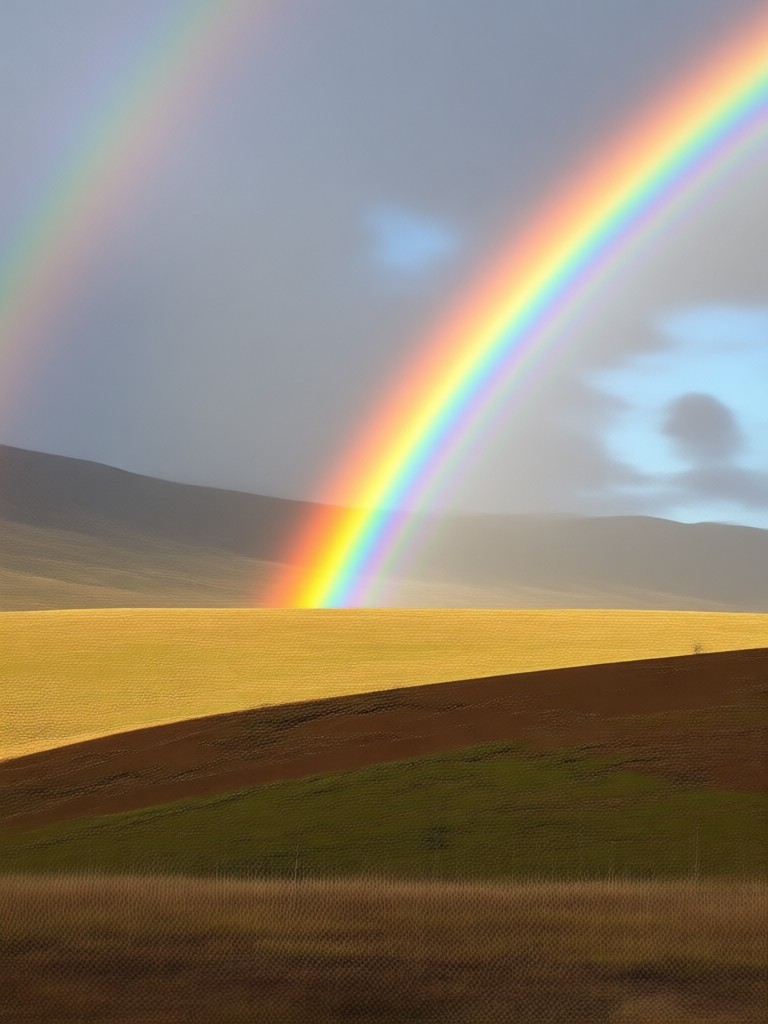
Rainbow Effect Inspiration Gallery
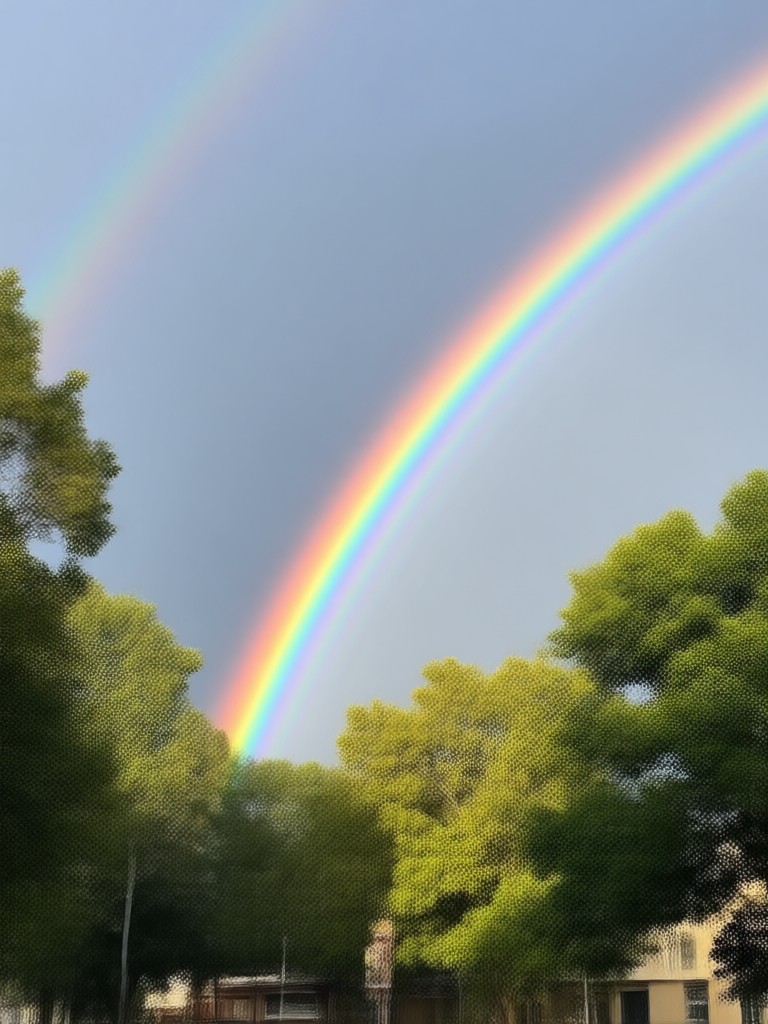
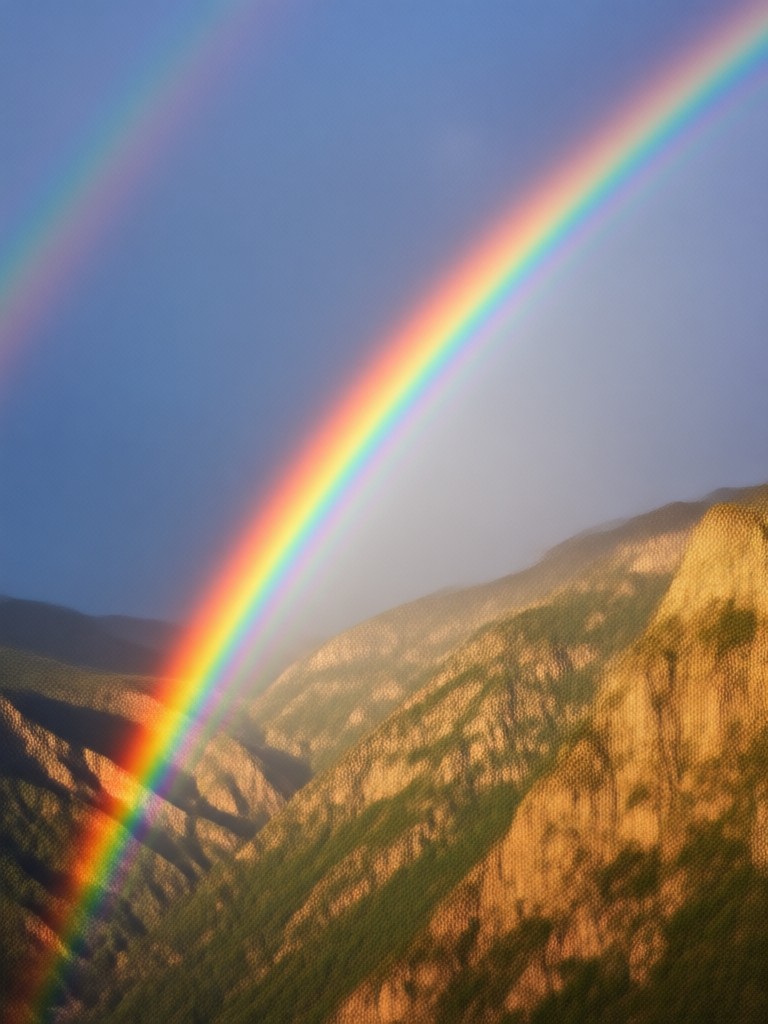
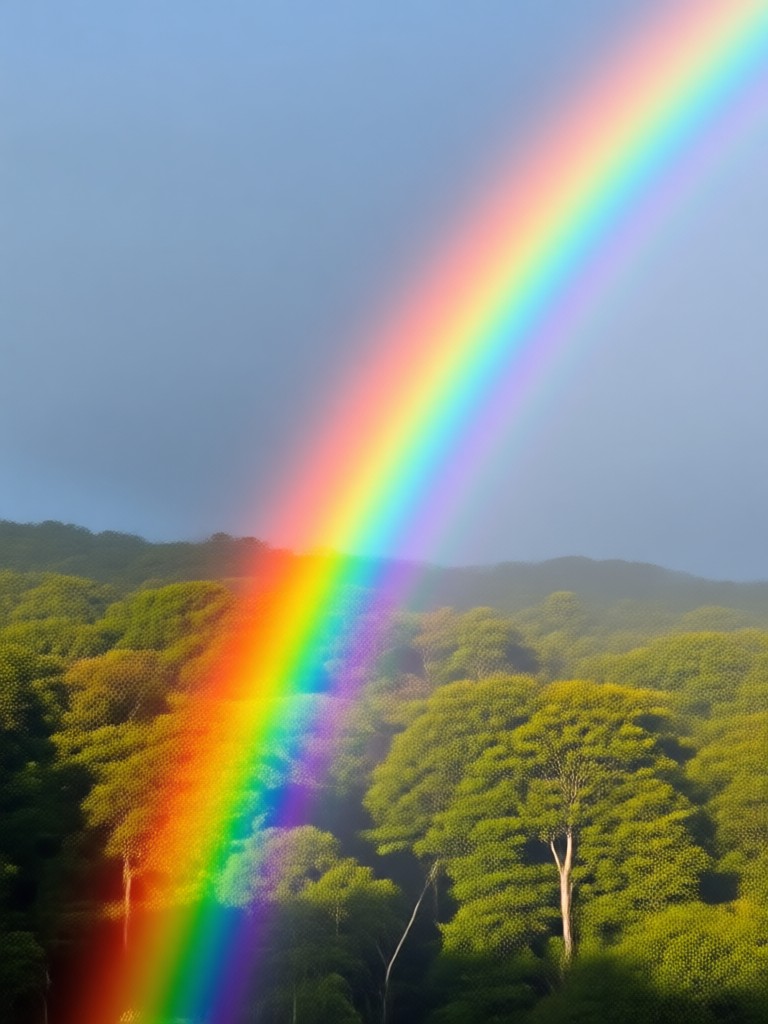
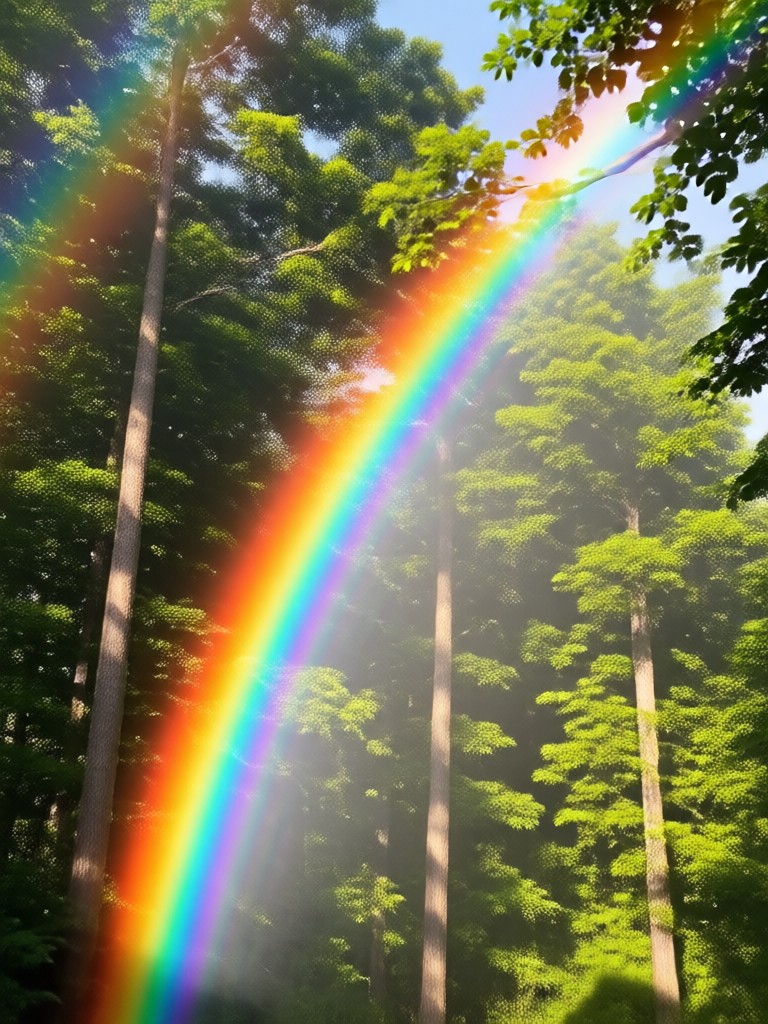
See how others have transformed their portraits, landscapes, and cityscapes with stunning AI rainbow effects. Get ideas for your next creation.
How to Add a Rainbow to a Photo?
Create stunning rainbow photos in just three simple steps with the makmak AI app. No design skills required.

Step 01.
Download the free makmak app from Google Play. Open it and select the 'Photo Effects' or 'Filters' section to begin.

Step 02.
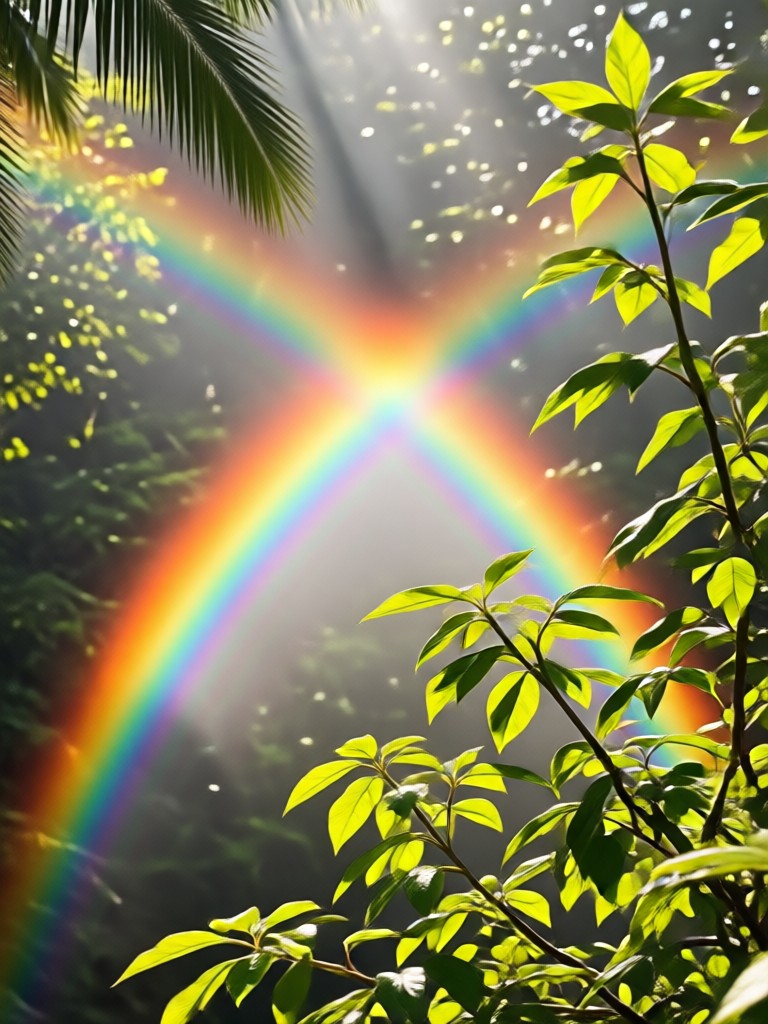
Upload your photo and browse the 'Rainbow' or 'Nature' filter categories. Preview different rainbow styles like Realistic, Artistic, Neon, or Double Rainbow.

Step 03.
Apply your chosen effect with one tap. Adjust intensity if desired, then save your magical rainbow photo directly to your device to share.
See What Users Are Creating
Saved my vacation photo!
I had a great landscape shot but the sky was bland. I used makmak to add a perfect double rainbow. It looks so real my friends asked where I saw it. The AI placed it perfectly between the mountains.
My go-to for social media content
I run a lifestyle Instagram page. Adding subtle rainbow effects to my portraits or flat lays makes them stand out instantly. The artistic neon rainbow filter is a huge hit with my followers.
So easy, my kids can do it
My children love adding cartoon rainbows to pictures of our dog. The app is incredibly simple. We've made family birthday cards and fun wall art in minutes. It sparks their creativity.
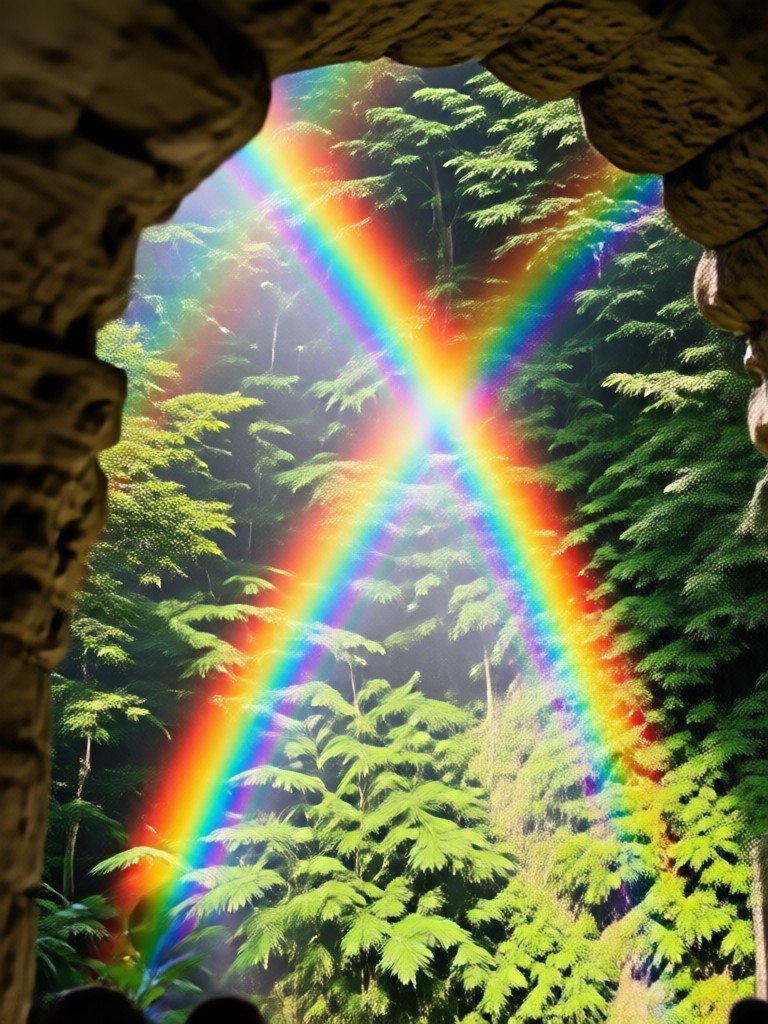
Add Rainbows Anywhere, Anytime
Turn your phone into a pocket-sized rainbow studio. Whether you're editing a landscape, a portrait, or a product shot, bring instant magic with one tap.

Rainbow Photo Effect FAQs
Get quick answers to the most common questions about adding AI rainbows to your photos with the makmak app.
More Effects You May Like
Explore more topics you may like and discover fresh ideas tailored to your interests.

Transform Yourself Into an AI Action Hero
Custom AI Emoji Maker: Generate Your Unique Avatars

Create Dramatic Smoky Portraits with AI

Plan Your Dream Wedding Decor with AI | Free Generator
Transform Yourself Into an AI Action Hero
Custom AI Emoji Maker: Generate Your Unique Avatars
Create Dramatic Smoky Portraits with AI
Plan Your Dream Wedding Decor with AI | Free Generator
Bring Magic to Your Photos Today
Don't wait for the perfect weather. Create your own rainbow magic anytime. Download makmak now and transform your photo gallery in seconds.
Bring Magic to Your Photos Today
Don't wait for the perfect weather. Create your own rainbow magic anytime. Download makmak now and transform your photo gallery in seconds.