AI Van Gogh Filter
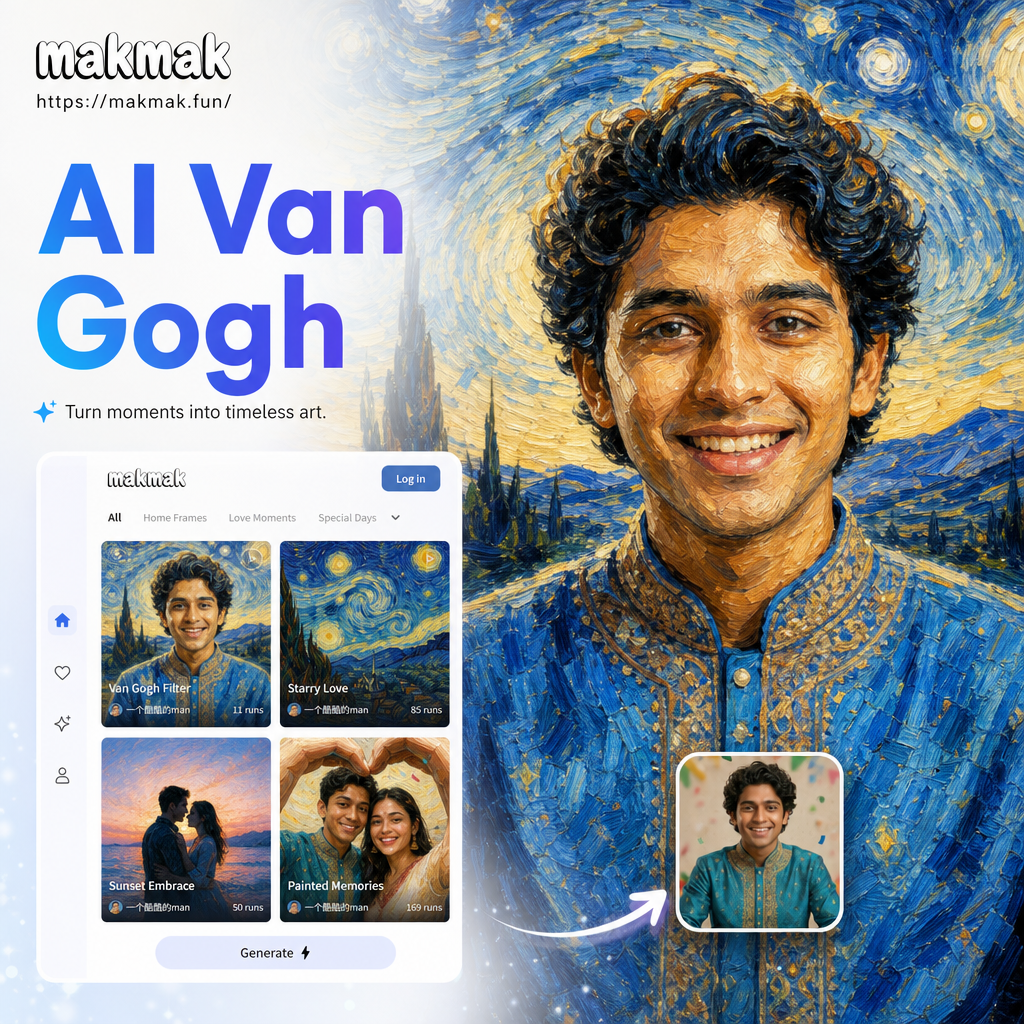
Explore More Artistic Filters
Find the perfect style to transform your photos, from Van Gogh swirls to Monet water lilies. Choose a filter that matches your creative vision and generate stunning AI art in seconds.
Why Use the AI Van Gogh Filter?
The AI Van Gogh filter brings the magic of post impressionism to your photos with realistic brushstrokes and vibrant color palettes. Here is what makes it special.
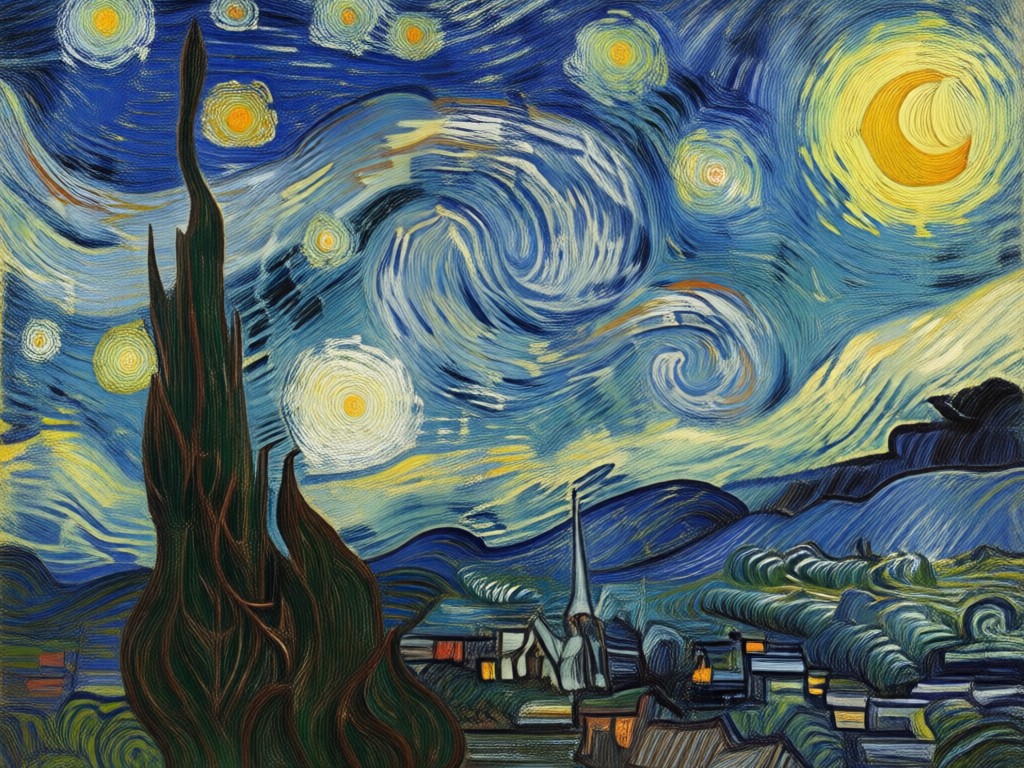
Authentic Brushstroke Texture
Feel the swirls and dashes that mimic Van Gogh's iconic impasto technique. Every stroke is generated by AI to look like a real oil painting, not a cheap overlay.
Authentic Brushstroke Texture
Feel the swirls and dashes that mimic Van Gogh's iconic impasto technique. Every stroke is generated by AI to look like a real oil painting, not a cheap overlay.
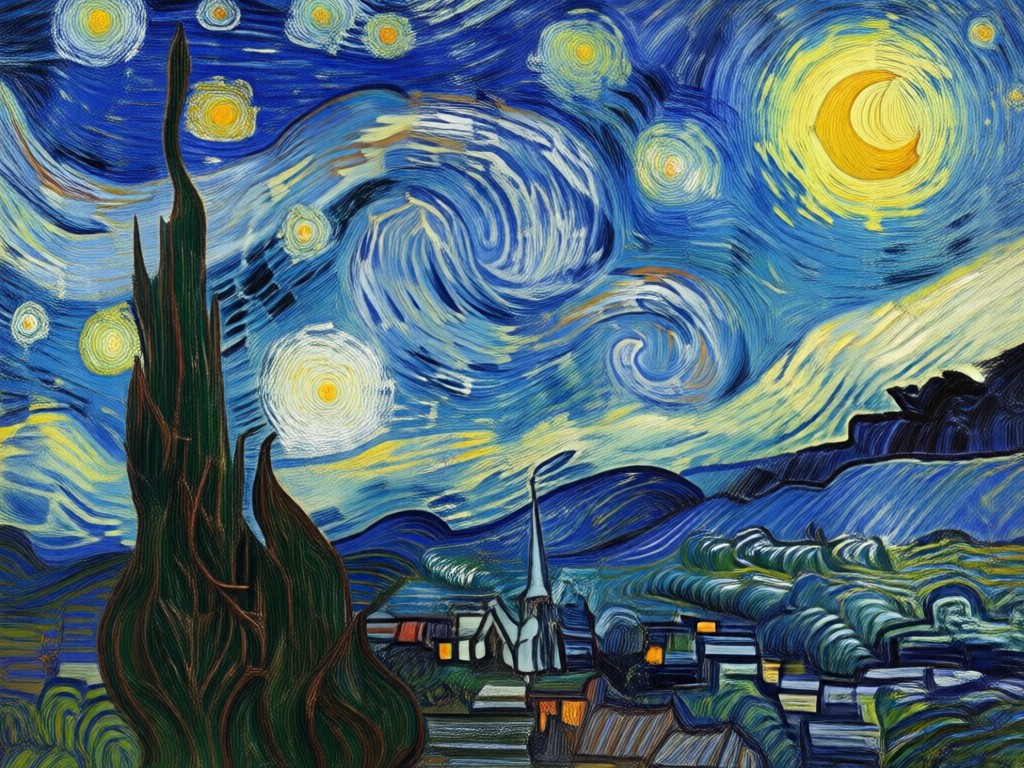
Vivid Post Impressionist Colors
Your photo gets a bold, expressive color palette inspired by Starry Night and Sunflowers. Blues, yellows, and greens pop with intense energy.
Vivid Post Impressionist Colors
Your photo gets a bold, expressive color palette inspired by Starry Night and Sunflowers. Blues, yellows, and greens pop with intense energy.
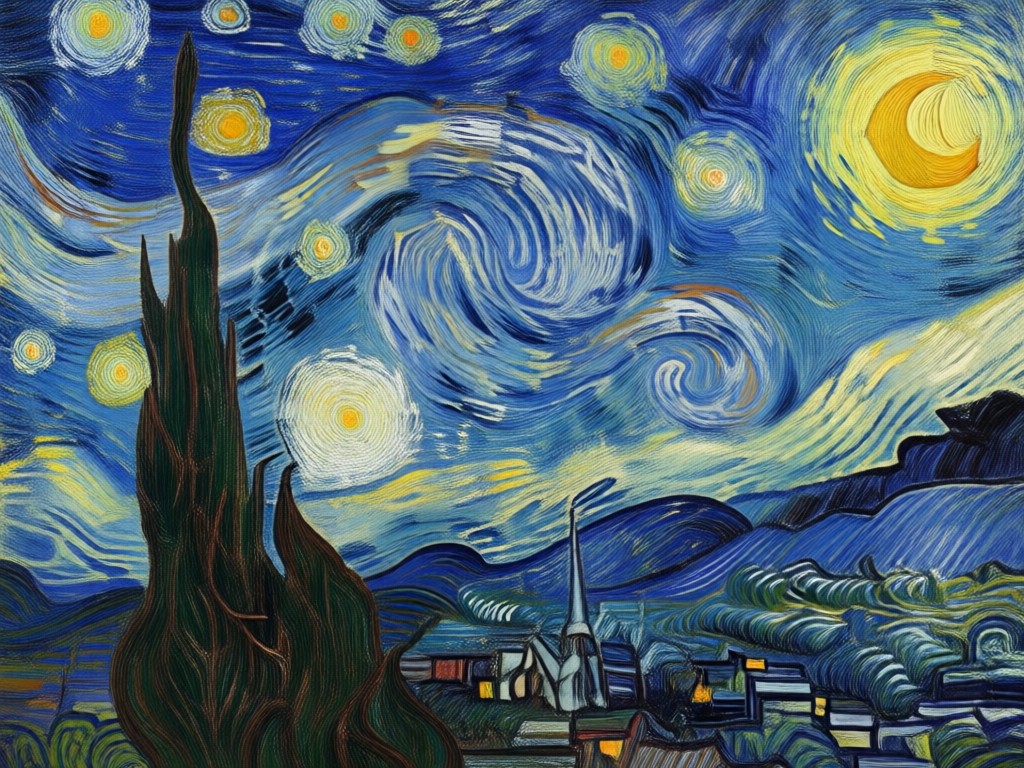
One Tap Art Transformation
No complex editing or prompt writing. Upload a photo, choose the Van Gogh filter, and download a gallery worthy artwork in under ten seconds.
One Tap Art Transformation
No complex editing or prompt writing. Upload a photo, choose the Van Gogh filter, and download a gallery worthy artwork in under ten seconds.
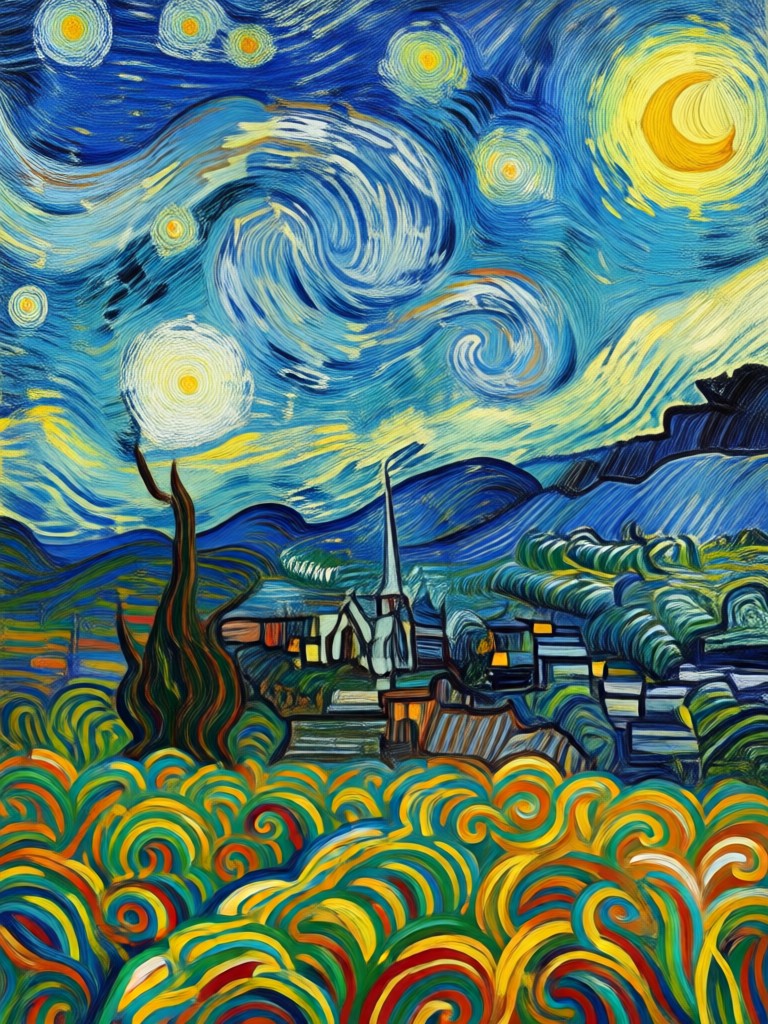
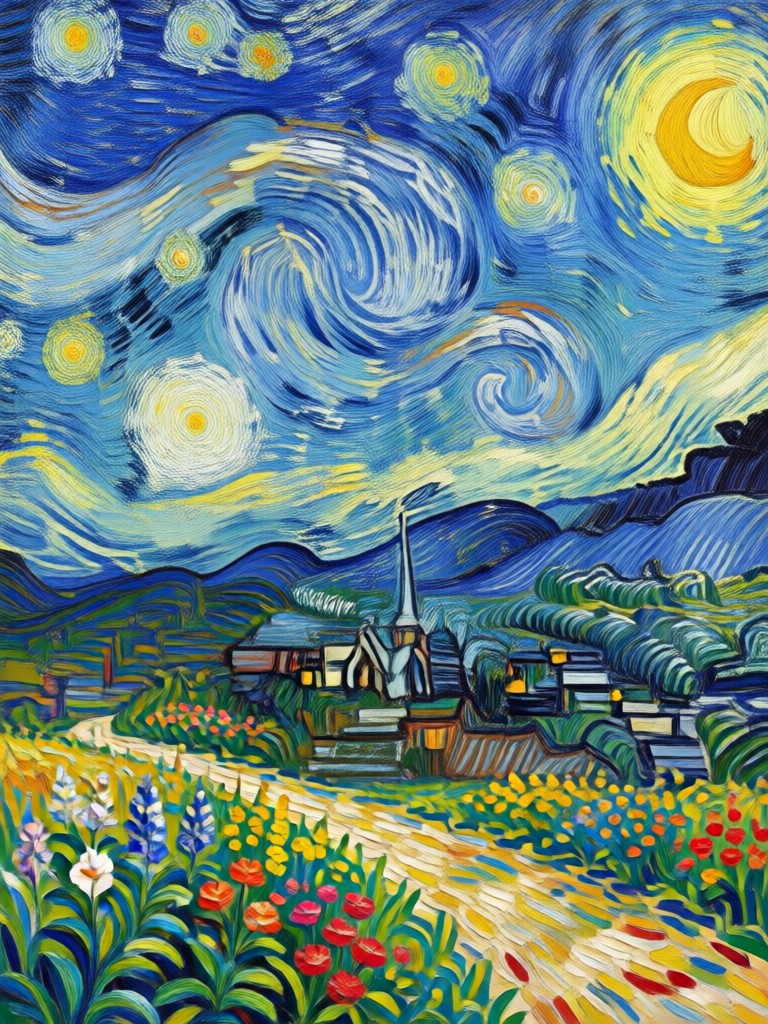
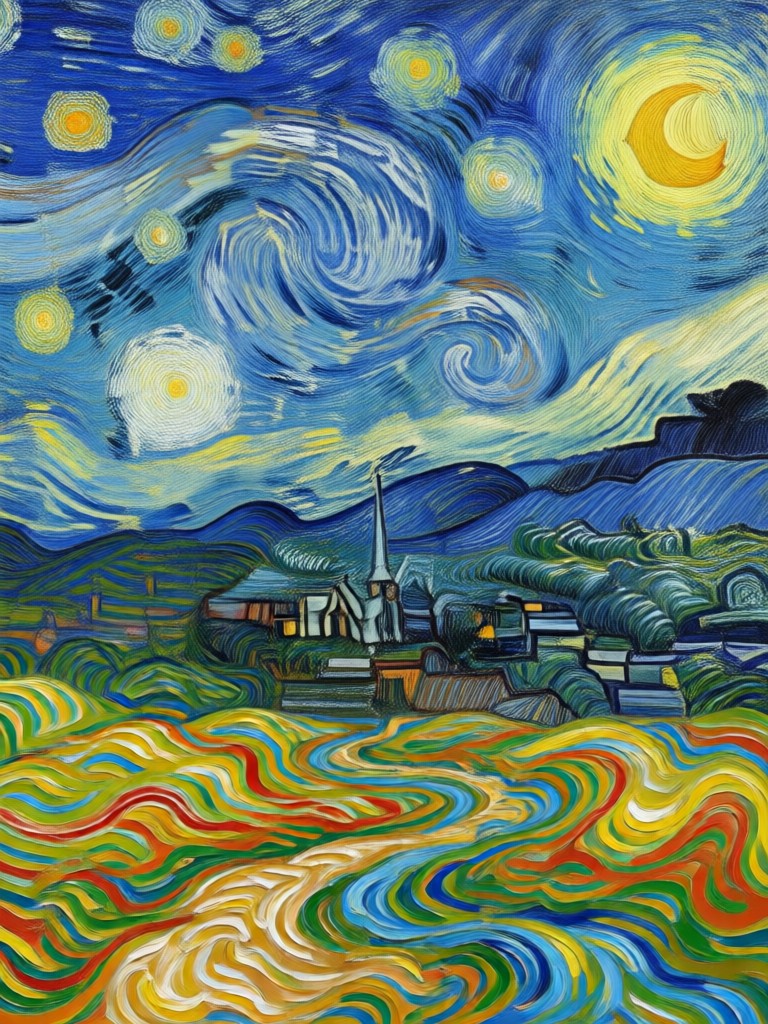
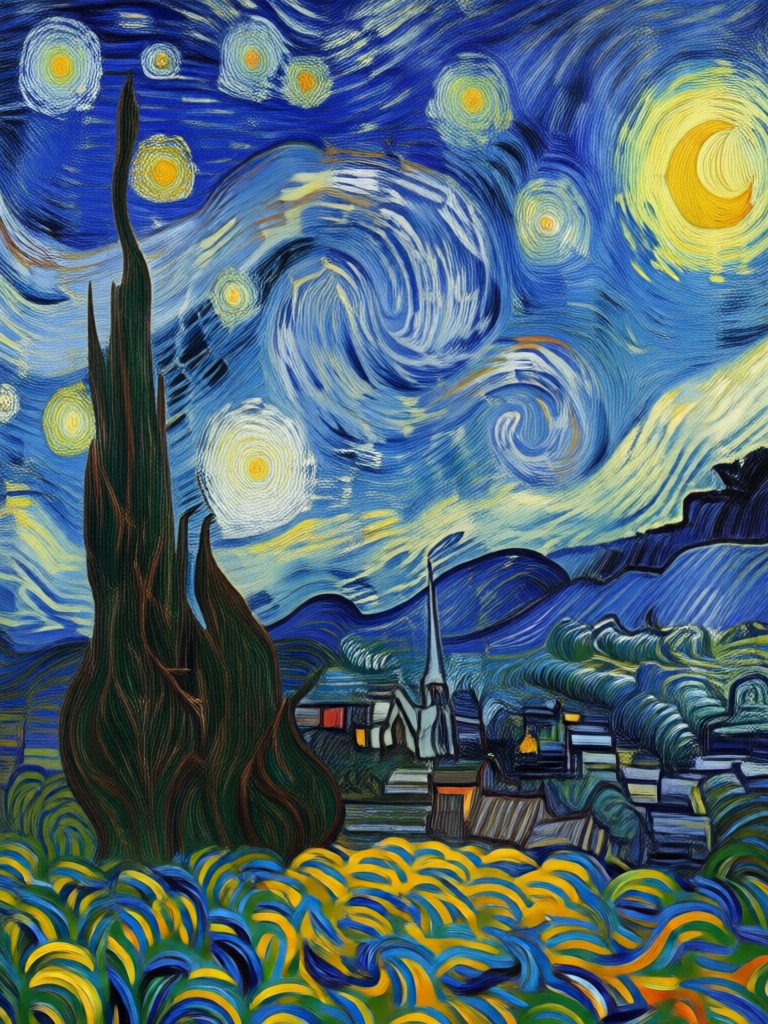
AI Van Gogh Filter Gallery
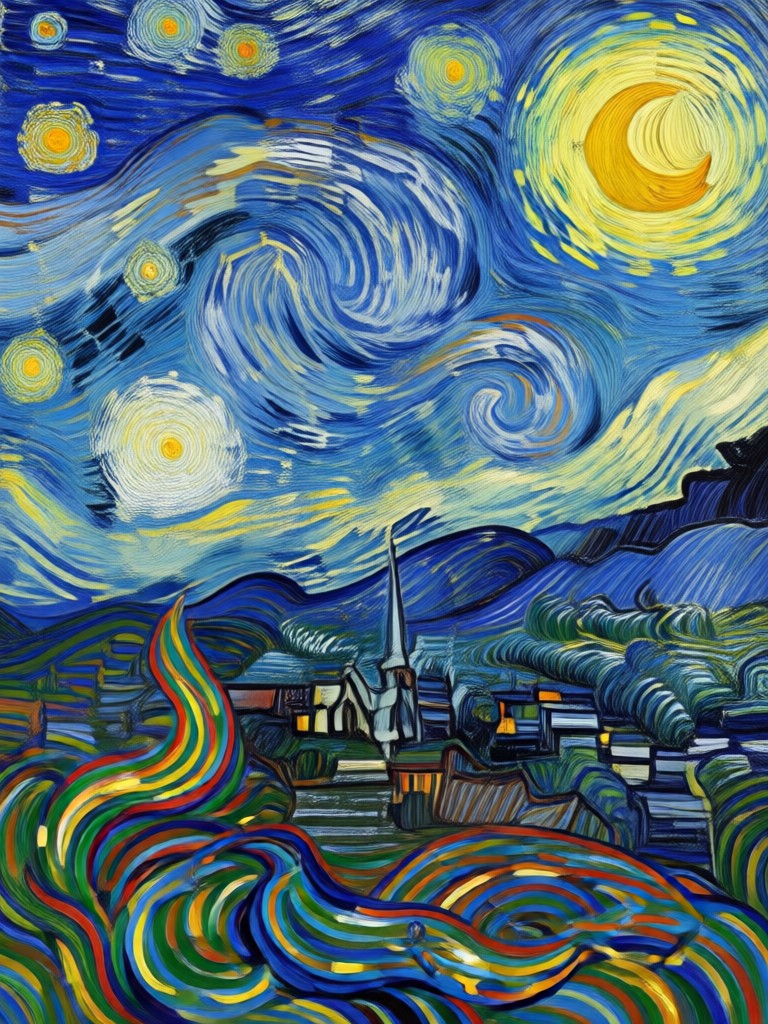
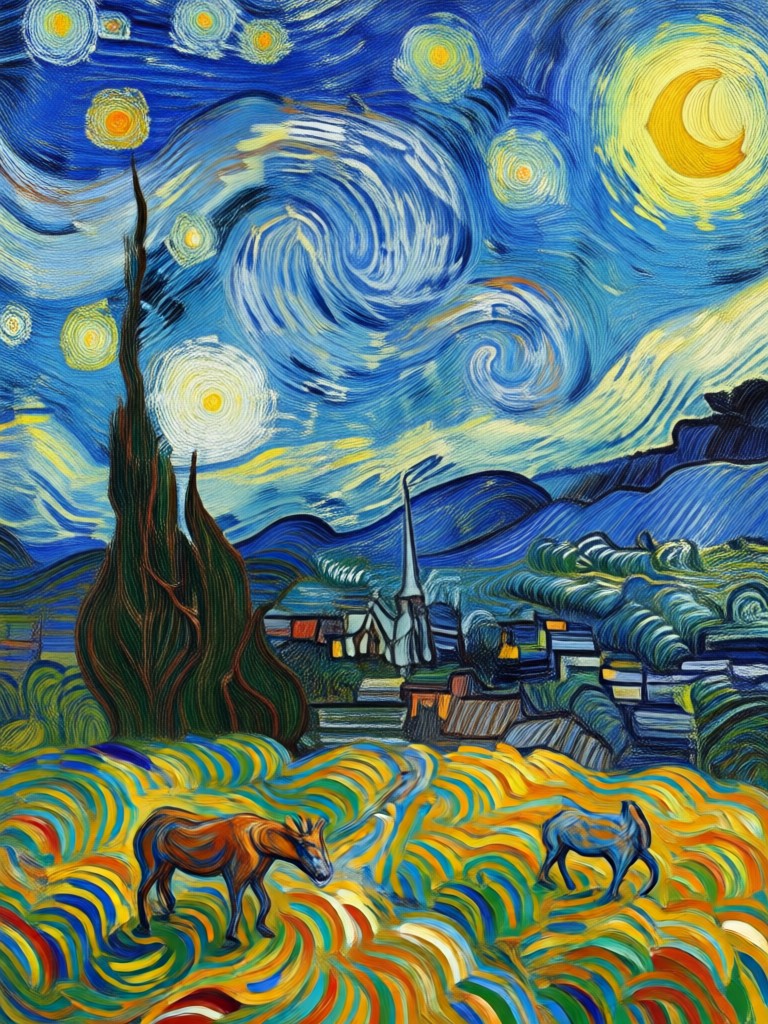
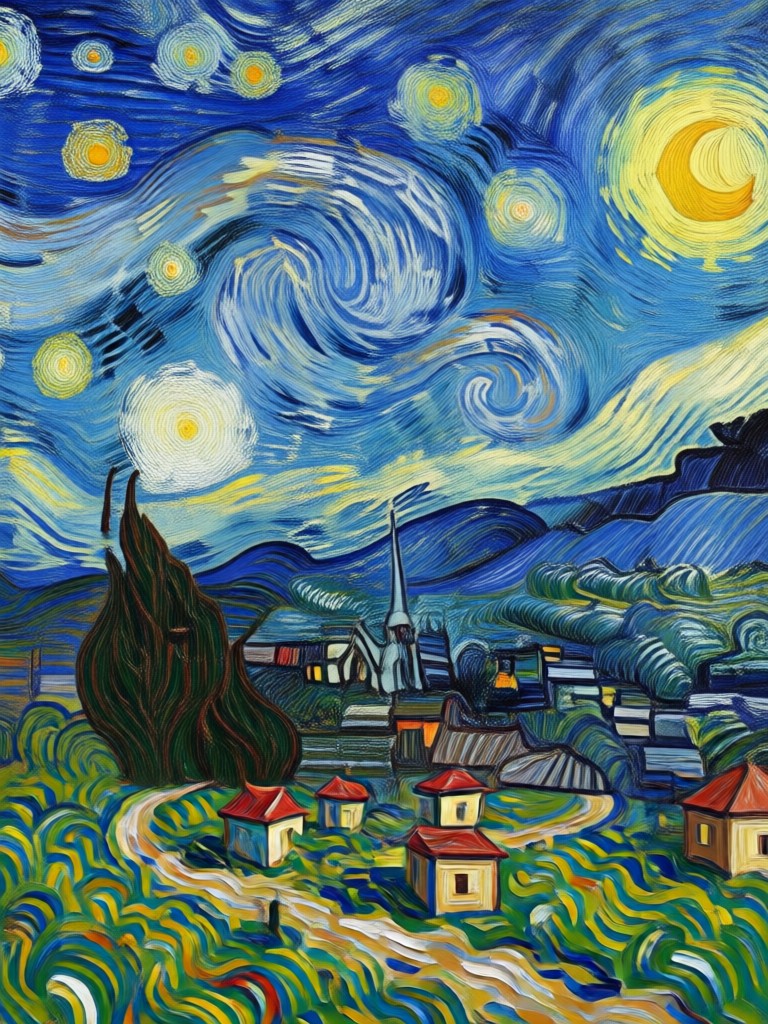
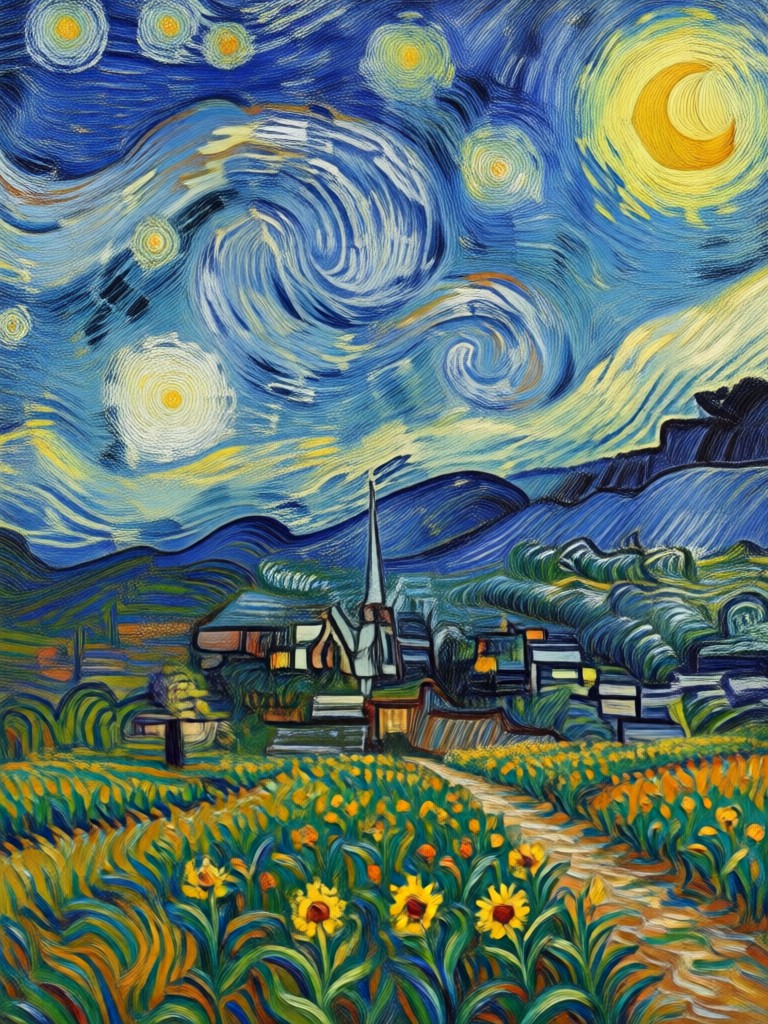
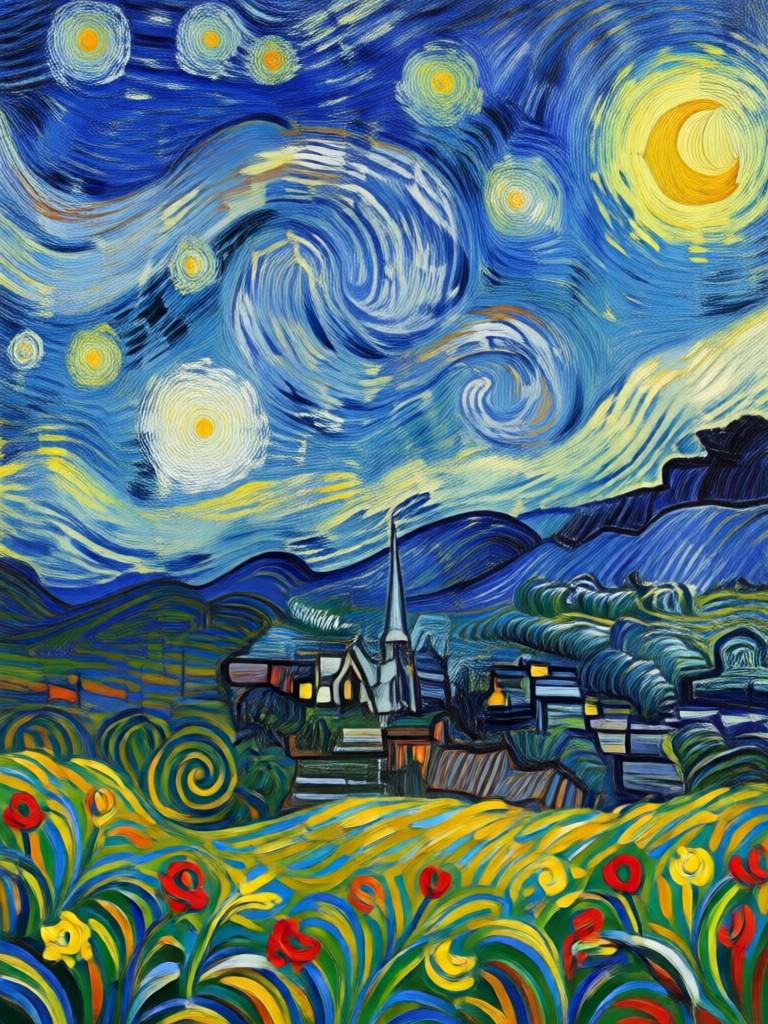
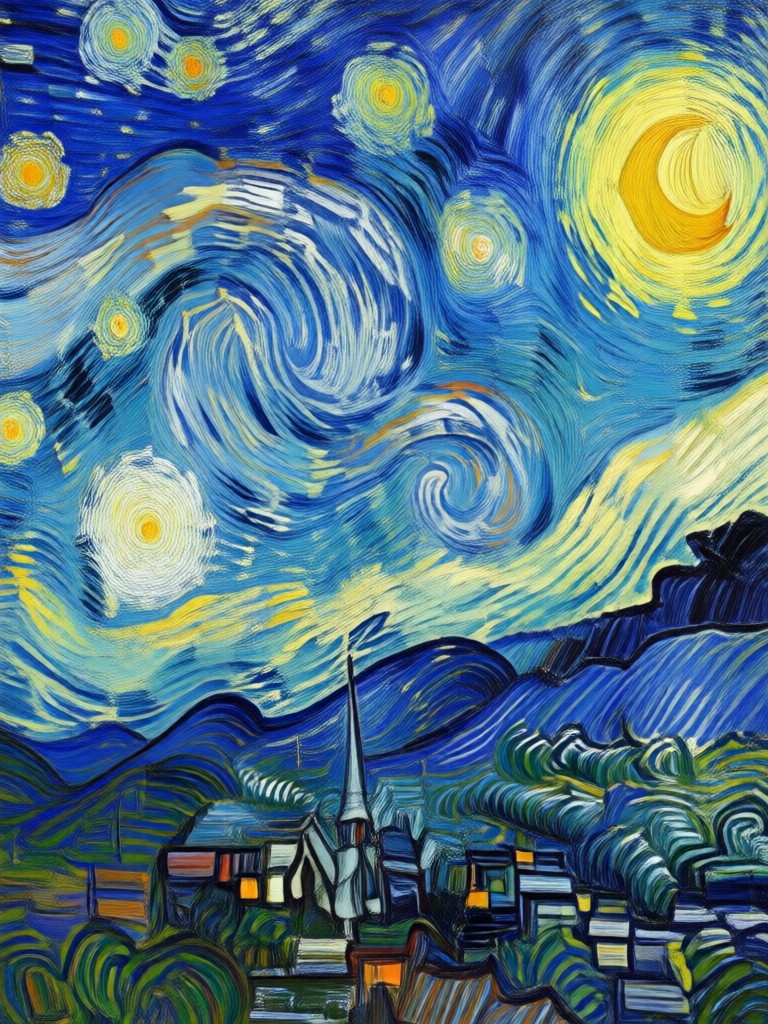
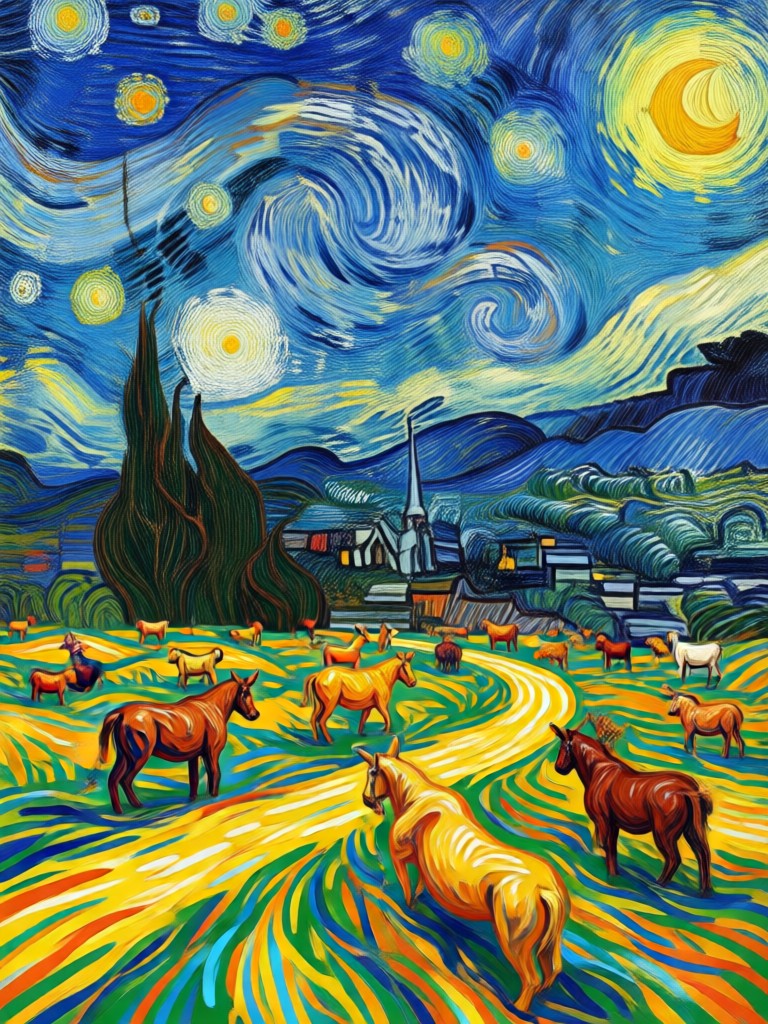
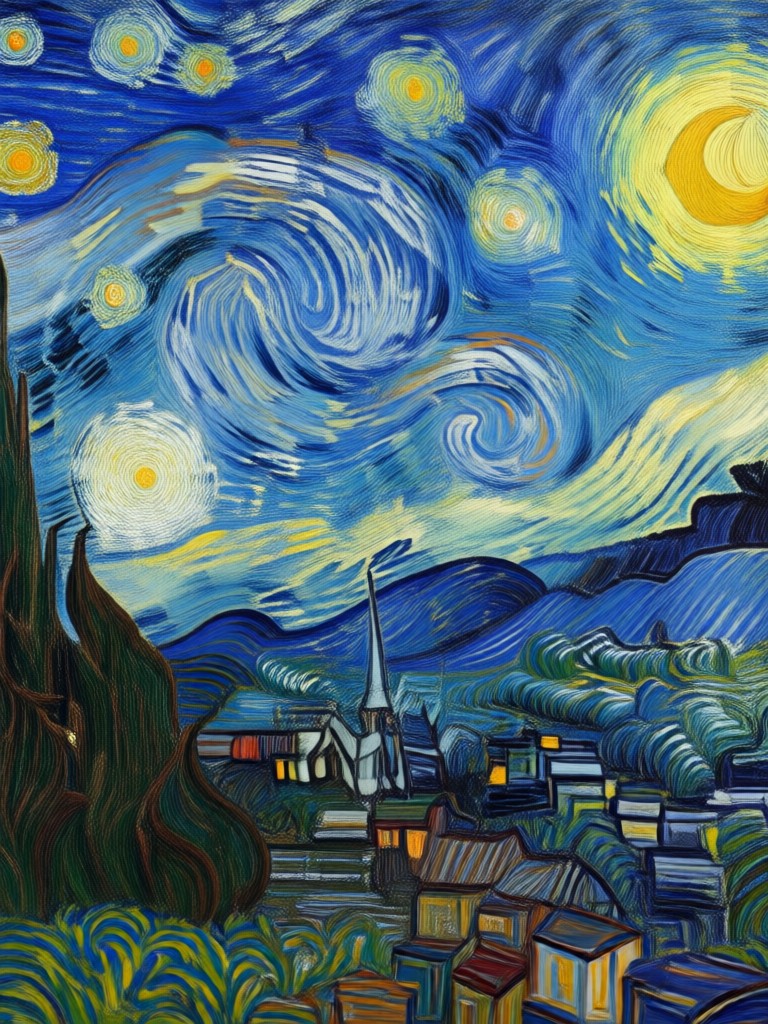
See real examples of photos transformed into Van Gogh style paintings using makmak. From selfies to landscapes, every image becomes a vibrant oil painting.
How to Apply the AI Van Gogh Filter
Create your own Van Gogh style artwork in three easy steps using the makmak app.

Step 01.
Download the makmak app from Google Play and open it on your phone.

Step 02.
Upload a photo or choose one from your gallery. Then select the AI Van Gogh filter from the style library.

Step 03.
Generate your painting, preview the result, and download or share it directly to social media.
Transform Photos Into Fine Art
The AI Van Gogh filter is more than a simple photo effect. It studies the composition, lighting, and colors of your image, then rebuilds it with authentic post impressionist brushwork. Whether it is a portrait, a landscape, or a casual snapshot, the result looks like a painting you would hang in a gallery.
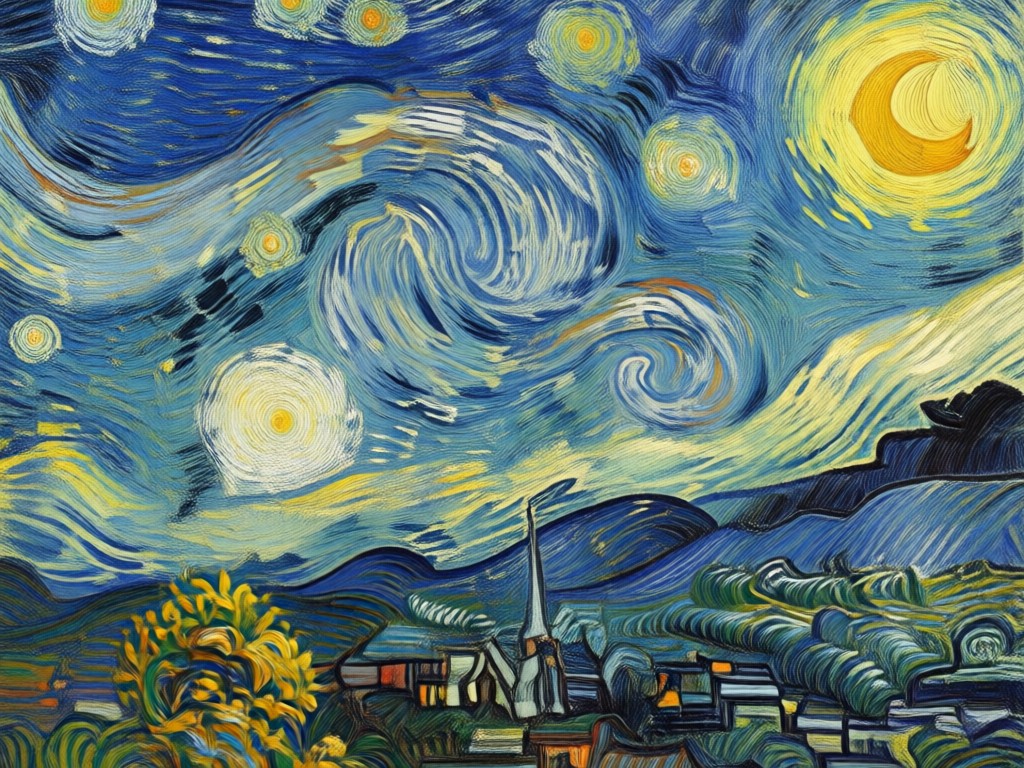
From Selfie to Starry Night
Upload a headshot and the AI will add swirling skies, textured skin tones, and expressive contours reminiscent of Van Gogh's self portraits. For landscapes, expect rolling wheat fields and dynamic starry skies. Every output is unique because the AI adapts to your image, preserving key features while reimagining them in oil paint. You keep the original photo. The filter creates a new artwork on top, so you can experiment freely without losing anything.
From Selfie to Starry Night
Upload a headshot and the AI will add swirling skies, textured skin tones, and expressive contours reminiscent of Van Gogh's self portraits. For landscapes, expect rolling wheat fields and dynamic starry skies. Every output is unique because the AI adapts to your image, preserving key features while reimagining them in oil paint. You keep the original photo. The filter creates a new artwork on top, so you can experiment freely without losing anything.
Frequently Asked Questions
Find answers to common questions about the AI Van Gogh filter and how to use it on makmak.
Ready to Paint Like Van Gogh?
Download makmak and apply the AI Van Gogh filter to your photos today. Turn everyday pictures into expressive works of art and share them with the world.

Ready to Paint Like Van Gogh?
Download makmak and apply the AI Van Gogh filter to your photos today. Turn everyday pictures into expressive works of art and share them with the world.