Turn Image Into Sketch
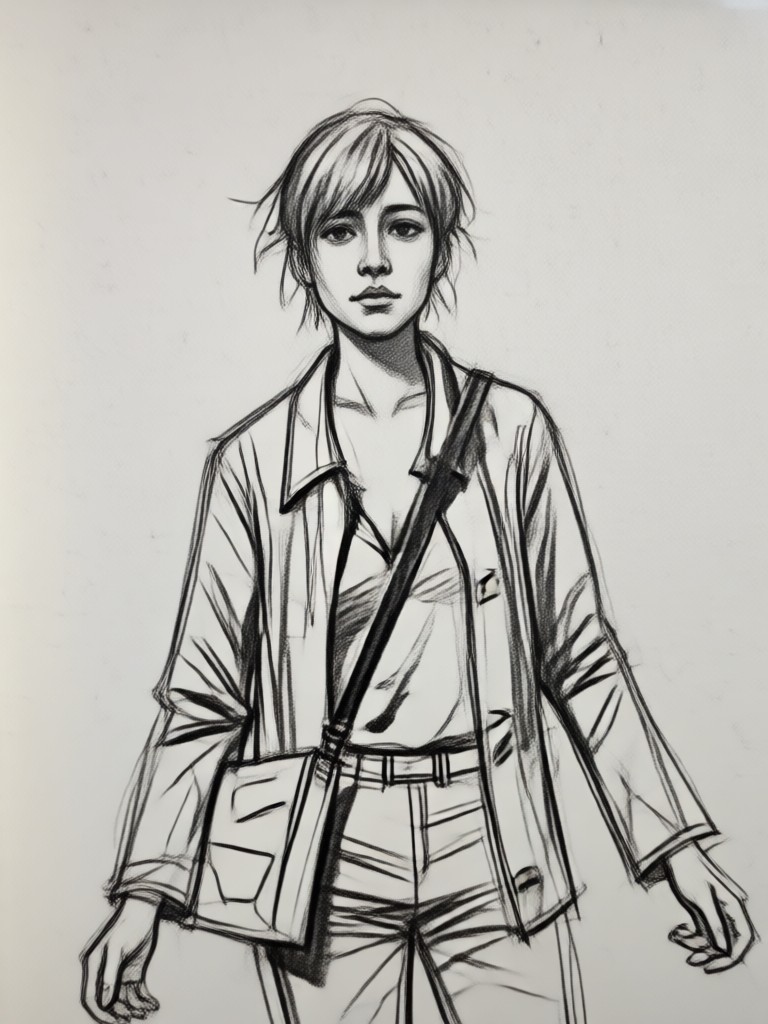
Choose Your Perfect Sketch Style
Explore our diverse collection of AI sketch filters, from classic pencil shading to expressive ink and charcoal.
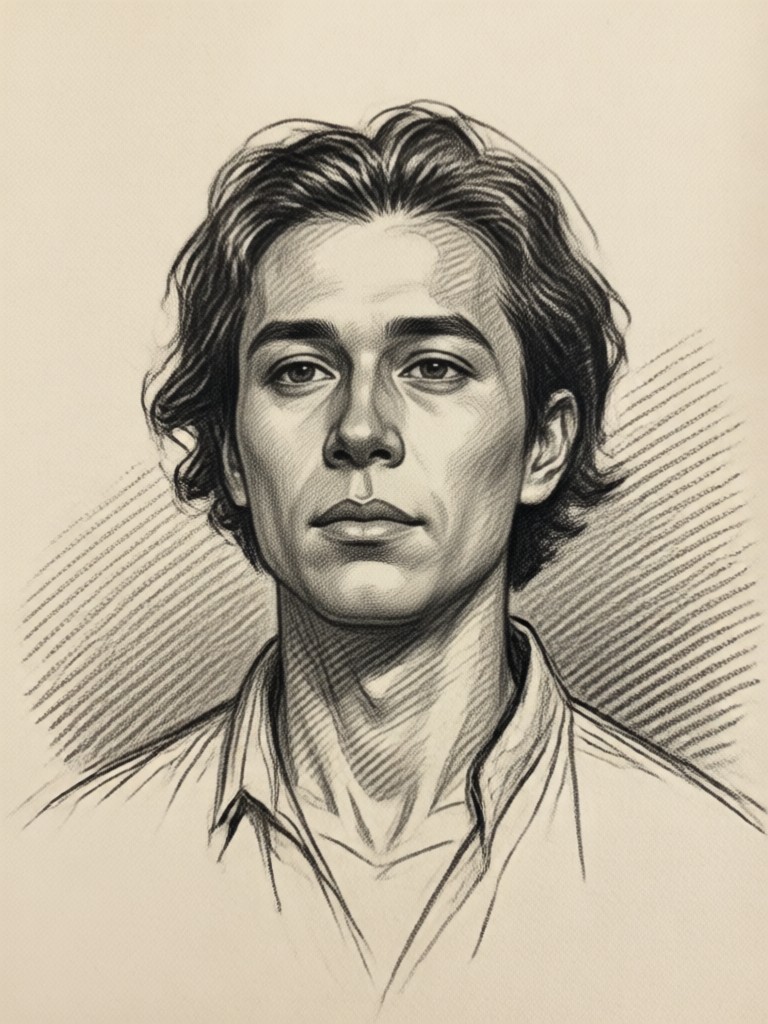
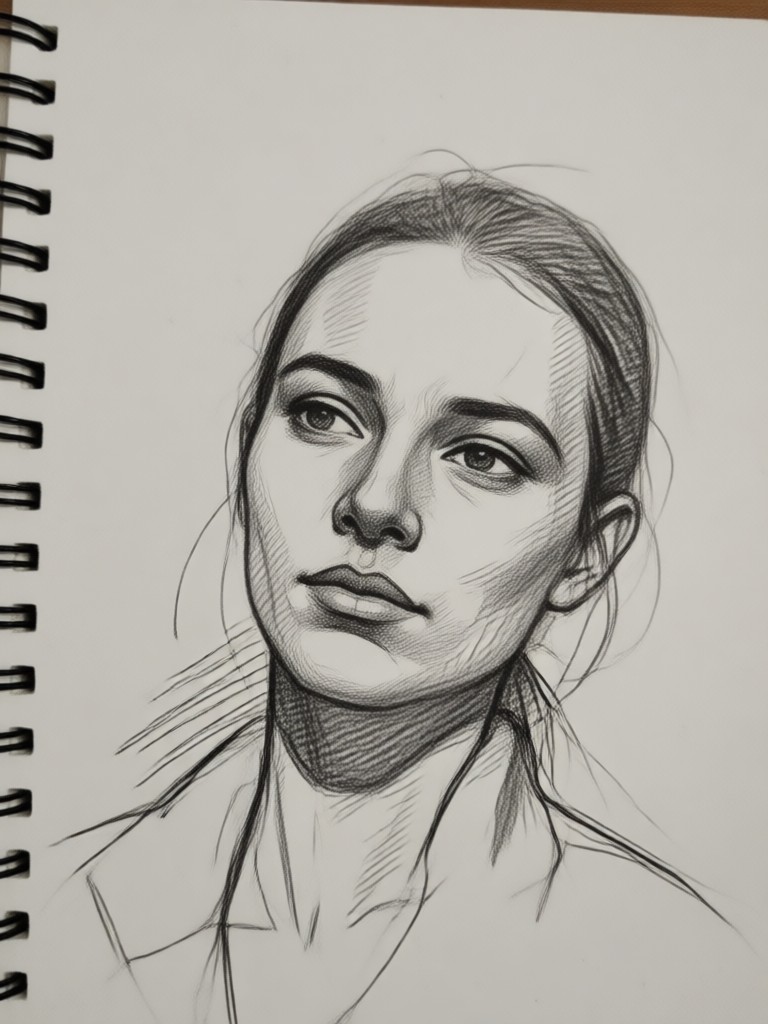
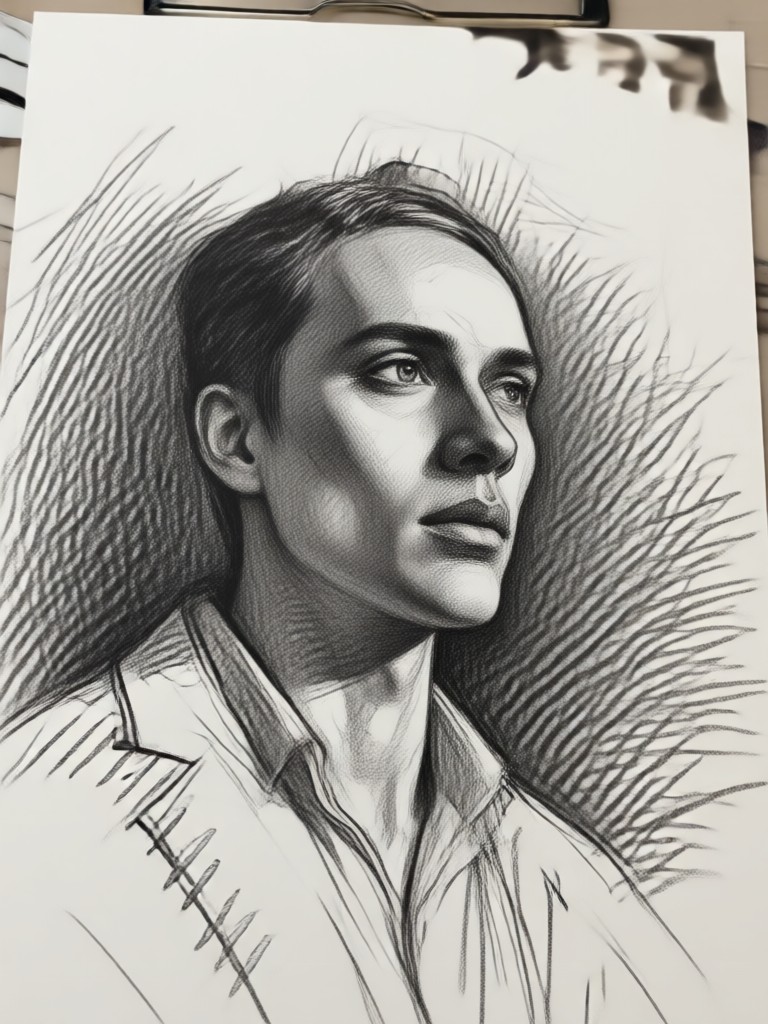
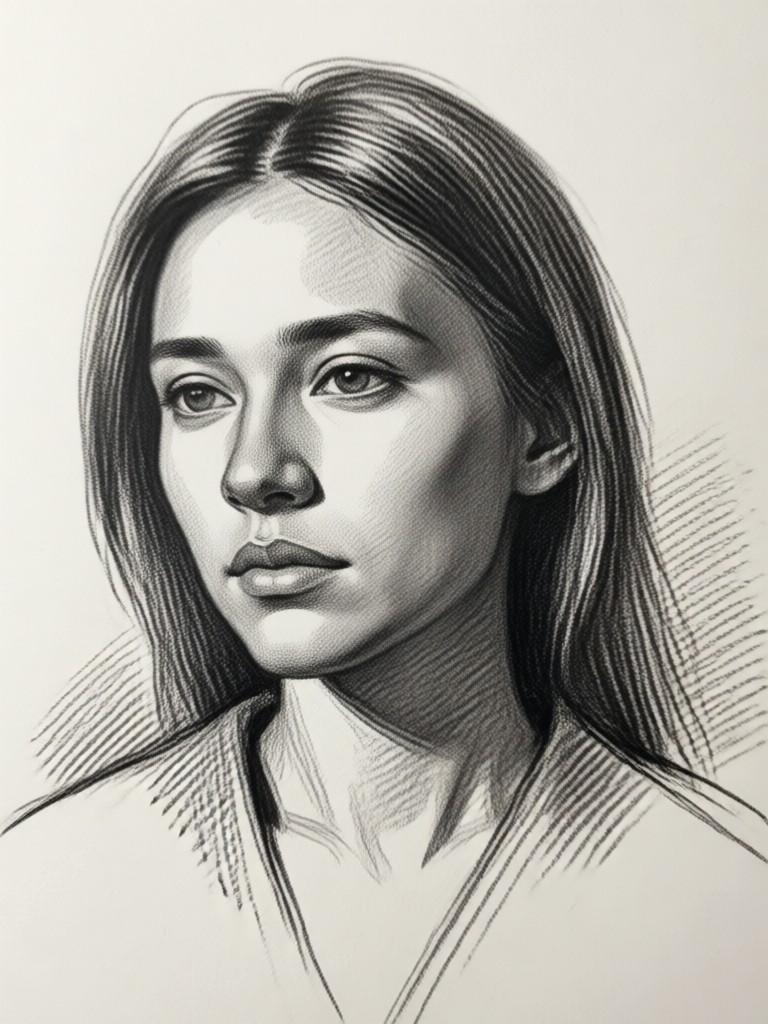
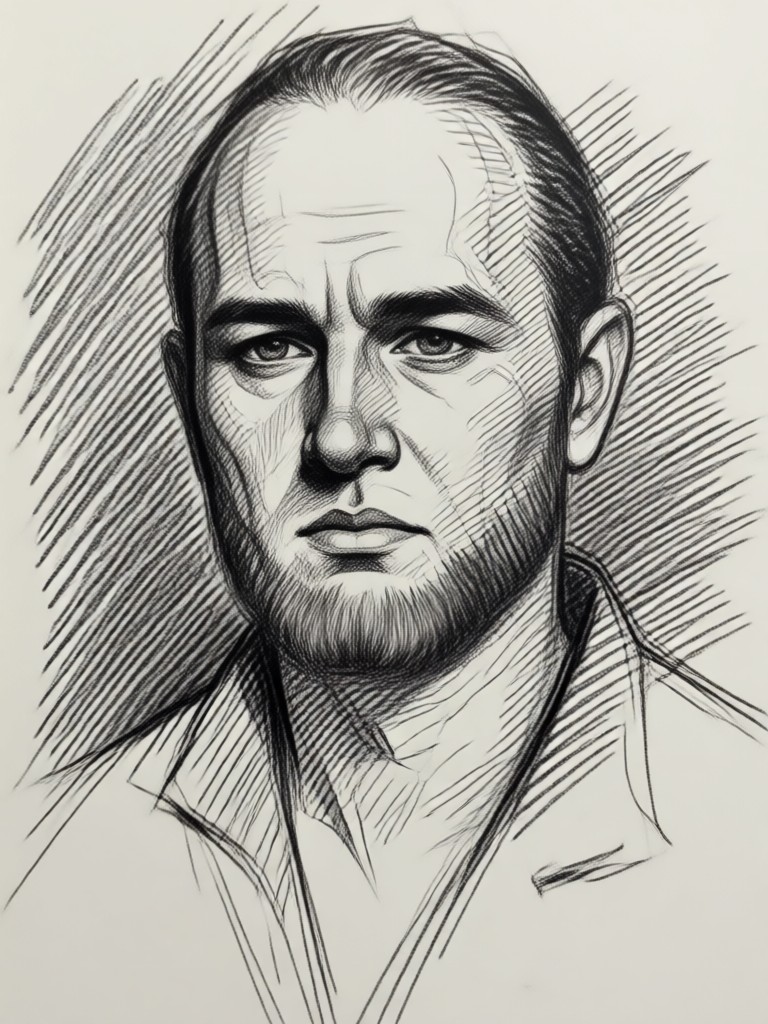
Popular Sketch Style Samples
See how different artistic styles transform ordinary photos into stunning sketch artwork. Each style offers a unique artistic interpretation.
Key Features of AI Sketch Generator
Our AI sketch tool combines artistic algorithms with user-friendly controls to deliver professional quality art from any photo.
Multi-Style Transformation
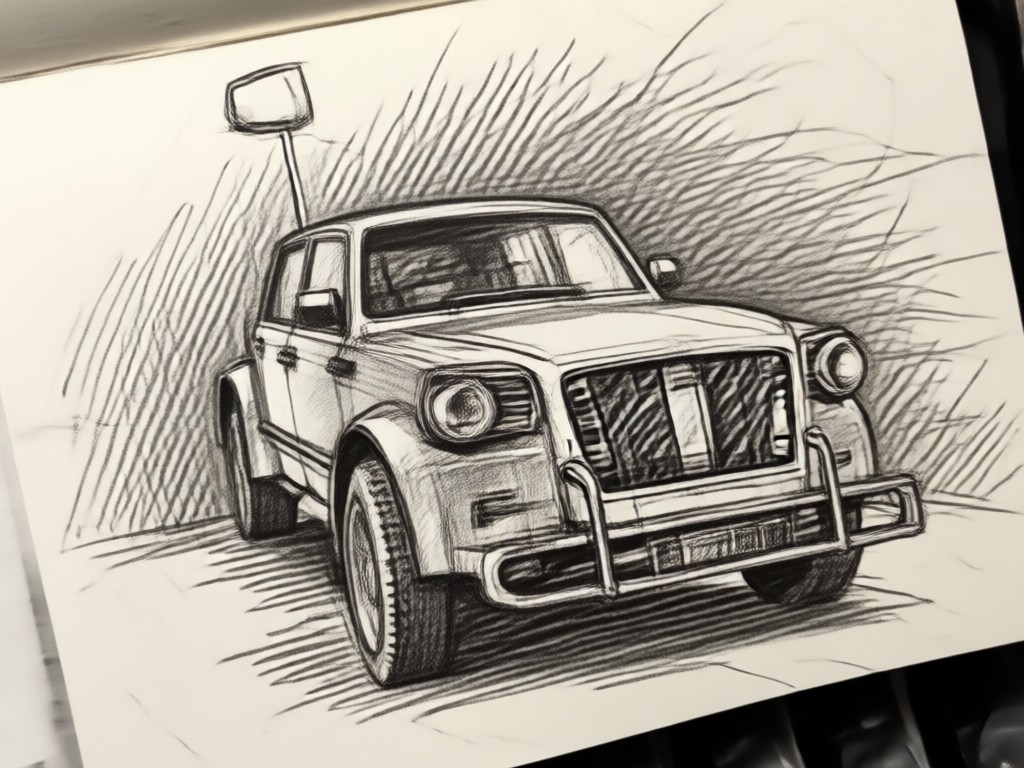
Choose from dozens of artistic sketch styles. Convert photos into pencil drawings, charcoal art, ink illustrations, or watercolor sketches with a single tap. Each style preserves the unique texture and line quality of traditional mediums.
Multi-Style Transformation
Choose from dozens of artistic sketch styles. Convert photos into pencil drawings, charcoal art, ink illustrations, or watercolor sketches with a single tap. Each style preserves the unique texture and line quality of traditional mediums.
Detail Preservation
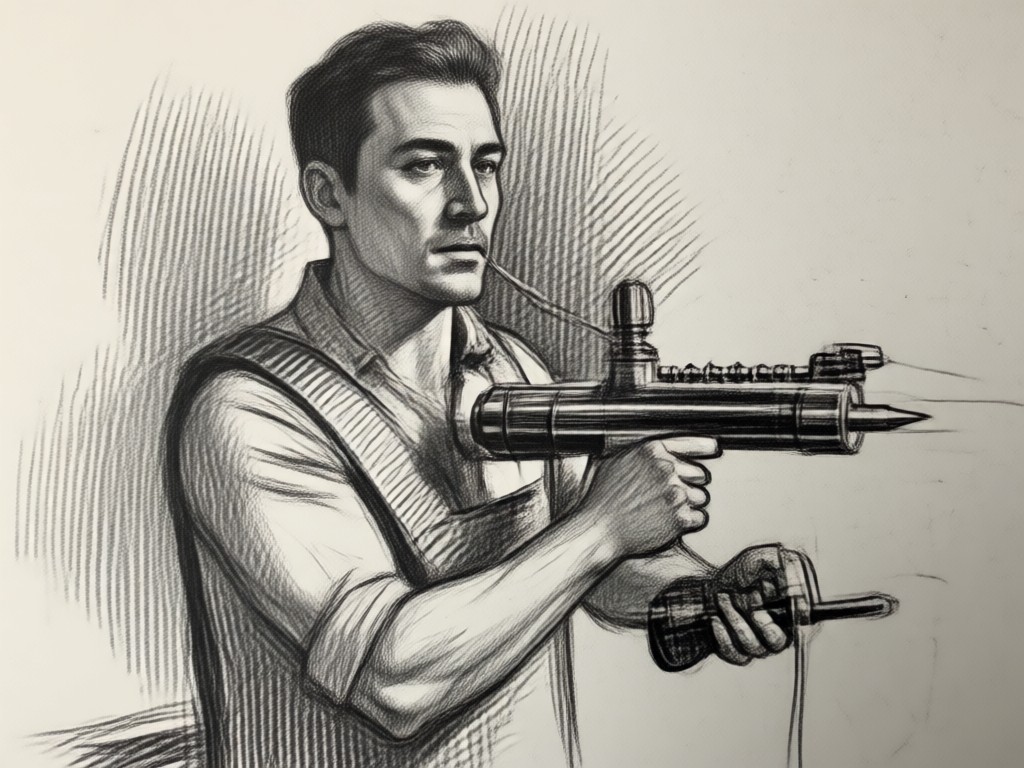
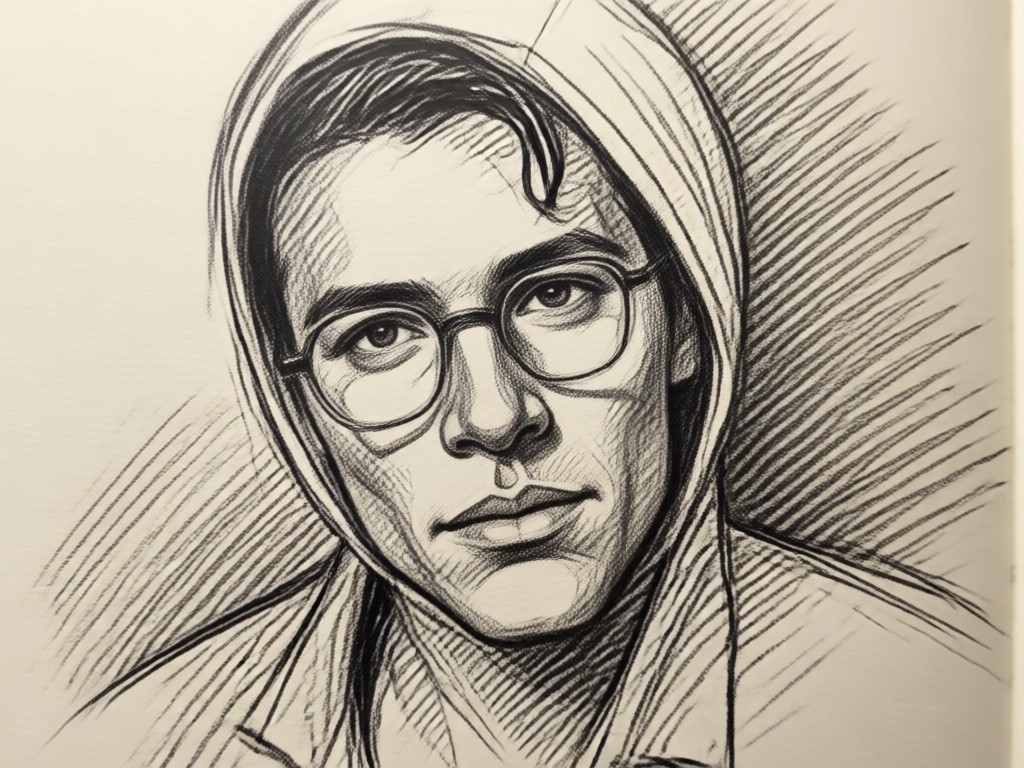
Advanced AI maintains important facial features, texture details, and composition while applying artistic effects. Your subject remains recognizable while achieving a genuine hand-drawn aesthetic that respects the original image.
Detail Preservation
Advanced AI maintains important facial features, texture details, and composition while applying artistic effects. Your subject remains recognizable while achieving a genuine hand-drawn aesthetic that respects the original image.
Instant Processing
Generate high quality sketch art in seconds, not hours. Our optimized AI processes images rapidly while maintaining artistic quality, perfect for creating multiple versions or batch processing multiple photos at once.
Instant Processing
Generate high quality sketch art in seconds, not hours. Our optimized AI processes images rapidly while maintaining artistic quality, perfect for creating multiple versions or batch processing multiple photos at once.
How to Turn Image Into Sketch?
Create beautiful sketch art from your photos in just three simple steps using our mobile AI tool.

Step 01.
Download the makmak app from Google Play Store to access our complete AI sketch toolset on your mobile device.

Step 02.
Select or capture a photo, then choose your preferred sketch style from our extensive filter library to match your artistic vision.

Step 03.
Generate and customize your sketch, then save or share your AI created artwork directly to social media or messaging apps.
Who Uses AI Sketch Generator
Marcus Chen
As a digital artist, I use this to create quick concept sketches from reference photos. The pencil and charcoal filters are incredibly realistic, saving me hours of manual sketching time.
Sophia Rivera
Transforming portrait photos into elegant pencil sketches has become my signature style for client gifts. The AI preserves facial expressions perfectly while adding artistic charm.
Alex Turner
My Instagram audience loves the sketch transformations of travel photos. The architectural line filter turns building photos into beautiful technical drawings that perform exceptionally well.
Dr. Elena Park
I create educational materials by converting complex diagrams into clear ink illustrations. Students find these much easier to understand than photographs or dense text explanations.
Marcus Chen
As a digital artist, I use this to create quick concept sketches from reference photos. The pencil and charcoal filters are incredibly realistic, saving me hours of manual sketching time.
Sophia Rivera
Transforming portrait photos into elegant pencil sketches has become my signature style for client gifts. The AI preserves facial expressions perfectly while adding artistic charm.
Alex Turner
My Instagram audience loves the sketch transformations of travel photos. The architectural line filter turns building photos into beautiful technical drawings that perform exceptionally well.
Dr. Elena Park
I create educational materials by converting complex diagrams into clear ink illustrations. Students find these much easier to understand than photographs or dense text explanations.
Marcus Chen
As a digital artist, I use this to create quick concept sketches from reference photos. The pencil and charcoal filters are incredibly realistic, saving me hours of manual sketching time.
Sophia Rivera
Transforming portrait photos into elegant pencil sketches has become my signature style for client gifts. The AI preserves facial expressions perfectly while adding artistic charm.
Alex Turner
My Instagram audience loves the sketch transformations of travel photos. The architectural line filter turns building photos into beautiful technical drawings that perform exceptionally well.
Dr. Elena Park
I create educational materials by converting complex diagrams into clear ink illustrations. Students find these much easier to understand than photographs or dense text explanations.
Perfect for Portrait Sketch Transformation
Upload portrait photos to create timeless pencil or charcoal drawings. Our AI expertly captures facial features, expressions, and lighting to produce artwork worthy of framing or sharing as personalized gifts.
Frequently Asked Questions
Find answers to common questions about turning images into sketches with AI, from technical details to creative applications.
More Topics You May Like
Explore more topics you may like and discover fresh ideas tailored to your interests.
Clean Your Photos Instantly: Effortless Filter Removal
Create Your Own 3D PUBG Logo Instantly
Turn Any Photo Into Pixel Art Instantly
Enhance Photos Instantly: AI Enhancer Without Watermarks
Clean Your Photos Instantly: Effortless Filter Removal
Create Your Own 3D PUBG Logo Instantly
Turn Any Photo Into Pixel Art Instantly
Enhance Photos Instantly: AI Enhancer Without Watermarks
Transform Photos into Art with One Tap
Download makmak now to access our complete AI sketch toolset. Create stunning pencil, charcoal, ink, and watercolor artwork from any photo instantly.

Transform Photos into Art with One Tap
Download makmak now to access our complete AI sketch toolset. Create stunning pencil, charcoal, ink, and watercolor artwork from any photo instantly.