Remove A Filter From A Photo

Popular AI Cleanup Filters
Select from AI filters designed to neutralize specific styles. Whether you're removing a retro film look or a modern social media preset, find the perfect tool.
How AI Filter Removal Works
Our technology intelligently detects and reverses filter alterations, bringing your photos back to their authentic appearance with high fidelity.
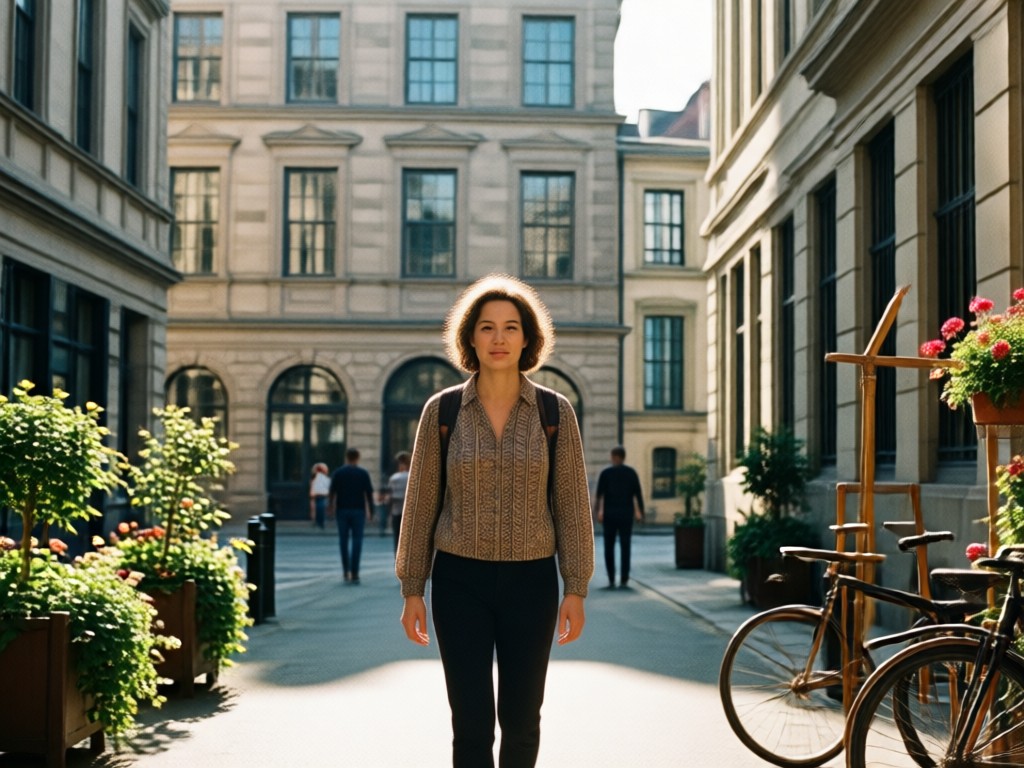
Automatic Filter Detection
The AI scans your photo to identify color grading, contrast shifts, grain, and tint overlays commonly added by filters, understanding exactly what needs to be undone.

Color & Tone Restoration
Reverses unnatural color casts (like sepia, cyanotype, or dramatic presets) to recover the original skin tones, sky colors, and environmental lighting.

Detail Recovery
Restores clarity and detail that may have been softened or obscured by blurry or heavy-handed filter effects, bringing back sharpness and texture.
Filter Removal Results Gallery
See real examples of photos transformed by removing unwanted filters. From vintage edits to modern presets, witness the power of AI restoration.













Why Use AI to Remove Filters?
Manually correcting a filtered photo in traditional editors is time-consuming and imprecise. Our AI provides a one-click solution that understands the filter's footprint and accurately reverses it, saving you hours of tedious color correction work.
Why Use AI to Remove Filters?
Manually correcting a filtered photo in traditional editors is time-consuming and imprecise. Our AI provides a one-click solution that understands the filter's footprint and accurately reverses it, saving you hours of tedious color correction work.
How to Remove a Filter From a Photo?
Clean up your photos in three simple steps using the makmak app. Get back to the original image without any editing expertise.

Step 01.
Download the makmak app from Google Play. Open it and navigate to the photo cleanup or filter removal section to begin.

Step 02.
Upload the photo with the unwanted filter. The AI will automatically analyze it. You can also manually select a cleanup style for specific filter types.

Step 03.
Preview the cleaned, filter-free result. Once satisfied, download the restored photo directly to your device, ready to use or share.
What Users Say About Filter Removal
Saved my old portfolio shots
I applied a strong vintage filter to my entire photography portfolio years ago and regretted it. This tool batch-restored my photos to their original quality perfectly. It was a lifesaver.
Fixed my social media mishap
I posted a picture with a filter that completely changed the color of my product. I needed the original for my website. This AI removed the filter in seconds and gave me the true-color image back.
Incredibly accurate with skin tones
I tried manually correcting a sepia-toned family photo and could never get the skin tones right. This app did it automatically and the result looked perfectly natural. So impressed.
Photo Filter Removal FAQs
Find quick answers to common questions about how AI can clean filters from your photos and restore their original quality.
More Topics You May Like
Explore more topics you may like and discover fresh ideas tailored to your interests.

Create Your Own 3D PUBG Logo Instantly
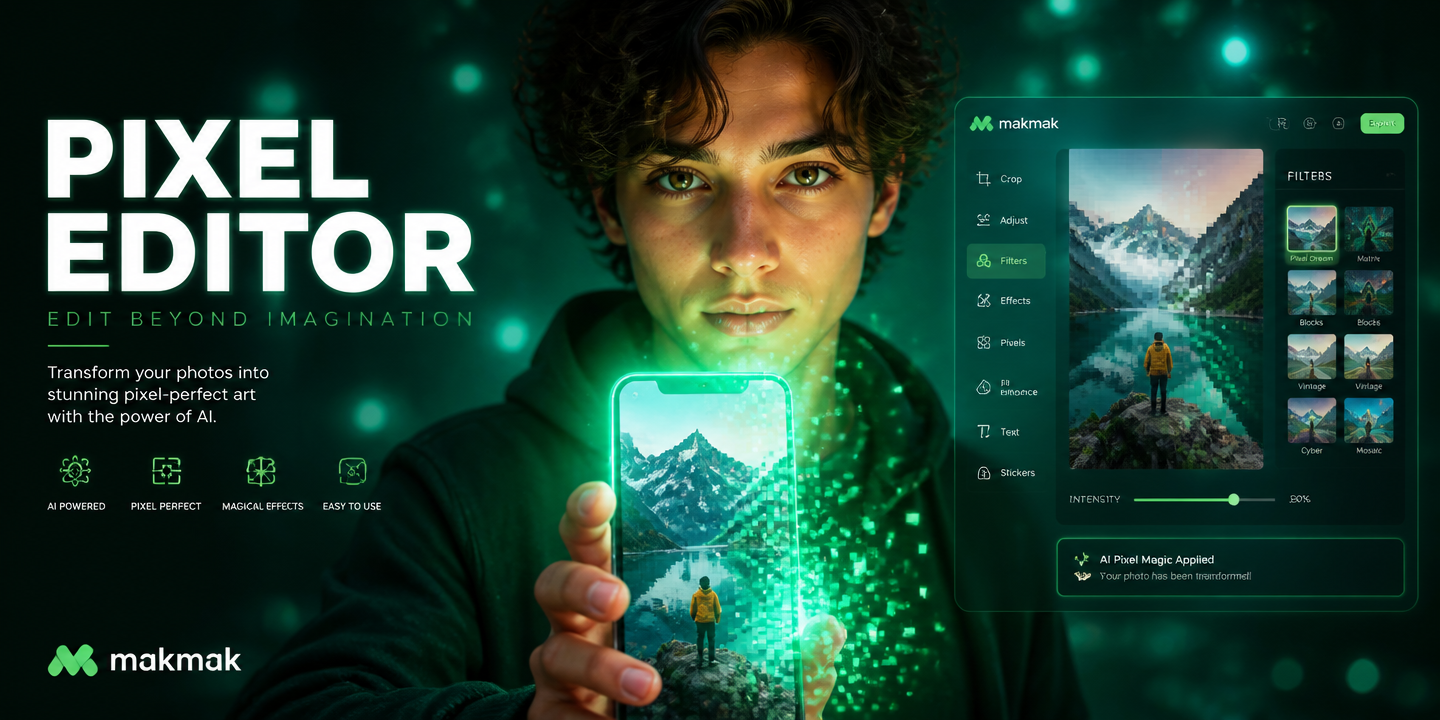
Turn Any Photo Into Pixel Art Instantly
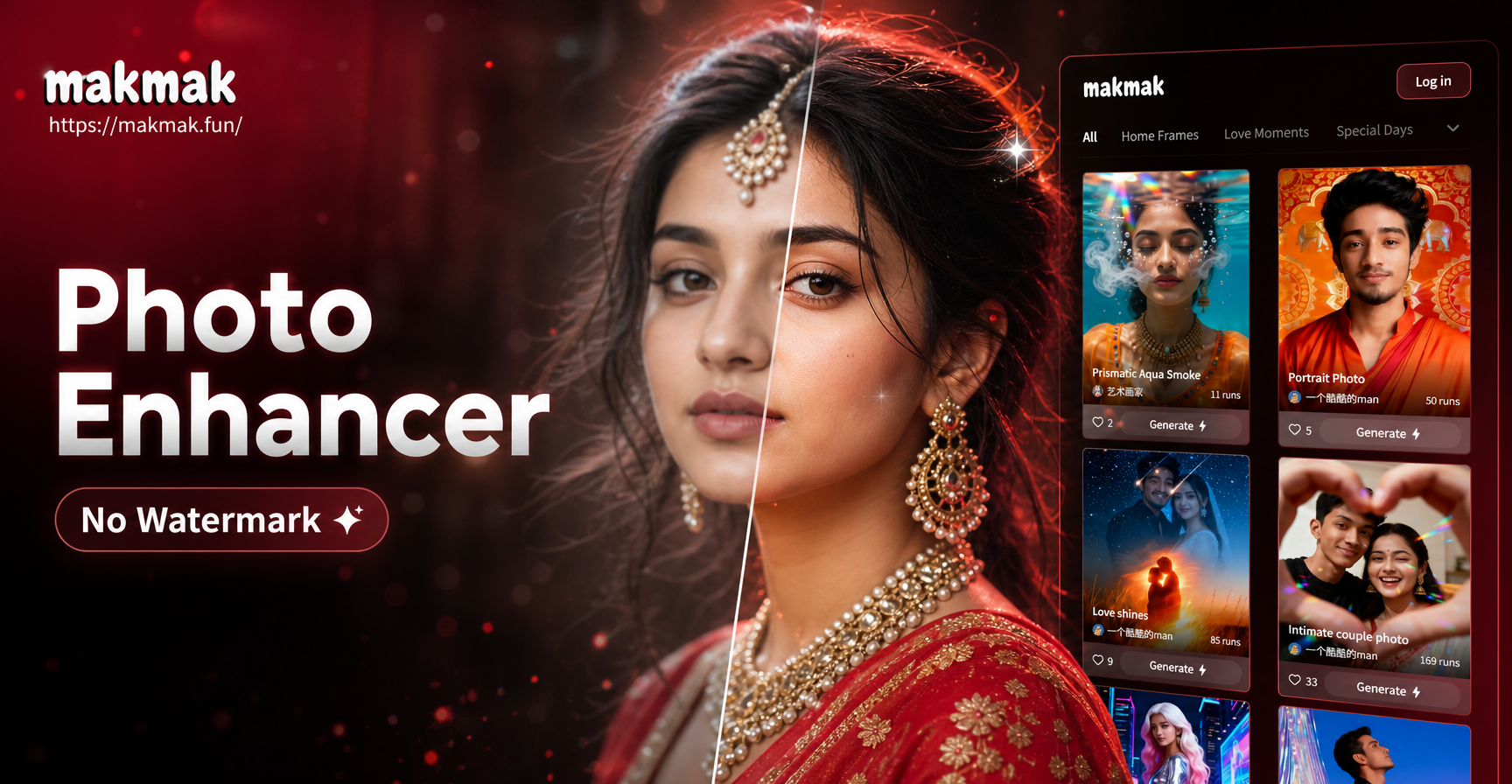
Enhance Photos Instantly: AI Enhancer Without Watermarks

Create Custom AI Avatars: Your Personal Photo Avatar Maker
Create Your Own 3D PUBG Logo Instantly
Turn Any Photo Into Pixel Art Instantly
Enhance Photos Instantly: AI Enhancer Without Watermarks
Create Custom AI Avatars: Your Personal Photo Avatar Maker
Restore Your Photos in One Tap
Download makmak now to access powerful AI that erases unwanted filters. Reclaim the original beauty of your memories and creations instantly.

Restore Your Photos in One Tap
Download makmak now to access powerful AI that erases unwanted filters. Reclaim the original beauty of your memories and creations instantly.