Pixel Photo Editor

Explore Our Most Popular Pixel Styles
From classic retro game aesthetics to modern minimalist pixel designs, find the perfect filter to match your vision.
Key Features of Our Pixel Photo Editor
Go beyond basic filters with our AI powered tool designed for creating authentic and customizable pixel art.
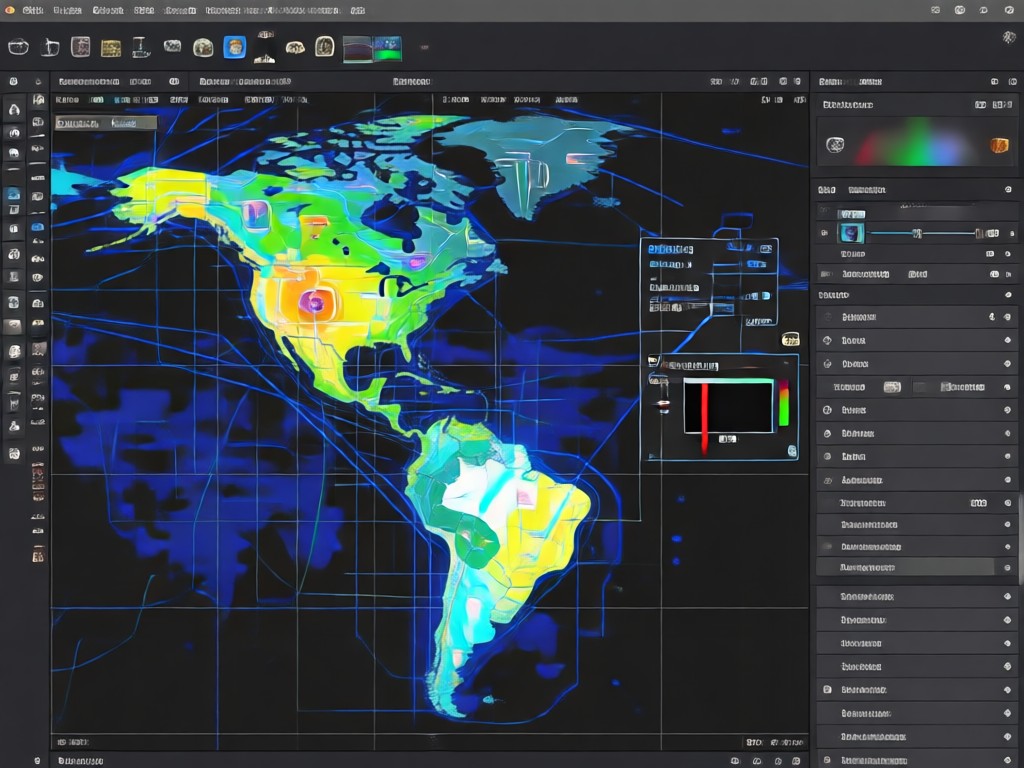
Authentic Retro Styles
Apply true 8-bit, 16-bit, and arcade game palettes. Our AI analyzes your photo to apply authentic dithering, limited color palettes, and classic pixel grid effects.
Authentic Retro Styles
Apply true 8-bit, 16-bit, and arcade game palettes. Our AI analyzes your photo to apply authentic dithering, limited color palettes, and classic pixel grid effects.
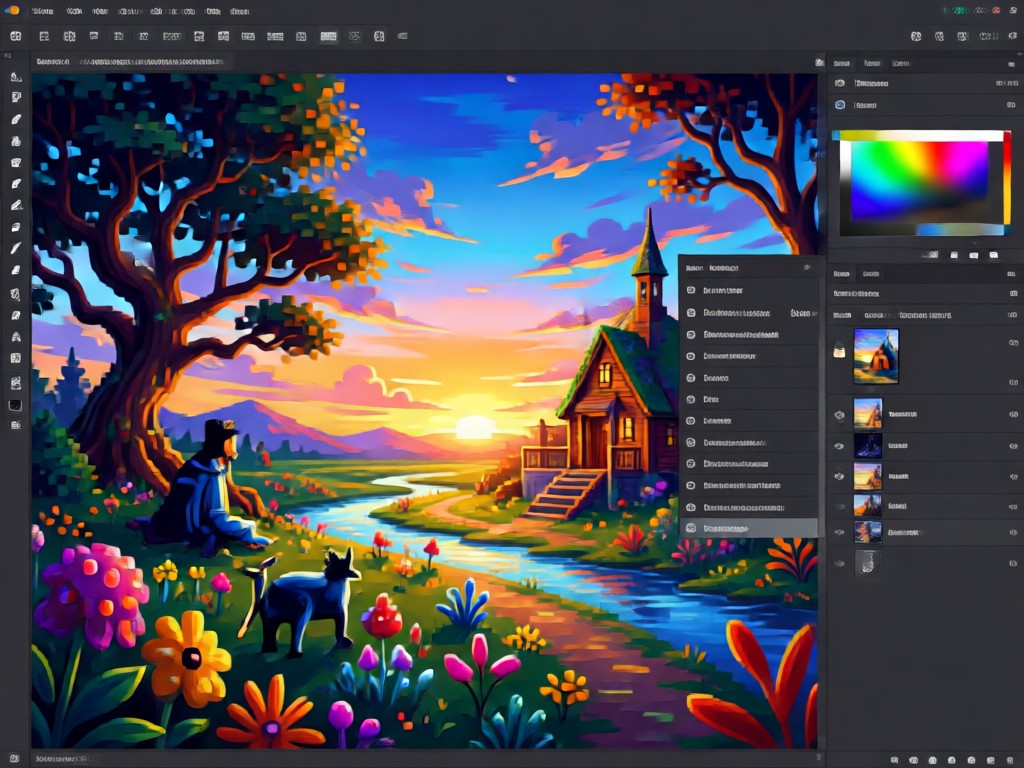
Custom Pixel Sizing
Control the level of detail. Choose from large, blocky pixels for a stark retro look or smaller pixels for a more detailed, modern pixel art finish.
Custom Pixel Sizing
Control the level of detail. Choose from large, blocky pixels for a stark retro look or smaller pixels for a more detailed, modern pixel art finish.
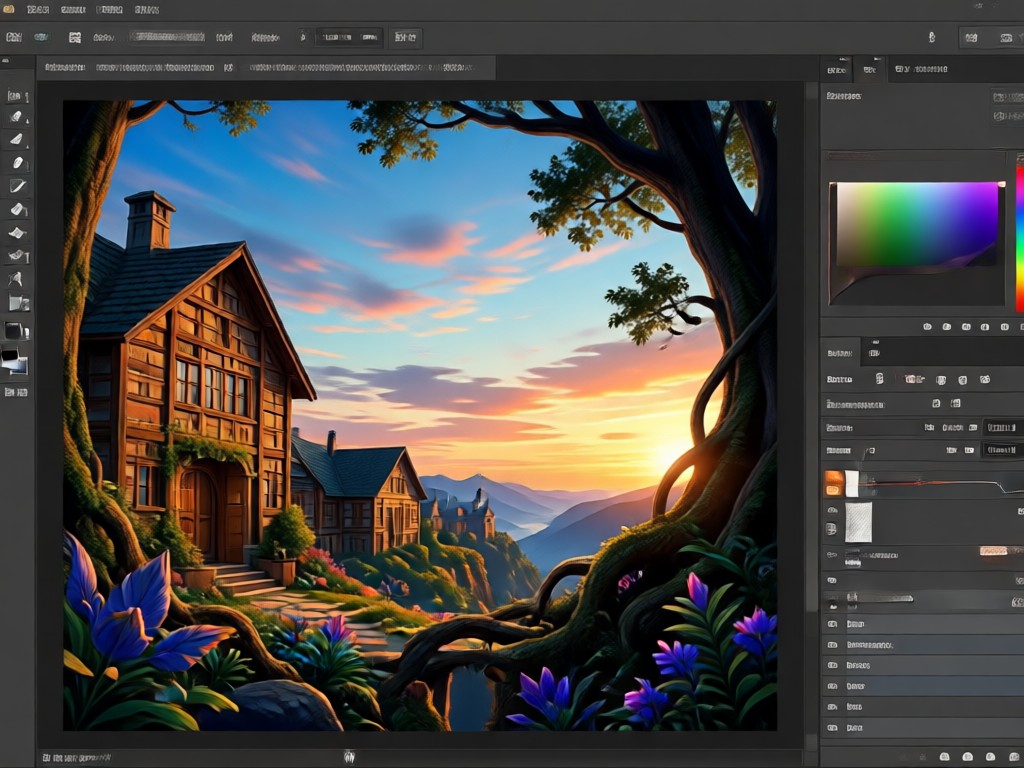
Animated Pixel Effects
Bring your pixel art to life. Add subtle animations like flickering lights, flowing water, or character idle movements to create dynamic GIFs and videos.
Animated Pixel Effects
Bring your pixel art to life. Add subtle animations like flickering lights, flowing water, or character idle movements to create dynamic GIFs and videos.
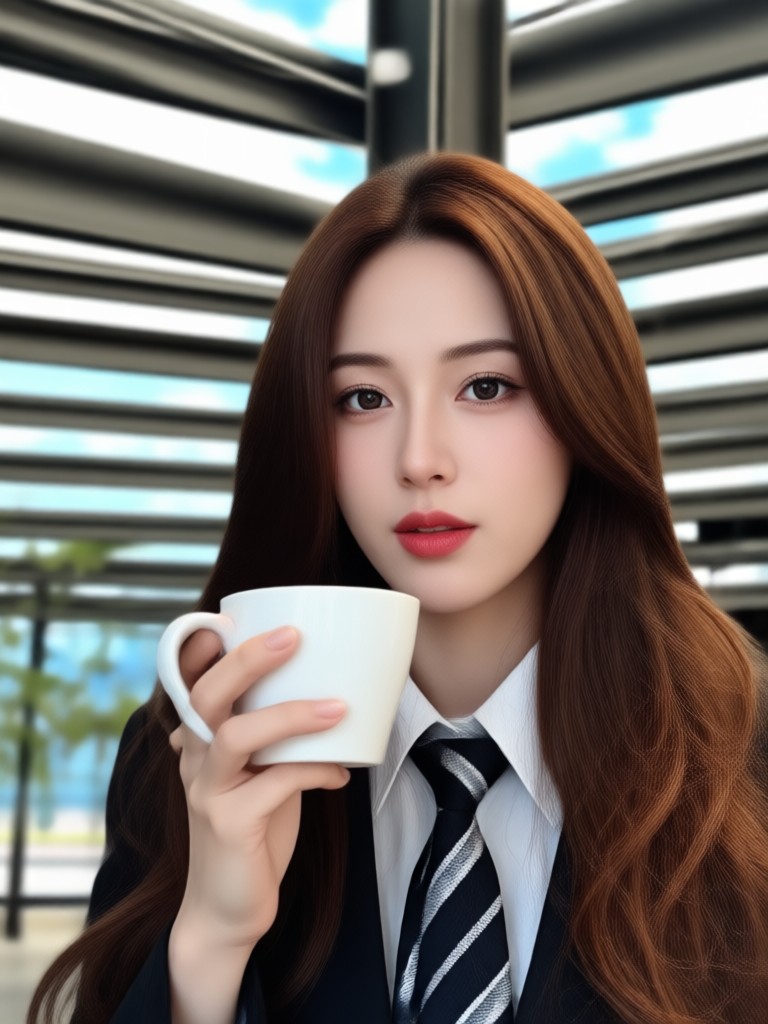
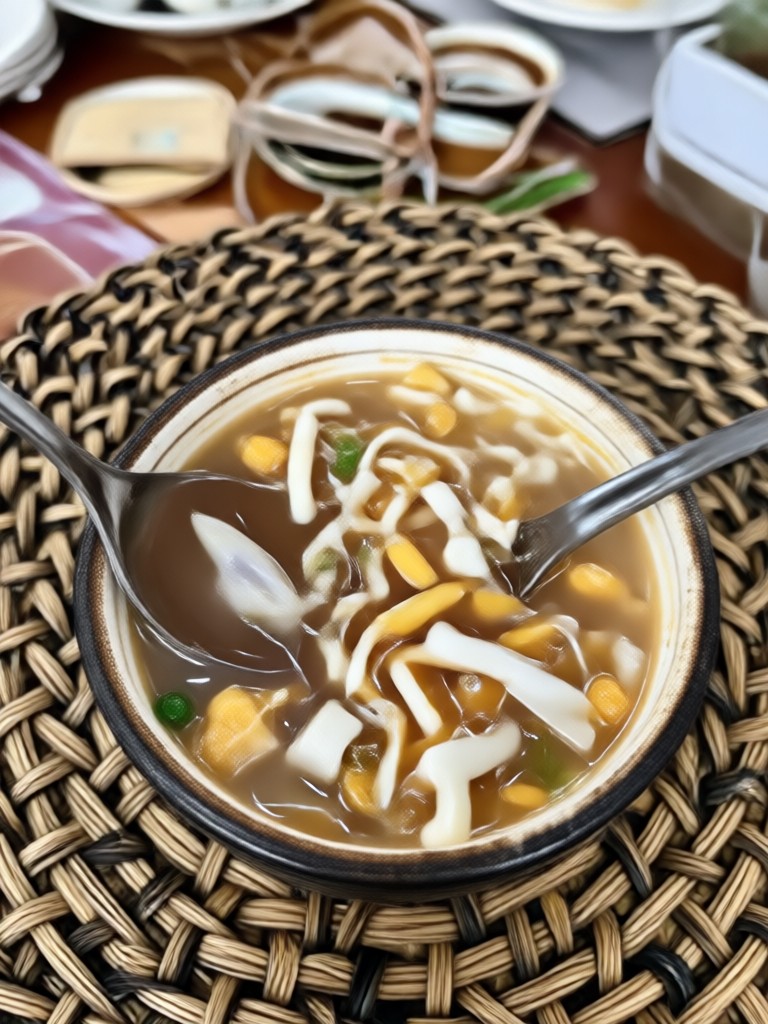
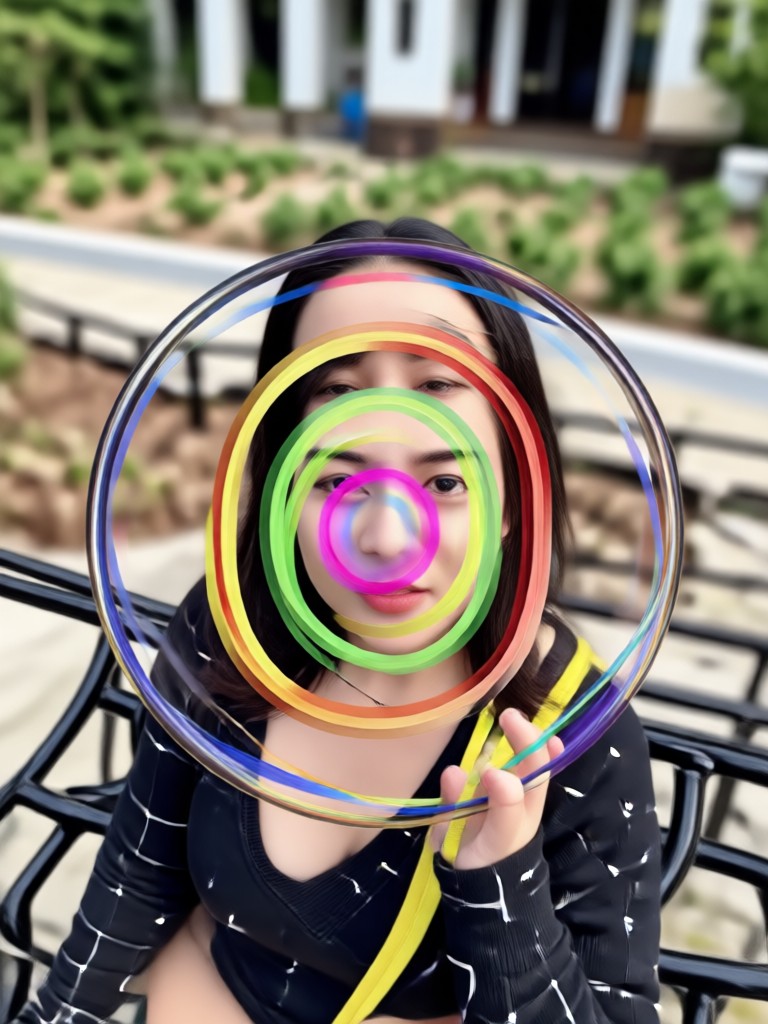
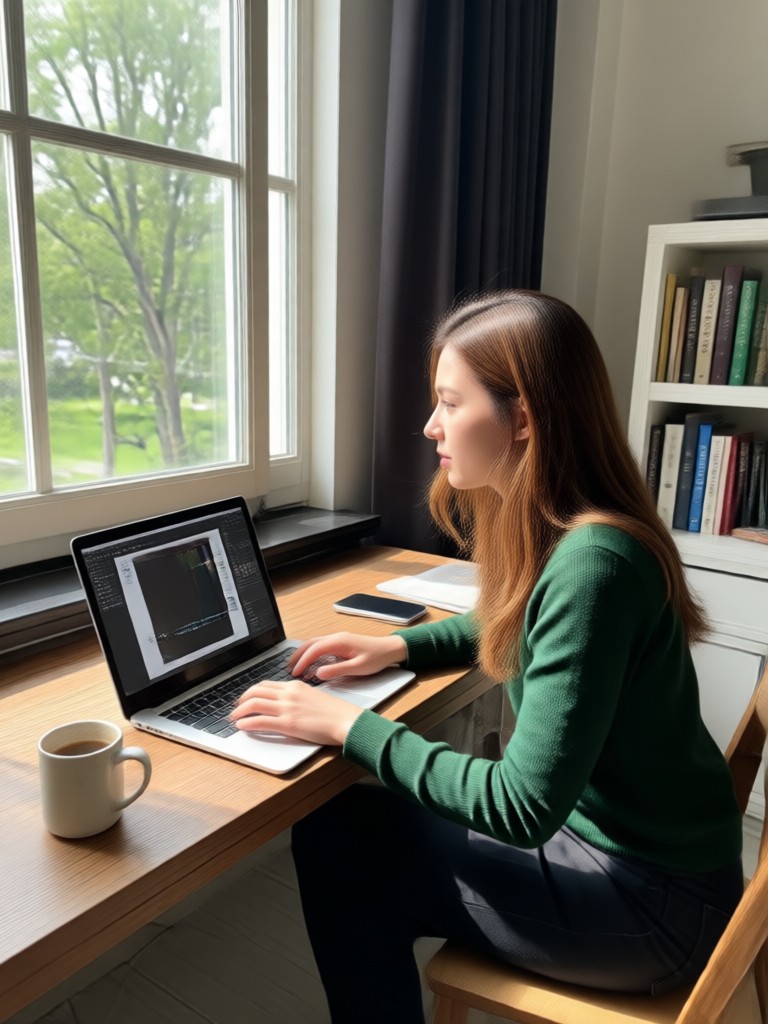
Pixel Art Creation Gallery
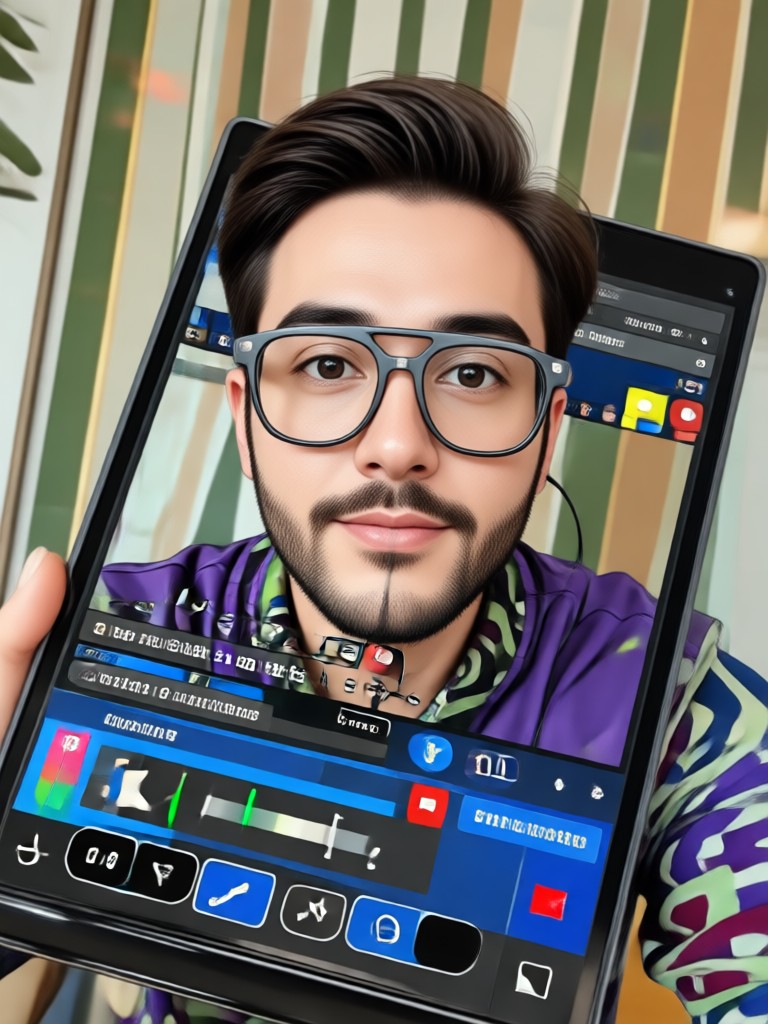
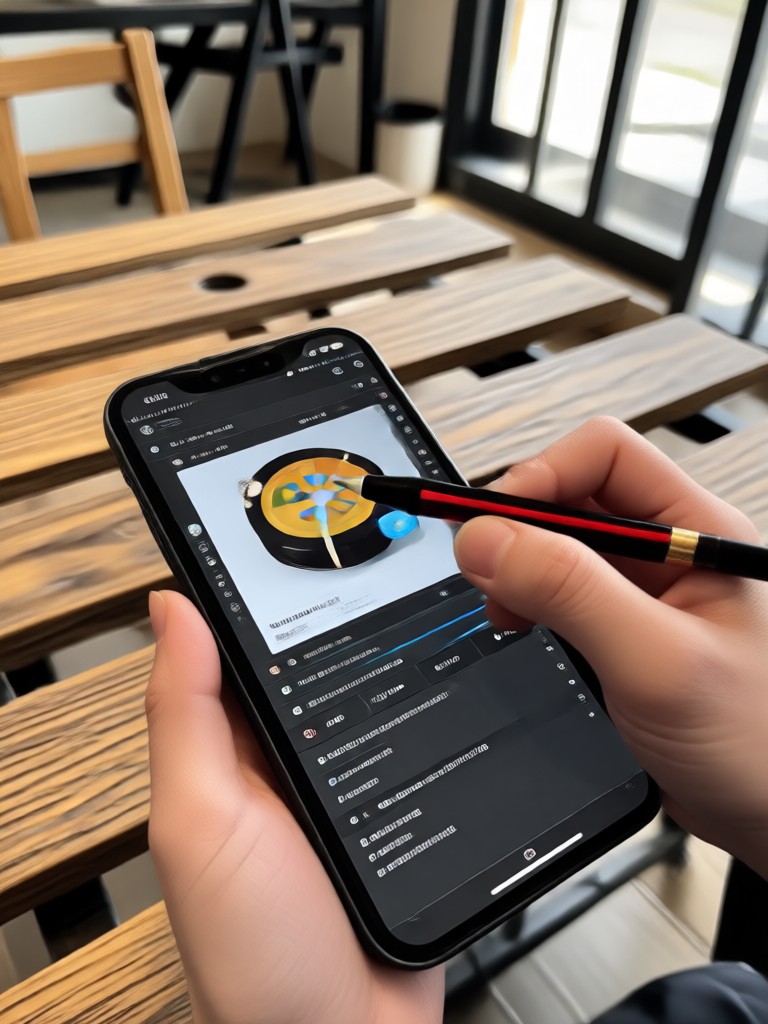
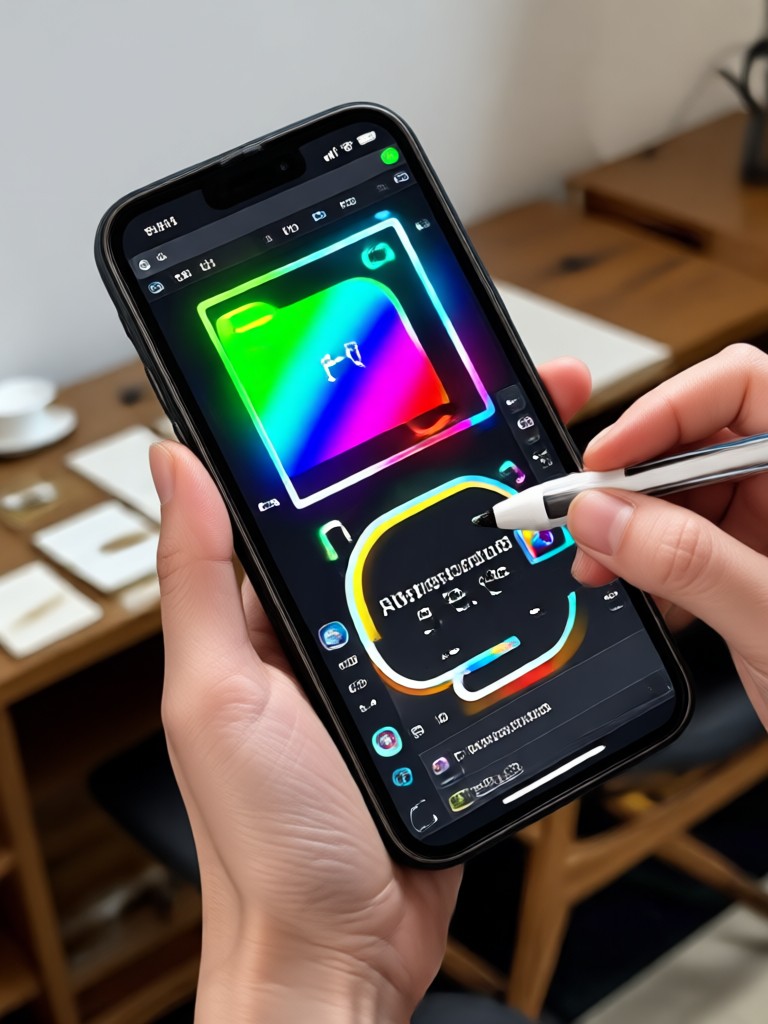
See how ordinary photos are transformed into extraordinary pixel art. Get inspired by creations from our community of digital artists and retro enthusiasts.
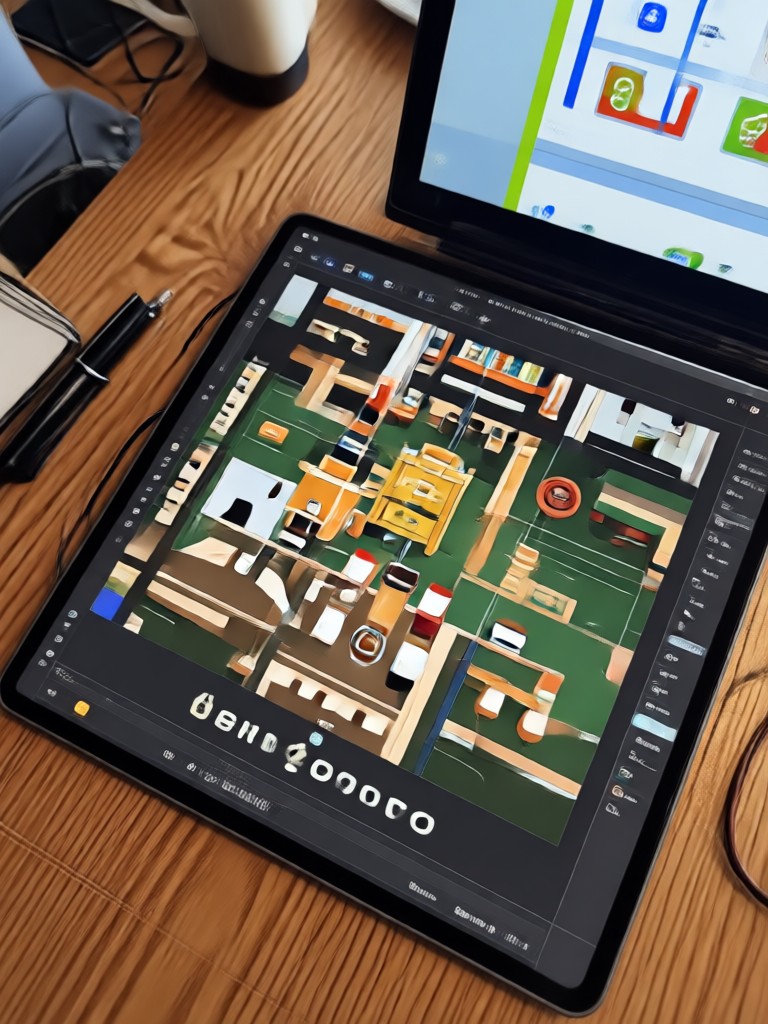

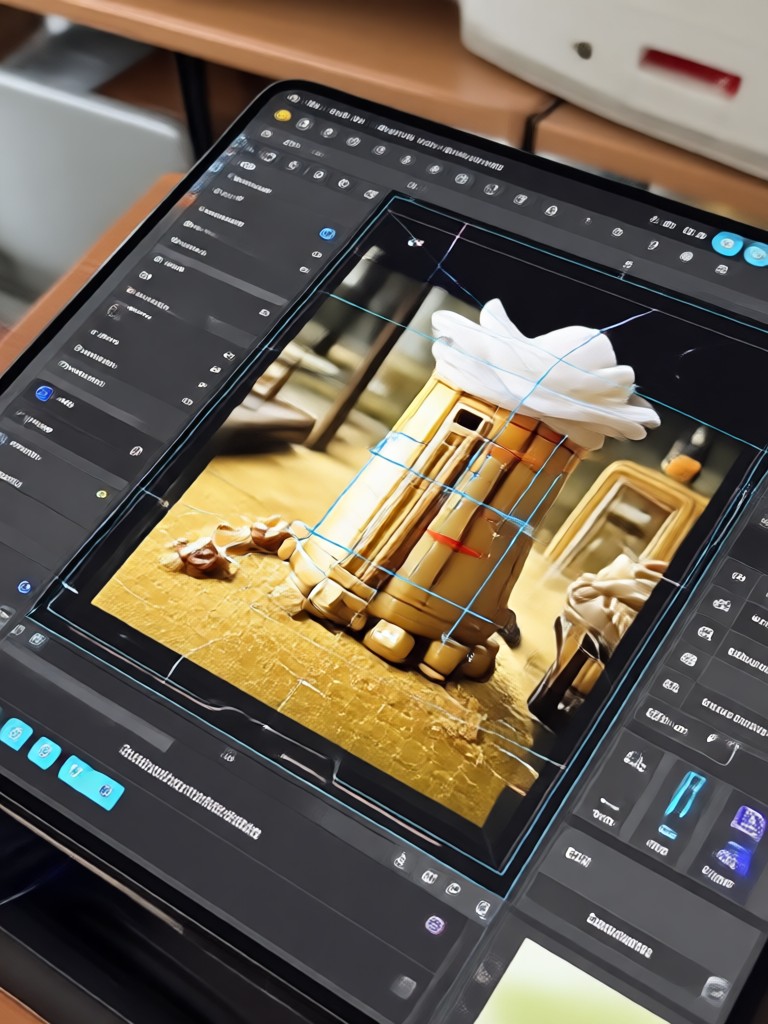
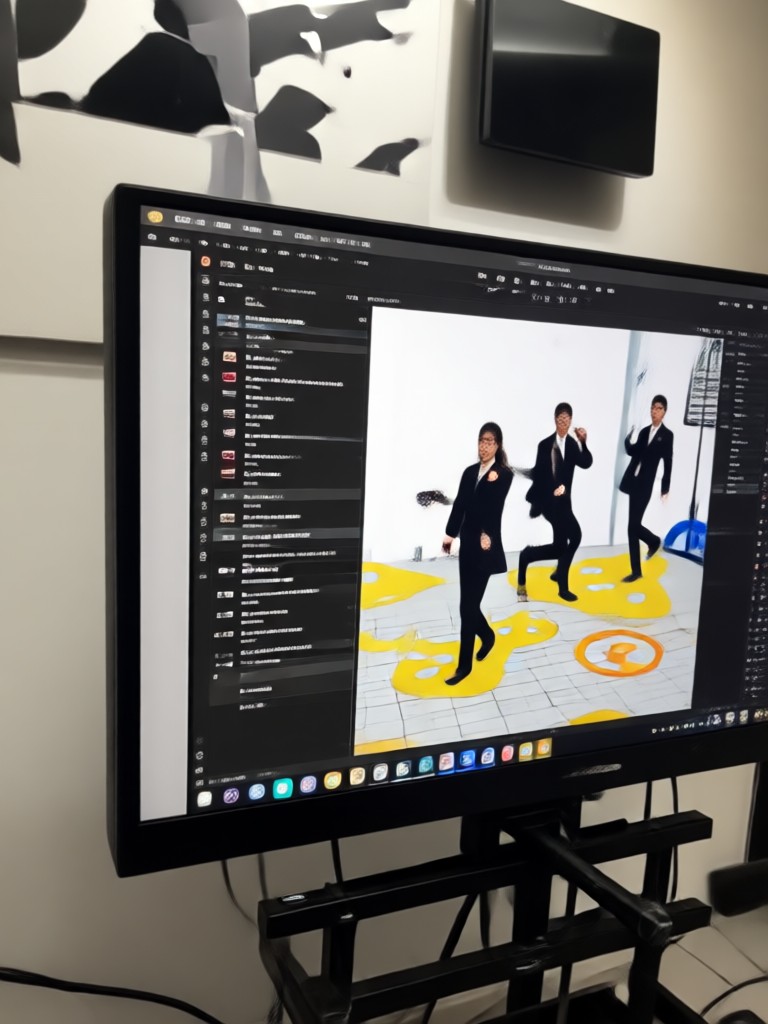
How to Create Pixel Art in 3 Steps?
Turn your photos into pixel perfect artwork in less than a minute with our simple, intuitive mobile app.

Step 01.
Download the makmak app from Google Play. It's your all in one studio for AI powered pixel art creation, available anytime on your phone.

Step 02.
Select the 'Pixel Photo Editor' feature and upload your photo. Browse and choose from our extensive library of retro and modern pixel art style filters.

Step 03.
Generate your pixel art. Customize the pixel size and color palette if desired, then save or share your unique creation directly to social media.
What Pixel Artists Are Saying
Brought my game characters to life instantly
As an indie game developer, creating consistent pixel art sprites was time consuming. This editor lets me turn concept sketches and reference photos into perfect in game assets in seconds. The 16 bit filter is incredibly authentic.
My go to for unique social media profiles
I run a retro gaming channel and needed a standout avatar. The pixel photo editor gave me a perfect 8 bit version of my logo. My followers love it, and I use it to create custom art for stream alerts and merch designs.
Perfect for DIY art and gifts
I made pixel art portraits of my family for Christmas, and they were a huge hit. The app is so easy. I had no art experience, but the results looked professional. I've since started making custom pixel art keychains.
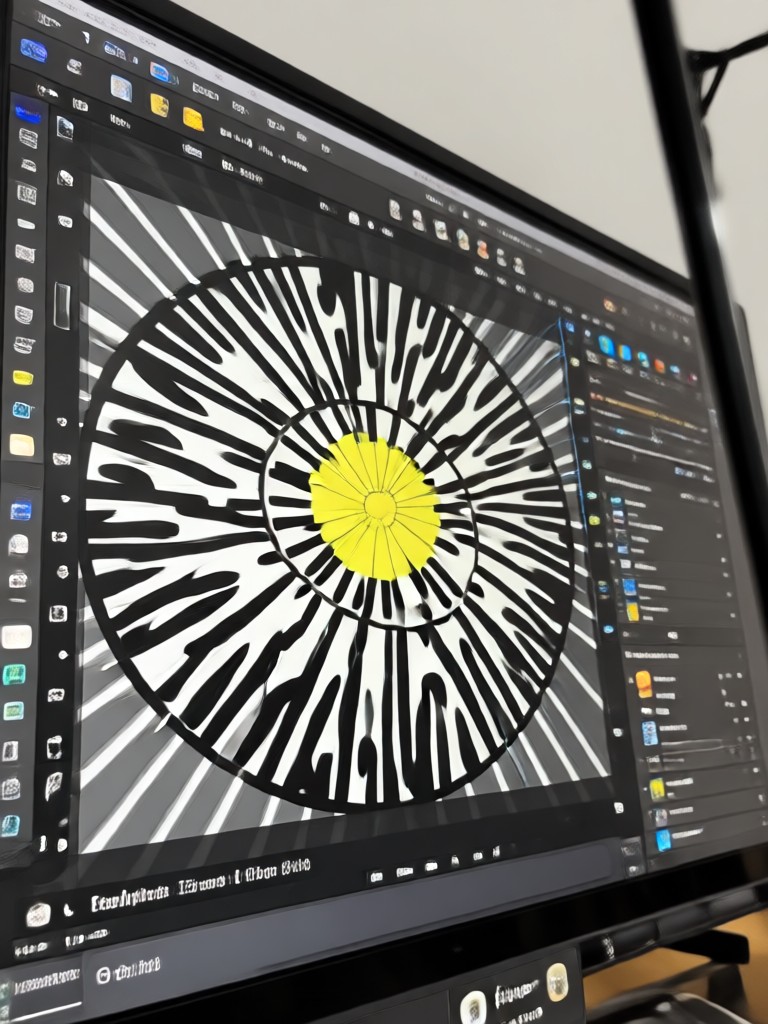
Your Pocket Sized Pixel Art Studio
Carry the power of a professional pixel editor in your pocket. Create, customize, and animate pixel art anywhere, anytime.

Pixel Photo Editor FAQs
Get quick answers to common questions about creating, customizing, and using your pixel art.
More Topics You May Like
Explore more topics you may like and discover fresh ideas tailored to your interests.
Enhance Photos Instantly: AI Enhancer Without Watermarks
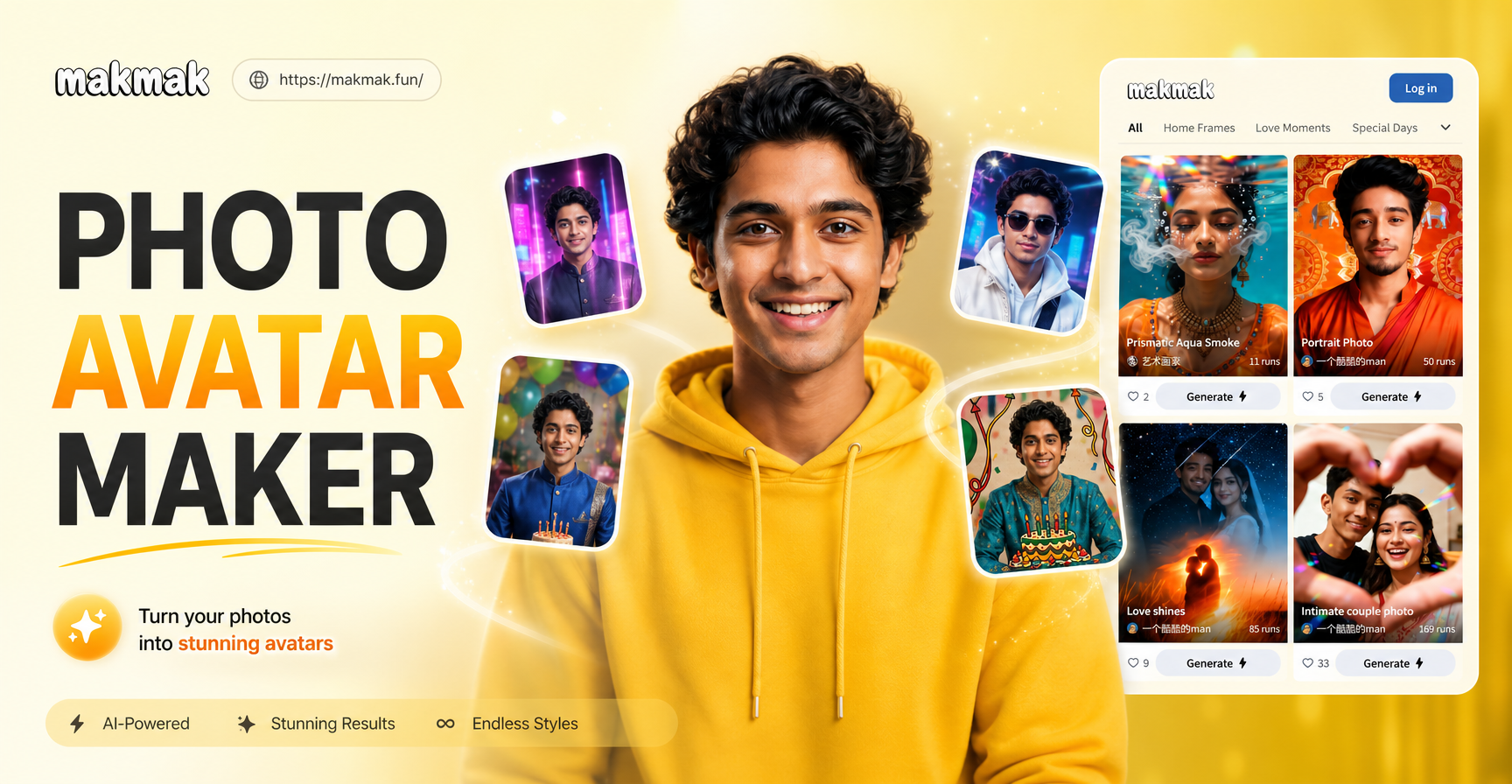
Create Custom AI Avatars: Your Personal Photo Avatar Maker
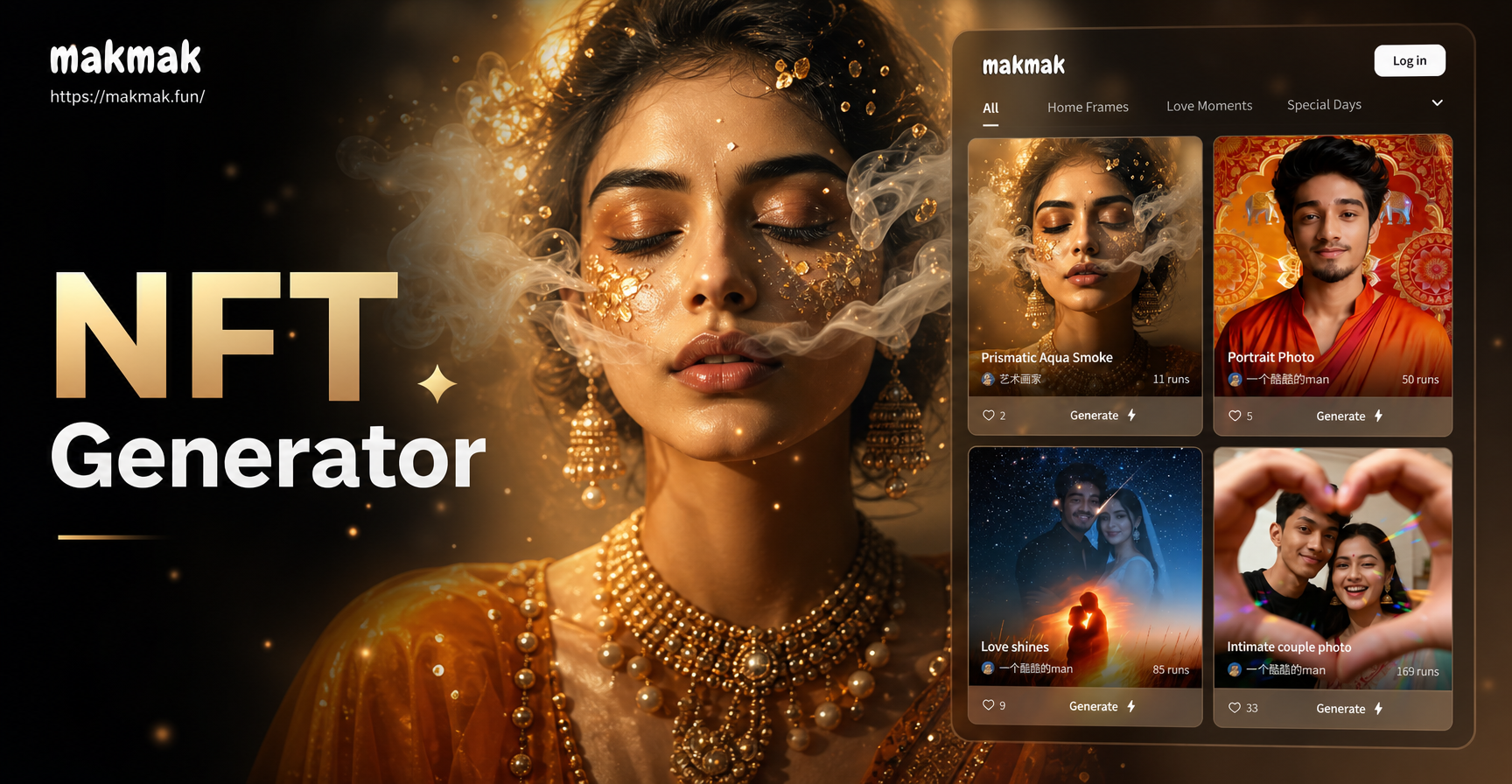
Create Stunning NFT Art with AI in Minutes
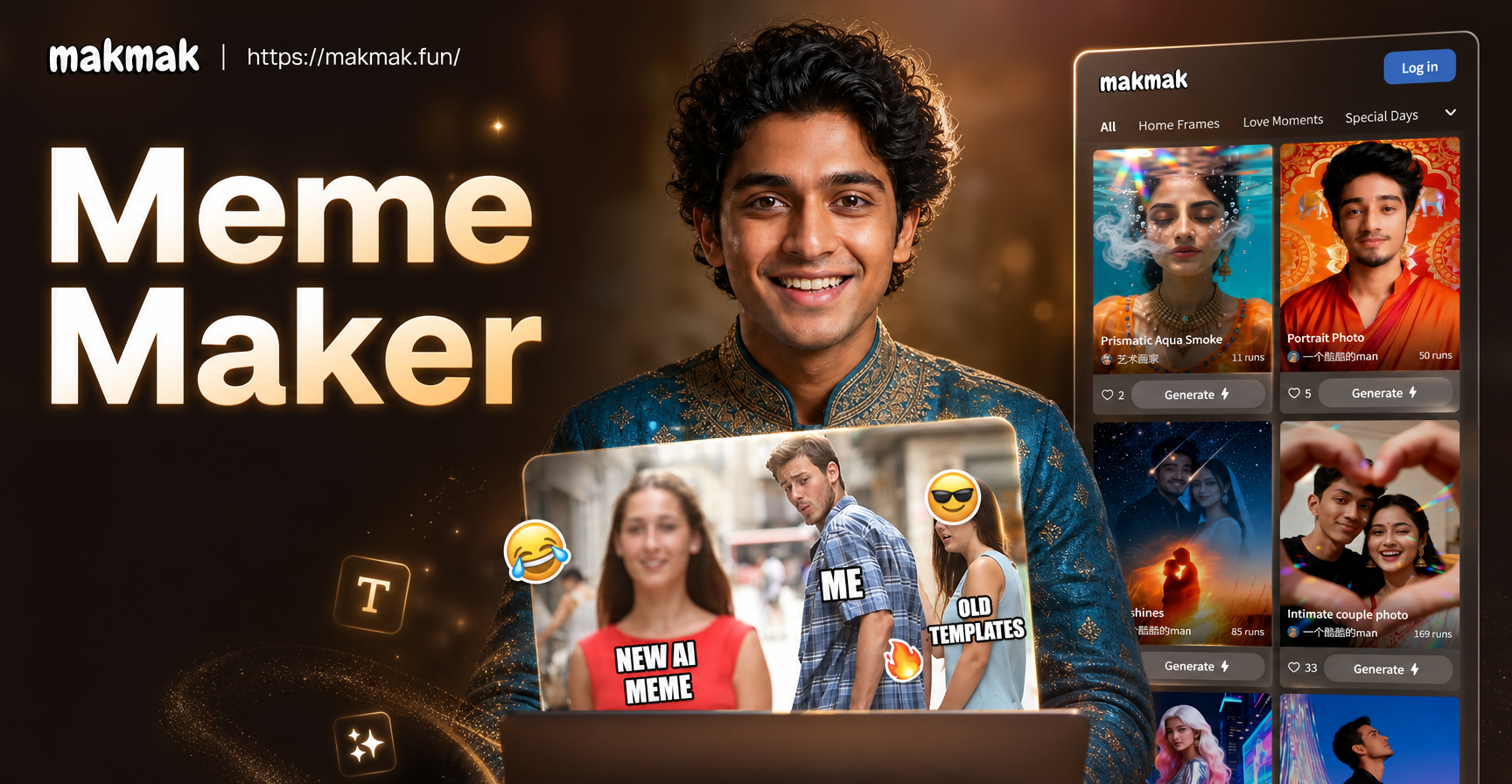
Create Memes Instantly: AI-Powered Meme Generator
Enhance Photos Instantly: AI Enhancer Without Watermarks
Create Custom AI Avatars: Your Personal Photo Avatar Maker
Create Stunning NFT Art with AI in Minutes
Create Memes Instantly: AI-Powered Meme Generator
Start Your Pixel Art Journey Today
Join thousands of creators and gamers who are transforming their world, one pixel at a time. Download the app and unleash your retro creativity.
Start Your Pixel Art Journey Today
Join thousands of creators and gamers who are transforming their world, one pixel at a time. Download the app and unleash your retro creativity.