Gemini AI Rooftop Portrait
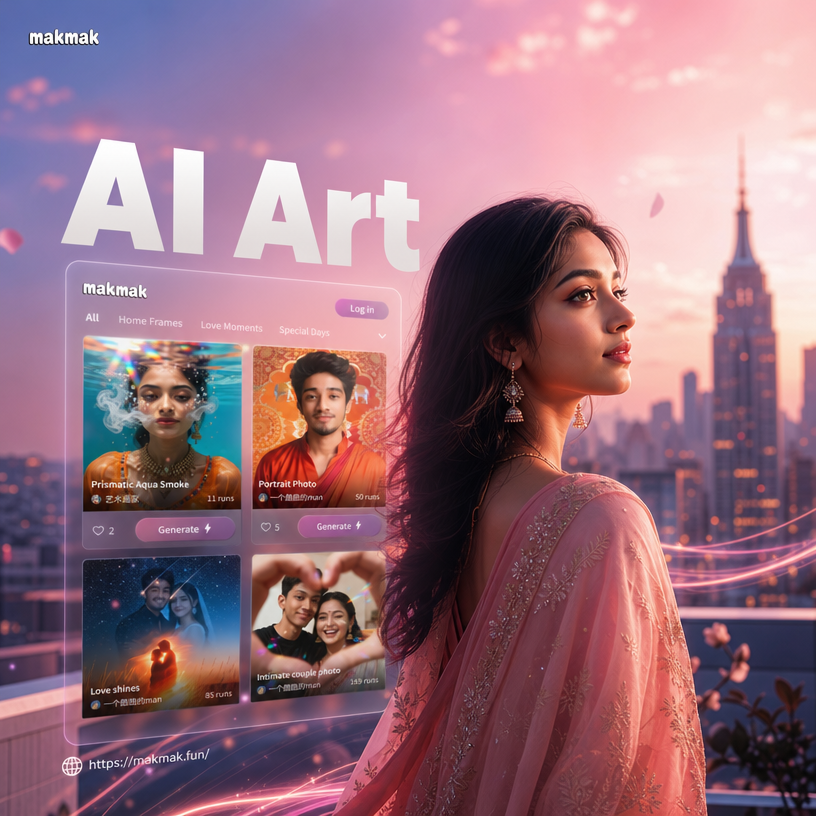
Choose Your Rooftop Portrait Filter
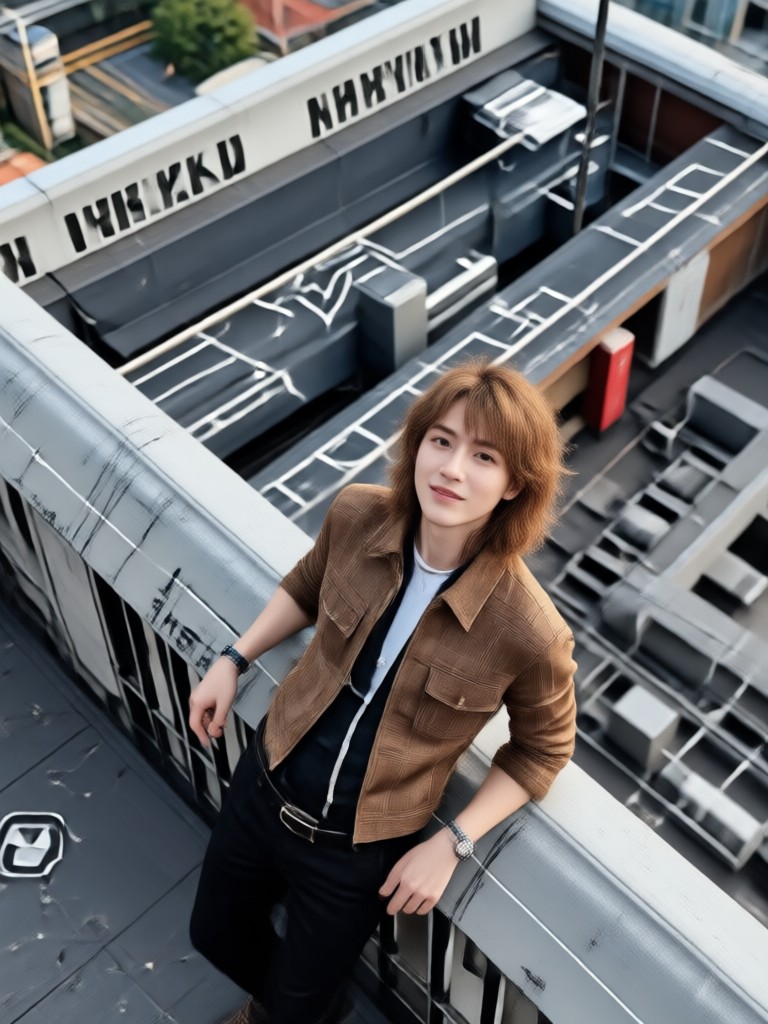
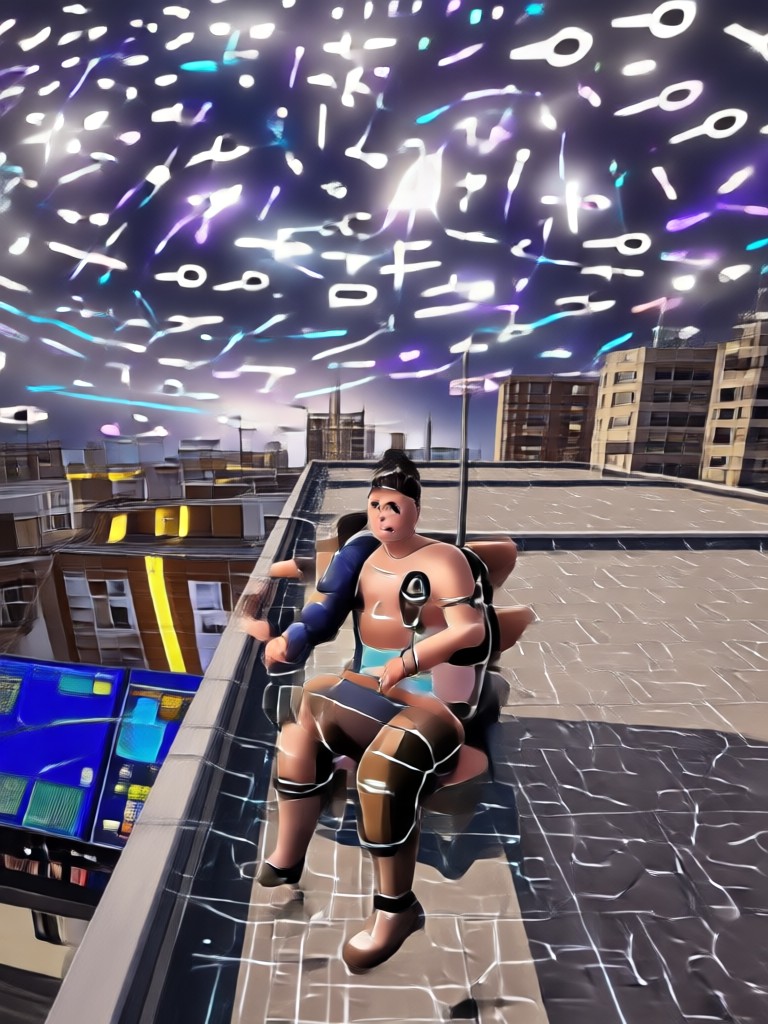
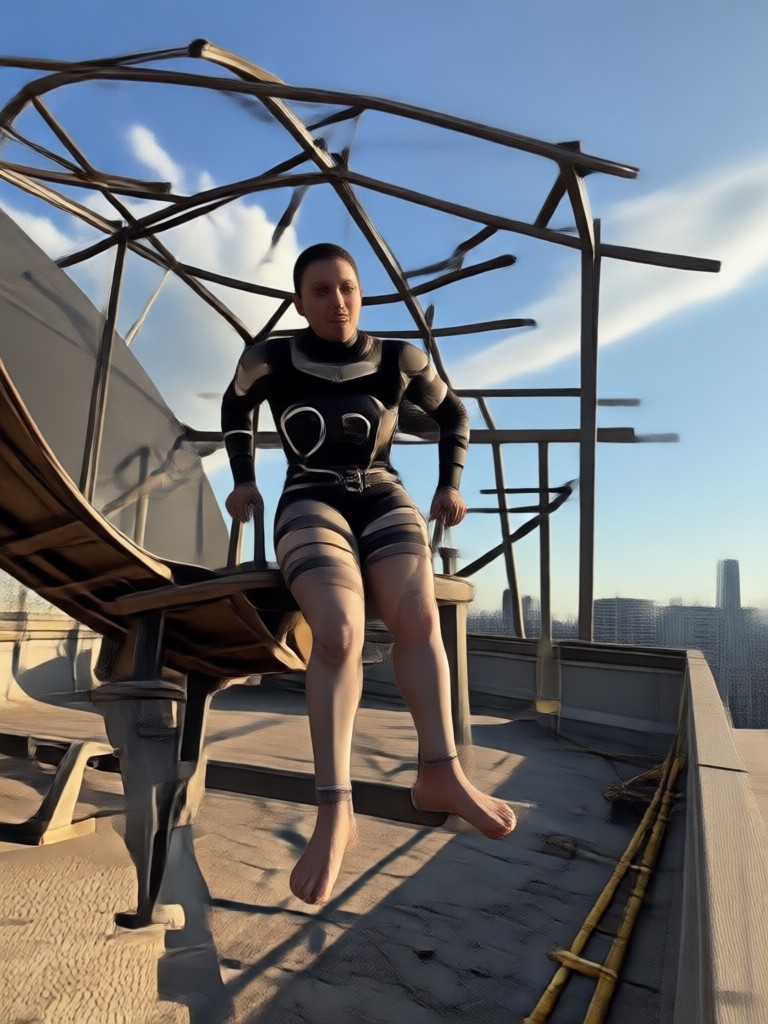
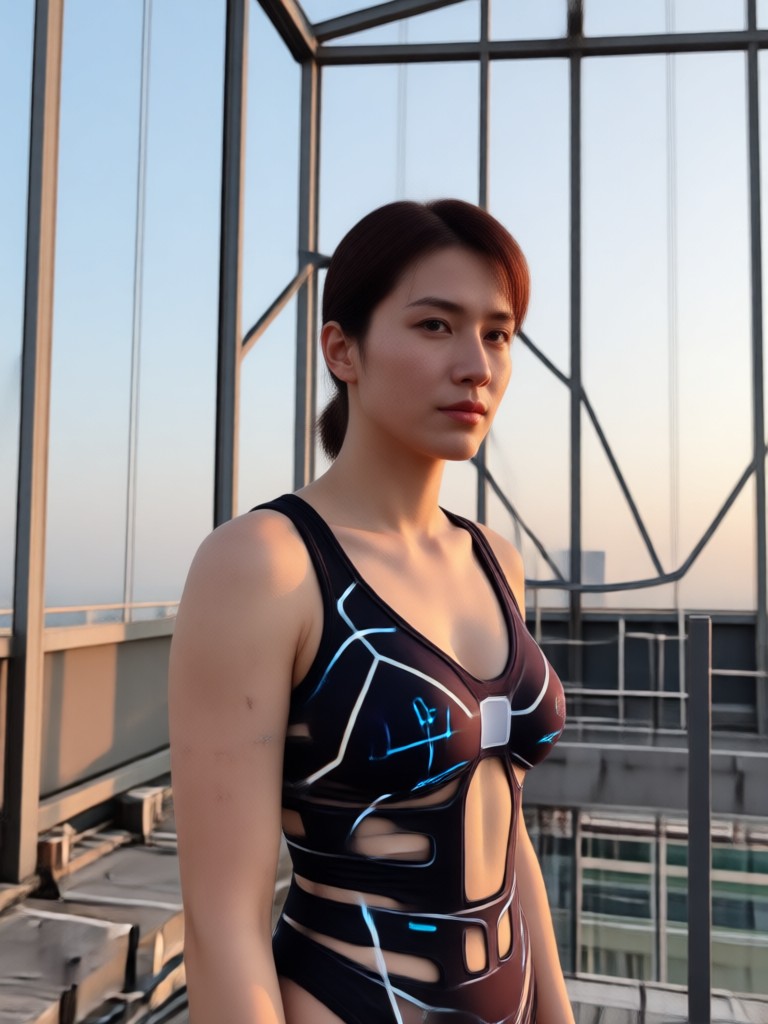
Explore rooftop portrait filters that match your mood, from golden hour city views to neon night skylines.
Key Features of Gemini AI Rooftop Portrait
Discover the powerful tools behind realistic AI rooftop portraits, from skylines to lighting effects.
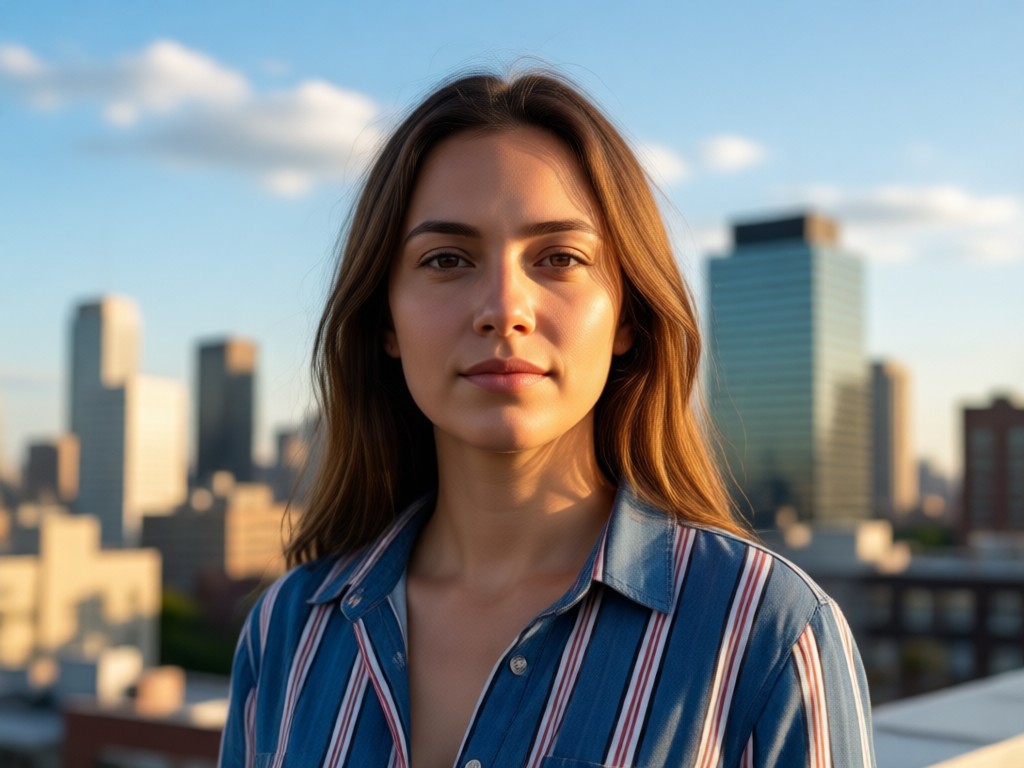
Realistic Skyline Backgrounds
AI inserts authentic rooftop scenes with city skylines, sunsets, and urban architecture while keeping your face sharp and natural.
Realistic Skyline Backgrounds
AI inserts authentic rooftop scenes with city skylines, sunsets, and urban architecture while keeping your face sharp and natural.
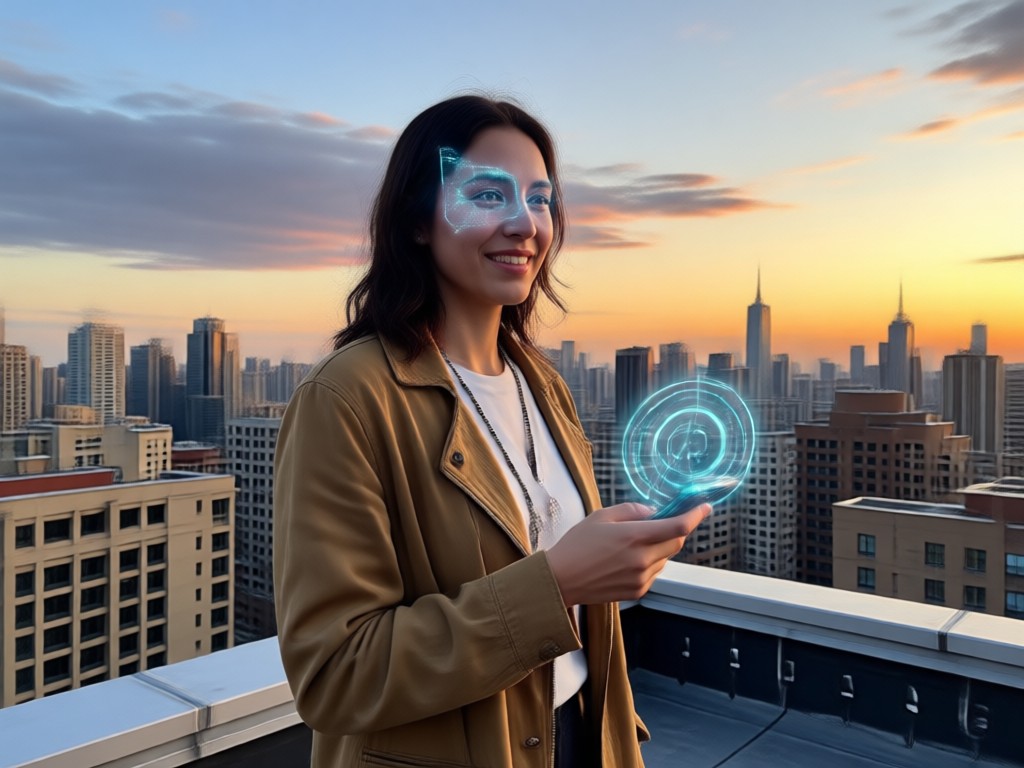
Editorial Lighting Effects
Get golden hour glow, neon night tones, or soft dusk light that makes your portrait look like a magazine cover.
Editorial Lighting Effects
Get golden hour glow, neon night tones, or soft dusk light that makes your portrait look like a magazine cover.
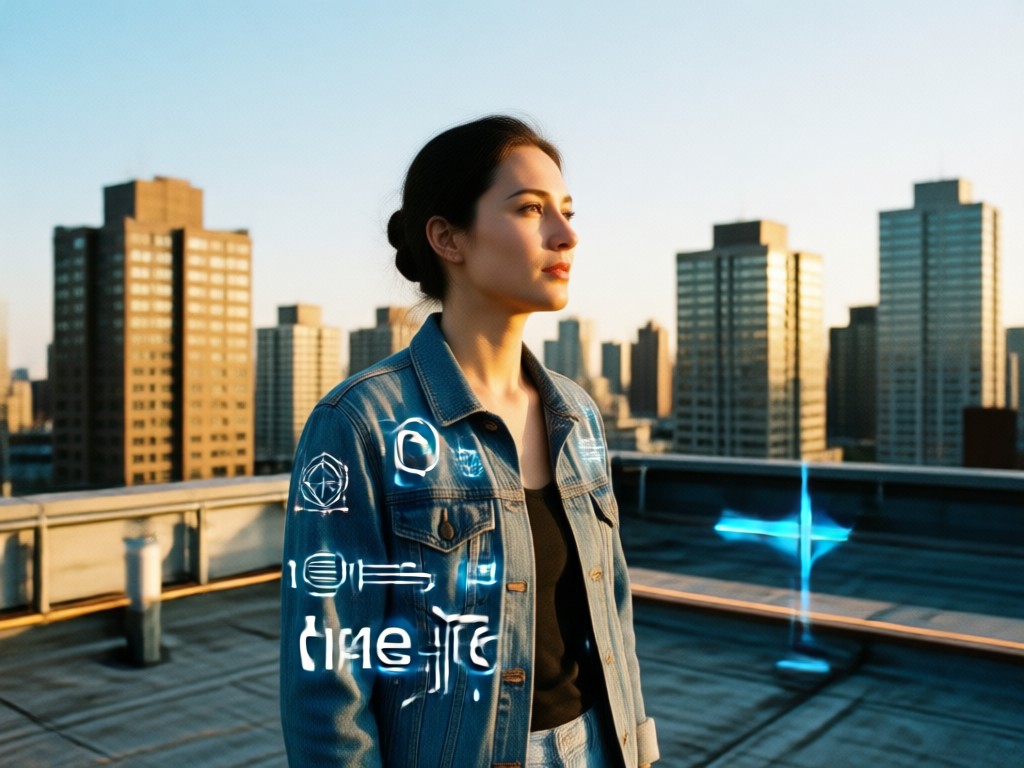
One Tap Style Transfer
Pick from thousands of rooftop templates and apply the style instantly, no manual editing or prompt engineering needed.
One Tap Style Transfer
Pick from thousands of rooftop templates and apply the style instantly, no manual editing or prompt engineering needed.
Rooftop Portrait Templates for Every City Vibe
Browse ready to use rooftop scenes including skyline terraces, sunset edges, and neon city nights. Choose a template, upload your photo, and generate a Gemini AI Rooftop Portrait in seconds.
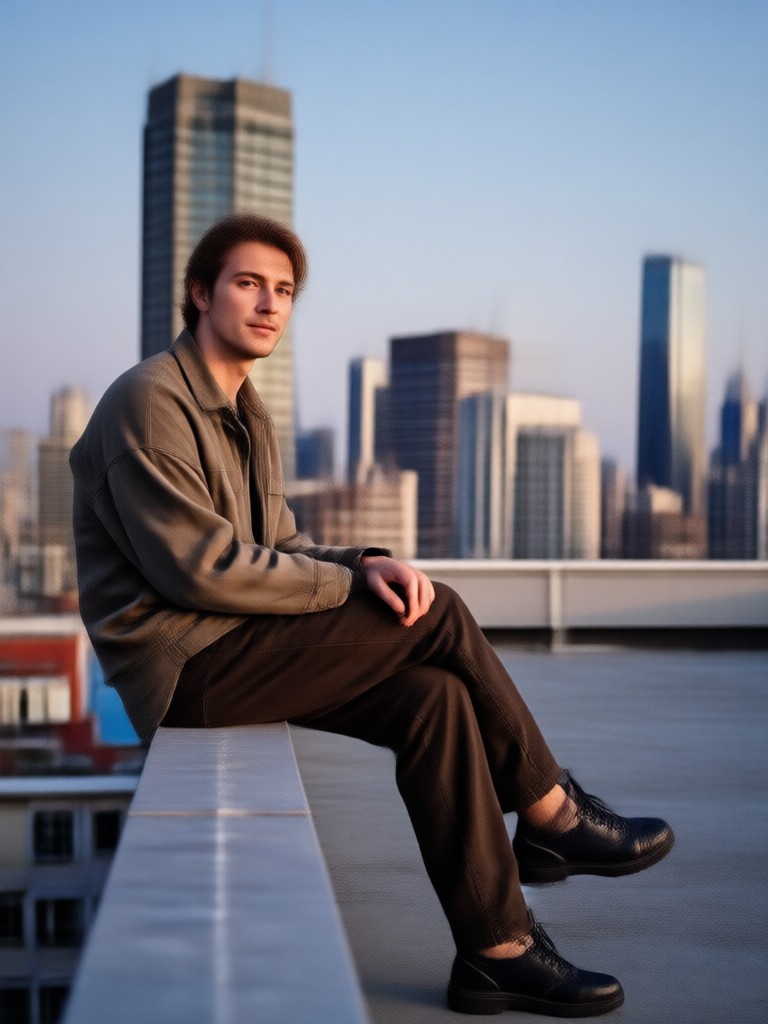
How to Create a Gemini AI Rooftop Portrait
Follow three simple steps to transform your photo into a stunning rooftop portrait with AI.

Step 01.
Download the makmak app from Google Play and open it on your phone.

Step 02.
Upload your photo and choose a rooftop portrait filter or template you like.

Step 03.
Generate your Gemini AI Rooftop Portrait and save or share it on social media.
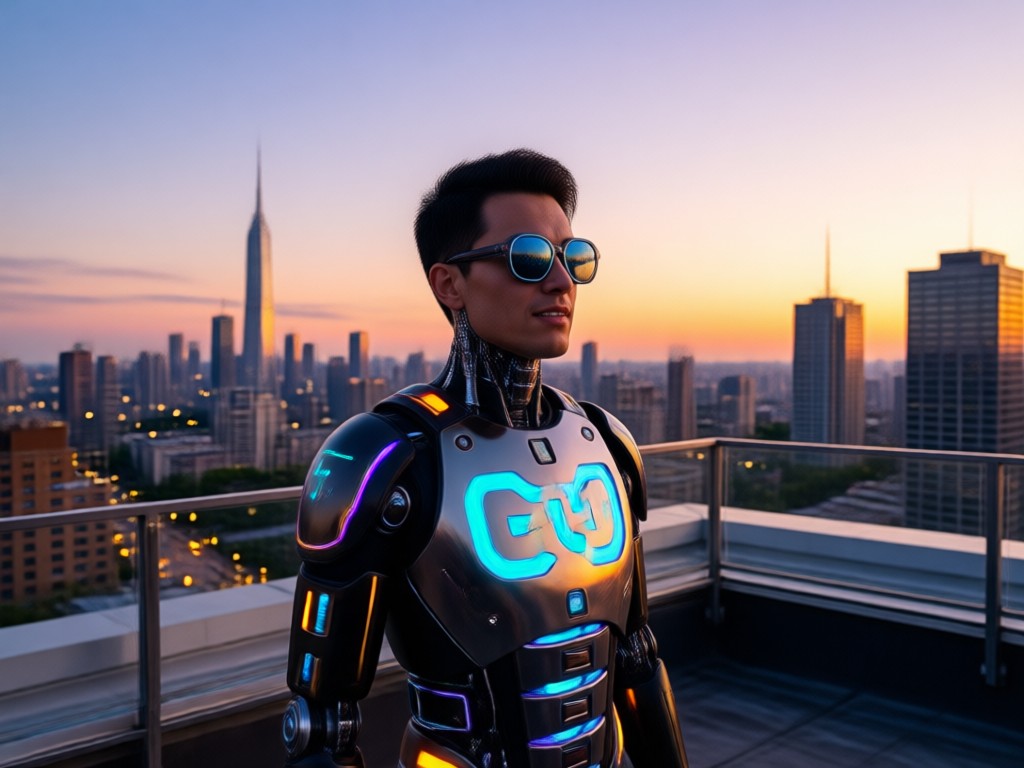
Why Choose makmak for Rooftop Portraits
makmak turns ordinary selfies into high end editorial shots without a camera crew. The Gemini AI Rooftop Portrait filter combines realistic urban backdrops with studio quality lighting, giving you a magazine cover look in seconds. Just download the app, pick a template, and let AI handle the rest.
Why Choose makmak for Rooftop Portraits
makmak turns ordinary selfies into high end editorial shots without a camera crew. The Gemini AI Rooftop Portrait filter combines realistic urban backdrops with studio quality lighting, giving you a magazine cover look in seconds. Just download the app, pick a template, and let AI handle the rest.
What Creators Say About Gemini AI Rooftop Portrait
My photos look like a fashion editorial
I used the rooftop filter for my Instagram and the results were stunning. The city skyline backgrounds look real and the lighting is perfect.
So easy to use, no editing skills needed
I uploaded a selfie, picked a neon night template, and got a professional portrait in seconds. The app did all the work.
The rooftop filters are next level
I love the variety of skylines and sunset tones. Every portrait I generate looks unique and high quality. Highly recommend.
Create a Gemini AI Rooftop Portrait on Your Phone
Download makmak from Google Play and turn any selfie into an urban rooftop editorial with realistic skyline filters.

Frequently Asked Questions
Answers about Gemini AI Rooftop Portrait, filters, and the makmak app.
More AI Portrait Effects You May Like
Explore more AI filters and effects for portrait transformation.

AI Love Story Kiss Video Generator - Romantic Videos
Create Your Dream Sea Escape: AI Sza Over The Sea
Turn Photos Into Y2K Grunge Posters Fast
Gemini AI Streetwear: Redesign Your Fit Instantly
AI Love Story Kiss Video Generator - Romantic Videos
Create Your Dream Sea Escape: AI Sza Over The Sea
Turn Photos Into Y2K Grunge Posters Fast
Gemini AI Streetwear: Redesign Your Fit Instantly
Create Your Gemini AI Rooftop Portrait Today
Download makmak and turn any photo into an urban rooftop editorial with one tap.
Create Your Gemini AI Rooftop Portrait Today
Download makmak and turn any photo into an urban rooftop editorial with one tap.