Gemini AI Sza Over The Sea

More Ethereal Photo Styles to Explore
If you love the dreamy sea aesthetic, try these related filters that bring the same calm, cinematic mood to your photos.
Why Creators Love the Sza Over The Sea Look
This effect goes beyond a simple blue overlay. It recreates the feeling of standing beside open water at golden hour, with soft skin tones and natural depth.
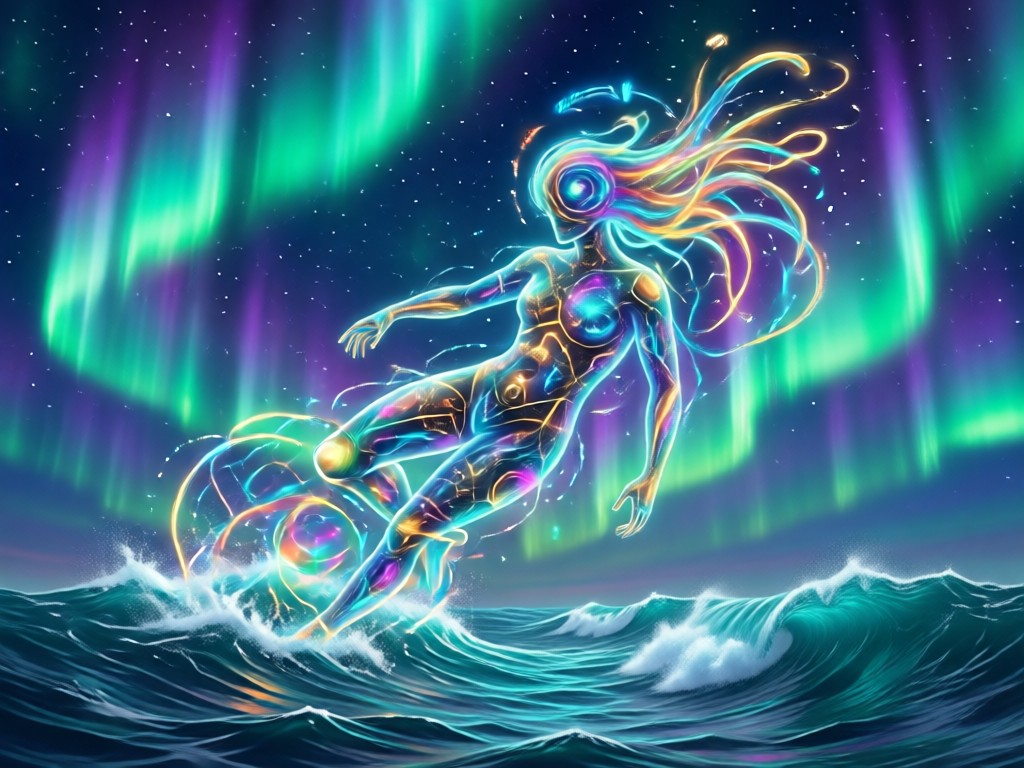
Soft Ocean Tones
The AI automatically balances deep blue hues with warm skin highlights. Your portrait keeps its natural texture while the background melts into a calm coastal palette.
Soft Ocean Tones
The AI automatically balances deep blue hues with warm skin highlights. Your portrait keeps its natural texture while the background melts into a calm coastal palette.

Cinematic Lighting
Get that airy, film like glow without expensive lenses or editing software. The filter adds gentle light diffusion that flatters every face shape and skin tone.
Cinematic Lighting
Get that airy, film like glow without expensive lenses or editing software. The filter adds gentle light diffusion that flatters every face shape and skin tone.

One Tap Generation
No prompts or complex settings are required. Select the Sza Over The Sea filter, upload your photo, and the app produces a high resolution result in seconds.
One Tap Generation
No prompts or complex settings are required. Select the Sza Over The Sea filter, upload your photo, and the app produces a high resolution result in seconds.
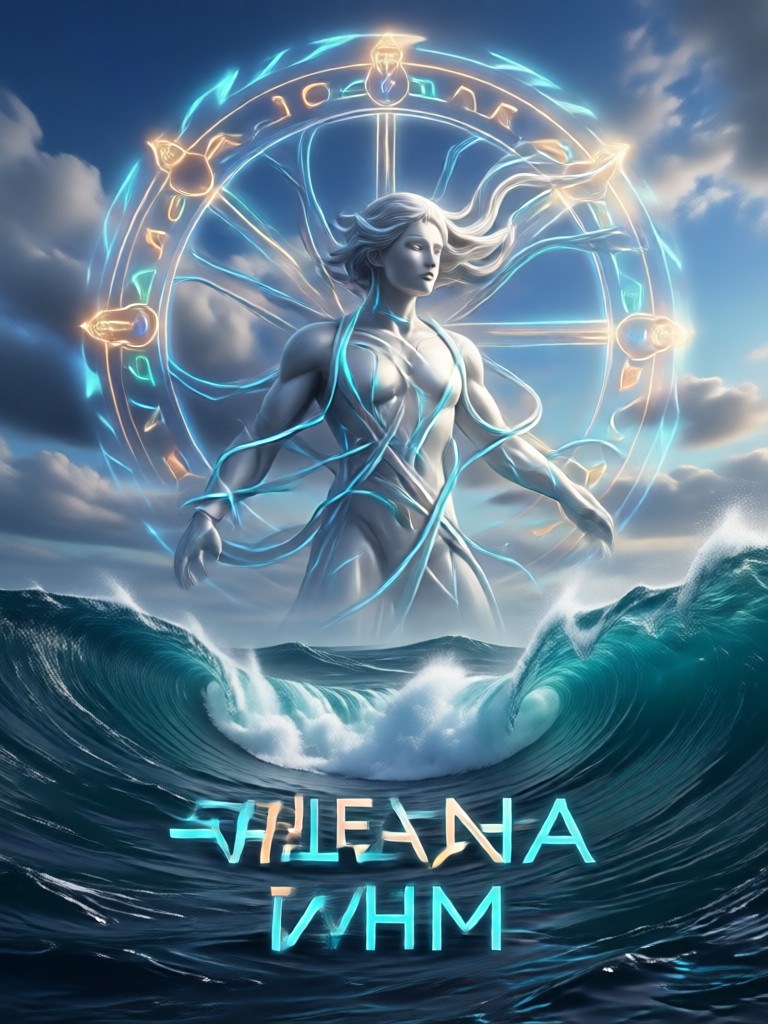
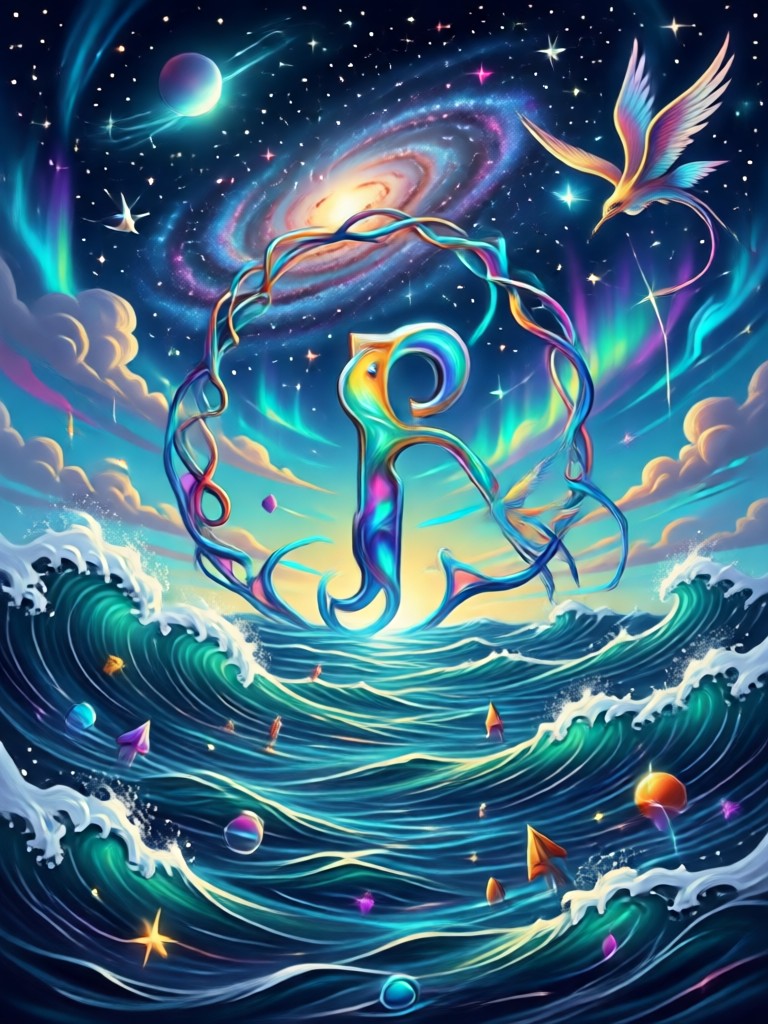
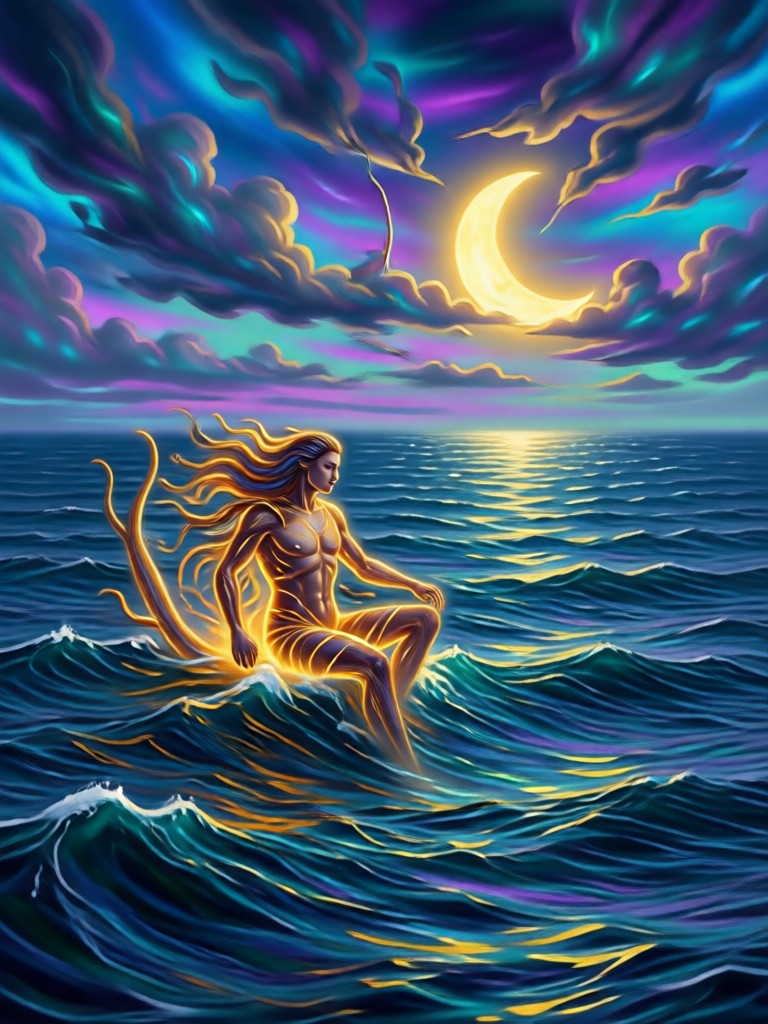
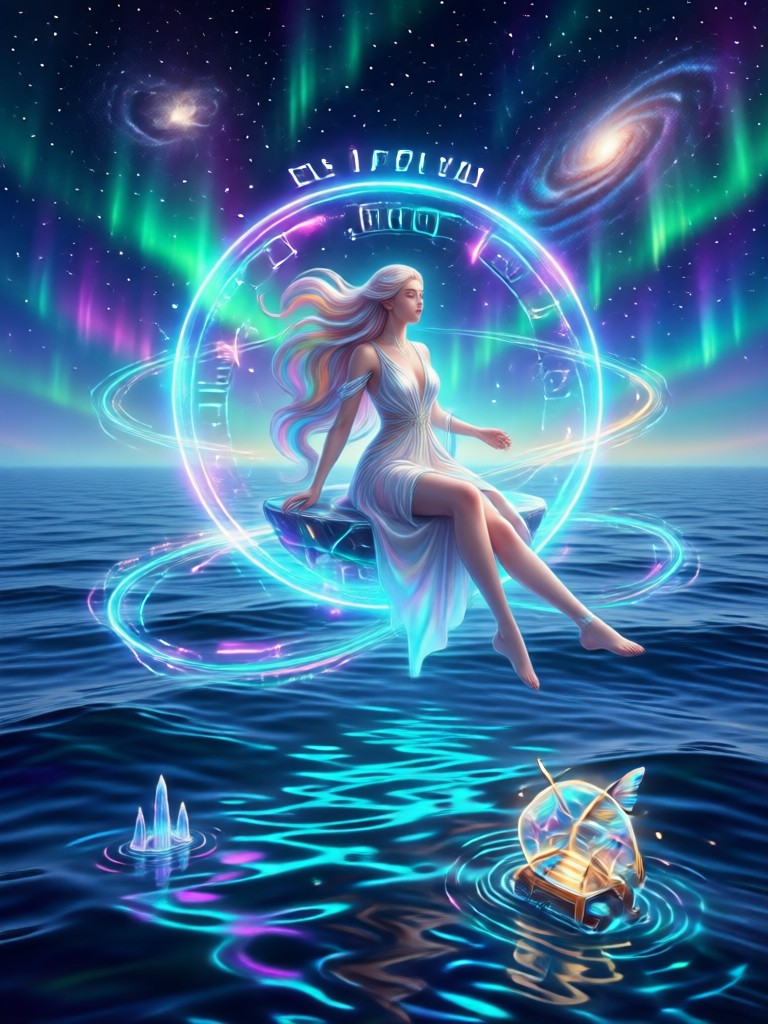
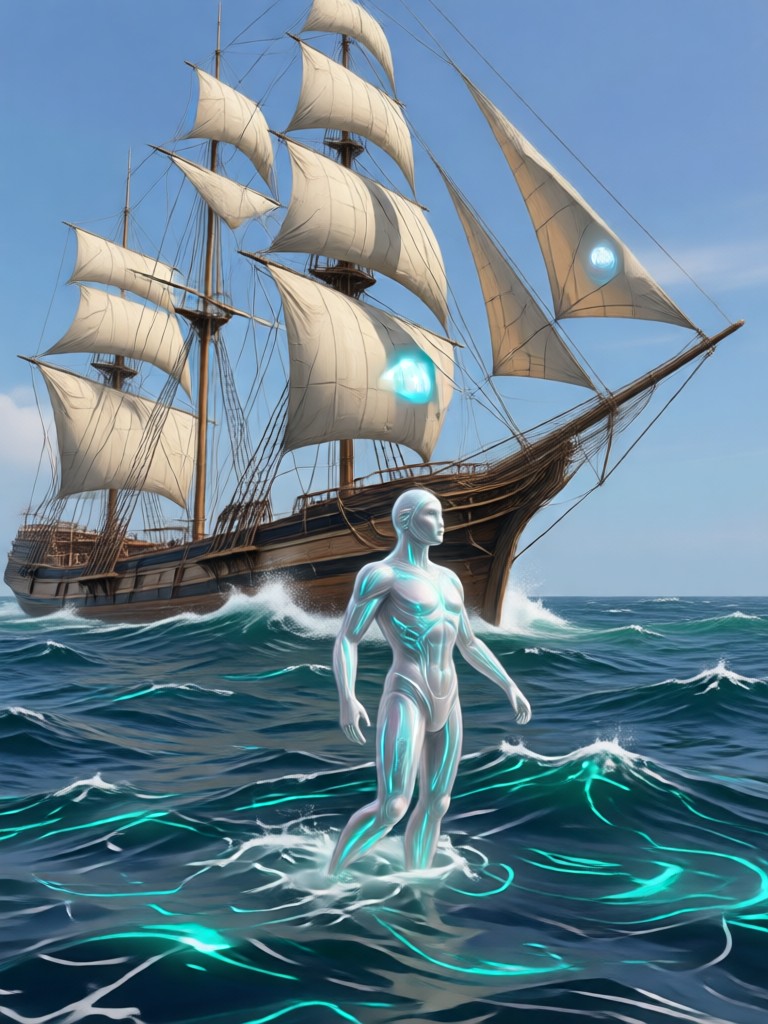
Sza Over The Sea Inspiration Gallery
See how different photos transform with the sea inspired filter. From studio portraits to casual selfies, every image gains a calm, editorial water glow.







How to Apply the Sza Over The Sea Effect
Create your own ocean inspired portrait in three simple steps. No editing experience needed.

Step 01.
Download makmak from Google Play and open the app on your phone. The Sza Over The Sea filter is ready to use immediately, no account setup required.

Step 02.
Upload a clear portrait photo. Then find the Sza Over The Sea style in the filter library. The app shows a live preview so you can see the look before applying it.

Step 03.
Tap generate and wait a few seconds. Save your new sea inspired portrait to your gallery or share it directly to social media in high resolution.
Why Use the Portrait to Sea Transformation
This effect gives every photo a calm, magazine style finish. It works especially well for profile pictures, creative portraits, and mood boards.
A Mood That Feels Like Open Water
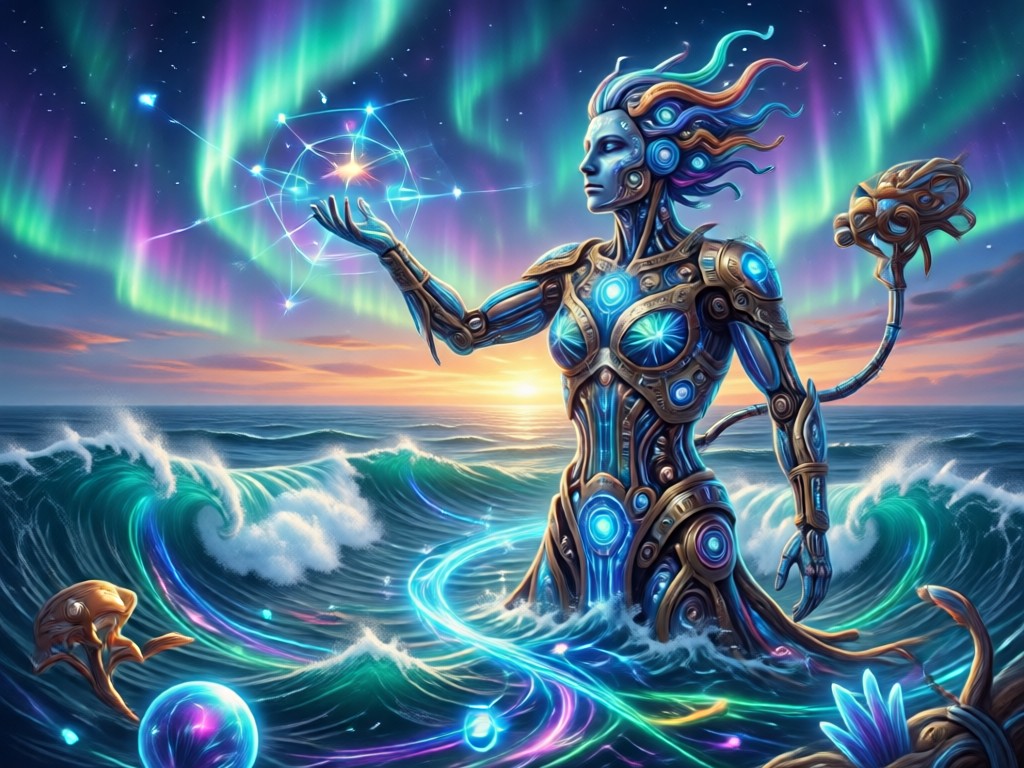
The Sza Over The Sea filter is more than a color grade. It softens harsh shadows, evens out skin texture, and blends the background into a quiet blue atmosphere. The result feels like a still from a music video, calm but full of emotion. It works on selfies, full body shots, and even group photos. Because the AI understands faces separately, every person keeps their unique features while the whole image shares the same dreamy ocean tone. If you want a photo that stands out without looking over edited, this is the effect to try.
A Mood That Feels Like Open Water
The Sza Over The Sea filter is more than a color grade. It softens harsh shadows, evens out skin texture, and blends the background into a quiet blue atmosphere. The result feels like a still from a music video, calm but full of emotion. It works on selfies, full body shots, and even group photos. Because the AI understands faces separately, every person keeps their unique features while the whole image shares the same dreamy ocean tone. If you want a photo that stands out without looking over edited, this is the effect to try.
Who Uses the Ocean Portrait Effect

Mira Chen
I use this filter for all my profile pictures now. It gives my face a soft glow and the blue background makes everything look clean and intentional.

Daniel Ross
As a photographer, I am picky about presets. The Sza Over The Sea effect is surprisingly natural. It does not crush the highlights or make skin look plastic.

Amara Osei
We used this style for a client mood board. The whole set looked cohesive and dreamy. Saved us hours of manual color grading.

Leo Martins
I know nothing about editing. I just tapped the filter and got a portrait that looks like an album cover. My friends keep asking how I did it.
Mira Chen
I use this filter for all my profile pictures now. It gives my face a soft glow and the blue background makes everything look clean and intentional.
Daniel Ross
As a photographer, I am picky about presets. The Sza Over The Sea effect is surprisingly natural. It does not crush the highlights or make skin look plastic.
Amara Osei
We used this style for a client mood board. The whole set looked cohesive and dreamy. Saved us hours of manual color grading.
Leo Martins
I know nothing about editing. I just tapped the filter and got a portrait that looks like an album cover. My friends keep asking how I did it.
Mira Chen
I use this filter for all my profile pictures now. It gives my face a soft glow and the blue background makes everything look clean and intentional.
Daniel Ross
As a photographer, I am picky about presets. The Sza Over The Sea effect is surprisingly natural. It does not crush the highlights or make skin look plastic.
Amara Osei
We used this style for a client mood board. The whole set looked cohesive and dreamy. Saved us hours of manual color grading.
Leo Martins
I know nothing about editing. I just tapped the filter and got a portrait that looks like an album cover. My friends keep asking how I did it.
Frequently Asked Questions About Sza Over The Sea
Find clear answers about using the sea inspired AI filter, compatible photos, and app features.
More Topics You May Like
Explore more creative filters and ideas to make your photos stand out.

Turn Photos Into Y2K Grunge Posters Fast

Gemini AI Streetwear: Redesign Your Fit Instantly

AI Old Money Photo: Create Timeless Wealth Aesthetic

AI Lemon Juice Ad: Fresh Citrus Visuals in Seconds
Turn Photos Into Y2K Grunge Posters Fast
Gemini AI Streetwear: Redesign Your Fit Instantly
AI Old Money Photo: Create Timeless Wealth Aesthetic
AI Lemon Juice Ad: Fresh Citrus Visuals in Seconds
Turn Your Selfie Into a Sea Dream
Download makmak and try the Sza Over The Sea effect today. No editing skills needed, just a photo and one tap.
Turn Your Selfie Into a Sea Dream
Download makmak and try the Sza Over The Sea effect today. No editing skills needed, just a photo and one tap.