Gemini AI Streetwear
Pick Your Streetwear Vibe
From Tokyo Harajuku layers to New York skate culture, find the exact street aesthetic that matches your mood.
Why Use AI for Streetwear Design
Stop guessing how an outfit looks. Use AI to generate realistic streetwear previews directly on your own photos before you buy or post.
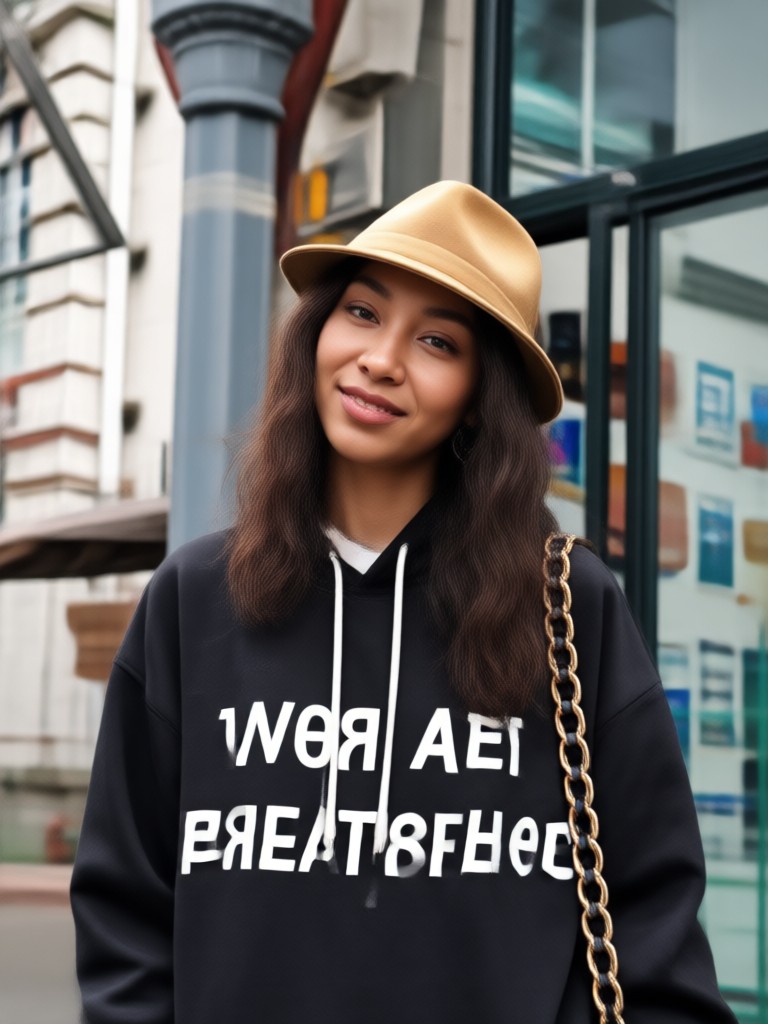
Preserve Your Identity
The AI keeps your facial features, skin tone, and body position locked in while changing only the clothes. You get a realistic preview that still looks exactly like you, just with a much better outfit.
Preserve Your Identity
The AI keeps your facial features, skin tone, and body position locked in while changing only the clothes. You get a realistic preview that still looks exactly like you, just with a much better outfit.
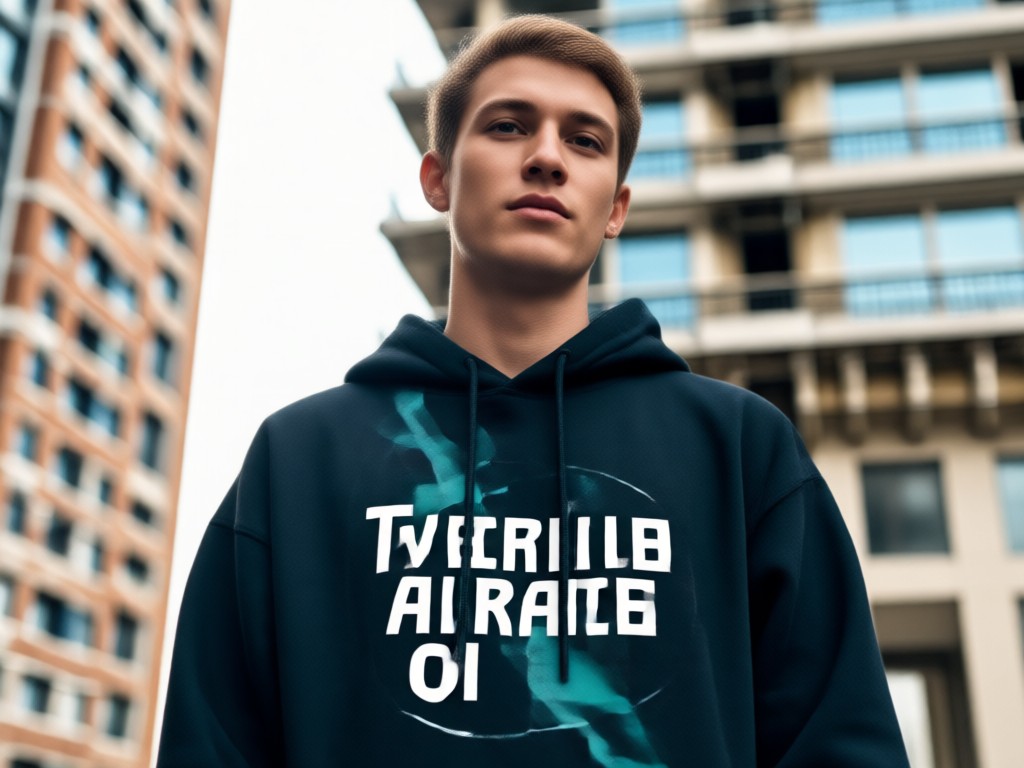
Access 1 Million Style Filters
Browse a massive library of style templates. Mix and match vintage 90s looks, futuristic techwear, or modern minimalism. The app handles the complex design logic, so you just pick a filter and generate.
Access 1 Million Style Filters
Browse a massive library of style templates. Mix and match vintage 90s looks, futuristic techwear, or modern minimalism. The app handles the complex design logic, so you just pick a filter and generate.
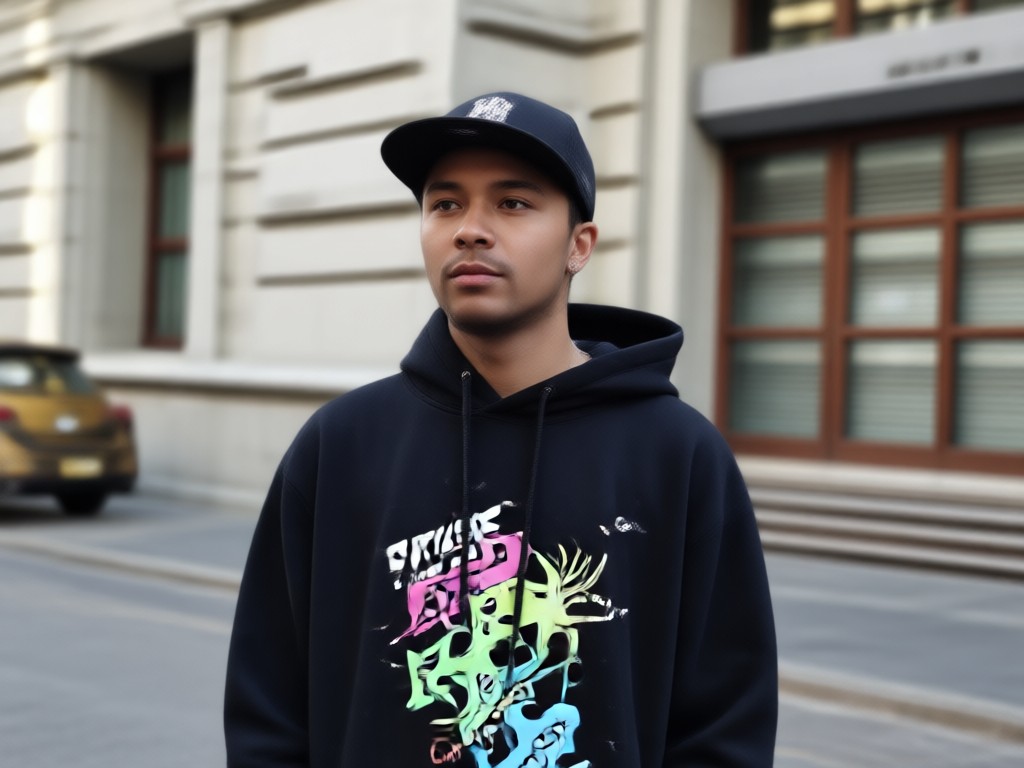
No Stylist Needed
You do not need to know how to layer, sew, or design. Just upload a photo and type a simple prompt like 'red bomber jacket' or 'baggy jeans'. The AI interprets your words into a finished look.
No Stylist Needed
You do not need to know how to layer, sew, or design. Just upload a photo and type a simple prompt like 'red bomber jacket' or 'baggy jeans'. The AI interprets your words into a finished look.
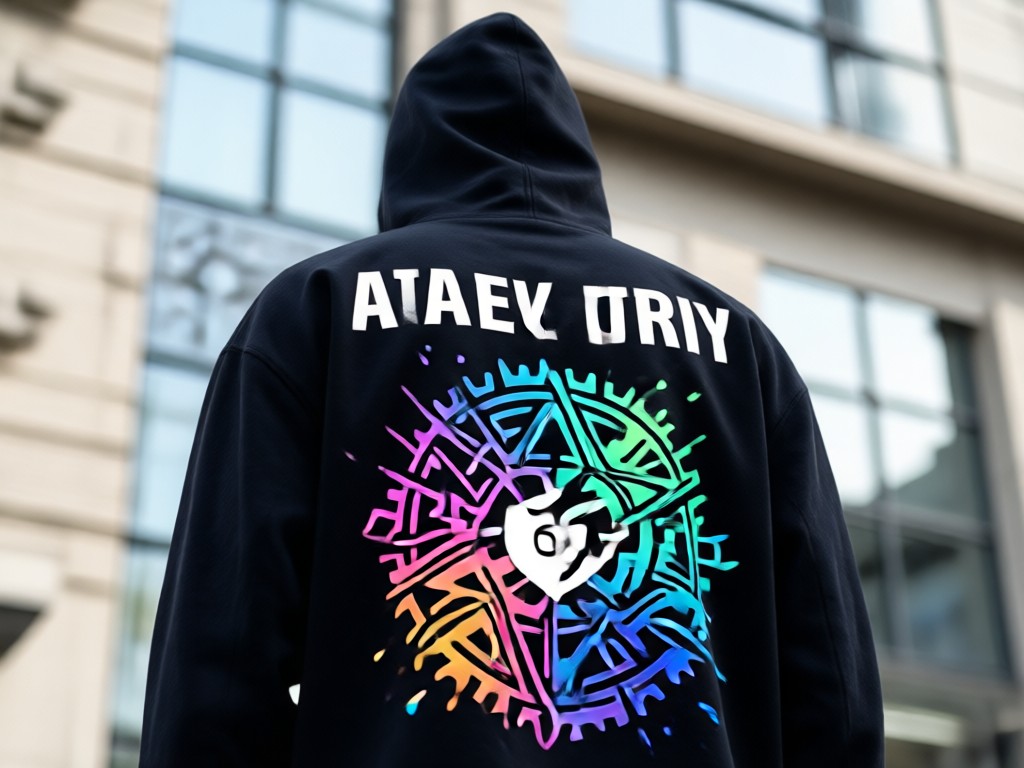
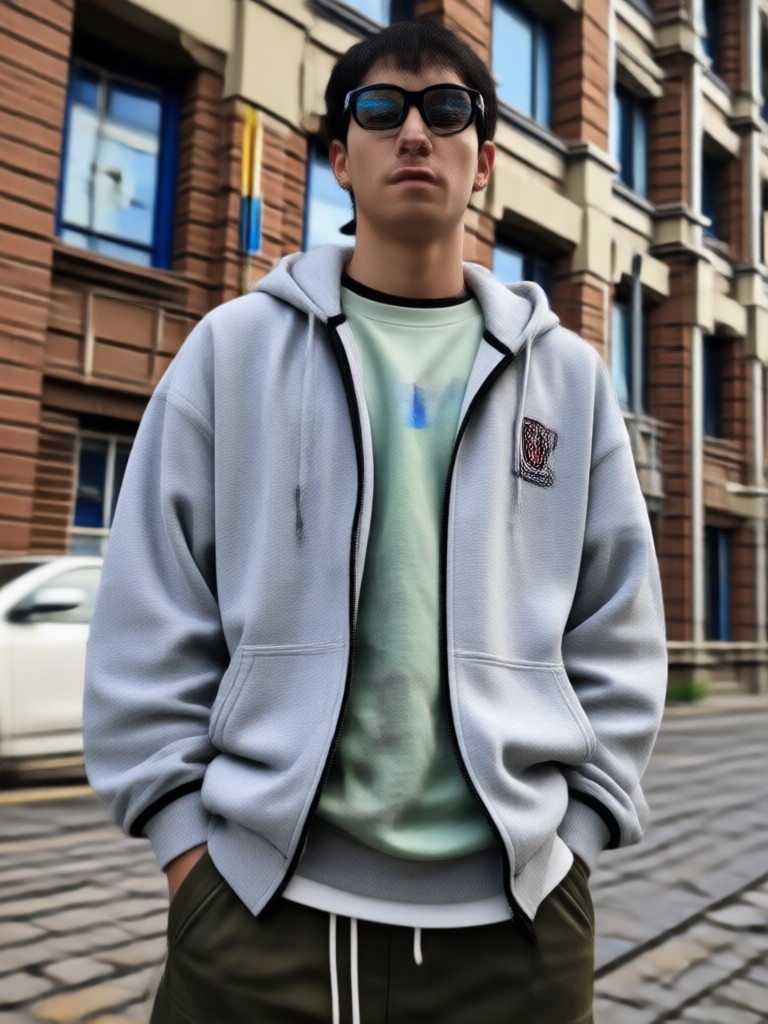
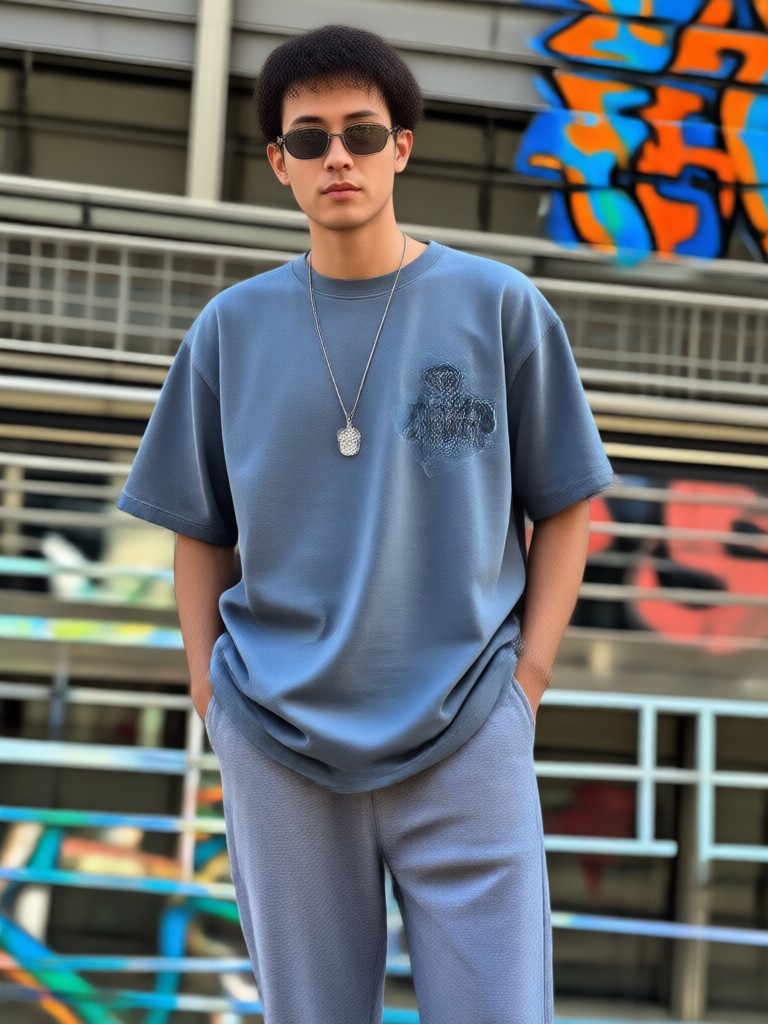
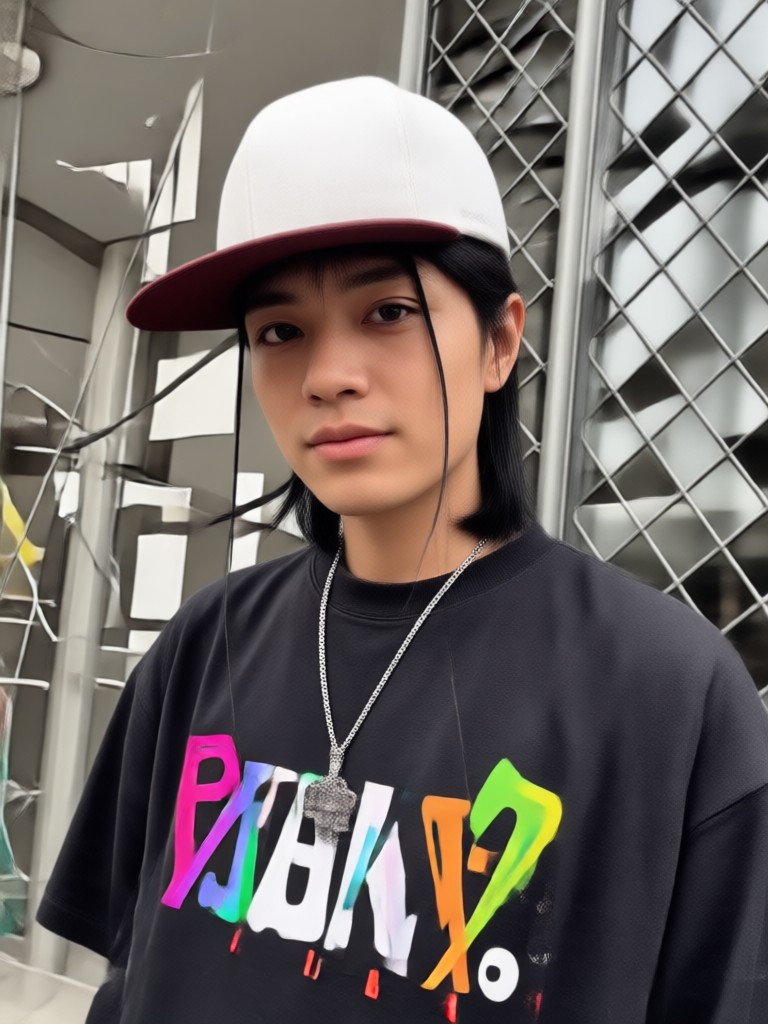
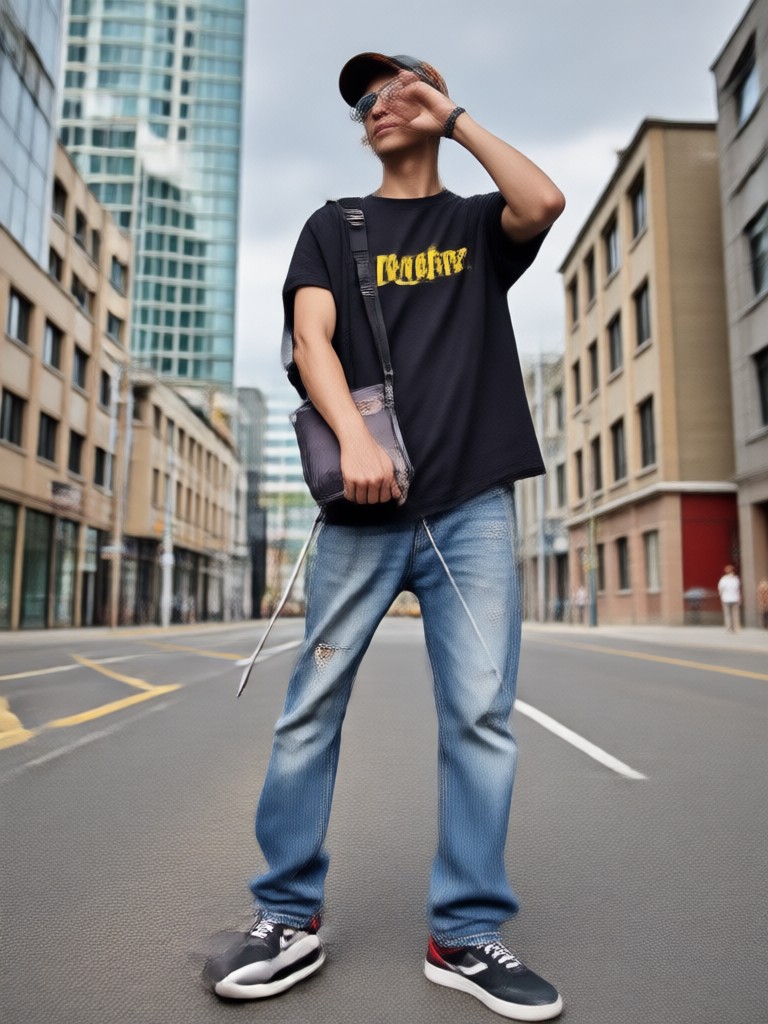
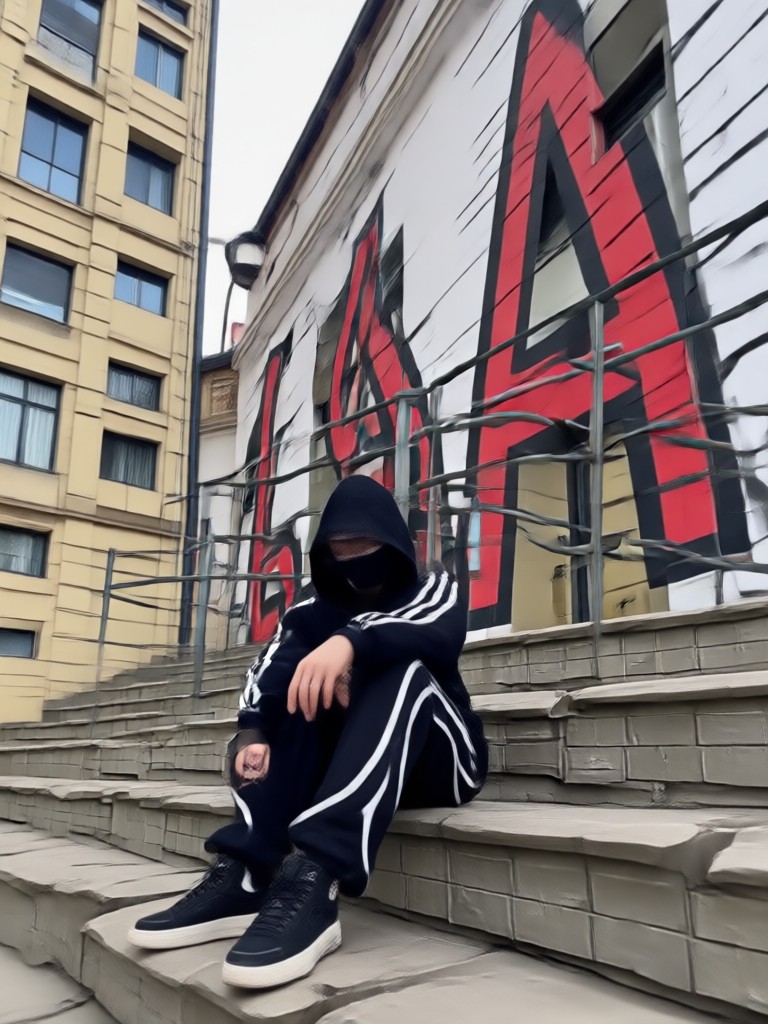
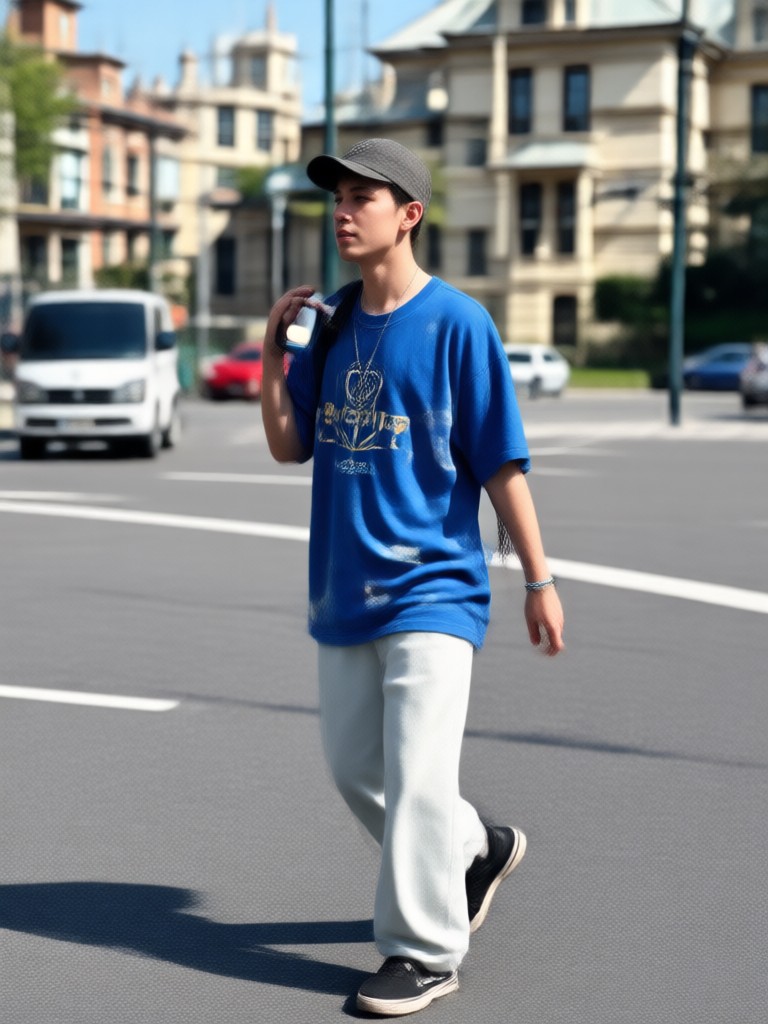
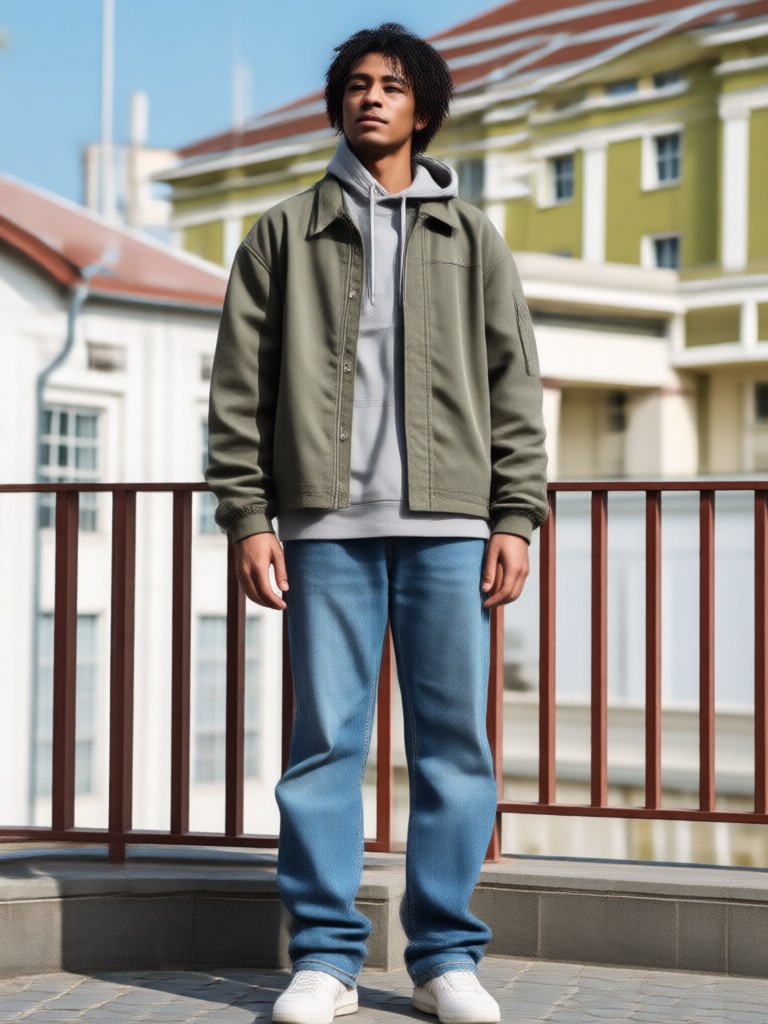
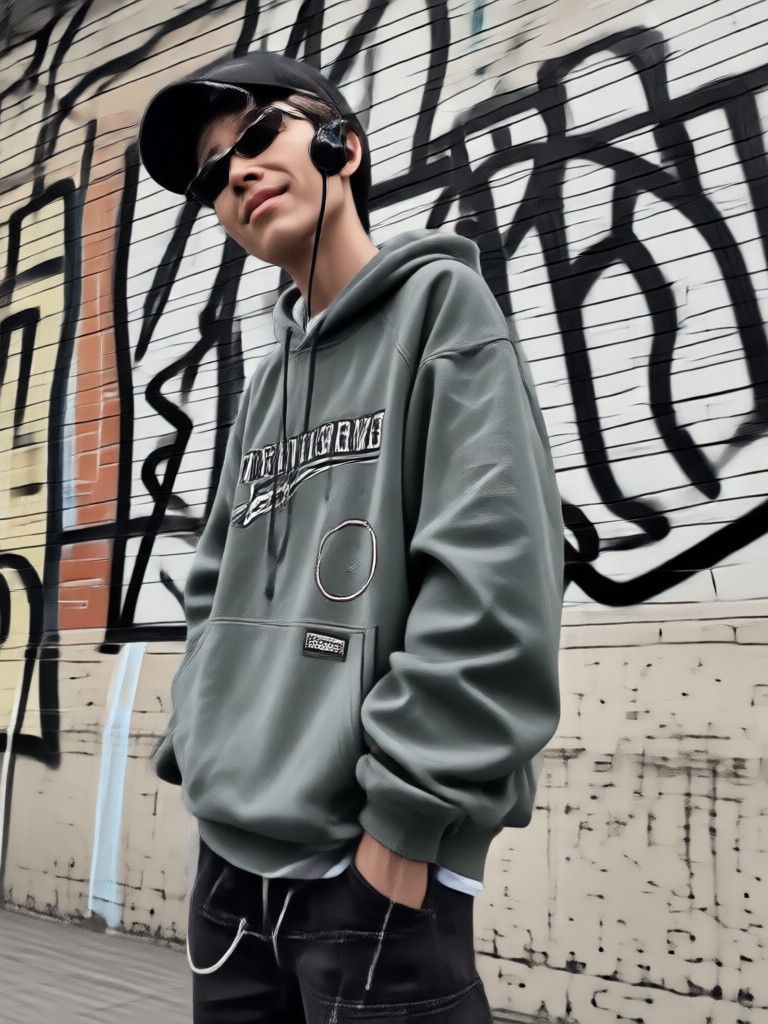
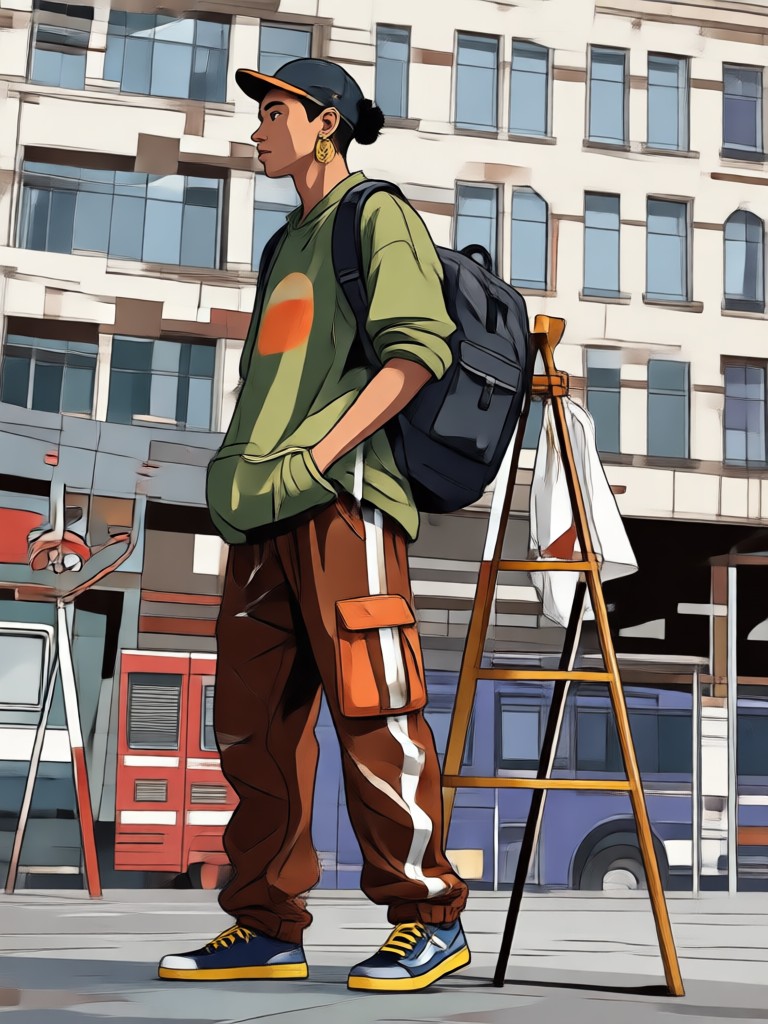
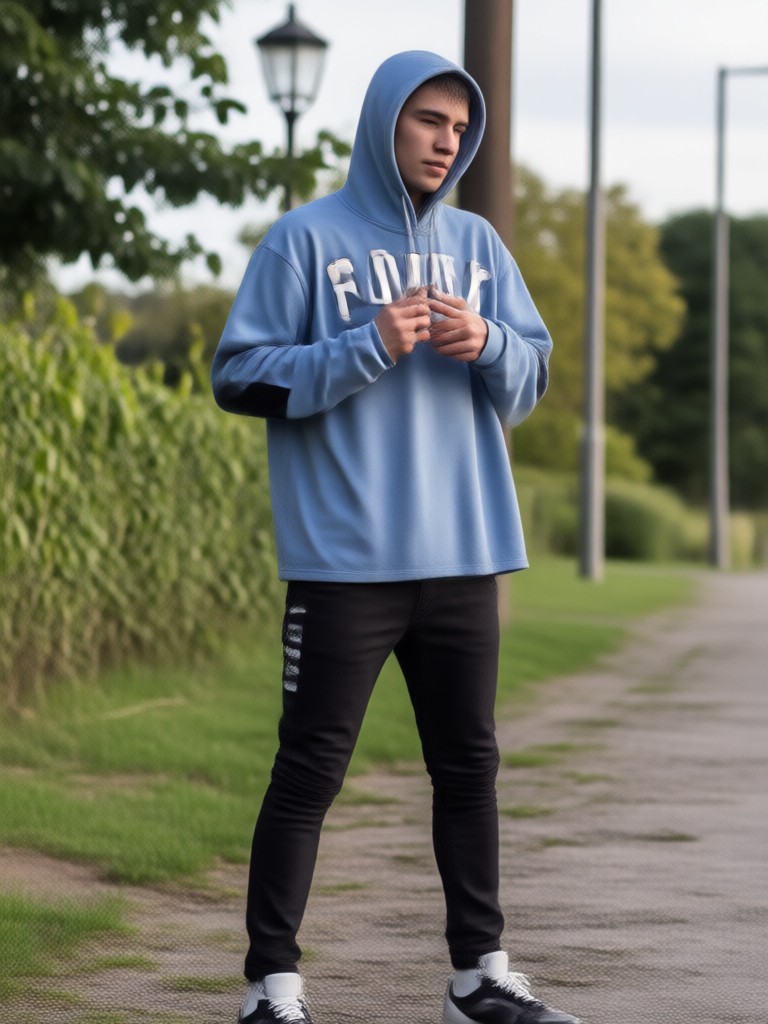
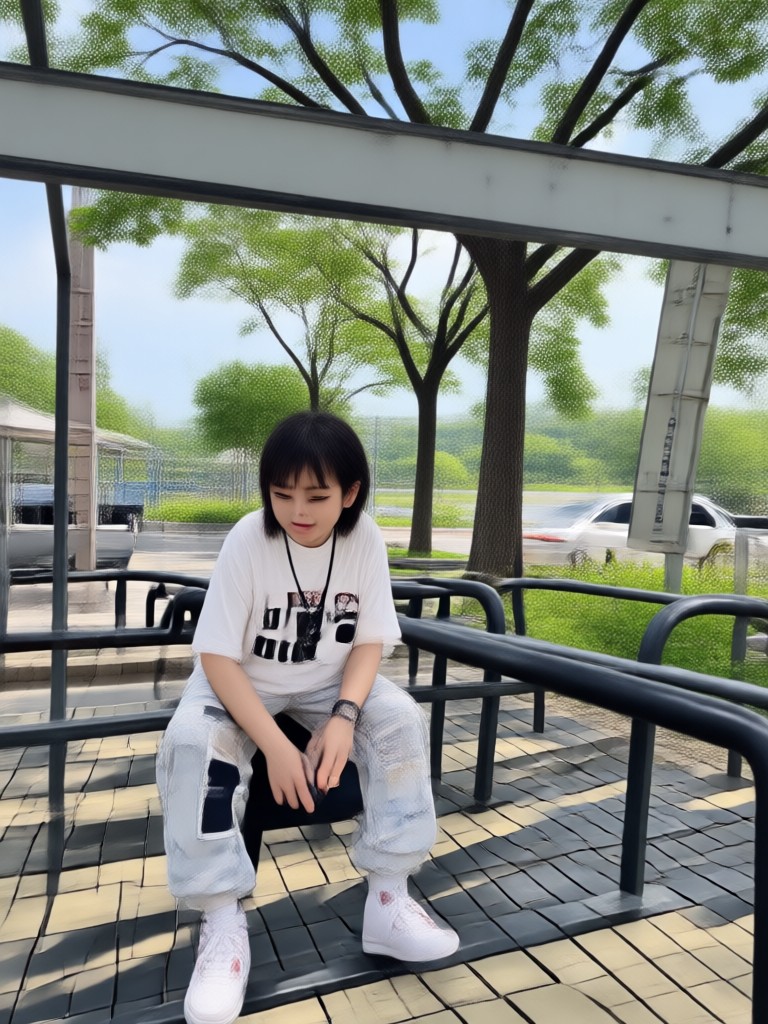
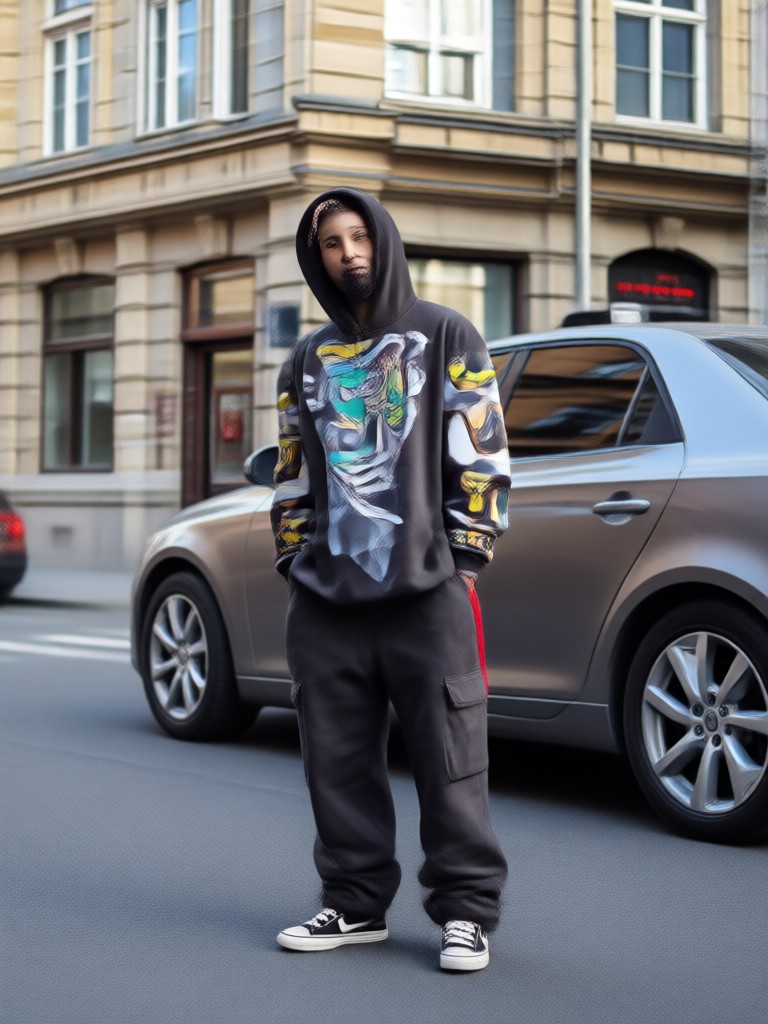
Streetwear Transformations Gallery
See how AI turns standard photos into high end street style. These results were created by uploading a picture and applying different streetwear filters.
How to Change Your Outfit with AI
Creating a new streetwear look takes less than a minute. Follow these steps to generate your first AI outfit.

Step 01.
Download the makmak app from Google Play and open the AI image generator feature.

Step 02.
Upload a clear photo of yourself and select a streetwear filter or type a prompt like 'vintage nike tracksuit'.

Step 03.
Generate the image, then save it to your camera roll or share directly to Instagram and TikTok.
Who Uses AI Streetwear Generators

Dre Carter
I plan my weekly outfit posts inside the app. It saves me so much money because I can see if a fit looks good before buying the pieces.

Yuki Tanaka
I run a vintage resell page. I use the AI to generate styling ideas for my inventory photos. It helps customers see the potential of each piece.

Marco V.
I needed cover art for my new single that matched the street vibe of the track. The techwear filter gave me exactly the right aesthetic.
Sasha B.
The AI Hug and Streetwear filters are my go to. The interface is clean and I do not have to spend hours editing photos to make them look cool.
Dre Carter
I plan my weekly outfit posts inside the app. It saves me so much money because I can see if a fit looks good before buying the pieces.
Yuki Tanaka
I run a vintage resell page. I use the AI to generate styling ideas for my inventory photos. It helps customers see the potential of each piece.
Marco V.
I needed cover art for my new single that matched the street vibe of the track. The techwear filter gave me exactly the right aesthetic.
Sasha B.
The AI Hug and Streetwear filters are my go to. The interface is clean and I do not have to spend hours editing photos to make them look cool.
Dre Carter
I plan my weekly outfit posts inside the app. It saves me so much money because I can see if a fit looks good before buying the pieces.
Yuki Tanaka
I run a vintage resell page. I use the AI to generate styling ideas for my inventory photos. It helps customers see the potential of each piece.
Marco V.
I needed cover art for my new single that matched the street vibe of the track. The techwear filter gave me exactly the right aesthetic.
Sasha B.
The AI Hug and Streetwear filters are my go to. The interface is clean and I do not have to spend hours editing photos to make them look cool.
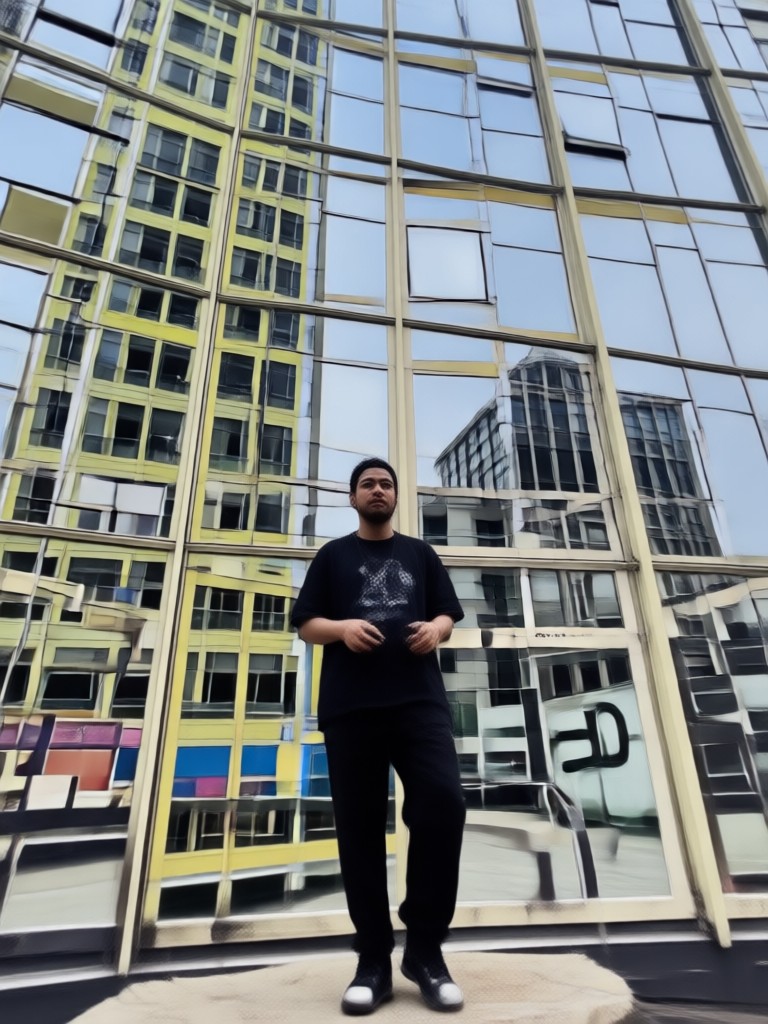
Streetwear AI for Android
Get the highest quality AI fashion generation on your phone. The app is optimized for Android devices and requires no complex setup.

Frequently Asked Questions
Find clear answers to common questions about using AI for streetwear transformations.
Ready to Redesign Your Wardrobe?
Join thousands of creators using AI to preview streetwear fits. Download makmak and turn your photos into the hottest looks right now.
Ready to Redesign Your Wardrobe?
Join thousands of creators using AI to preview streetwear fits. Download makmak and turn your photos into the hottest looks right now.