Bacolod MassKara Photo Edit
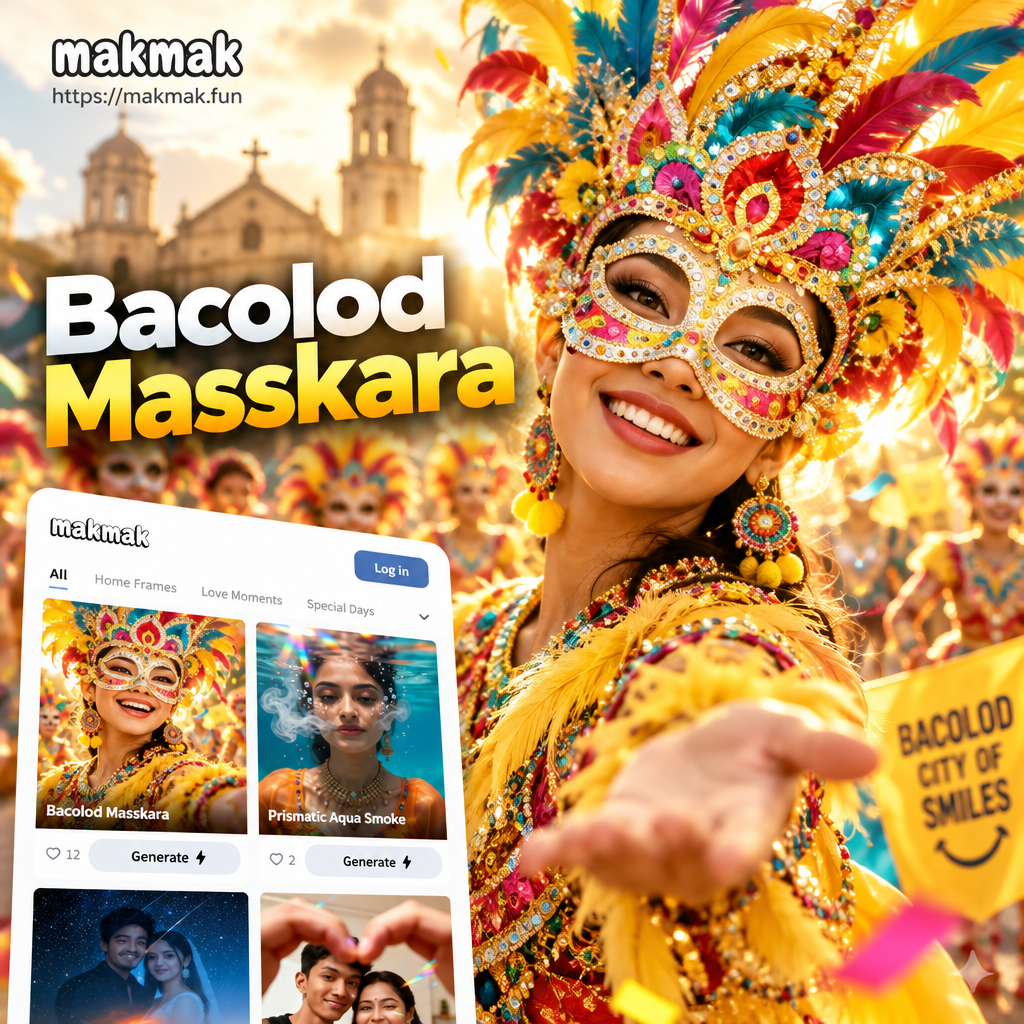
Pick Your MassKara Festival Look
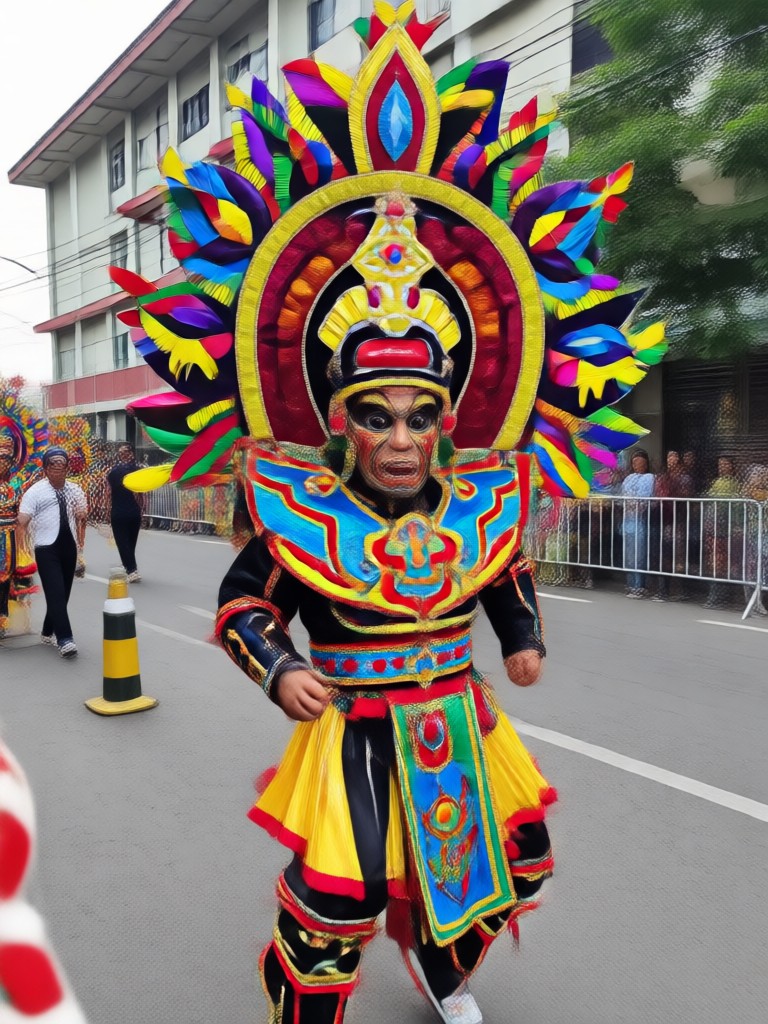
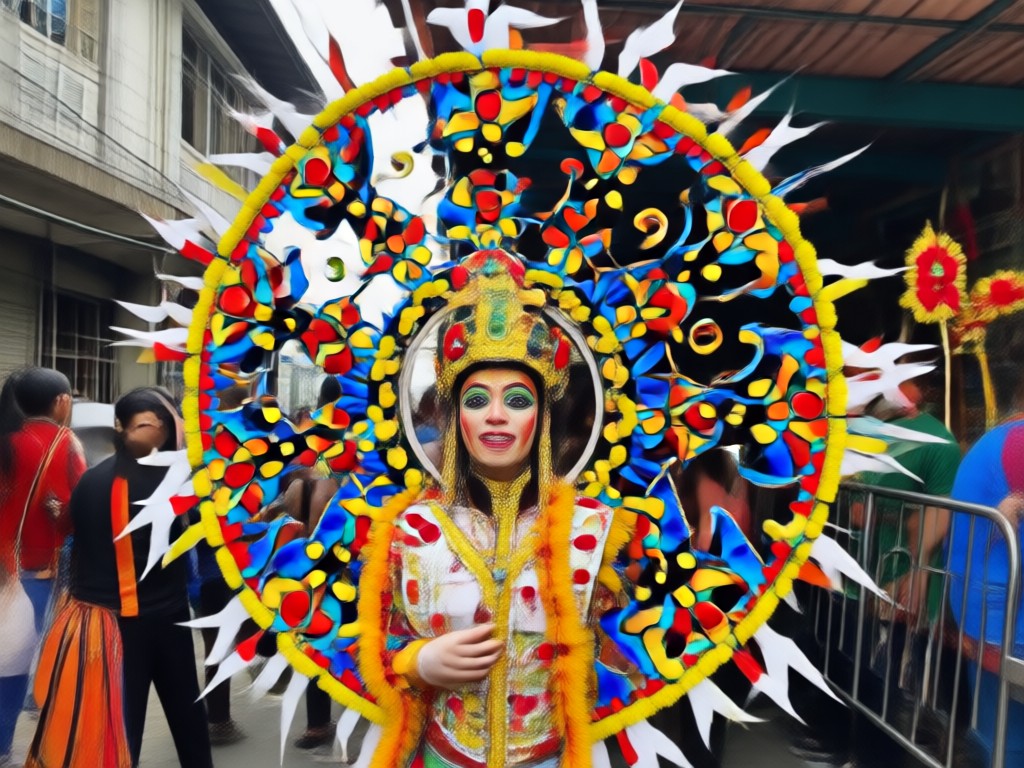
Explore a variety of festive filters, from classic smiling masks to neon parade styles and confetti overlays.
Key Features of Bacolod MassKara Photo Edit
Festival-ready tools that make every portrait look like it was taken during the MassKara street parade.
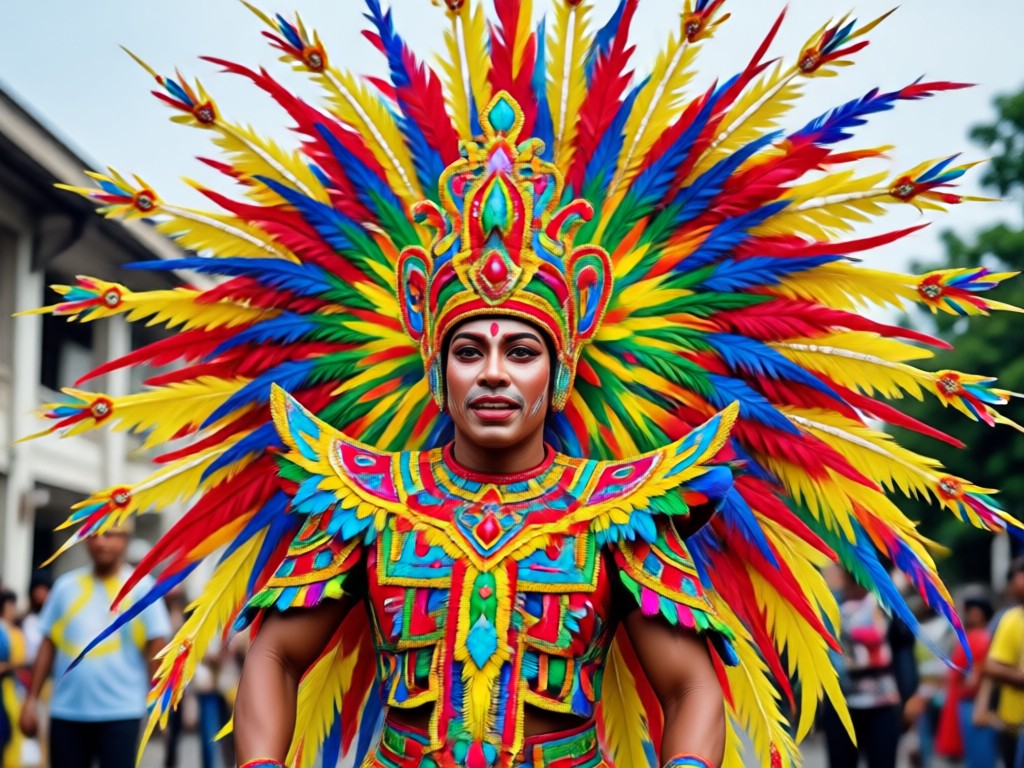
Smart Face Detection
The AI finds every face in your photo and fits masks and headdresses naturally, even in group shots.
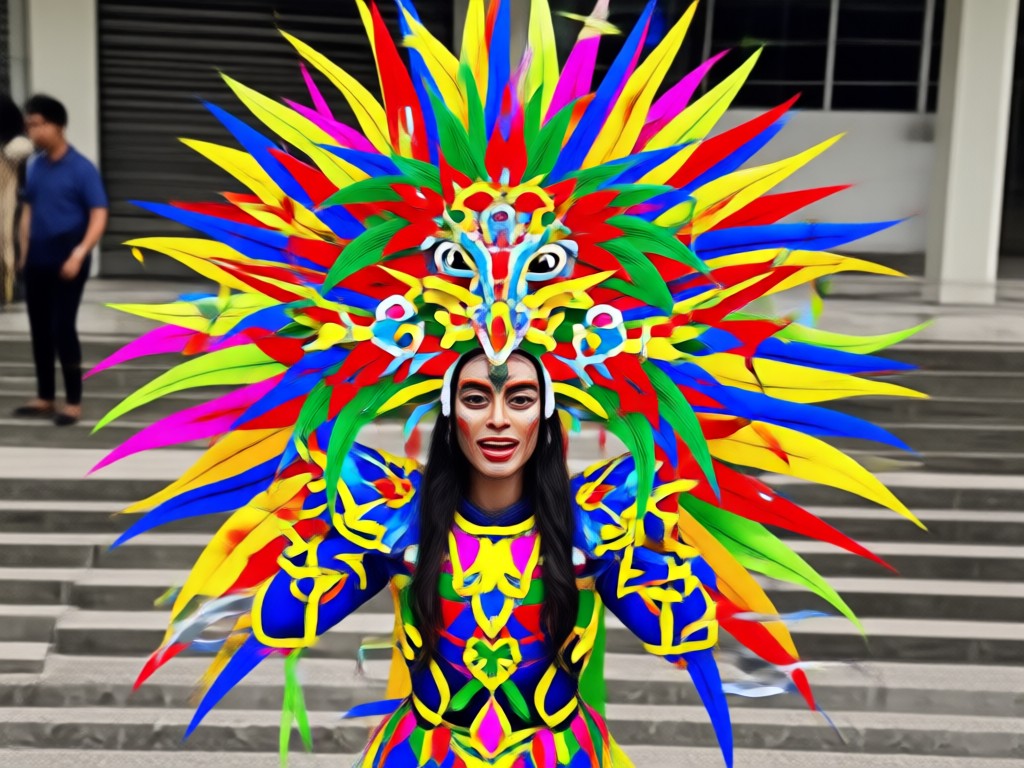
Vibrant Festival Filters
Apply rich color grades inspired by Bacolod nights, neon lights, and street confetti for an instant festival mood.
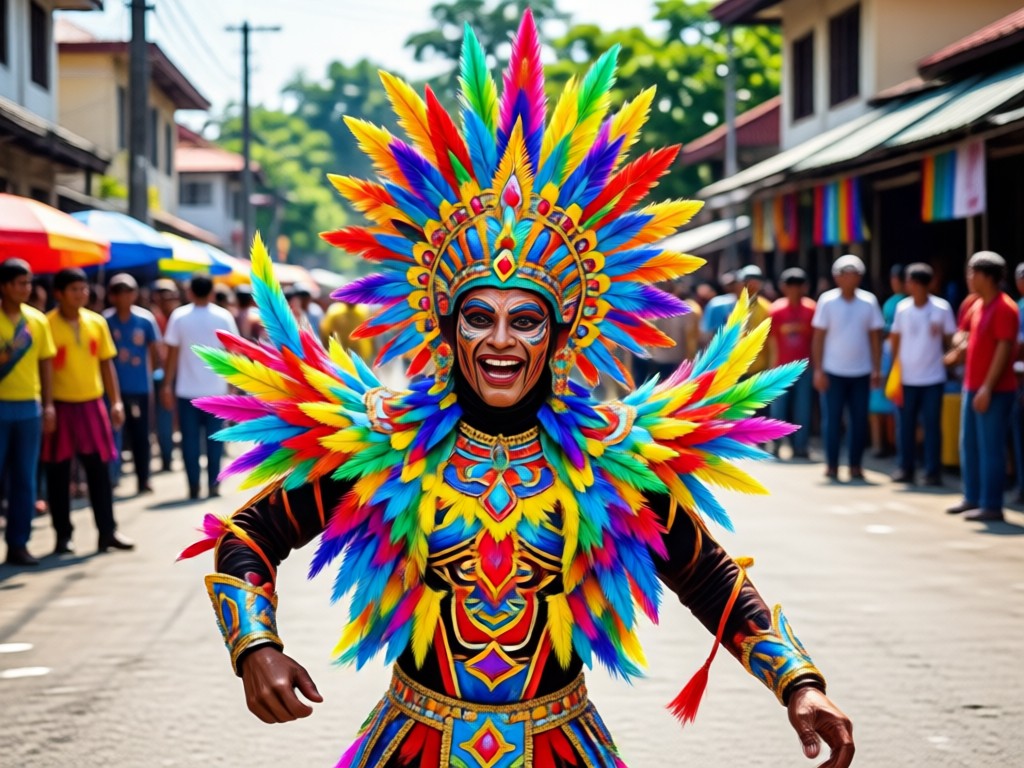
One Tap Style Swap
Switch between classic MassKara masks, floral headdresses, and modern neon looks without re-uploading your photo.
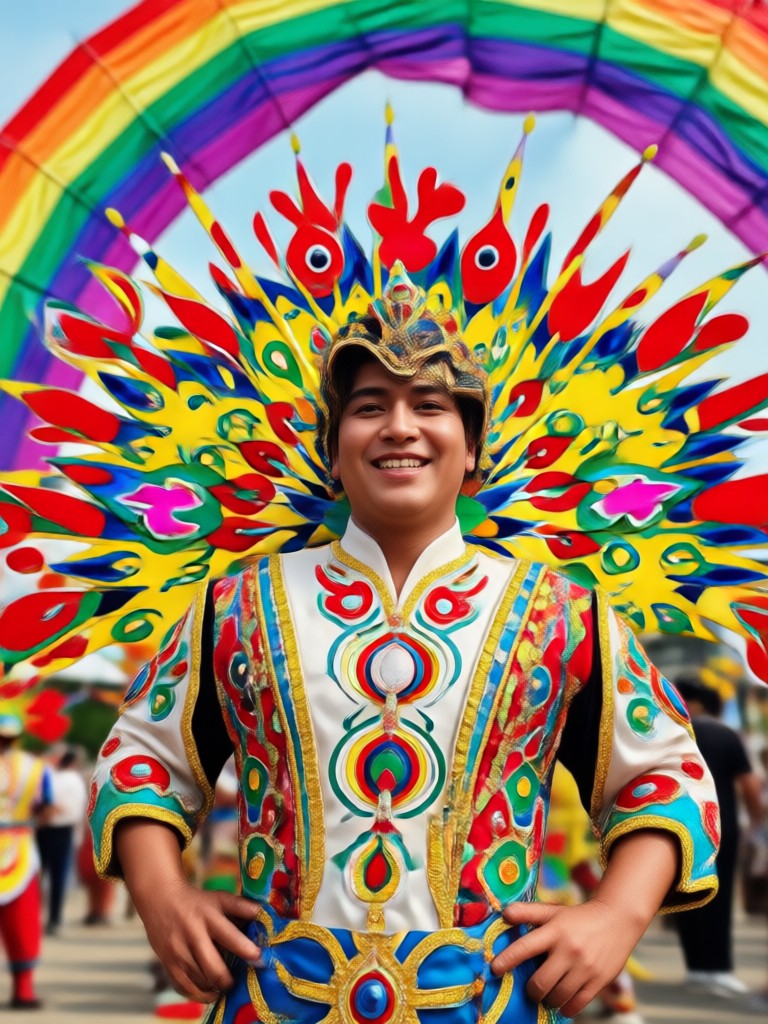
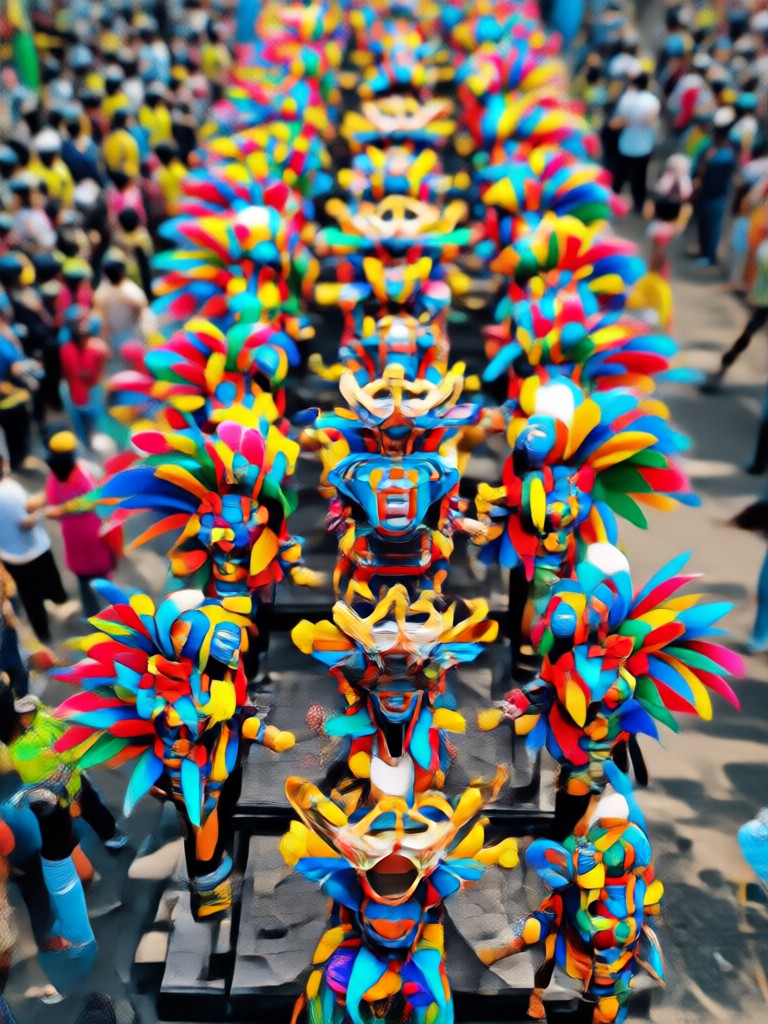
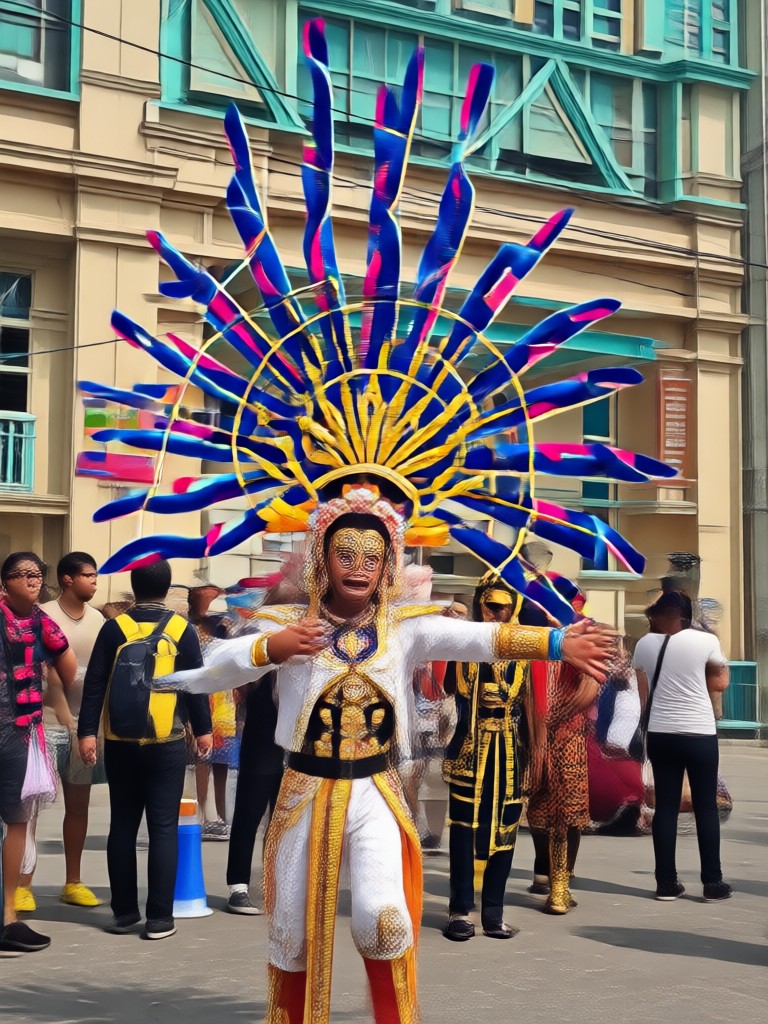
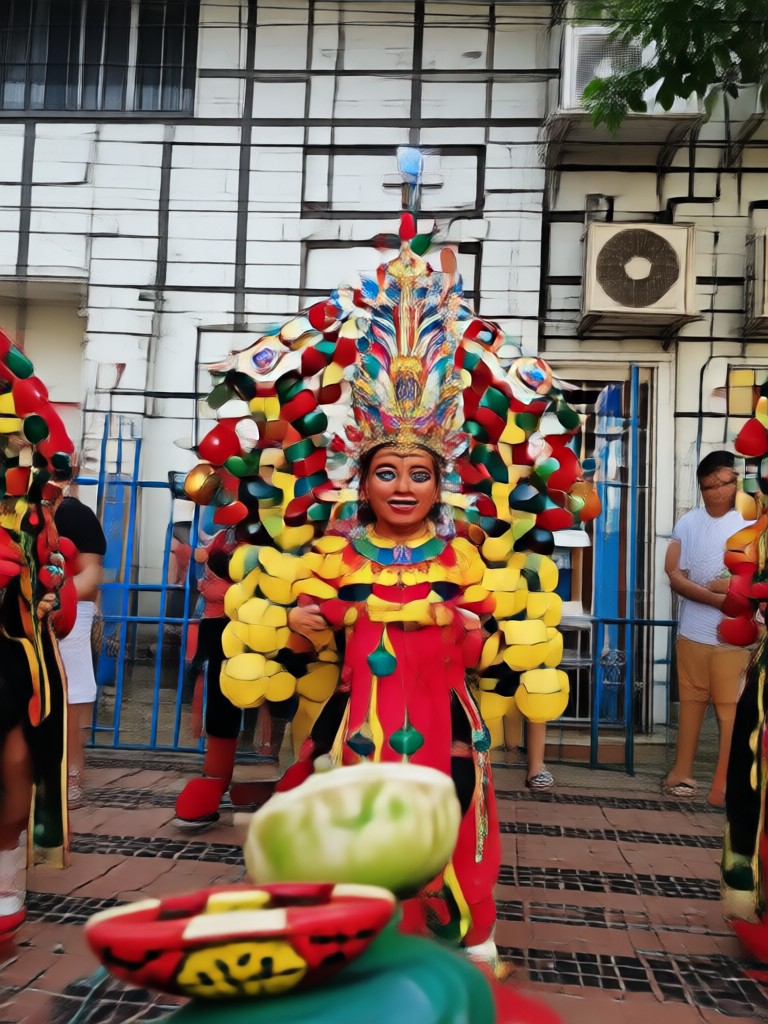
Popular MassKara Photo Edit Styles
Browse sample edits created with makmak's MassKara filters. Each style brings a different side of the festival to life.
Why Choose makmak for Bacolod MassKara Photo Edit
You don't need pro editing tools to join the festival. makmak's AI understands faces, lighting, and festival details. It applies realistic masks and colors while keeping your natural expression intact. Works on selfies, group photos, and even old pictures you want to bring back to life.
Why Choose makmak for Bacolod MassKara Photo Edit
You don't need pro editing tools to join the festival. makmak's AI understands faces, lighting, and festival details. It applies realistic masks and colors while keeping your natural expression intact. Works on selfies, group photos, and even old pictures you want to bring back to life.
How to Get a Bacolod MassKara Photo Edit
Create your own festival portrait in three simple steps with the makmak app.

Step 01.
Download the makmak app from Google Play and open the MassKara photo effect collection.

Step 02.
Choose a MassKara mask style or festival filter that matches your mood.

Step 03.
Generate your edit, then save or share your festival photo on social media.
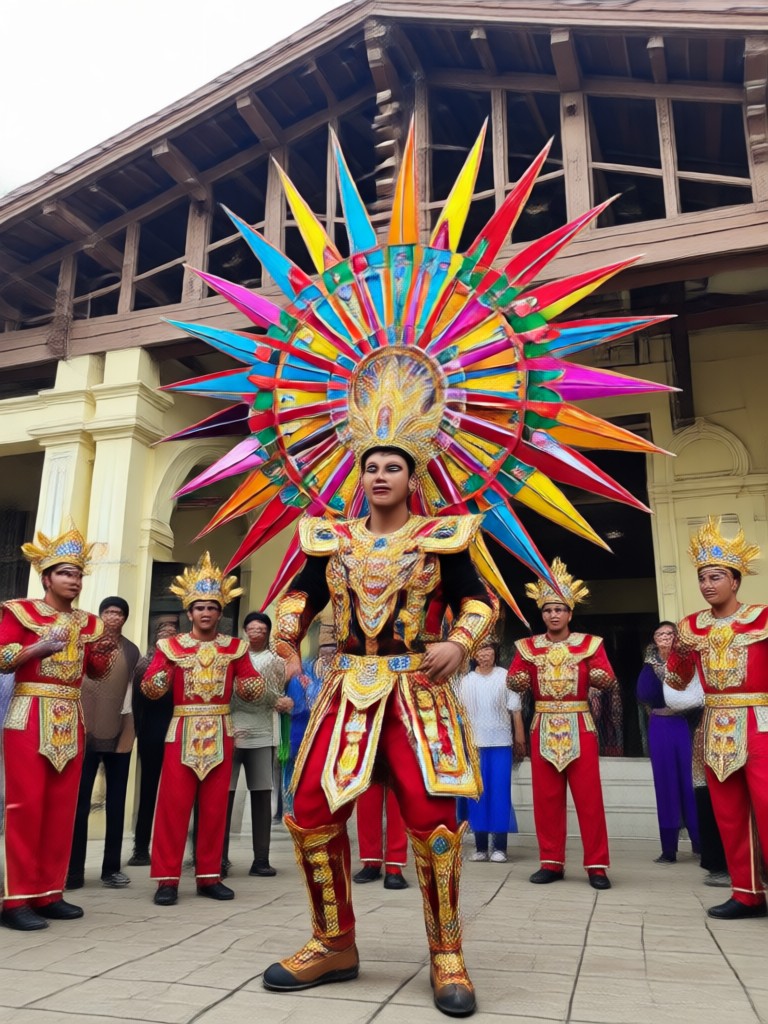
MassKara Festival Photo Edit on Your Phone
Edit anywhere with the makmak app. Apply Bacolod's famous festival masks, neon colors, and confetti effects directly from your mobile device.

What Creators Say About MassKara Photo Edits
Perfect for festival posts
I made my whole barkada look like we were at MassKara. The masks fit every face correctly, even in a group photo of six.
So easy and colorful
The app did everything in one tap. I turned a plain selfie into a neon festival portrait that got hundreds of likes.
Great for old photos
I brought back a 2005 family picture and gave everyone MassKara masks. It became our reunion poster.
Bacolod MassKara Photo Edit FAQs
Answers to common questions about creating festival photos with makmak.
More Topics You May Like
Explore more topics you may like and discover fresh ideas tailored to your interests.
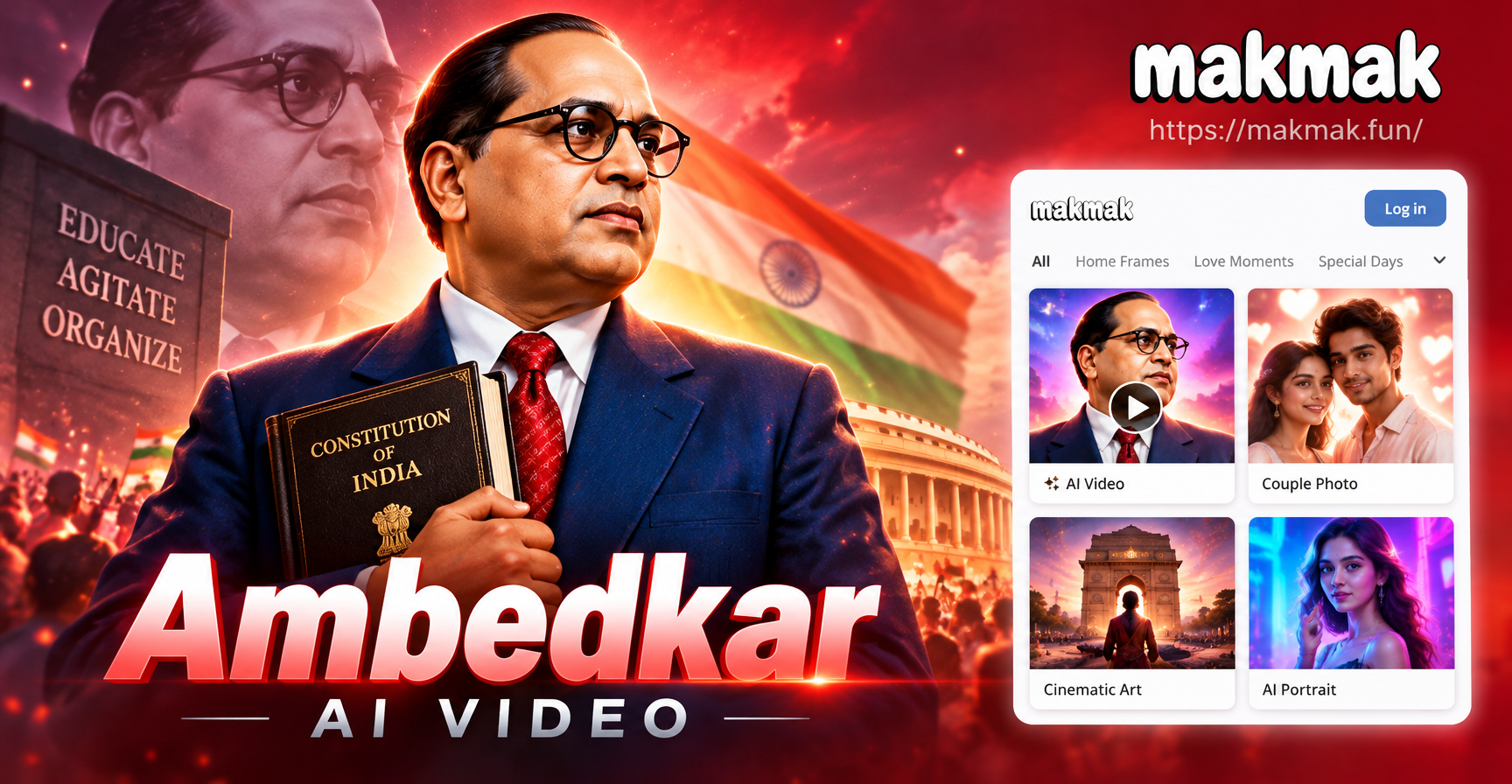
Create Ambedkar AI Video Tributes in Minutes
Turn any photo into a powerful Ambedkar AI video. Generate respectful animated tributes and cinematic clips from simple text prompts. Download the app to start.
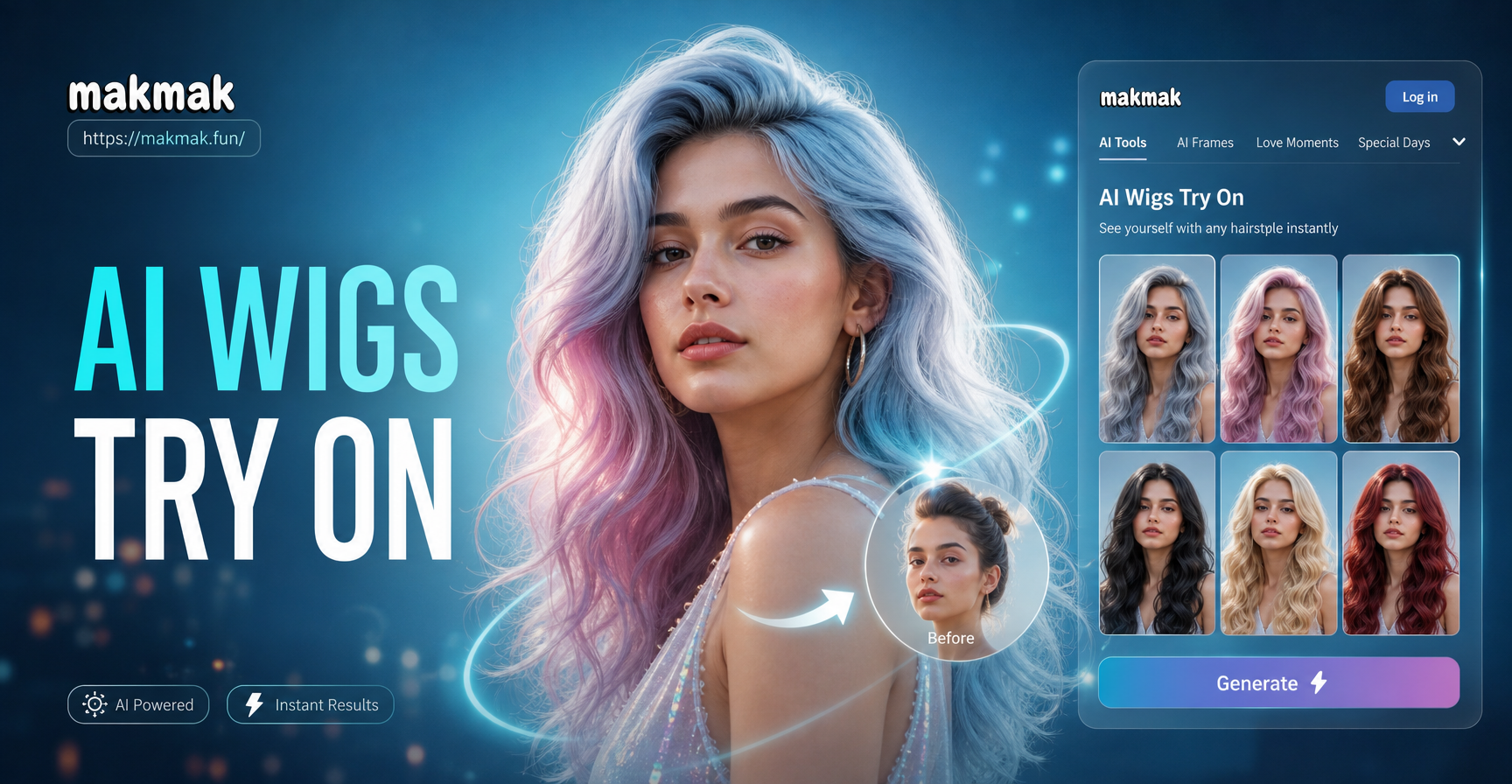
AI Wigs Try On: Virtual Hairstyle & Hair Color Studio
Try on wigs, hair colors and styles instantly with AI. Upload a photo and explore bobs, curls, long layers and bold shades. No salon visit needed.
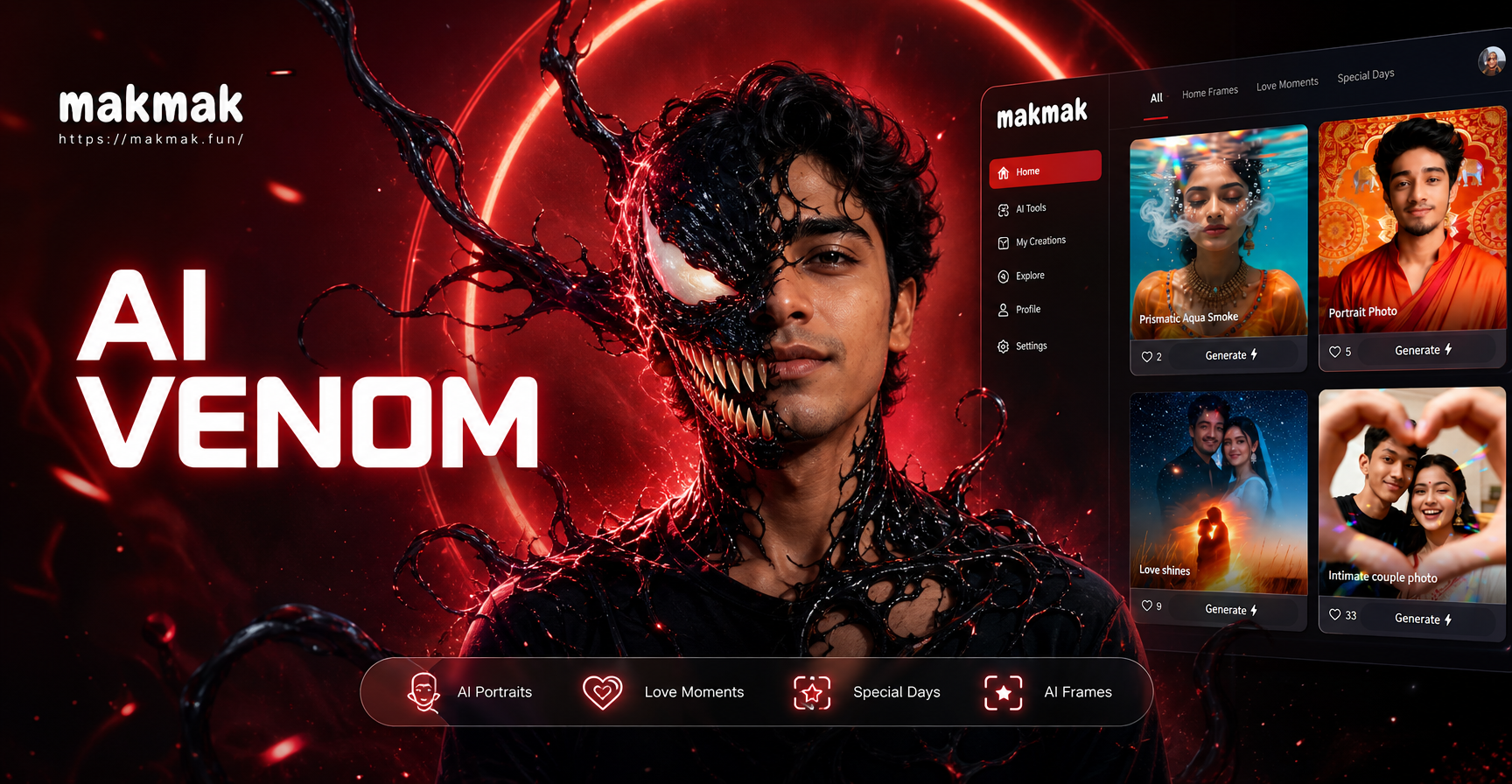
Morph Into Venom With This AI Filter
Transform your photos into a Venom style symbiote with AI. Upload a selfie, pick a Venom filter, and generate realistic face morphs and videos in seconds. No editing skills needed.
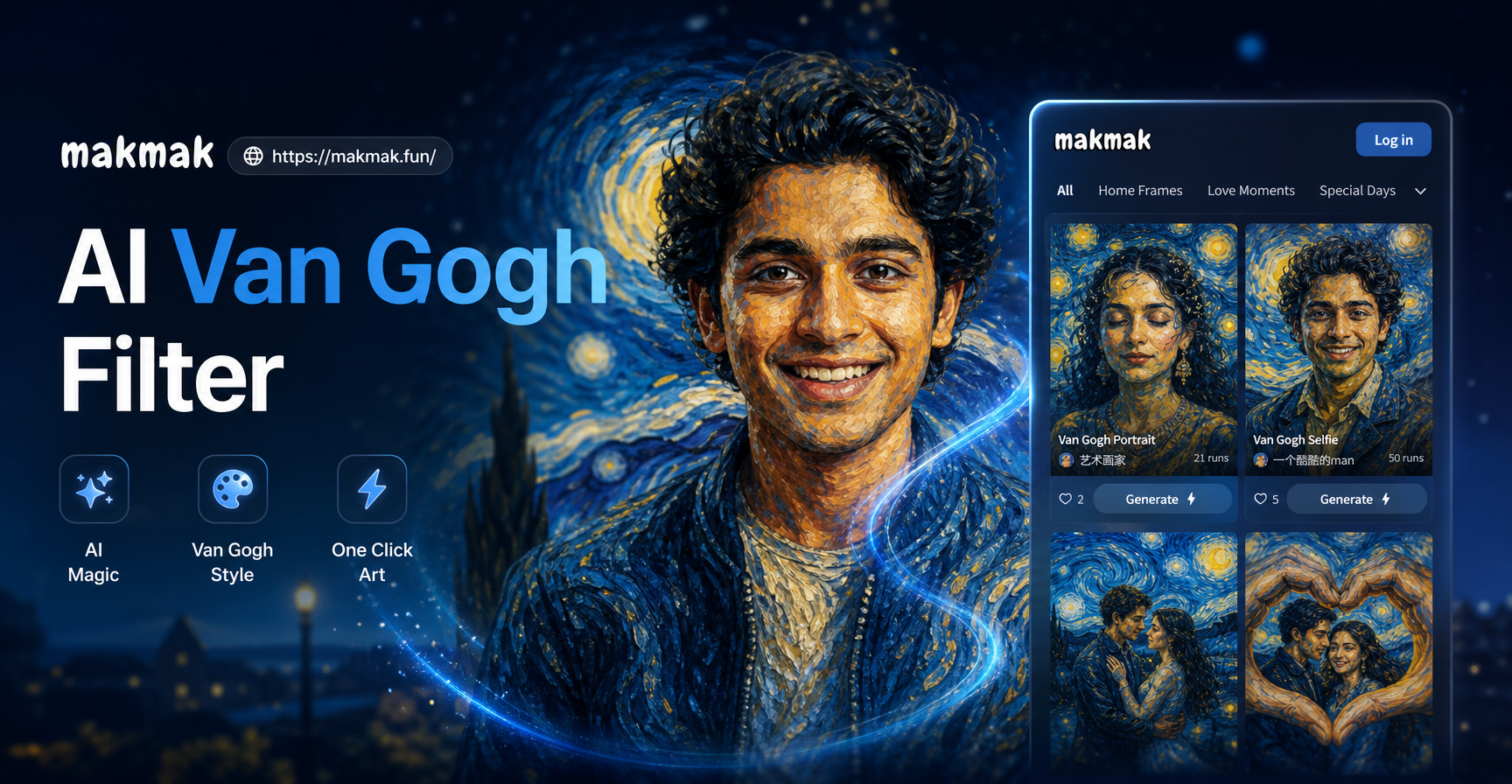
AI Van Gogh Filter: Turn Photos into Starry Night Art
Turn any photo into a Van Gogh style painting with the AI Van Gogh filter. Upload a picture, pick the style, and get a stunning art portrait in seconds. No design skills needed.
Ready to Join the MassKara Festival?
Download makmak and turn any photo into a Bacolod MassKara celebration. It only takes a few taps to create and share your festival look.
Ready to Join the MassKara Festival?
Download makmak and turn any photo into a Bacolod MassKara celebration. It only takes a few taps to create and share your festival look.