AI Clipart Prompt

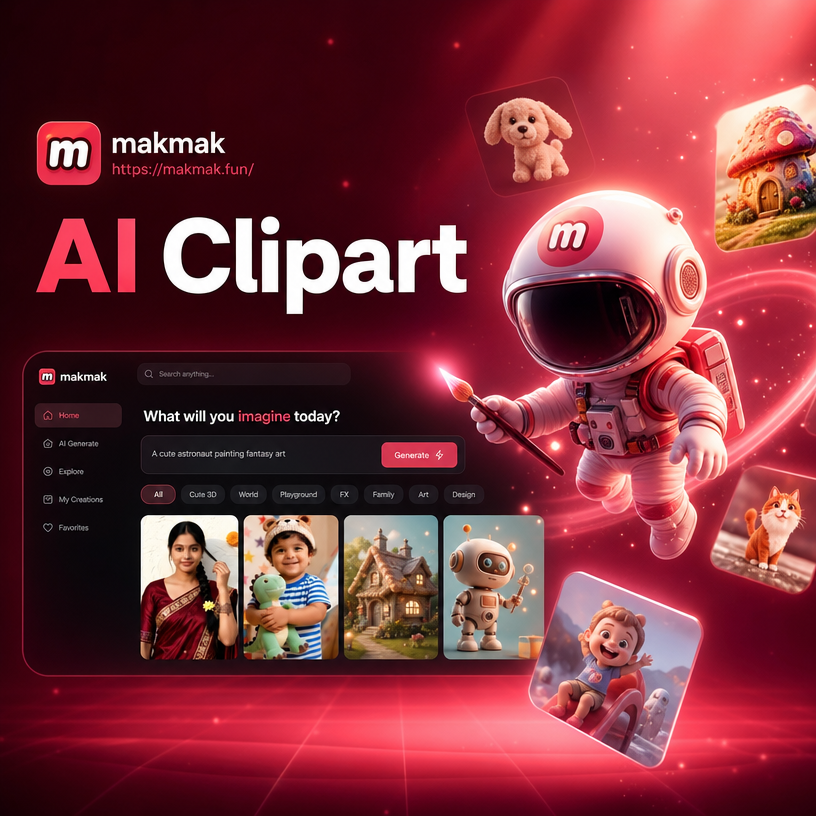
Choose a Clipart Style That Fits Your Project
Browse curated clipart filters for kawaii, vintage, flat vector, watercolor, line art, and more. Pick a style and let the AI turn your prompt into instant clipart.
Key Features of the AI Clipart Prompt Generator
makmak makes it easy to create clipart from text. Just describe what you want, pick a style, and generate high quality clipart in seconds. Perfect for teachers, bloggers, and small business owners.
Instant Text to Clipart
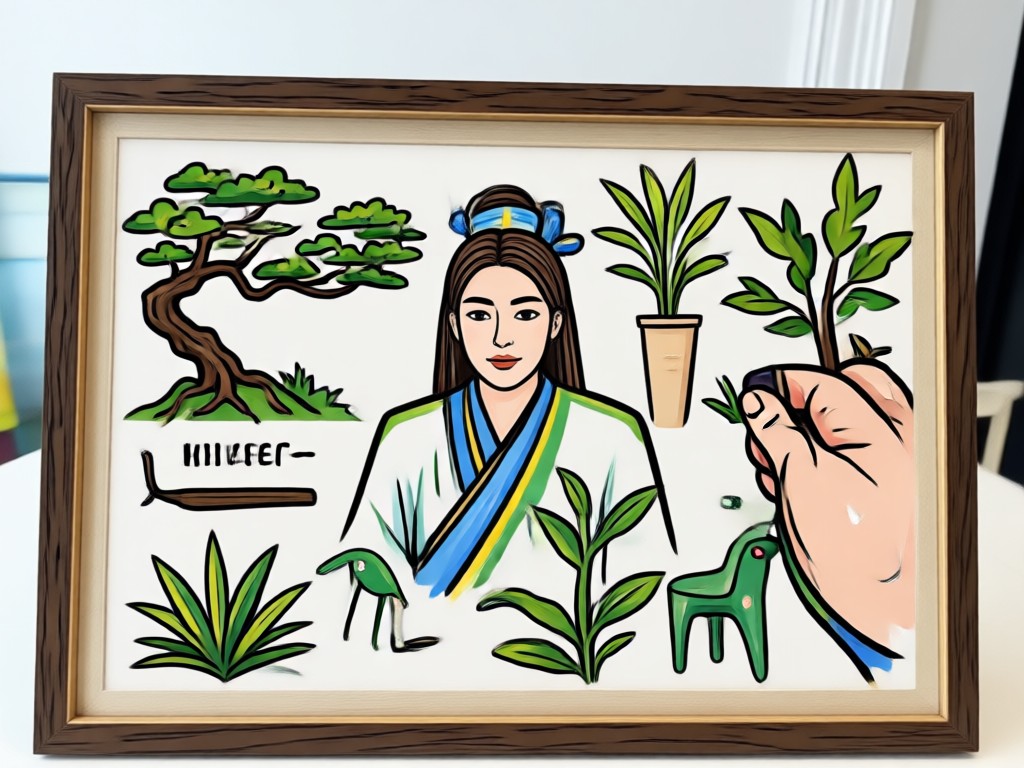
Type a short prompt and get clipart in seconds. No drawing skills or complex software needed. Just describe your idea and the AI does the rest.
Instant Text to Clipart
Type a short prompt and get clipart in seconds. No drawing skills or complex software needed. Just describe your idea and the AI does the rest.
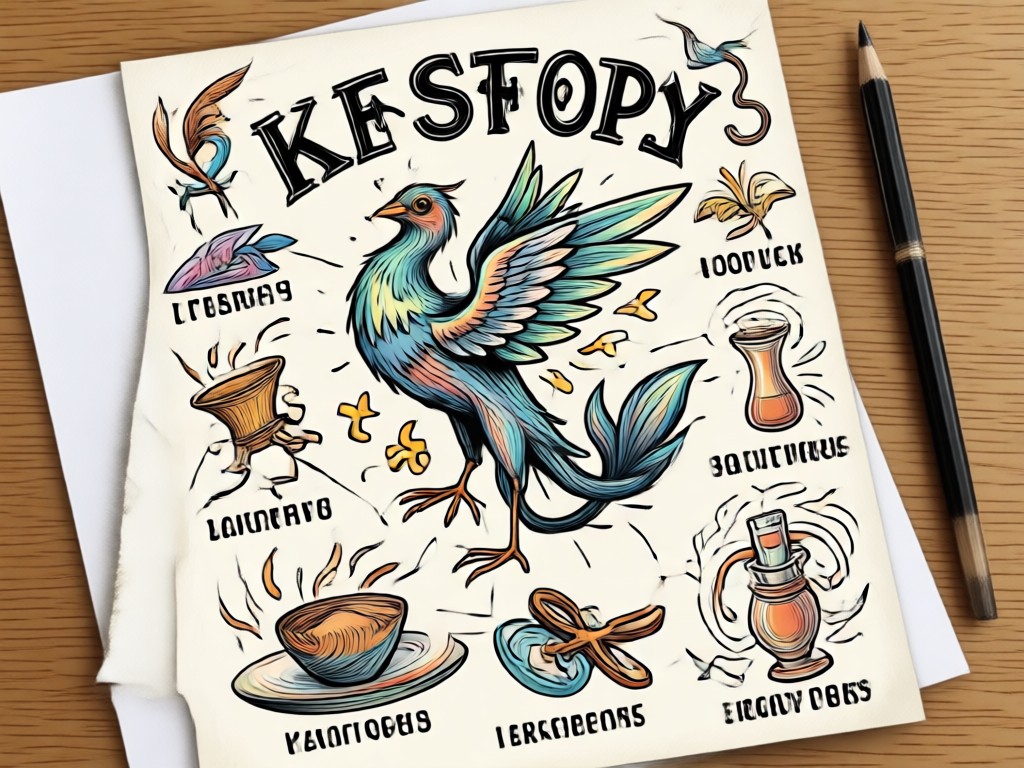
Over a Million Style Filters
Choose from kawaii, vintage, flat vector, watercolor, line art, 3D clay, and more. Every clipart prompt can match your brand or project style perfectly.
Over a Million Style Filters
Choose from kawaii, vintage, flat vector, watercolor, line art, 3D clay, and more. Every clipart prompt can match your brand or project style perfectly.
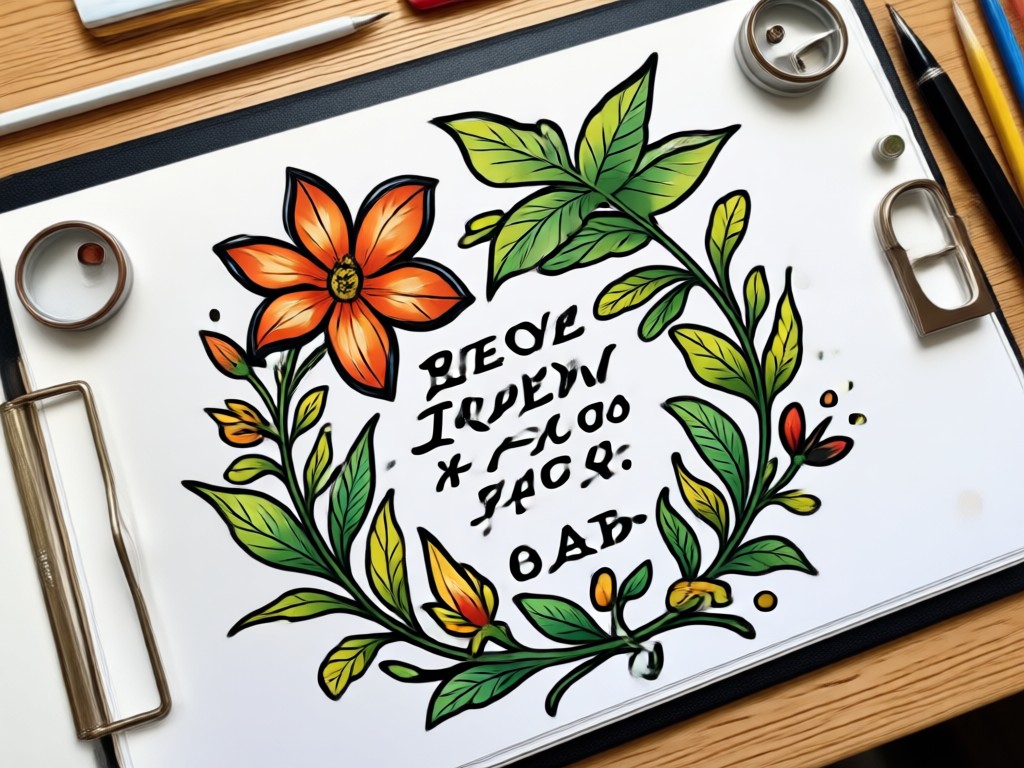
High Resolution Export
Download your clipart in sharp HD quality for print, web, slides, and social media. Use the same design across all your creative projects without pixelation.
High Resolution Export
Download your clipart in sharp HD quality for print, web, slides, and social media. Use the same design across all your creative projects without pixelation.
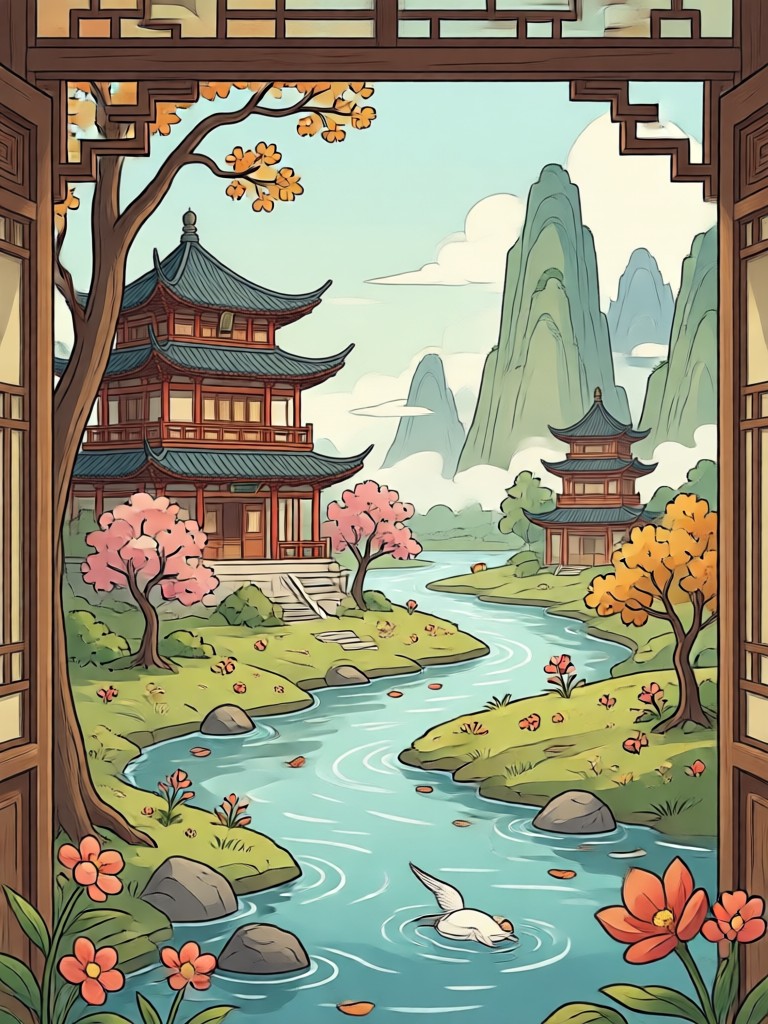
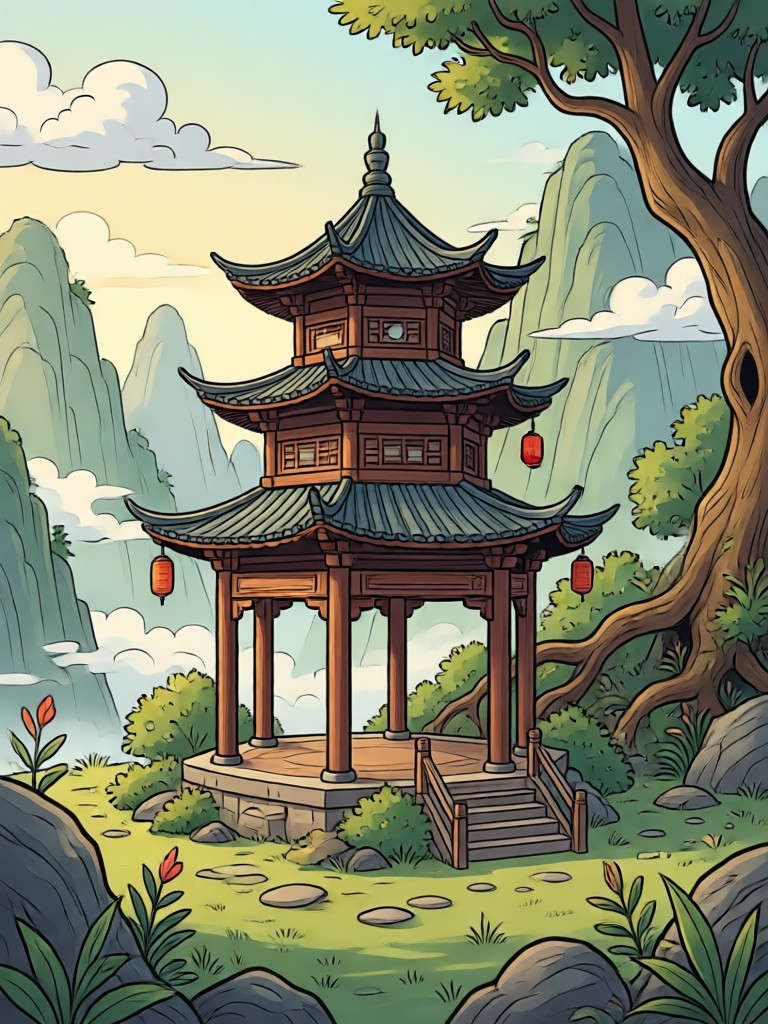
AI Clipart Prompt Inspiration Gallery
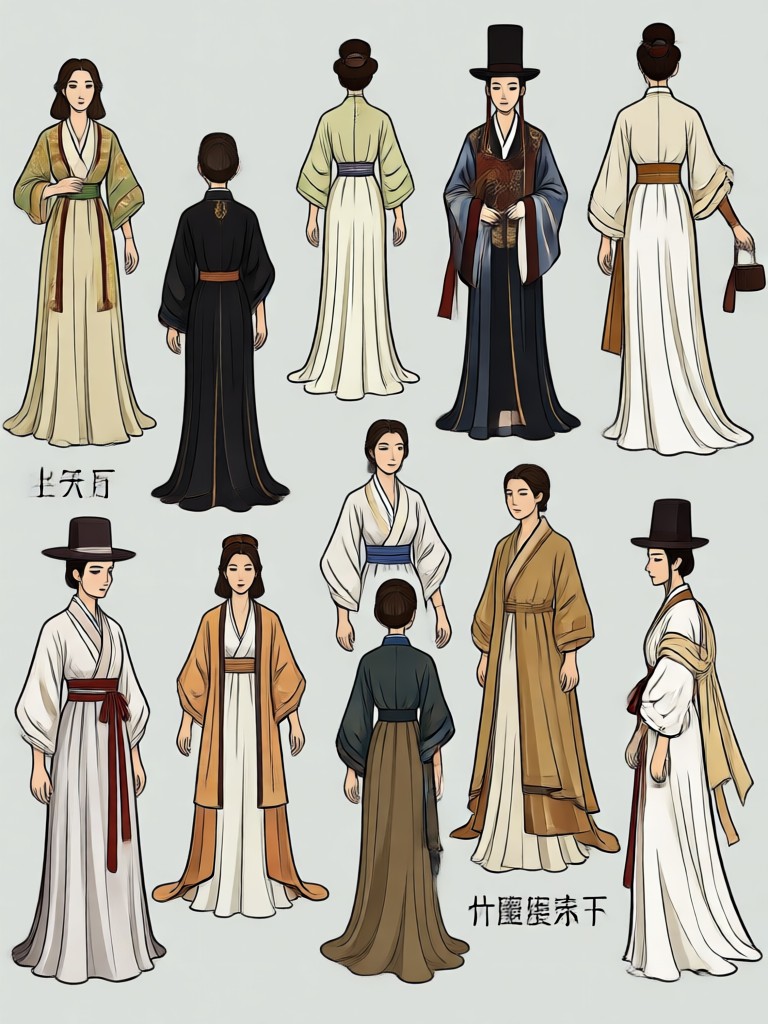
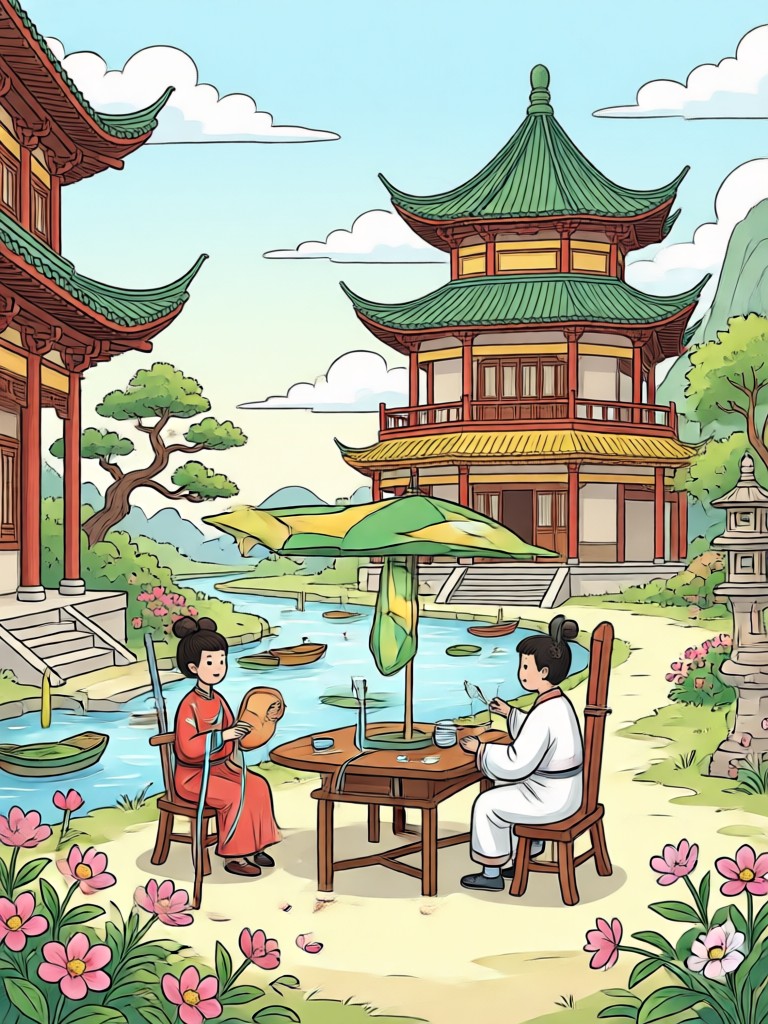
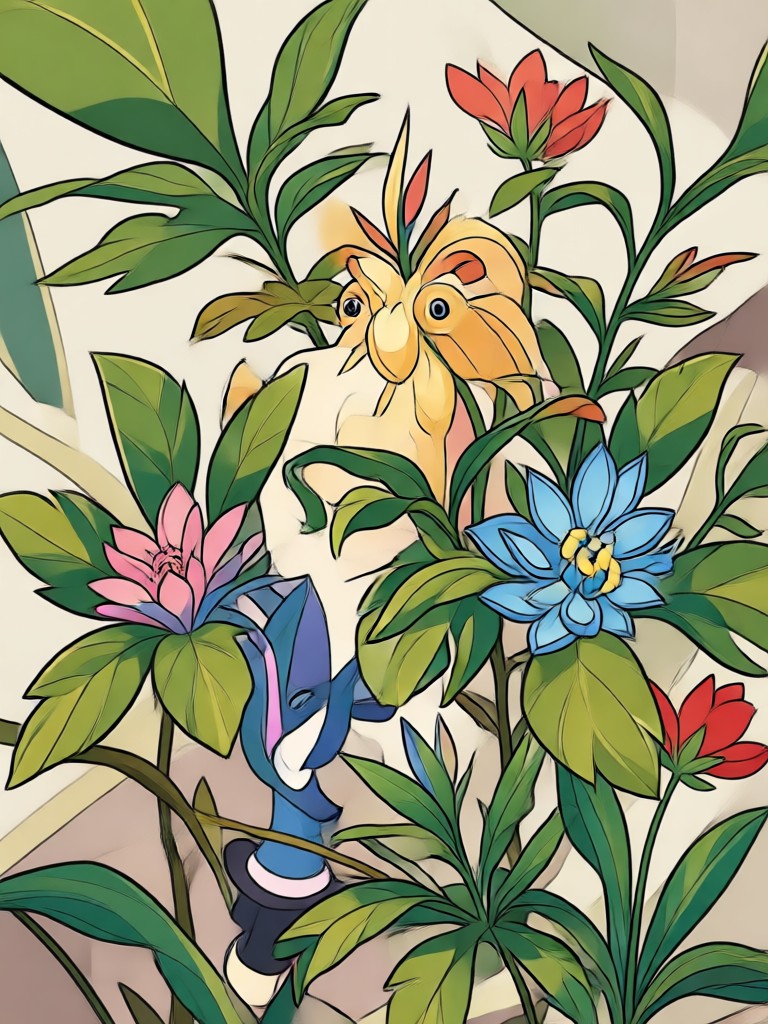
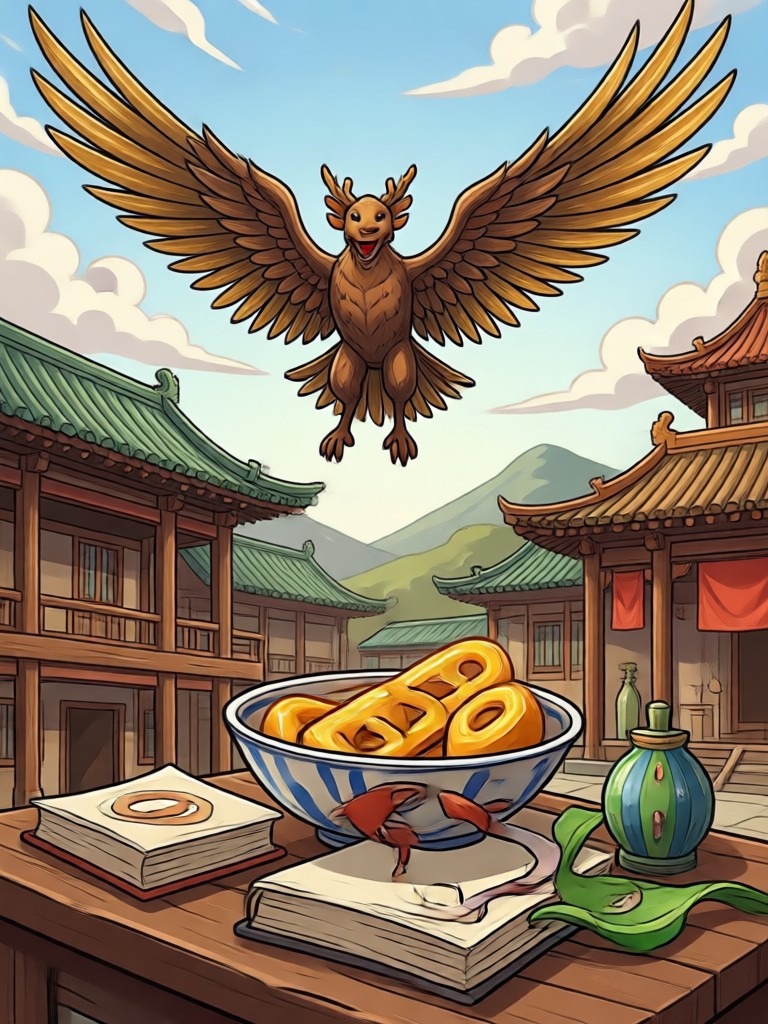
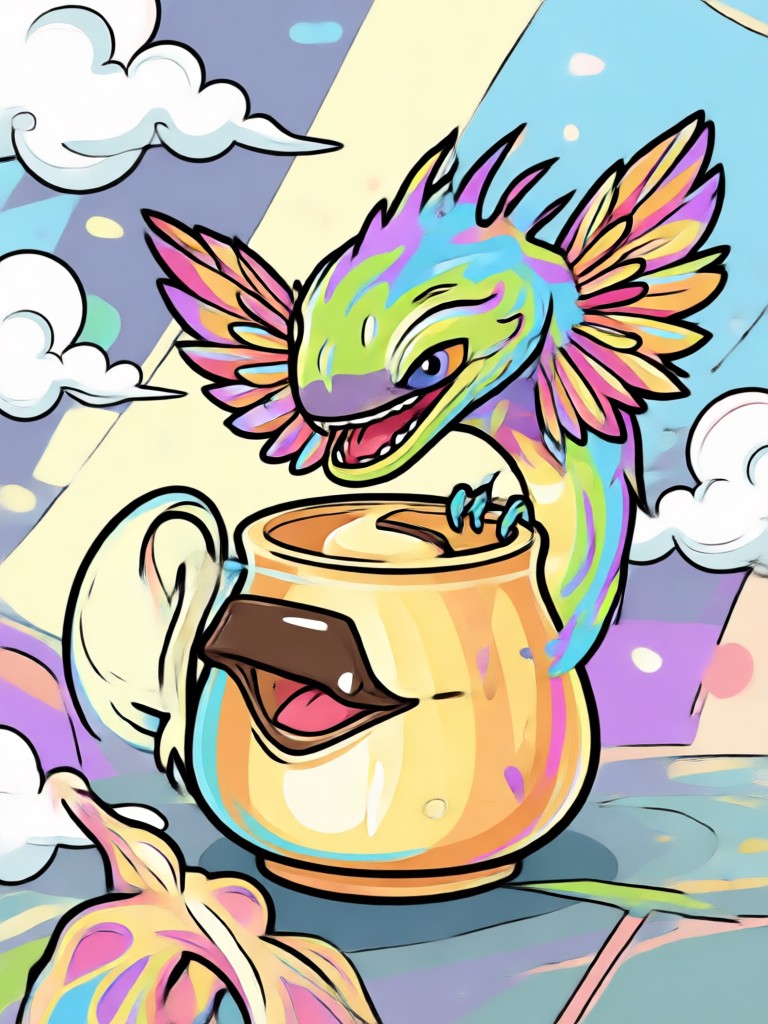
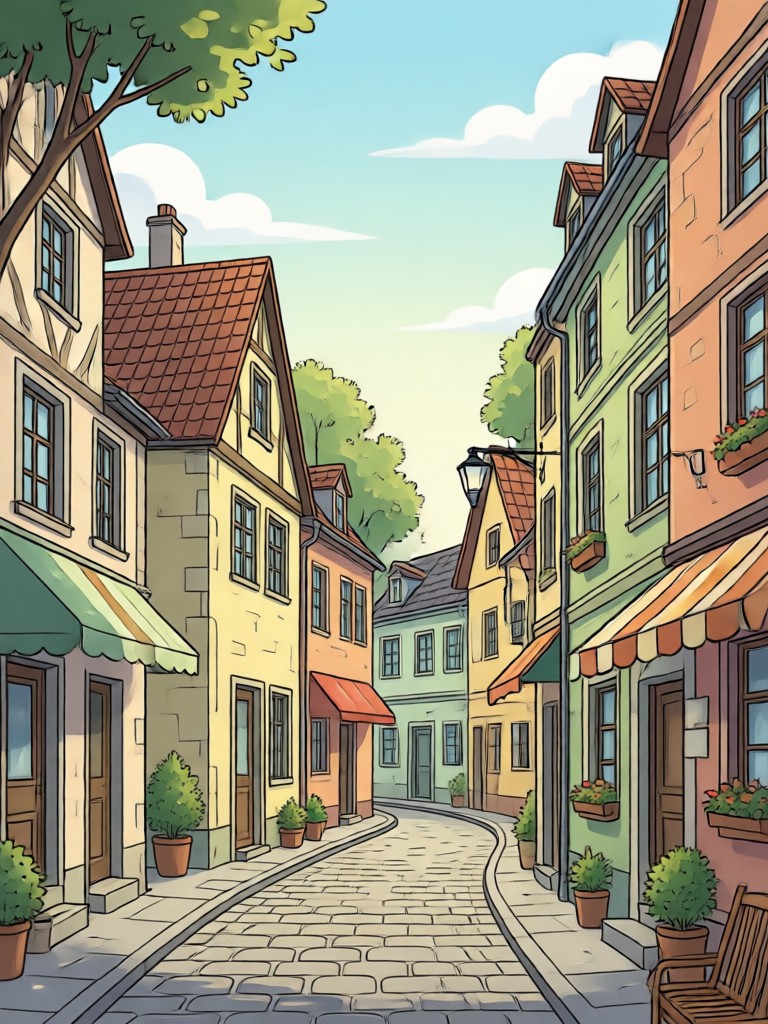
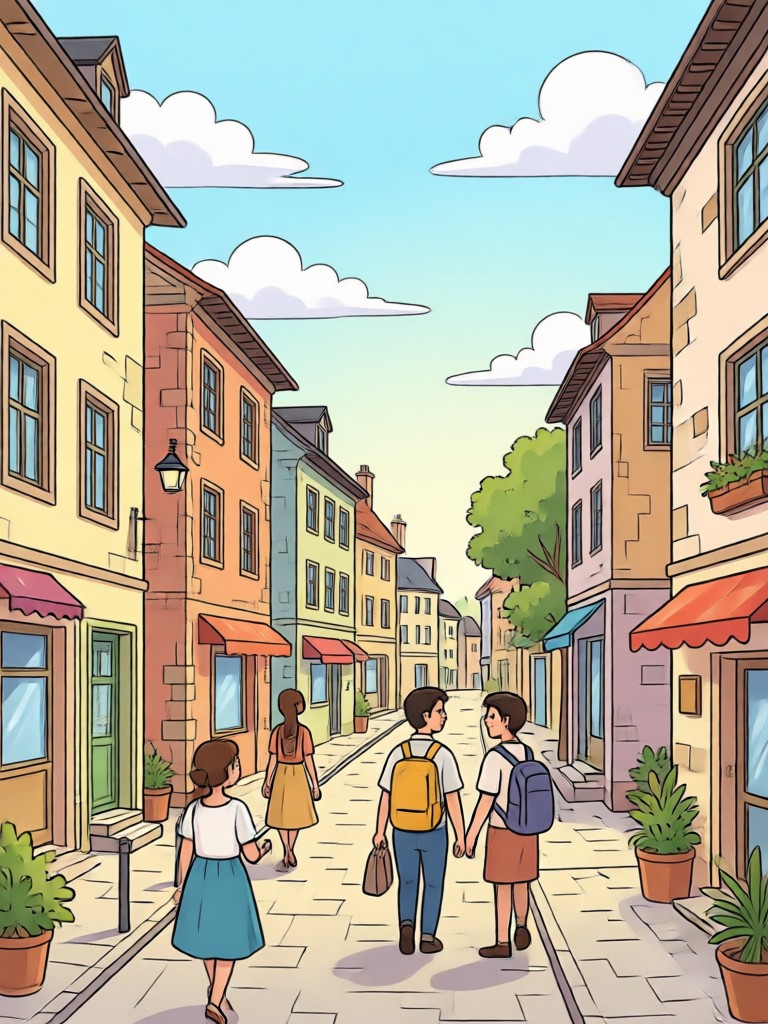
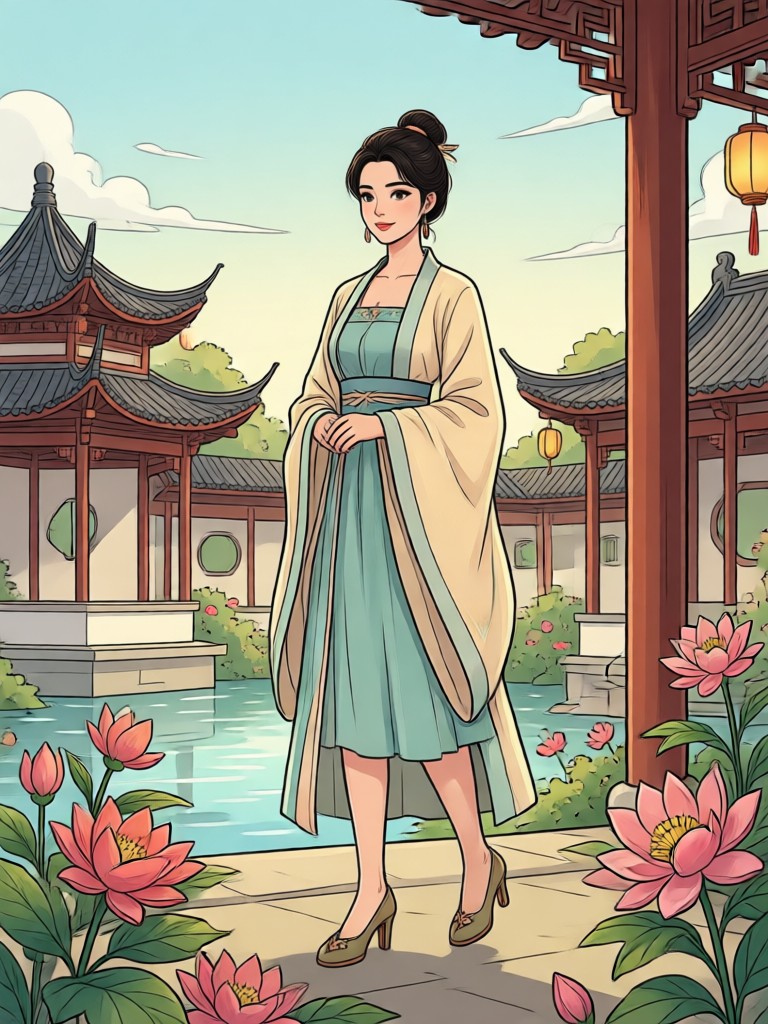
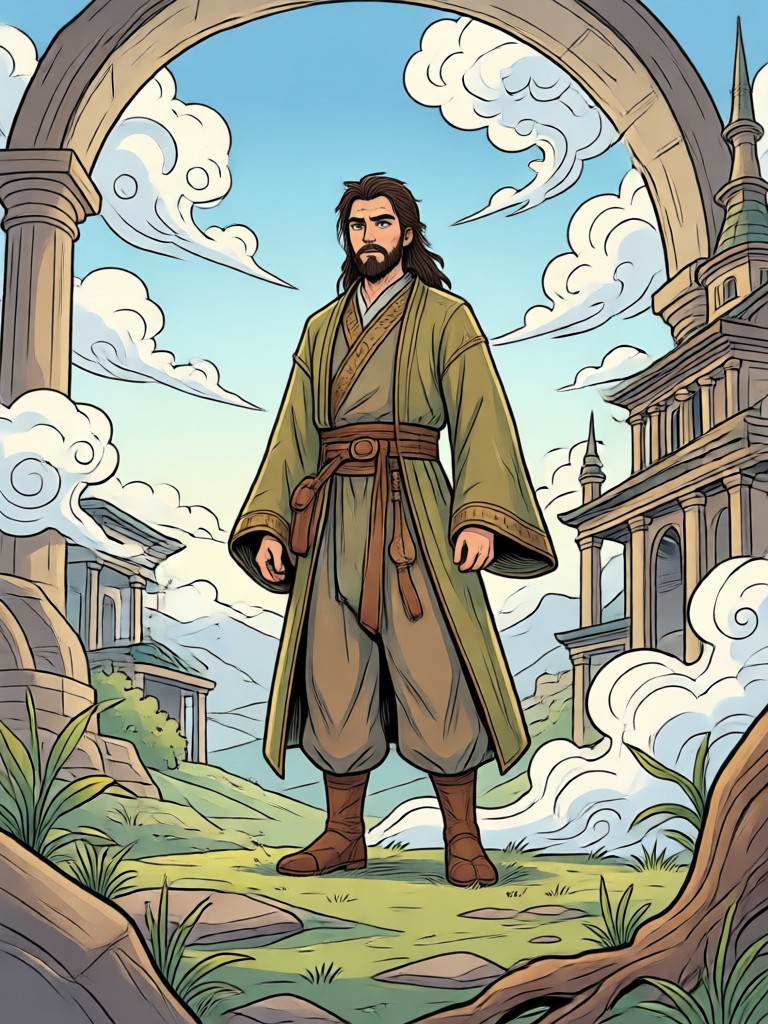
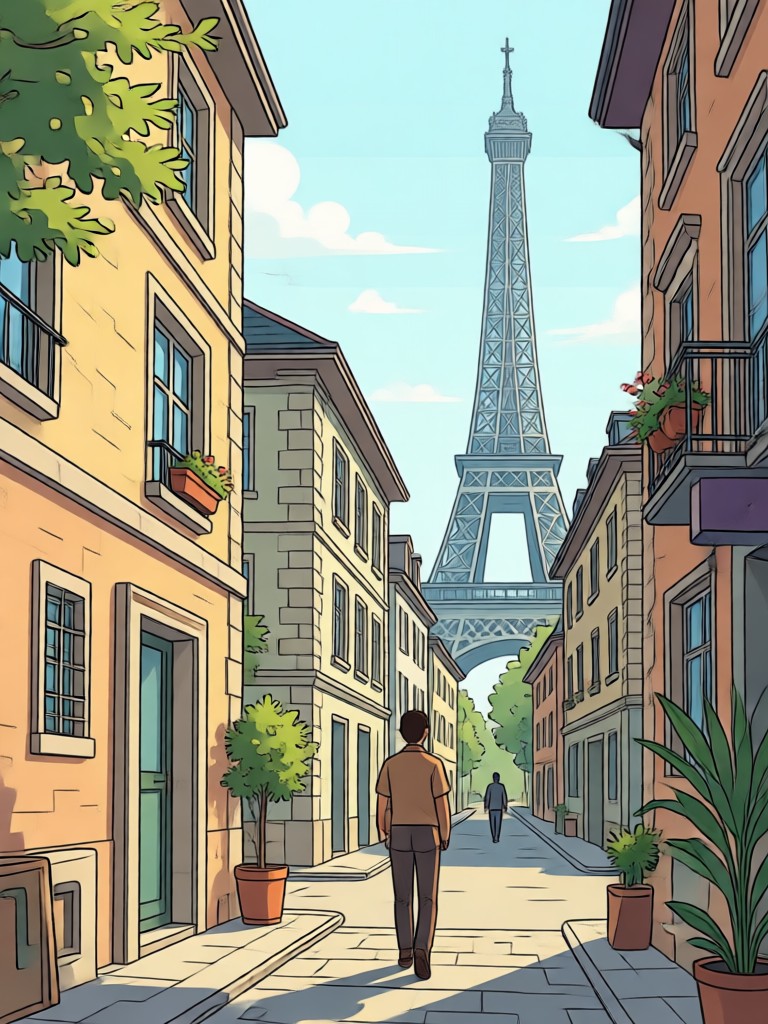
See what you can create with simple text prompts. From cute animals to vintage botanical art, these clipart samples show the variety of styles makmak can generate.
How to Create AI Clipart from Prompts
Making clipart with makmak is simple. Follow these three steps to turn your text prompt into beautiful clipart ready to download.

Step 01.
Download the makmak app from Google Play and open it on your phone or tablet.

Step 02.
Type a clipart prompt, choose a style filter, and adjust any settings you like.

Step 03.
Generate your clipart, download it in HD, and share it anywhere you want.
Why Use makmak for AI Clipart Prompts
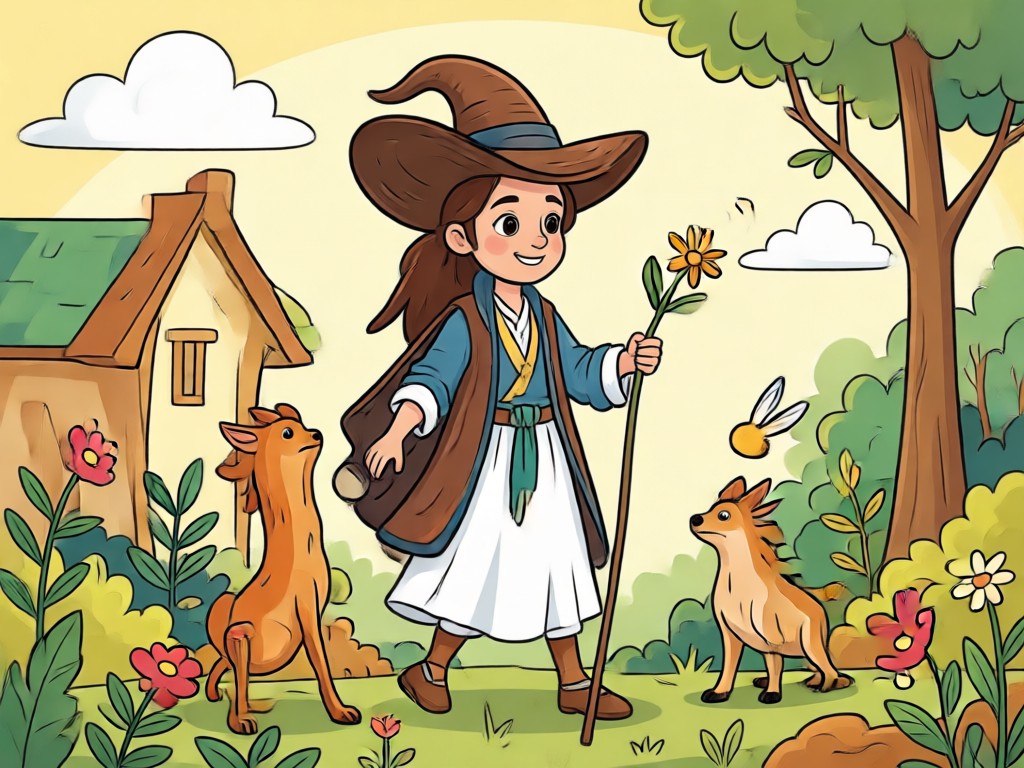
makmak isn't just a clipart maker. It's a full AI design tool with over a million filters. Whether you need a quick icon, a vintage illustration, or a cute sticker, you can create it from a simple text prompt in seconds. No design experience required.
Why Use makmak for AI Clipart Prompts
makmak isn't just a clipart maker. It's a full AI design tool with over a million filters. Whether you need a quick icon, a vintage illustration, or a cute sticker, you can create it from a simple text prompt in seconds. No design experience required.
Turn Any Idea Into Clipart With AI
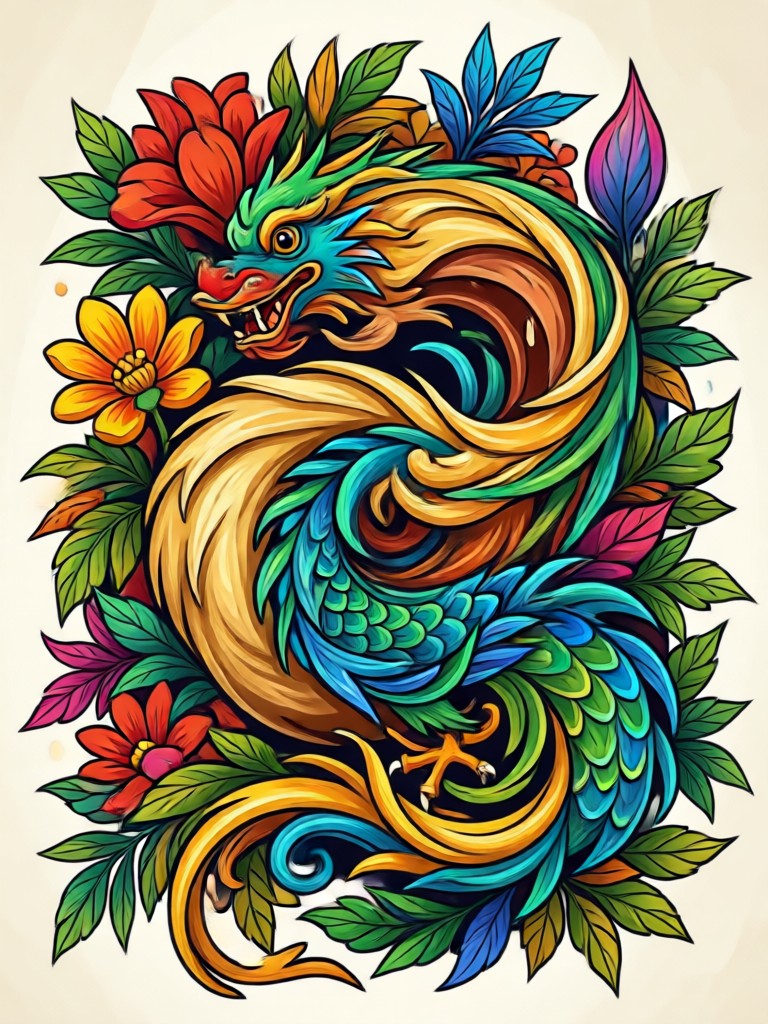
Describe the clipart you want and makmak will generate it in seconds. Perfect for teachers, designers, content creators, and anyone who needs fast custom graphics.

What Creators Say About AI Clipart Prompts
Made my classroom materials so much easier
I create custom clipart for worksheets and bulletin boards. makmak understands even vague prompts and gives me exactly what I need. The style filters are a lifesaver.
Perfect for quick social media graphics
I run a small online shop and need cute product icons. With makmak I just type a clipart prompt, pick a style, and export in seconds. It saves me hours every week.
Endless clipart possibilities
As a content creator I always need fresh visuals. The variety of clipart styles in makmak is amazing. From vintage to kawaii, I can match any video theme instantly.
Frequently Asked Questions About AI Clipart Prompts
Find clear answers to common questions about using AI to generate clipart from text prompts with makmak.
More Clipart Prompt Ideas You May Like
Explore more clipart prompt collections and discover fresh ideas for your next project.
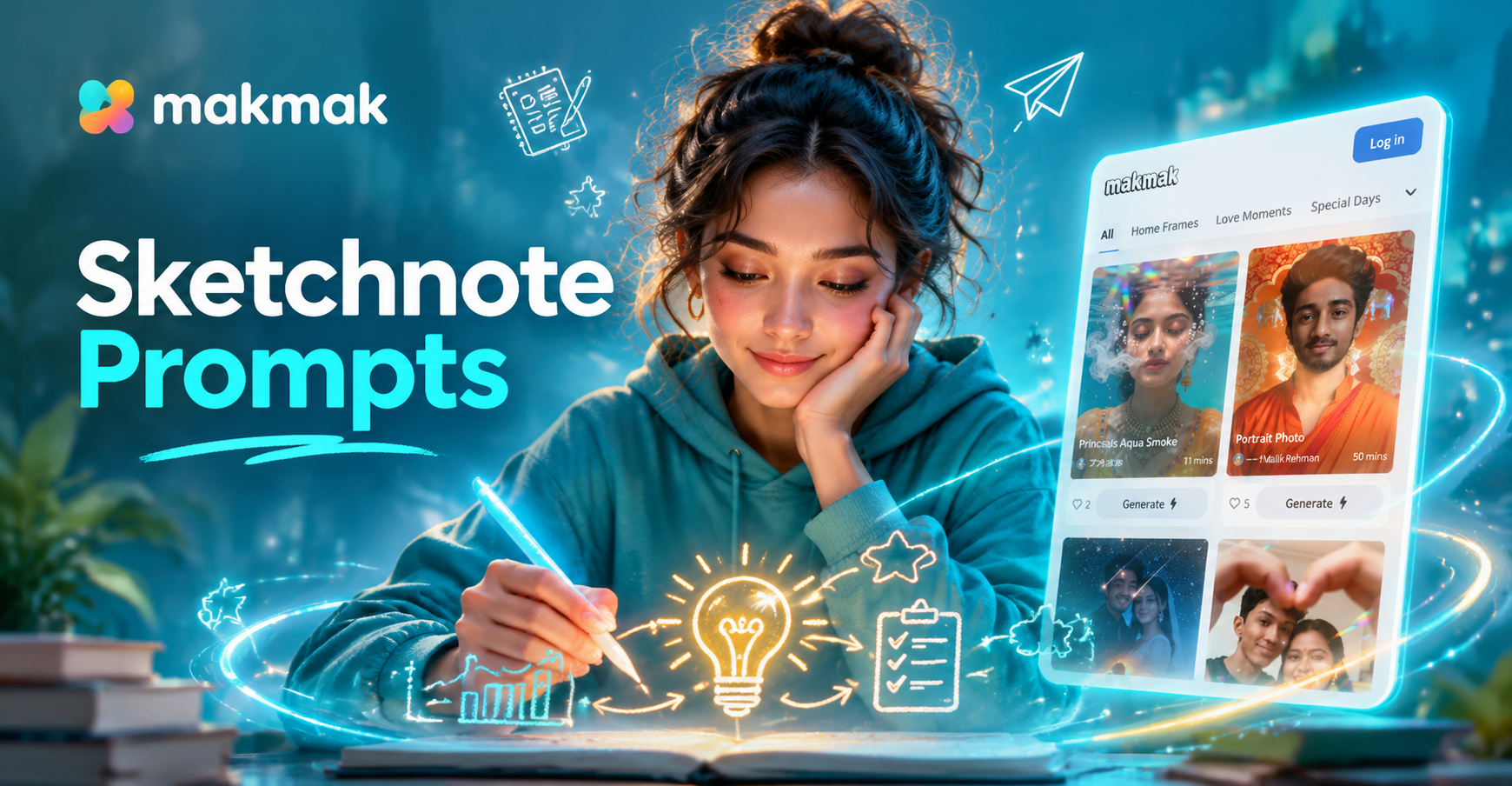
Sketchnote Infographic Prompts to Visualize Ideas Fast
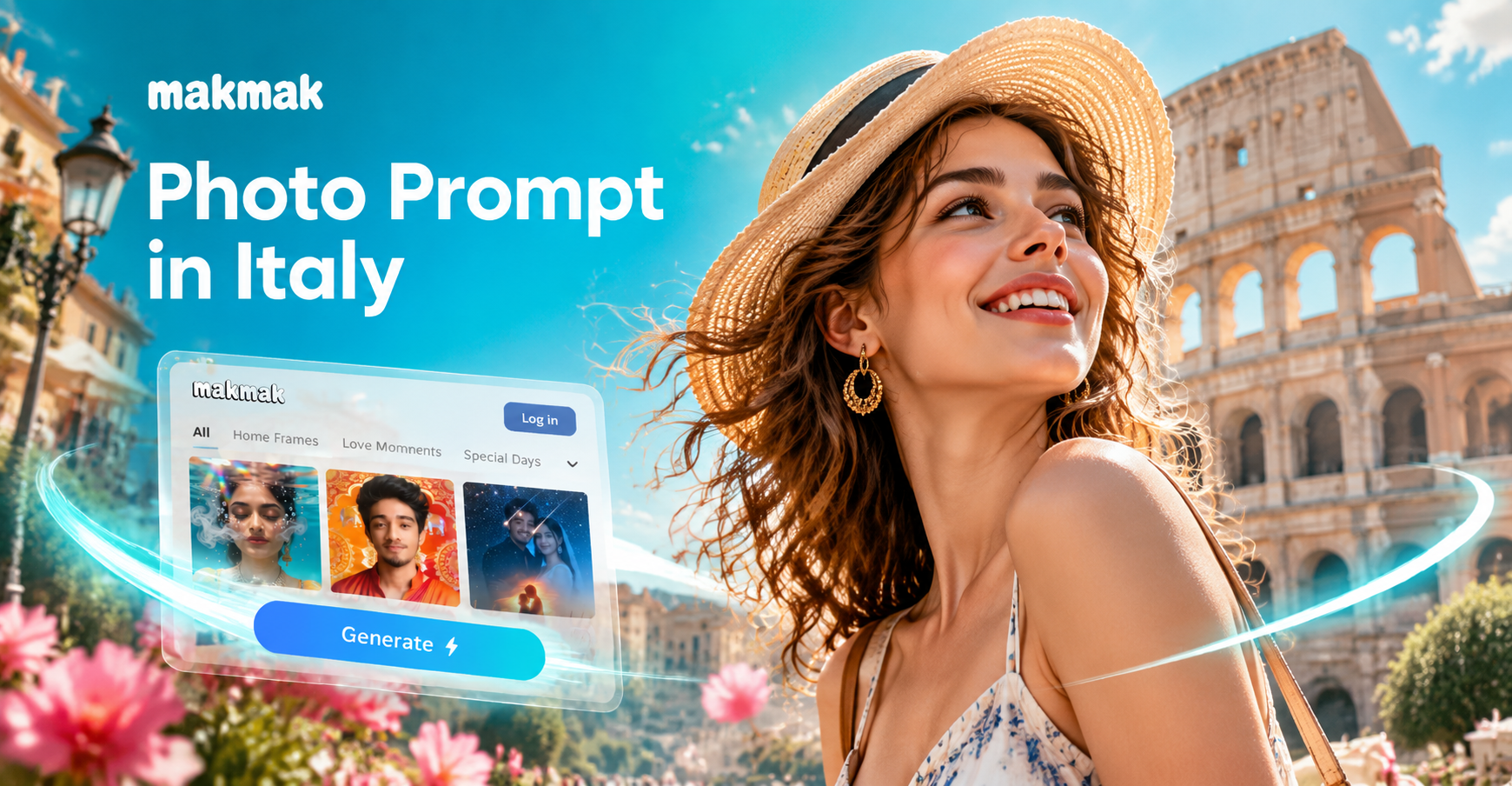
AI Photo Prompts for Italy: Capture Italian Charm Effortlessly
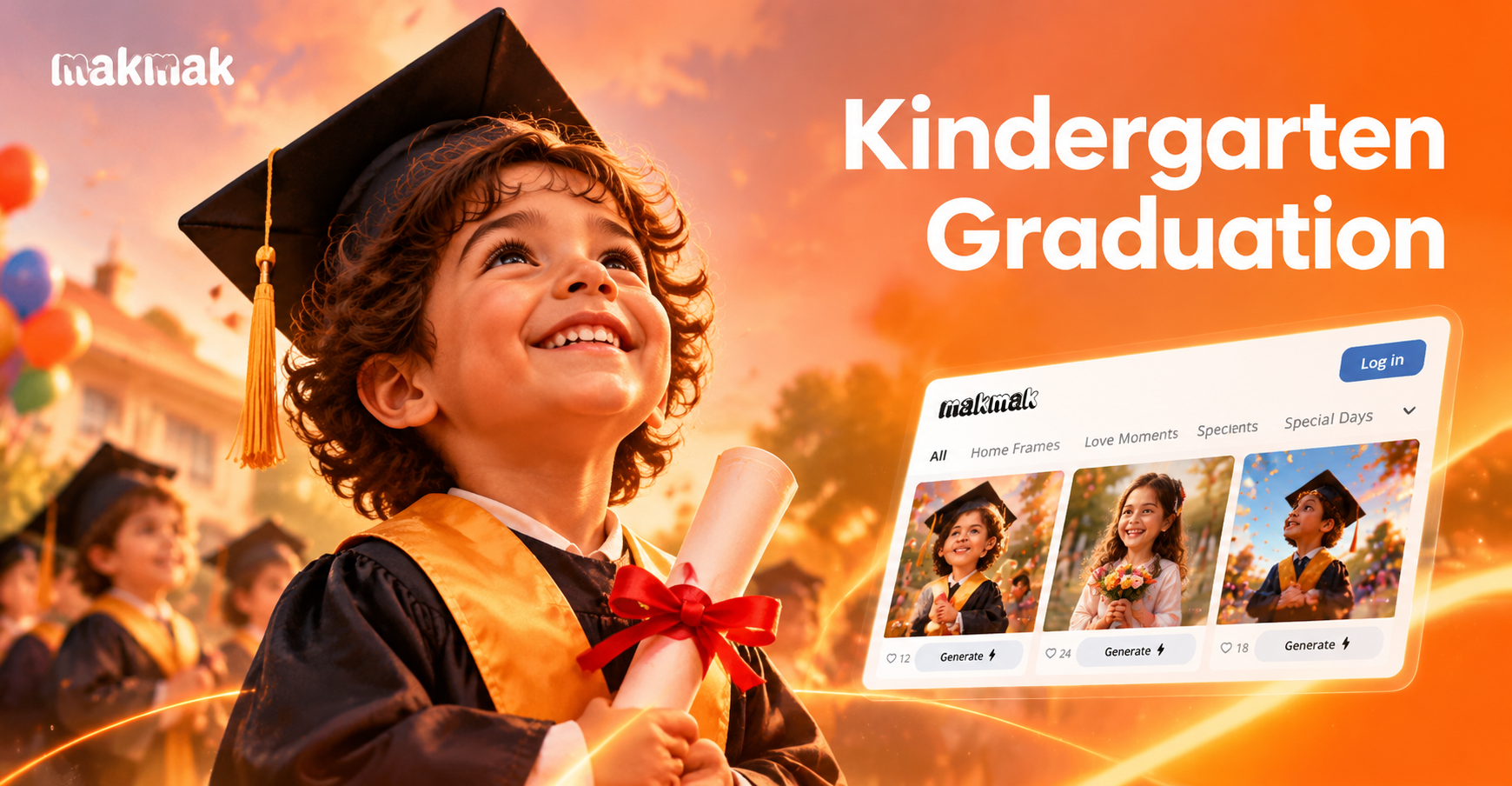
Kindergarten Graduation Prompt: Celebrate Little Milestones
Sketchnote Infographic Prompts to Visualize Ideas Fast
AI Photo Prompts for Italy: Capture Italian Charm Effortlessly
Kindergarten Graduation Prompt: Celebrate Little Milestones
Ready to Generate Cute AI Clipart?
Download makmak and start turning simple prompts into beautiful clipart in minutes. No design skills required and over a million styles to explore.
Ready to Generate Cute AI Clipart?
Download makmak and start turning simple prompts into beautiful clipart in minutes. No design skills required and over a million styles to explore.