Sketchnote Infographic Prompts



Choose a Sketchnote Infographic Style
Browse a range of AI filters designed for hand-drawn visual notes, diagrammatic layouts, and infographic generation. Pick the style that matches your content.
Key Features for Sketchnote Infographic Creation
Generate hand-drawn infographics from simple text prompts. Choose from multiple sketchnote styles, customize layouts, and create shareable visual notes in seconds.
Text to Sketchnote Conversion
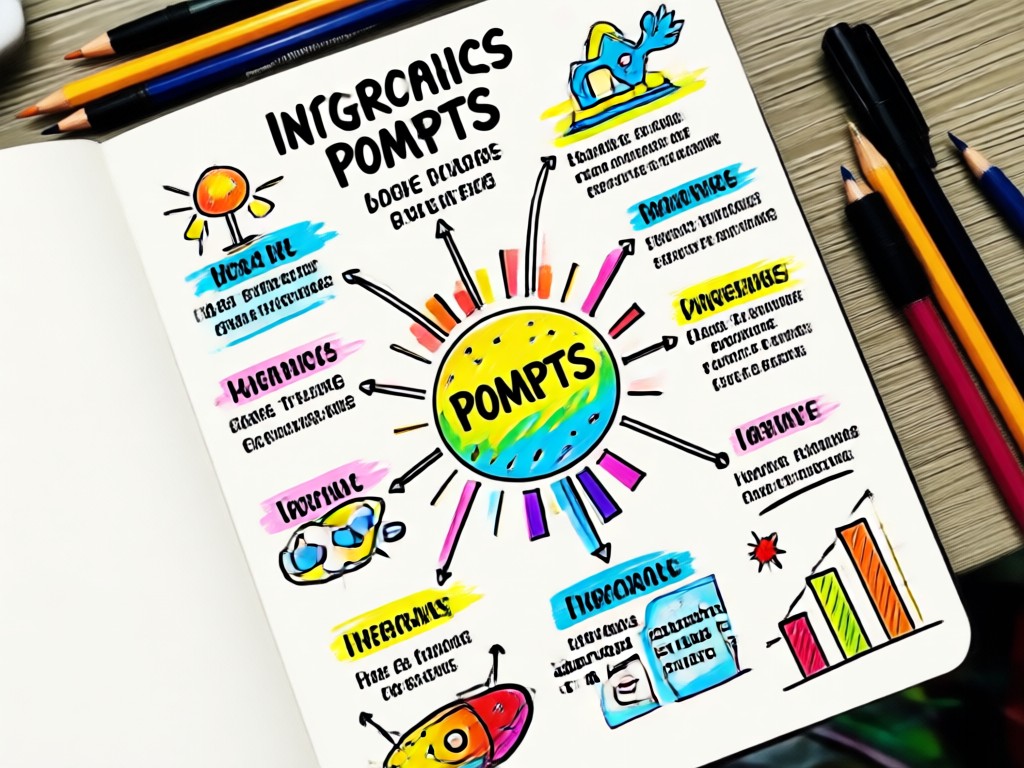
Turn plain text into structured visual notes with AI. The app automatically identifies key points and converts them into icons, arrows, and short labels.
Text to Sketchnote Conversion
Turn plain text into structured visual notes with AI. The app automatically identifies key points and converts them into icons, arrows, and short labels.
Hand-Drawn Style Library
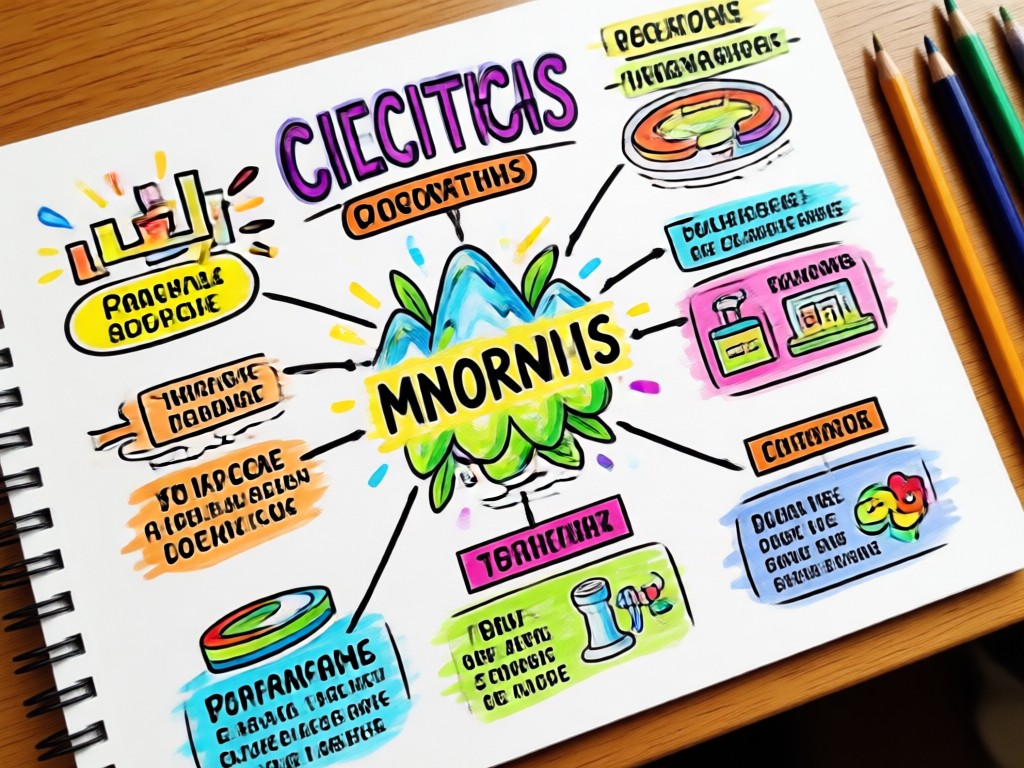
Access hundreds of sketchnote templates and hand-drawn icon sets. Choose from doodle, minimal line, or colorful marker styles to match your topic.
Hand-Drawn Style Library
Access hundreds of sketchnote templates and hand-drawn icon sets. Choose from doodle, minimal line, or colorful marker styles to match your topic.
Infographic Layout Assistant
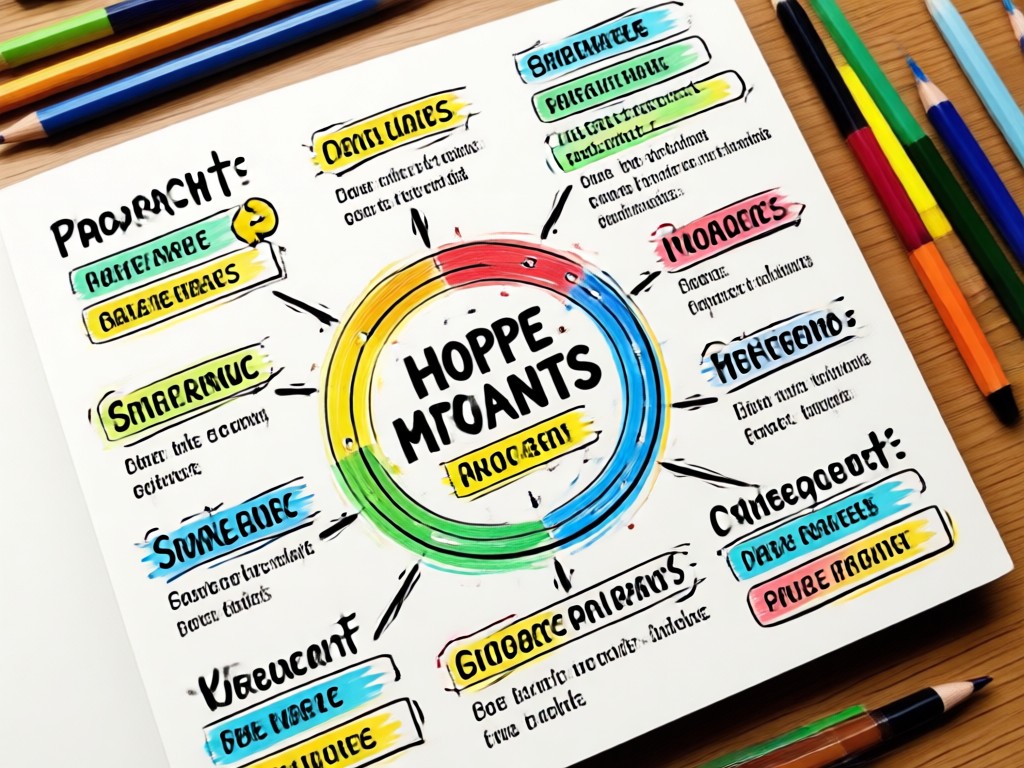
Let AI suggest the best layout for your content, whether a timeline, flowchart, comparison chart, or concept map. Adjust elements with a single tap.
Infographic Layout Assistant
Let AI suggest the best layout for your content, whether a timeline, flowchart, comparison chart, or concept map. Adjust elements with a single tap.
Popular Sketchnote Infographic Categories
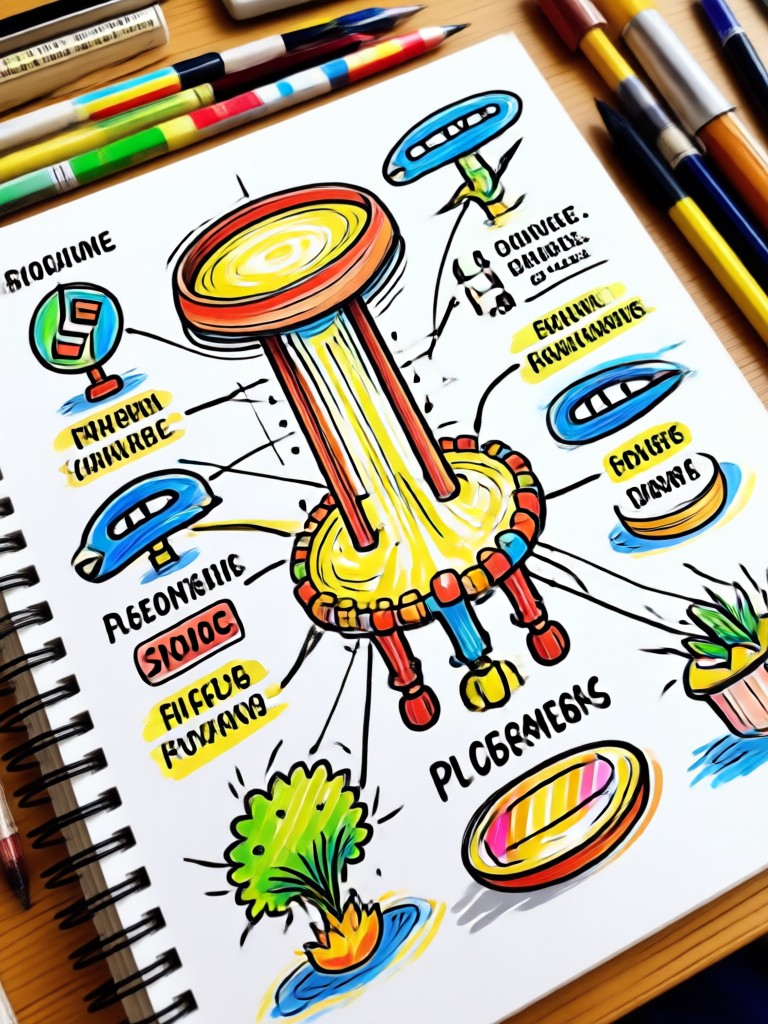
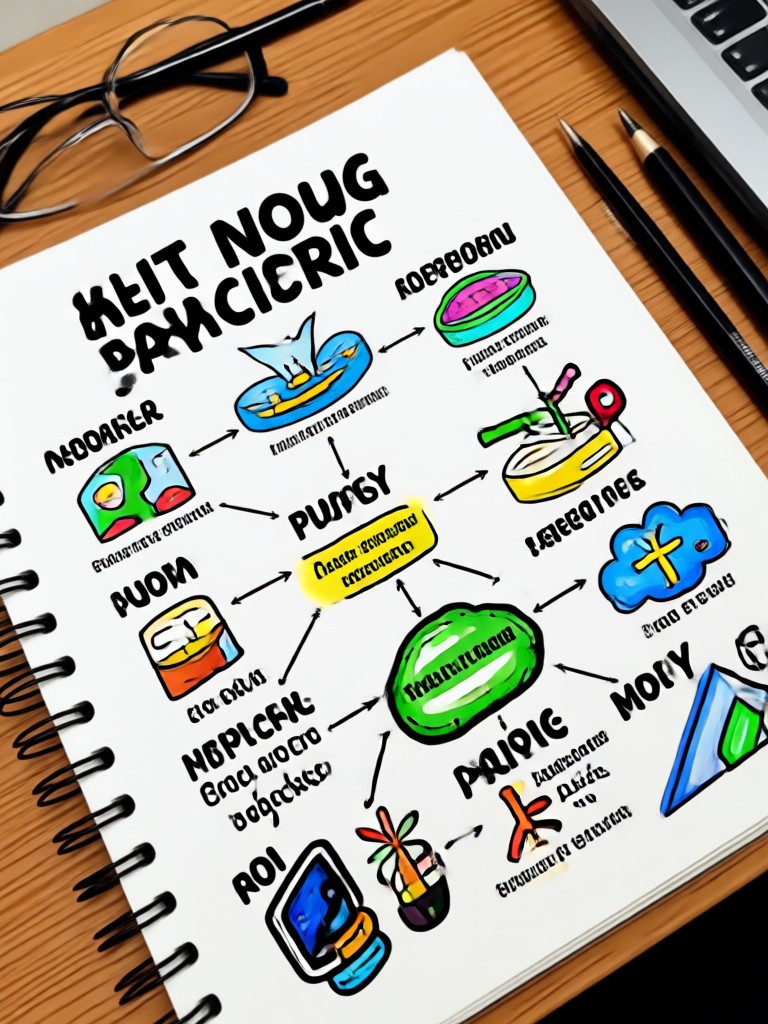
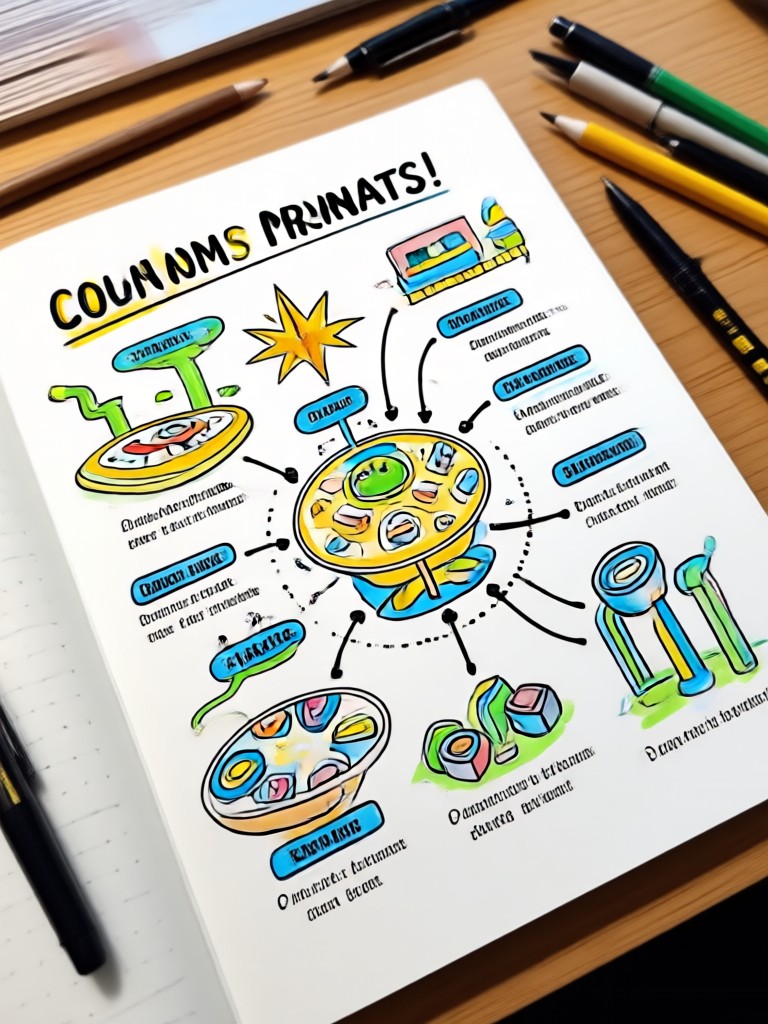
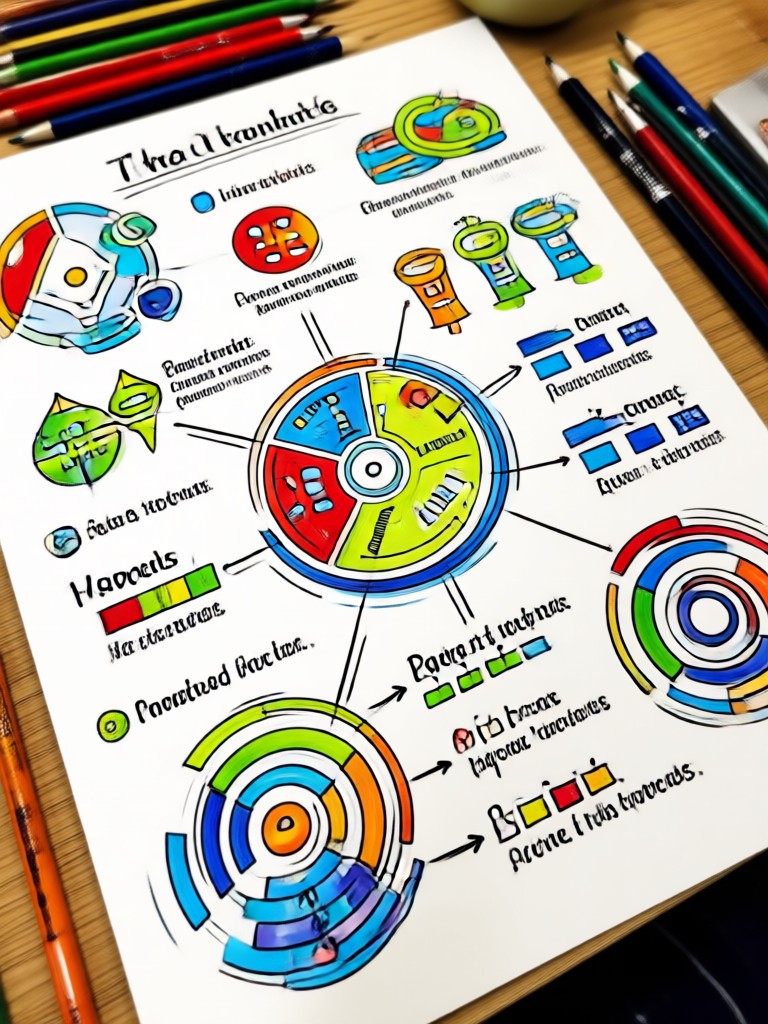
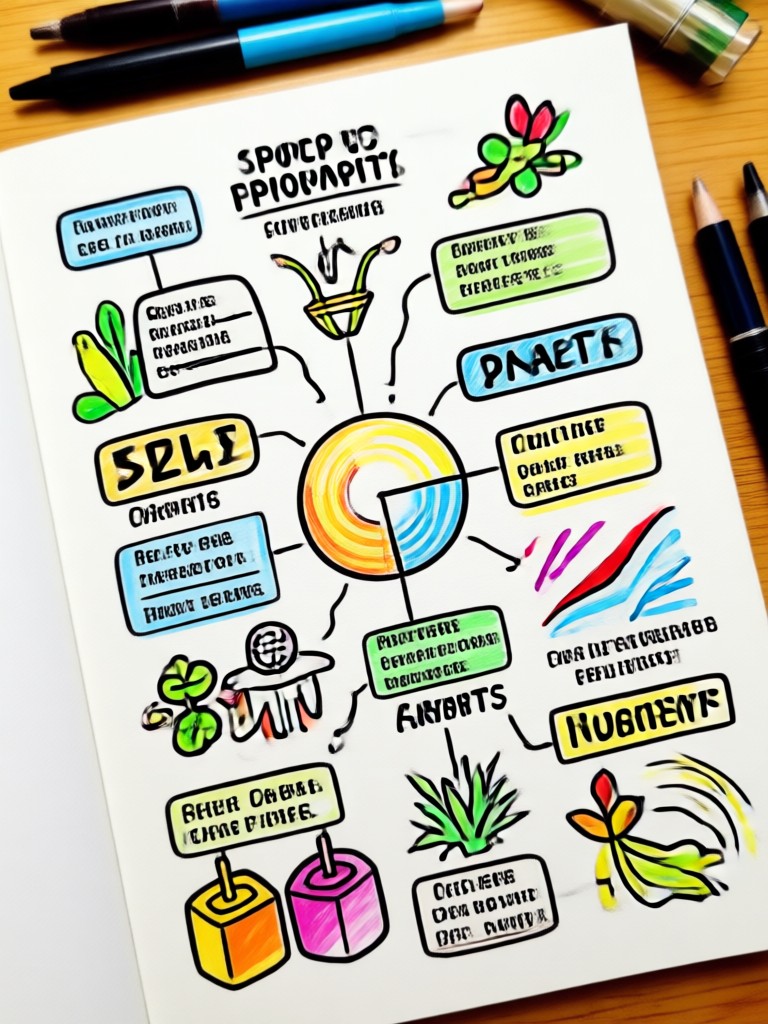
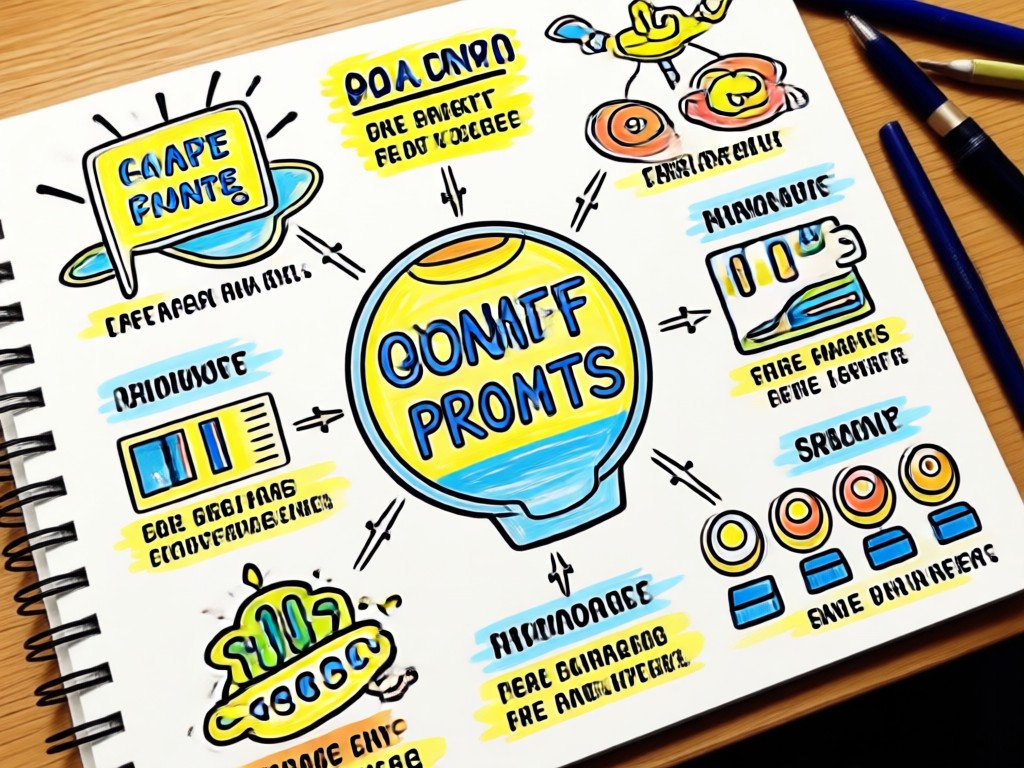
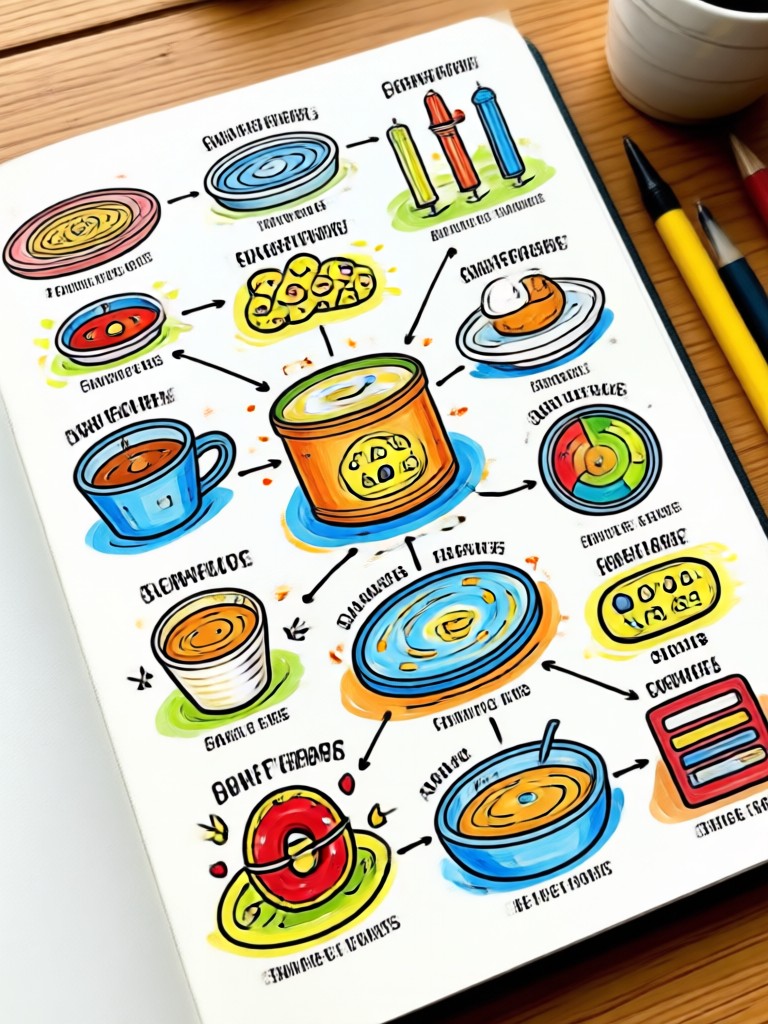
Explore sample sketchnote infographics generated by makmak users across different topics. Use these as inspiration for your next visual note.
Why Use AI for Sketchnote Infographics?
Traditional sketchnoting takes time and artistic skill. With makmak, you can generate professional visual notes in seconds. No drawing experience needed. Just type a prompt, pick a style, and get a polished infographic ready to share in presentations, study guides, or social media.
Why Use AI for Sketchnote Infographics?
Traditional sketchnoting takes time and artistic skill. With makmak, you can generate professional visual notes in seconds. No drawing experience needed. Just type a prompt, pick a style, and get a polished infographic ready to share in presentations, study guides, or social media.
How to Generate Sketchnote Infographic Prompts
Follow these three simple steps to turn your ideas into hand-drawn visual notes with AI.

Step 01.
Download the makmak app from Google Play. It's free and takes less than a minute to install.

Step 02.
Open the app and select the sketchnote infographic filter or type your own prompt. Choose a hand-drawn style template.

Step 03.
Generate your infographic, then save or share it directly to social media, presentations, or study notes.
Get the Sketchnote Infographic Generator App
Download makmak for free on Google Play and start creating visual notes, diagrams, and infographics with AI. No design skills required.

Frequently Asked Questions
Find answers to common questions about generating sketchnote infographic prompts with makmak.
What Creators Say About makmak
Perfect for visual learners
I use makmak to create sketchnote infographics for my study notes. It saves me hours and the hand-drawn style makes my revision so much easier.
My go-to for content ideas
As a content marketer, I need quick infographics for blog posts. Makmak turns my outlines into beautiful visual notes in minutes. Highly recommend.
No design skills needed
I always wanted to make sketchnotes but can't draw. This app is a game changer. The AI produces professional results every time.
More Topics You May Like
Explore more topics you may like and discover fresh ideas tailored to your interests.
AI Photo Prompts for Italy: Capture Italian Charm Effortlessly

Kindergarten Graduation Prompt: Celebrate Little Milestones
AI Photo Prompts for Italy: Capture Italian Charm Effortlessly
Kindergarten Graduation Prompt: Celebrate Little Milestones
Start Creating Sketchnote Infographics Today
Download makmak and turn your ideas into hand-drawn visual notes with AI. Free to try, no design skills required.

Start Creating Sketchnote Infographics Today
Download makmak and turn your ideas into hand-drawn visual notes with AI. Free to try, no design skills required.