Veo3 AI Video Generation
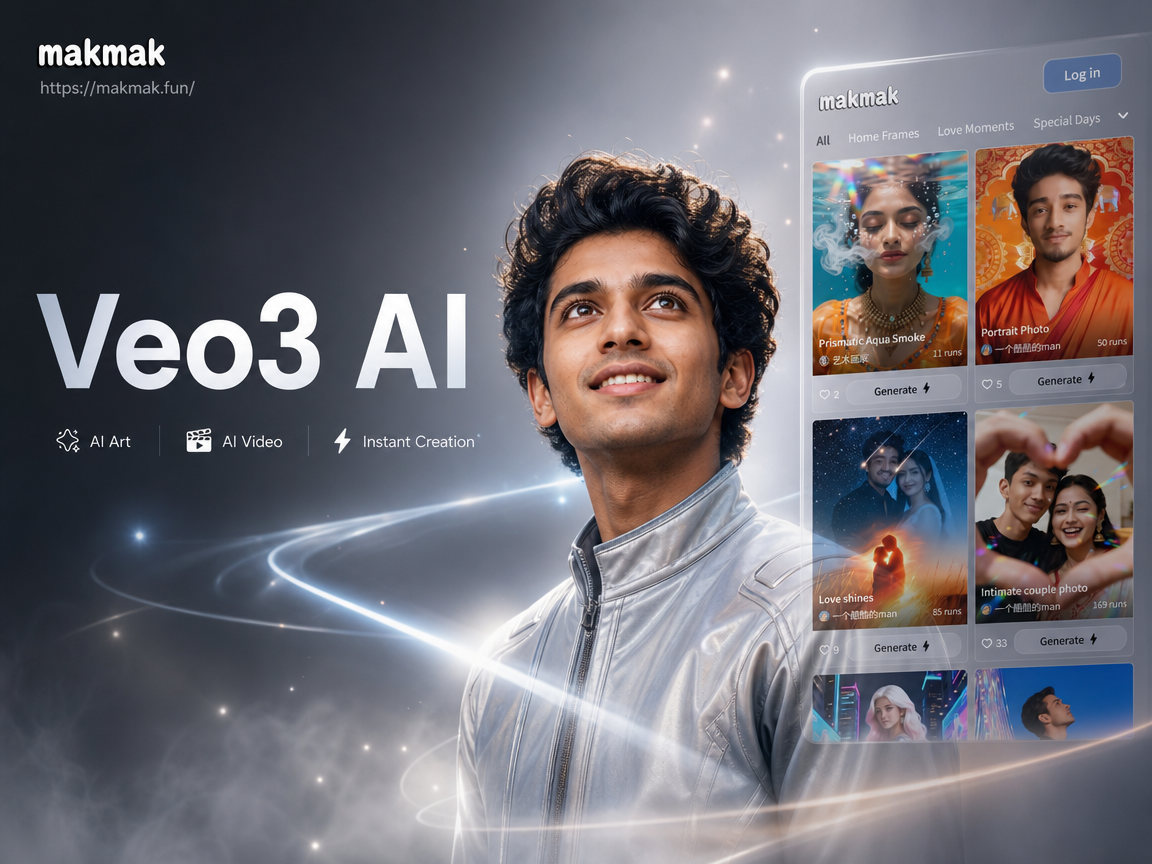
Explore Cinematic AI Video Styles
Choose from a library of professional video styles inspired by Veo 3's capabilities. Generate everything from epic nature documentaries to dynamic character animations.
Core Capabilities of Veo 3 AI
Experience the next generation of AI video synthesis. Veo 3 combines advanced understanding of physical motion, lighting, and cinematic language to produce unparalleled results.
Advanced Cinematic Quality
Generate videos with professional-grade cinematography, including realistic camera movements, depth of field, and dynamic lighting that mimics real film production.
High-Fidelity Motion Control
Create complex, coherent motion sequences. Veo 3 understands physics and character movement, producing smooth animations for people, animals, and objects.
Extended Video Length
Produce longer, narrative-driven video clips. Maintain character and scene consistency over extended sequences for storytelling and detailed scene creation.
Veo 3 AI Video Showcase
See what's possible with next-generation AI video generation. From breathtaking landscapes to intricate character animations, explore the creative potential of Veo 3.

How to Create Videos with Veo 3 AI?
Generate professional AI videos in three simple steps using technology inspired by Google's latest advancements. No complex software required.
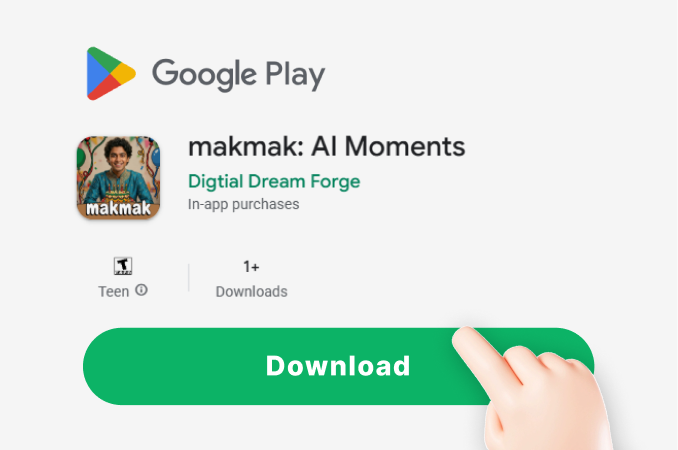
Step 01.
Download the makmak app to access powerful AI video generation tools directly from your mobile device, anytime.
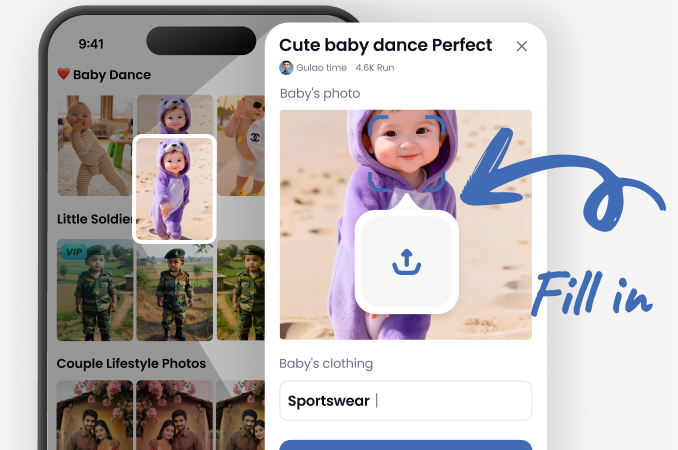
Step 02.
Select a 'Cinematic' or 'High Motion' style filter and type your detailed video description into the text prompt box.
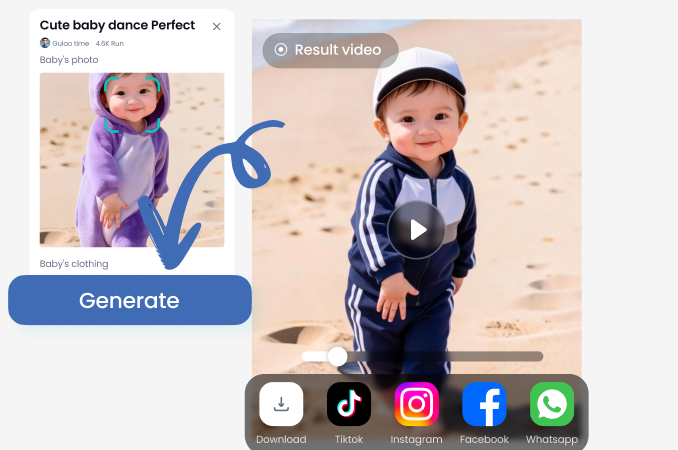
Step 03.
Generate, preview, and download your HD AI video. Share directly to TikTok, Instagram Reels, or YouTube Shorts.
Content Creators Using AI Video Generation
Chloe R.
This tool has revolutionized my social media ads. I can prototype video concepts in minutes instead of days, testing what resonates with my audience before any expensive production.
Marcus T.
As a solo filmmaker, the cinematic quality is a game changer. I use it for storyboarding and mood reels to secure funding. The motion control helps me plan complex shots perfectly.
Dr. Anika P.
I create animated explanations for complex scientific concepts. The ability to generate accurate, engaging visuals from a text description makes lesson planning incredibly efficient and effective.
Leo K.
We use it to generate environment and character motion tests during pre production. It's like having a rapid prototyping suite for video, saving our team weeks of manual animation work.
Chloe R.
This tool has revolutionized my social media ads. I can prototype video concepts in minutes instead of days, testing what resonates with my audience before any expensive production.
Marcus T.
As a solo filmmaker, the cinematic quality is a game changer. I use it for storyboarding and mood reels to secure funding. The motion control helps me plan complex shots perfectly.
Dr. Anika P.
I create animated explanations for complex scientific concepts. The ability to generate accurate, engaging visuals from a text description makes lesson planning incredibly efficient and effective.
Leo K.
We use it to generate environment and character motion tests during pre production. It's like having a rapid prototyping suite for video, saving our team weeks of manual animation work.
Chloe R.
This tool has revolutionized my social media ads. I can prototype video concepts in minutes instead of days, testing what resonates with my audience before any expensive production.
Marcus T.
As a solo filmmaker, the cinematic quality is a game changer. I use it for storyboarding and mood reels to secure funding. The motion control helps me plan complex shots perfectly.
Dr. Anika P.
I create animated explanations for complex scientific concepts. The ability to generate accurate, engaging visuals from a text description makes lesson planning incredibly efficient and effective.
Leo K.
We use it to generate environment and character motion tests during pre production. It's like having a rapid prototyping suite for video, saving our team weeks of manual animation work.
Why Choose AI Video Generation?
Transform your creative workflow. Go from idea to finished video in minutes, not weeks. Eliminate the need for expensive equipment, actors, and editing suites while maintaining professional quality.
Why Choose AI Video Generation?
Transform your creative workflow. Go from idea to finished video in minutes, not weeks. Eliminate the need for expensive equipment, actors, and editing suites while maintaining professional quality.
Veo 3 AI Video Generator FAQs
Get answers to the most common questions about AI video generation, prompt crafting, and how to achieve the best results with your creative projects.
More Topics You May Like
Explore more topics you may like and discover fresh ideas tailored to your interests.
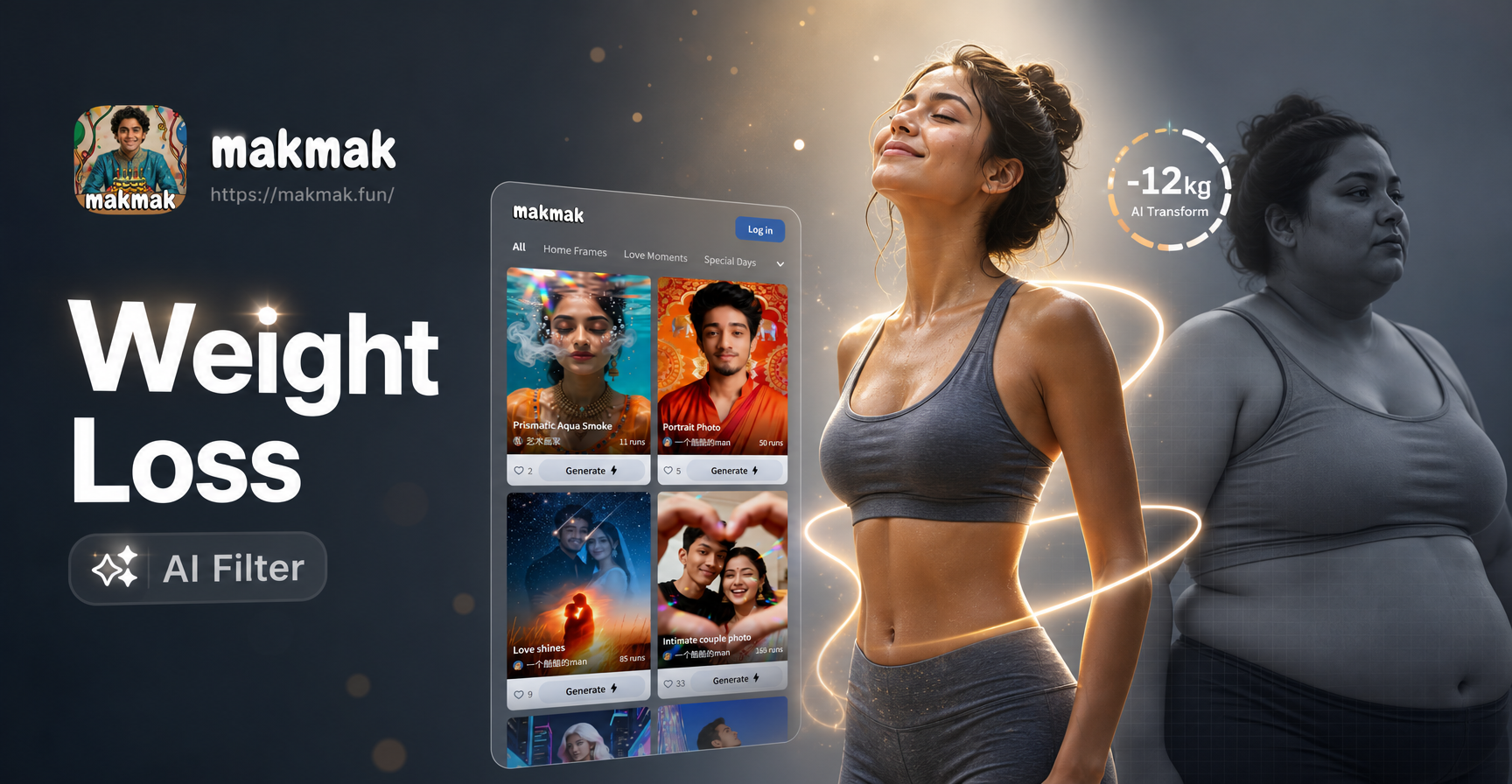
Slim Your Look Instantly with AI
Craft Your Brand: AI Logo Maker in Minutes
Clean Your Photos Instantly: Effortless Filter Removal
Create Your Own 3D PUBG Logo Instantly
Slim Your Look Instantly with AI
Craft Your Brand: AI Logo Maker in Minutes
Clean Your Photos Instantly: Effortless Filter Removal
Create Your Own 3D PUBG Logo Instantly
Your Vision, in Motion
Stop imagining and start creating. Bring your most ambitious video ideas to life with the power of next generation AI. No crew, no budget, no limits.
Your Vision, in Motion
Stop imagining and start creating. Bring your most ambitious video ideas to life with the power of next generation AI. No crew, no budget, no limits.