Rain Photo Effect
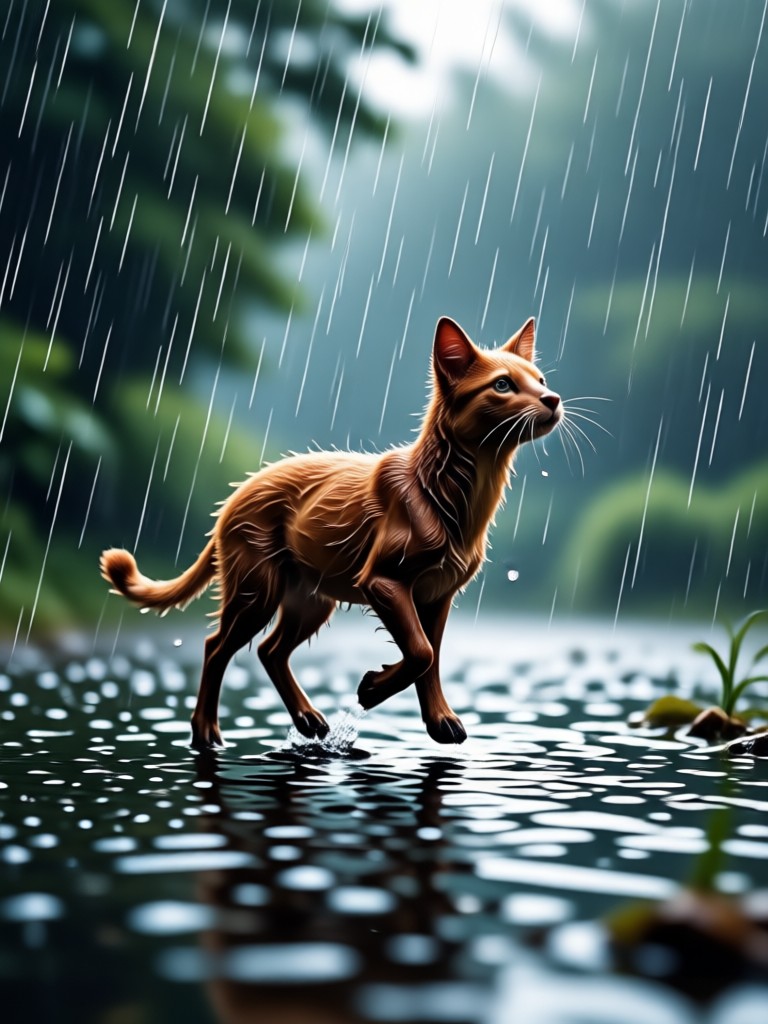
Choose Your Rainy Mood
Select from a variety of AI rain styles, from light drizzle and cinematic downpours to noir-inspired foggy scenes.
Key Features of the Rain Effect Editor
Our rainy mood photo editor provides a complete toolkit for creating stunning, realistic atmospheric scenes with simple controls.
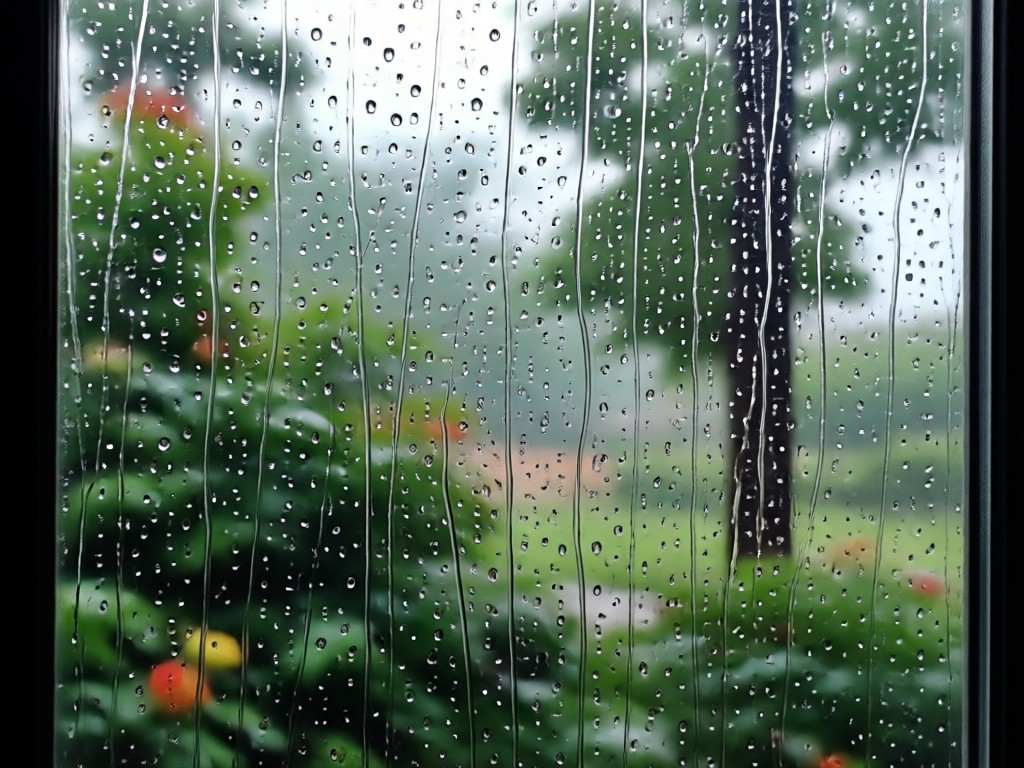
Realistic Rain & Weather
Generate photorealistic rain streaks, droplets on surfaces, mist, and fog. Adjust intensity, angle, and density for the perfect stormy look.
Realistic Rain & Weather
Generate photorealistic rain streaks, droplets on surfaces, mist, and fog. Adjust intensity, angle, and density for the perfect stormy look.
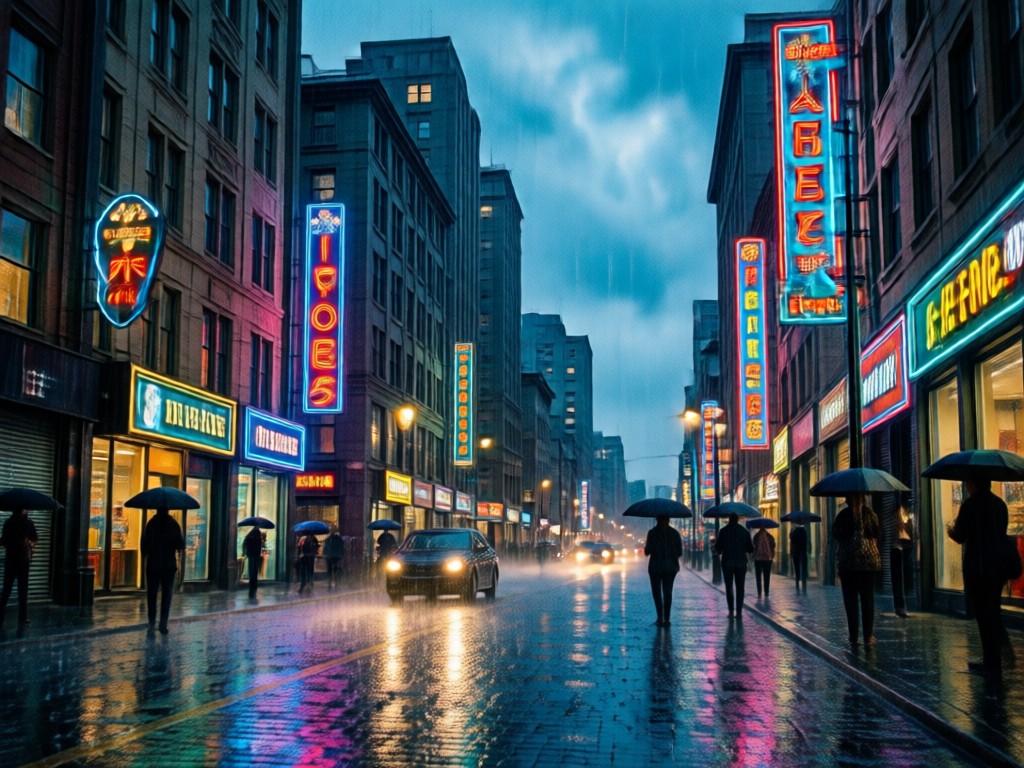
Mood Lighting & Effects
Apply dramatic lighting like overcast skies, neon reflections on wet asphalt, and cinematic color grading to enhance the rainy atmosphere.
Mood Lighting & Effects
Apply dramatic lighting like overcast skies, neon reflections on wet asphalt, and cinematic color grading to enhance the rainy atmosphere.
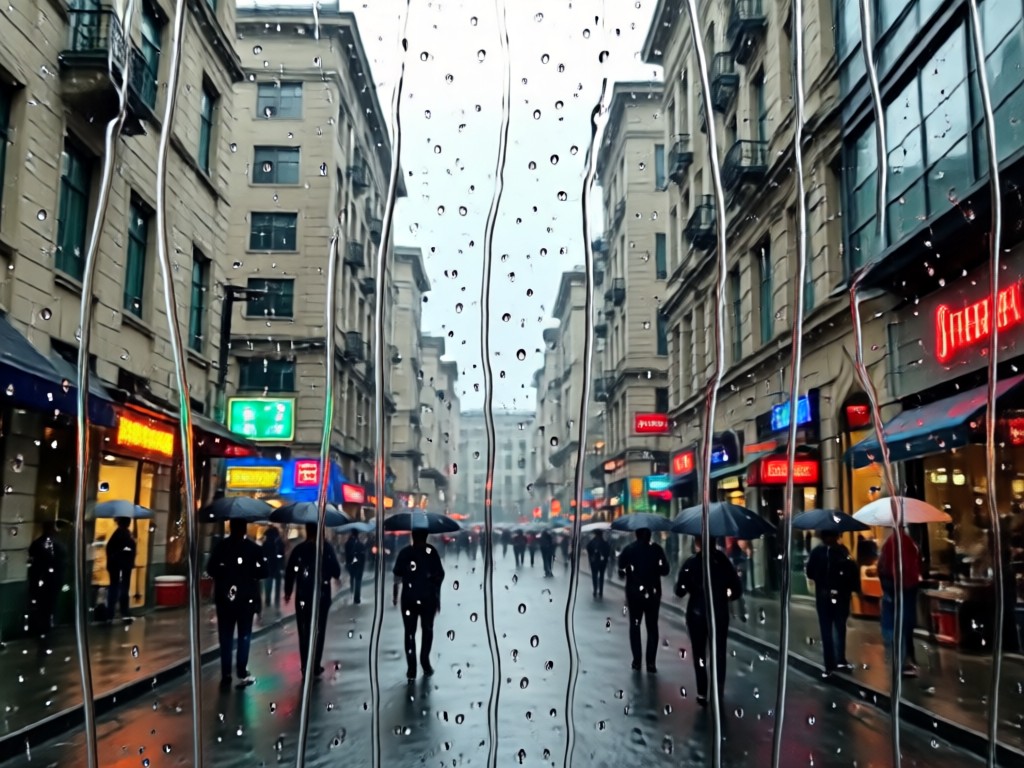
One-Click Style Transfer
Apply popular rainy aesthetics instantly. Choose from templates like Noir Rain, Cyberpunk Downpour, Romantic Drizzle, or Stormy Landscape.
One-Click Style Transfer
Apply popular rainy aesthetics instantly. Choose from templates like Noir Rain, Cyberpunk Downpour, Romantic Drizzle, or Stormy Landscape.
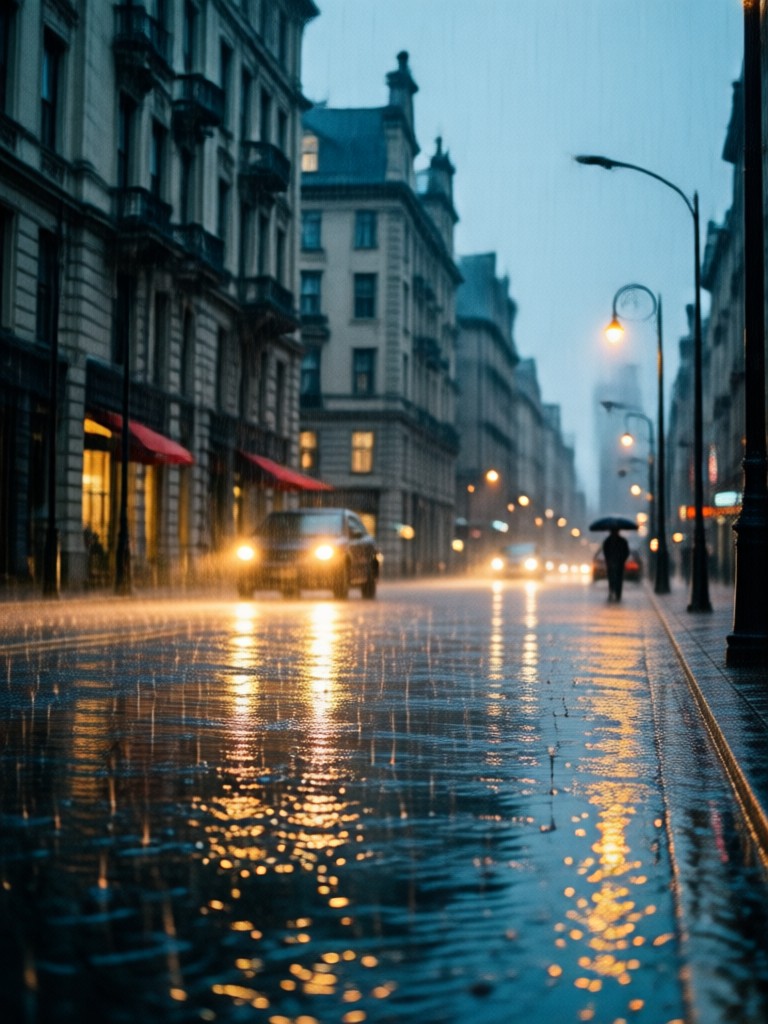
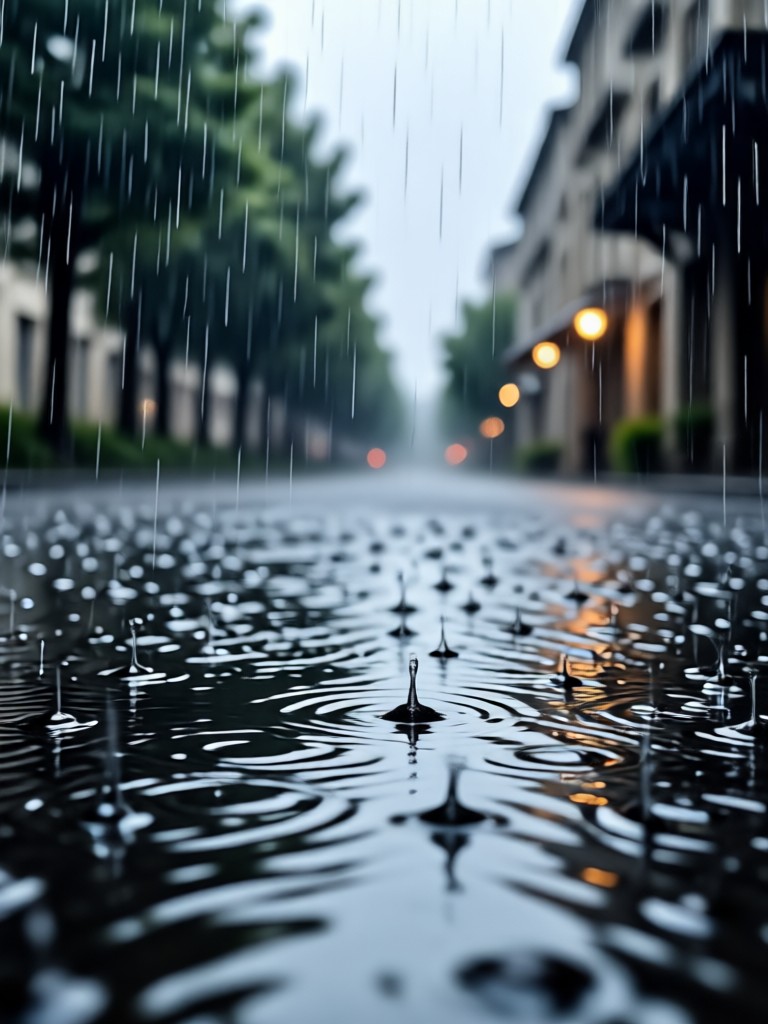
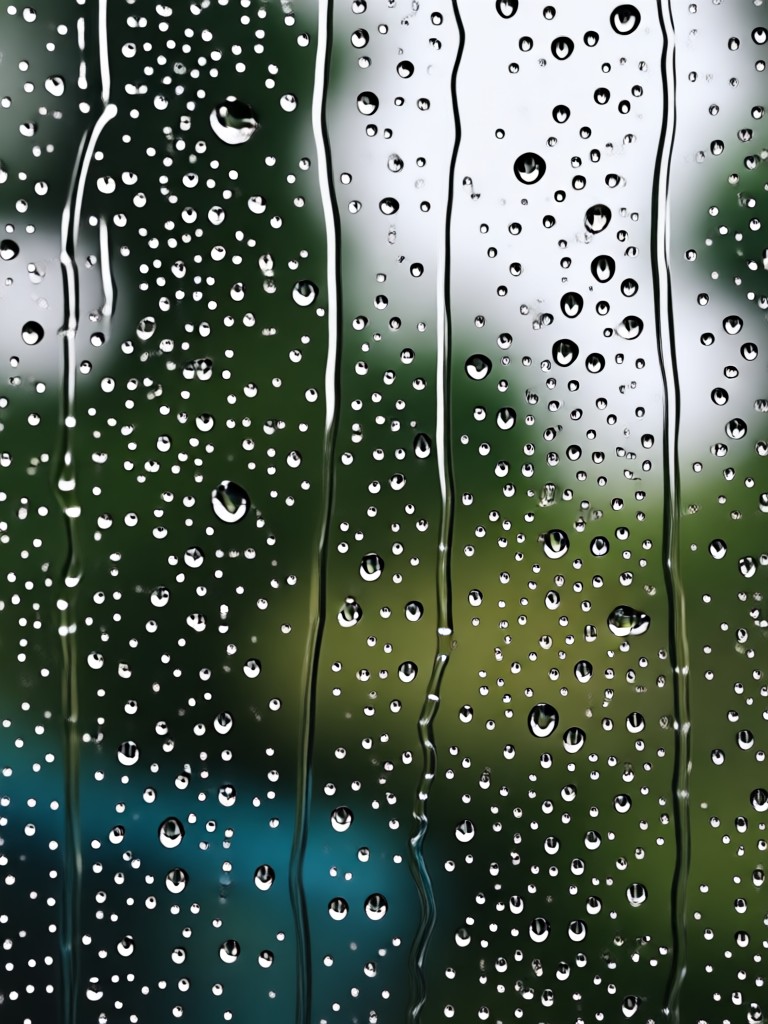
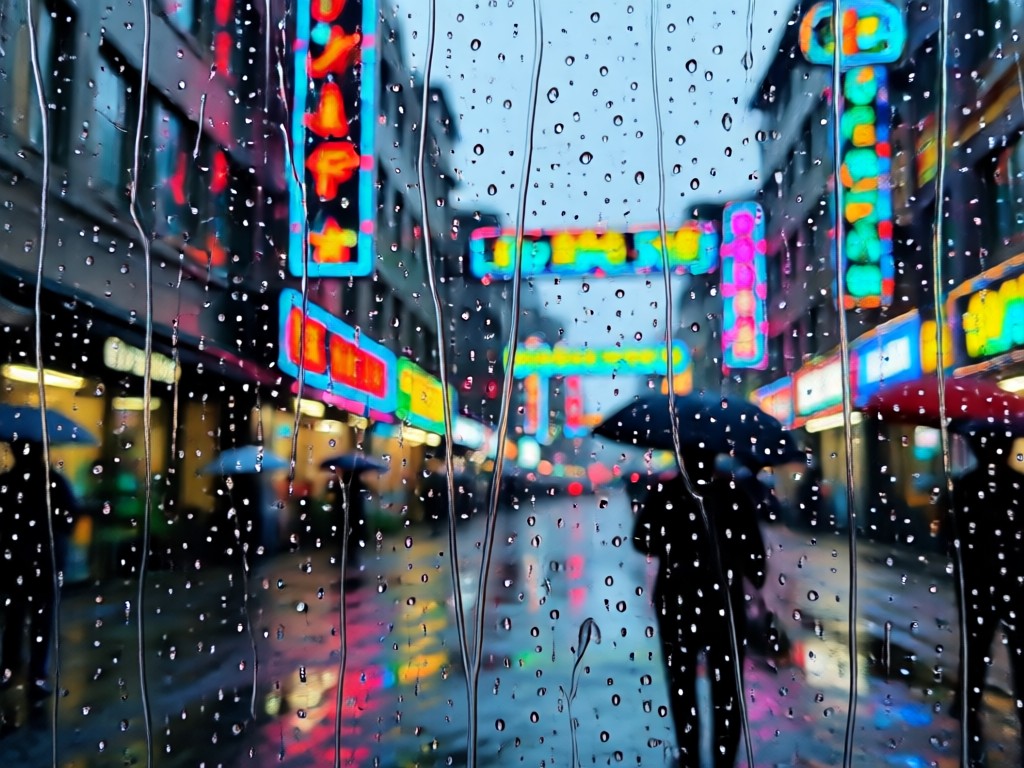
Rain Effect Inspiration Gallery
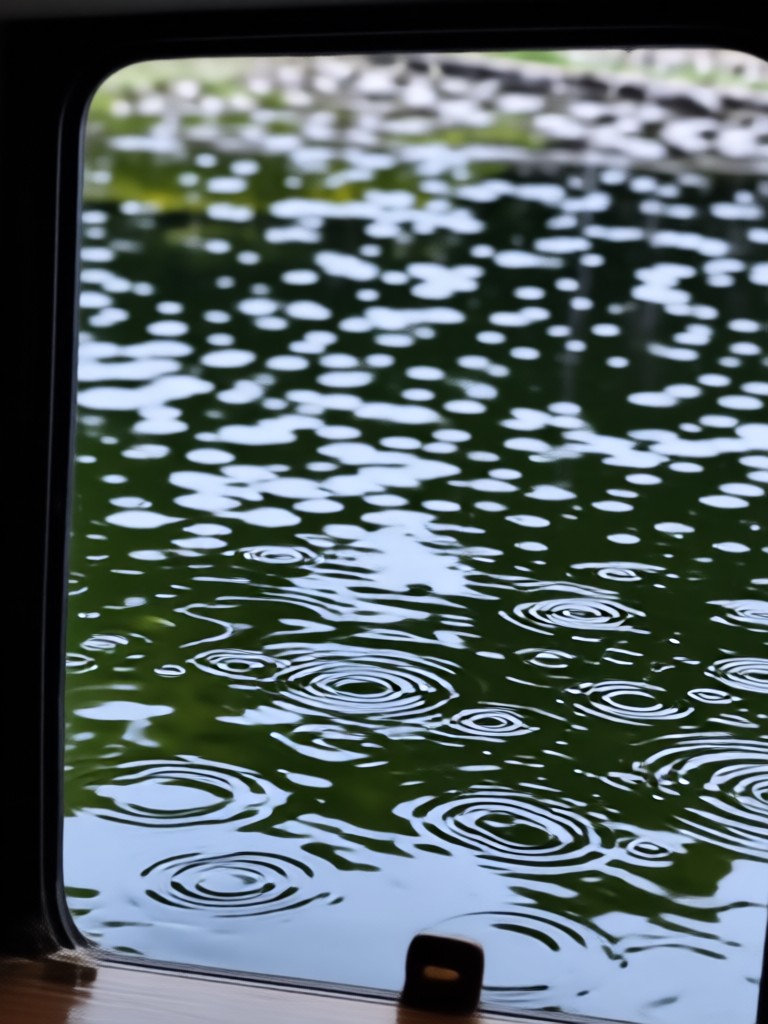
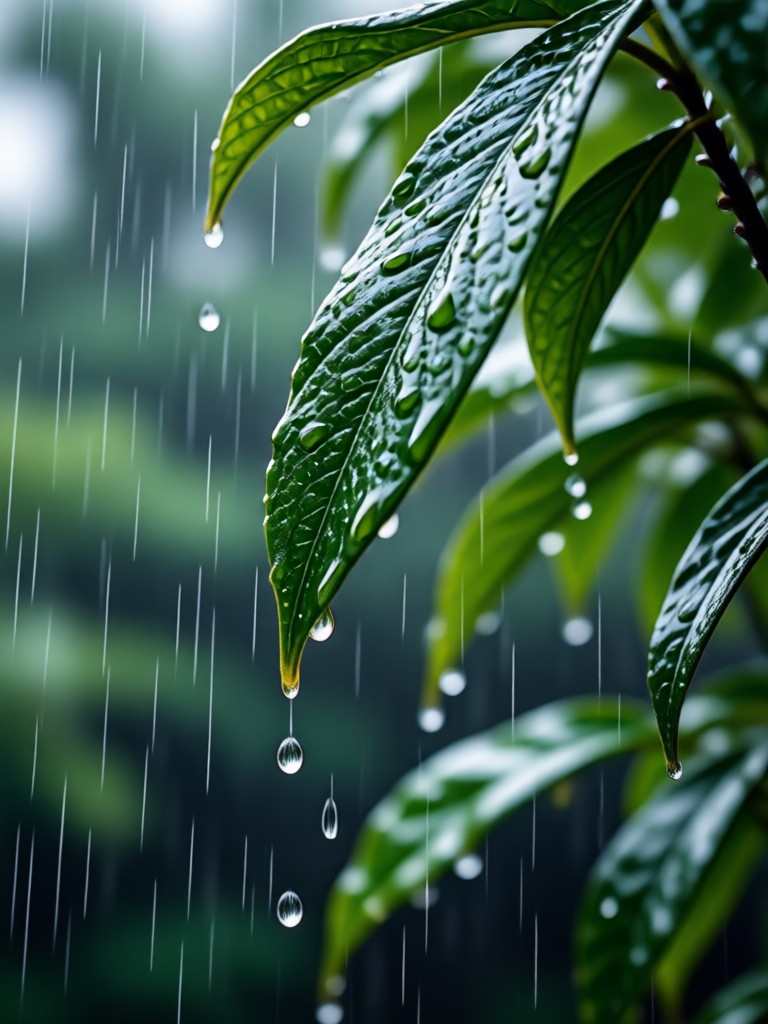
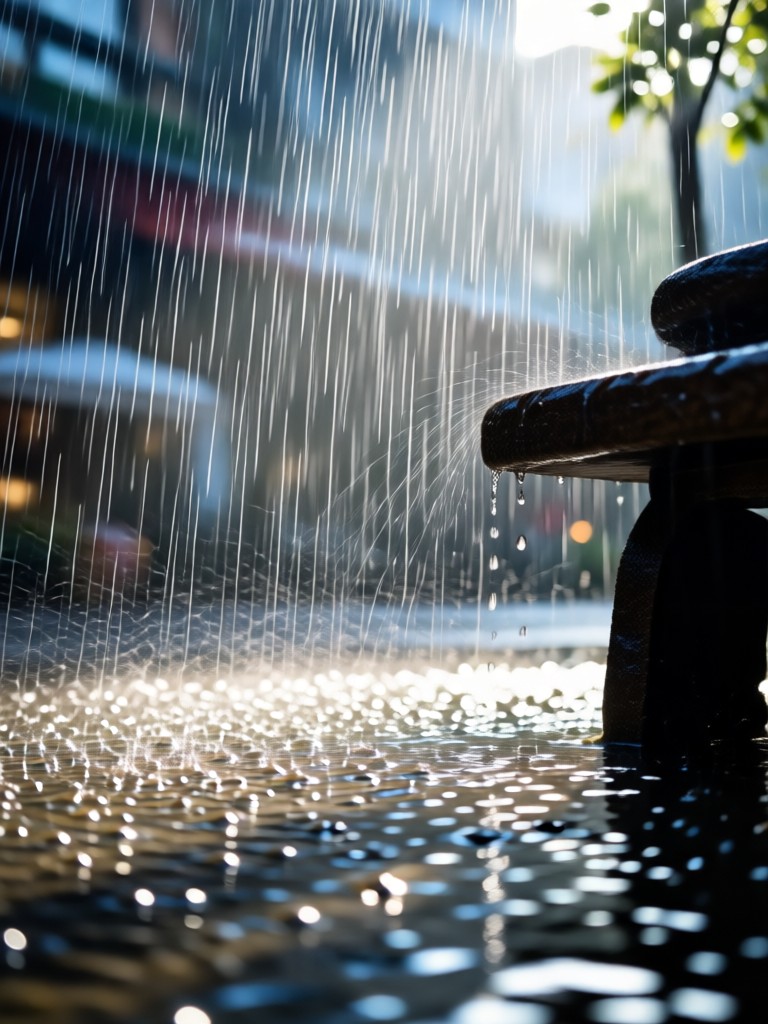
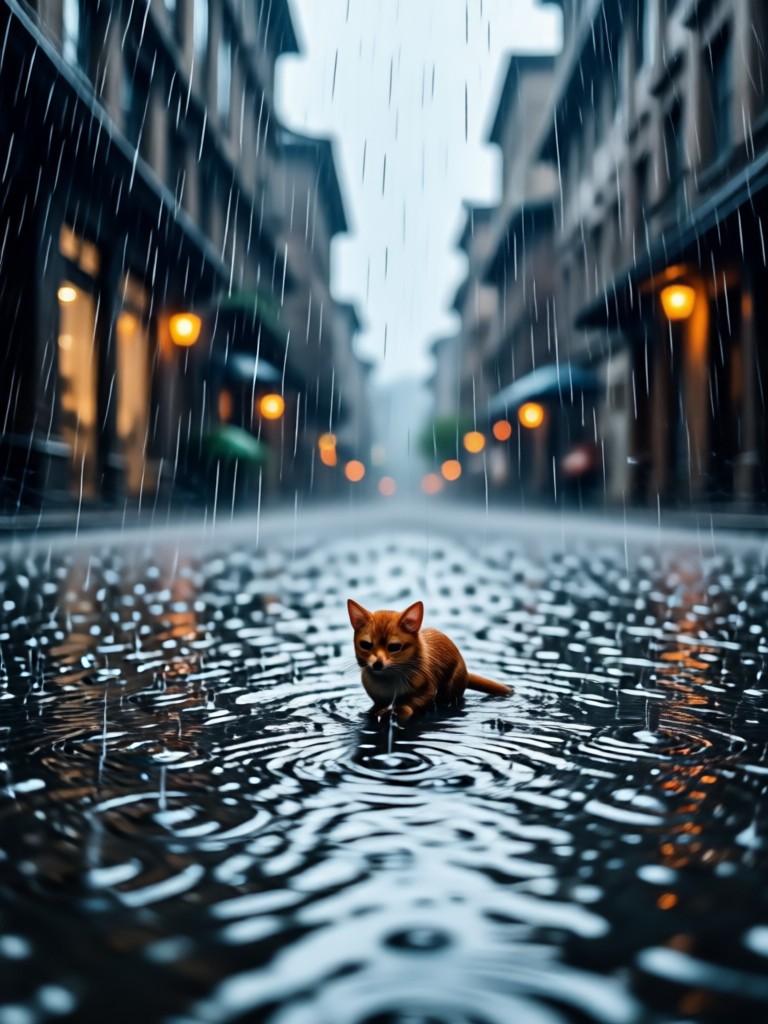
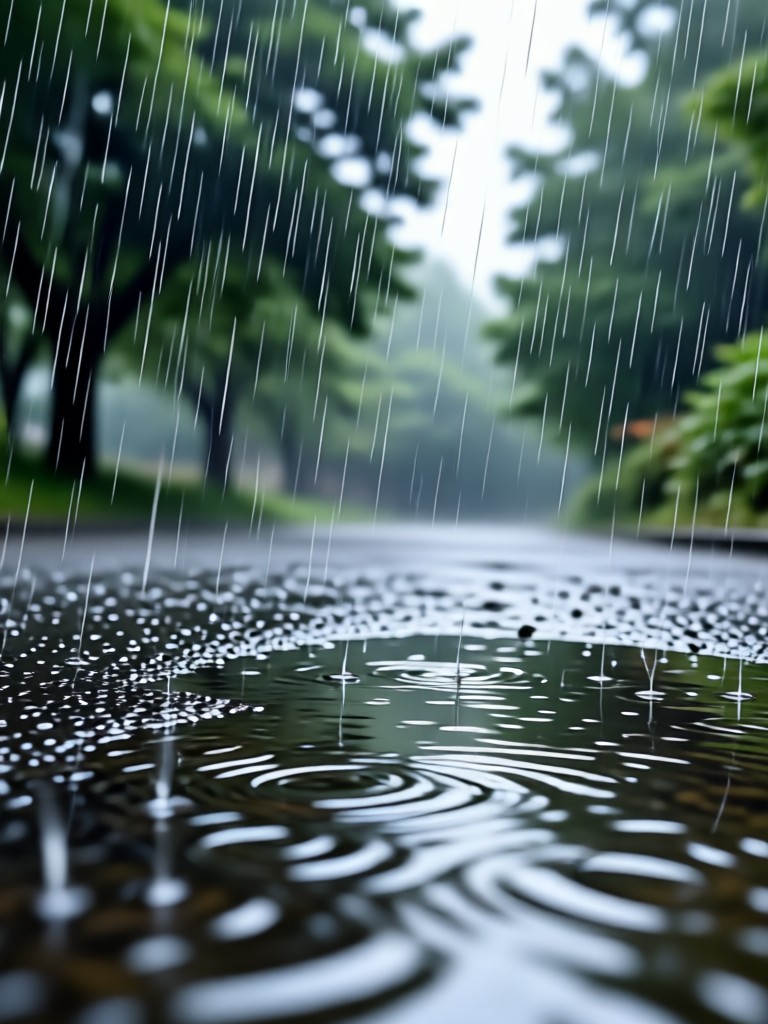
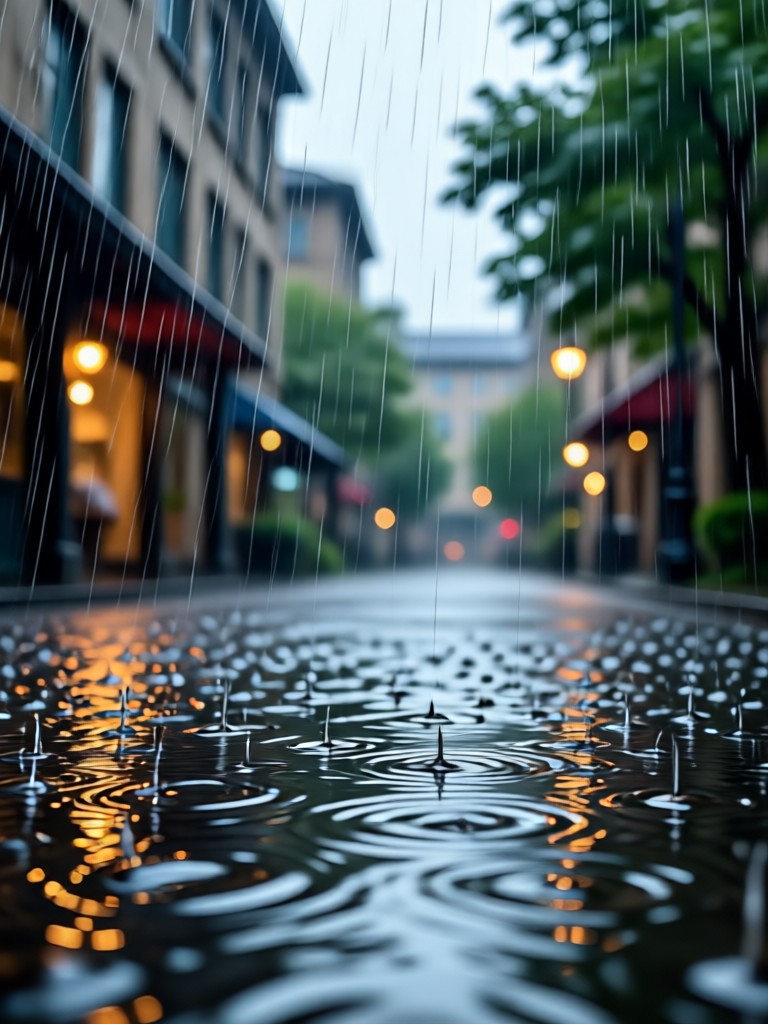
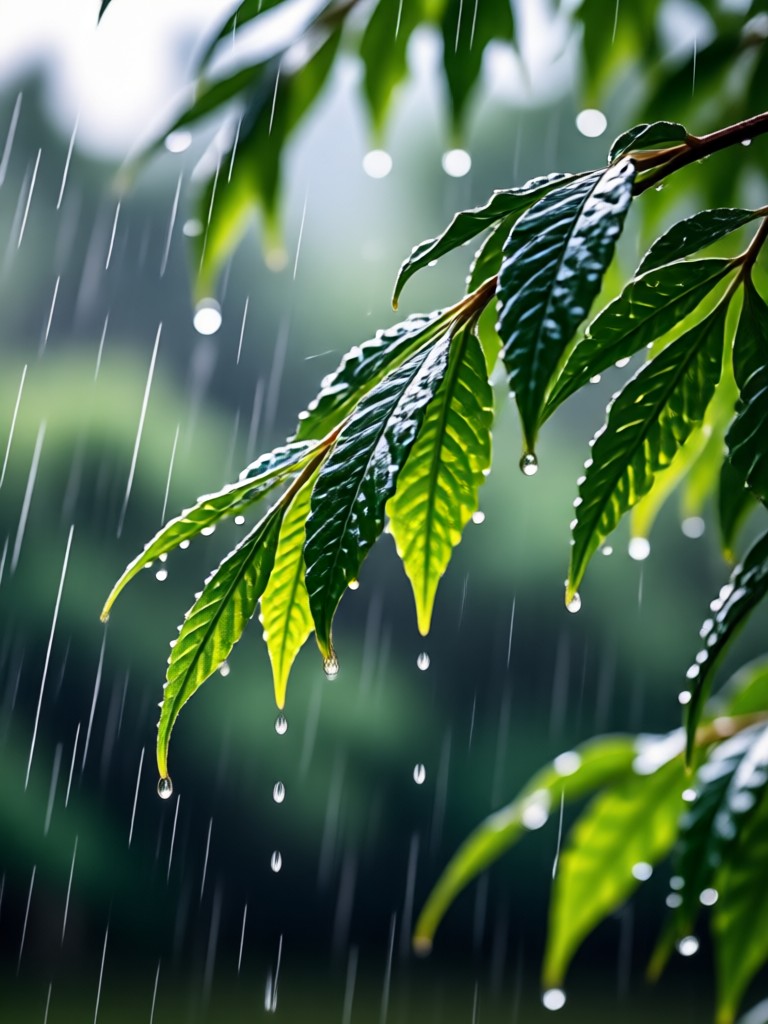
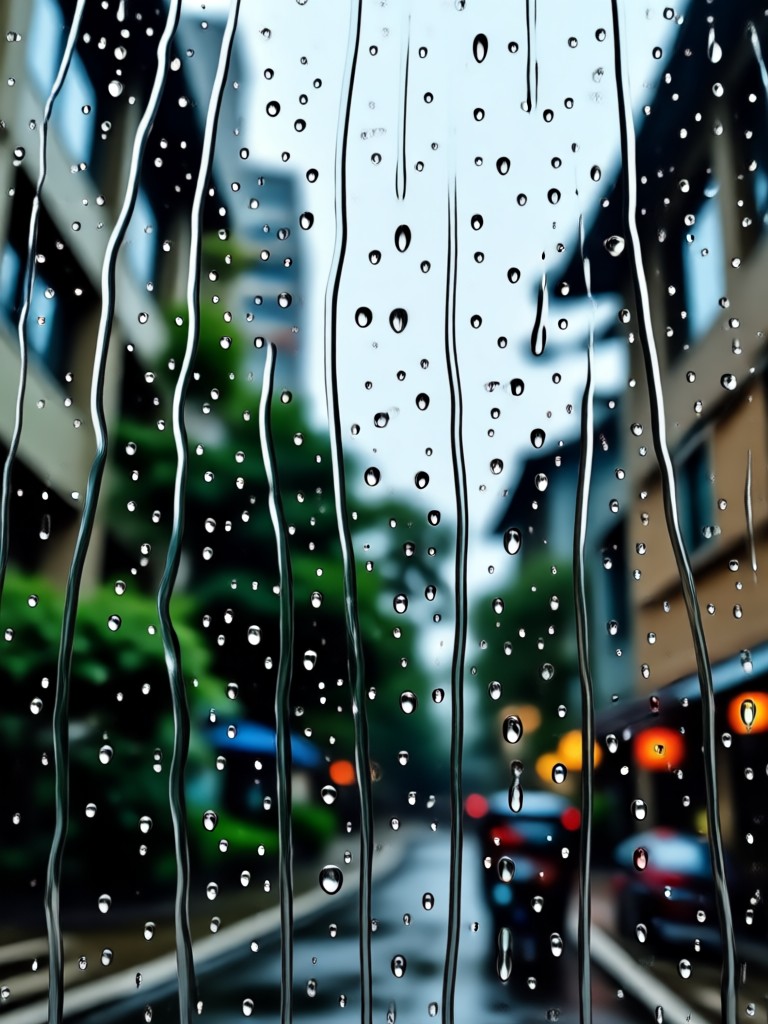
See how ordinary photos are transformed into extraordinary rainy masterpieces. Get inspired by these AI-generated rain scenes.

Why Use an AI Rain Photo Editor?
Manually adding realistic rain in traditional software is complex. Our AI does the heavy lifting, analyzing your photo to apply physically accurate rain, lighting, and environmental wetness in one tap.
Why Use an AI Rain Photo Editor?
Manually adding realistic rain in traditional software is complex. Our AI does the heavy lifting, analyzing your photo to apply physically accurate rain, lighting, and environmental wetness in one tap.
How to Add Rain to a Photo?
Create stunning rainy mood photos in just three simple steps with the makmak app.

Step 01.
Download the makmak app from Google Play. Open it and tap the 'Upload' button to select a photo from your gallery.

Step 02.
Browse the 'Effects' category and choose a rain filter. Select from options like 'Heavy Downpour', 'Misty Drizzle', or 'Cinematic Storm'.

Step 03.
Preview your rainy photo. Adjust intensity if needed, then tap 'Generate'. Download your masterpiece and share it directly to social media.
What Creators Are Saying About Rain Effects
Transformed my travel photography
I had a series of bland city photos from a trip. This editor added such believable rain and moody lighting that they look like they were taken on a perfectly dramatic day. It saved the whole album.
Essential for creating album art
As a musician, I use this to create the perfect melancholic or atmospheric cover art for my singles. The level of control over the rain's look is fantastic for matching a song's vibe.
Makes social media content pop
Adding a rain effect is my secret trick to make Instagram portraits and street photography stand out. The engagement on posts with these edited images is always significantly higher.
Rain Photo Effect FAQs
Find quick answers to common questions about using AI to add realistic rain and weather effects to your photos.
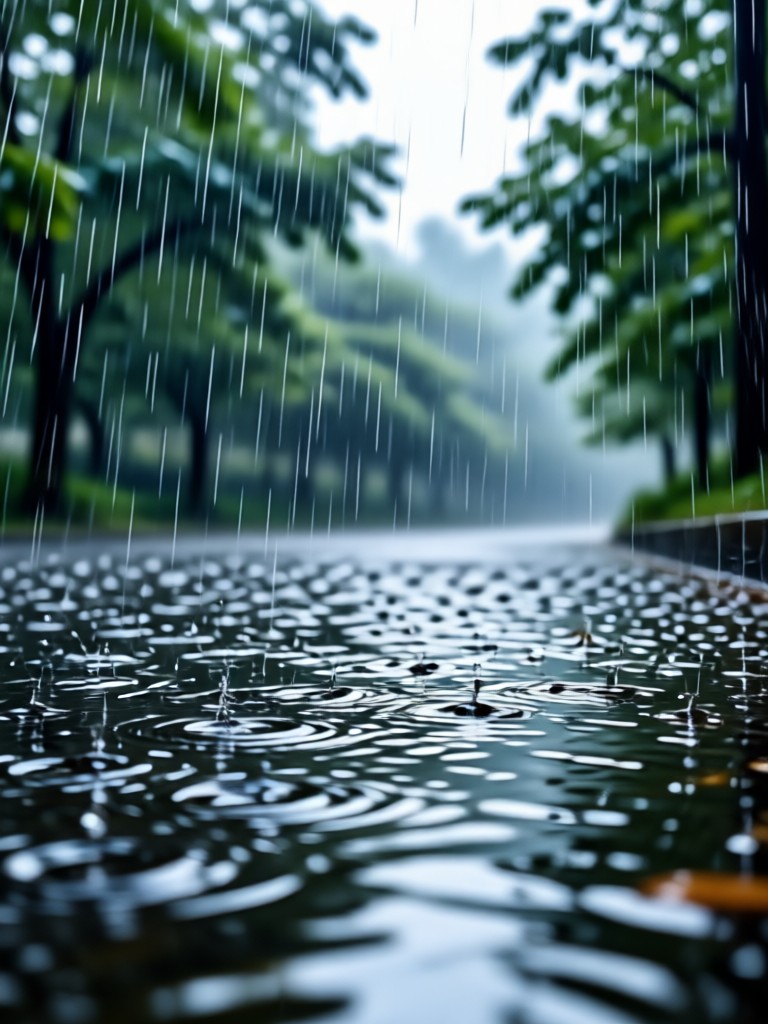
Rain Effect Editor on Mobile
Create stunning rainy atmospheres anywhere. Download the app to access all rain filters and turn your gallery photos into moody masterpieces on the go.

More Topics You May Like
Explore more topics you may like and discover fresh ideas tailored to your interests.

Create Your Own AI Pop Doll: Virtual Character Generator

Double Exposure Photo Editor: Desert Motorcycle Effect

Transform Your Child Into a Little Chef with AI Photo Magic
Create Your Own AI Pop Doll: Virtual Character Generator
Double Exposure Photo Editor: Desert Motorcycle Effect
Transform Your Child Into a Little Chef with AI Photo Magic
Create Your Rainy Masterpiece Today
Stop waiting for the perfect weather. Download makmak now and add professional, atmospheric rain effects to any photo in seconds. Transform your visual storytelling.

Create Your Rainy Masterpiece Today
Stop waiting for the perfect weather. Download makmak now and add professional, atmospheric rain effects to any photo in seconds. Transform your visual storytelling.