Double Exposure Photo Editor
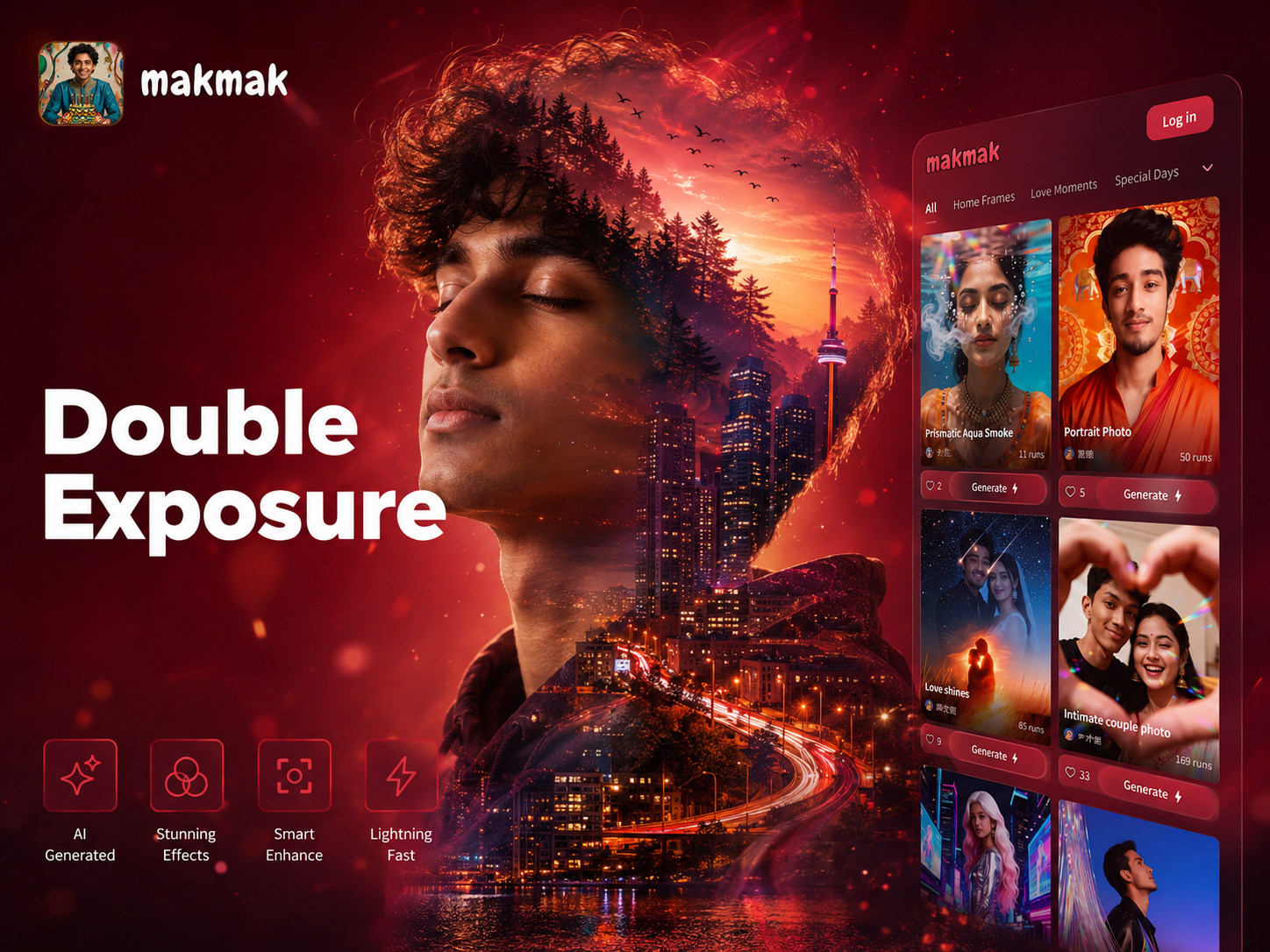
Explore Artistic Double Exposure Styles
Beyond the classic desert motorcycle effect, discover a universe of creative blends. Merge portraits with cityscapes, forests, oceans, or abstract patterns.
Why Choose Our Double Exposure Editor
Our AI powered editor makes professional grade double exposure art accessible. It handles the complex blending and masking for you, delivering stunning results in seconds.
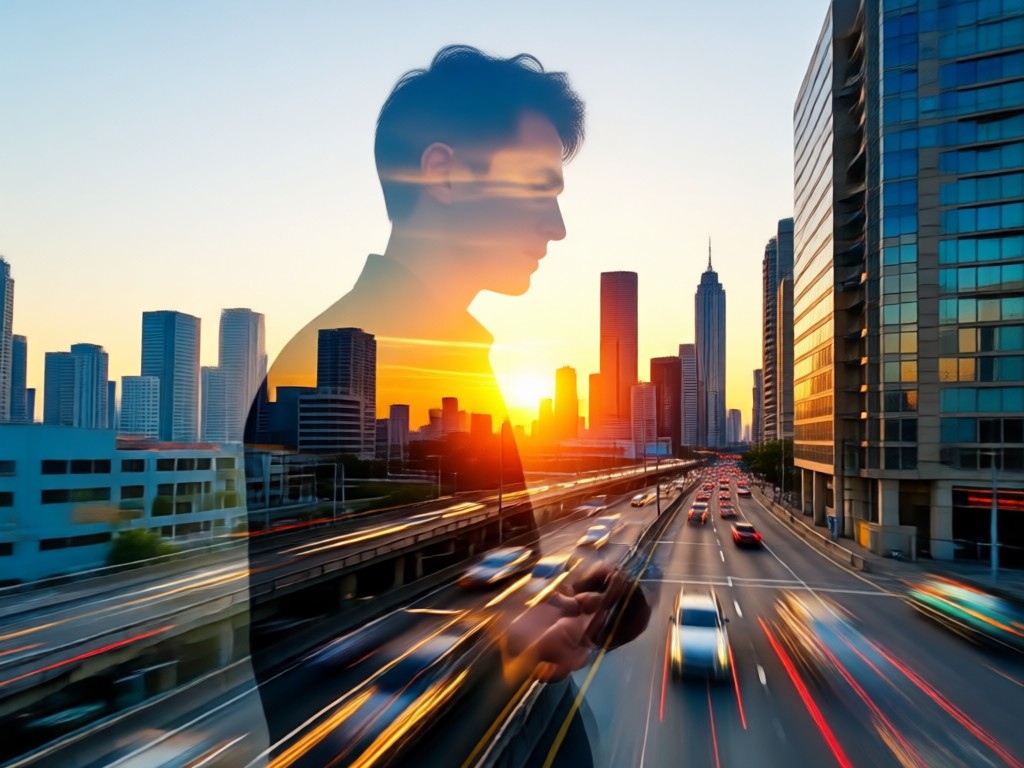
One Click Desert Motorcycle Effect
Upload your portrait and instantly apply the trending desert motorcycle double exposure template. The AI perfectly blends the rider silhouette with sweeping sand dunes and dramatic skies.
One Click Desert Motorcycle Effect
Upload your portrait and instantly apply the trending desert motorcycle double exposure template. The AI perfectly blends the rider silhouette with sweeping sand dunes and dramatic skies.
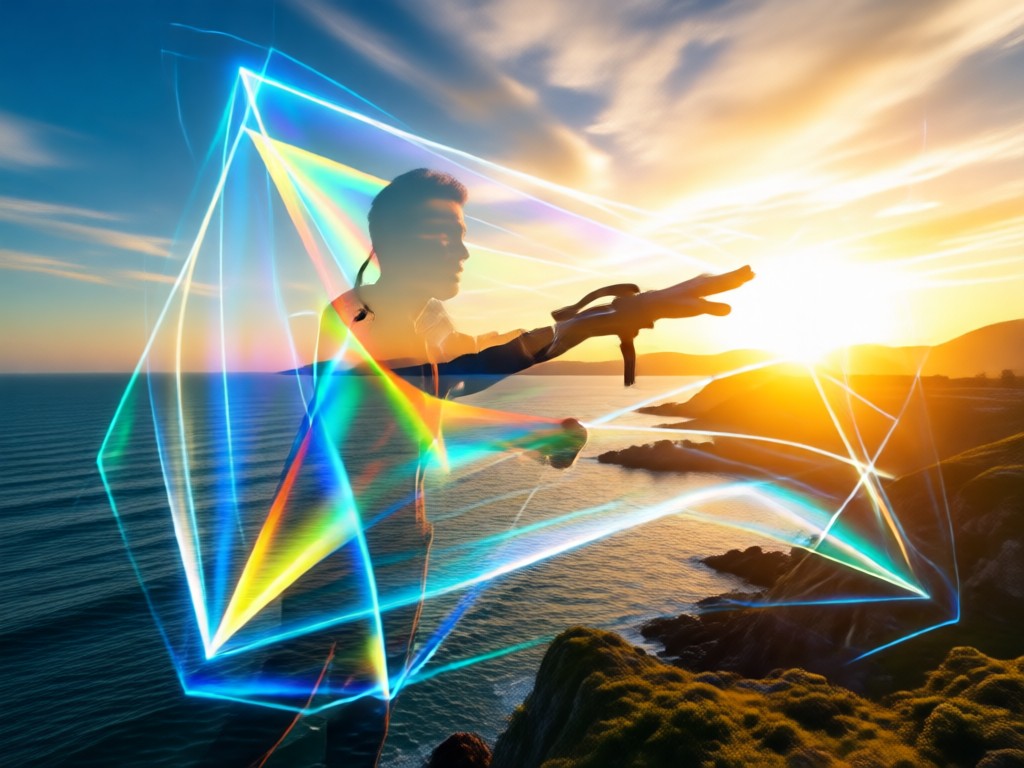
Intelligent Subject Detection & Blending
The AI automatically isolates your subject from the background, creating a clean silhouette for seamless merging. Adjust blend modes and opacity for full creative control.
Intelligent Subject Detection & Blending
The AI automatically isolates your subject from the background, creating a clean silhouette for seamless merging. Adjust blend modes and opacity for full creative control.
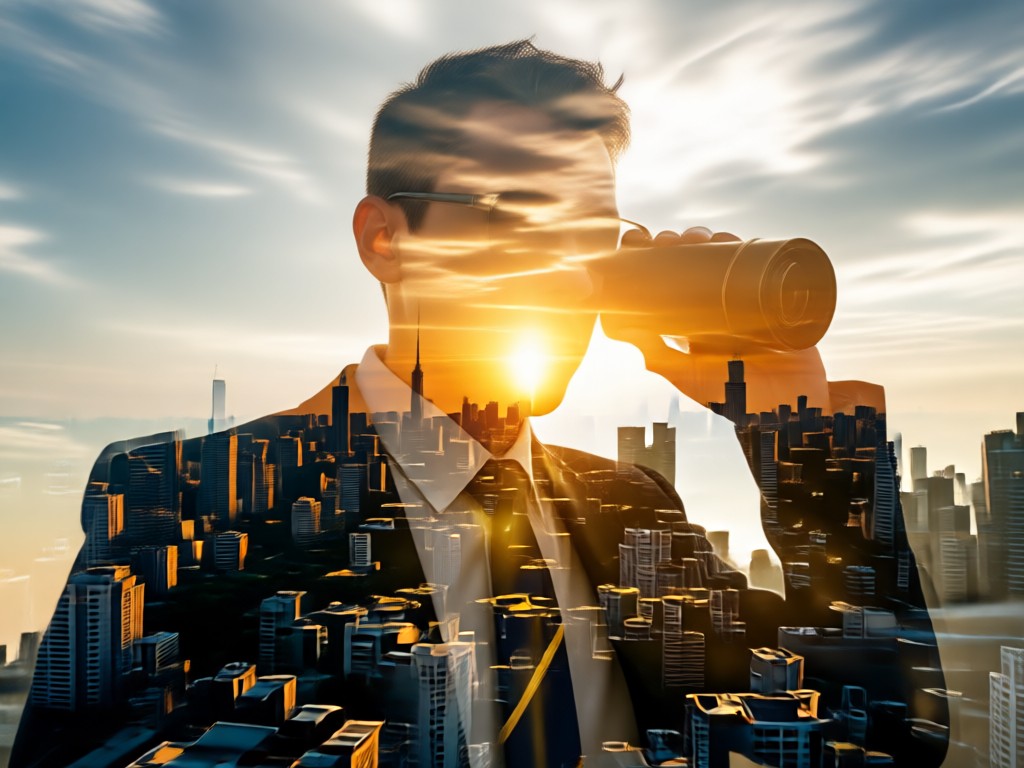
Massive Library of Overlay Textures
Choose from thousands of high quality overlay images. From specific desert scenes and motorcycle graphics to cosmic nebulae and urban landscapes, find the perfect second layer.
Massive Library of Overlay Textures
Choose from thousands of high quality overlay images. From specific desert scenes and motorcycle graphics to cosmic nebulae and urban landscapes, find the perfect second layer.
Double Exposure Art Gallery
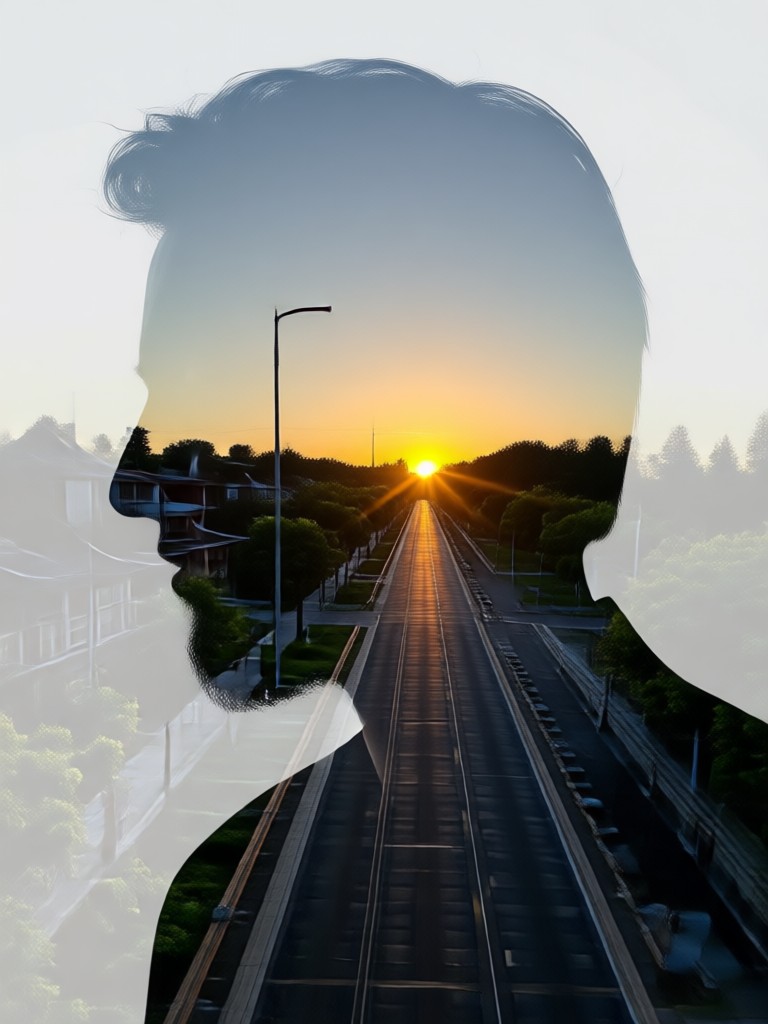
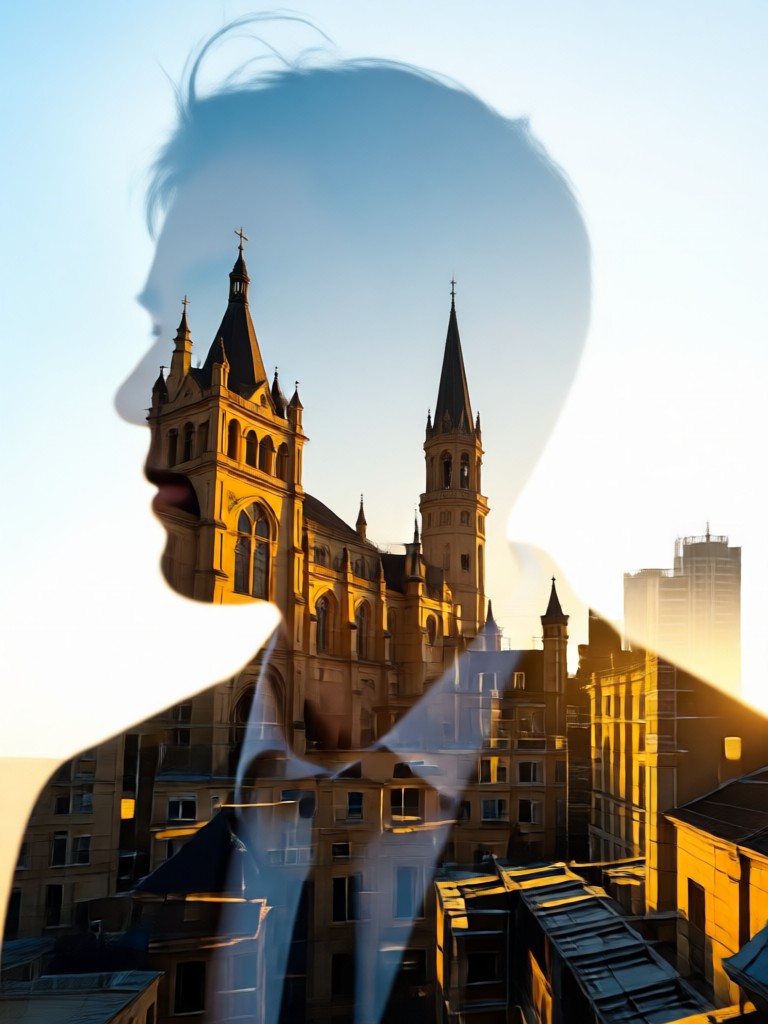
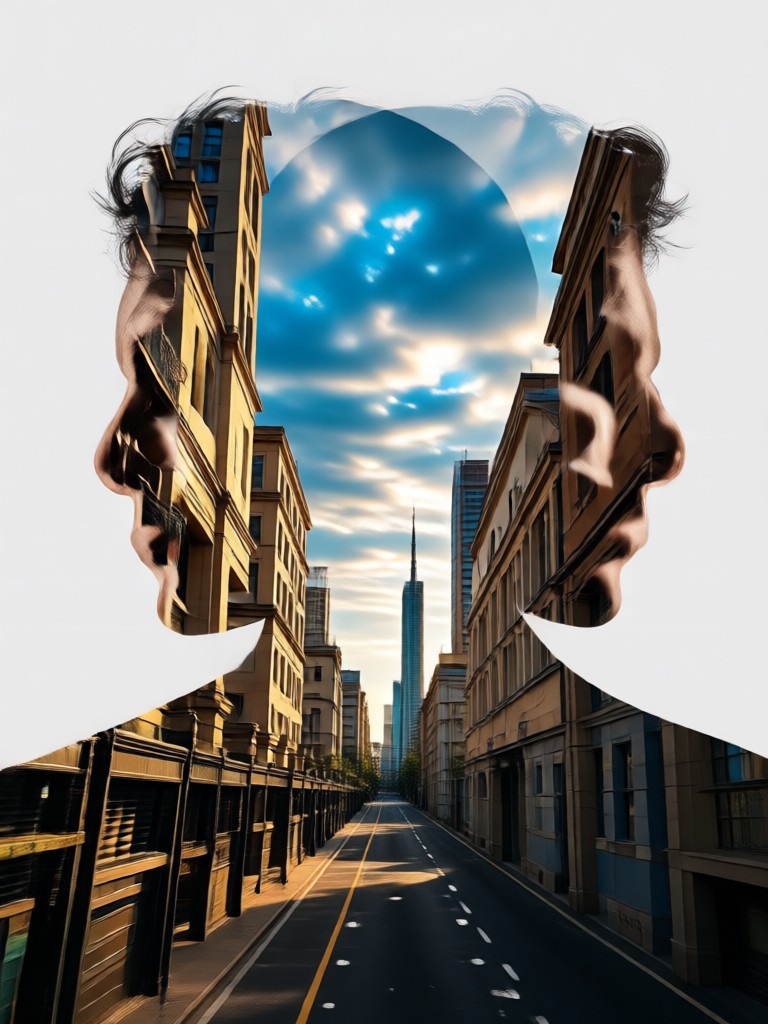
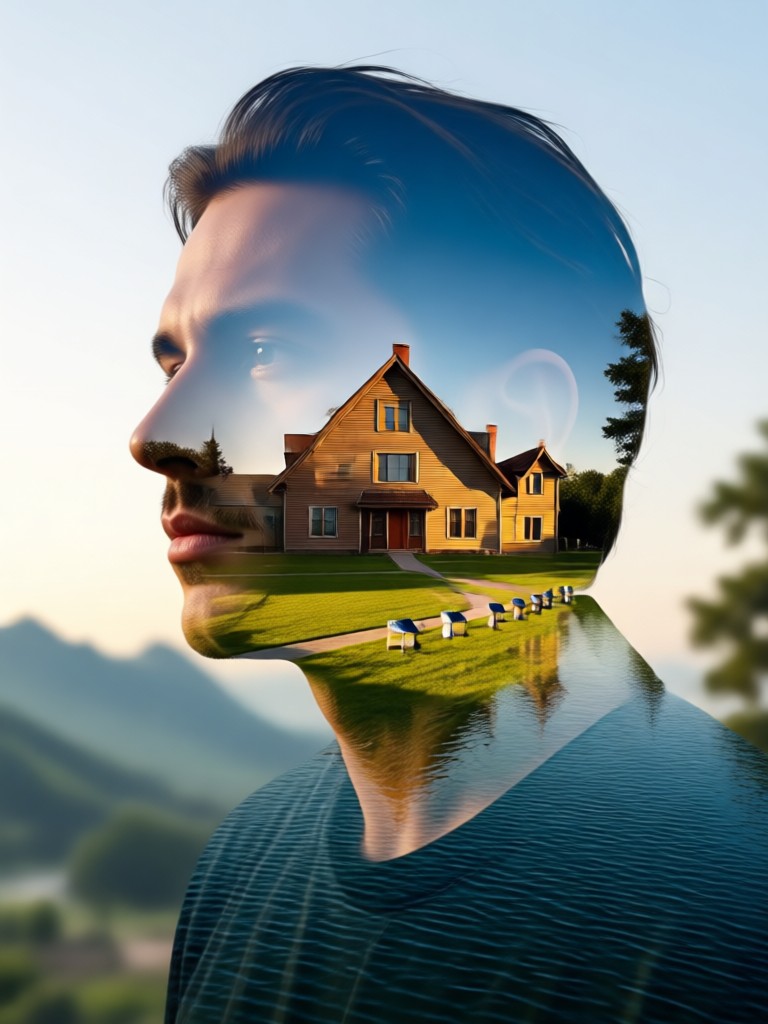
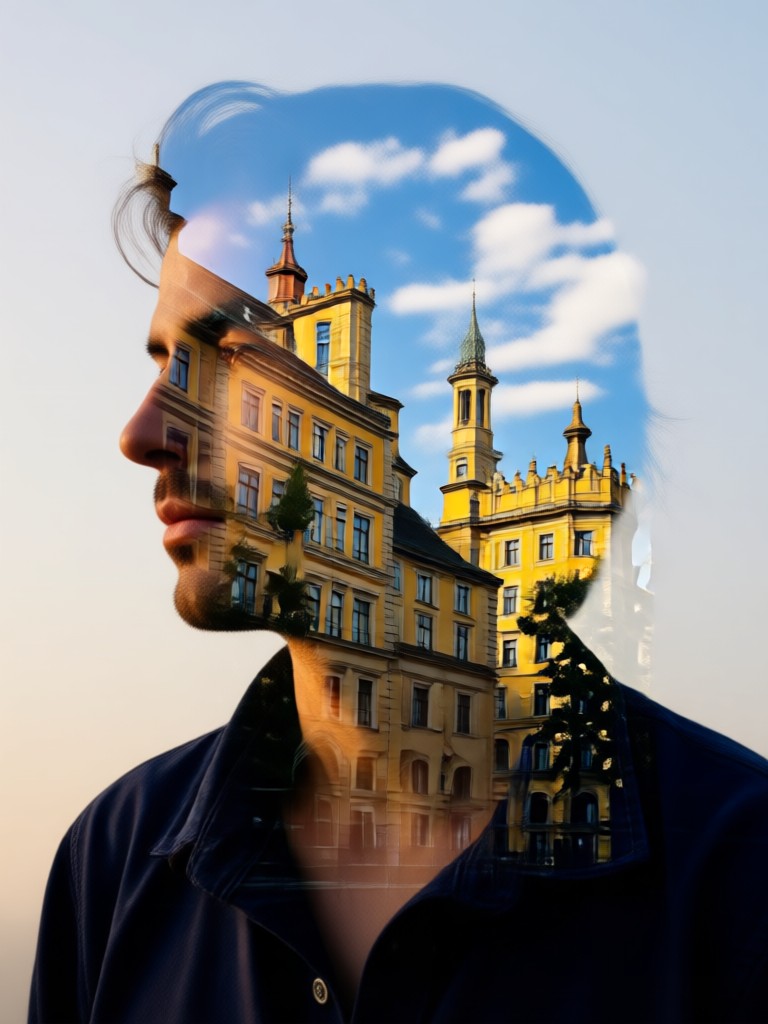
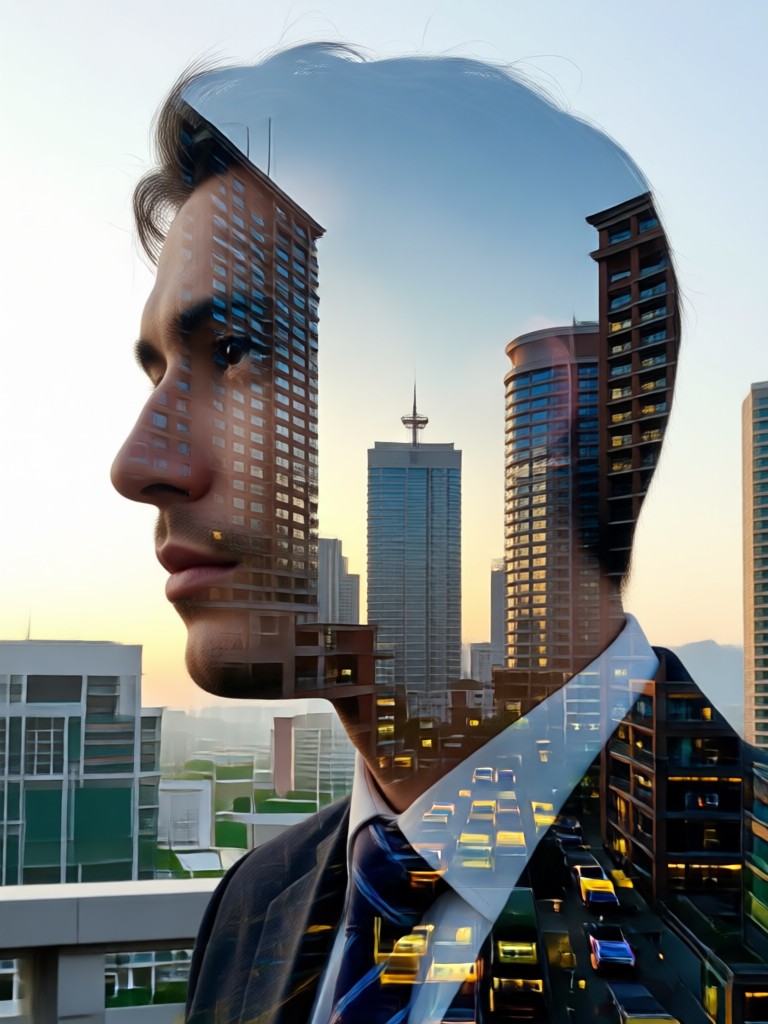
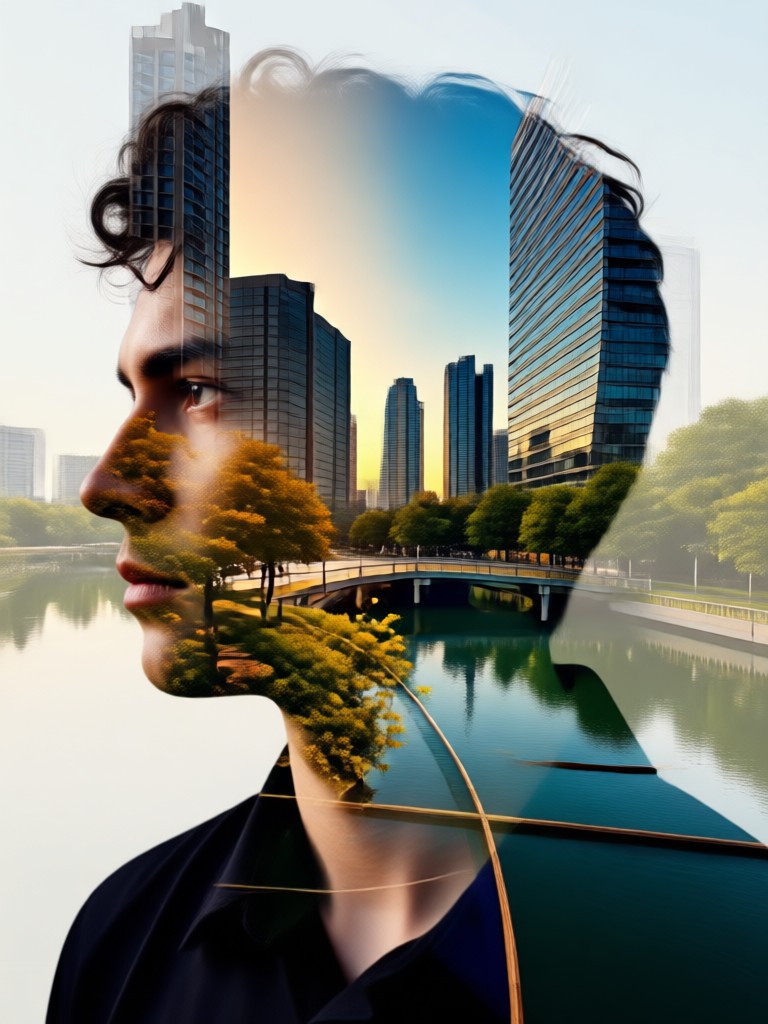
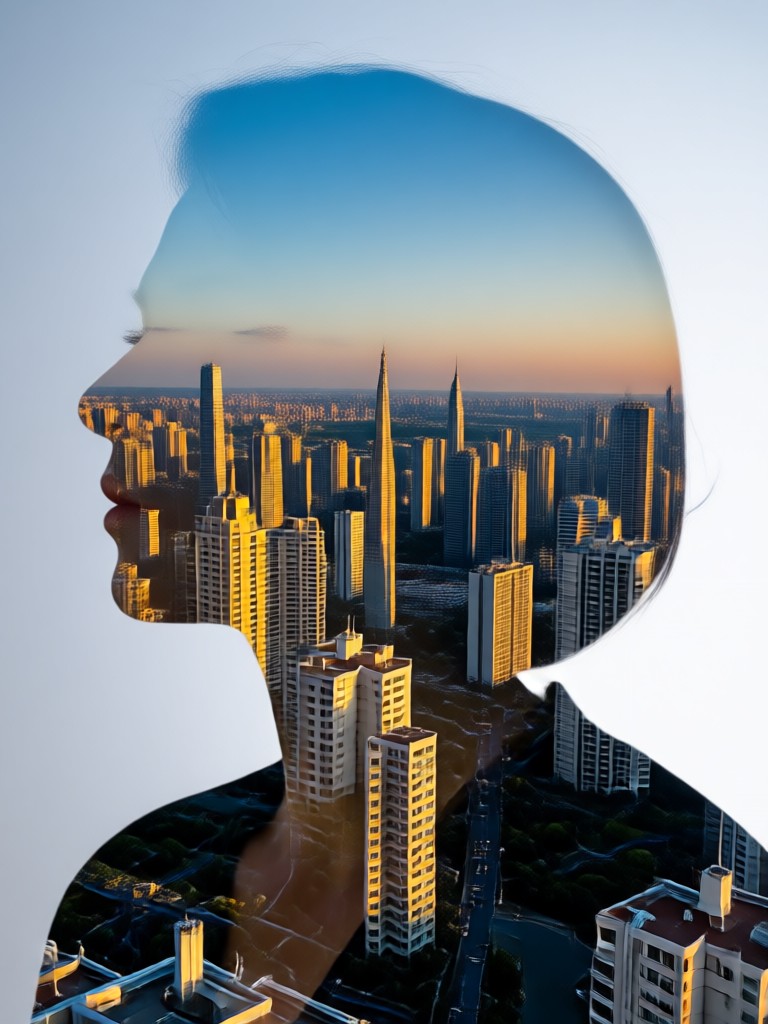
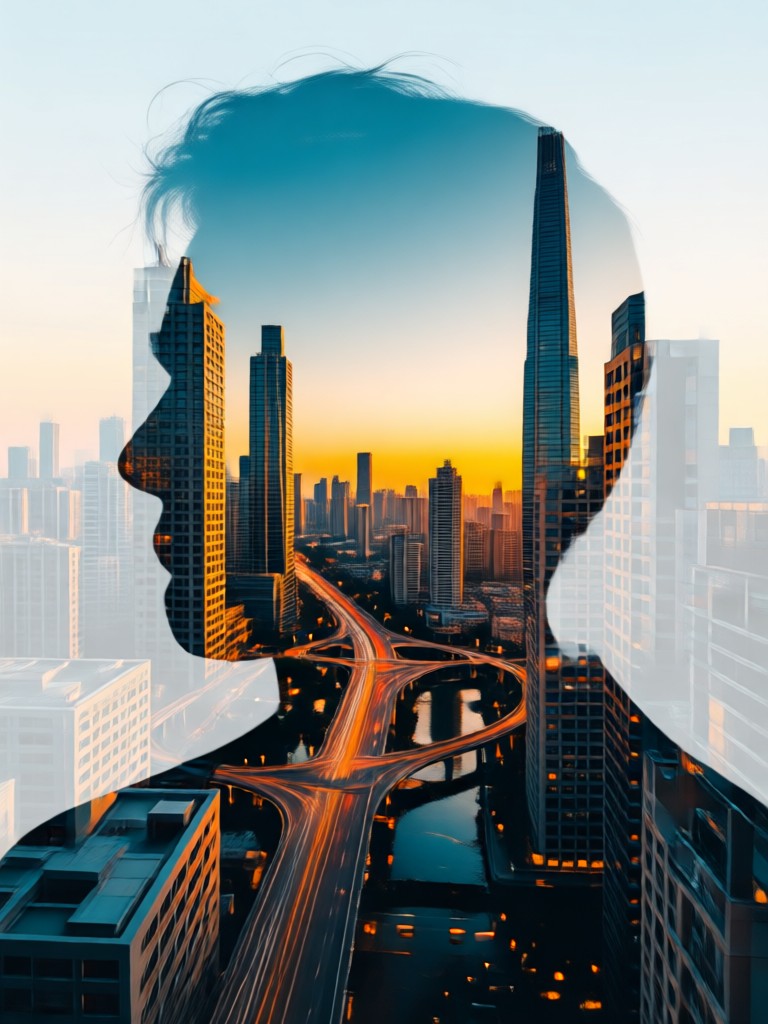
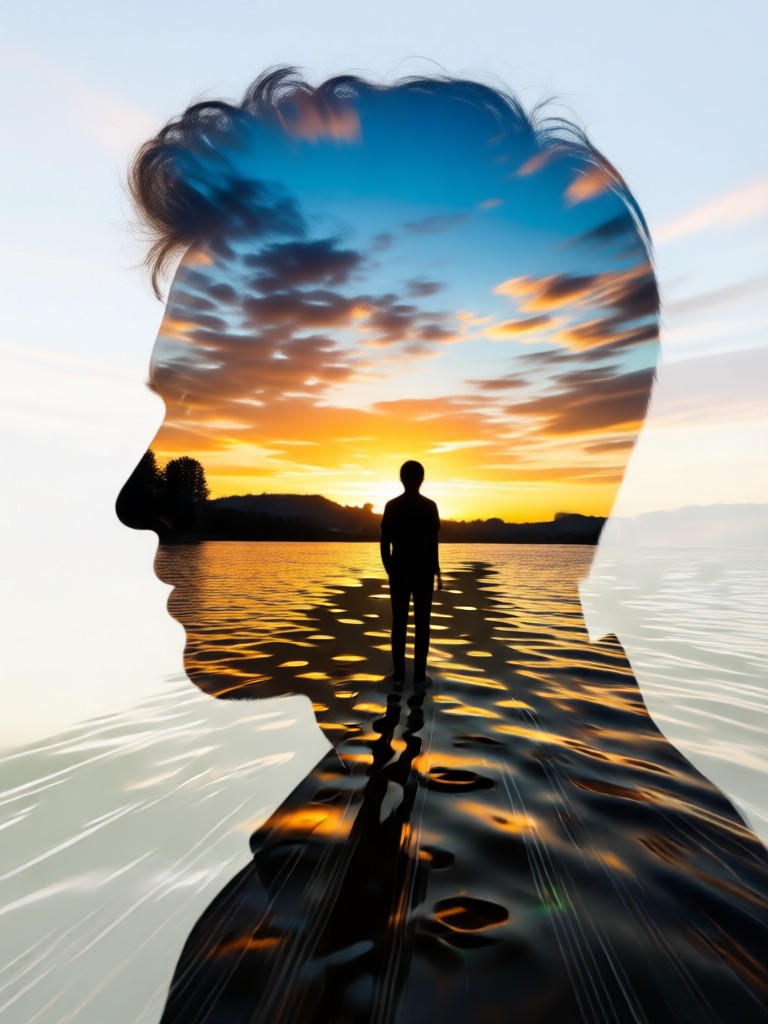
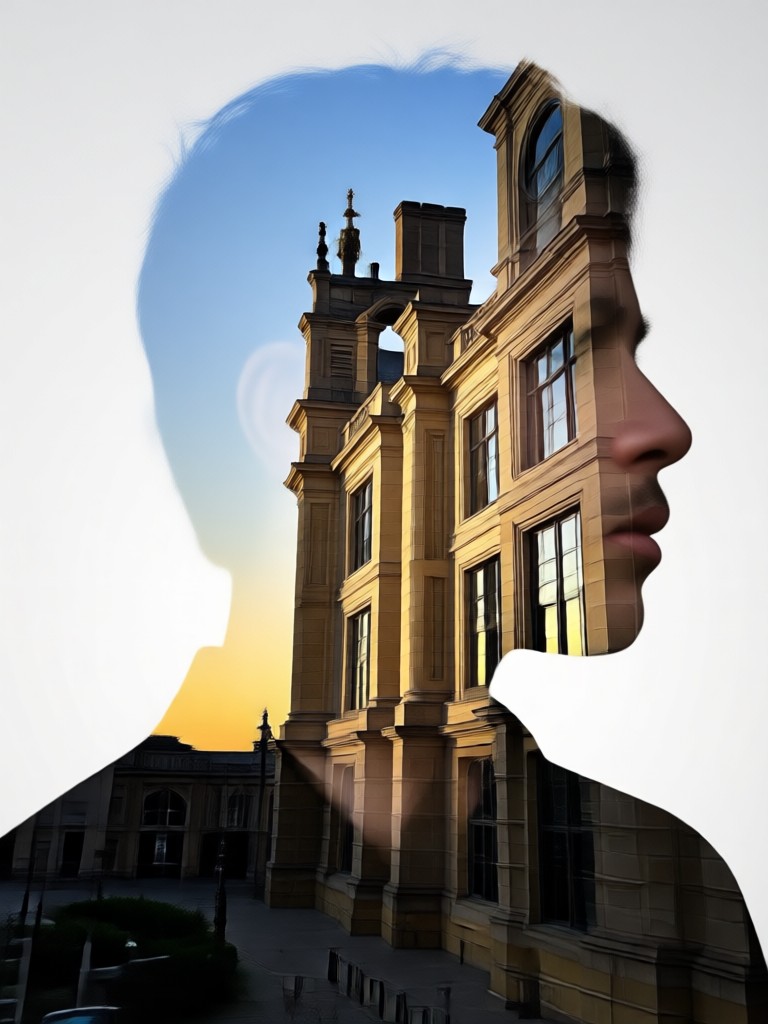
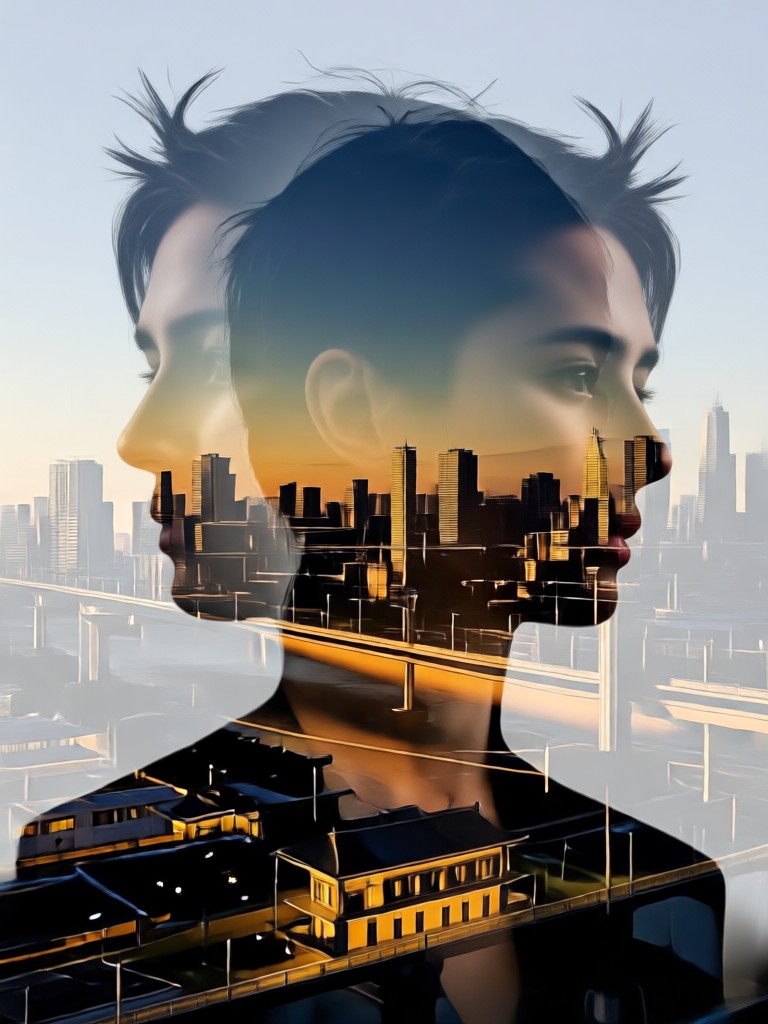
See what our community is creating. These stunning double exposure images show the versatility and artistic potential of merging portraits with powerful secondary imagery, like the popular desert motorcycle theme.
How to Create a Double Exposure Photo?
Create professional double exposure art, like the desert motorcycle effect, in just three simple steps directly from your phone. No complex software needed.

Step 01.
Download the makmak app for free from Google Play. It's your all in one mobile studio for AI photo and video effects.

Step 02.
Open the app and select the 'Double Exposure' or 'Desert Motorcycle' filter category. Upload a clear portrait photo as your base layer.

Step 03.
Let the AI work its magic. It will blend your photo with the selected overlay. Preview, adjust settings if desired, then save and share your masterpiece.
What Creators Are Saying
Brought my concert posters to life
I needed edgy artwork for my band's desert tour. The motorcycle double exposure effect gave us that raw, adventurous vibe instantly. It looks like it took hours in Photoshop, but was done in minutes on my phone.
My go to for unique social media content
As a travel influencer, standing out is key. This double exposure editor lets me merge my portrait with landscapes from my trips. The desert effect specifically gets tons of engagement and questions about how I made it.
Perfect for client branding projects
I've used this for several client projects needing a 'gritty and free' aesthetic. The ability to quickly test different overlays, like cityscapes versus deserts, helps nail the concept faster. The output quality is always print ready.
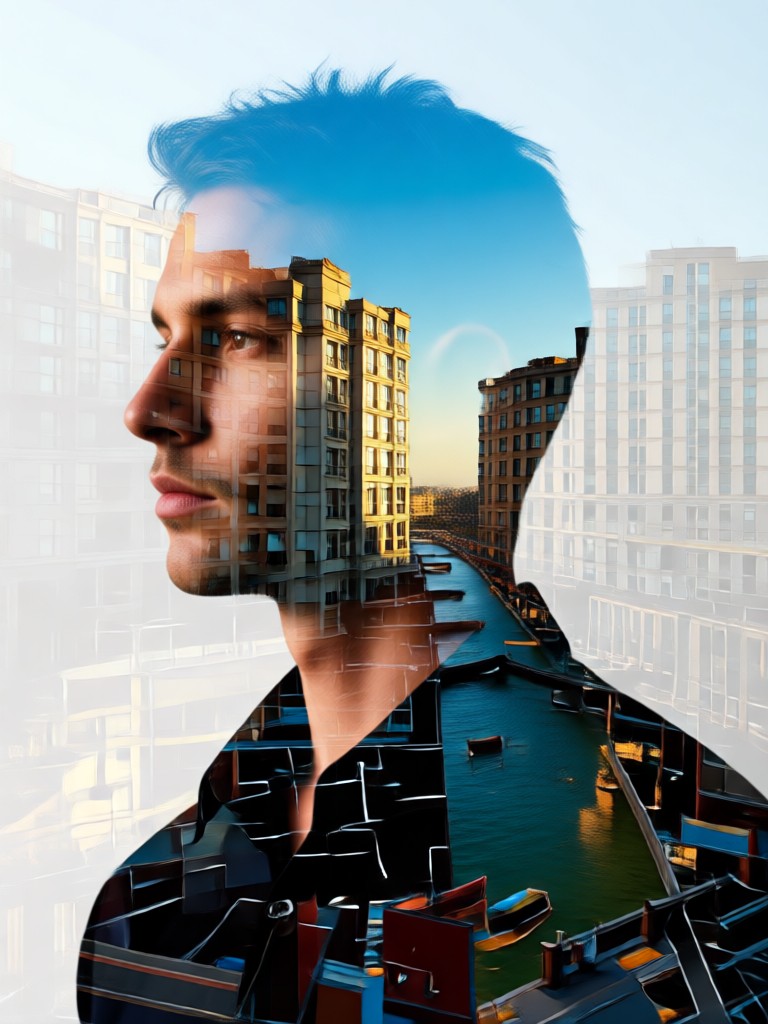
Double Exposure Editor on Mobile
Carry a professional photo studio in your pocket. Create stunning double exposure art, apply the desert motorcycle effect, and explore thousands of other AI filters anytime, anywhere.

Double Exposure Photo Editor FAQ
Find quick answers to common questions about creating double exposure photos, using the desert motorcycle effect, and making the most of the makmak app.
More Topics You May Like
Explore more topics you may like and discover fresh ideas tailored to your interests.
Transform Your Child Into a Little Chef with AI Photo Magic
Transform Your Child Into a Little Chef with AI Photo Magic
Create Your Masterpiece Today
Stop scrolling and start creating. Turn your photos into stunning double exposure art, apply the viral desert motorcycle effect, and unlock your creativity with AI.
Create Your Masterpiece Today
Stop scrolling and start creating. Turn your photos into stunning double exposure art, apply the viral desert motorcycle effect, and unlock your creativity with AI.