Edit Wajah AI
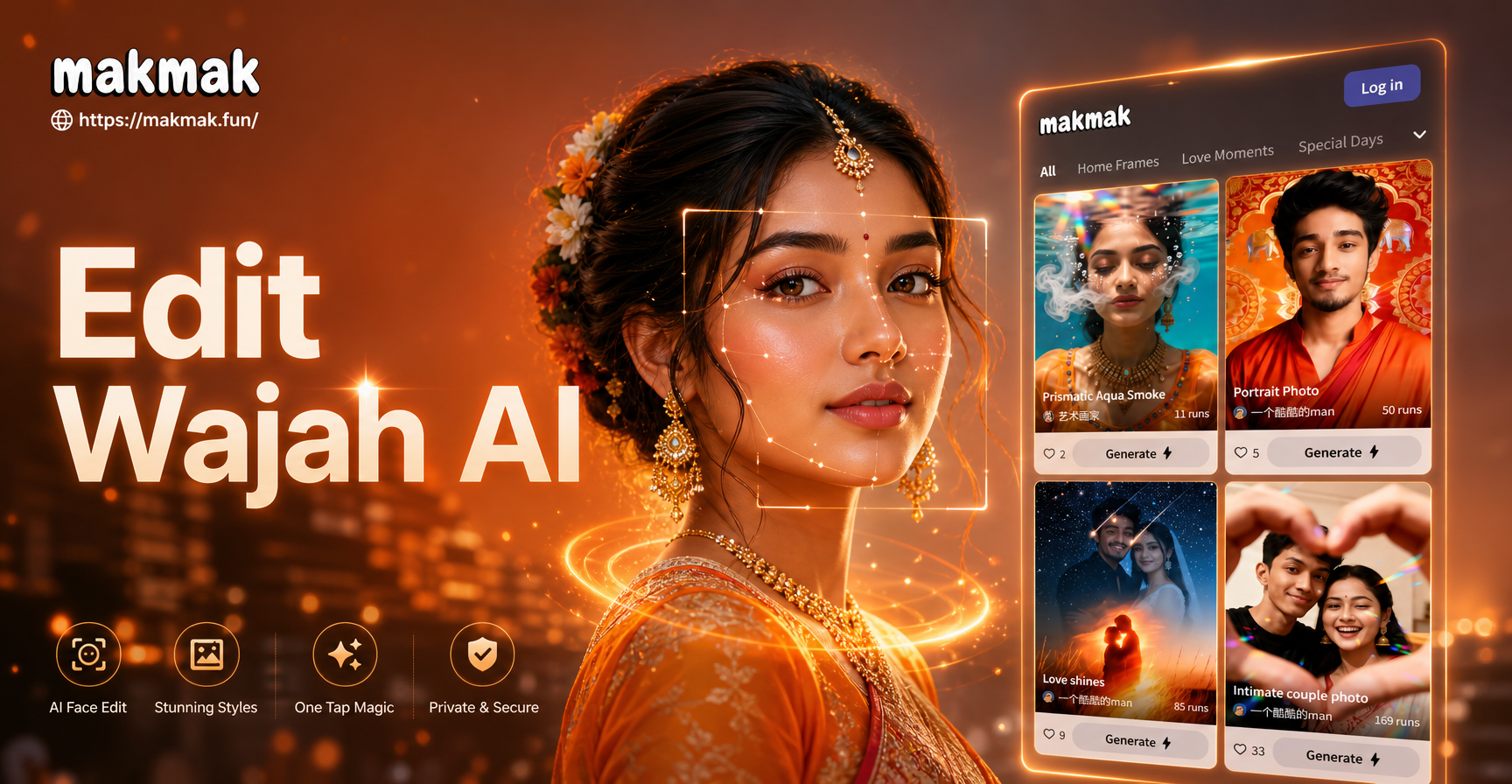
Popular AI Face Edit Filters
Explore our top-rated filters designed for every type of portrait enhancement. From beauty retouching to artistic styles, find the perfect edit for your photo.
Core AI Face Editing Capabilities
Our app provides a comprehensive suite of tools powered by advanced artificial intelligence to give you complete control over your portrait edits.
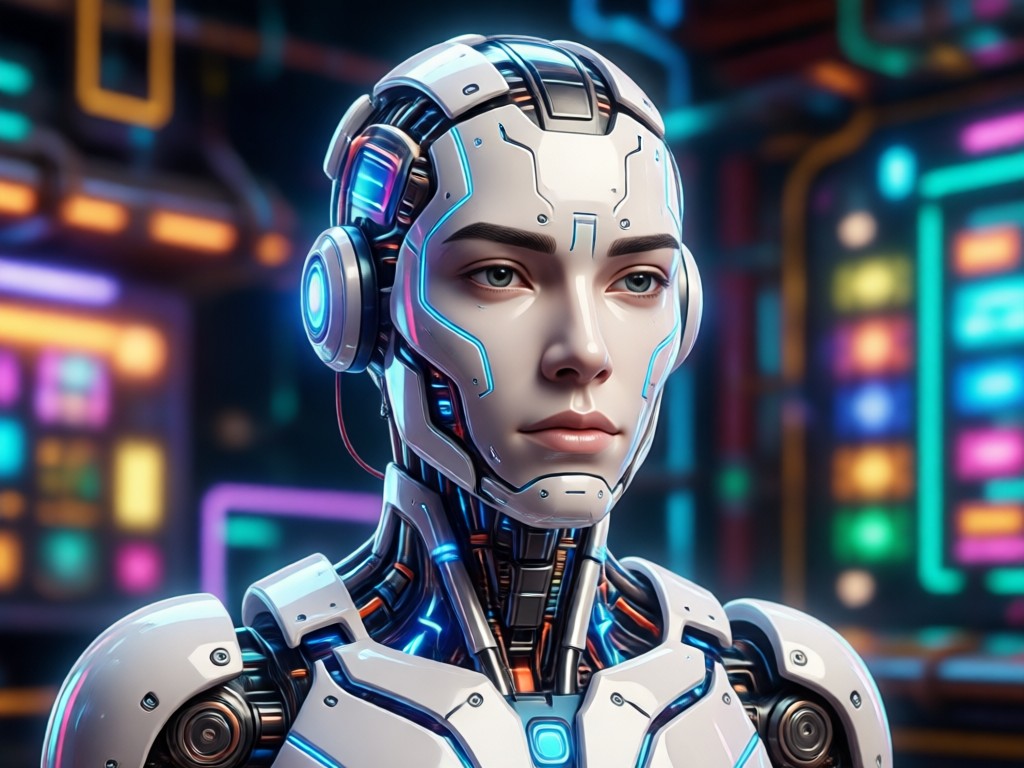
AI Skin Retouching
Automatically smooth skin, reduce blemishes and pores, and even out complexion for a flawless, natural look without losing texture.
AI Skin Retouching
Automatically smooth skin, reduce blemishes and pores, and even out complexion for a flawless, natural look without losing texture.
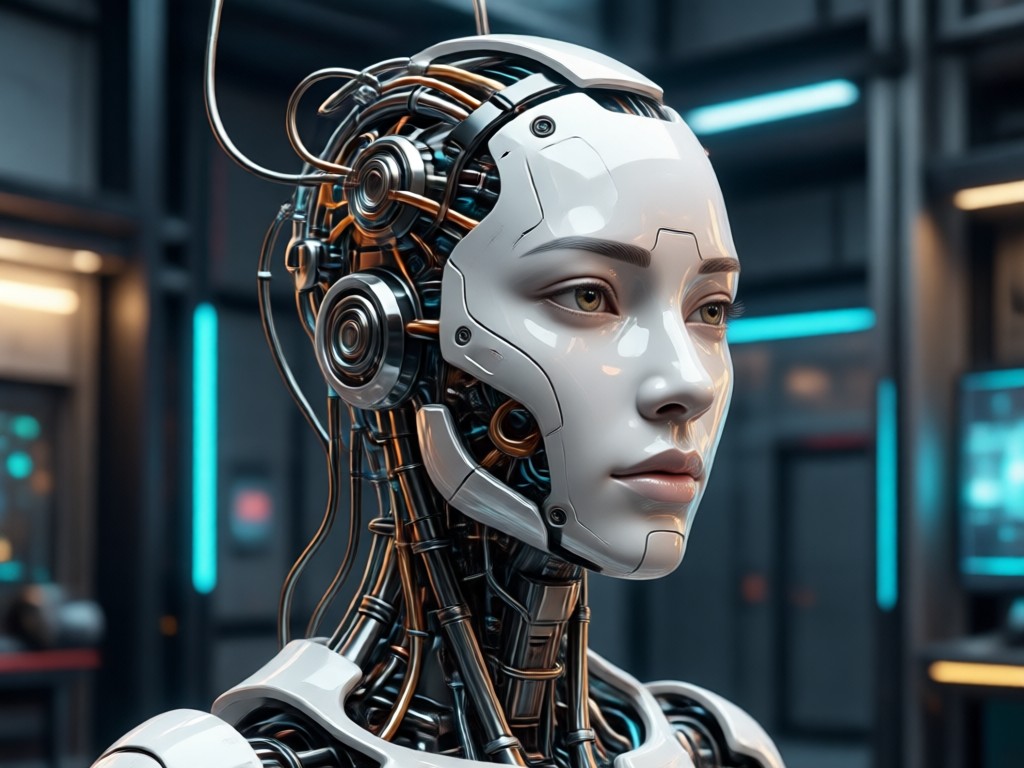
Facial Feature Adjustment
Subtly or dramatically adjust eyes, nose, lips, and jawline. Reshape features with intuitive sliders for balanced, harmonious results.
Facial Feature Adjustment
Subtly or dramatically adjust eyes, nose, lips, and jawline. Reshape features with intuitive sliders for balanced, harmonious results.
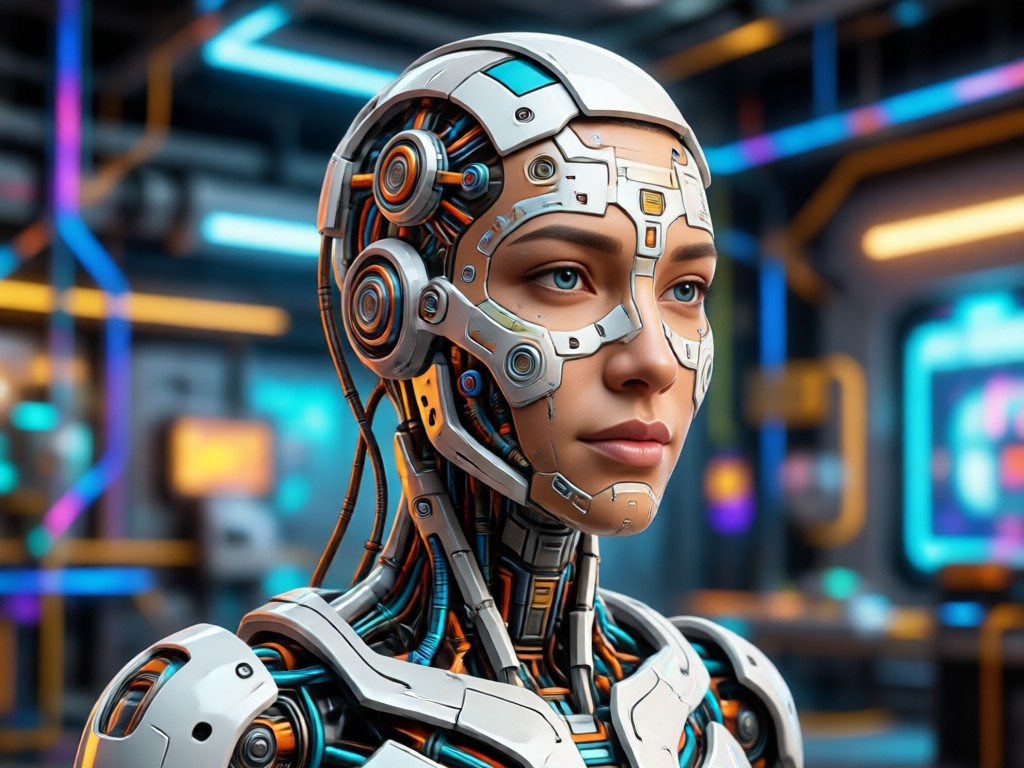
Virtual Makeup & Hairstyles
Try on different lipstick colors, eyeshadow, blush, and even new haircuts or hair colors instantly. Experiment without commitment.
Virtual Makeup & Hairstyles
Try on different lipstick colors, eyeshadow, blush, and even new haircuts or hair colors instantly. Experiment without commitment.
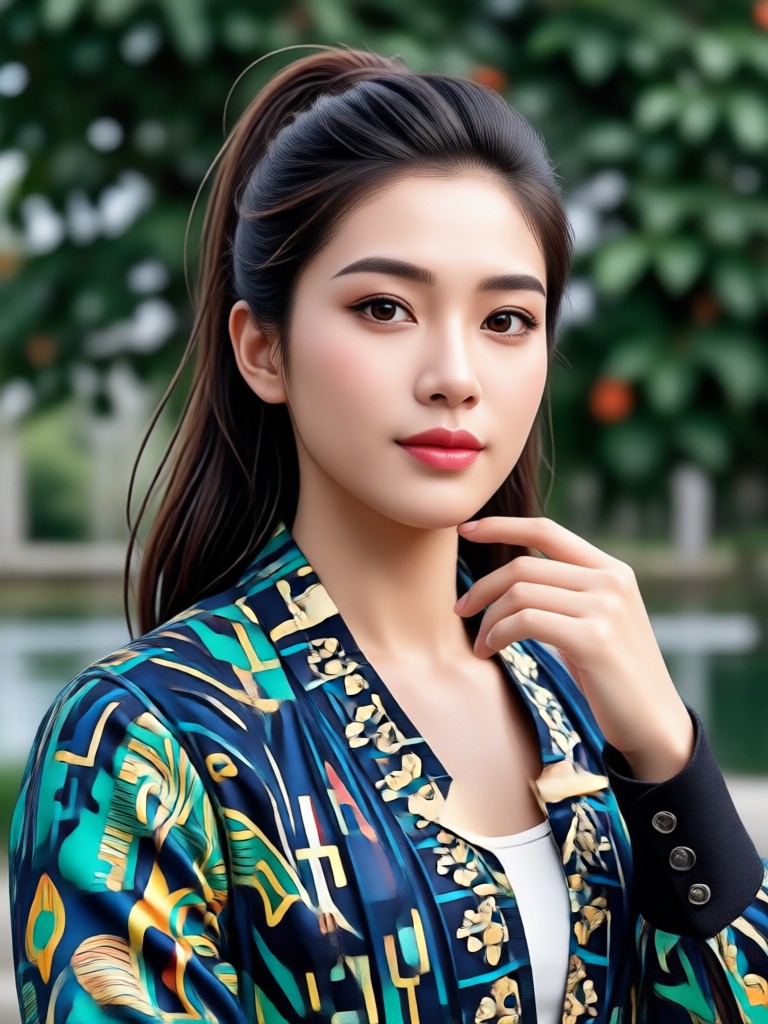
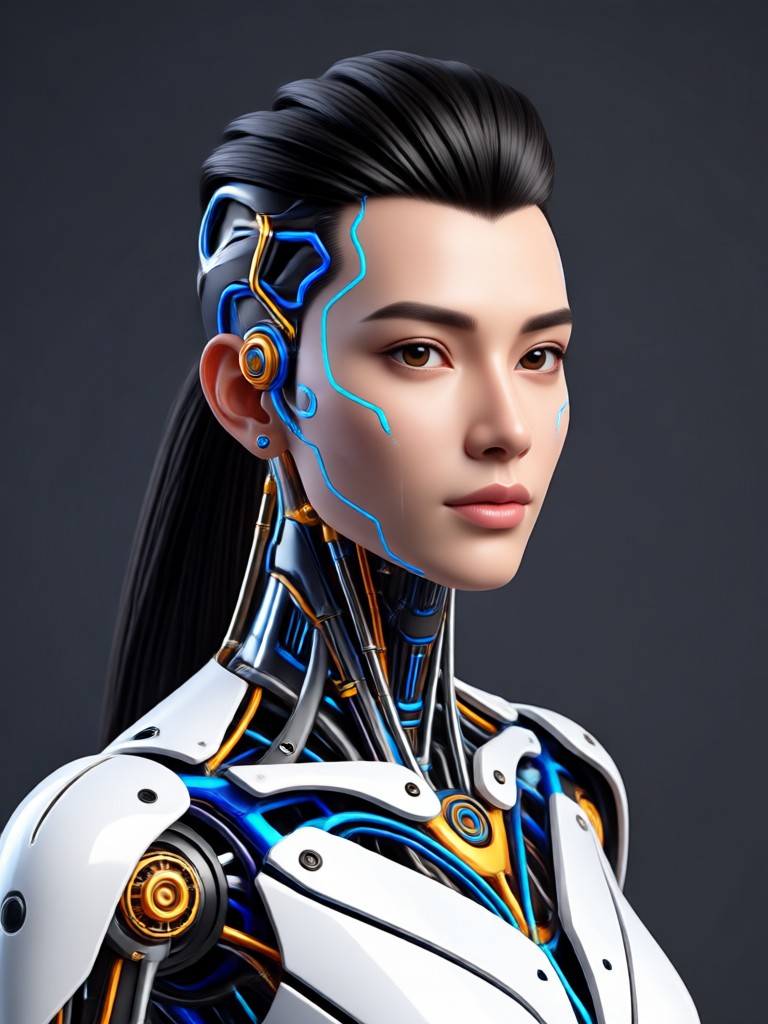
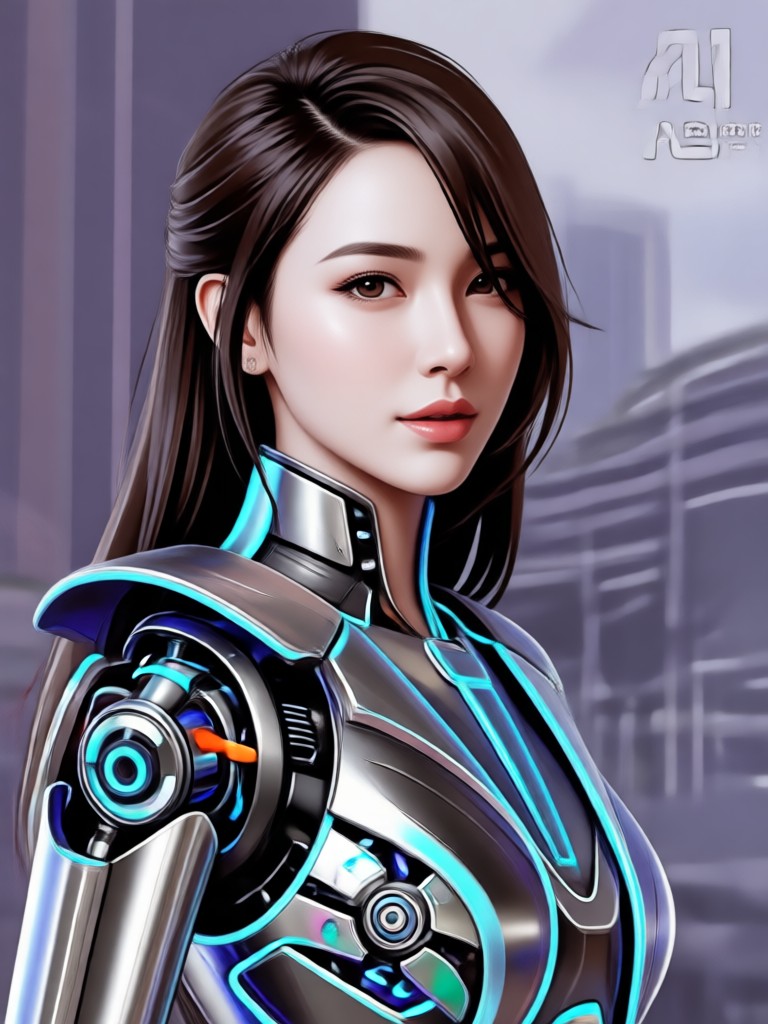
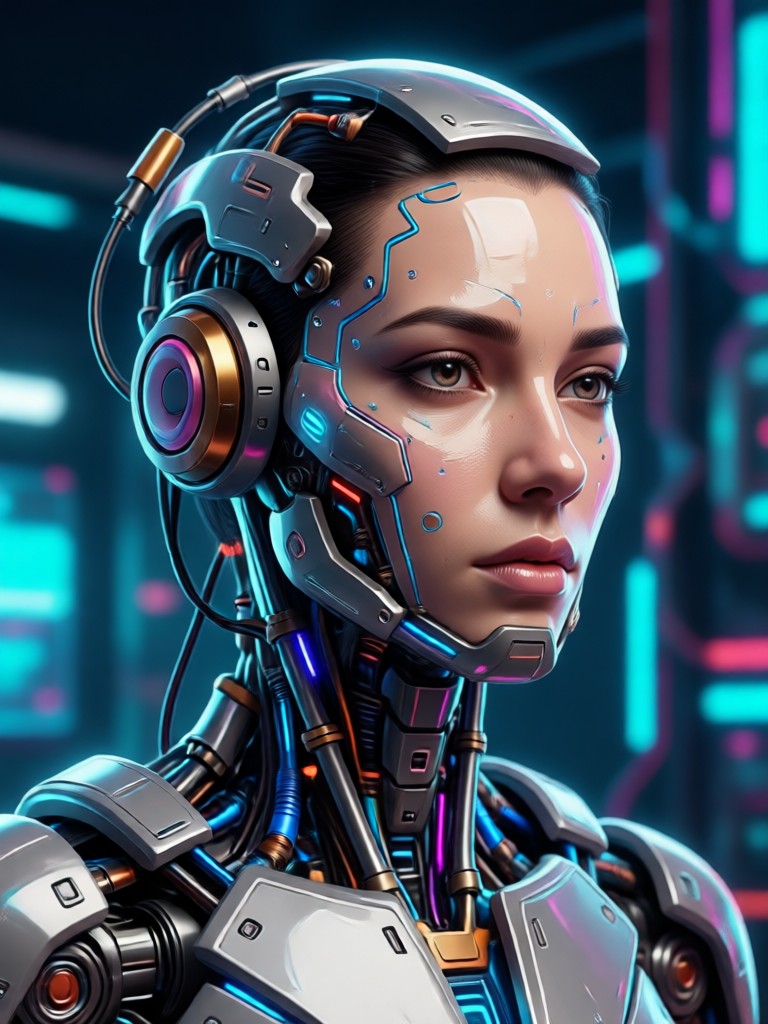
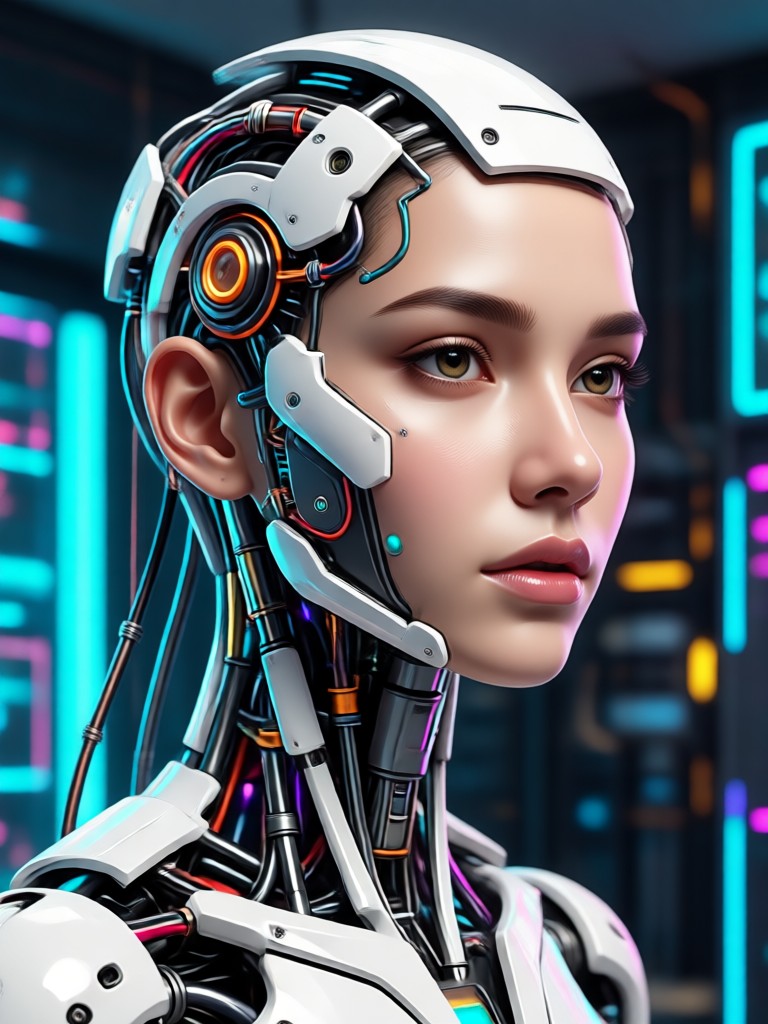
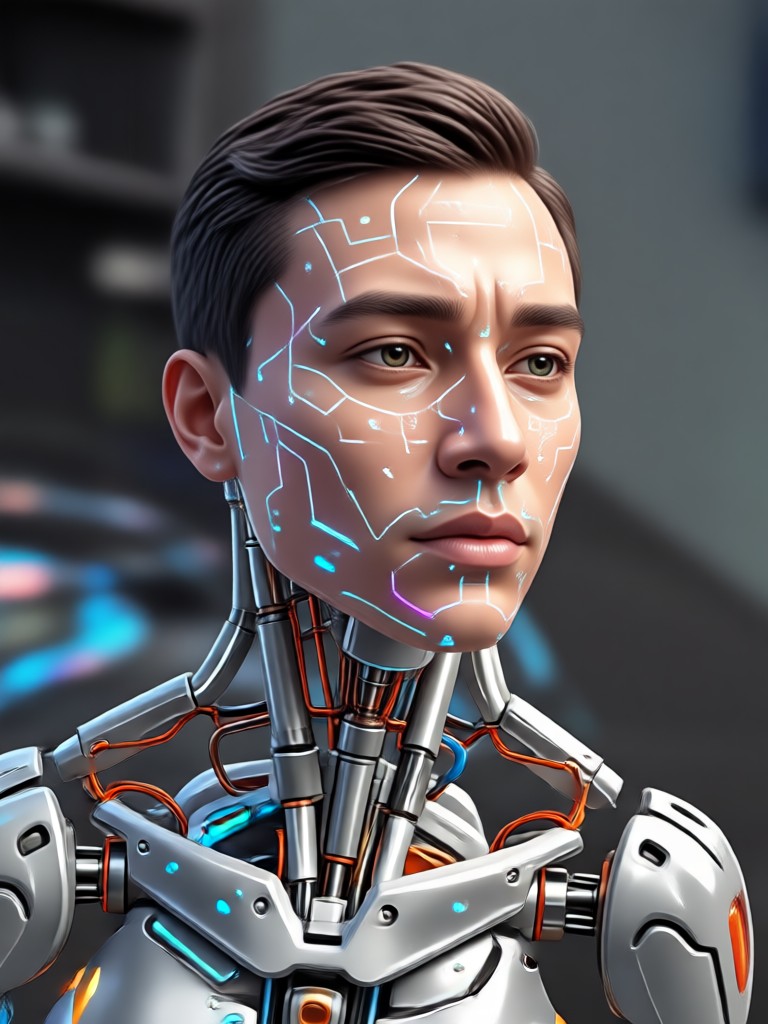
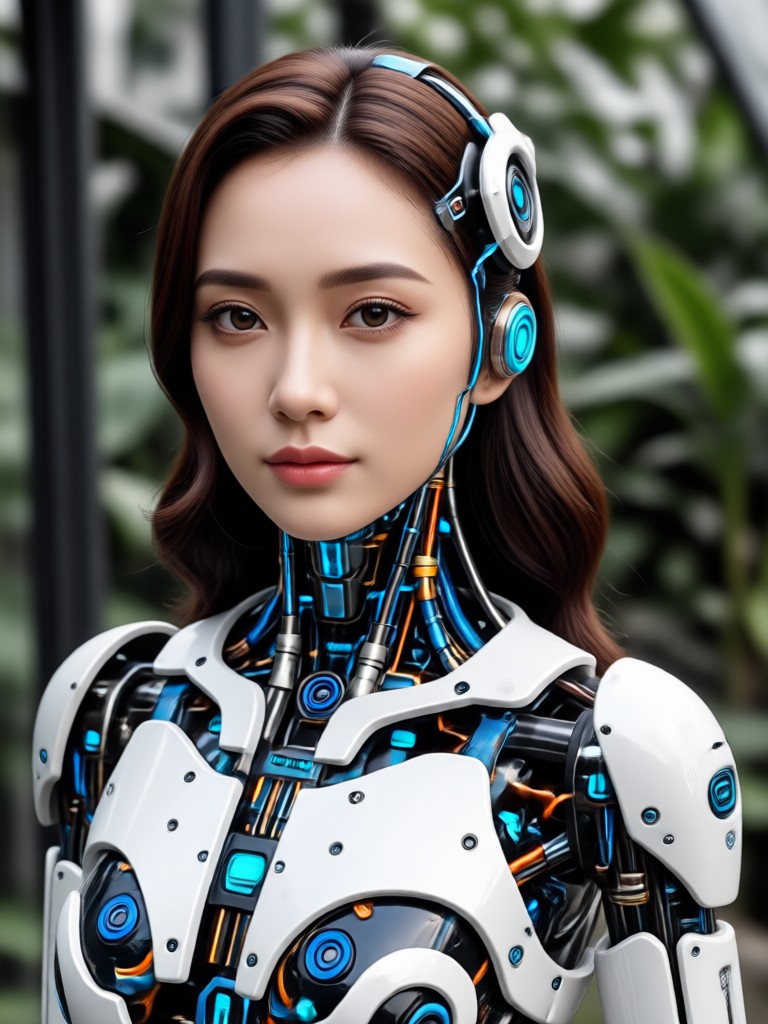
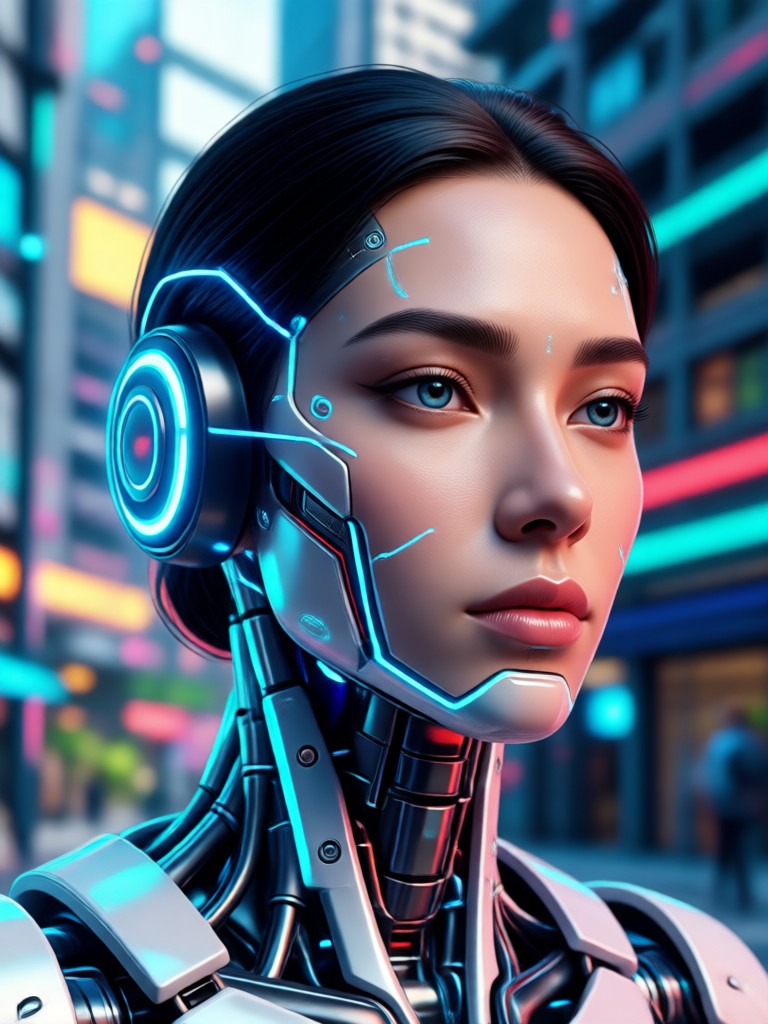
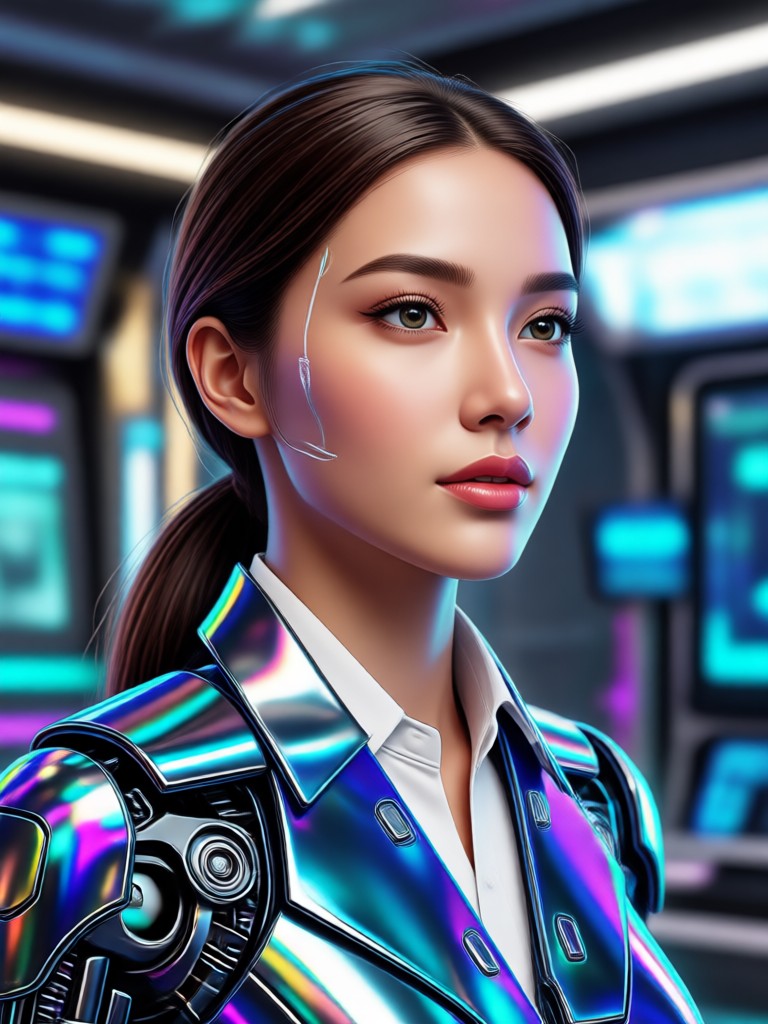
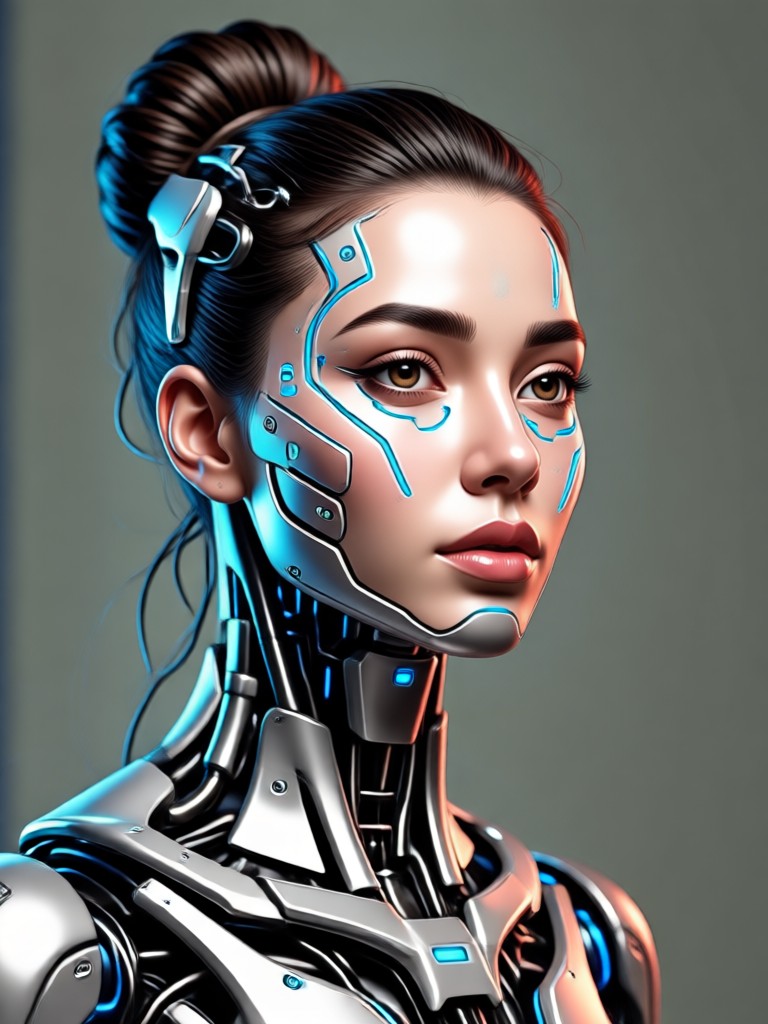
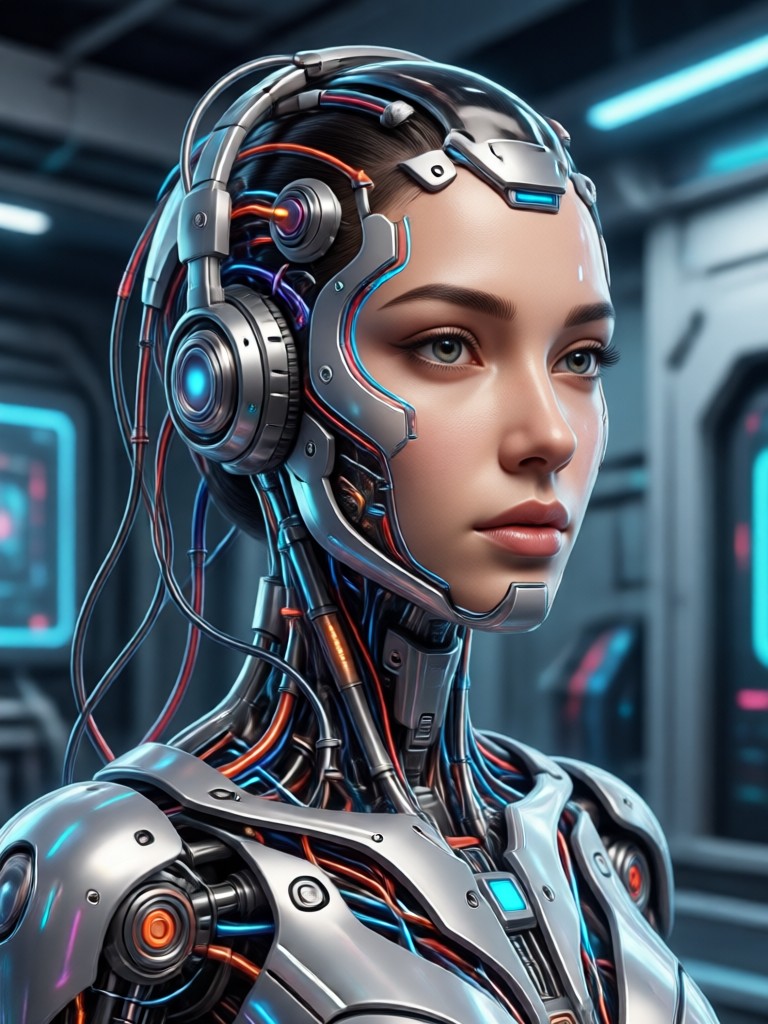
AI Face Edit Transformations Gallery
See real examples of portraits transformed with our Edit Wajah AI tools. From professional headshots to creative fantasy edits, discover what's possible.


Why Choose AI for Face Editing?
Traditional photo editing requires skill and time. Our AI analyzes facial structure and lighting to apply professional grade edits automatically, delivering perfect results in seconds.
Why Choose AI for Face Editing?
Traditional photo editing requires skill and time. Our AI analyzes facial structure and lighting to apply professional grade edits automatically, delivering perfect results in seconds.
How to Edit a Face with AI?
Transform any portrait in just three simple steps using the makmak app. No tutorials or expert skills required.

Step 01.
Download the makmak app from Google Play. It's your all in one mobile studio for AI powered face editing and creative transformations.

Step 02.
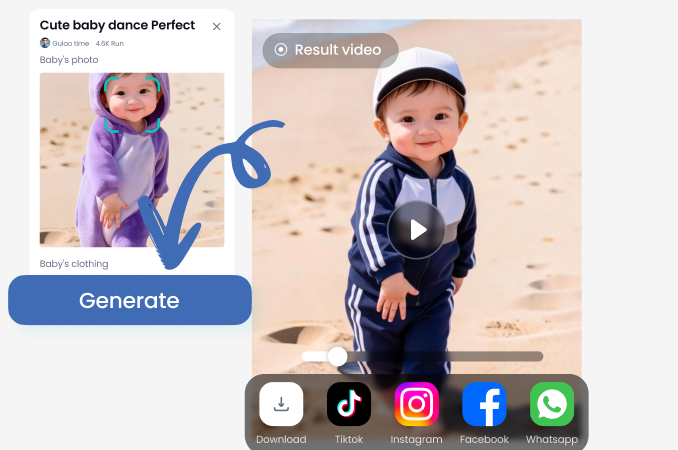
Upload your portrait photo. Then, browse and select from hundreds of AI face edit filters, from beauty enhancers to artistic style transfers.
Step 03.
Generate your edited photo in seconds. Fine tune with sliders if desired, then save and share your stunning AI enhanced portrait directly.
What Users Say About AI Face Editing
Perfect for my social media content
As a lifestyle influencer, I need my photos to look polished but natural. This AI editor nails it. The skin smoothing is flawless, and I love trying new virtual lip colors before I buy the real thing.
Saved hours on professional headshots
I needed updated LinkedIn photos for my team. Instead of expensive reshoots, we used this app to subtly enhance our existing pictures. The results look professional and authentic.
So much fun with family photos
My kids love turning themselves into cartoons or trying on silly hairstyles. It's a creative and safe way to play with photos. The app is incredibly easy for anyone to use.
Edit Wajah AI FAQs
Get quick answers to the most common questions about using AI to edit faces in your photos.
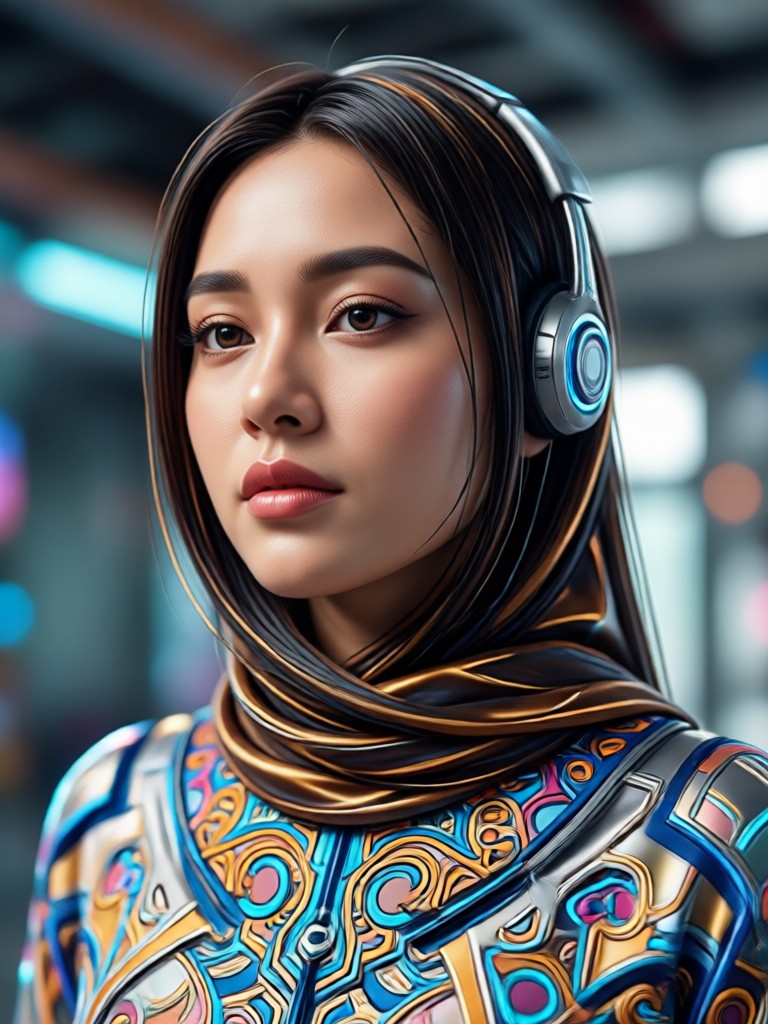
Edit Faces Anywhere, Anytime
Carry a professional portrait studio in your pocket. Download the makmak app now and start transforming your photos with powerful, easy to use AI.

More AI Creativity Topics
Explore more topics you may like and discover fresh ideas tailored to your interests.
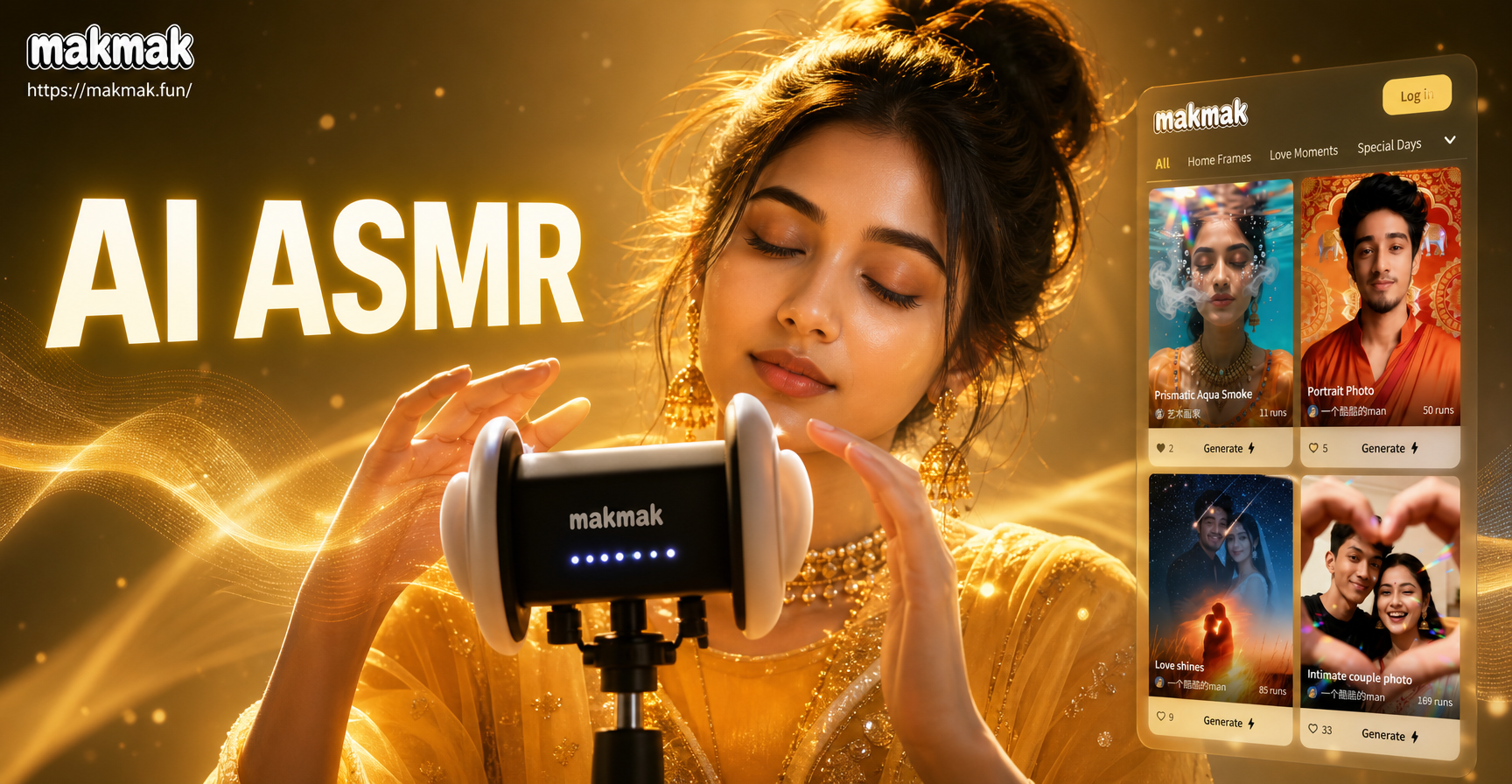
Create Your Own AI ASMR Soundscape
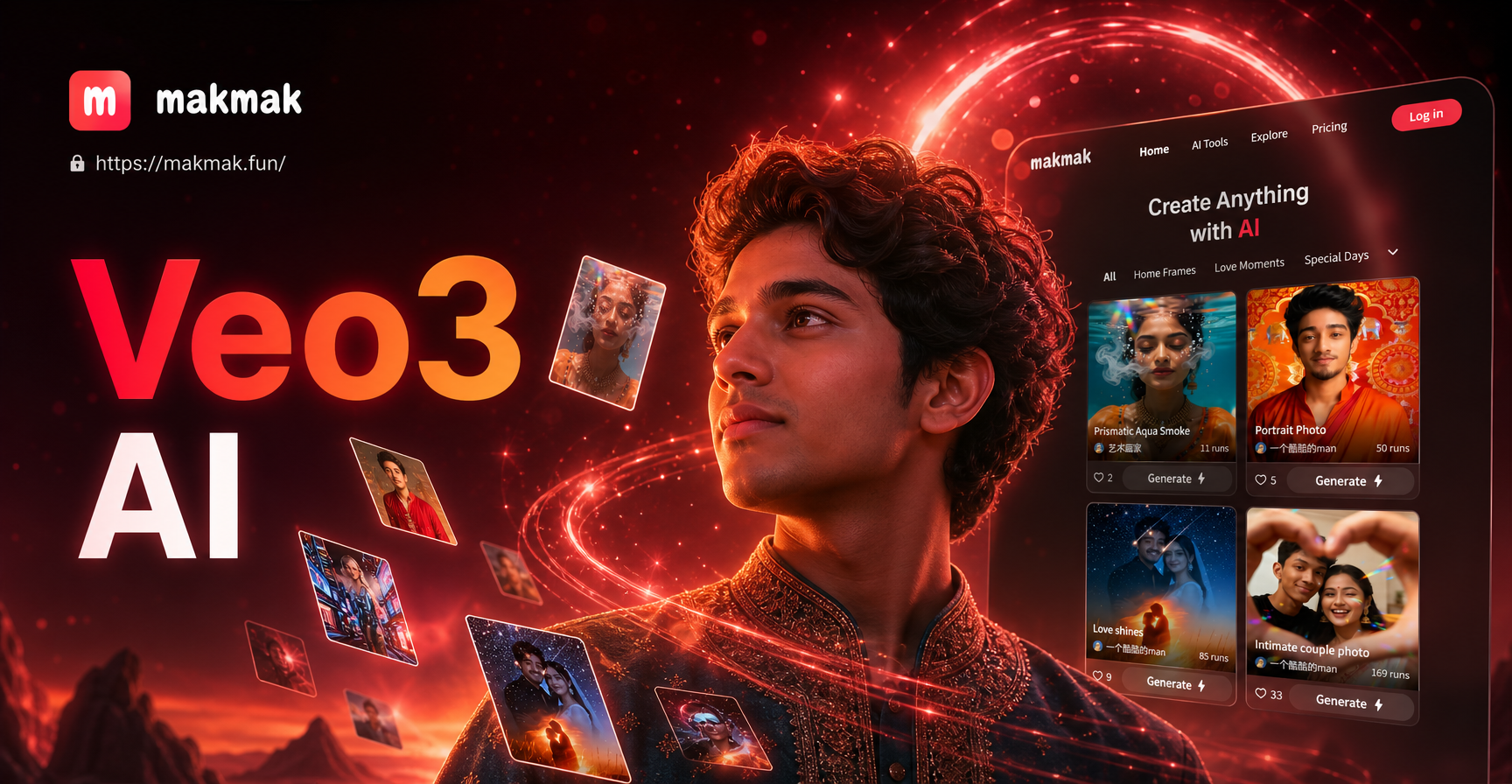
Try Google Veo 3 AI: Next-Gen Video Generation
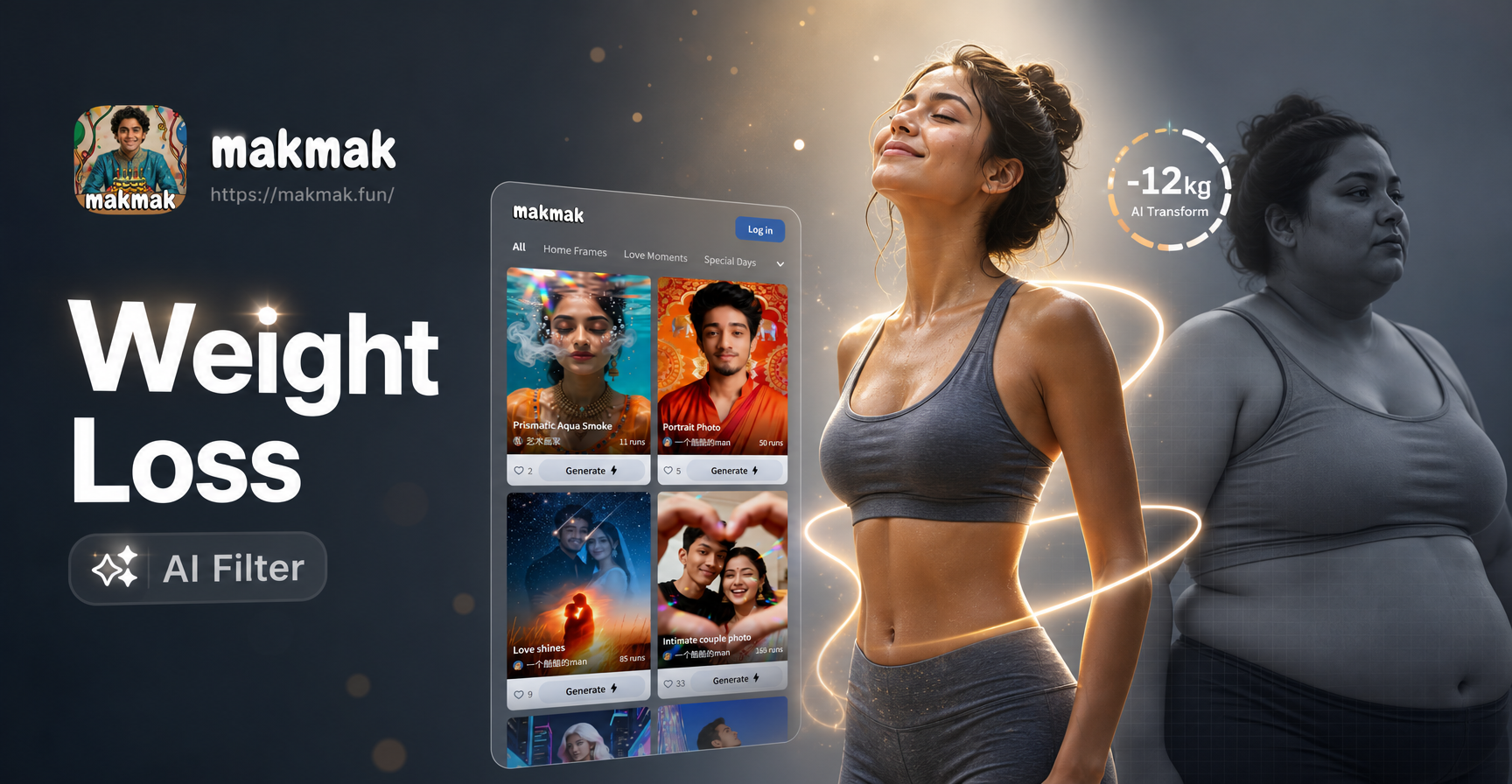
Slim Your Look Instantly with AI
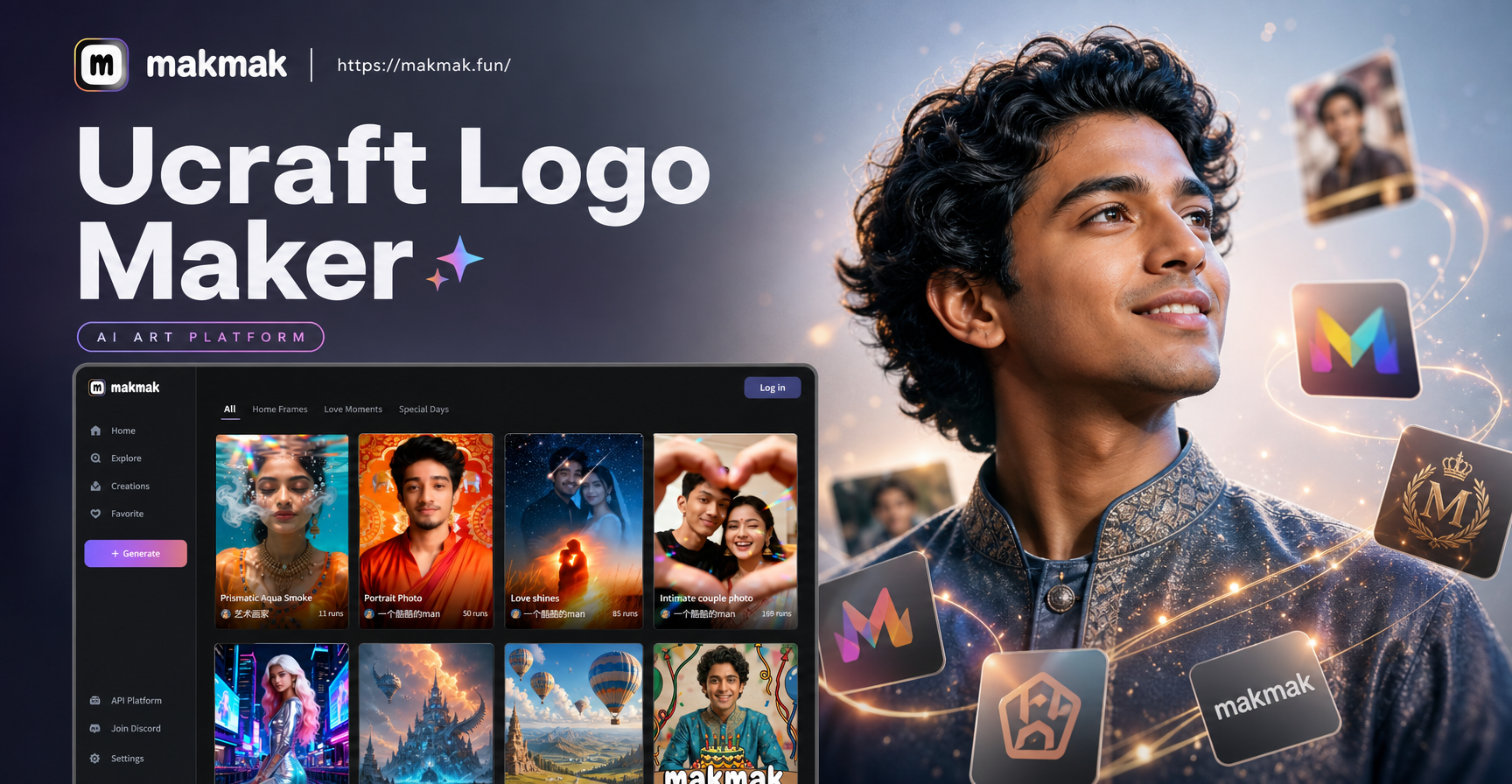
Craft Your Brand: AI Logo Maker in Minutes
Create Your Own AI ASMR Soundscape
Try Google Veo 3 AI: Next-Gen Video Generation
Slim Your Look Instantly with AI
Craft Your Brand: AI Logo Maker in Minutes
Ready for Your AI Glow Up?
Join millions who are enhancing their portraits with AI. Download makmak now and see how a simple edit can make a dramatic difference.

Ready for Your AI Glow Up?
Join millions who are enhancing their portraits with AI. Download makmak now and see how a simple edit can make a dramatic difference.