AI Robot Filter
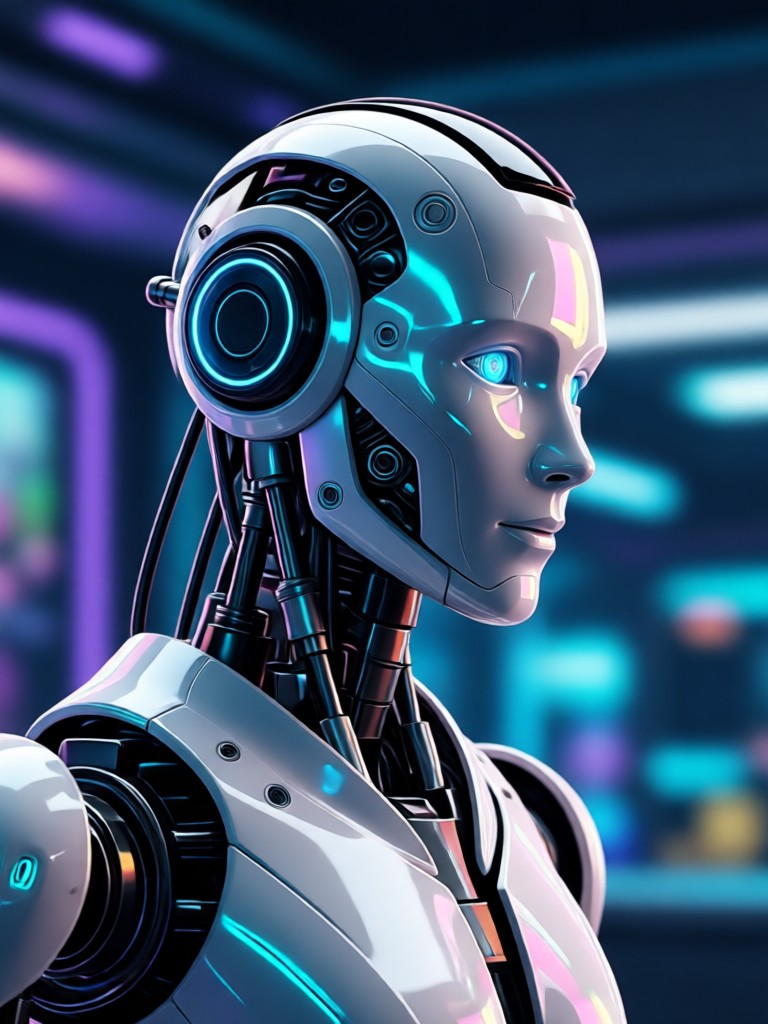
Explore Futuristic AI Transformations
Discover a suite of filters designed to apply robotic, cybernetic, and sci-fi aesthetics to your photos and videos.
Key Features of AI Robot Filter
Our AI robot filter leverages advanced particle filter AI for robotics to deliver precise, realistic cybernetic transformations. Turn humans into androids, add mechanical parts, and create stunning sci-fi art in seconds.
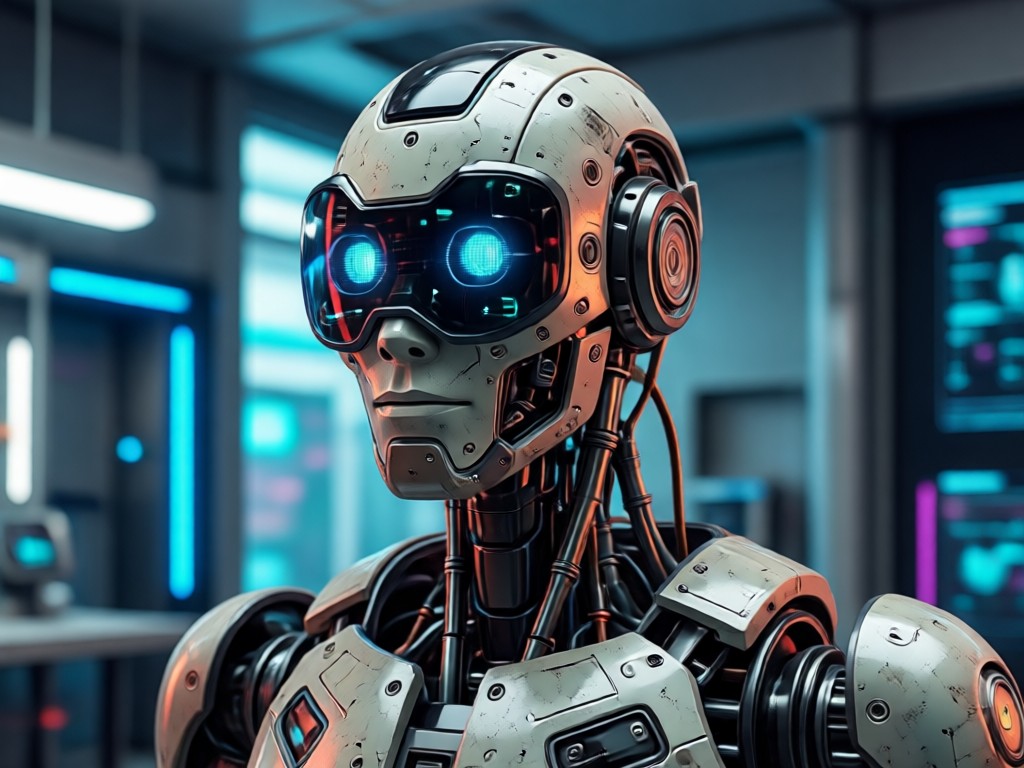
Realistic Robotic Textures
The AI applies high fidelity metallic surfaces, panel lines, and synthetic skin textures. It intelligently maps robotic features to facial contours and body structure for a believable cyborg look.
Realistic Robotic Textures
The AI applies high fidelity metallic surfaces, panel lines, and synthetic skin textures. It intelligently maps robotic features to facial contours and body structure for a believable cyborg look.
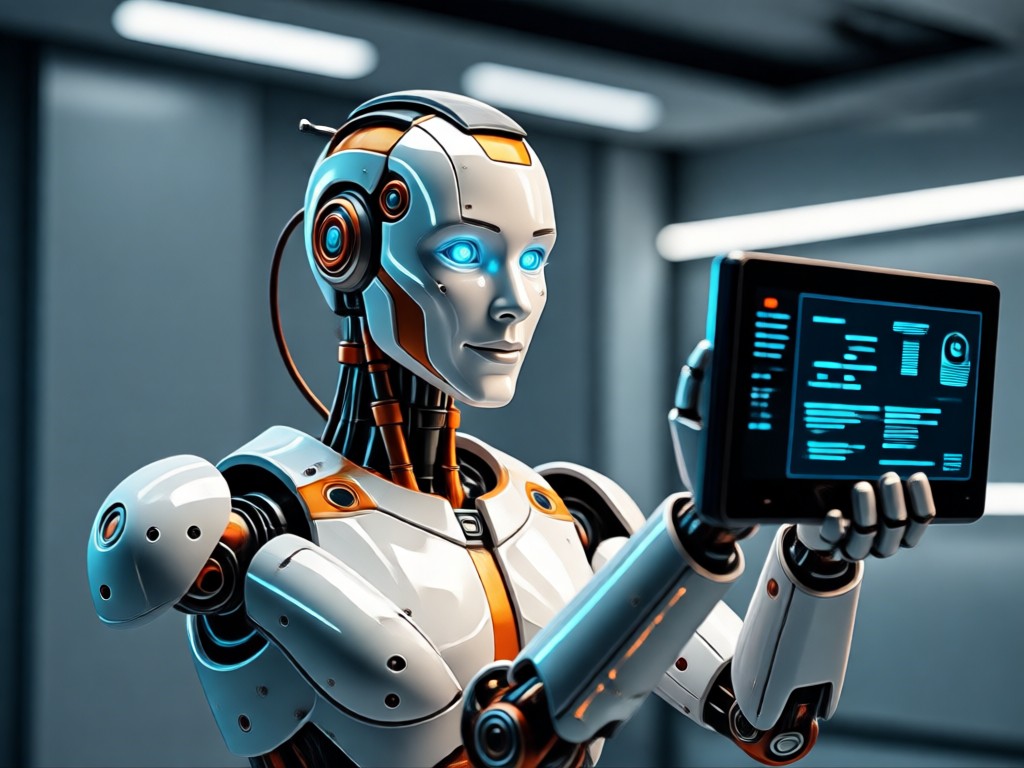
Glowing Circuit & LED Effects
Add dynamic glowing elements like circuit patterns, LED lights, and holographic displays. Control the color, intensity, and placement of light effects to customize your robotic aesthetic.
Glowing Circuit & LED Effects
Add dynamic glowing elements like circuit patterns, LED lights, and holographic displays. Control the color, intensity, and placement of light effects to customize your robotic aesthetic.
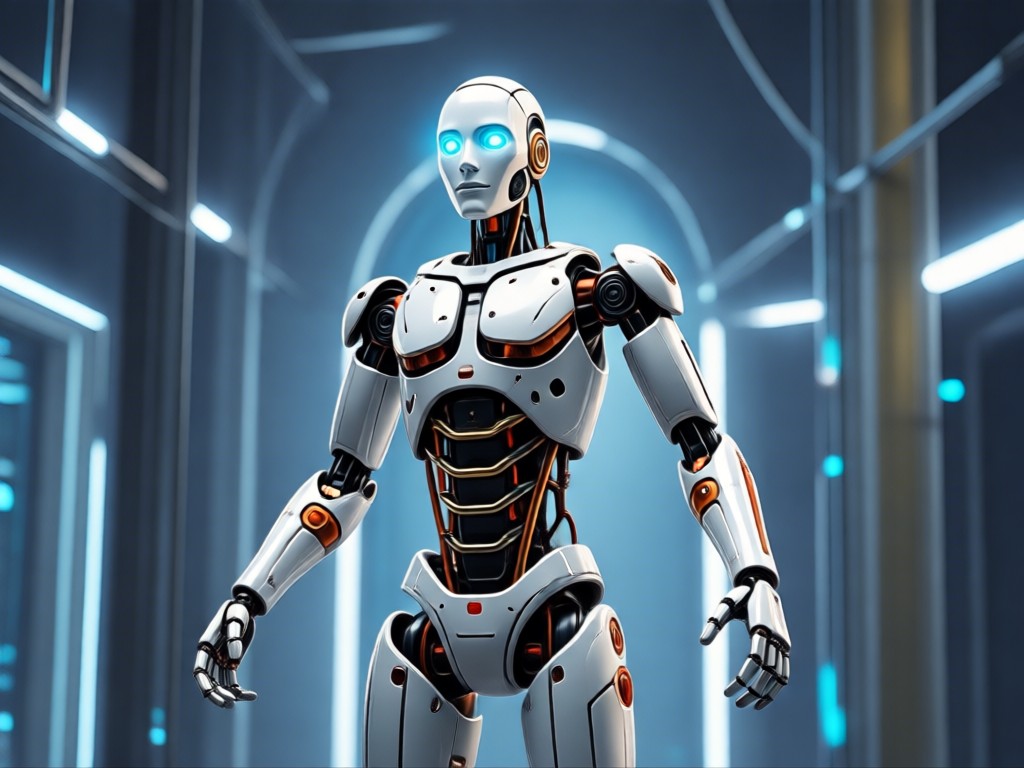
Precision Part Replacement
Seamlessly replace biological features with mechanical ones. Turn eyes into optical sensors, add robotic limbs, or integrate exoskeleton elements while preserving the original pose and expression.
Precision Part Replacement
Seamlessly replace biological features with mechanical ones. Turn eyes into optical sensors, add robotic limbs, or integrate exoskeleton elements while preserving the original pose and expression.
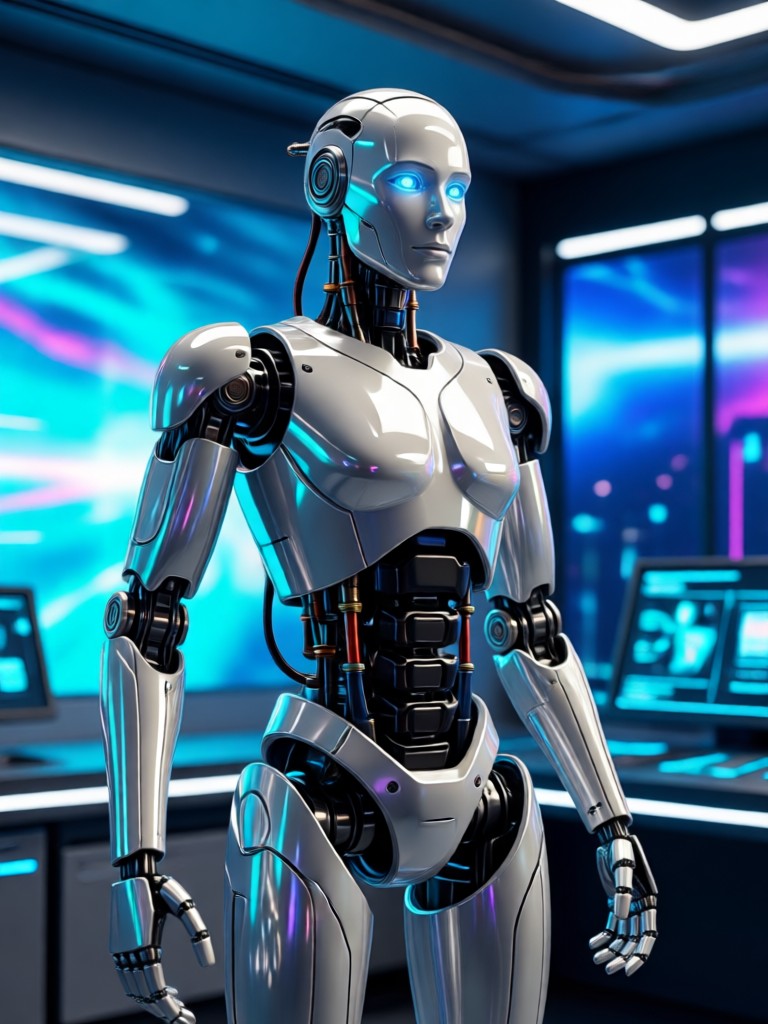
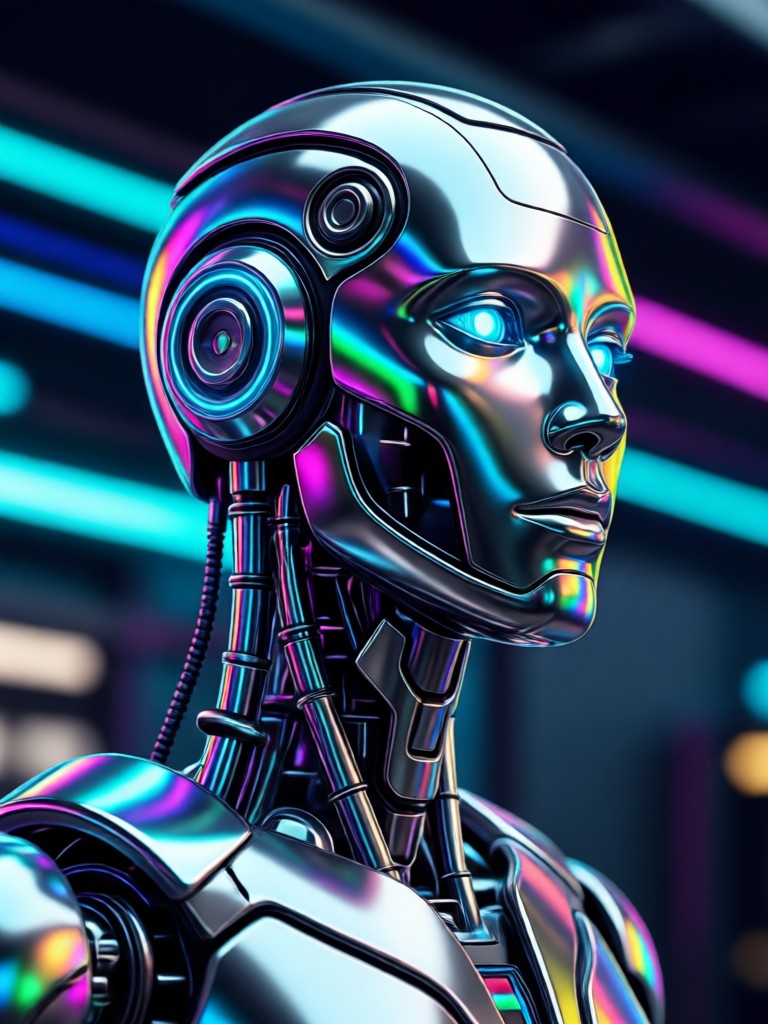
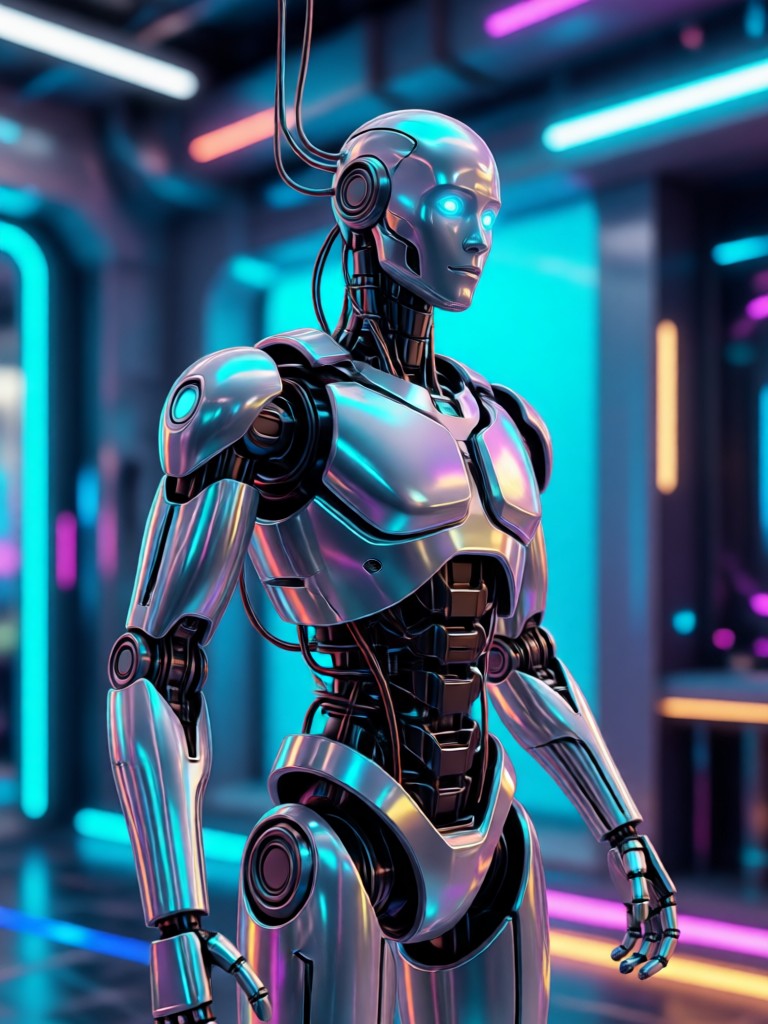
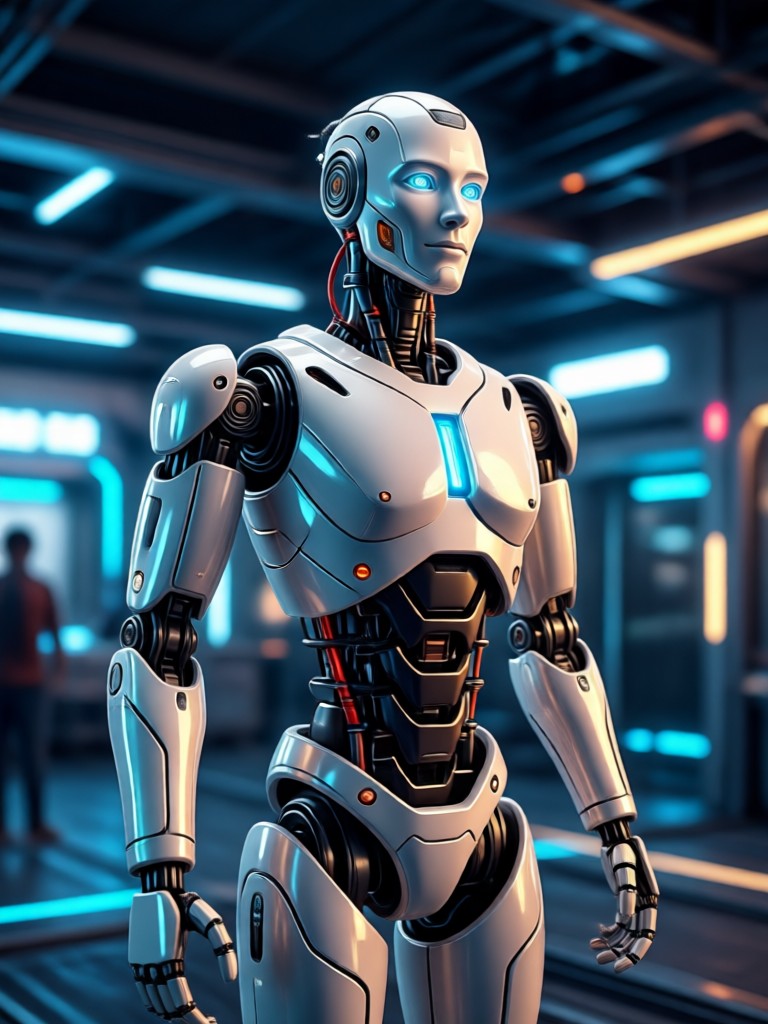
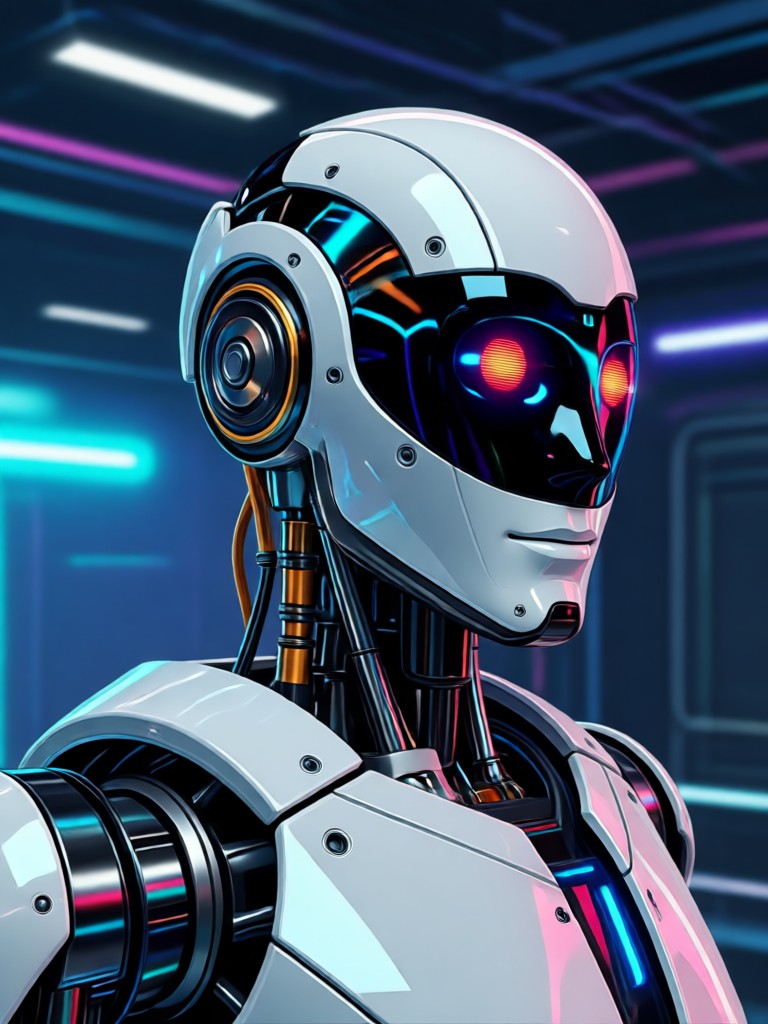
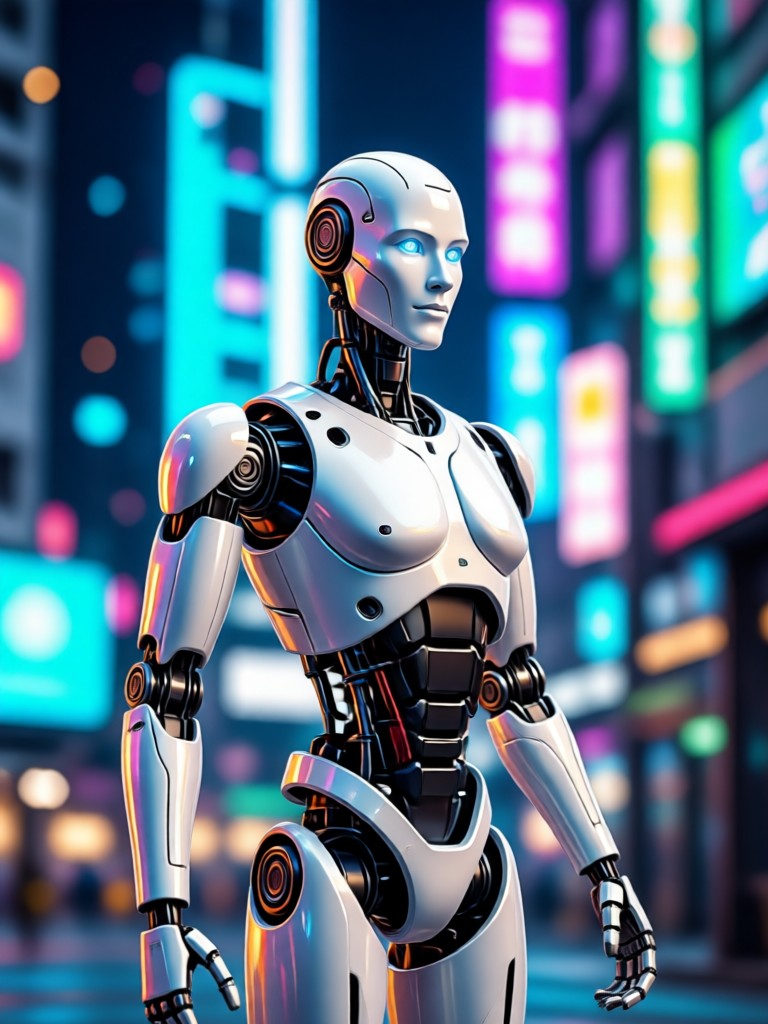
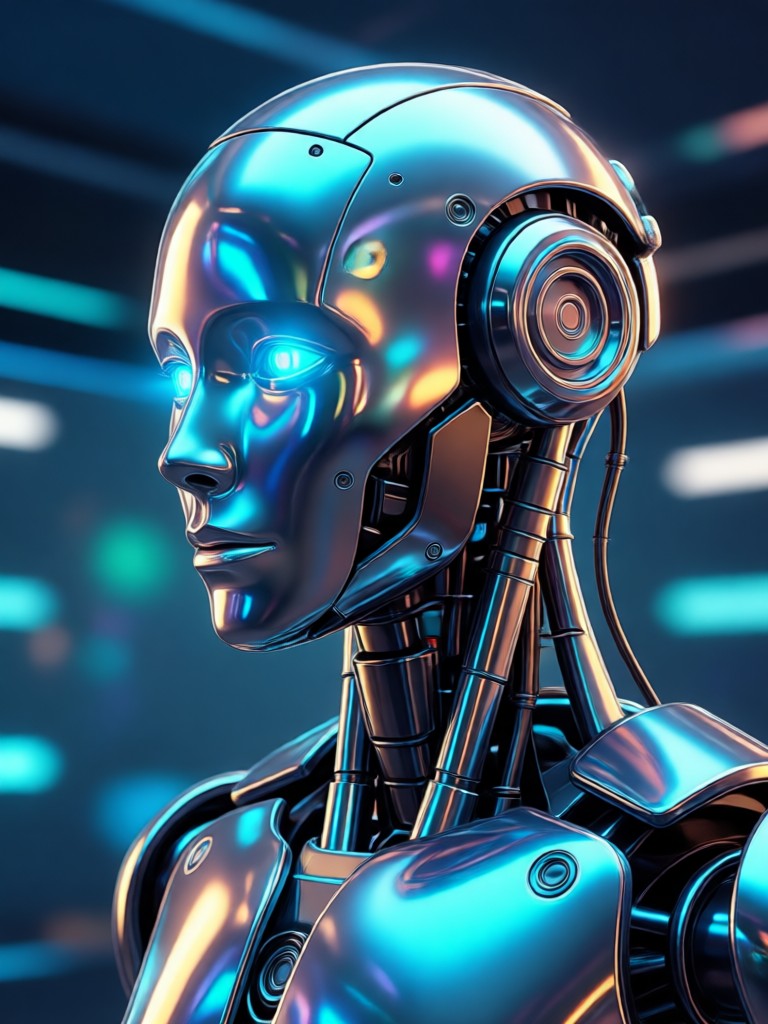
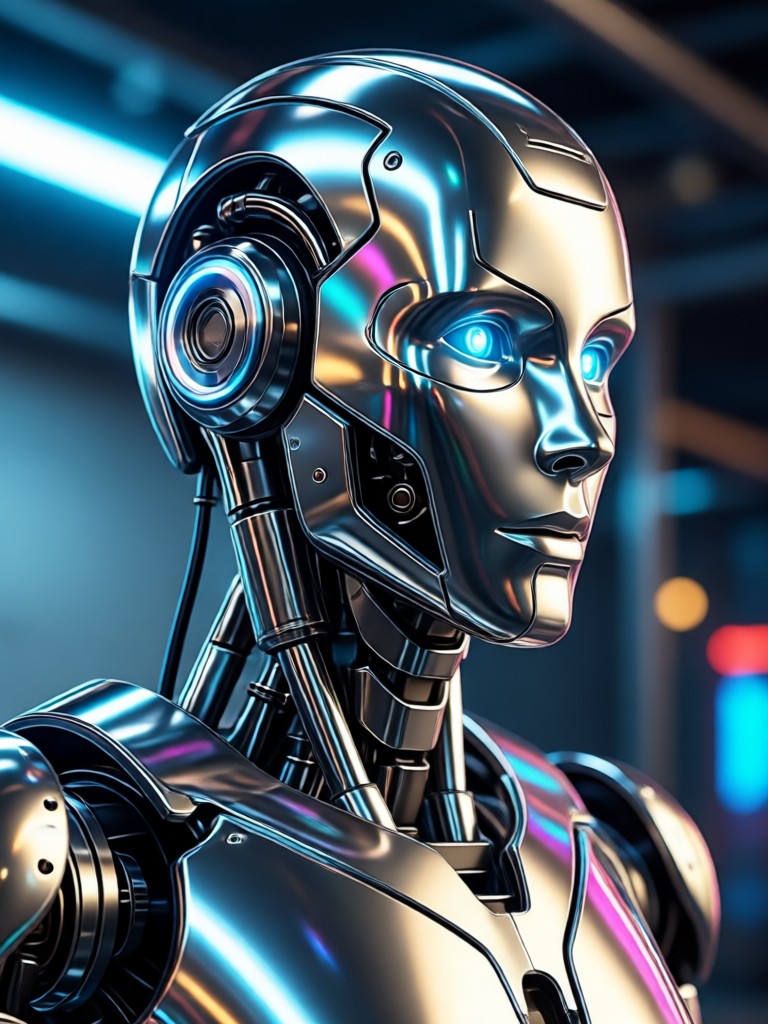
AI Robot Filter Gallery
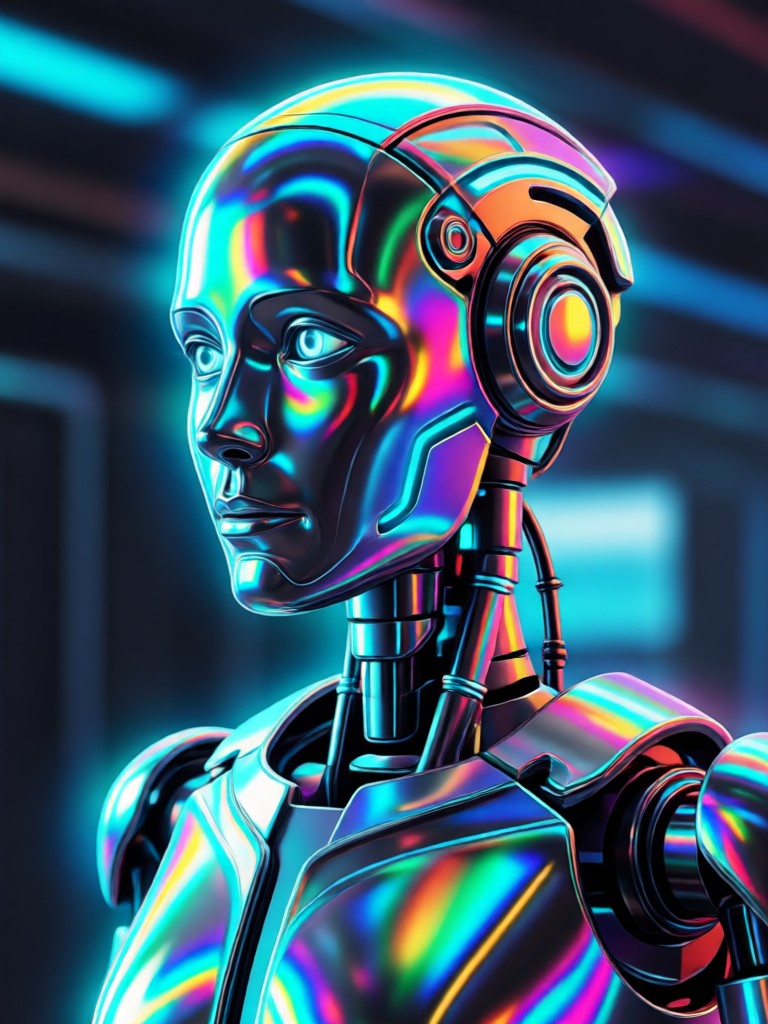
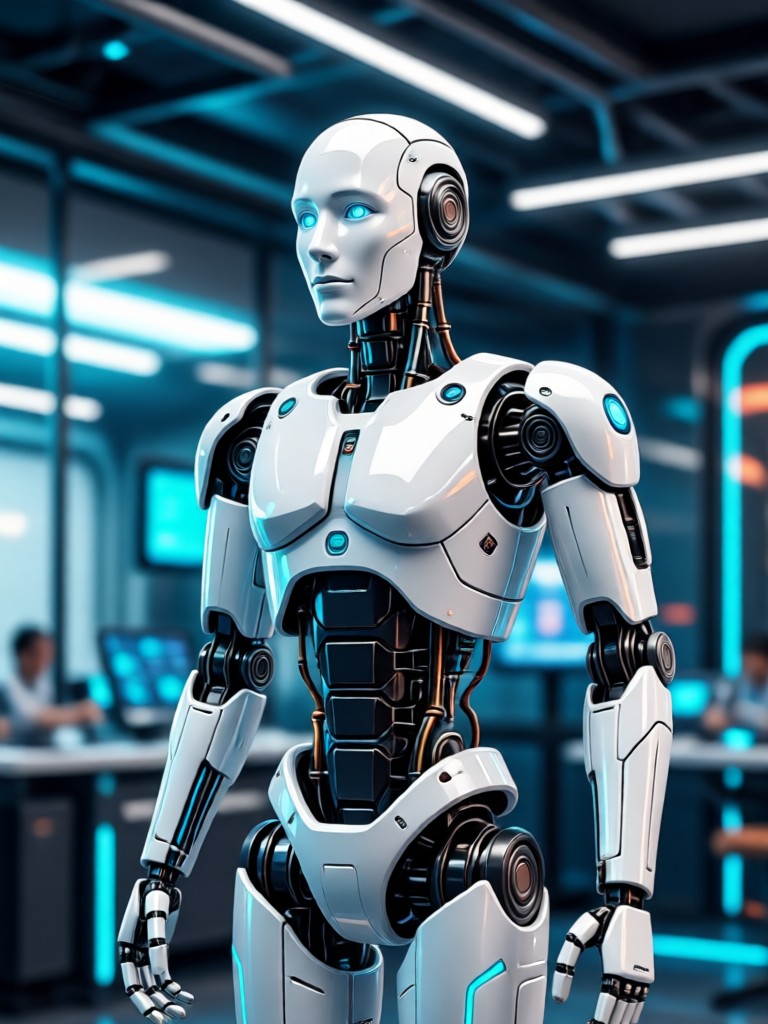
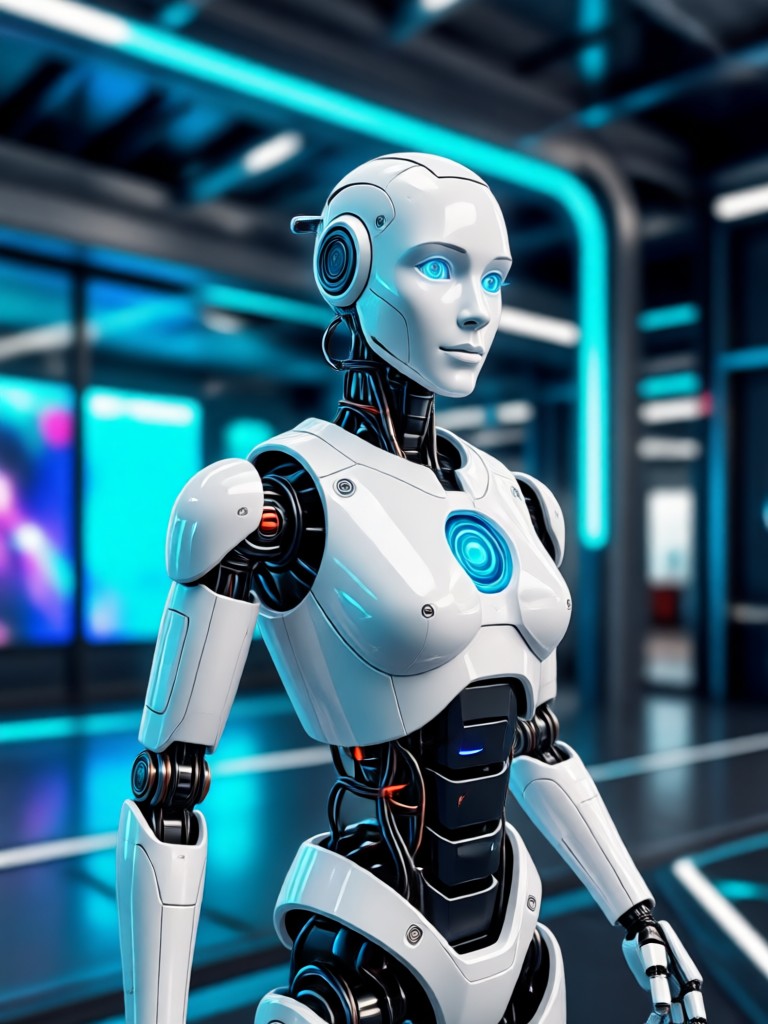
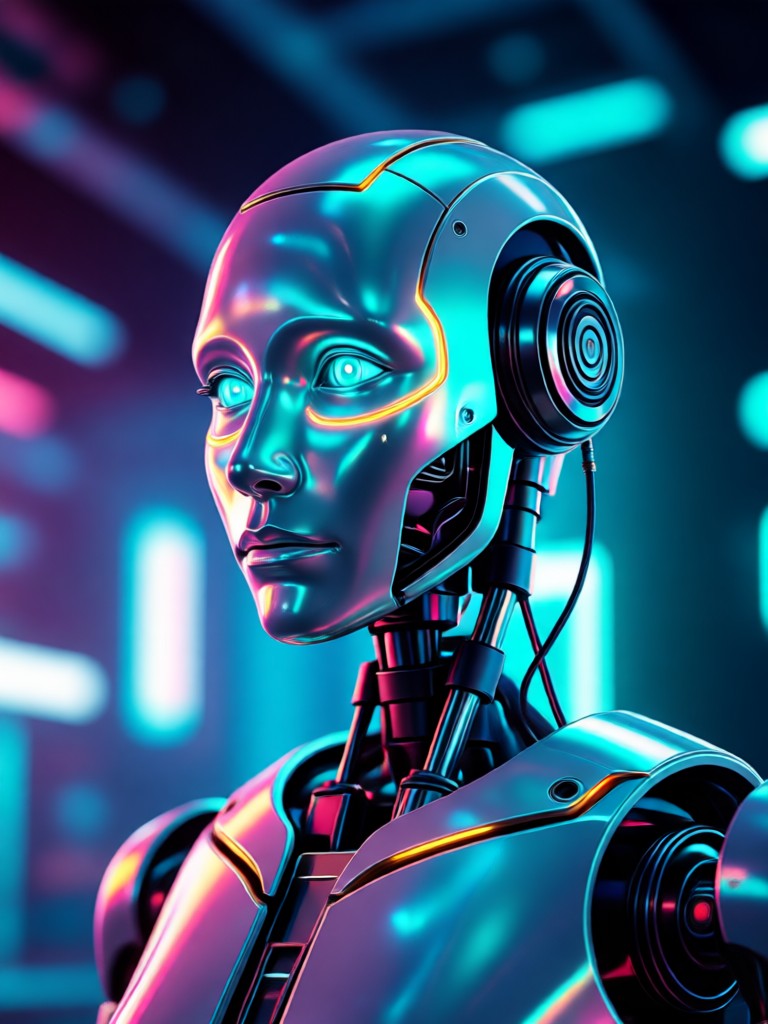
See how the AI robot filter transforms ordinary portraits into extraordinary cybernetic creations. Browse examples of metallic androids, glowing cyborgs, and futuristic character designs.
Why Choose Our AI Robot Filter?
Unlike basic photo editors, our filter uses specialized particle filter AI for robotics to understand form, structure, and material. This ensures transformations are not just overlays, but intelligent, adaptive enhancements.
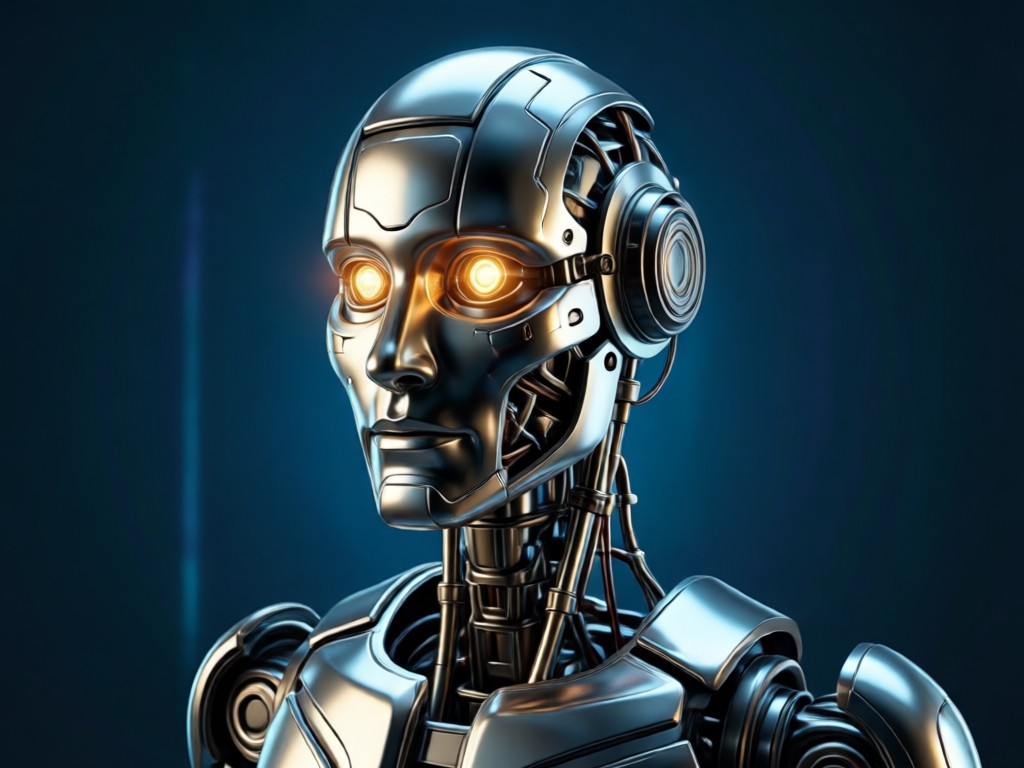
Advanced AI for Realistic Robotics
The core technology is a particle filter AI for robotics, an algorithm that predicts and refines the placement of robotic elements. It analyzes light, shadow, and anatomy to apply metallic textures and mechanical parts that look integrated, not pasted on. This results in highly realistic cyborg and android effects that respect the original photo's composition.
Advanced AI for Realistic Robotics
The core technology is a particle filter AI for robotics, an algorithm that predicts and refines the placement of robotic elements. It analyzes light, shadow, and anatomy to apply metallic textures and mechanical parts that look integrated, not pasted on. This results in highly realistic cyborg and android effects that respect the original photo's composition.
How to Use the AI Robot Filter?
Create stunning robotic portraits in just three simple steps. No technical knowledge or design skills are required.

Step 01.
Download the makmak app from the Google Play Store. The AI robot filter is included with thousands of other creative AI tools.

Step 02.
Open the app, upload your photo, and select the 'AI Robot' filter category. Browse sub styles like Cyborg, Android, or Mechanic.

Step 03.
Generate and customize. Adjust the intensity of robotic features, glow effects, and metallic sheen before saving or sharing your creation.
Creators Using the AI Robot Filter
Alex R.
This filter is a game changer for my sci fi cosplay content. I can preview full cyborg makeup and armor concepts before building them physically. The particle filter AI makes the metal look so real.
Maya T.
As a concept artist, I use it for rapid character ideation. The AI's understanding of form and light helps generate believable android designs that I can then refine. It's like having a robotic design assistant.
David L.
We used it for a tech company's viral marketing campaign. Transforming the CEO into a robot grabbed massive engagement. The 'behind the scenes' of the AI process itself became a talking point.
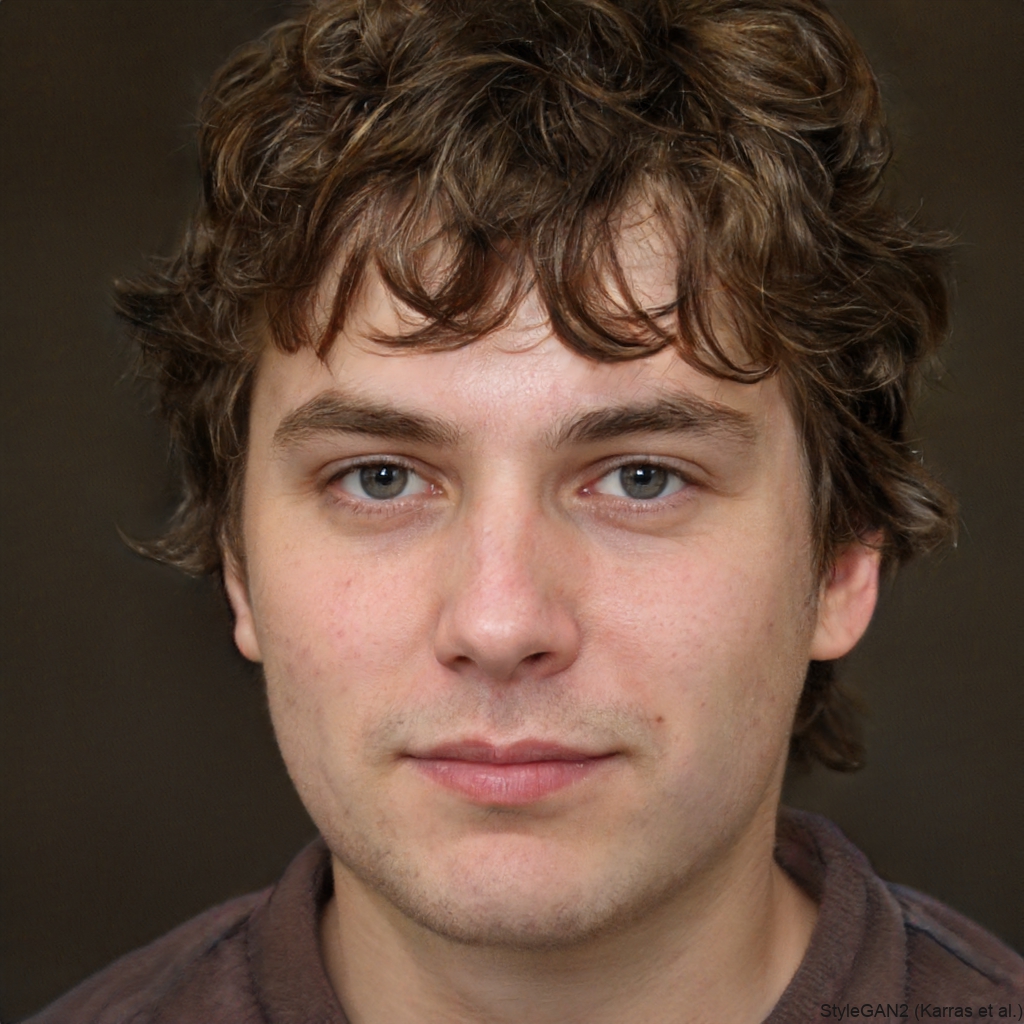
Sophia K.
Incredible for pre visualization on my indie sci fi film. We applied the filter to actor headshots to settle on cyborg aesthetics for the villain. Saved us days of costume tests.
Alex R.
This filter is a game changer for my sci fi cosplay content. I can preview full cyborg makeup and armor concepts before building them physically. The particle filter AI makes the metal look so real.
Maya T.
As a concept artist, I use it for rapid character ideation. The AI's understanding of form and light helps generate believable android designs that I can then refine. It's like having a robotic design assistant.
David L.
We used it for a tech company's viral marketing campaign. Transforming the CEO into a robot grabbed massive engagement. The 'behind the scenes' of the AI process itself became a talking point.
Sophia K.
Incredible for pre visualization on my indie sci fi film. We applied the filter to actor headshots to settle on cyborg aesthetics for the villain. Saved us days of costume tests.
Alex R.
This filter is a game changer for my sci fi cosplay content. I can preview full cyborg makeup and armor concepts before building them physically. The particle filter AI makes the metal look so real.
Maya T.
As a concept artist, I use it for rapid character ideation. The AI's understanding of form and light helps generate believable android designs that I can then refine. It's like having a robotic design assistant.
David L.
We used it for a tech company's viral marketing campaign. Transforming the CEO into a robot grabbed massive engagement. The 'behind the scenes' of the AI process itself became a talking point.
Sophia K.
Incredible for pre visualization on my indie sci fi film. We applied the filter to actor headshots to settle on cyborg aesthetics for the villain. Saved us days of costume tests.
AI Robot Filter FAQs
Get answers to common questions about how the AI robot filter works, its capabilities, and how to get the best results.
More Topics You May Like
Explore more topics you may like and discover fresh ideas tailored to your interests.
AI Bloom Effect: Add Dreamy Glow & Light to Photos
Create Magical Underwater Couple Portraits with AI
Create Dark Fantasy Worlds with AI Art Generator
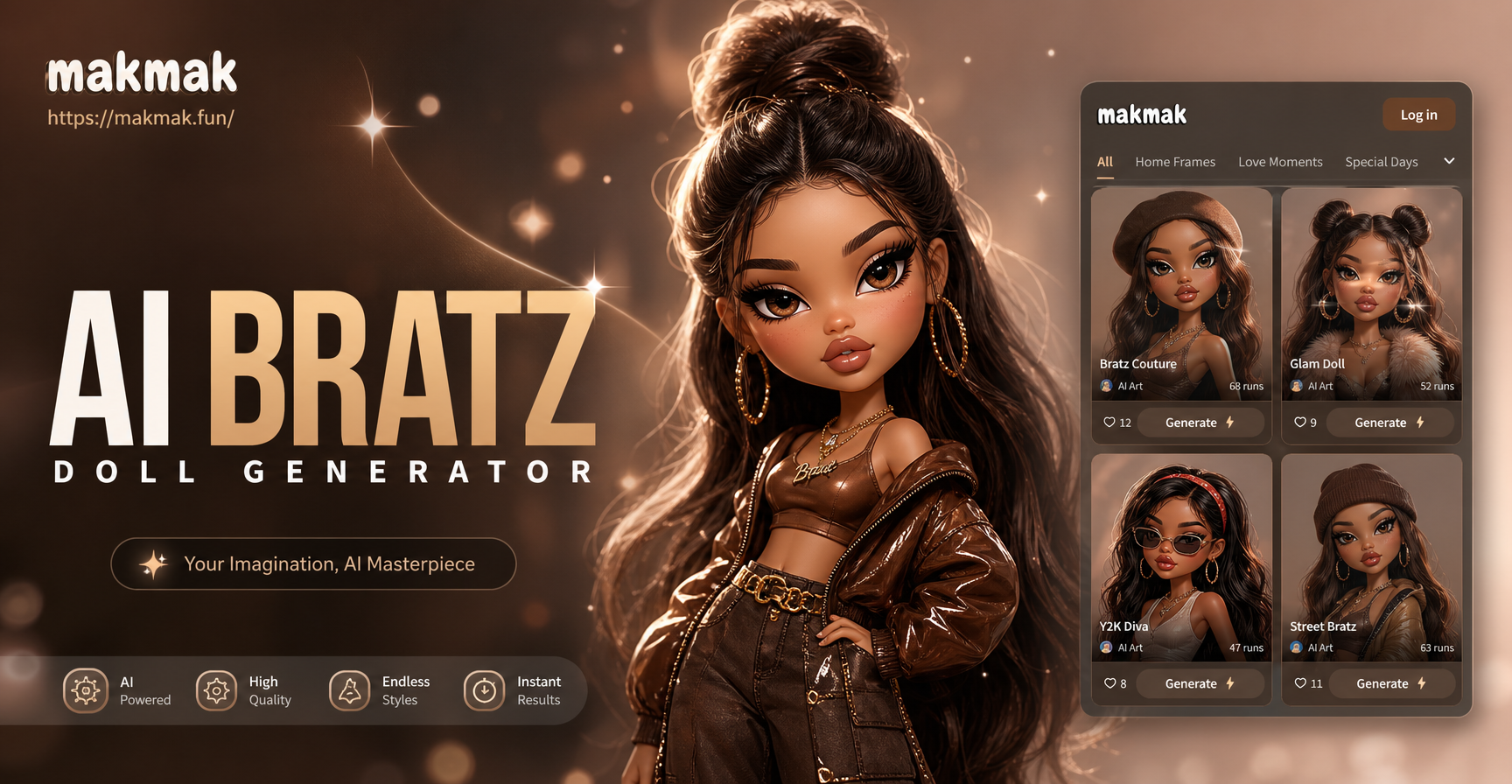
Transform Photos into Stylized Bratz Doll Art with AI
AI Bloom Effect: Add Dreamy Glow & Light to Photos
Create Magical Underwater Couple Portraits with AI
Create Dark Fantasy Worlds with AI Art Generator
Transform Photos into Stylized Bratz Doll Art with AI
Become a Robot in Seconds
Stop imagining and start creating. Transform your photos into futuristic masterpieces with the most advanced AI robot filter powered by particle filter AI for robotics.
Become a Robot in Seconds
Stop imagining and start creating. Transform your photos into futuristic masterpieces with the most advanced AI robot filter powered by particle filter AI for robotics.