AI Bloom Effect
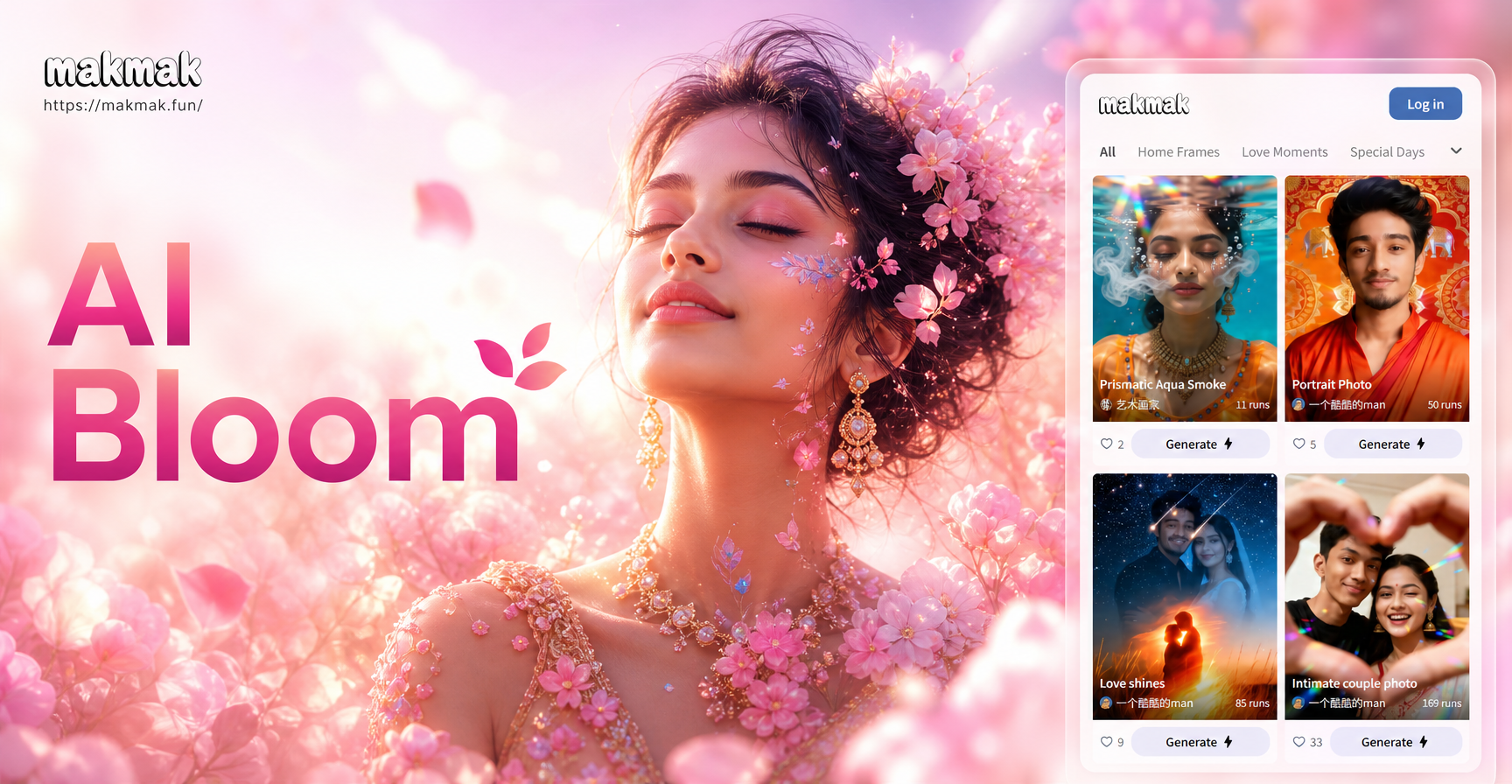
Choose Your Perfect Bloom Style
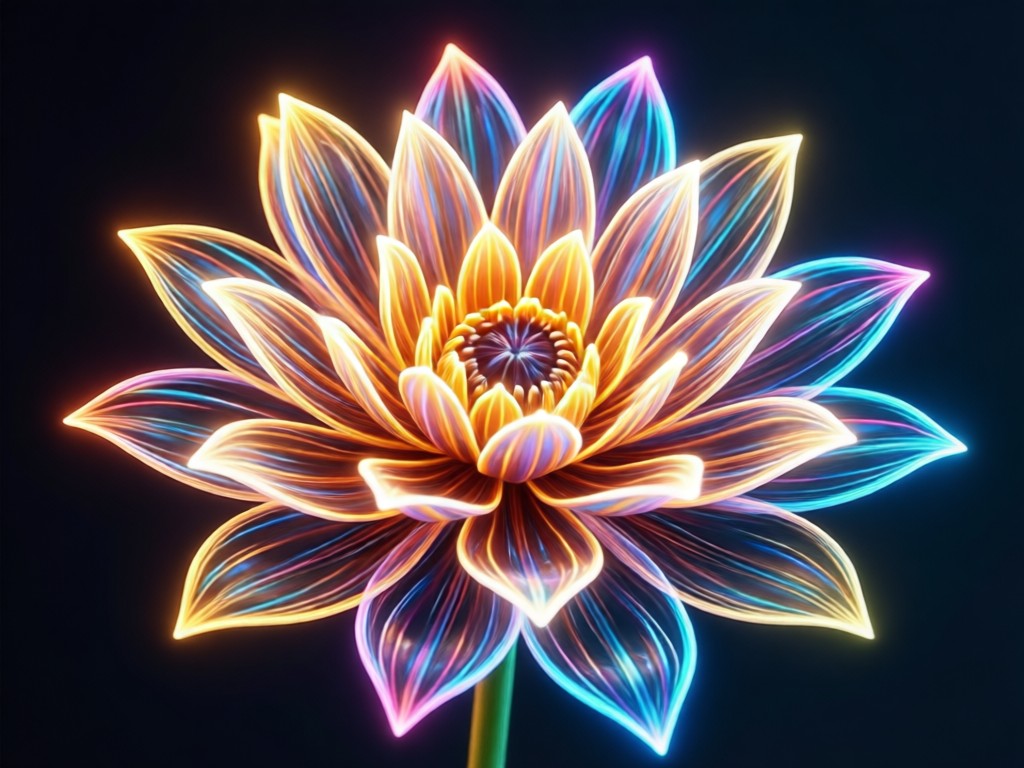
Discover a range of bloom and glow effects, from soft golden hour warmth to vibrant neon light leaks. Find the perfect filter to match your photo's mood and style.
Key Features of AI Bloom Effect
Our AI Bloom Effect goes beyond simple filters. It intelligently analyzes your photo to apply realistic light interactions, creating depth and atmosphere that feels natural and breathtaking.
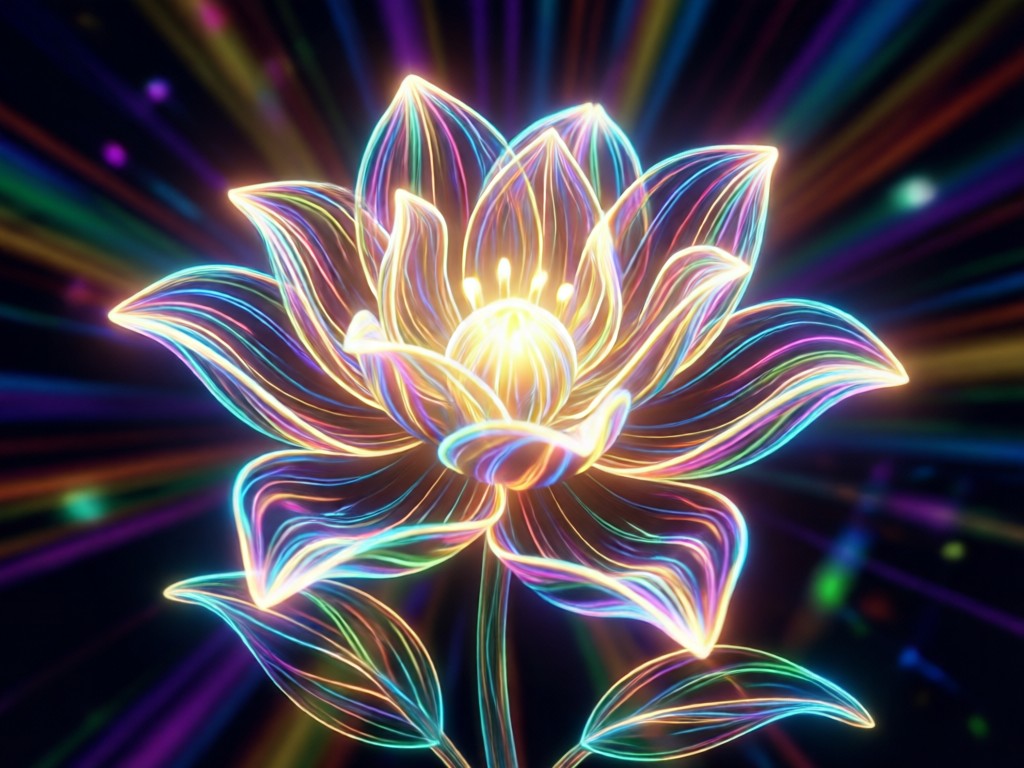
Intelligent Light Placement
AI automatically detects light sources and subjects in your photo, placing blooms and glows in realistic positions that enhance the composition, not obscure it.
Intelligent Light Placement
AI automatically detects light sources and subjects in your photo, placing blooms and glows in realistic positions that enhance the composition, not obscure it.
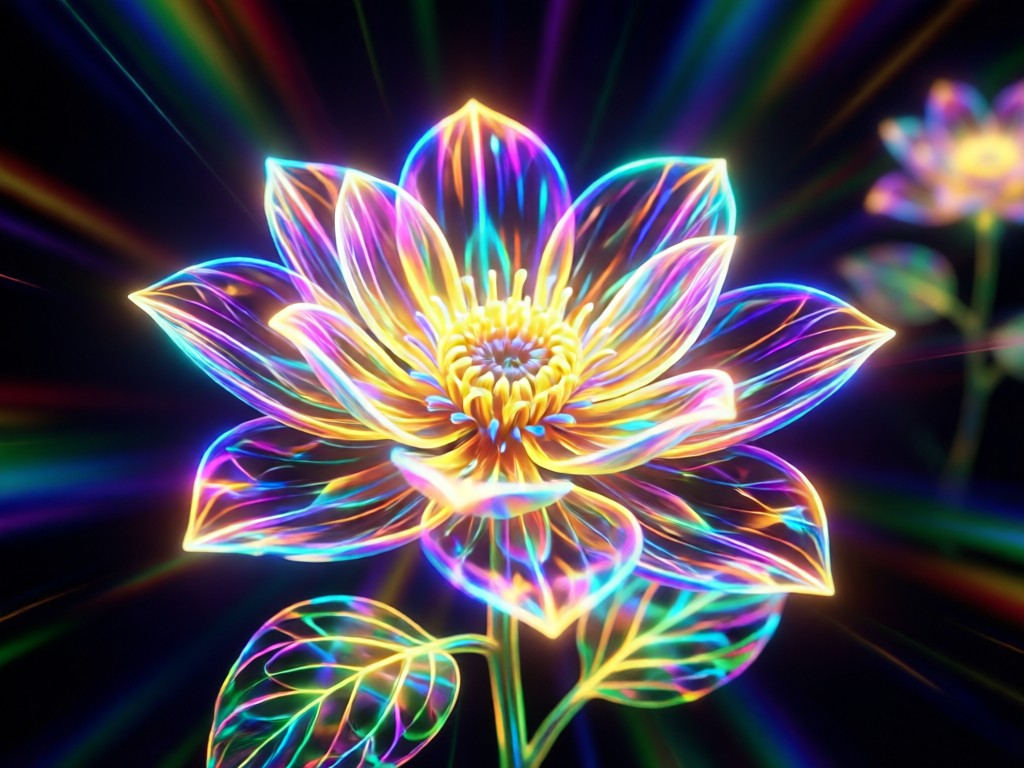
Adjustable Glow Intensity
Control the strength of your bloom effect with a simple slider. Go from a subtle, sun-kissed haze to a powerful, radiant light explosion.
Adjustable Glow Intensity
Control the strength of your bloom effect with a simple slider. Go from a subtle, sun-kissed haze to a powerful, radiant light explosion.
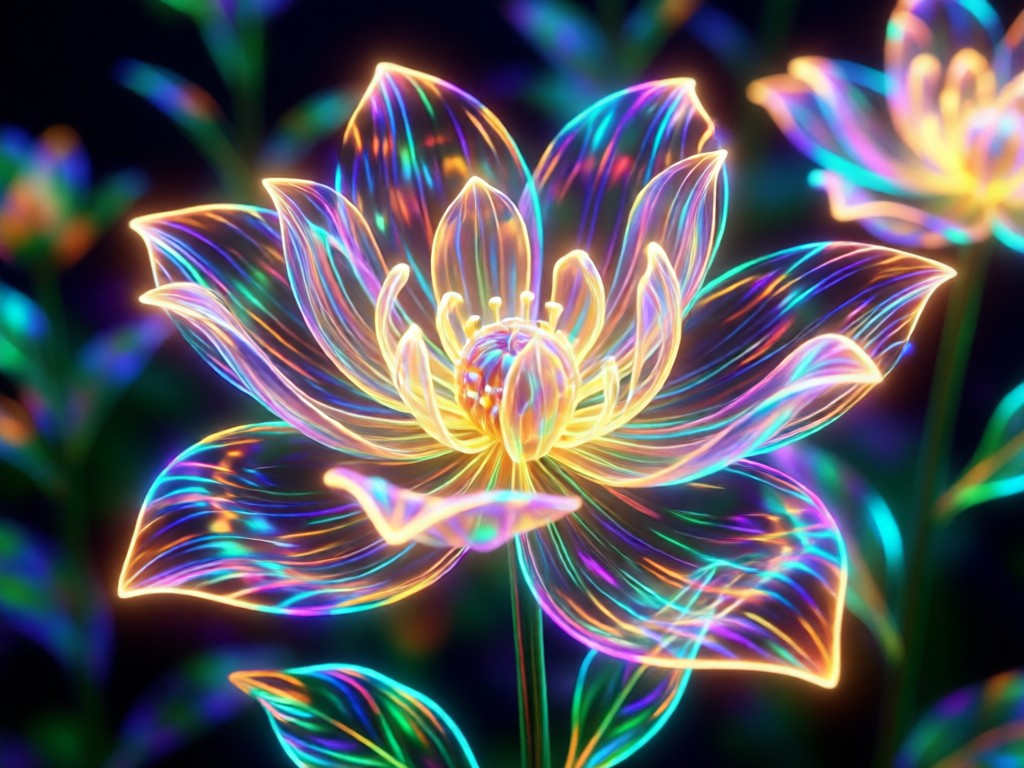
Color & Tone Customization
Choose from warm golden glows, cool blue halos, or vibrant rainbow light leaks. Match the bloom color to your photo's existing palette for a cohesive look.
Color & Tone Customization
Choose from warm golden glows, cool blue halos, or vibrant rainbow light leaks. Match the bloom color to your photo's existing palette for a cohesive look.
AI Bloom Effect Gallery
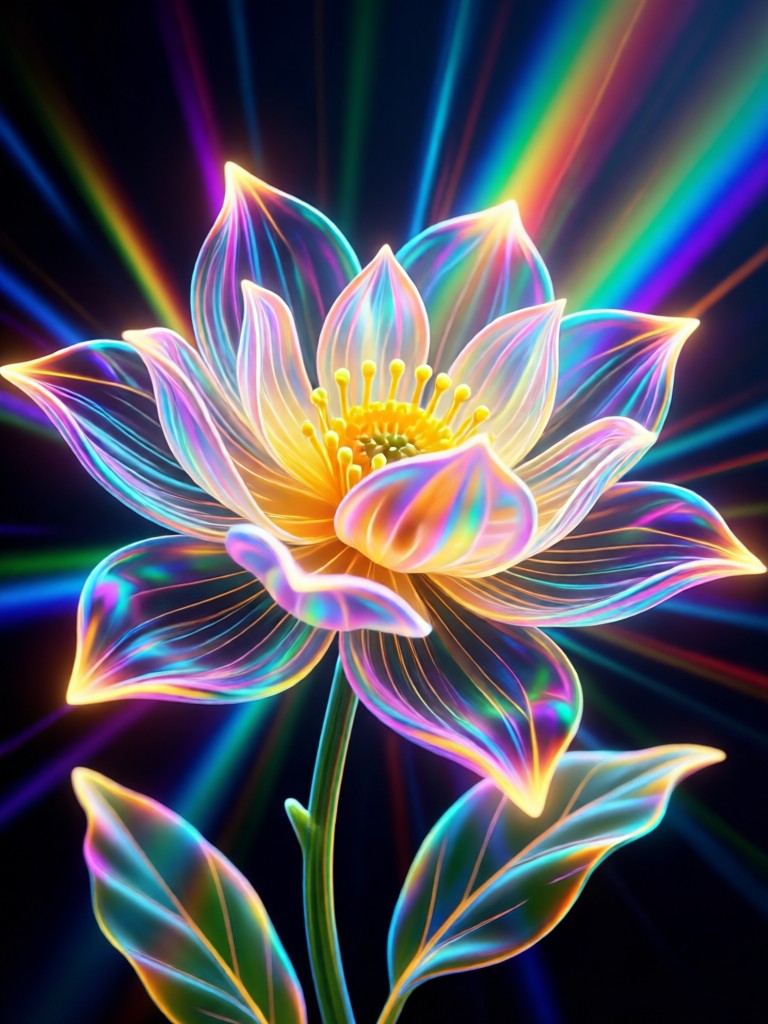
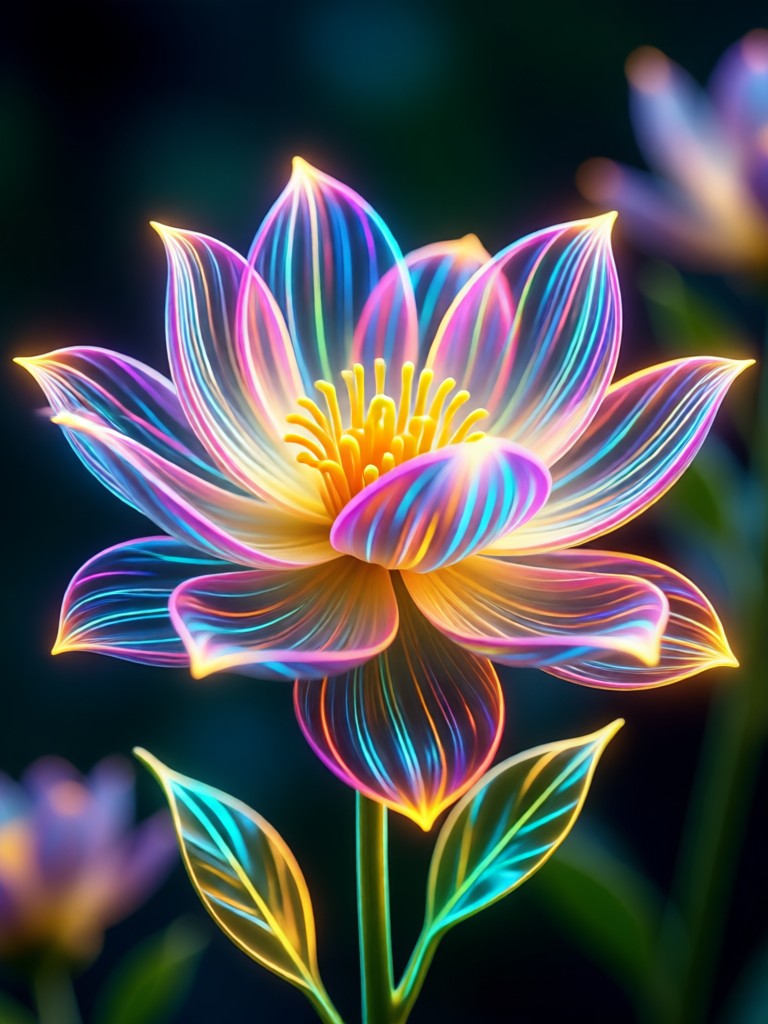
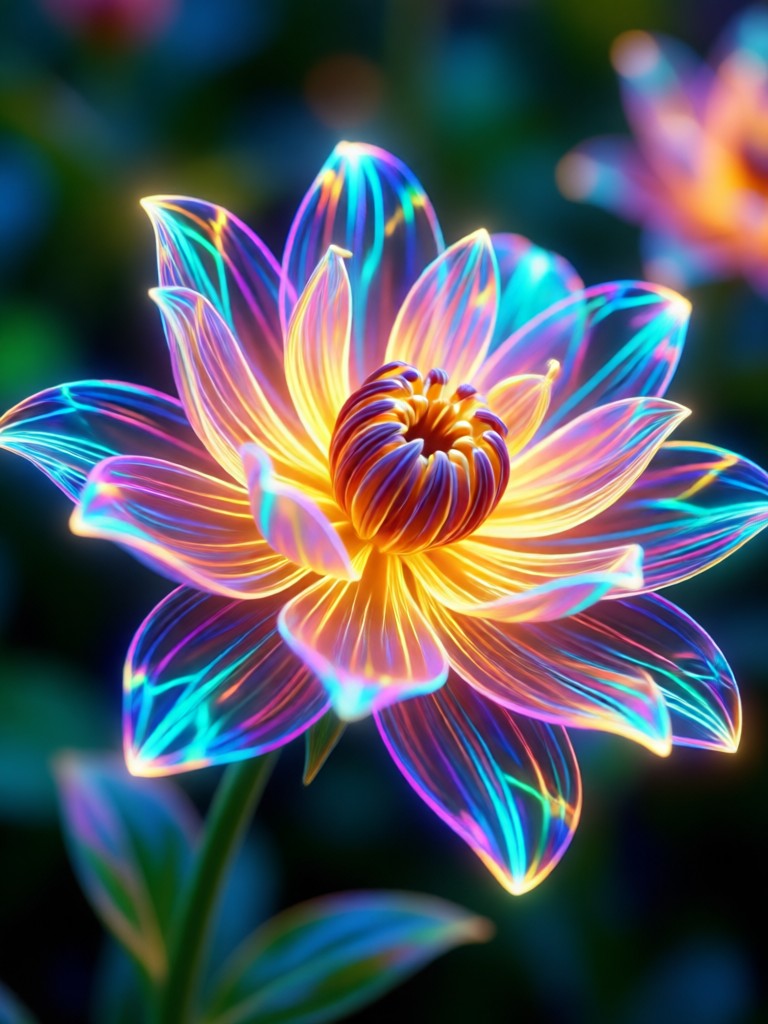
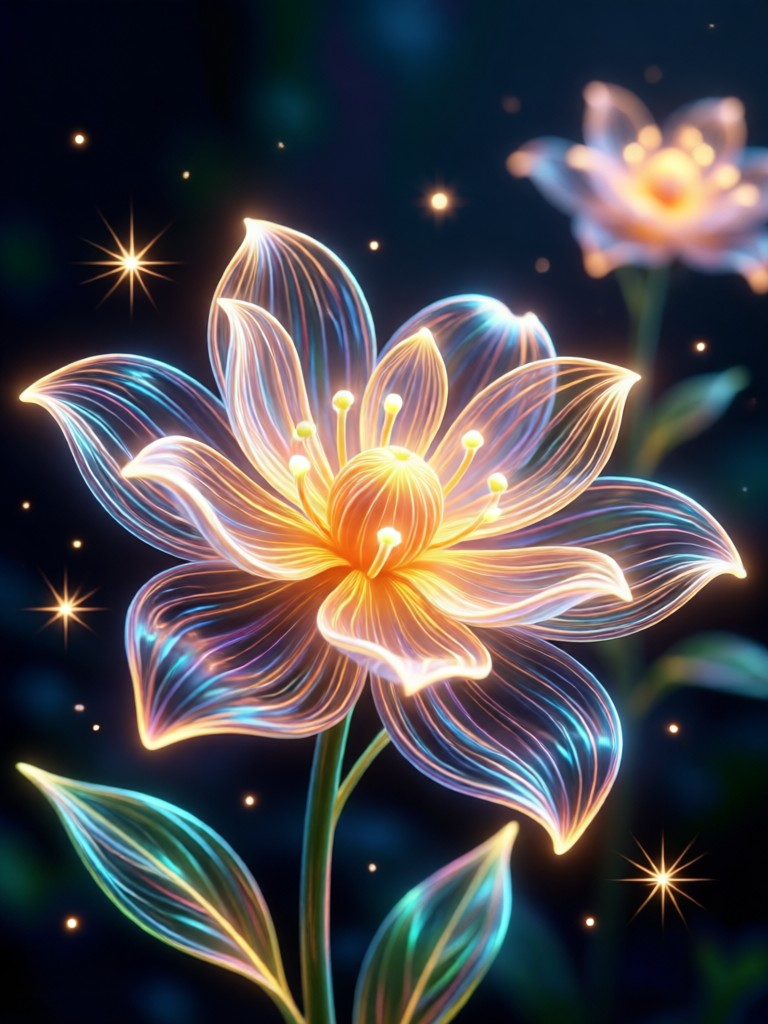
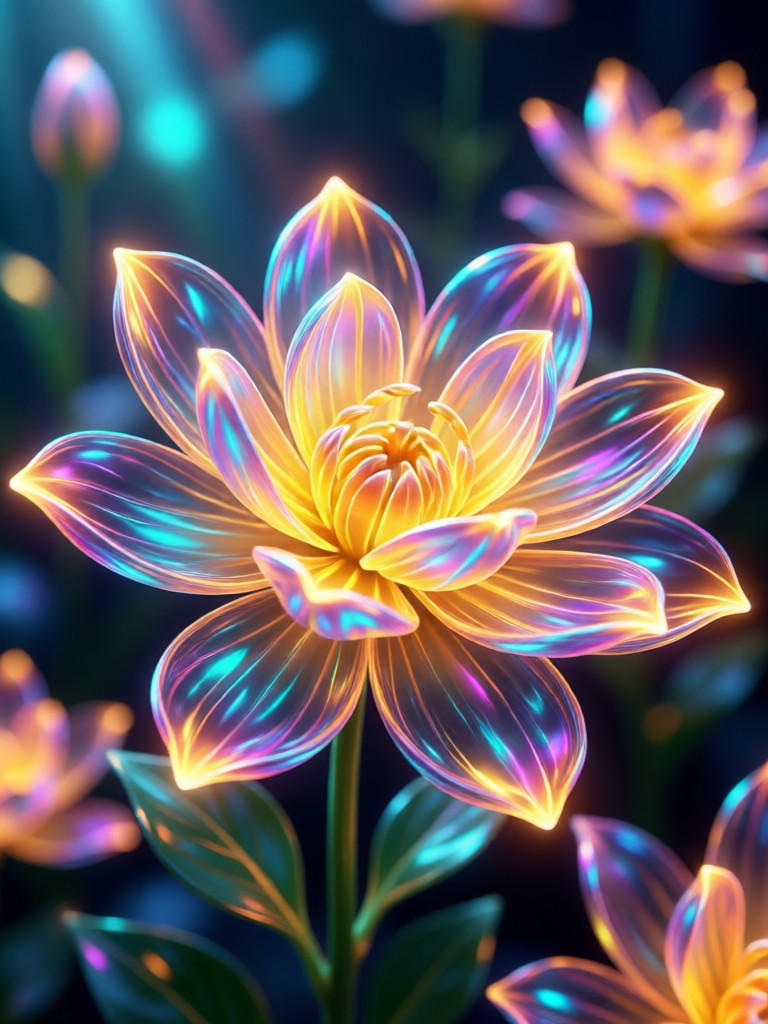
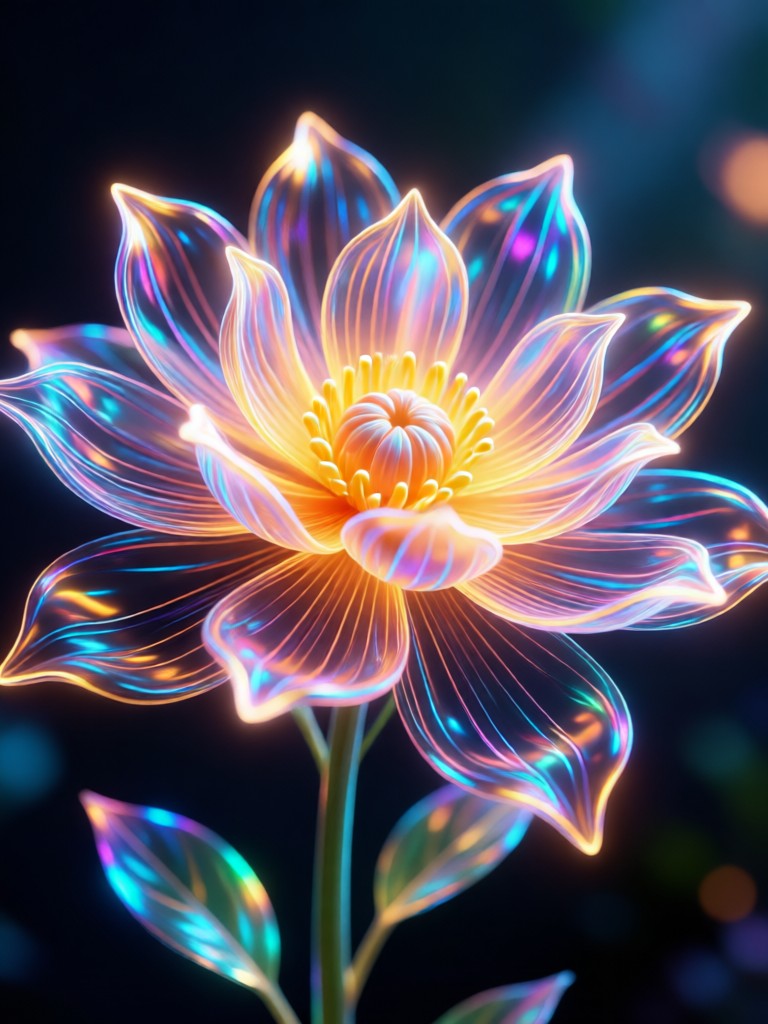
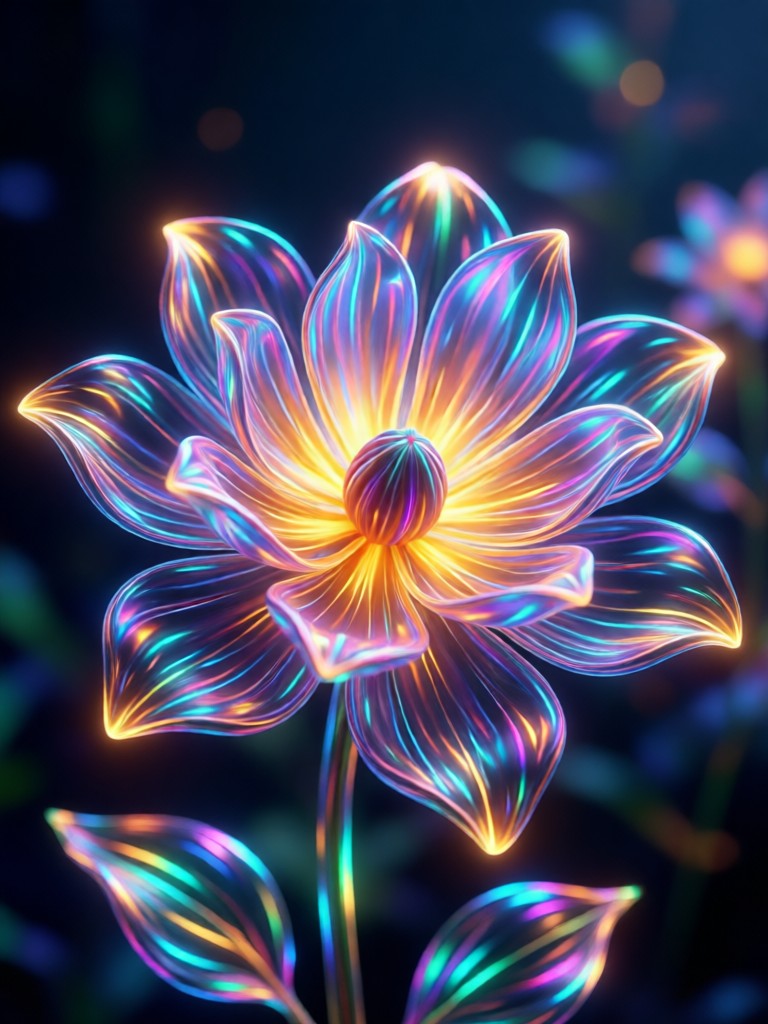
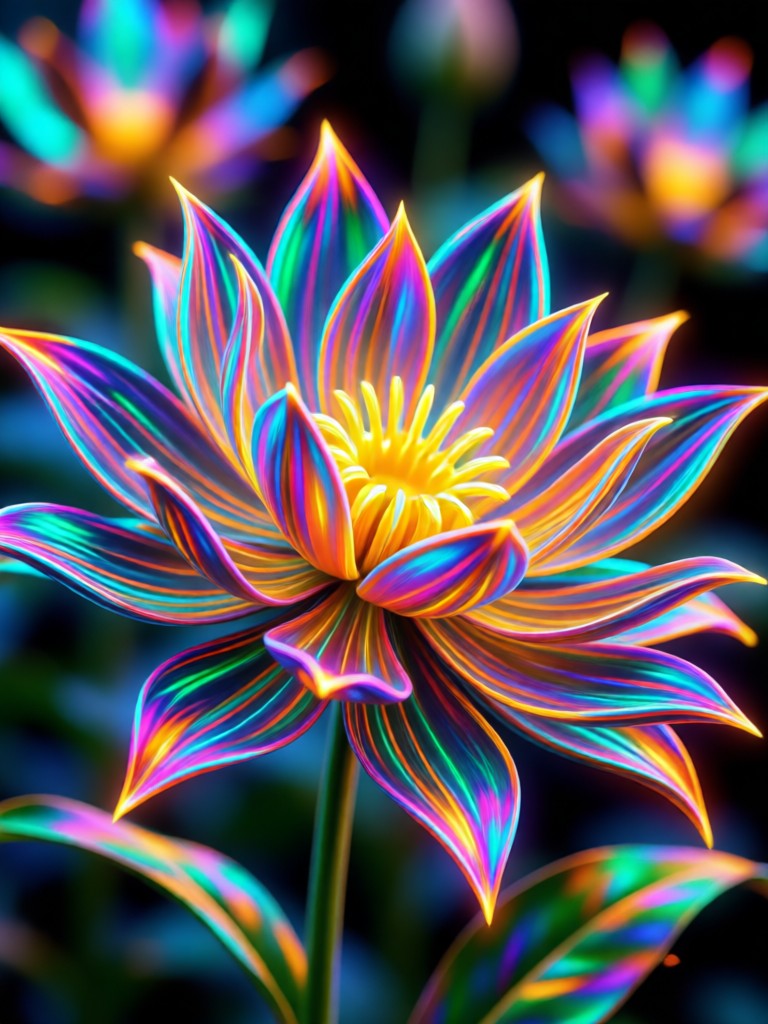
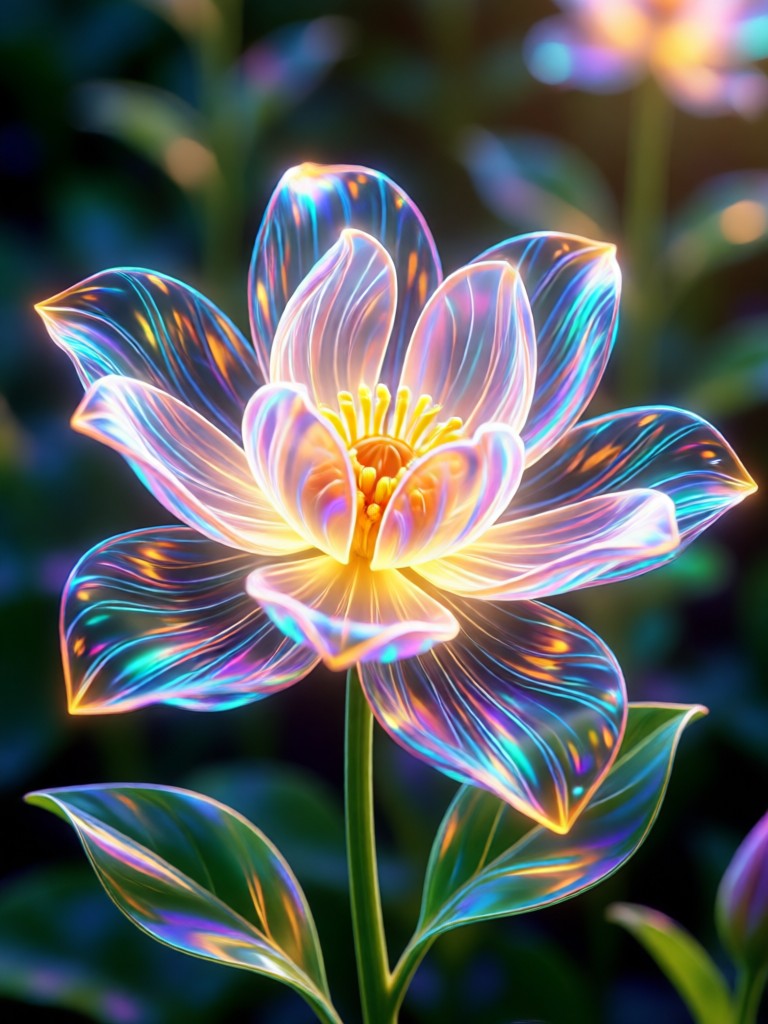
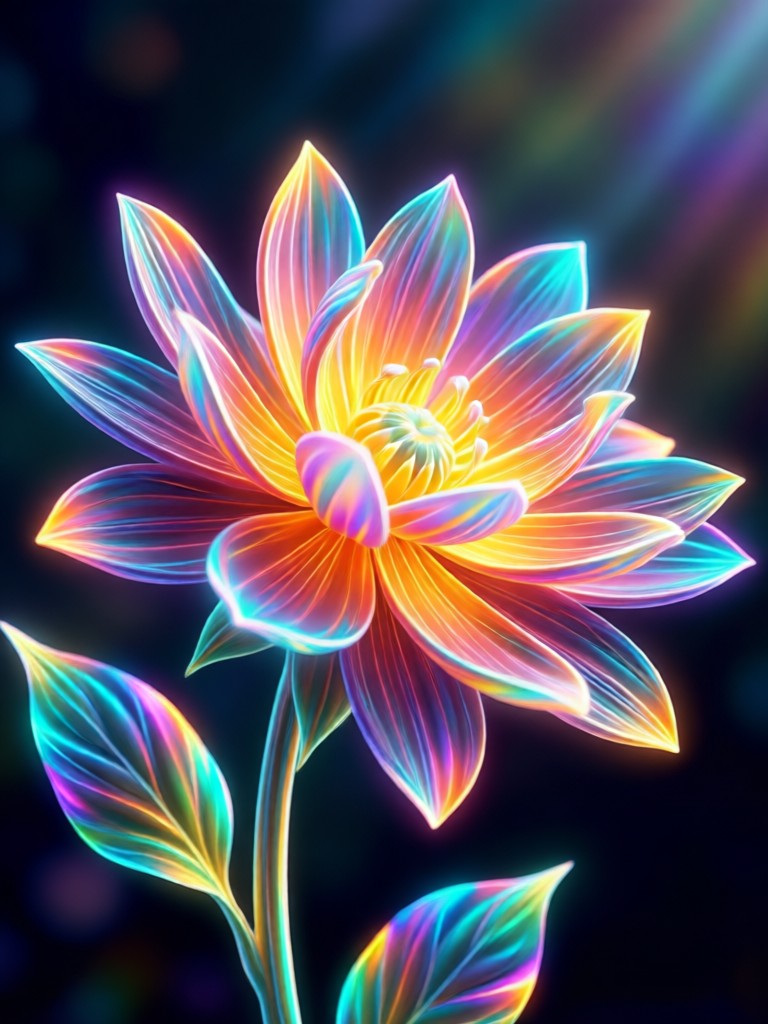
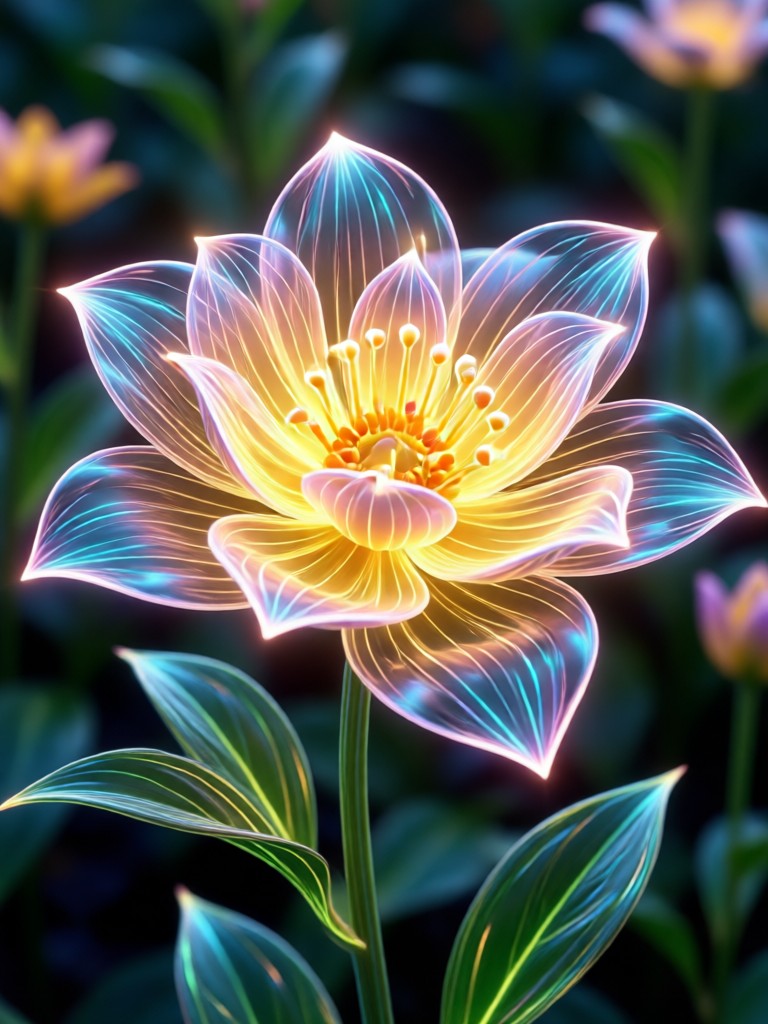
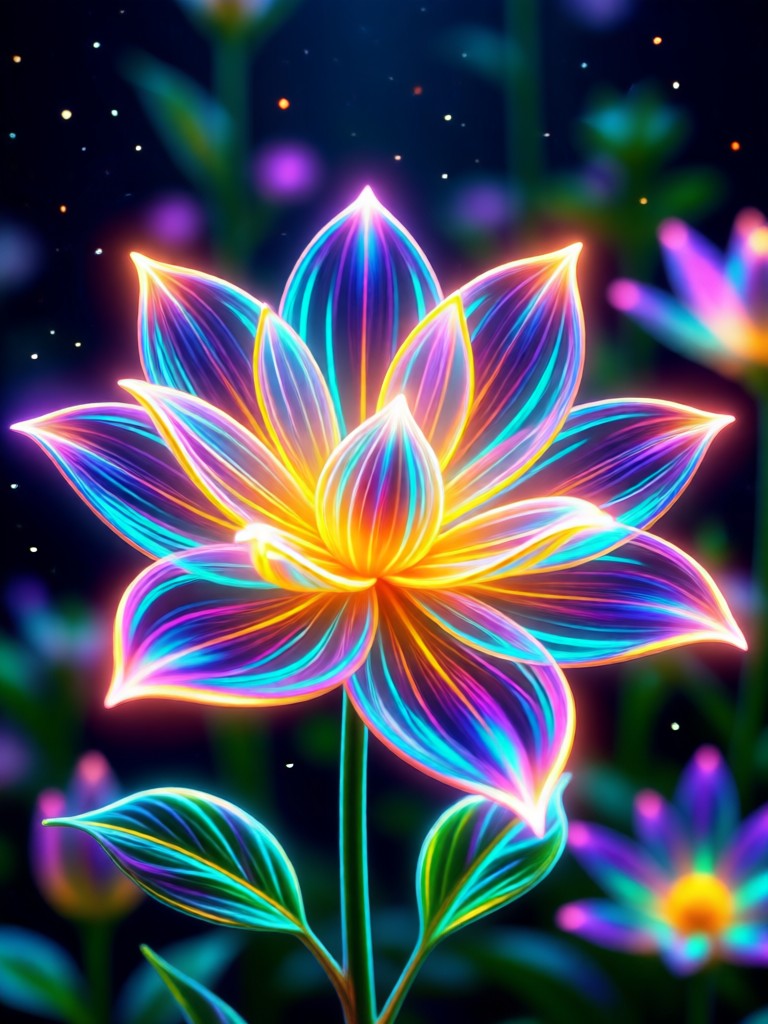
See how the AI Bloom Effect transforms portraits, landscapes, and everyday scenes. Browse stunning examples of magical light added to various photo types.
Why Choose AI Bloom Effect?
Professional photographers spend hours in complex software like Photoshop to create realistic bloom and glow effects. Our AI does it in seconds, with intelligent light placement that respects your original image's composition and lighting.
Why Choose AI Bloom Effect?
Professional photographers spend hours in complex software like Photoshop to create realistic bloom and glow effects. Our AI does it in seconds, with intelligent light placement that respects your original image's composition and lighting.
How to Add AI Bloom Effect?
Create stunning, glowing photos in just three simple steps. No technical knowledge or expensive software required.

Step 01.
Download the makmak app from Google Play. It's completely free to get started with basic bloom effects and filters.

Step 02.
Upload any photo from your gallery or take a new one. Then, browse and select from our curated 'Bloom' and 'Glow' style filters.

Step 03.
Adjust intensity and color sliders to perfect your glow. Save your masterpiece and share it directly to Instagram, TikTok, or other social platforms.
Who Uses AI Bloom Effect

Sophia R.
As a portrait photographer, I use the AI Bloom Effect to add that perfect golden hour glow to indoor shoots. It saves me hours of editing in Lightroom and makes my clients look angelic.

Marcus T.
This effect makes my Instagram feed look cohesive and professional. The 'Soft Glow' filter is my secret weapon for making product photos and selfies stand out in a crowded feed.

Lena K.
I travel a lot and don't always get perfect lighting. The AI Bloom Effect helps me salvage backlit or flat landscape photos by adding dramatic sunbeams and atmosphere I wish were really there.
David L.
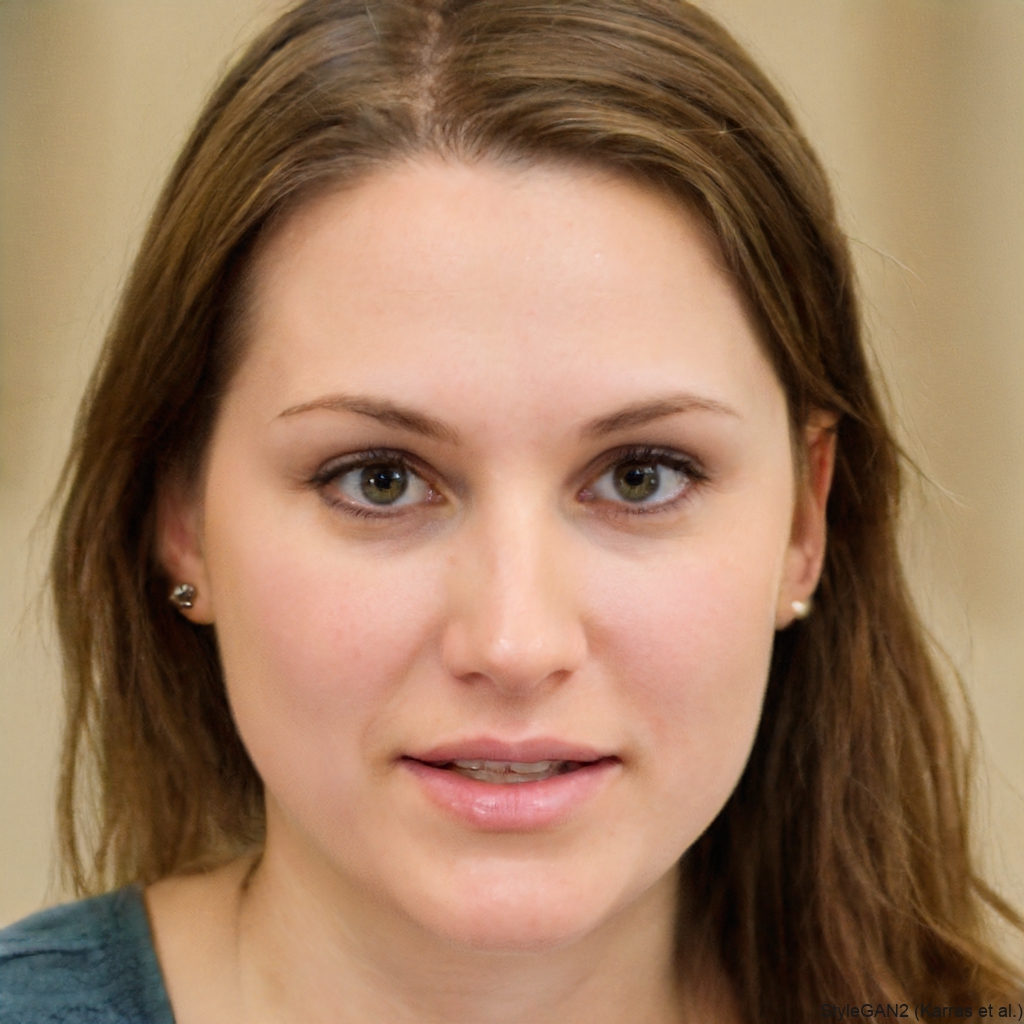
Wedding and event photos often need that extra magical touch. The bloom effect adds a romantic, dreamy quality that clients love, and it's so much faster than doing it manually in Photoshop.
Sophia R.
As a portrait photographer, I use the AI Bloom Effect to add that perfect golden hour glow to indoor shoots. It saves me hours of editing in Lightroom and makes my clients look angelic.
Marcus T.
This effect makes my Instagram feed look cohesive and professional. The 'Soft Glow' filter is my secret weapon for making product photos and selfies stand out in a crowded feed.
Lena K.
I travel a lot and don't always get perfect lighting. The AI Bloom Effect helps me salvage backlit or flat landscape photos by adding dramatic sunbeams and atmosphere I wish were really there.
David L.
Wedding and event photos often need that extra magical touch. The bloom effect adds a romantic, dreamy quality that clients love, and it's so much faster than doing it manually in Photoshop.
Sophia R.
As a portrait photographer, I use the AI Bloom Effect to add that perfect golden hour glow to indoor shoots. It saves me hours of editing in Lightroom and makes my clients look angelic.
Marcus T.
This effect makes my Instagram feed look cohesive and professional. The 'Soft Glow' filter is my secret weapon for making product photos and selfies stand out in a crowded feed.
Lena K.
I travel a lot and don't always get perfect lighting. The AI Bloom Effect helps me salvage backlit or flat landscape photos by adding dramatic sunbeams and atmosphere I wish were really there.
David L.
Wedding and event photos often need that extra magical touch. The bloom effect adds a romantic, dreamy quality that clients love, and it's so much faster than doing it manually in Photoshop.
From Flat to Fantastic in Seconds
See how a simple portrait transforms with the AI Bloom Effect. The left image is the original. The right image has an intelligent golden glow applied, highlighting the subject and adding depth without looking artificial or over-edited.
AI Bloom Effect FAQs
Find answers to common questions about using the AI Bloom Effect. Learn how to get the best results and troubleshoot any issues quickly.
More Topics You May Like
Explore more topics you may like and discover fresh ideas tailored to your interests.
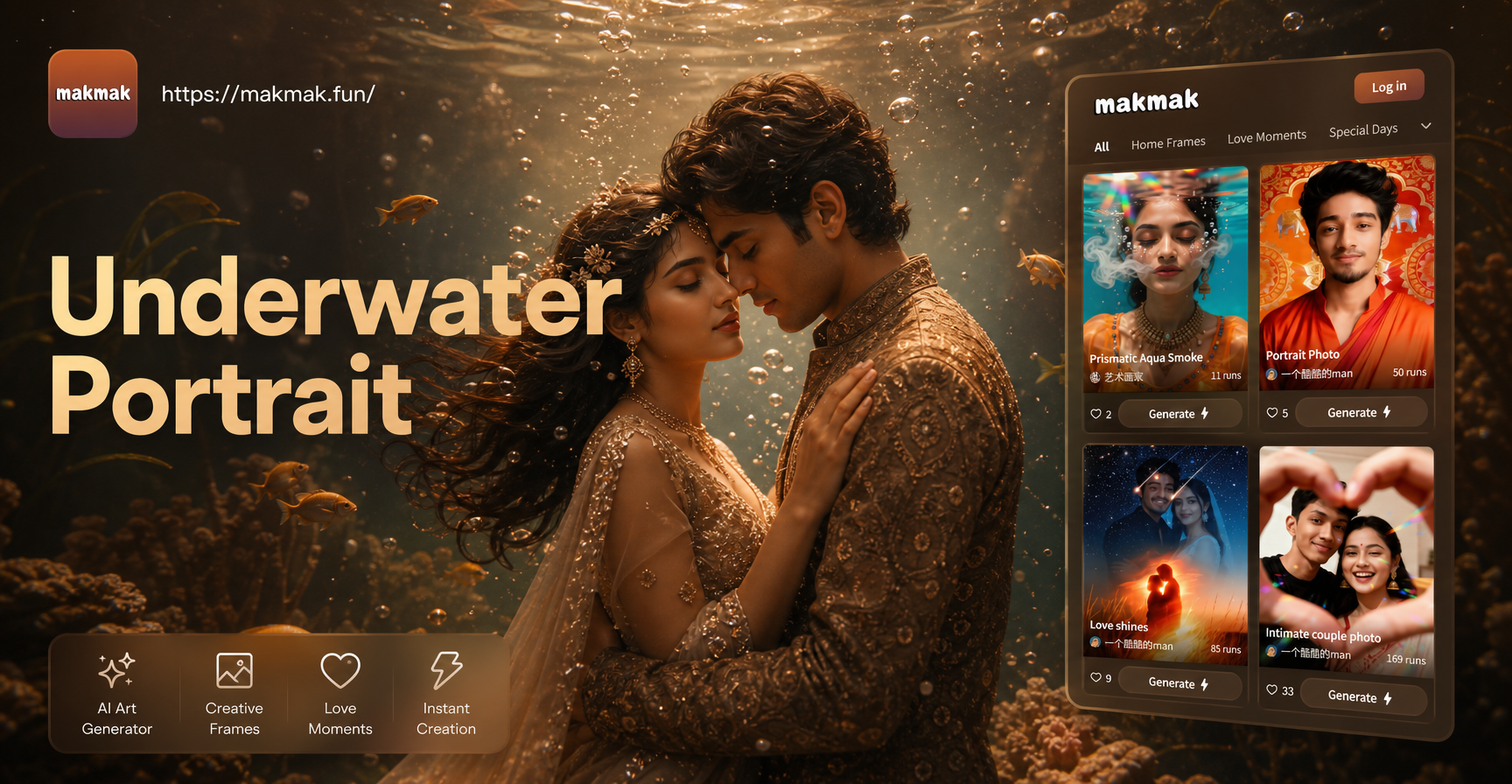
Create Magical Underwater Couple Portraits with AI
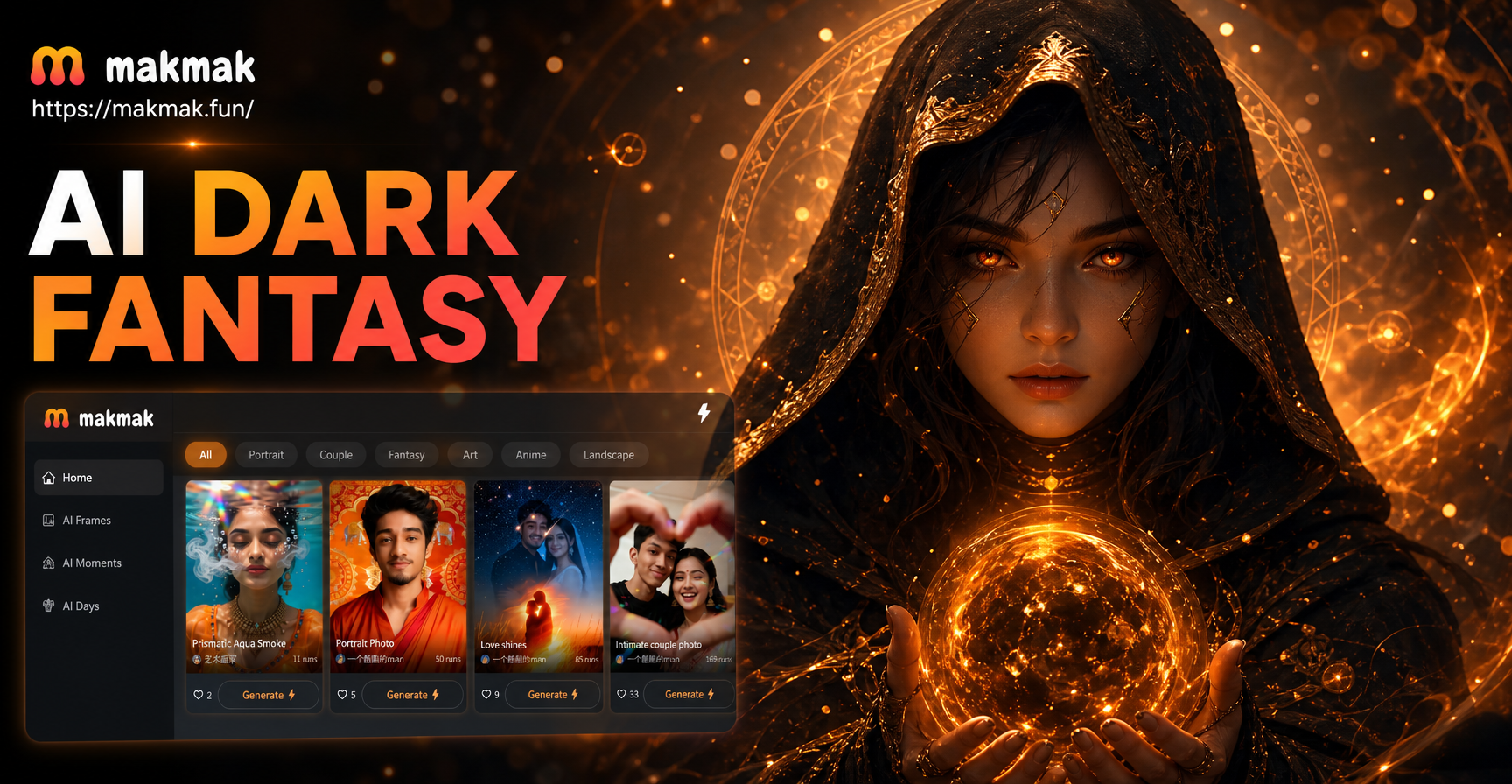
Create Dark Fantasy Worlds with AI Art Generator

Transform Photos into Stylized Bratz Doll Art with AI
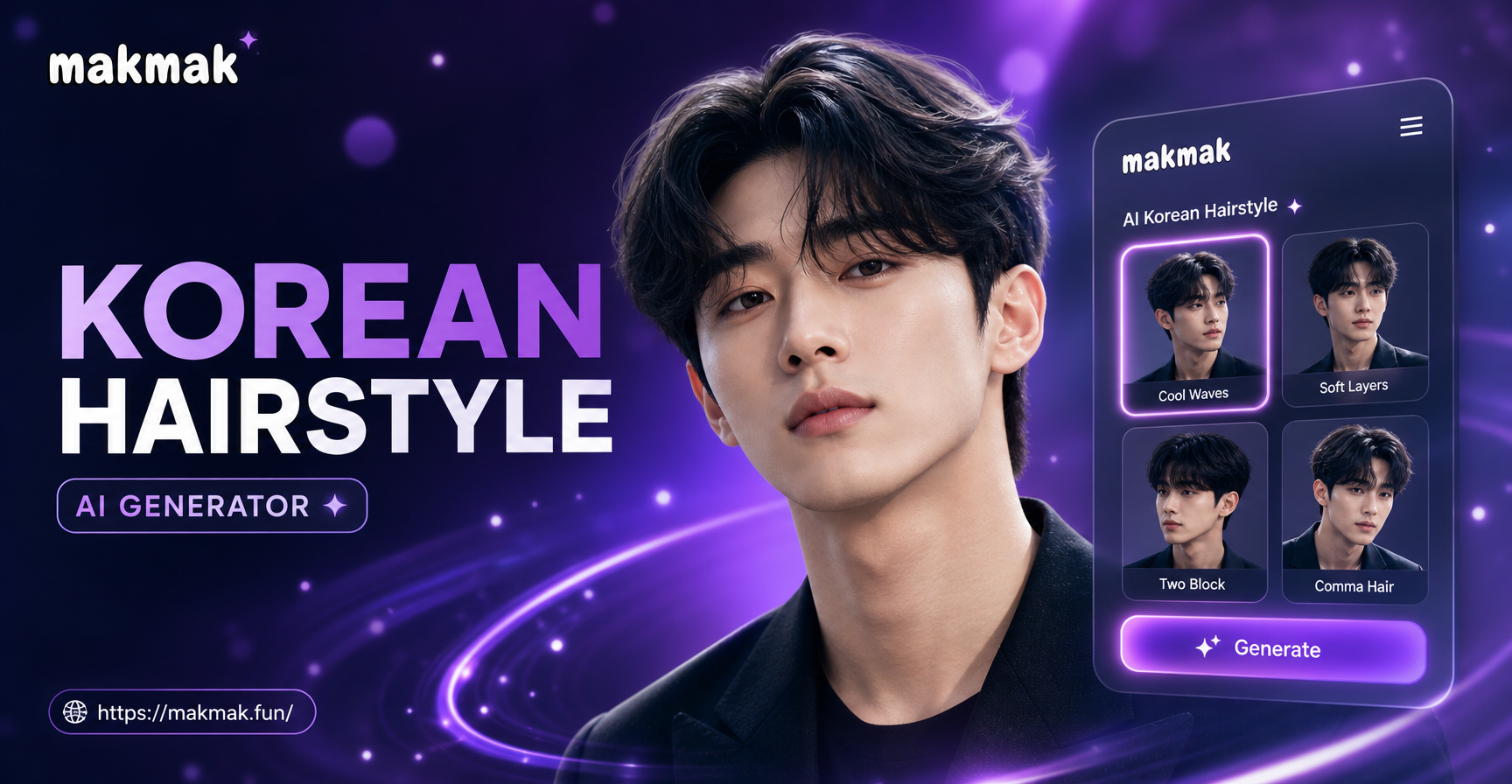
Korean Male Hairstyle AI: Style Your Hair Before You Cut
Create Magical Underwater Couple Portraits with AI
Create Dark Fantasy Worlds with AI Art Generator
Transform Photos into Stylized Bratz Doll Art with AI
Korean Male Hairstyle AI: Style Your Hair Before You Cut
Add Magic to Your Photos Today
Stop scrolling through complex editing tutorials. Download makmak now and transform your photos with a professional, dreamy glow in seconds. Join millions who are creating stunning visuals with AI.
Add Magic to Your Photos Today
Stop scrolling through complex editing tutorials. Download makmak now and transform your photos with a professional, dreamy glow in seconds. Join millions who are creating stunning visuals with AI.