AI Fat Filter
Explore All Fun Appearance Filters
The AI Fat Filter is just the beginning. Discover a whole suite of AI powered filters that playfully transform your look, from adding age to changing your entire vibe.
What Makes Our AI Fat Filter So Realistic?
Our filter uses advanced AI to understand human anatomy and apply weight gain in a natural, believable way. It's not just about making faces rounder, it's a sophisticated transformation.

Anatomically Accurate AI
The AI doesn't just blur or stretch. It analyzes facial structure and body contours to add volume exactly where weight gain naturally occurs, like cheeks, jawline, and neck, for a surprisingly authentic result.
Anatomically Accurate AI
The AI doesn't just blur or stretch. It analyzes facial structure and body contours to add volume exactly where weight gain naturally occurs, like cheeks, jawline, and neck, for a surprisingly authentic result.

Adjustable Weight Levels
You're in control. Choose from subtle changes to more dramatic transformations. See a gradual progression from your current self to a fuller version, allowing you to pick the perfect 'what if' scenario.
Adjustable Weight Levels
You're in control. Choose from subtle changes to more dramatic transformations. See a gradual progression from your current self to a fuller version, allowing you to pick the perfect 'what if' scenario.
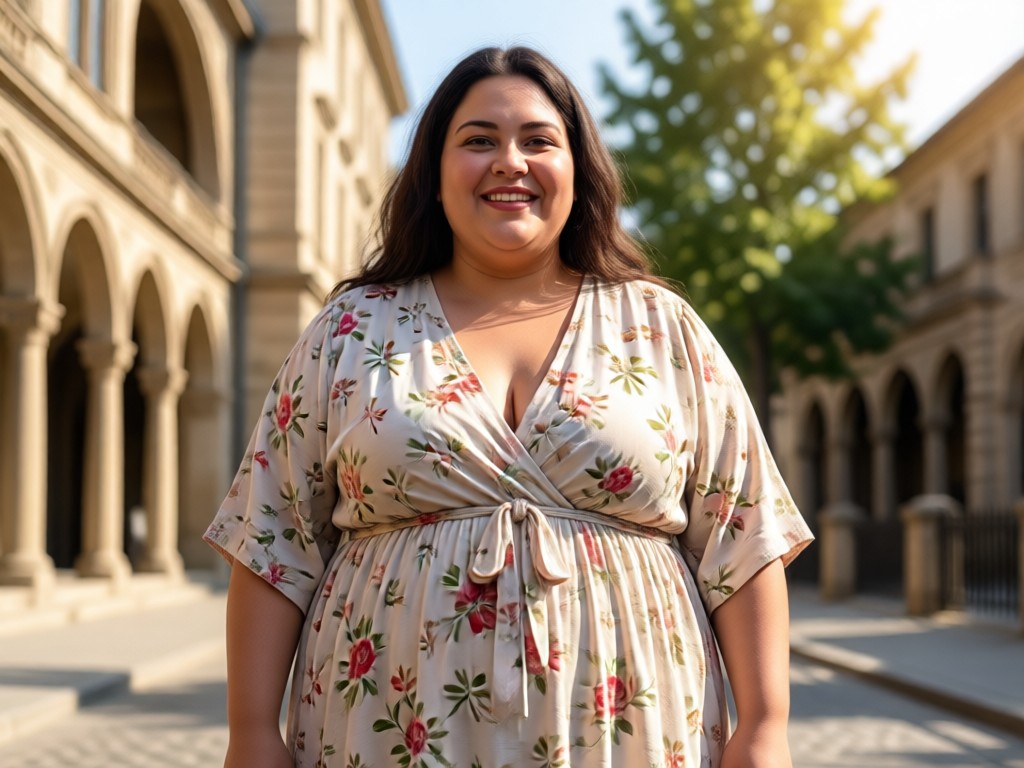
Instant & High Quality Results
Forget waiting. Upload a clear photo, and within seconds you'll have a high definition, detailed image. The output maintains your original photo's quality, just with a fun new twist.
Instant & High Quality Results
Forget waiting. Upload a clear photo, and within seconds you'll have a high definition, detailed image. The output maintains your original photo's quality, just with a fun new twist.
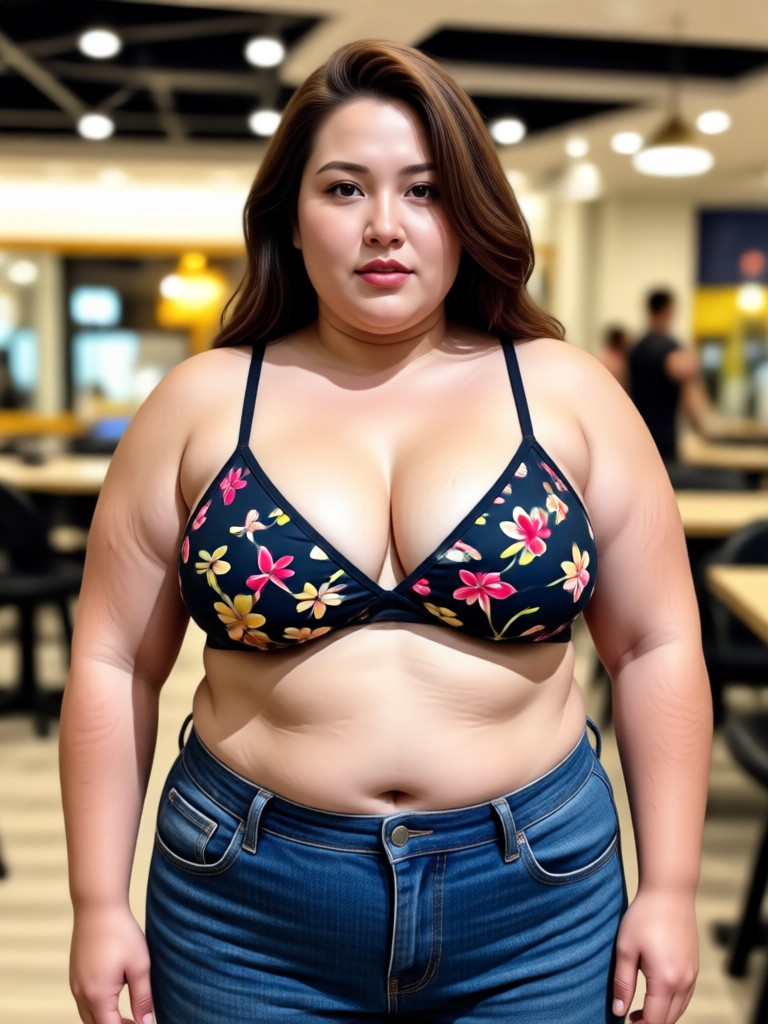
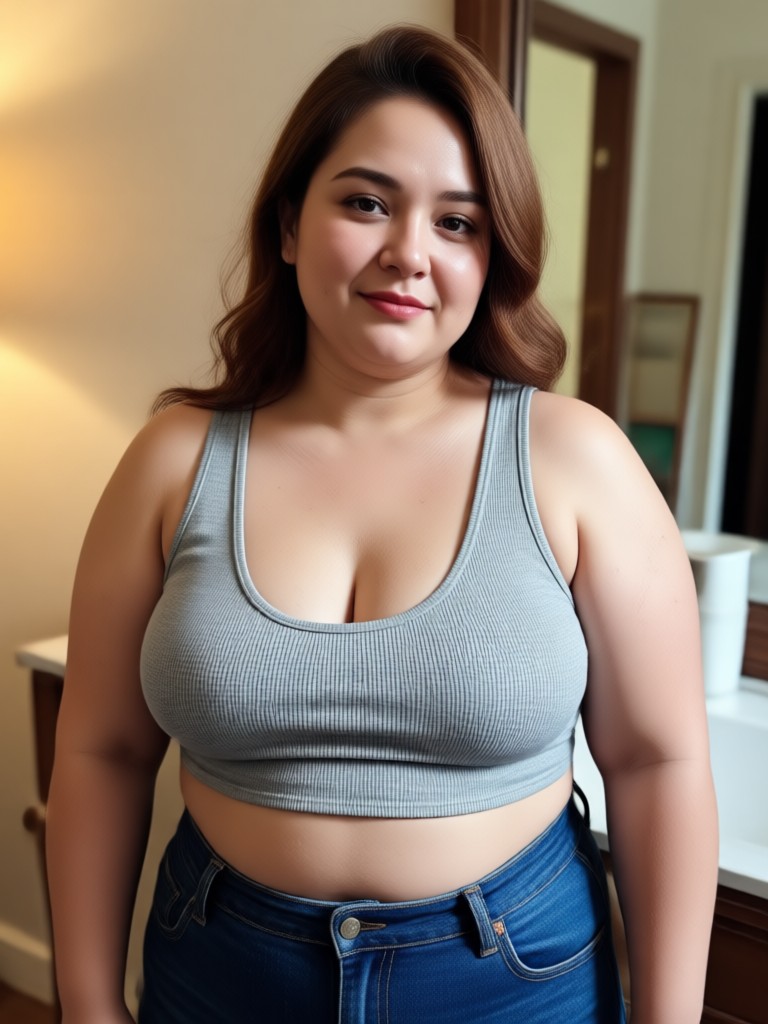
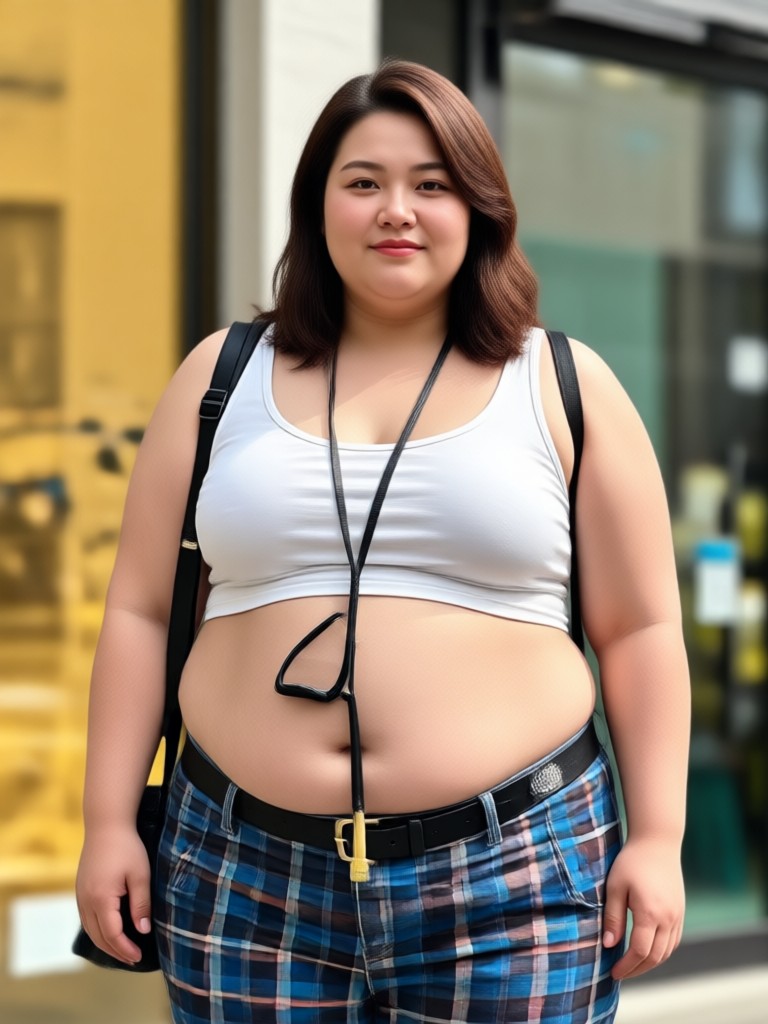
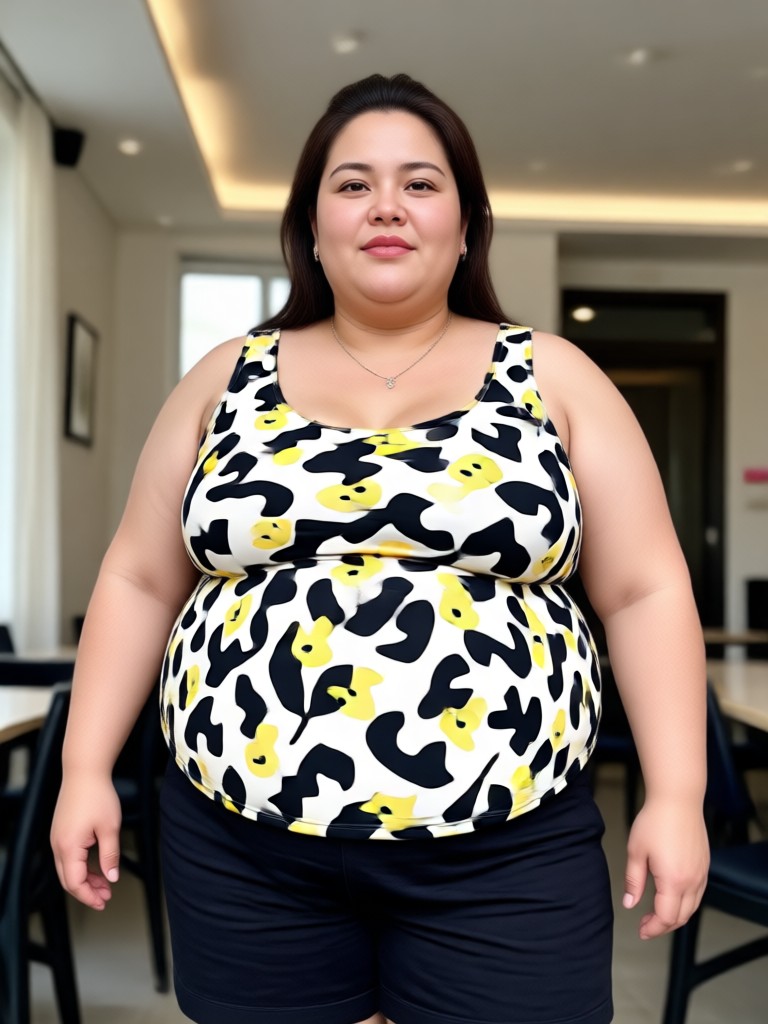
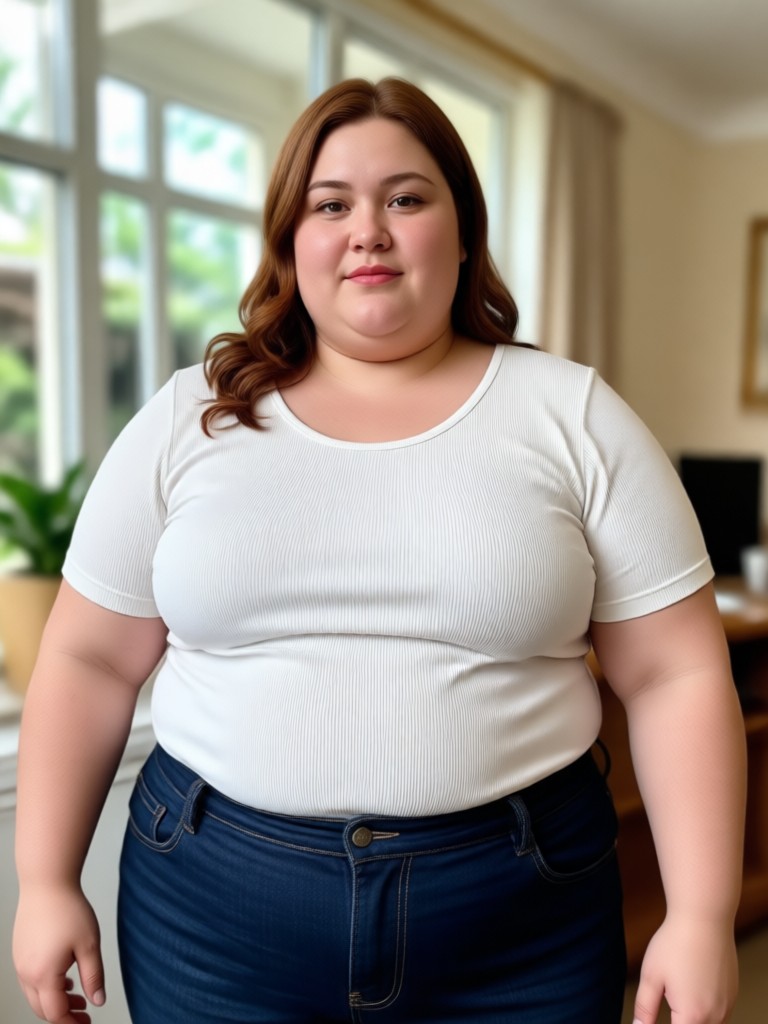
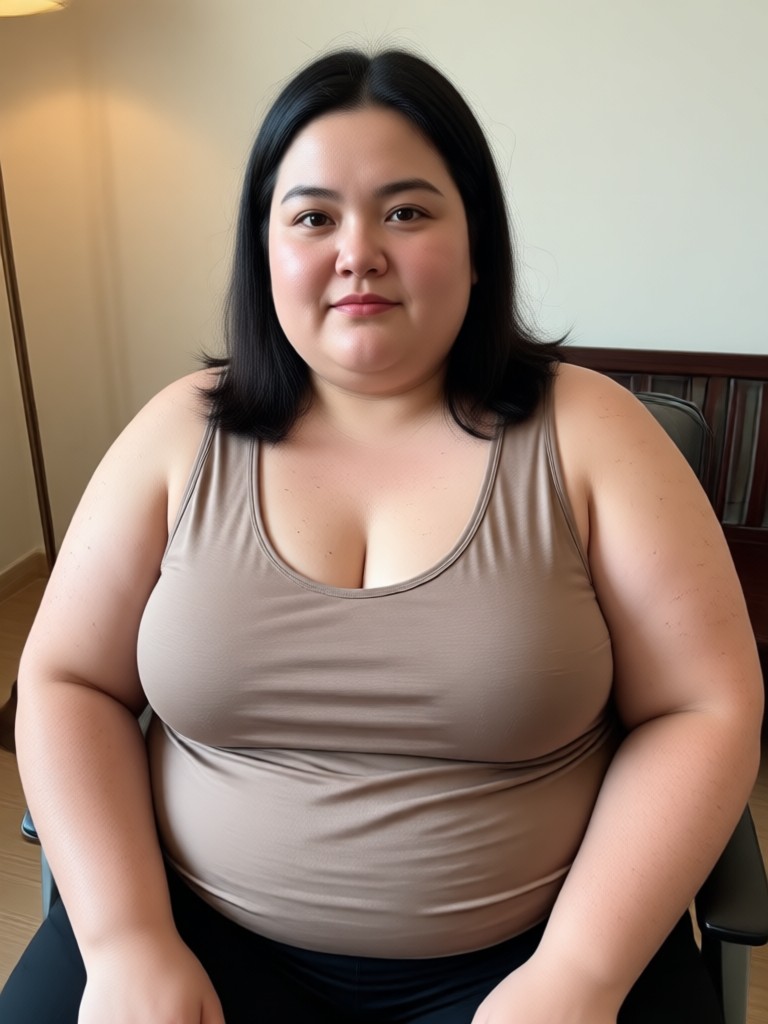
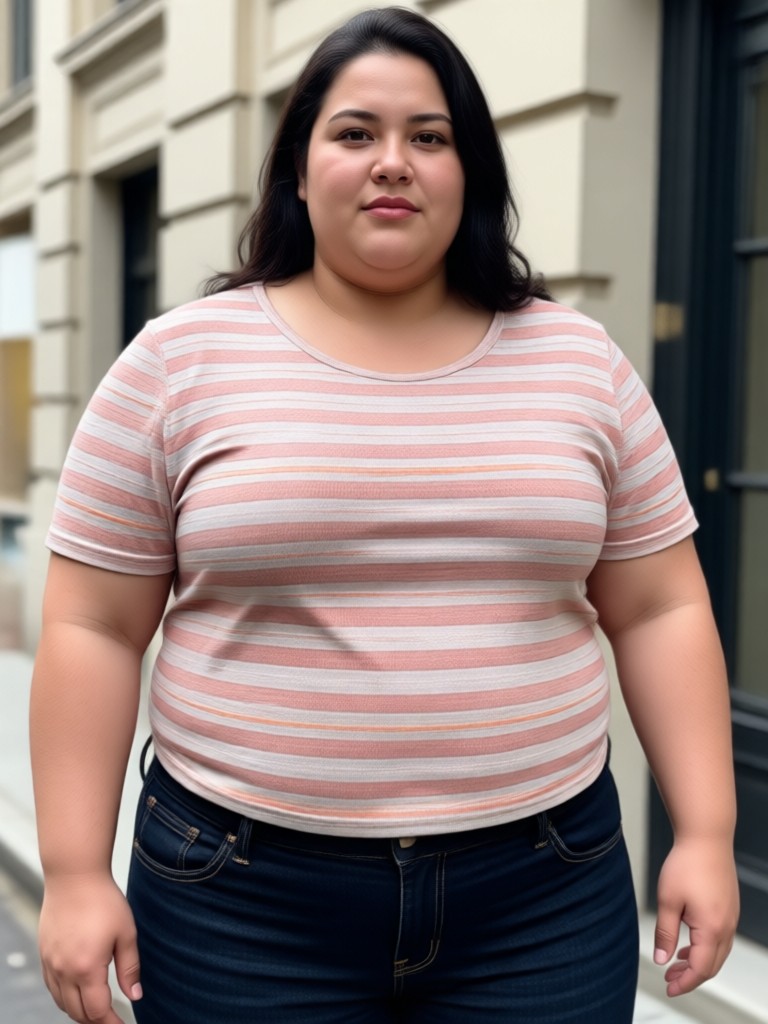
AI Fat Filter Transformation Gallery
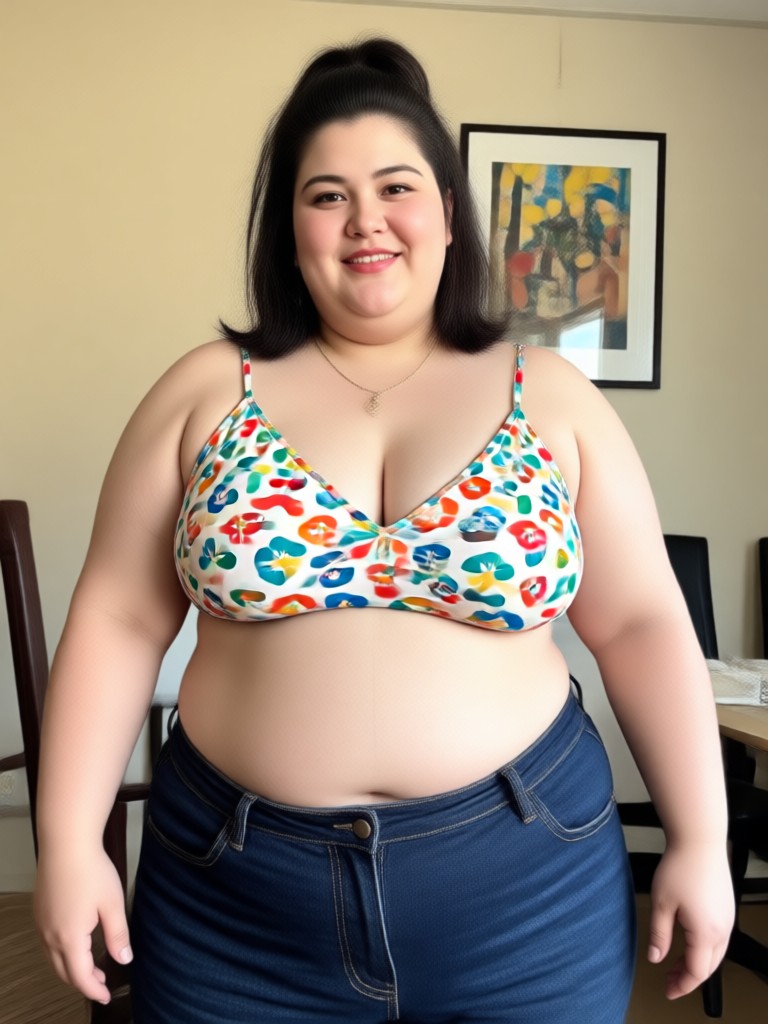
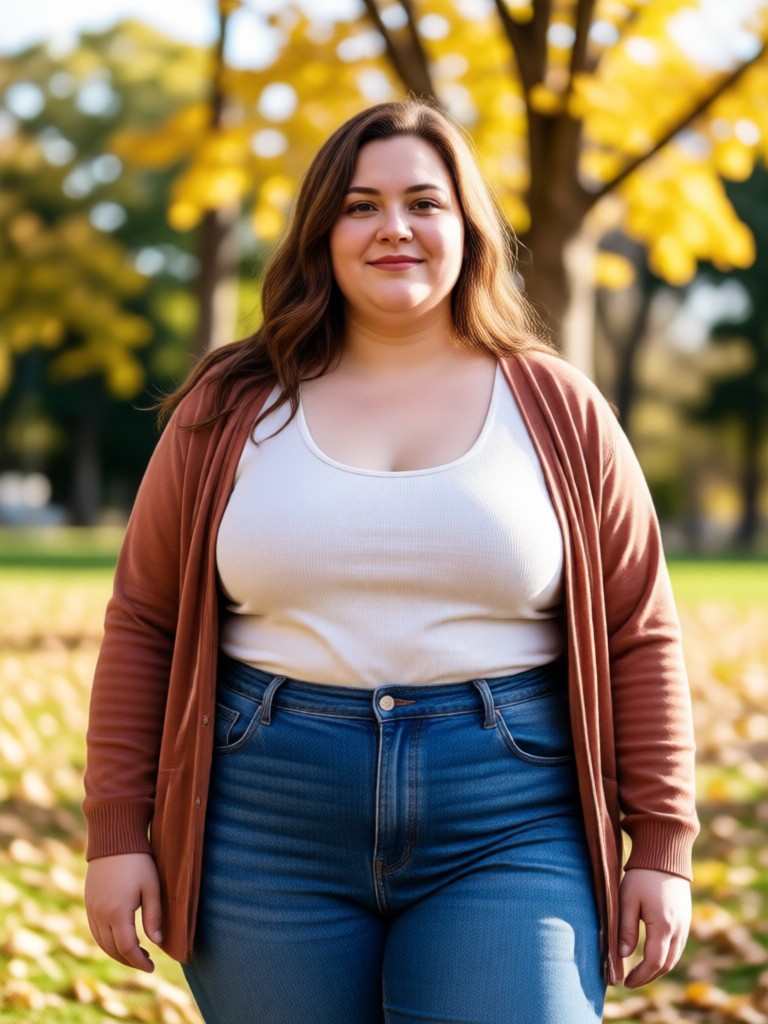
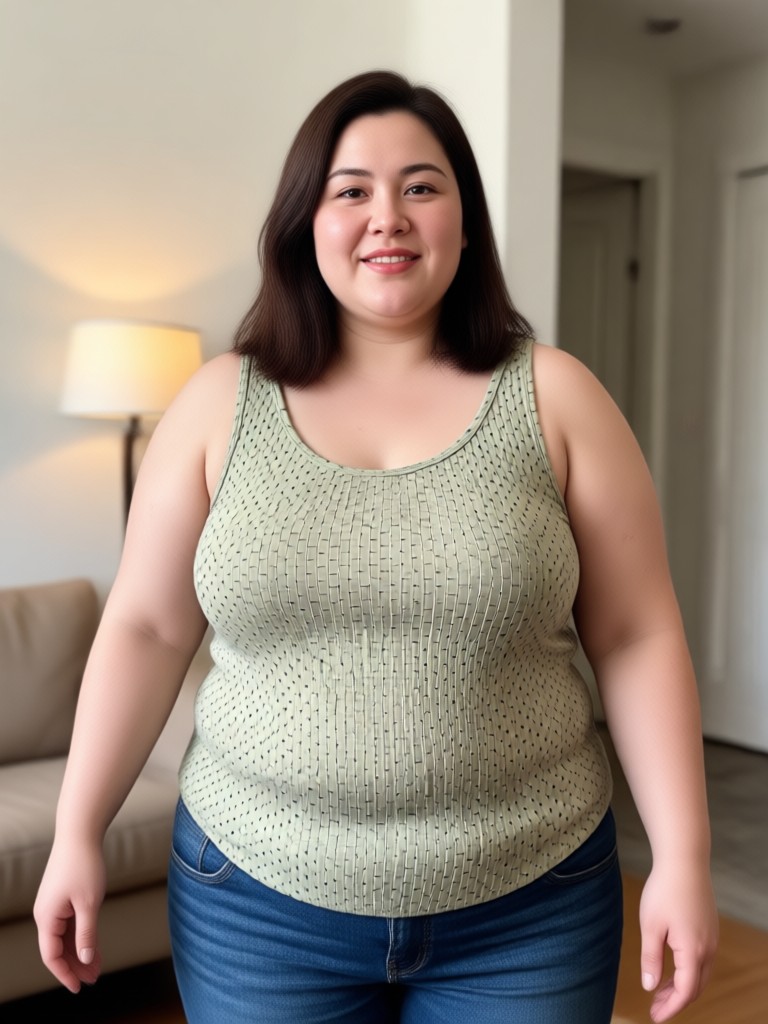
See the power of the AI Fat Filter in action. Browse real examples of how people have transformed their photos, from subtle cheek changes to full face makeovers. It's all in good fun.


How to Use the AI Fat Filter?
Transforming your photo takes less than a minute. Follow these three simple steps to see your chubbier alter ego.

Step 01.
Download the makmak app from Google Play. It's your all in one toolkit for AI photo and video fun, including the famous Fat Filter.

Step 02.
Open the app, find the 'Fat Filter' or search for it. Select a clear, well lit selfie or portrait photo from your gallery to upload.

Step 03.
Let the AI work its magic. Adjust the intensity if you like, then save your transformed image to your phone or share it directly with friends for a laugh.
What Users Are Saying About the AI Fat Filter
Alex
This filter had my whole group chat crying laughing. We all tried it on our profile pictures. The results are weirdly realistic, it's like seeing a future version of yourself after a long holiday.
Maria
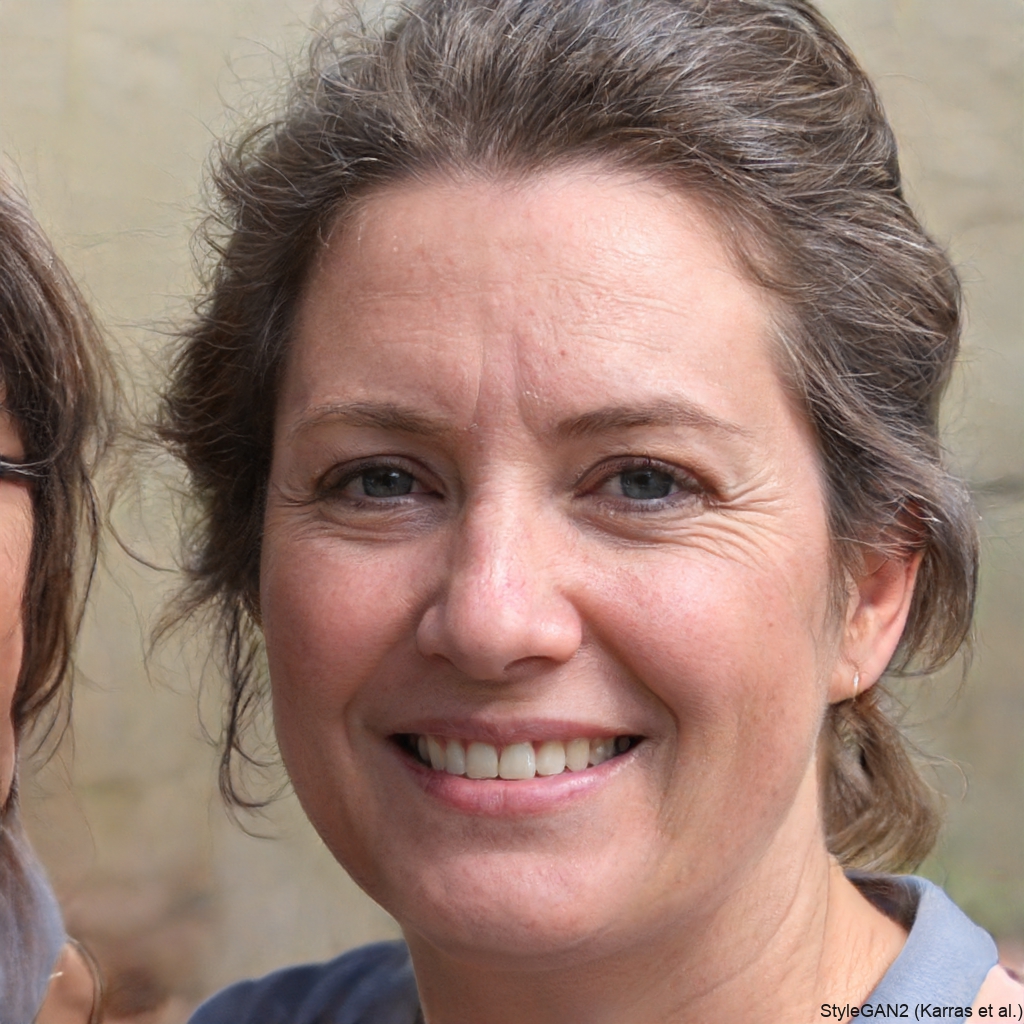
As a content creator, I'm always looking for fun, viral trends. The AI Fat Filter is perfect for reaction videos and 'what if' content. My audience loves it, and it takes seconds to make.

Jordan
I was skeptical, but it actually works really well. It doesn't just make your face a blob, it adds weight in a natural way. Great for a harmless prank on a friend's photo.
Chloe
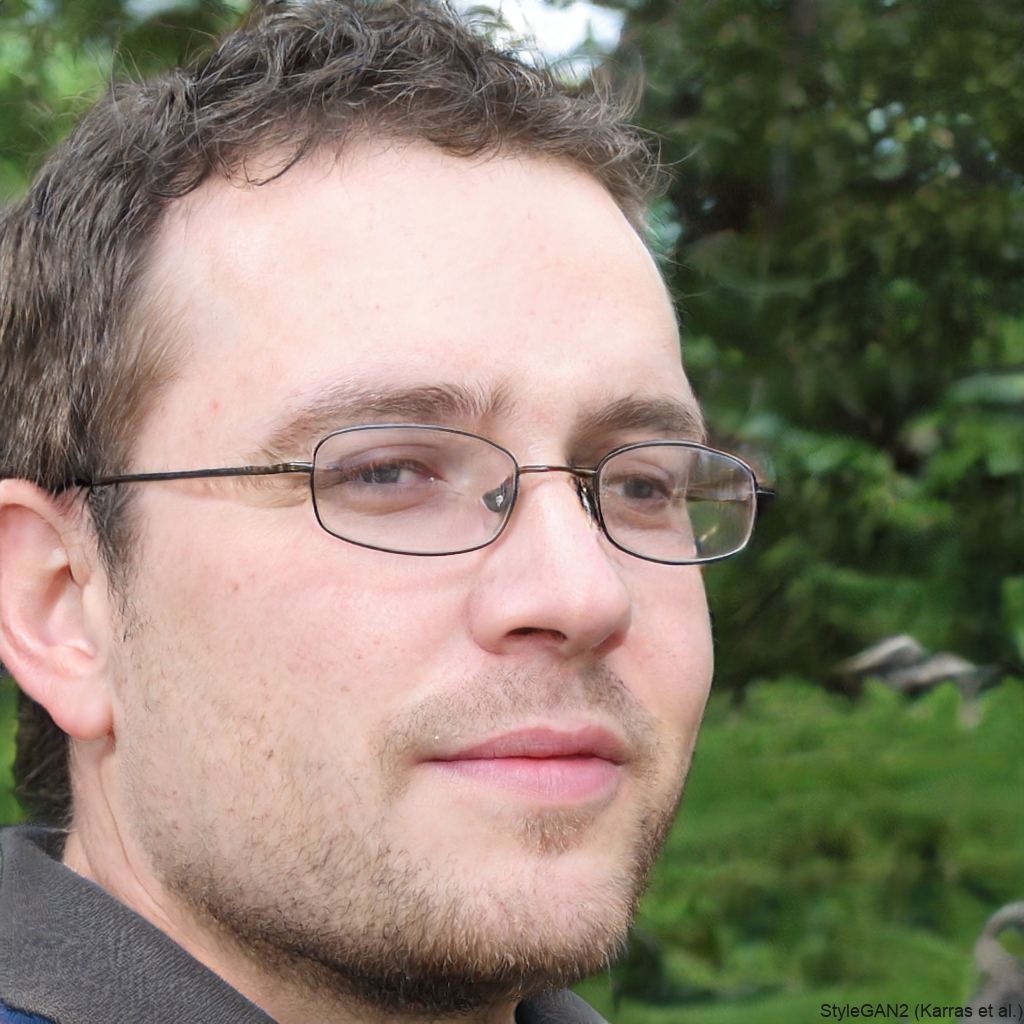
It's surprisingly accurate. I compared it to an old photo of me when I was heavier, and the AI version was scarily similar. It's a powerful and fun tool.
Alex
This filter had my whole group chat crying laughing. We all tried it on our profile pictures. The results are weirdly realistic, it's like seeing a future version of yourself after a long holiday.
Maria
As a content creator, I'm always looking for fun, viral trends. The AI Fat Filter is perfect for reaction videos and 'what if' content. My audience loves it, and it takes seconds to make.
Jordan
I was skeptical, but it actually works really well. It doesn't just make your face a blob, it adds weight in a natural way. Great for a harmless prank on a friend's photo.
Chloe
It's surprisingly accurate. I compared it to an old photo of me when I was heavier, and the AI version was scarily similar. It's a powerful and fun tool.
Alex
This filter had my whole group chat crying laughing. We all tried it on our profile pictures. The results are weirdly realistic, it's like seeing a future version of yourself after a long holiday.
Maria
As a content creator, I'm always looking for fun, viral trends. The AI Fat Filter is perfect for reaction videos and 'what if' content. My audience loves it, and it takes seconds to make.
Jordan
I was skeptical, but it actually works really well. It doesn't just make your face a blob, it adds weight in a natural way. Great for a harmless prank on a friend's photo.
Chloe
It's surprisingly accurate. I compared it to an old photo of me when I was heavier, and the AI version was scarily similar. It's a powerful and fun tool.
Your Fun AI Playground is Ready
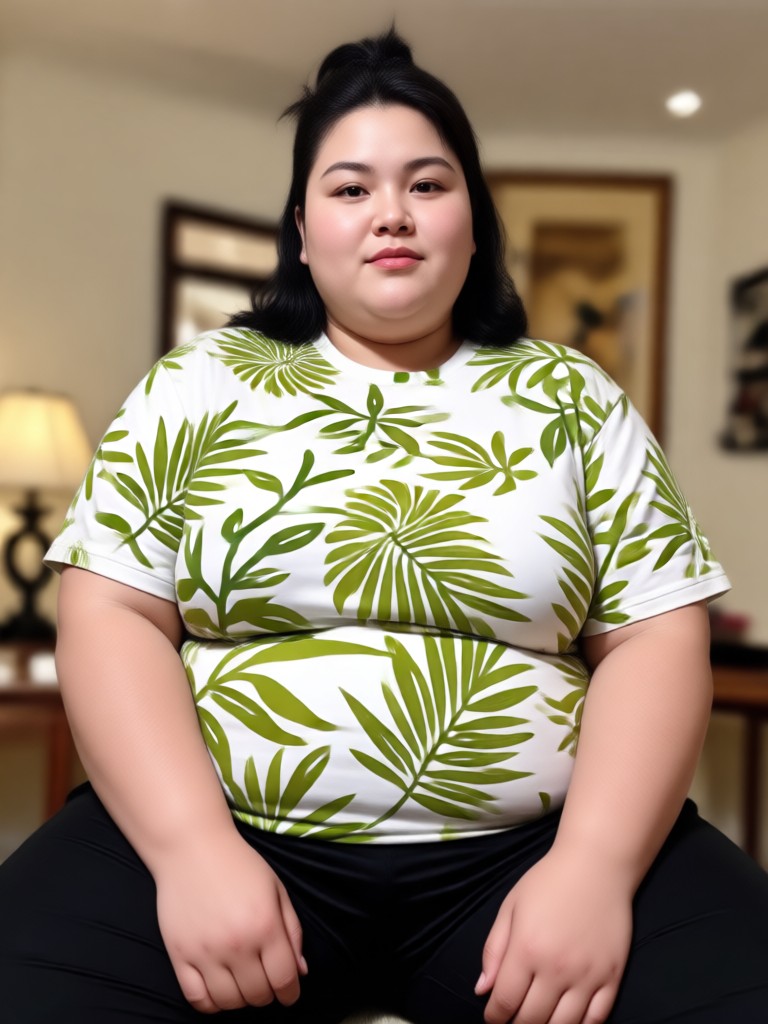
The AI Fat Filter is just one of thousands of creative filters inside the makmak app. Generate AI art, animate photos, and explore viral trends, all from your phone.

AI Fat Filter FAQs
Got questions about how the fat AI filter works? Find quick answers to the most common queries below.
More Topics You May Like
Explore more topics you may like and discover fresh ideas tailored to your interests.

Create Baby Podcasts with AI Voice Magic | Free Generator
Generate hilarious, cute, or educational baby podcasts instantly with AI. Free AI Baby Podcast Generator for social media content, gifts, or just for fun. No voice acting needed.
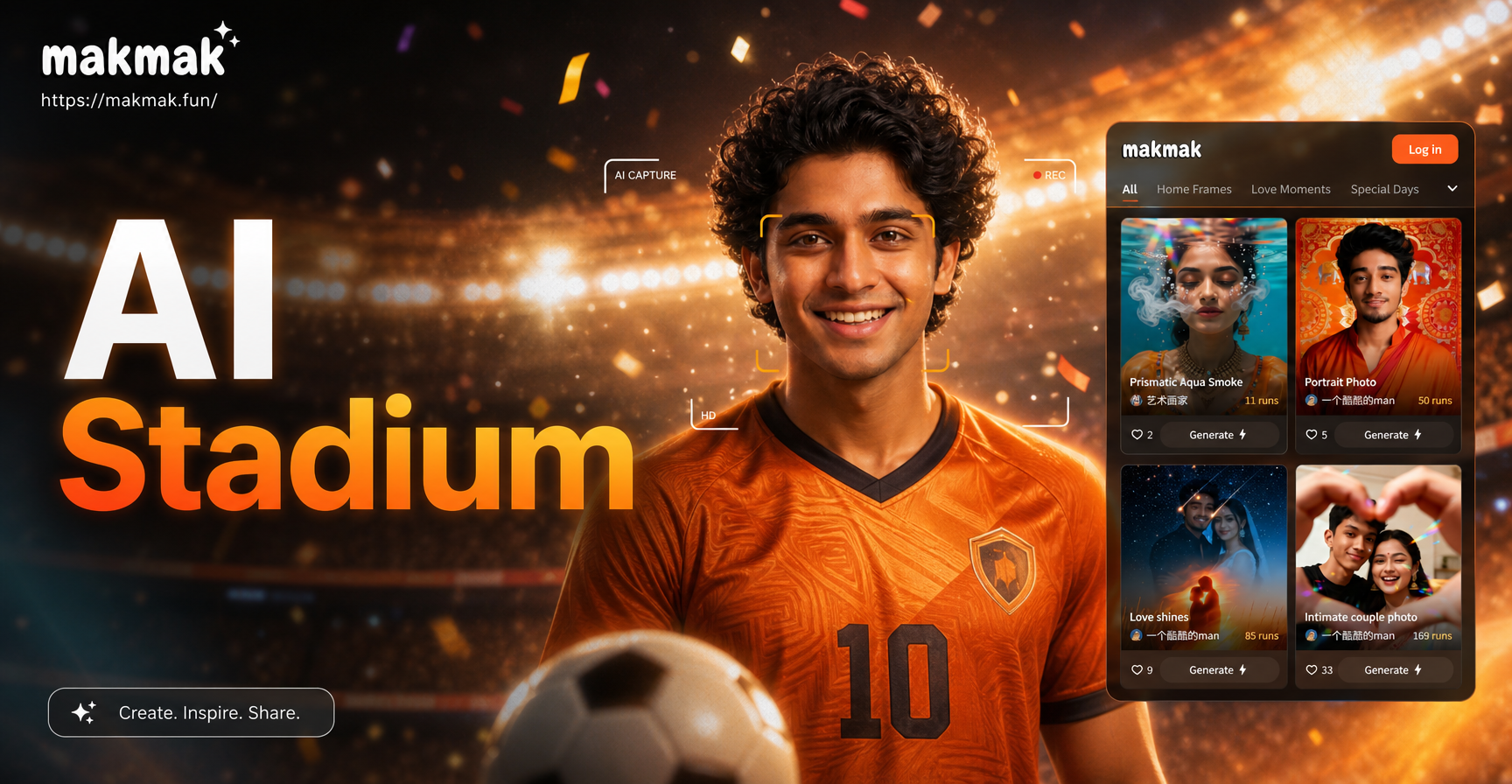
Stadium Camera Filter: AI Sports Photography Effects
Transform photos with the AI Stadium Camera Capture Effect. Get dynamic sports photography style, lighting, and crowd atmosphere in seconds. Use on the Makmak mobile app.
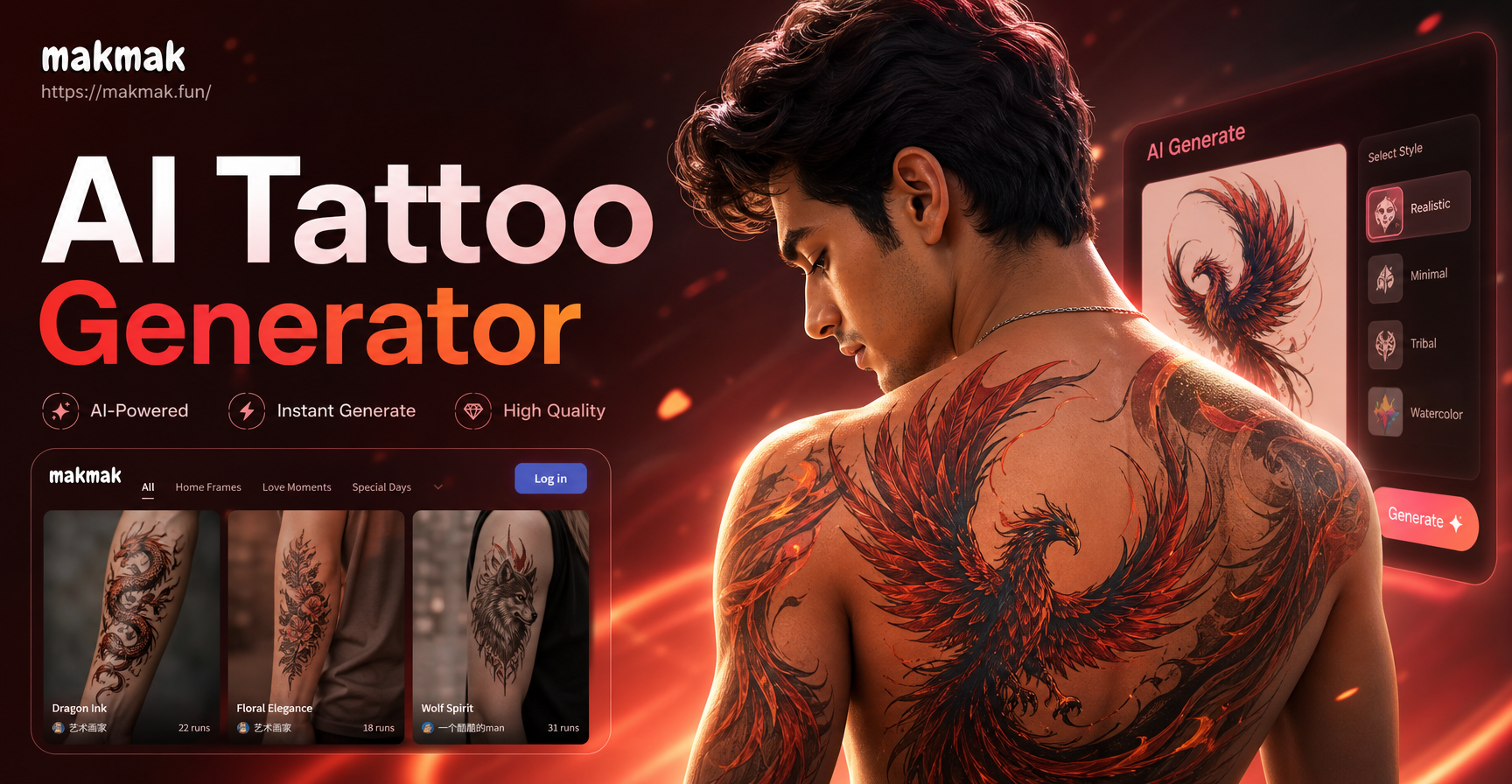
Design Custom Tattoos Instantly with AI Tattoo Generator
AI Tattoo Generator lets you design unique body art in seconds. Describe your idea or upload a photo, and get custom tattoo designs, from traditional to watercolor. Explore styles for free with no design skills needed.
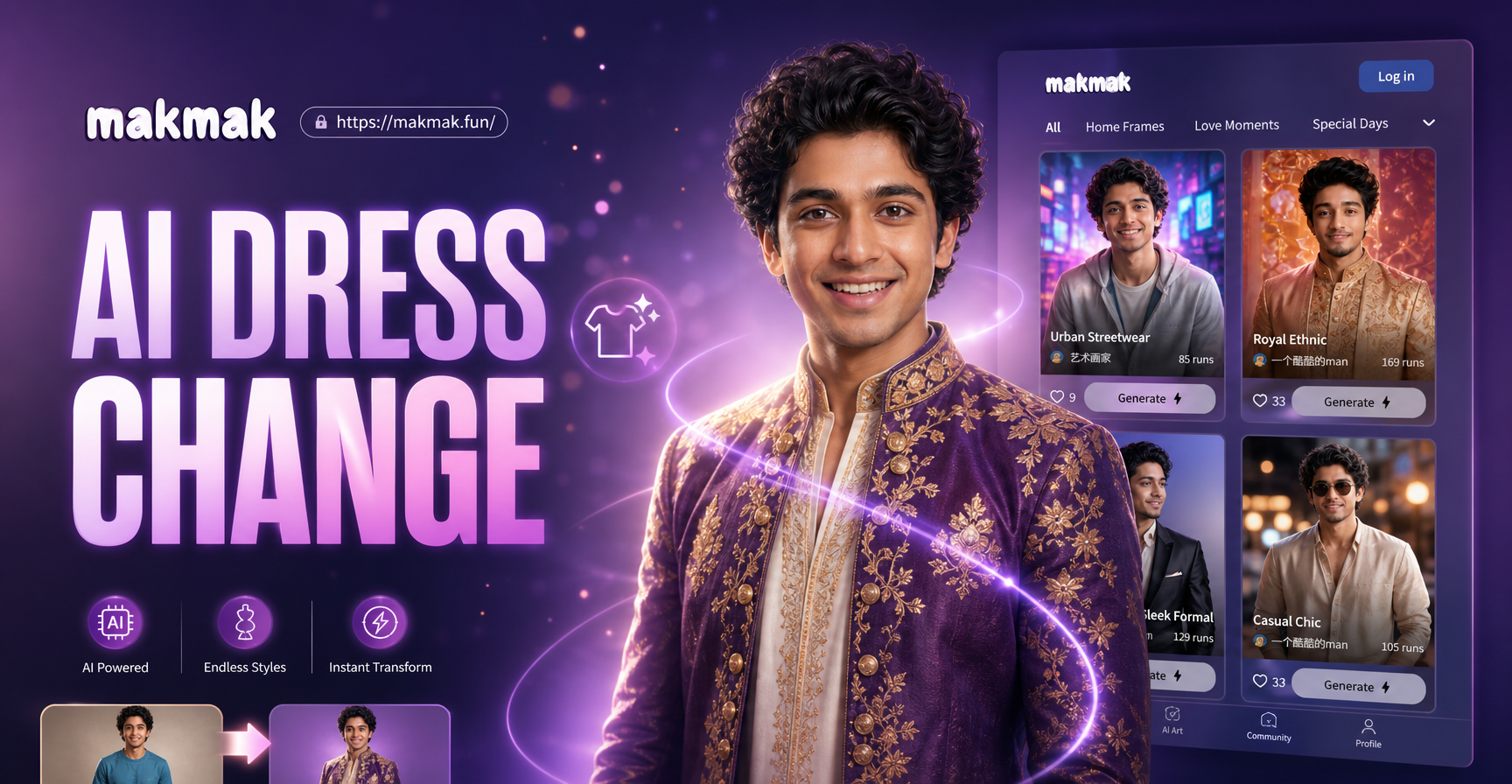
AI Change Dress Clothes: Virtual Try On & Style Transformation
AI Change Dress Clothes lets you swap outfits instantly. Upload a photo, pick a style template, and watch your clothing transform. Choose from thousands of fashion styles, from casual wear to formal attire. No design skills needed. Get realistic results in seconds.
Ready for a Laugh? Transform Your Photo Now
Don't just wonder, see it for yourself. The AI Fat Filter delivers instant, realistic, and hilarious results. Download the app and start your transformation journey.
Ready for a Laugh? Transform Your Photo Now
Don't just wonder, see it for yourself. The AI Fat Filter delivers instant, realistic, and hilarious results. Download the app and start your transformation journey.