AI Tattoo Generator
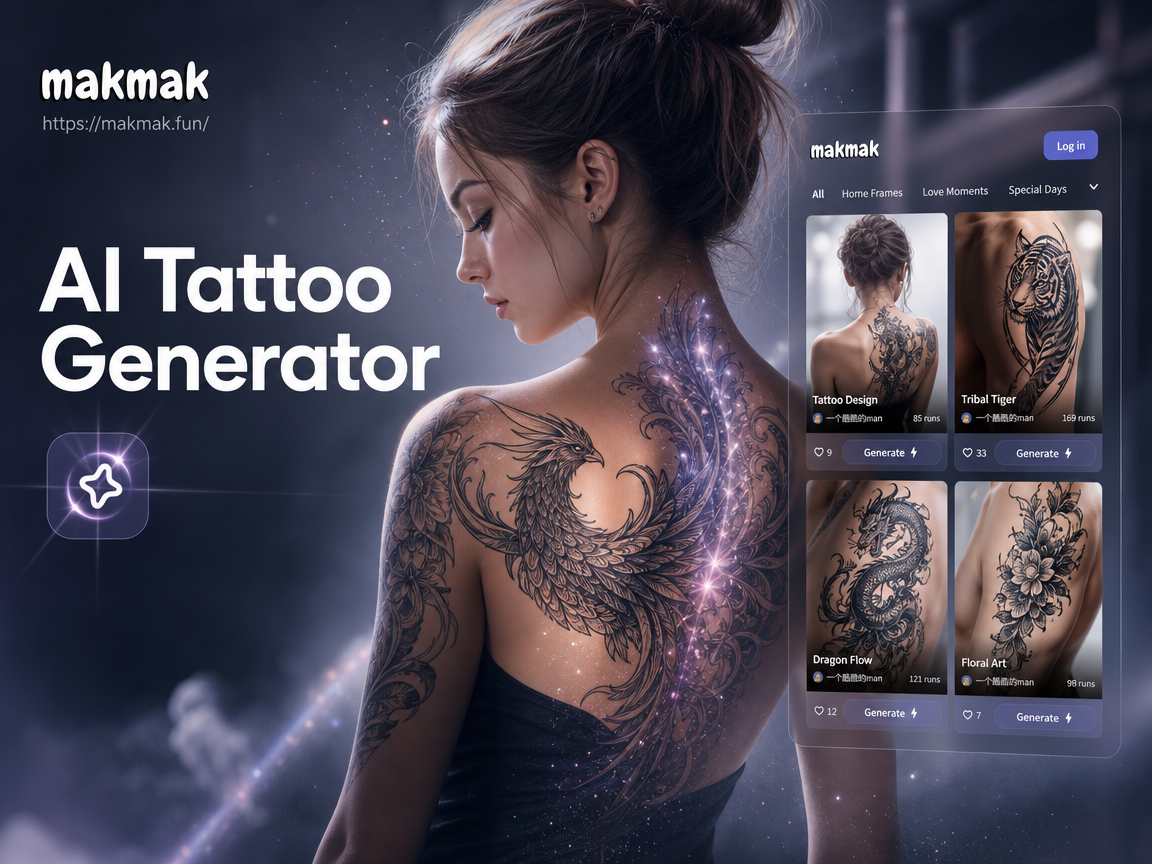
Explore Popular AI Tattoo Styles
Discover the perfect style for your next piece. Our AI offers a vast library of tattoo aesthetics to match your vision and personality.
Key Features of Our AI Tattoo Generator
Transform your ideas into wearable art with our specialized AI tools designed for tattoo creation and visualization.
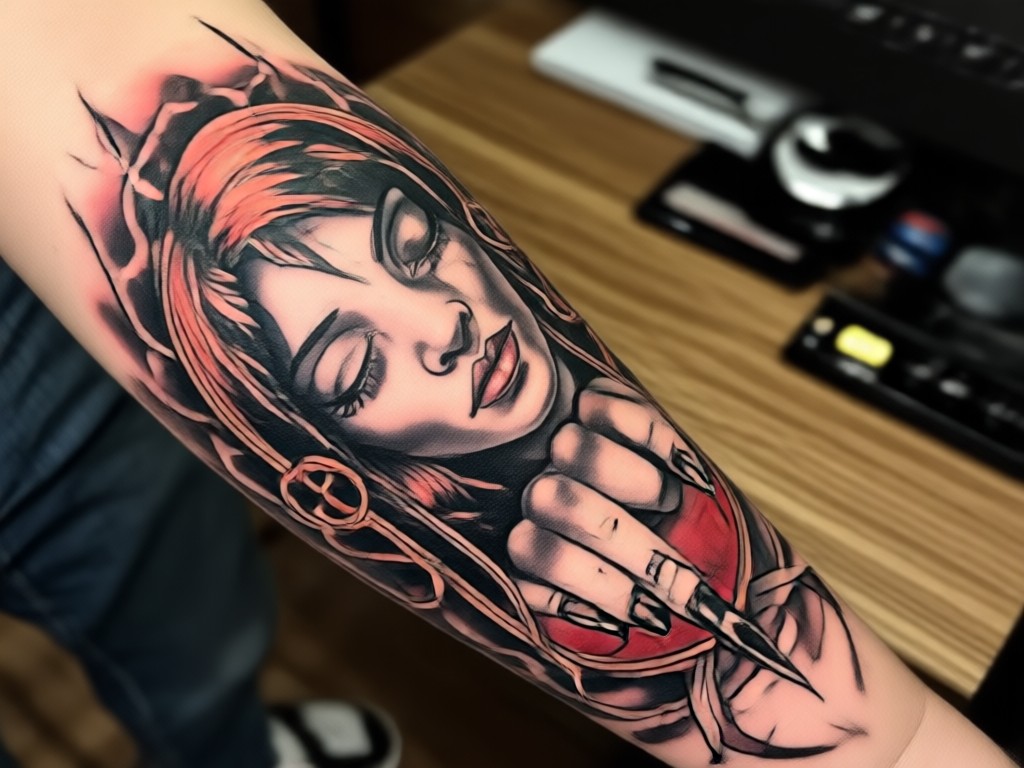
Text to Tattoo Design
Describe your tattoo concept in words. AI interprets your description and generates multiple unique, high quality tattoo designs tailored to your idea.
Text to Tattoo Design
Describe your tattoo concept in words. AI interprets your description and generates multiple unique, high quality tattoo designs tailored to your idea.
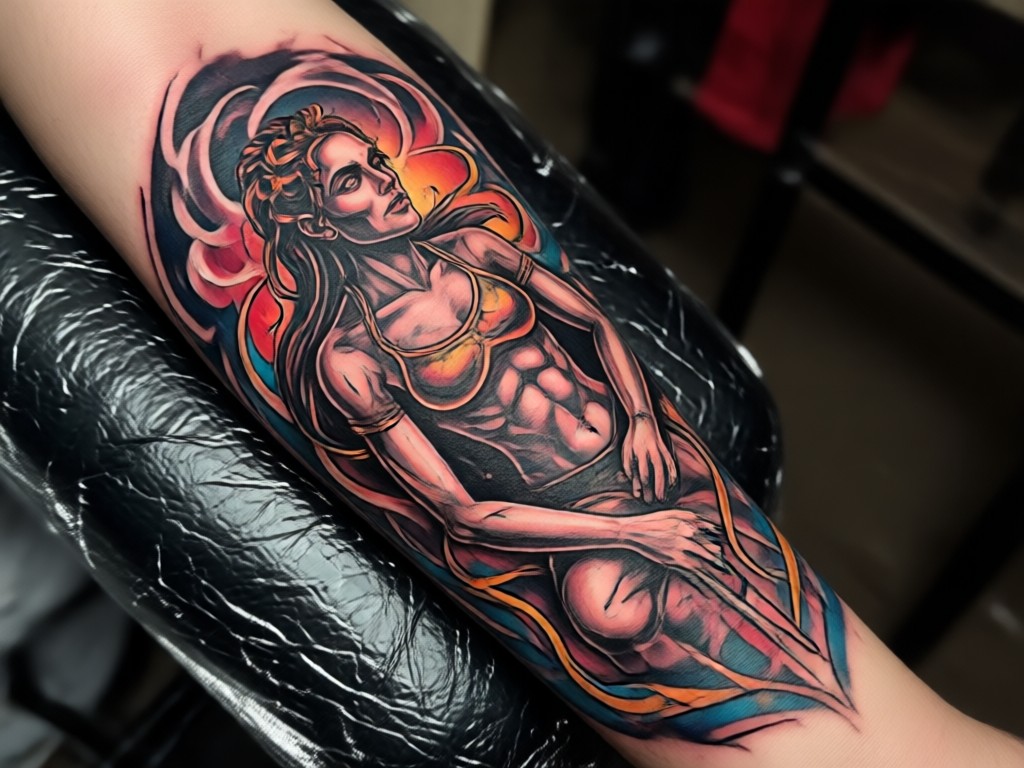
Photo to Tattoo Style
Upload any image for inspiration. Our AI analyzes the photo and applies its style, elements, or composition to create a custom tattoo design.
Photo to Tattoo Style
Upload any image for inspiration. Our AI analyzes the photo and applies its style, elements, or composition to create a custom tattoo design.
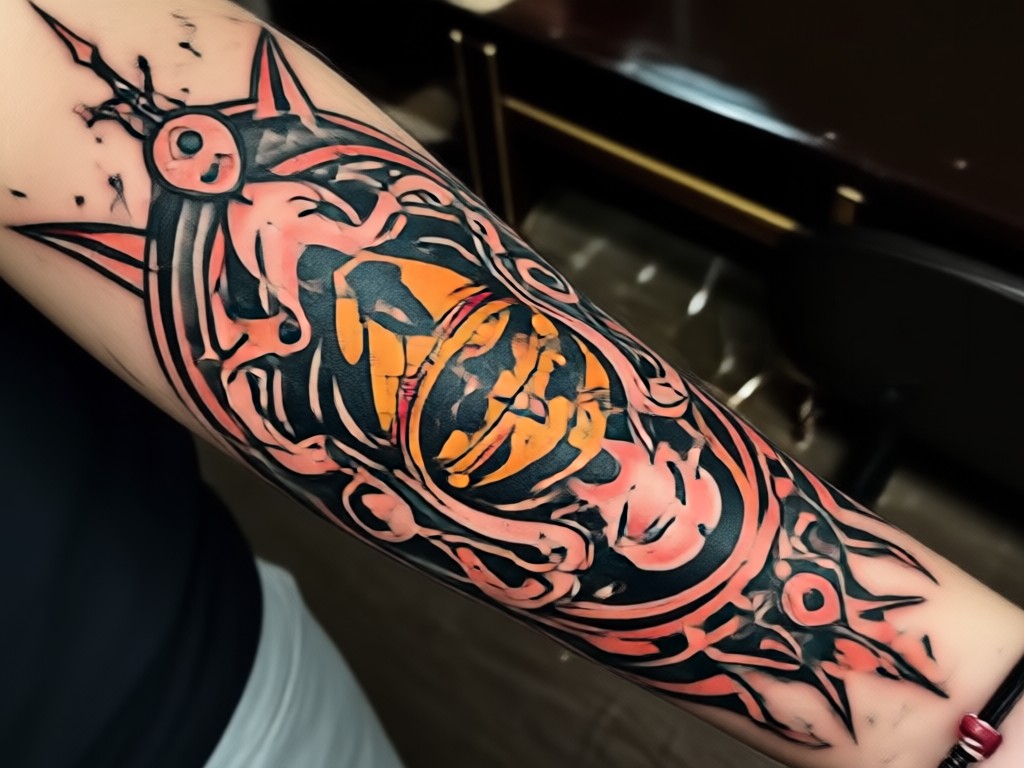
Body Placement Preview
Visualize how your AI generated tattoo will look on your actual body. Simulate placement on different areas like the arm, back, or chest for perfect sizing.
Body Placement Preview
Visualize how your AI generated tattoo will look on your actual body. Simulate placement on different areas like the arm, back, or chest for perfect sizing.
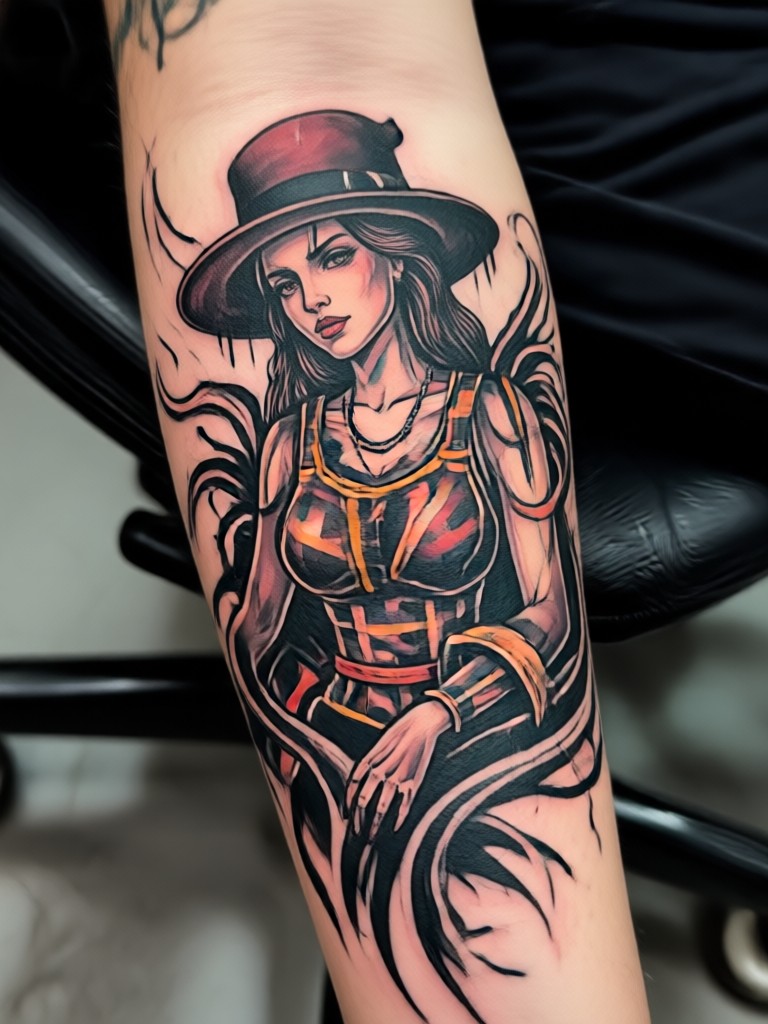
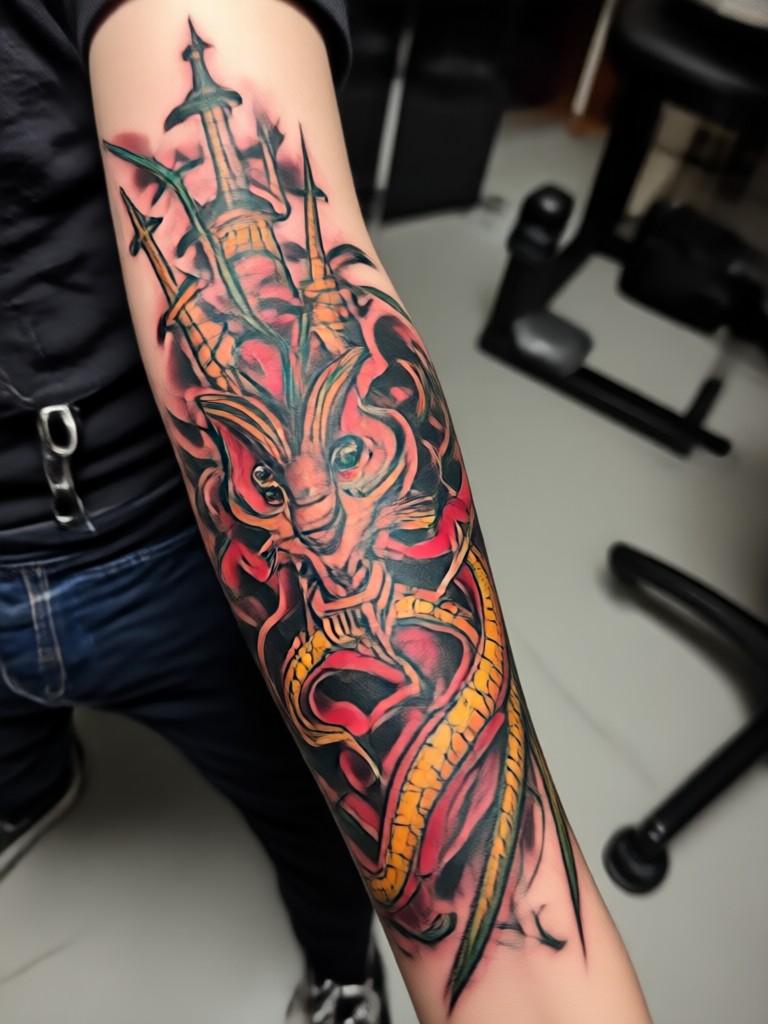
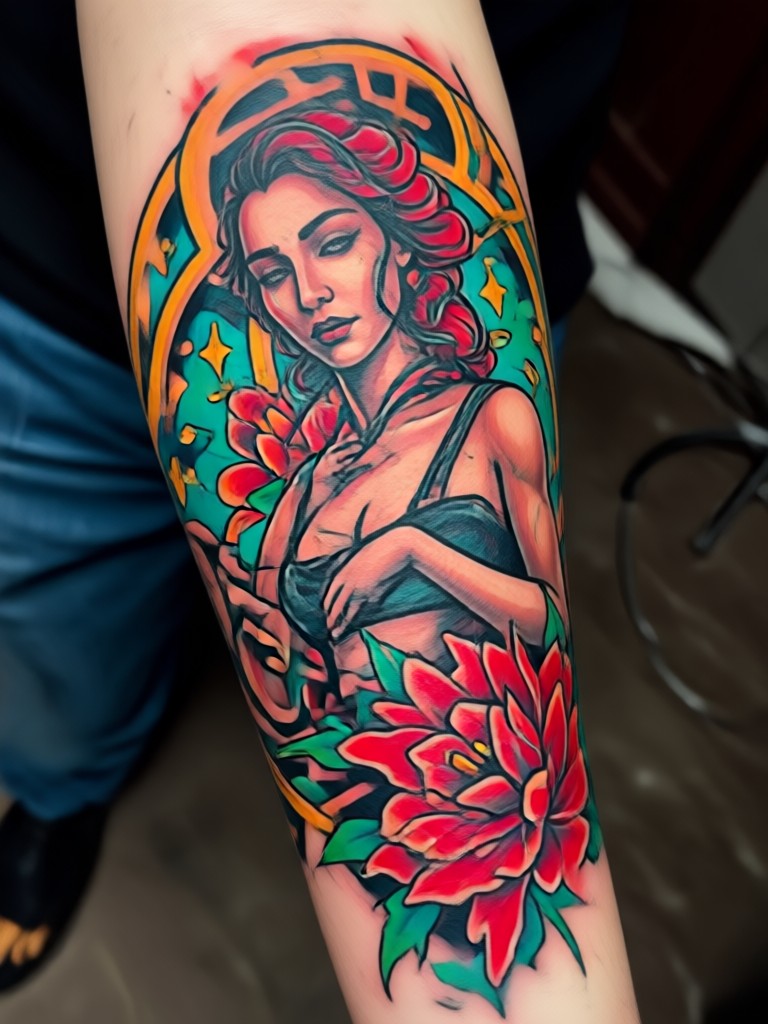
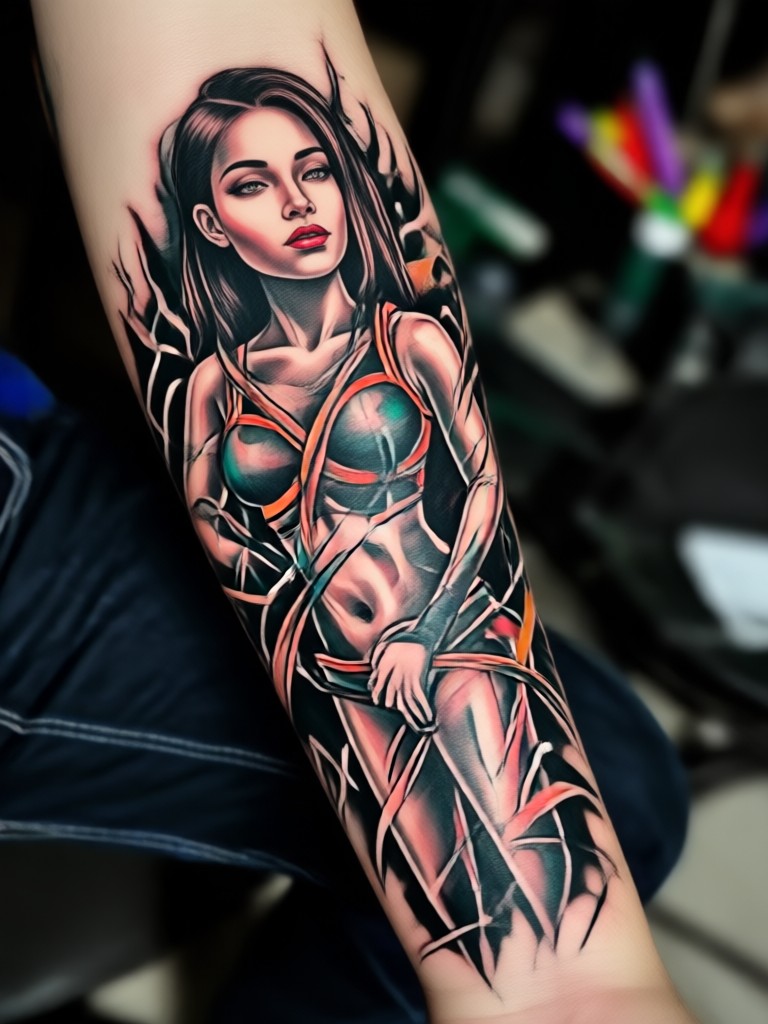
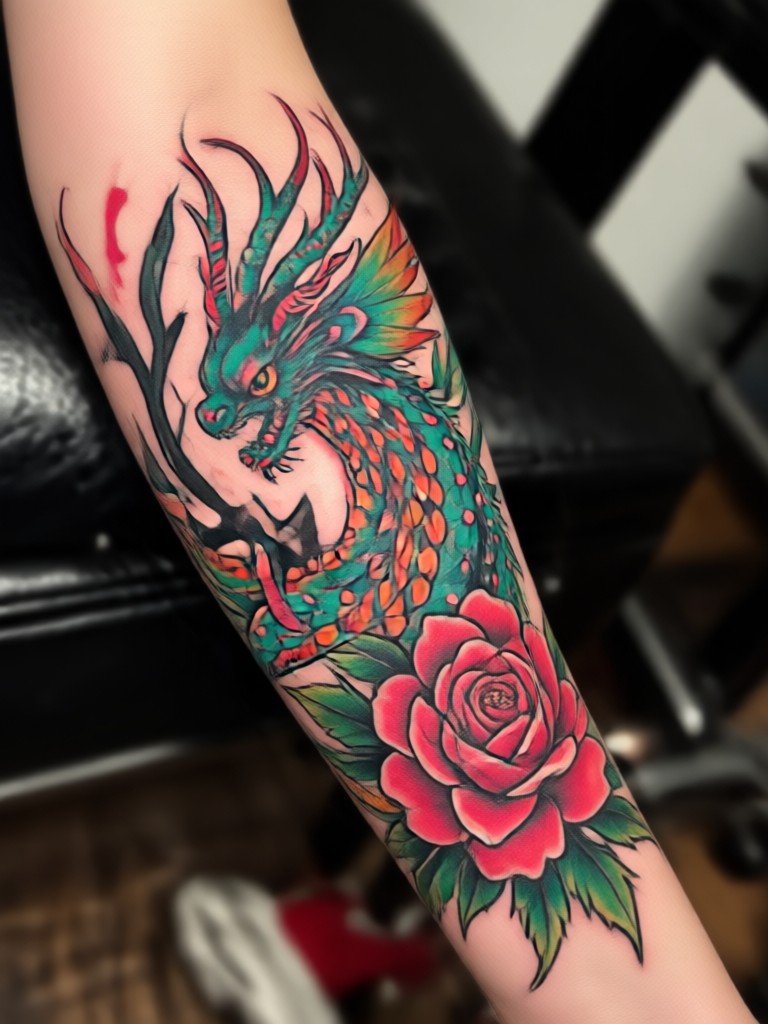
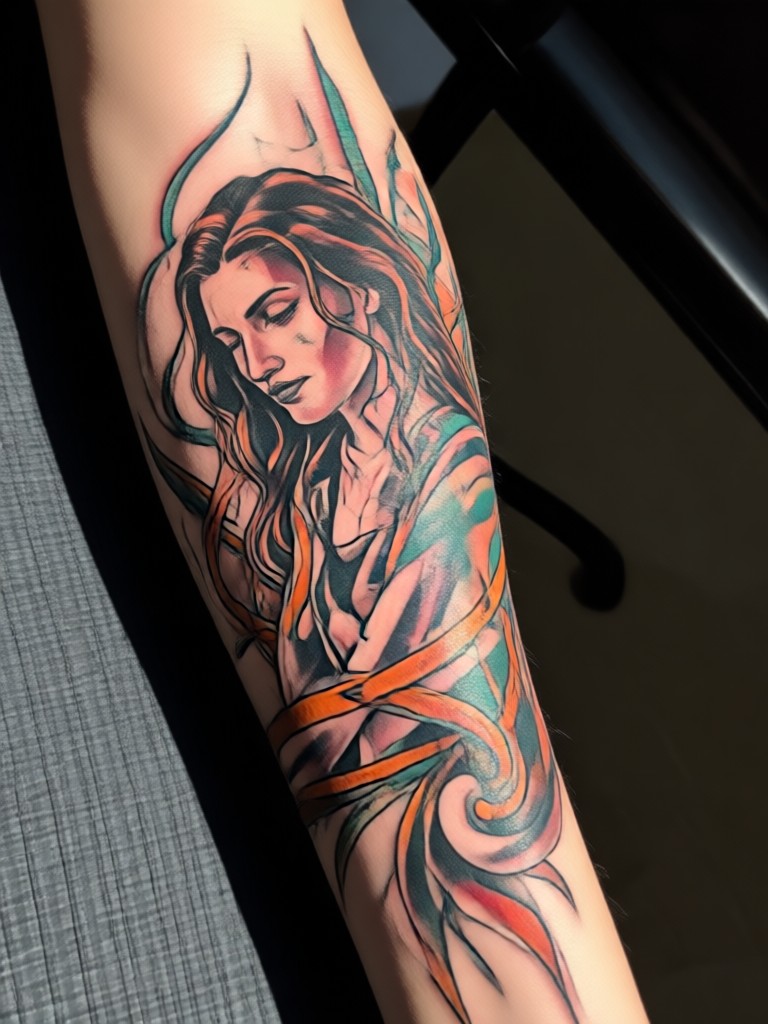
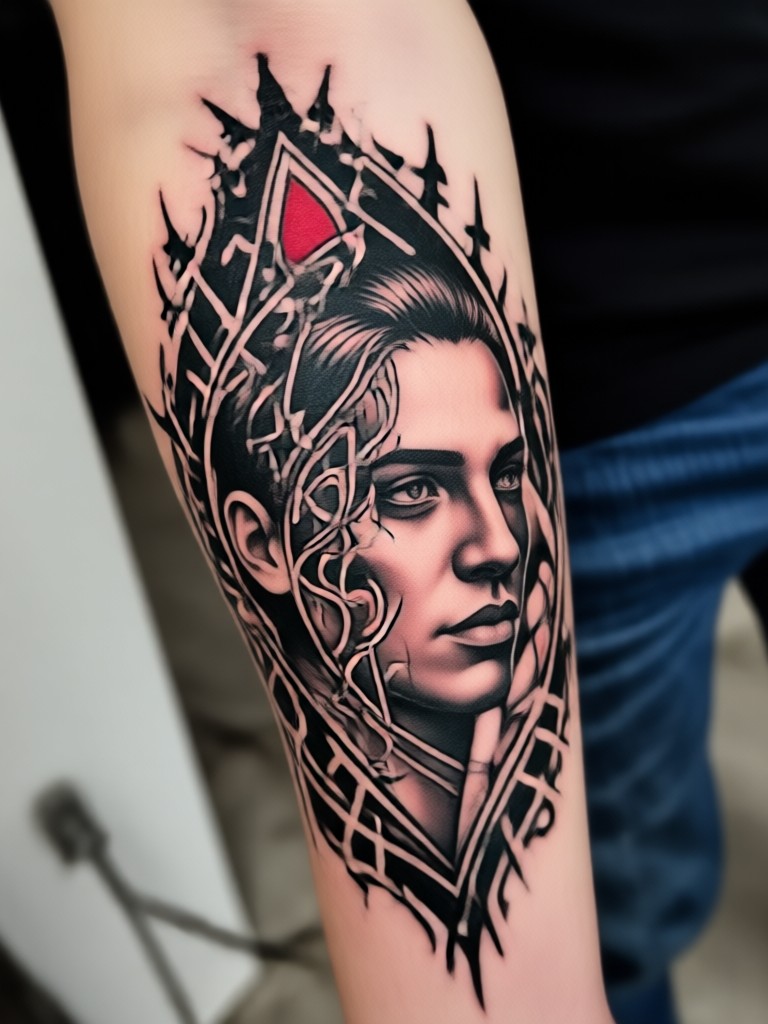
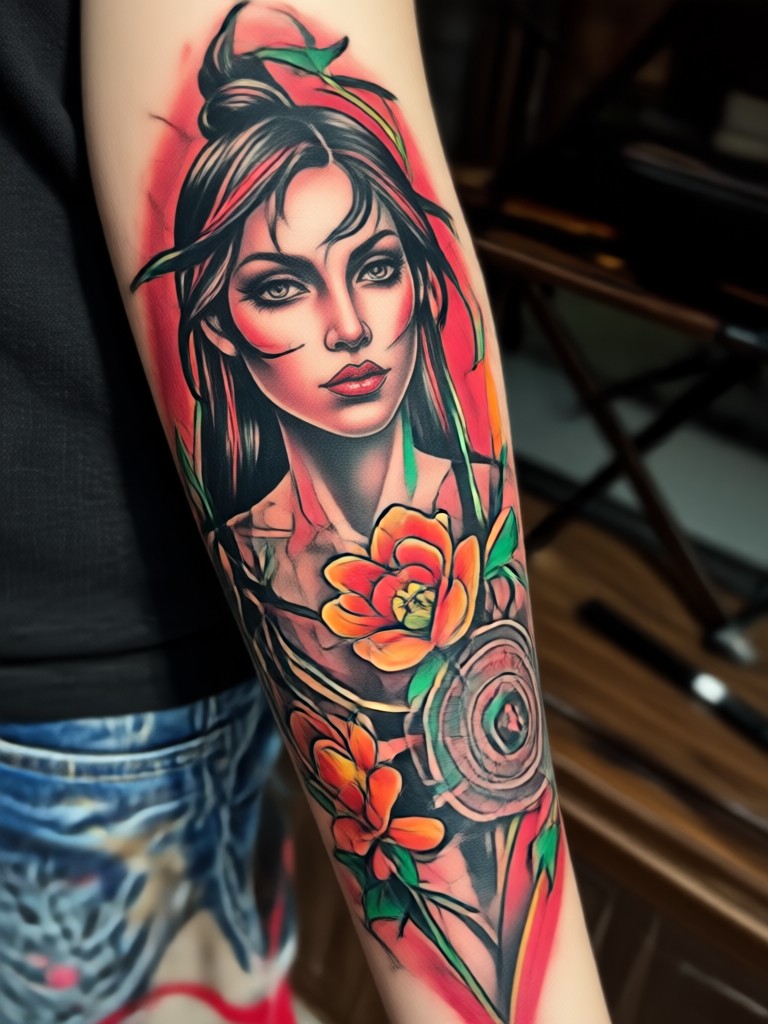
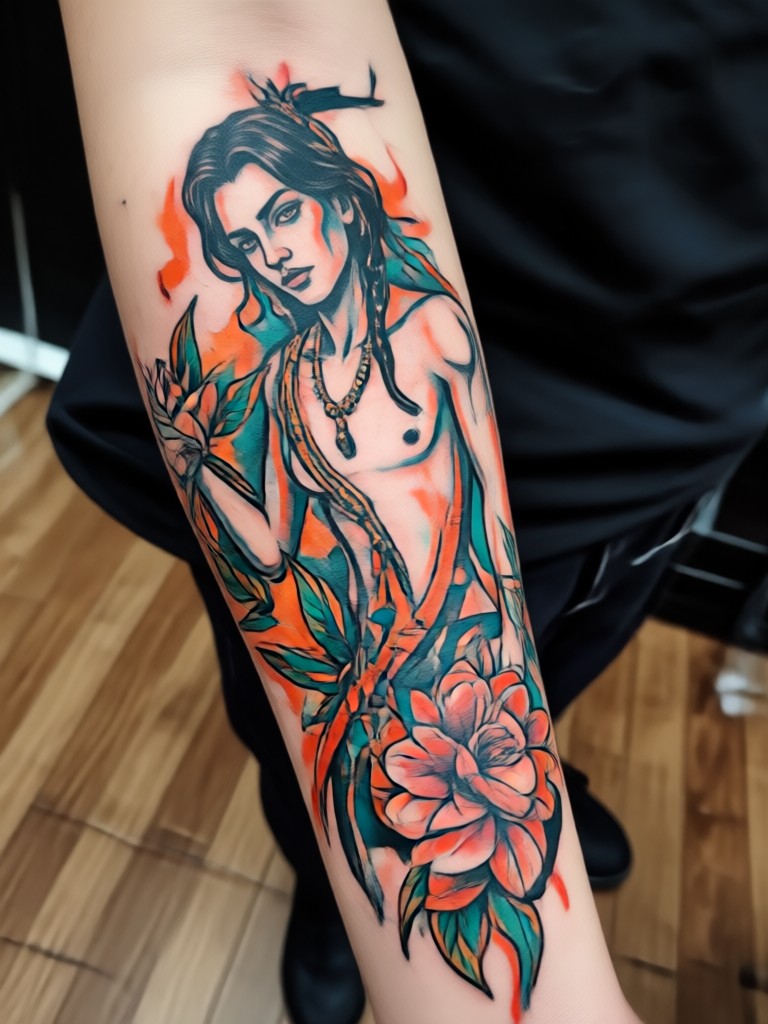
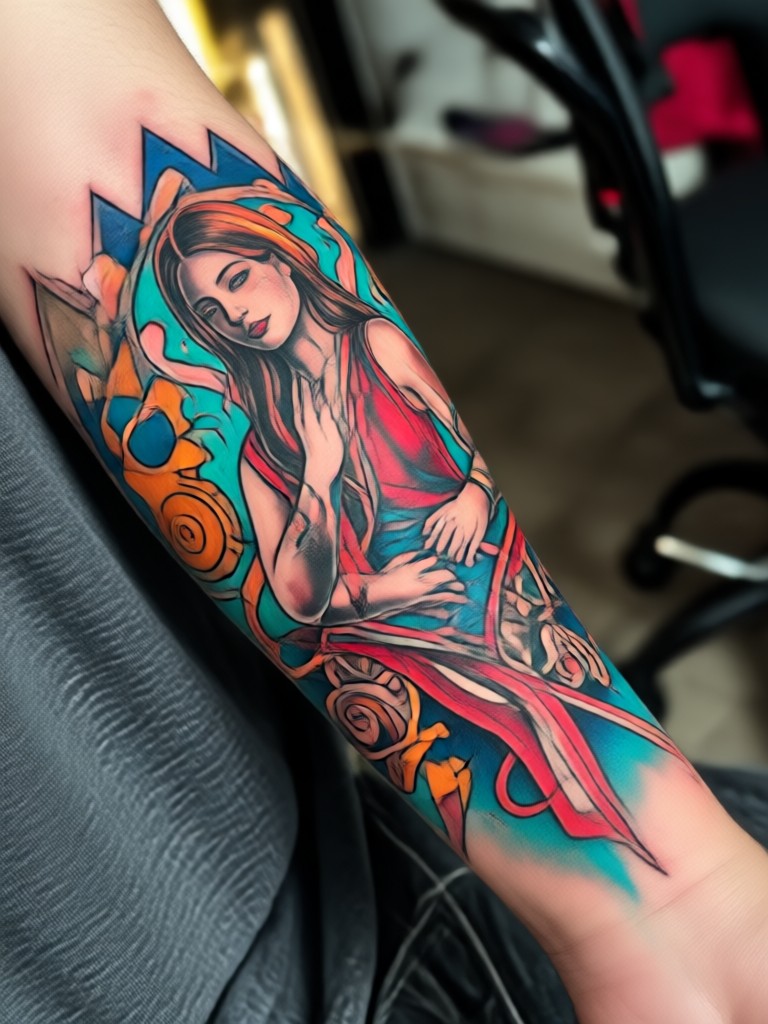
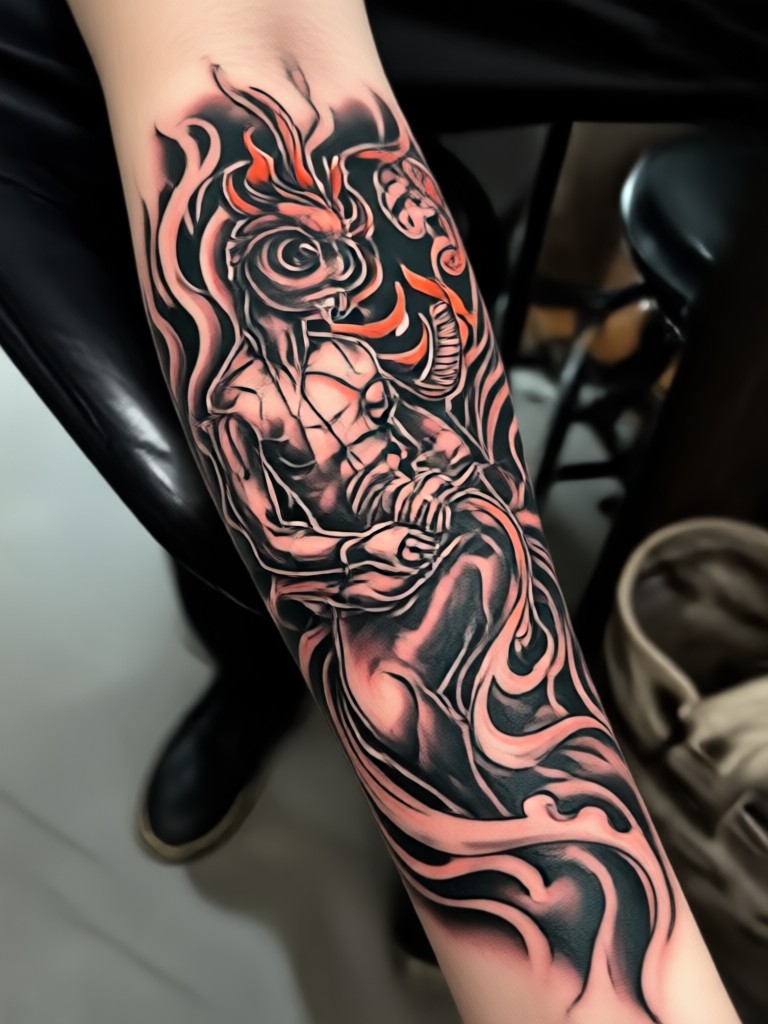
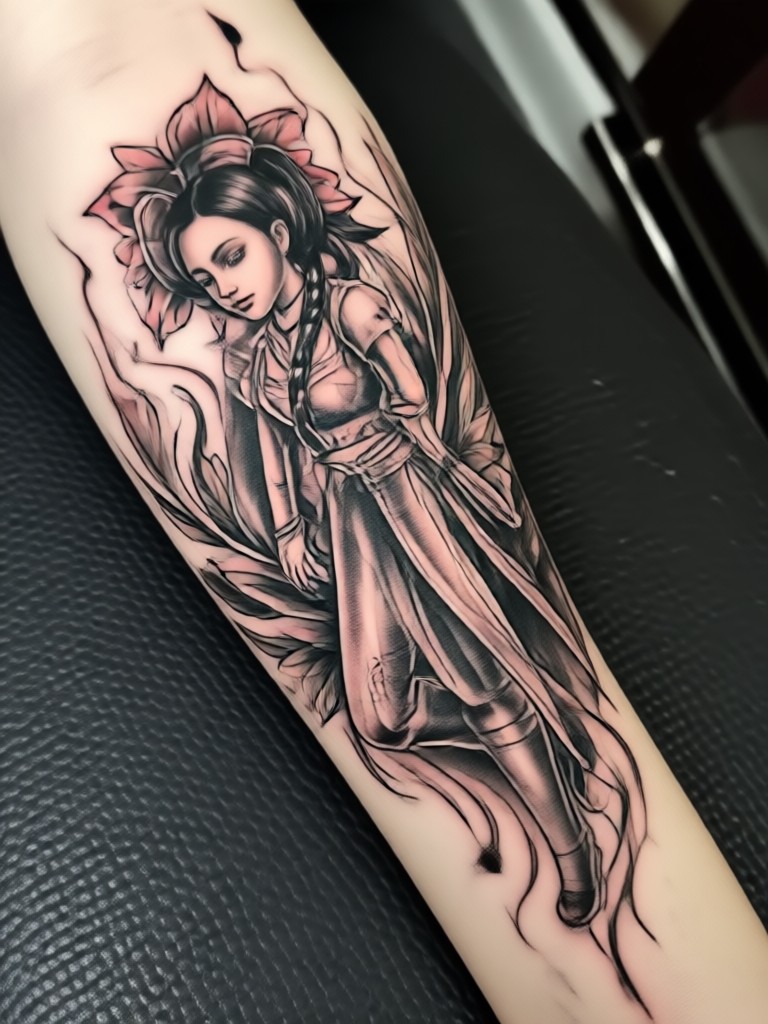
AI Tattoo Design Gallery
Explore a collection of stunning tattoo designs created by our AI. Get inspired by realistic sketches, intricate patterns, and bold artistic styles.
How to Create Your AI Tattoo Design?
Design your perfect tattoo in three simple steps using the makmak app on your phone.

Step 01.
Download the makmak app from Google Play. It's your all in one mobile studio for AI tattoo design and visualization.

Step 02.
Open the app and choose your method. Type a detailed description of your tattoo idea or upload a photo for style inspiration.

Step 03.
Generate, customize, and save. Review your AI created designs, adjust elements if needed, then save the final image to show your tattoo artist.
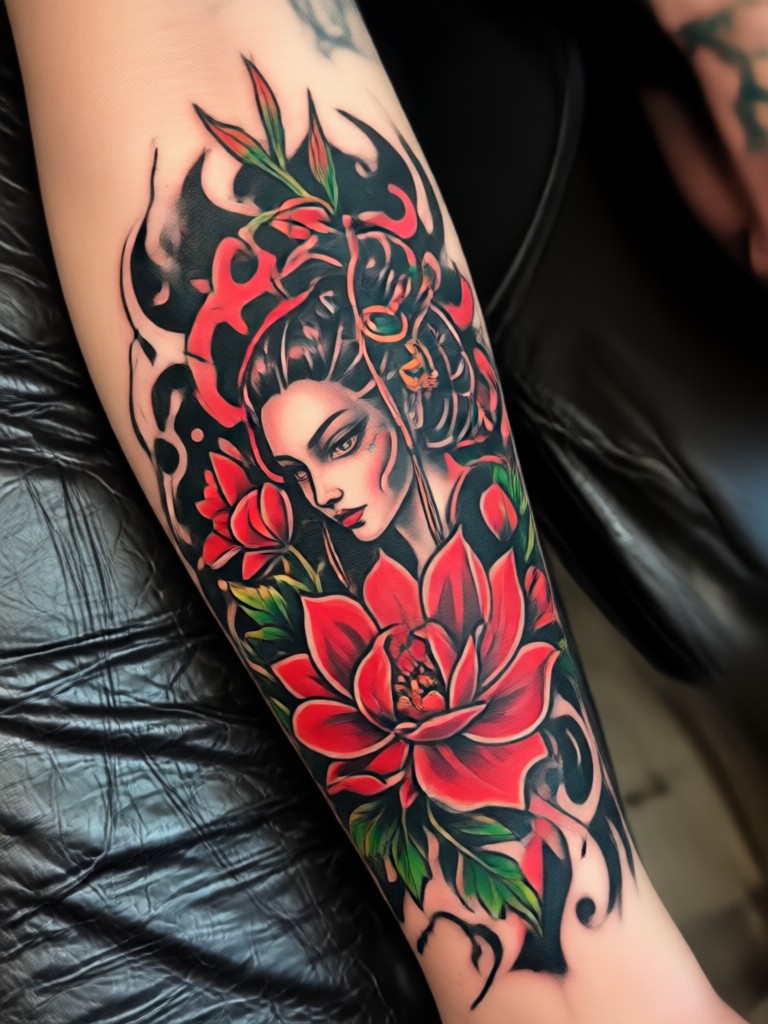
Your Tattoo Studio, In Your Pocket
Carry unlimited tattoo inspiration and a custom design tool wherever you go. Create, refine, and visualize your next piece anytime.

What Tattoo Enthusiasts Are Saying
Leo Carter
I had a vague idea for a sleeve for years but could never explain it to artists. This AI tattoo generator turned my words into a perfect sketch. My artist used it as the blueprint.
Maya Rodriguez
Being able to see a design on a simulated arm before committing was a game changer. It took the anxiety out of getting my first tattoo. The free version had plenty of styles to explore.
Kai Sanders
As an artist, I use this to quickly generate concept art for client consultations. It sparks better conversations and helps clients visualize their ideas more clearly than reference photos alone.
Sam Chen
I'm exploring different tattoo styles for my personal project. This tool lets me iterate on a single concept in dozens of artistic styles, from cyberpunk to classical, which is incredibly inspiring.
Leo Carter
I had a vague idea for a sleeve for years but could never explain it to artists. This AI tattoo generator turned my words into a perfect sketch. My artist used it as the blueprint.
Maya Rodriguez
Being able to see a design on a simulated arm before committing was a game changer. It took the anxiety out of getting my first tattoo. The free version had plenty of styles to explore.
Kai Sanders
As an artist, I use this to quickly generate concept art for client consultations. It sparks better conversations and helps clients visualize their ideas more clearly than reference photos alone.
Sam Chen
I'm exploring different tattoo styles for my personal project. This tool lets me iterate on a single concept in dozens of artistic styles, from cyberpunk to classical, which is incredibly inspiring.
Leo Carter
I had a vague idea for a sleeve for years but could never explain it to artists. This AI tattoo generator turned my words into a perfect sketch. My artist used it as the blueprint.
Maya Rodriguez
Being able to see a design on a simulated arm before committing was a game changer. It took the anxiety out of getting my first tattoo. The free version had plenty of styles to explore.
Kai Sanders
As an artist, I use this to quickly generate concept art for client consultations. It sparks better conversations and helps clients visualize their ideas more clearly than reference photos alone.
Sam Chen
I'm exploring different tattoo styles for my personal project. This tool lets me iterate on a single concept in dozens of artistic styles, from cyberpunk to classical, which is incredibly inspiring.
AI Tattoo Generator FAQs
Find clear answers to common questions about designing, using, and getting the most from your AI tattoo generator experience.
More Topics You May Like
Explore more topics you may like and discover fresh ideas tailored to your interests.
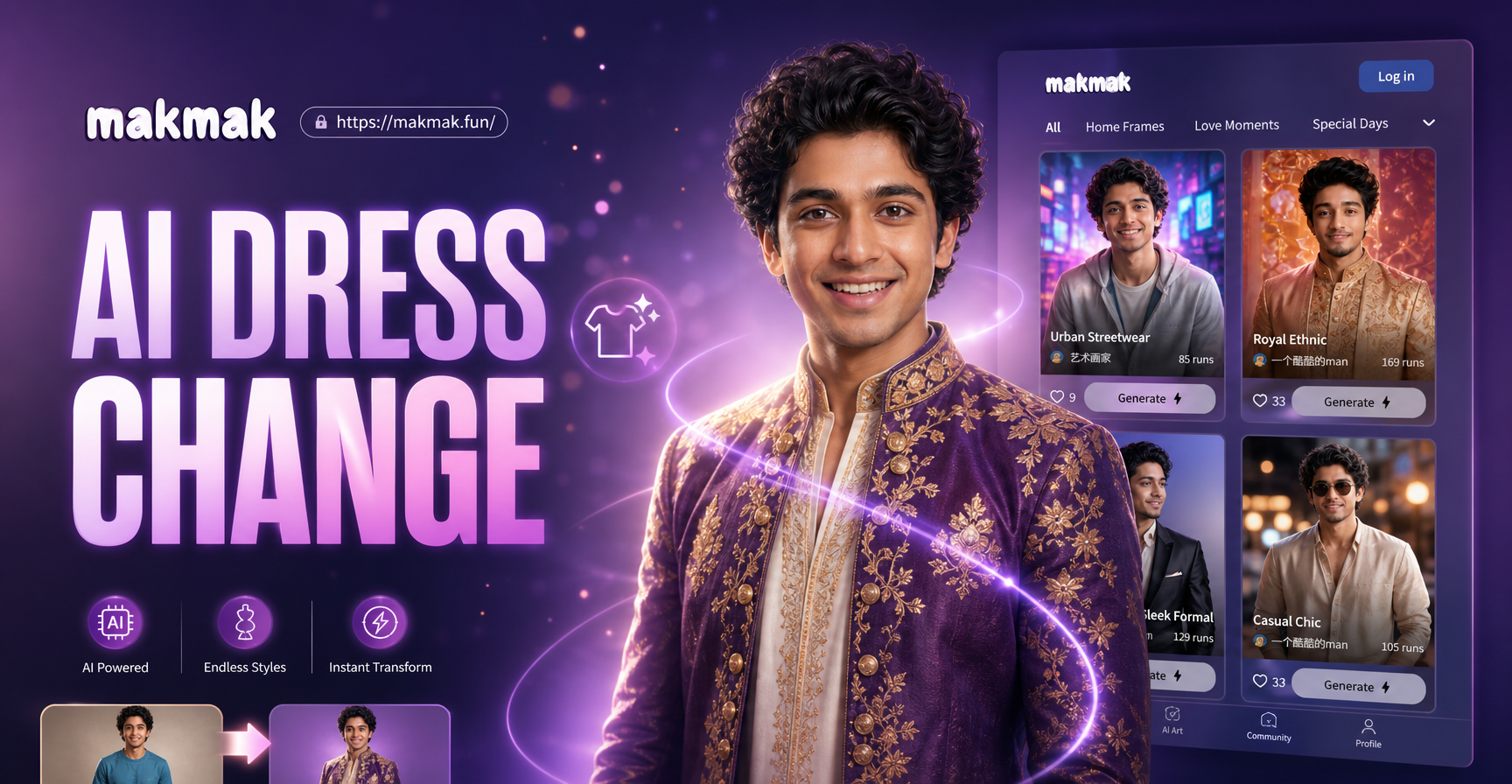
AI Change Dress Clothes: Virtual Try On & Style Transformation
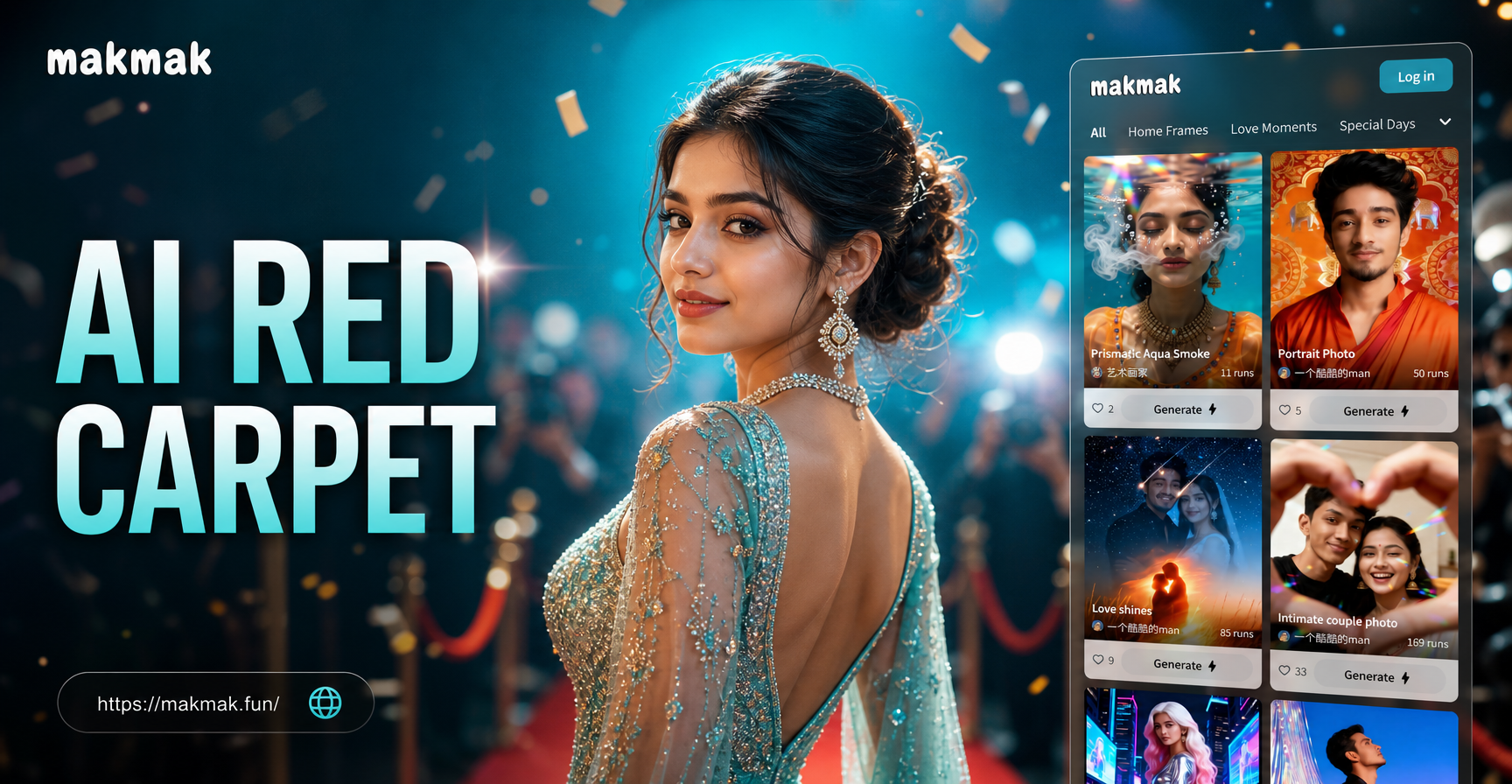
Transform Any Photo into a Red Carpet Masterpiece
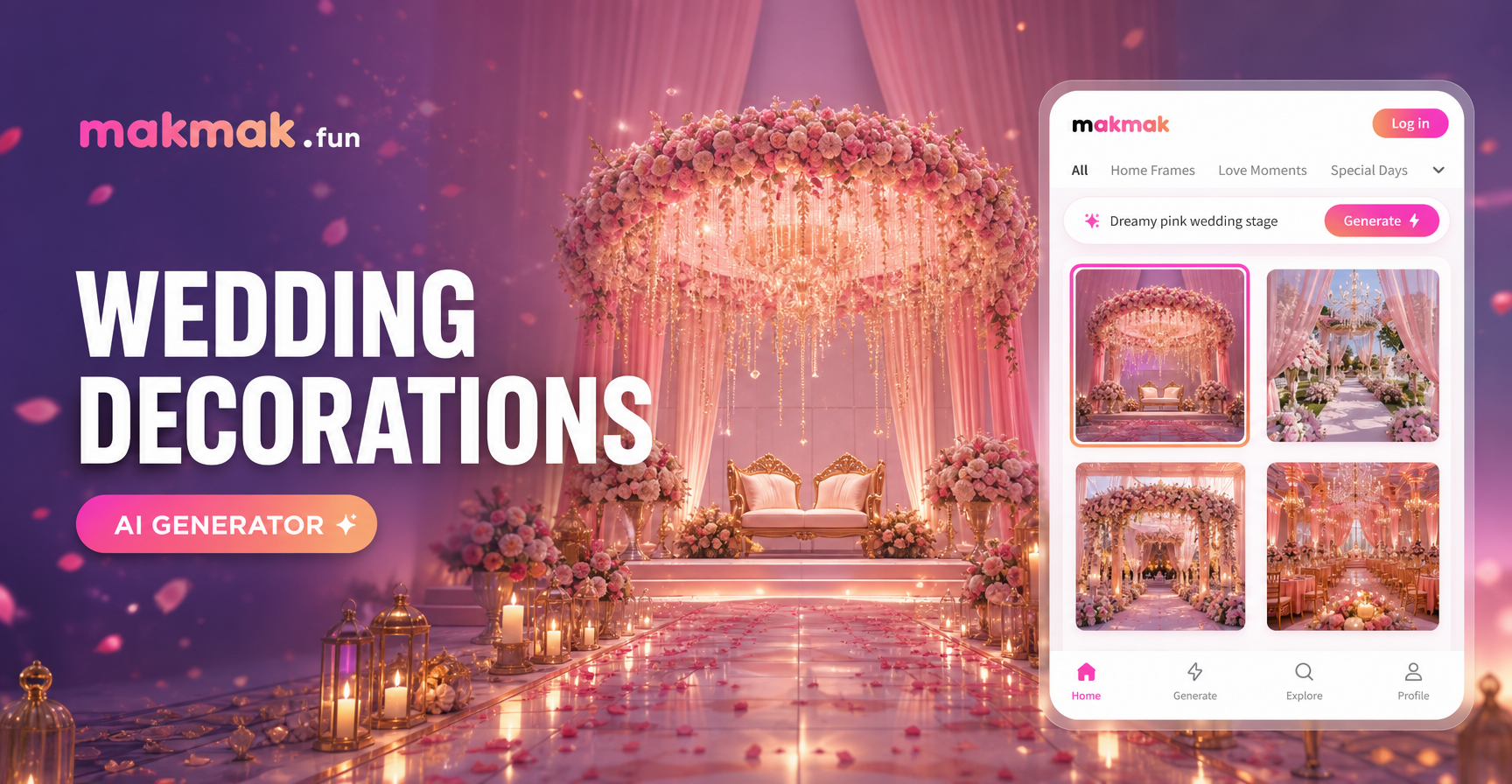
Plan Your Dream Wedding Decor with AI | Free Generator
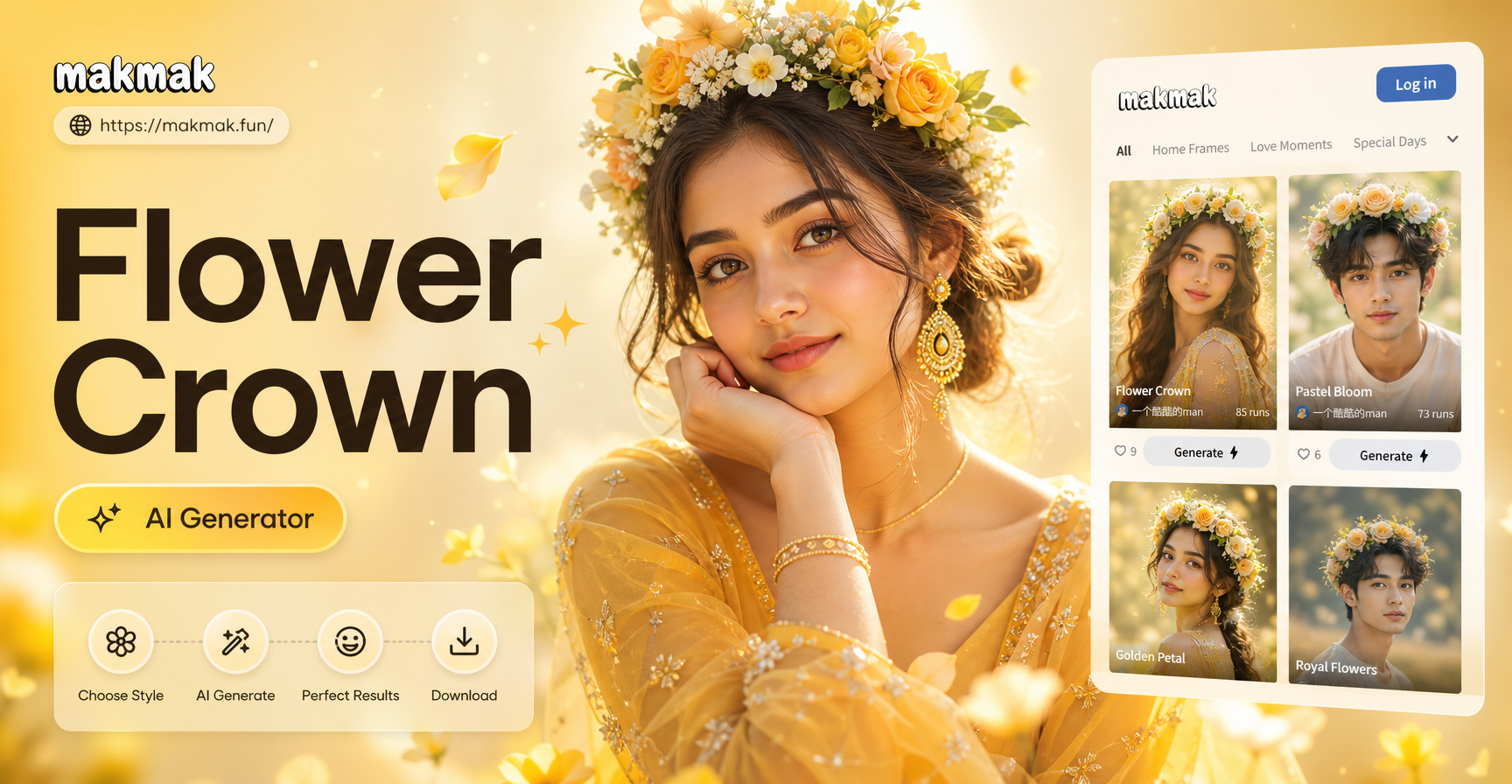
Add a Flower Crown AI: Free Virtual Makeover Tool
AI Change Dress Clothes: Virtual Try On & Style Transformation
Transform Any Photo into a Red Carpet Masterpiece
Plan Your Dream Wedding Decor with AI | Free Generator
Add a Flower Crown AI: Free Virtual Makeover Tool
Design Your Story, Wear Your Art
Stop searching for the perfect tattoo reference. Create a custom design that is uniquely yours in minutes. Download the app and start your ink journey today.
Design Your Story, Wear Your Art
Stop searching for the perfect tattoo reference. Create a custom design that is uniquely yours in minutes. Download the app and start your ink journey today.