Create YouTube Videos with AI in Minutes

Choose the AI Video Style That Fits Your Channel
Explore filters designed for YouTube creators, from cinematic vlogs to viral shorts and animated explainers.
Key Features of the AI YouTube Video Maker
makmak gives you everything you need to produce YouTube videos from your phone. Generate clips from text, animate photos, and apply viral effects without any editing experience.
Text to Video Generation
Type a simple script or idea, pick a style, and watch the AI produce a polished YouTube video in seconds. No complex editing or prompt engineering required.
Text to Video Generation
Type a simple script or idea, pick a style, and watch the AI produce a polished YouTube video in seconds. No complex editing or prompt engineering required.
Image to Video Animation
Upload a photo or thumbnail and bring it to life with motion, expressions, and cinematic camera moves. Perfect for channel intros, storytime videos, and visual storytelling.
Image to Video Animation
Upload a photo or thumbnail and bring it to life with motion, expressions, and cinematic camera moves. Perfect for channel intros, storytime videos, and visual storytelling.

Viral Effect Library
Access over a million style filters and trending effects, including anime, 3D clay, cyberpunk, watercolor, and cinematic looks. Find the perfect aesthetic for your YouTube content.
Viral Effect Library
Access over a million style filters and trending effects, including anime, 3D clay, cyberpunk, watercolor, and cinematic looks. Find the perfect aesthetic for your YouTube content.
How to Create YouTube Videos with AI
Follow three simple steps to generate professional YouTube videos from your phone.

Step 01.
Download the makmak app from Google Play to start creating AI videos on your phone.

Step 02.
Choose a style template or trending effect that matches your video idea, from vlogs to tutorials to shorts.

Step 03.
Enter your script or upload a photo, generate your video, then download and share it directly to YouTube.
Explore AI YouTube Video Creations
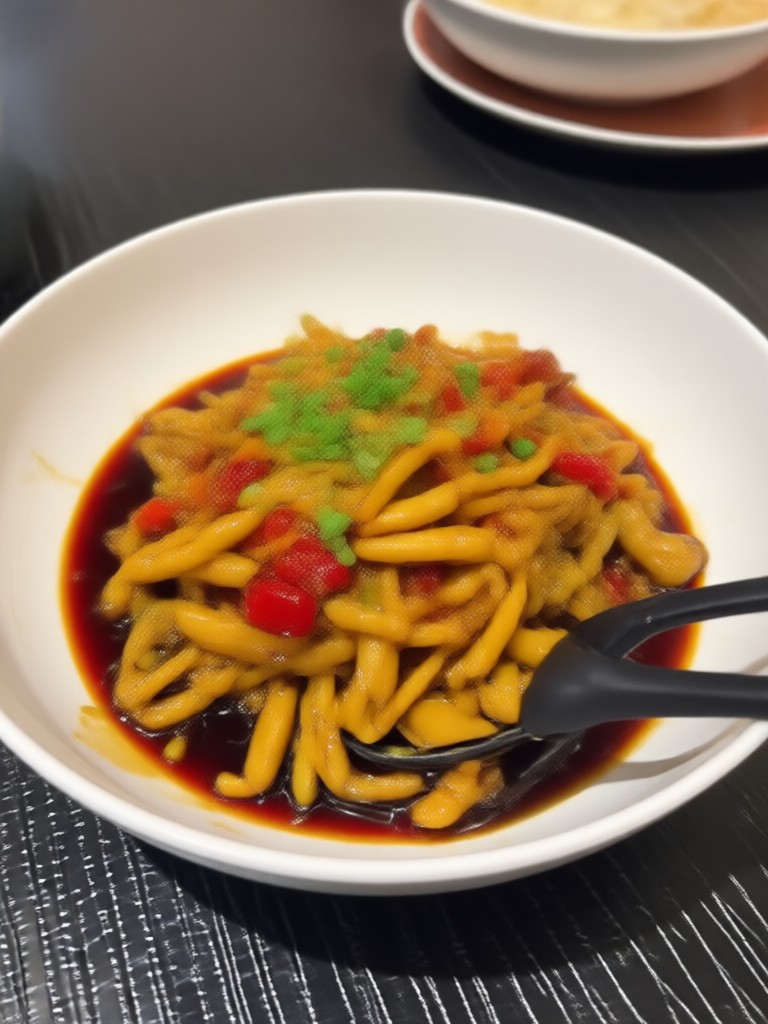
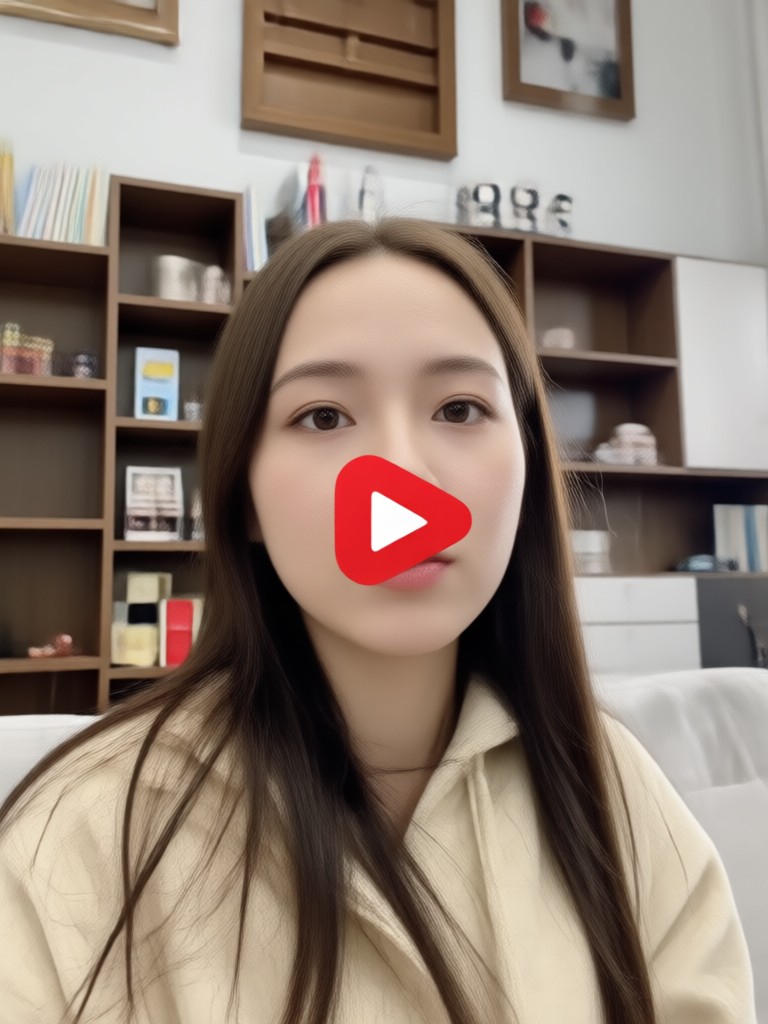
Browse stunning AI generated videos and images made with makmak. See how creators turn simple ideas into eye catching YouTube content.



Why Use AI for YouTube Videos
Creating YouTube content can take hours of filming, editing, and designing. makmak removes the friction. Generate scripts into videos, animate still images, and apply professional styles in seconds. Whether you make tutorials, vlogs, or shorts, you can publish more often and keep your audience engaged.
Why Use AI for YouTube Videos
Creating YouTube content can take hours of filming, editing, and designing. makmak removes the friction. Generate scripts into videos, animate still images, and apply professional styles in seconds. Whether you make tutorials, vlogs, or shorts, you can publish more often and keep your audience engaged.
AI YouTube Video Maker on Your Phone
Generate, edit, and download YouTube videos directly from the makmak app. No desktop software or editing skills needed.

What Creators Say About Our YouTube Video Tool
Perfect for quick YouTube shorts
I make daily vlogs and needed a faster way to produce short clips. makmak turns my scripts into polished videos in under a minute. The style filters keep my channel looking fresh.
No editing experience required
I run a small tech channel and had zero video editing background. With makmak I just type my idea and choose a template. The AI handles the visuals and motion. My uploads look professional.
Finally a simple AI video tool
I use makmak for explainer videos and product demos. The image to video animation is surprisingly realistic. It saves me hours every week and my audience loves the results.
Frequently Asked Questions About AI YouTube Videos
Find clear answers to common questions about creating YouTube videos with makmak.
Ready to Make Your Next YouTube Video?
Download makmak now and turn your ideas into engaging YouTube content in minutes. Join thousands of creators publishing more with AI.
Ready to Make Your Next YouTube Video?
Download makmak now and turn your ideas into engaging YouTube content in minutes. Join thousands of creators publishing more with AI.