Turn A Picture Into A Sketch
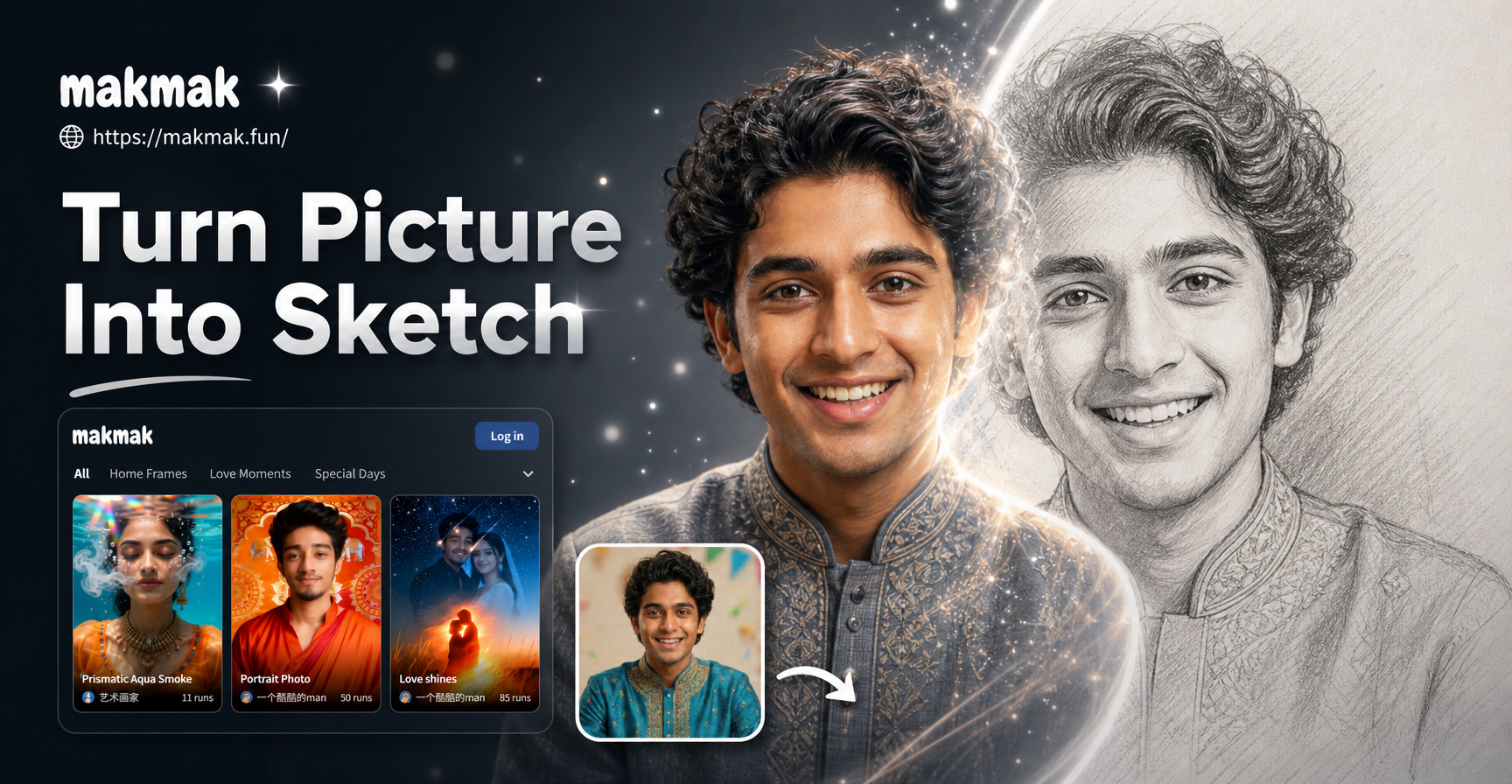
Discover Your Perfect Sketch Style
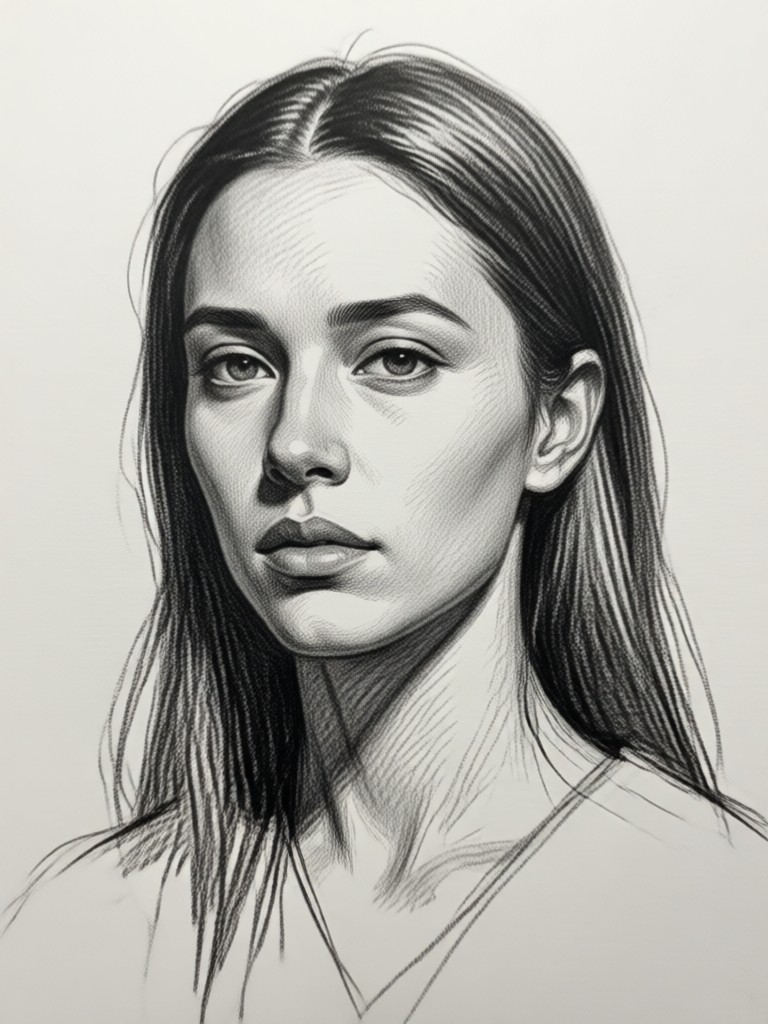
From classic pencil portraits to modern ink illustrations, choose from a wide variety of AI sketch filters to match your vision.
Why Turn Your Photo Into a Sketch?
Our AI sketch technology offers more than just a filter. It intelligently recreates the textures, shading, and flow of real hand-drawn art.
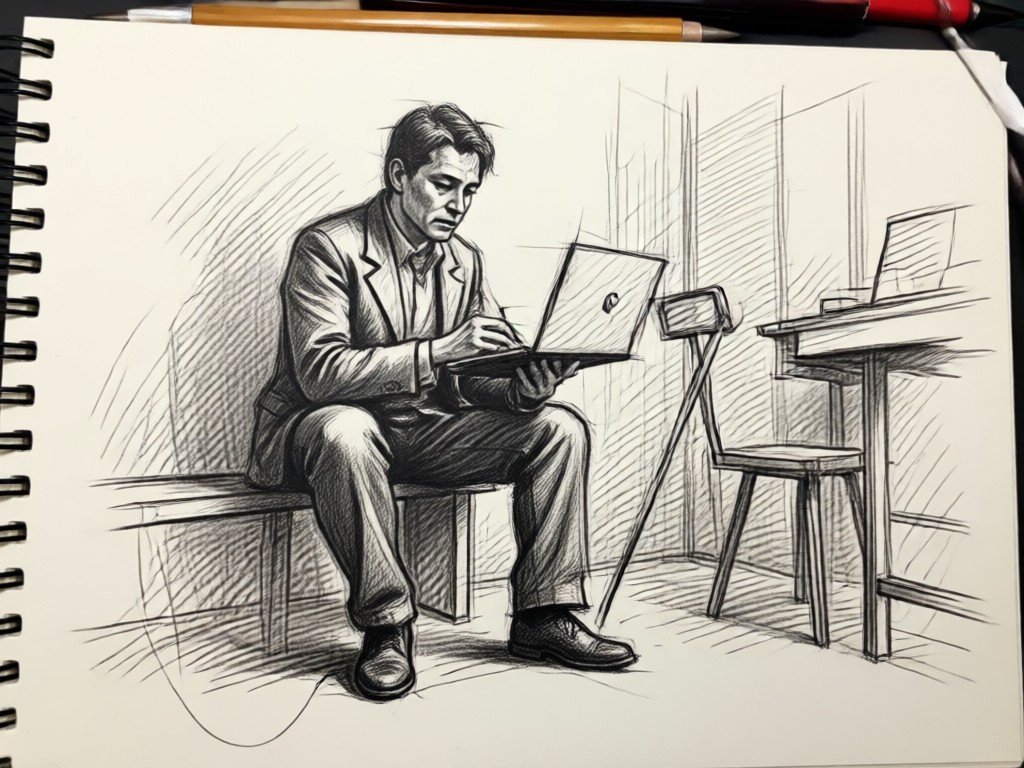
One Tap Transformation
Upload any photo, select your preferred sketch style, and watch the AI generate a detailed drawing in under 10 seconds. No complex settings or edits needed.
One Tap Transformation
Upload any photo, select your preferred sketch style, and watch the AI generate a detailed drawing in under 10 seconds. No complex settings or edits needed.
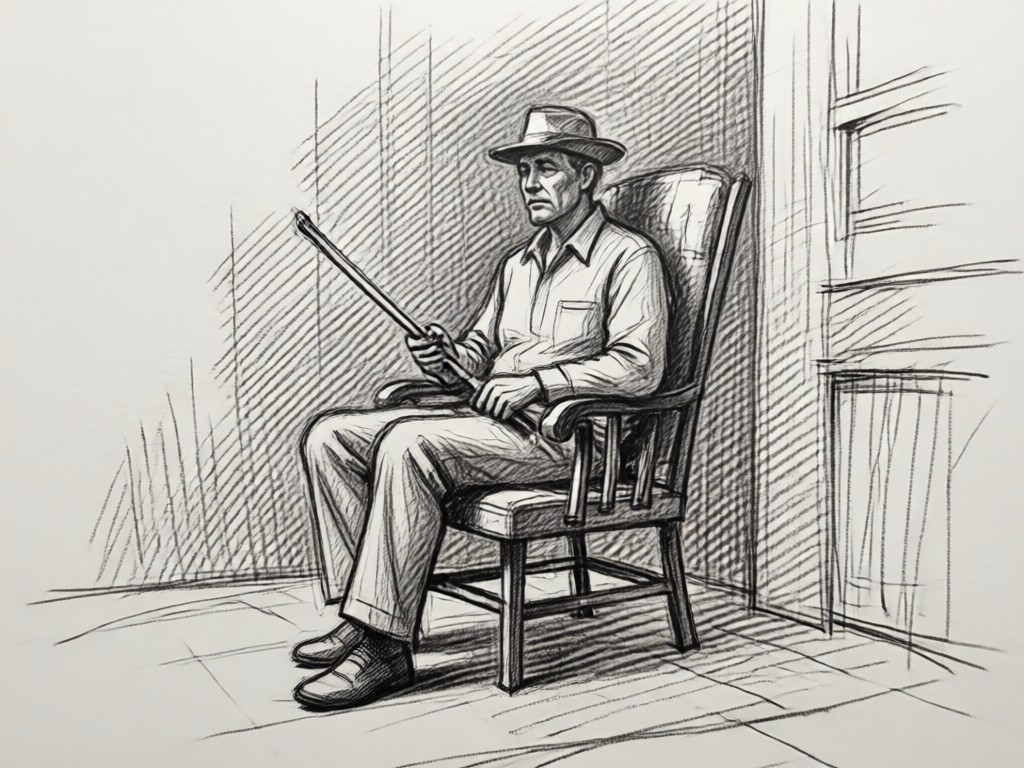
Authentic Artistic Styles
Experience realistic pencil shading, expressive charcoal textures, clean ink outlines, and more. Each style mimics true artistic techniques for believable results.
Authentic Artistic Styles
Experience realistic pencil shading, expressive charcoal textures, clean ink outlines, and more. Each style mimics true artistic techniques for believable results.
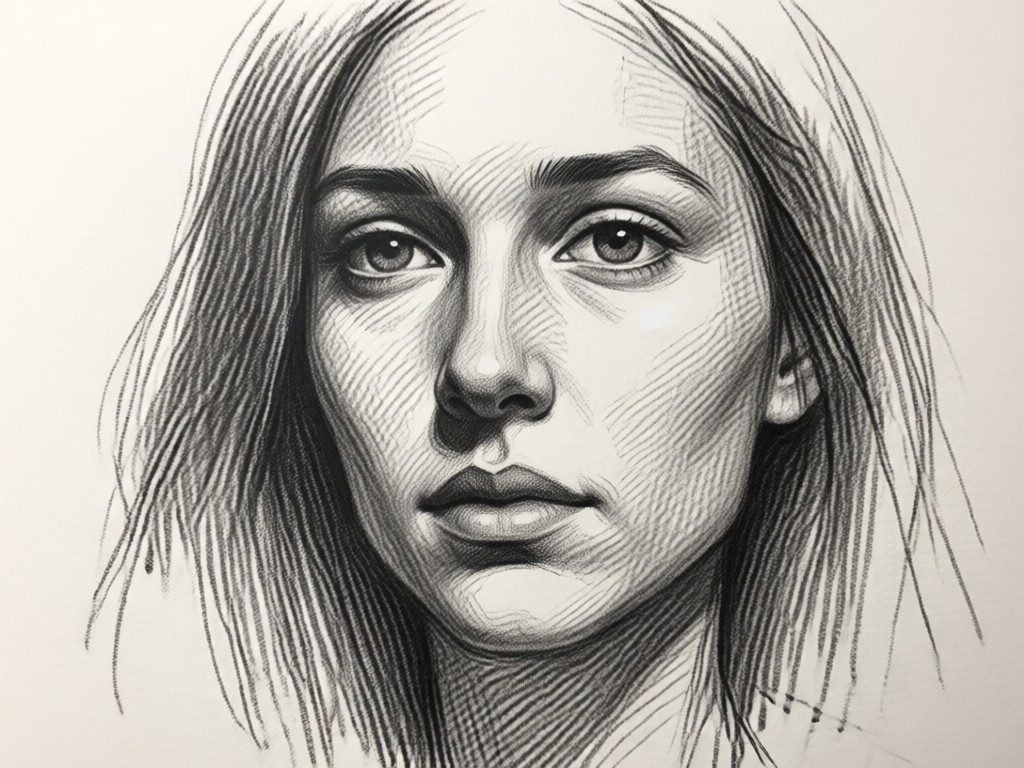
High Detail Preservation
Our AI focuses on key facial features, textures, and lighting to preserve the essence of your original photo while applying the sketch effect seamlessly.
High Detail Preservation
Our AI focuses on key facial features, textures, and lighting to preserve the essence of your original photo while applying the sketch effect seamlessly.
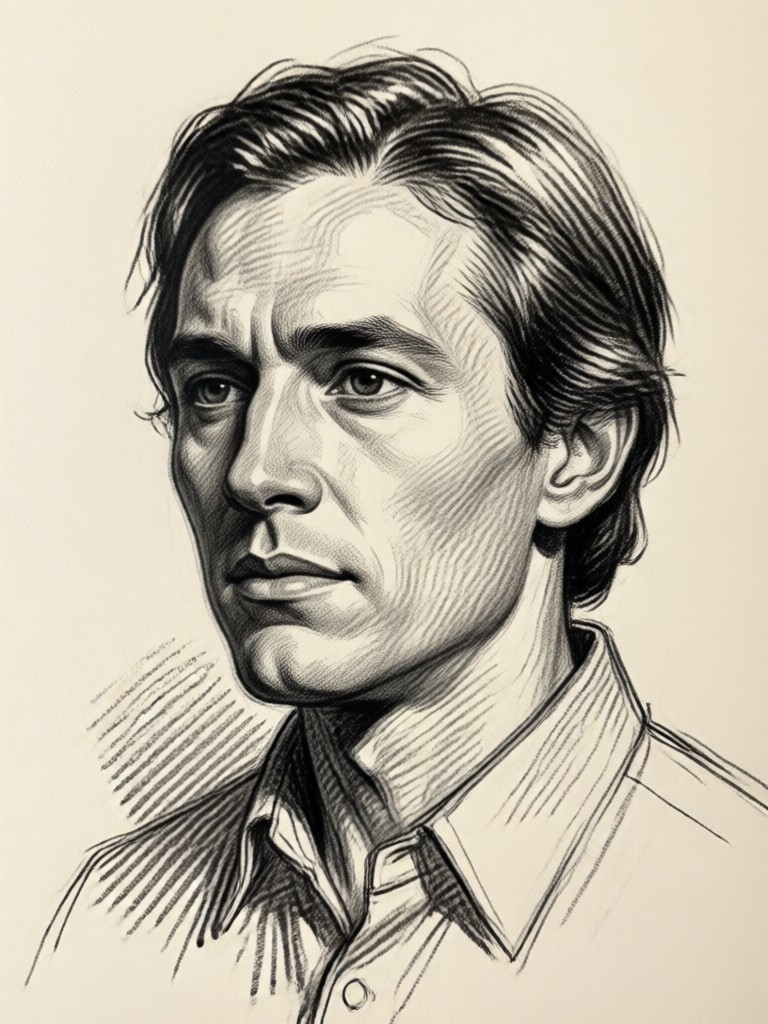
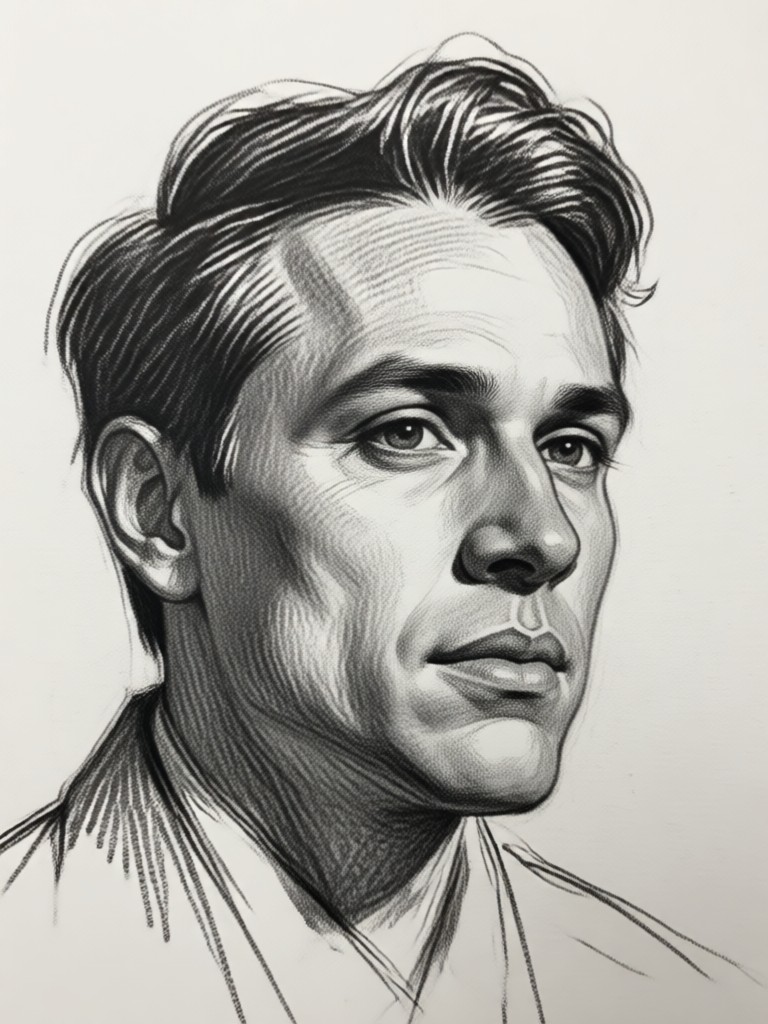
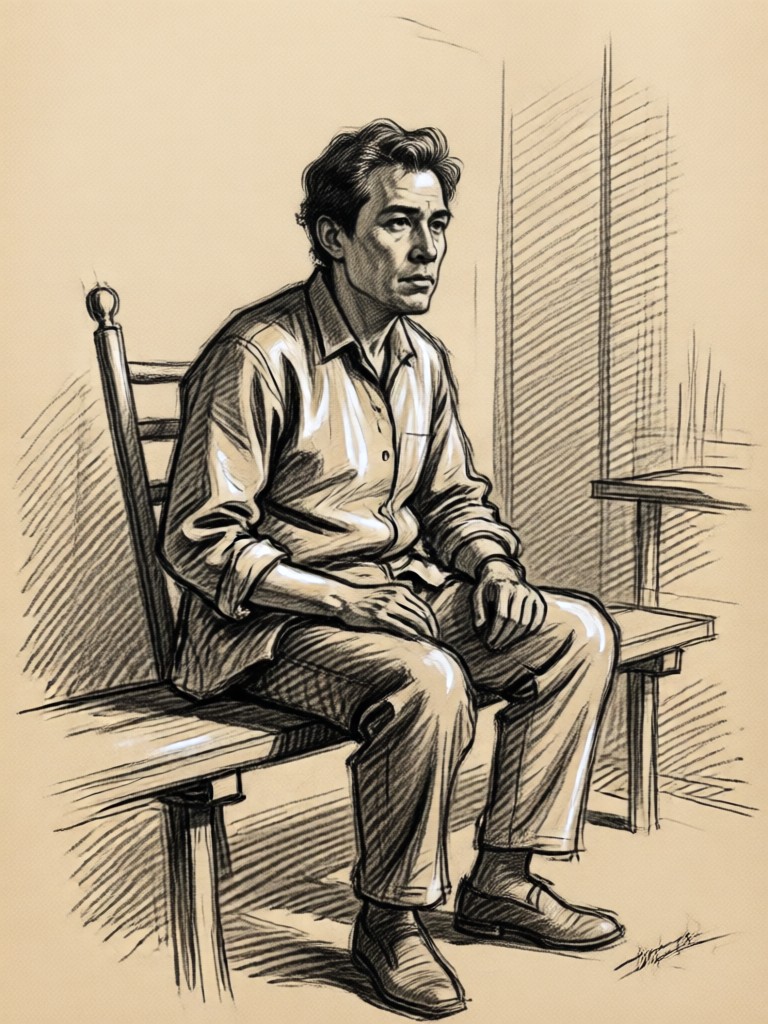
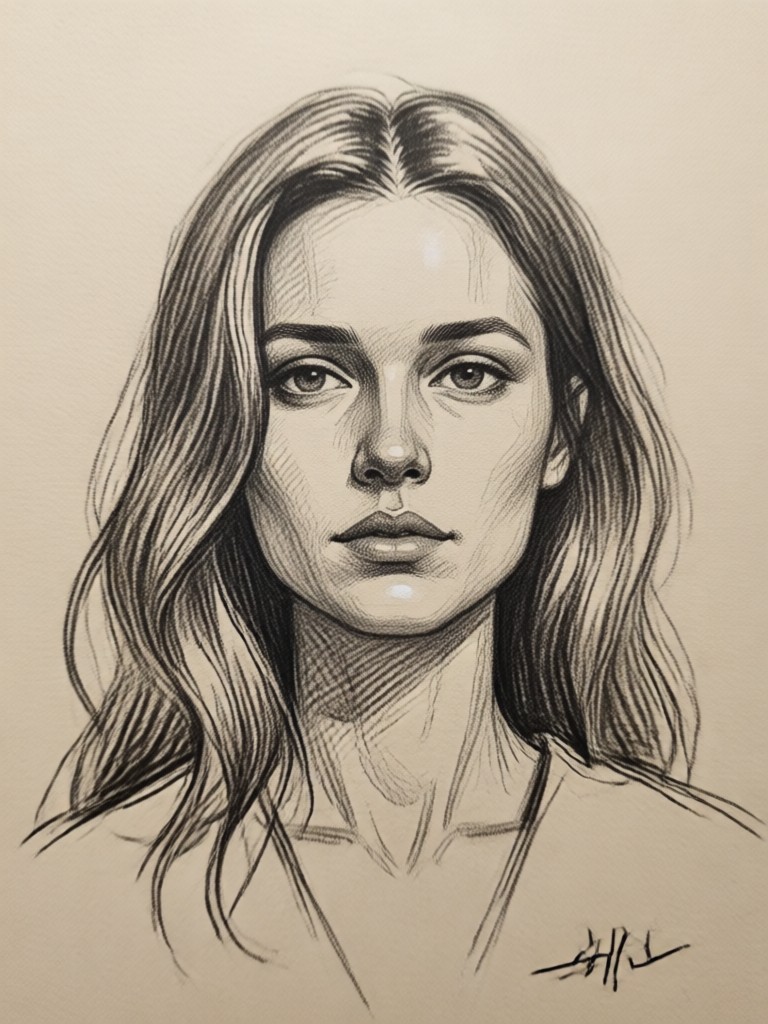
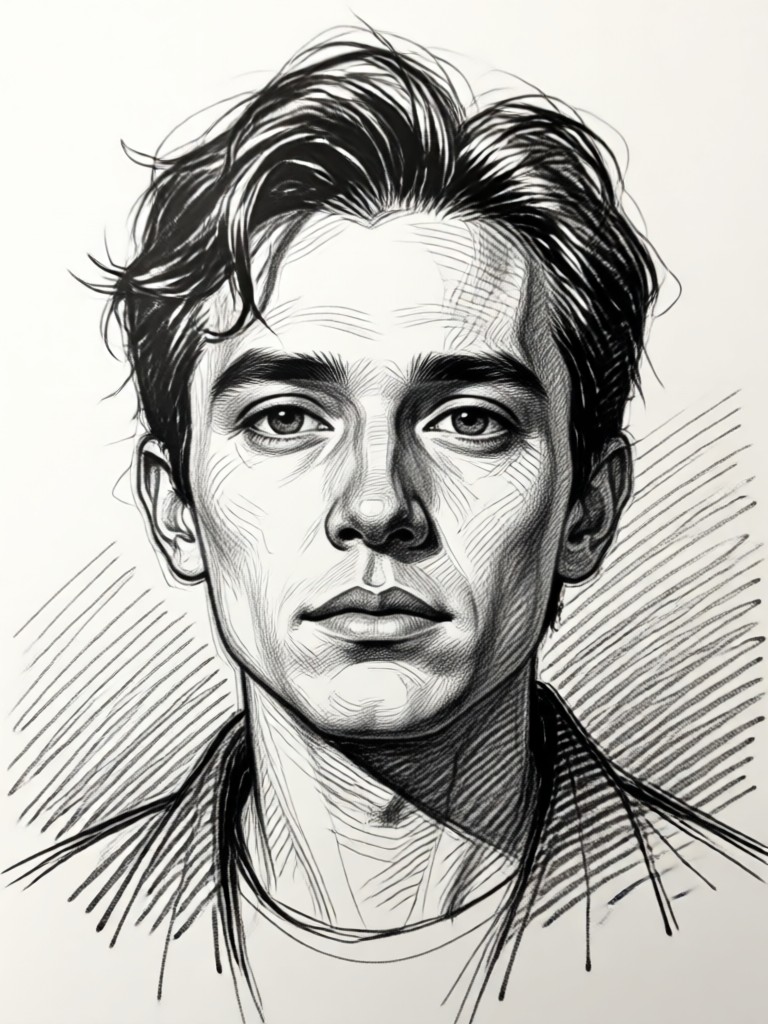
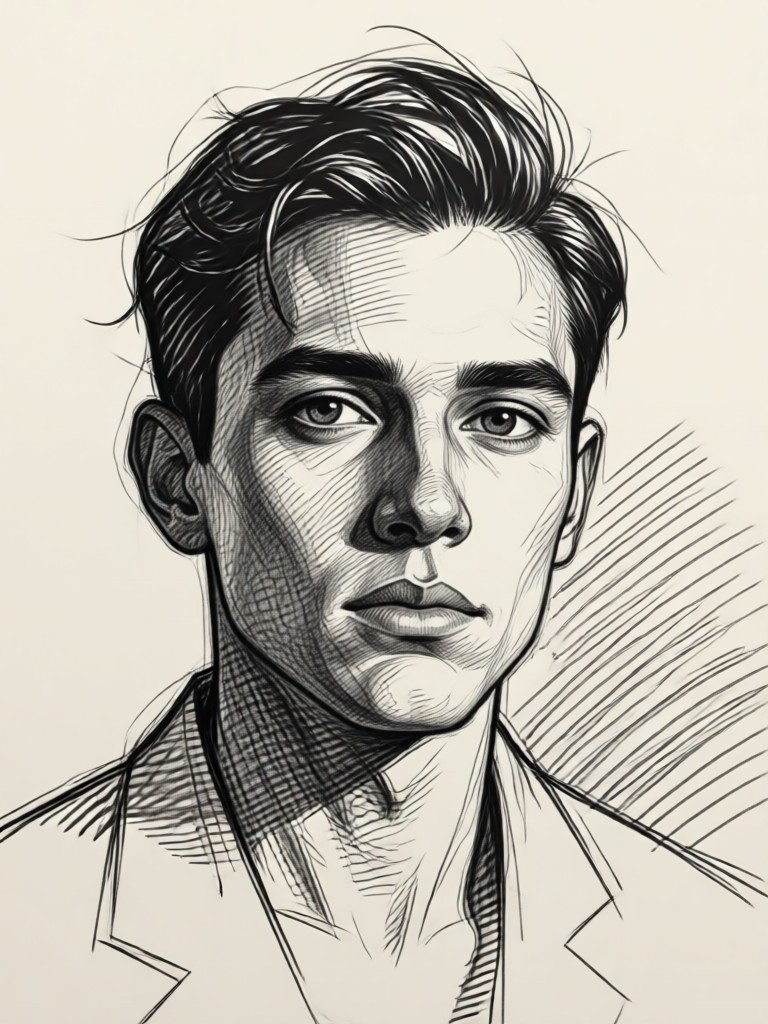
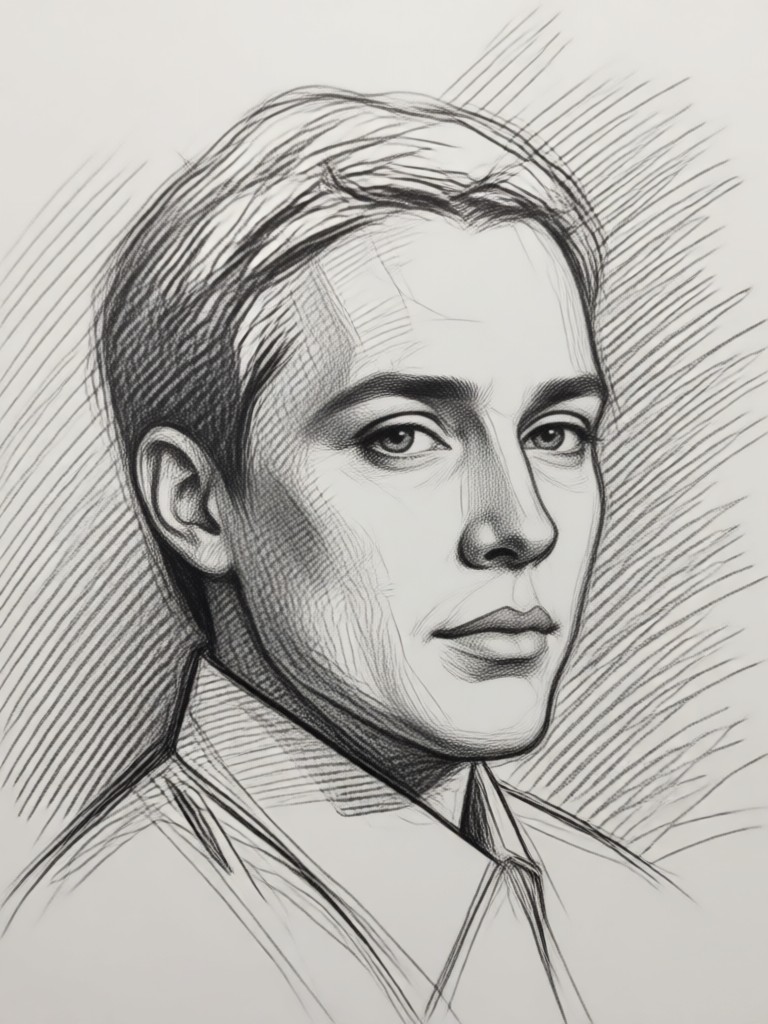
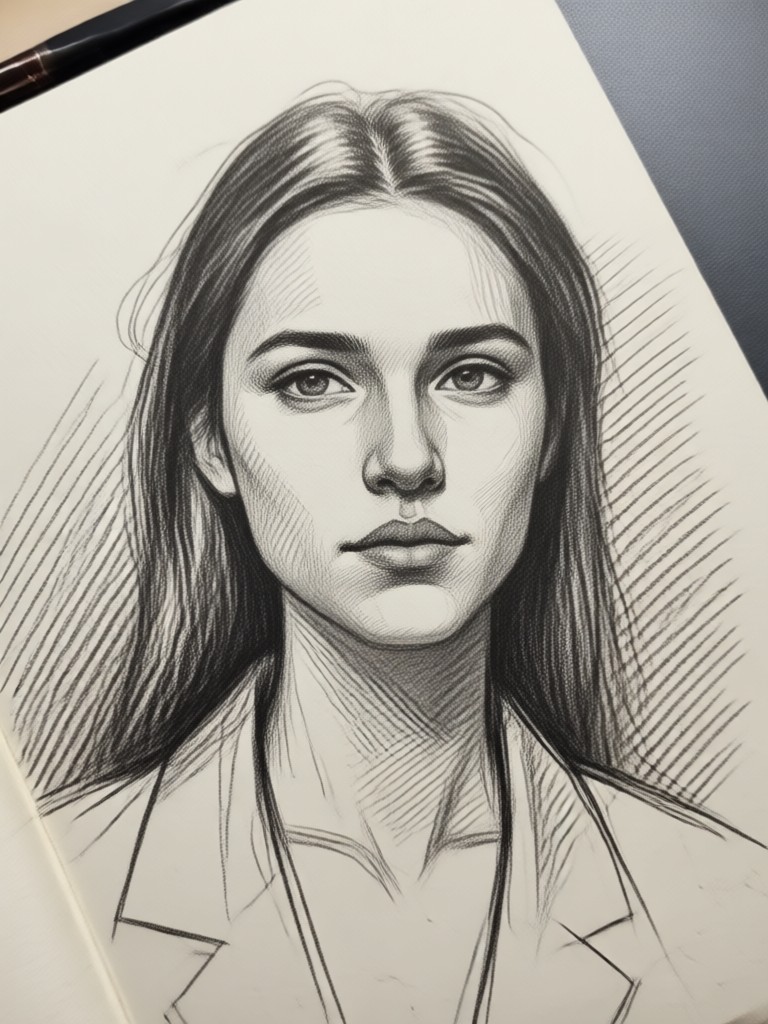
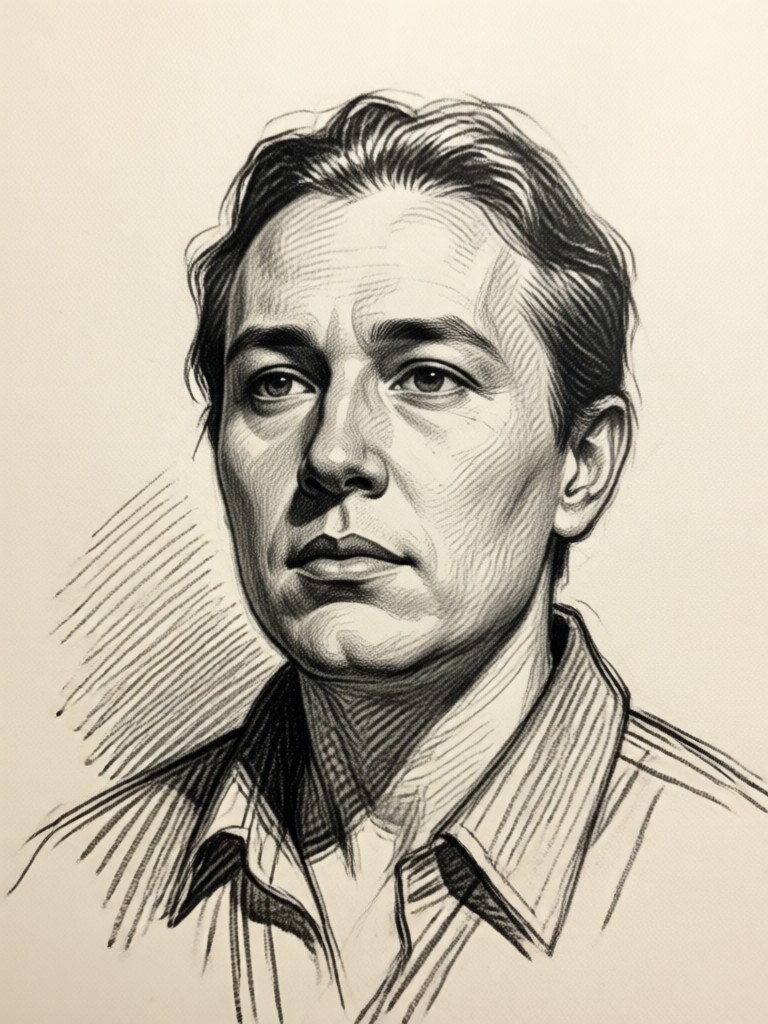
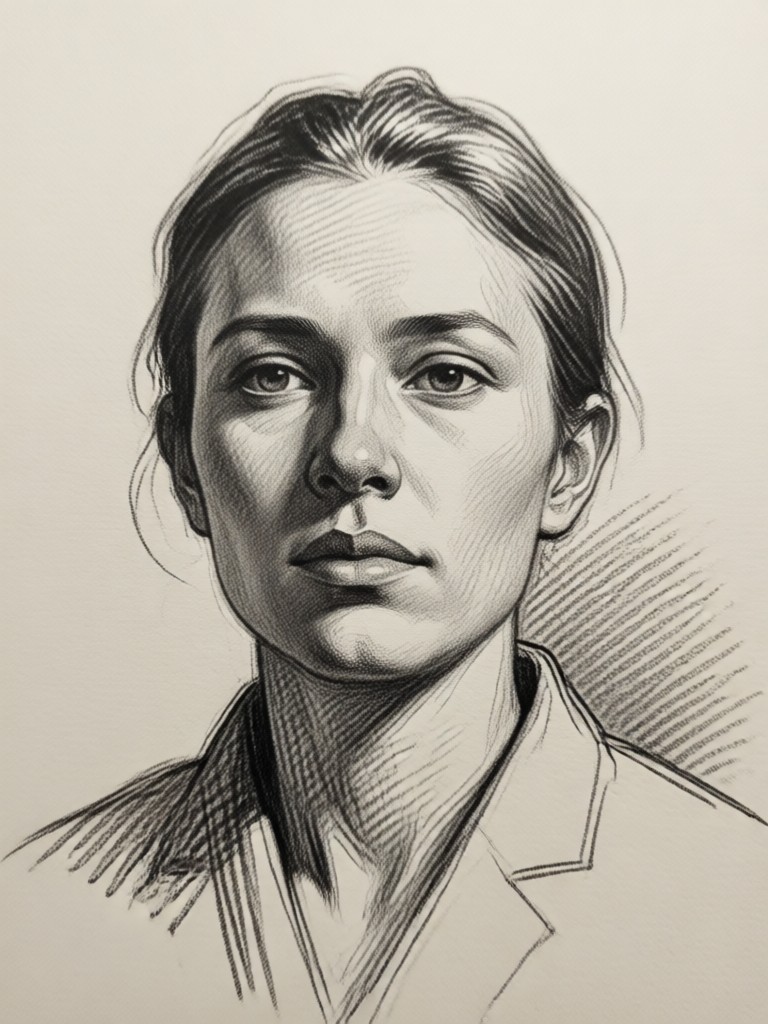
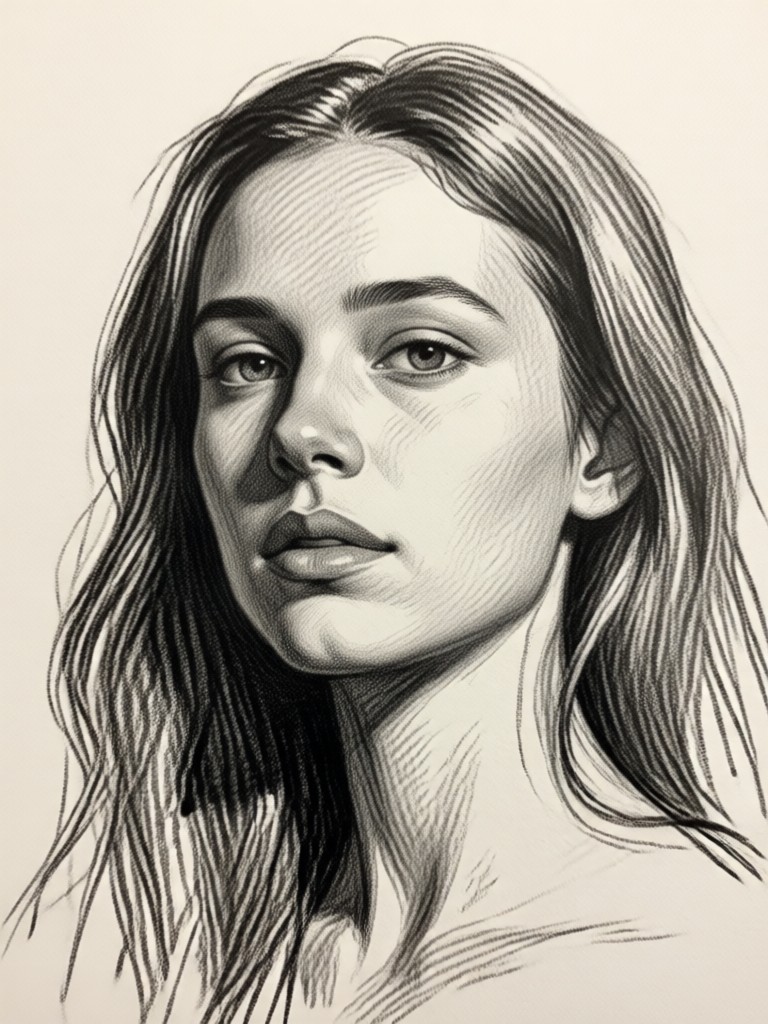
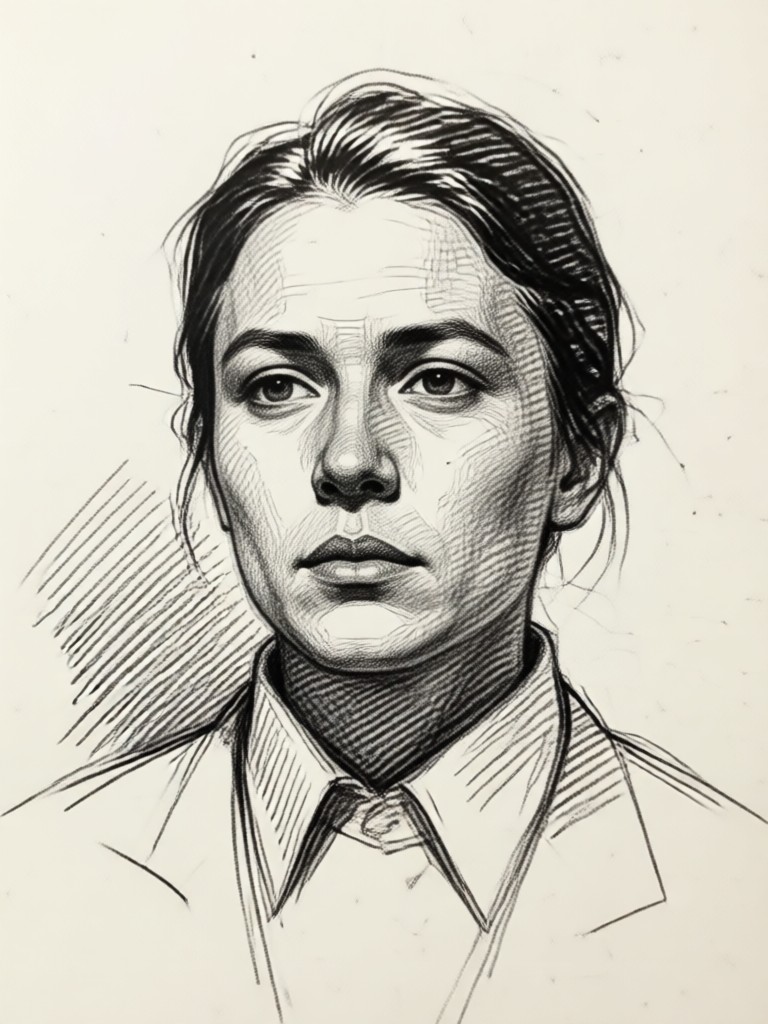
Sketch Gallery: See the Transformation
Browse our collection of AI generated sketches. See how ordinary photos become extraordinary pieces of digital art across various styles.
How to Turn a Picture Into a Sketch?
Create beautiful AI sketch art from your photos in just three simple steps, entirely within our mobile app.

Step 01.
Download the free makmak app from Google Play to access all AI sketch tools directly on your phone.

Step 02.
Upload your photo from your gallery and browse our library of sketch filters like Pencil, Charcoal, Ink, or Line Art.

Step 03.
Generate your sketch instantly. Adjust intensity if desired, then save and share your unique artwork on social media.
What Our Users Say About AI Sketches
Perfect for my art portfolio
As a digital artist, I use this to create quick concept sketches from reference photos. The pencil filter is incredibly realistic and saves me hours of manual work.
Transformed my family photos
I turned old family pictures into beautiful pencil sketches and framed them. The results look like commissioned portraits. My relatives were amazed.
Best app for unique social content
My Instagram feed stands out now. I turn my travel photos into sketches, and my engagement has skyrocketed. It's so easy and the quality is consistent.
AI Sketch FAQs
Get answers to common questions about turning your pictures into sketches with our AI technology.
Turn Pictures Into Sketches On Your Phone
Carry a powerful AI artist in your pocket. Download the app now to sketchify any photo anytime, anywhere.

Become a Digital Artist Today
Stop scrolling and start creating. Transform your memories and moments into timeless sketch art with a single tap.
Become a Digital Artist Today
Stop scrolling and start creating. Transform your memories and moments into timeless sketch art with a single tap.