Music Video Face Swap
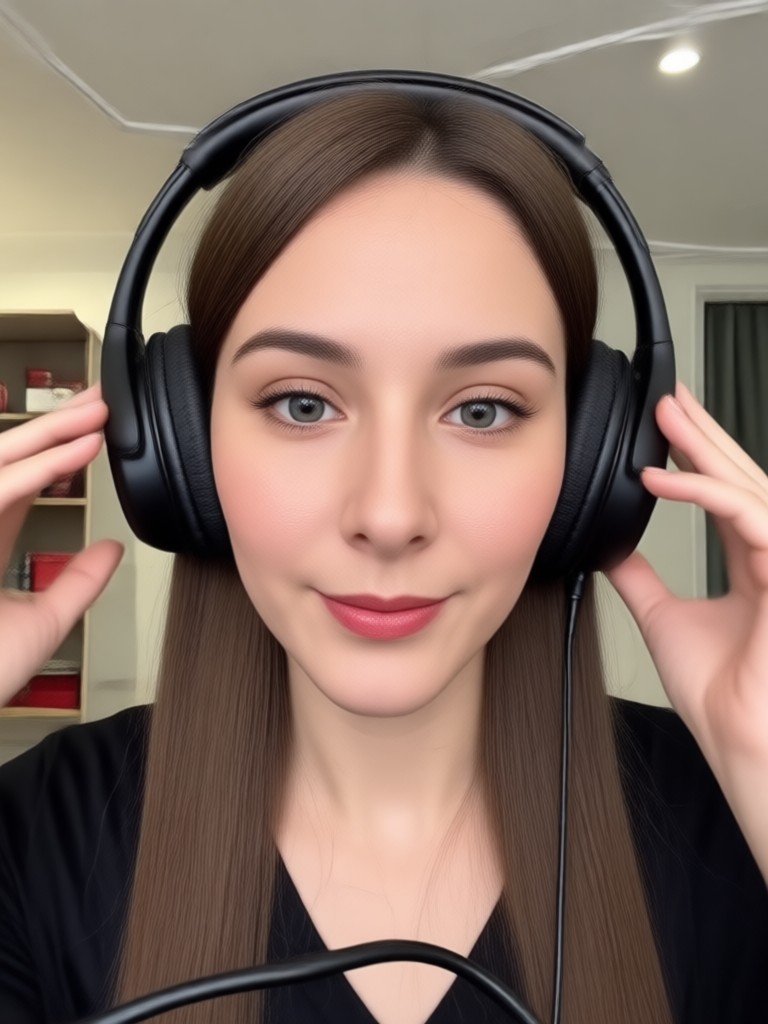
Top Music Video Filters to Try
Choose from a massive library of trending music video clips. From classic rock anthems to the latest pop hits, find the perfect scene to put yourself in.
Why Our Music Video Face Swap Stands Out
Go beyond simple face filters. Our AI delivers seamless, beat-synced face swaps that look like you were really in the video.
Perfect Lip Sync & Motion
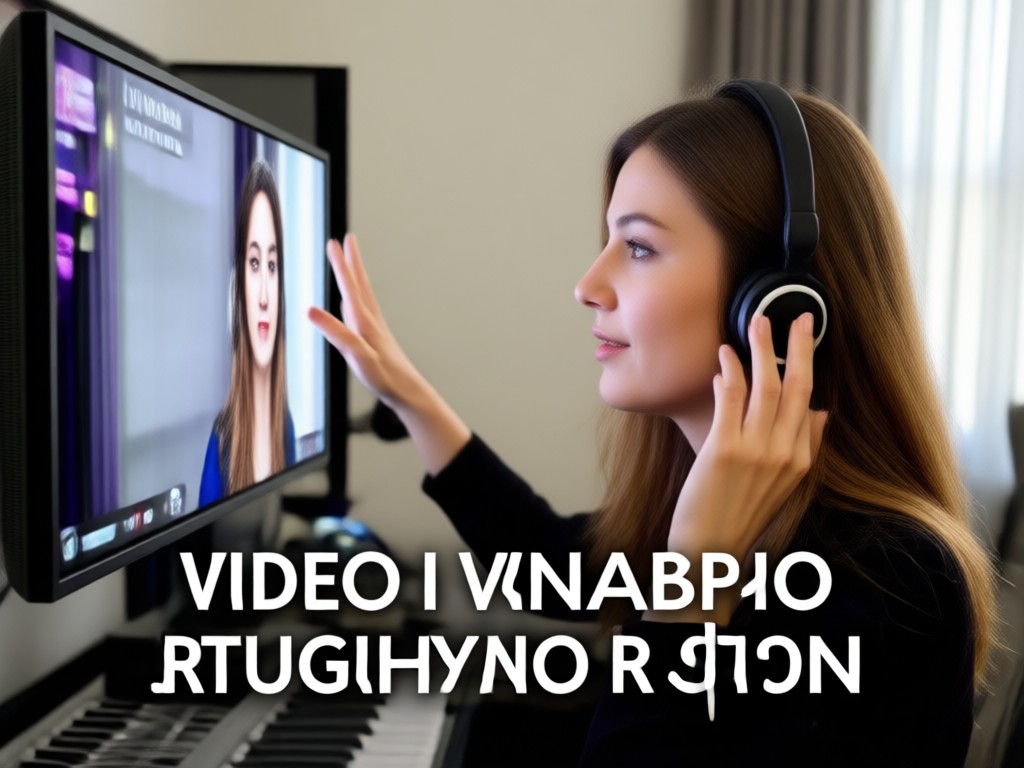
Our AI doesn't just paste a face. It analyzes the original artist's head movements and mouth shapes, ensuring your swapped face moves and mouths the lyrics naturally in time with the music.
Perfect Lip Sync & Motion
Our AI doesn't just paste a face. It analyzes the original artist's head movements and mouth shapes, ensuring your swapped face moves and mouths the lyrics naturally in time with the music.
Lighting & Skin Tone Matching
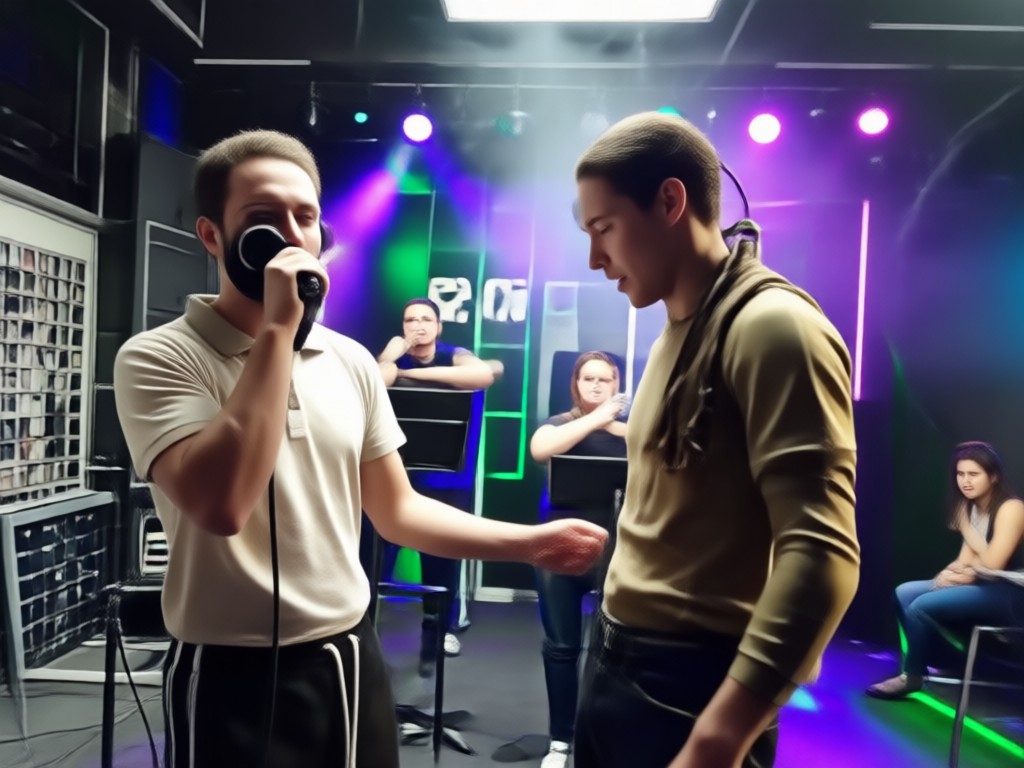
Automatically adjust your photo's lighting, shadows, and skin tones to blend perfectly with the original video's scene. Achieve a realistic, professional-grade composite every time.
Lighting & Skin Tone Matching
Automatically adjust your photo's lighting, shadows, and skin tones to blend perfectly with the original video's scene. Achieve a realistic, professional-grade composite every time.
Huge Library of Video Clips
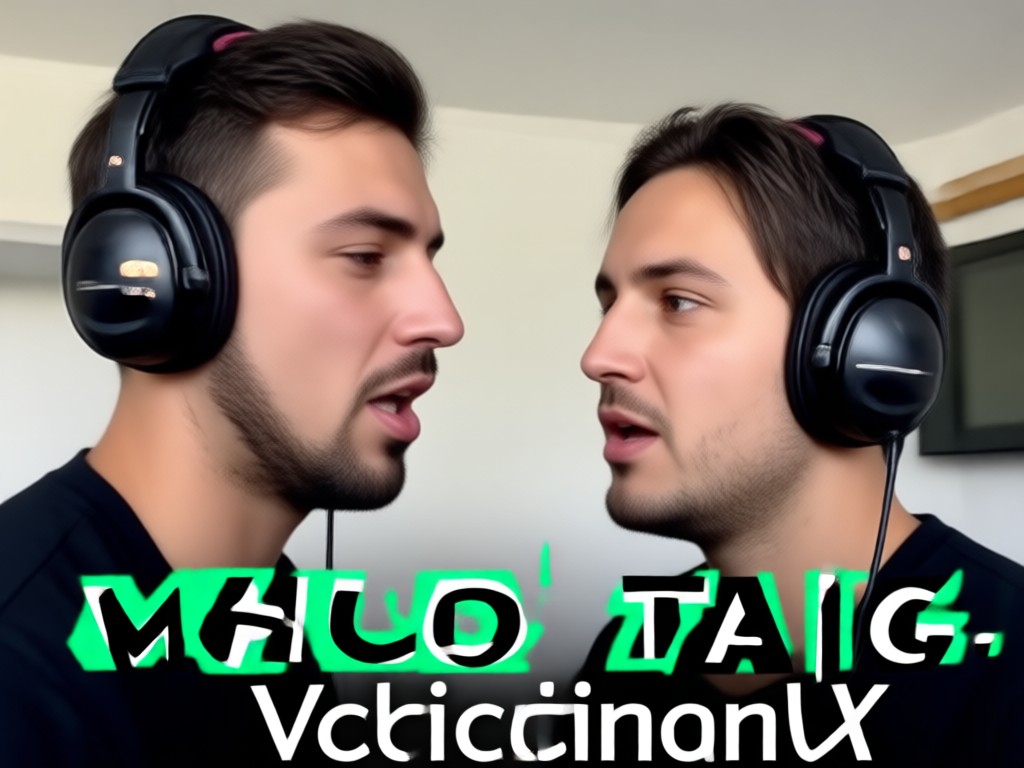
Access thousands of pre-cleared music video moments. Search by genre, artist, or mood. From a dramatic ballad close-up to an energetic dance break, find your perfect scene.
Huge Library of Video Clips
Access thousands of pre-cleared music video moments. Search by genre, artist, or mood. From a dramatic ballad close-up to an energetic dance break, find your perfect scene.
Music Video Face Swap Creations
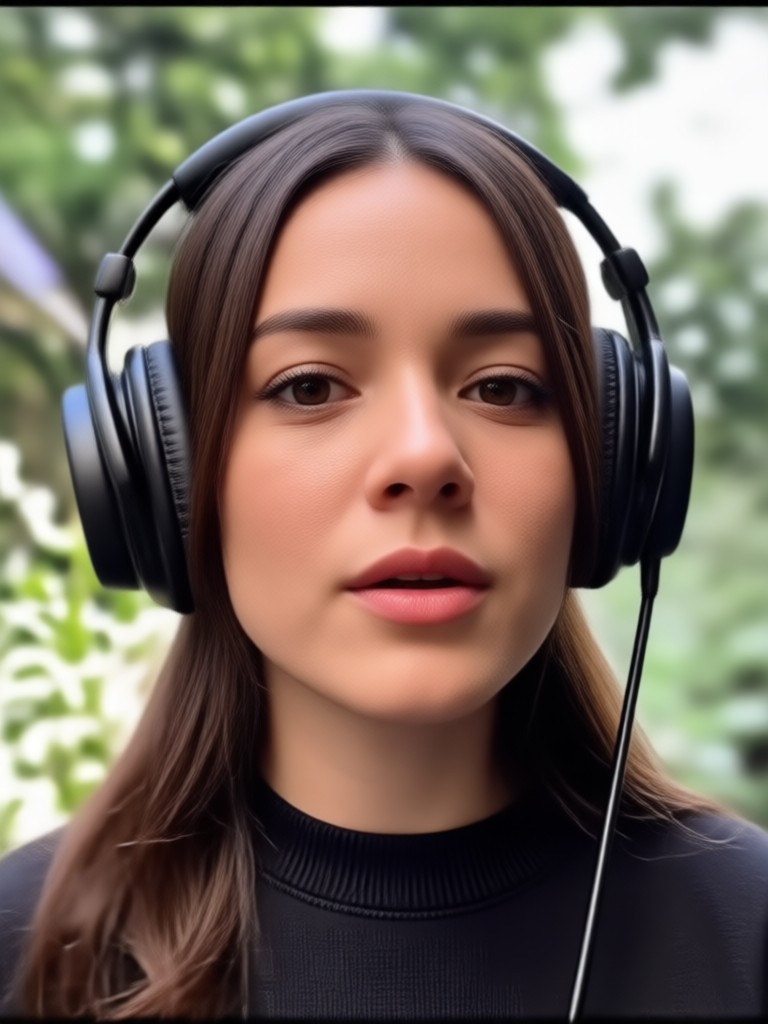
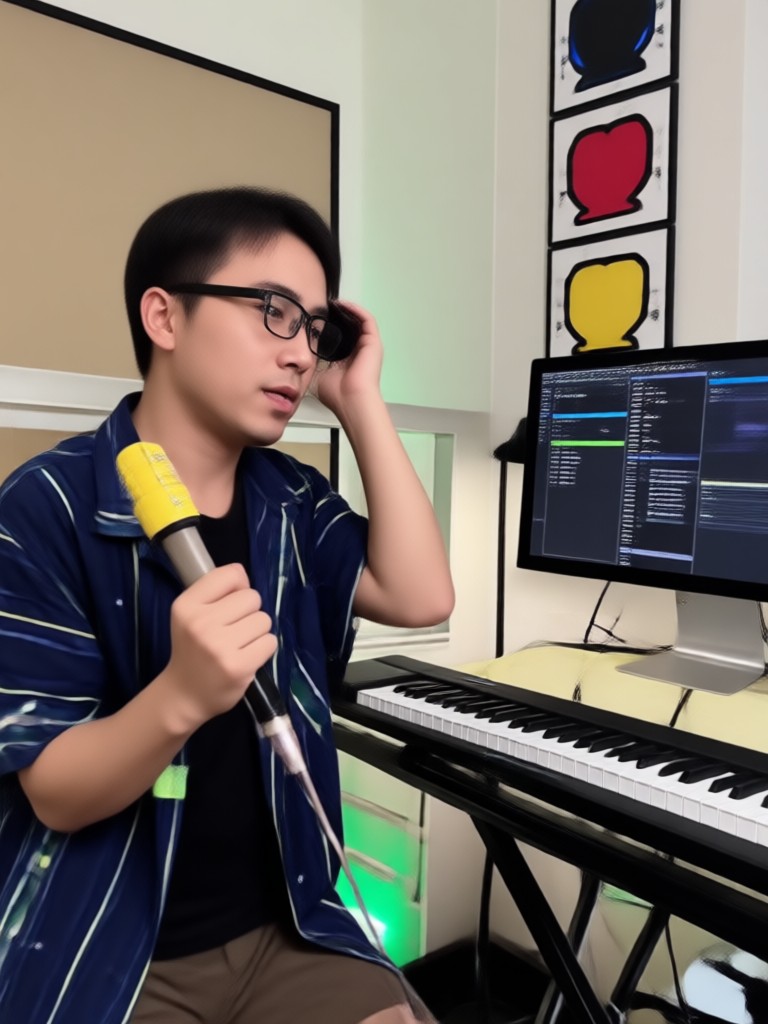
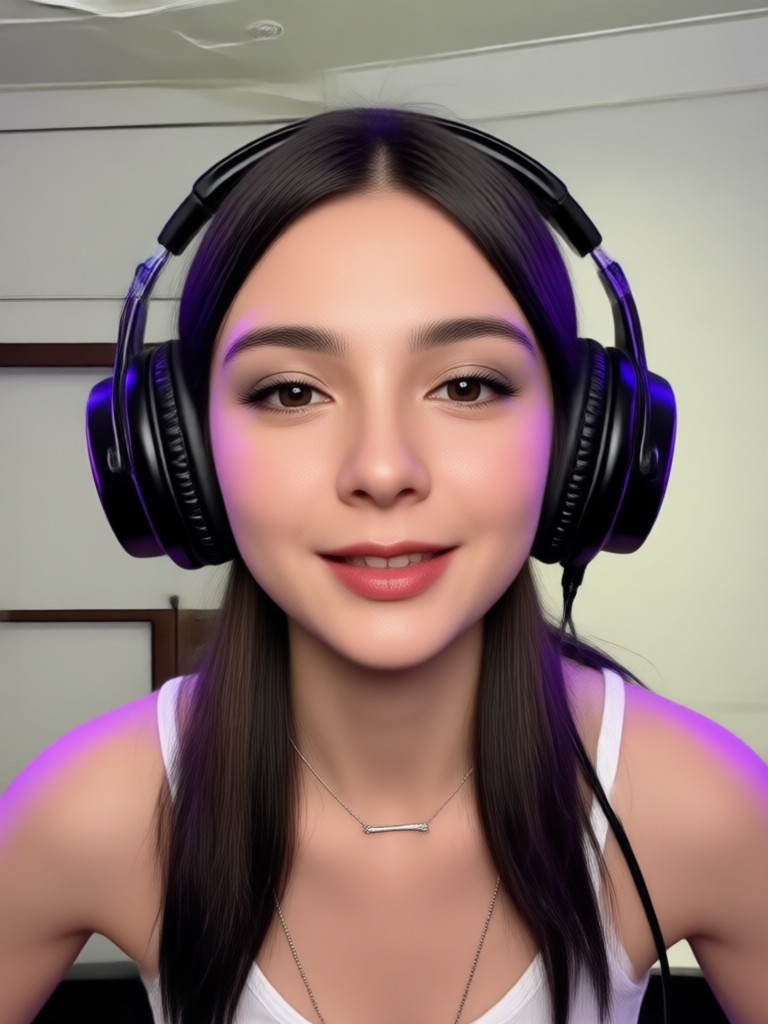
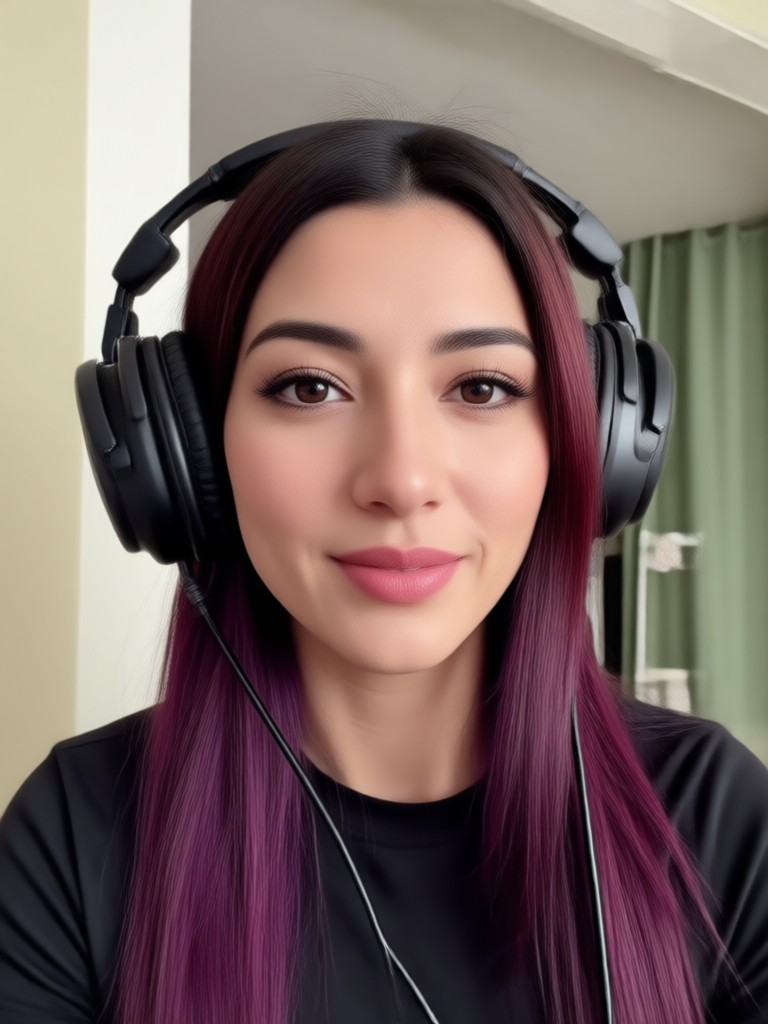
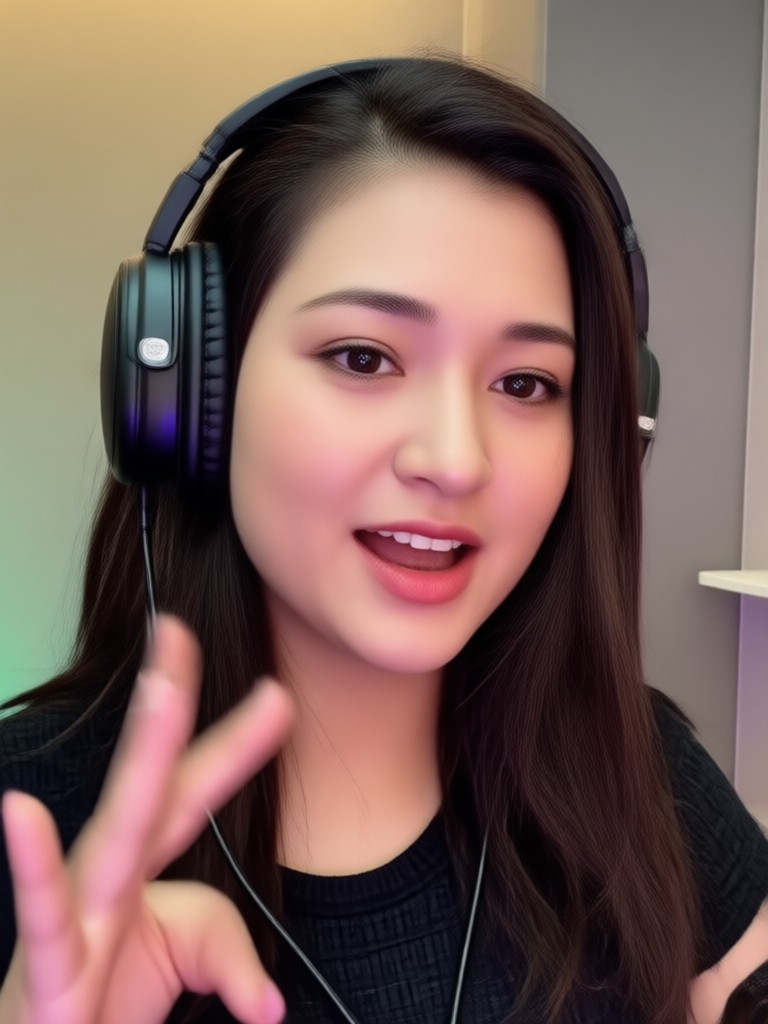
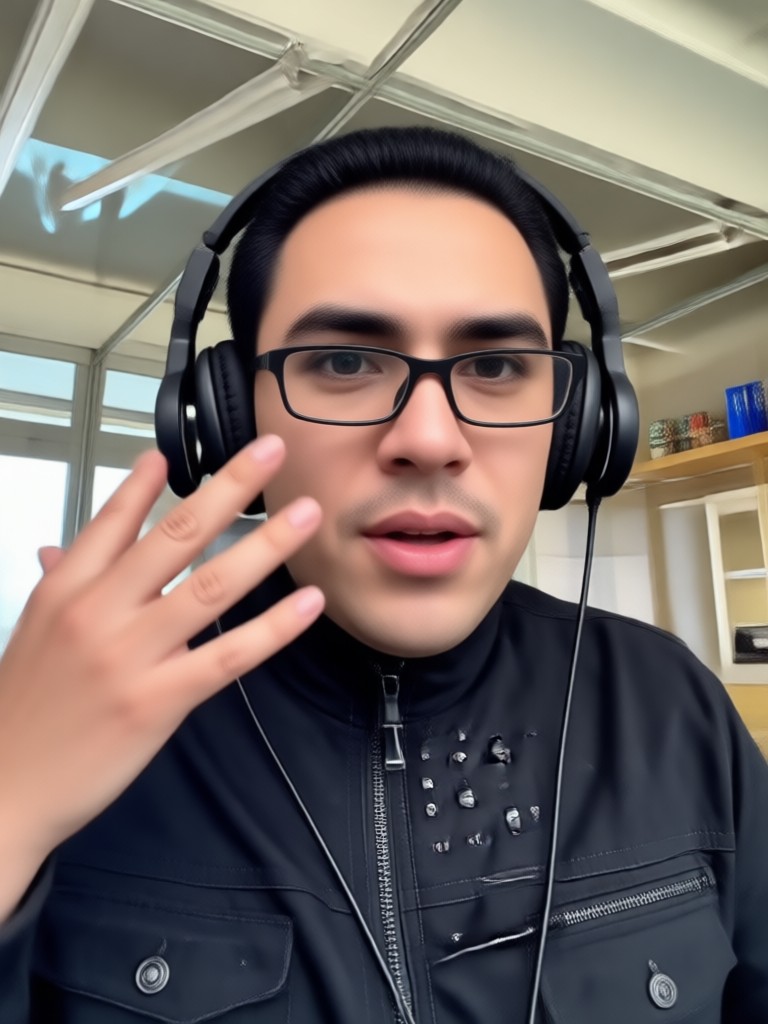
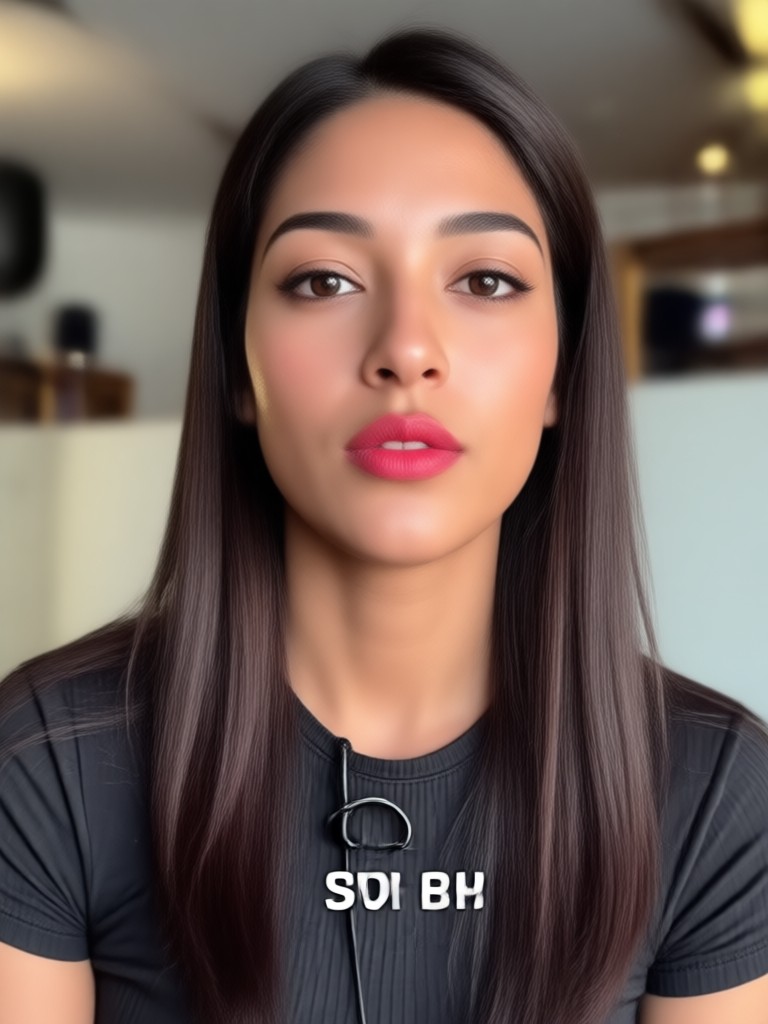
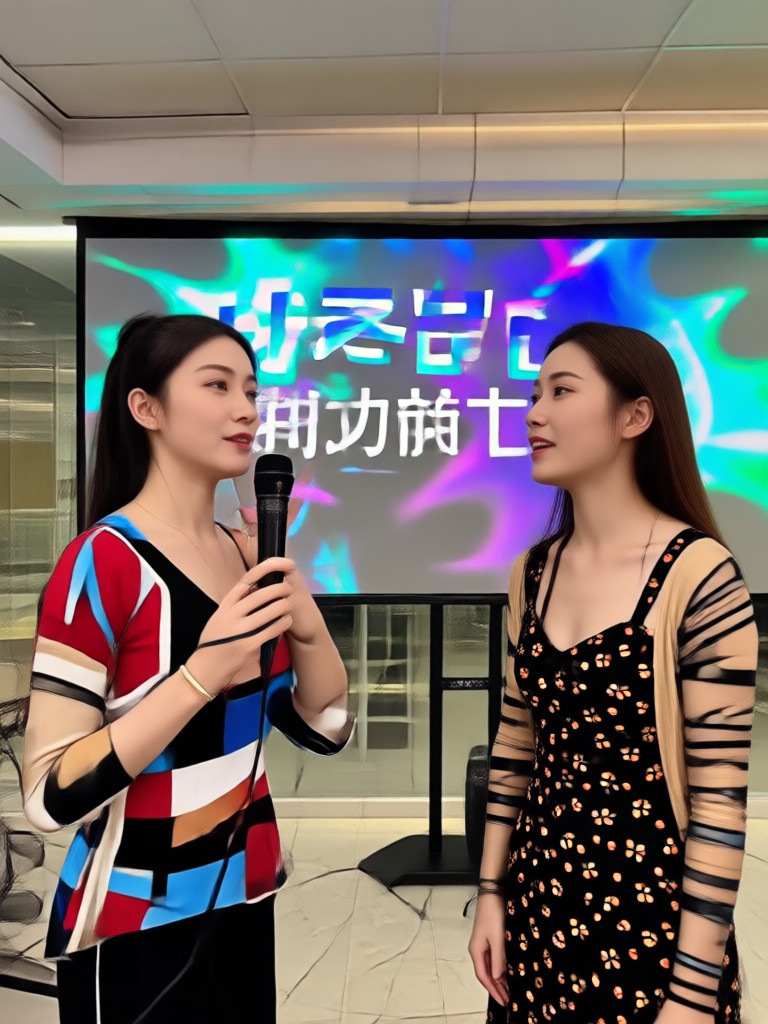
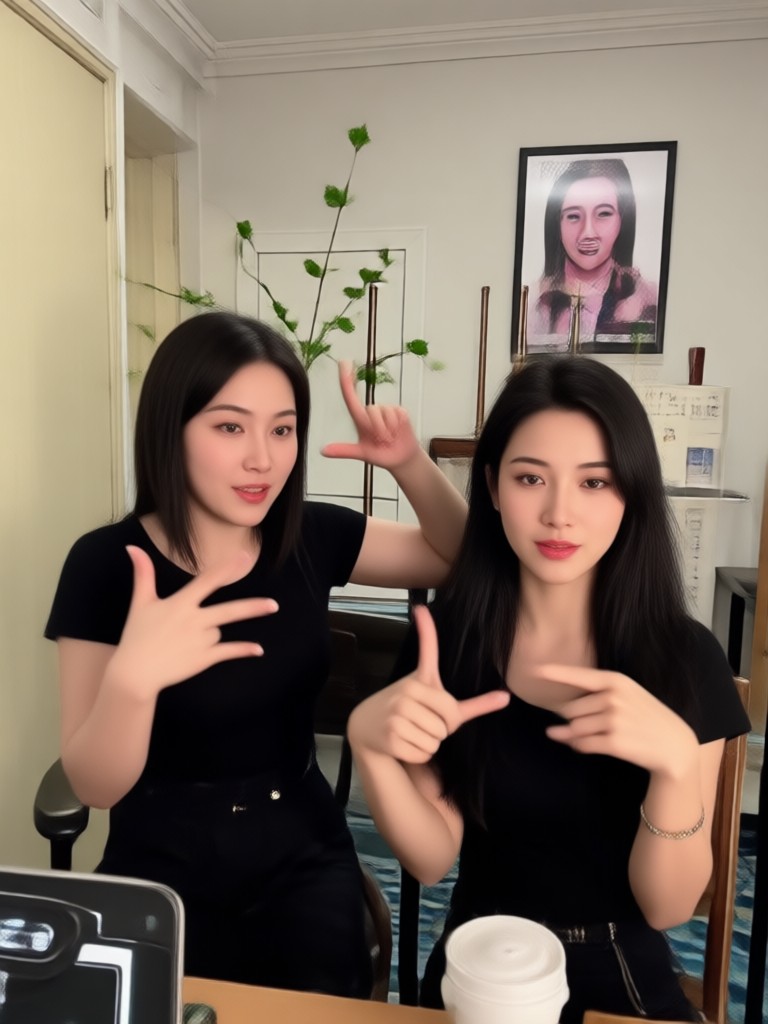
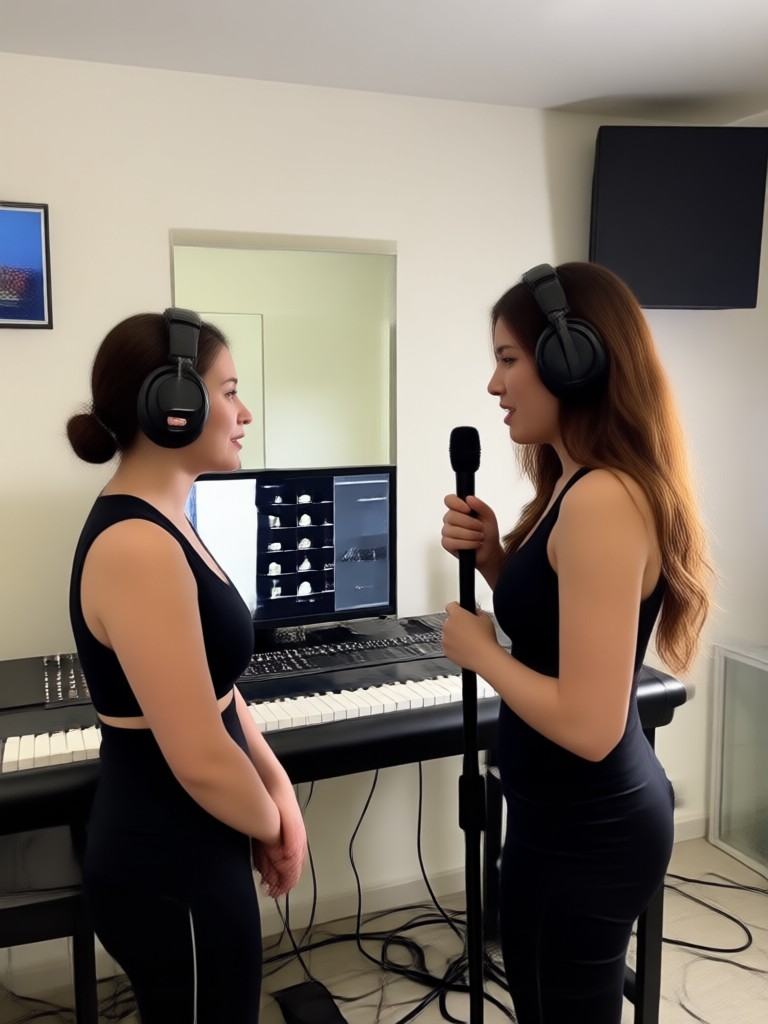
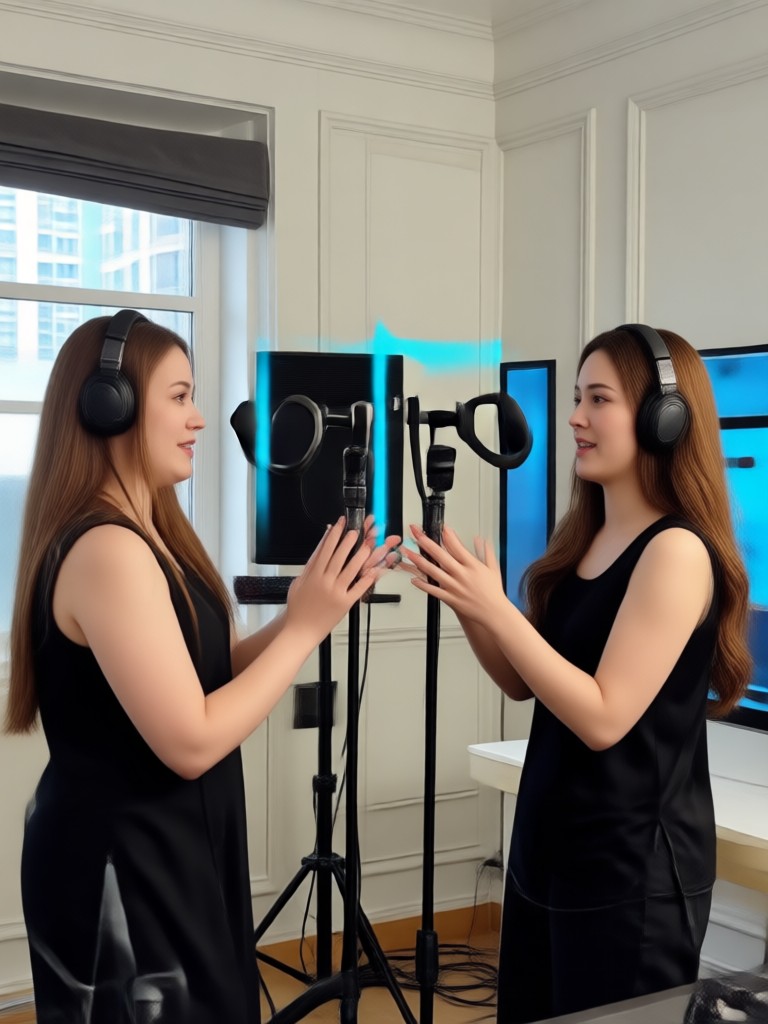
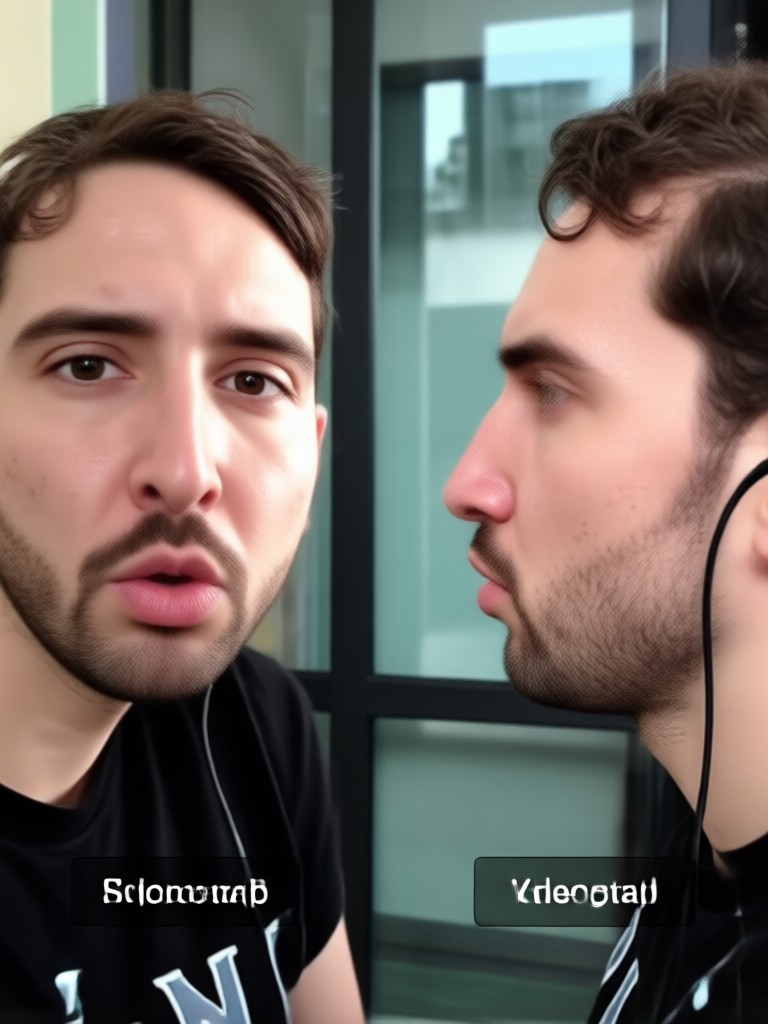
See what our community has created. These AI-generated face swaps showcase realistic integration, perfect lip sync, and endless creative possibilities.
How to Face Swap into a Music Video?
Create your own star-quality music video in three simple steps. No video editing experience needed.

Step 01.
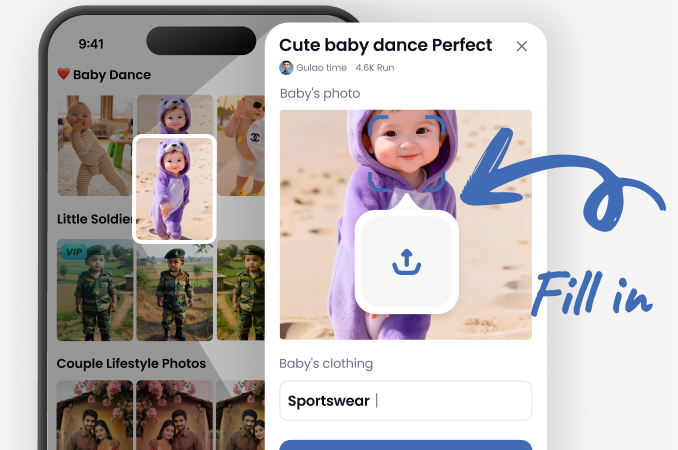
Download the makmak app from Google Play. It's your all-in-one studio for AI face swaps, video effects, and image generation.
Step 02.
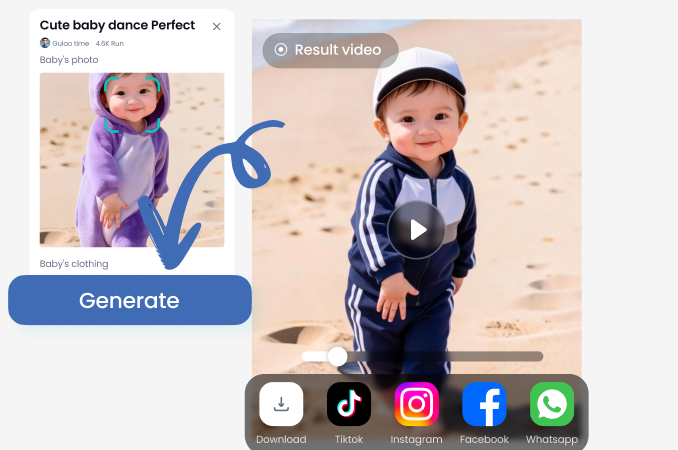
Browse the 'Music Video' category and pick your favorite clip. Upload a clear, front-facing photo of yourself or a friend for the AI to use.
Step 03.
Generate your video. The AI will process the face swap, sync it with the audio, and deliver a shareable video file ready for TikTok, Instagram, or YouTube.
Creators Love Our Music Video Face Swap
This made my fan edit go viral!
I made a face swap into my favorite band's music video for a fan tribute. The lip sync was so accurate, everyone thought it was deepfake magic. Got thousands of shares on Twitter.
Incredible tool for social media engagement
I use this to create funny content where I 'star' in trending music videos. The engagement on my Instagram Reels has skyrocketed because the results look so real and are hilarious.
So easy, my students use it for projects
I teach digital media. This app is perfect for introducing students to AI video concepts. They love creating their own music videos, and the process is intuitive enough for beginners.
Your Music Video, Made with AI
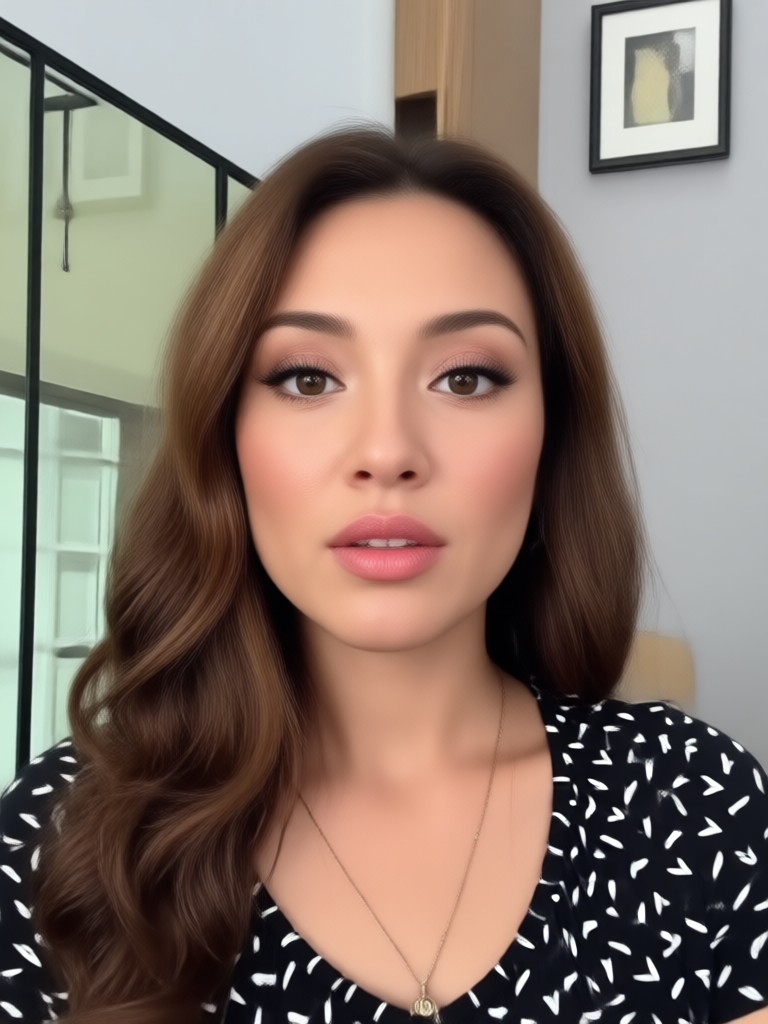
Stop just watching music videos. Star in them. Download makmak now and turn any photo into a perfectly synced music video moment.

Music Video Face Swap FAQs
Get answers to common questions about creating AI face swap music videos, privacy, and how to get the best results.
More Topics You May Like
Explore more topics you may like and discover fresh ideas tailored to your interests.
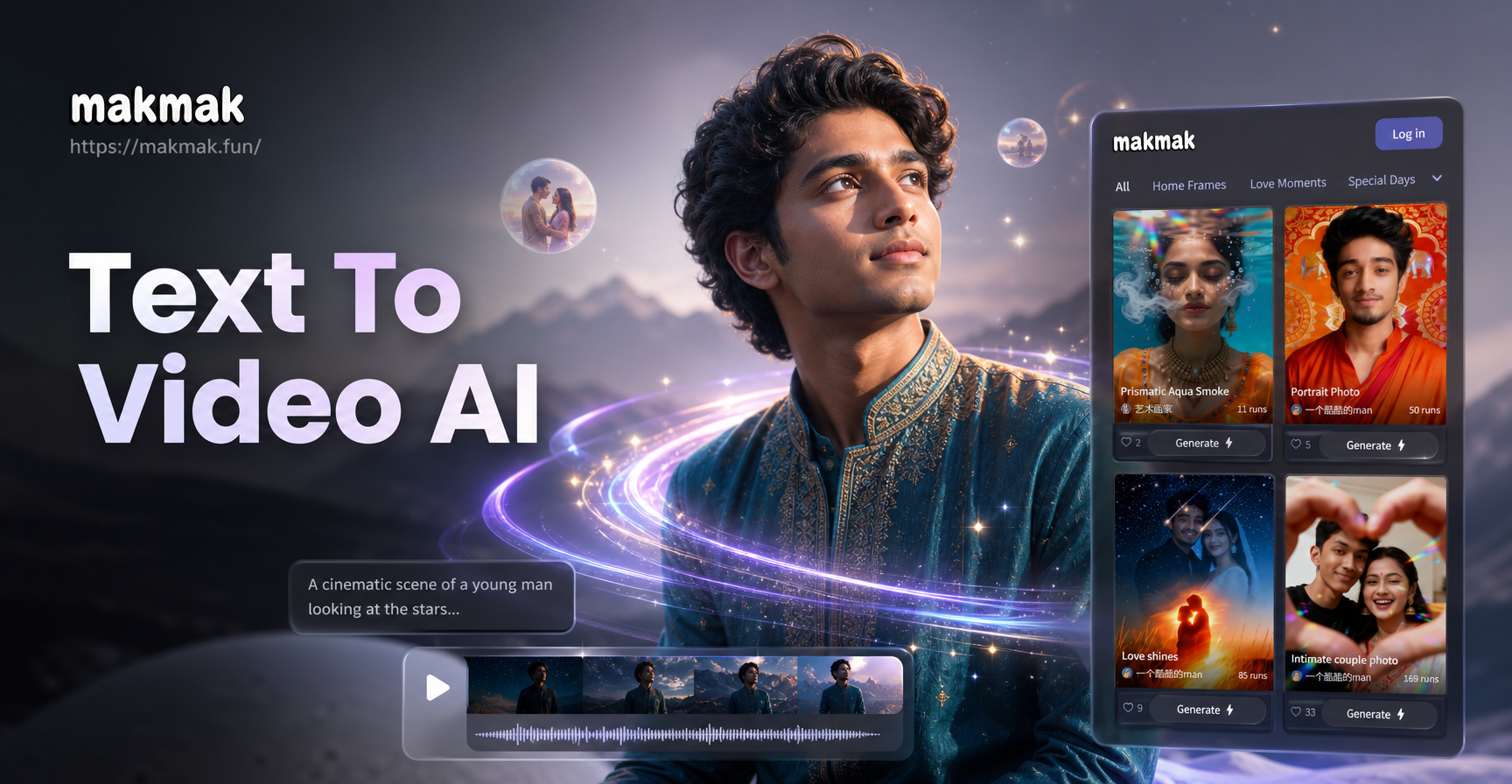
Turn Words into Motion | AI Video Maker
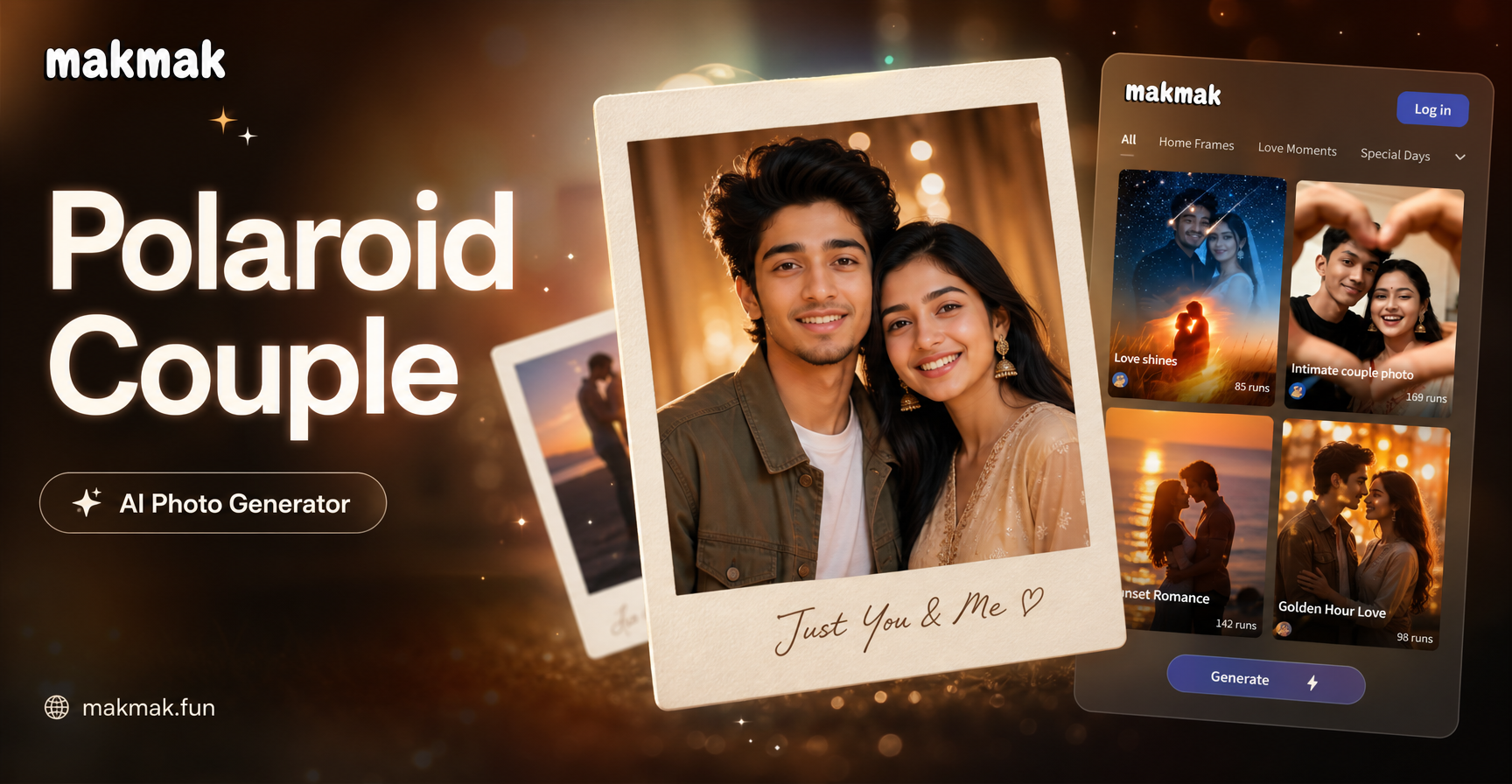
Create Vintage Polaroid Couples Photos with AI
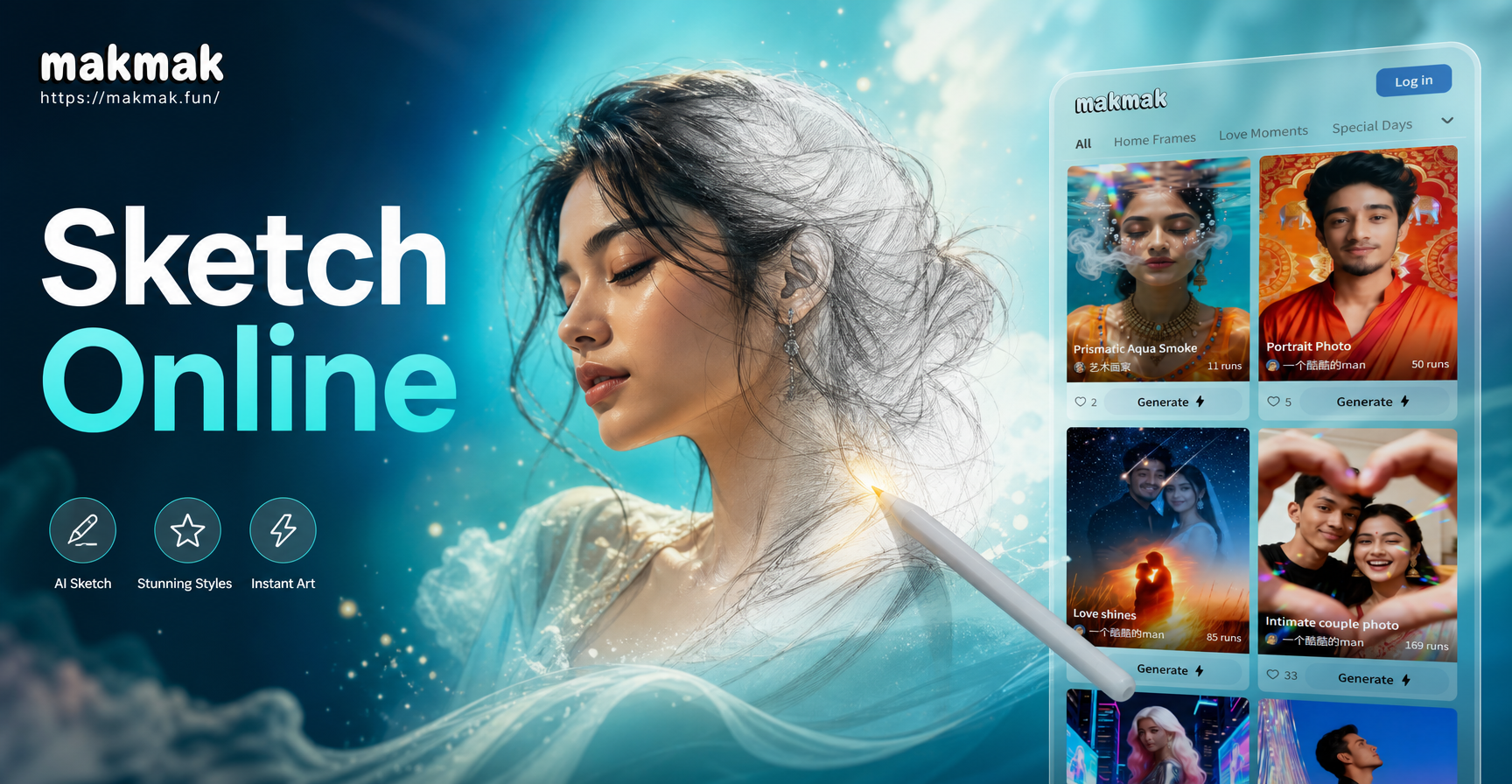
AI Sketch Images Online: Turn Photos Into Art Easily

AI Cocktail Name Generator: Craft Unique Drink Titles Instantly
Turn Words into Motion | AI Video Maker
Create Vintage Polaroid Couples Photos with AI
AI Sketch Images Online: Turn Photos Into Art Easily
AI Cocktail Name Generator: Craft Unique Drink Titles Instantly
Ready for Your Close-Up?
Download makmak now. Choose from thousands of music video moments, upload your photo, and become the star of the show in seconds.
Ready for Your Close-Up?
Download makmak now. Choose from thousands of music video moments, upload your photo, and become the star of the show in seconds.