Enhance Resolution Of Photo
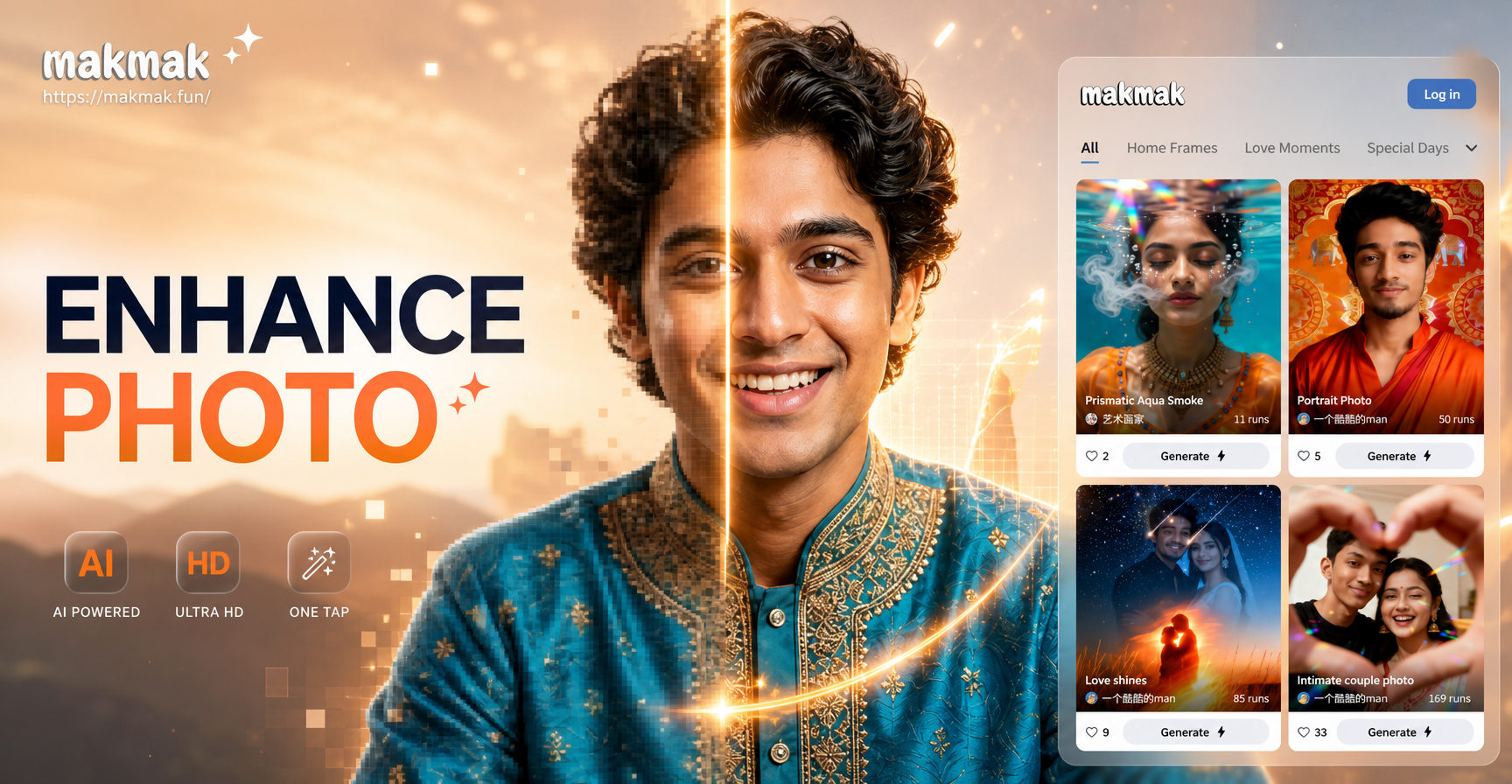
Choose Your Enhancement Style
Select from specialized AI filters designed for different types of photo enhancement. Whether you need to sharpen faces, restore old pictures, or upscale landscapes, we have the perfect tool.
Key Features of AI Photo Enhancer
Our app provides professional-grade photo enhancement tools in a simple mobile interface. Go beyond basic filters with AI that understands image content.
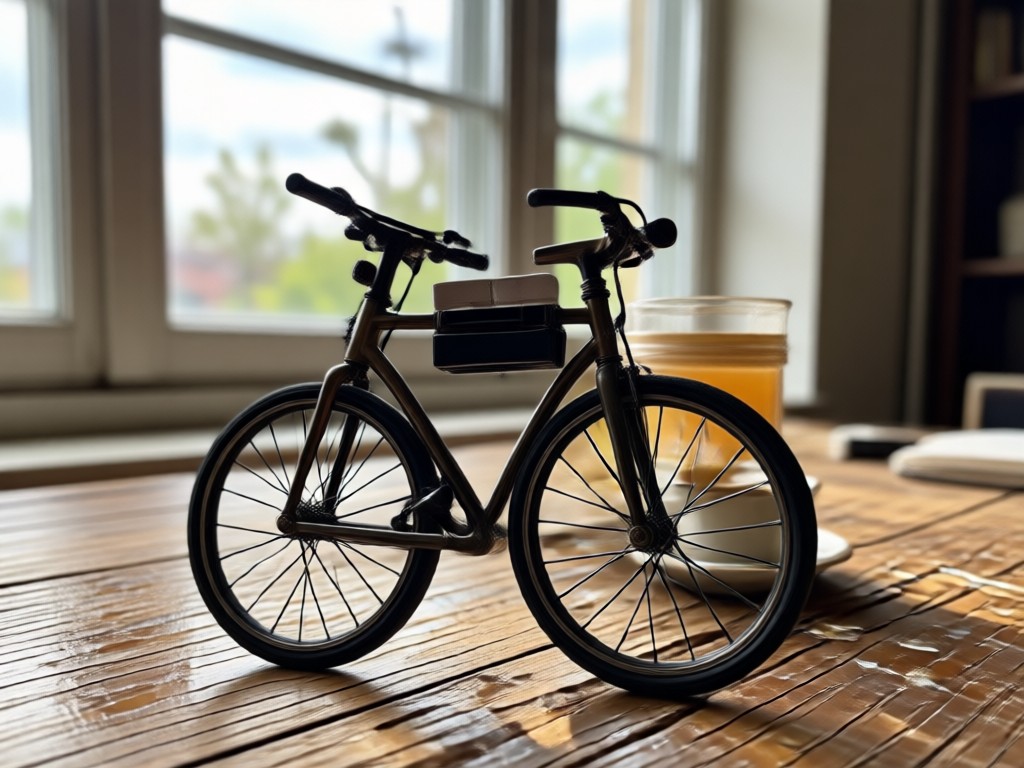
AI-Powered Upscaling
Intelligently increase your photo's resolution by 2x, 4x, or more. The AI reconstructs realistic details and textures, so your enlarged photos look natural, not pixelated or artificially smoothed.
AI-Powered Upscaling
Intelligently increase your photo's resolution by 2x, 4x, or more. The AI reconstructs realistic details and textures, so your enlarged photos look natural, not pixelated or artificially smoothed.
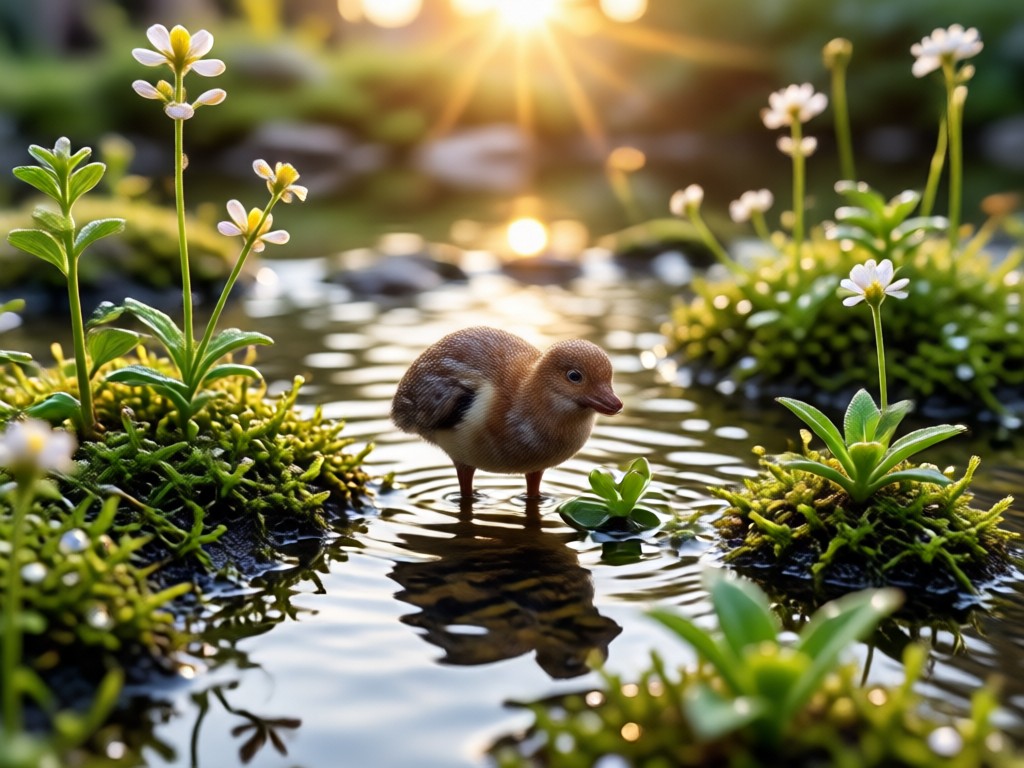
Detail Restoration & Sharpening
Recover lost details from blurry or compressed images. The AI sharpens edges, enhances textures in hair and fabric, and brings out fine elements that were previously indistinct or muddy.
Detail Restoration & Sharpening
Recover lost details from blurry or compressed images. The AI sharpens edges, enhances textures in hair and fabric, and brings out fine elements that were previously indistinct or muddy.
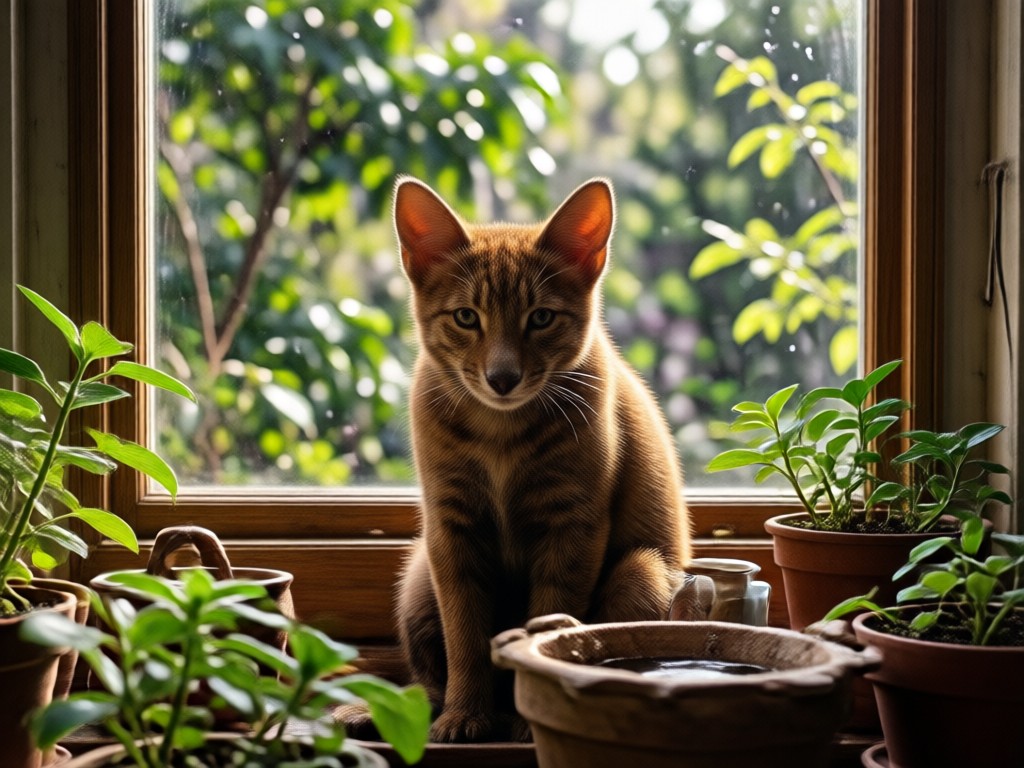
Noise & Grain Reduction
Eliminate digital noise, grain, and compression artifacts from low-light photos or heavily edited images. Achieve a clean, professional look while preserving the original image's important details.
Noise & Grain Reduction
Eliminate digital noise, grain, and compression artifacts from low-light photos or heavily edited images. Achieve a clean, professional look while preserving the original image's important details.
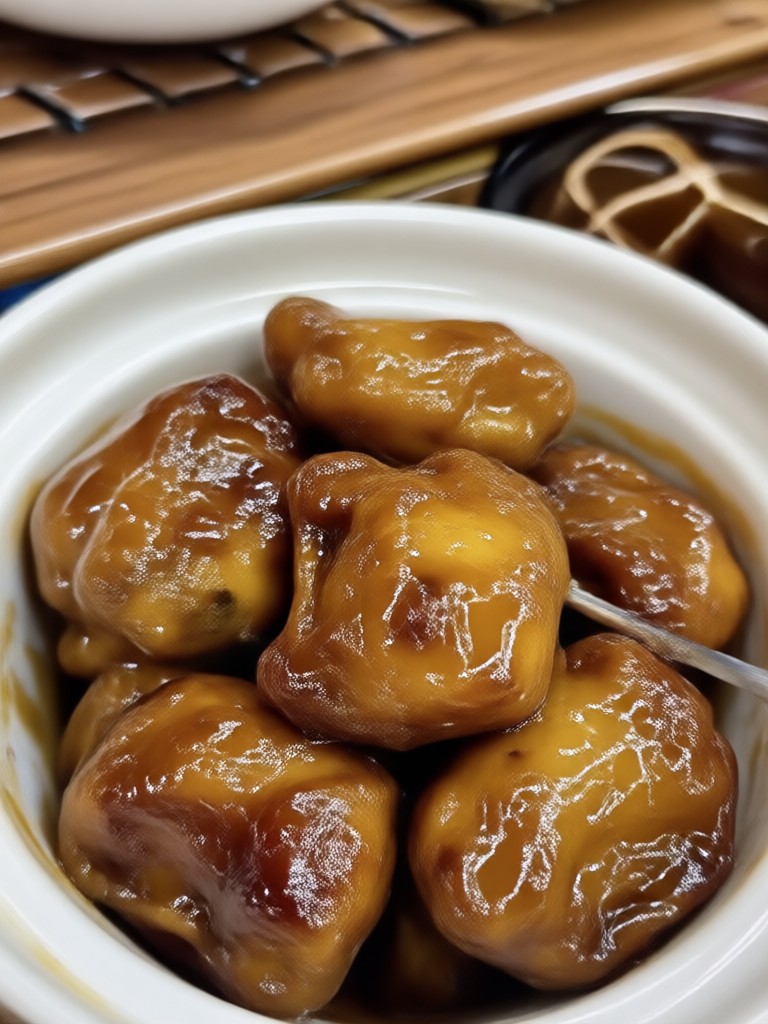
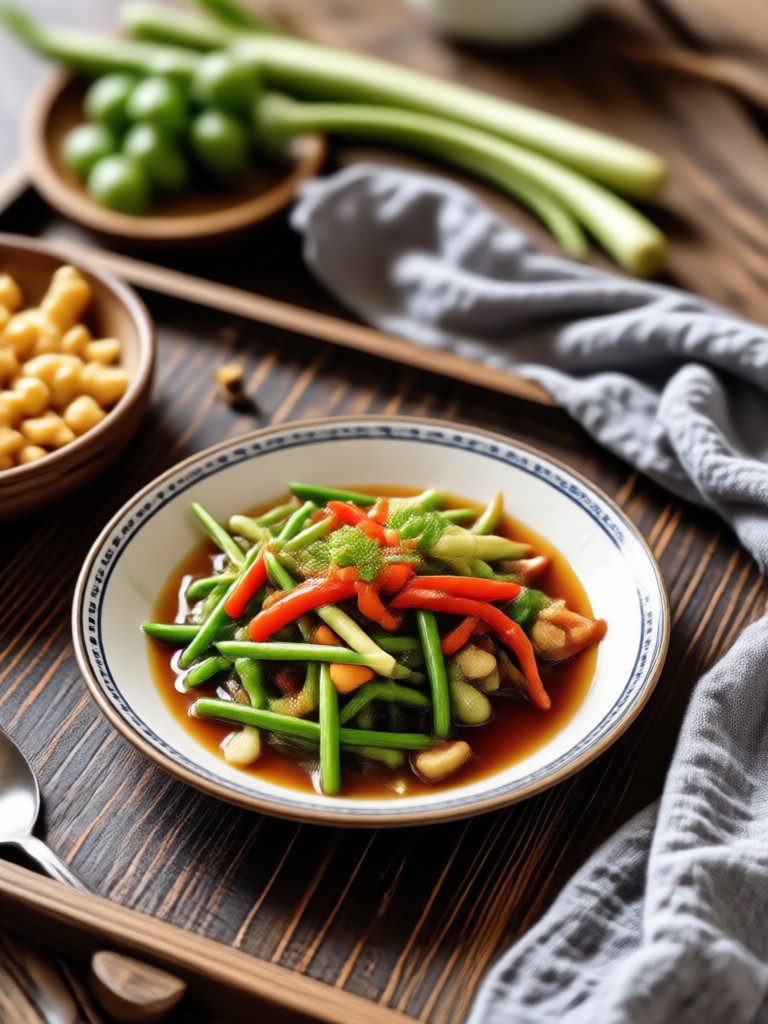
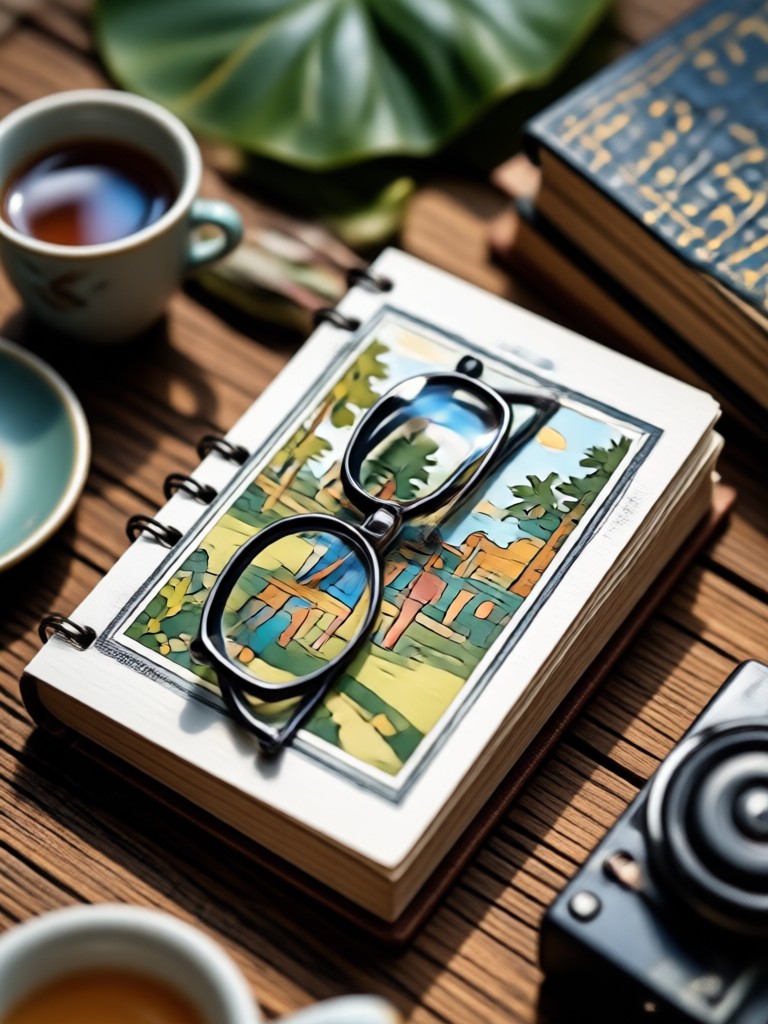
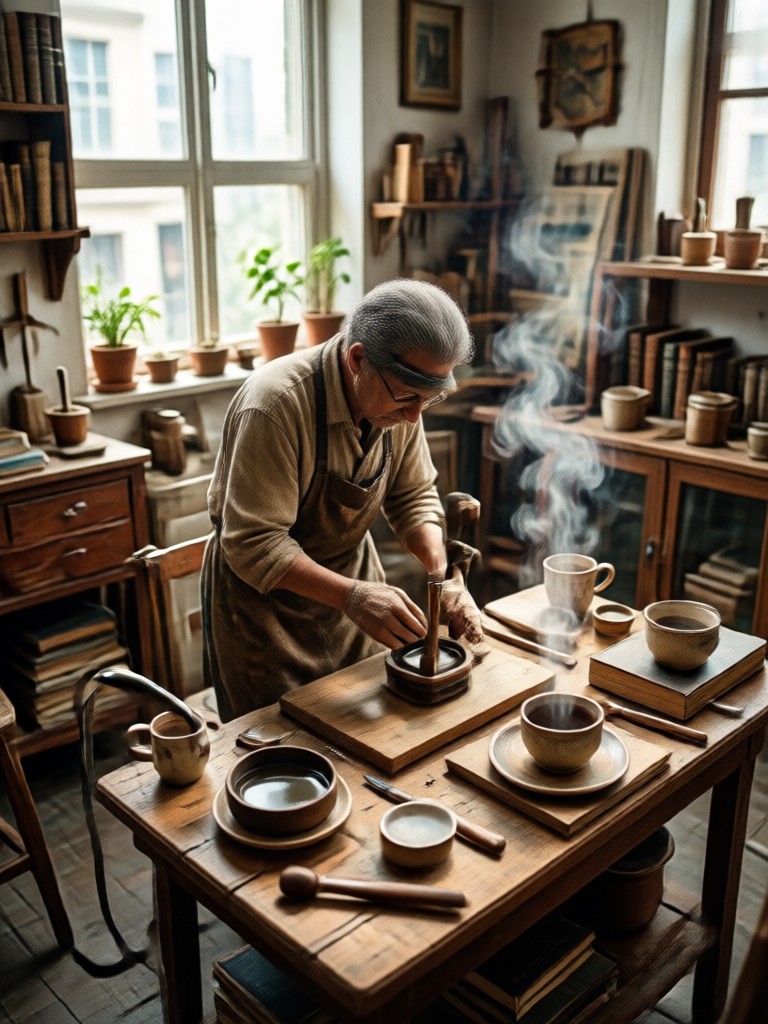
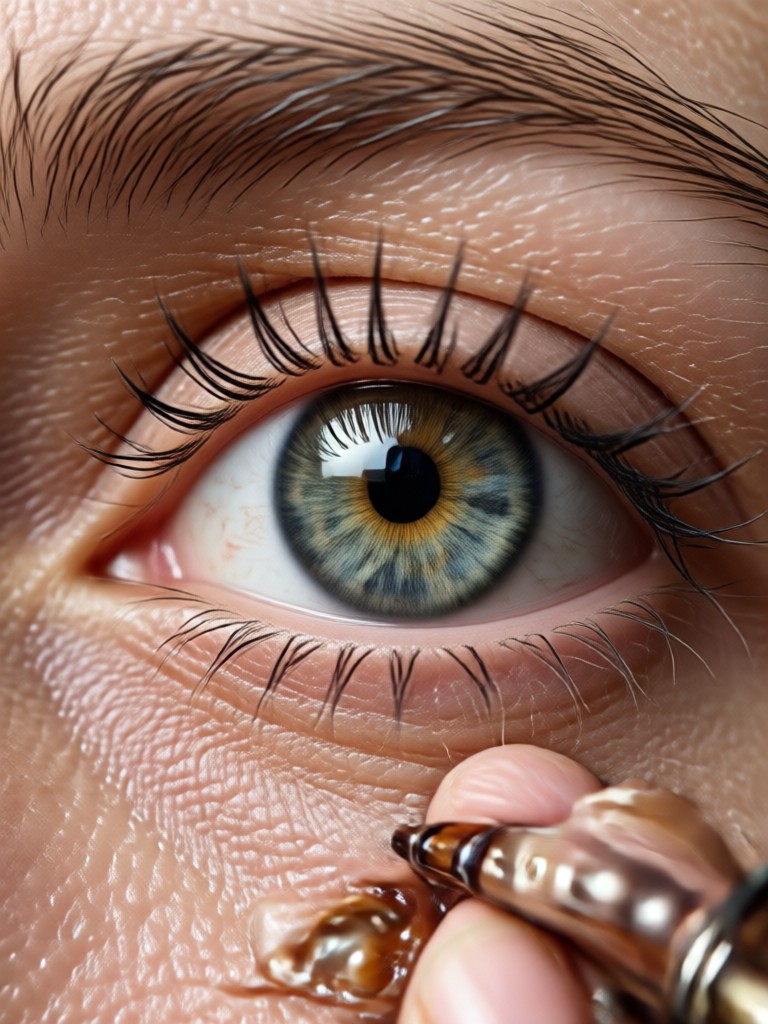
See the Transformation: Enhanced Photo Gallery
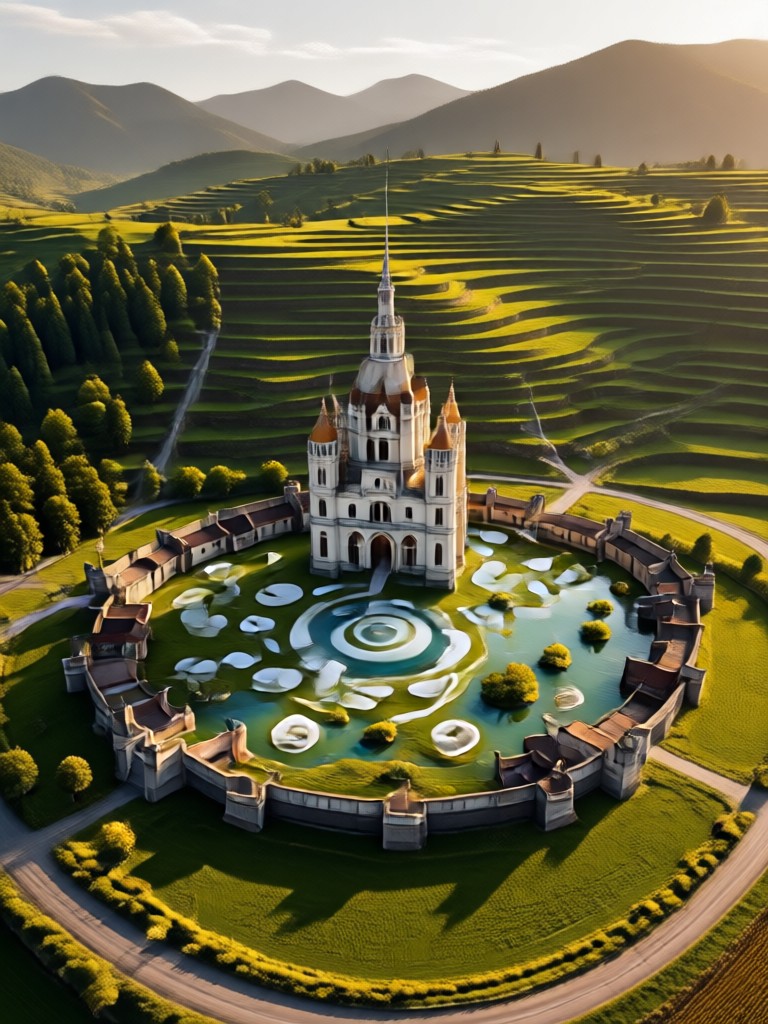
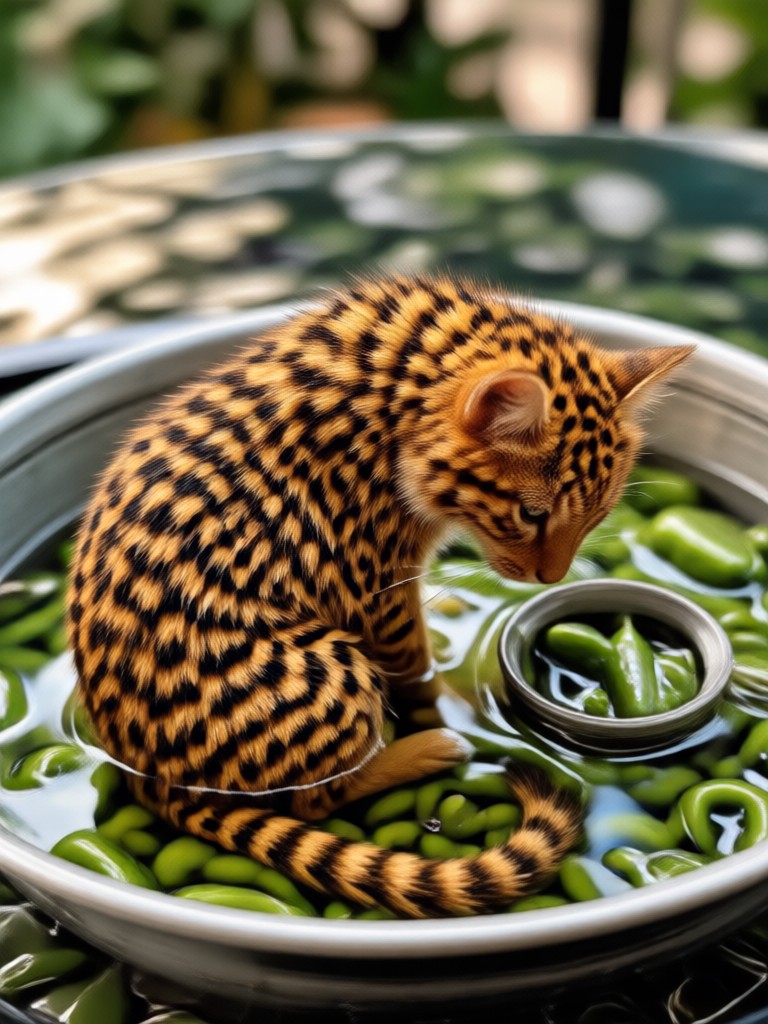
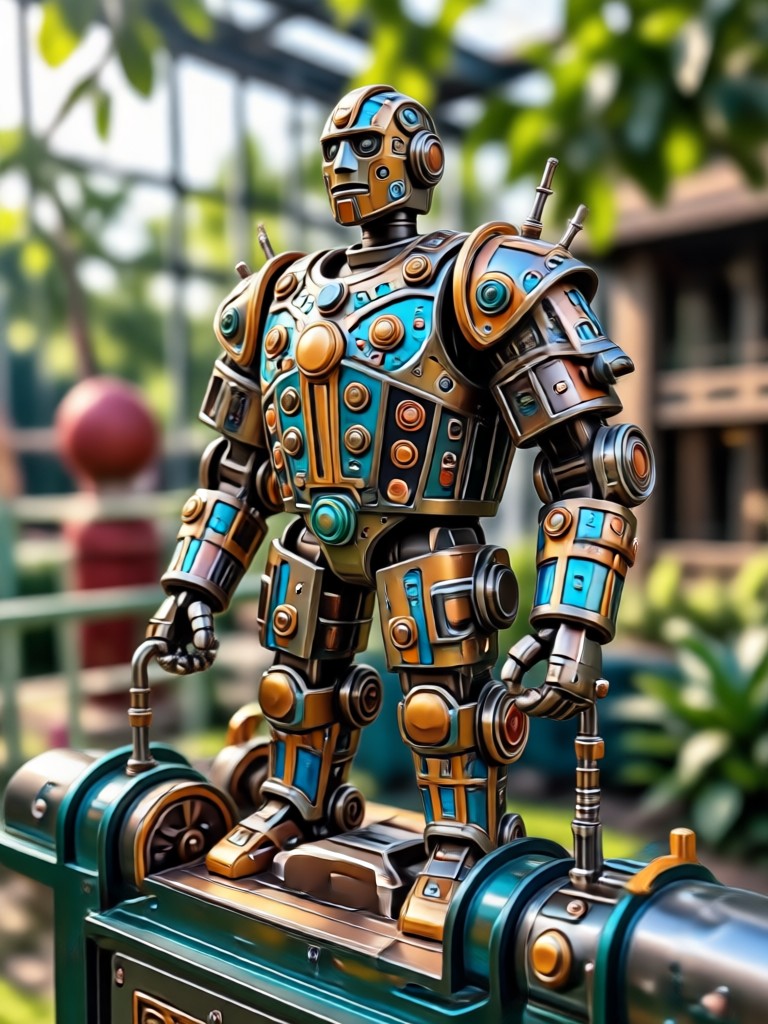
Browse real examples of low-resolution photos transformed by our AI enhancer. Witness the dramatic improvement in clarity, detail, and overall visual quality.

How to Enhance Photo Resolution in 3 Steps
Follow this simple process to transform your low-quality photos into high-resolution images directly from your phone.

Step 01.
Download the free makmak app from Google Play. Open the app and tap the 'Enhance' or 'Upscale' tool from the main menu.
Step 02.
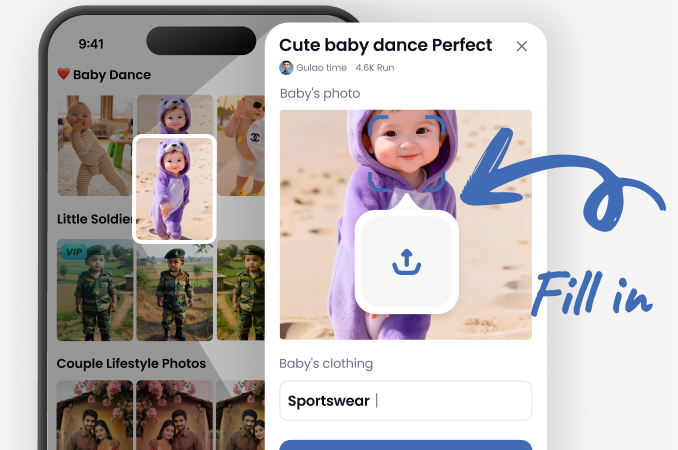
Upload or take a photo within the app. Then, select your desired enhancement style, such as 'Sharpen', 'Upscale 4x', 'Denoise', or 'Restore Details'.
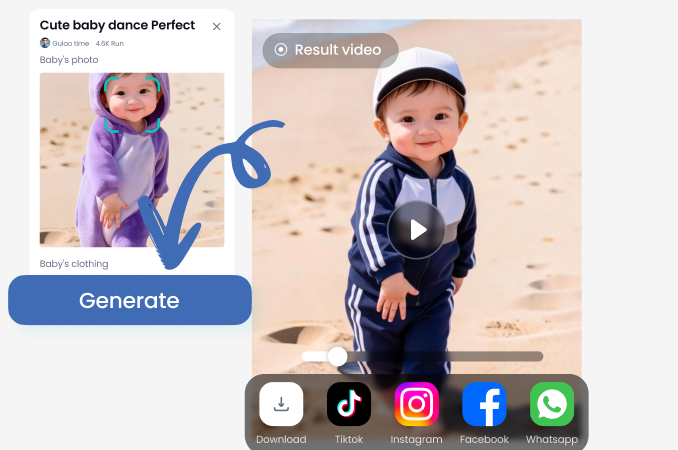
Step 03.
Tap 'Generate'. In seconds, preview and compare the enhanced result. Download your high-resolution photo or share it directly to social platforms.
What Our Users Say About Photo Enhancement
Saved my old family albums
I scanned decades-old photos that were tiny and faded. This app brought them back to life in stunning detail. It felt like recovering lost memories. The upscaling is magical.
Essential for my real estate business
Client photos often come from old phones and look terrible on listings. This enhancer sharpens them instantly, making properties look professional. It's a game-changer for my workflow.
Perfect for social media creators
Before posting, I run all my images through this. It fixes compression from editing and makes everything pop. My feed quality has improved dramatically, and engagement is up.
Why Use AI to Enhance Photo Resolution?
Traditional resizing just makes pixels bigger, resulting in a blurry mess. AI enhancement is fundamentally different and delivers superior results.
The AI Difference in Photo Enhancement
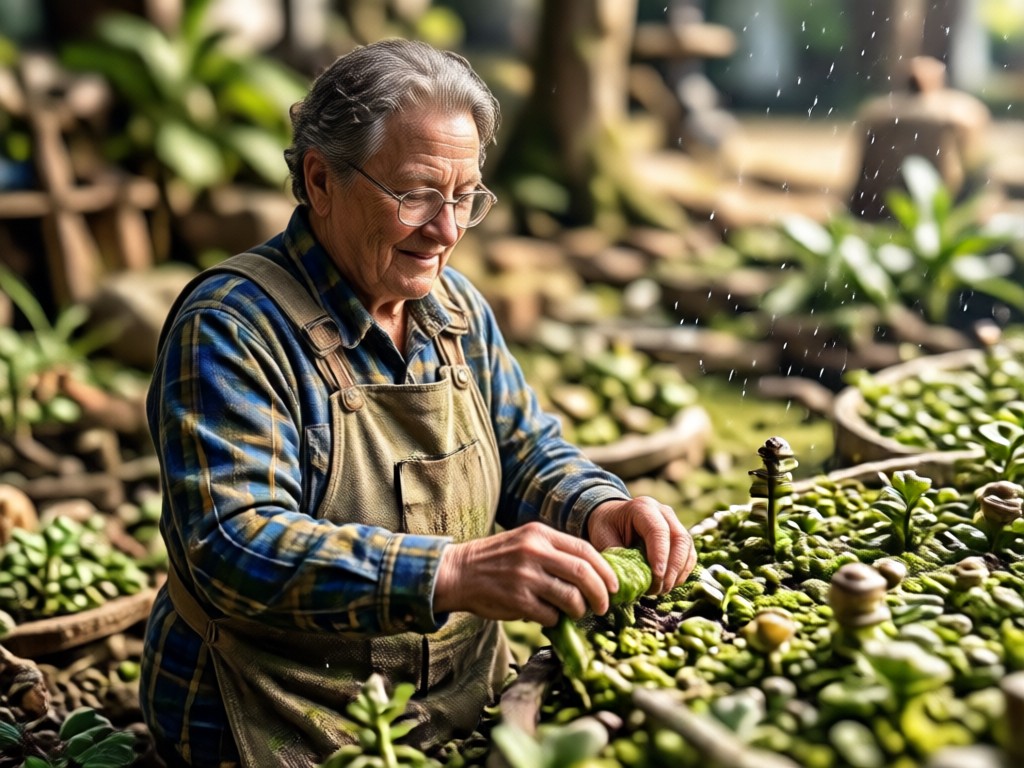
Our AI doesn't just interpolate pixels. It understands the content of your image. It recognizes a face, fabric texture, architectural lines, or natural scenery. Then, it intelligently reconstructs and adds plausible, high-frequency details that were lost, creating a sharper, more detailed image that looks naturally high-resolution. This process preserves edges, reduces noise authentically, and enhances textures without introducing ugly artifacts common in basic editing software.
The AI Difference in Photo Enhancement
Our AI doesn't just interpolate pixels. It understands the content of your image. It recognizes a face, fabric texture, architectural lines, or natural scenery. Then, it intelligently reconstructs and adds plausible, high-frequency details that were lost, creating a sharper, more detailed image that looks naturally high-resolution. This process preserves edges, reduces noise authentically, and enhances textures without introducing ugly artifacts common in basic editing software.
Photo Enhancement FAQ
Get answers to the most common questions about enhancing photo resolution, upscaling, and using our AI tools effectively.
Enhance Any Photo, Anytime
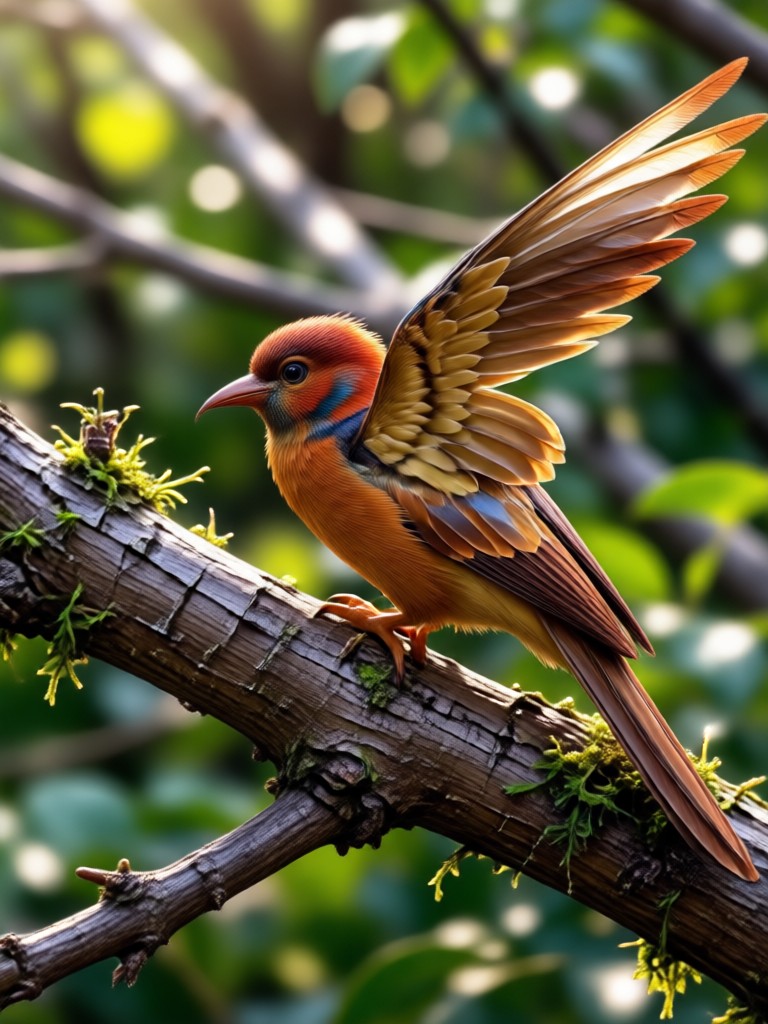
Carry a professional photo lab in your pocket. Download the free app and transform low-res images into stunning high-definition visuals with just a few taps.

Rescue Your Precious Photos Today
Don't let blurry, pixelated, or low-quality images hide your memories. Give them the clarity and detail they deserve with one-click AI enhancement.
Rescue Your Precious Photos Today
Don't let blurry, pixelated, or low-quality images hide your memories. Give them the clarity and detail they deserve with one-click AI enhancement.