Educational Infographic

Choose the Infographic Style That Fits Your Lesson
From clean minimal layouts to colorful classroom posters, find the perfect filter for your educational infographic project.
Key Features for Educational Infographic Creation
Build clear visual learning materials with AI tools designed for educators and students. Turn text, notes, and ideas into structured infographics without any design background.
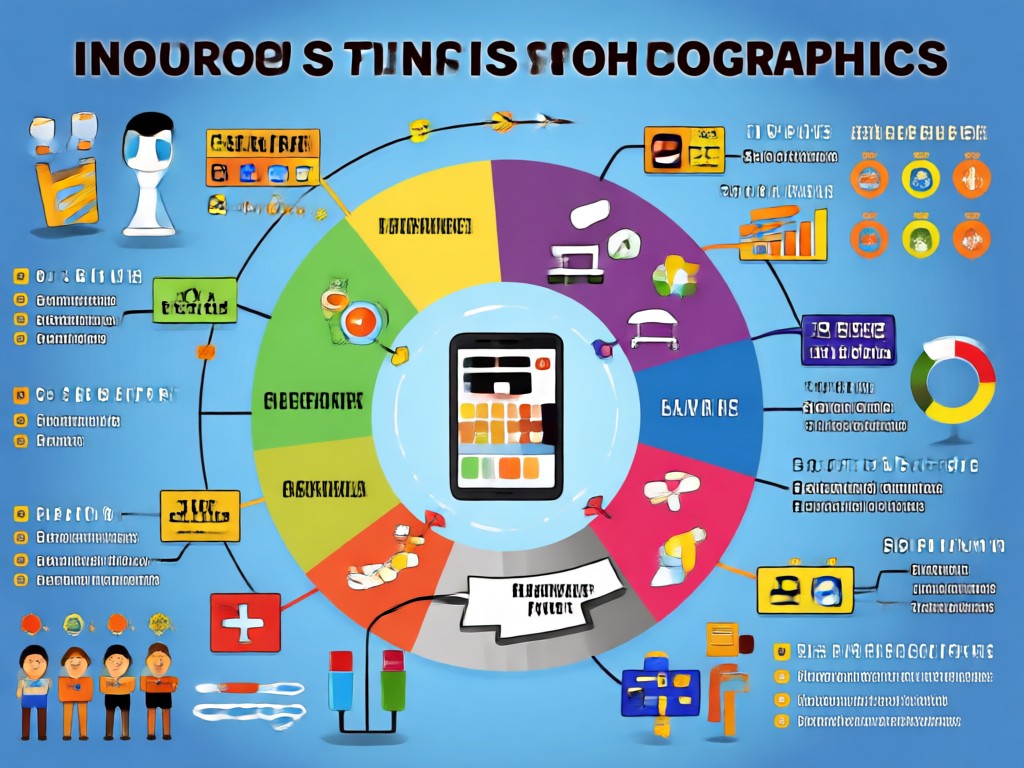
Text to Infographic
Paste your lesson notes or study material and let AI organize key points into a clean visual layout with icons and labels.

Style Templates
Choose from over a million filters including minimal, chalkboard, cartoon, and blueprint styles to match your classroom or topic.
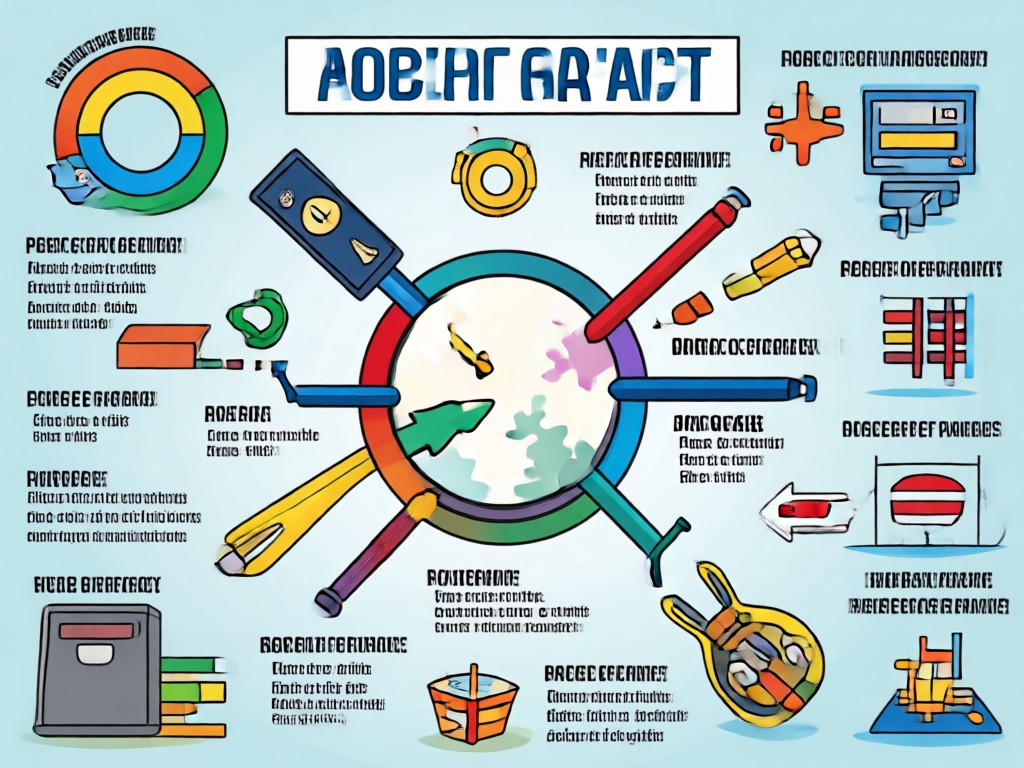
Image to Infographic
Upload a photo of your handwritten notes, whiteboard, or textbook page and convert it into a polished educational infographic.
Explore Educational Infographic Creations
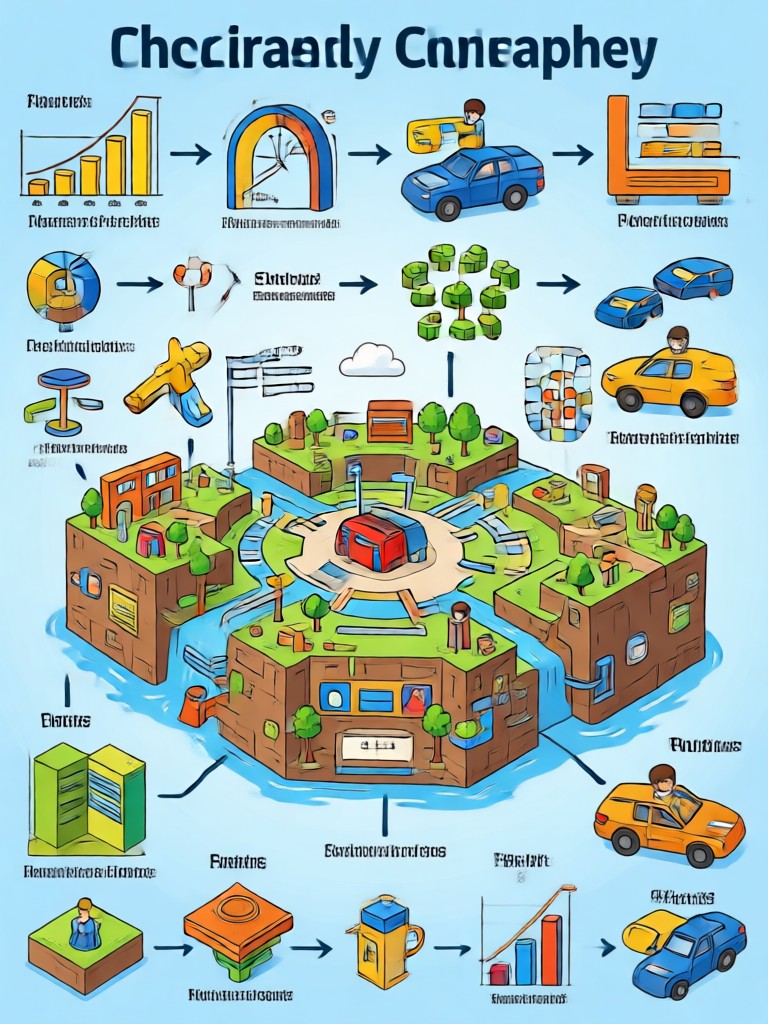
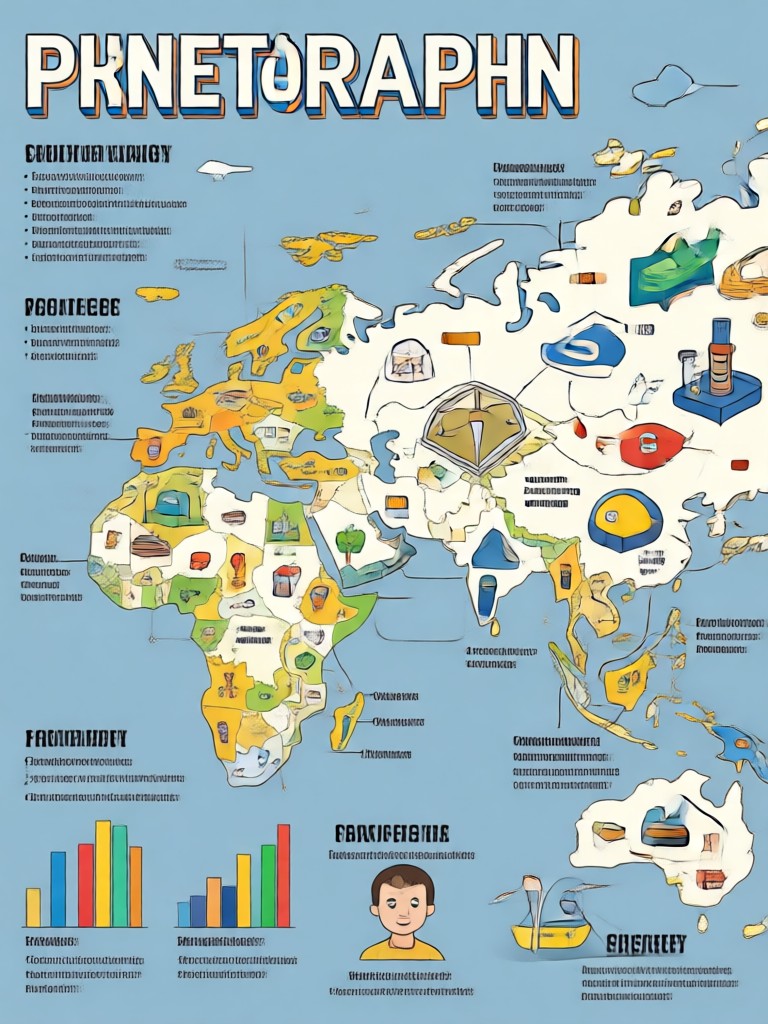
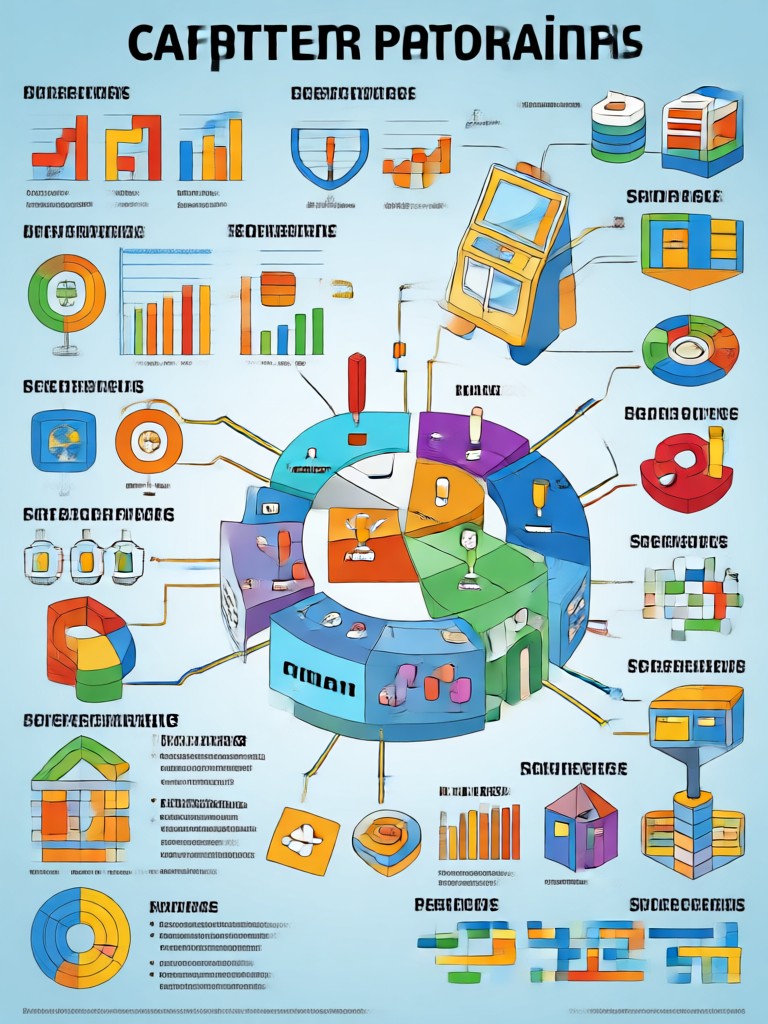
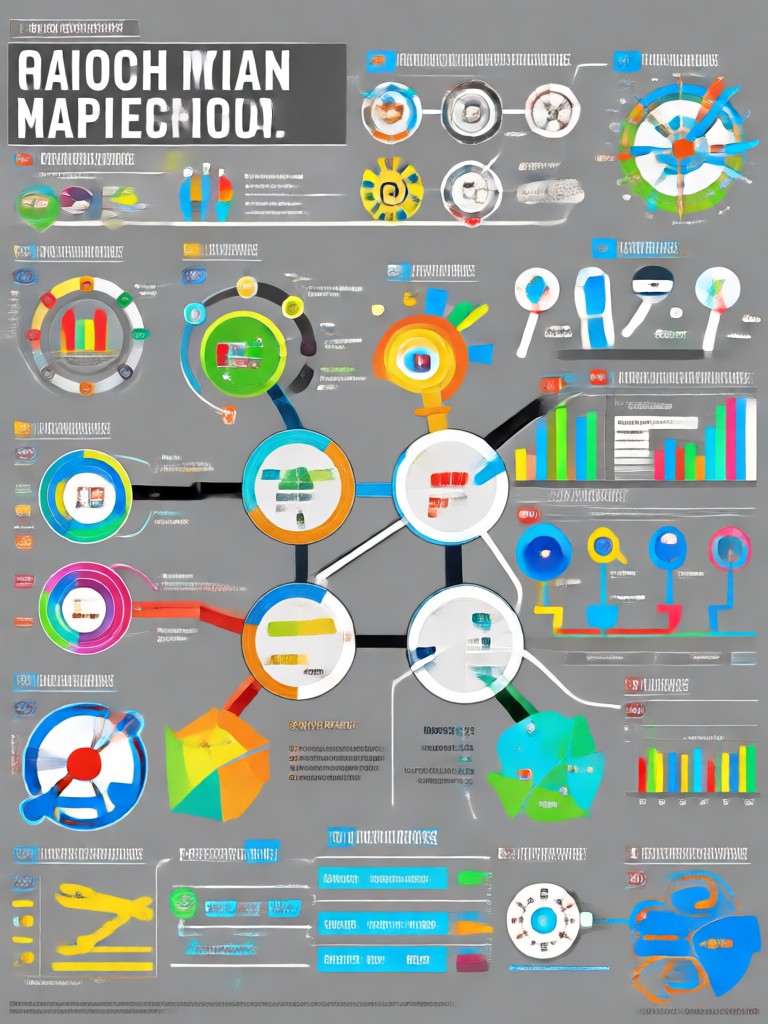
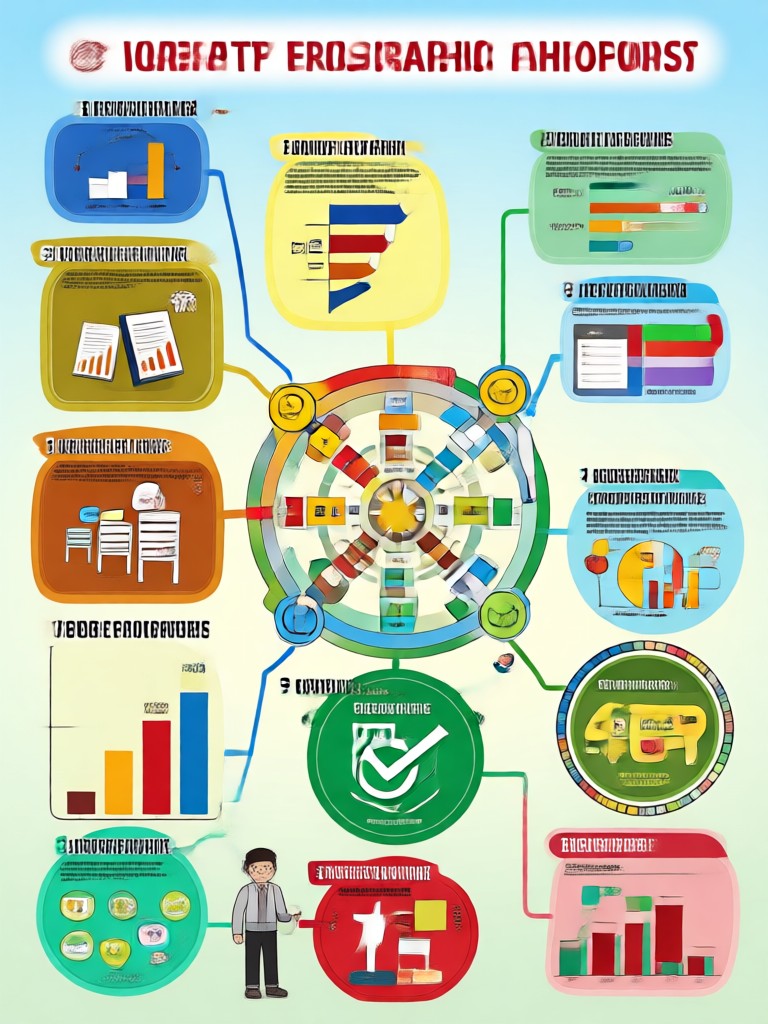
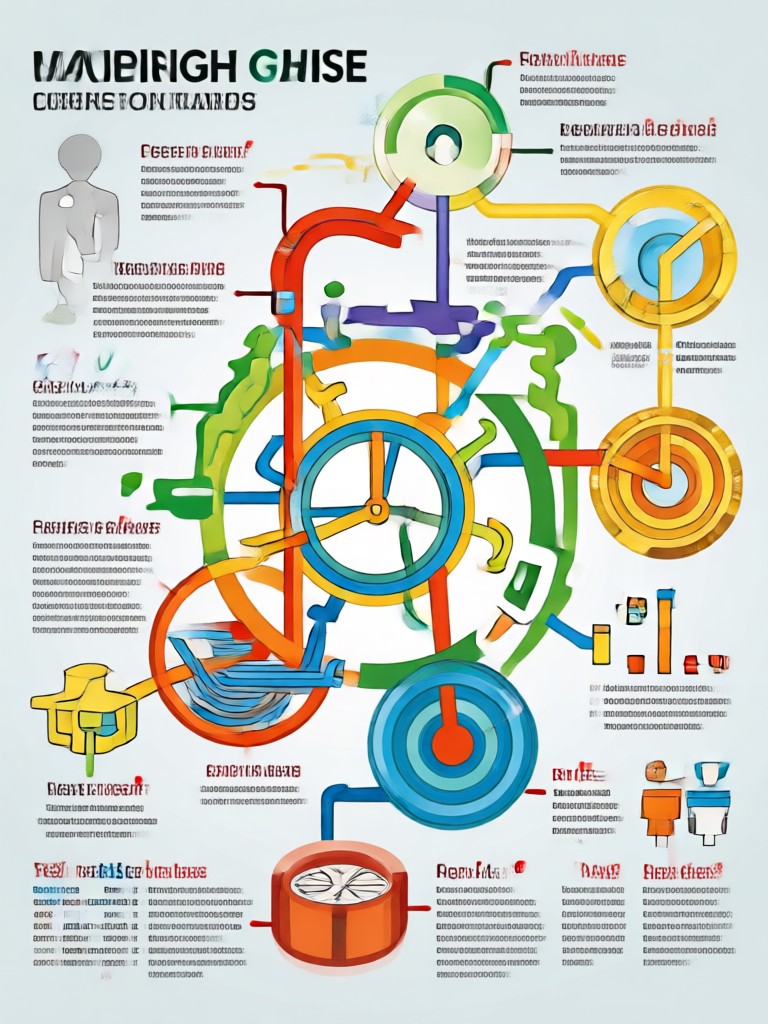
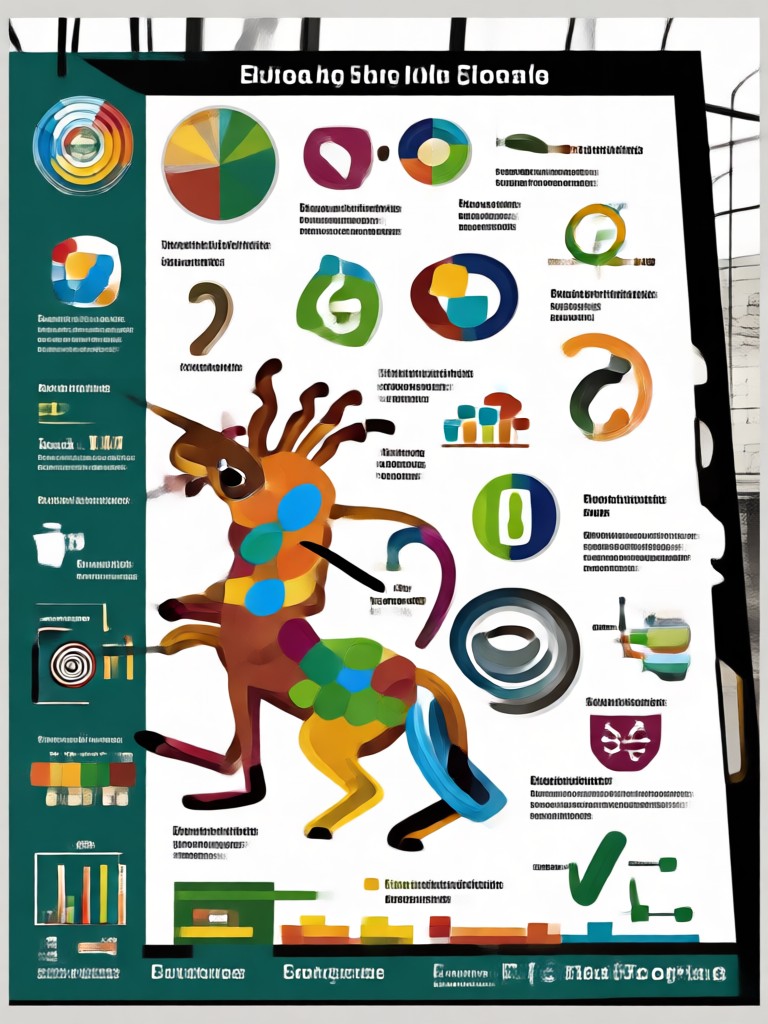
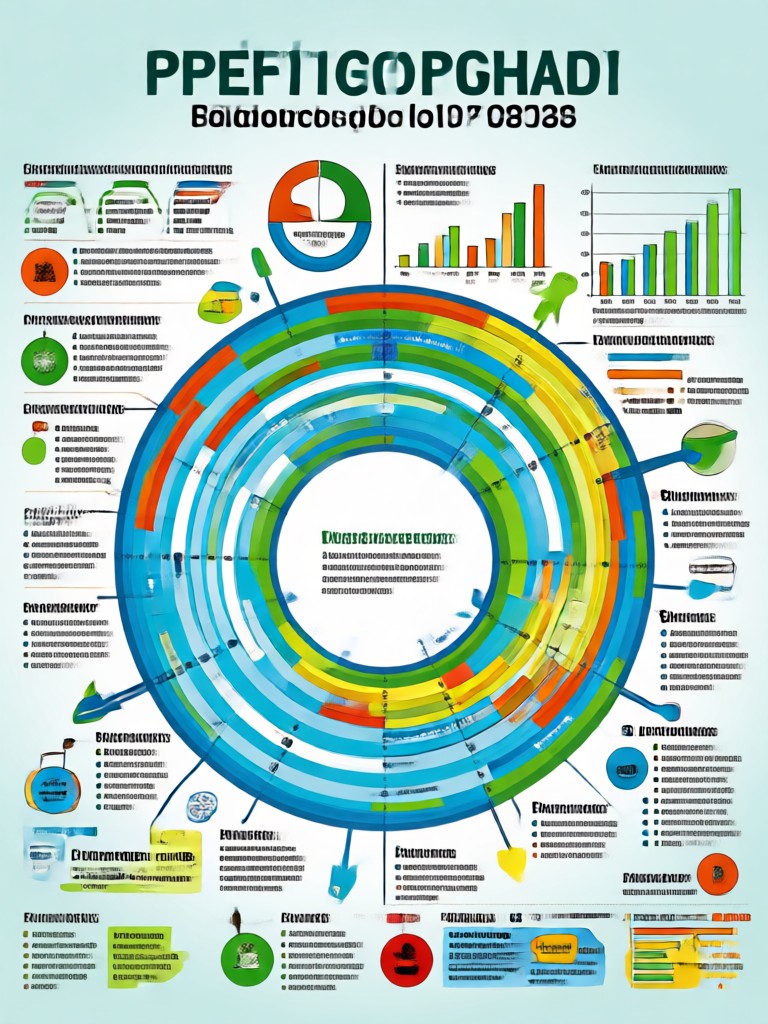
Browse AI generated educational infographics made by teachers, students, and content creators. See how complex topics become clear visual guides with simple prompts and style choices.
Why Use makmak for Educational Infographics
Traditional infographic tools take hours to master. makmak turns your text notes into polished visual study guides in seconds. No design training needed, just type your topic and pick a style. Ideal for lesson plans, study summaries, classroom posters, and social media learning content.
Why Use makmak for Educational Infographics
Traditional infographic tools take hours to master. makmak turns your text notes into polished visual study guides in seconds. No design training needed, just type your topic and pick a style. Ideal for lesson plans, study summaries, classroom posters, and social media learning content.
How to Create an Educational Infographic with AI
Turn your study notes into a clear visual infographic in three simple steps using makmak.

Step 01.
Download the makmak app from Google Play and open it on your Android device to get started.

Step 02.
Type your lesson topic or paste your study notes, then choose an infographic style template that matches your subject.

Step 03.
Generate your educational infographic, then download and share it with students, classmates, or on social media.
What Educators and Students Say
Cut my lesson prep time in half
I teach middle school science and used to spend hours designing visual aids. Now I paste my lesson outline into makmak and get a classroom ready infographic in minutes. My students actually pay attention now.
Perfect for exam revision
As a visual learner, reading textbooks never worked for me. I convert my notes into infographics with makmak and suddenly everything clicks. My biology grade went from a C to an A this semester.
Engaging content for my education channel
I run a small YouTube channel that teaches math concepts. makmak helps me create clean infographic thumbnails and visual explainers without hiring a designer. My subscribers always ask what tool I use.
Frequently Asked Questions
Find clear answers to common questions about creating educational infographics with makmak AI.
More Topics You May Like
Explore more topics you may like and discover fresh ideas tailored to your interests.

Turn Photos Into a Gemini AI Waterpark Dream

Design Your Dream AI Gaming Room in Seconds

Gemini AI Cat Illustration: Turn Cats Into Art

AI Fantasy Trading Card: Create Custom Game Card Art
Turn Photos Into a Gemini AI Waterpark Dream
Design Your Dream AI Gaming Room in Seconds
Gemini AI Cat Illustration: Turn Cats Into Art
AI Fantasy Trading Card: Create Custom Game Card Art
Start Creating Educational Infographics Today
Download makmak and turn any study topic into a clear visual guide. Create, share, and teach with AI powered design tools.

Start Creating Educational Infographics Today
Download makmak and turn any study topic into a clear visual guide. Create, share, and teach with AI powered design tools.