Bullet Time AI Effect
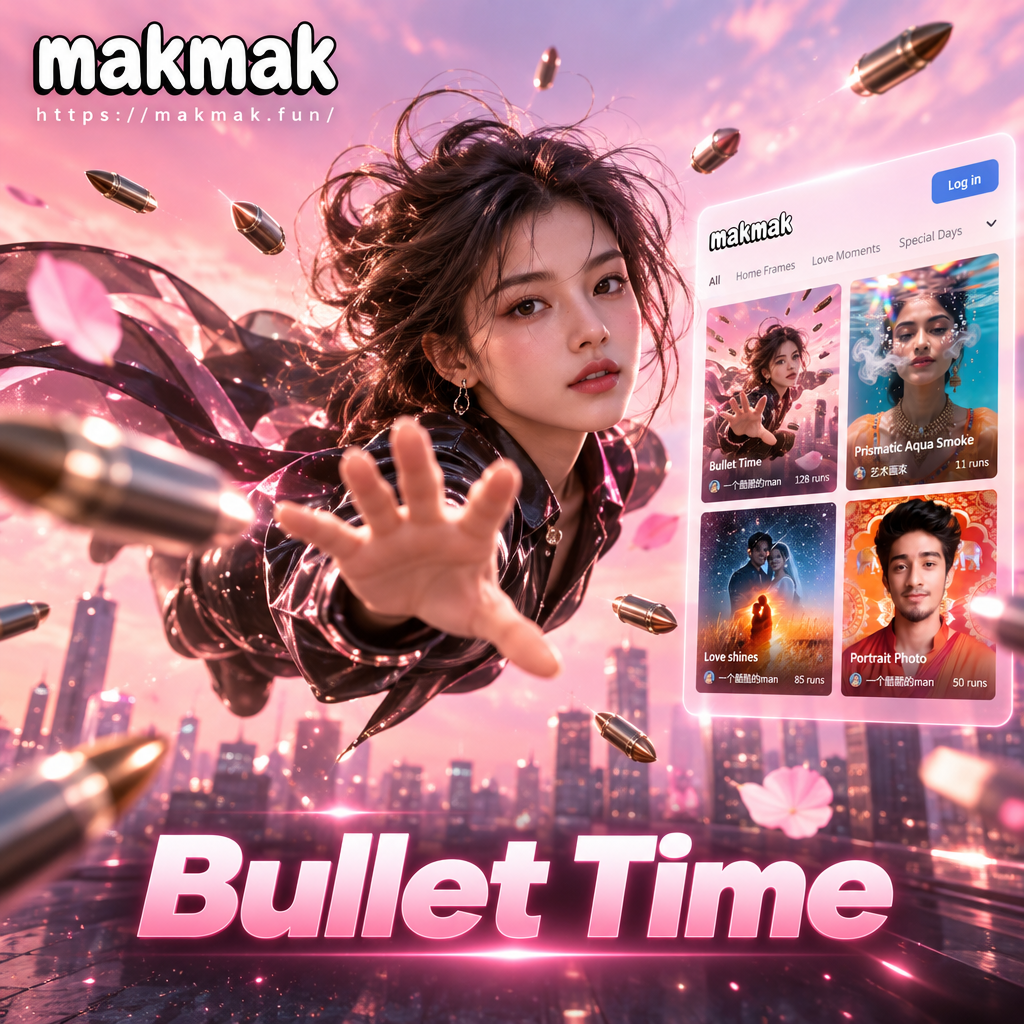
Discover More Cinematic Effects Like Bullet Time
Take your creativity further with a curated selection of high-impact filters. Whether you want fast-paced action or dramatic slow-motion visuals, find the perfect style to elevate your photos and videos.
How to Create a Bullet Time Effect
Make your own dramatic bullet time video or image in just three simple steps.

Step 01.
Download the makmak app from Google Play and open the Bullet Time effect from the effects library.

Step 02.
Upload a clear photo or video of a person or object. Choose the intensity of the freeze frame and tilt angle.

Step 03.
Generate your Bullet Time masterpiece and save it to your device to share on TikTok, Instagram, or anywhere else.
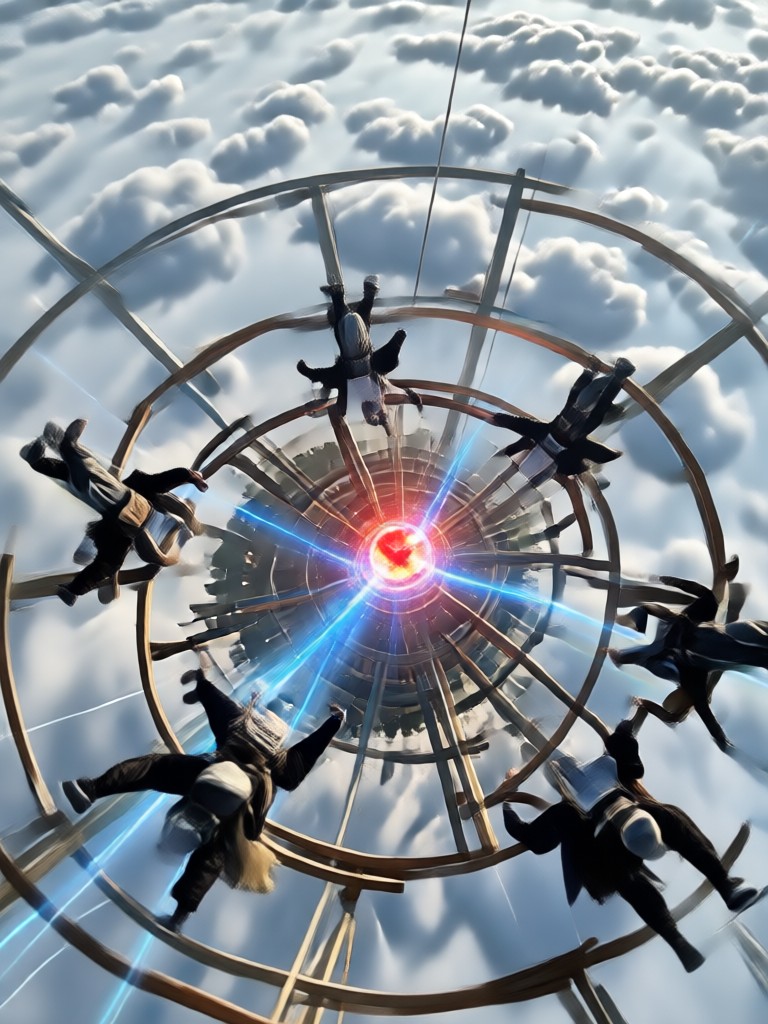
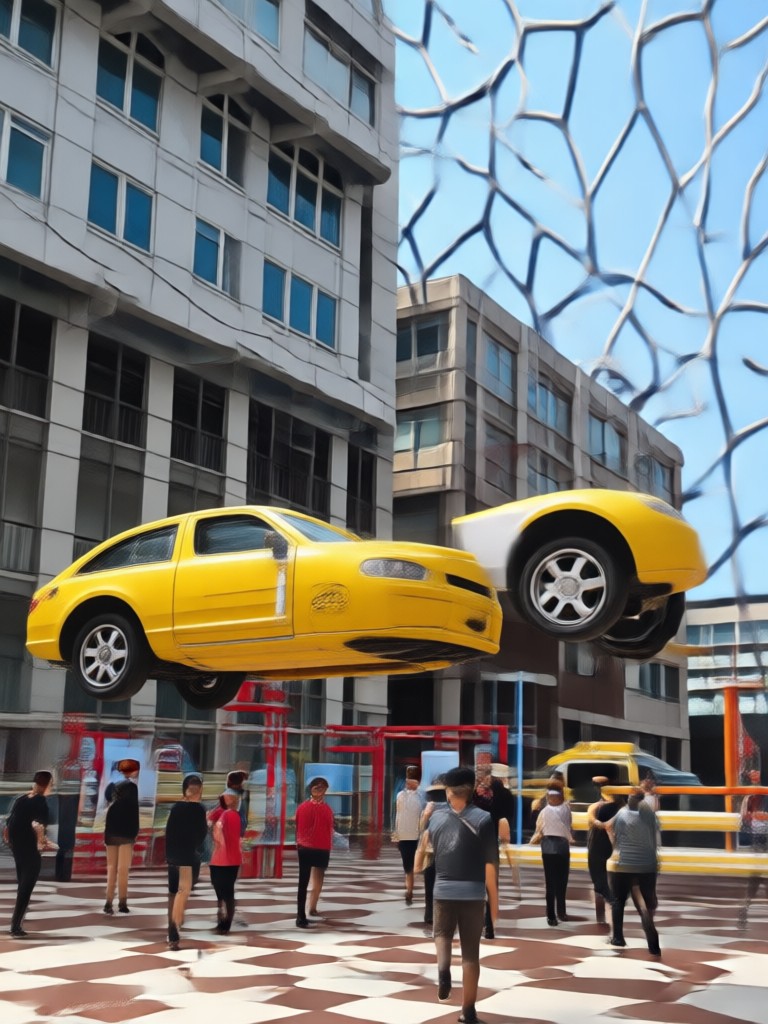
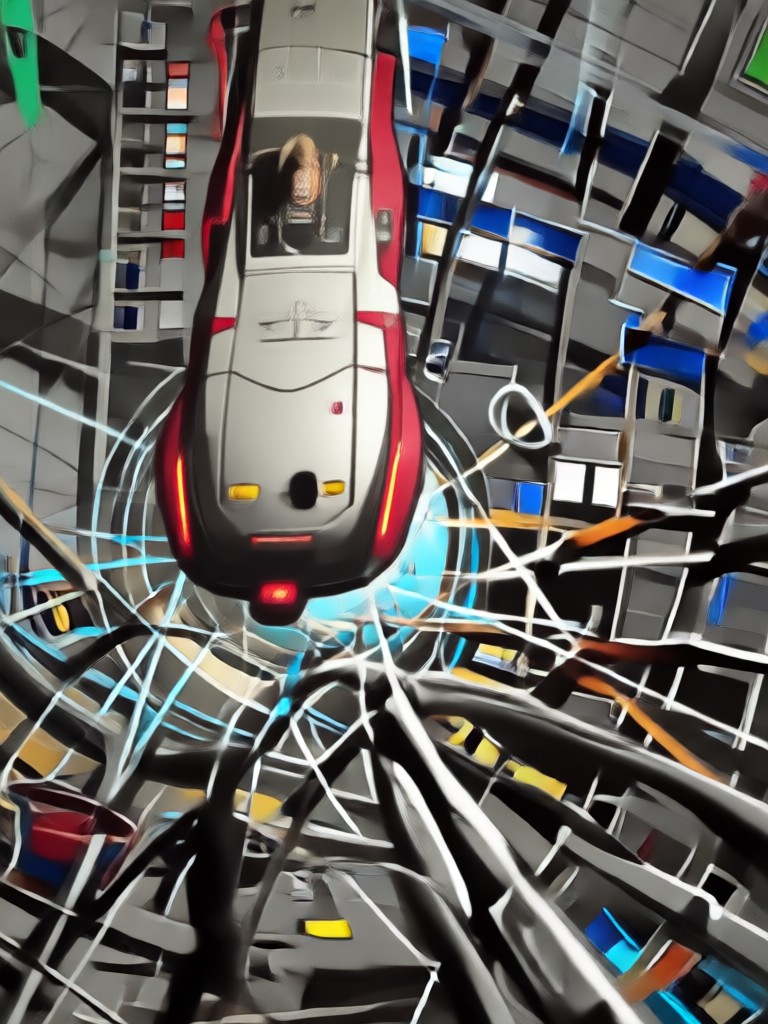
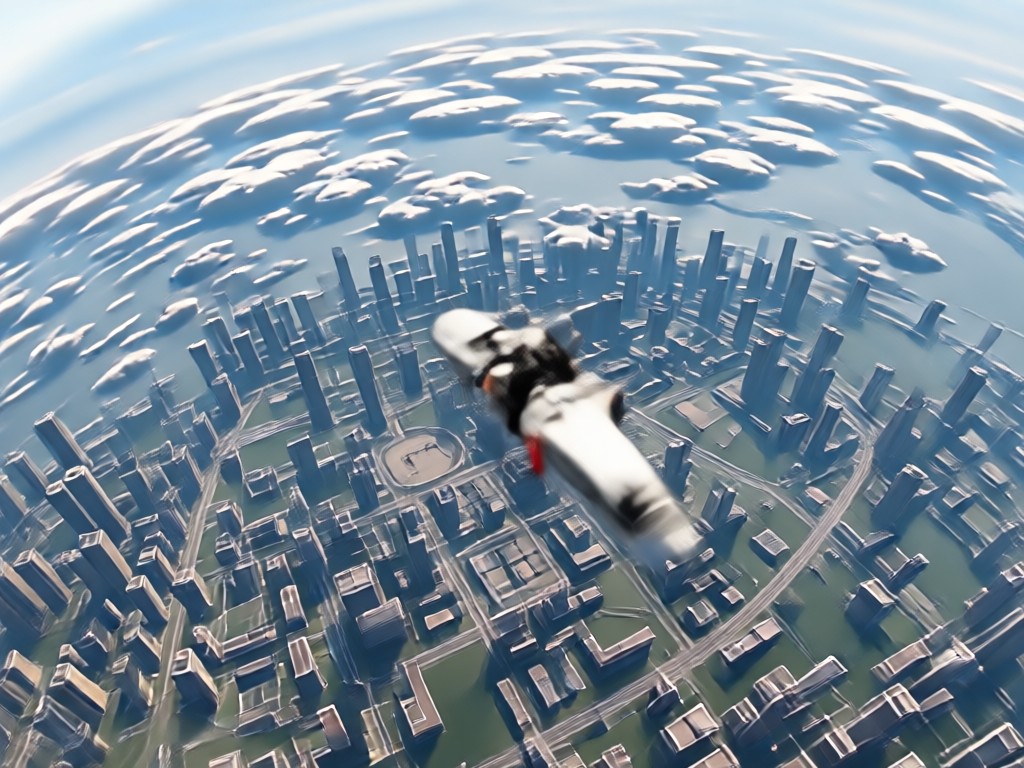
Explore Stunning Bullet Time Creations
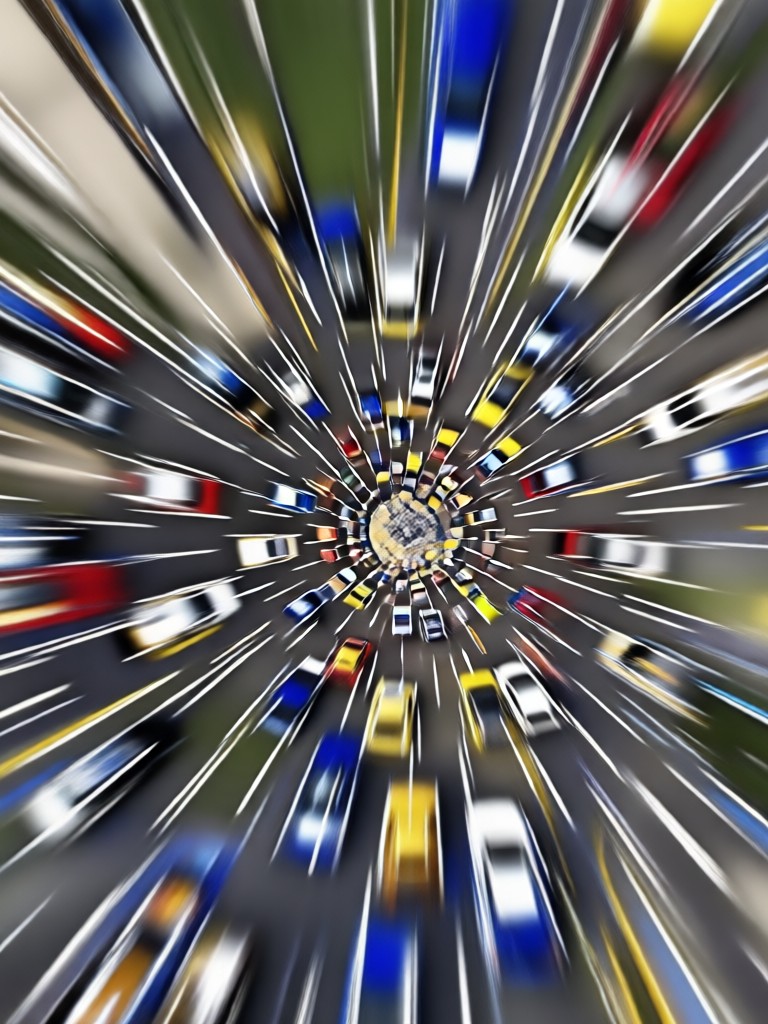
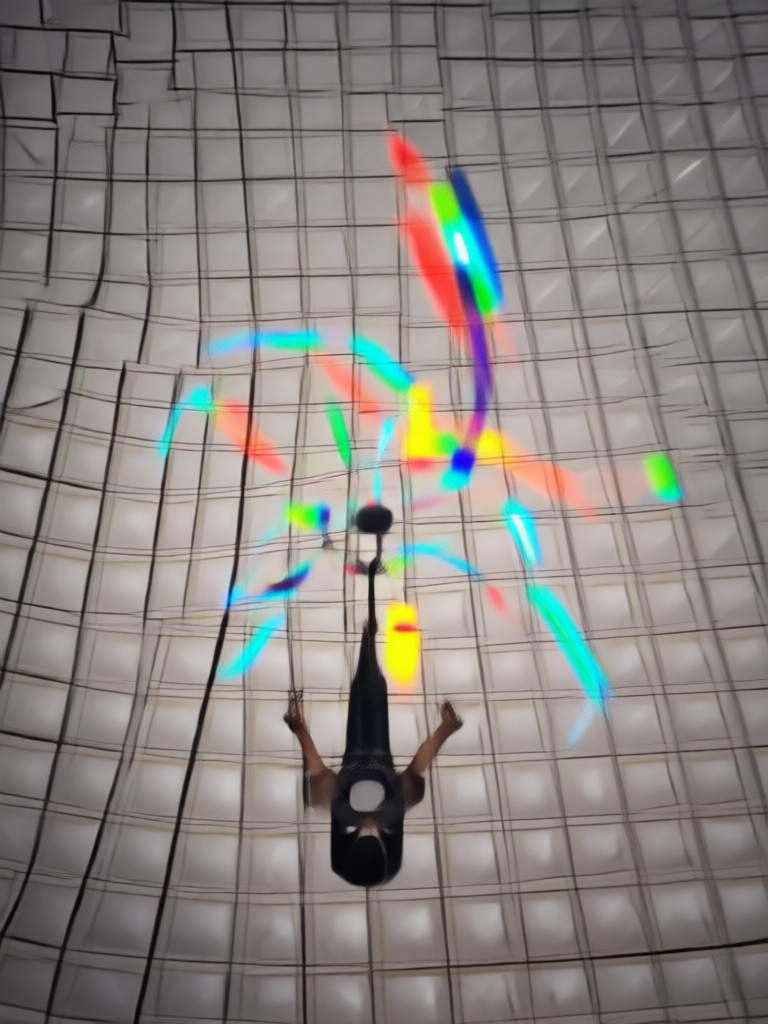
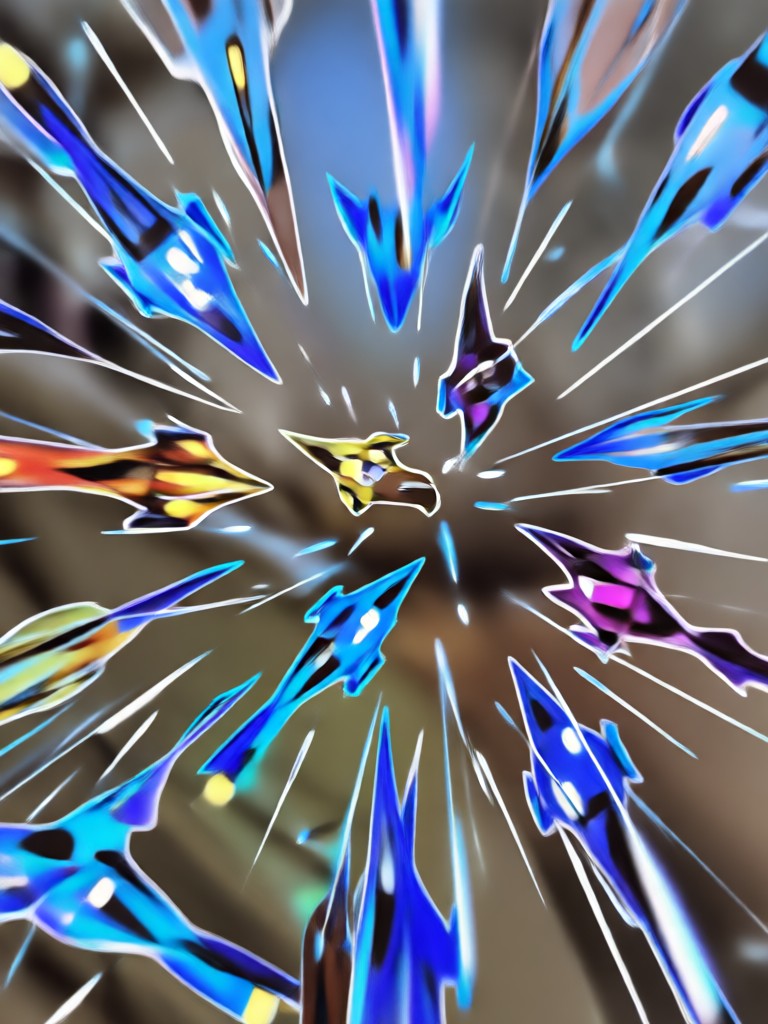
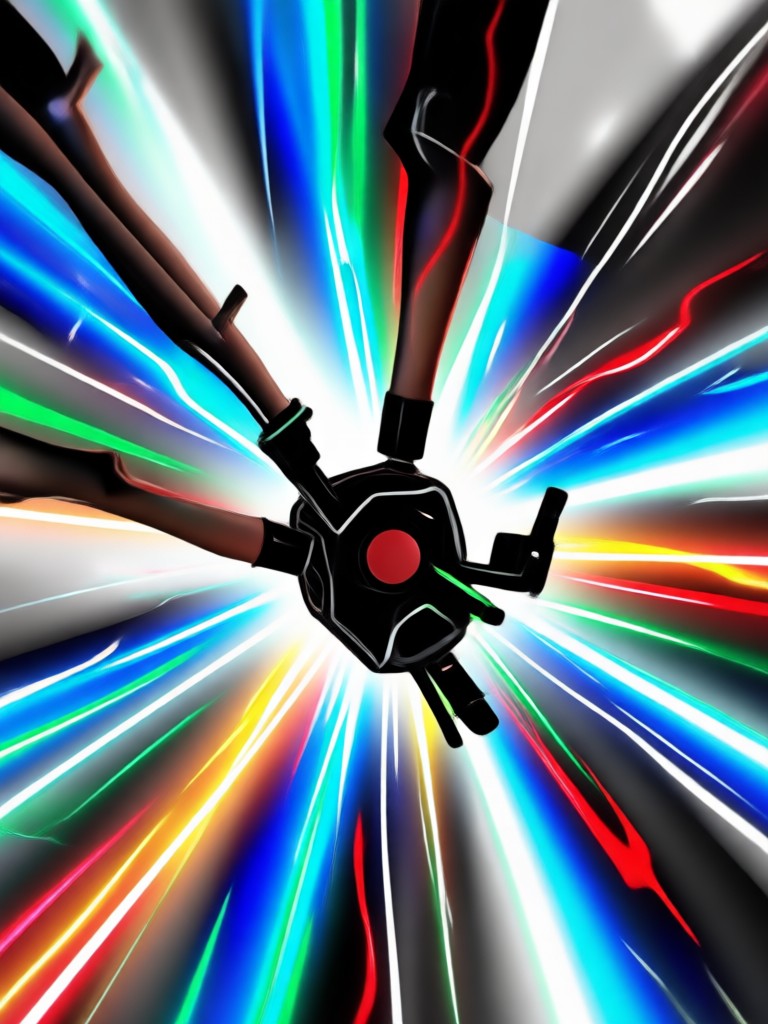
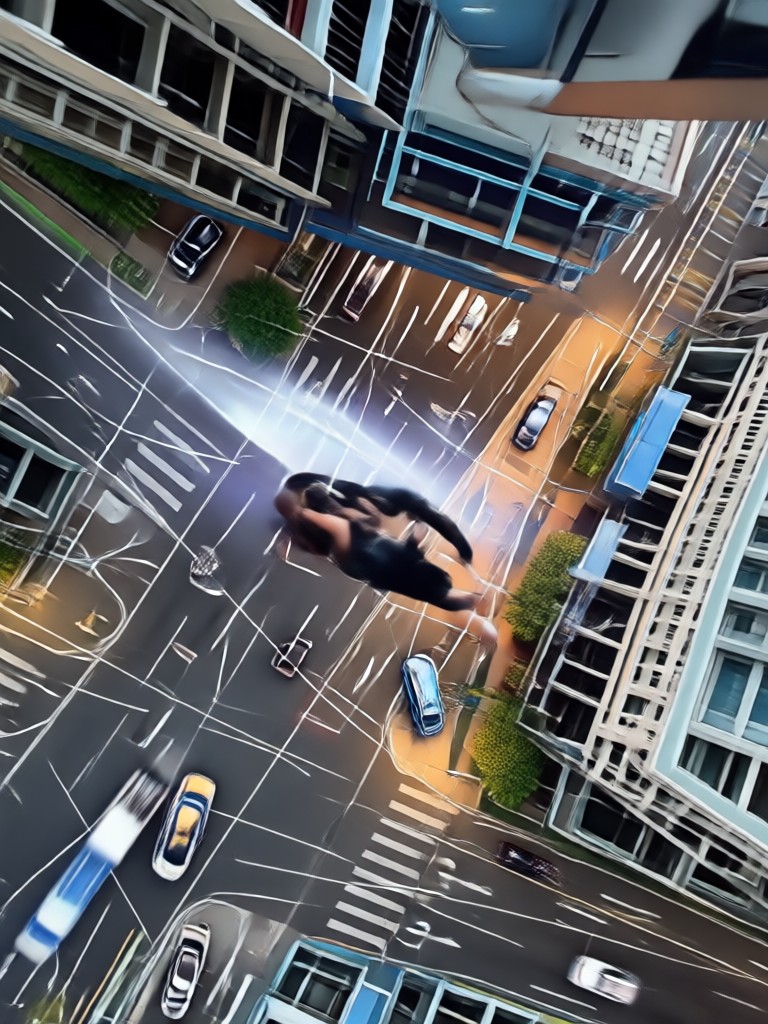
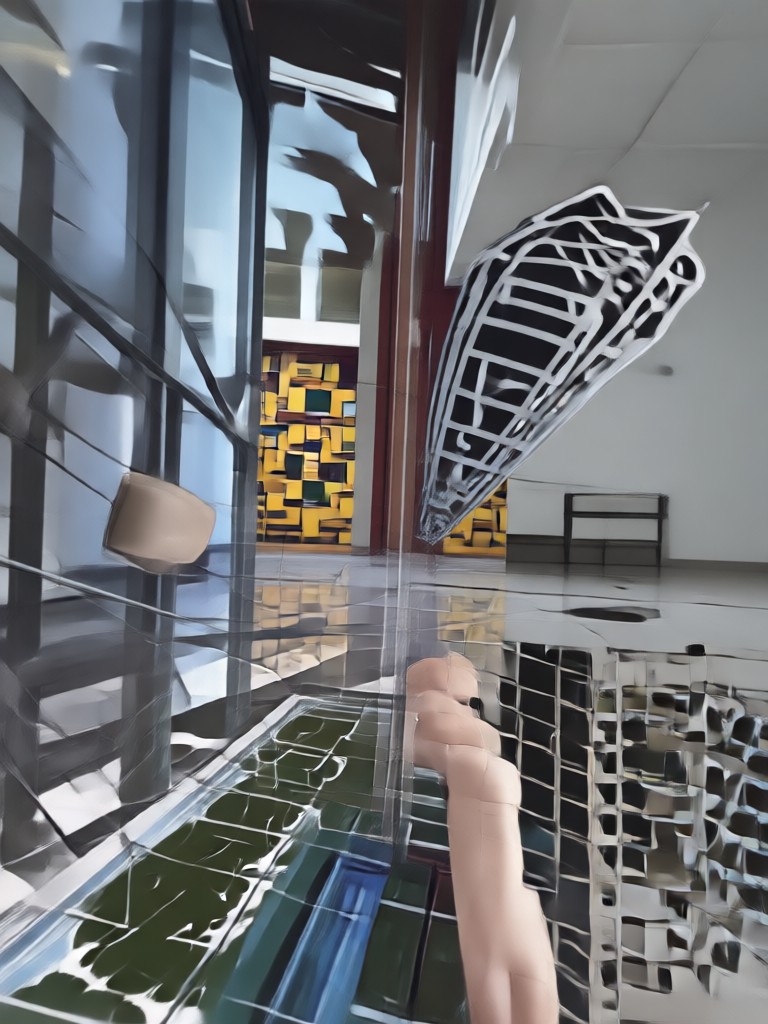
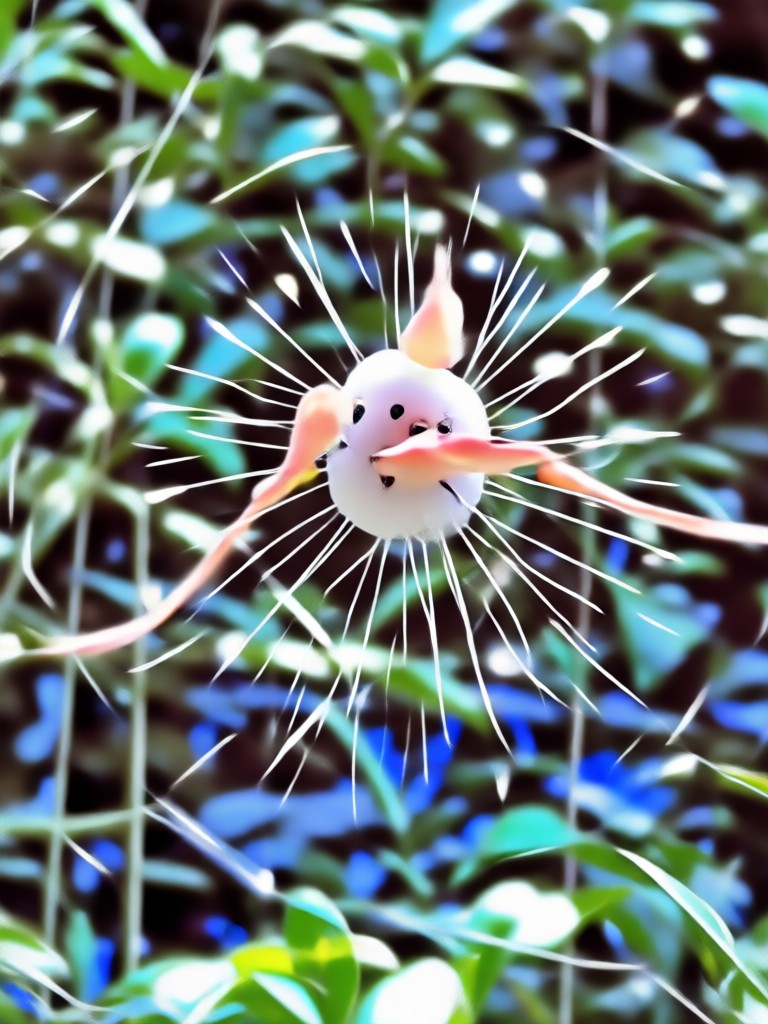
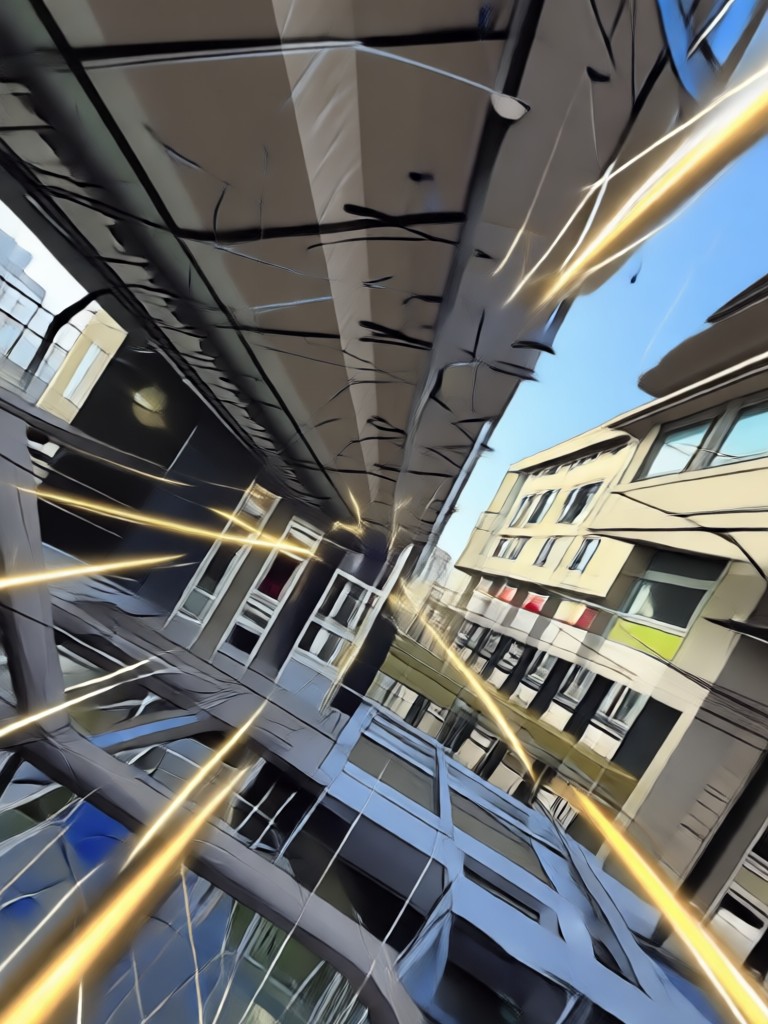
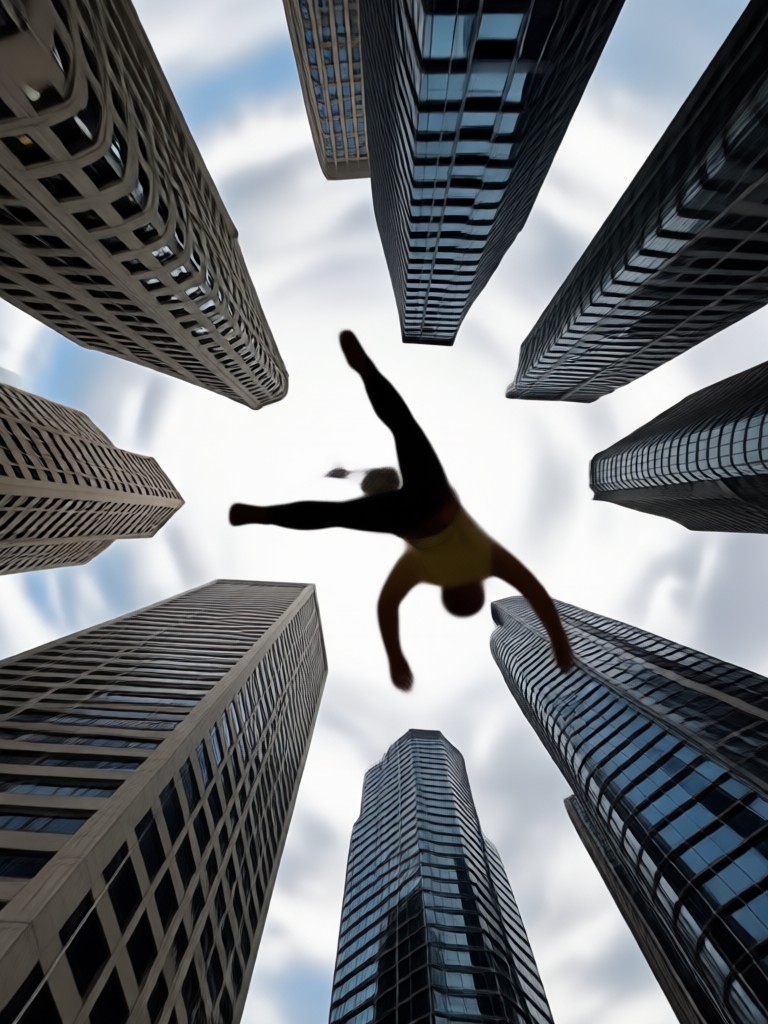
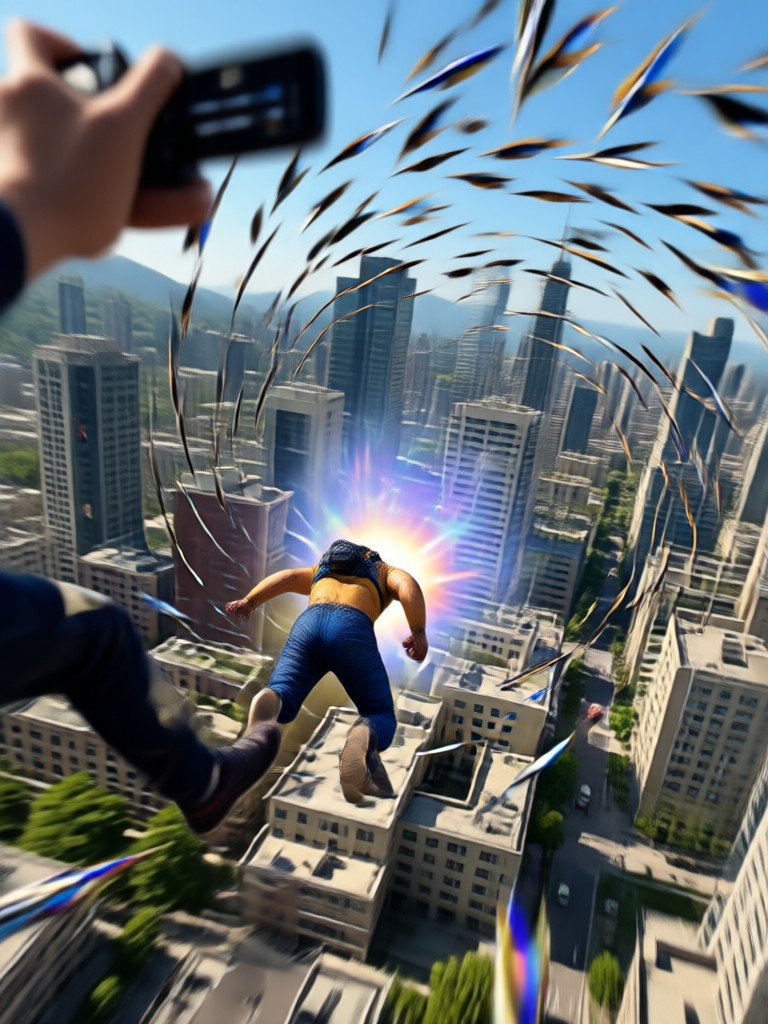
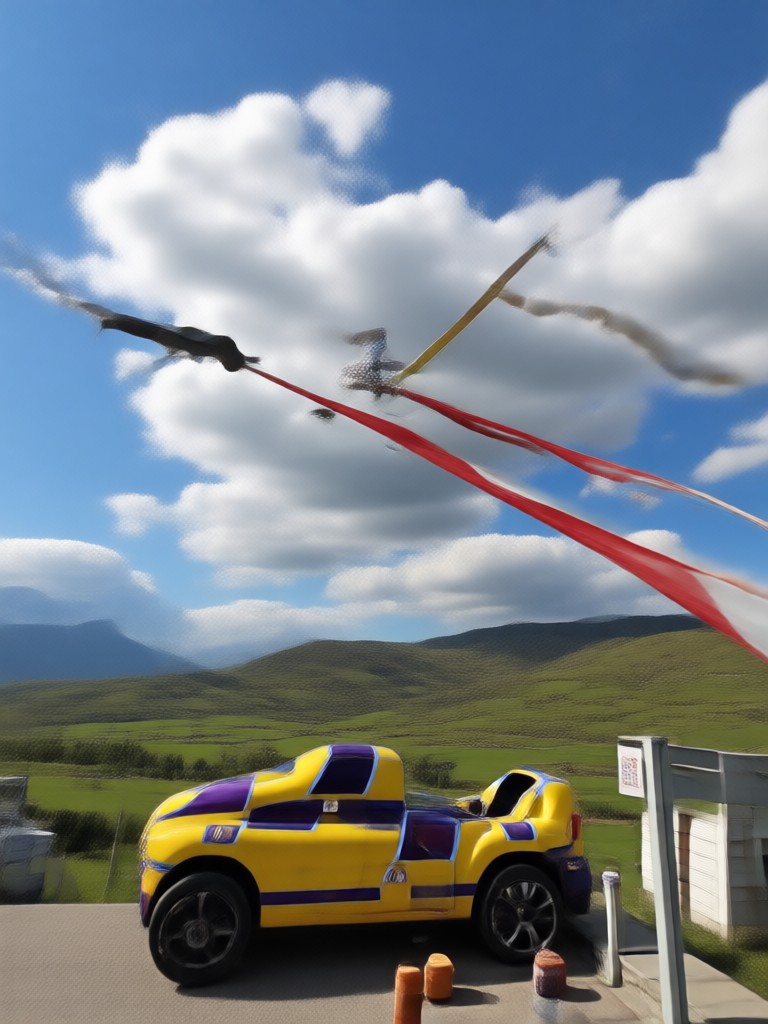
See how the Bullet Time AI effect adds dimension, focus, and high drama to any photo. From gravity-defying jumps to swirling camera angles, these results showcase the creative potential of the makmak app.


Why Use the Bullet Time Effect in makmak?
The Bullet Time filter is more than just a slow-motion trick. It adds a level of visual sophistication that instantly makes your clips look professionally directed. The AI understands the subject of your photo and adjusts the rotation axis accordingly, giving you a smooth 360-degree feel without needing multiple cameras or complex rigs.
Why Use the Bullet Time Effect in makmak?
The Bullet Time filter is more than just a slow-motion trick. It adds a level of visual sophistication that instantly makes your clips look professionally directed. The AI understands the subject of your photo and adjusts the rotation axis accordingly, giving you a smooth 360-degree feel without needing multiple cameras or complex rigs.
Key Features of the Bullet Time AI Generator
Discover the core components that make the Bullet Time effect in makmak stand out from standard editing filters. Each feature is designed to give you maximum control with minimum effort.
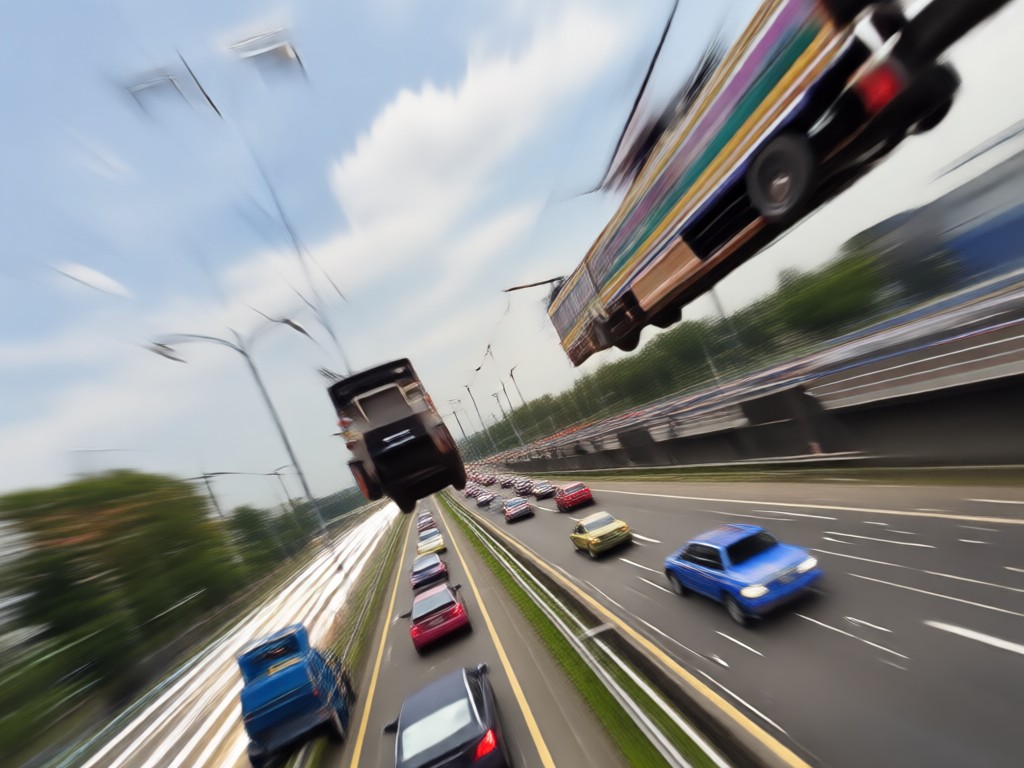
360-Degree Dynamic Rotation
Simulate a high-speed camera rig by rotating the perspective around your main subject. The AI calculates depth and parallax to create a fully immersive freeze frame that appears truly three-dimensional.
360-Degree Dynamic Rotation
Simulate a high-speed camera rig by rotating the perspective around your main subject. The AI calculates depth and parallax to create a fully immersive freeze frame that appears truly three-dimensional.
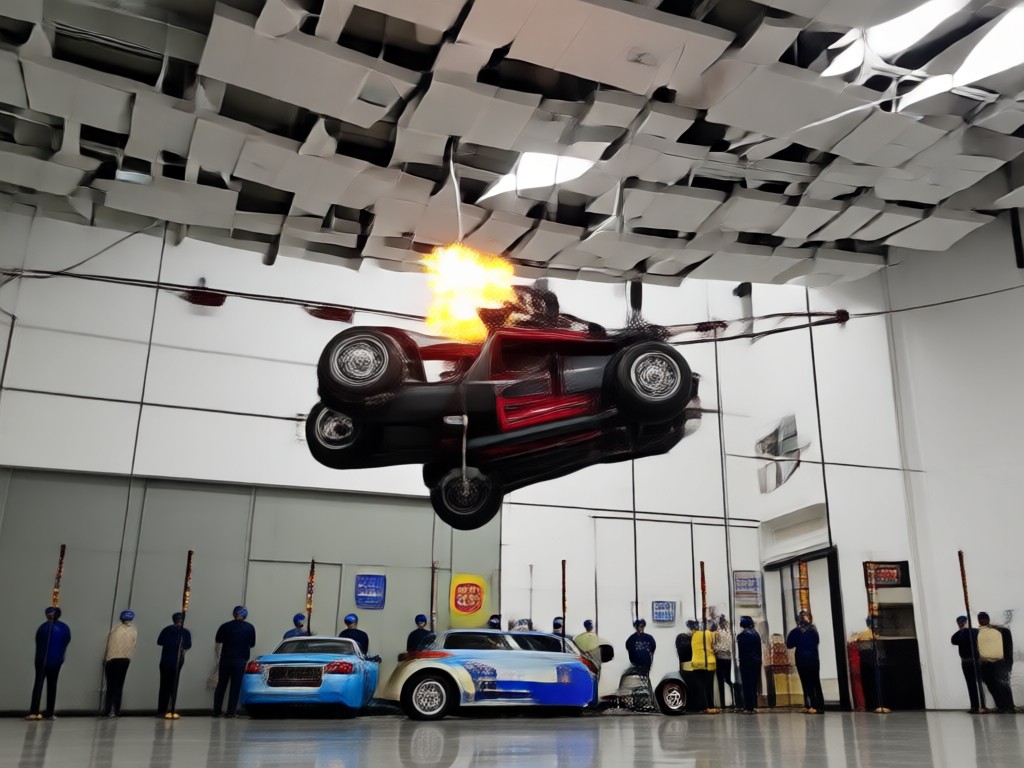
Realistic Motion Blur
Add authentic motion blur to background elements while keeping the subject pin-sharp. This contrast between stillness and movement is the secret sauce that makes Bullet Time clips look so cinematic.
Realistic Motion Blur
Add authentic motion blur to background elements while keeping the subject pin-sharp. This contrast between stillness and movement is the secret sauce that makes Bullet Time clips look so cinematic.
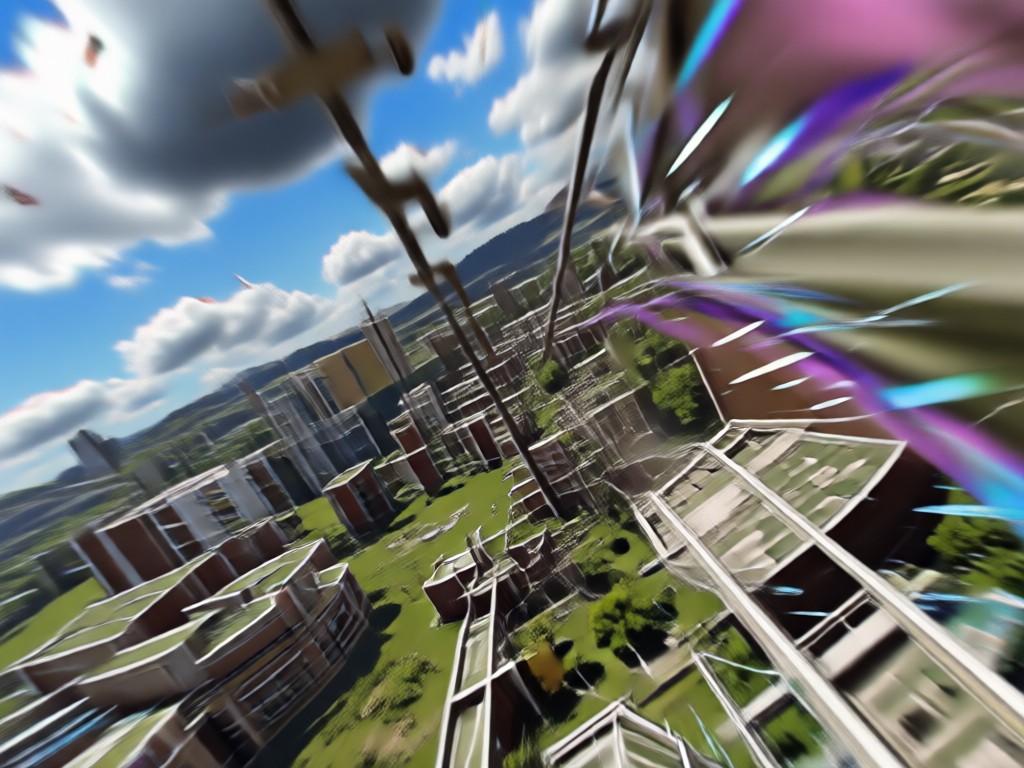
One-Tap Style Presets
Choose from a selection of curated Bullet Time presets ranging from blockbuster action styles to moody art-house looks. Each preset adjusts color grading, lighting, and rotation speed automatically.
One-Tap Style Presets
Choose from a selection of curated Bullet Time presets ranging from blockbuster action styles to moody art-house looks. Each preset adjusts color grading, lighting, and rotation speed automatically.
Popular Scene Styles for Bullet Time
Explore different thematic directions for your Bullet Time effect. Whether you prefer high-energy sports or subtle fashion photography, these categorized samples will guide your next creation.
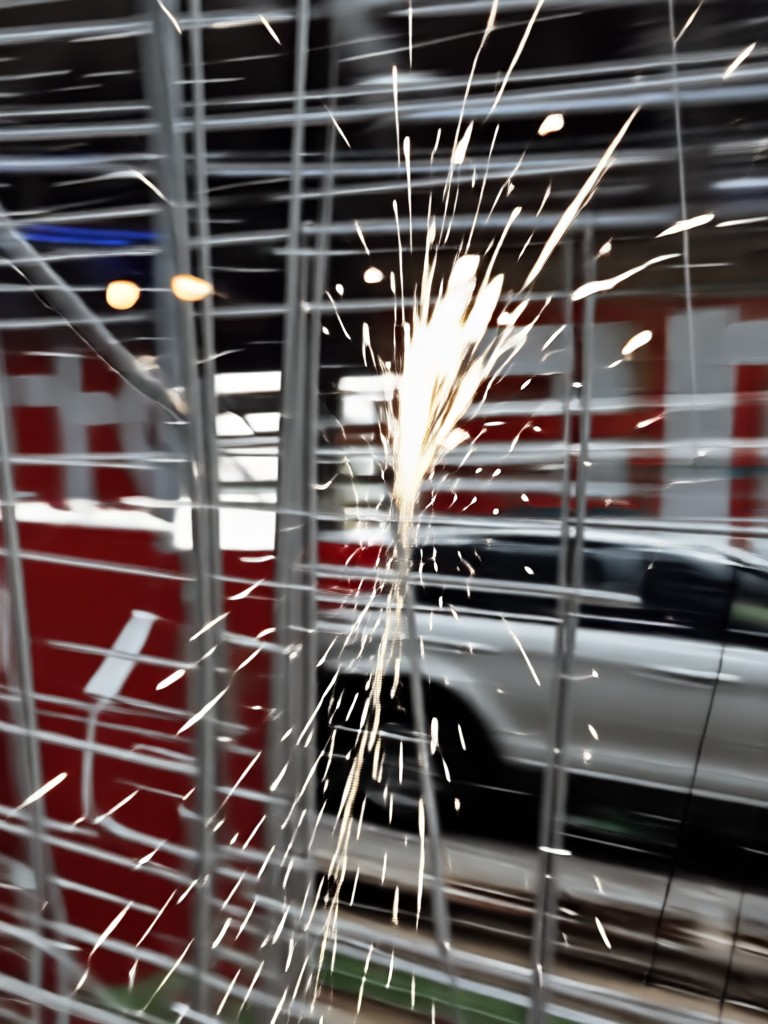

Get the Bullet Time App for Android
Download makmak now to start creating jaw-dropping Bullet Time videos and images directly on your phone. No expensive cameras or editing software required.

Who Uses the Bullet Time AI Effect
Alex Rivera
I use the Bullet Time effect for all my dance reels. It makes the choreography look so professional and the camera spin adds so much energy.
Daniel Craig
We apply this effect to our athletes' training clips. It helps them analyze their form from every angle. It feels like having a multi-camera setup in my pocket.
Mia Chen
The Bullet Time filter turned my basic outfit photos into high-fashion editorials. The rotation effect makes the fabric flow beautifully.

Sam Park
I thought you needed a Hollywood budget for this look. makmak lets me do it with a single photo. The motion blur looks incredibly realistic.
Alex Rivera
I use the Bullet Time effect for all my dance reels. It makes the choreography look so professional and the camera spin adds so much energy.
Daniel Craig
We apply this effect to our athletes' training clips. It helps them analyze their form from every angle. It feels like having a multi-camera setup in my pocket.
Mia Chen
The Bullet Time filter turned my basic outfit photos into high-fashion editorials. The rotation effect makes the fabric flow beautifully.
Sam Park
I thought you needed a Hollywood budget for this look. makmak lets me do it with a single photo. The motion blur looks incredibly realistic.
Alex Rivera
I use the Bullet Time effect for all my dance reels. It makes the choreography look so professional and the camera spin adds so much energy.
Daniel Craig
We apply this effect to our athletes' training clips. It helps them analyze their form from every angle. It feels like having a multi-camera setup in my pocket.
Mia Chen
The Bullet Time filter turned my basic outfit photos into high-fashion editorials. The rotation effect makes the fabric flow beautifully.
Sam Park
I thought you needed a Hollywood budget for this look. makmak lets me do it with a single photo. The motion blur looks incredibly realistic.
Frequently Asked Questions About Bullet Time
Find clear answers to common questions about the Bullet Time effect and the makmak app.
Freeze Time with Bullet Time
Stop scrolling and start creating. Download makmak to apply the Bullet Time effect and turn your ordinary clips into viral, cinematic moments that stand out.
Freeze Time with Bullet Time
Stop scrolling and start creating. Download makmak to apply the Bullet Time effect and turn your ordinary clips into viral, cinematic moments that stand out.